Jump to content
View in the app

A better way to browse. Learn more.

WeOxide Marketplace ¬ Rust Custom Maps ¬ Prefabs ¬ Monuments and Plugins Free & Paid Assets

A full-screen app on your home screen with push notifications, badges and more.

To install this app on iOS and iPadOS
  1. Tap the Share icon in Safari
  2. Scroll the menu and tap Add to Home Screen.
  3. Tap Add in the top-right corner.
To install this app on Android
  1. Tap the 3-dot menu (⋮) in the top-right corner of the browser.
  2. Tap Add to Home screen or Install app.
  3. Confirm by tapping Install.
  • Search By Tags

    Search will match any tag entered
  • Search By Author

Content Type

Forums

  • Landing Zone
    • Announcements
    • Giveaways
  • Existing Assets Discussions
    • Maps
    • Prefabs
    • Monuments
    • Plugins

Categories

  • Maps
  • Prefabs
  • Monuments
  • Plugins
  • Tools
  • Templates

Categories

  • Articles

Product Groups

There are no results to display.

Find results in

Find results that contain...

Date Created

  • Start

    End

Last Updated

  • Start

    End


Filter by number of...

  • Minimum number of comments

  • Minimum number of replies

  • Minimum number of reviews

  • Minimum number of views

Found 2 results

  1. BADGYVER posted a topic in Monuments
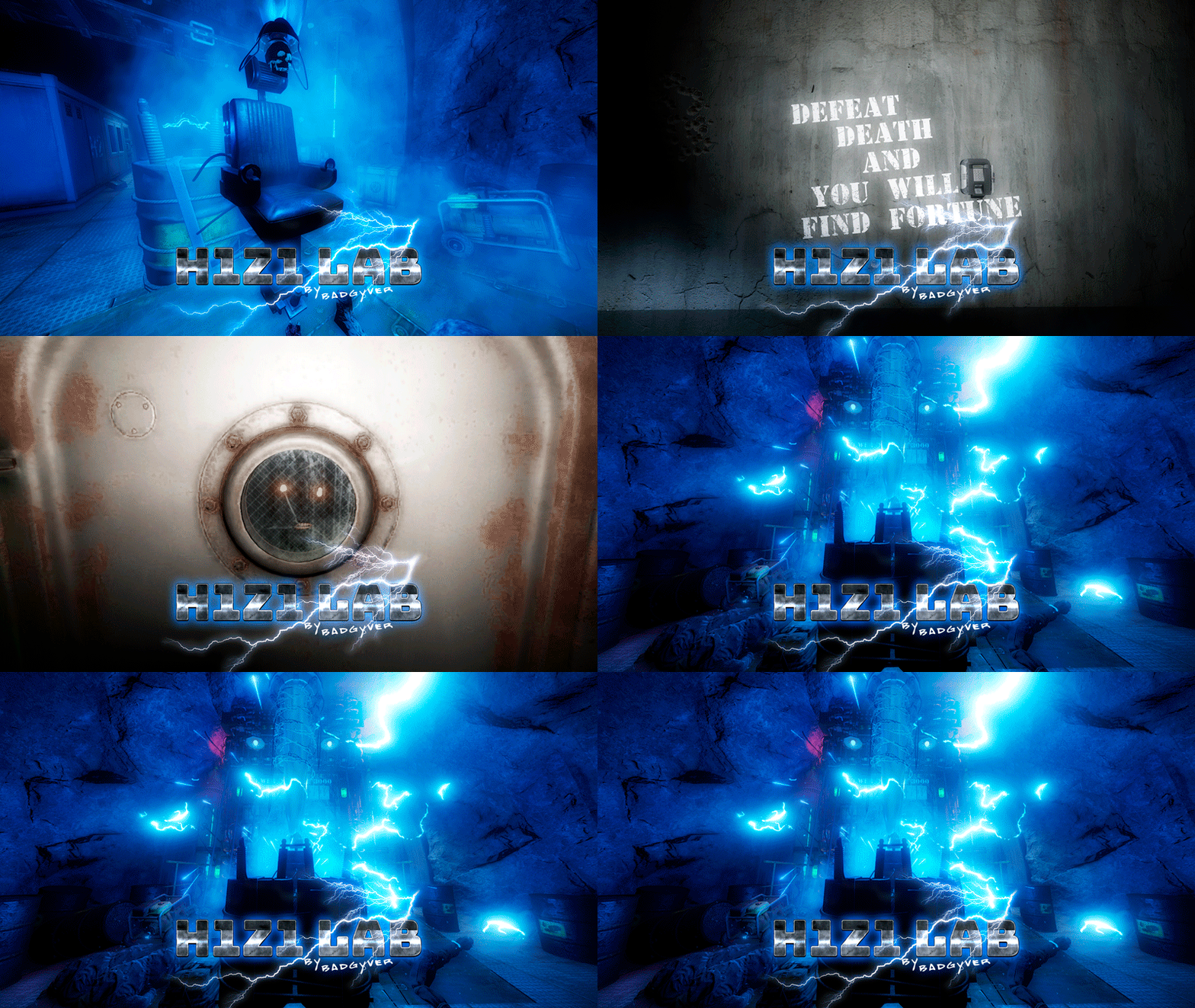
    View File H1Z1 Lab Will you be willing to give your life to find fortune? IT CONTAINS: H1Z1 Lab is an experimental laboratory with various puzzles to solve. It contains Zombies, NPC, traps, puzzles and an original crystal box in which you will get two hackable oil rig crates, plus extra loot of elite crates. VIDEO DEMO: Submitter BADGYVER Submitted 03/09/23 Category Monuments  

Configure browser push notifications

Chrome (Android)
  1. Tap the lock icon next to the address bar.
  2. Tap Permissions → Notifications.
  3. Adjust your preference.
Chrome (Desktop)
  1. Click the padlock icon in the address bar.
  2. Select Site settings.
  3. Find Notifications and adjust your preference.