Search the Community
Showing results for tags 'rust hosting'.
Found 3 results
-
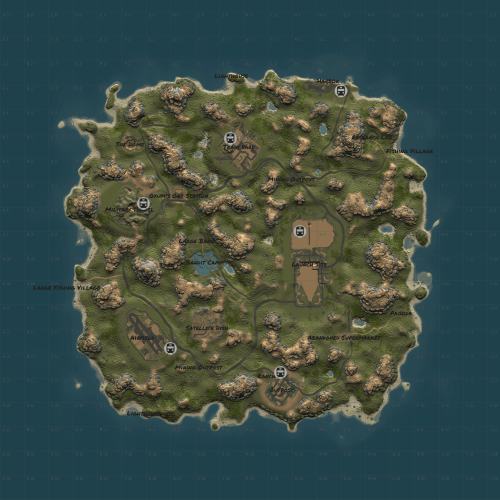
View File Wangen [HDRP] Visit this scenic Chinese island. This map includes a five story pagoda and the Wangen laboratory where everything went wrong Map was originally created by @kilgoar and with his permission i've ported it to HDRP and made it playable again and will maintain it for future updates. Map has an astounishing amount of forest/trees. Map size 3000 Entity Count 7534 Submitter Shiro Submitted 01/04/2024 Category Maps
-

Version v1.1
5 downloads
Visit this scenic Chinese island. This map includes a five story pagoda and the Wangen laboratory where everything went wrong Map was originally created by @kilgoar and with his permission i've ported it to HDRP and made it playable again and will maintain it for future updates. Map has an astounishing amount of forest/trees. Map size 3000 Entity Count 7534Free -
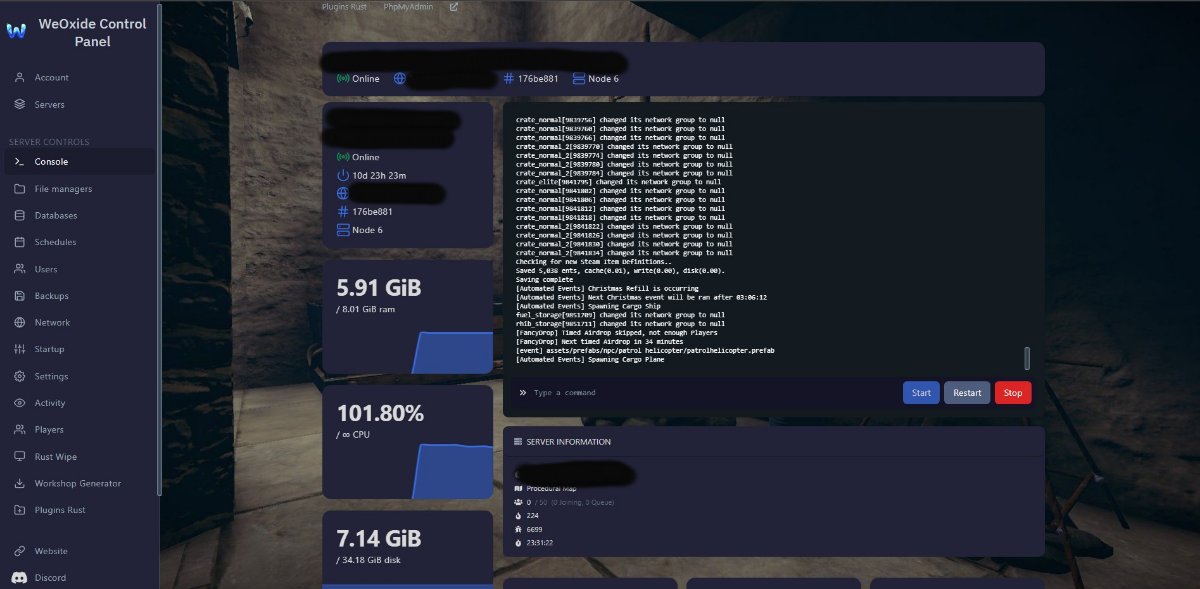
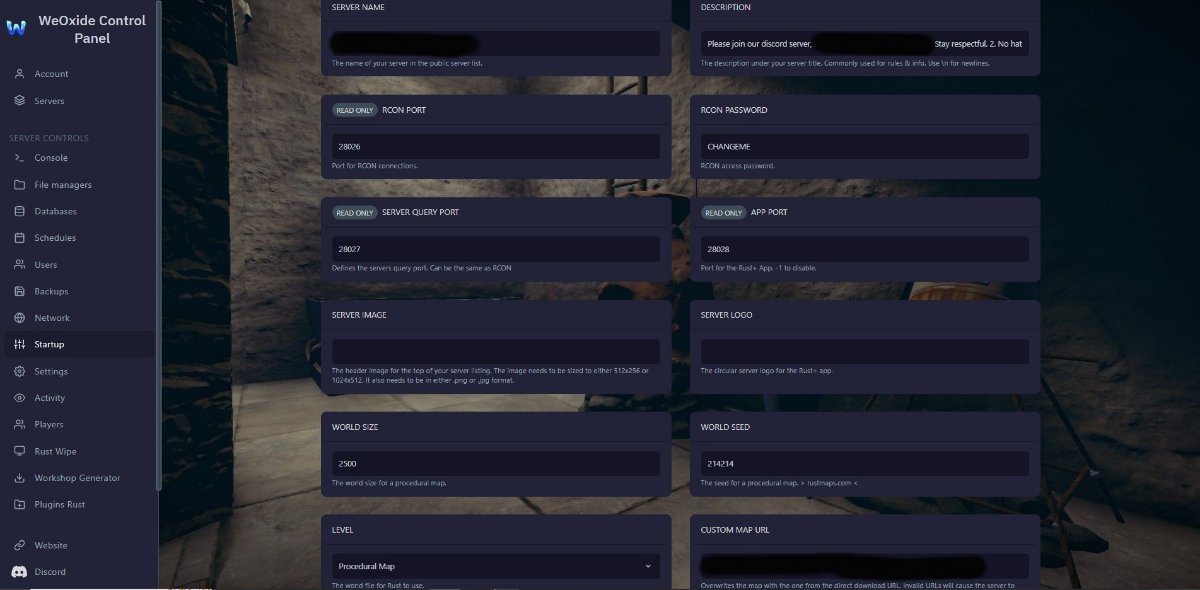
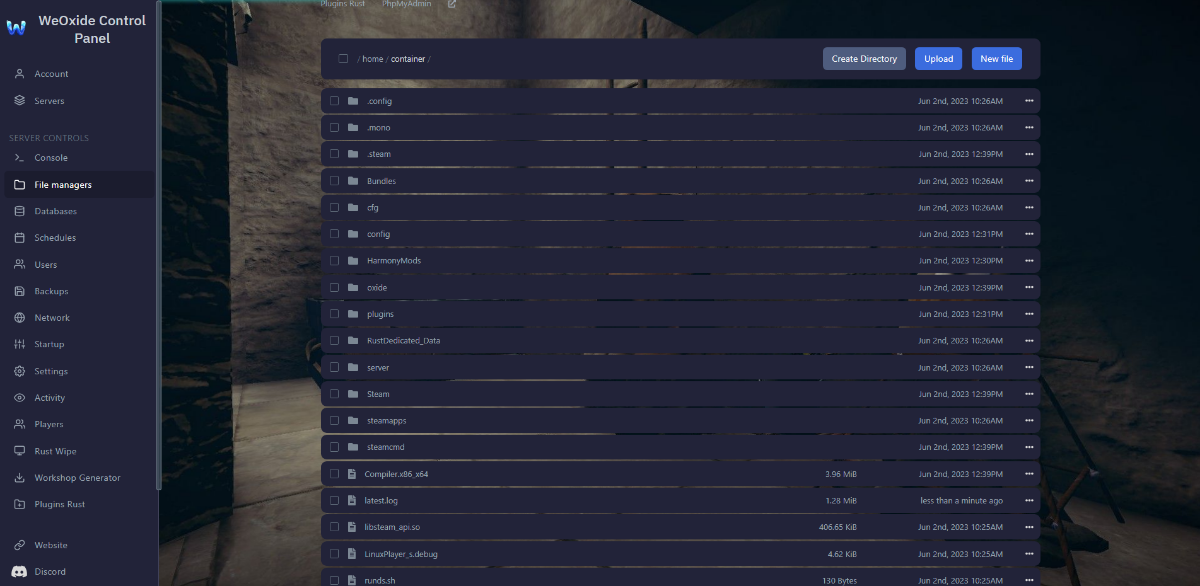
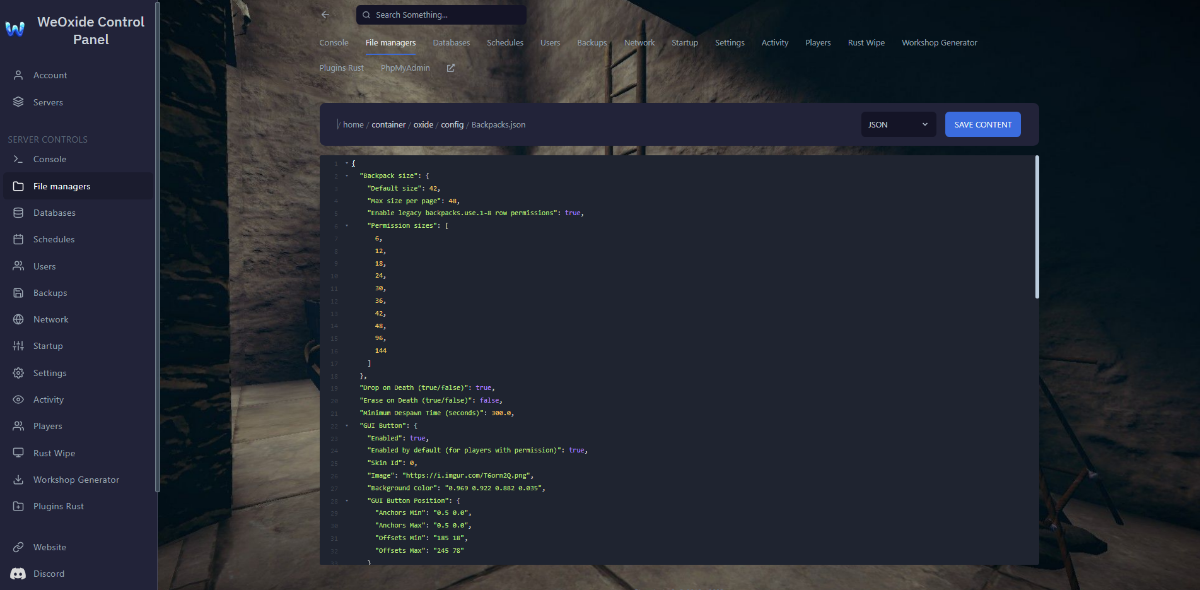
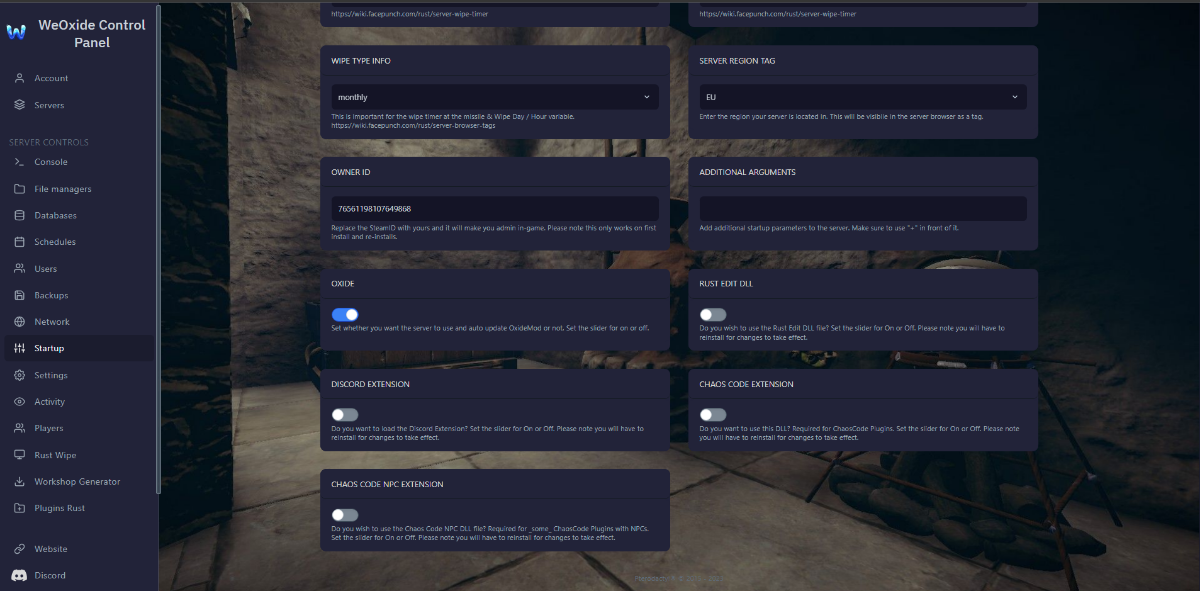
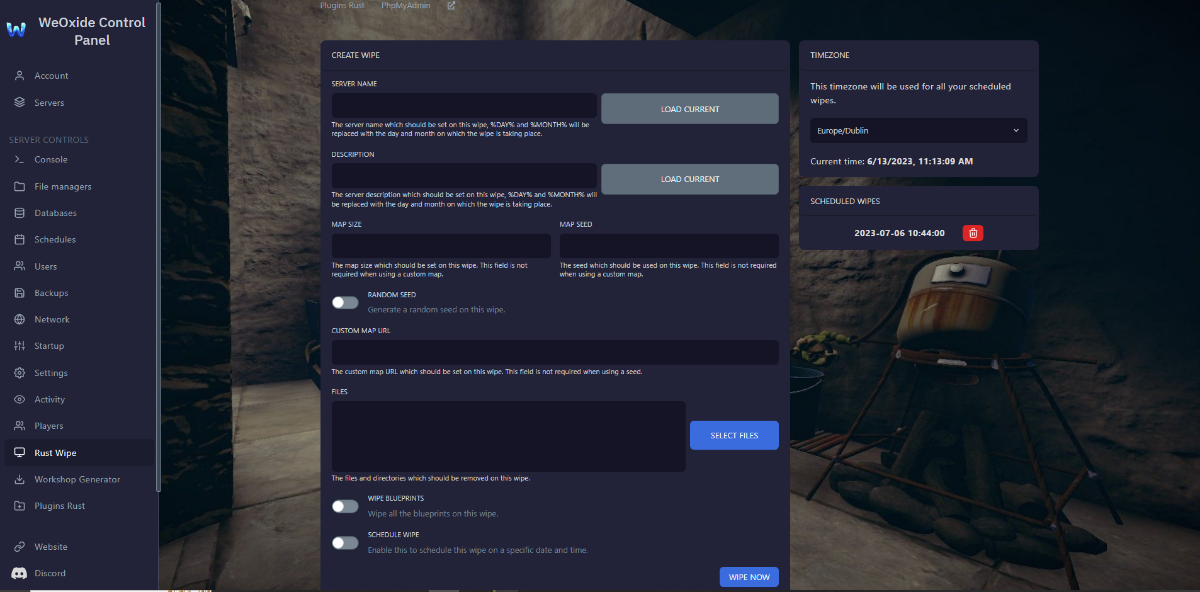
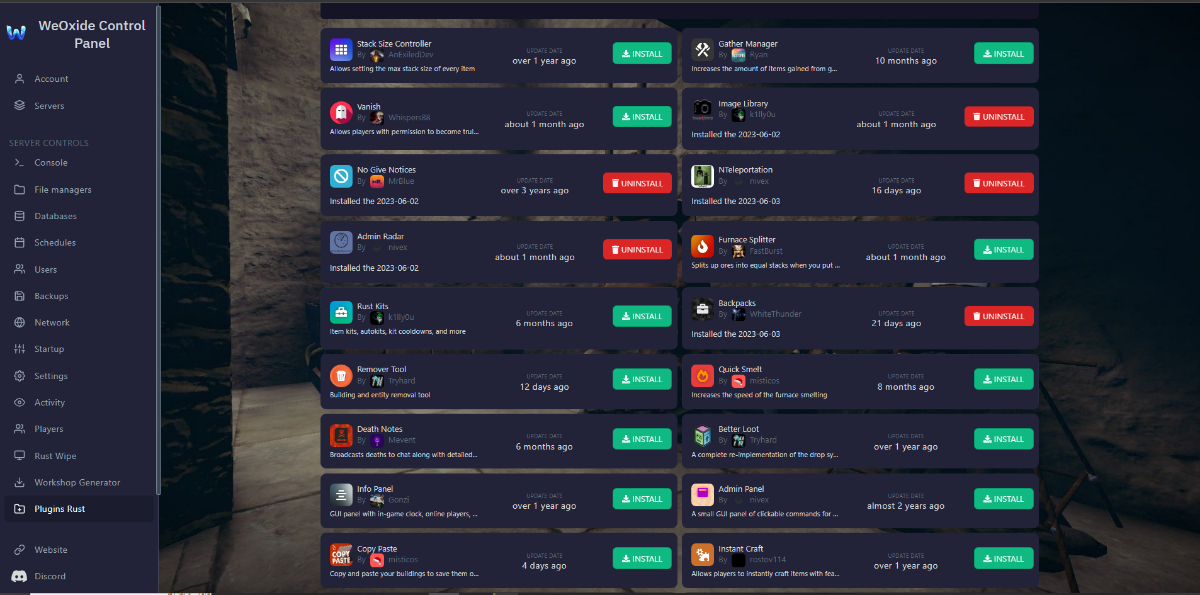
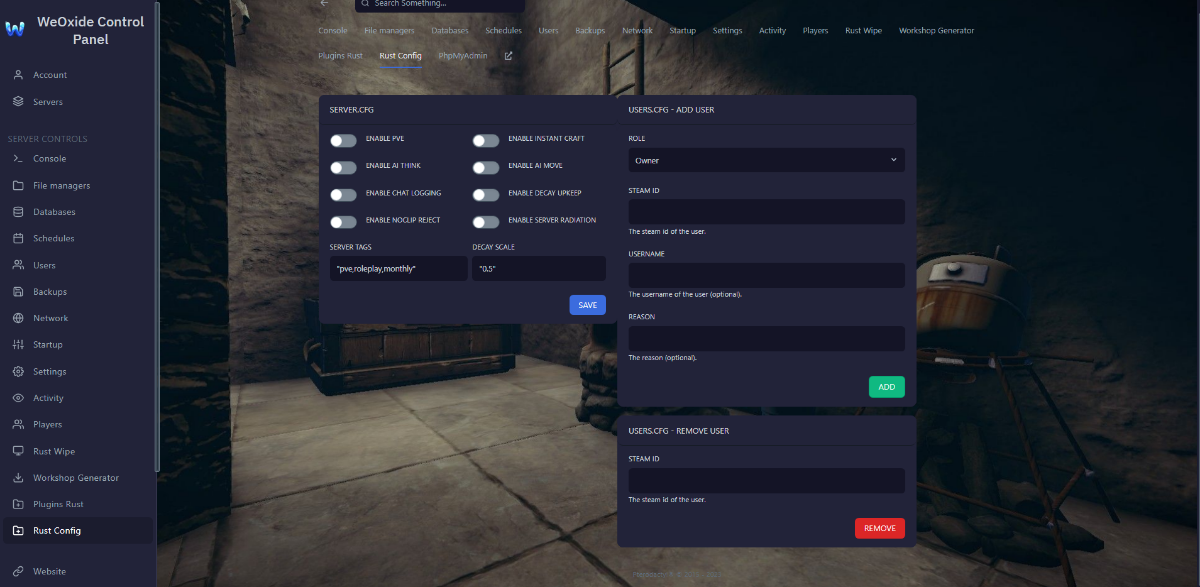
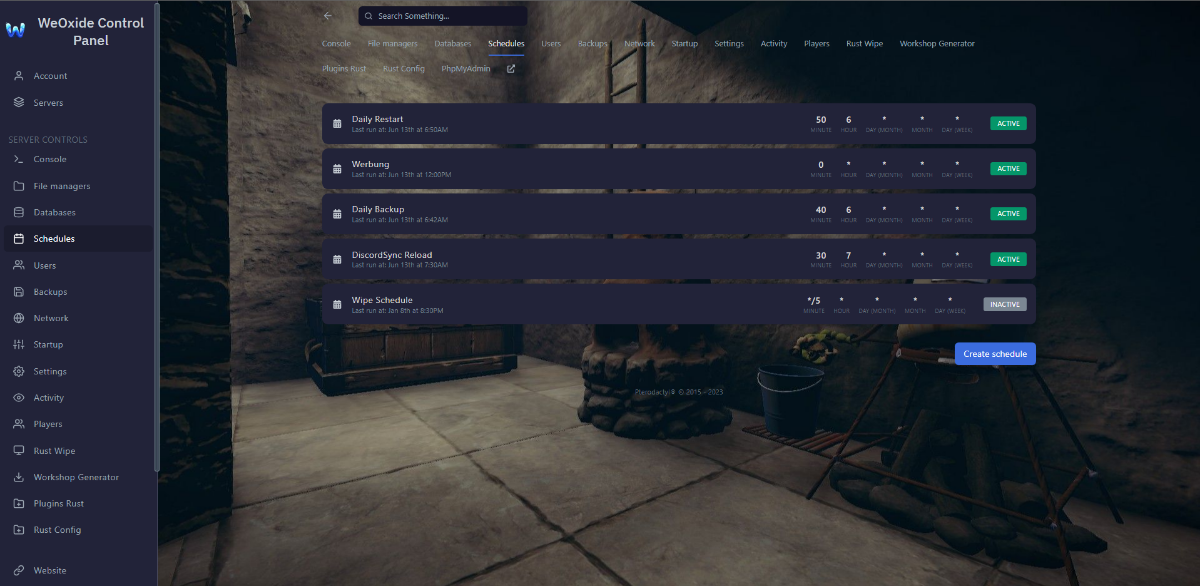
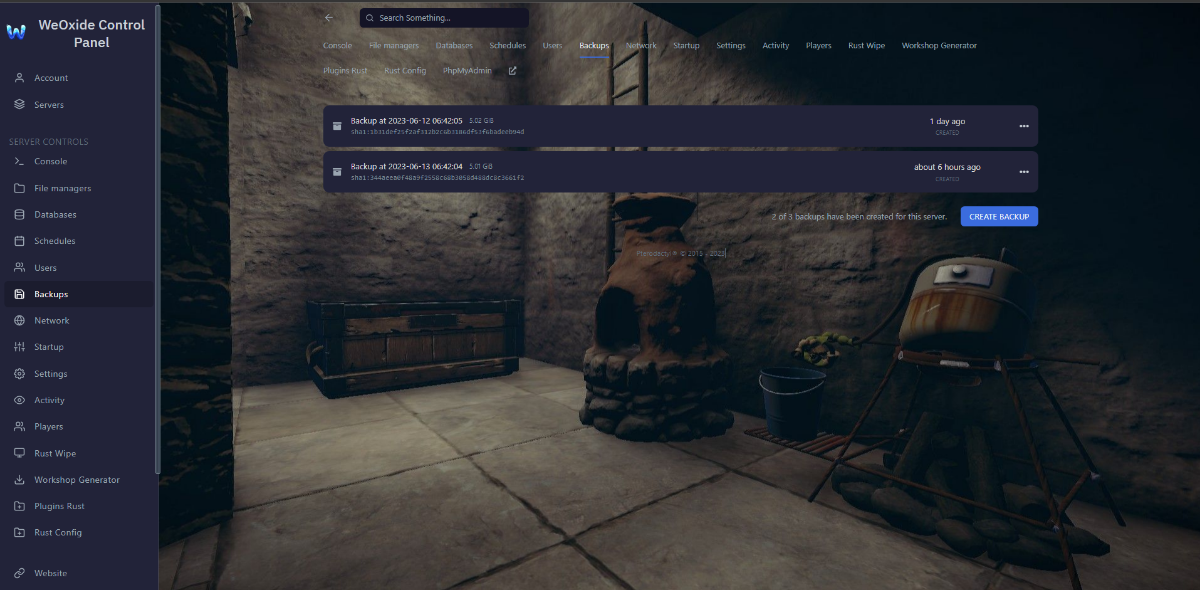
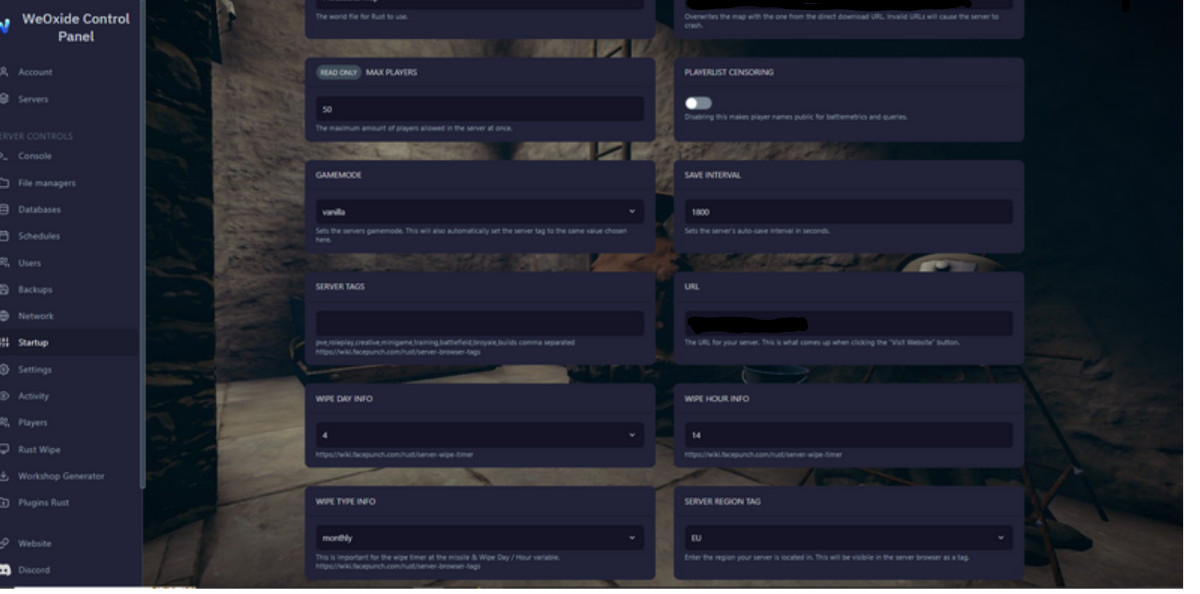
Are you ready to dive into the thrilling world of Rust and dominate your rivals? Look no further because we have an incredible deal just for you! Experience the ultimate Rust gameplay with our top-notch hosting services, and we're offering a lifetime discount until July 30th! But that's not all; we have an exclusive promo code that will unlock even more benefits for you: i10weoxide! 🎮 What makes our Rust game hosting stand out? ✅ Lag-free Performance: Enjoy smooth and uninterrupted gameplay with our high-performance servers, ensuring an immersive Rust experience for you and your friends. ✅ 24/7 Uptime: Say goodbye to server downtime! Our state-of-the-art infrastructure guarantees maximum uptime, so you can build, raid, and conquer without any interruptions. ✅ Easy Mod Installation: Customize your Rust server to your heart's content! With our user-friendly control panel, installing mods and plugins is a breeze, giving you limitless possibilities. ✅ Scheduled Wipes ✅ Automated Backups ✅ Scheduled commands ✅ Live Player list ✅ Easy configurations 🎁 Special Lifetime Offer with Promo Code: i10weoxide Use the promo code i10weoxide during the checkout process, and you'll receive a lifetime discount on our Rust game hosting services! This offer is valid until July 30th, so make sure to take advantage of it before it's too late. Don't miss out on this amazing opportunity to enhance your Rust gameplay! 🌐 How to Get Started: 1️⃣ Visit our website at https://weoxide.host/rust.php 2️⃣ Choose the perfect hosting plan for your needs. 3️⃣ During checkout, enter the promo code i10weoxide. 4️⃣ Enjoy lifetime benefits and non-stop Rust action!