



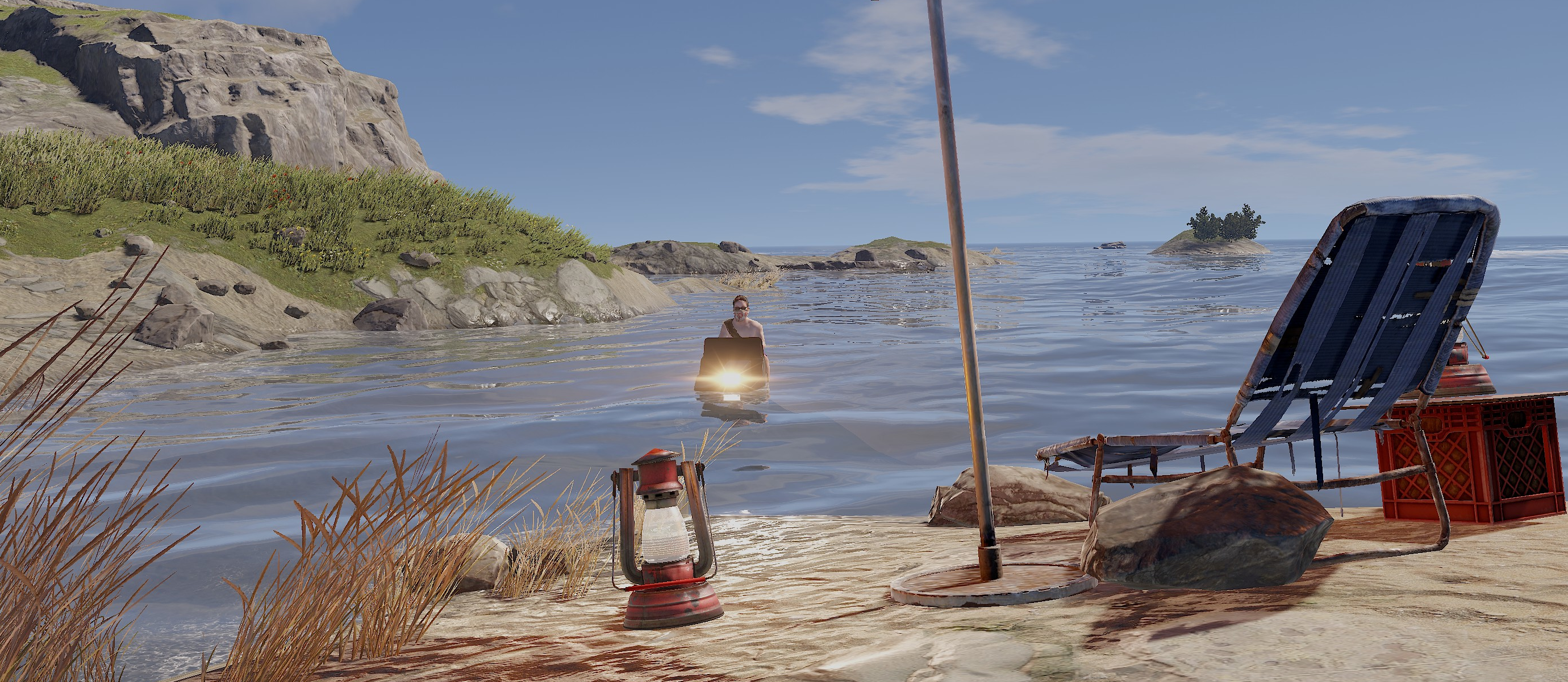
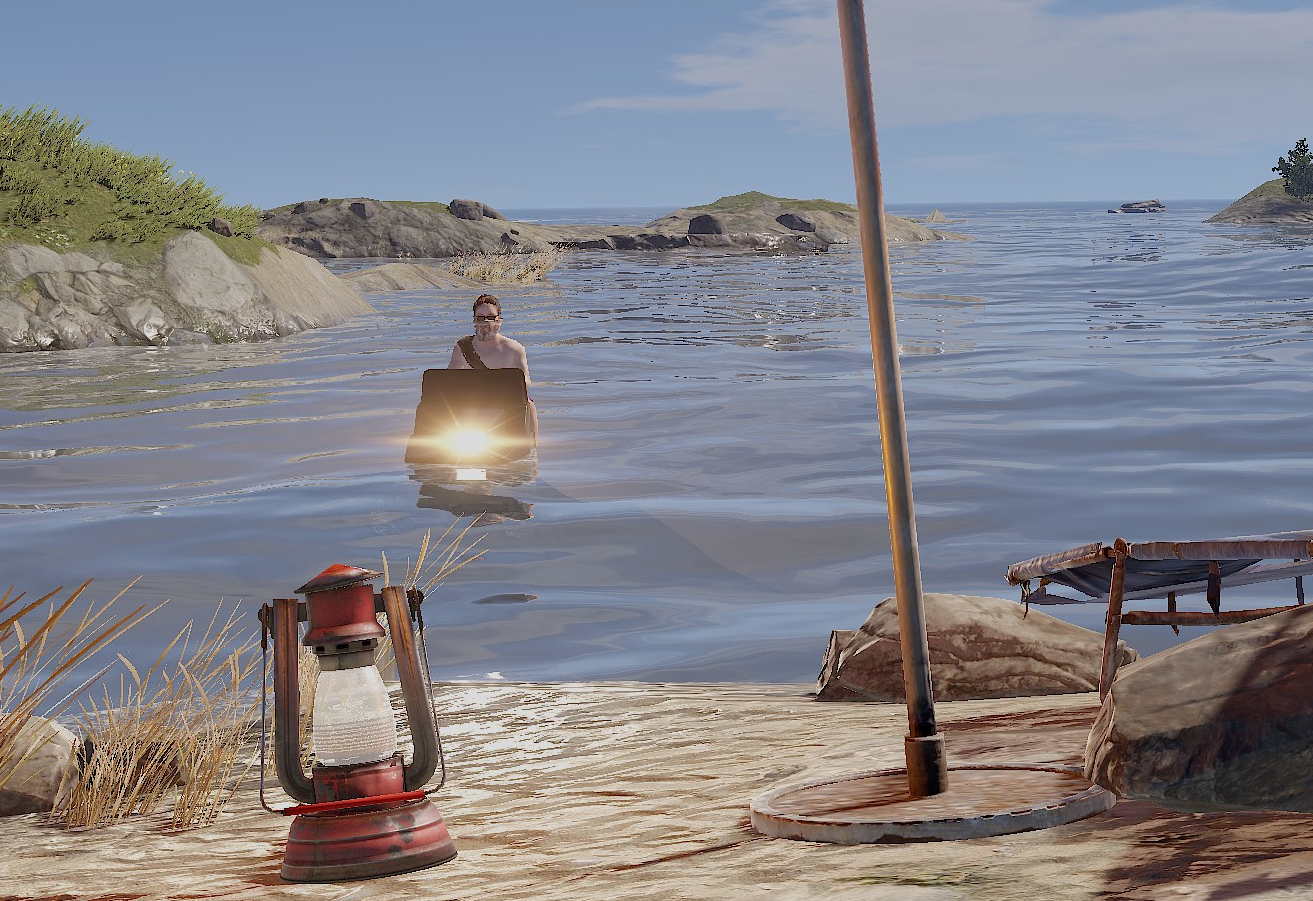
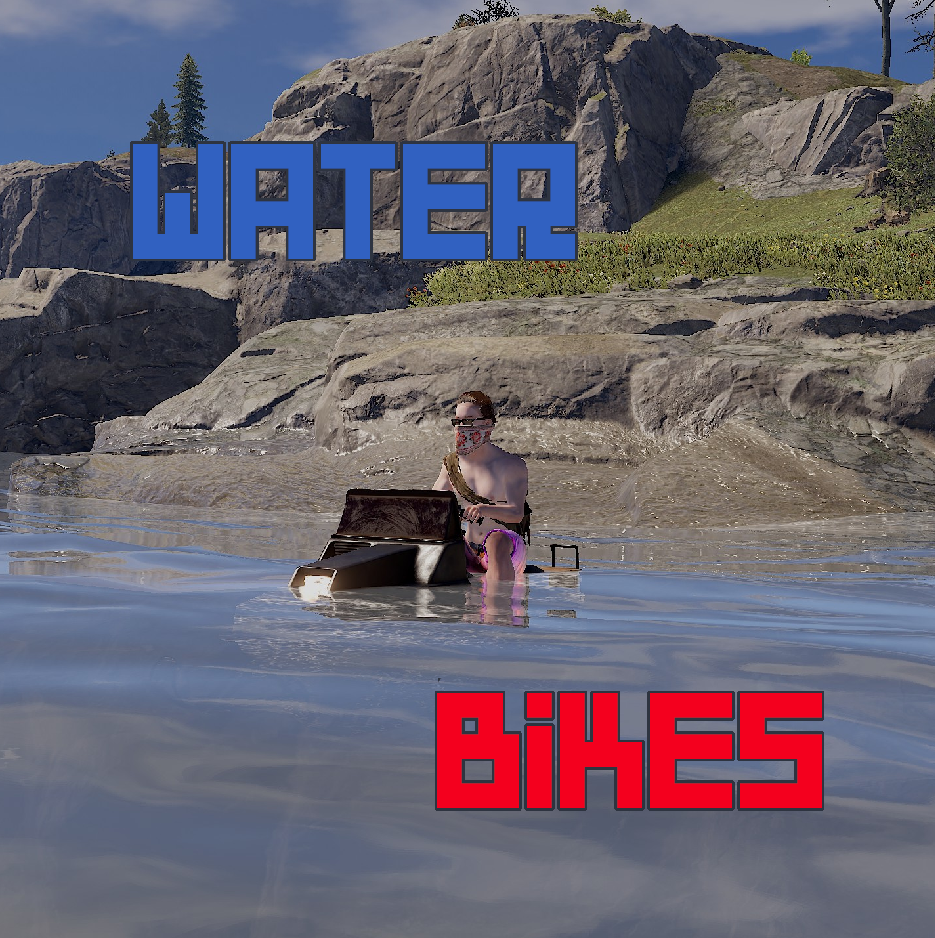
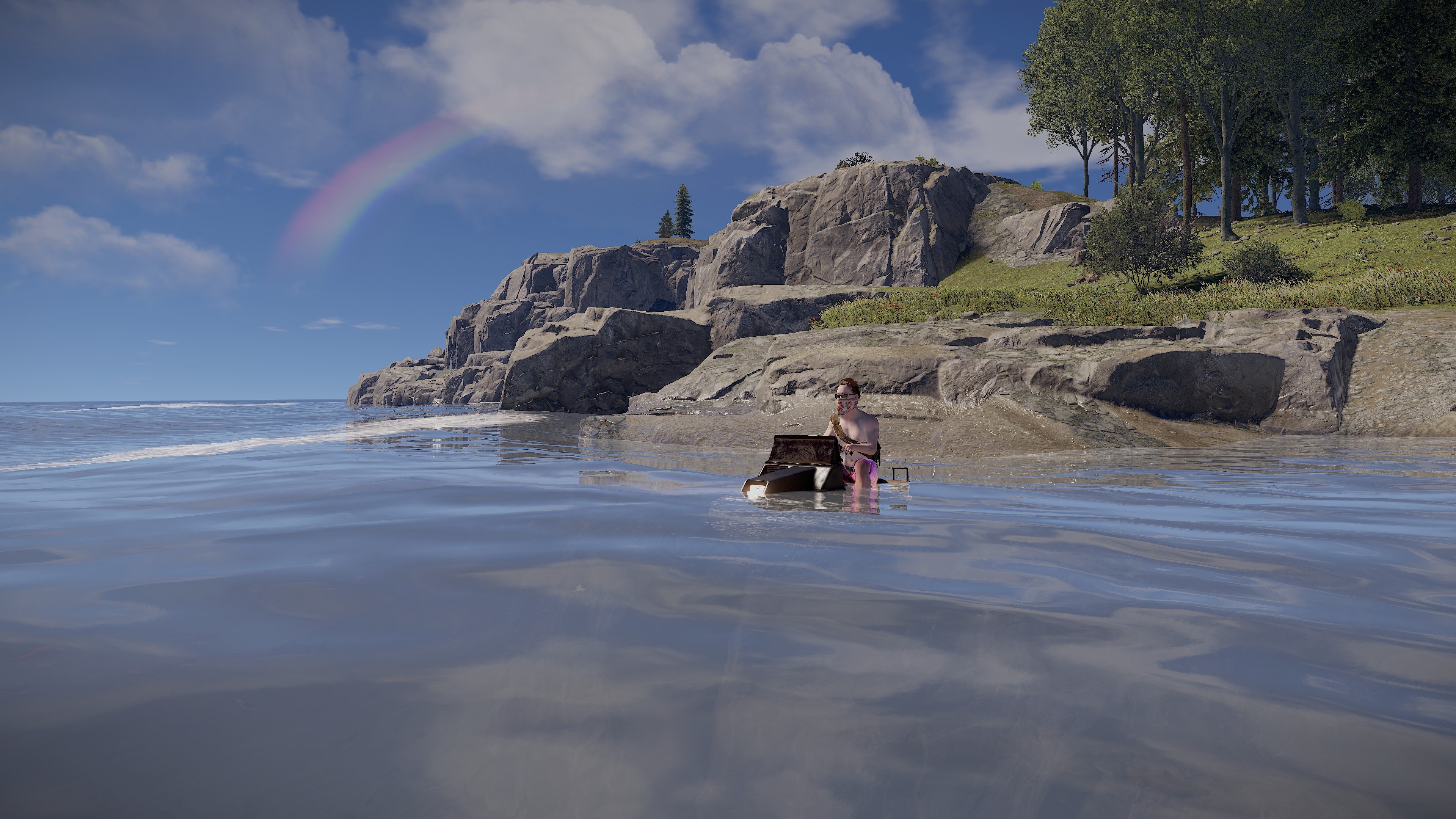
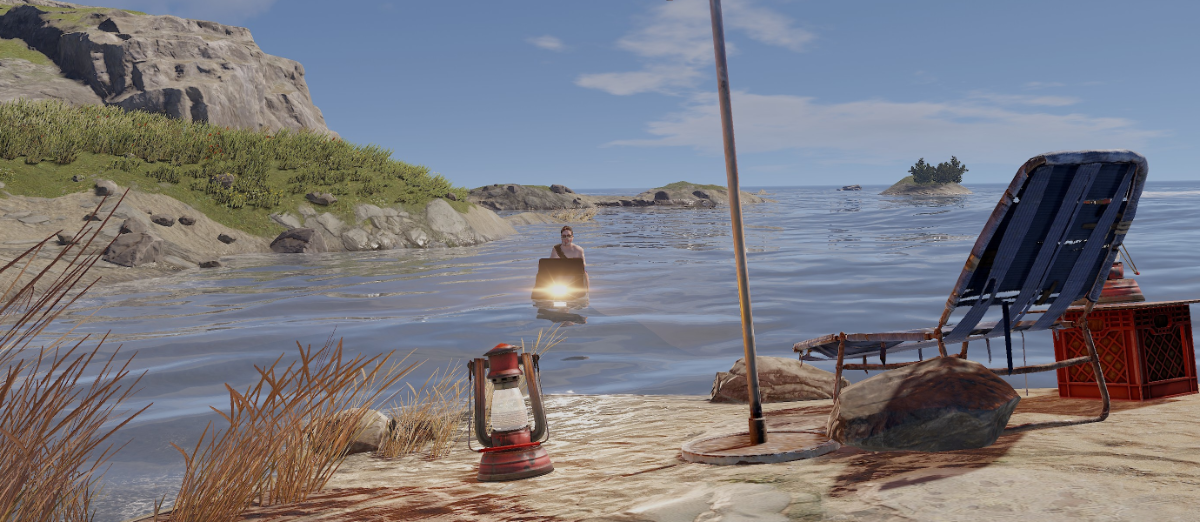
This plugin adds water bikes with customizable physics!
Commands
/waterbike - Spawns waterbike near player (requires waterbikes.spawn permission)
/waterbike_debug - show buoyancy points (admin only)
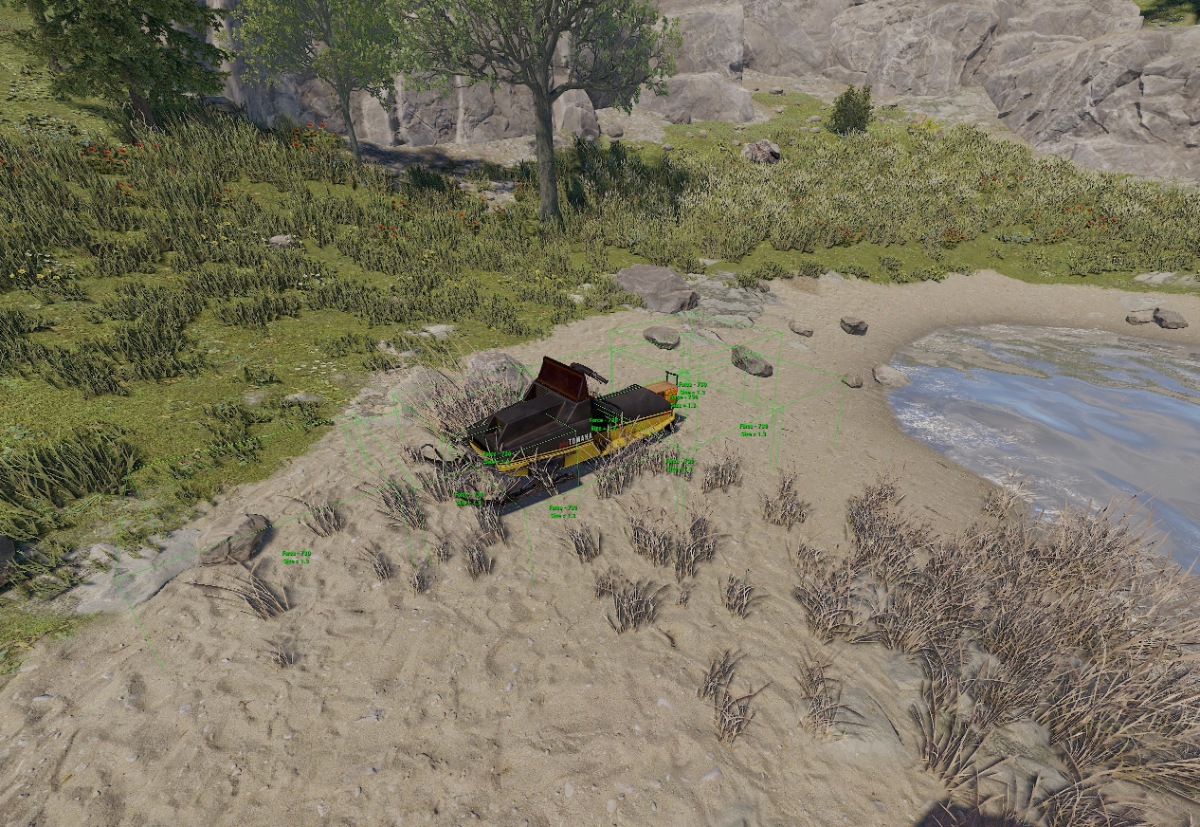 Each buoyancy point has force and size parameters
Localization
- English
- Russian
Configuration
Example WaterBikes.json
(some parts are shortened)
{
  "(0) Waterbike price item short name:amount (0 - free)": {
    "Key": "scrap",
    "Value": 0
  },
  "(00) Spawn cooldown (in seconds)": 120,
  "(1) Waterbike prefab": "assets/content/vehicles/snowmobiles/tomahasnowmobile.prefab",
  "(2) Make all snowmobiles waterbikes": true,
  "(3) Allow waterbikes to drive on land": true,
  "(4) Spawn permission name": "waterbikes.spawn",
  "(5) This permission allows players to spawn waterbikes for free": "waterbikes.free",
  "(6) Engine thrust": 5000.0,
  "(7) Steering scale": 0.1,
  "(8) Off axis drag": 0.35,
  "(9) Thrust point position": {
    "x": -0.018,
    ...
  },
  "Buoyancy points": [
    {
      "Force": 730.0,
      "Position": {
        ...
      },
      "Size": 1.3
    },
    ...
  ]
}
API
Spawns water bike at specified position
public BaseEntity SpawnWaterbike(Vector3 position, Quaternion rotation)
Edited by _senyaa
What's New in Version 1.2.1
Released
Starting fuel option
Move slowly on grass or roads config option
-
-
 1
1
You may only provide a review once you have downloaded the file.
There are no reviews to display.