



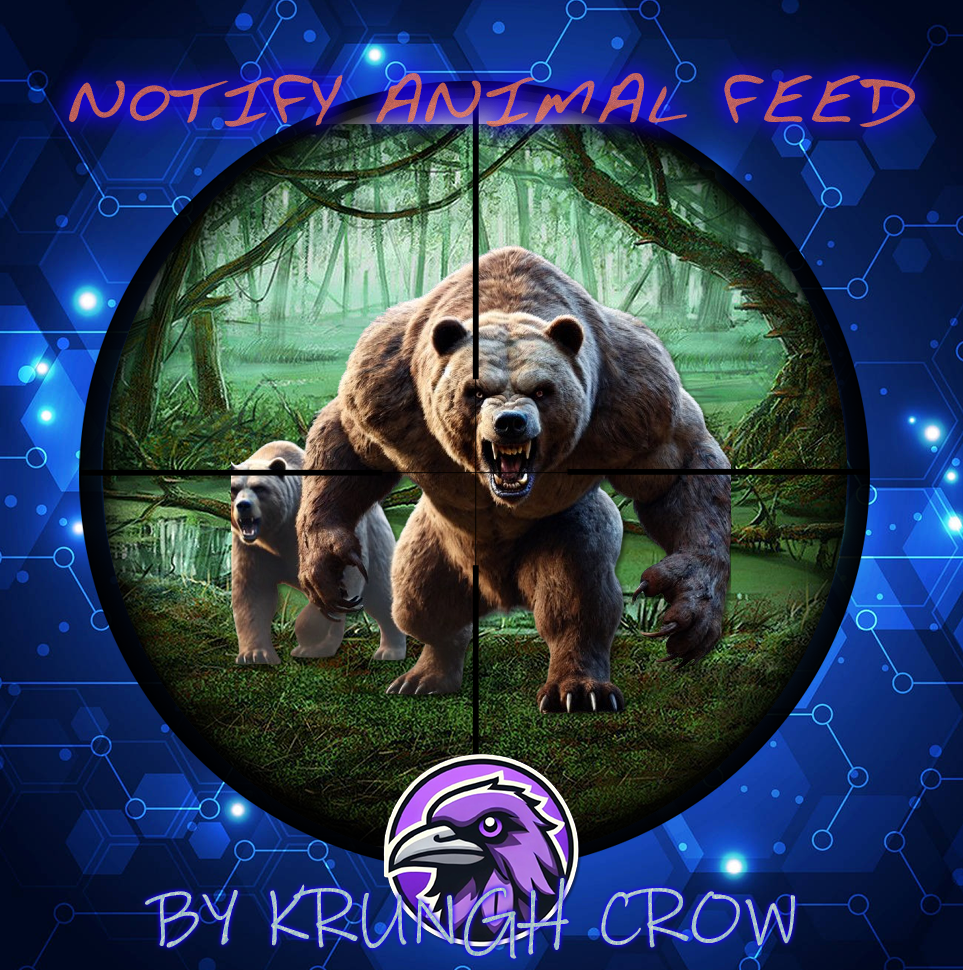
Notify Addon that will popup the notification when killing animals.
Features :
- works with both the Notify versions.
- lightweight
- Simple config
- Animal naming can be changed through language file.
- Permission system
- Option through config to use any Notify profile (can create profiles)
Supported Animals :
- Bear
- Polarbear
- Boar
- Chicken
- Horse (Wild horse)
- Stag
- Wolf
- Wolf2 (new wolf AI)
- Zombie (minecraft)
- Simpleshark (Shark)
Permissions :
- notifyanimalfeed.use : Grant user permission to see the feed
Configuration :
{
  "Notify profile ID": 0
}
Localisation :
- {Killer} : Player name will be displayed on this location
- {Victim} : Animal name will be displayed on this location (can be customised in language file)
- {Weapon} : Weapon/explosives/traps/fire will be displayed on this location
- {_Distance} : Distance between animal and player will be displayed here
Make sure to use all 4 when changing the language file text including brackets.
{
  "FeedAnimal": "<color=orange>{Killer}</color> killed a <color=yellow>{Victim}</color> with a <color=yellow>{Weapon}</color> from <color=yellow>{_Distance}</color>m",
  "Bear": "Bear",
  "PolarBear": "Polar Bear",
  "Boar": "Pig",
  "Chicken": "Chicken",
  "Horse": "Wild Horse",
  "Stag": "Stag",
  "Wolf": "Wolf",
  "SimpleShark": "Shark"
}
Edited by Krungh Crow
What's New in Version 1.0.1
Released
Added support for the new wolf AI (wolf2)
No copying editing or reselling .Any additions can be asked for.
You may only provide a review once you have downloaded the file.
There are no reviews to display.