



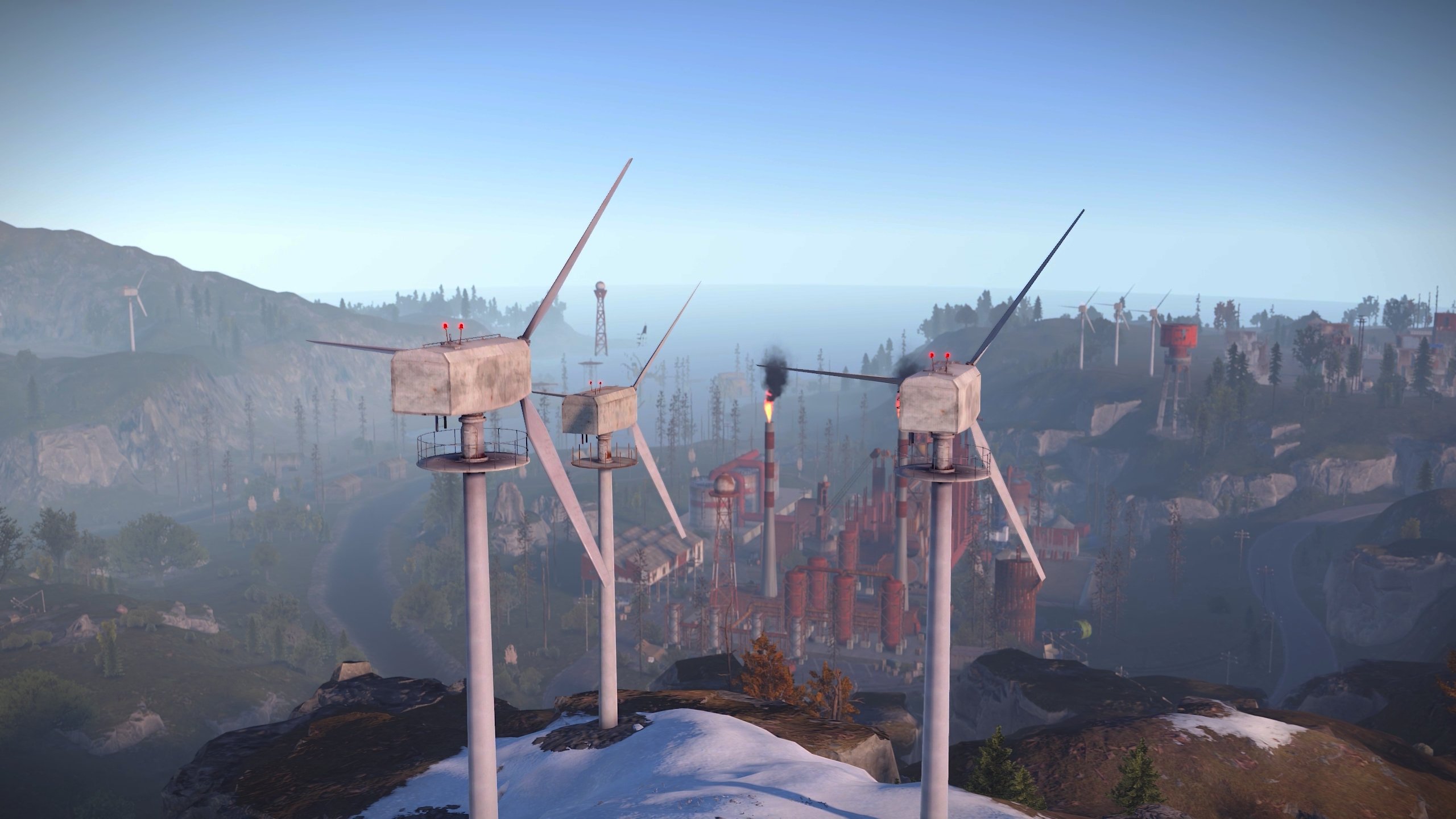
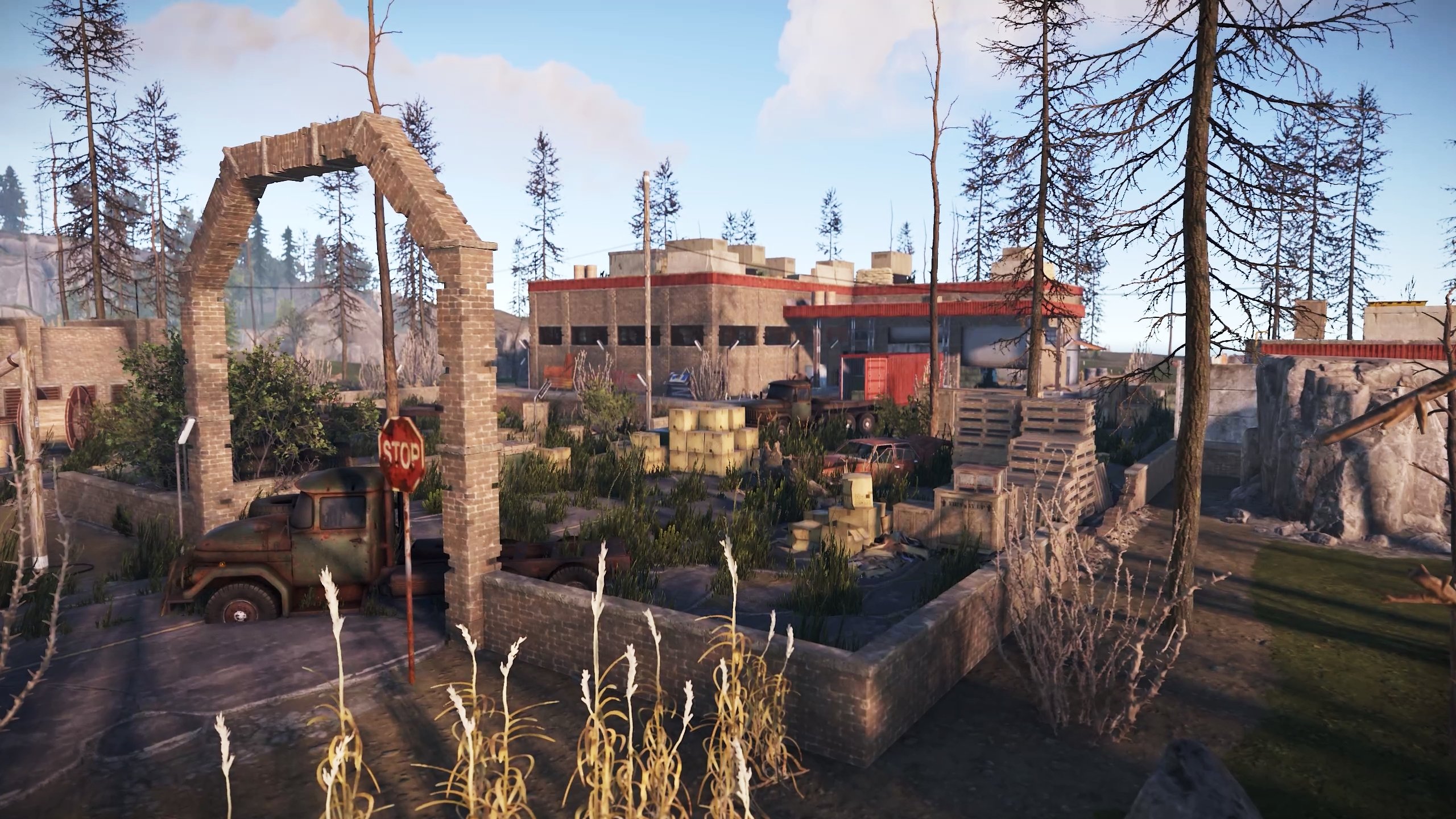
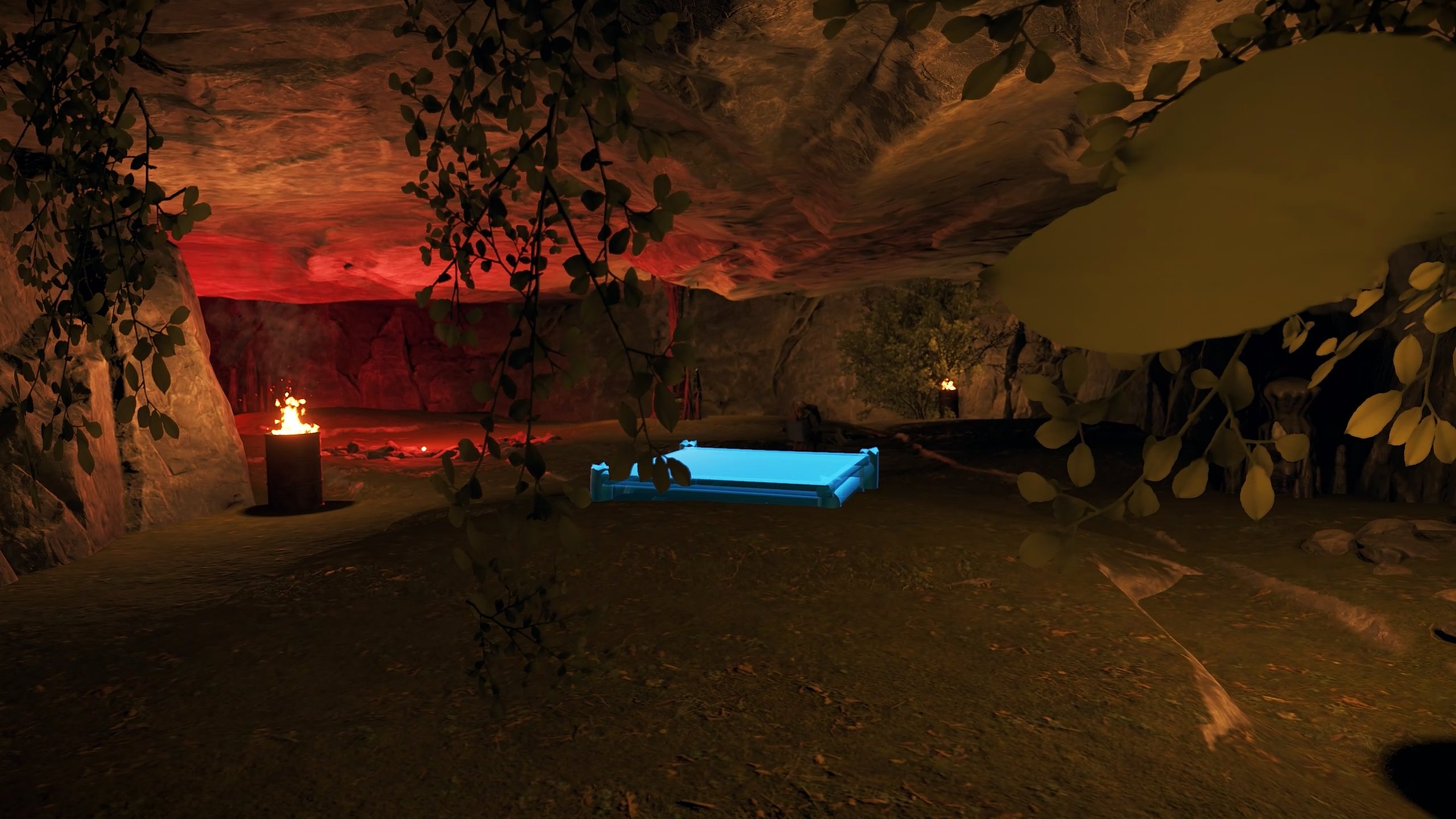
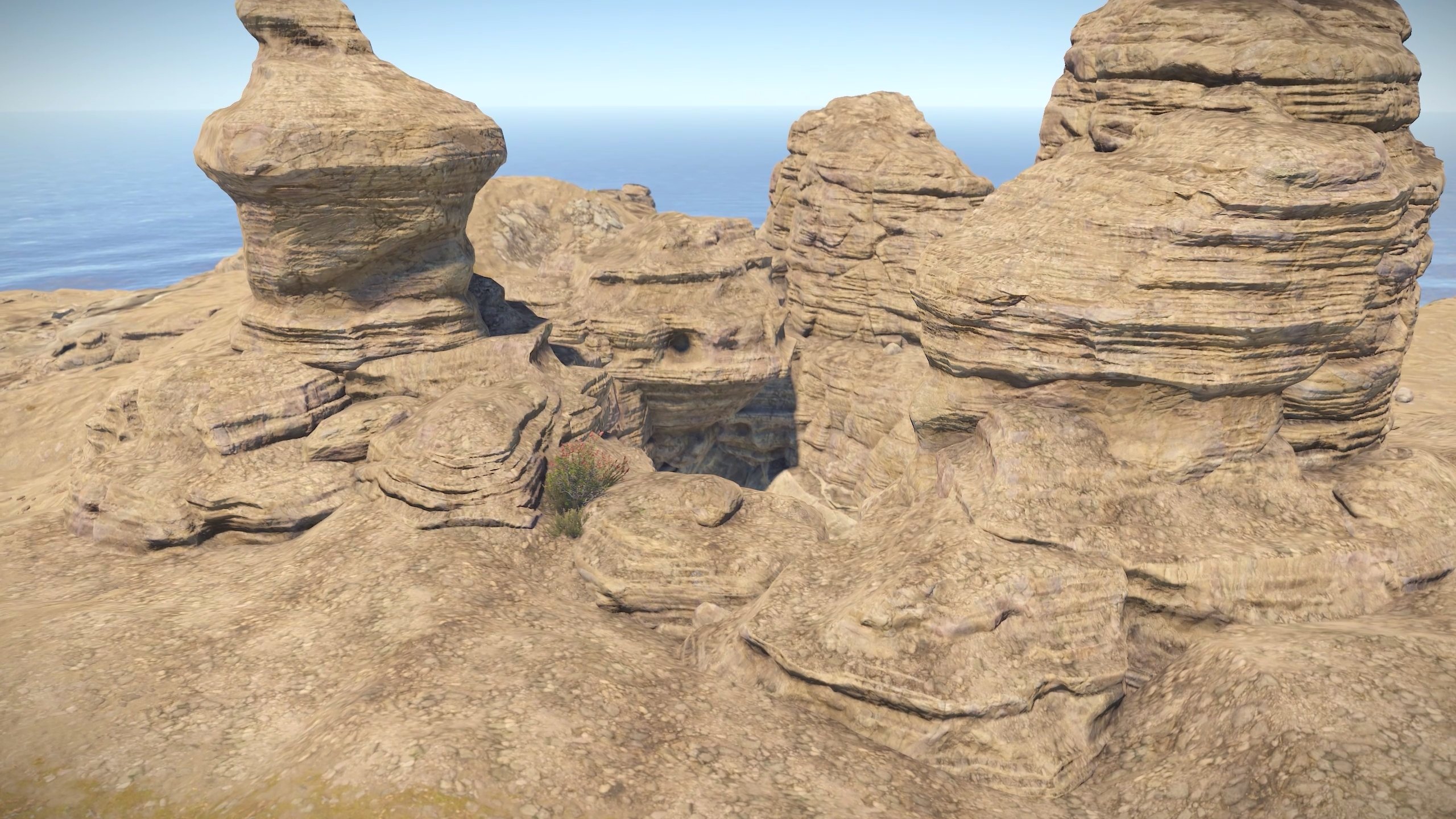
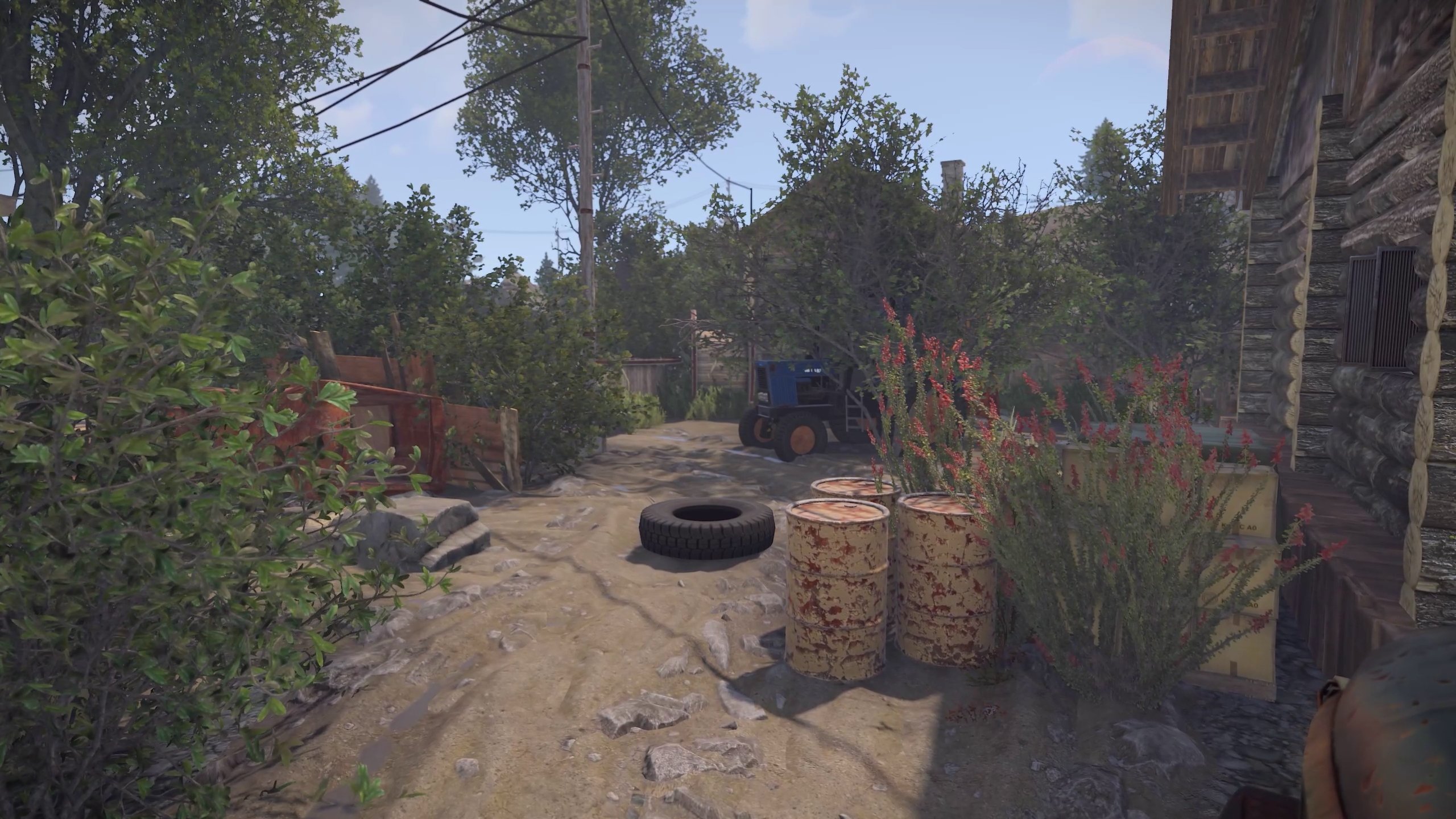
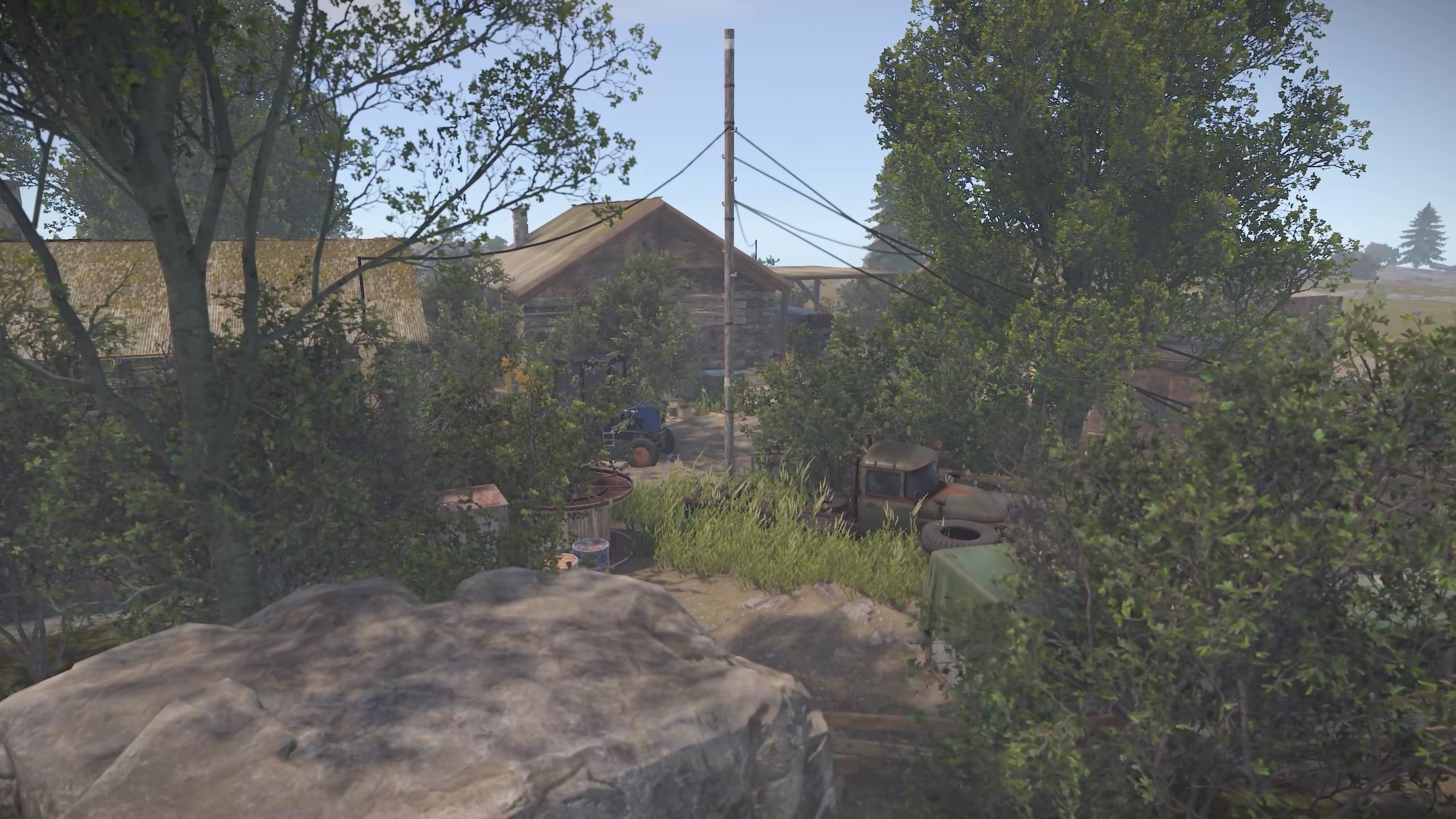
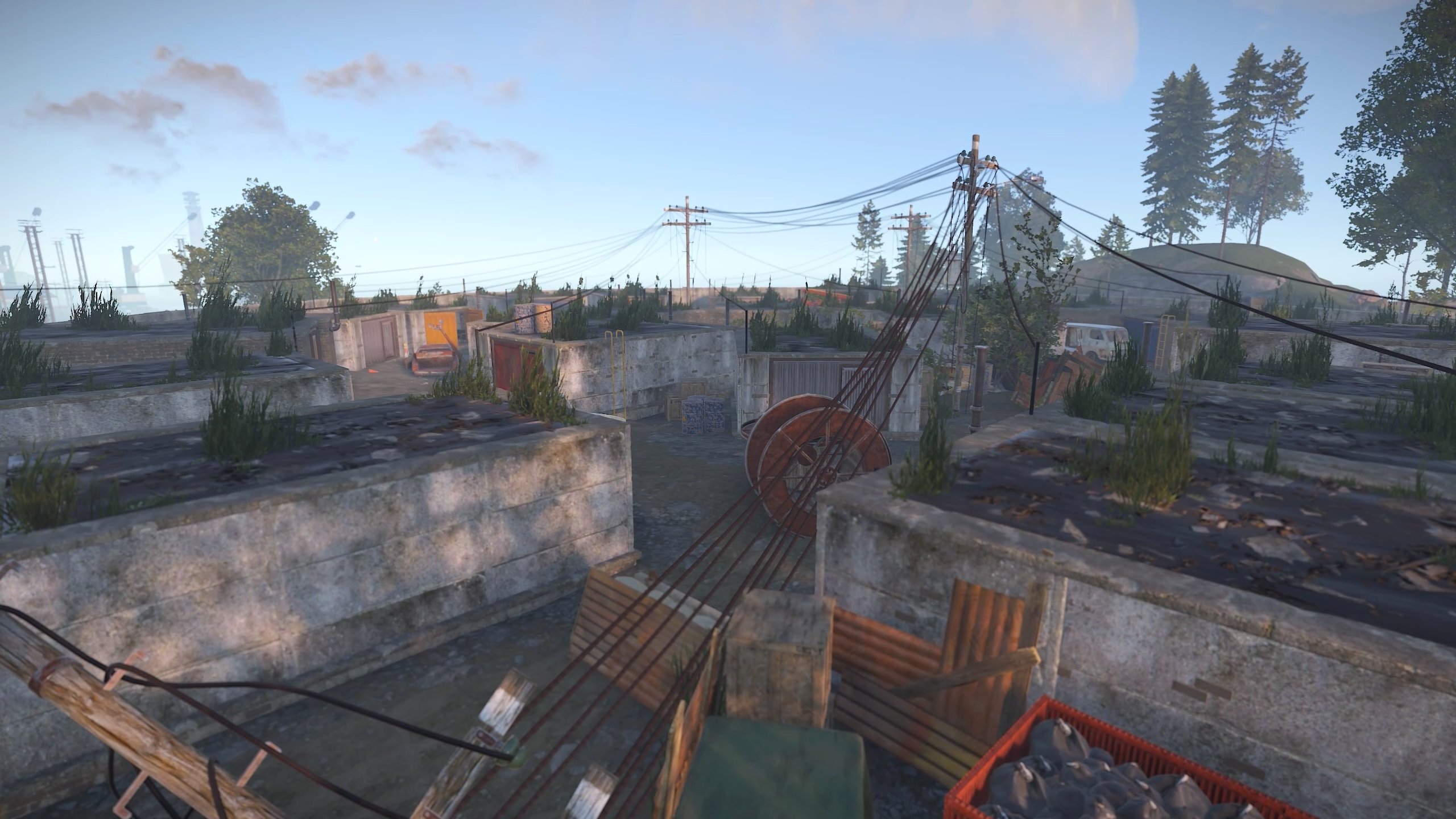
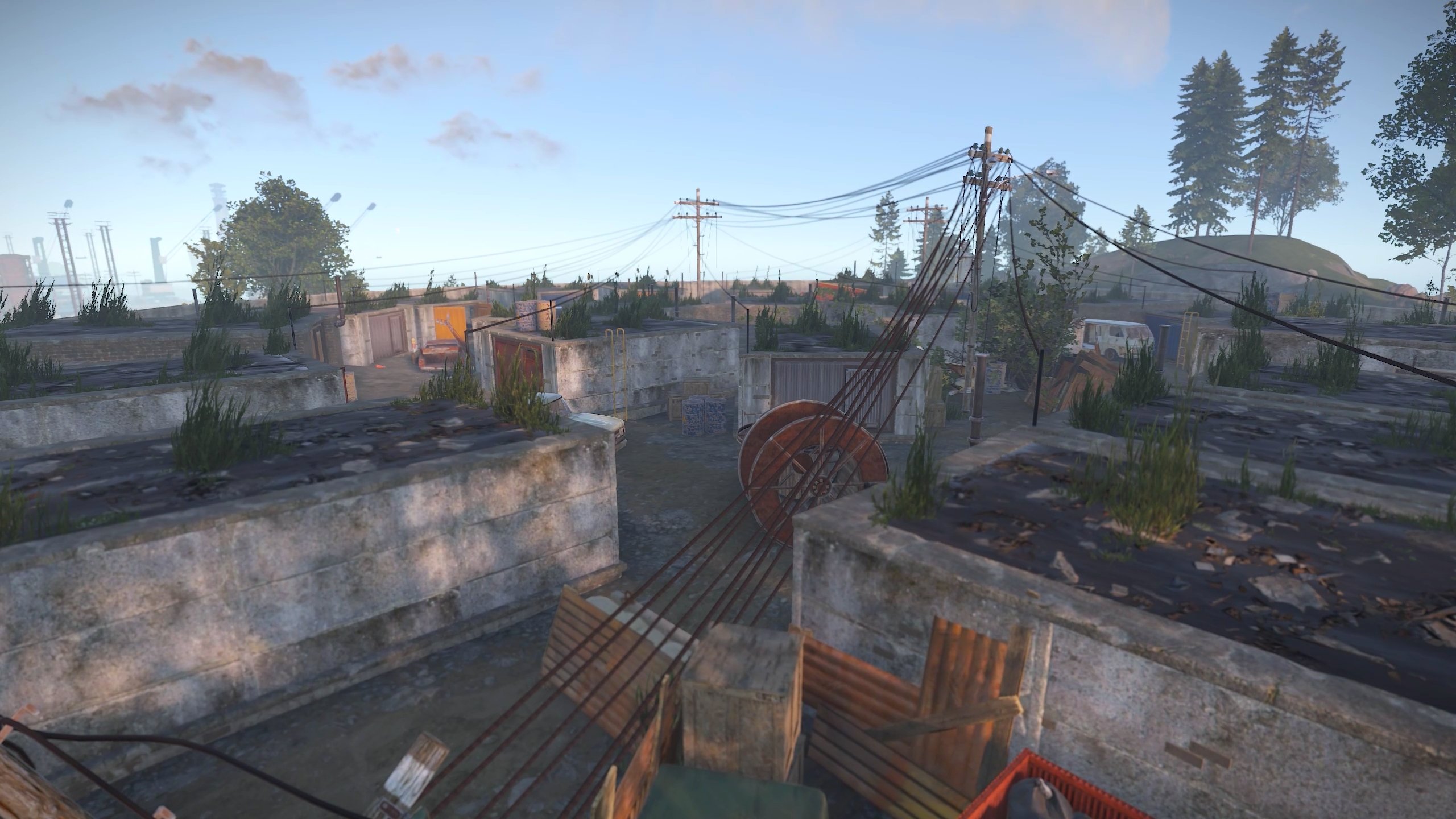
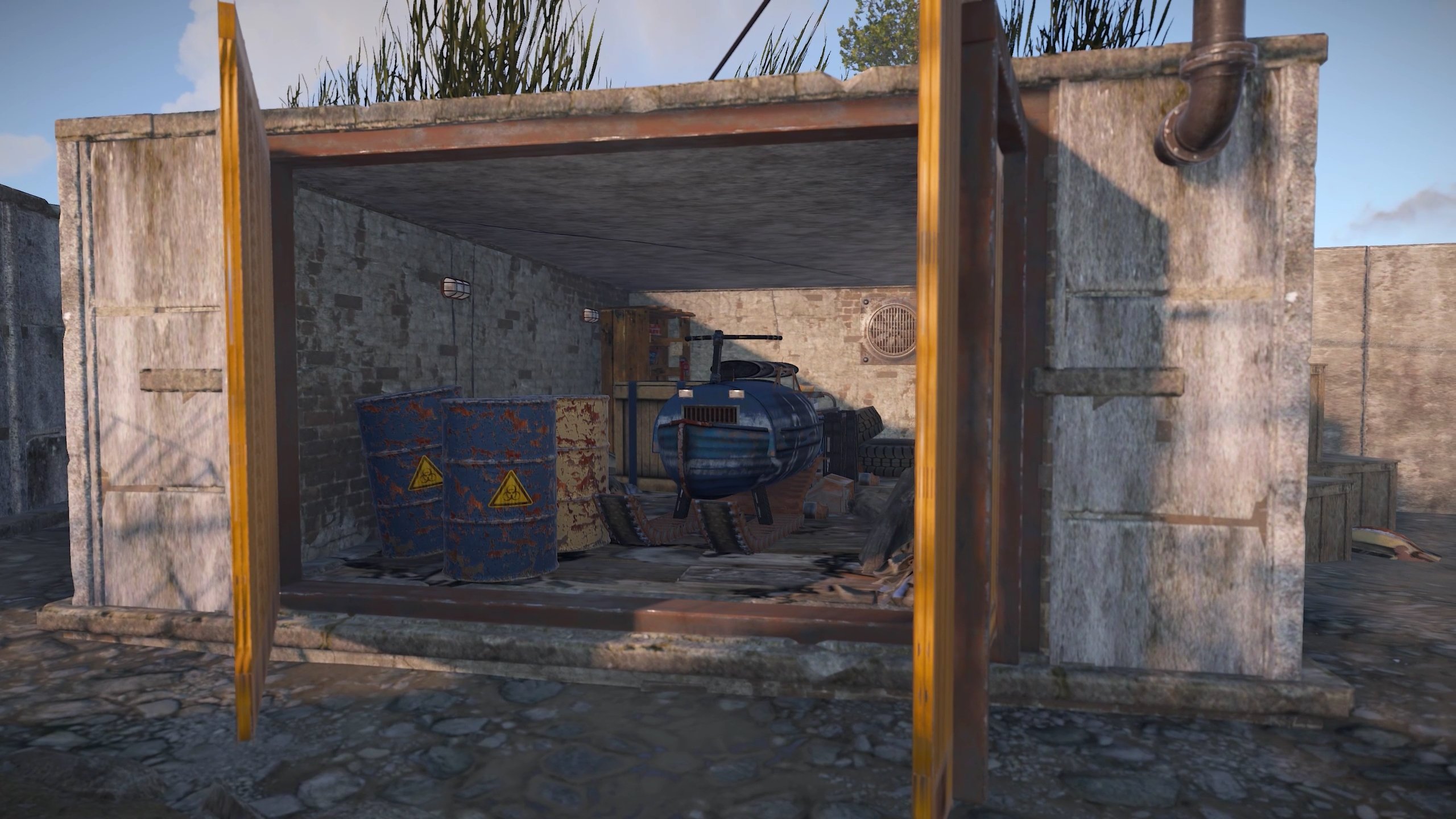
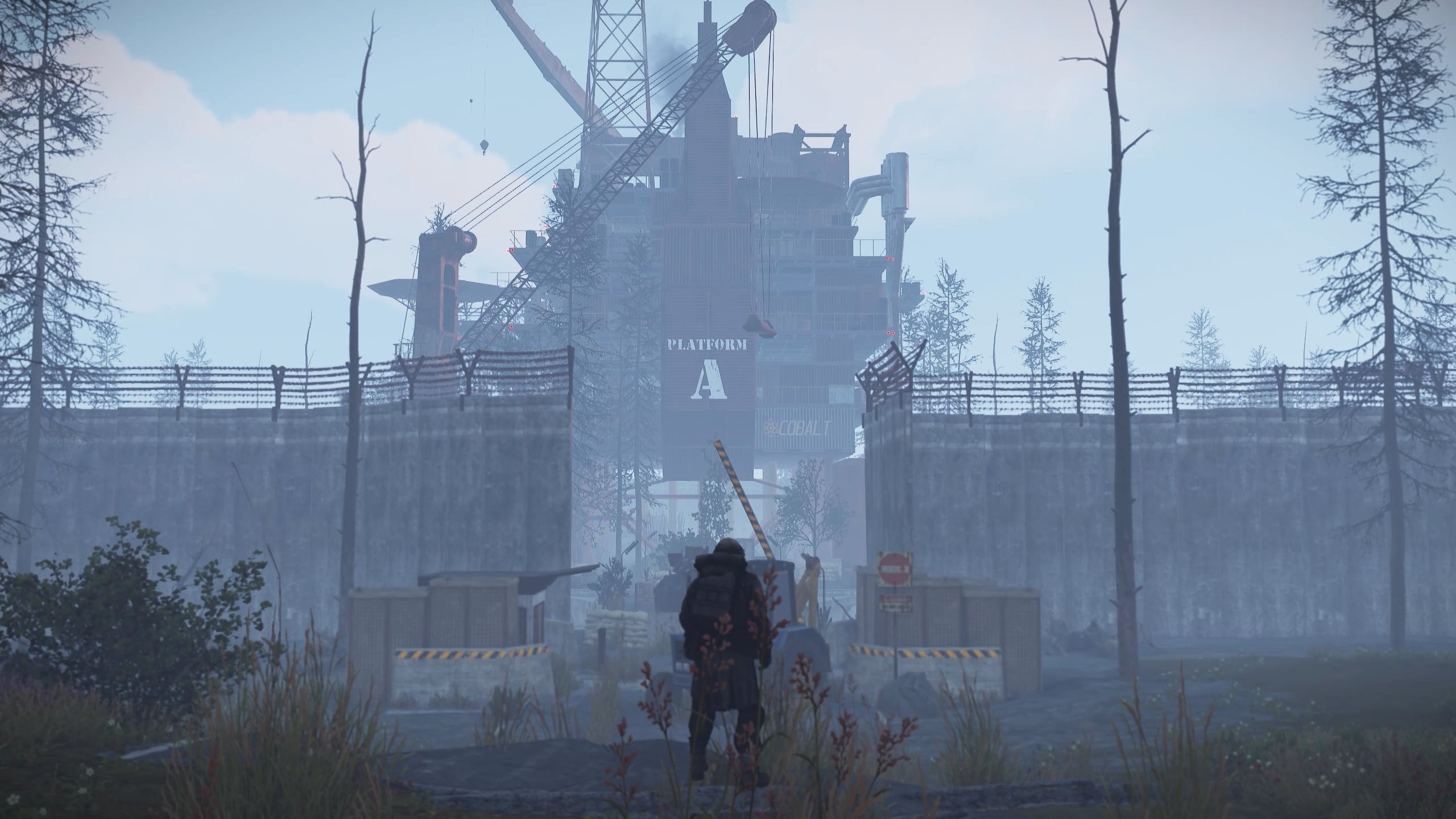
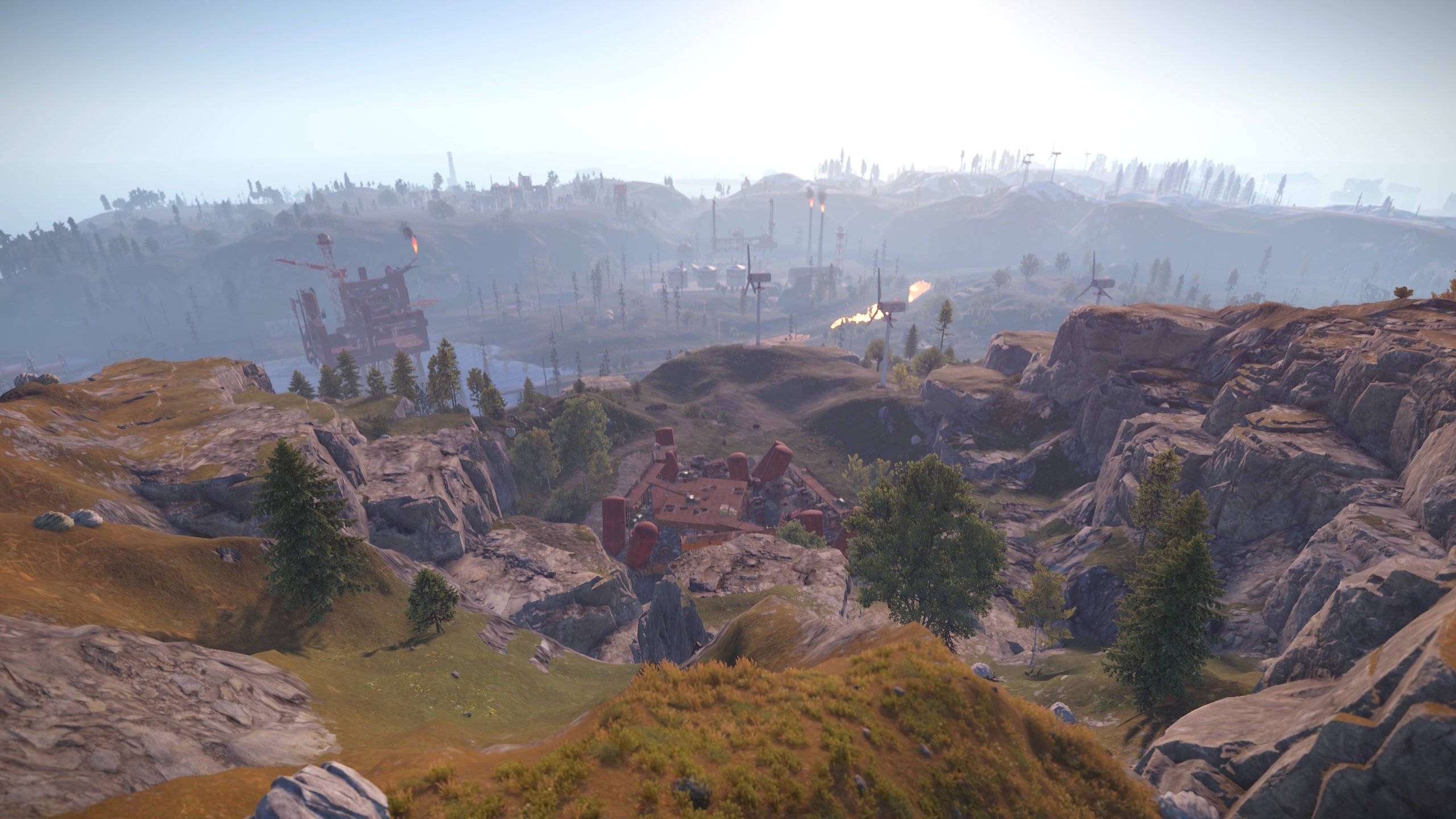
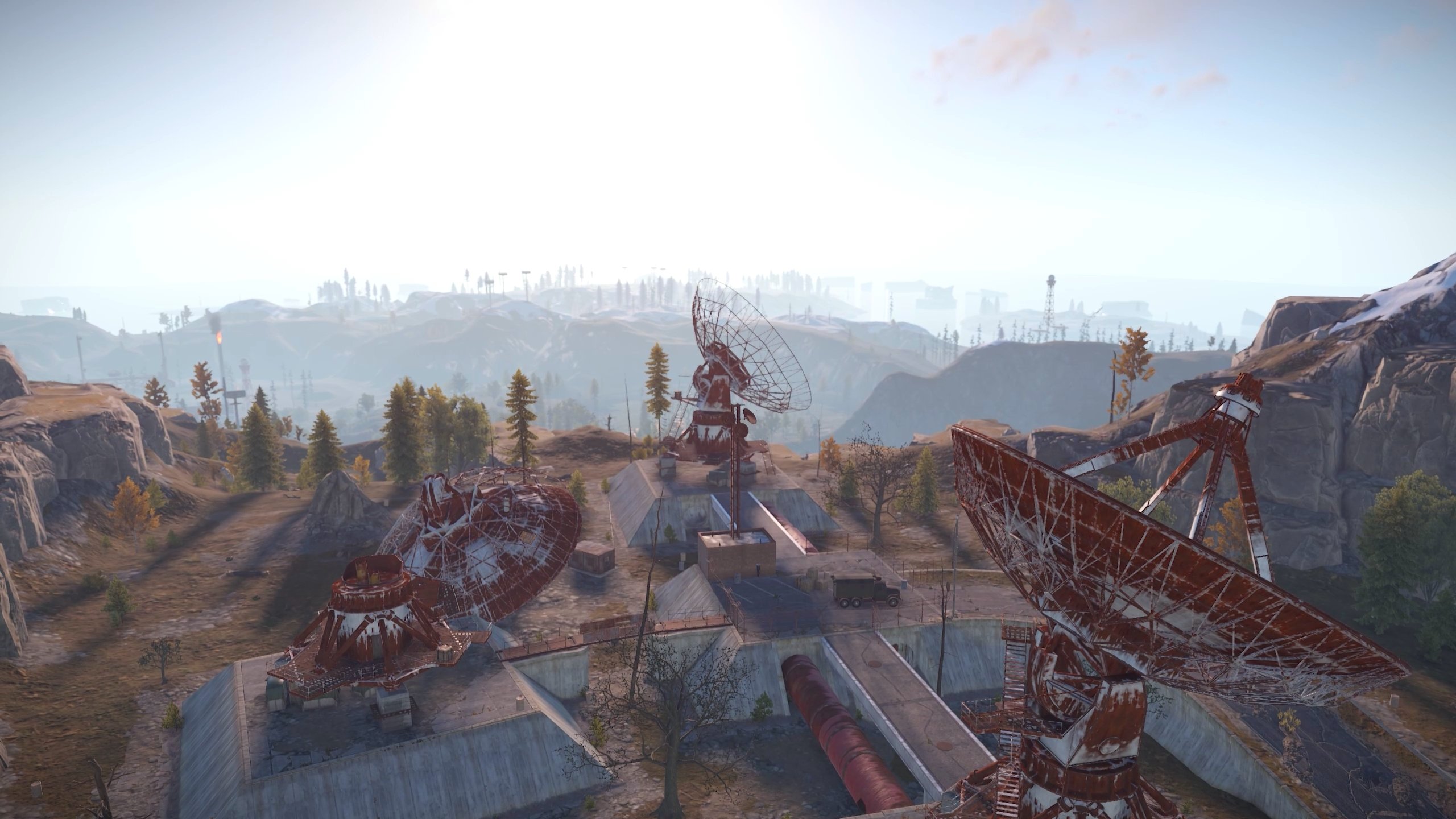
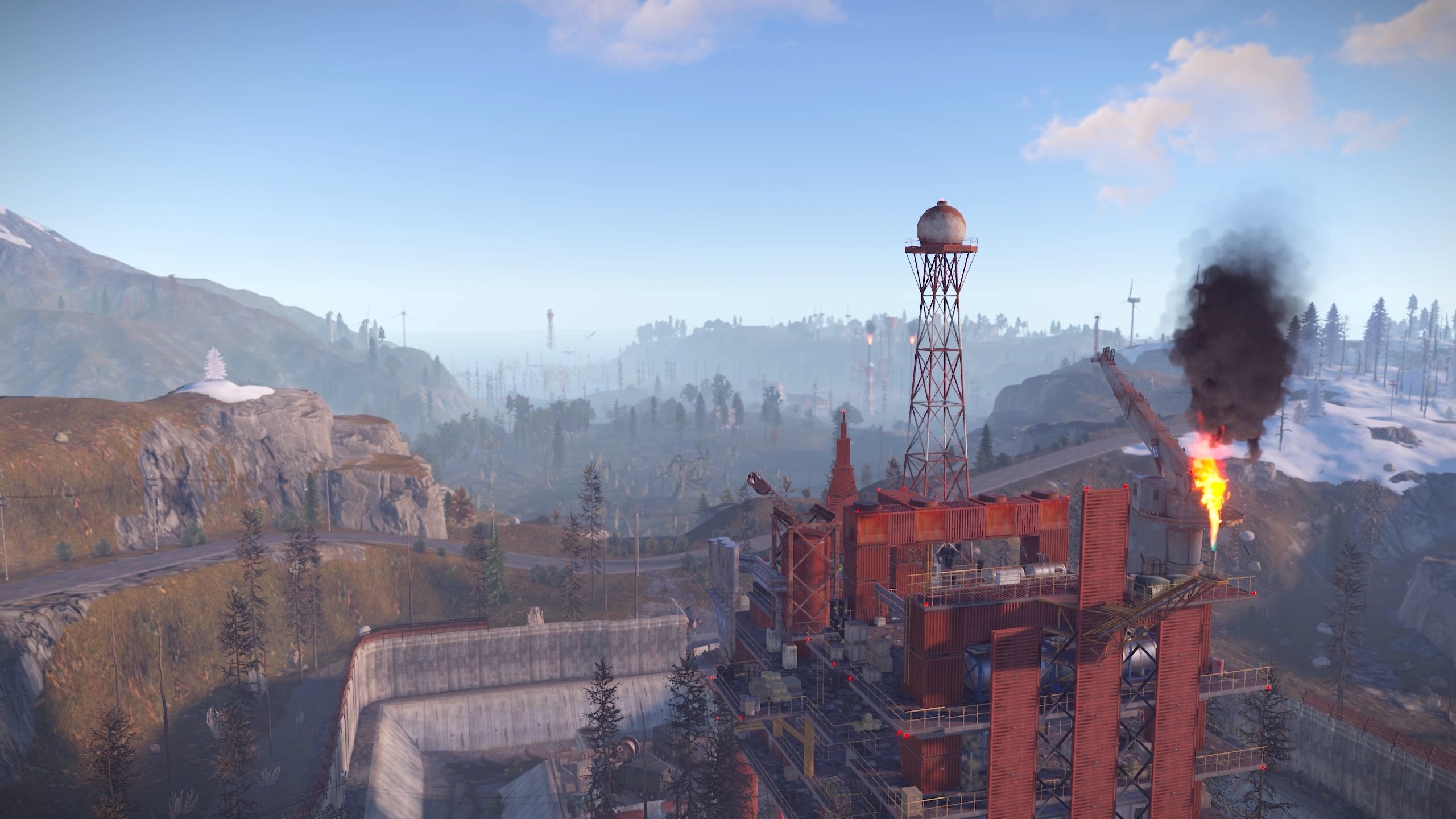
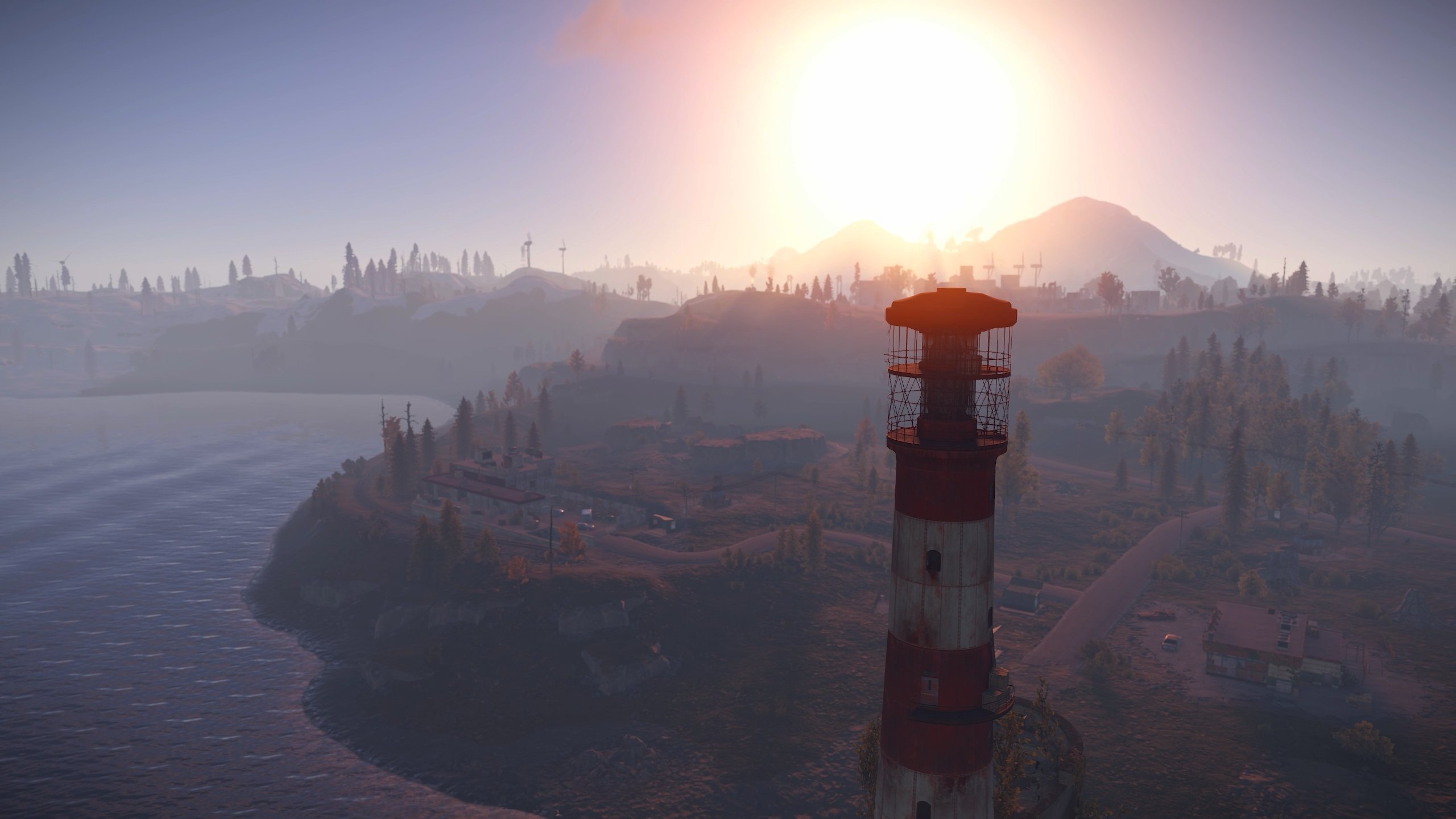
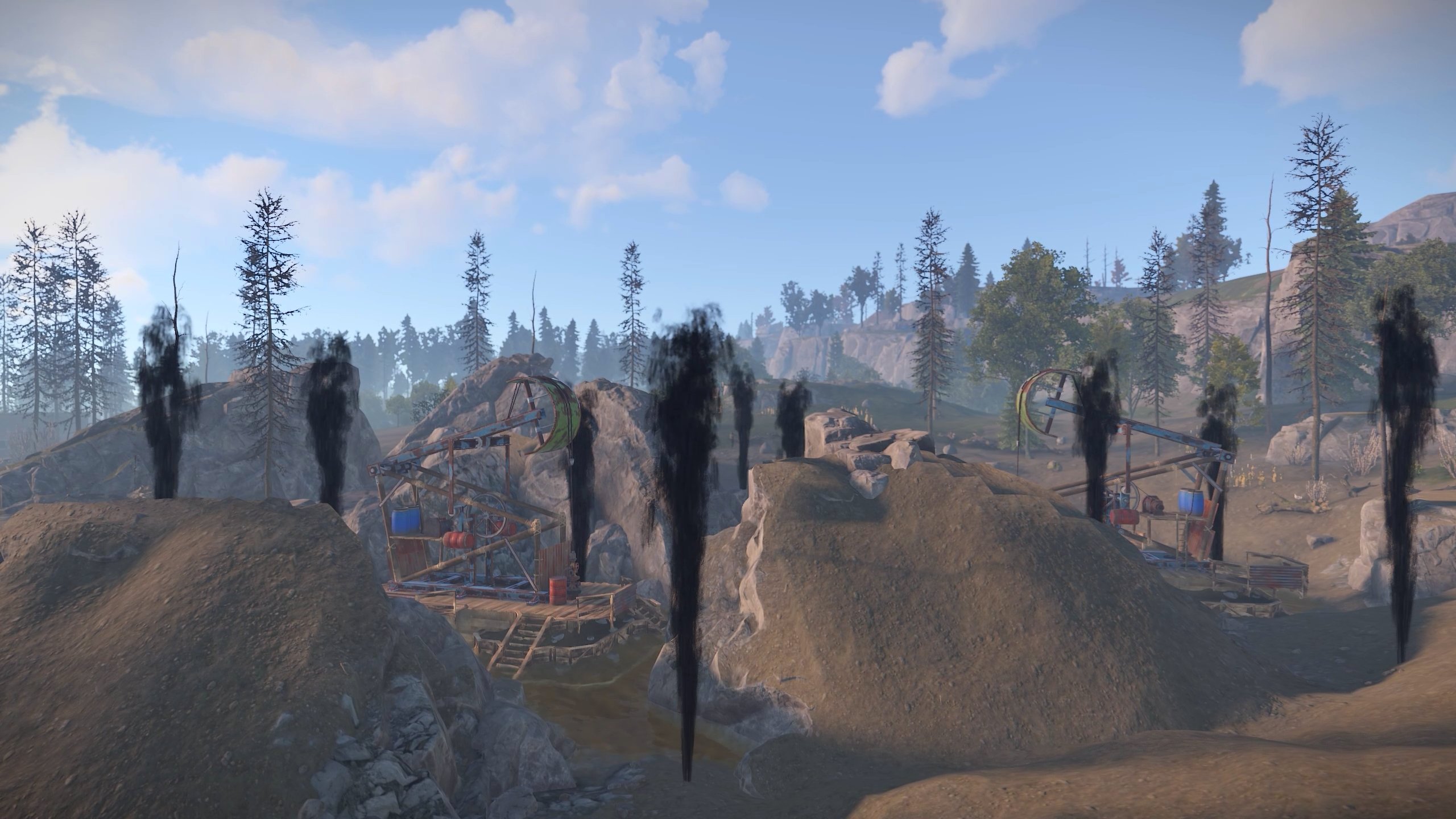
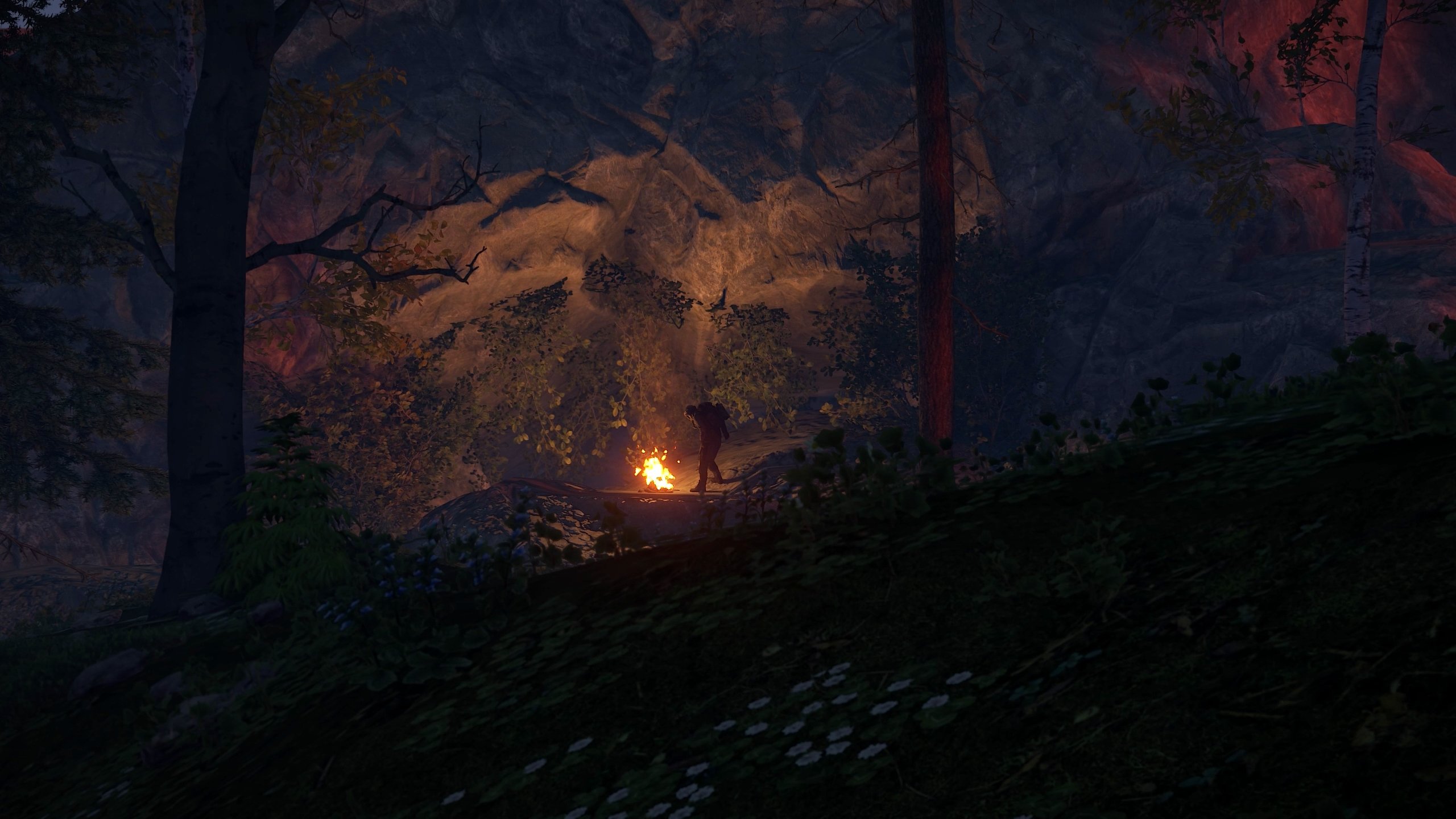
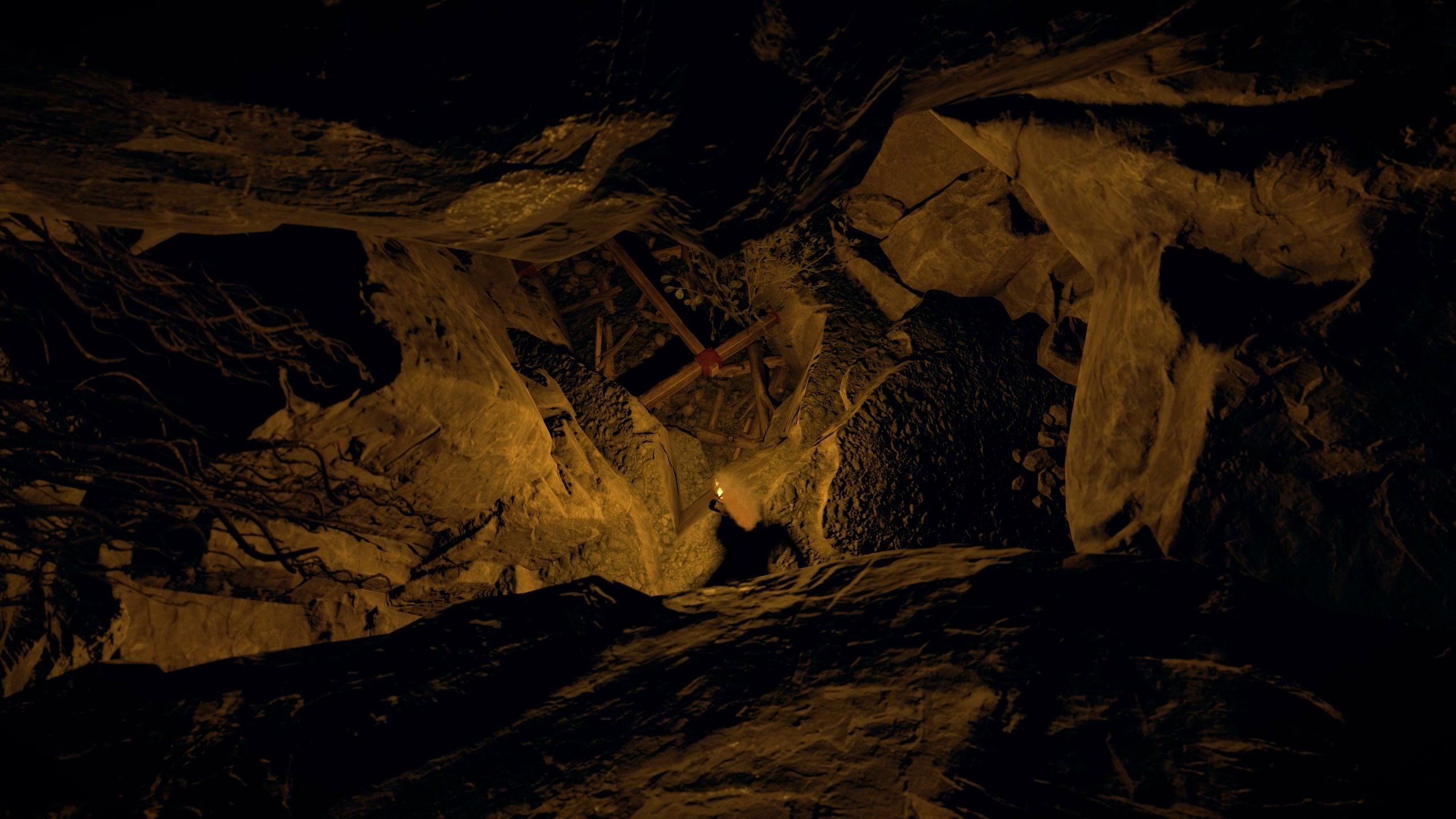
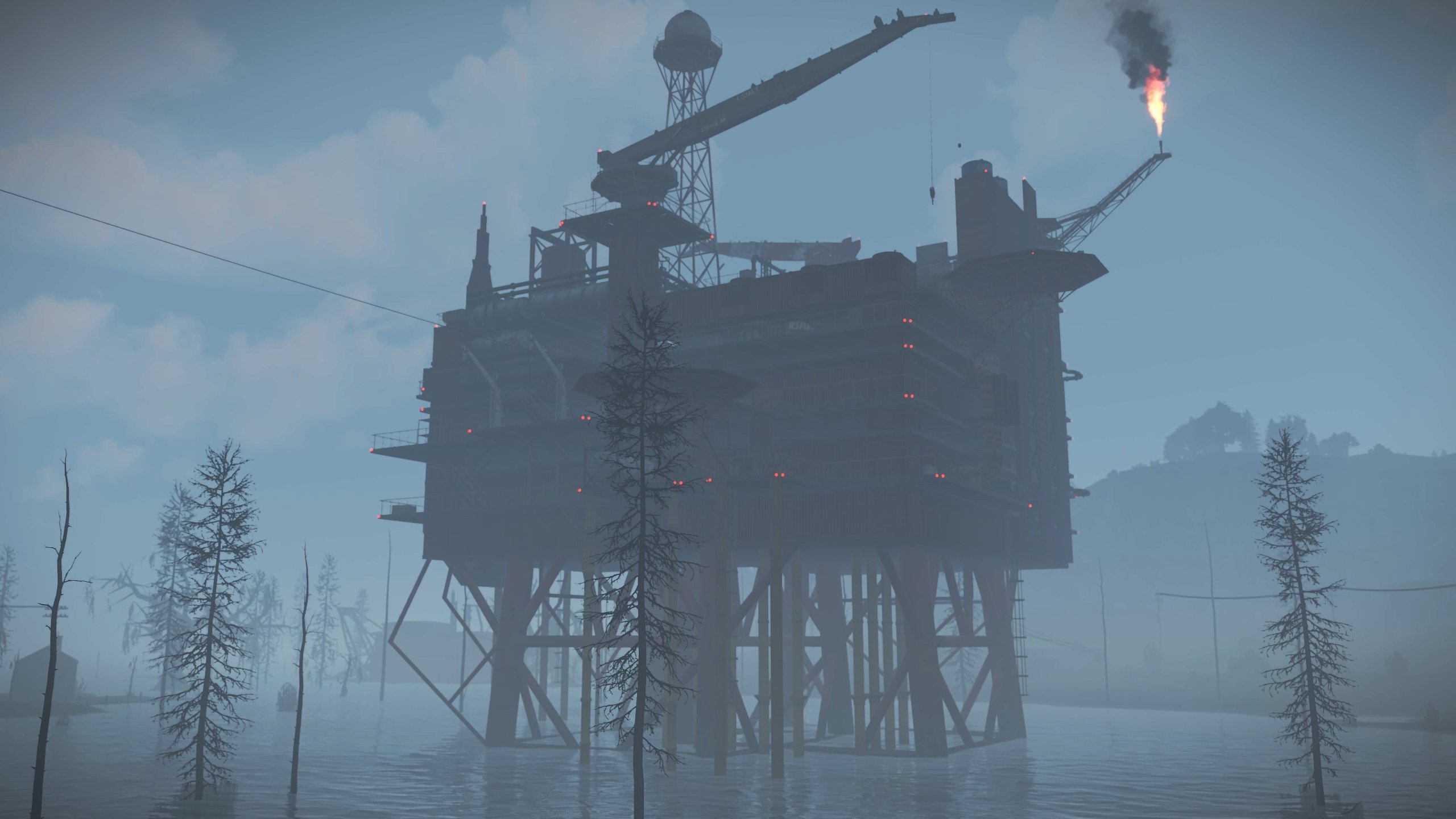
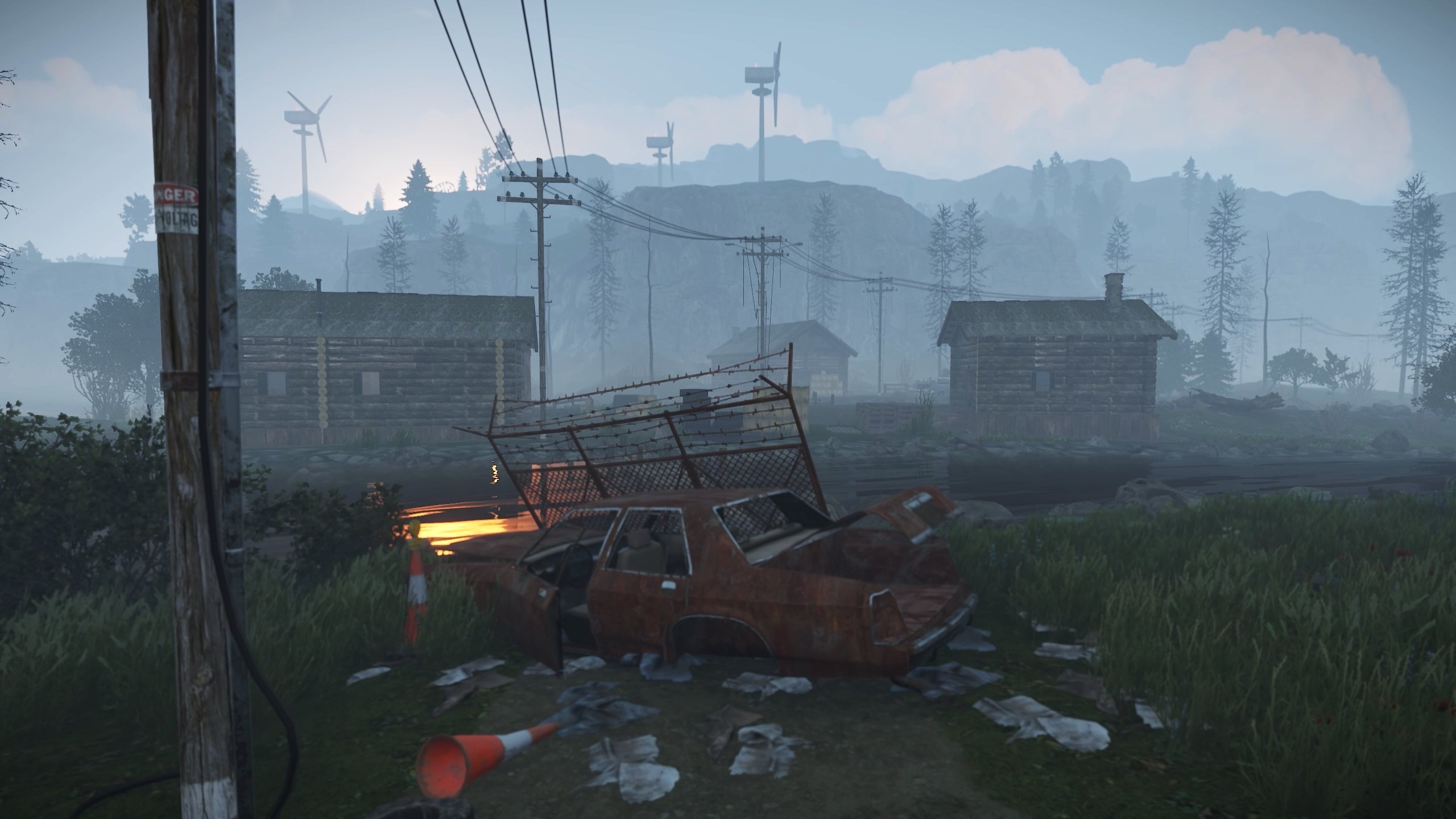
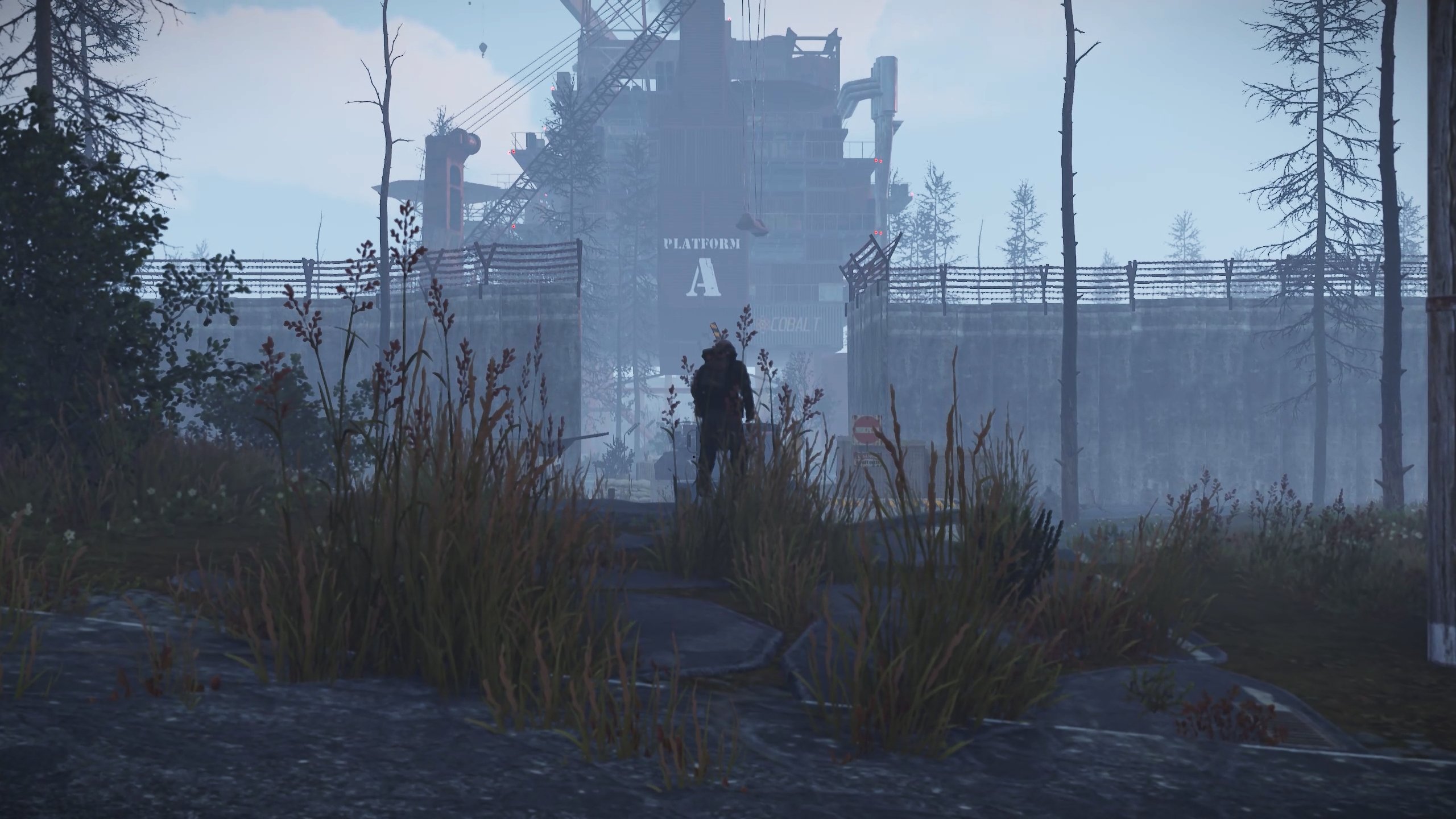
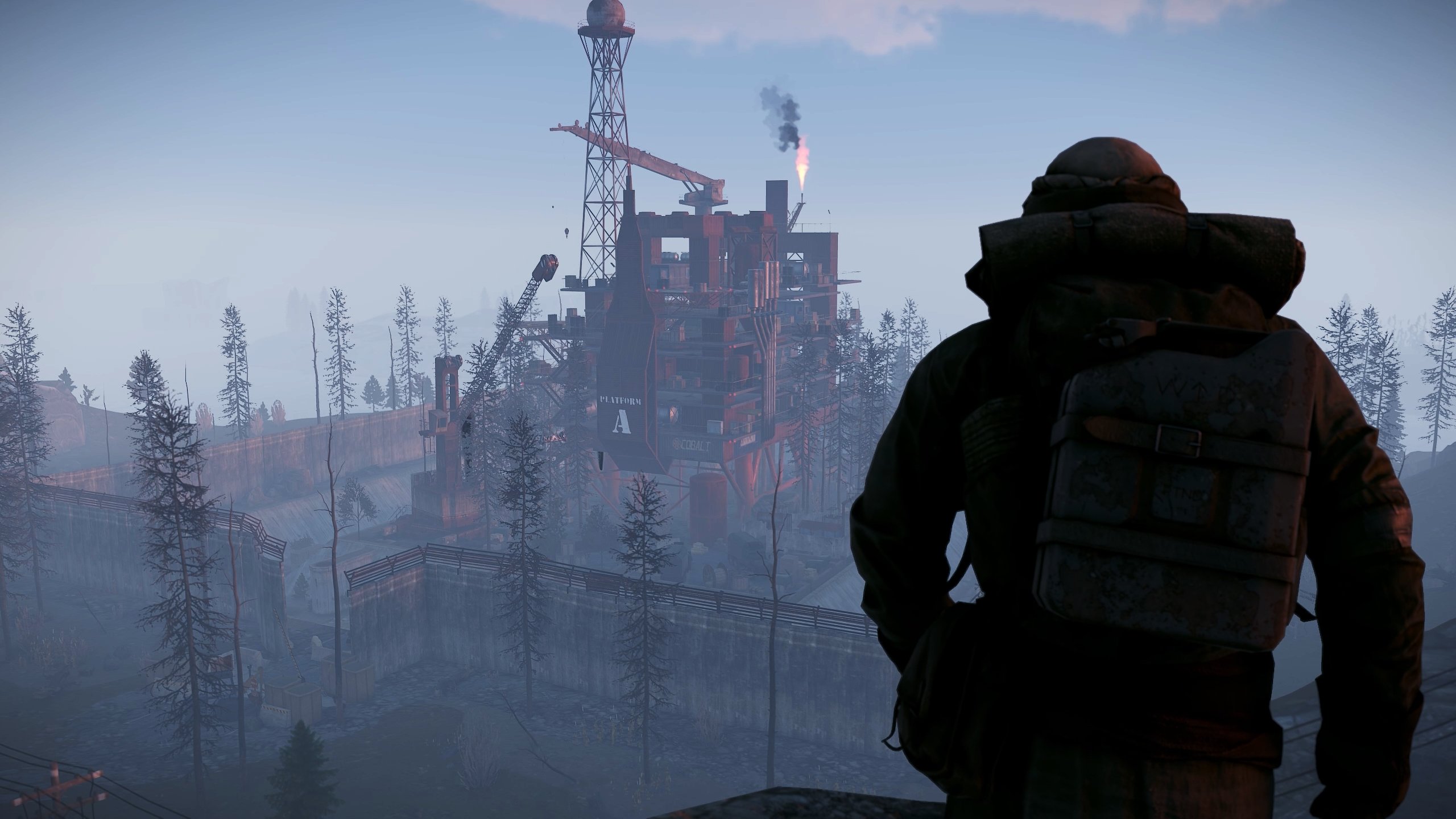
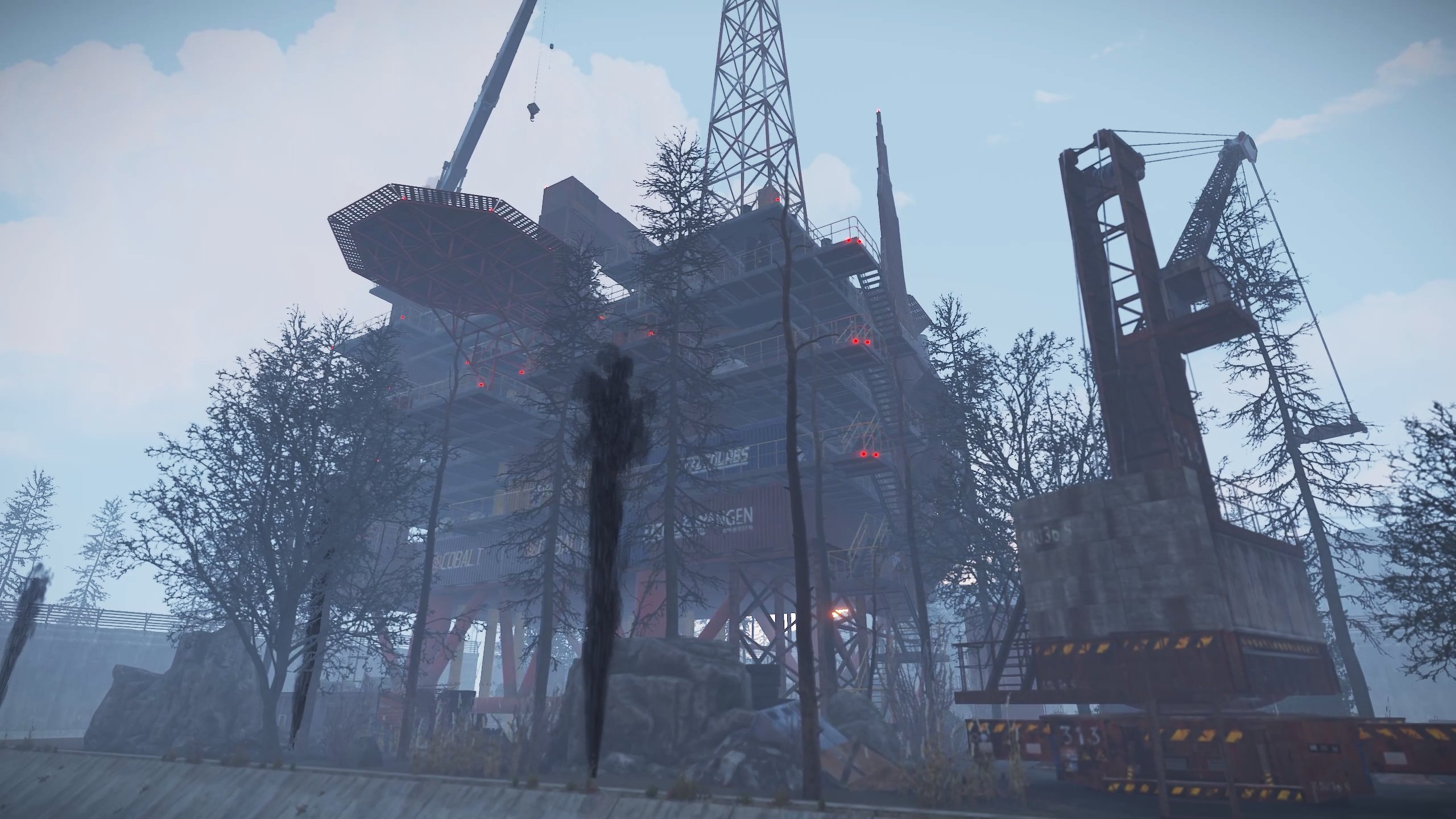
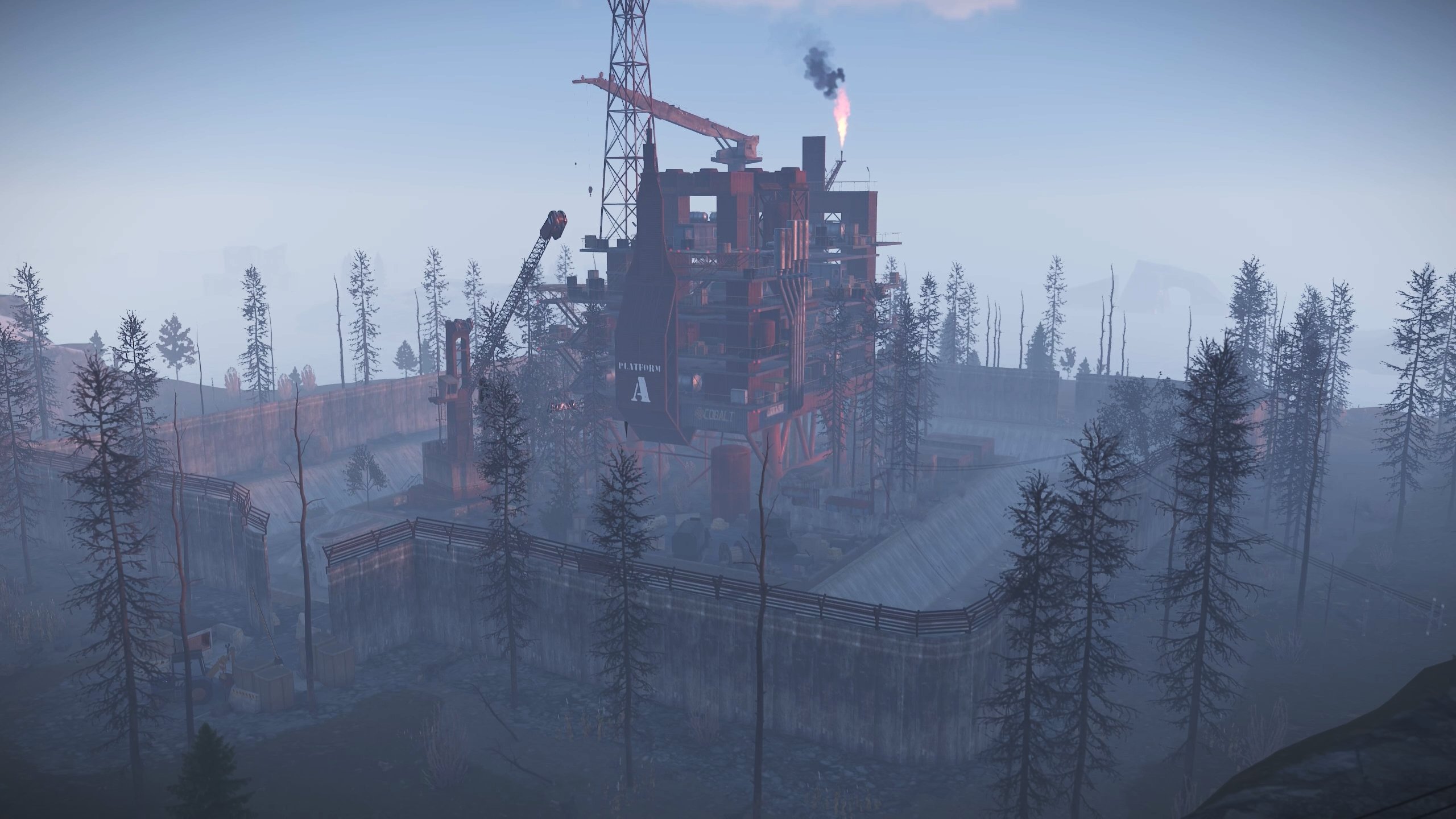
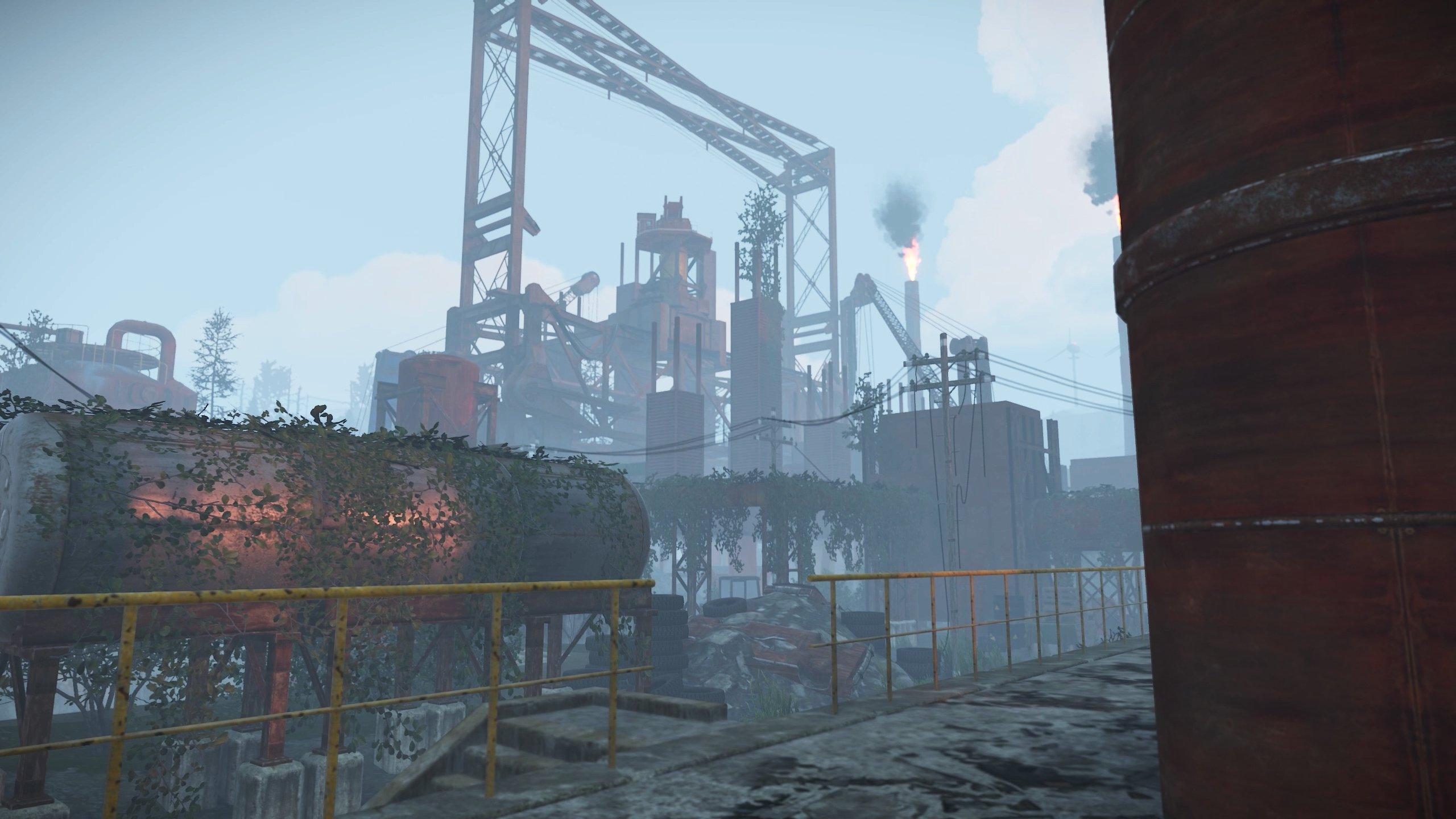
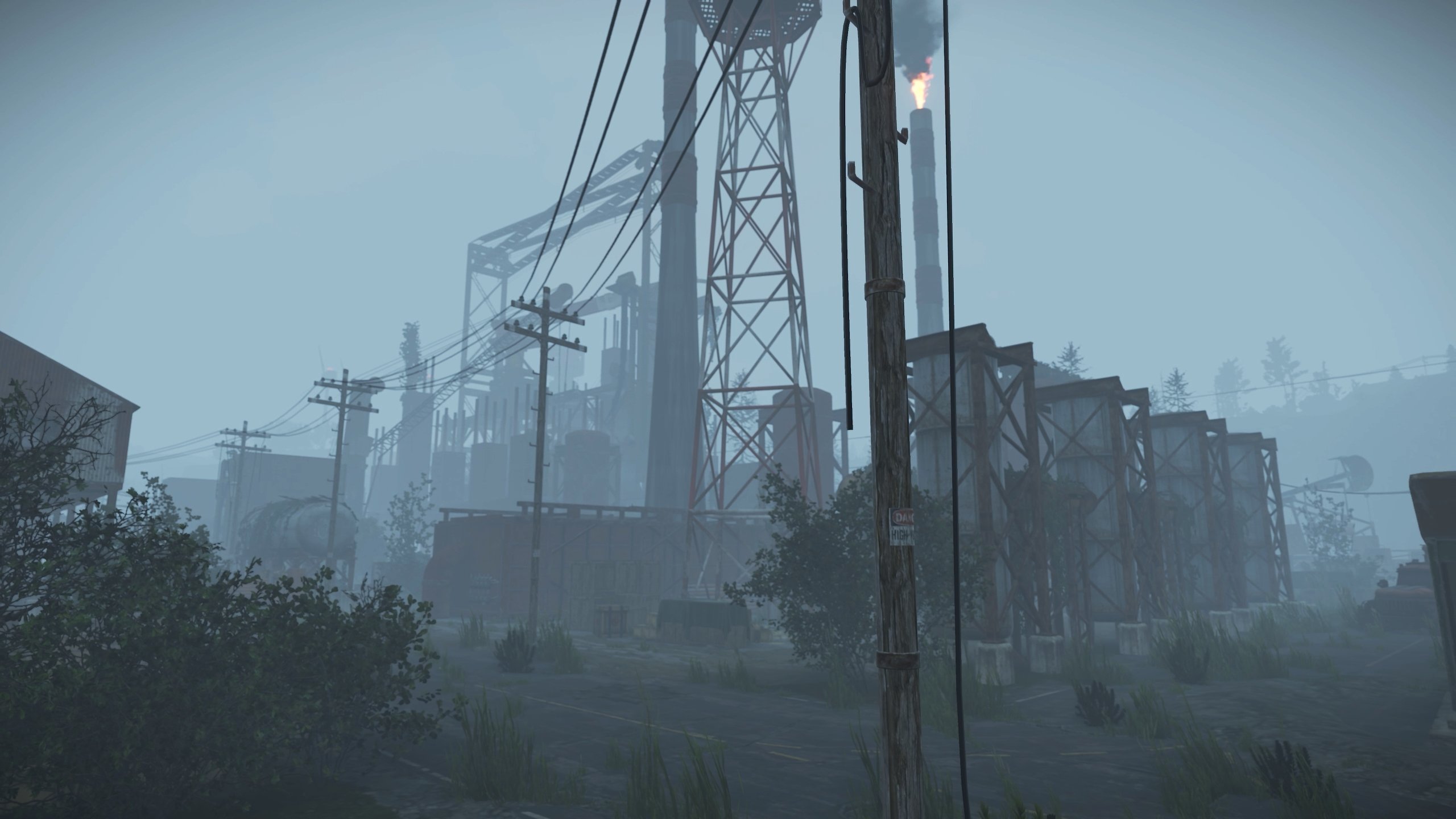
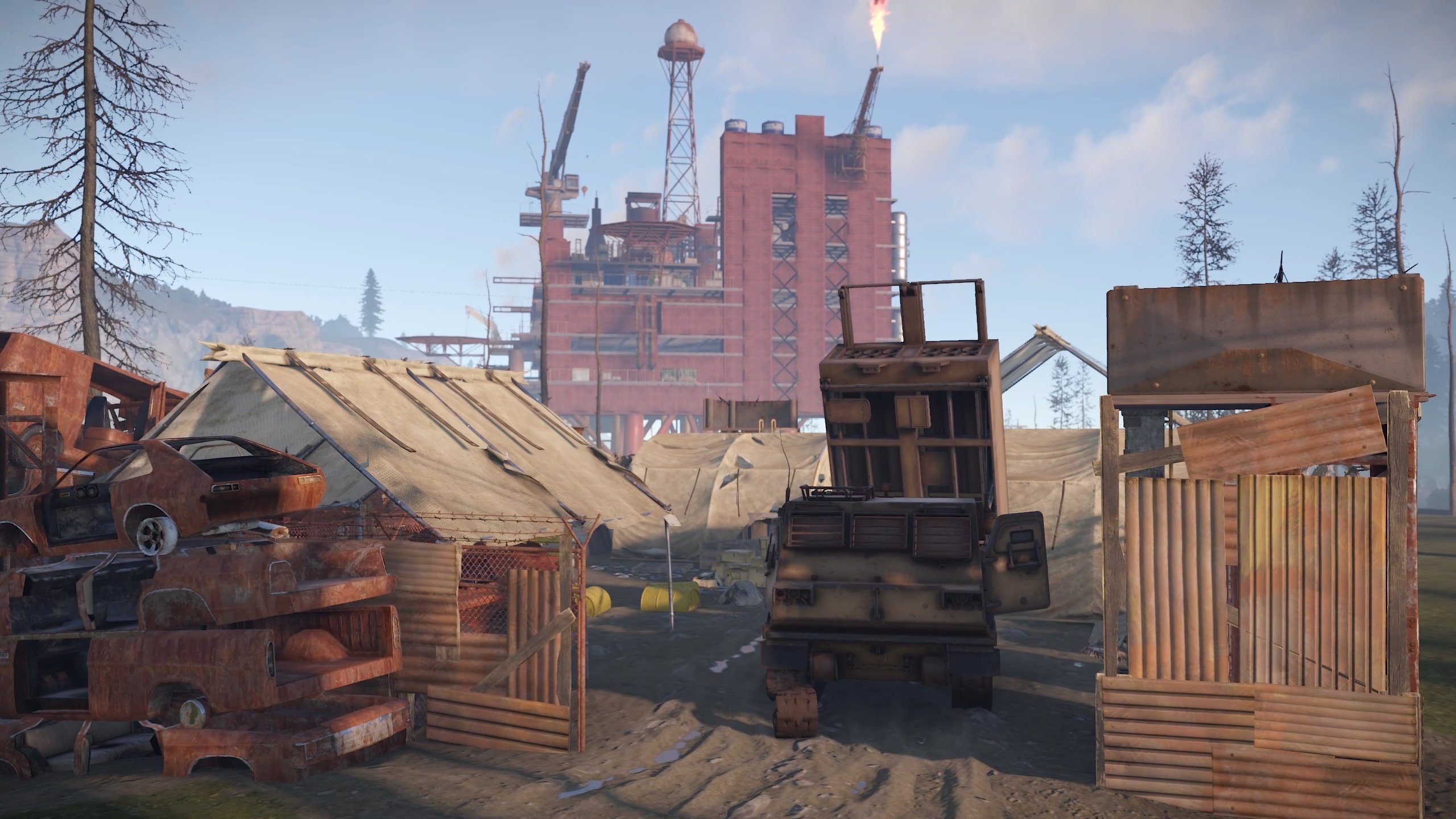
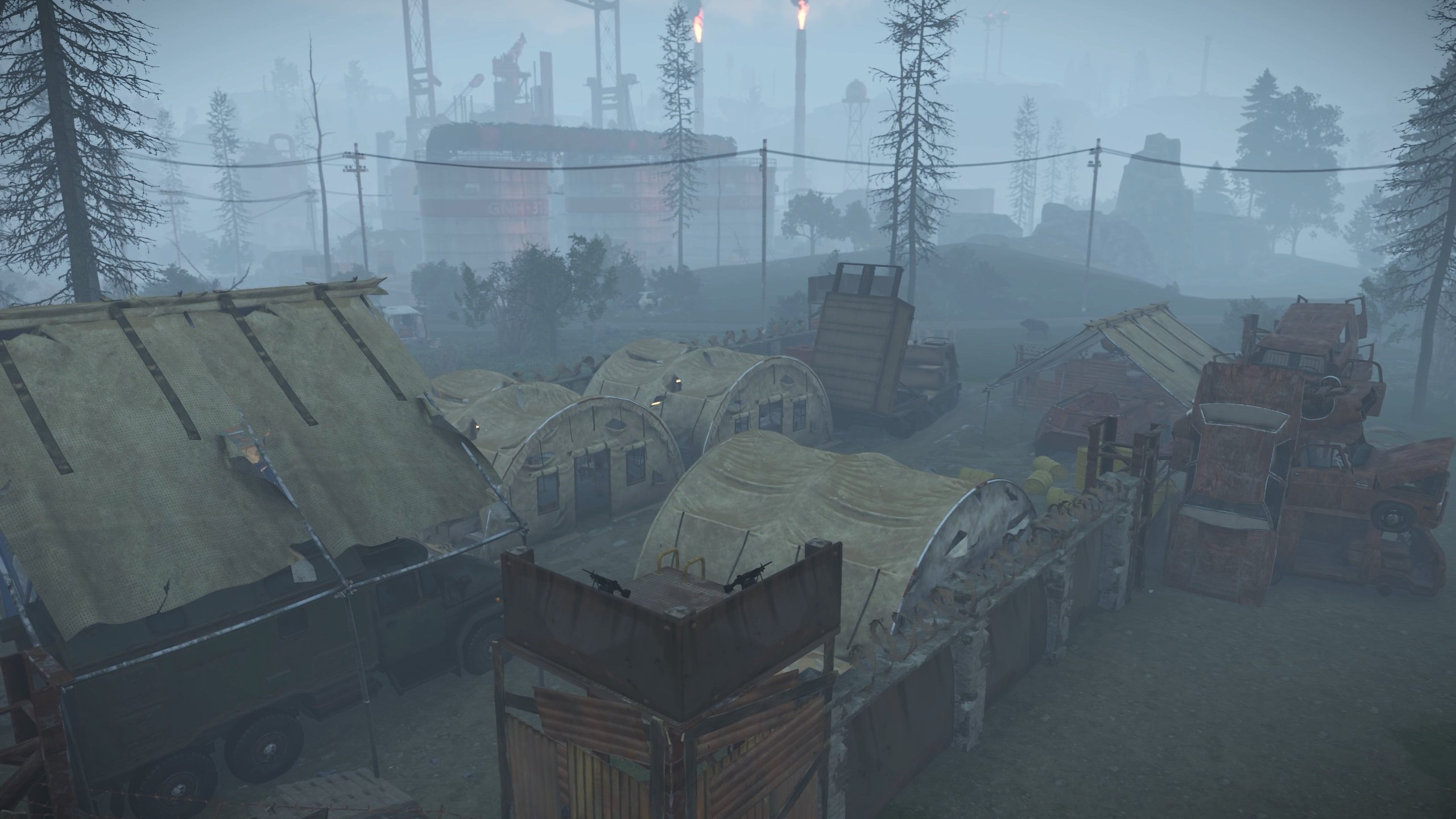
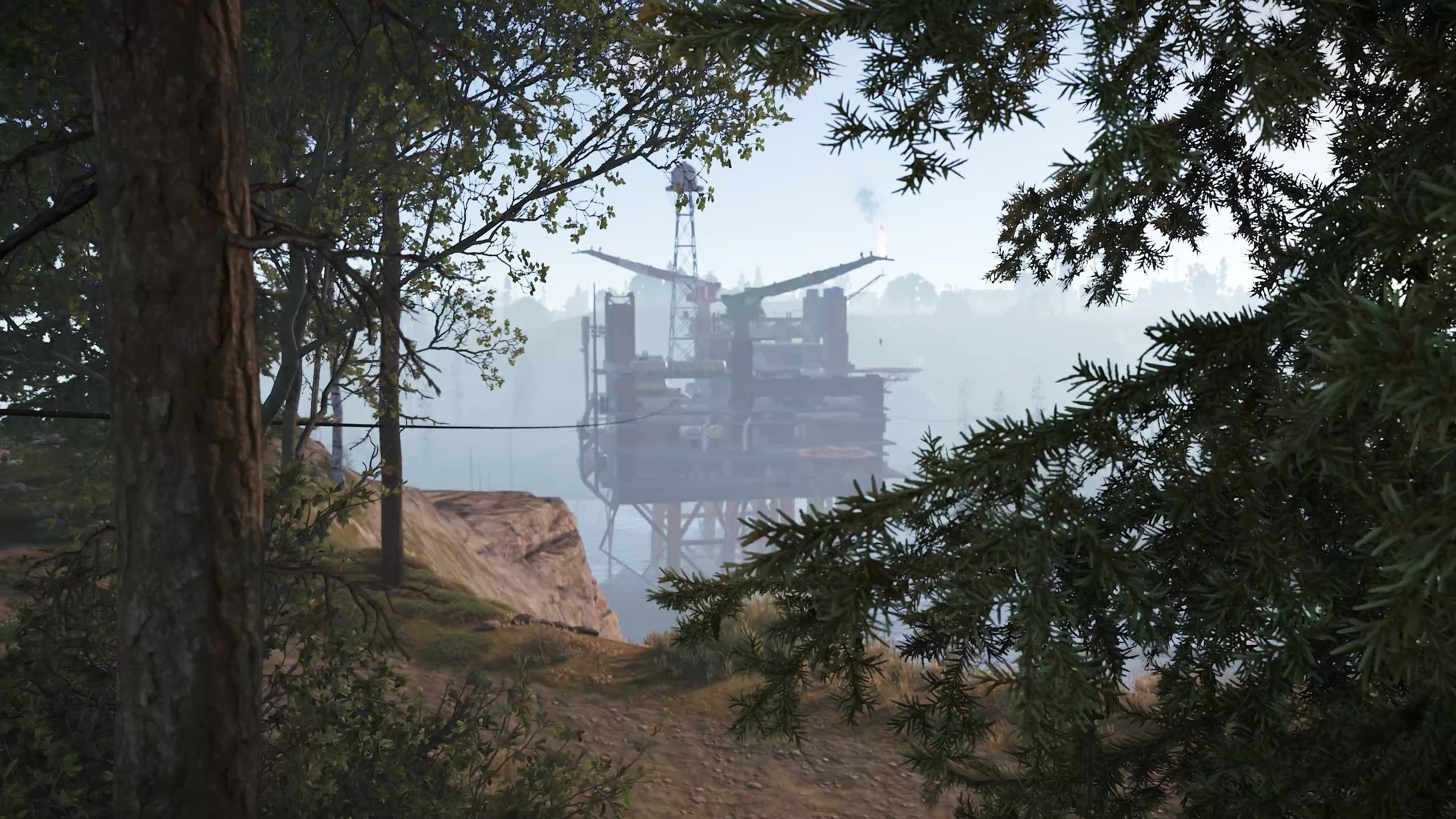
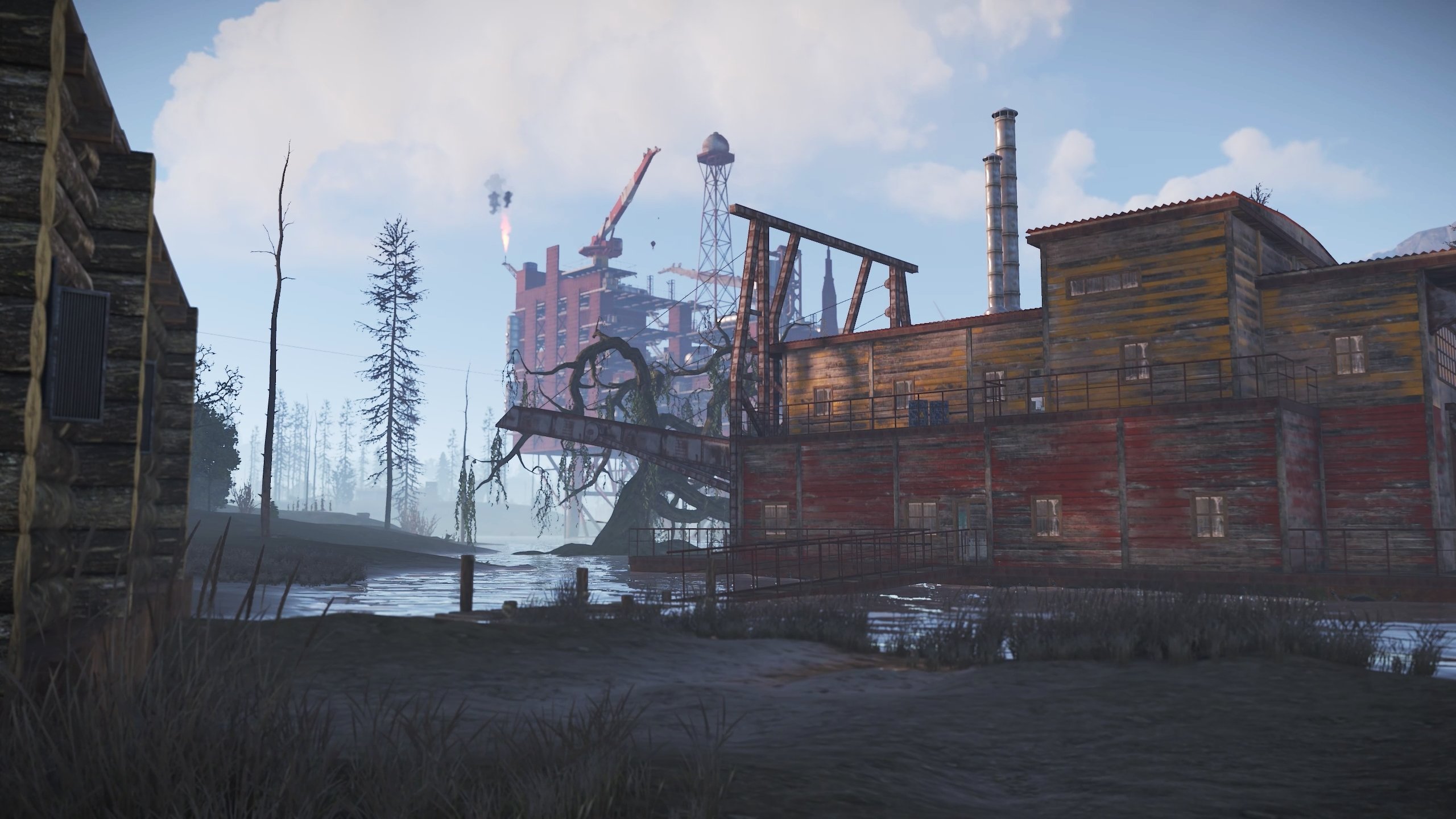
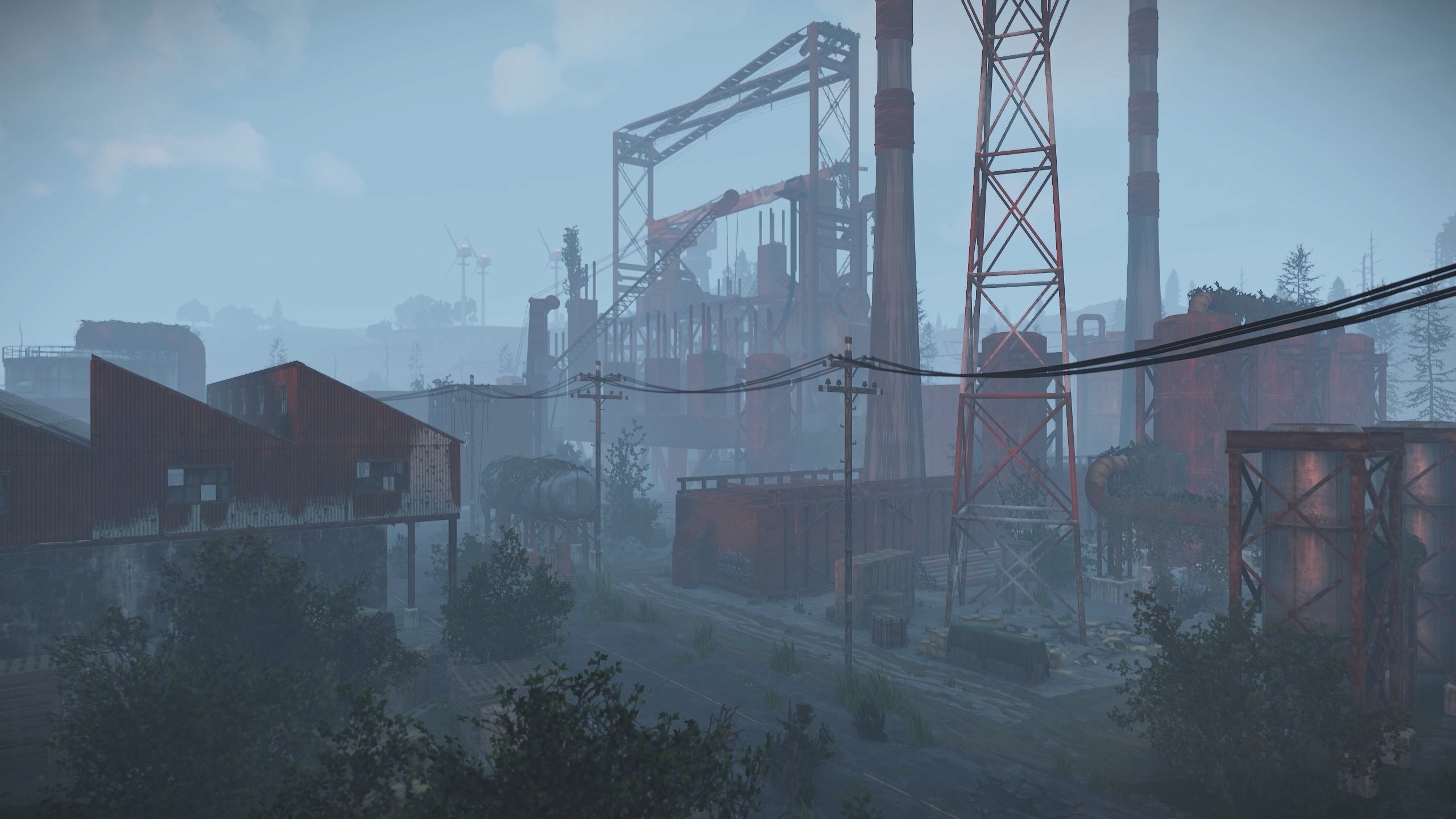
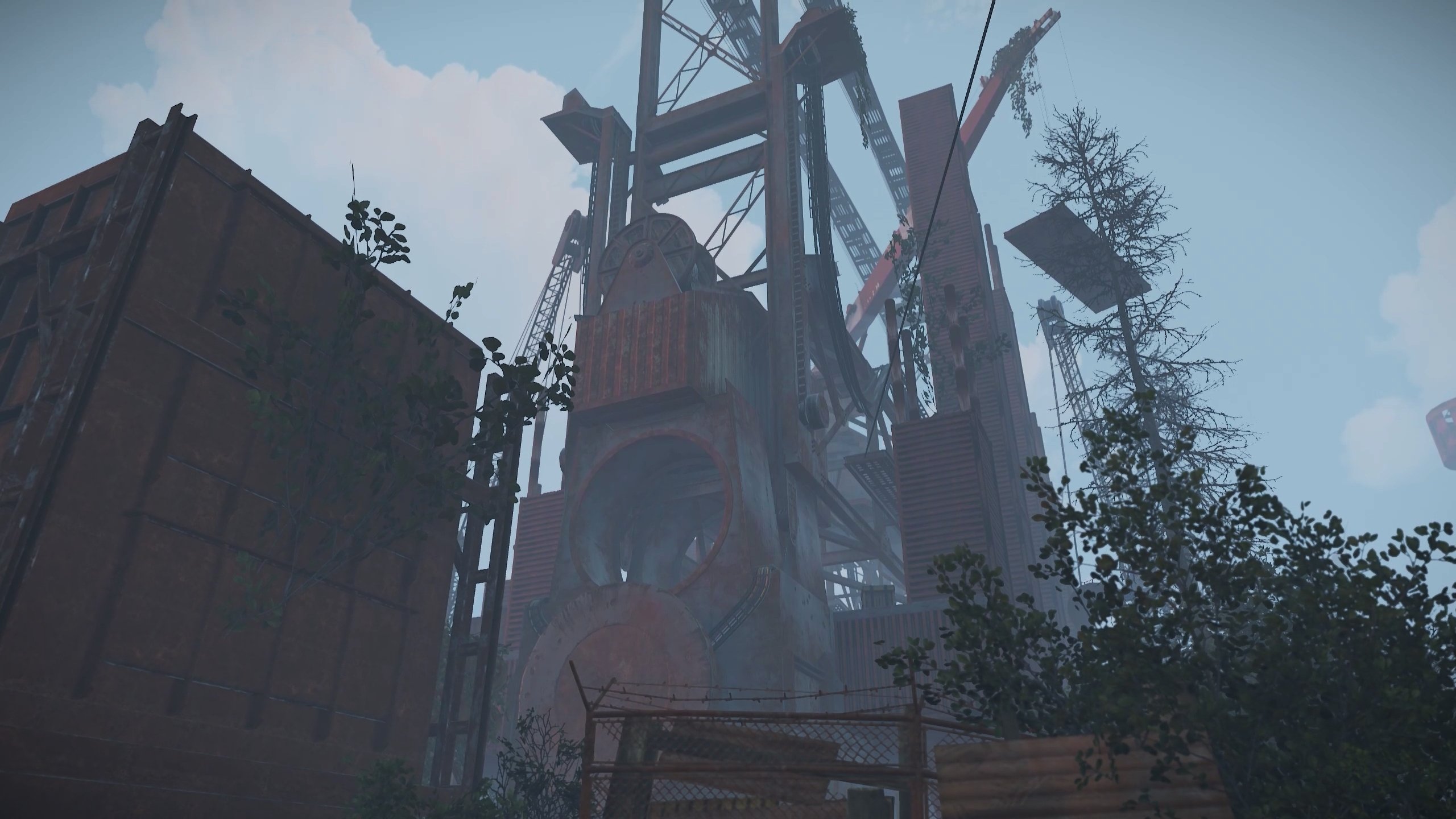
The interesting post - apocalyptic map
Features:
- Underwater farm zones ( "O" on minimap );
- Railways and railway stations;
- Underground Rail tunnels;
- A lot custom monuments and places on the map;
- A lot custom places to build a base on map ( "X" on minimap );
- Custom oilrigs;
- Underwater Labs;
- There is NPC on some locations;
- Ziplines;
- Map size is 2500;
- Prefabs count : ~30k.
Custom monuments:
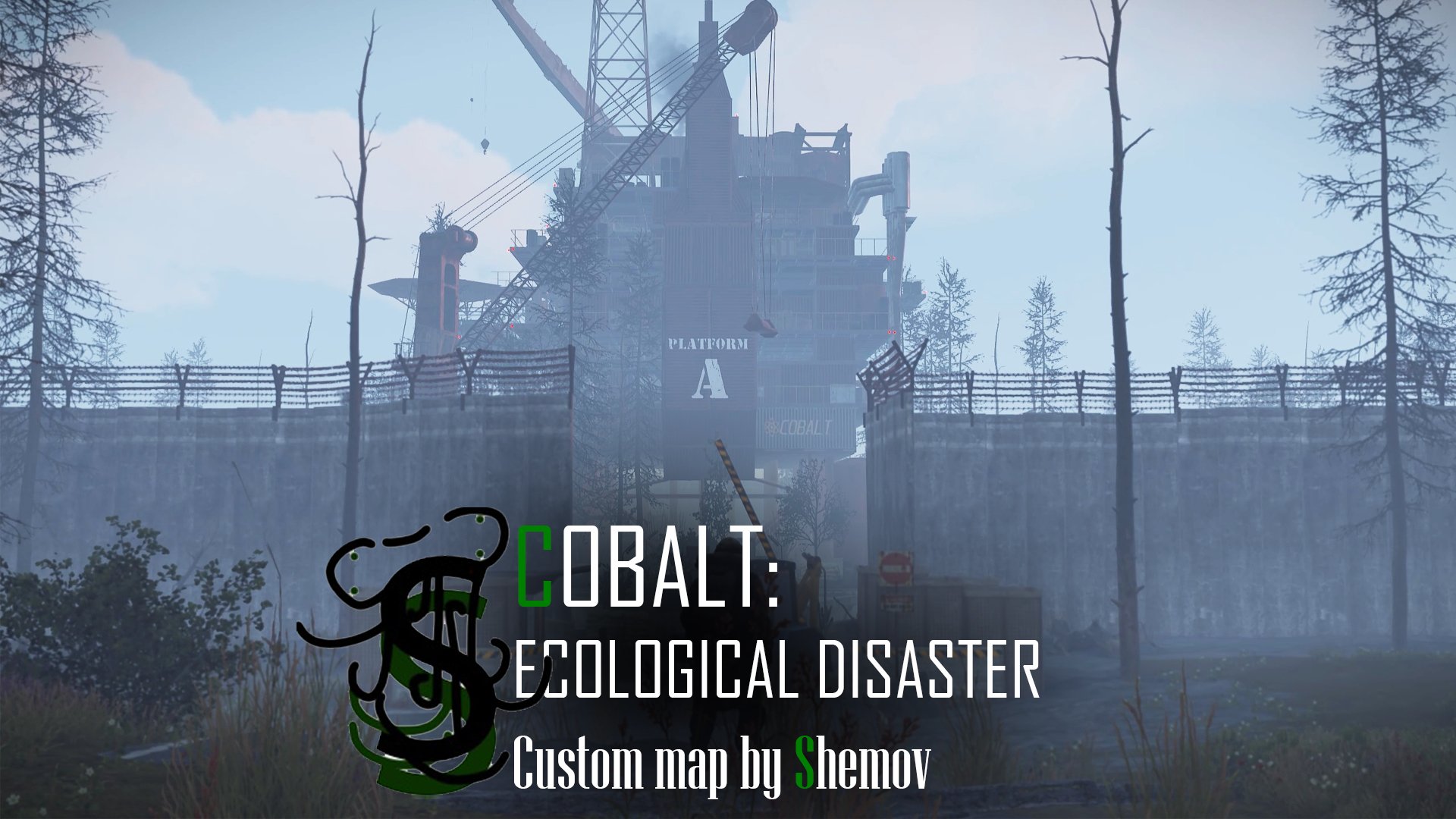
- PLATFORM A( Large size monument, large custom oilrig;
- PLATFORM B;( Medium size monument, custom oilrig on the ground );
- PLATFORM C; (Large size monument, custom unfinished oilrig + oil refinery )
- Large garages; (Medium size monument)
- Garages; (Small size monument)
- Abandoned military base; (Small size monument)
- Triton railway station; (Small size monument)
- Abandoned settlement; (Small size monument)
- Industrial warehouse; (Small size monument)
- Pumpjacks; (Small size monument)
- A lots custom places to build a base.
Monuments:
- Outpost;
- Bandit camp;
- The Dome;
- Satellite dish;
- Abandoned supermarket;
- Warehouse;
- Harbor;
- Large fishing village;
- Fishing village;
- Ranch;
- Large barn;
- Lighthouses;
- Underwater labs;
- Underground railway;
- Large oilrig;
- Oilrig.
Required Dependencies: RustEdit DLL https://github.com/k1lly0u/Oxide.Ext.RustEdit
My Discord: shemov#6310
A password is attached to the map. You can edit it.
By purchasing any content from me, you agree to the terms (terms and services) listed below :
General:
You can`t to resell any of my resources.
You can`t share any of my resources with anyone else.
Maps:
You can`t save any of my prefabs to use on your maps (If you want any of my prefabs for your maps you need to purchase them on my profile)
+ General terms and conditions :
Custom prefabs or monuments:
You are allowed to use my resources to for your custom maps but the price has to be higher than my prefabs price!
+ General terms and conditions :
If you are break the terms and conditions you will to get the next punishment:
-Access to all purchased files will be removed
General:
You can`t to resell any of my resources.
You can`t share any of my resources with anyone else.
Maps:
You can`t save any of my prefabs to use on your maps (If you want any of my prefabs for your maps you need to purchase them on my profile)
+ General terms and conditions :
Custom prefabs or monuments:
You are allowed to use my resources to for your custom maps but the price has to be higher than my prefabs price!
+ General terms and conditions :
If you are break the terms and conditions you will to get the next punishment:
-Access to all purchased files will be removed
You may only provide a review once you have downloaded the file.
There are no reviews to display.