



Jump to content
View in the app

A better way to browse. Learn more.

WeOxide Marketplace ¬ Rust Custom Maps ¬ Prefabs ¬ Monuments and Plugins Free & Paid Assets

A full-screen app on your home screen with push notifications, badges and more.

To install this app on iOS and iPadOS
  1. Tap the Share icon in Safari
  2. Scroll the menu and tap Add to Home Screen.
  3. Tap Add in the top-right corner.
To install this app on Android
  1. Tap the 3-dot menu (⋮) in the top-right corner of the browser.
  2. Tap Add to Home screen or Install app.
  3. Confirm by tapping Install.

Glass Base Bundle | Building places for your players 1.0.0

$4.99

(0 reviews)

10 Screenshots

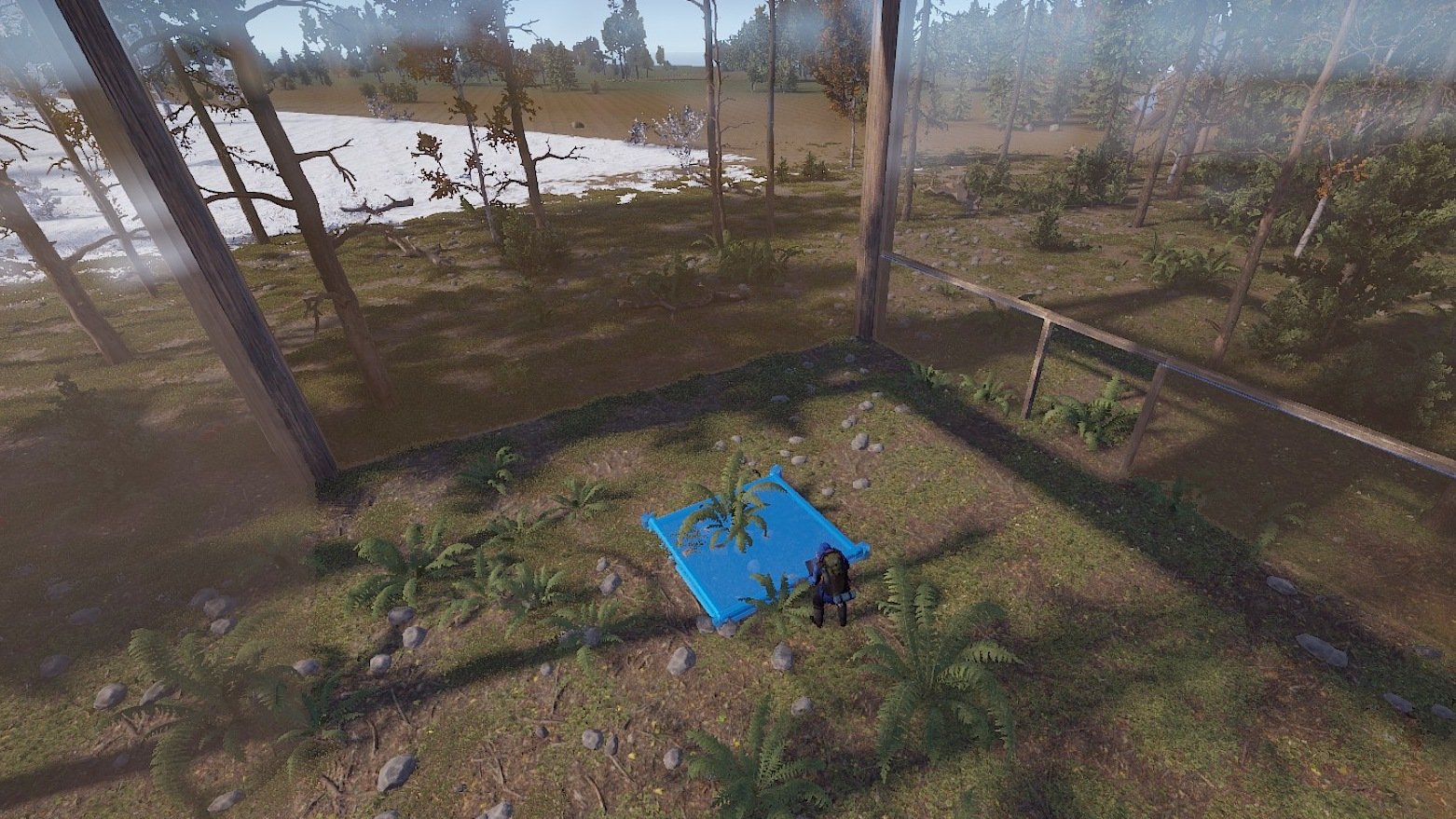
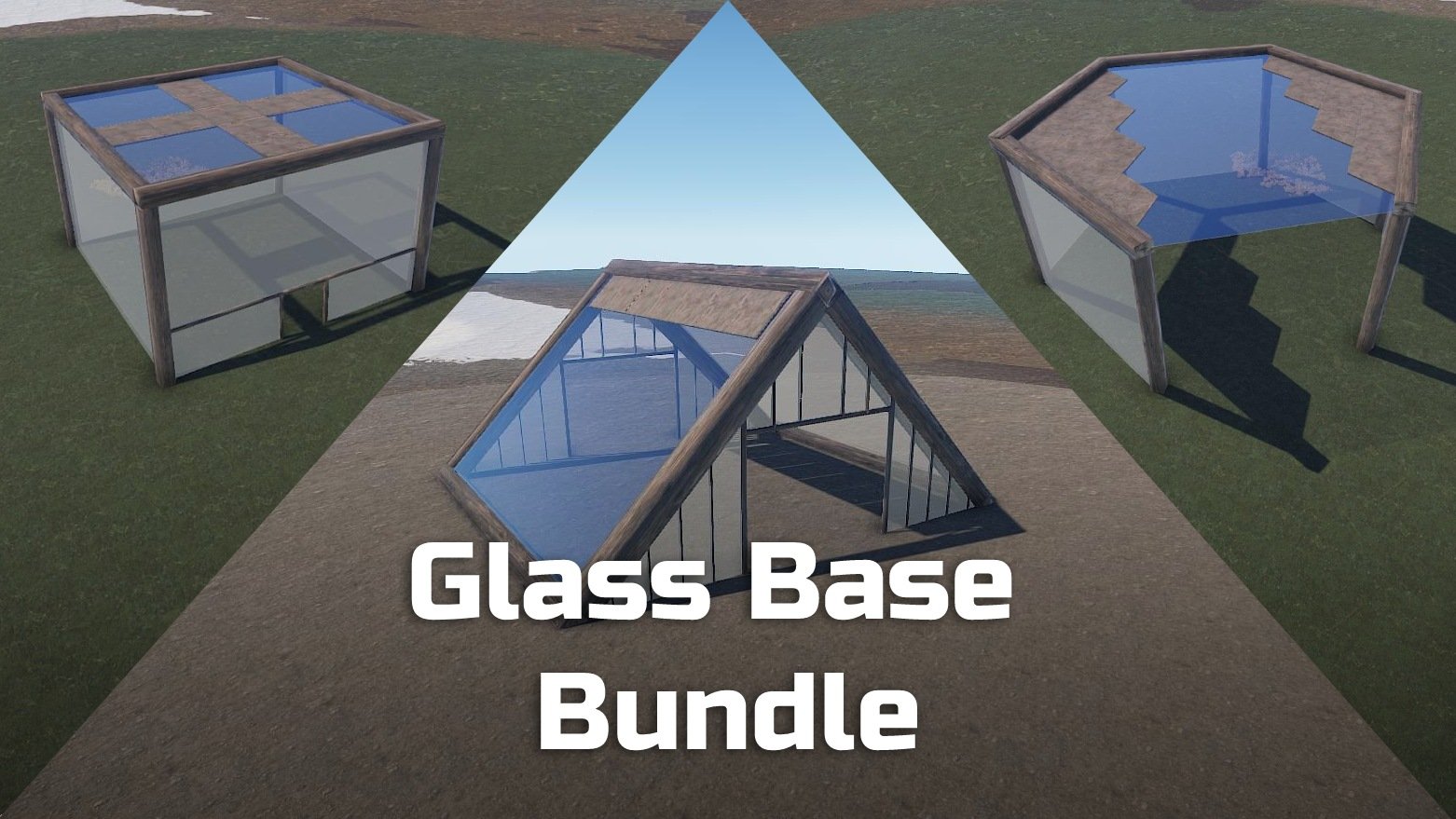
Build your base in a glass building! 
These prefabs were created especially for all creative base builders. You can build in it and even hang lights on the ceiling above.


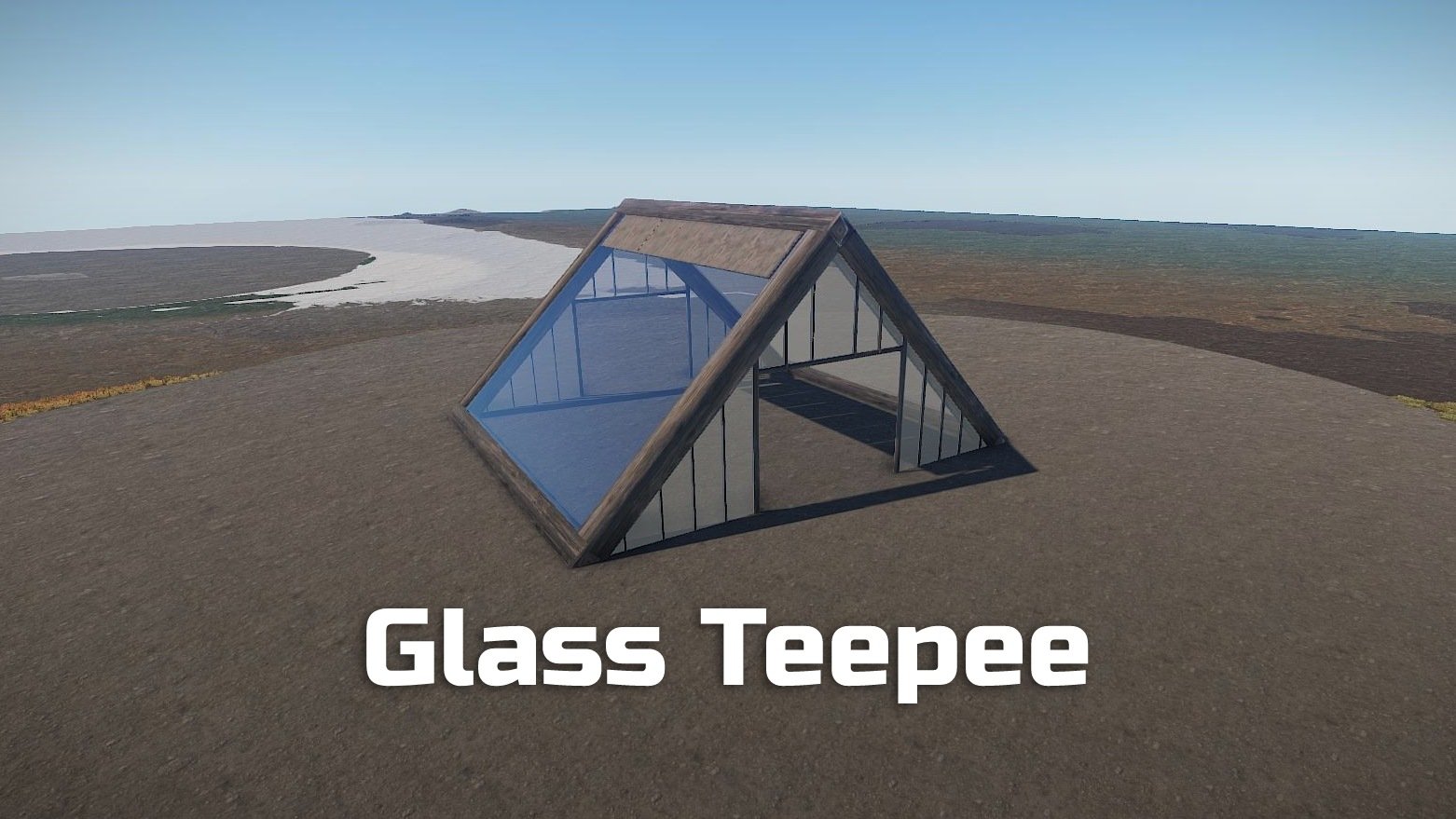
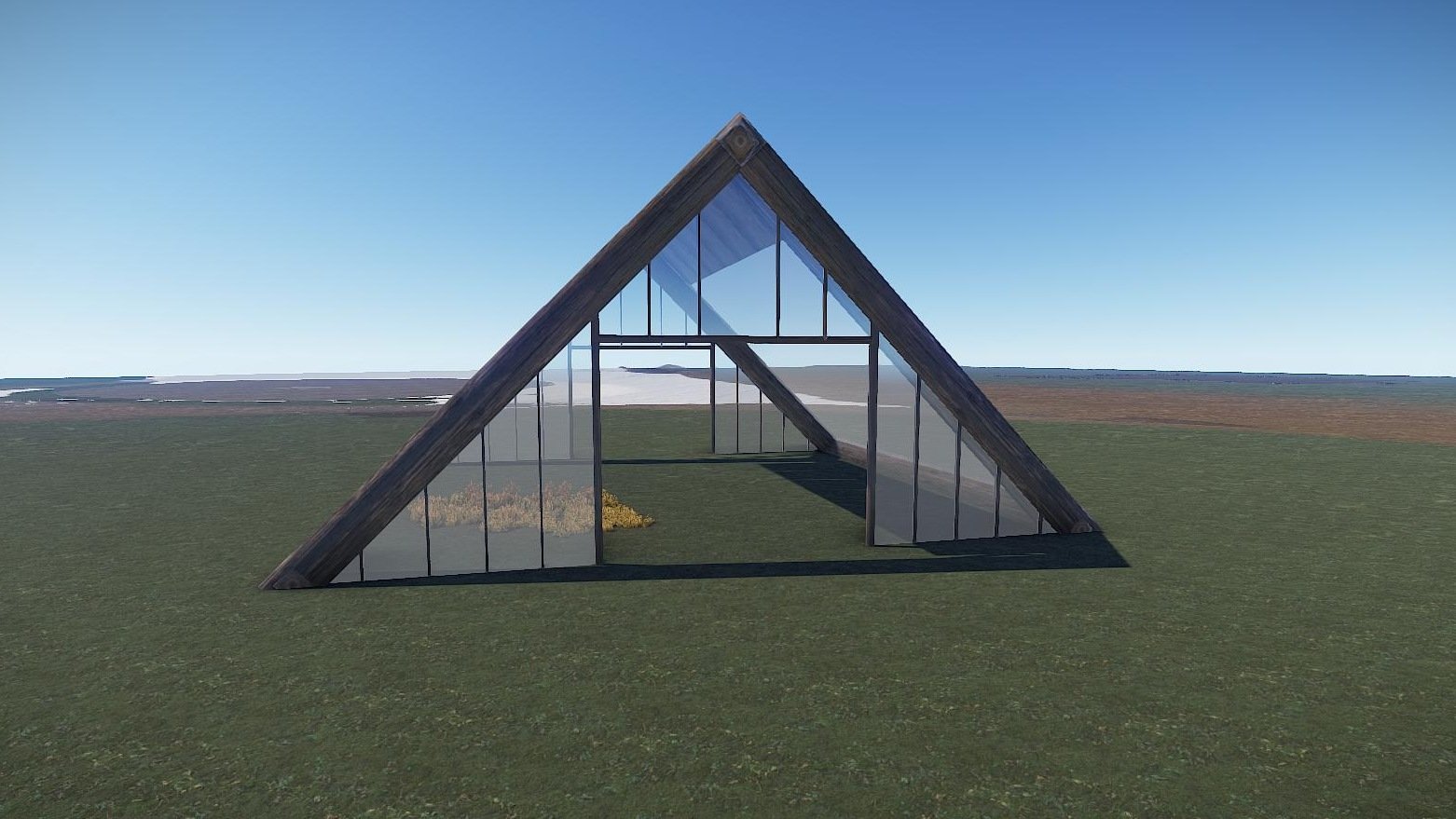
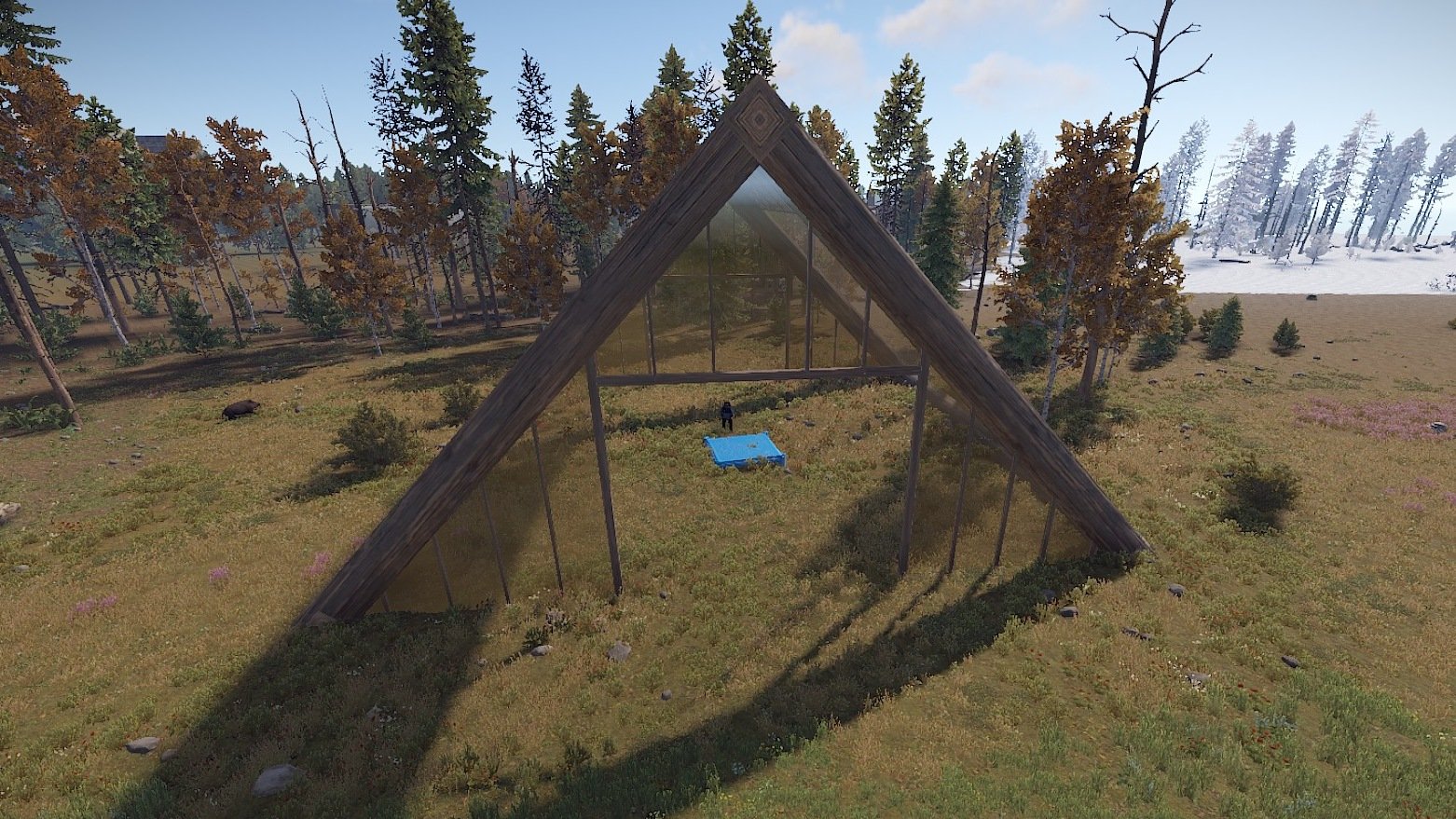
Glass Teepee
Prefabs count: 83

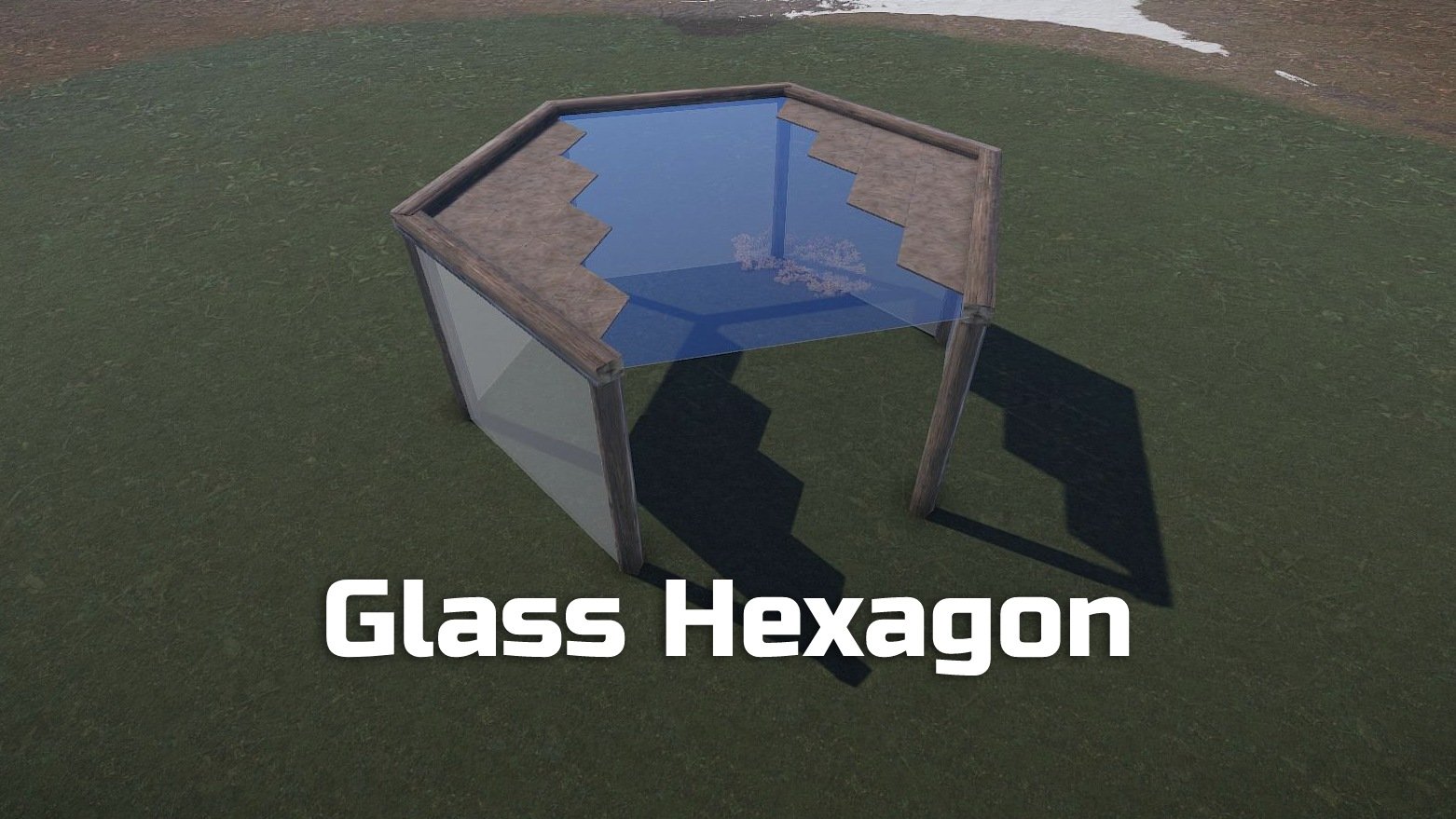
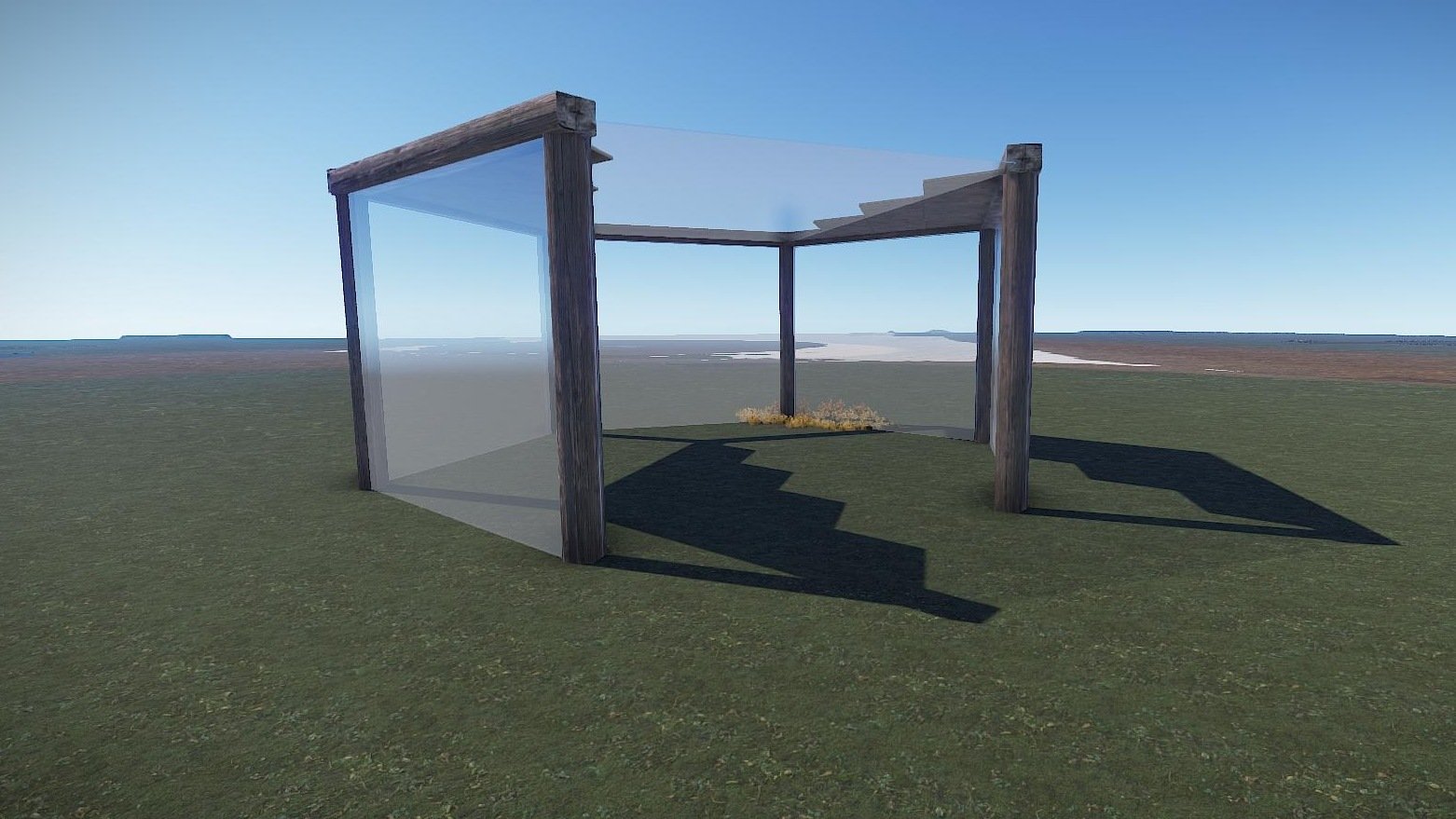
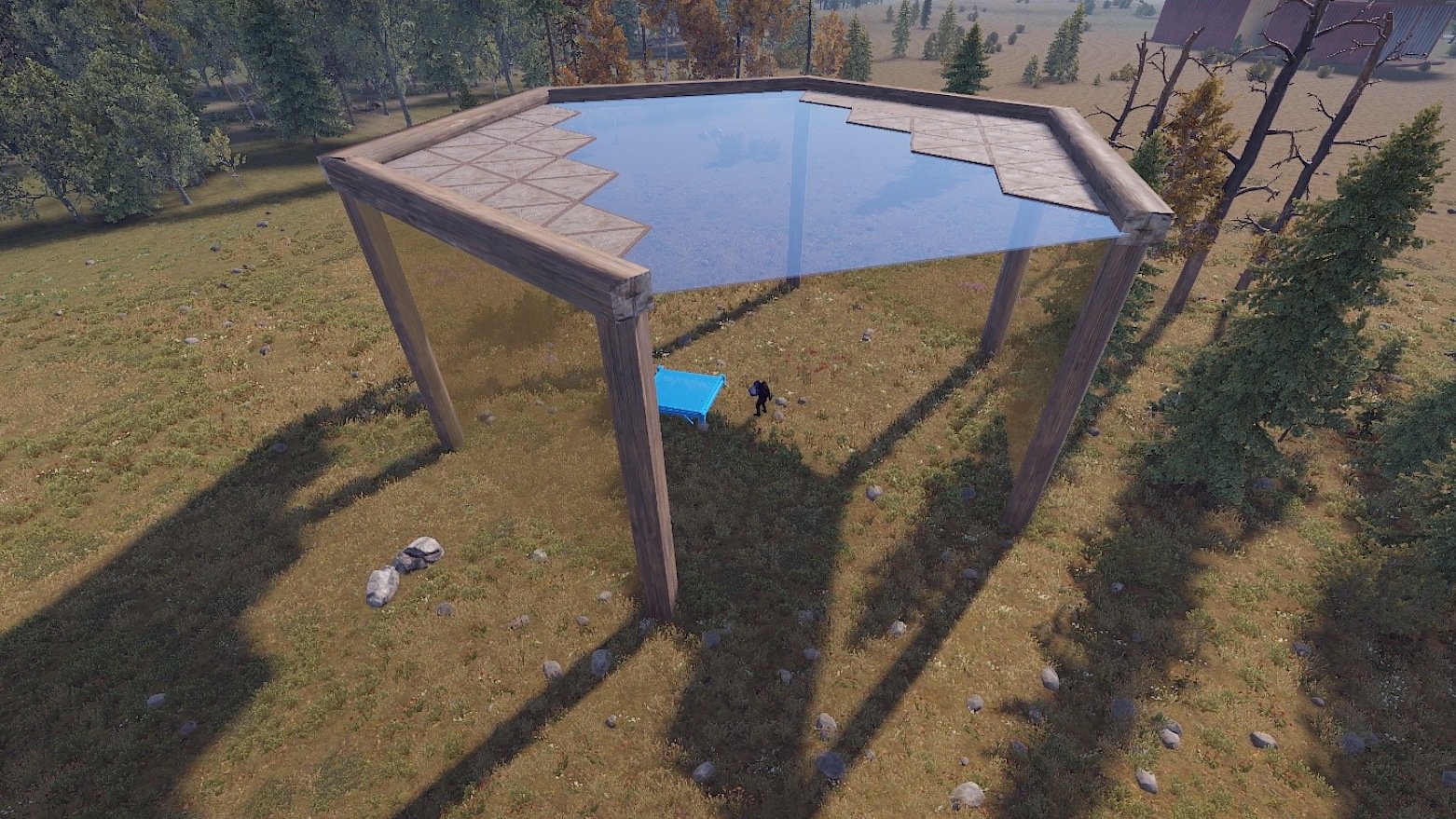
Glass Hexagon
Prefabs count: 57

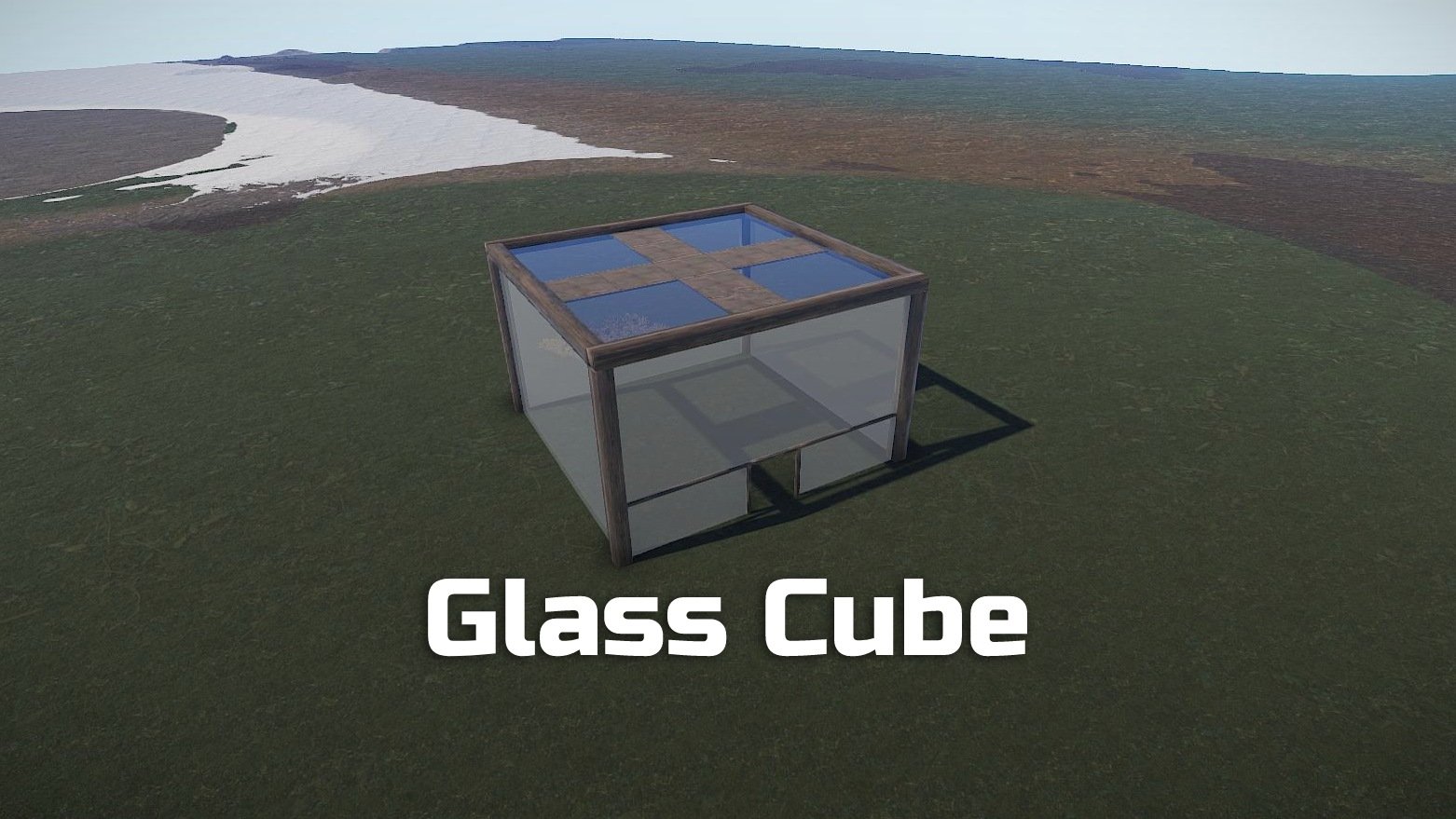
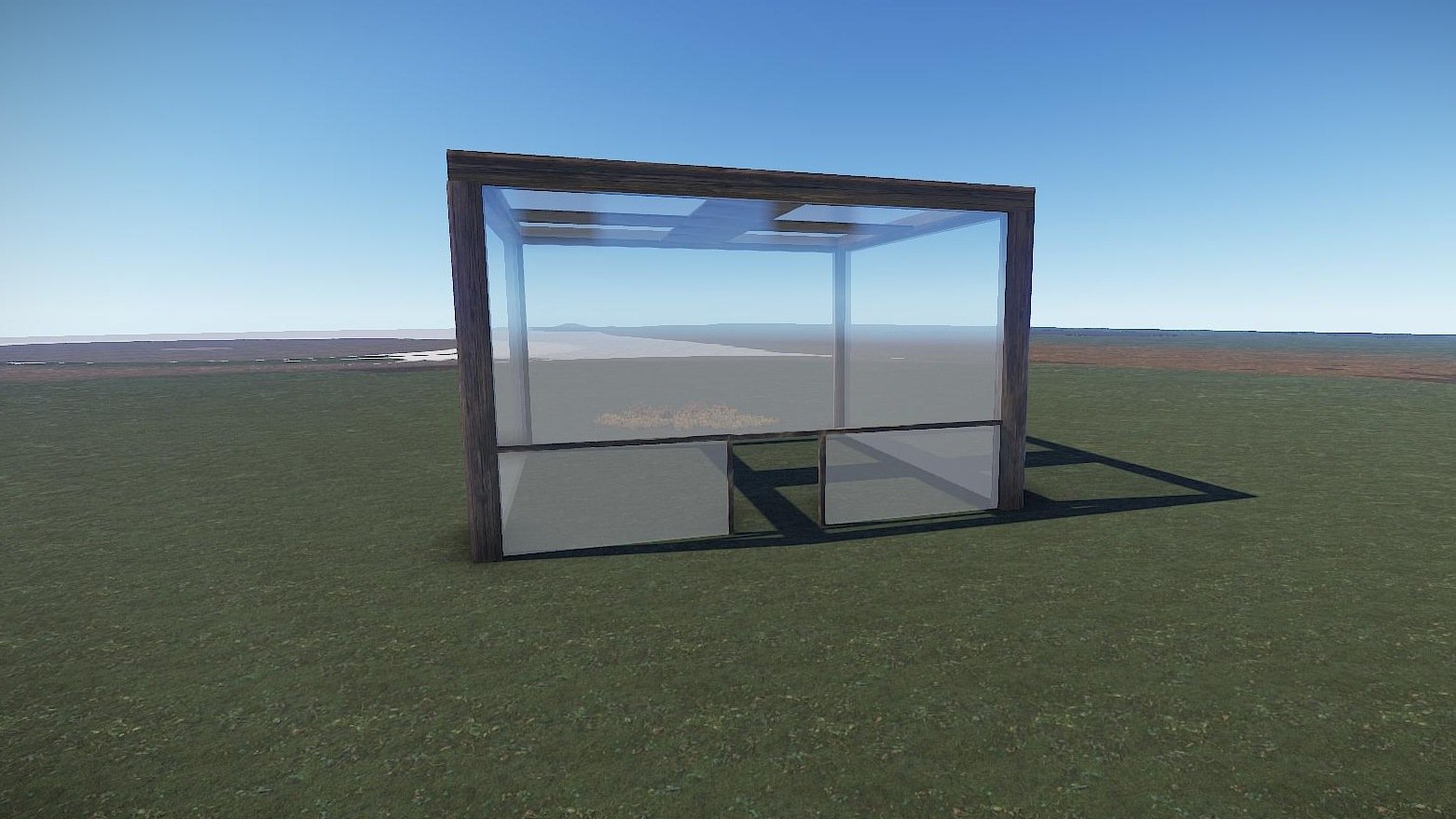
Glass Cube
Prefabs count: 27


No modifiers needed


Installation: 
1. Download file
2. Unzip the file and copy the folder to RustEdit\CustomPrefabs
3. Open RustEdit and place the prefab
4. Adjust the height of your prefab

If you want to remove the grass in the Glass Base paint with the Topology "Building" or Splat "Dirt", that way it removes the grass.


If you have any questions or problems, feel free to contact me on Discord:  ilineus - J.A.R.V.I.S.#5700.

Edited by ilineus

User Feedback

You may only provide a review once you have downloaded the file.

There are no reviews to display.

Configure browser push notifications

Chrome (Android)
  1. Tap the lock icon next to the address bar.
  2. Tap Permissions → Notifications.
  3. Adjust your preference.
Chrome (Desktop)
  1. Click the padlock icon in the address bar.
  2. Select Site settings.
  3. Find Notifications and adjust your preference.