



Jump to content
View in the app

A better way to browse. Learn more.

WeOxide Marketplace ¬ Rust Custom Maps ¬ Prefabs ¬ Monuments and Plugins Free & Paid Assets

A full-screen app on your home screen with push notifications, badges and more.

To install this app on iOS and iPadOS
  1. Tap the Share icon in Safari
  2. Scroll the menu and tap Add to Home Screen.
  3. Tap Add in the top-right corner.
To install this app on Android
  1. Tap the 3-dot menu (⋮) in the top-right corner of the browser.
  2. Tap Add to Home screen or Install app.
  3. Confirm by tapping Install.

Shalle's Wall Sockets 1.0.0

$2

(0 reviews)

3 Screenshots

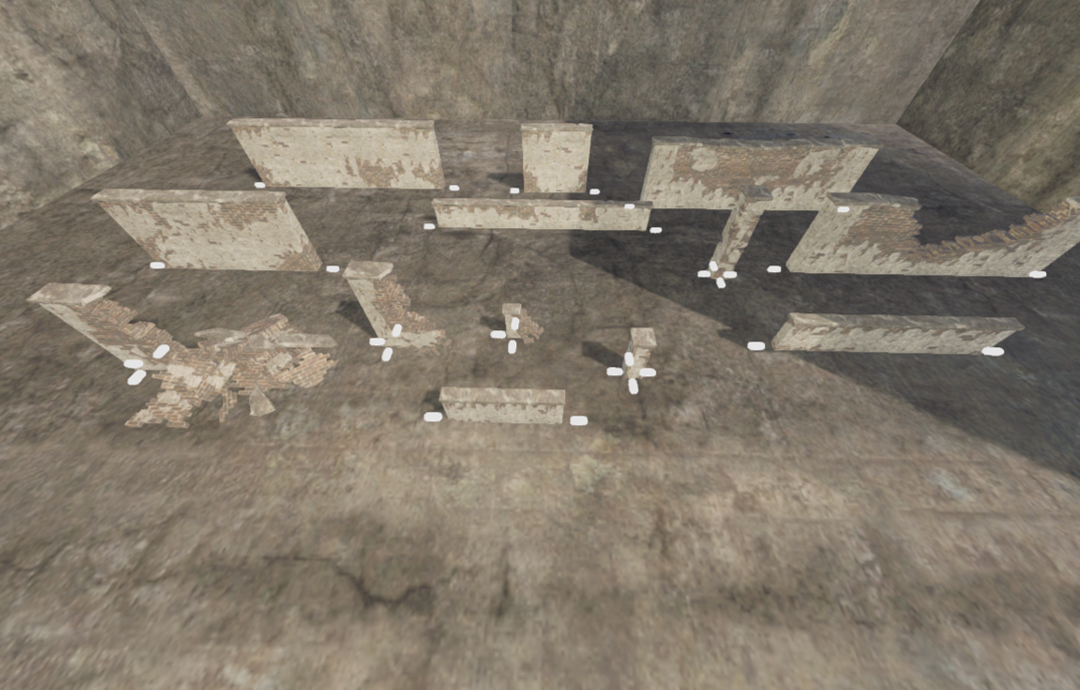
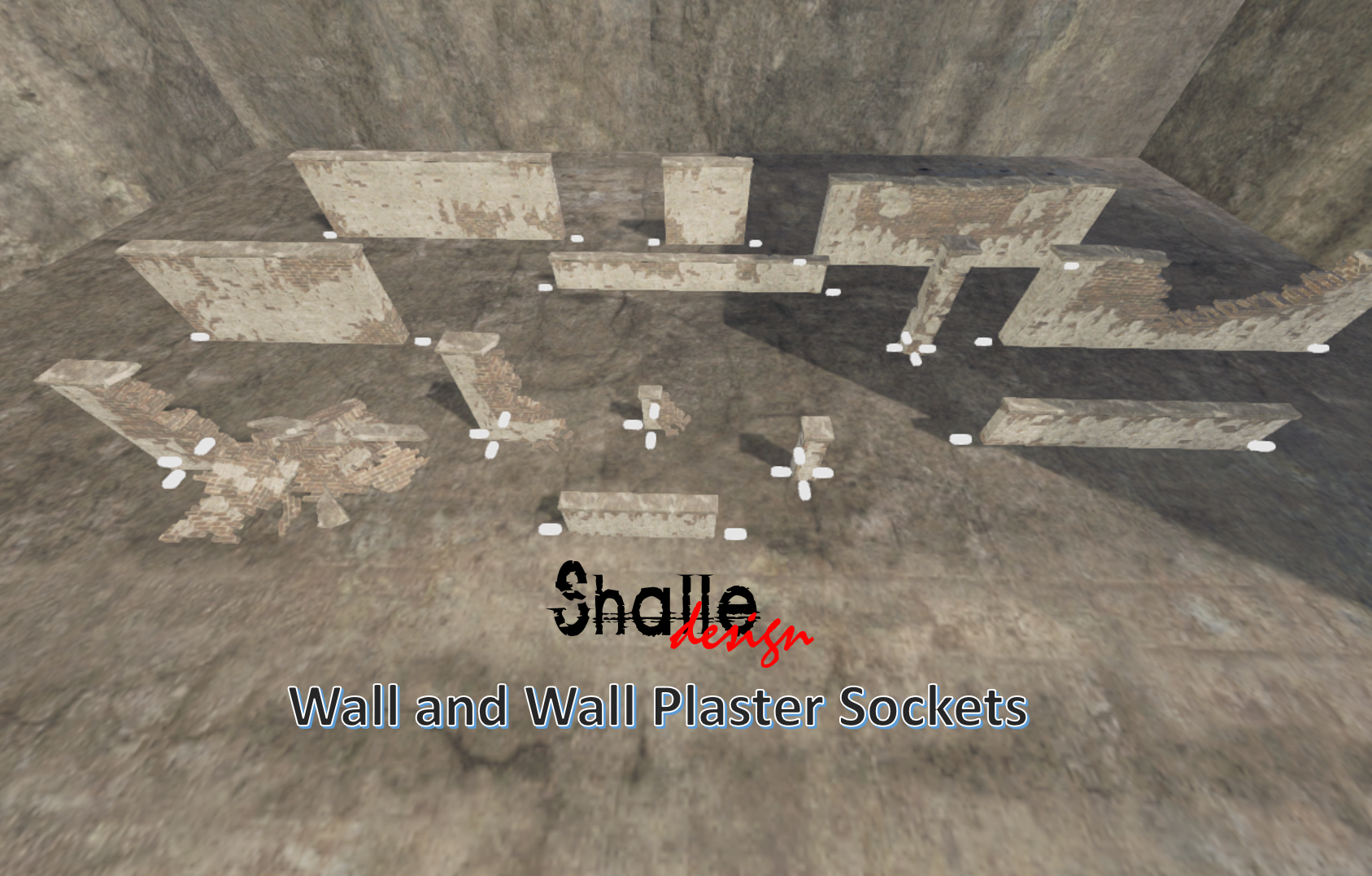
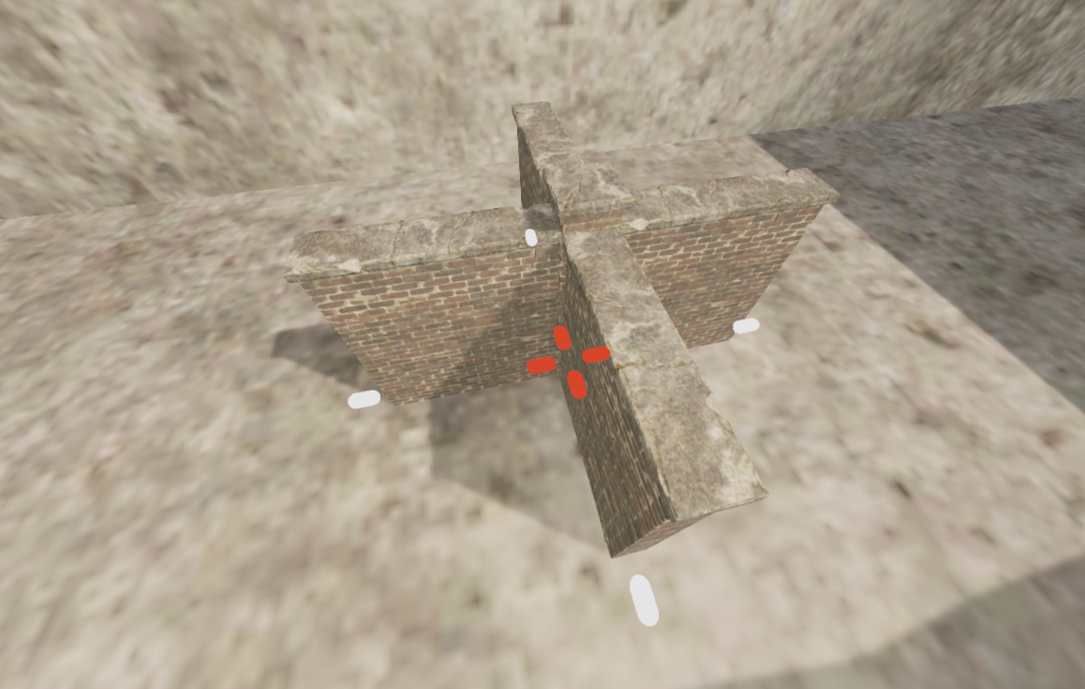
From the series - "All that irritates me" - Add sockets on all Walls and Pillars (plaster too) to facilitate and speed up the creation, avoiding overlapping walls that keep appearing in the final product. Hope you like it. This price is symbolic, just to support me. Thanks!

Follow in Instagram https://www.instagram.com/shalle_design

Like my work? Support me in Patreon https://www.patreon.com/shalle

My sincere thanks to MnfreakTim of Relaxed Rust for granting me the use of his Build Server. Meet Relaxed Rust

https://relaxedrust.com/

Relaxed Rust Server IP: 104.192.227.36:28221

User Feedback

You may only provide a review once you have downloaded the file.

There are no reviews to display.

Configure browser push notifications

Chrome (Android)
  1. Tap the lock icon next to the address bar.
  2. Tap Permissions → Notifications.
  3. Adjust your preference.
Chrome (Desktop)
  1. Click the padlock icon in the address bar.
  2. Select Site settings.
  3. Find Notifications and adjust your preference.