



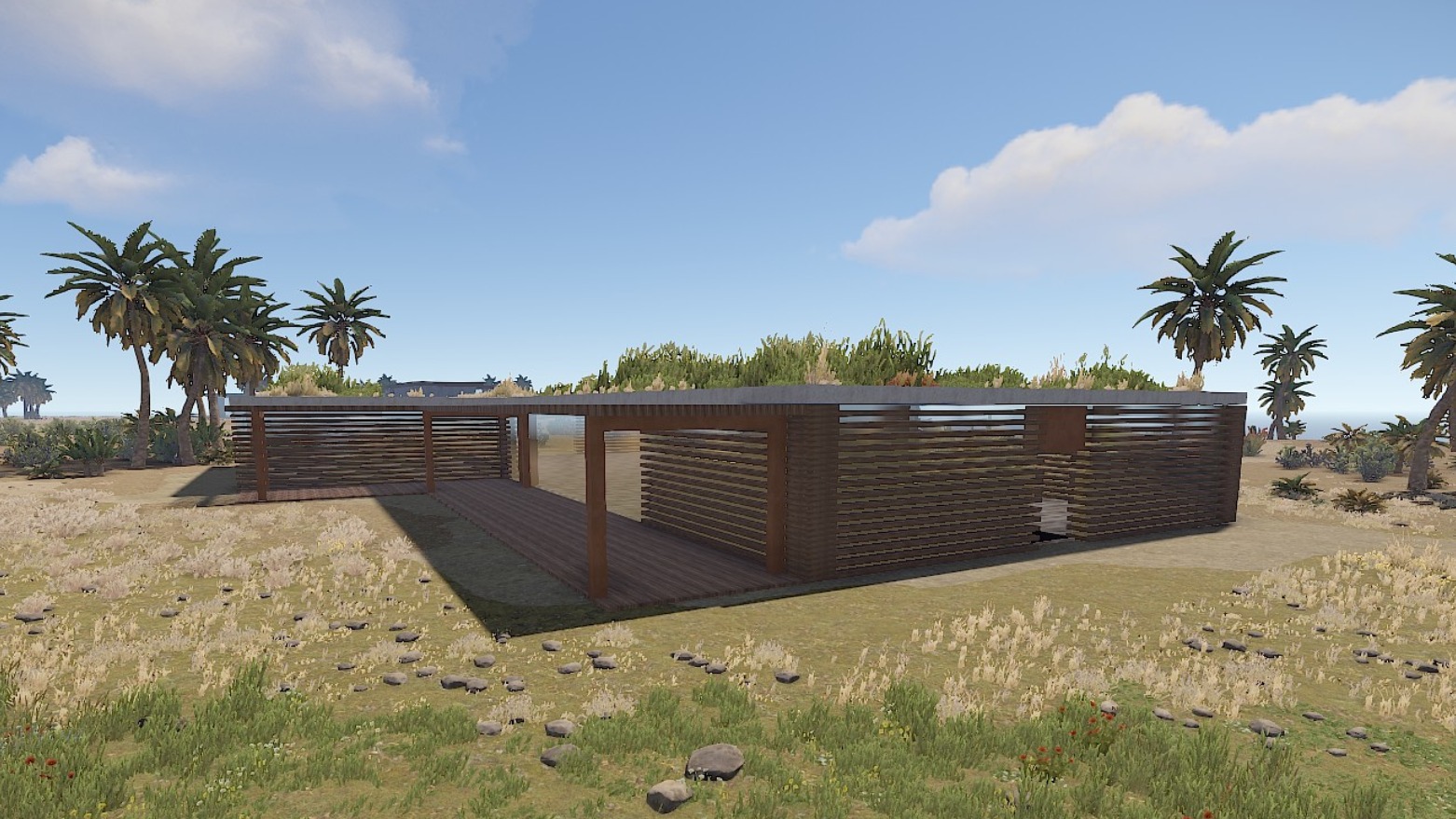
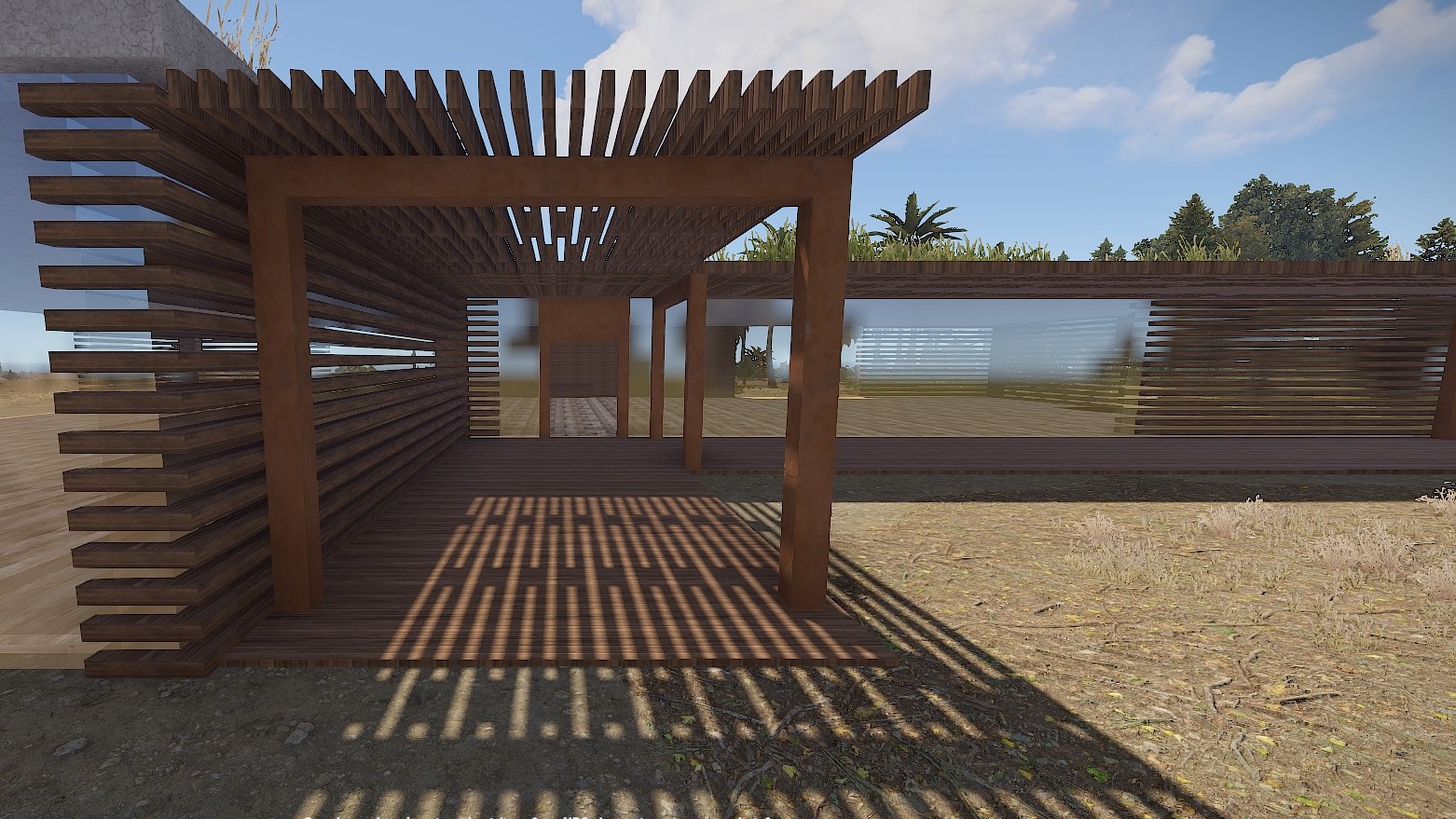
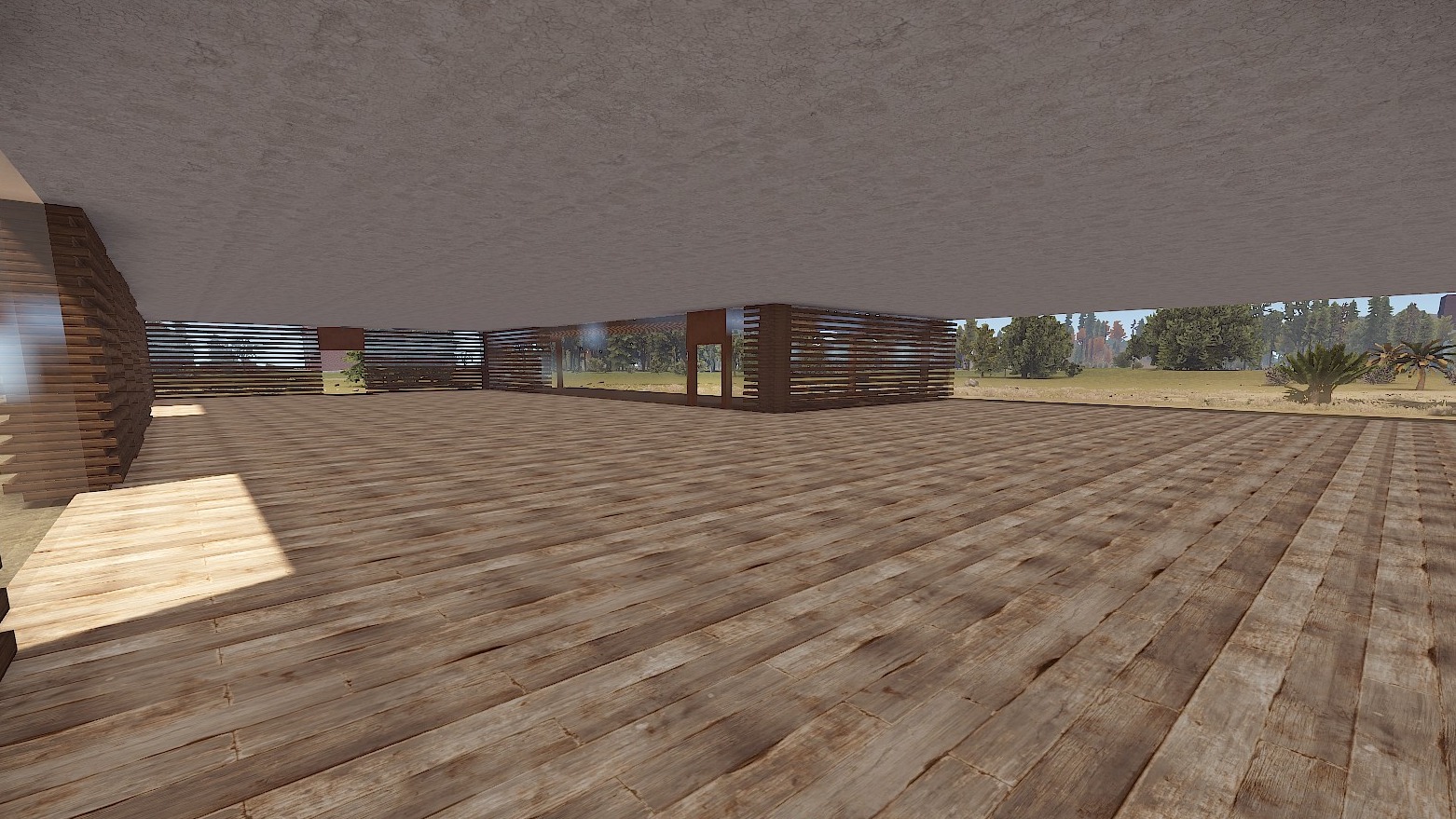
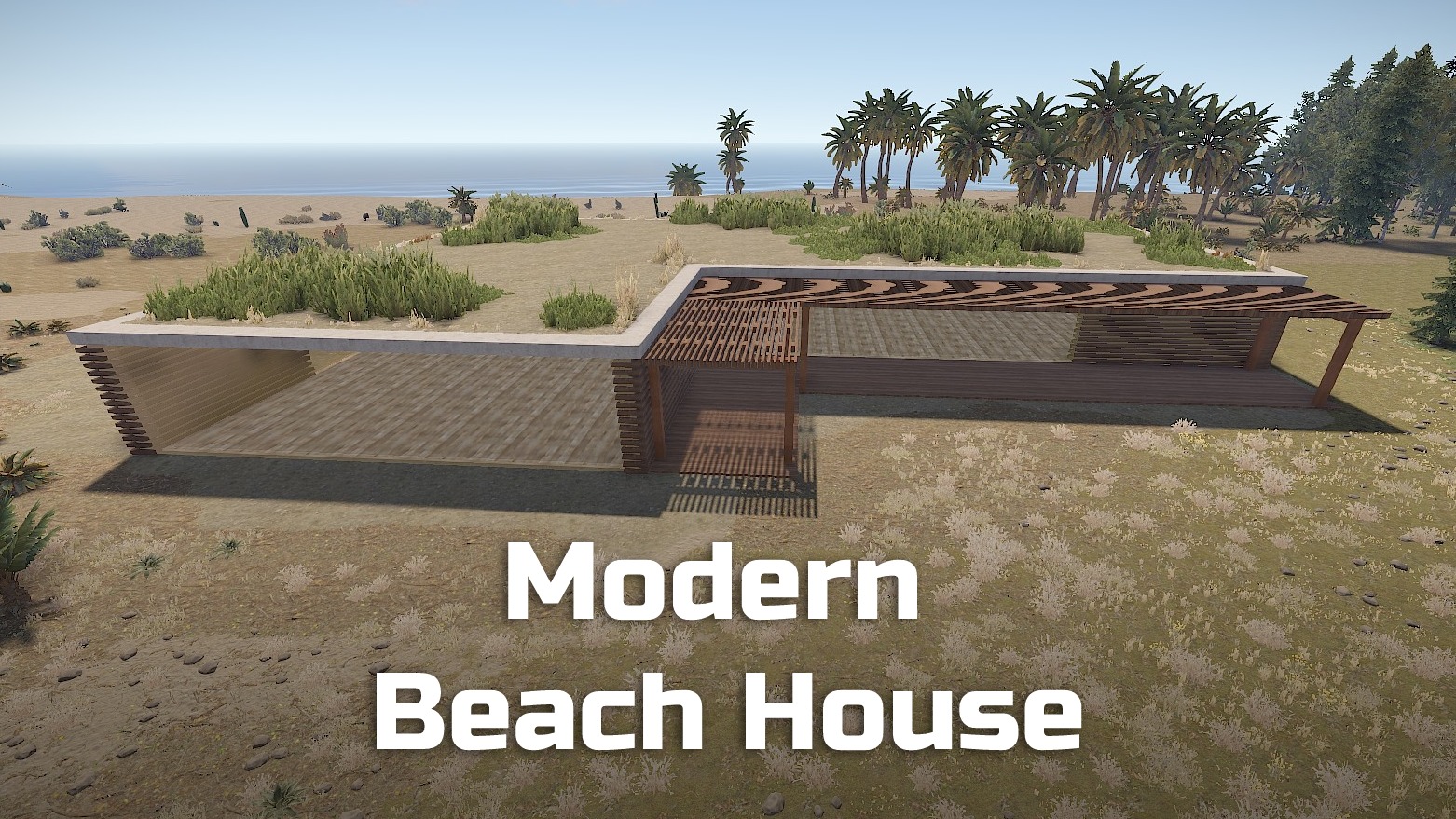
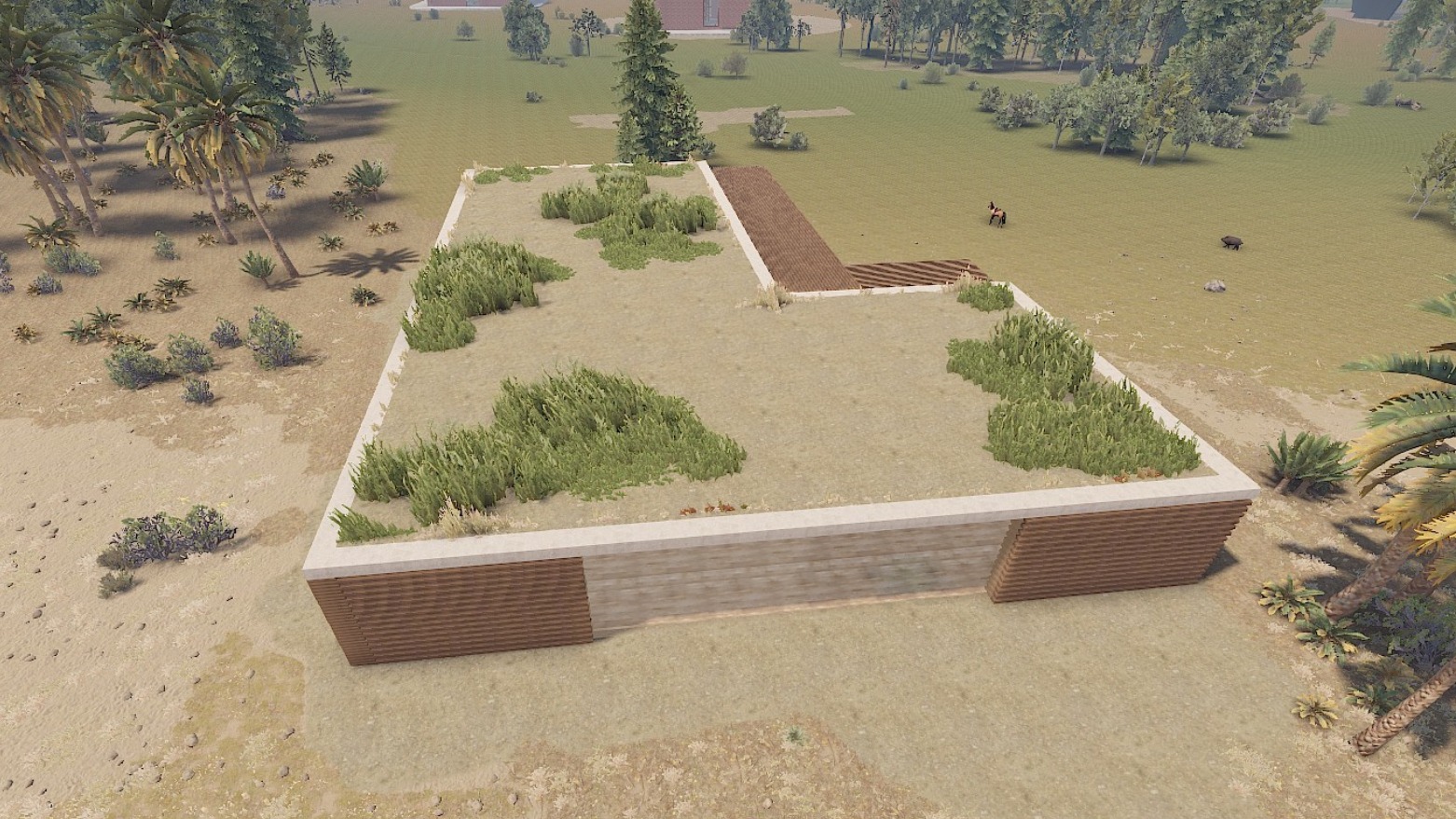
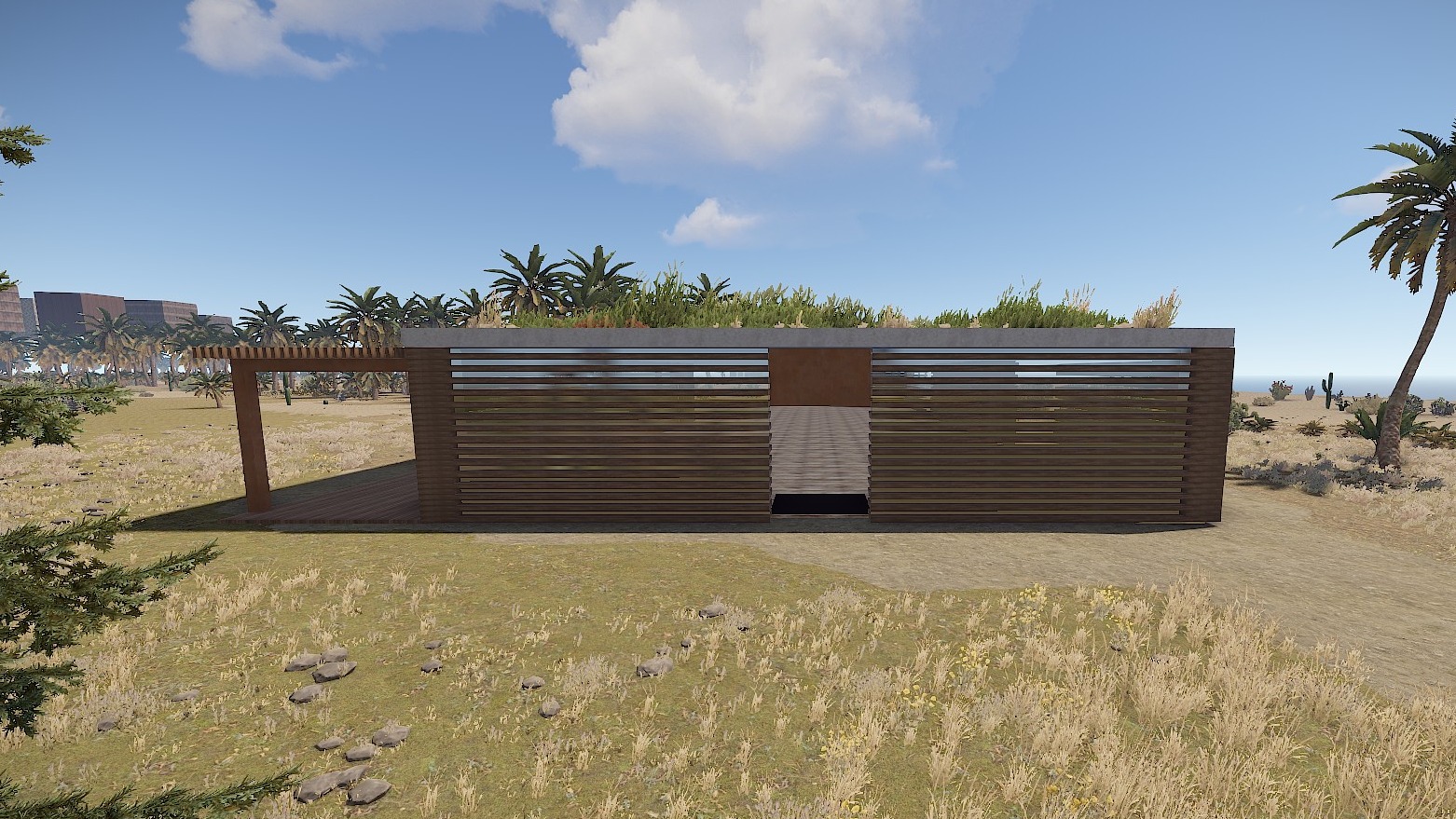
In this beach house you can do whatever you want with your creativity.
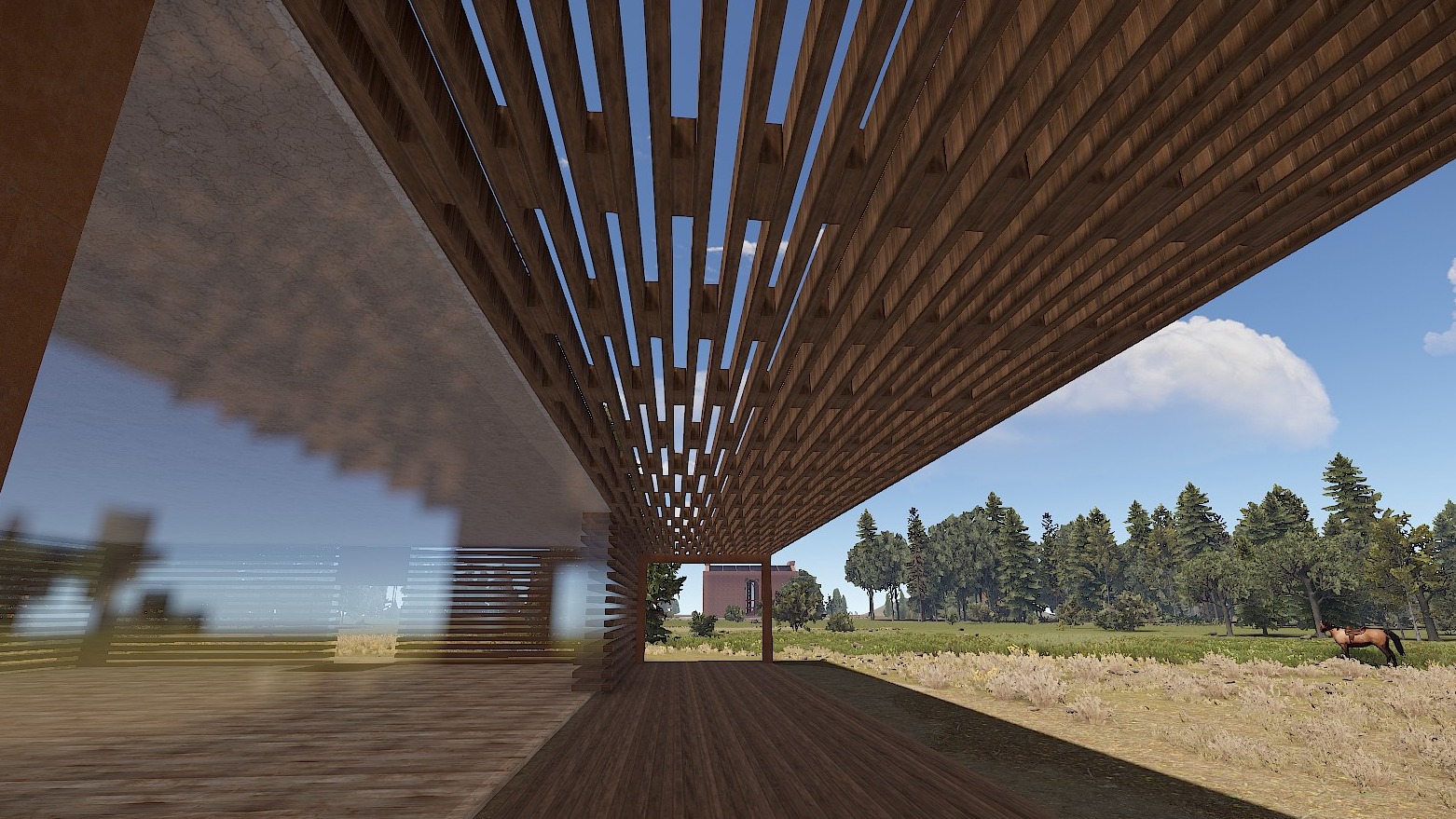
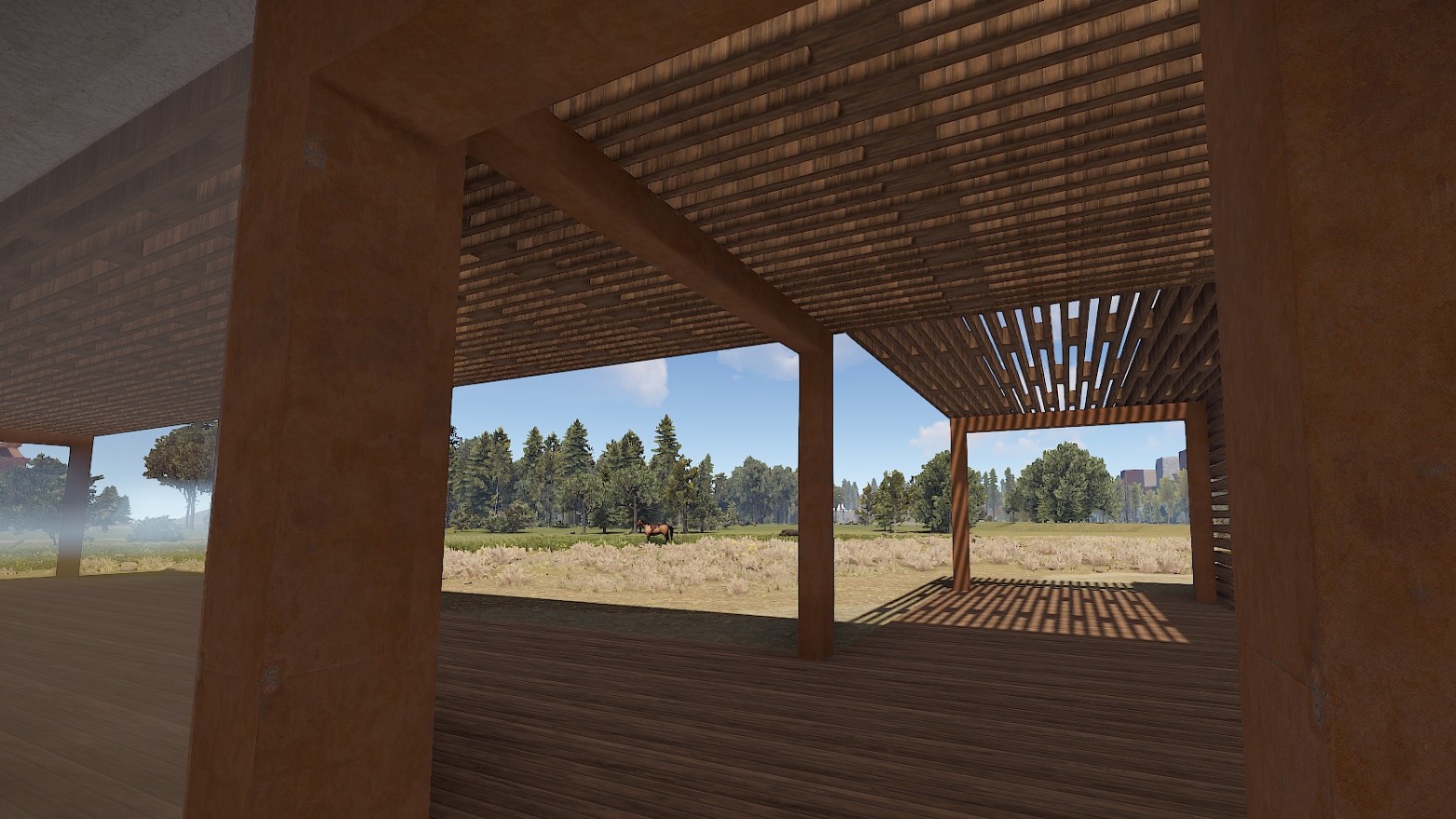
The modern roof offers nice shade and through the wooden slatted walls you can always see what's happening around.
Have fun with it!
Prefabs count: ~663
Modifiers: Height, Topology
Installation:
1. Download file
2. Unzip the file and copy the folder to RustEdit\CustomPrefabs
3. Open RustEdit and place the prefab
4. Apply the Height/Topology modifier
If you have any questions or problems, feel free to contact me on Discord: ilineus - J.A.R.V.I.S.#5700
Edited by ilineus
This prefab may only be used for your own Rust server.
You are not allowed to share, redistribute, sell or claim this prefab as your own.
You are not allowed to share, redistribute, sell or claim this prefab as your own.
You may only provide a review once you have downloaded the file.
There are no reviews to display.