



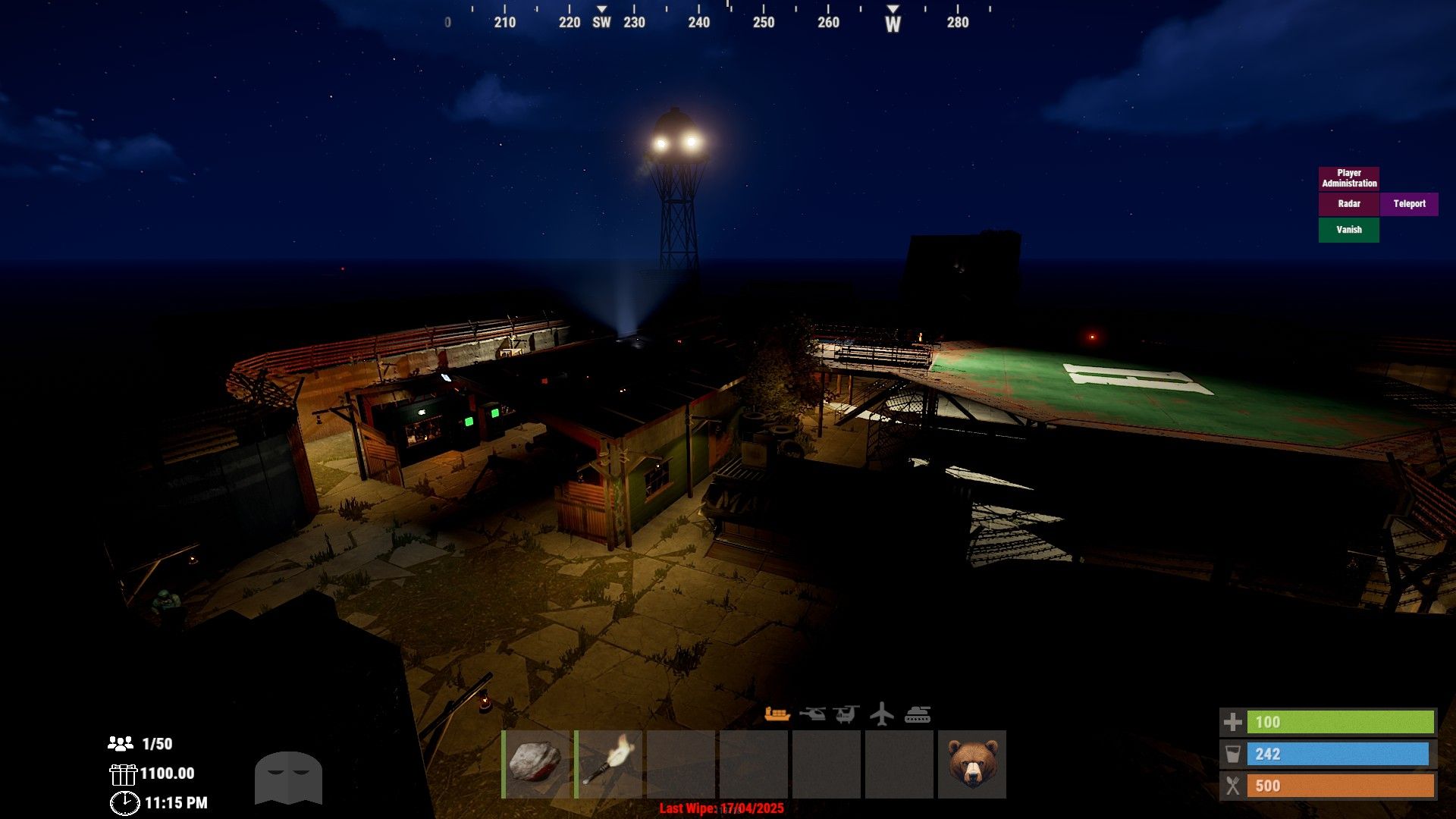
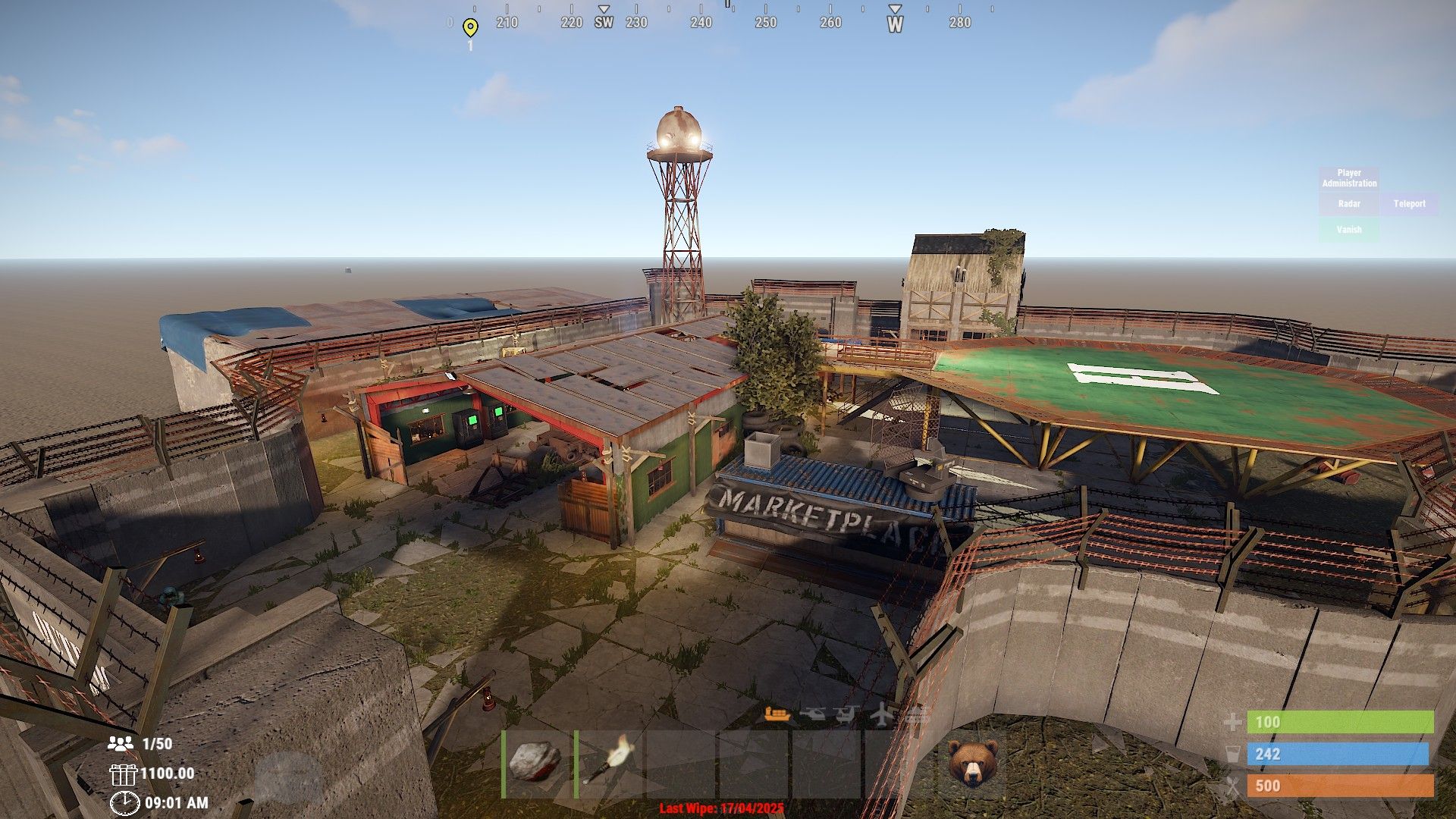
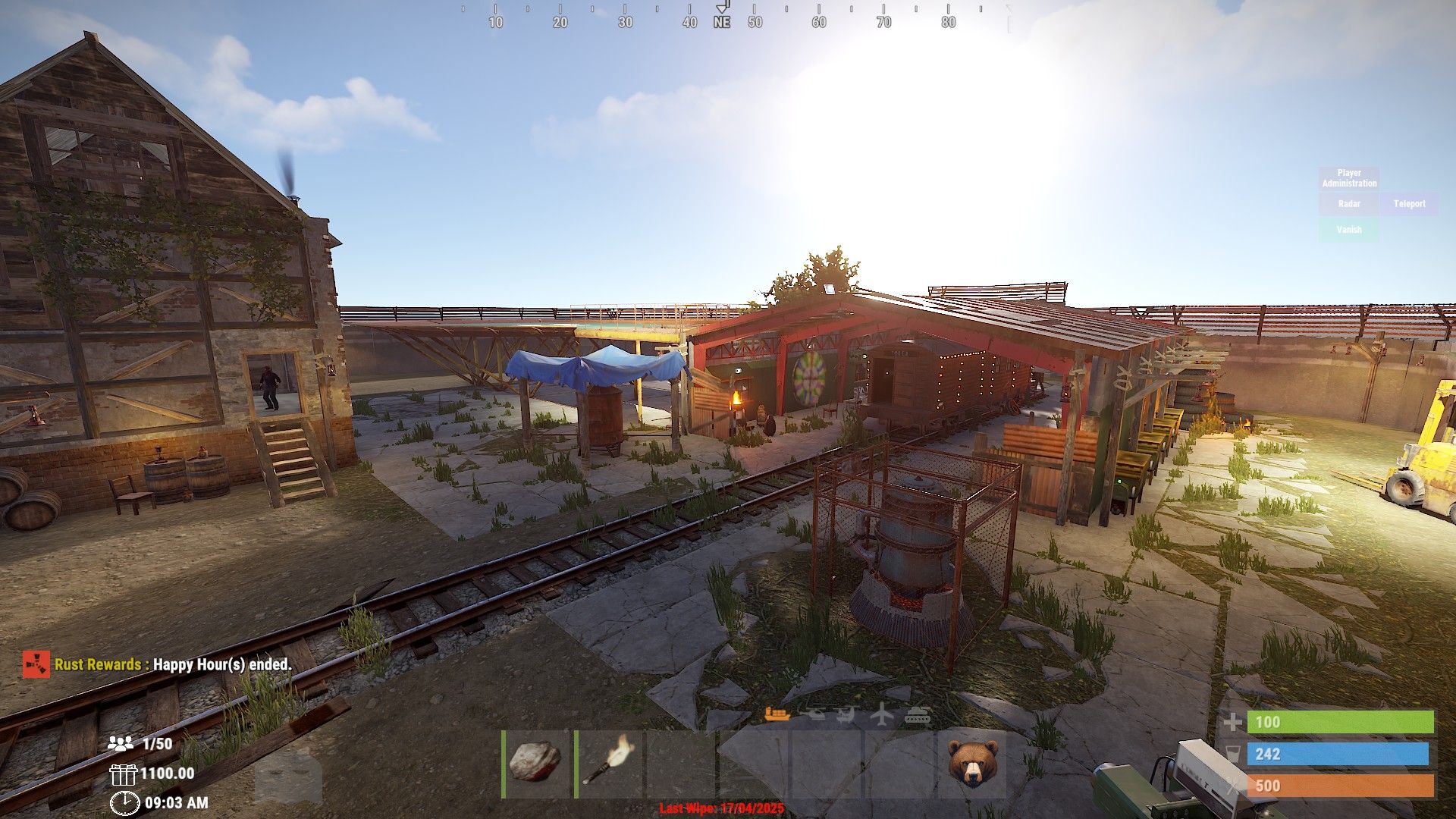
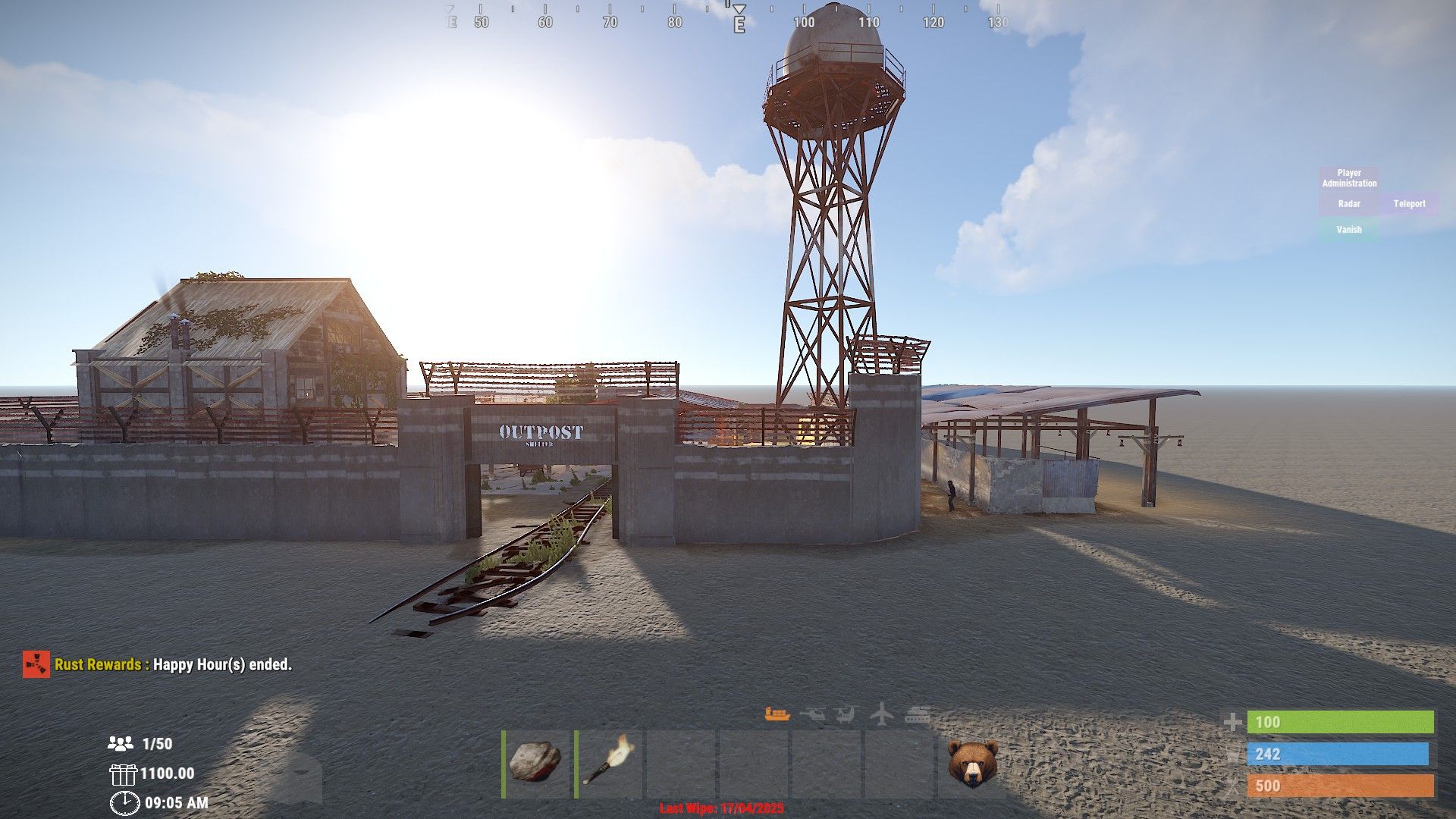
About Warehouse Outpost (bandit/outpost/stables)
Bring together Outpost, Bandit Camp and Stables to one safe zone.
All mission providers are located, all outpost vending machines added, stables to the side, added house for use with quests or the offering or whatever you would like to use it for. Bandit shopkeepers have been placed however I cannot figure out how to make them work in game. probably missing something my end when testing.
Plenty of lighting for night time.
Includes
4 recyclers
Caboose train and all gambling options
Big wheel
Oil refinery
T1 workbench
Research table
Repair bench
Heli pad for landing as well as placing your airwolf
Drone Marketplace
Barbecue and seating for comfort
Large watercatcher
No frame loss when testing on my own server. No glitchy overlaps. All vending machines working as they should.
I have included screenshots from both RustEdit and in game.
prefab count before grouping was around 600
I have included a testmap featuring only this outpost for testing before implementing onto your own maps.
What's New in Version 1.0.1
Released
Moved airwolf, fixed some flickering on the ground
You may only provide a review once you have downloaded the file.
There are no reviews to display.