



Good day everyone.
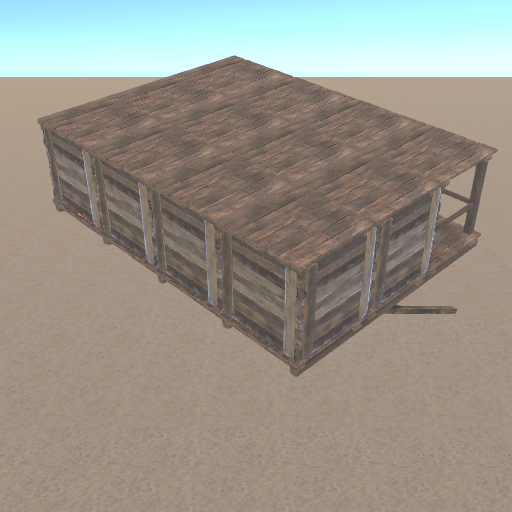
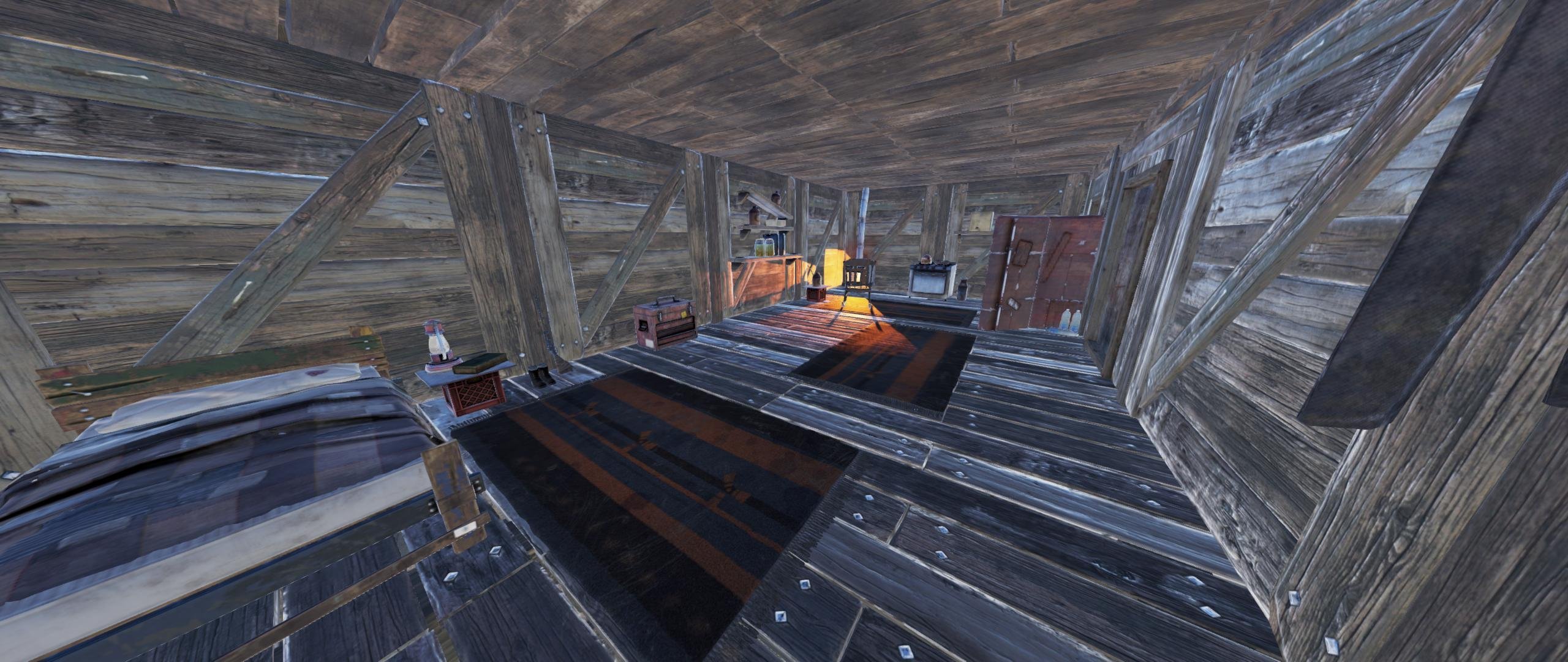
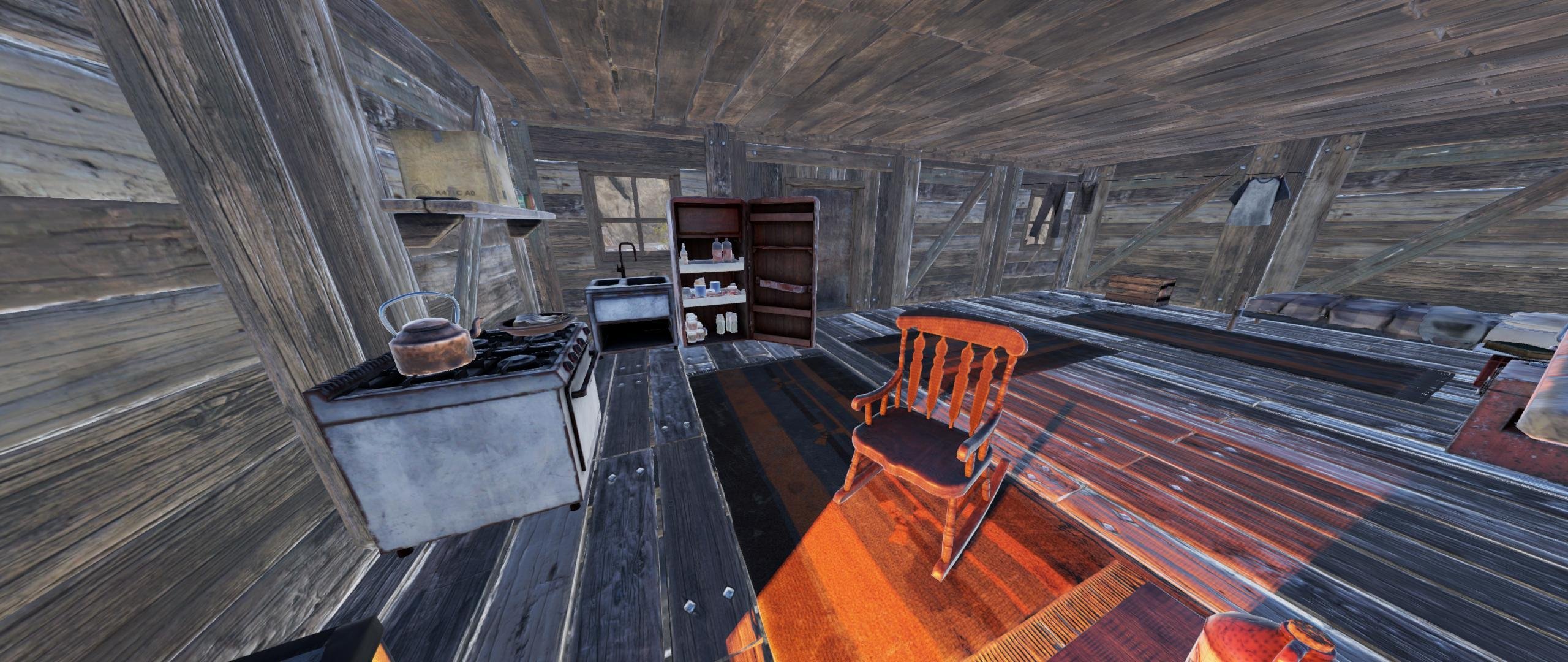
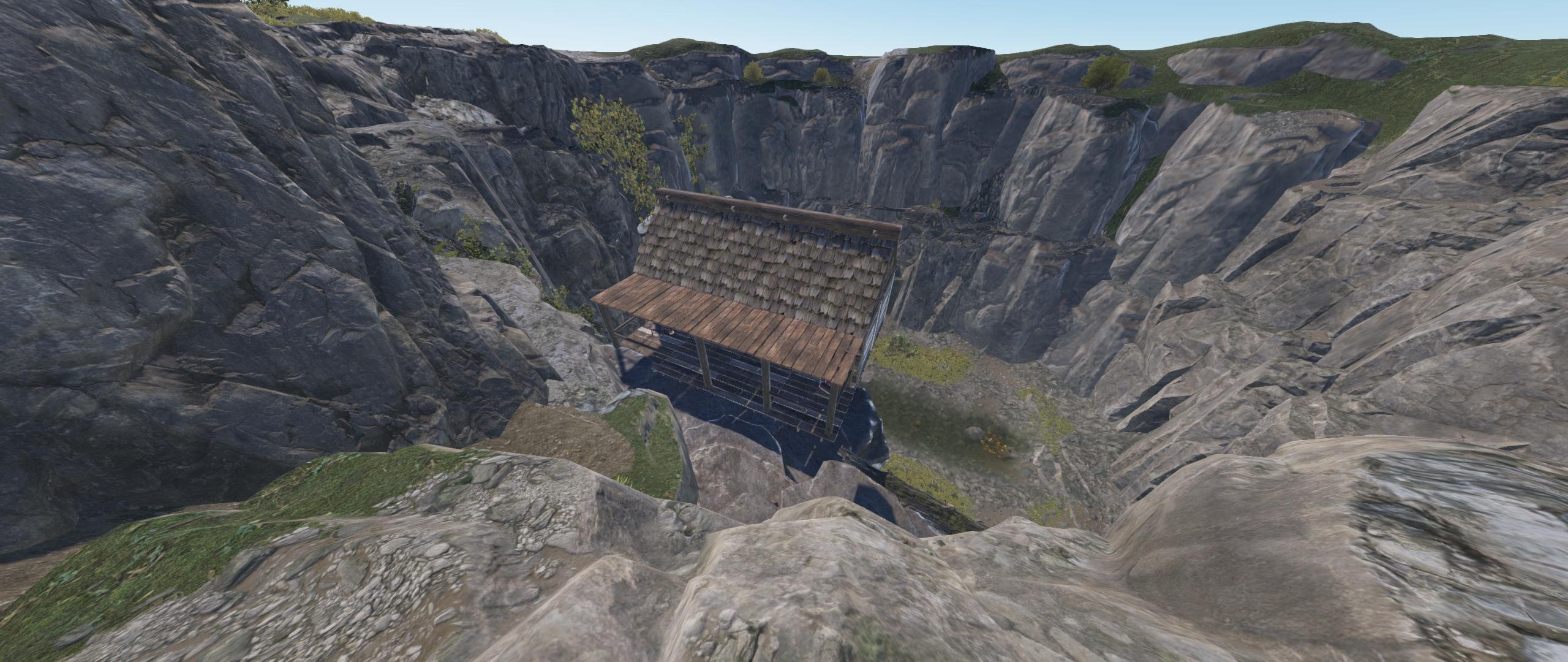
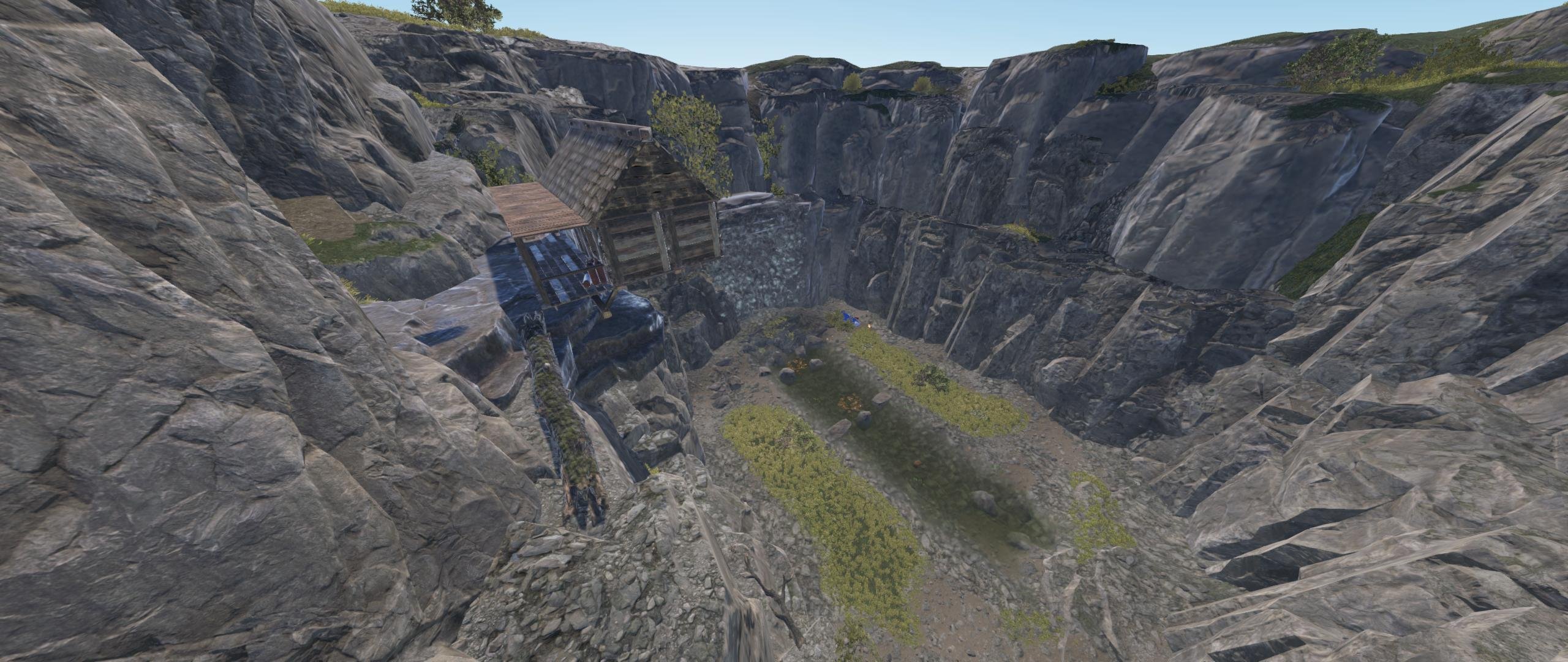
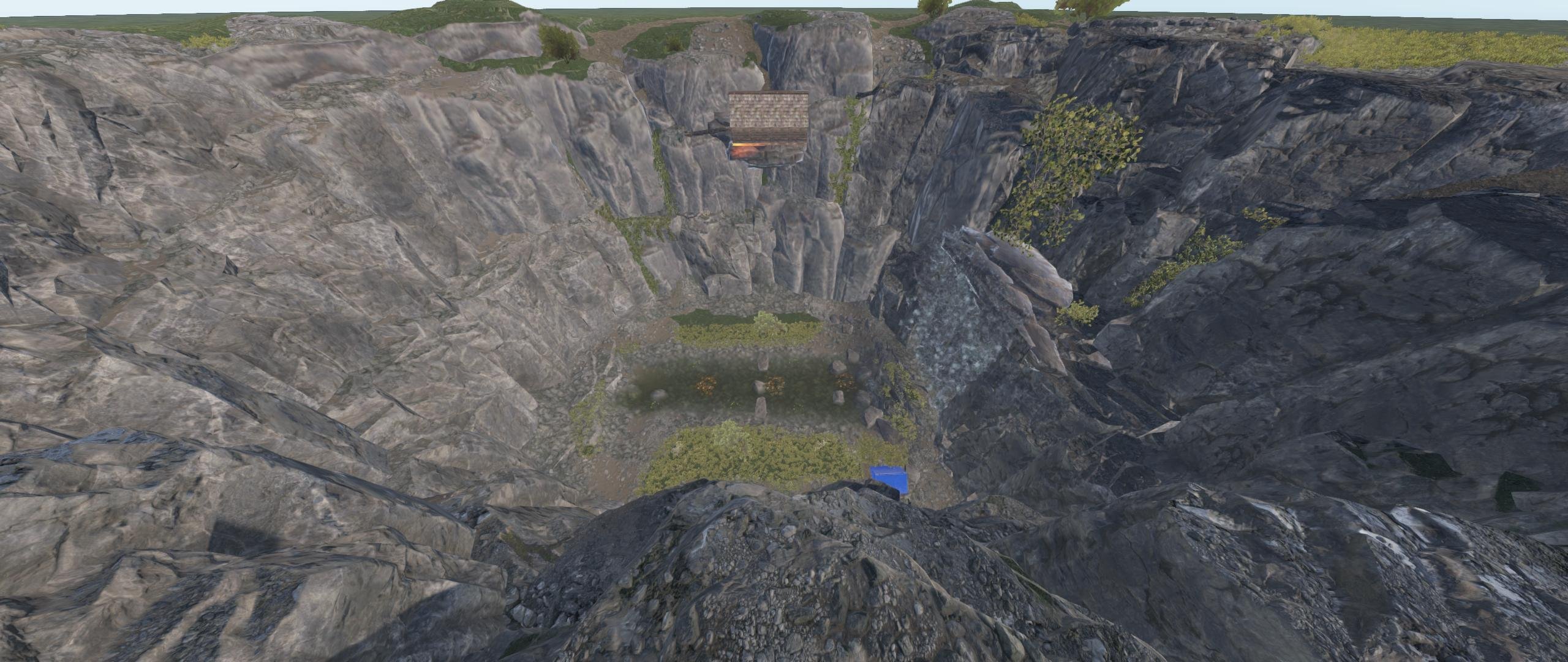
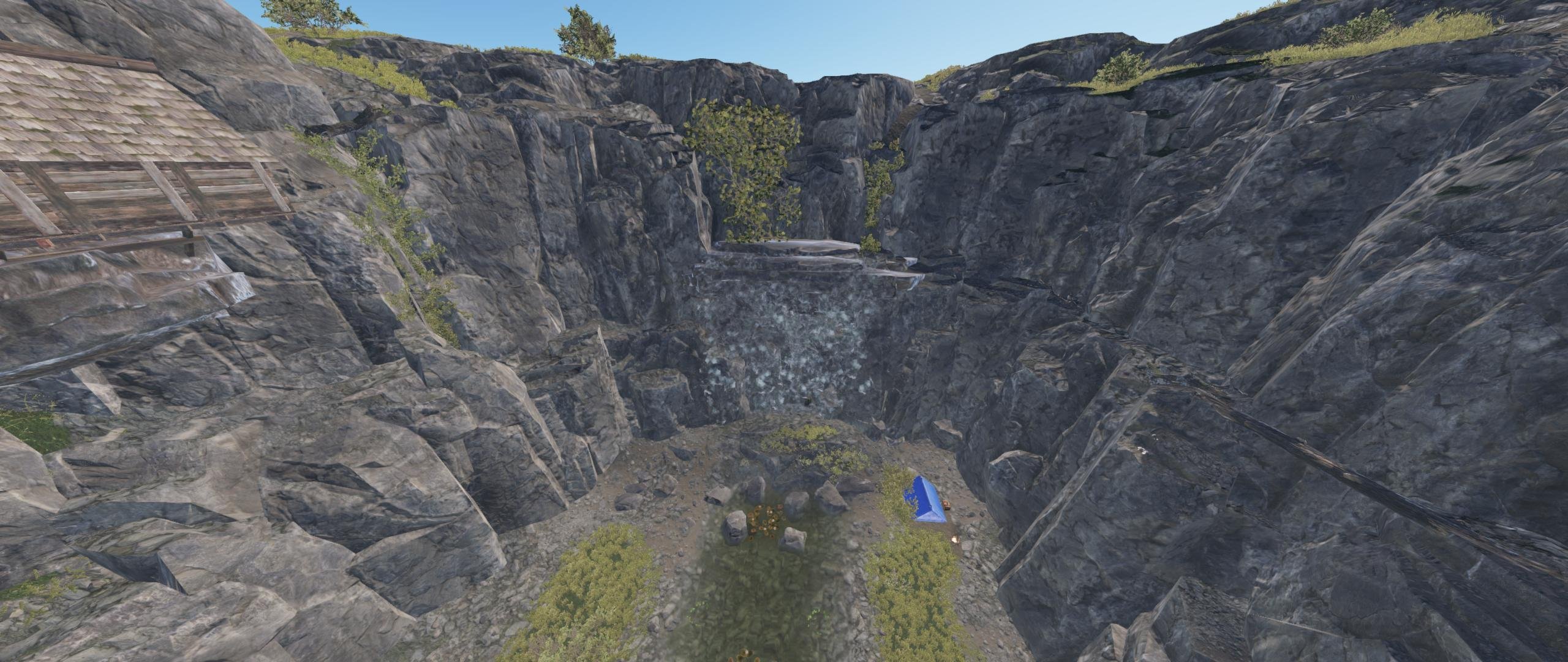
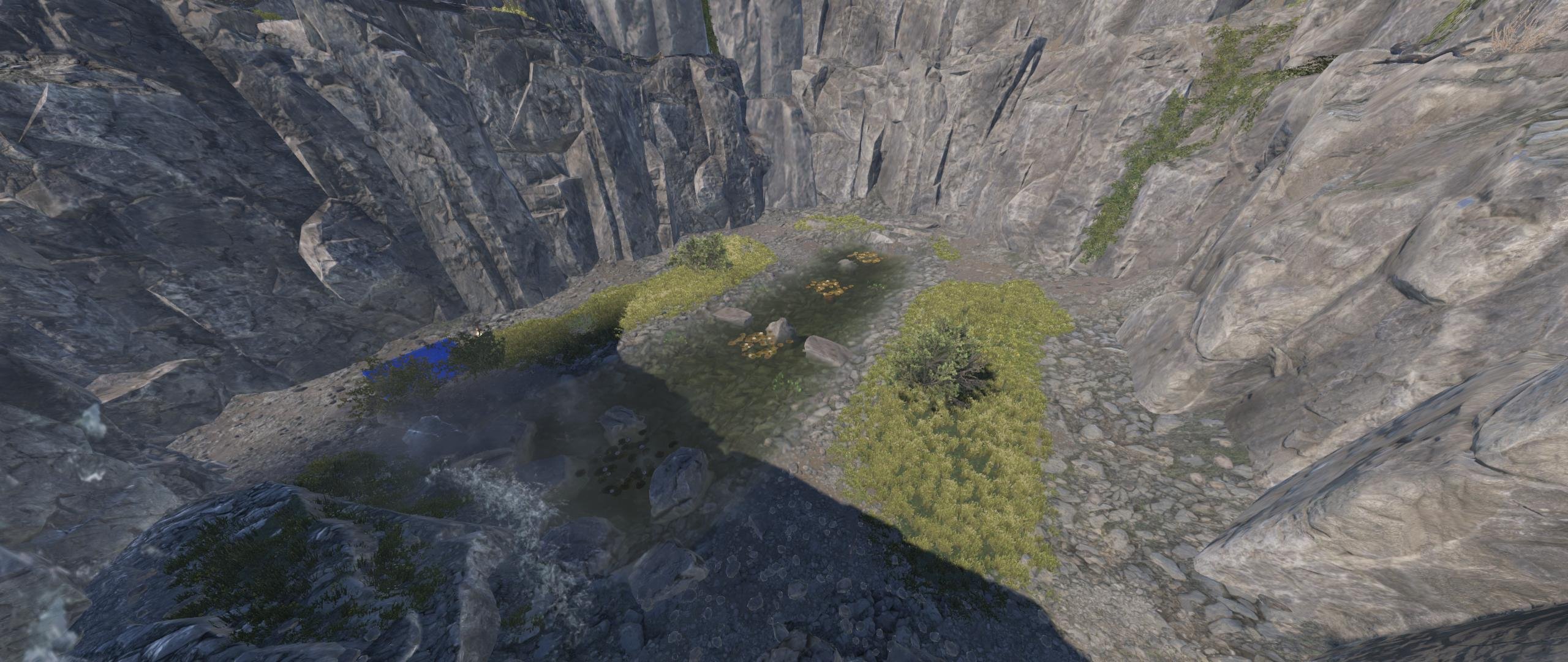
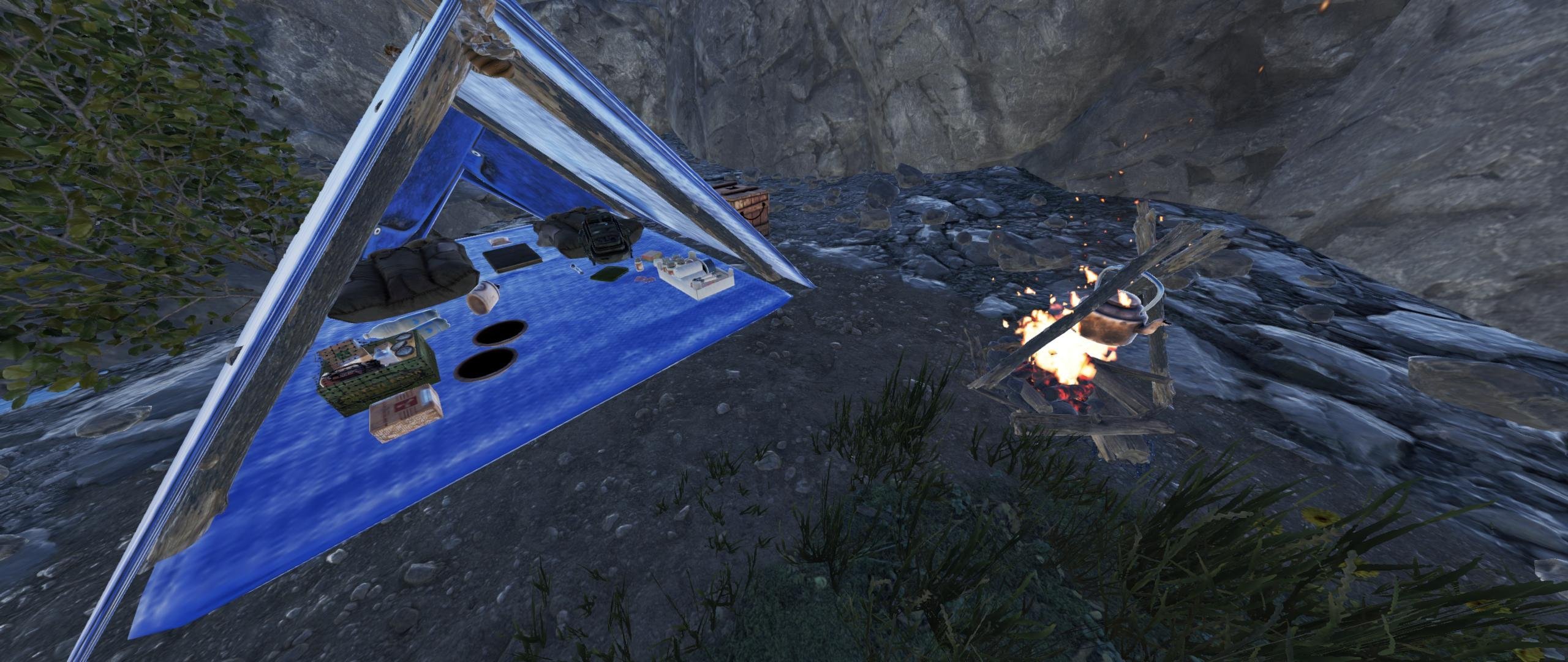
I am presenting to you, Treasure Valley, a waterfall monument, surrounded by cliffs, a custom wooden cabin, and a small river below. Within these cliffs, a man once lived, told to have hidden all of his belongings in the waterfall. Hidden treasure awaits who have the heart and the courage to climb down the valley and seek it.
Many have tried and failed, but, you will be the one to find the treasures. But a note of warning, there are some traps found in the area.
Features:
- Waterfall with cliffs, and below a small river with some food spawns.
- The cliffs are equipped with mother natures way to provide some parkour abilities. Use these to reach the bottom.
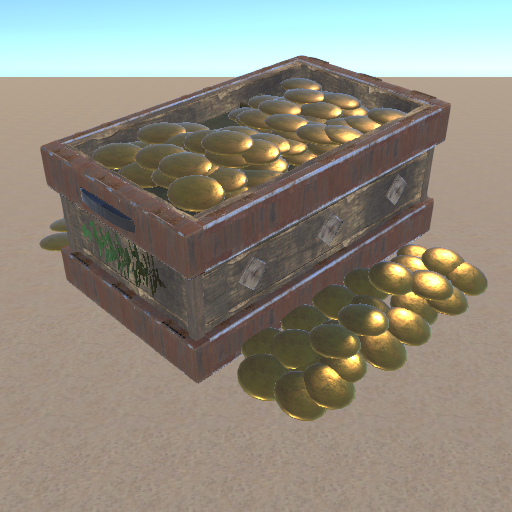
- Hidden loot crates can be found below, these includes: Basic Crates, Military Crates, Food and Medical crates also.
- Total Prefabs: About 750 total.
- Total additional height is about 50, recommended map height: 550 Minimum.
Included is the Height, Splat, Road, and Topology appliers. (Road is used for the river)
This monument requires the Oxide.Ext.RustEdit.dll file to be installed on to the hosting server.
If you need help, have problems, or for any questions, please feel free to join my Discord or DM me, gpsmit84#5963.
Have a wonderful day, and chat again soon.
Regards
Edited by gpsmit84
You are not permitted to use this product for any commercial sales, distribution and/or any other commercial means than mentioned above without prior permission and/or consent from the original author. If you however need to use this product in your own commercial product, please contact the author, hereby known as gpsmit84, for any further details and/or requirements regarding the process of such sales, distribution or any other commercial means. You do not hold the right to claim this product as your own, or to sell it under your own name.
You are entitled, without additional payment, for further updates, and/or support when needed, if this product becomes unusable, you are granted full support. Only exception of this support and/or guarantee, is when prefabs are damaged due to in-game complications and/or prefabs used in the monument becomes unusable, causing this monument to be terminated.
You may only provide a review once you have downloaded the file.
There are no reviews to display.