





.webp.01ef47c1c66243b2e93a79447947484a.webp)

Depends on:
Image Library
Rust Translation API
Warning:
Kindly note that this plugin supports only Oxide and is not compatible with Carbon.
Manage key game elements and create a unique atmosphere on your server!
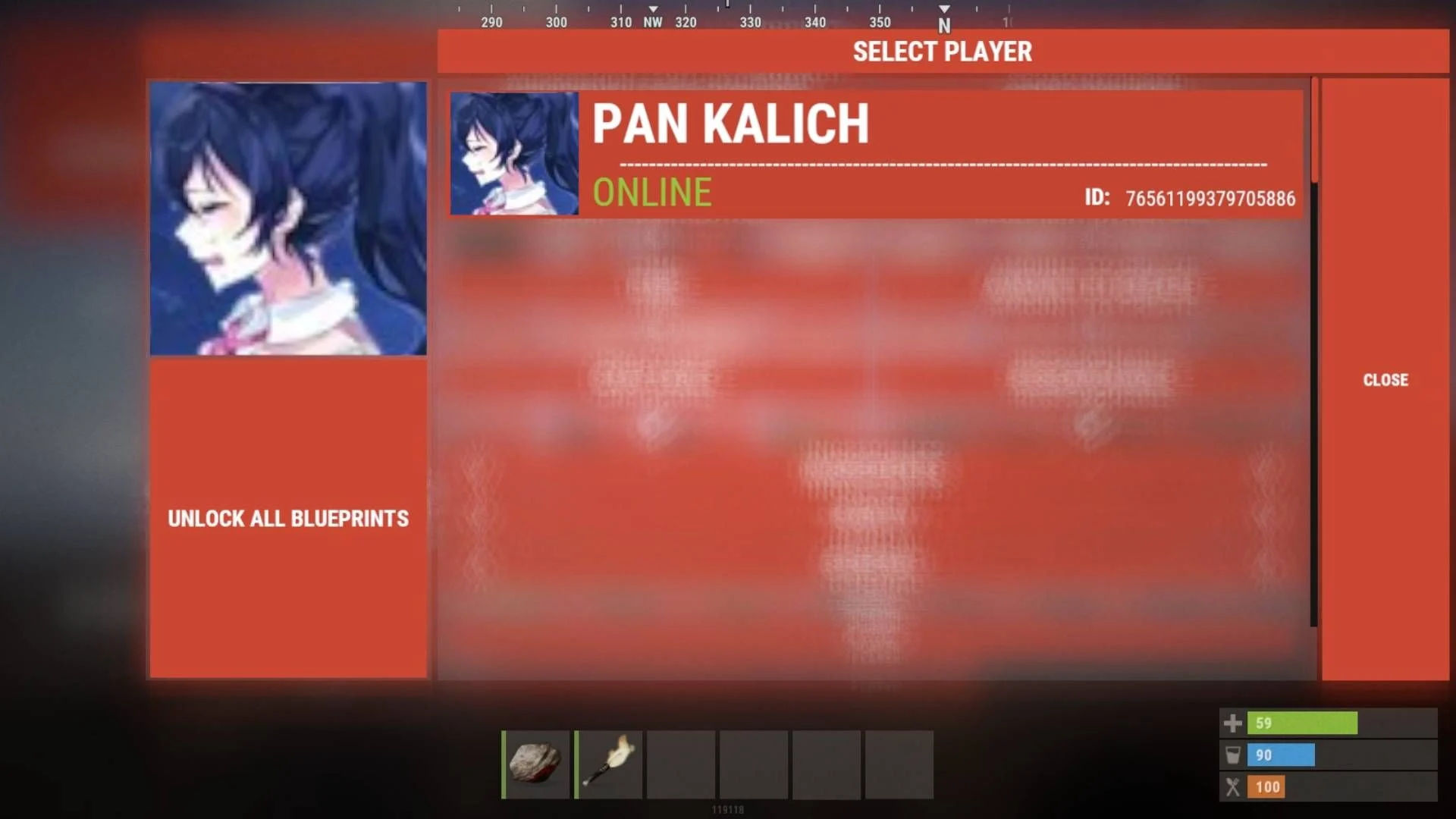
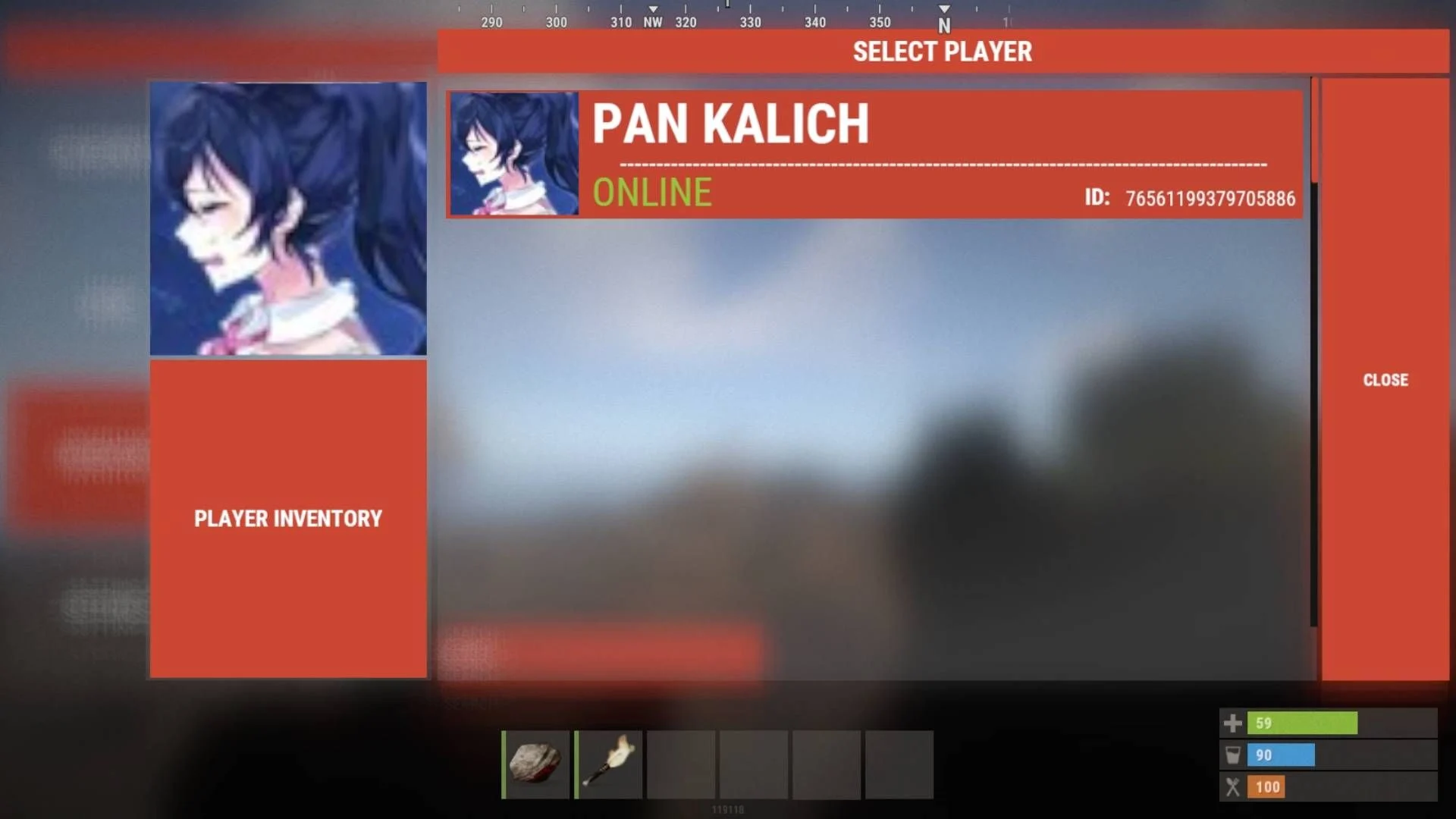
Our plugin allows you to easily modify blueprints, item parameters, and player inventories according to your preferences.
Thanks to user-friendly settings, the configuration process is simple and intuitive.
Main Features:
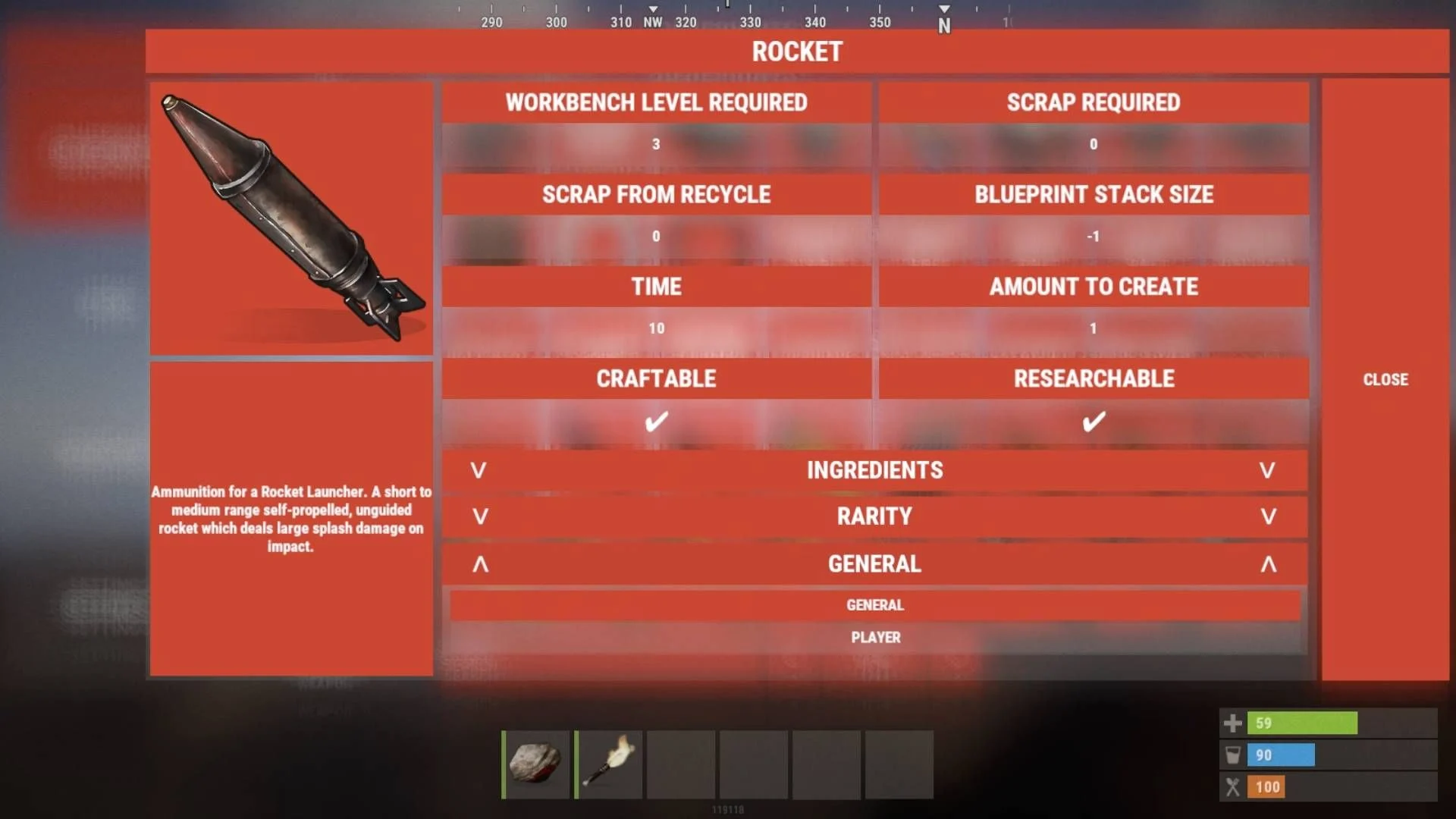
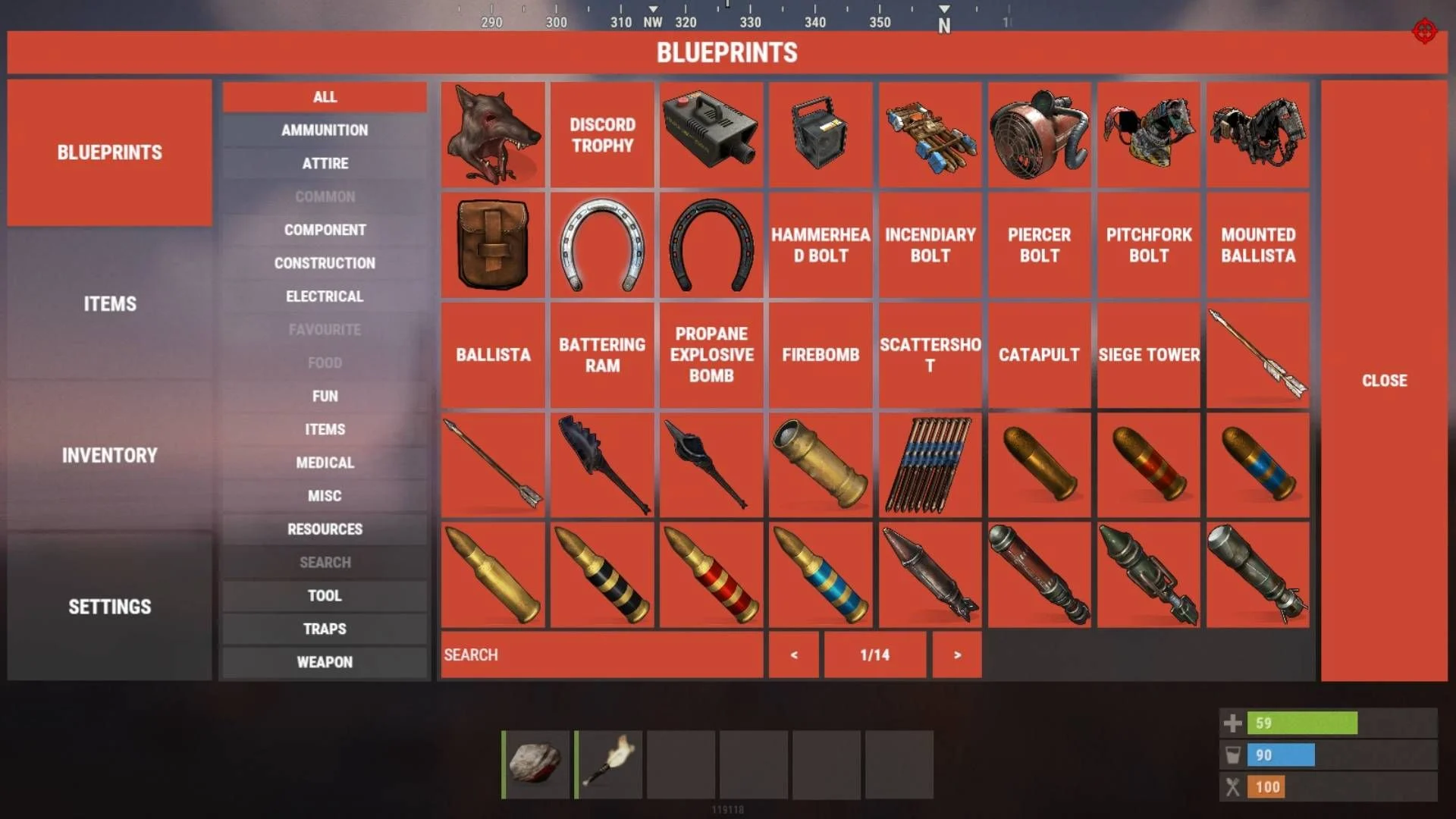
Server Blueprint Management:
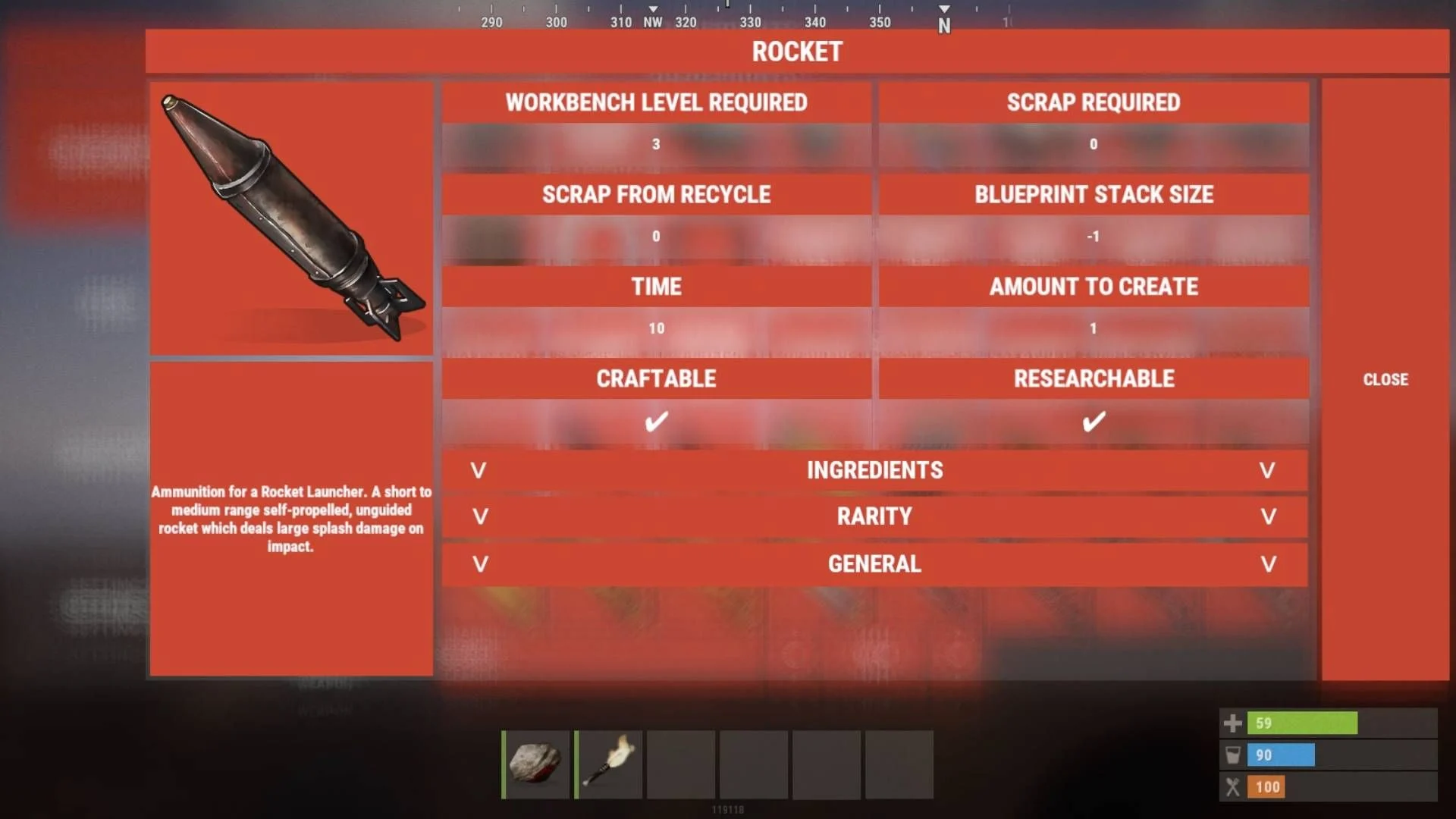
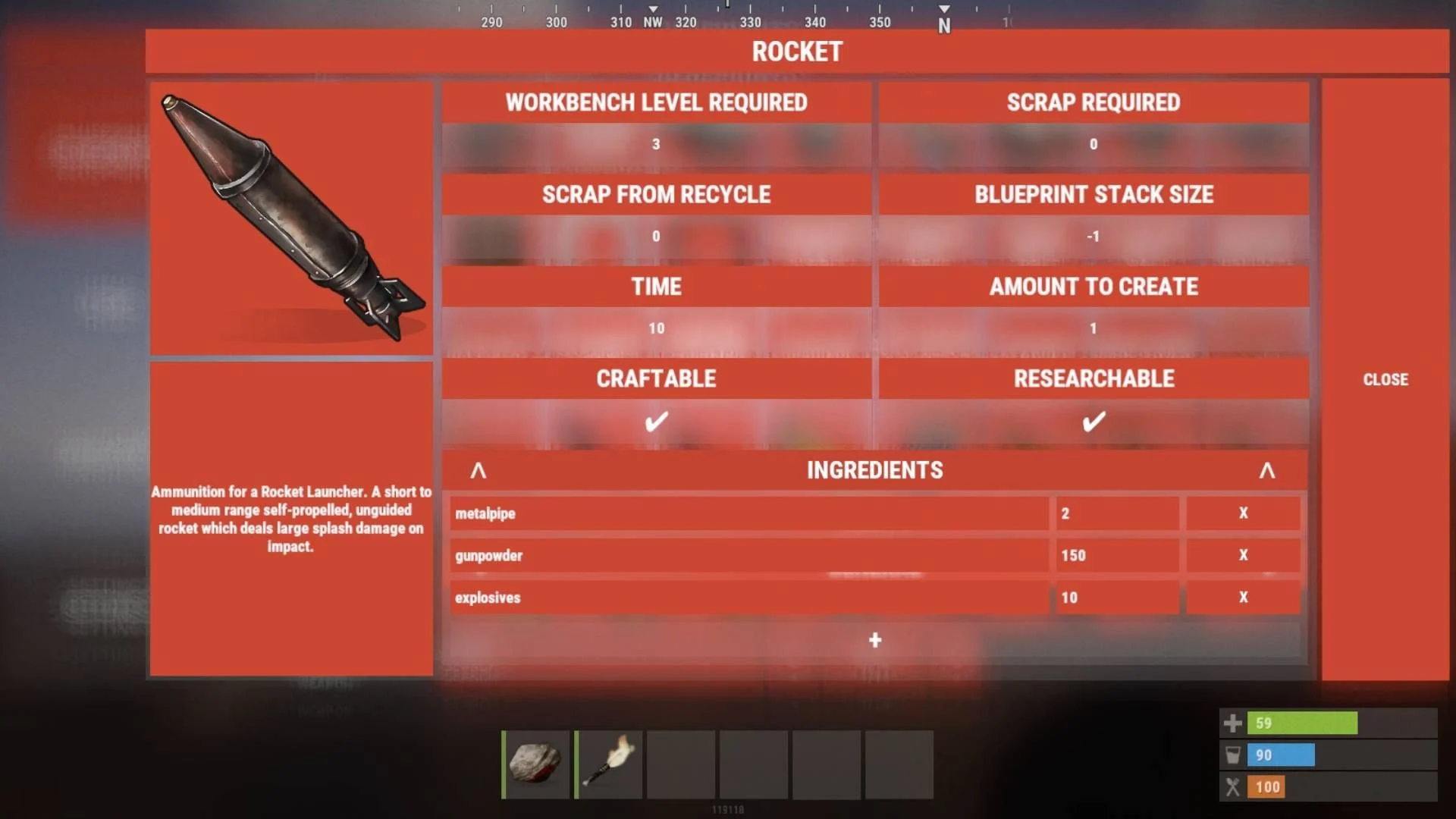
Full customization of blueprints, including crafting ingredients, crafting time, required workbench level, and more.
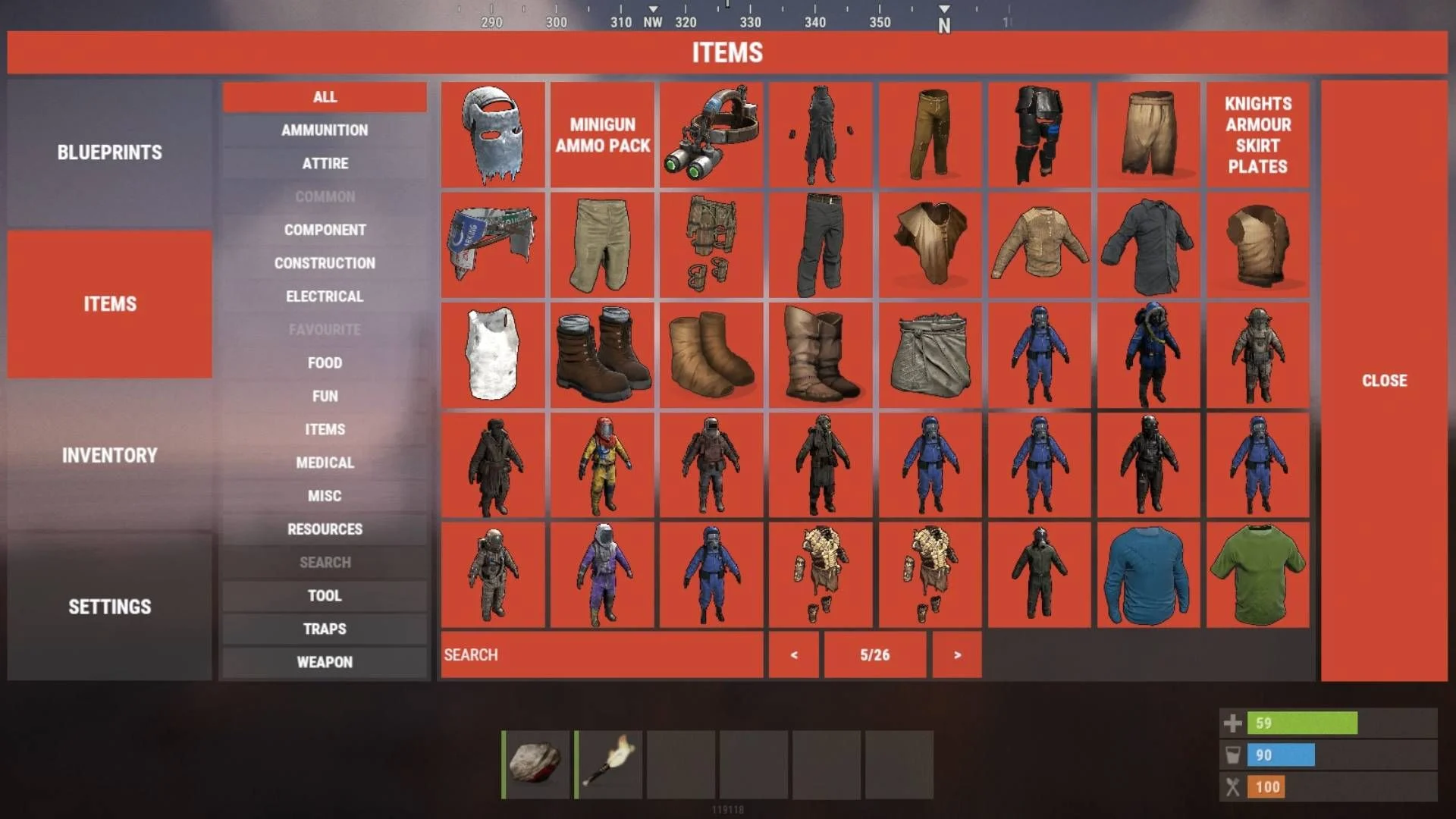
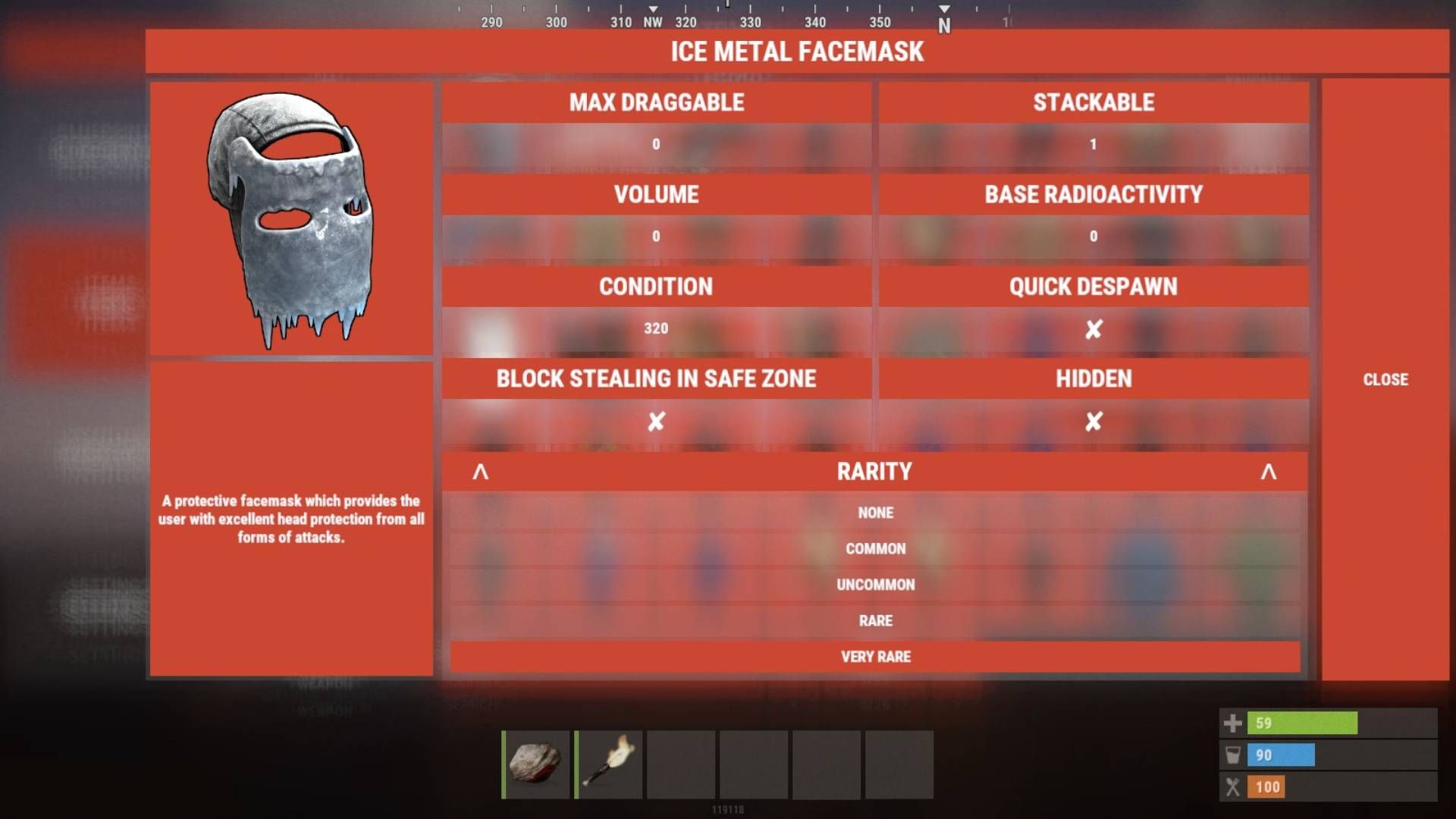
Server Item Management:
Modify item rarity, stats, carry capacity, and other characteristics.
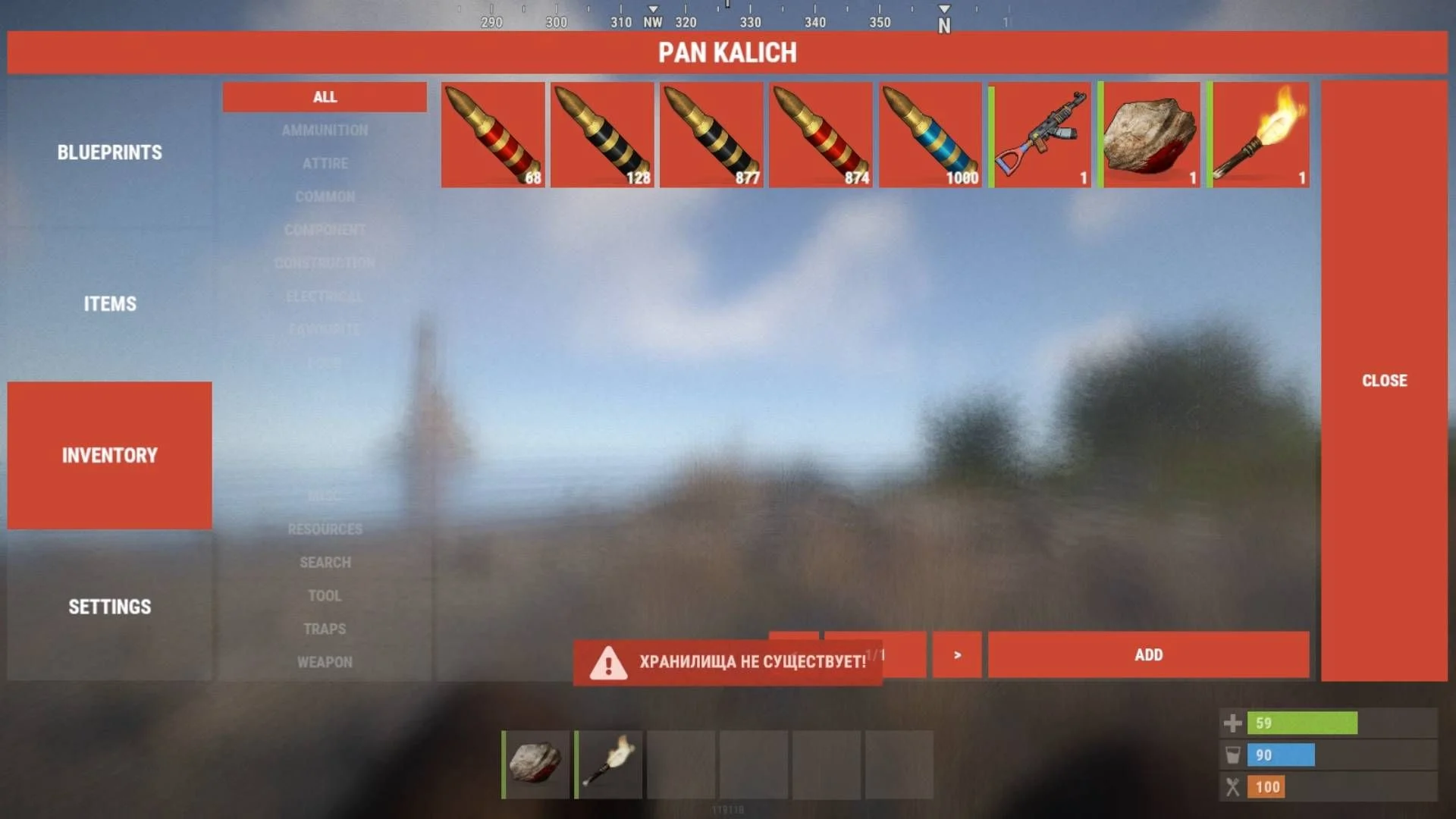
Player Inventory Management:
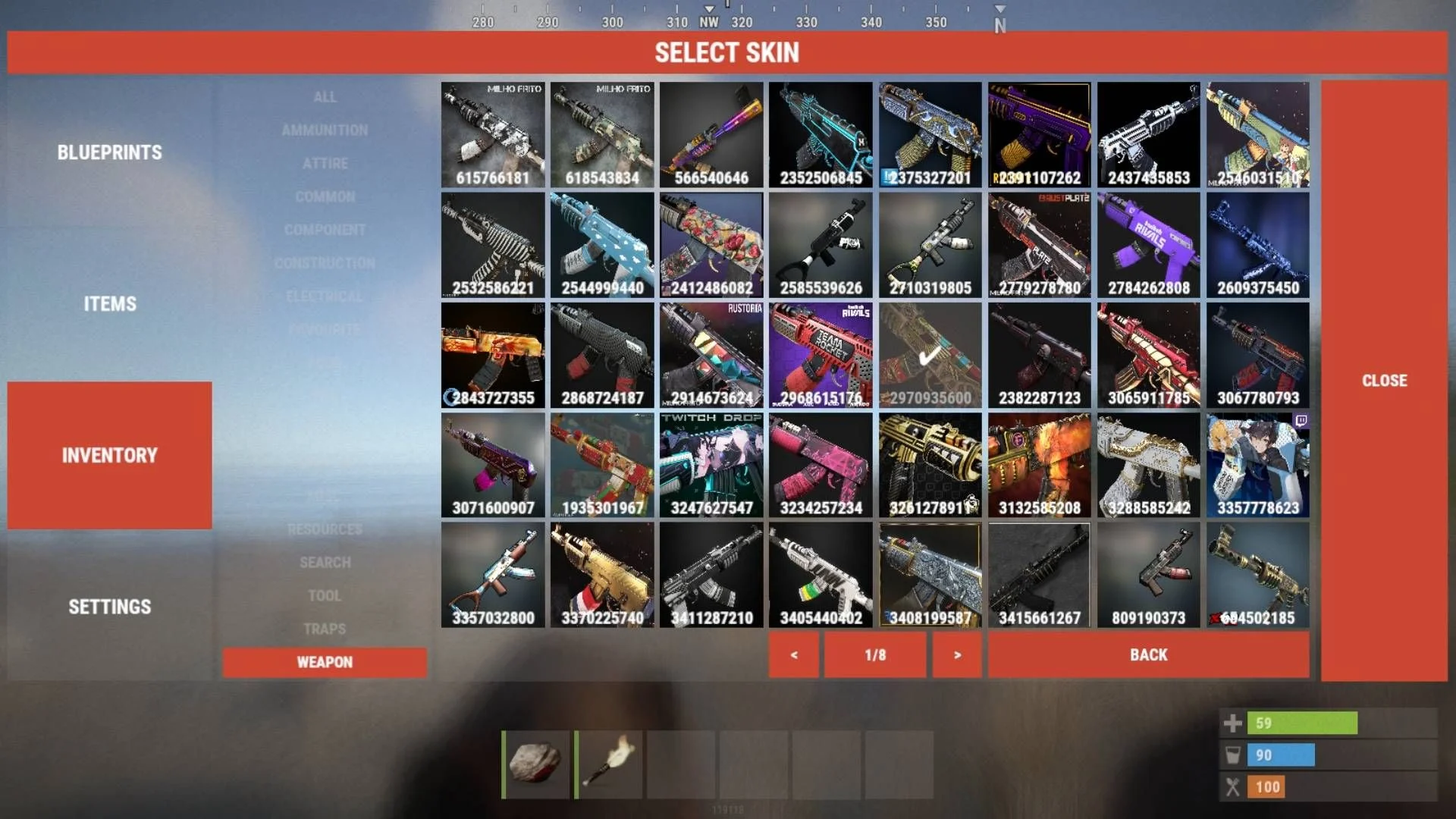
Add items to a player's inventory (including with skins).
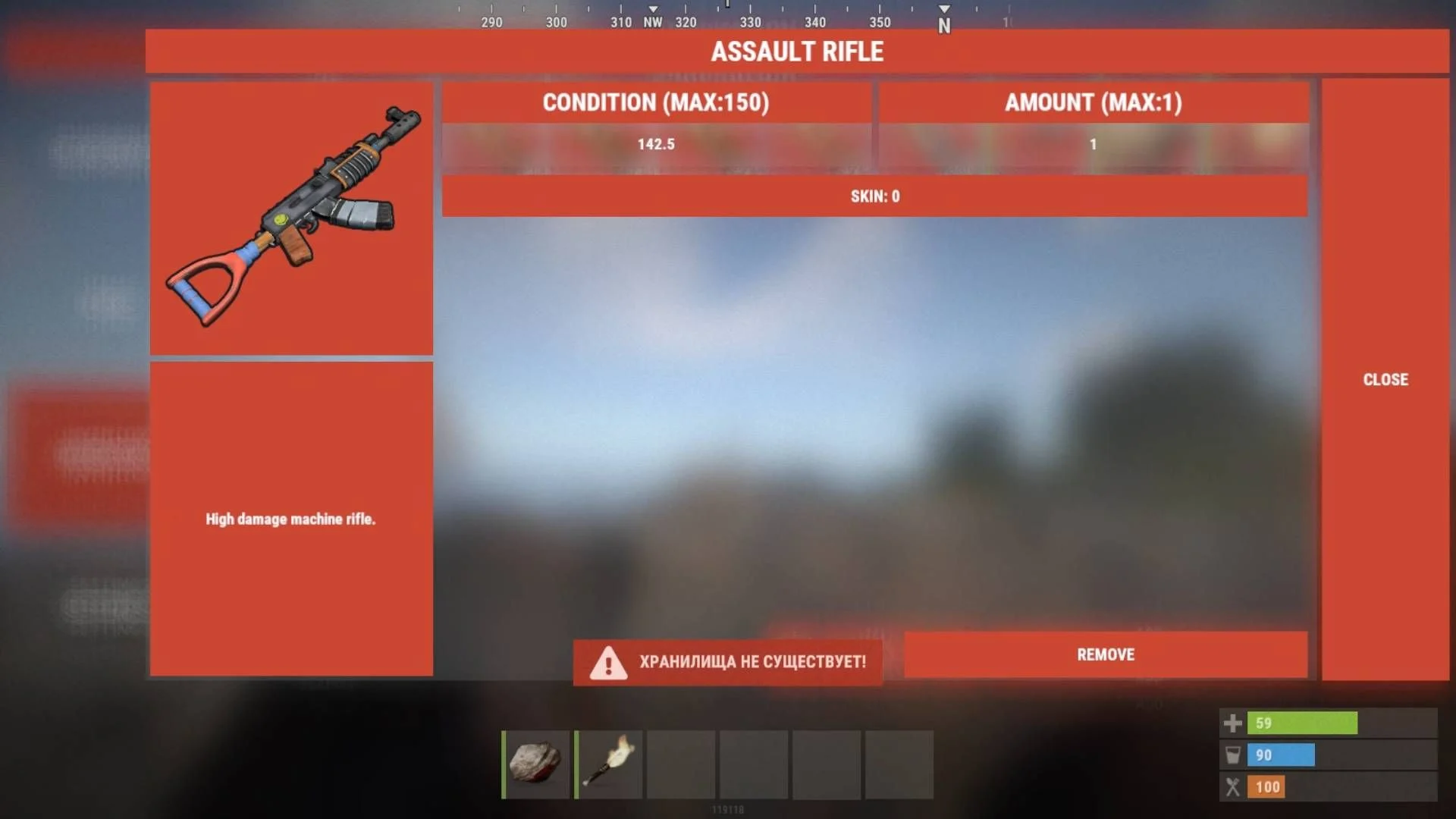
Modify item parameters directly in the inventory.
Remove items from a player's inventory.
Plugin Settings:
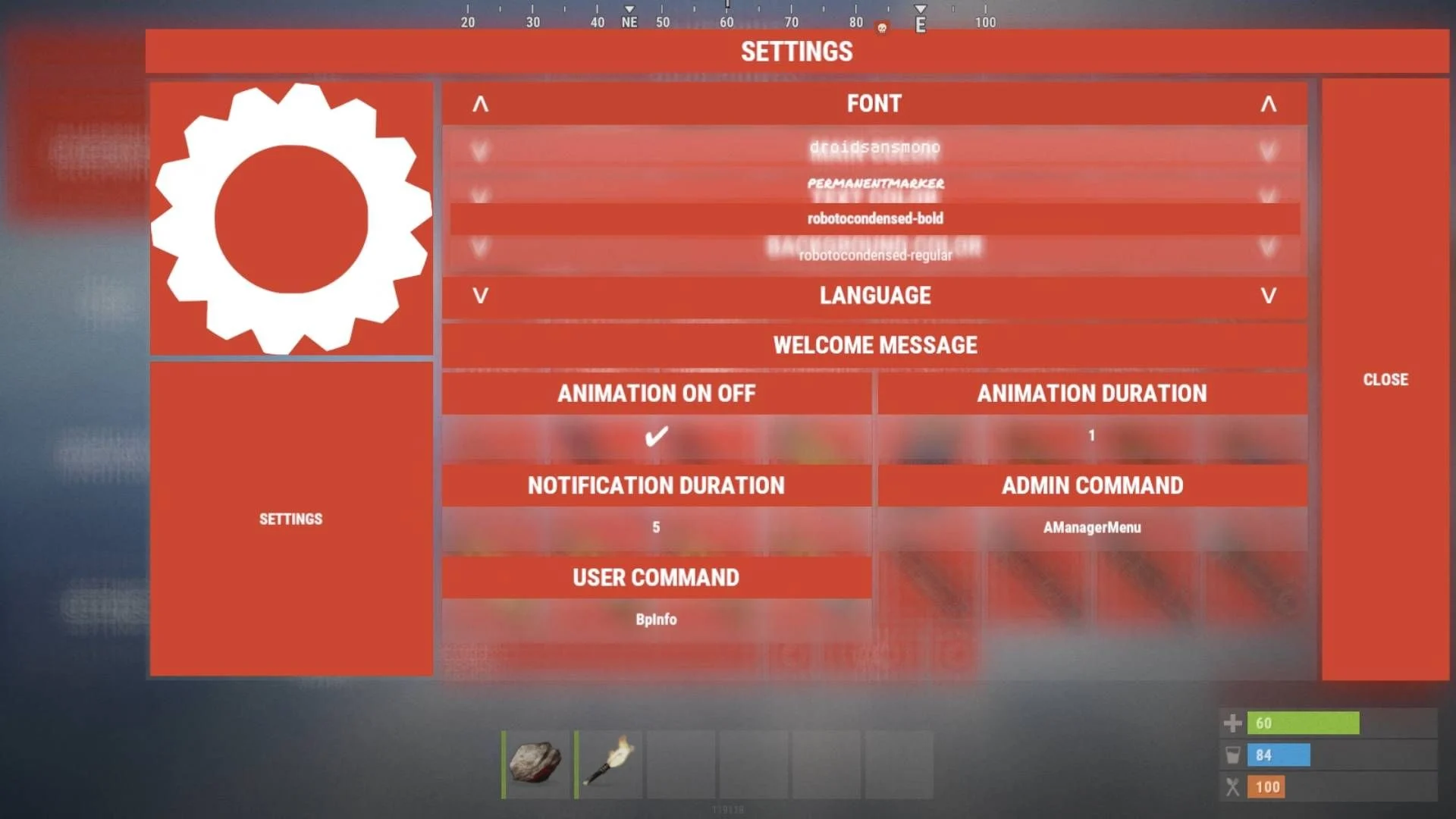
Customize the interface font.
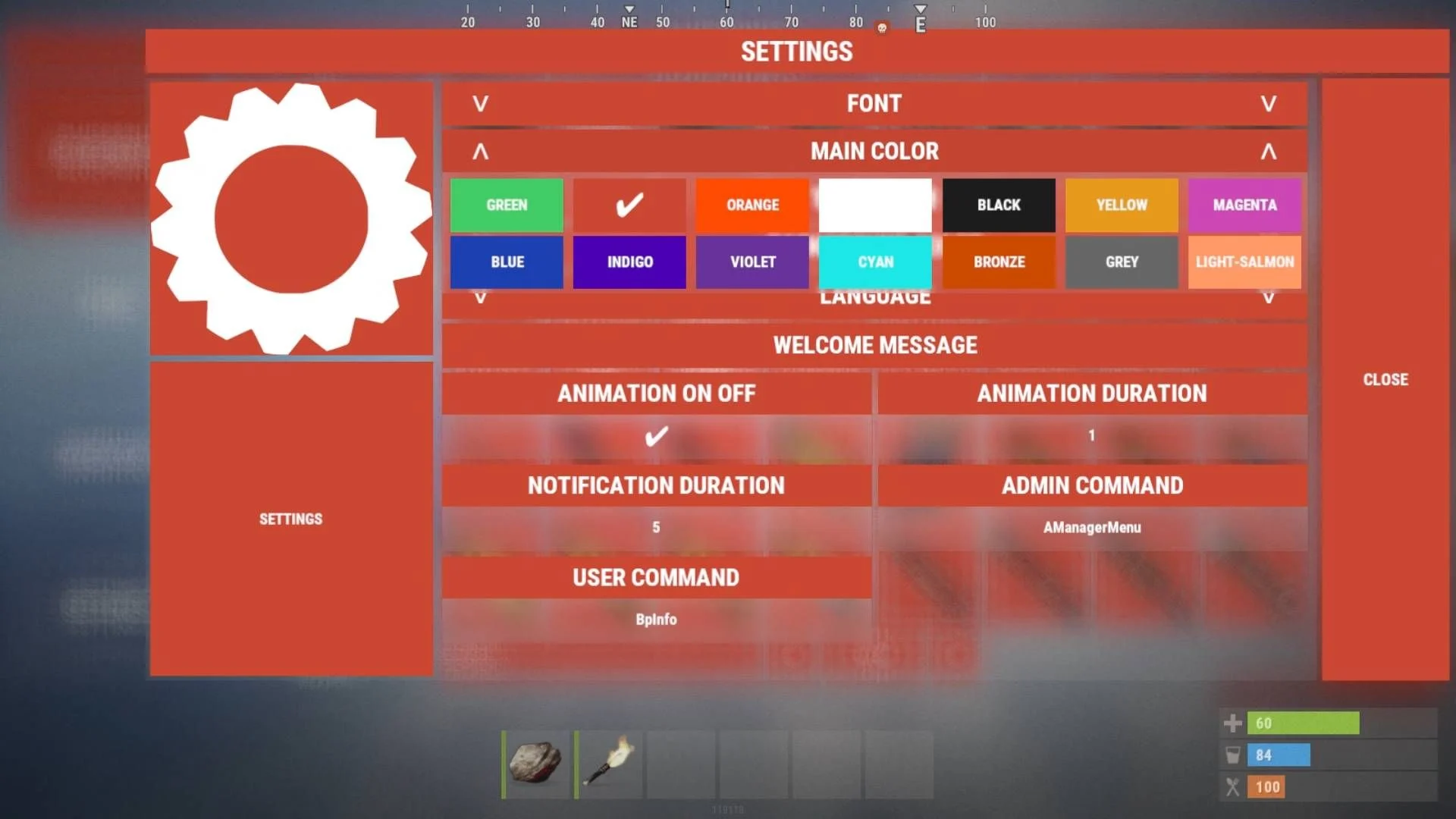
Change the color scheme.
Set a custom background color.
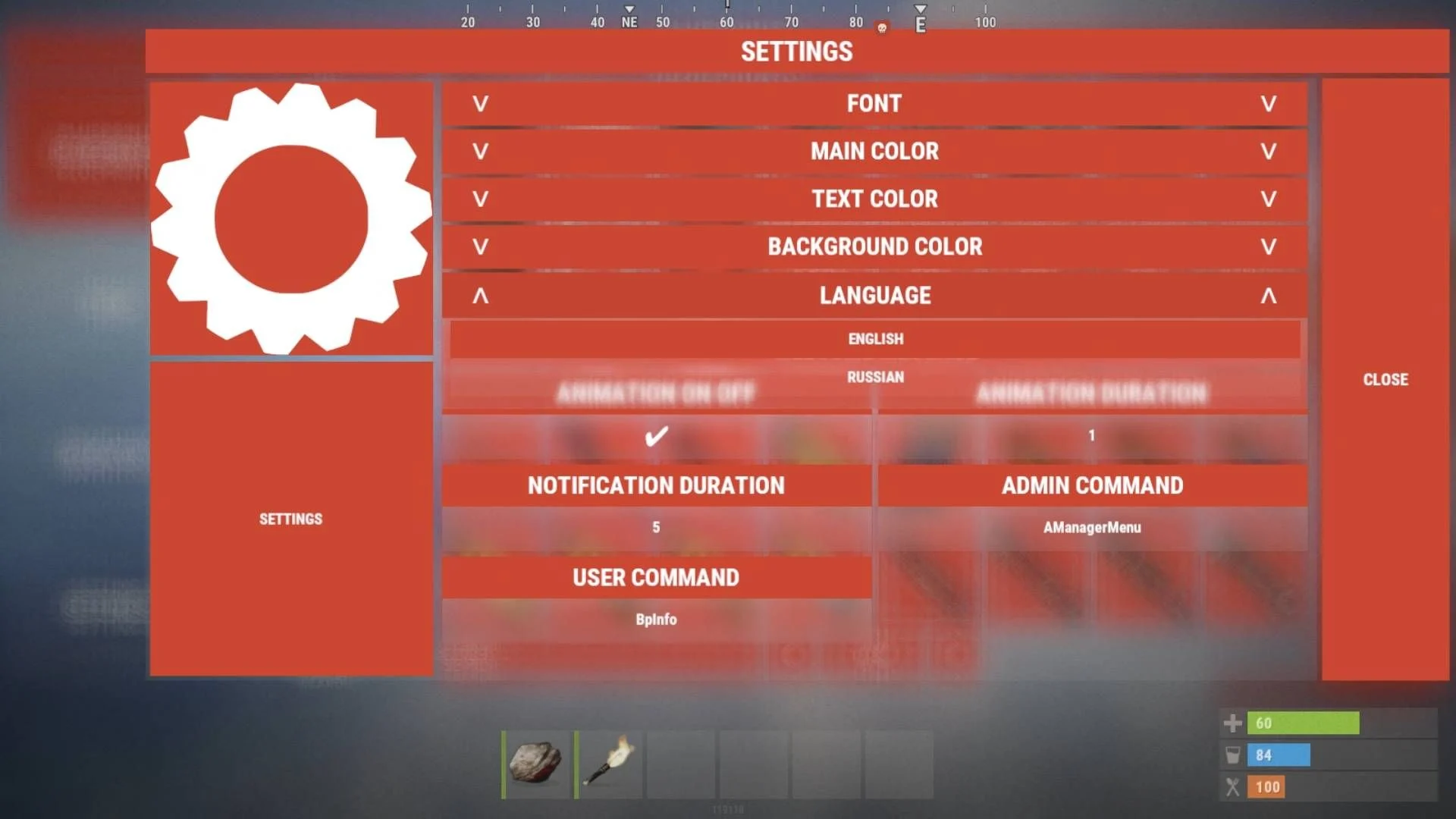
Switch interface language: English / Russian.
Remap all plugin control commands.
Permissions
oxide.grant user <name or steam id> AManager.Admin
Command
/AManagerMenu
Disclaimer:
Like all of my plugins - this plugin is sold as is. I will be happy to take feature requests into consideration but make no guarantees about which ones get implemented. Please refer to the feature list before you make your purchase!
Demonstration: https://www.youtube.com/watch?v=aAzzby6wwt0
Edited by dezzerone
You may only provide a review once you have downloaded the file.
There are no reviews to display.