



Hey everyone.
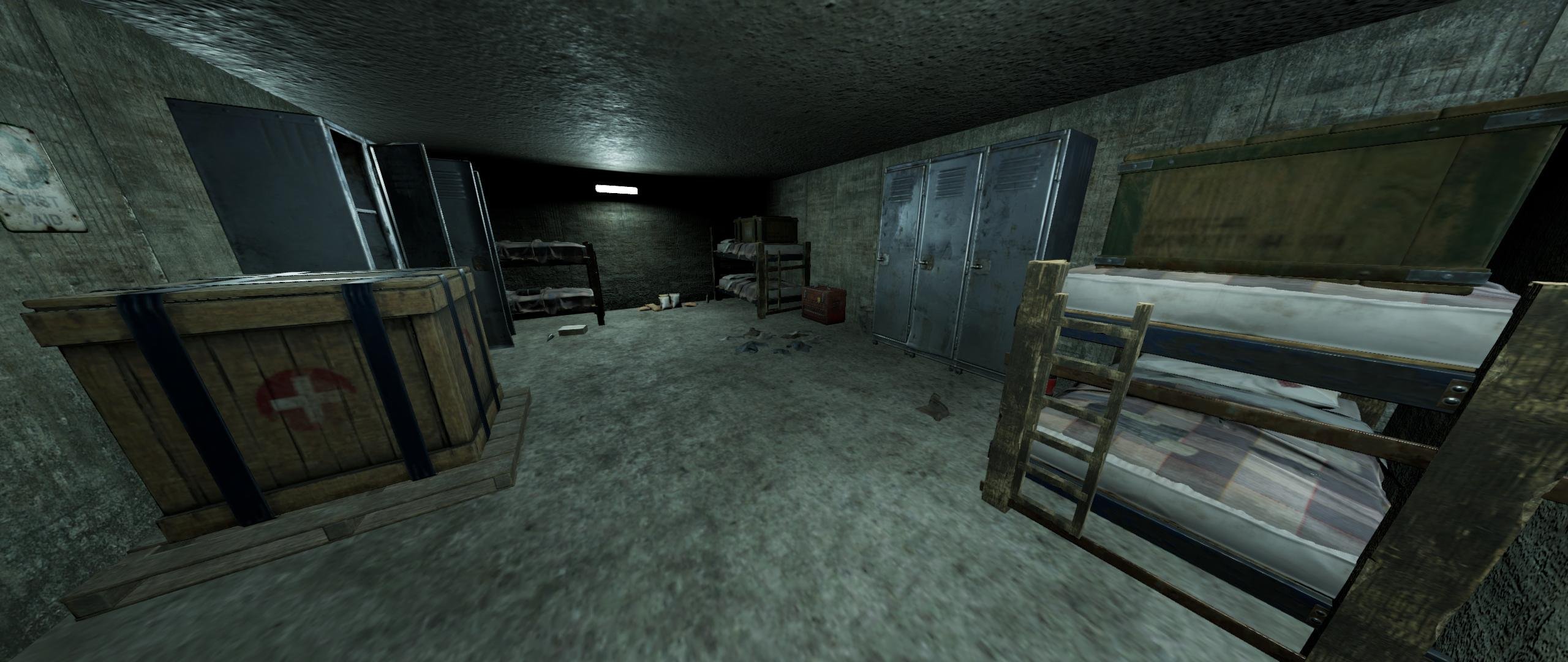
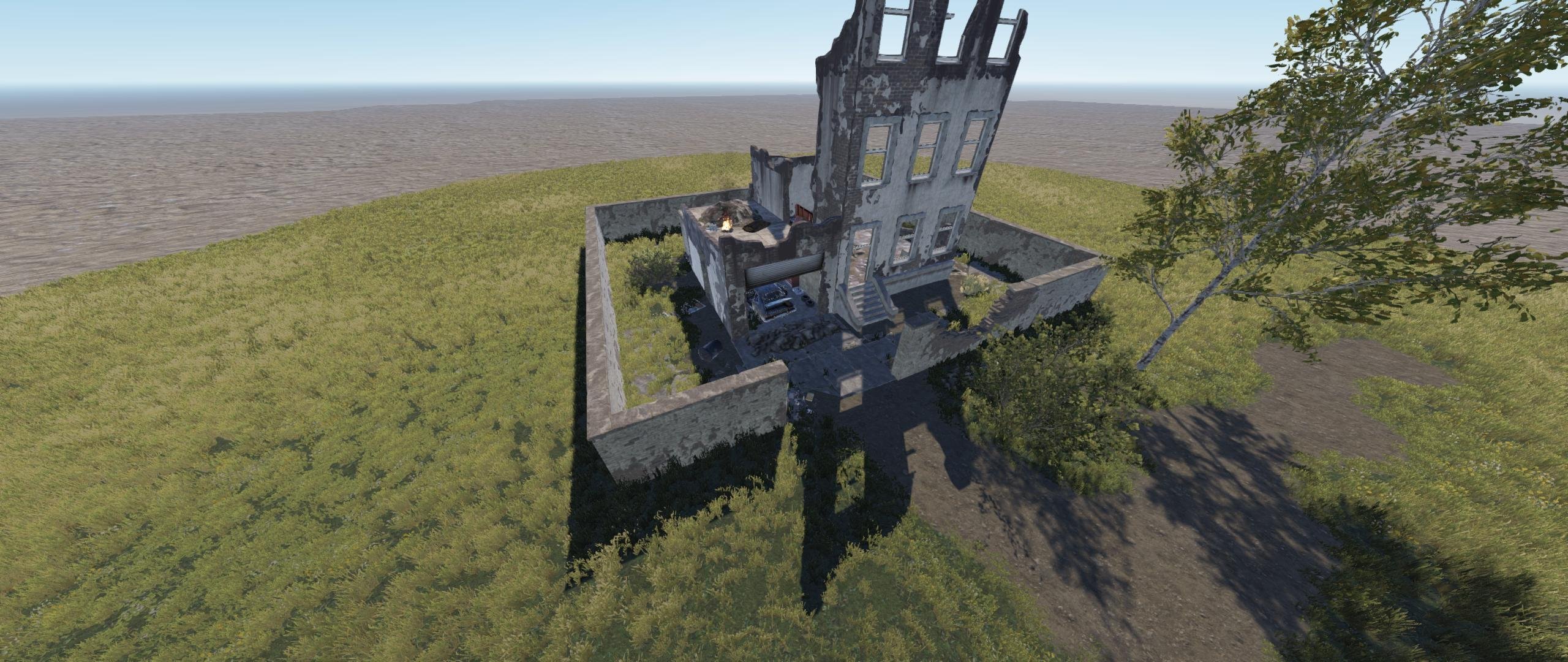
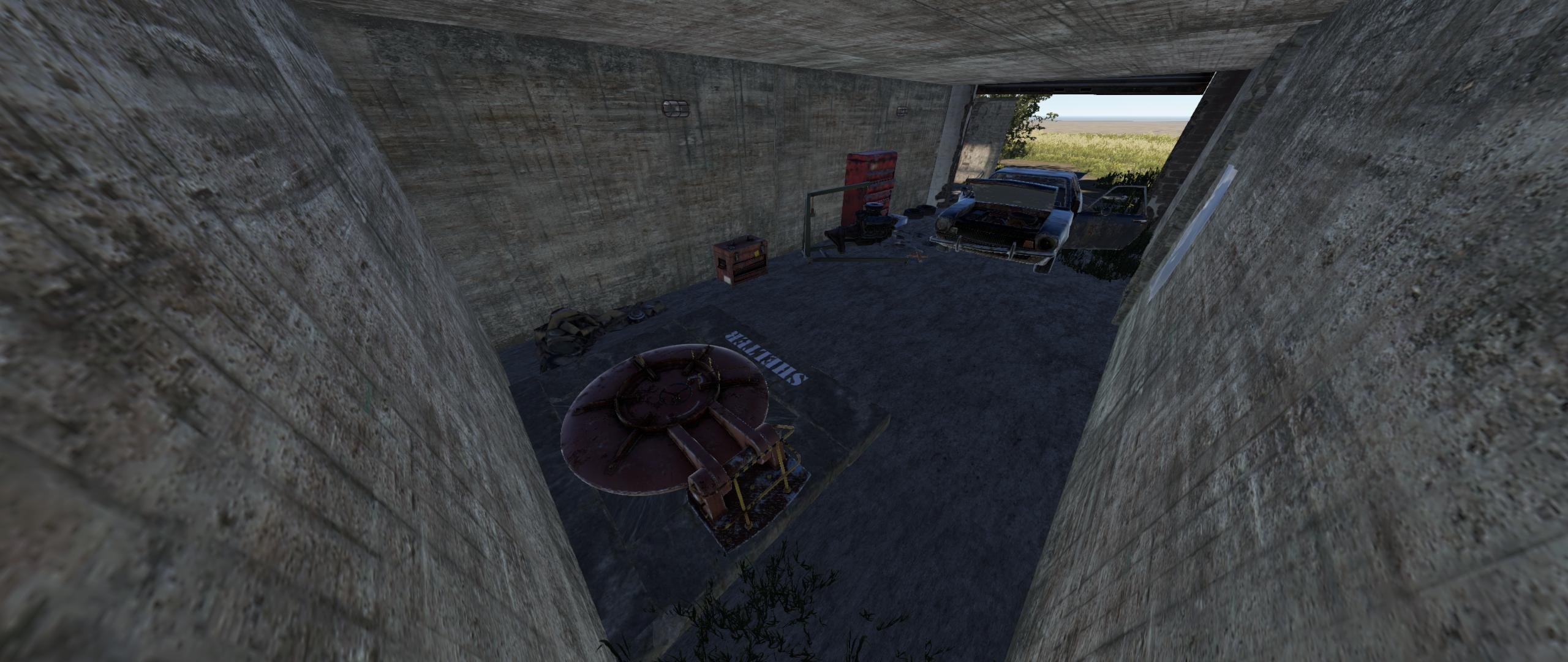
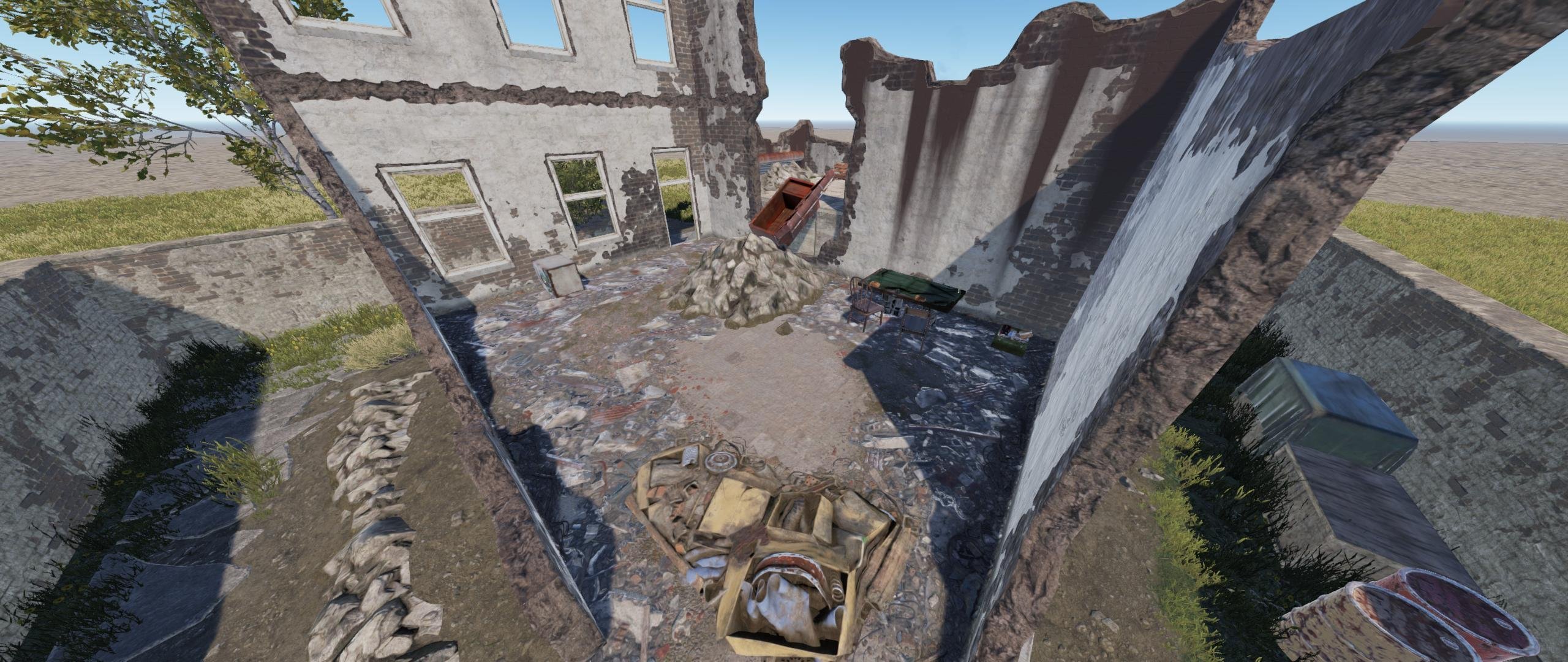
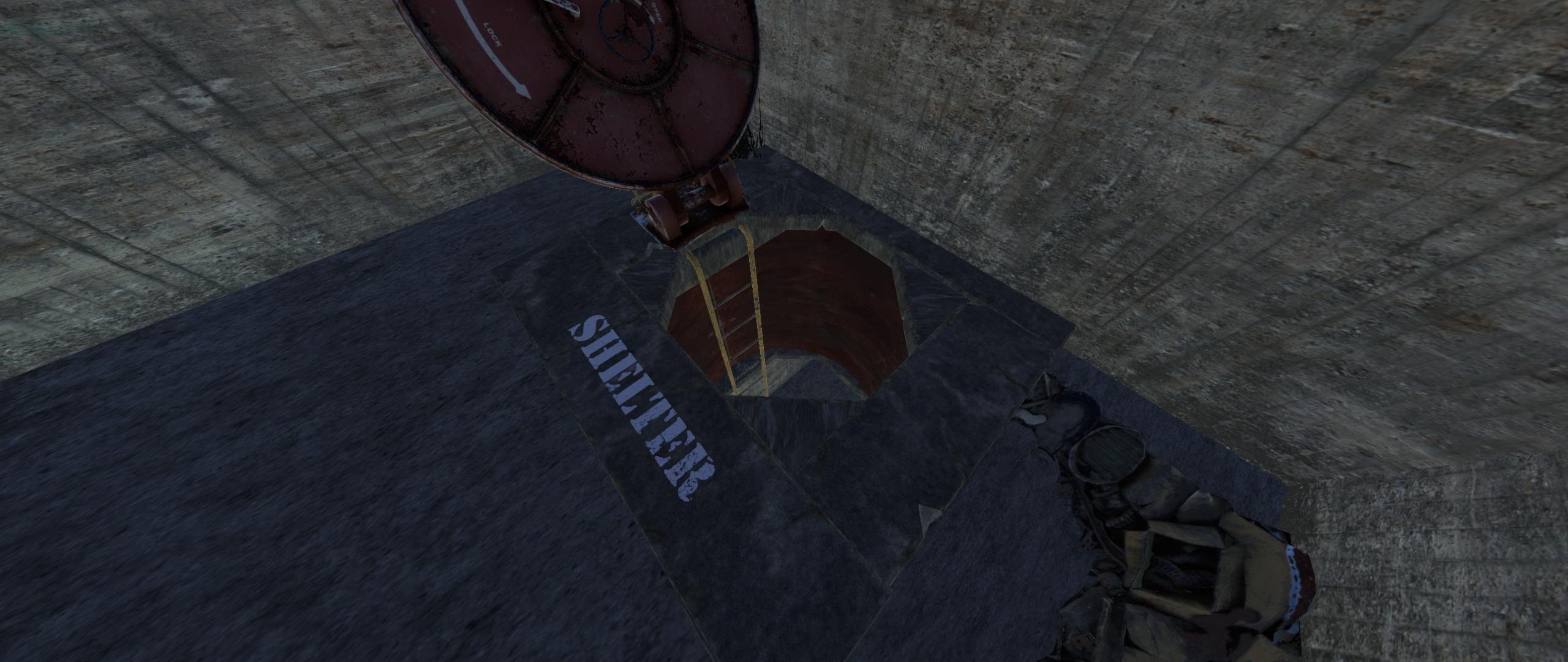
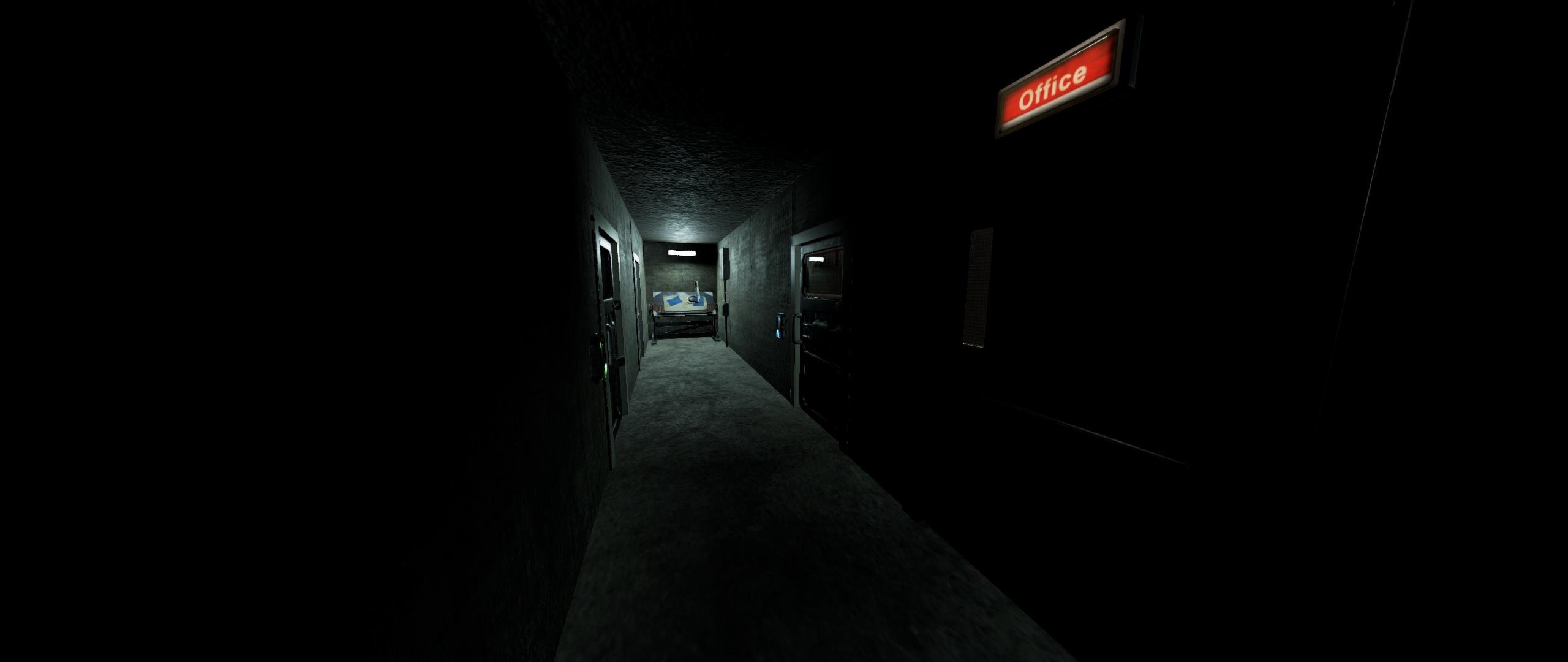
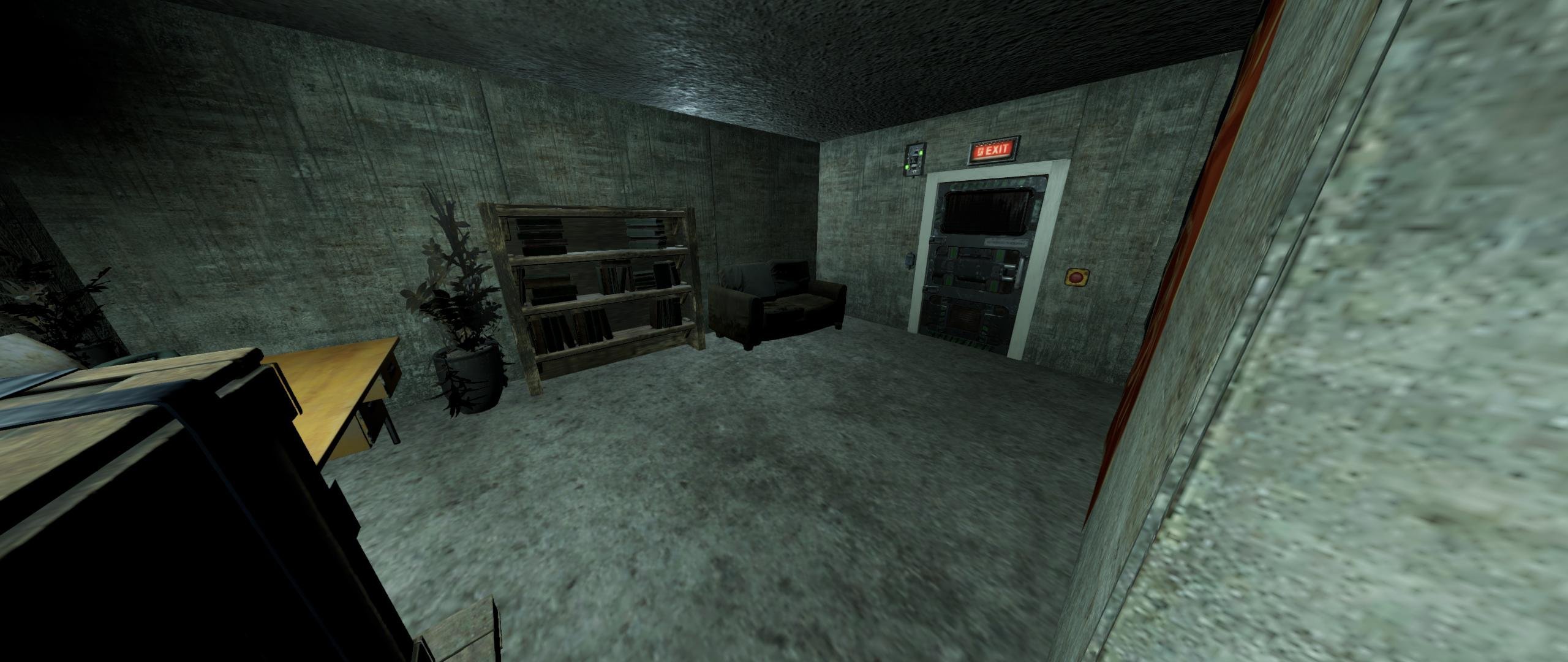
This is my bunker roadside monument, Hideout Shelter.
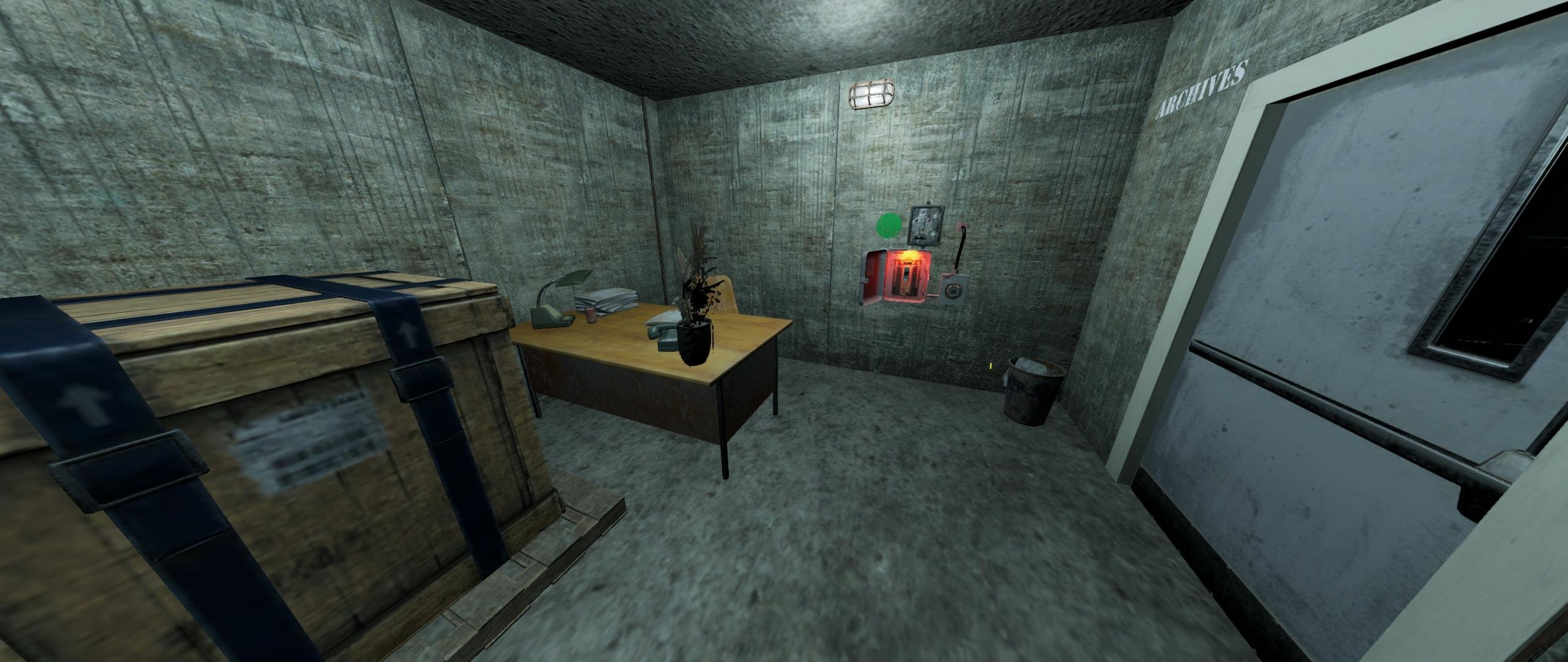
A decayed house of a retired Cobalt scientist has more than the eye can see. Below the surface is a hidden bunker, filled with great starter loot and an easier way to get a BLUE keycard, and an interesting story to tell.
DETAILS:
Total Map Prefabs: 750 (760+ with invisibles such as terrain, water and other triggers/volumes)
Included is the Height, Biome, Splat, Topology and Alpha settings.
Monument also contains a GREEN keycard room and a BLUE keycard room.
Loot includes 2x military crates, 3x normal crates, and 2x tool crates, basic crates and some barrels.
Utilities included is Recycler, Repair Bench and a Research Table.
Perfect roadside monument to add to any map.
REQUIRED: Oxide.Ext.Rustedit.dll is required for the spawning of loot, keycards and for the puzzles to be active.
You can join my Discord if you like to find out more about Hideout Shelter, or if you have any bugs, questions, queries.
Thank you very much for your time and have a great day.
Edited by gpsmit84
You are not permitted to use this product for any commercial sales, distribution and/or any other commercial means than mentioned above without prior permission and/or consent from the original author. If you however need to use this product in your own commercial product, please contact the author, hereby known as gpsmit84, for any further details and/or requirements regarding the process of such sales, distribution or any other commercial means. You do not hold the right to claim this product as your own, or to sell it under your own name.
You are entitled, without additional payment, for further updates, and/or support when needed, if this product becomes unusable, you are granted full support. Exceptions may be caused by the game itself, Rust and any change of coding within the game, resulting in the broken state of the prefabs, and/or cause of usable state other than by mistake by the author, causing this product to become discontinued, and such, all support, sales and/or updates may become terminated.
You may only provide a review once you have downloaded the file.
There are no reviews to display.