



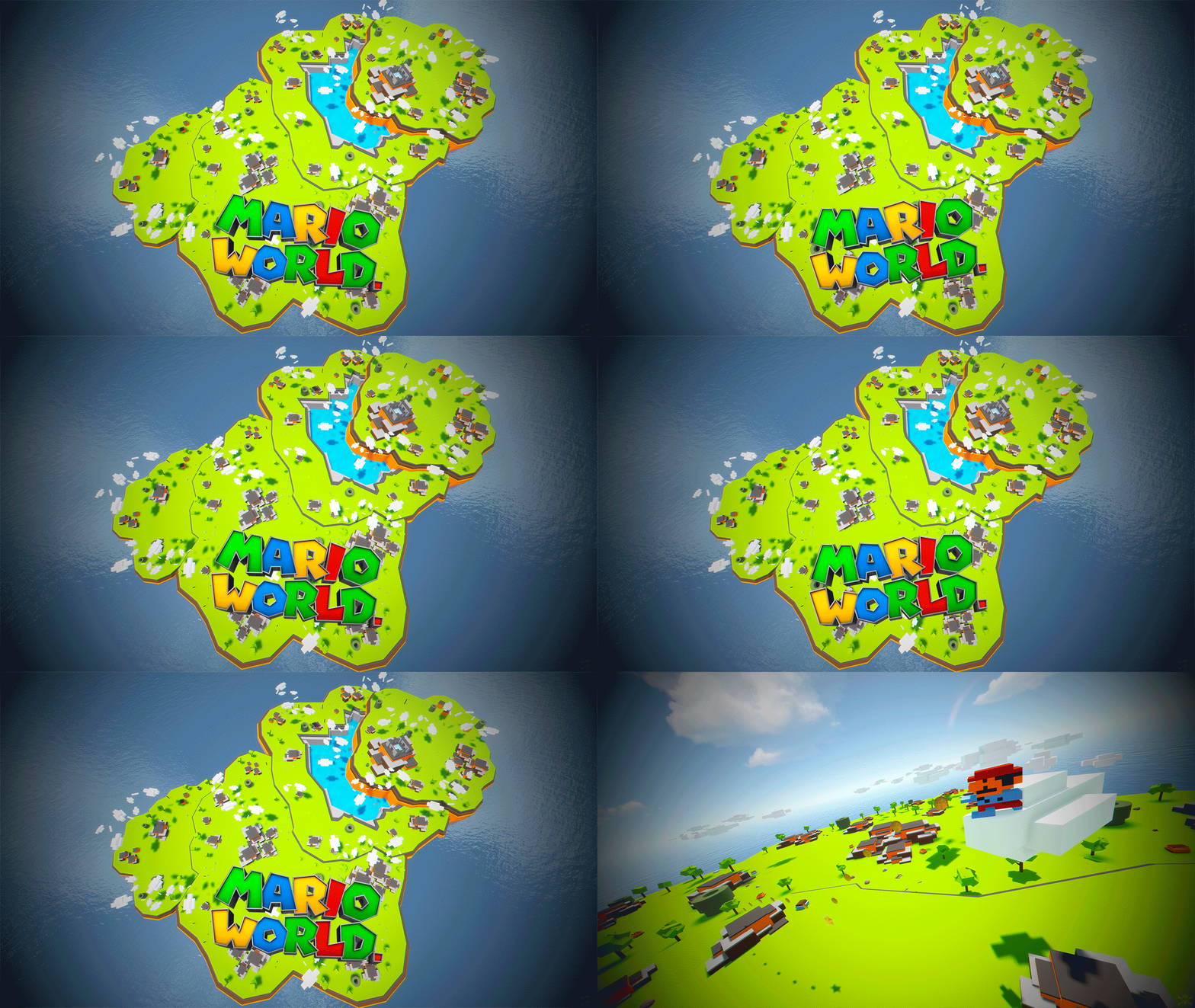
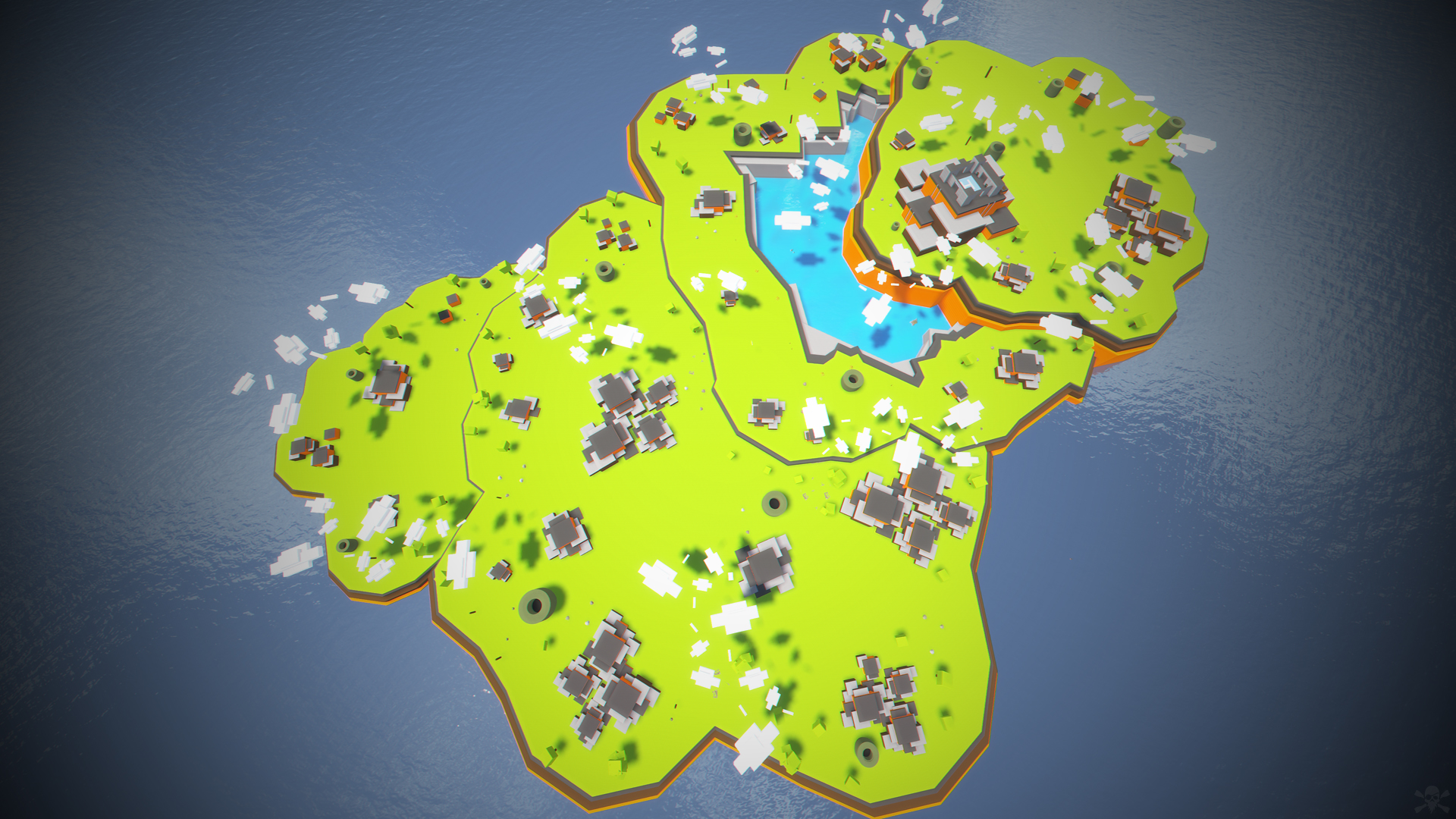
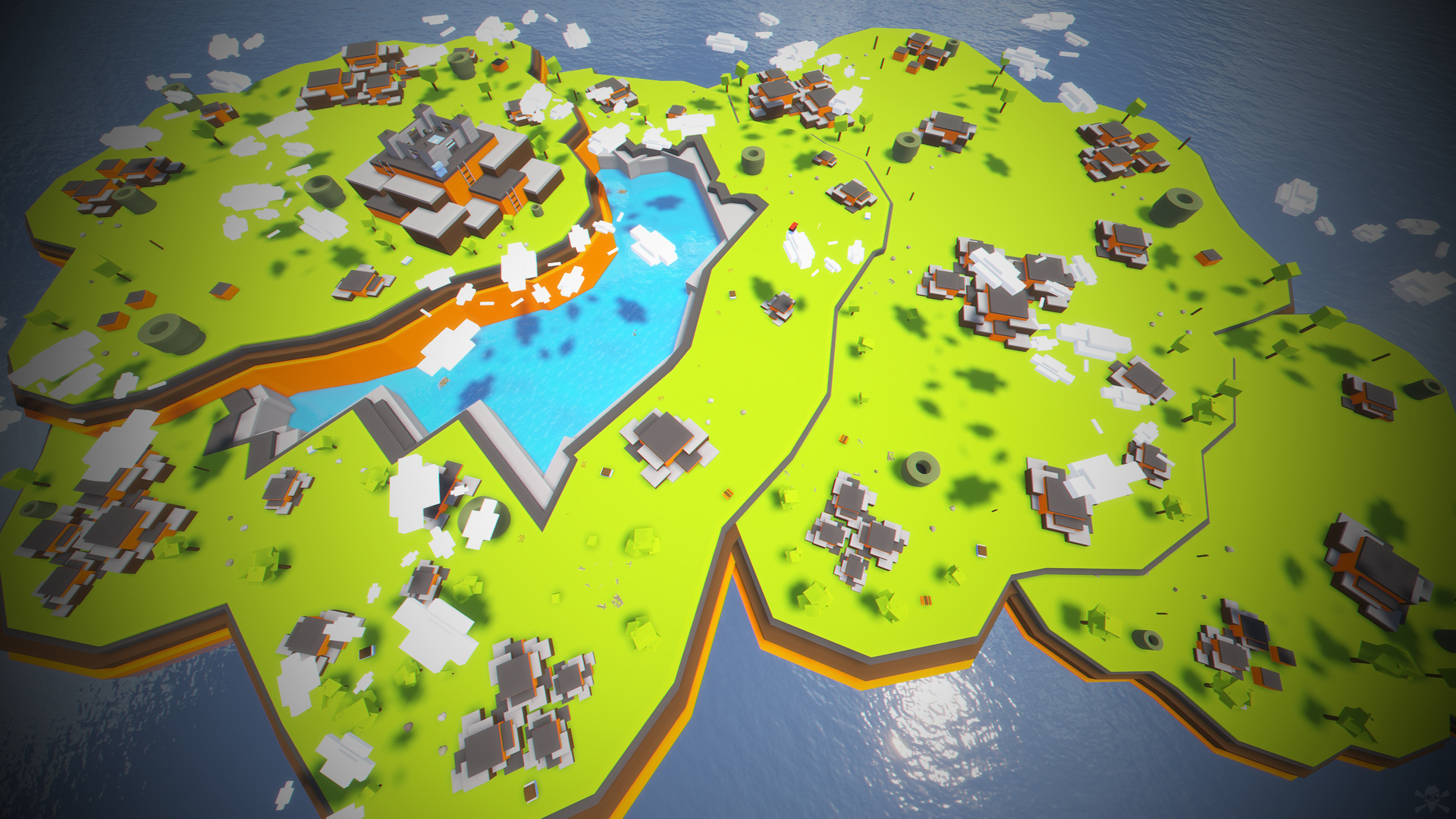
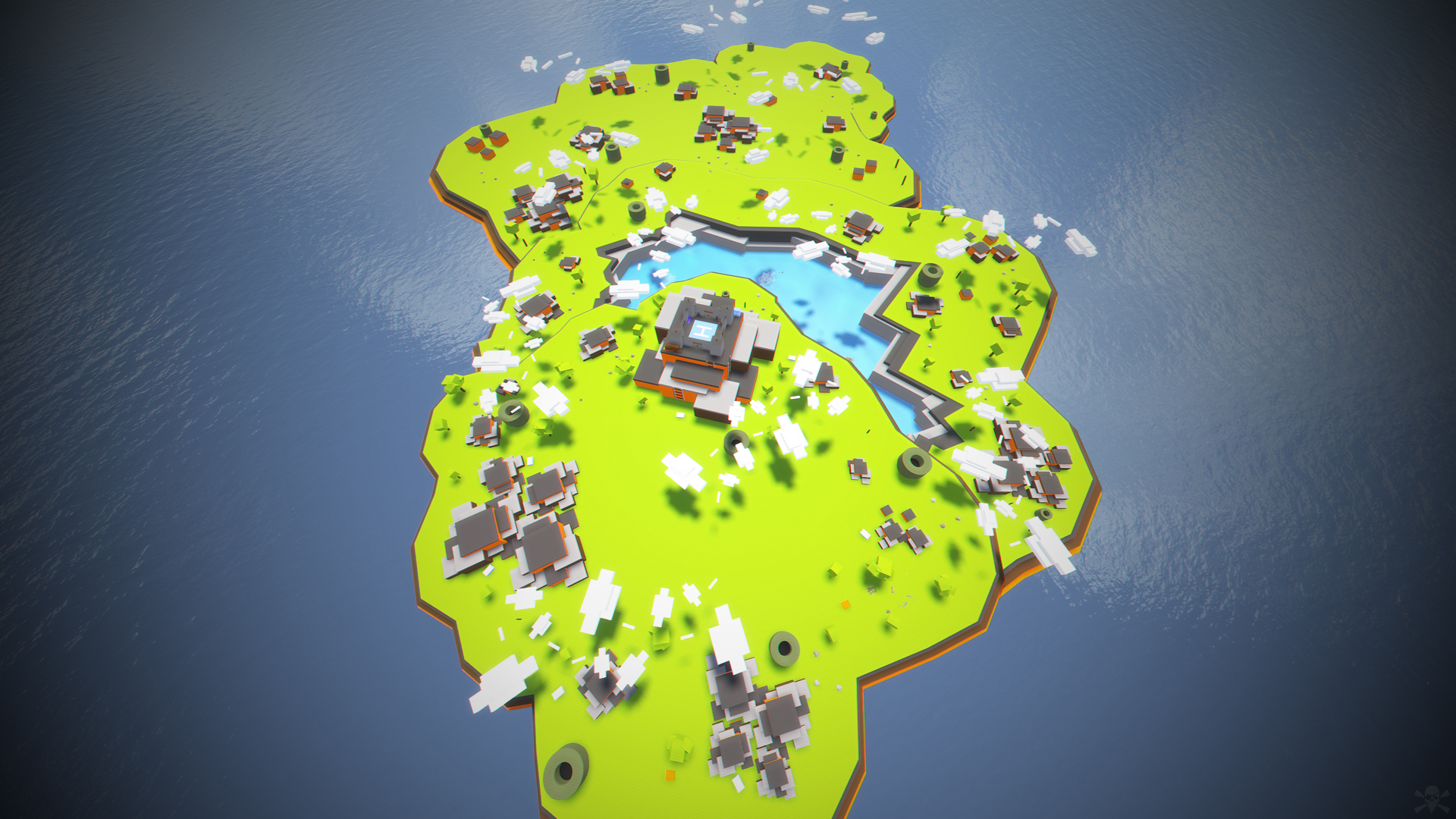
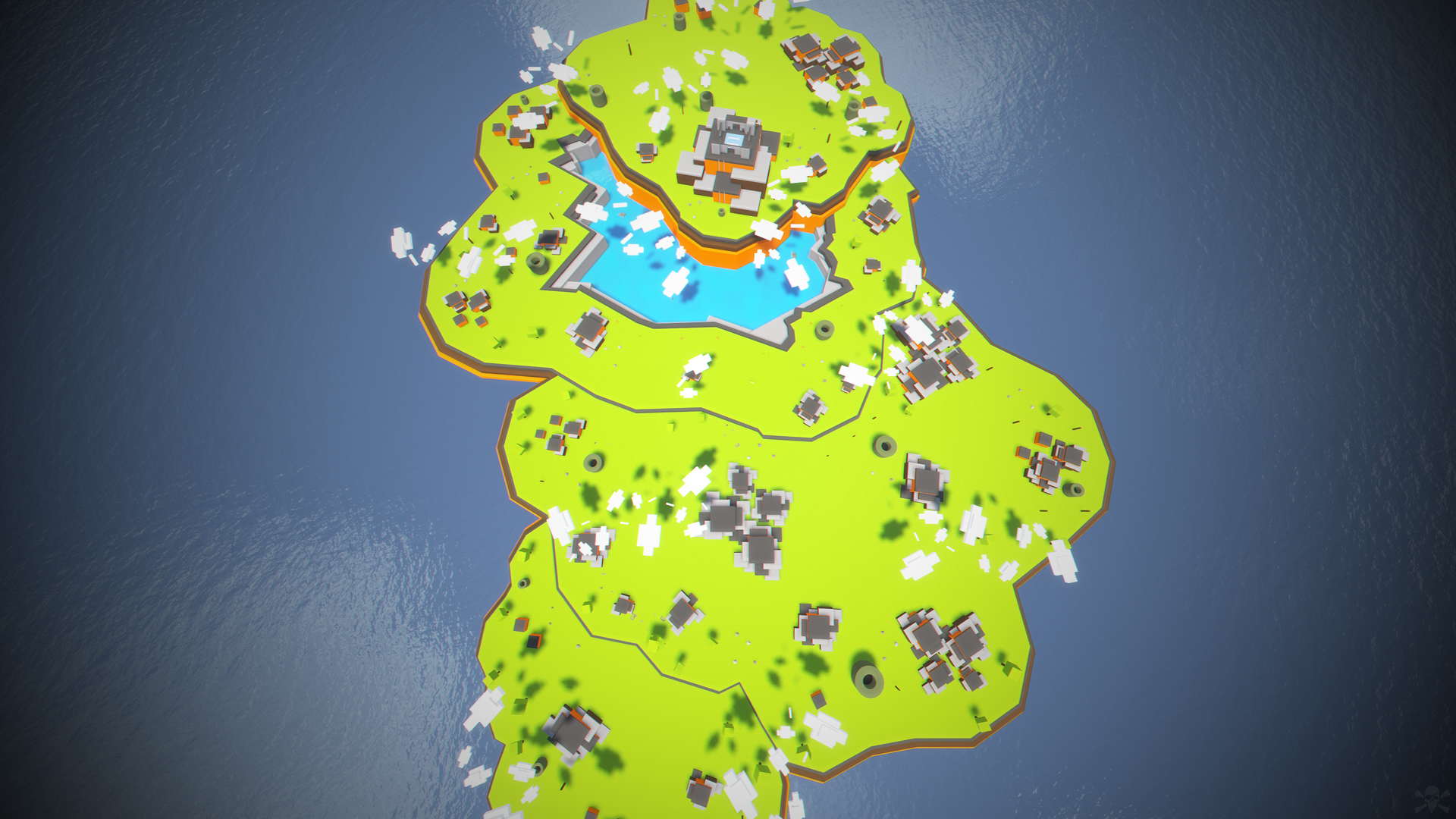
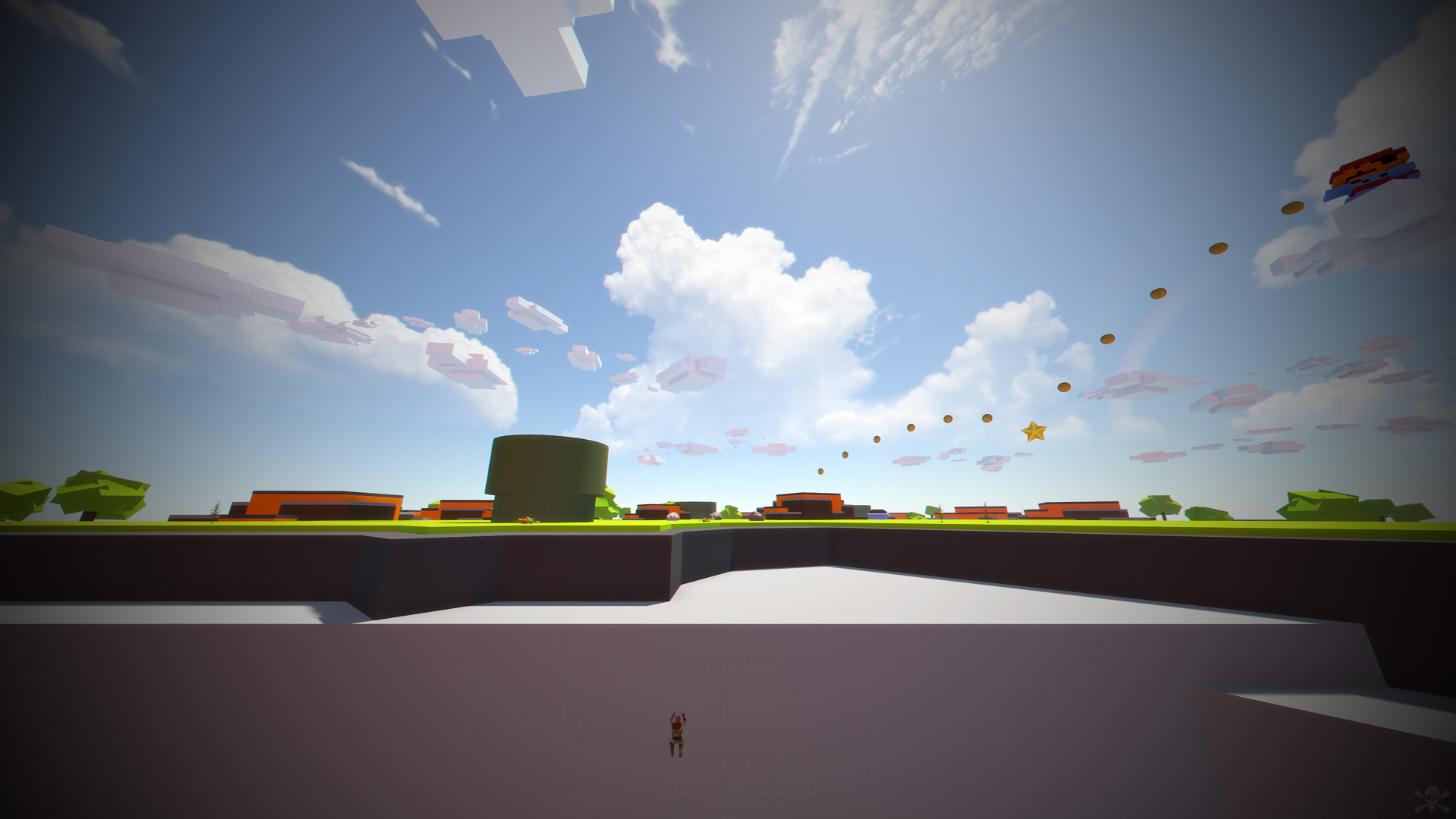
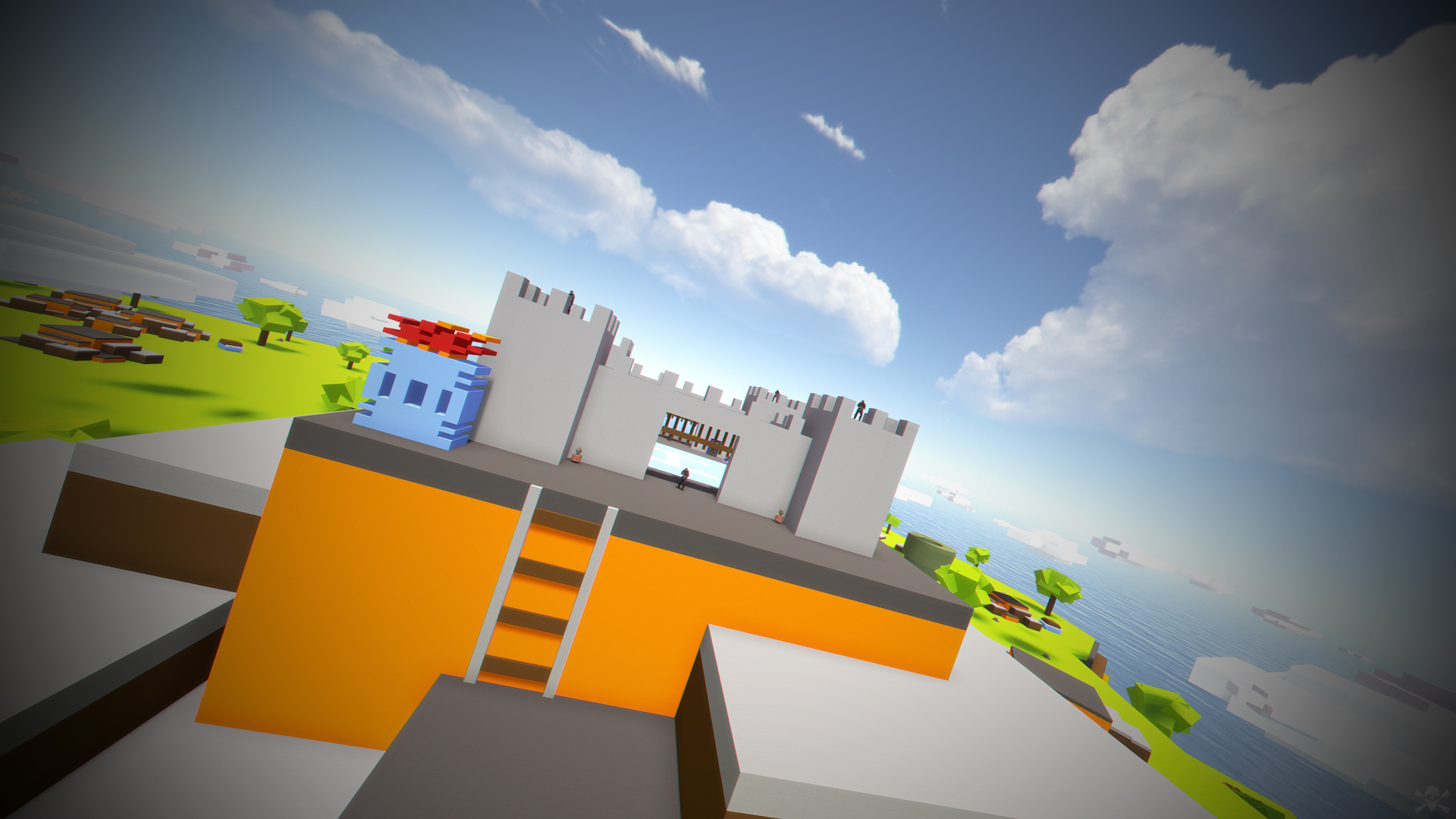
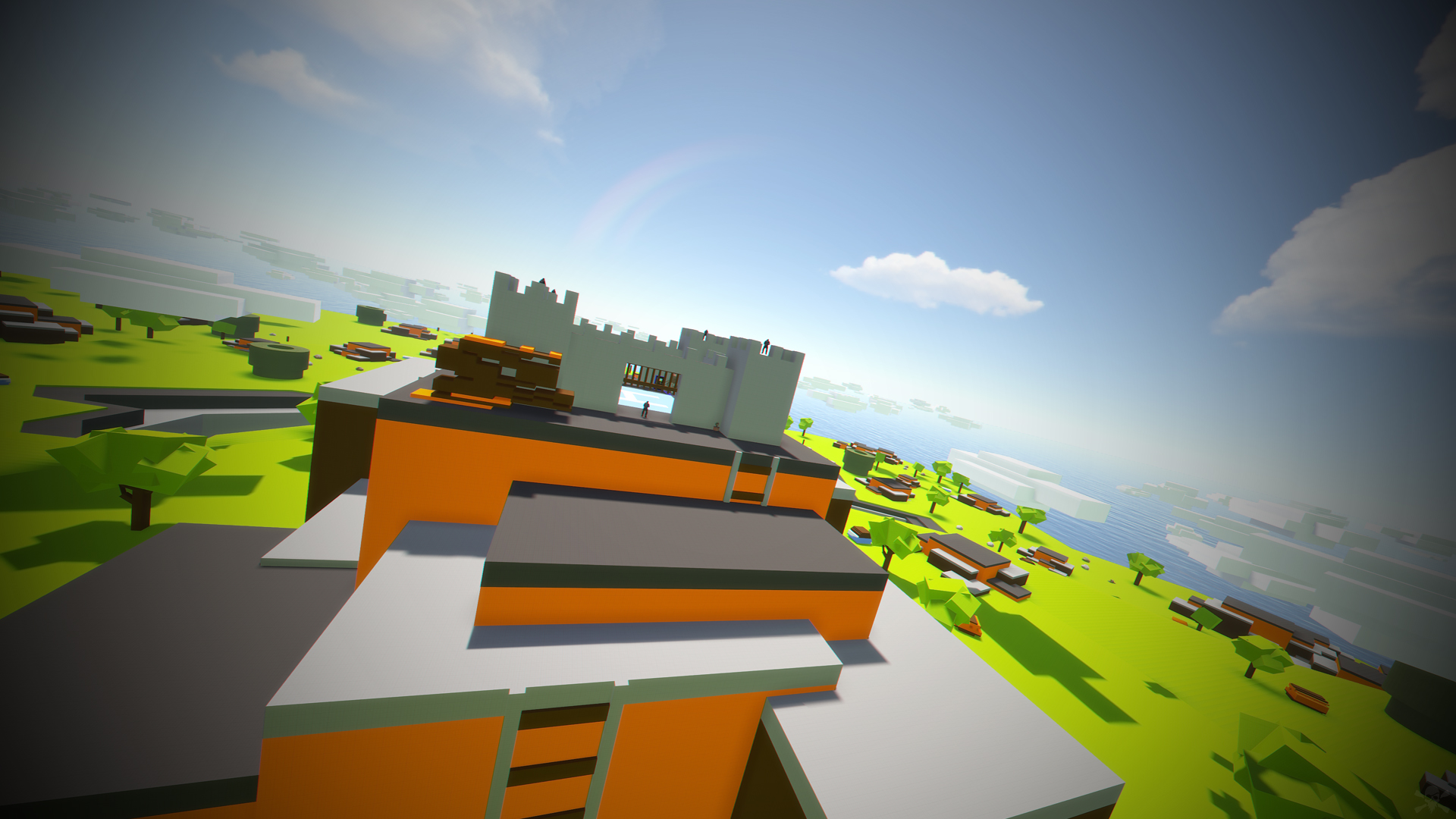
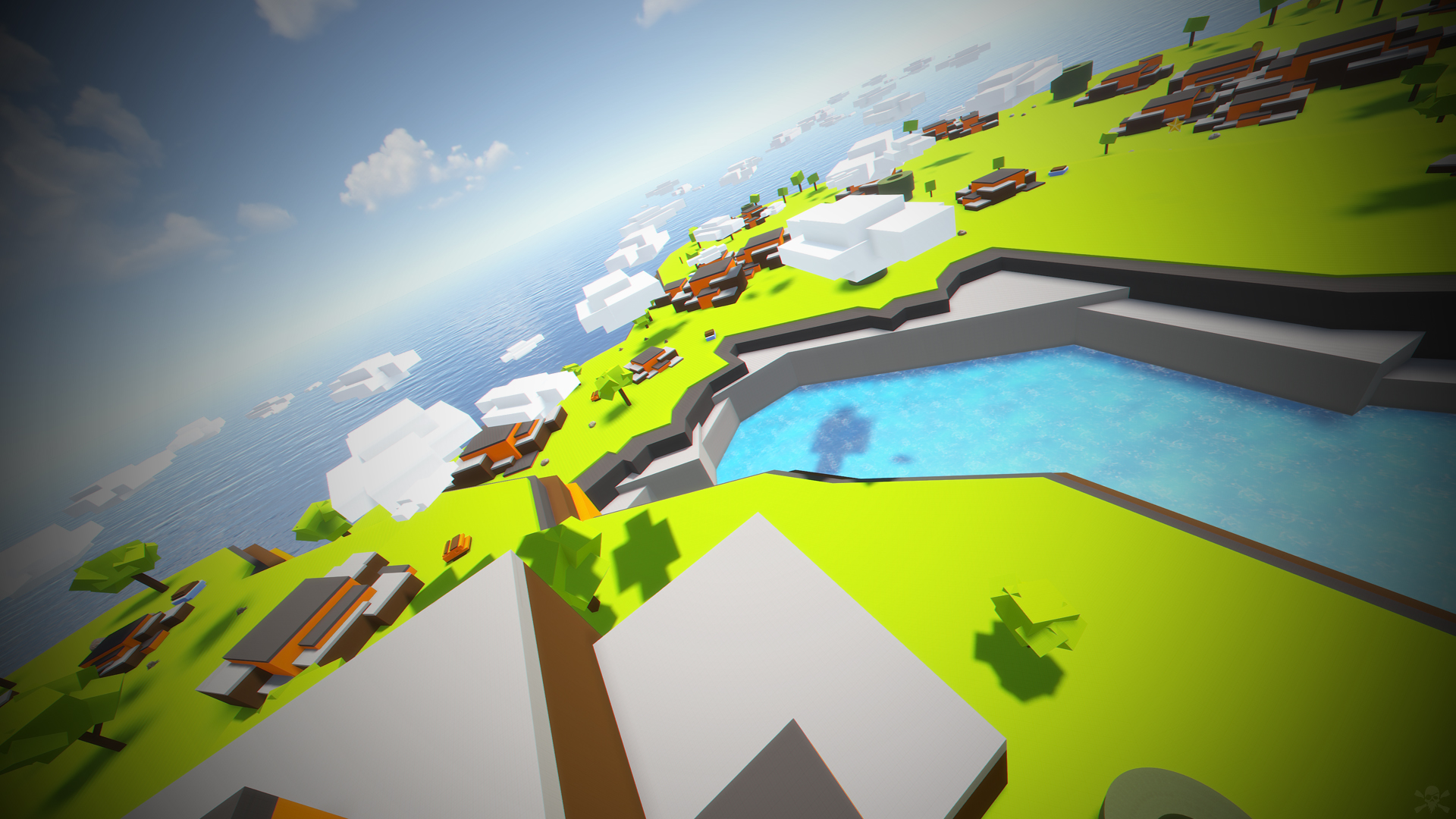
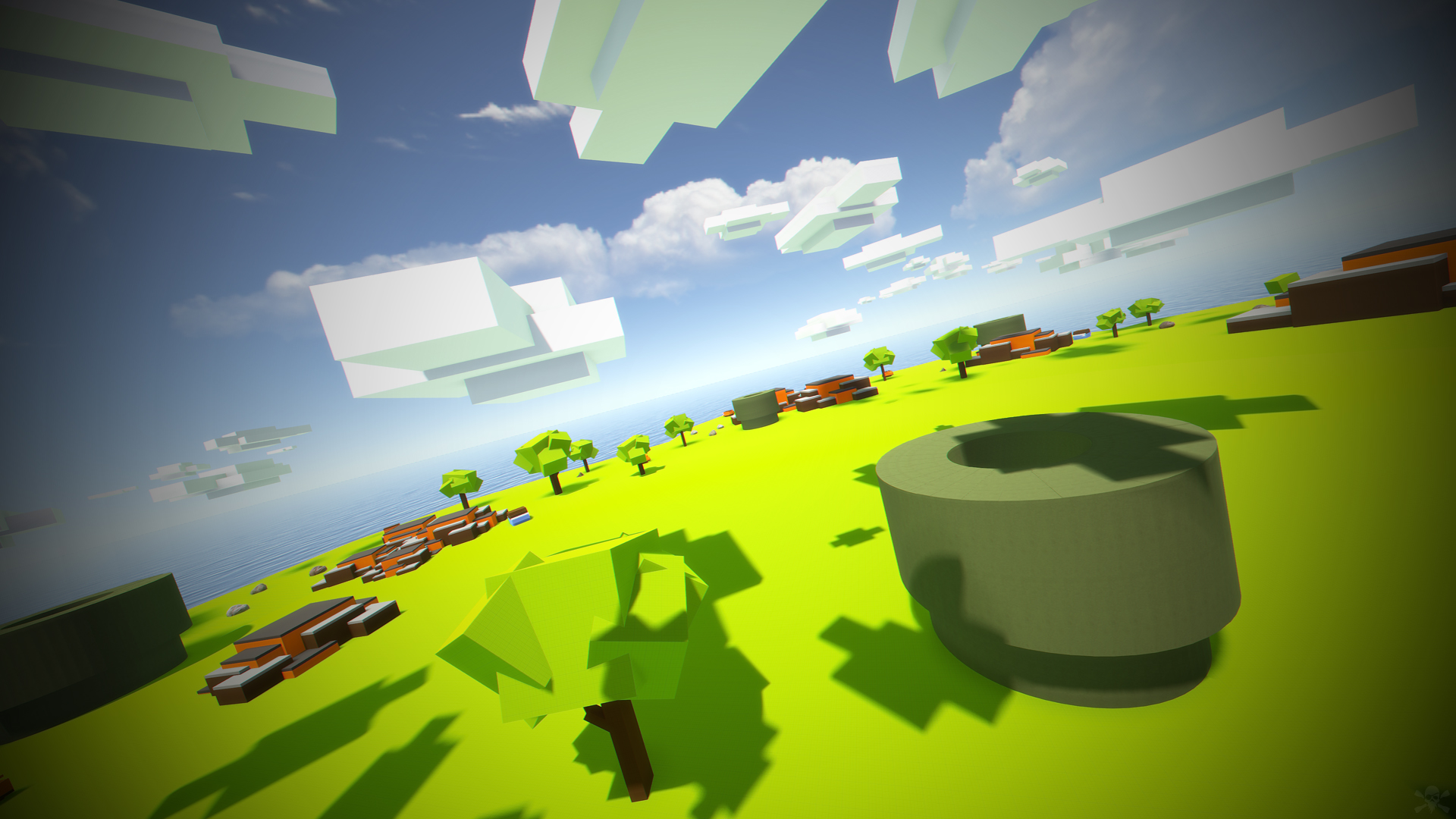
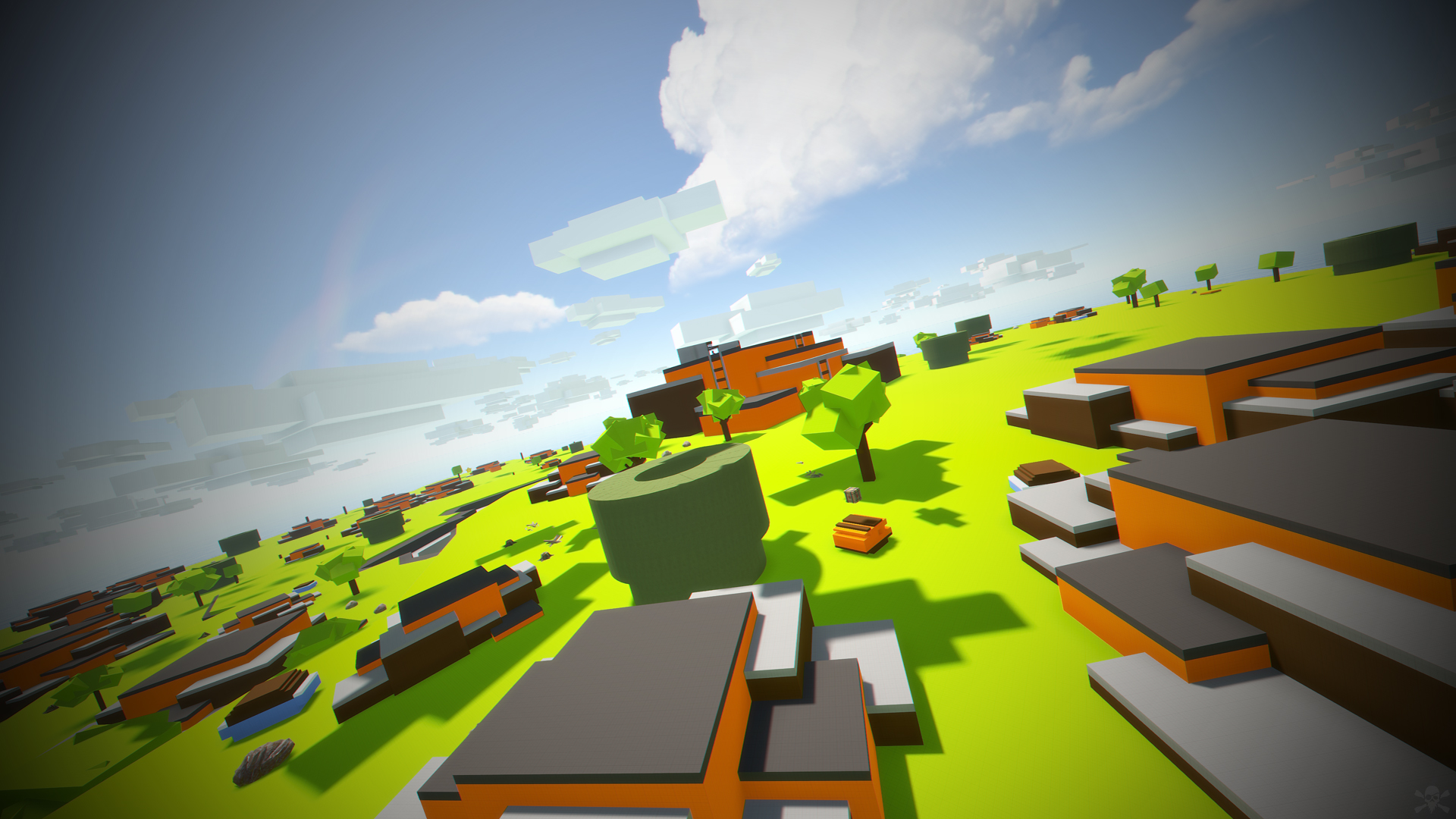
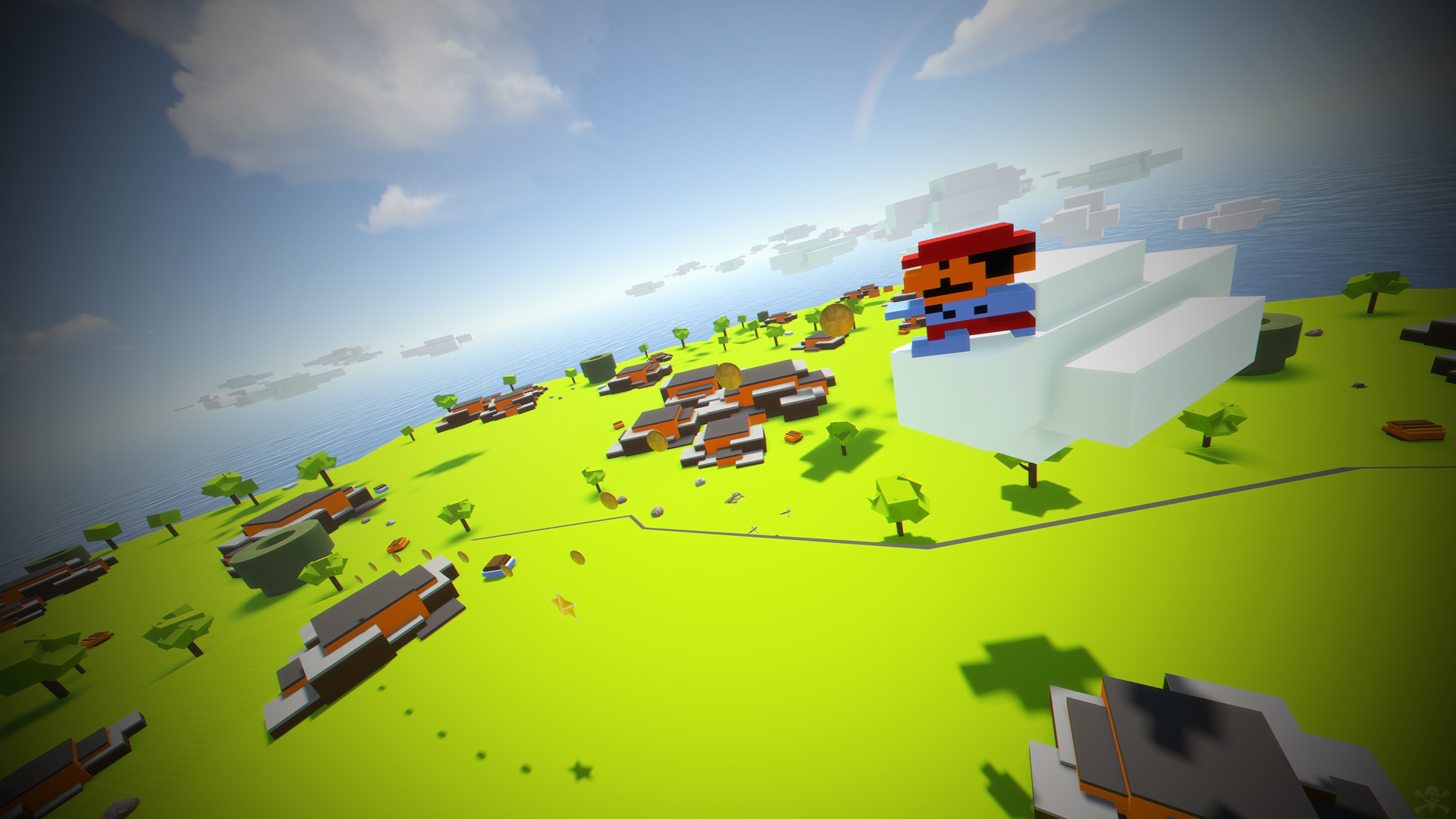
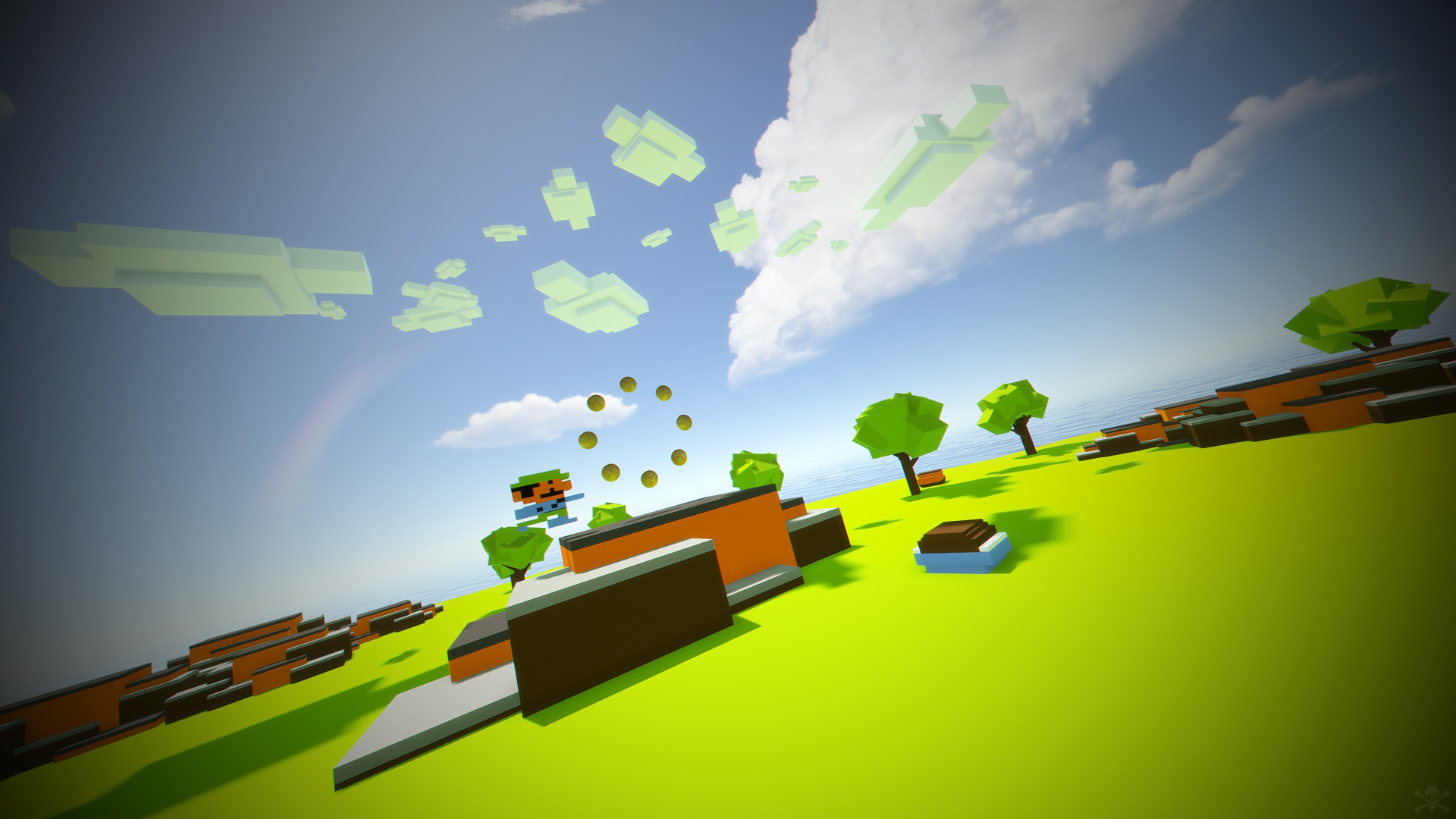
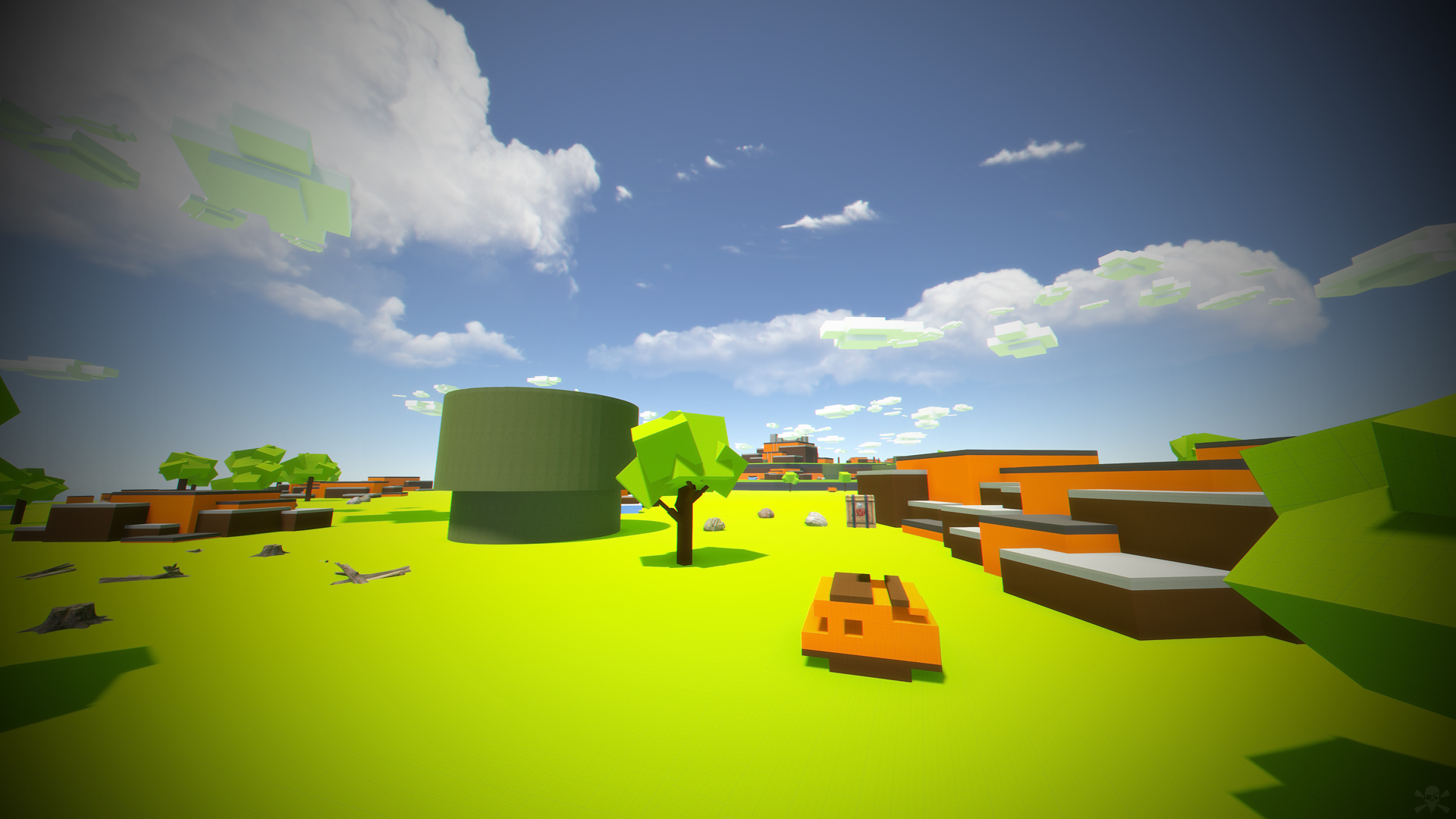
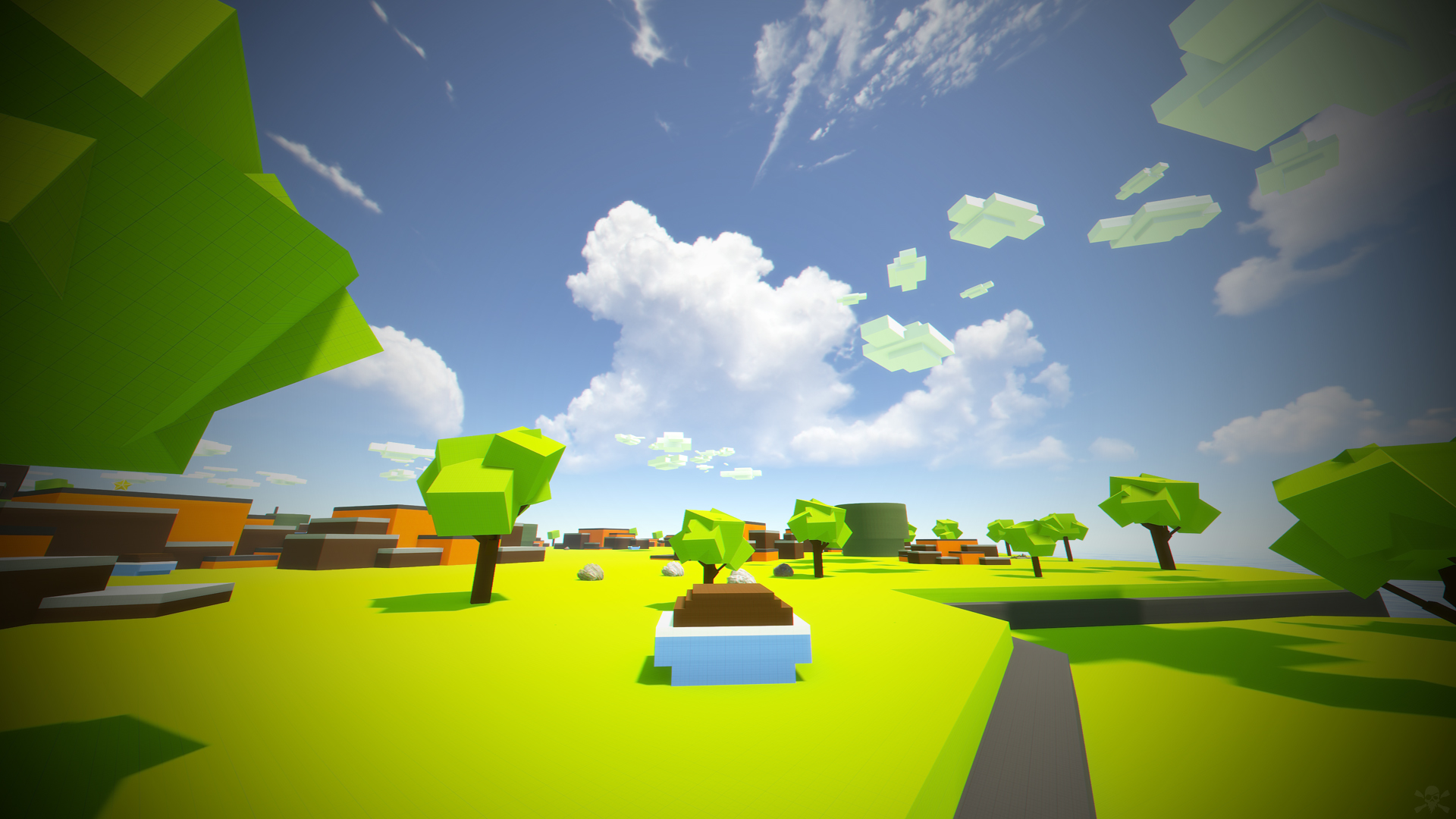
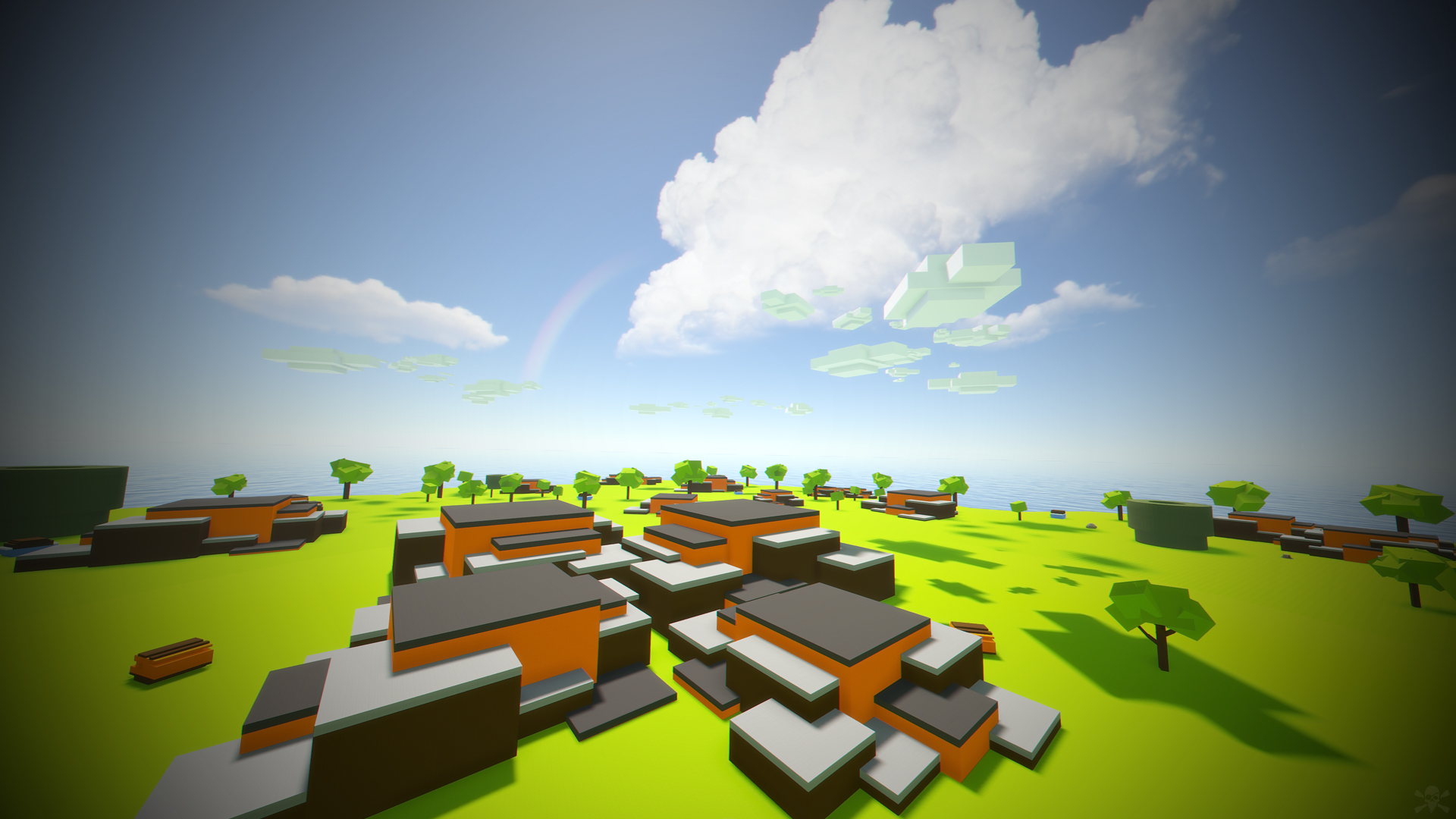
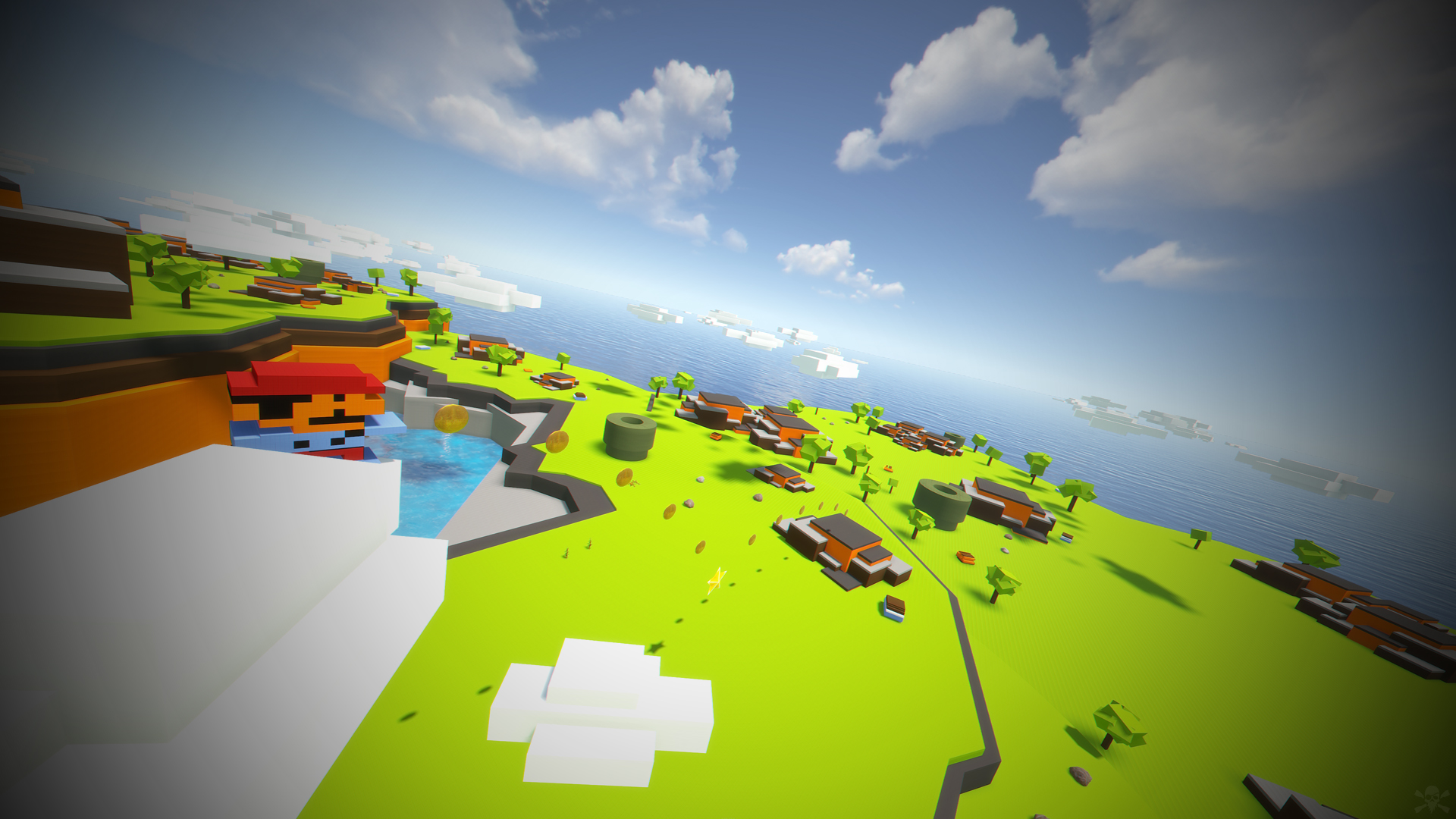
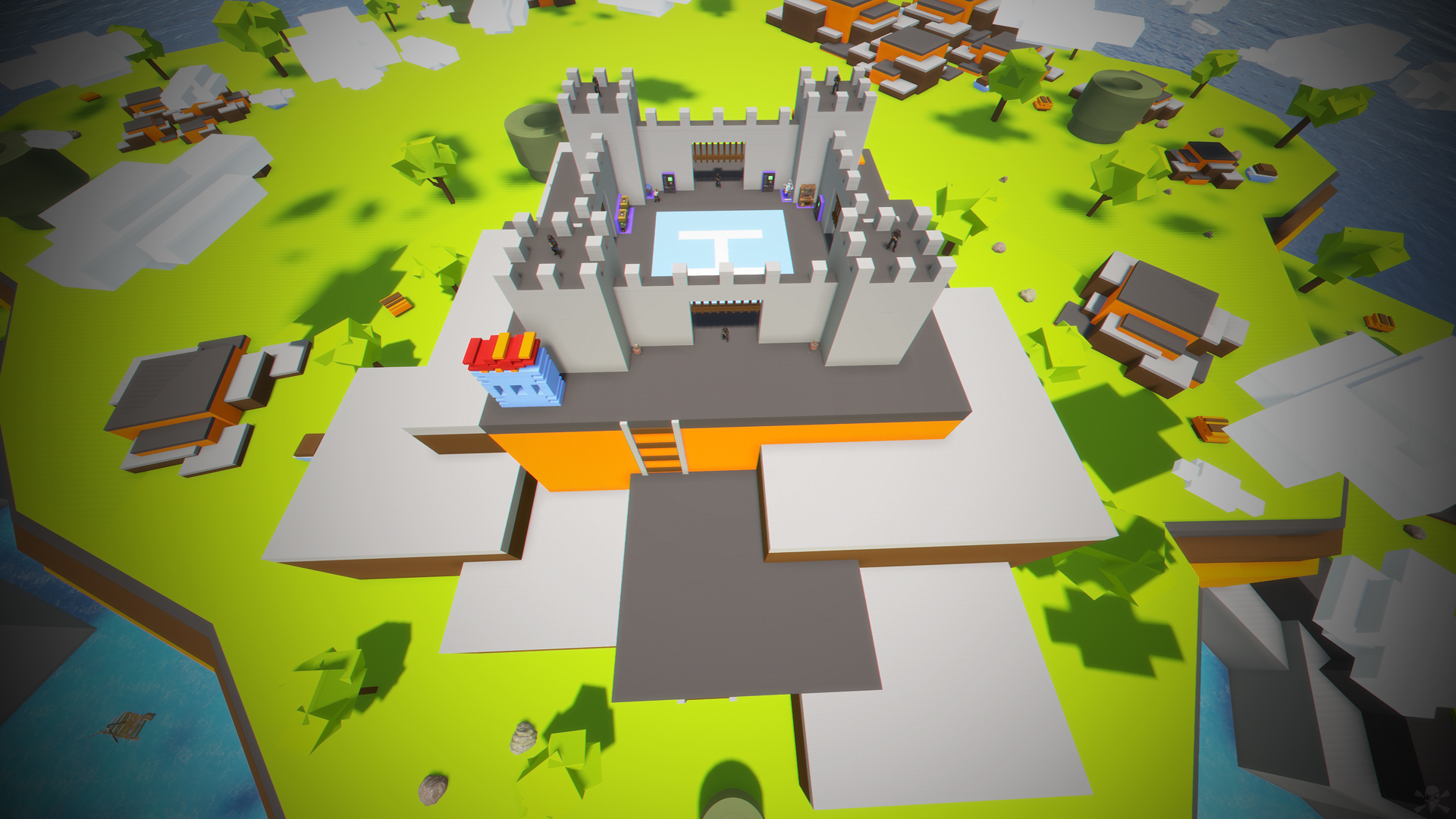
- Mario World is a world inspired by the legendary Mario Bross game.
- In Mario World you can build your house anywhere in this gigantic construction zone.
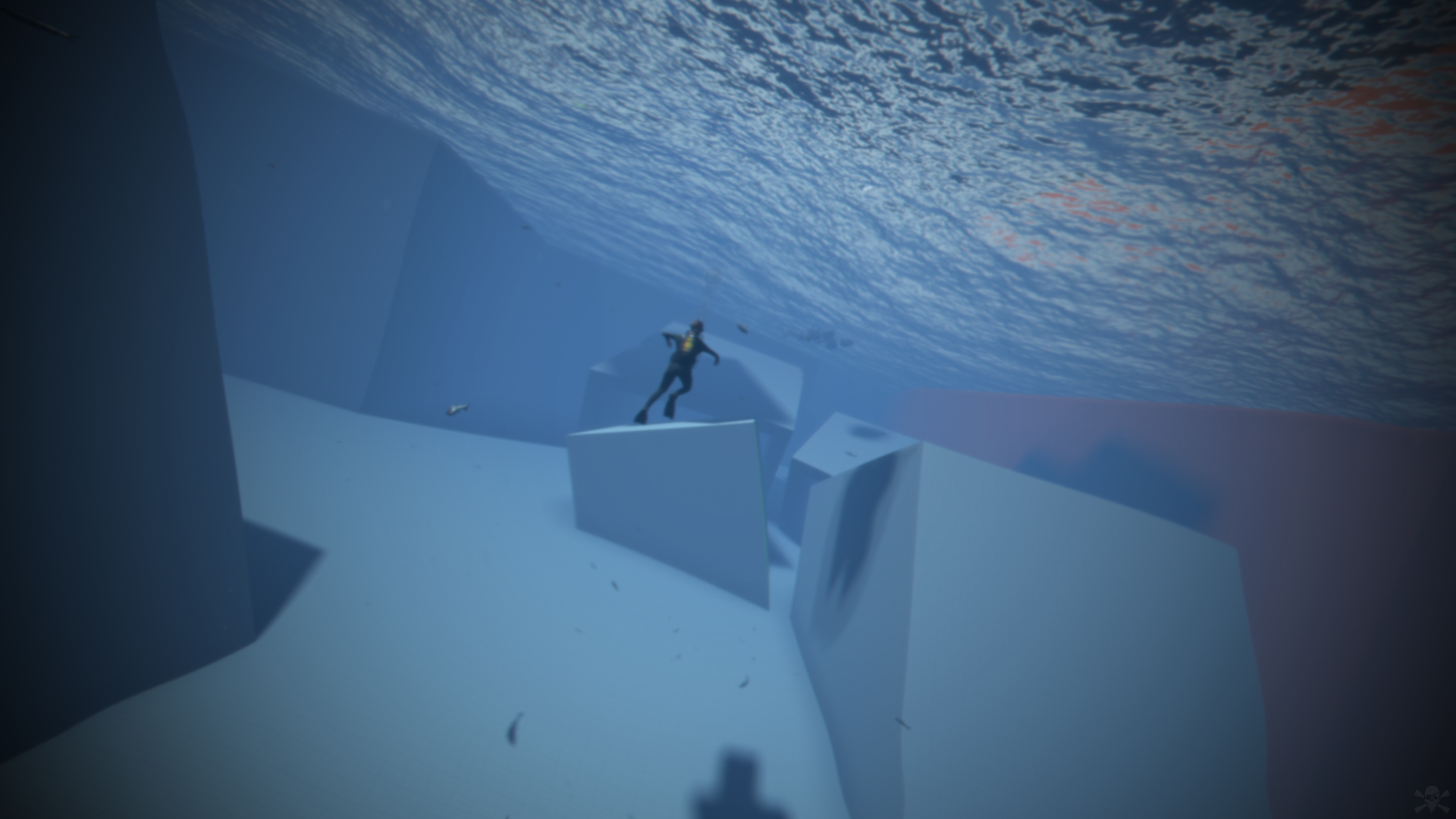
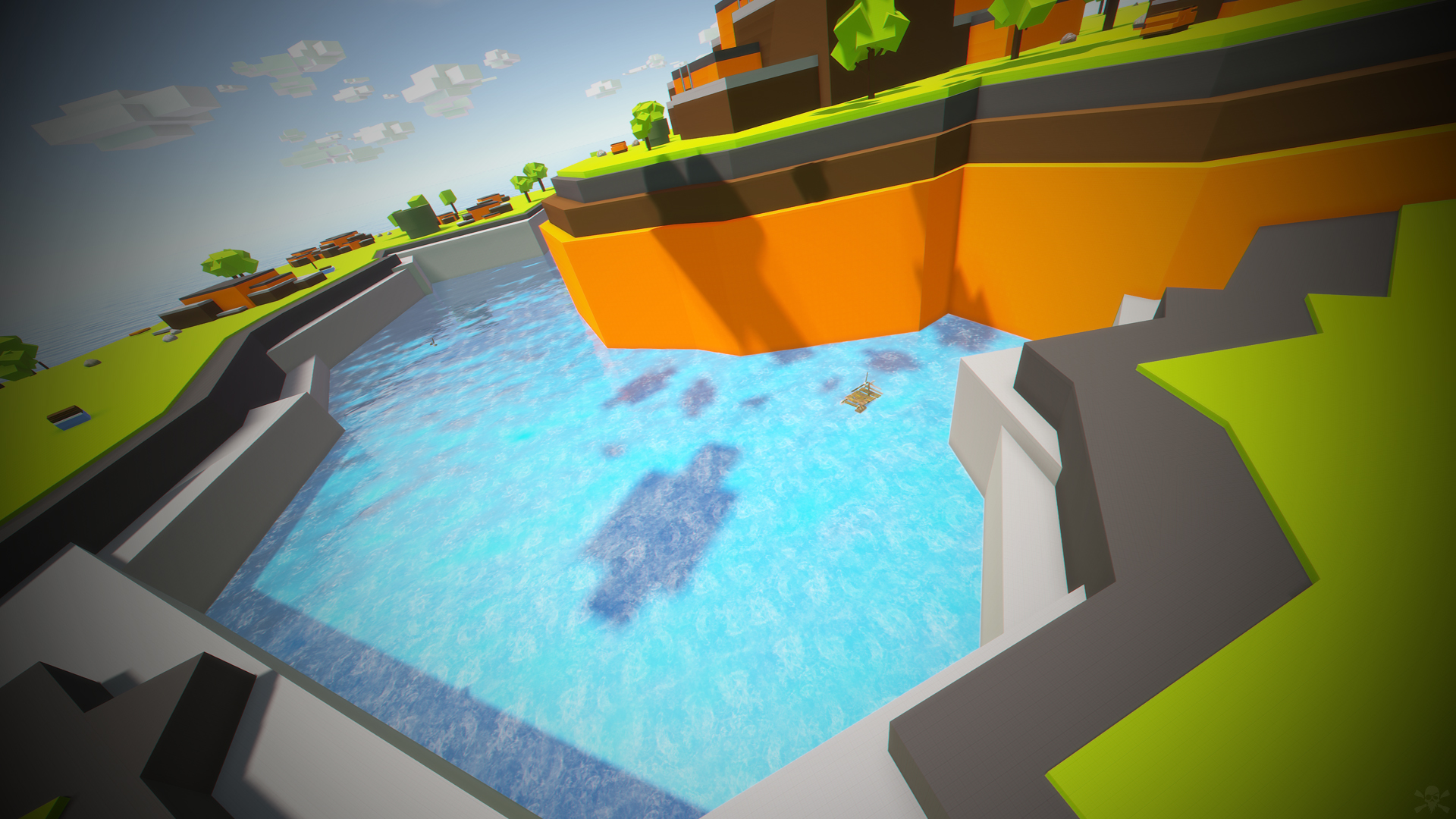
- Build on firm ground, build underwater, in mountains, build wherever you want.
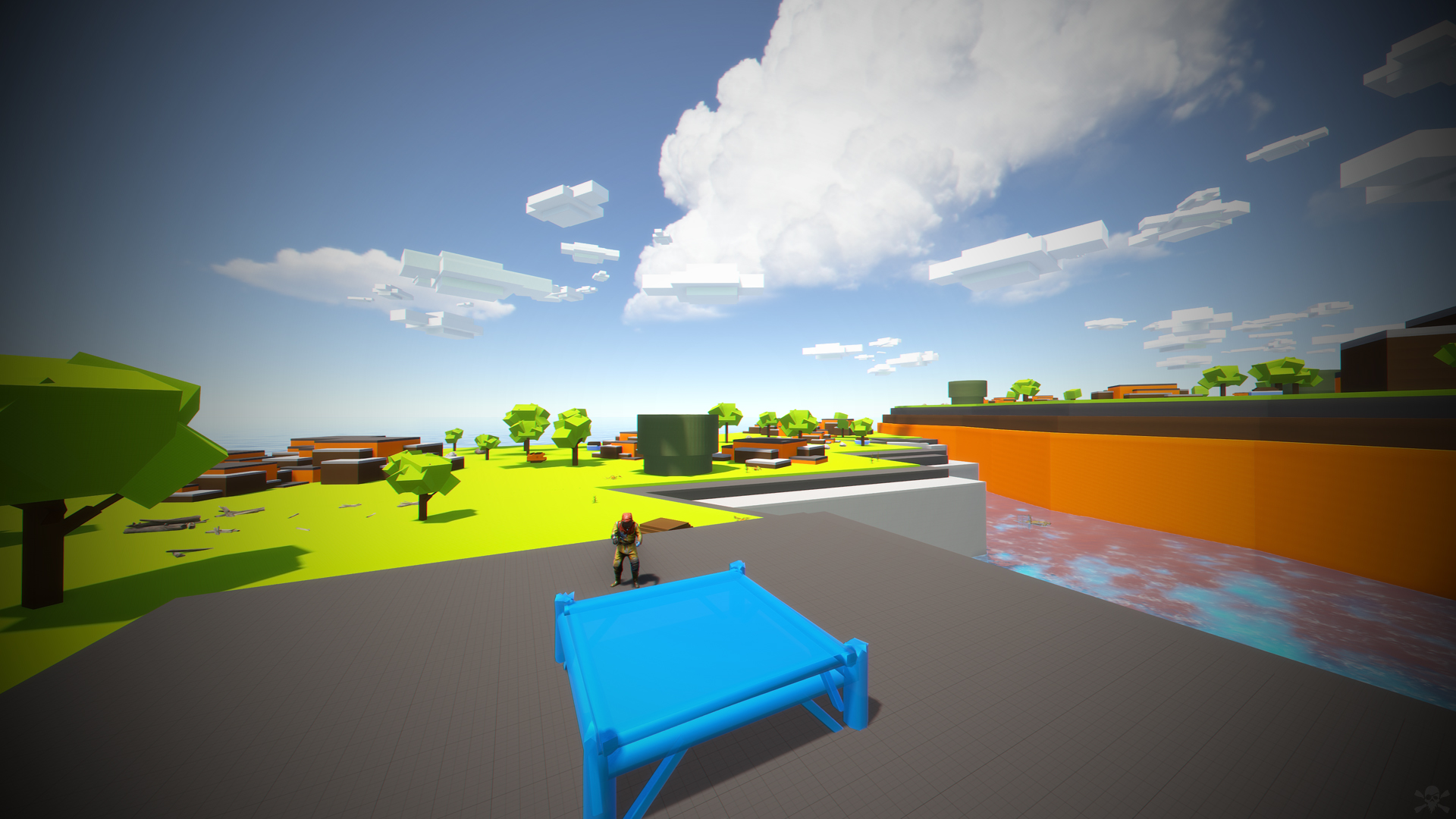
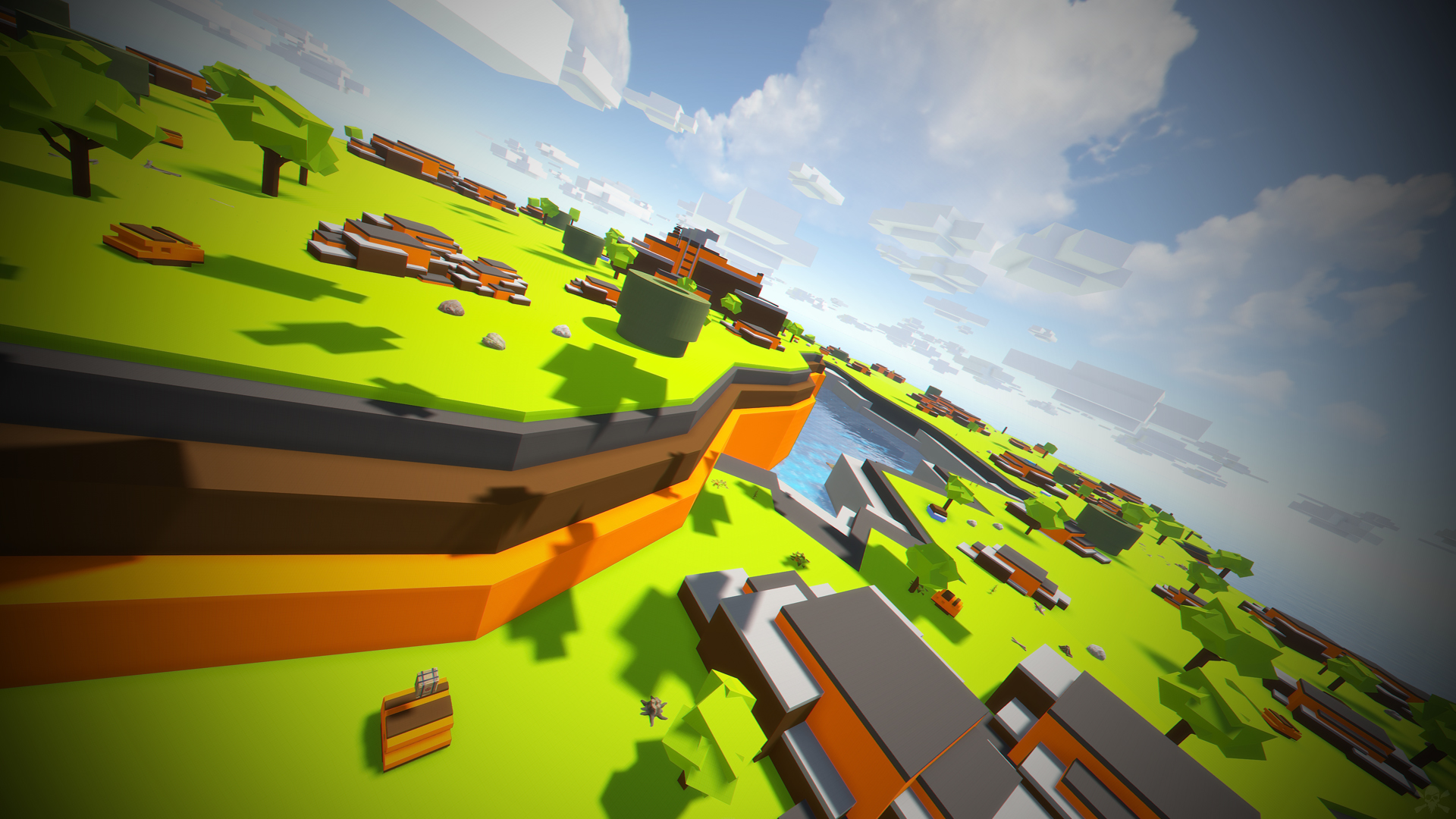
- In Mario World you will find a fantastic and beautiful decoration in which you would think to be in another game.
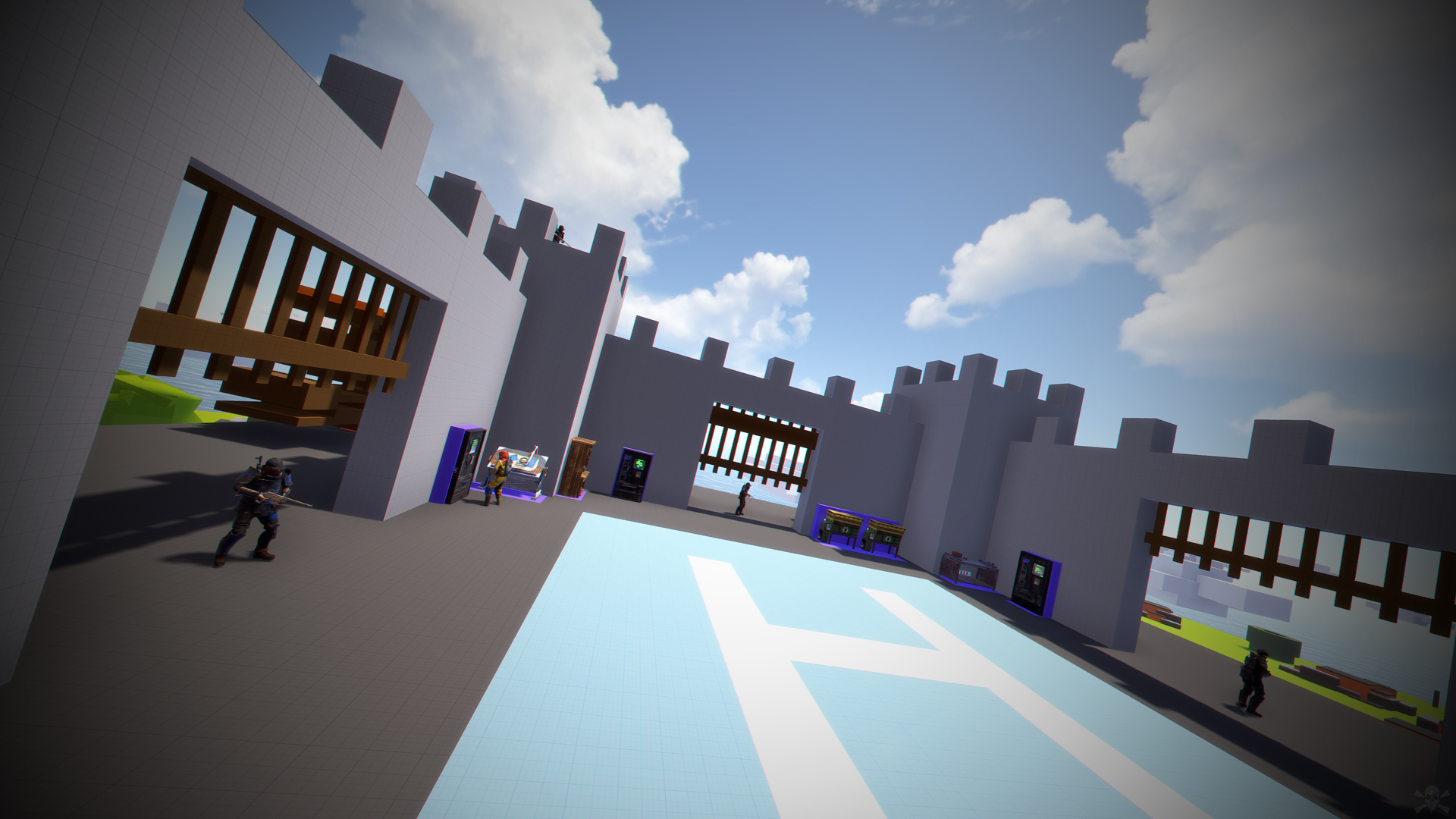
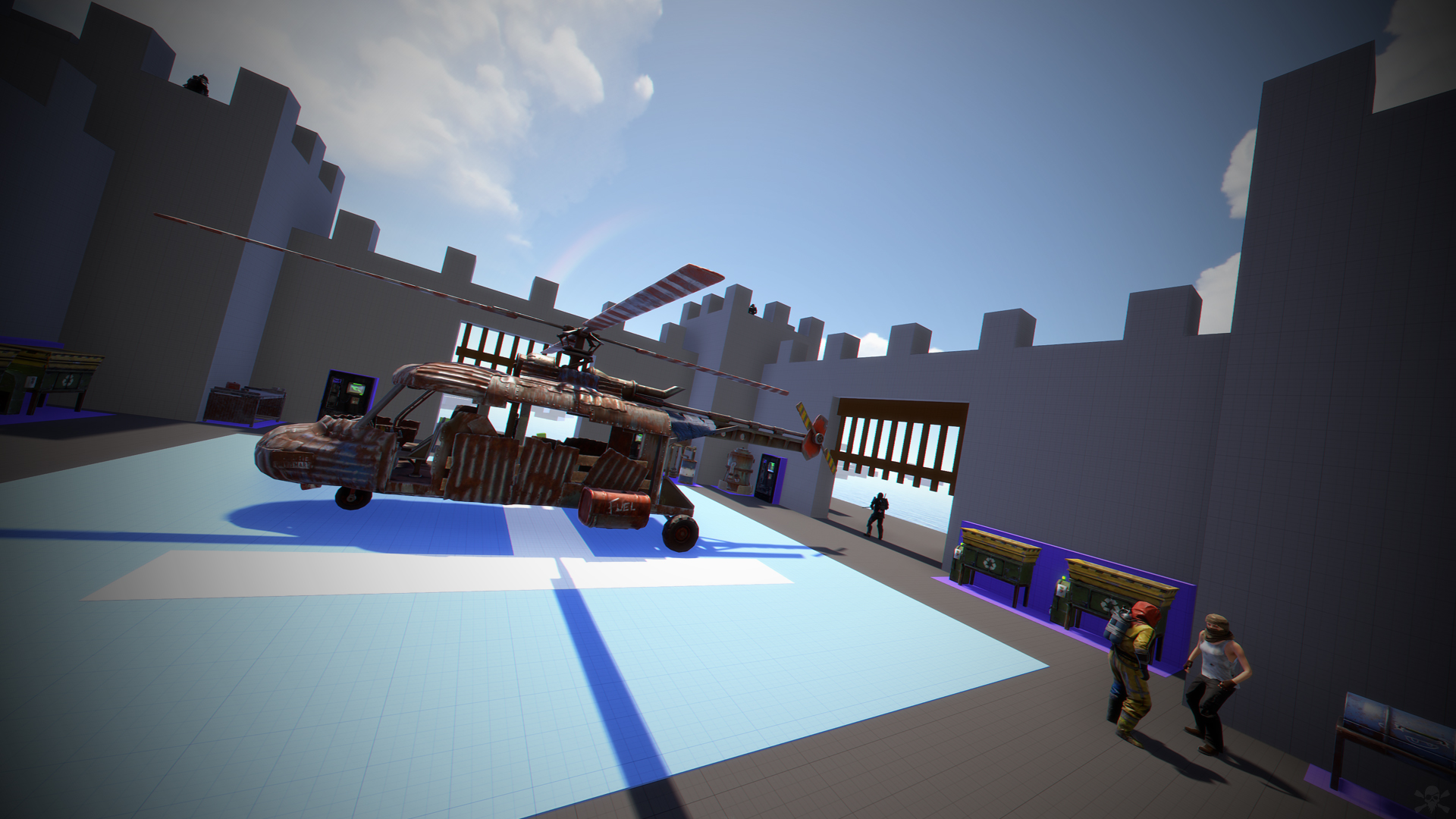
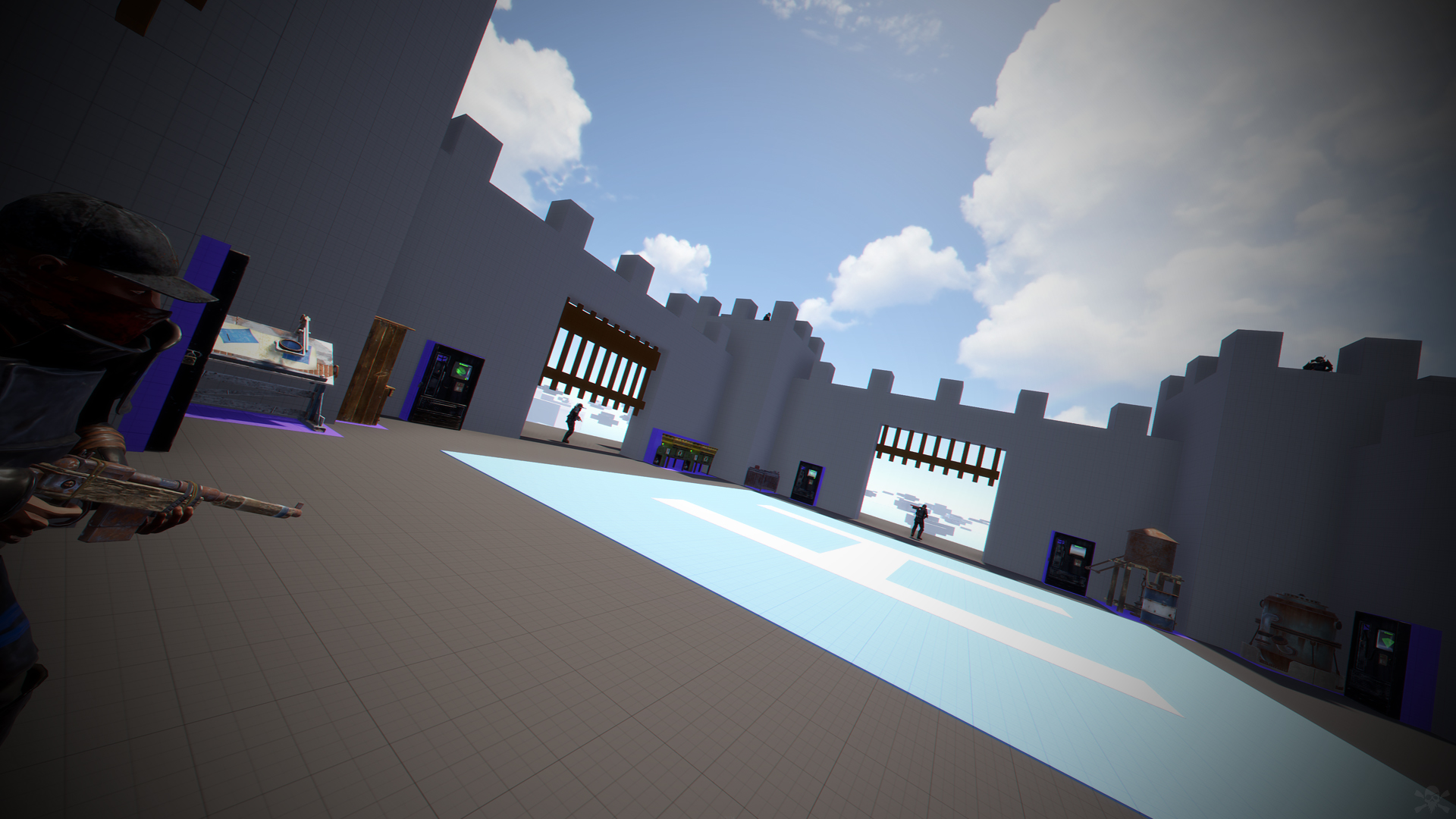
- In addition to finding construction resources and food, you can visit the castle located at the top of the mountain. This castle is a safe area, it is equipped with everything you need for your needs, the castle is a hybrid between the Outpost and Bandit.
- Mario World is compatible with the Raideable Bases plugin.
INCLUDES
- Character Mario Bross.
- Character Luigi.
- Donkey Kong character.
- Three different enemy characters.
- Underwater construction areas.
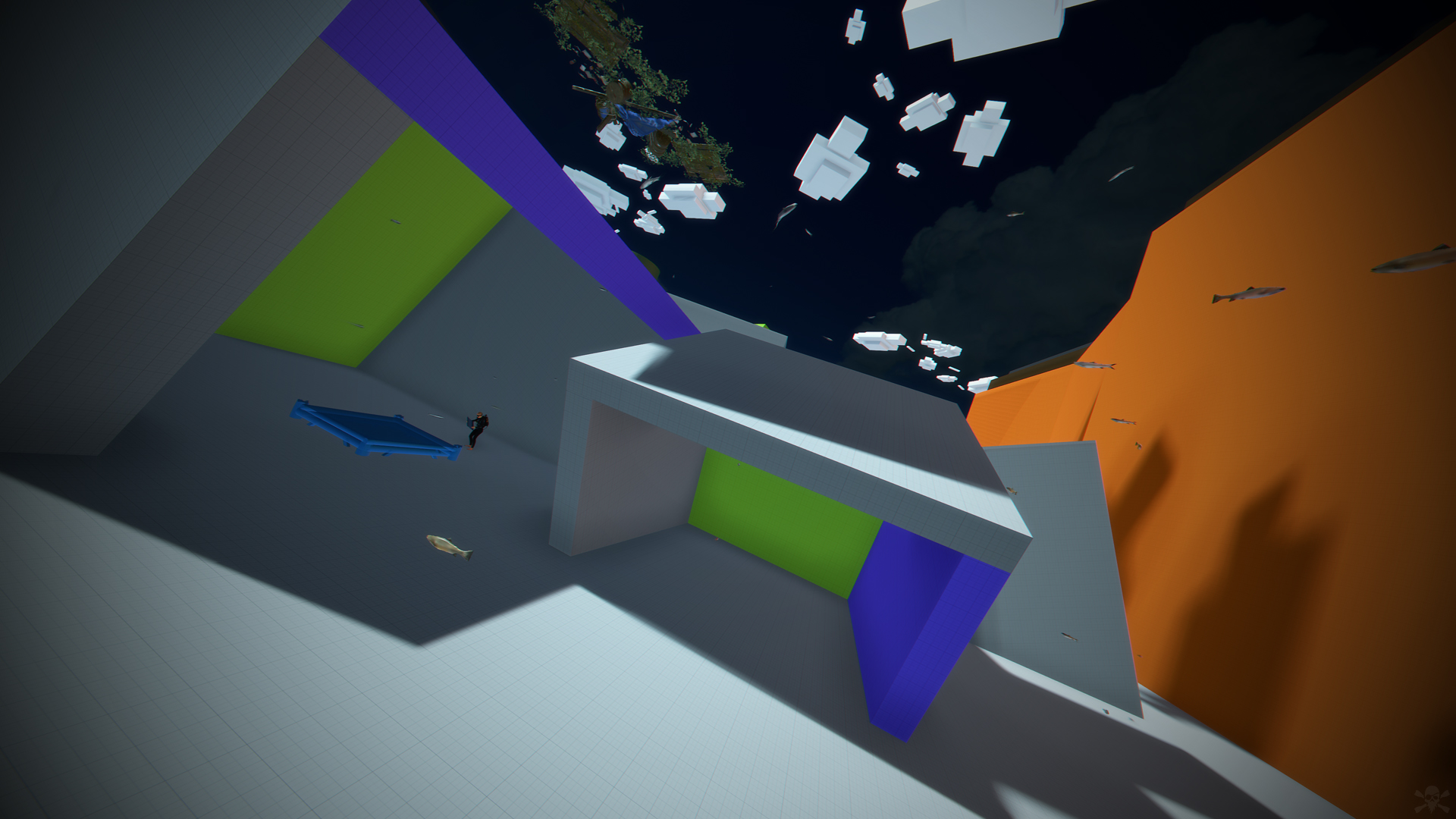
- Pipes to build inside.
- Construction resources.
- Food and Water.
- Helicopter vendor.
- Work tables.
- Bandit guards and turrets.
- Recycling machines.
- Shops.
TIPS
- This prefab contains a height layer, it is not necessary to apply the height layer, this option has been added to make the Raideable Bases plugin functional in Mario World.
- Climb the walls to reach the heights.
- Have fun :)
SUPPORT: https://discord.gg/ASxJynGndj
Edited by BADGYVER
PRODUCT LICENSE
- It is strictly forbidden to use this product for copying, pirating, distributing or reselling.
- It is strictly forbidden to edit this product in Rust Edit or similar programs without having previously obtained a purchase license.
- If the purchased product is a Custom Map, it is strictly forbidden to edit the Custom Map to obtain prefabricated or monuments that will be used in other maps or projects.
- To use a Prefabricated product or Monument, you must acquire a purchase license.
WARNING
- Failure to comply with the terms of the license will lead to a massive report to the developer community.
- Your server and Steam account will be reported, your user account will be blocked and all your purchases on websites will be blocked.
- If you are aware of any user or website that participates in any of these malpractices, report on this website or send a ticket to: https://discord.badgyver.com
- It is strictly forbidden to use this product for copying, pirating, distributing or reselling.
- It is strictly forbidden to edit this product in Rust Edit or similar programs without having previously obtained a purchase license.
- If the purchased product is a Custom Map, it is strictly forbidden to edit the Custom Map to obtain prefabricated or monuments that will be used in other maps or projects.
- To use a Prefabricated product or Monument, you must acquire a purchase license.
WARNING
- Failure to comply with the terms of the license will lead to a massive report to the developer community.
- Your server and Steam account will be reported, your user account will be blocked and all your purchases on websites will be blocked.
- If you are aware of any user or website that participates in any of these malpractices, report on this website or send a ticket to: https://discord.badgyver.com
You may only provide a review once you have downloaded the file.
There are no reviews to display.