



Jump to content
View in the app

A better way to browse. Learn more.

WeOxide Marketplace ¬ Rust Custom Maps ¬ Prefabs ¬ Monuments and Plugins Free & Paid Assets

A full-screen app on your home screen with push notifications, badges and more.

To install this app on iOS and iPadOS
  1. Tap the Share icon in Safari
  2. Scroll the menu and tap Add to Home Screen.
  3. Tap Add in the top-right corner.
To install this app on Android
  1. Tap the 3-dot menu (⋮) in the top-right corner of the browser.
  2. Tap Add to Home screen or Install app.
  3. Confirm by tapping Install.

Extended Minigun 1.0.1

(0 reviews)

1 Screenshot

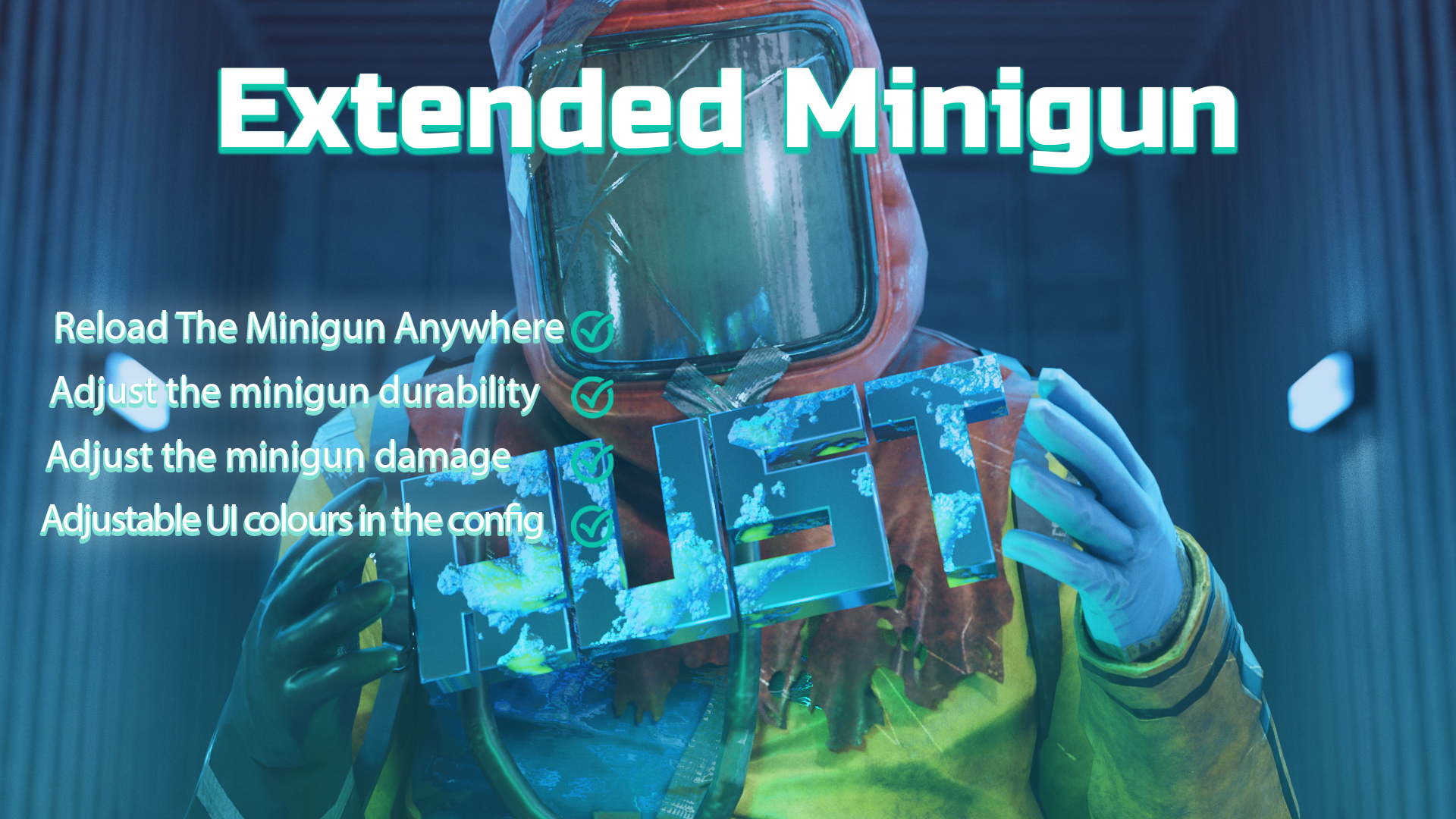
Extended Minigun is a basic plugin that allows players with the use permission to reload the minigun any where and not just at a level 2 workbench.

The Plugin also features adjustable durability and output damage


{
  "Version": "1.0.1",
  "Reload Duration Seconds": 3.5,
  "Reload Cooldown Seconds": 5.0,
  "Enable Toast Notifications": true,
  "UI Background Color (Hex)": "000000",
  "UI Background Opacity (0-100)": 50.0,
  "UI Progress Bar Color (Hex)": "FF8800",
  "UI Text Color (Hex)": "FF8800",
  "Minigun Durability Multiplier (1.0 = normal, 2.0 = half damage)": 2.0,
  "Minigun Damage Multiplier (1.0 = normal, 2.0 = double damage)": 2.0
}

Edited by RustyK

User Feedback

You may only provide a review once you have downloaded the file.

There are no reviews to display.

Configure browser push notifications

Chrome (Android)
  1. Tap the lock icon next to the address bar.
  2. Tap Permissions → Notifications.
  3. Adjust your preference.
Chrome (Desktop)
  1. Click the padlock icon in the address bar.
  2. Select Site settings.
  3. Find Notifications and adjust your preference.