



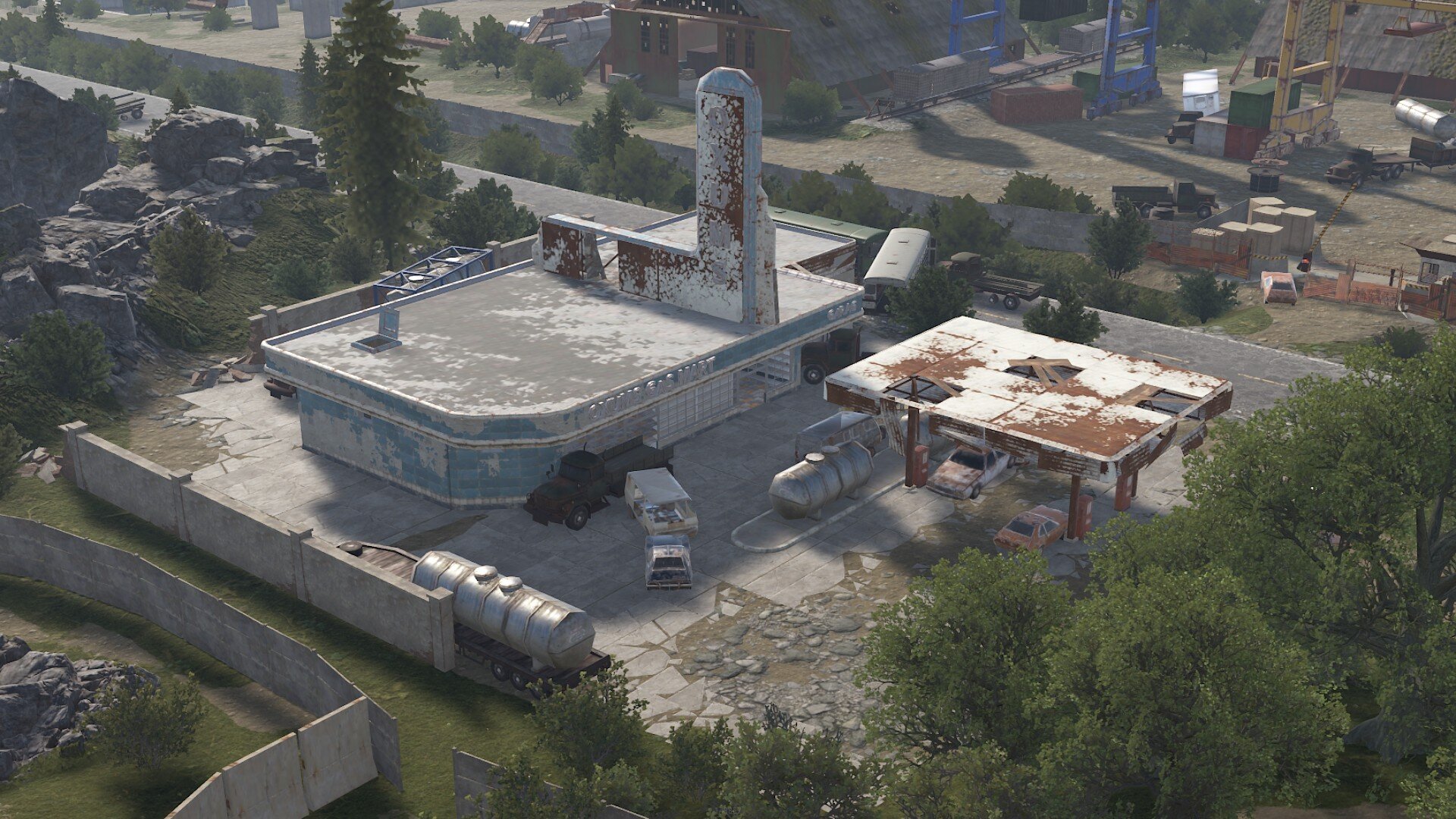
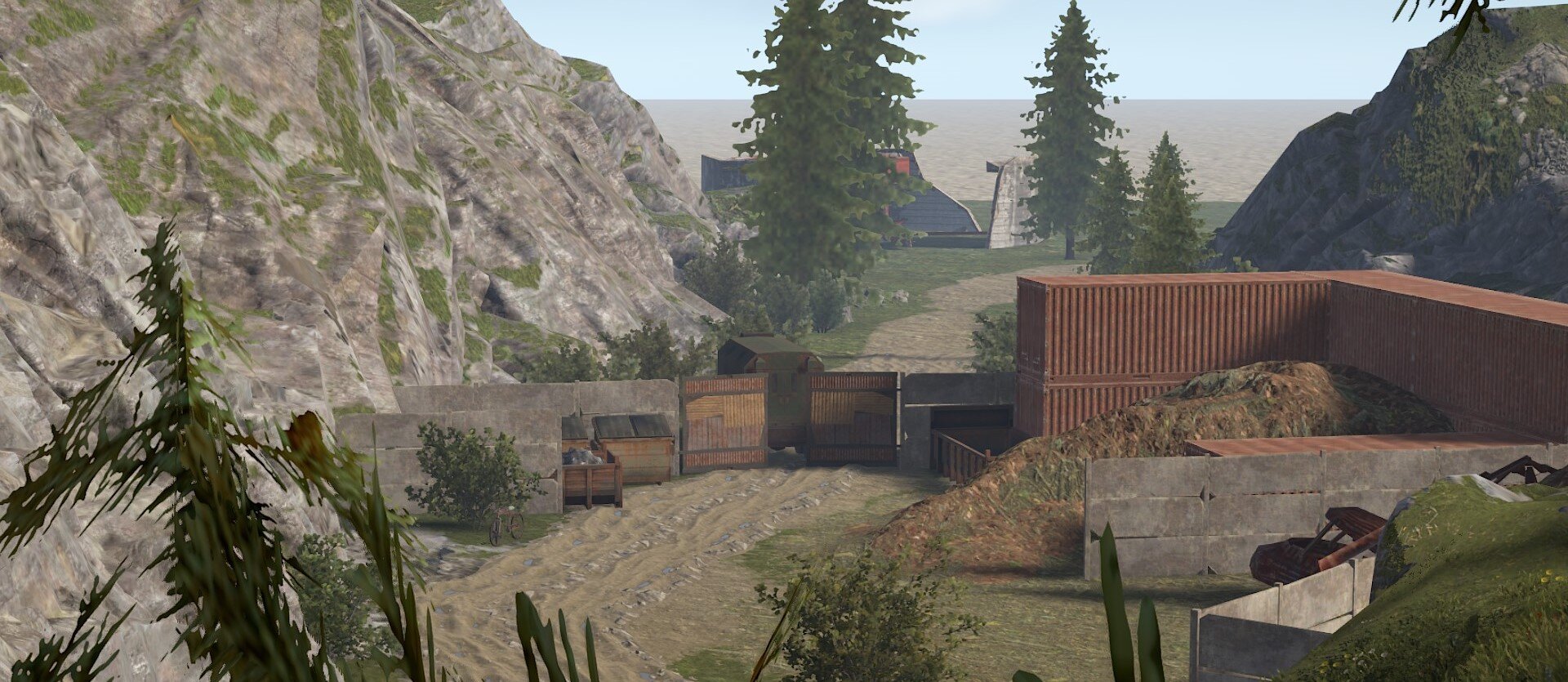
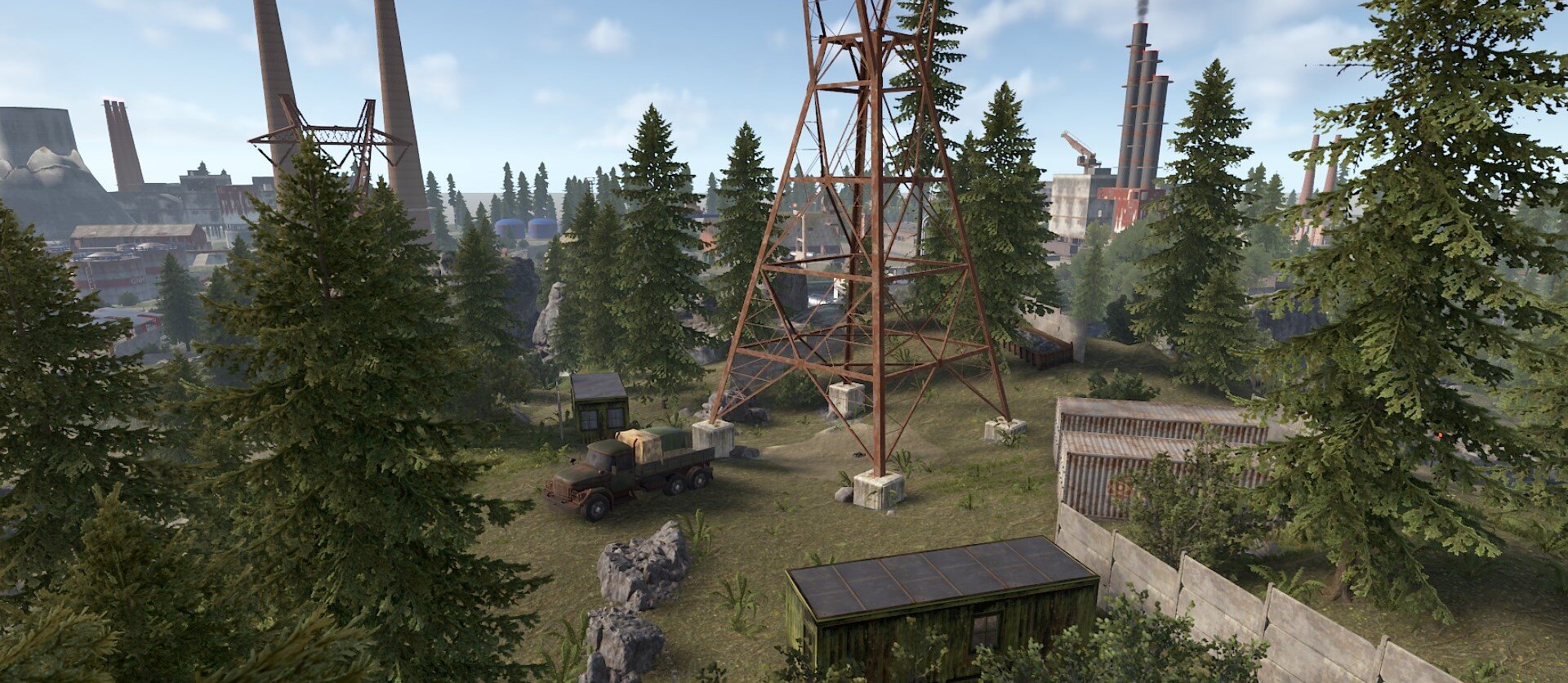
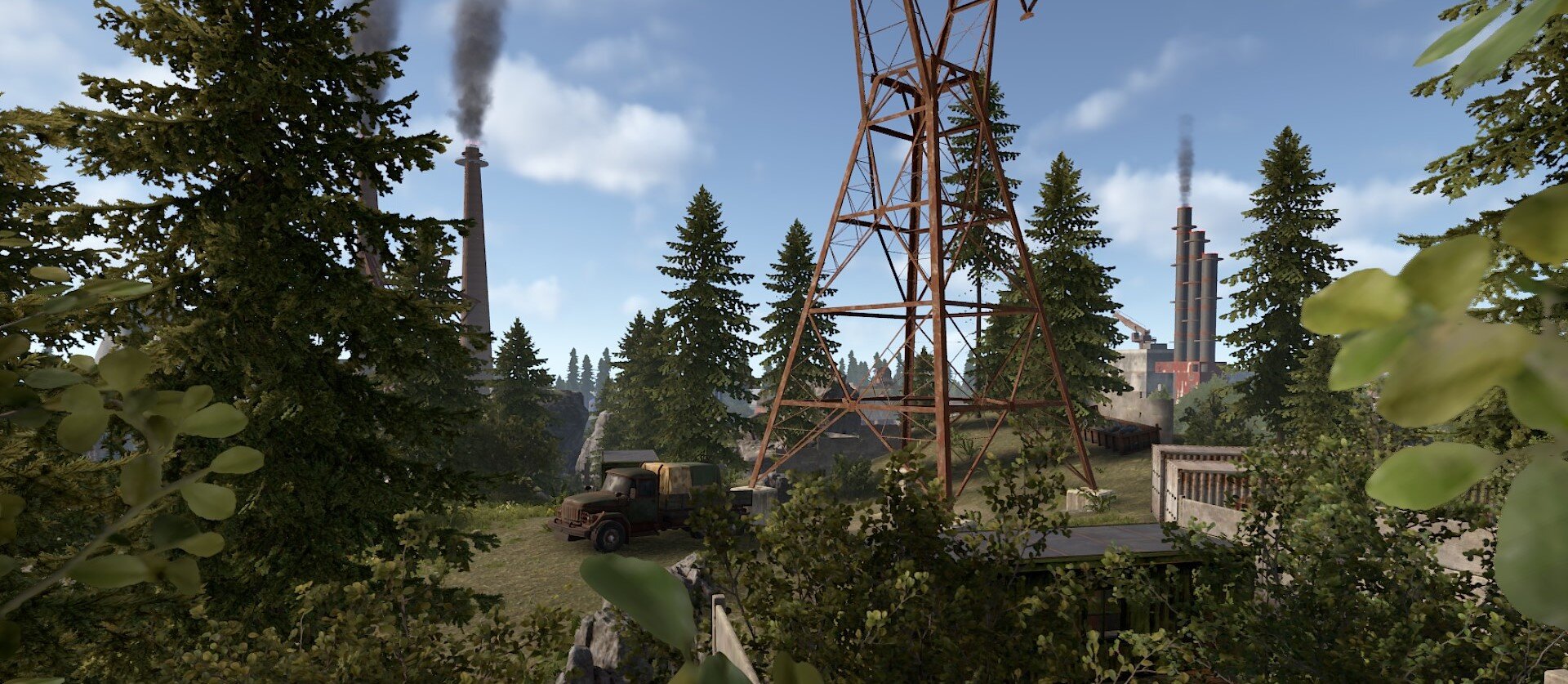
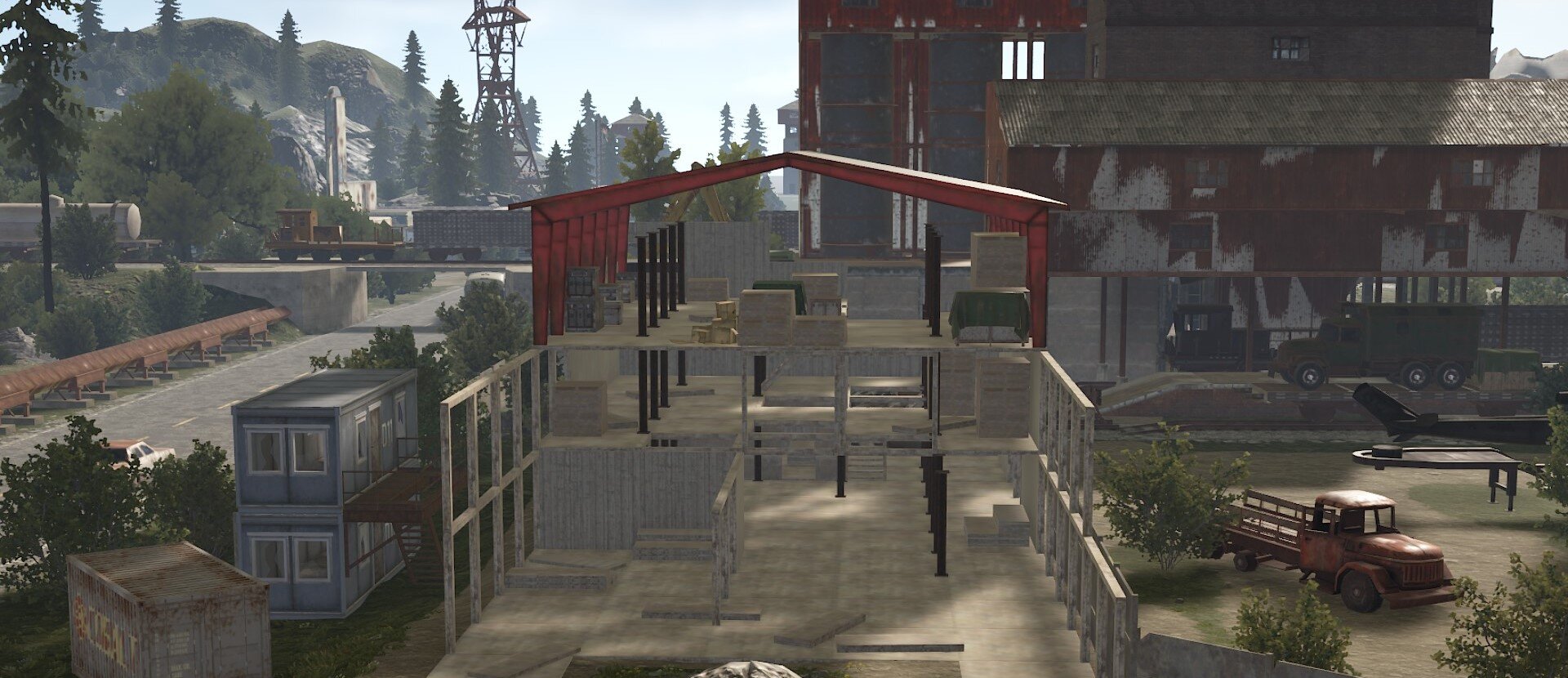
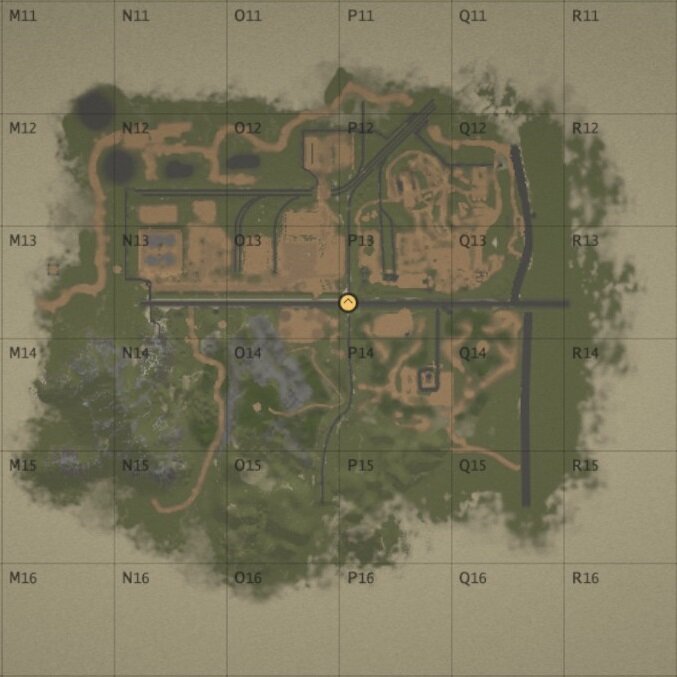
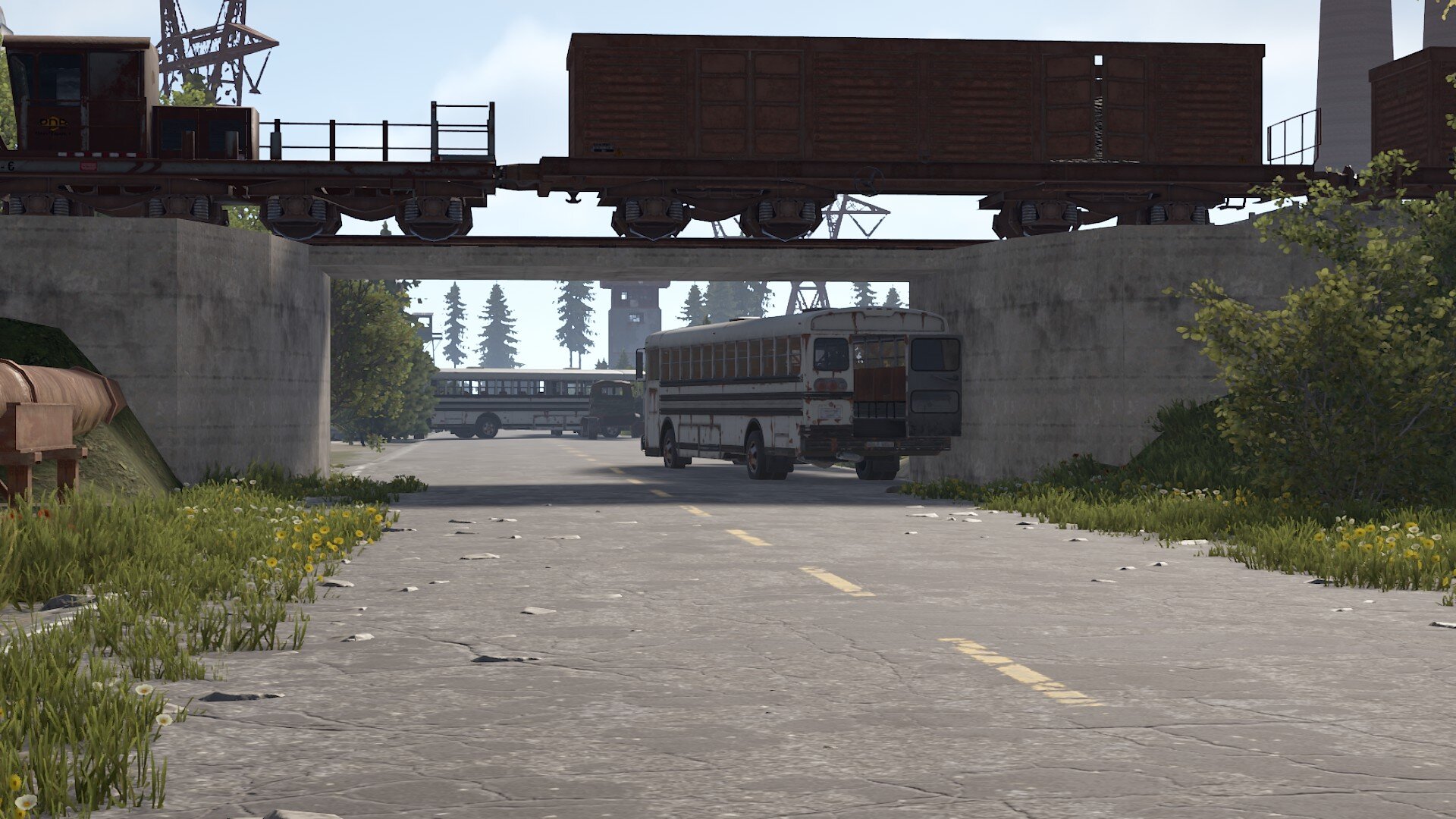
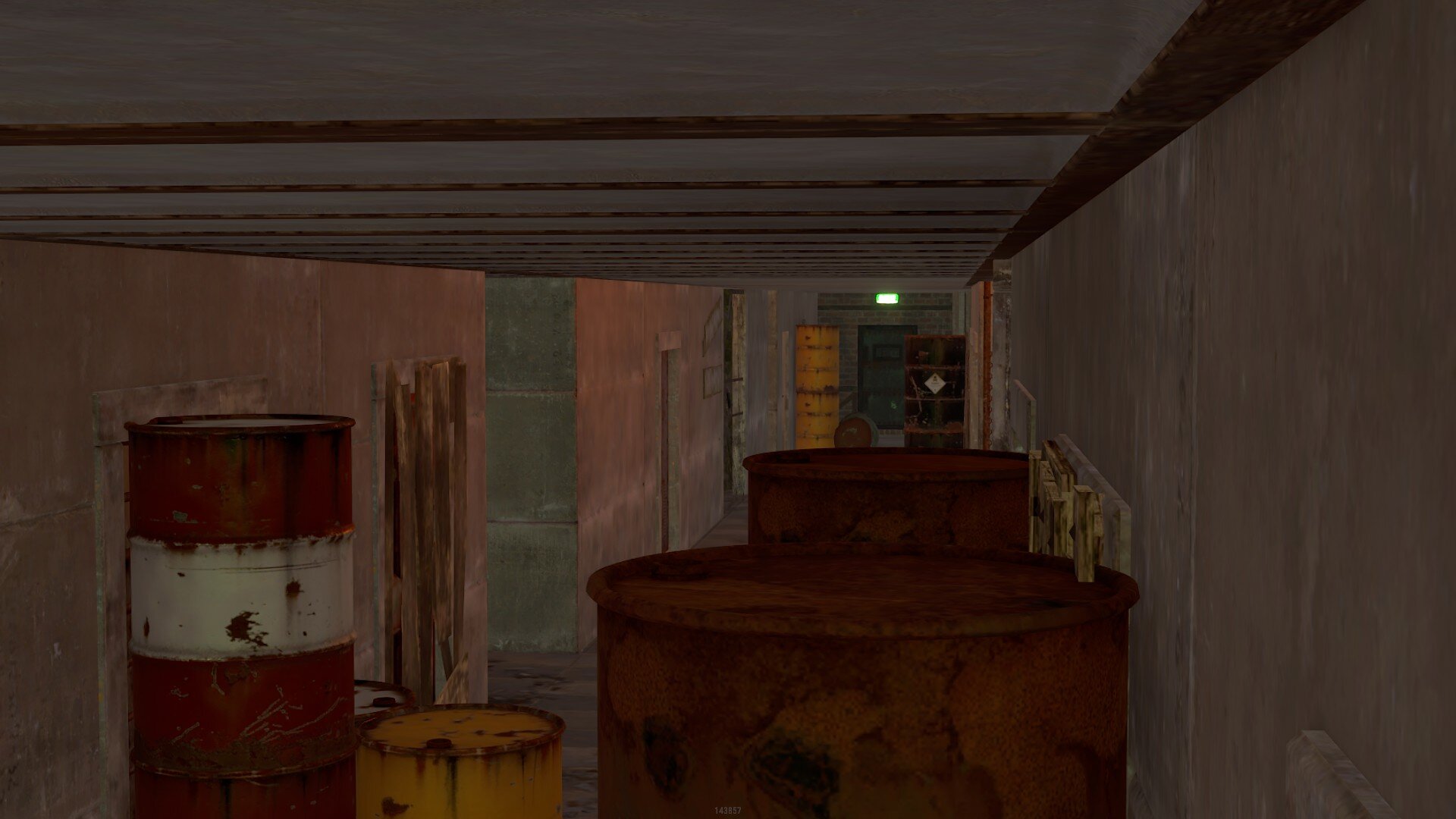
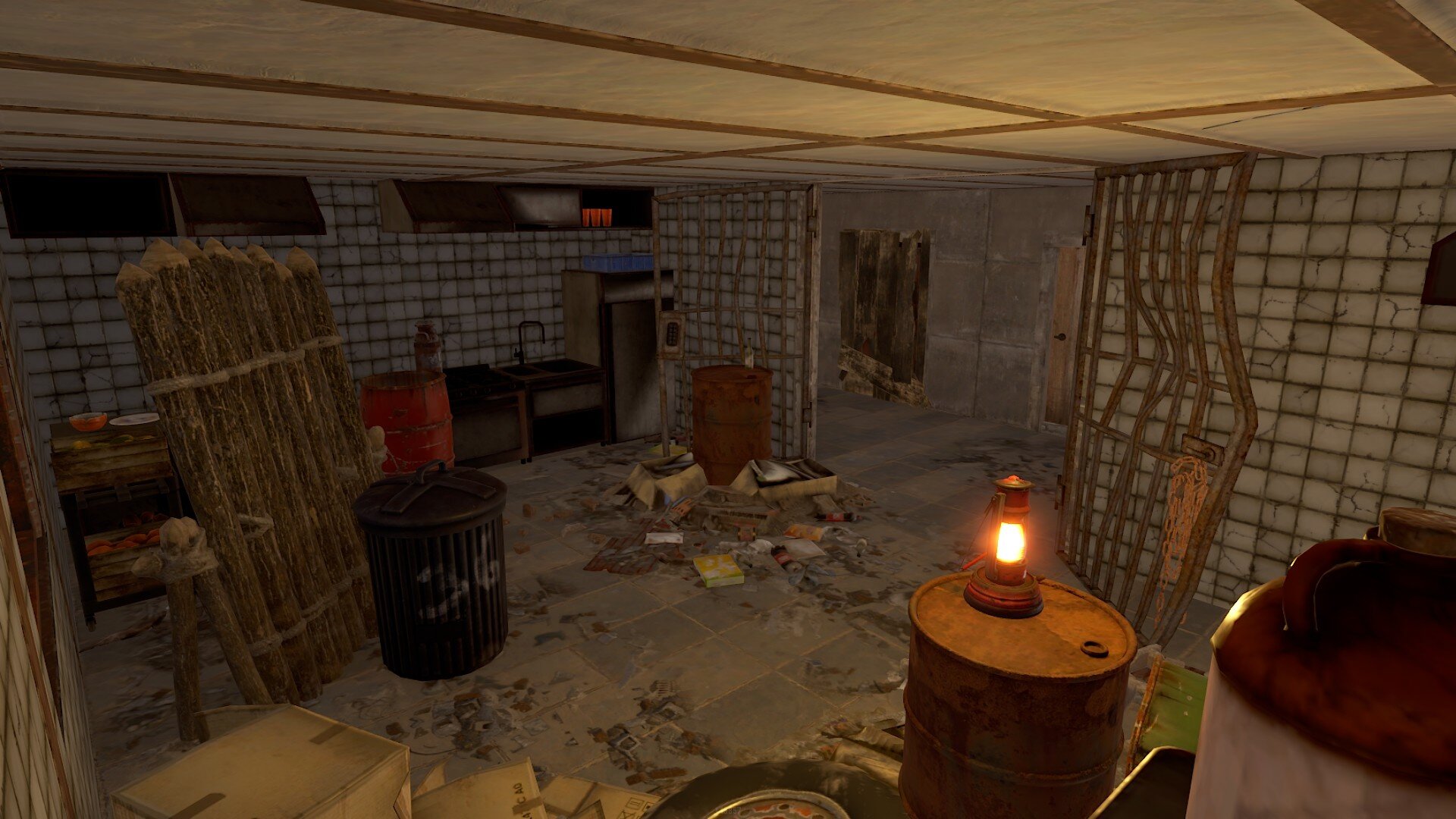
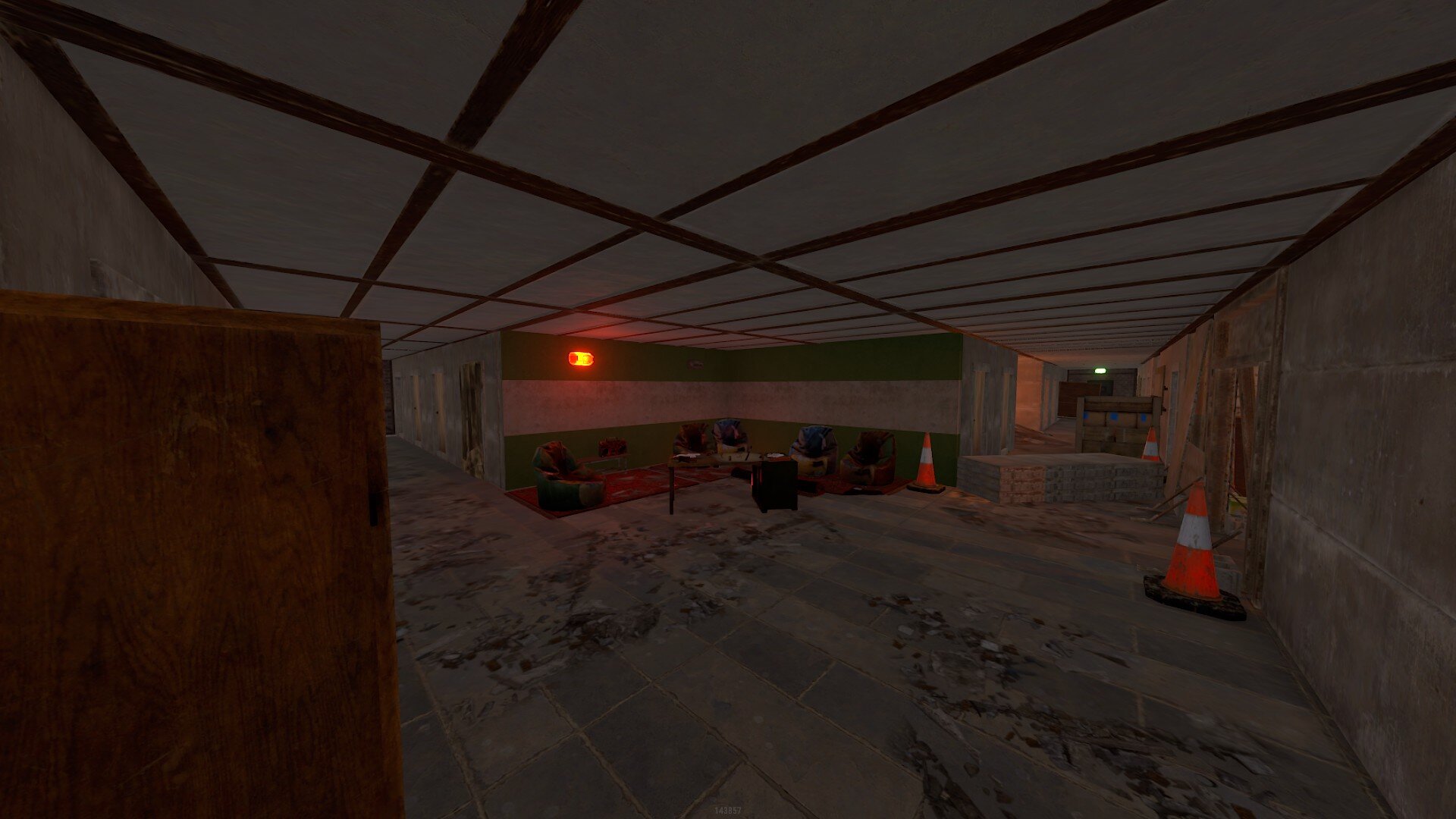
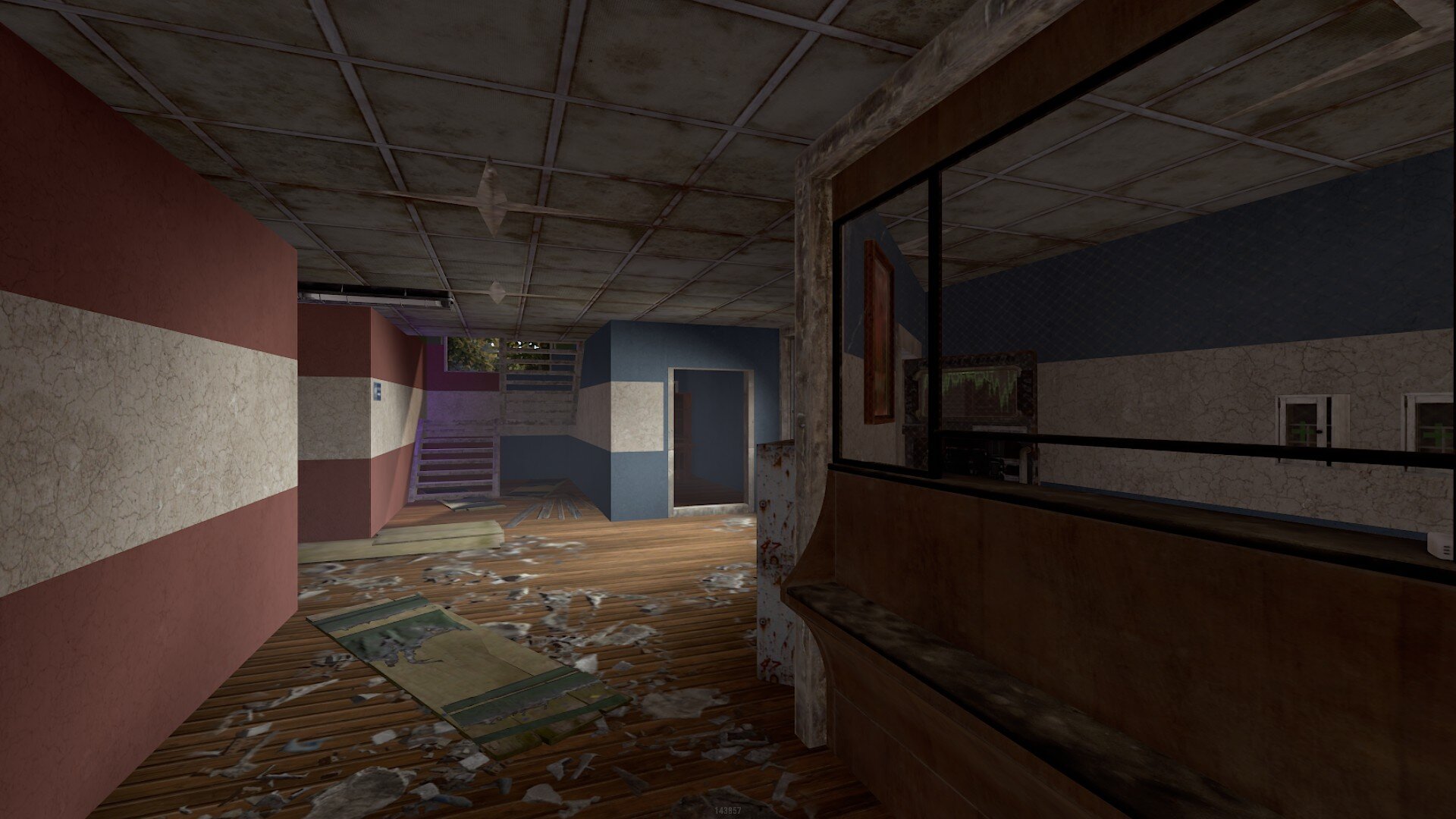
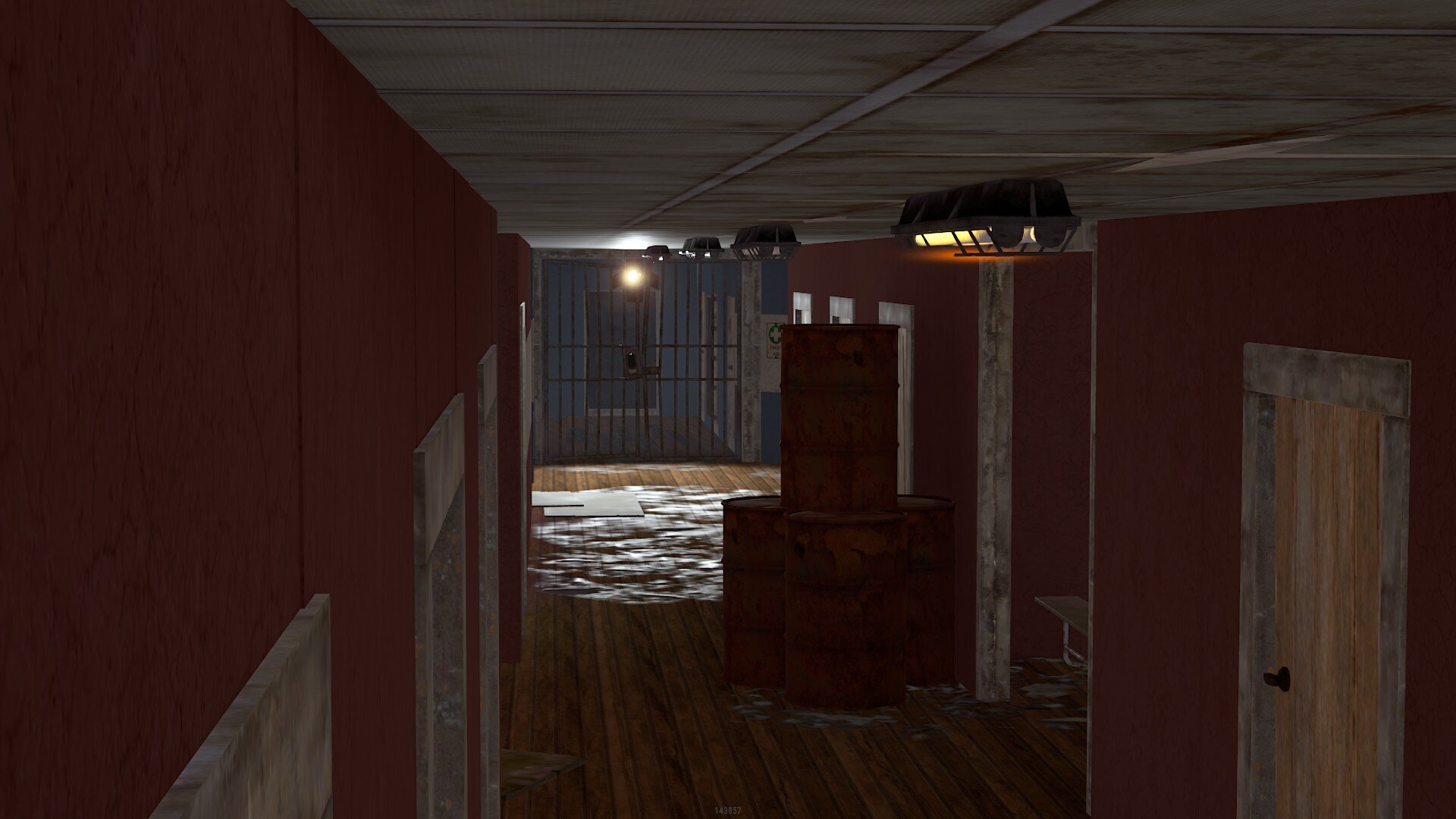
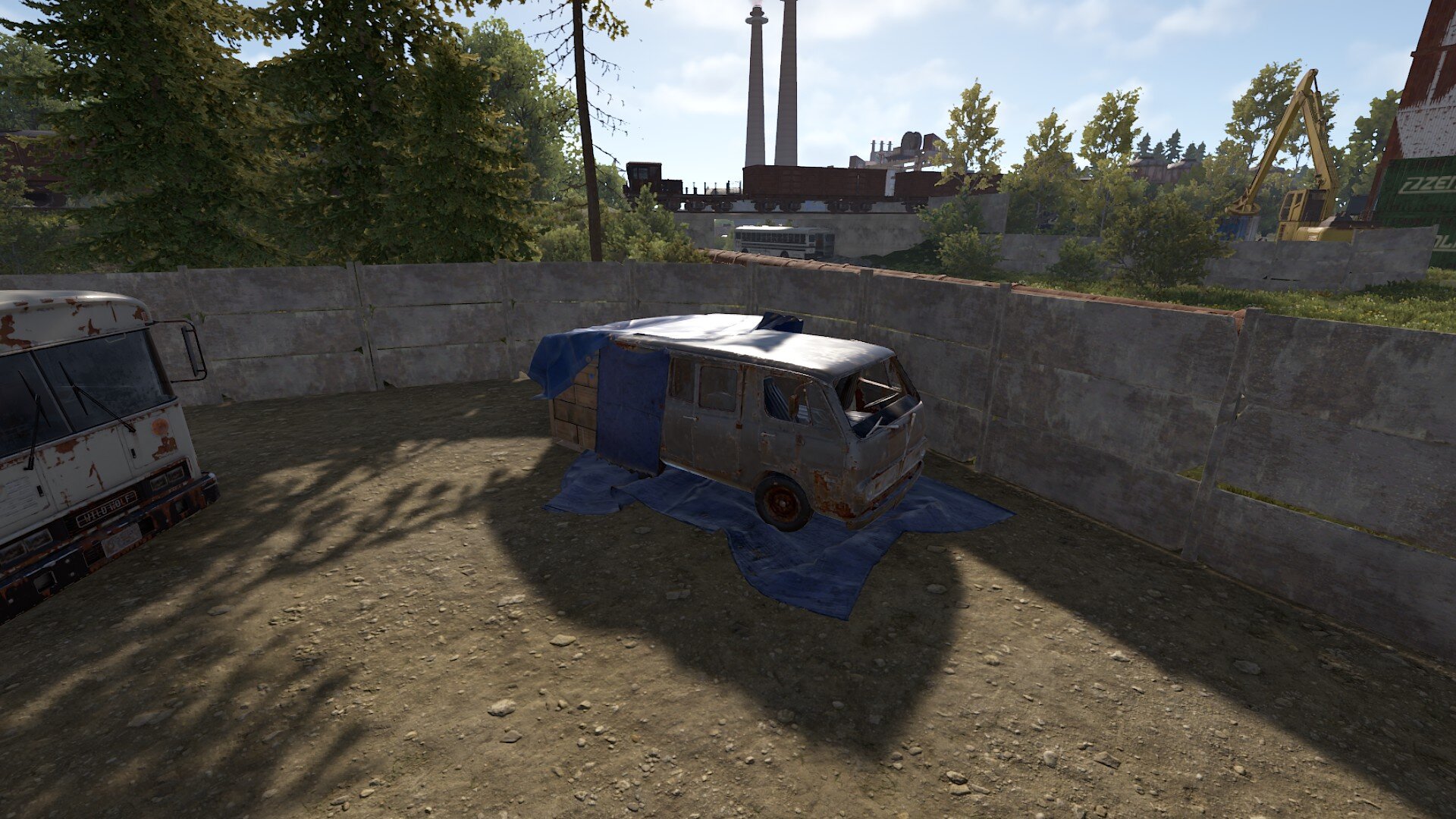
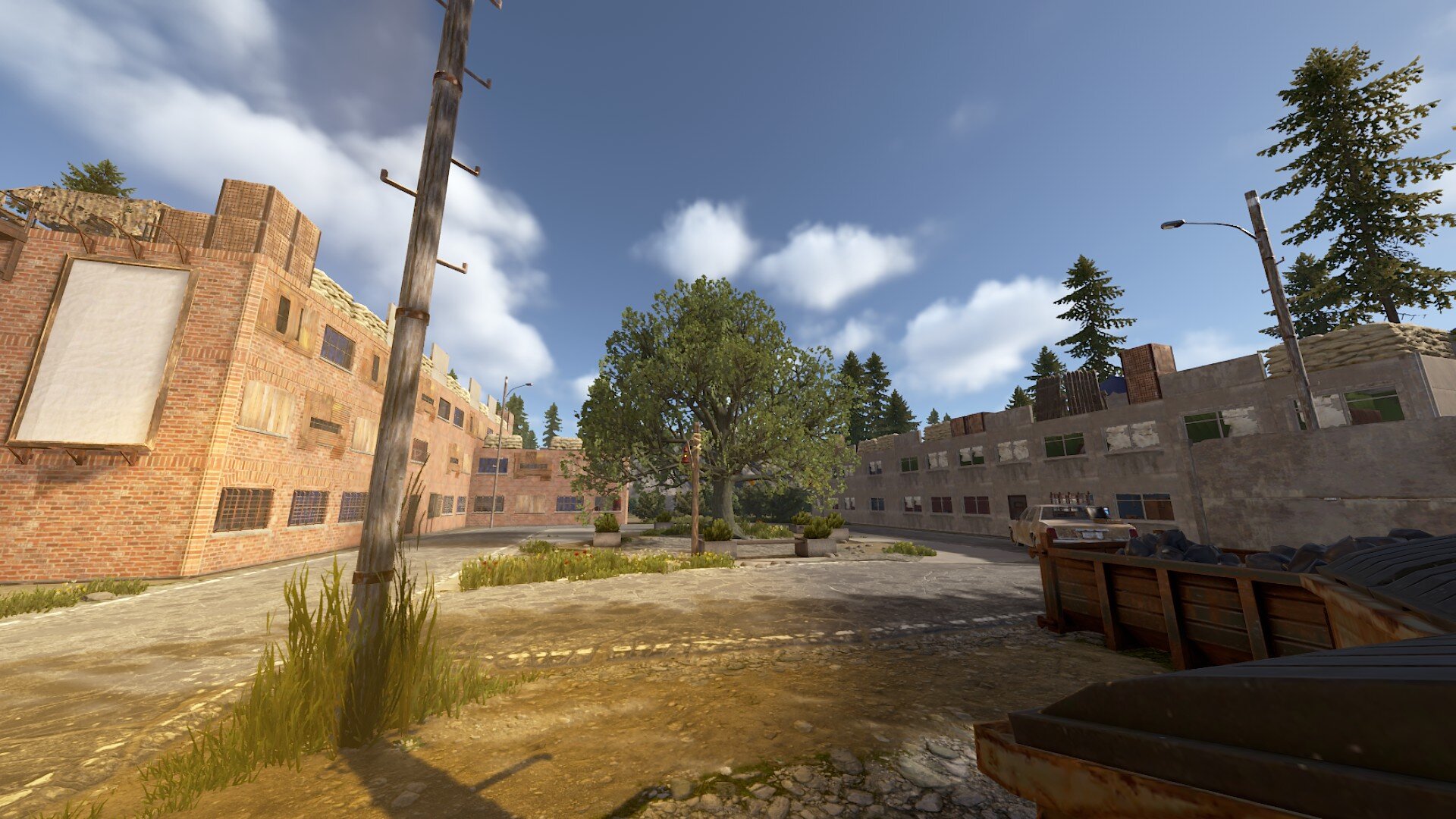
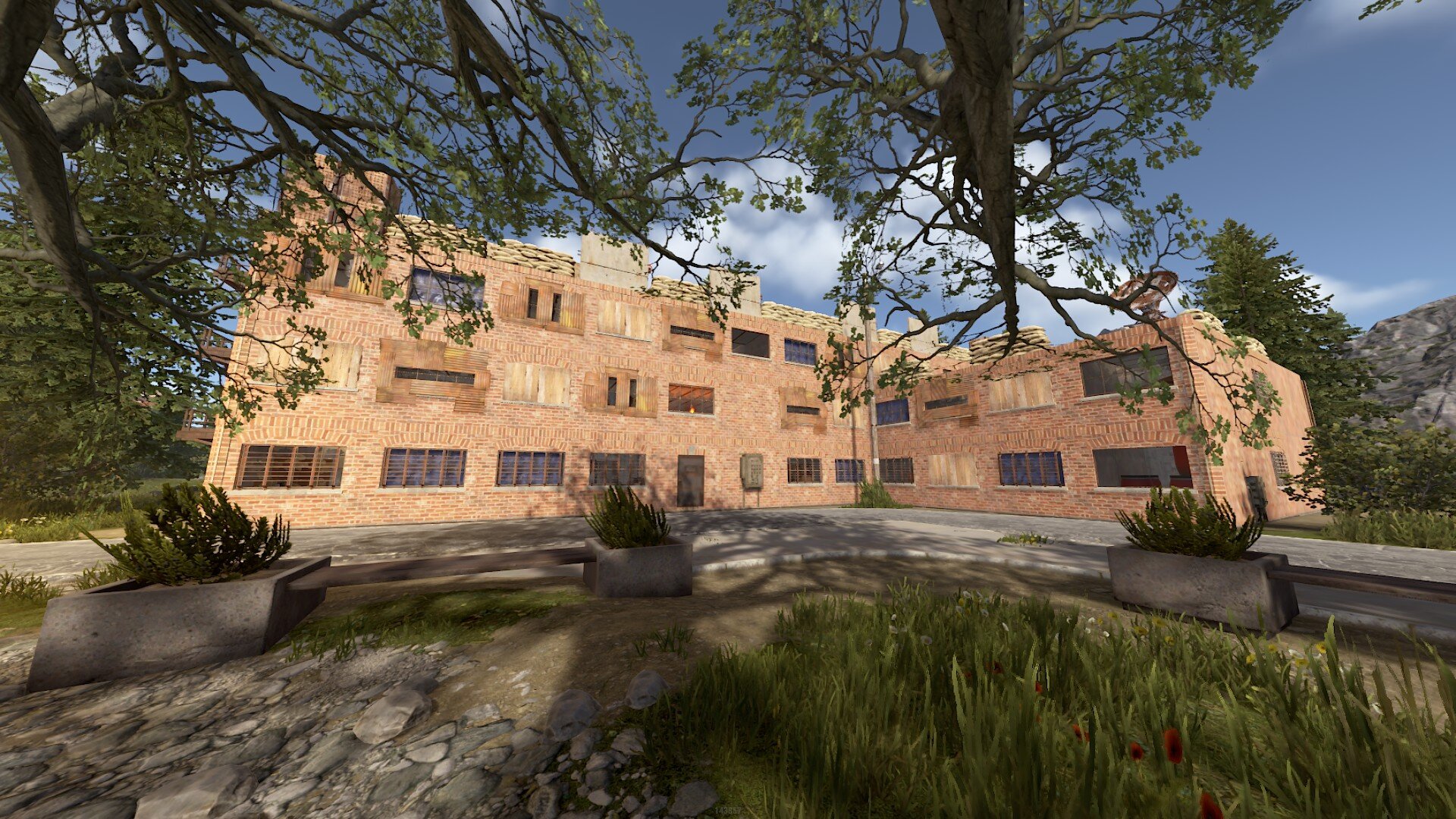
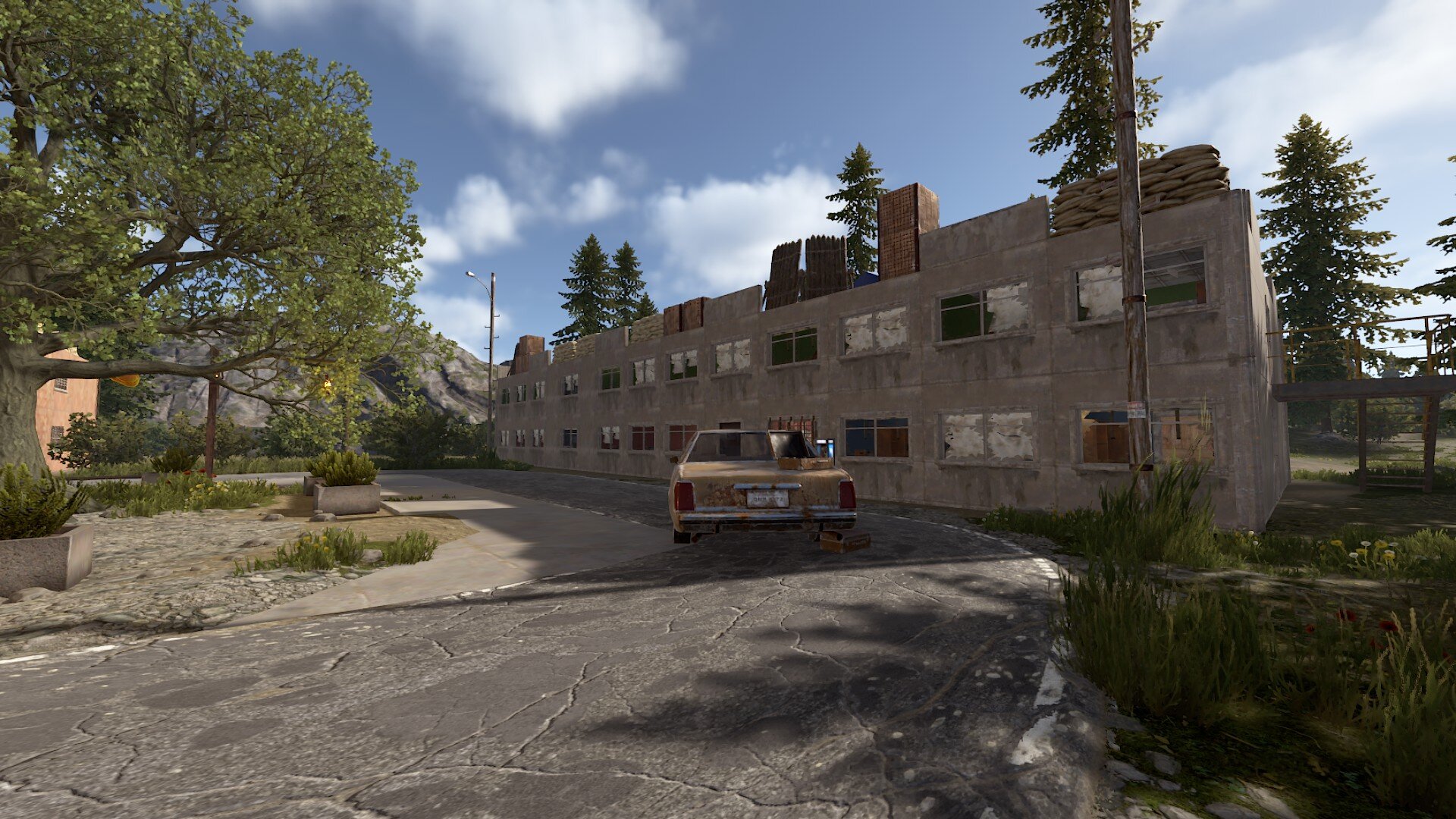
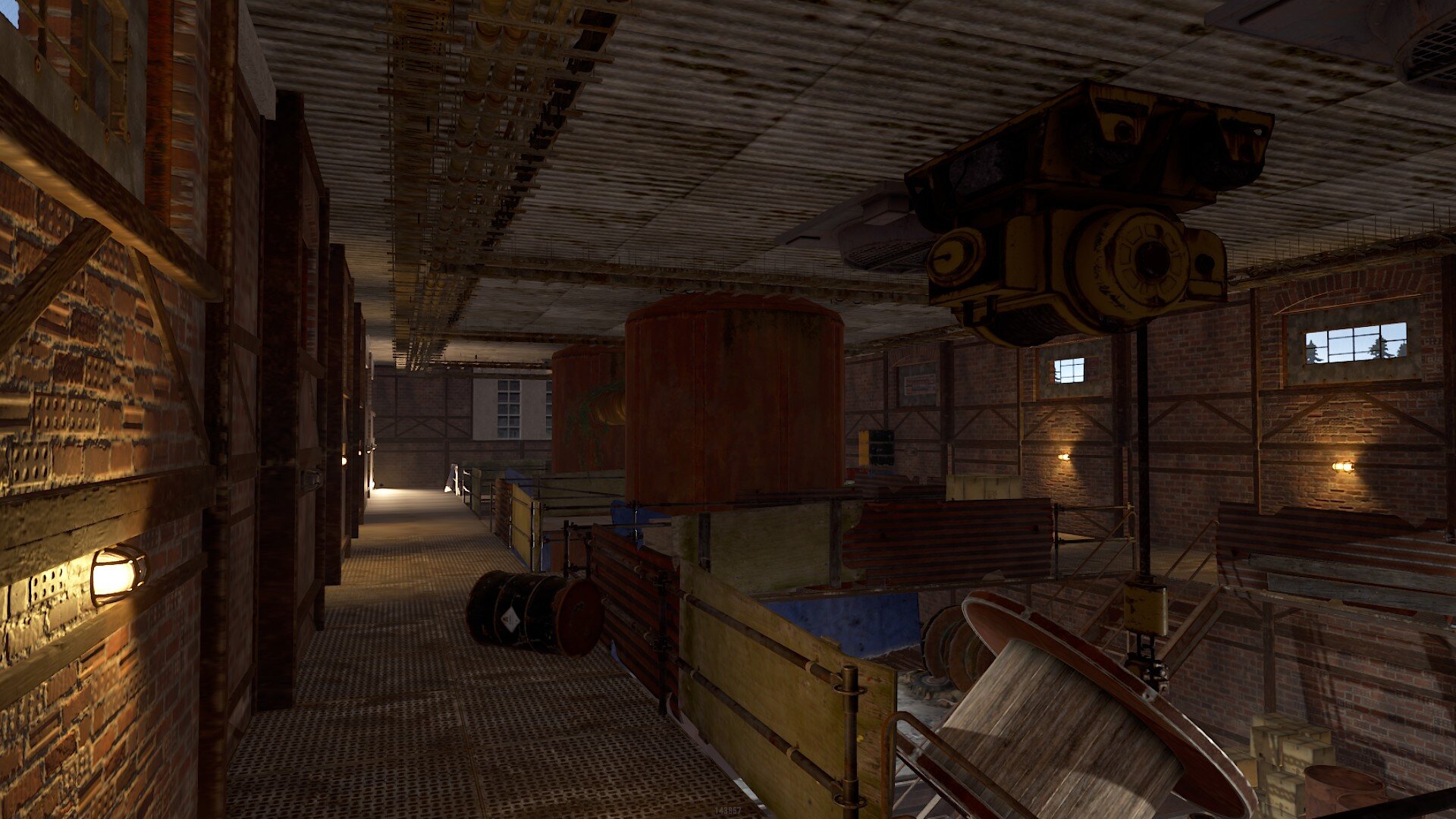
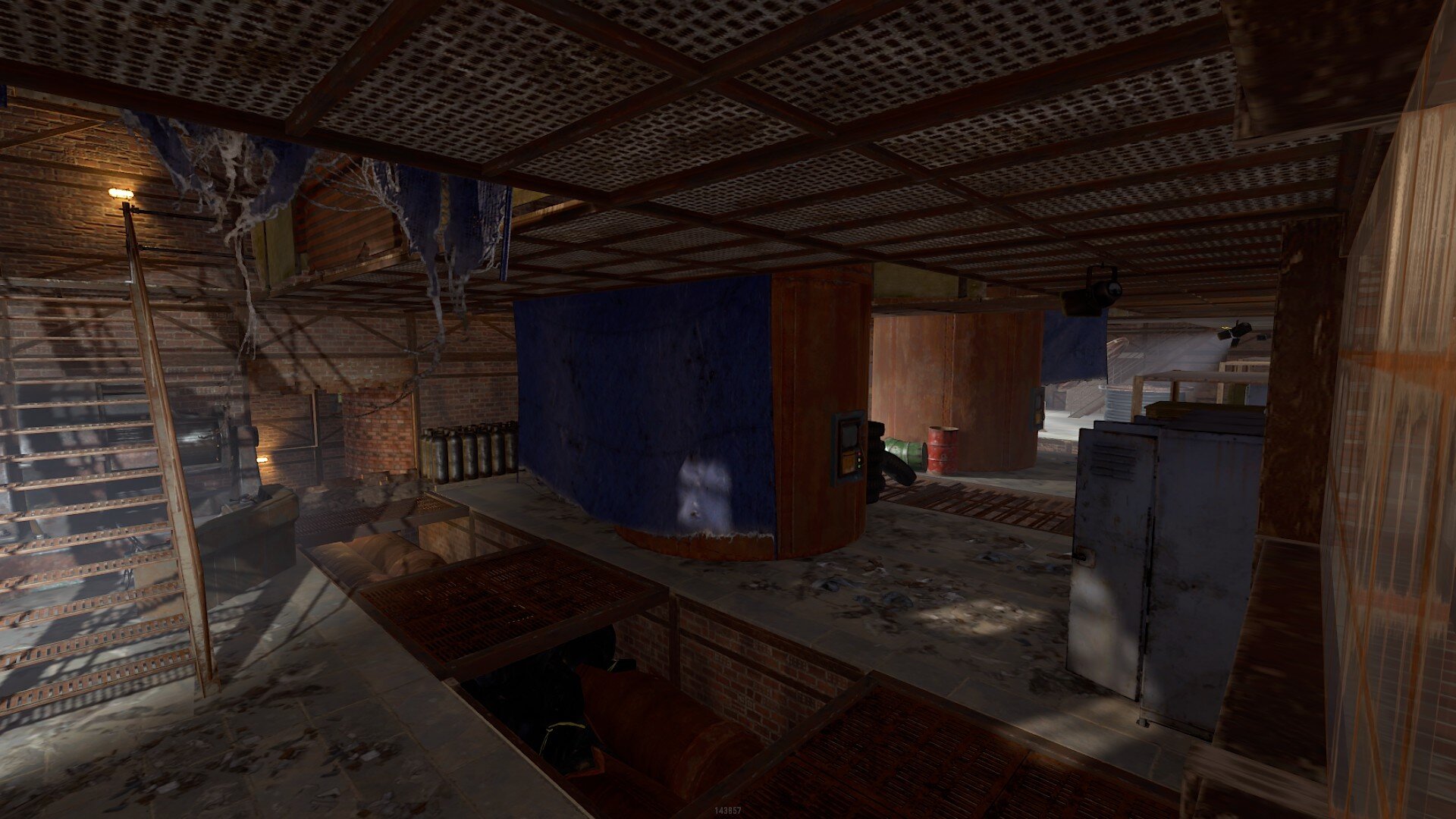
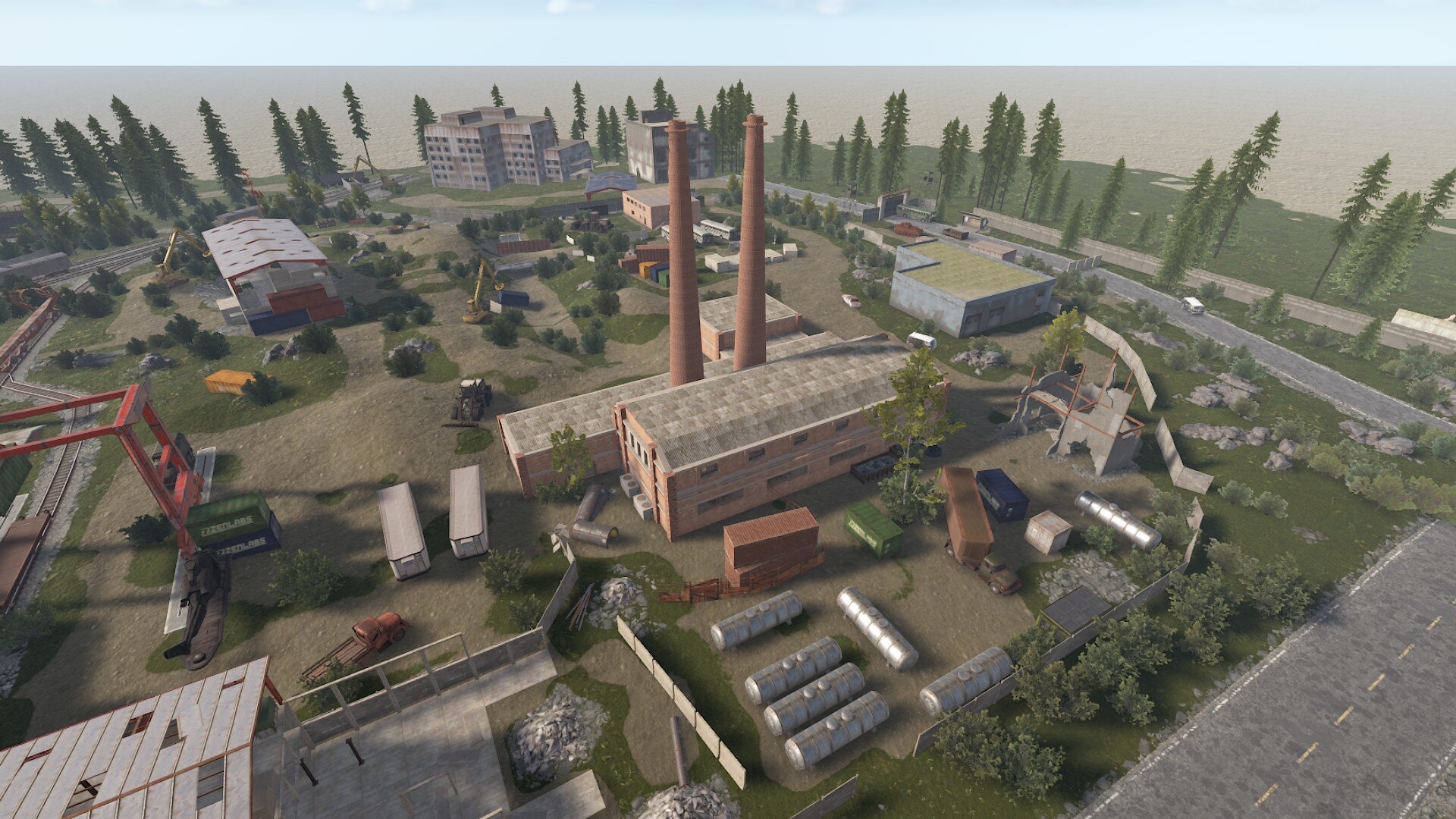
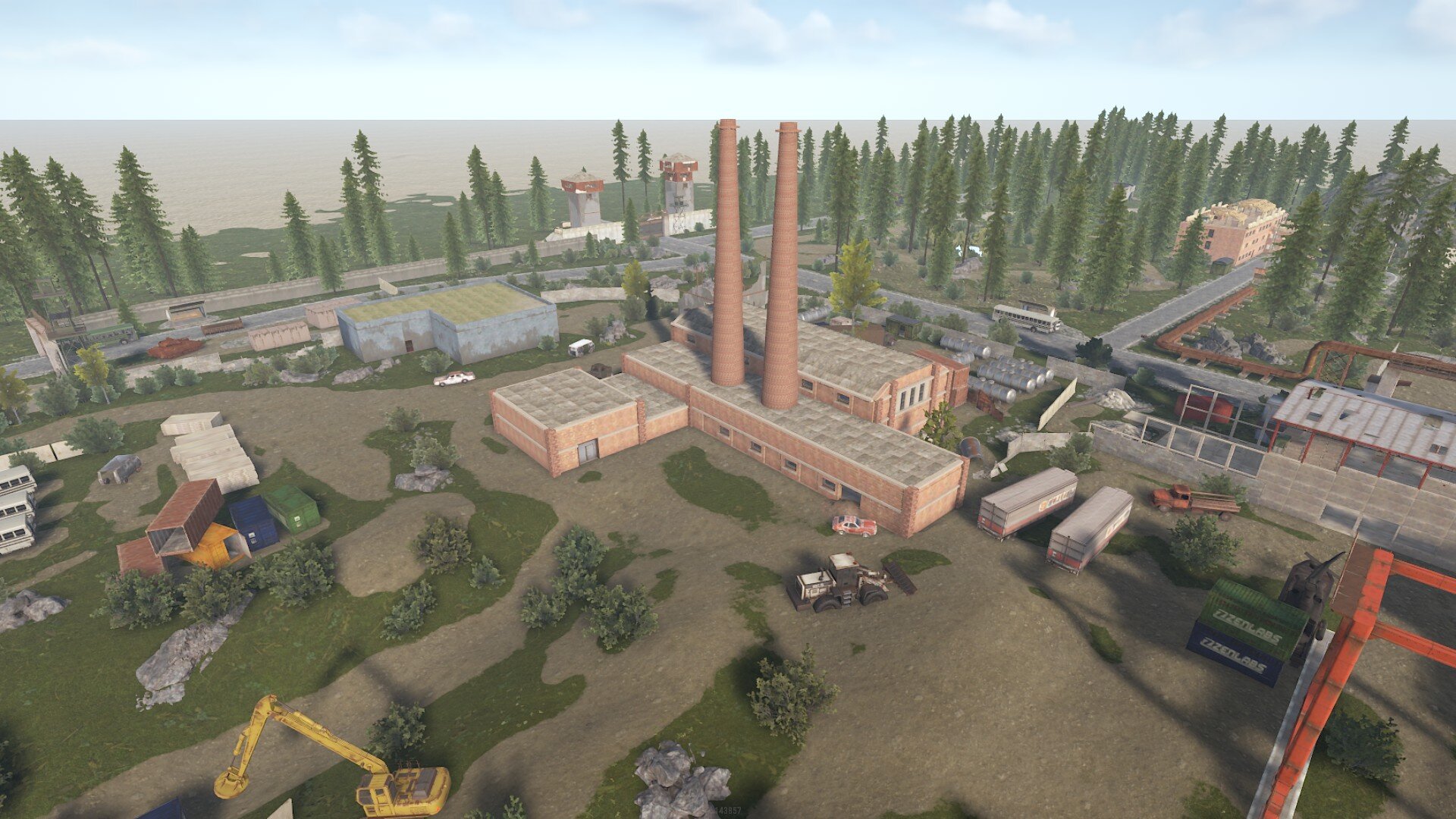
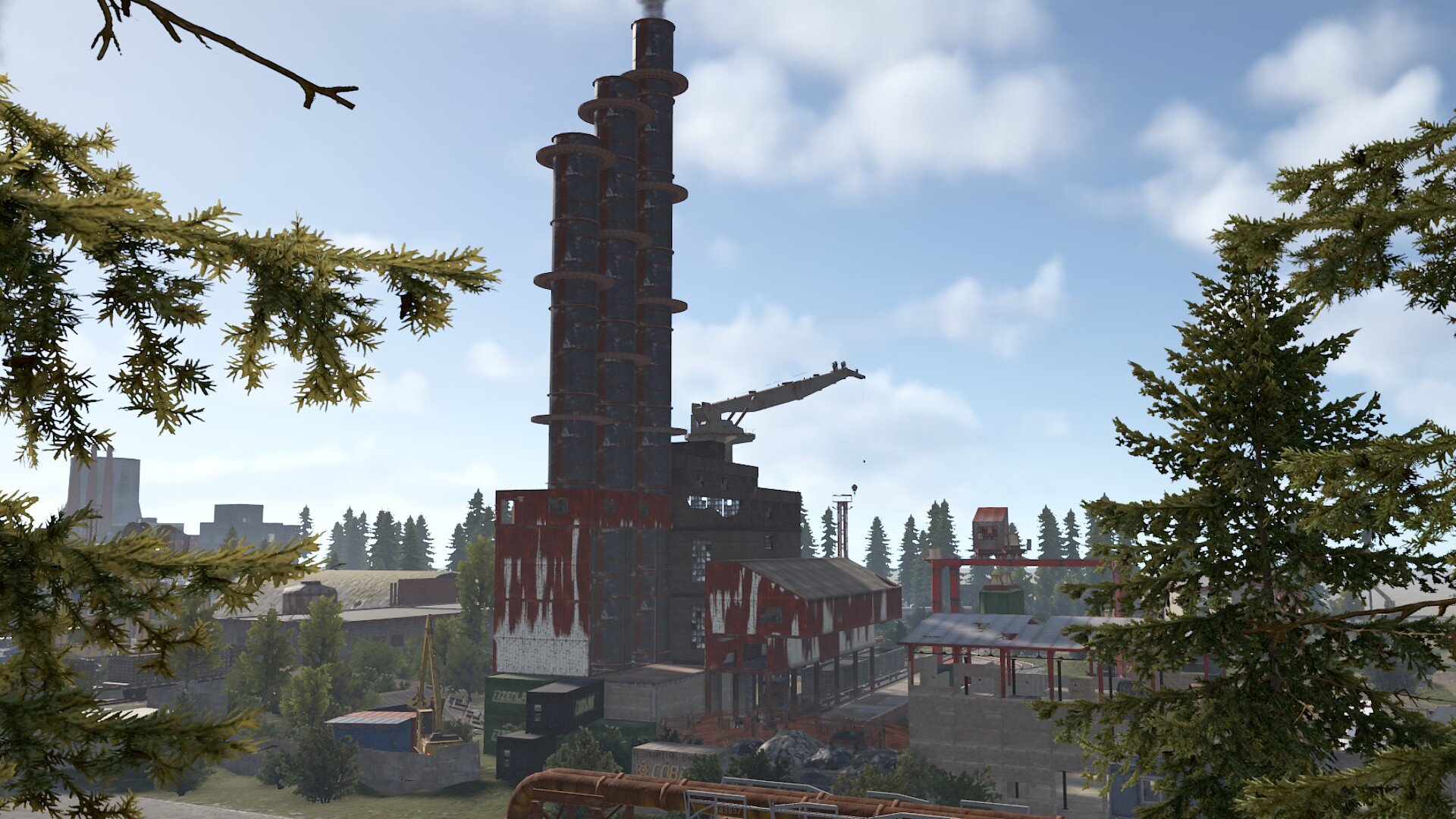
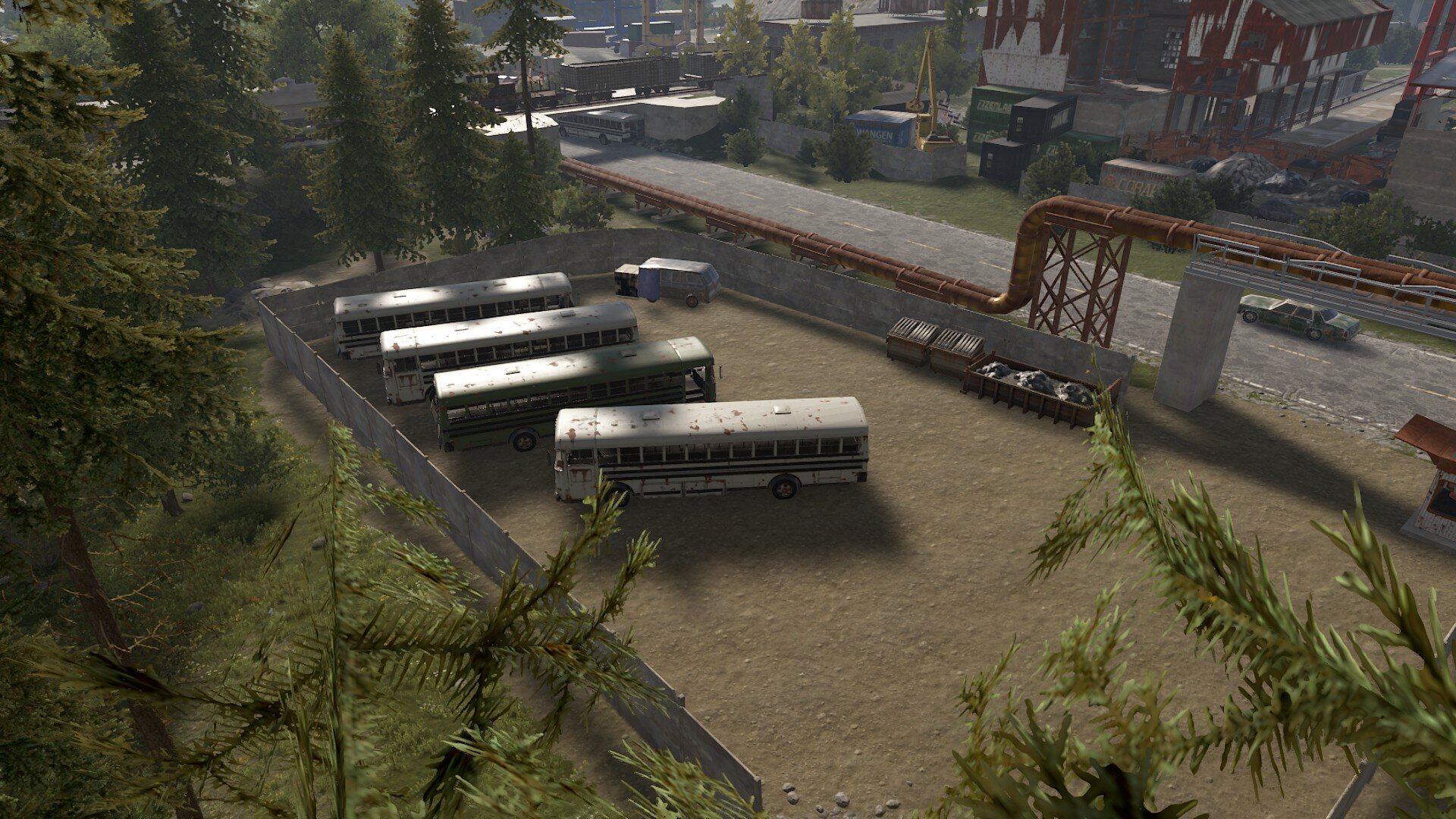
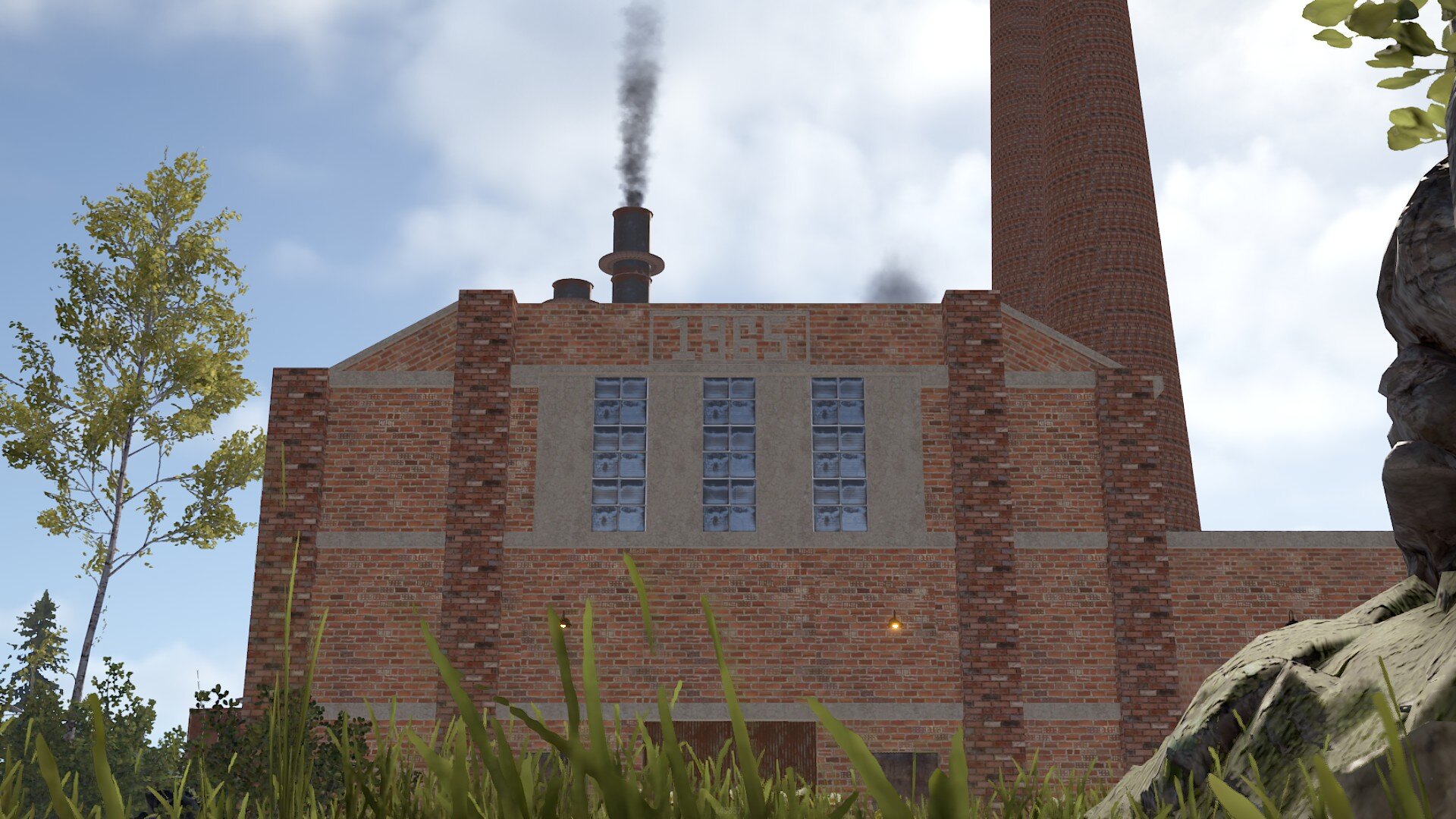
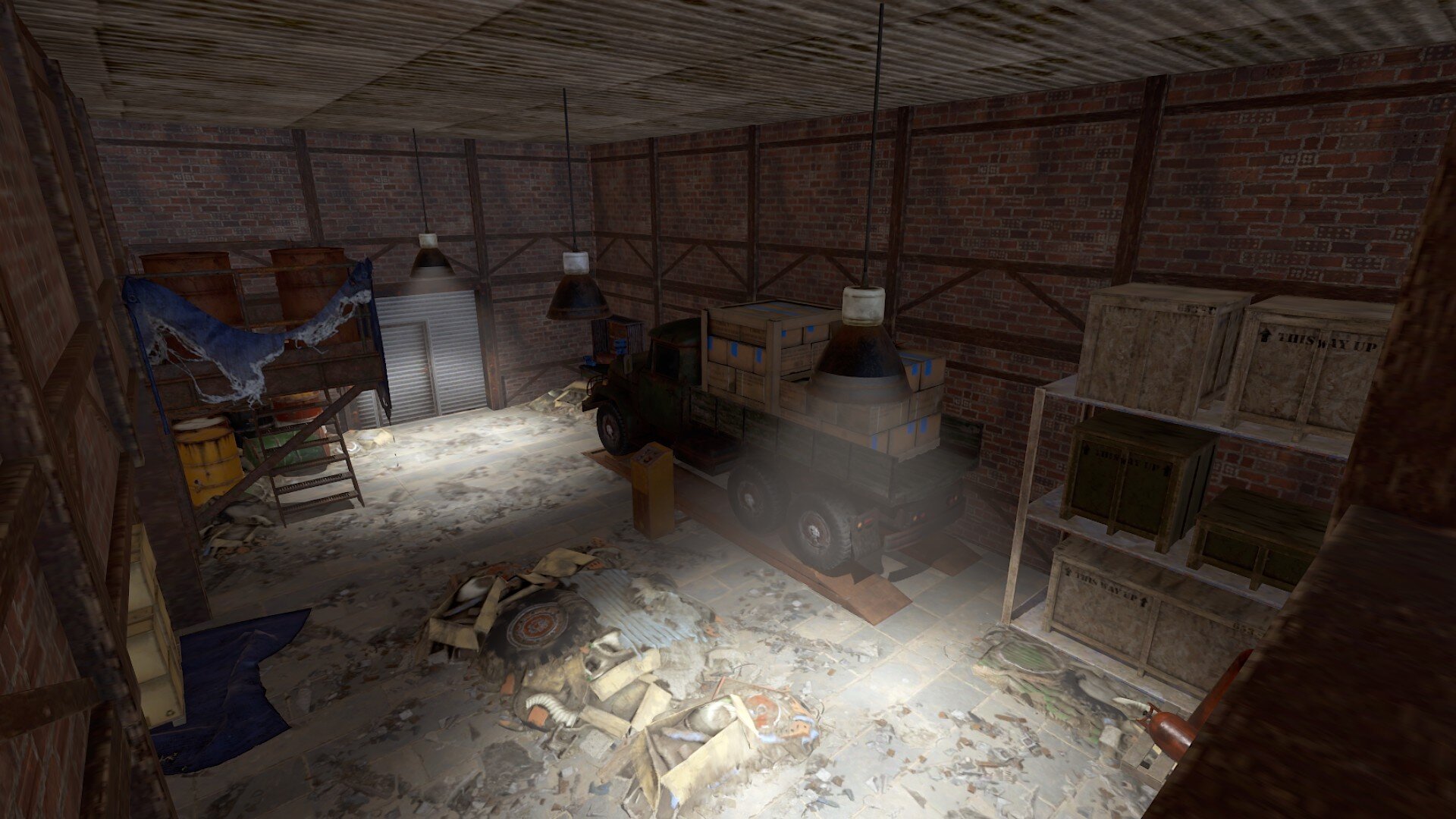
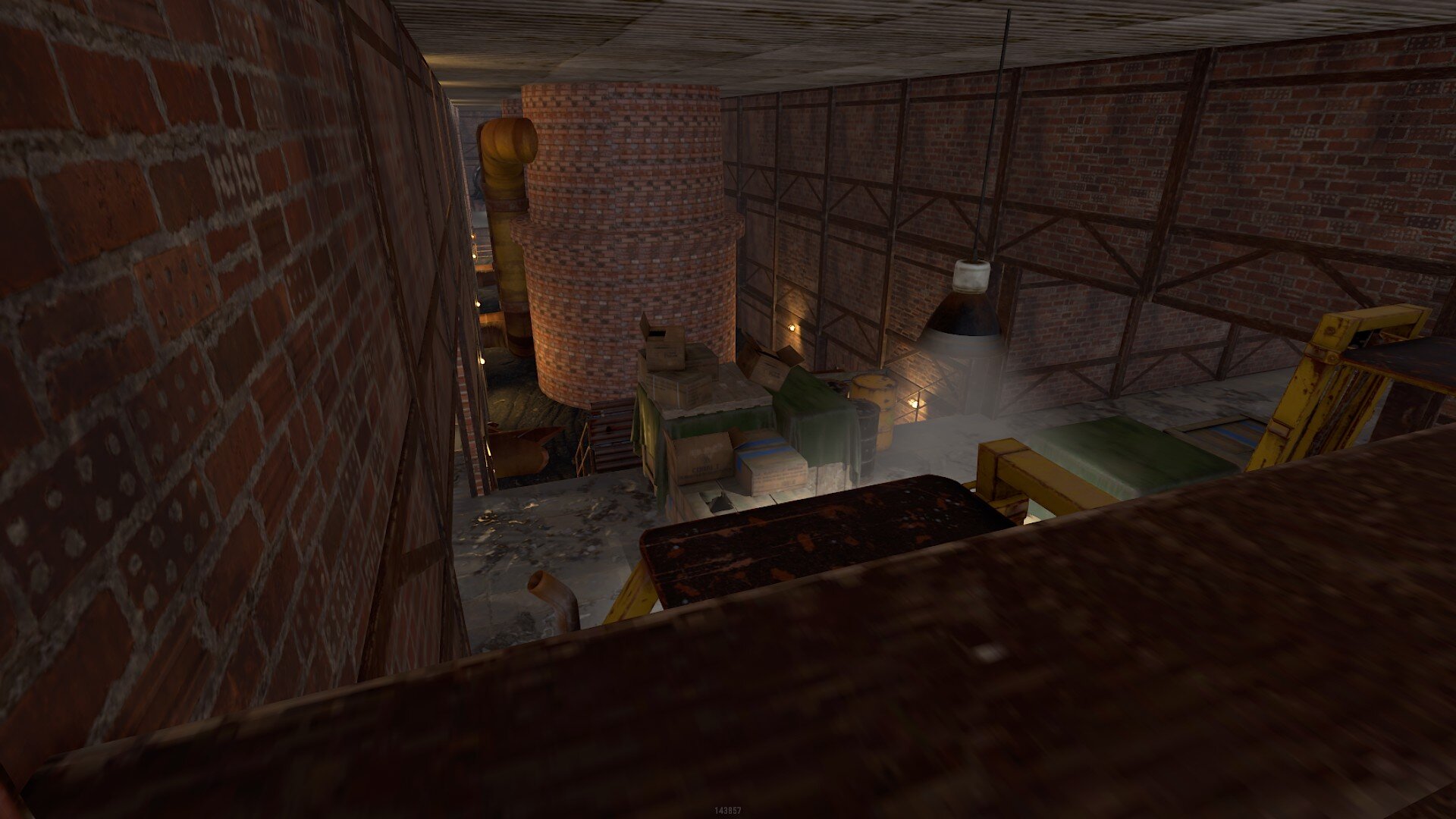
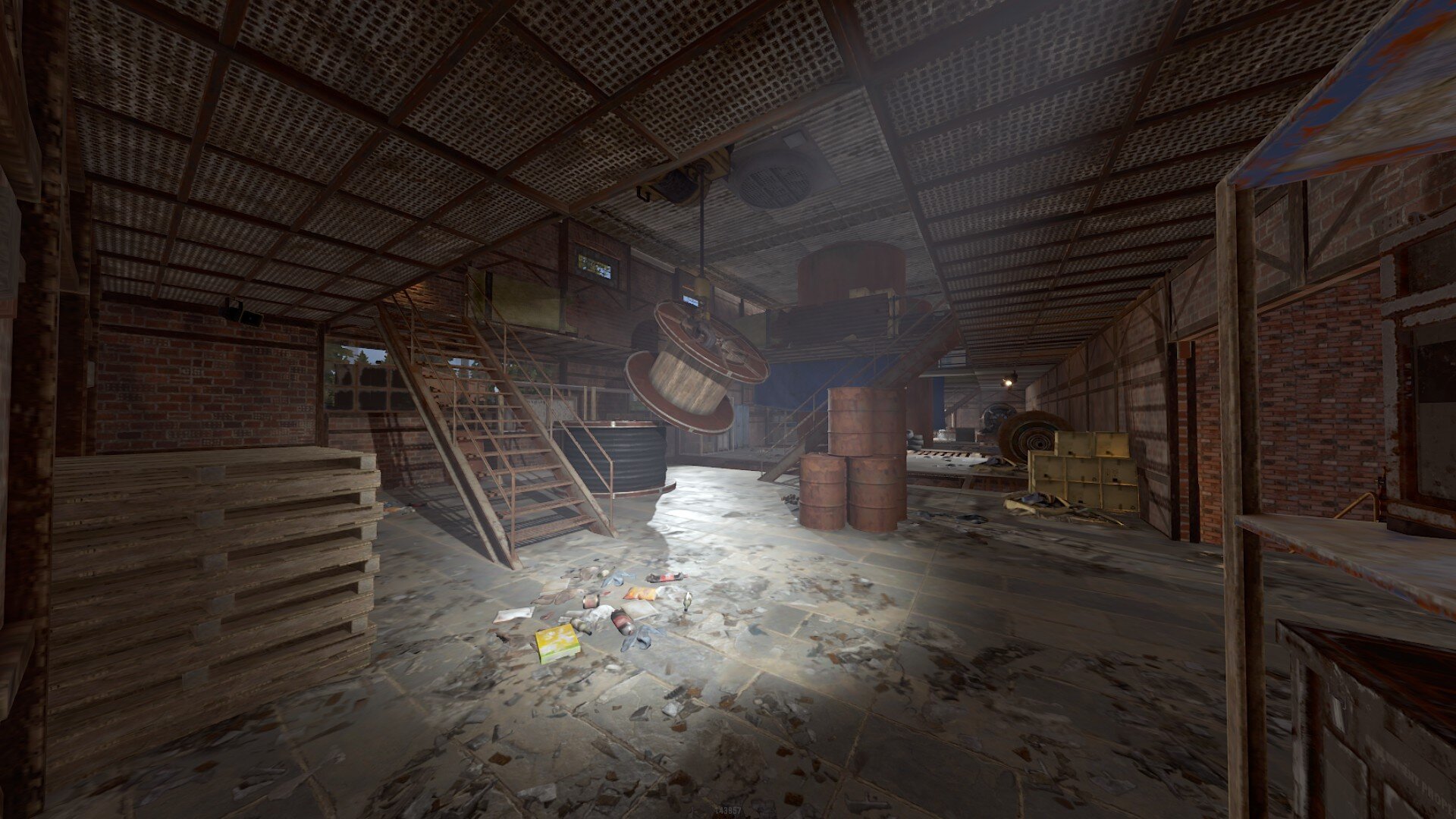
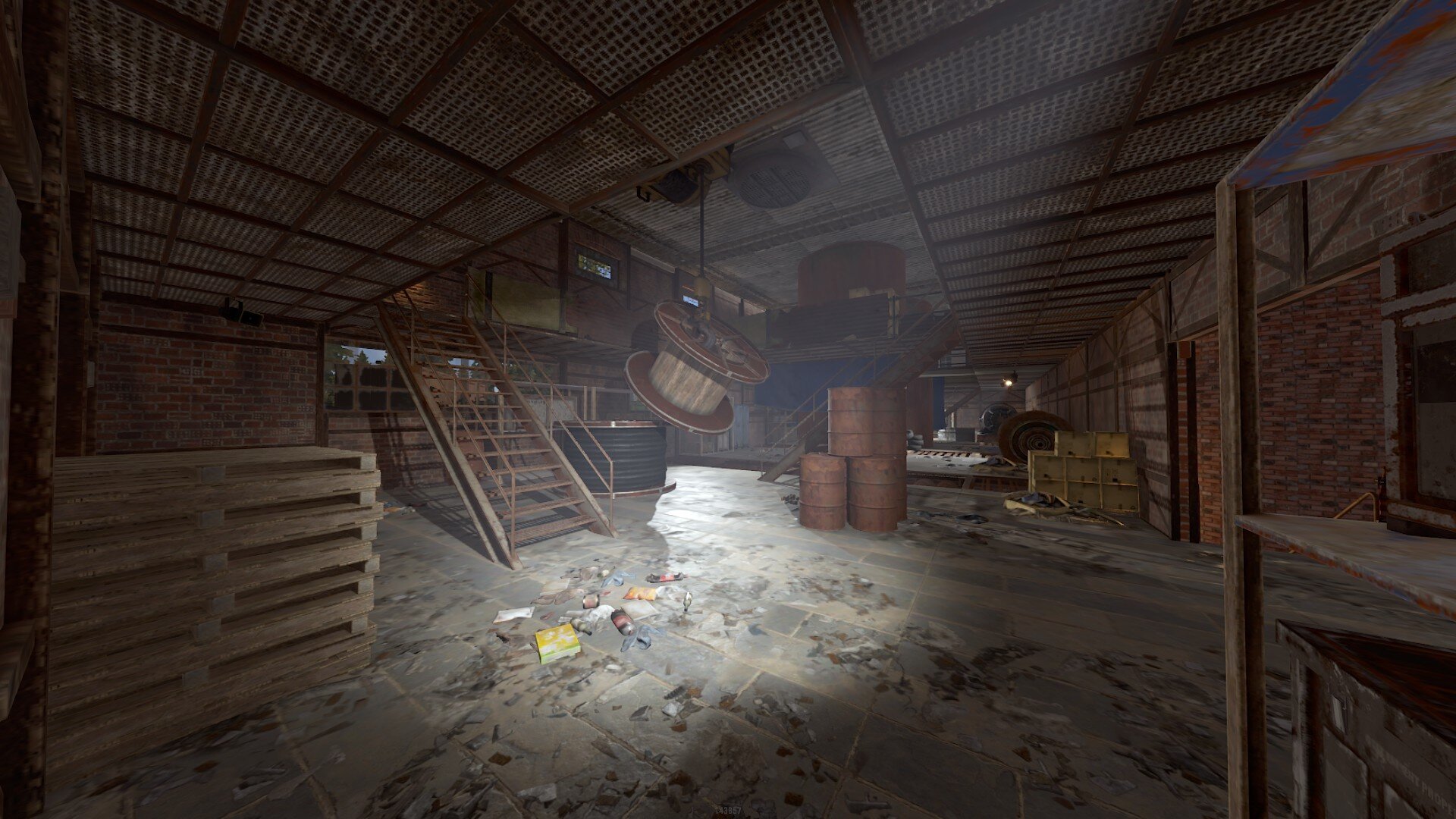
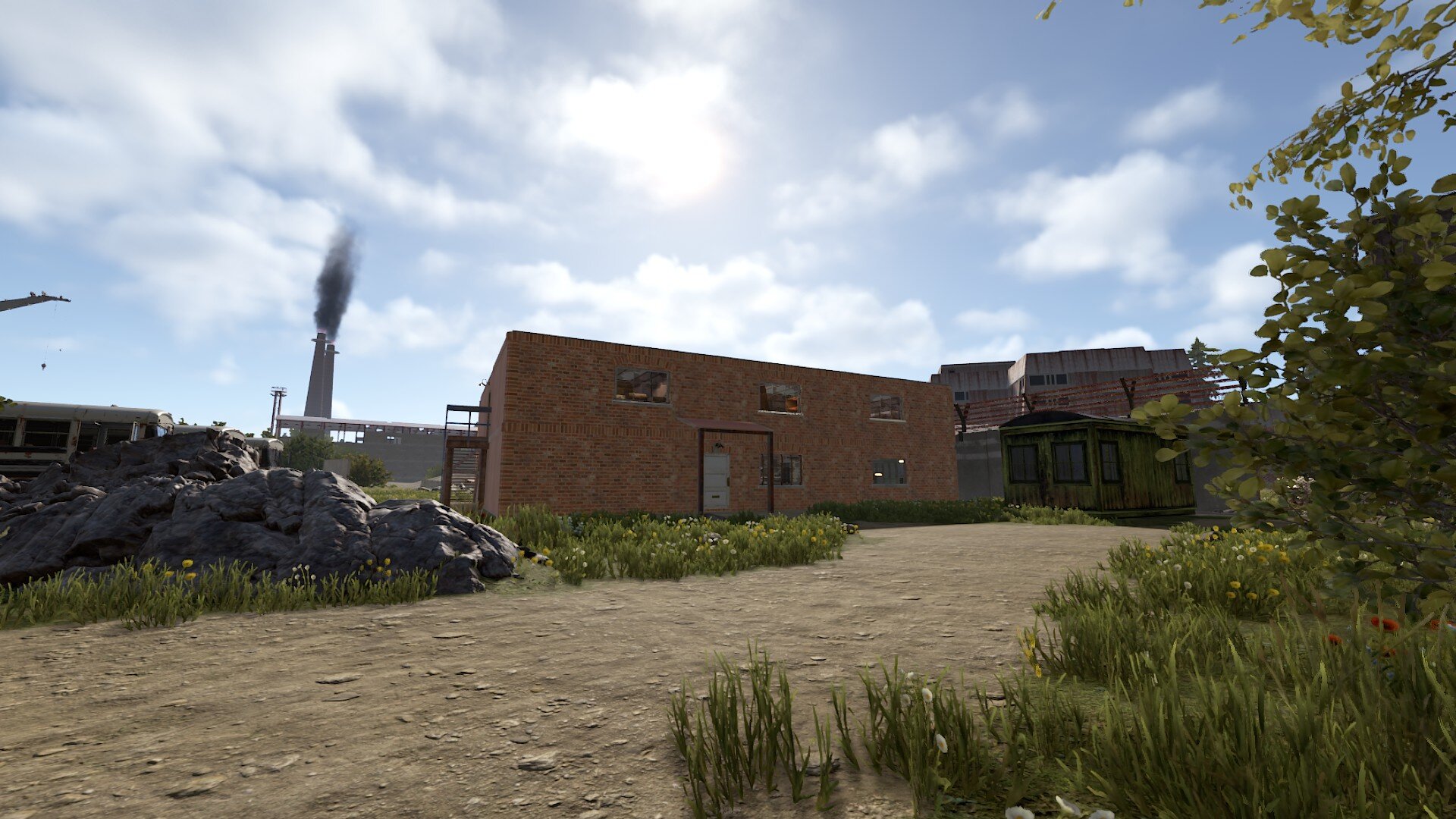
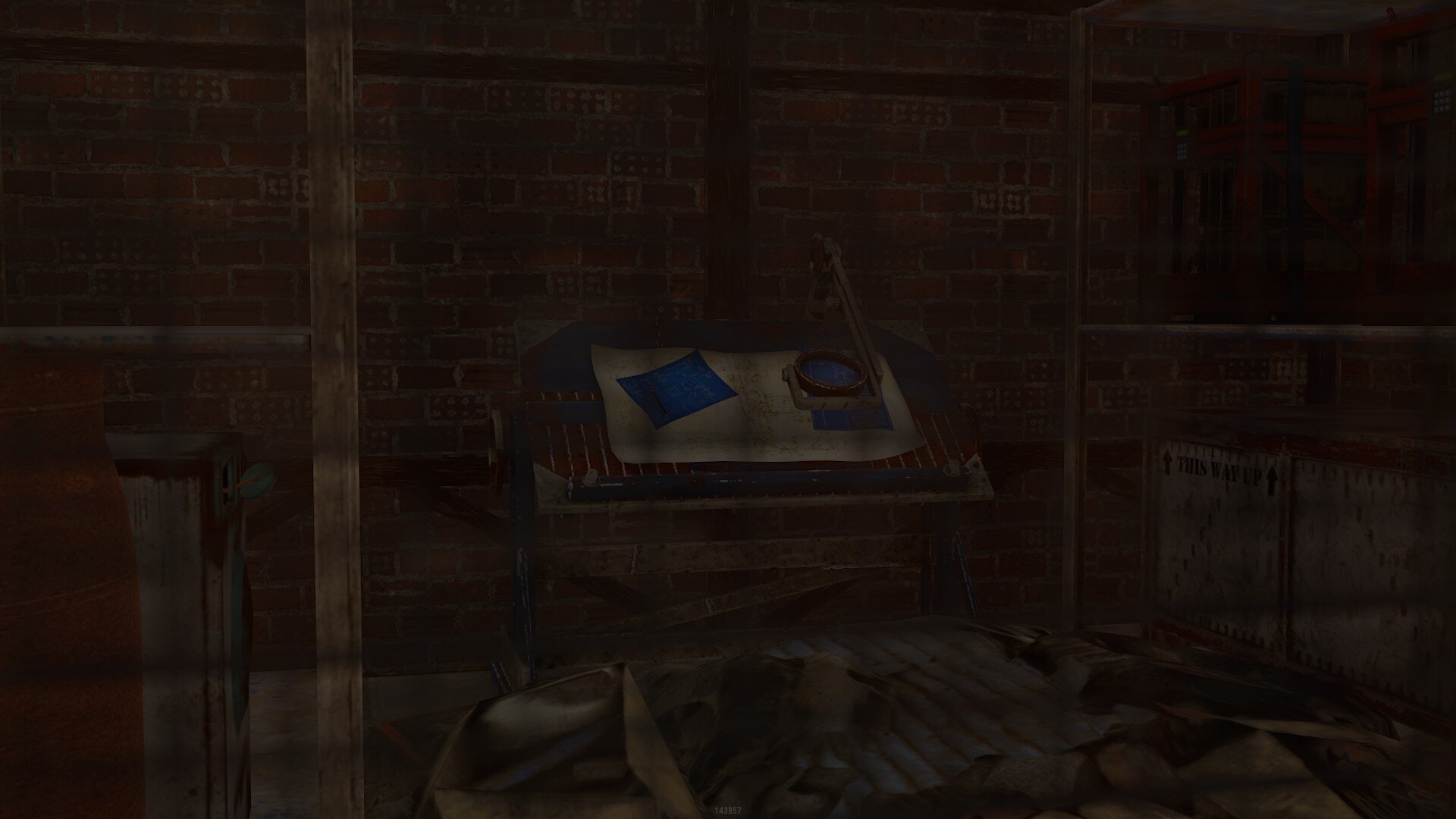
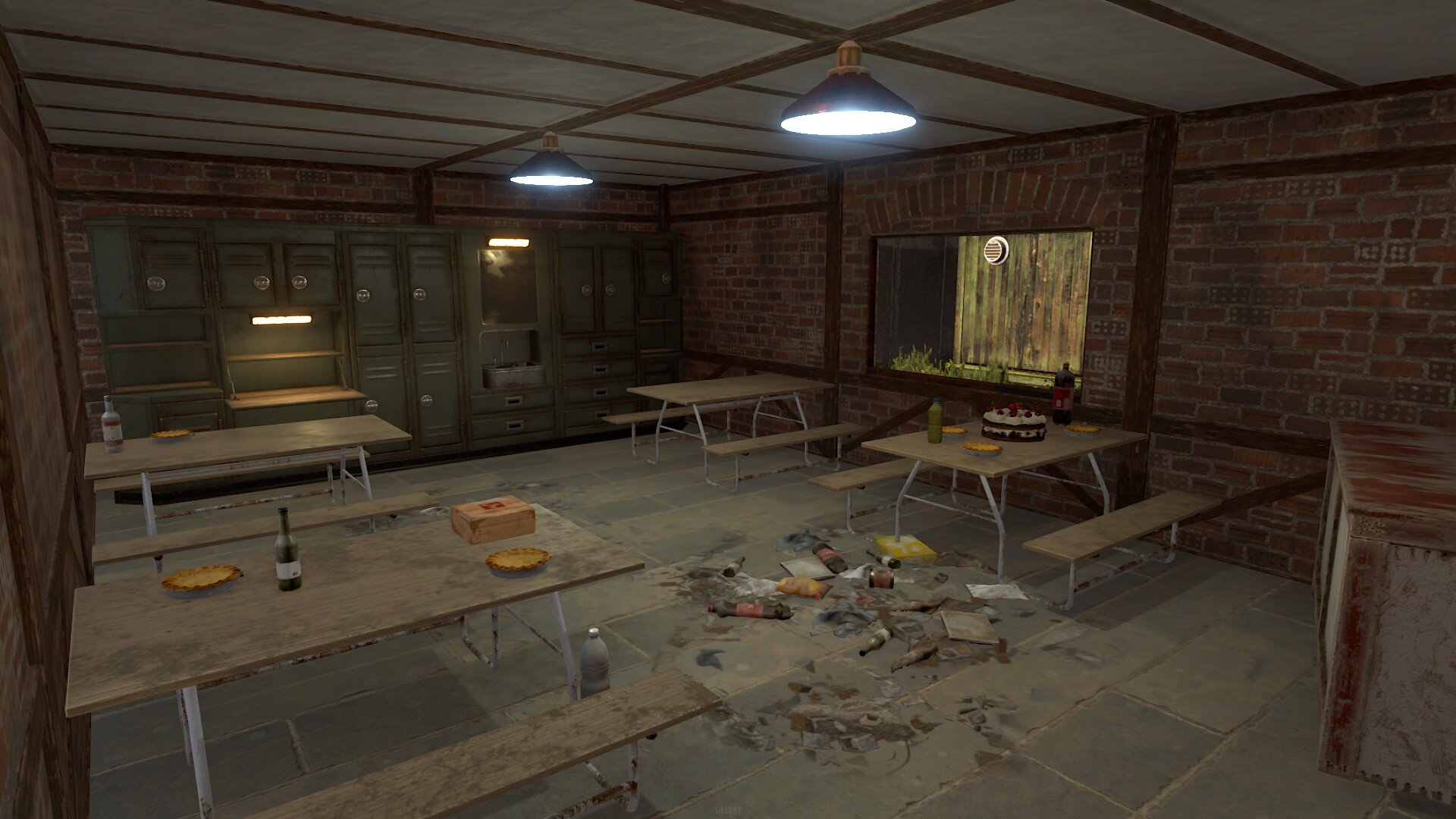
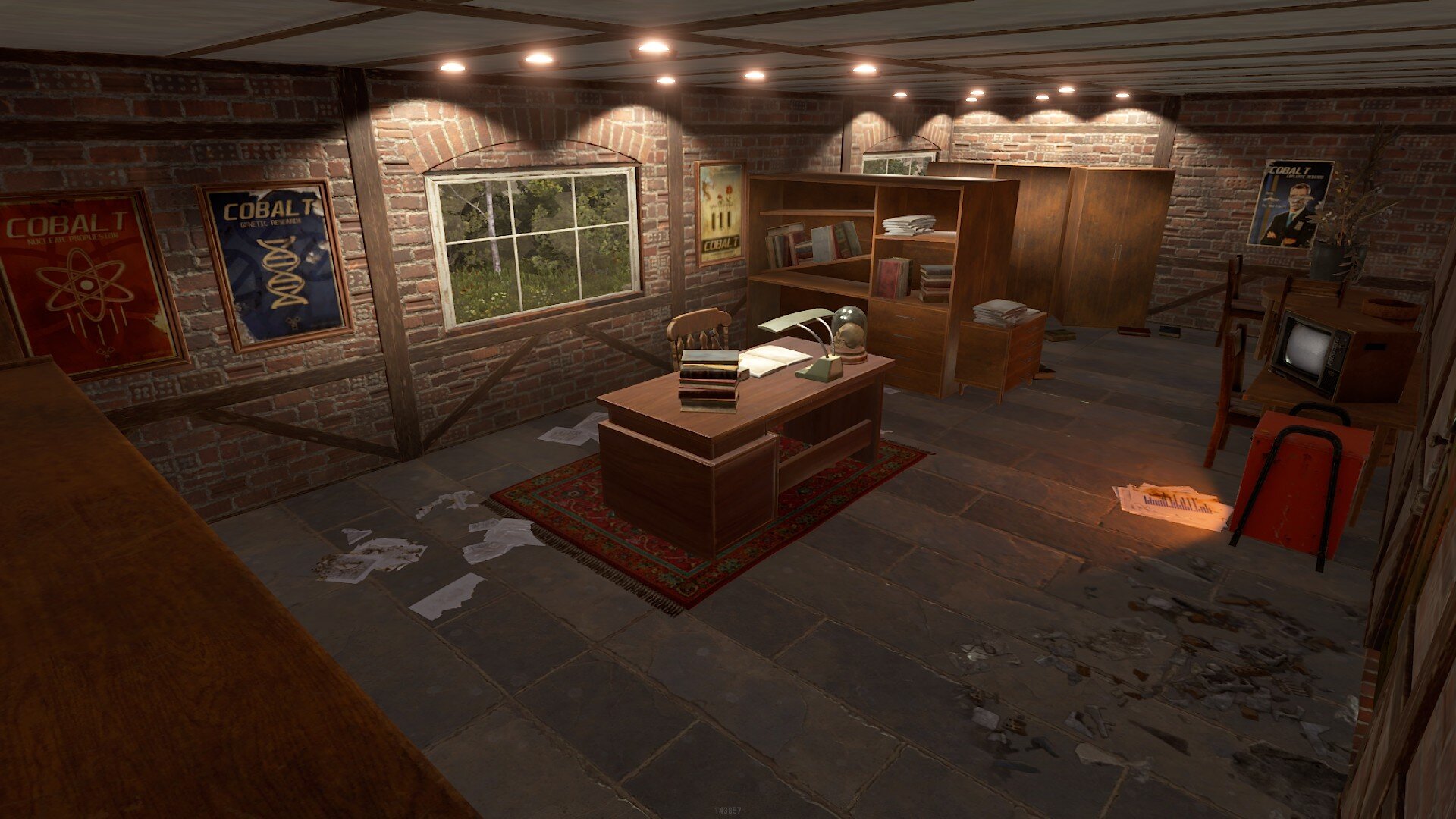
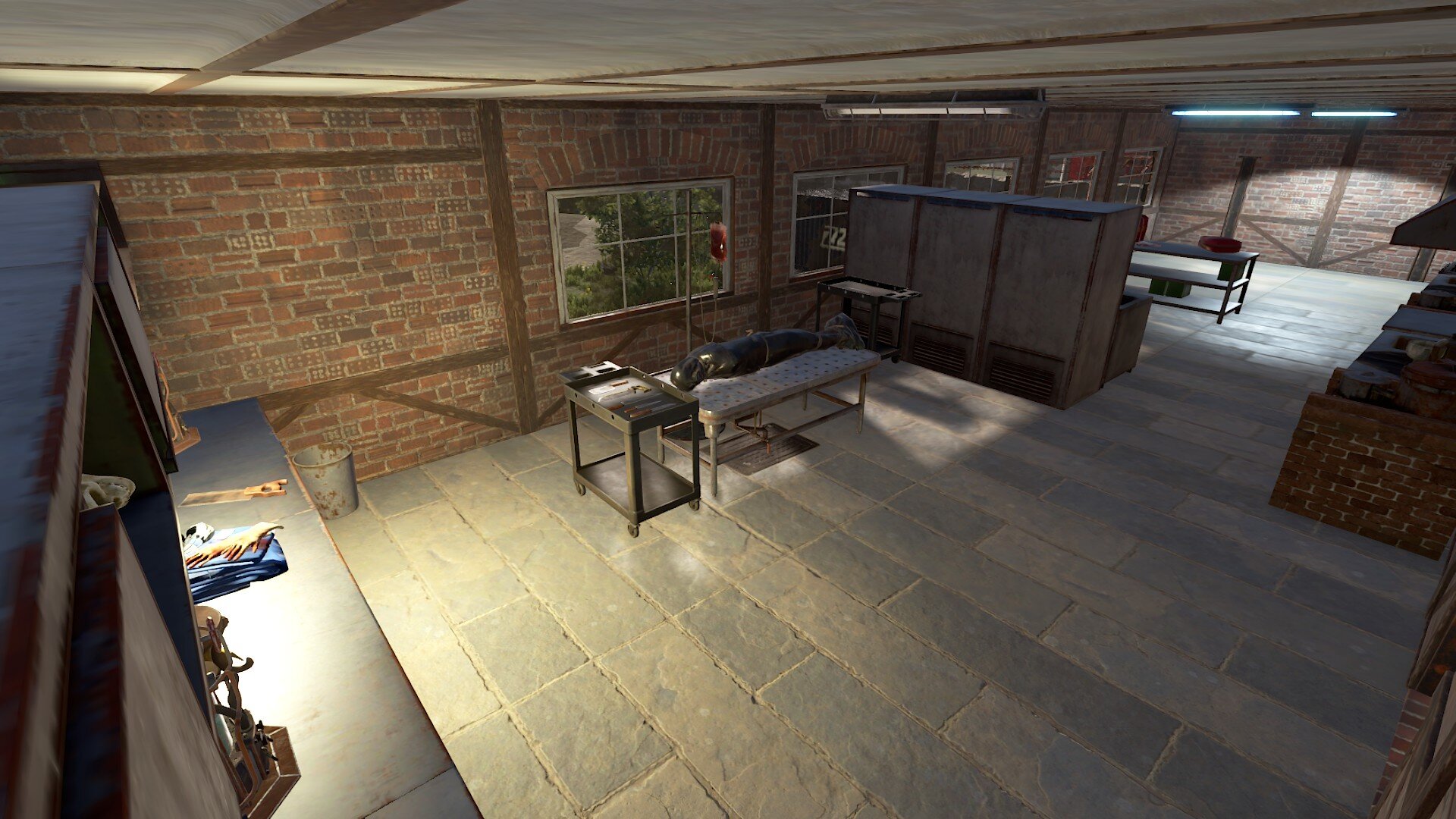
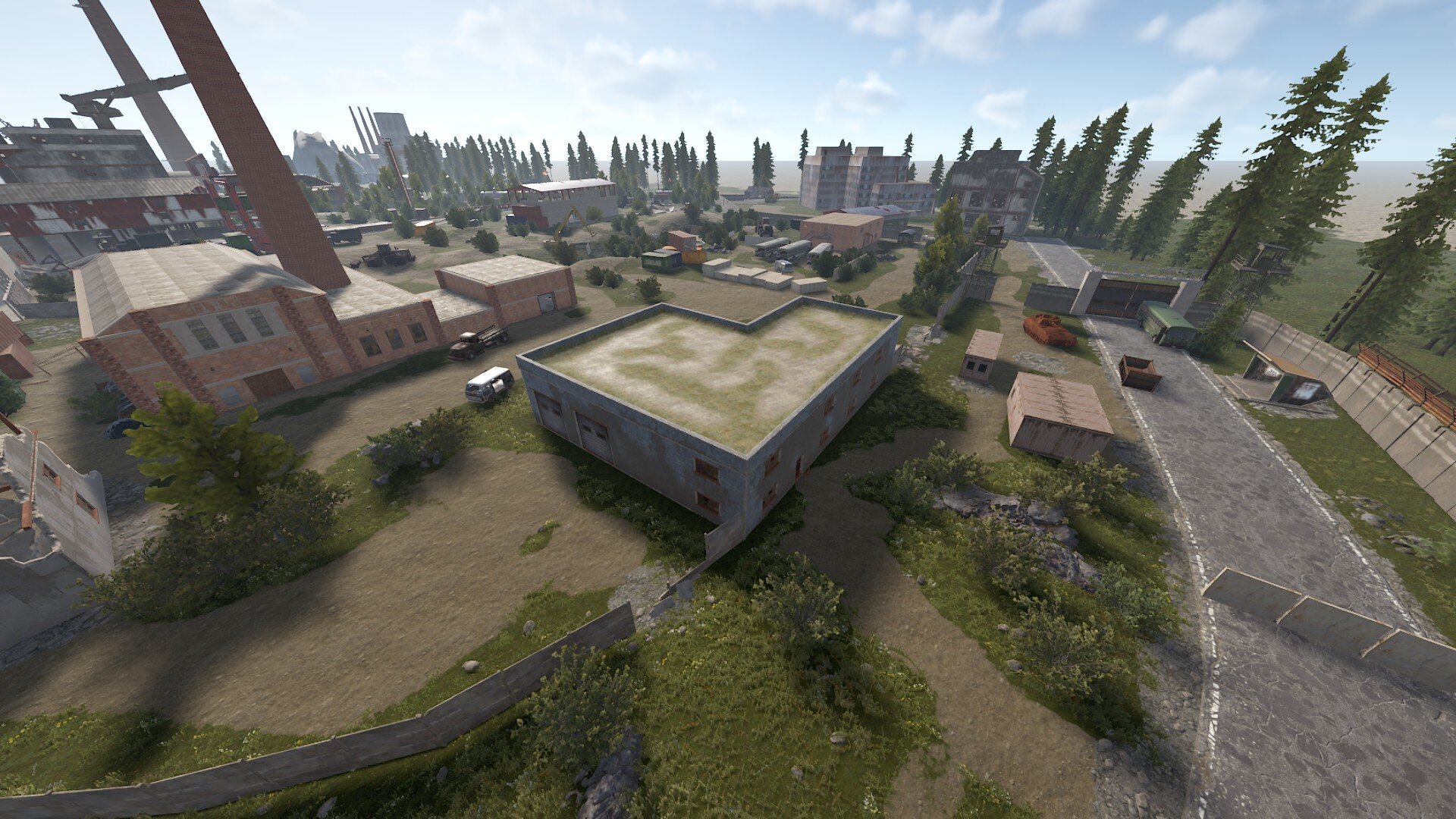
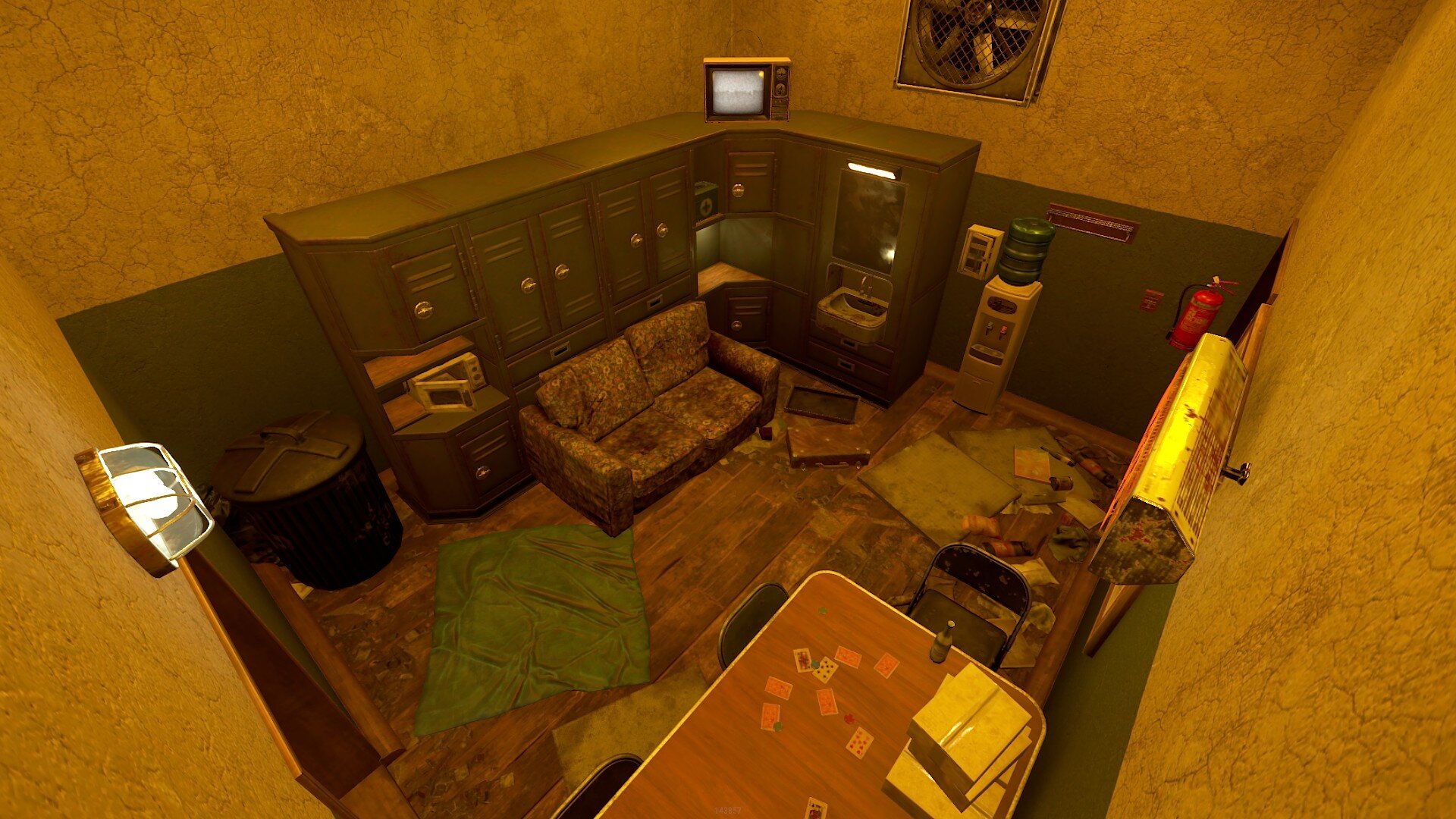
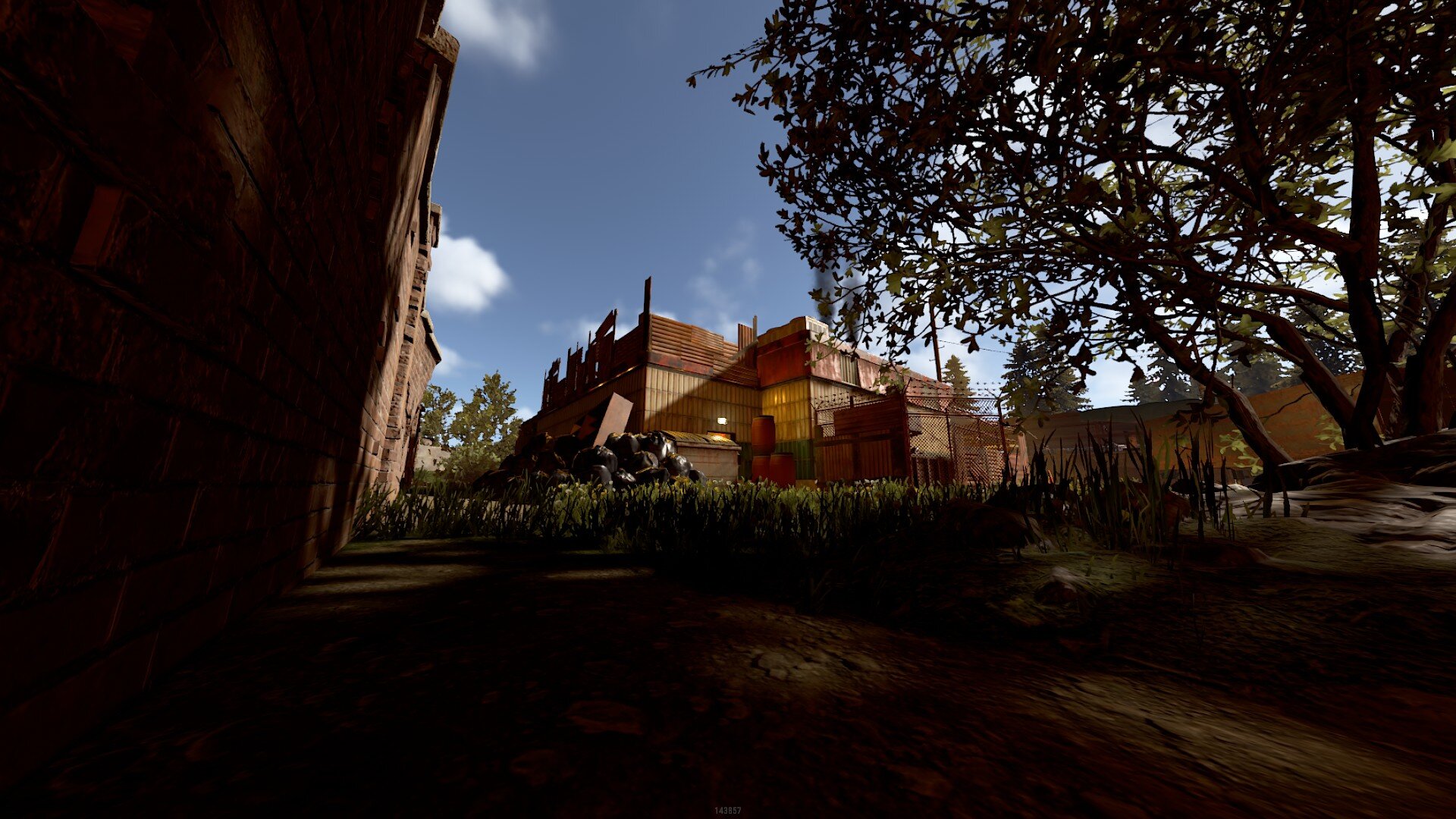
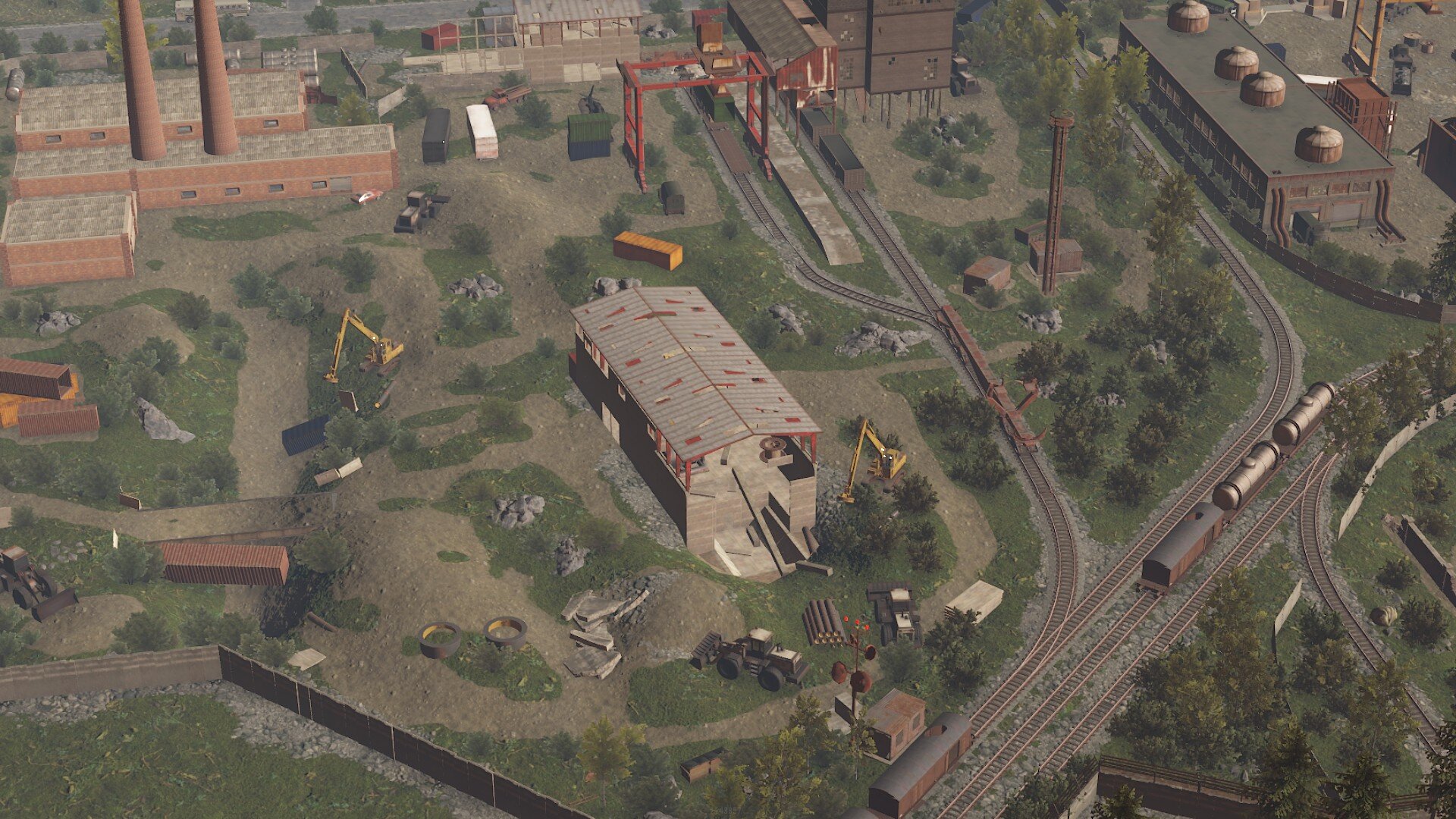
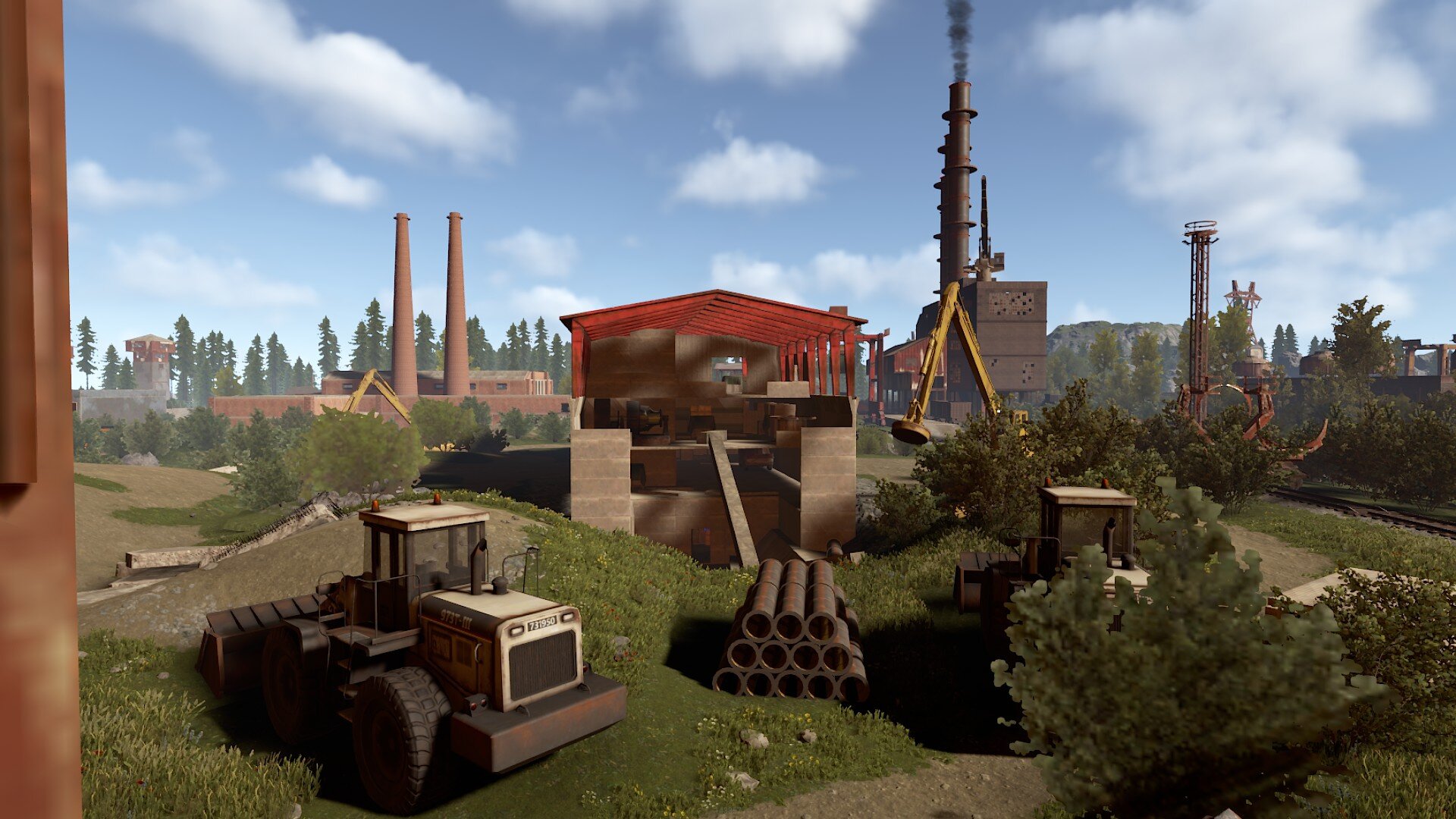
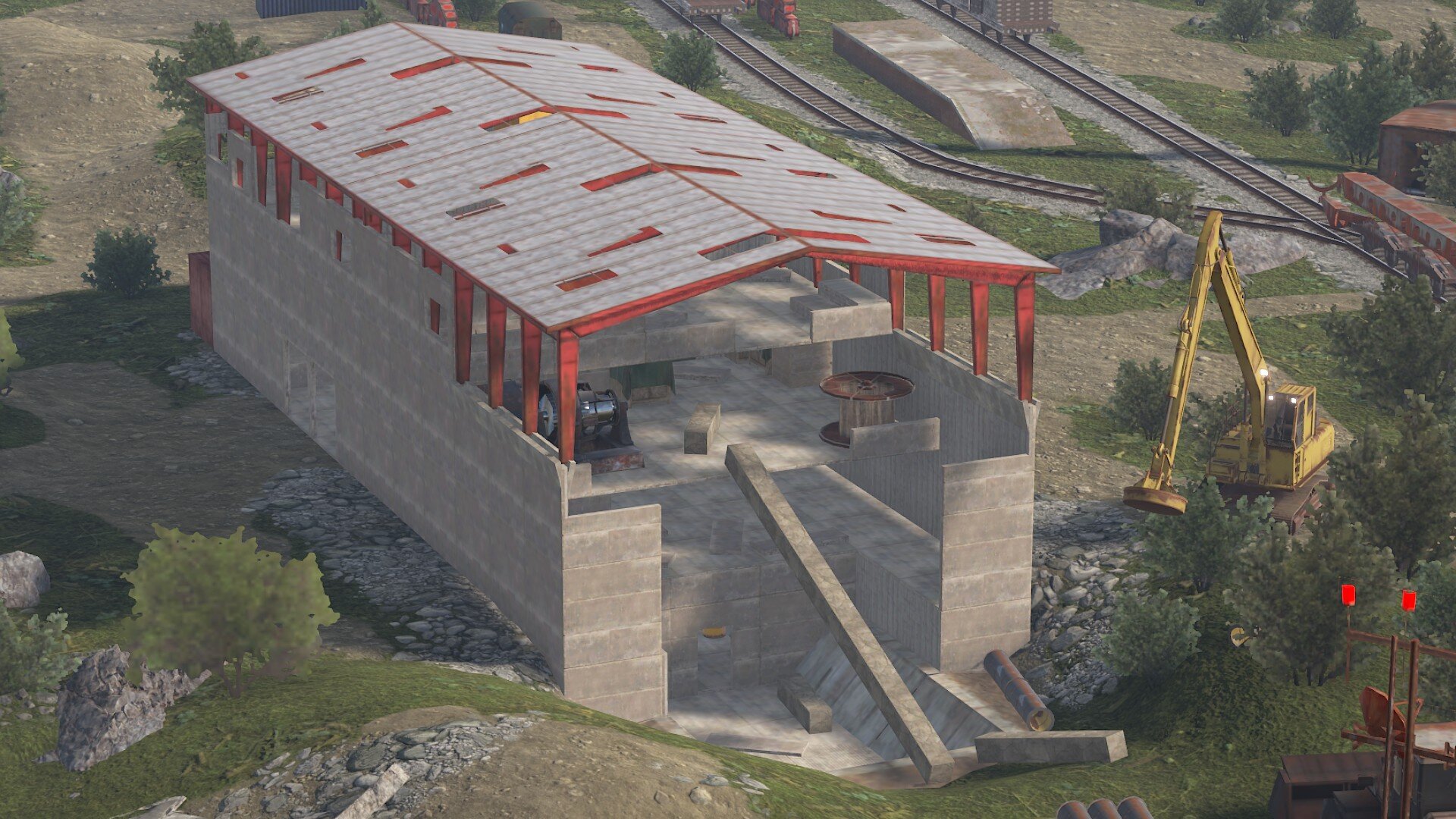
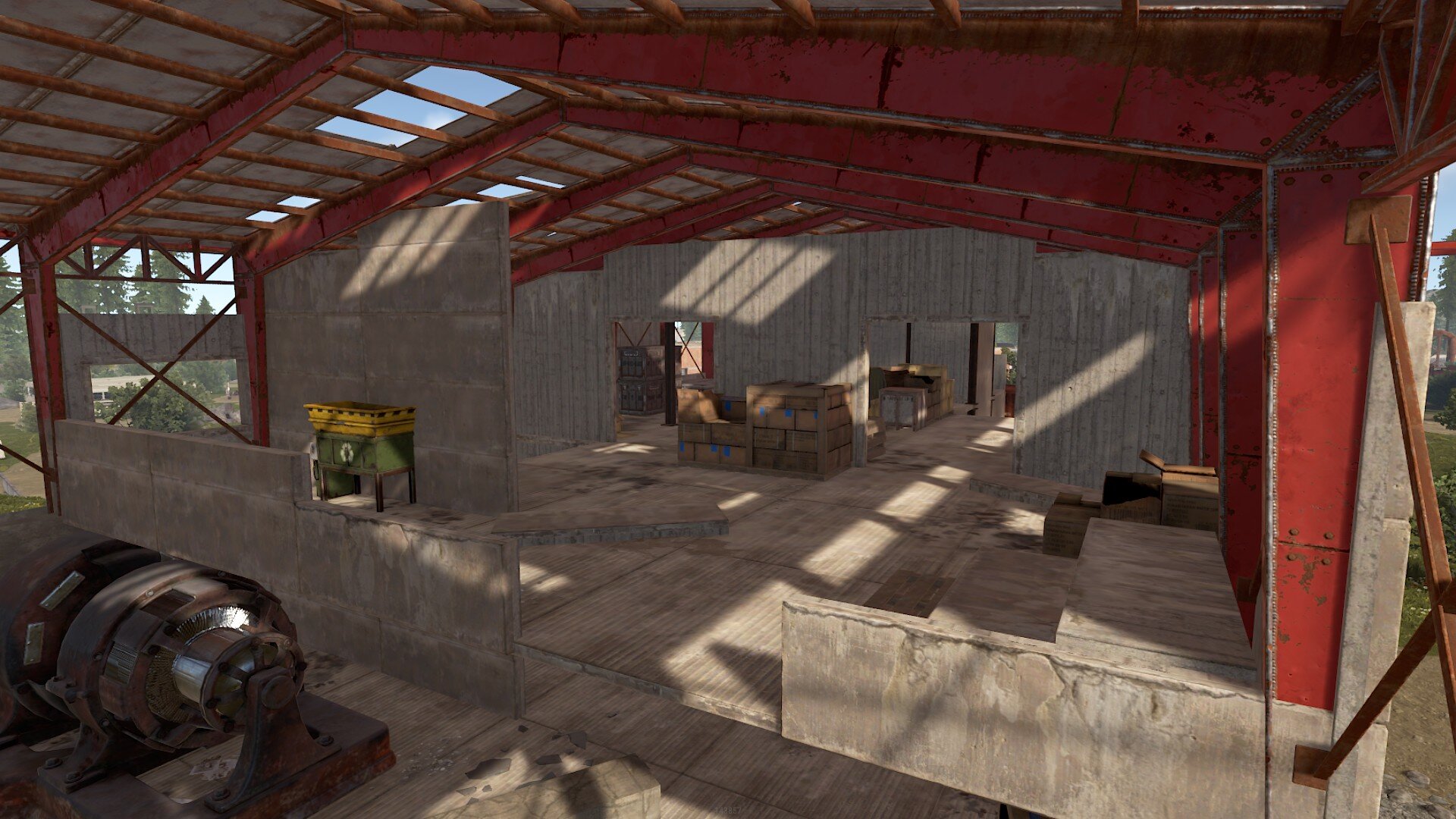
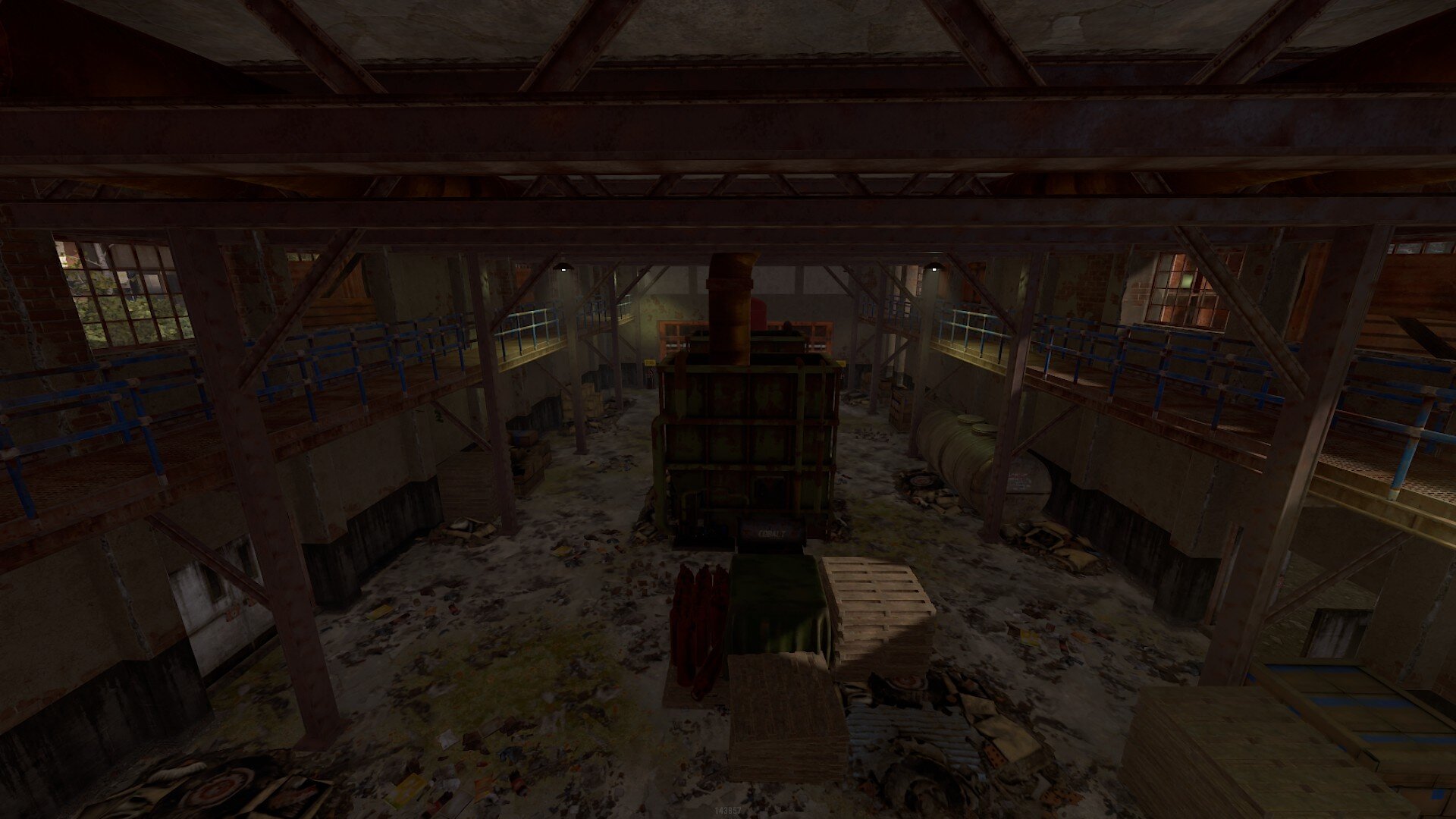
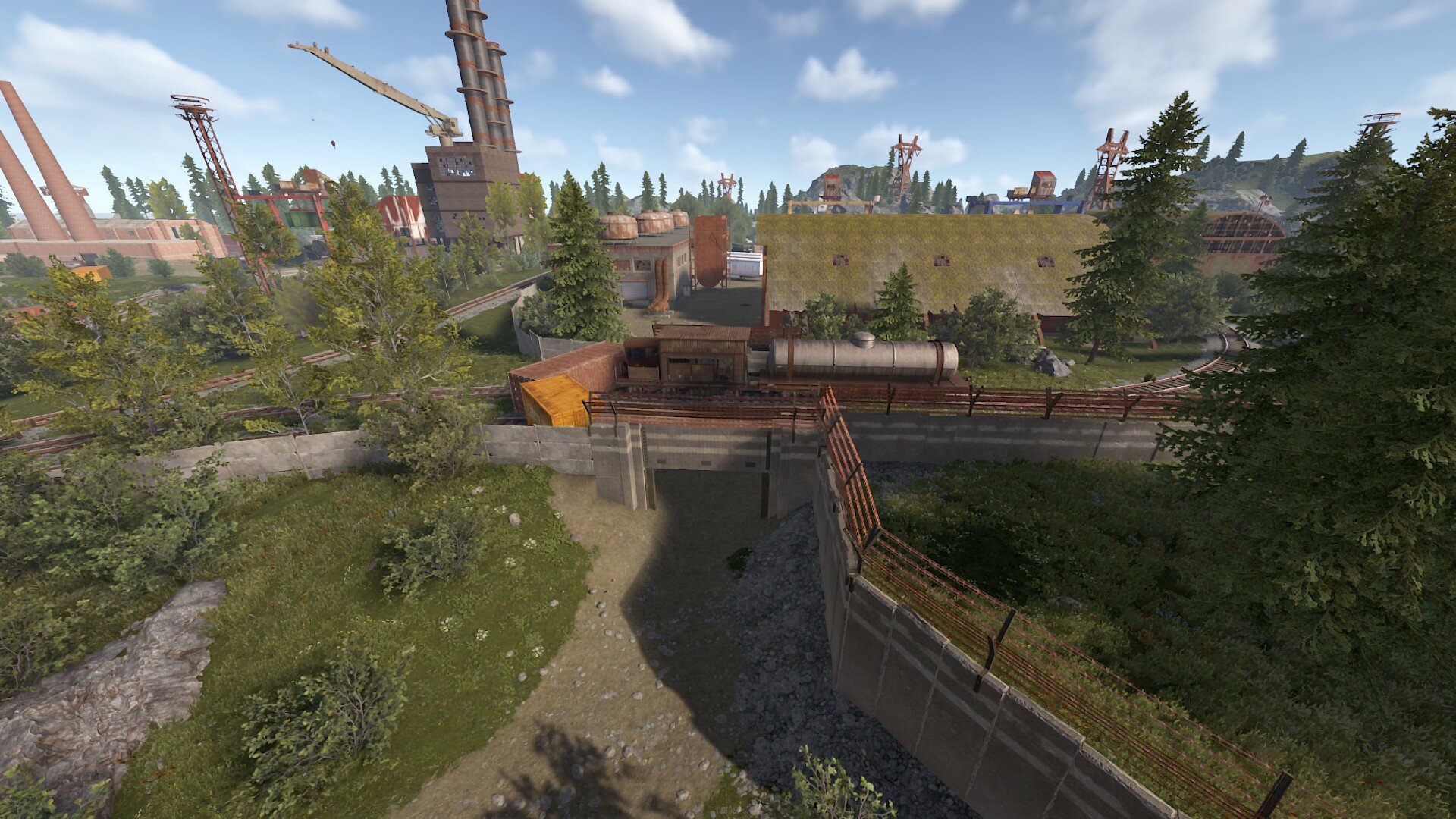
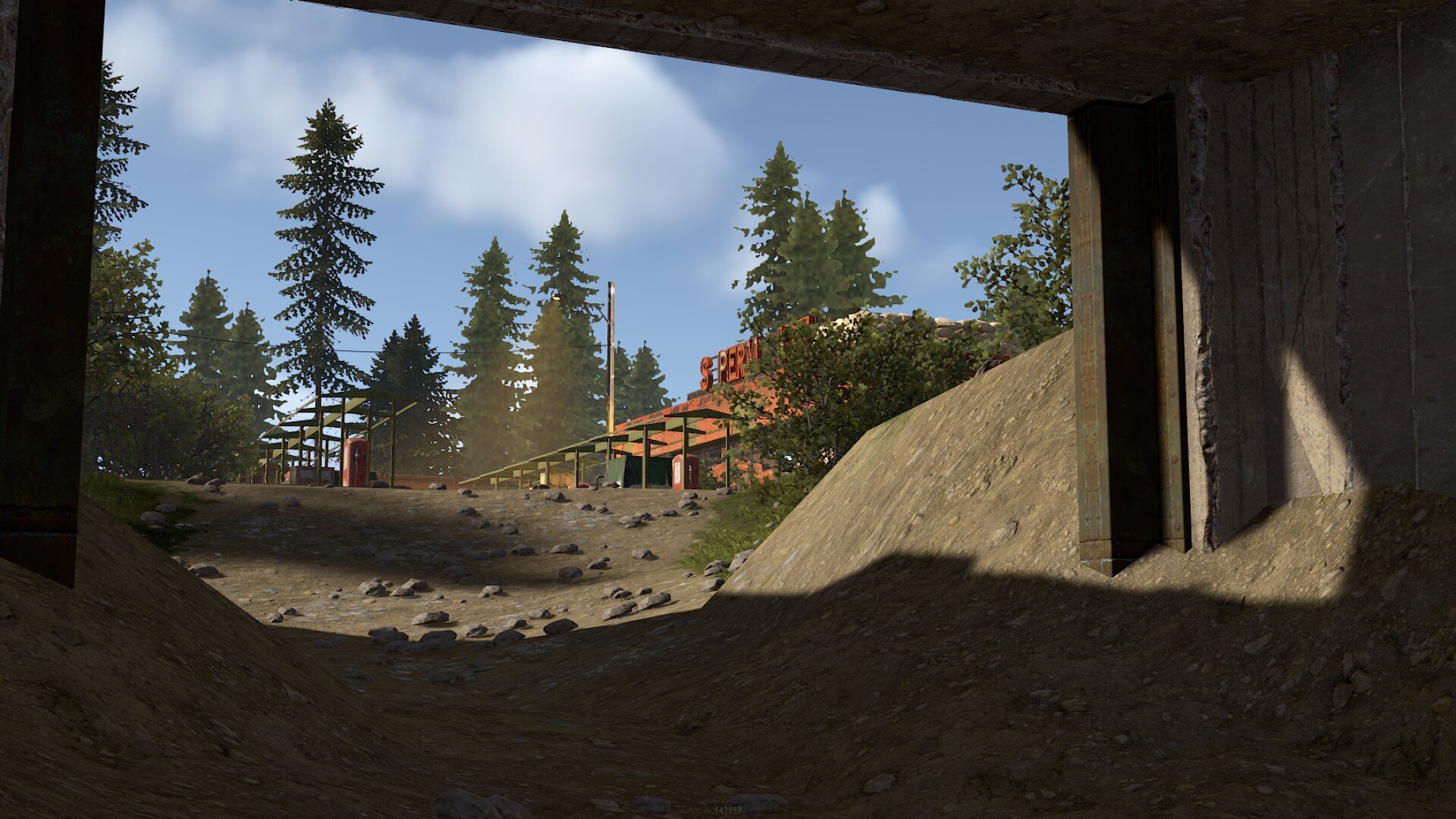
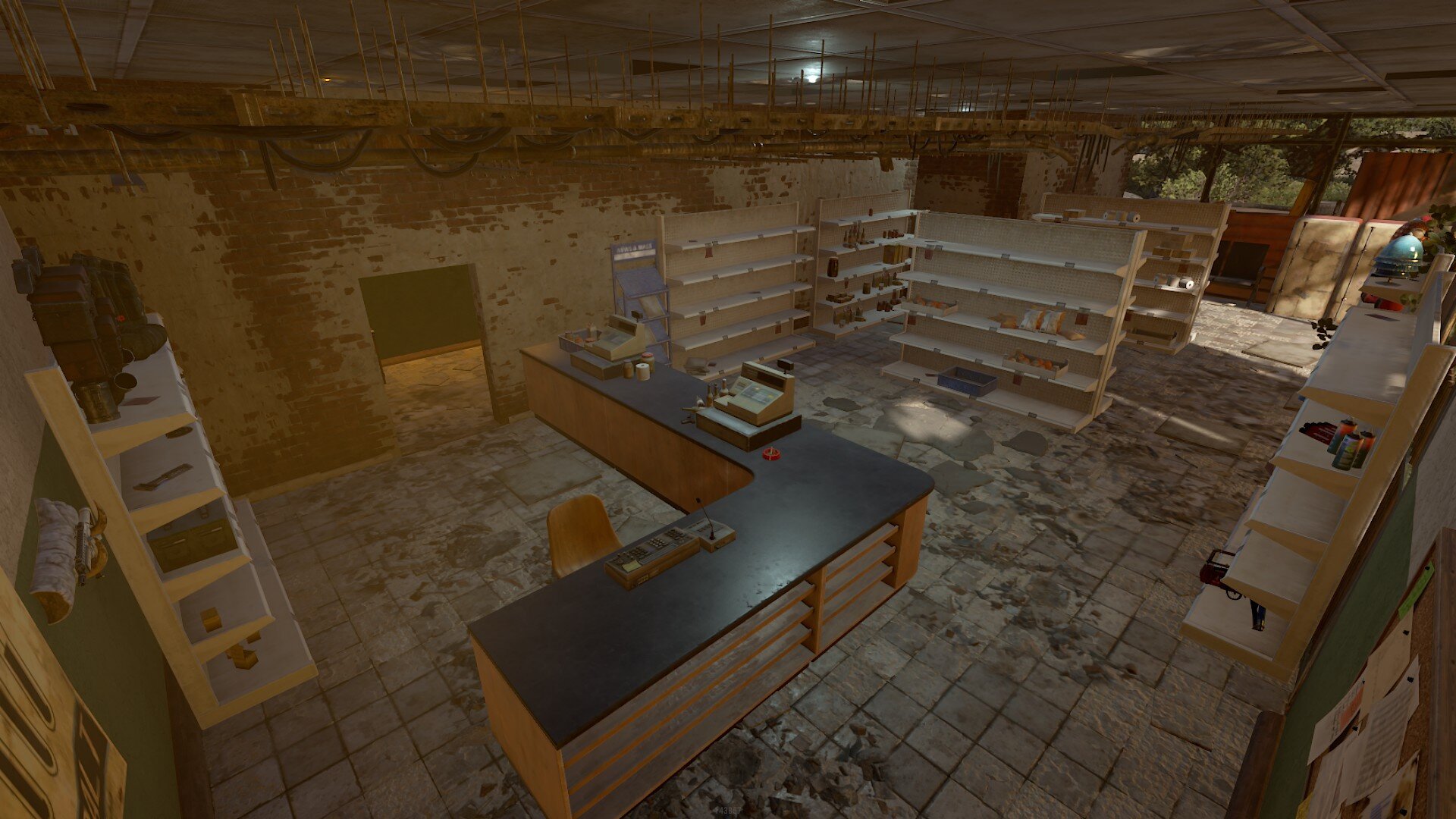
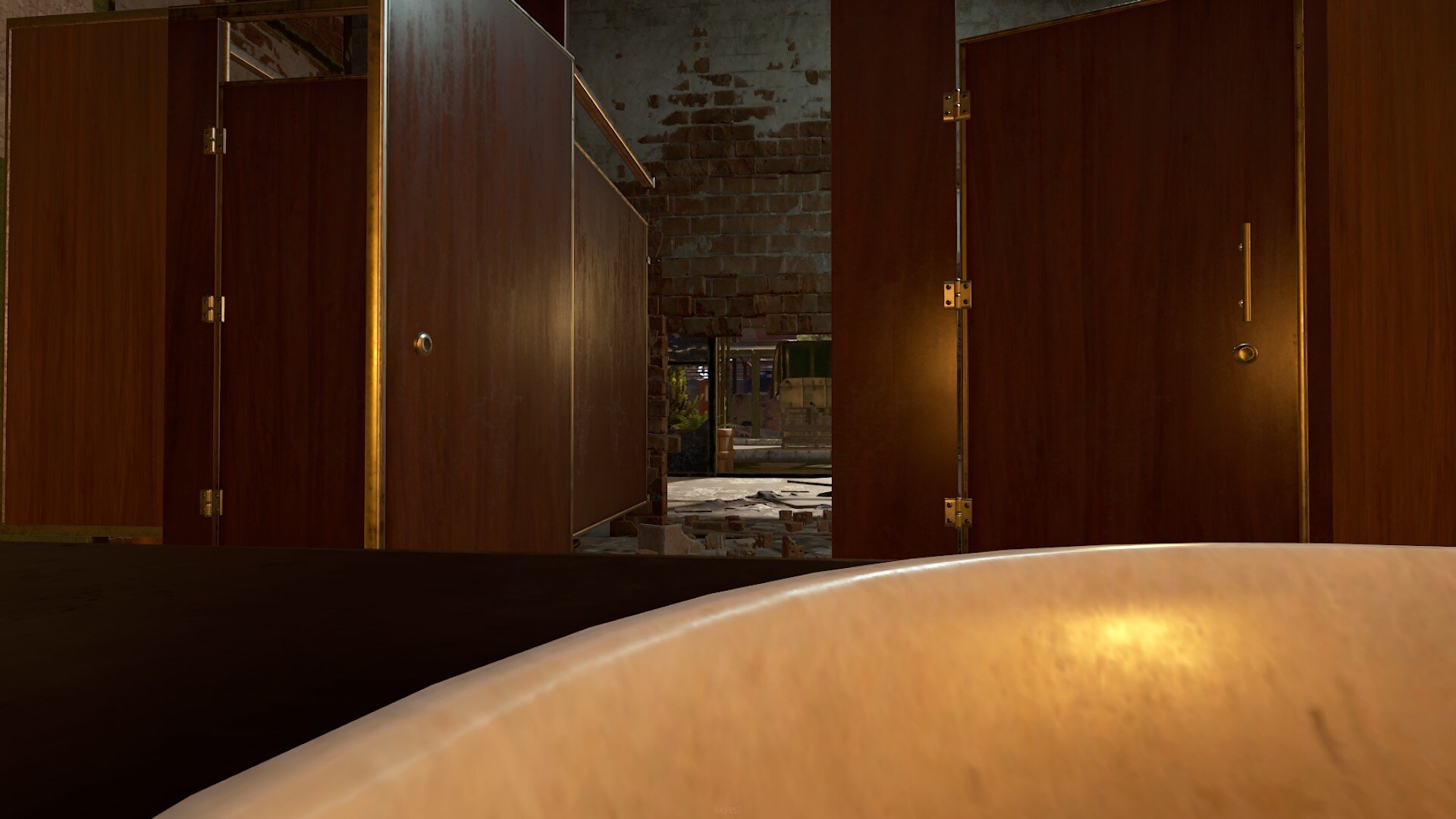
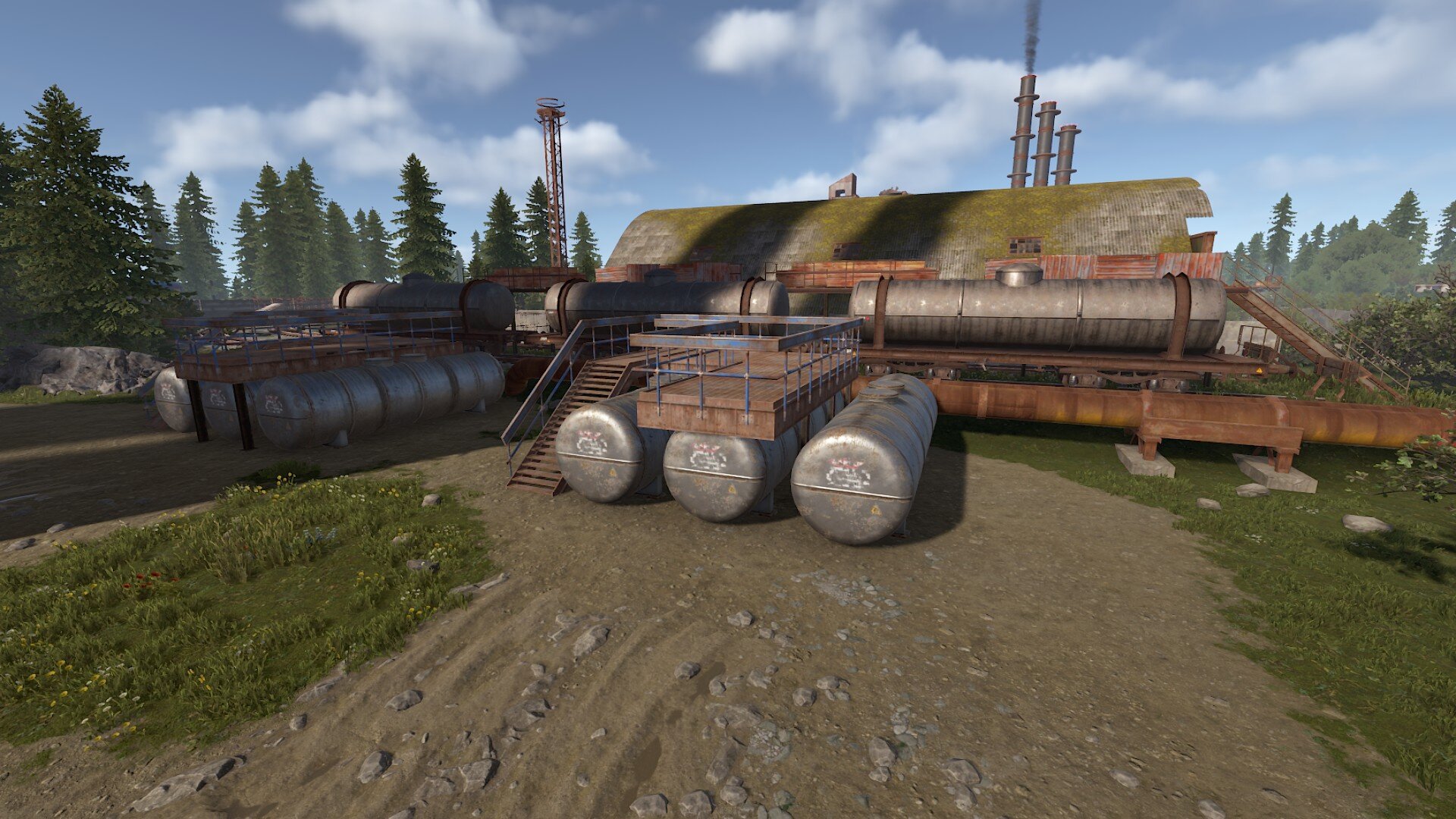
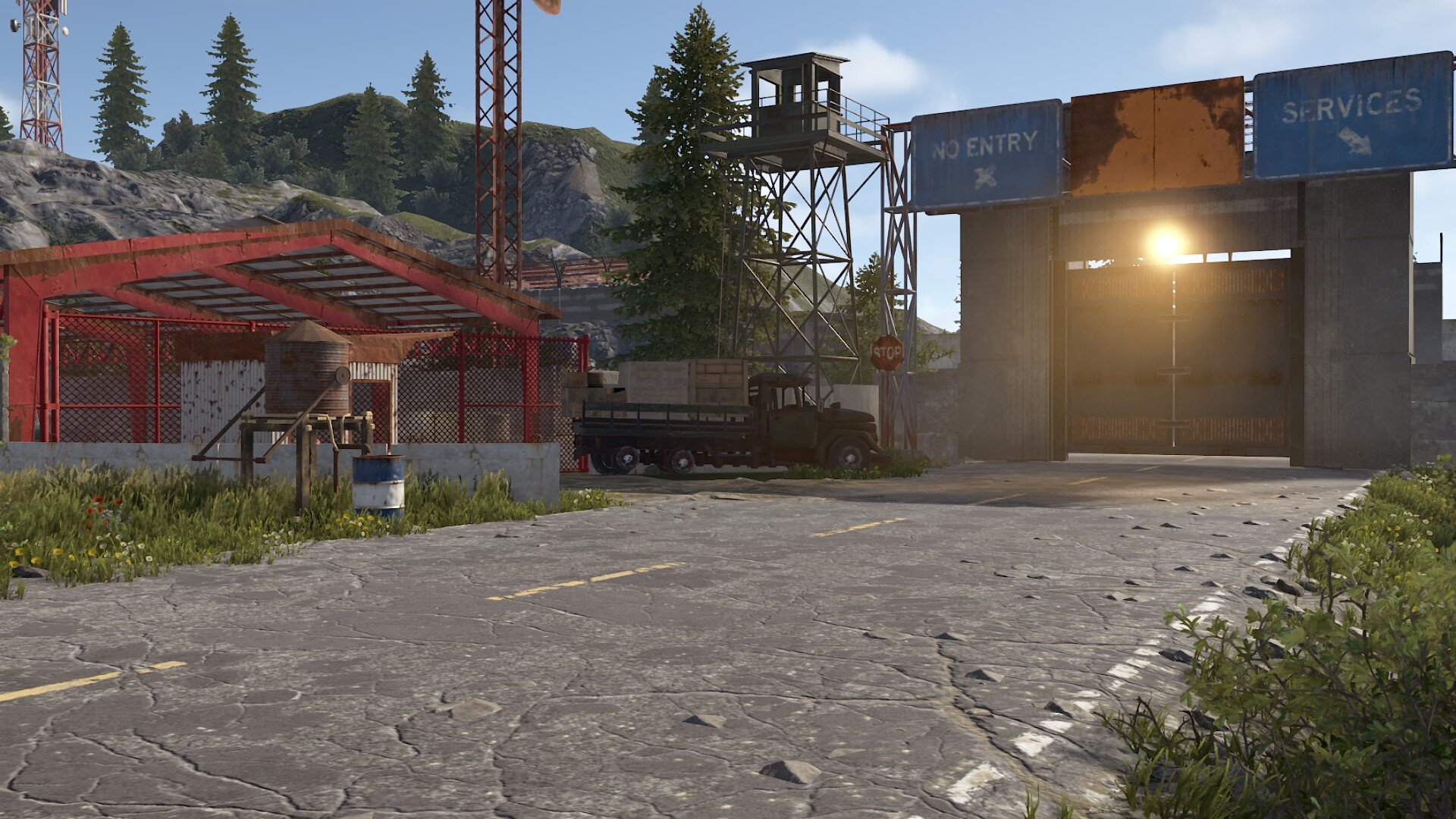
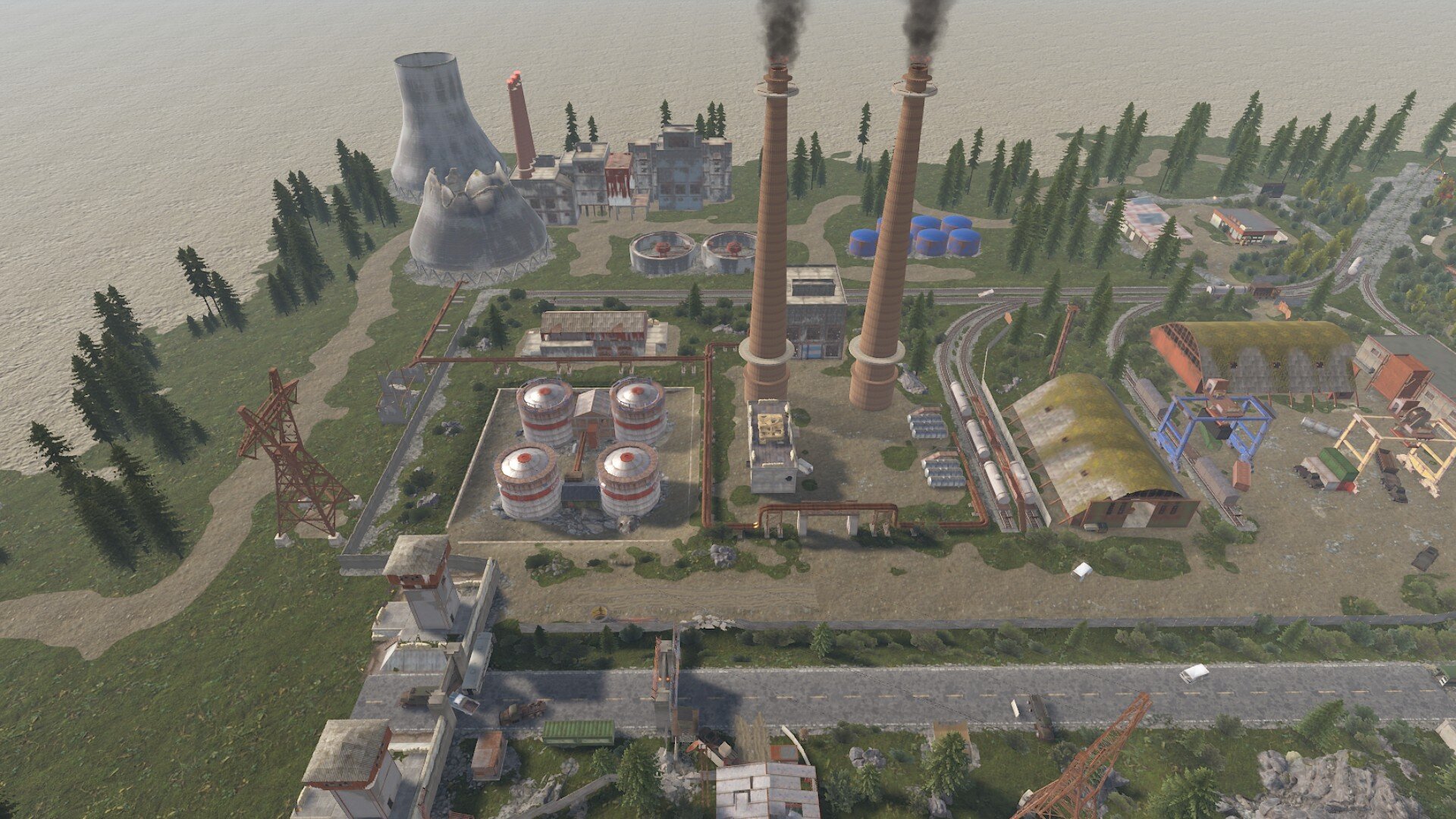
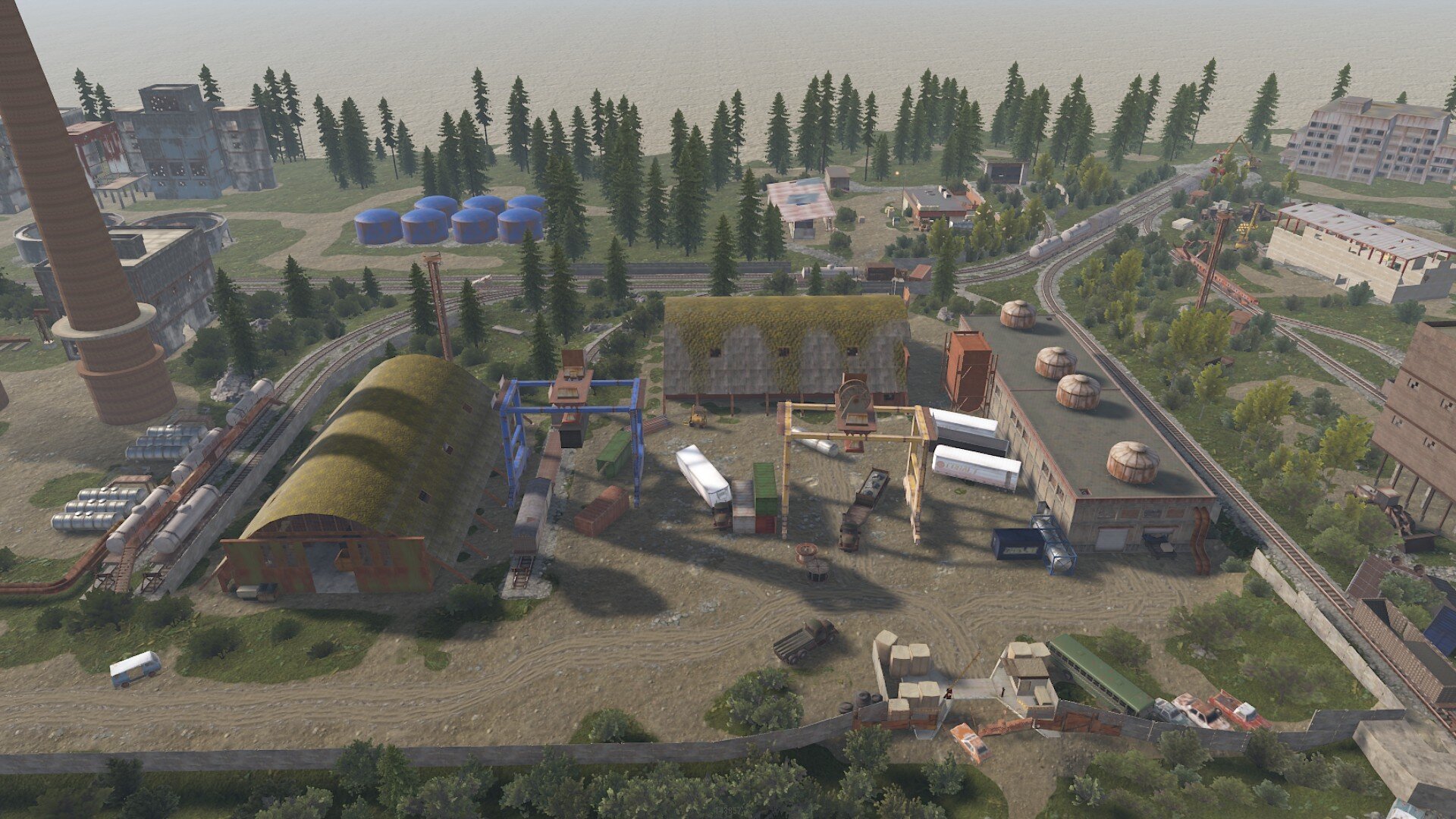
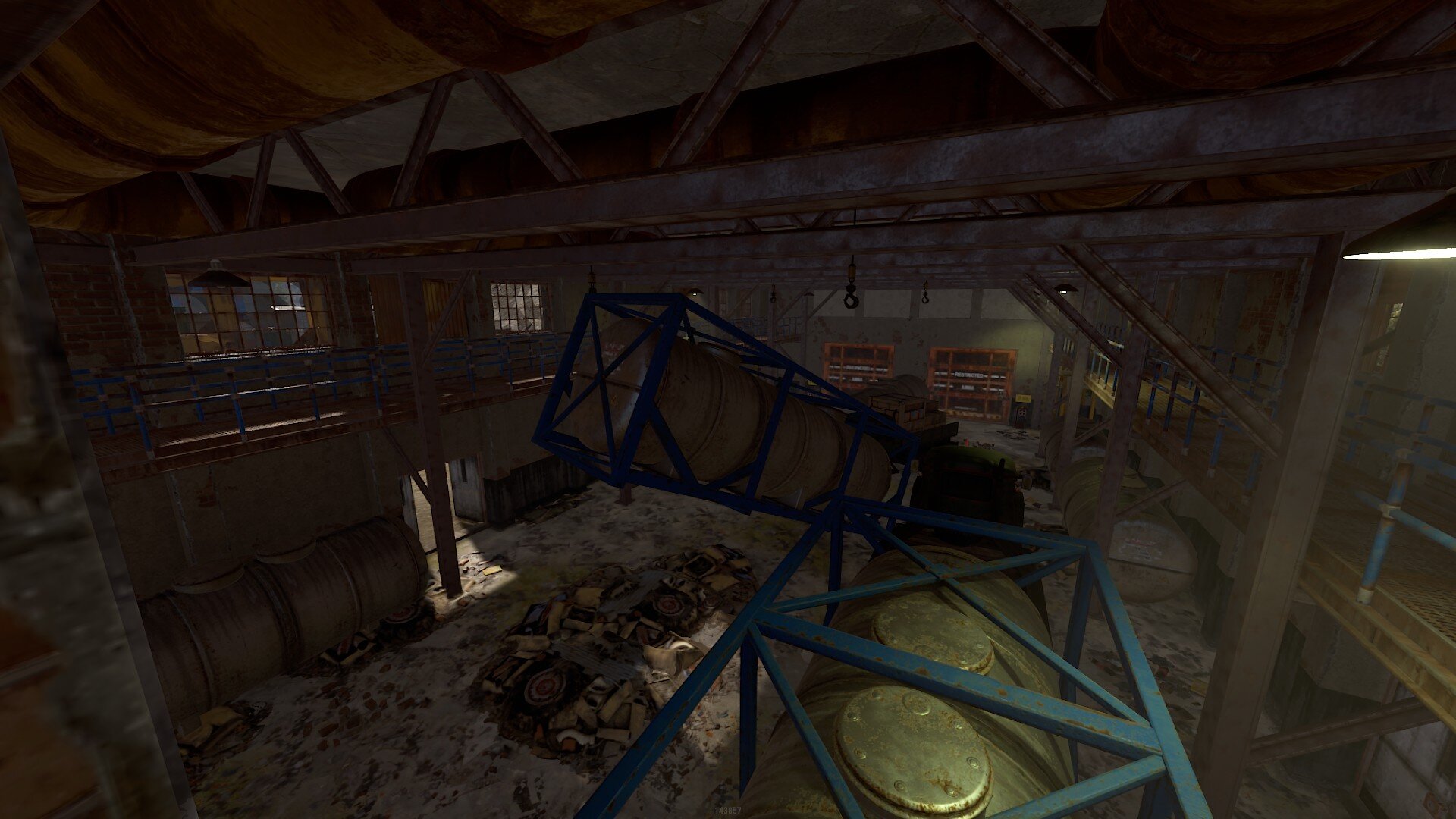
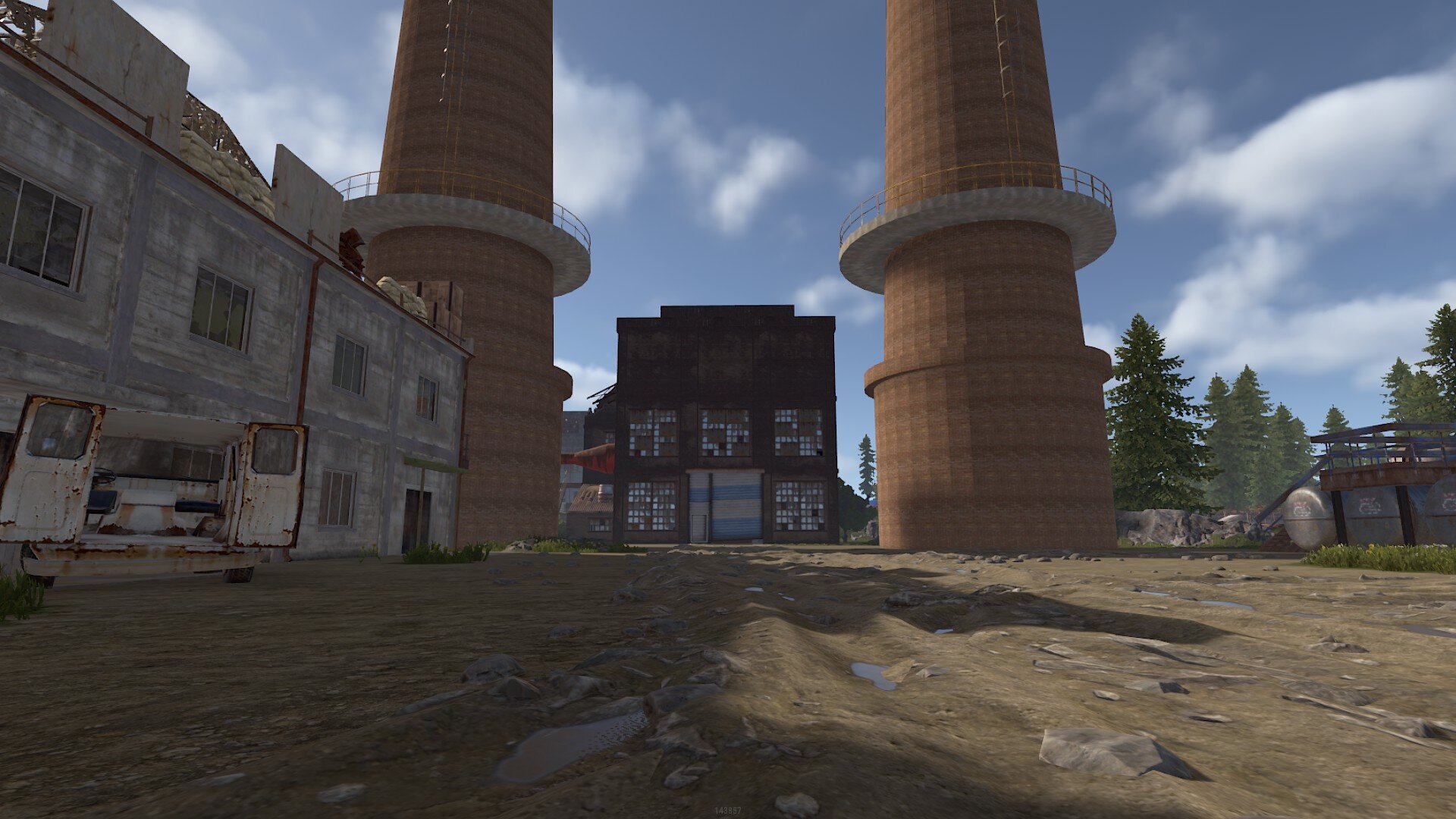
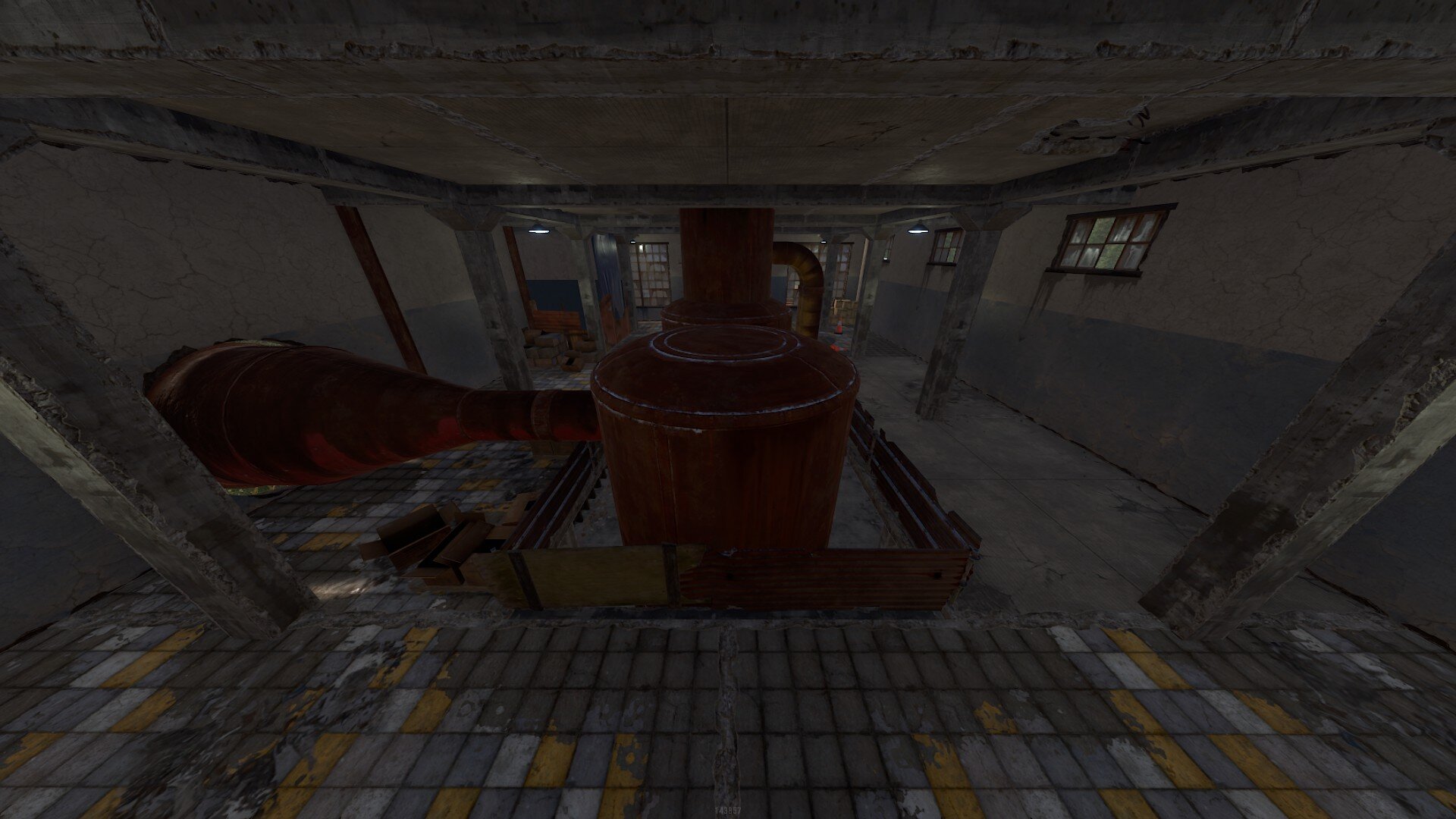
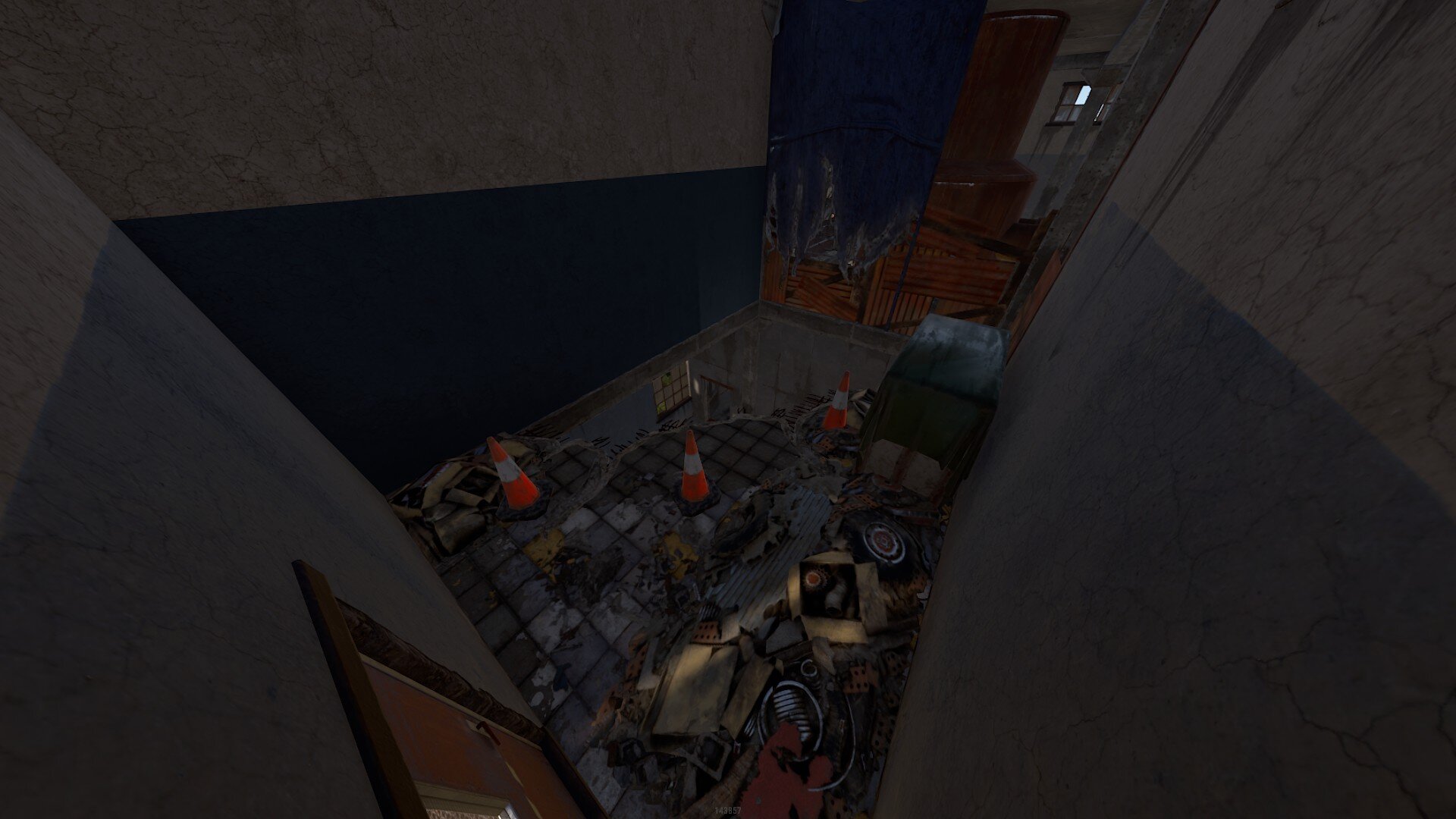
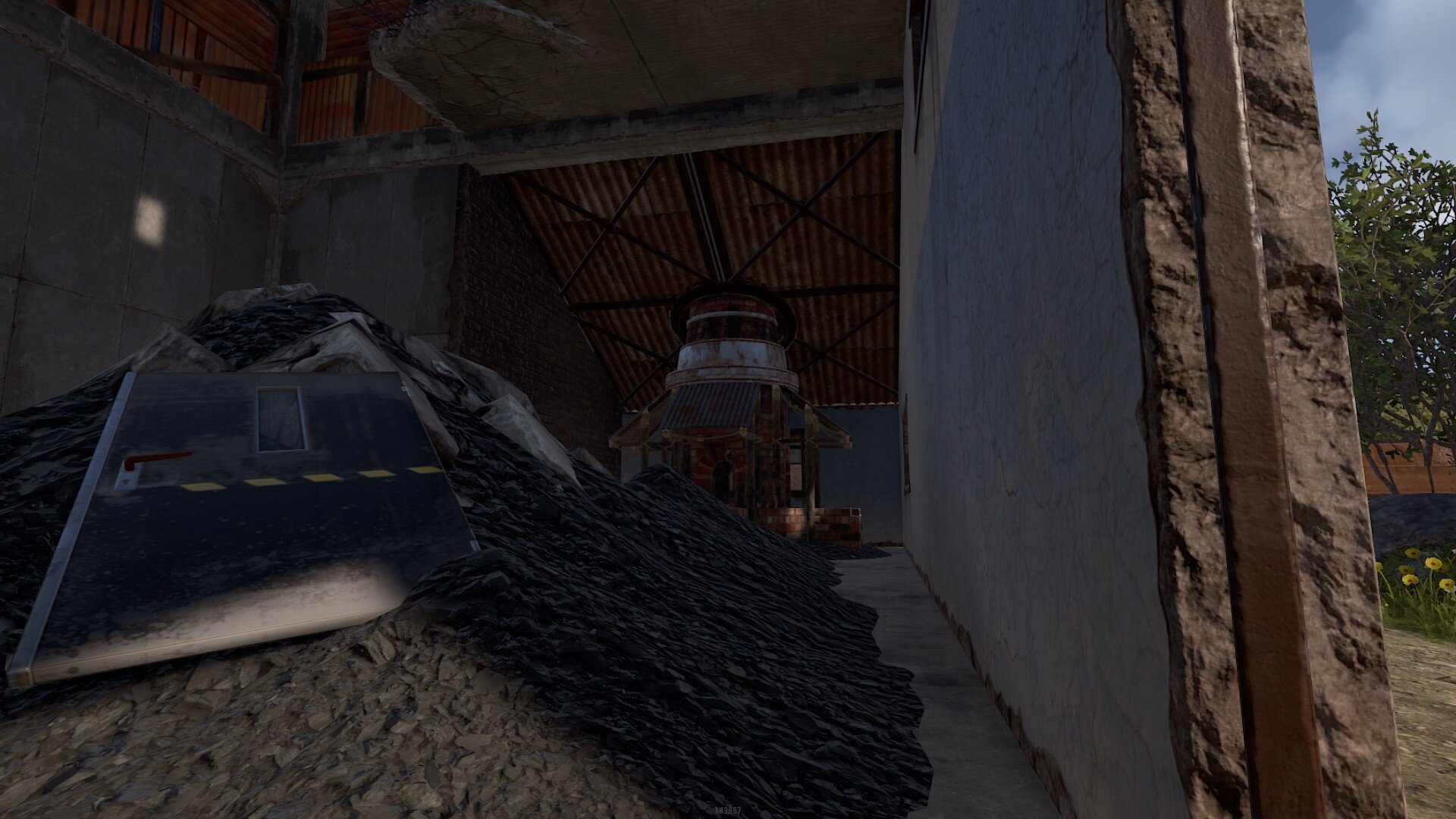
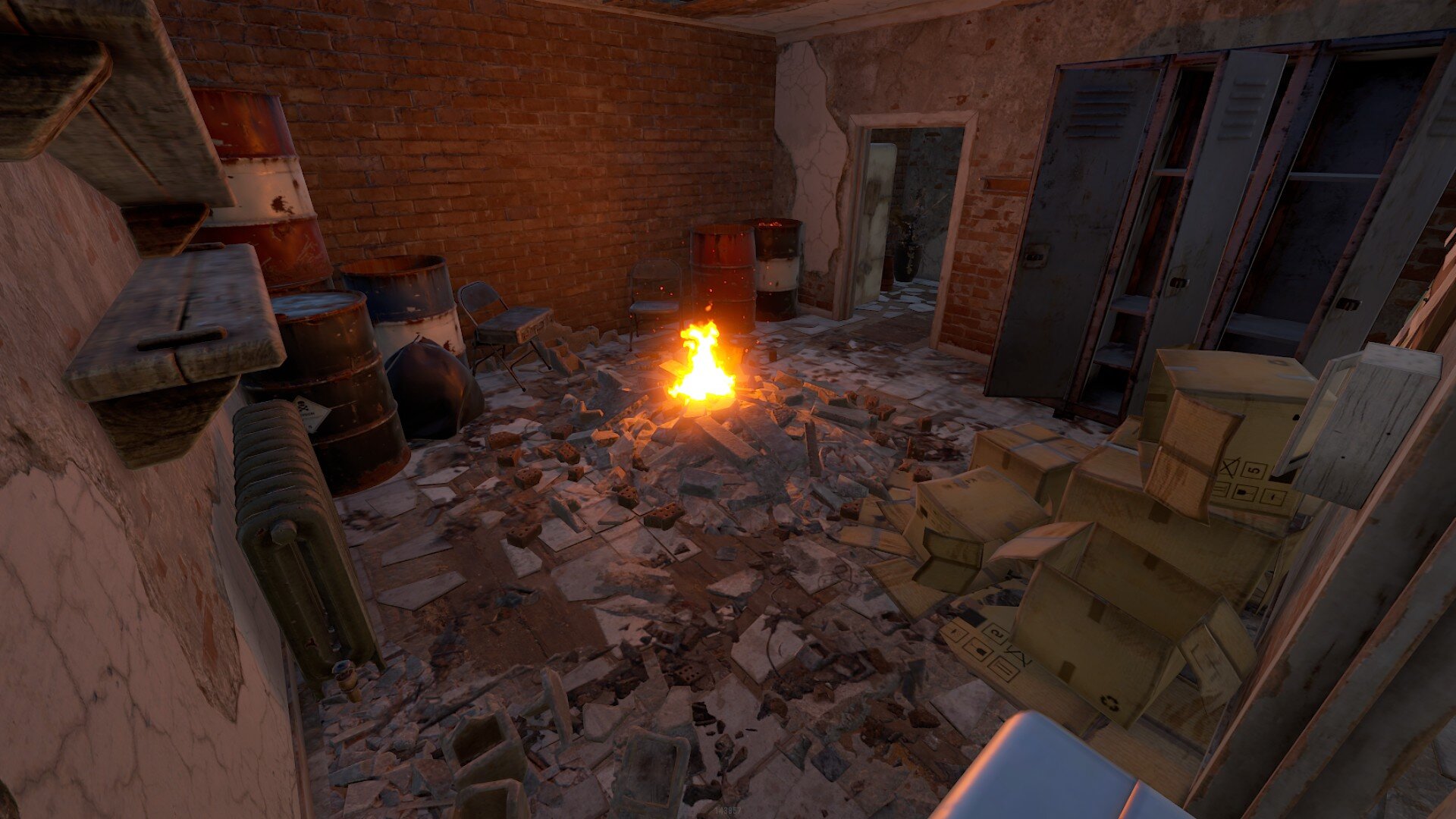
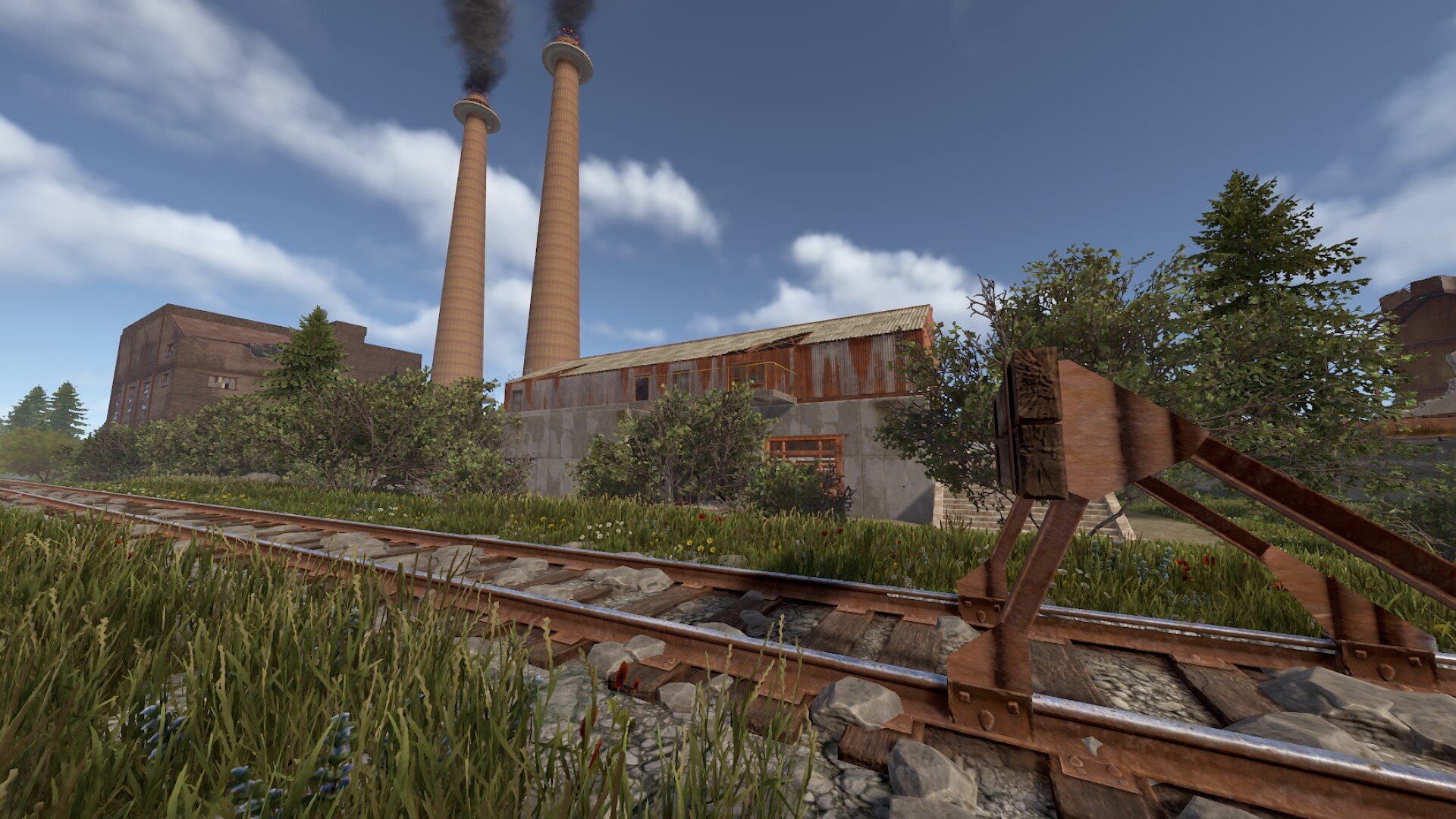
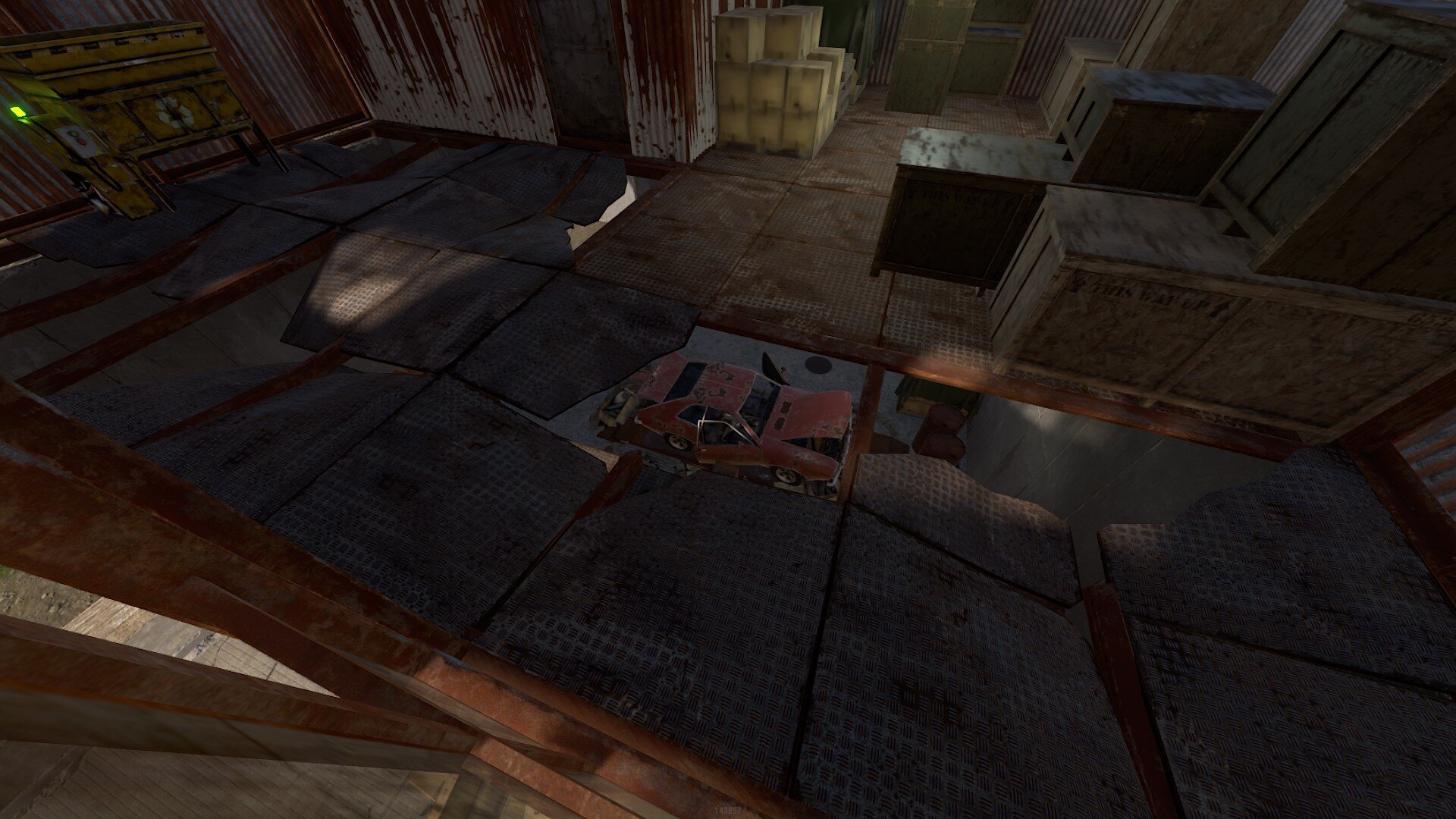
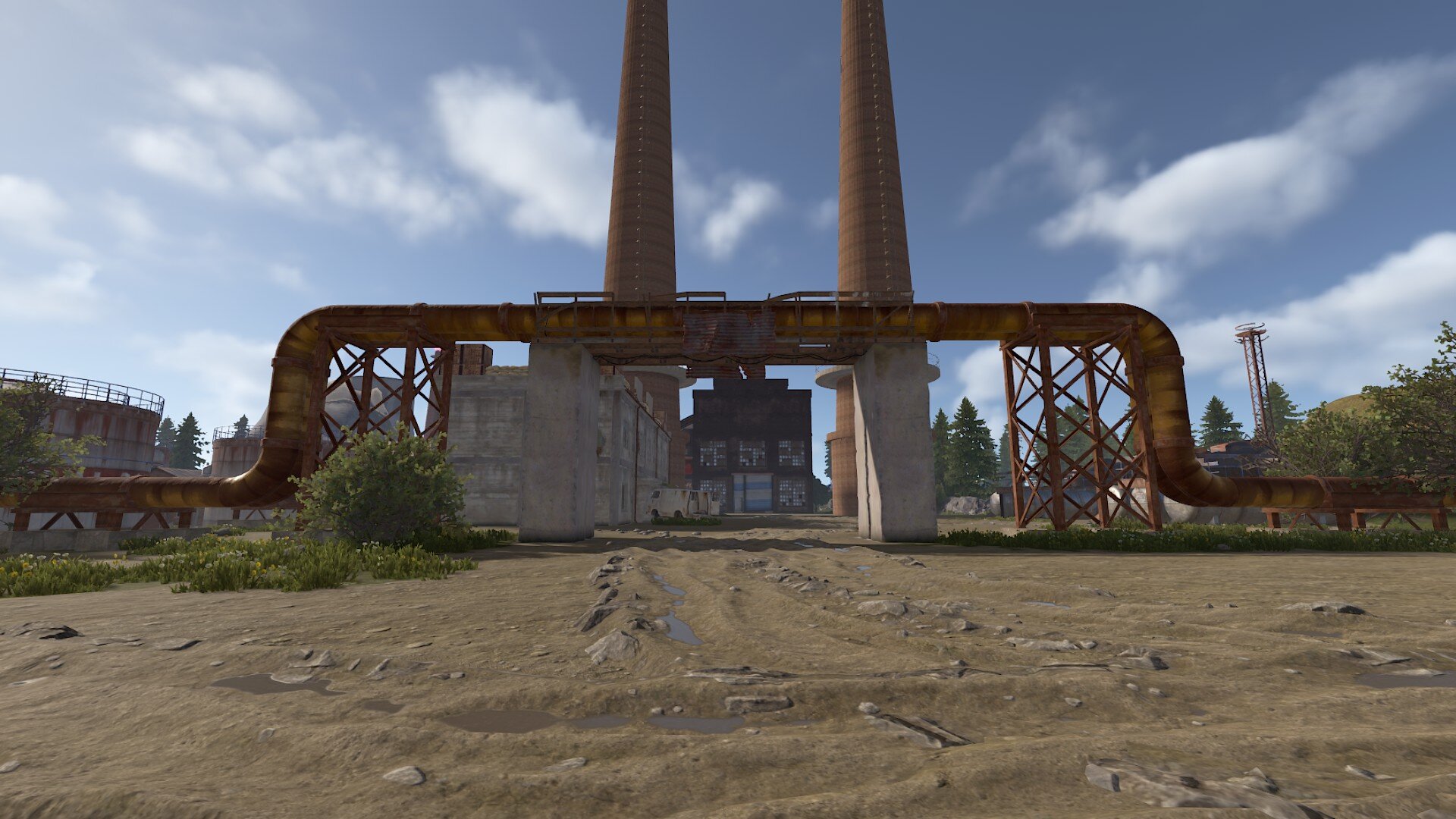
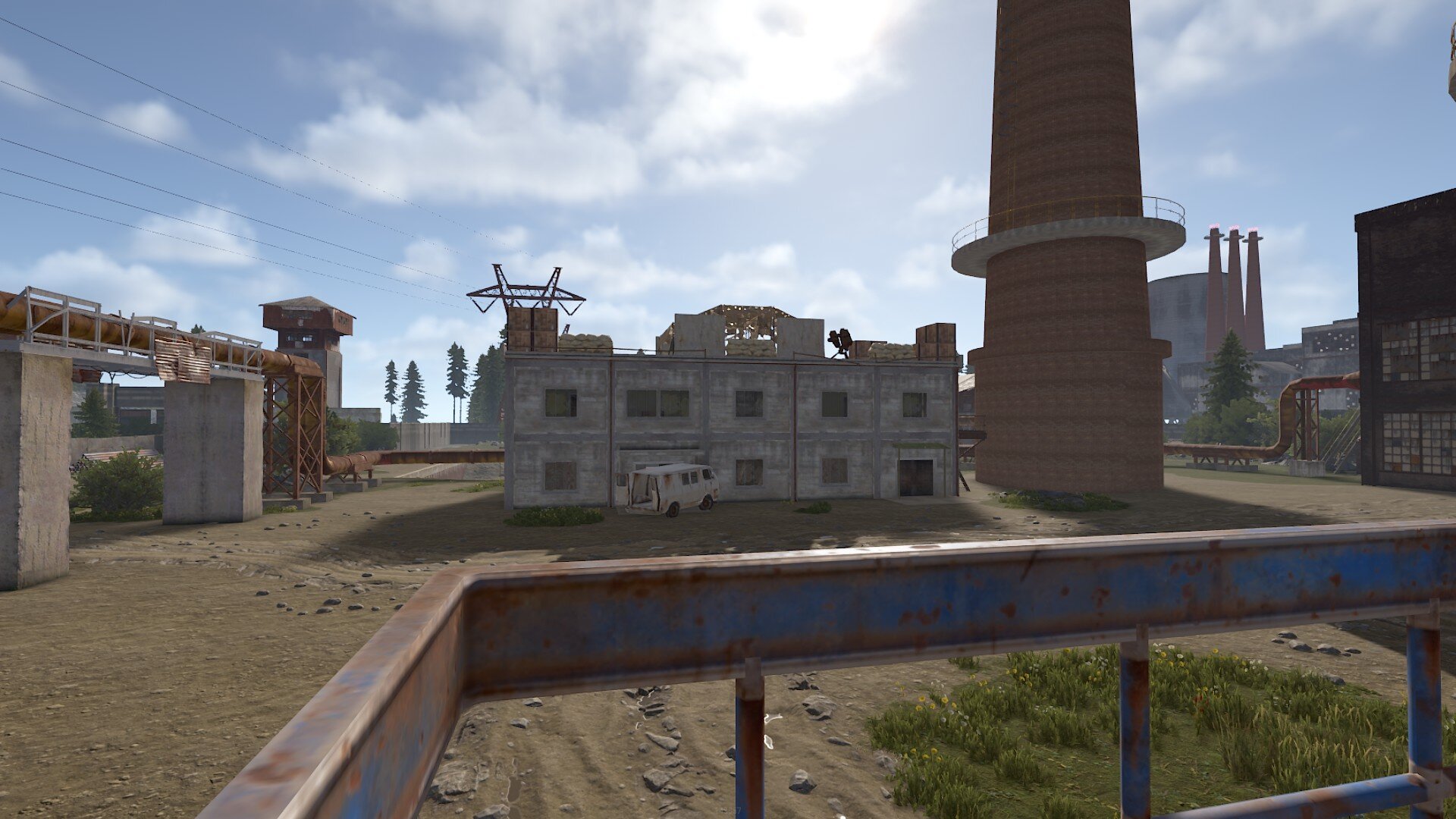
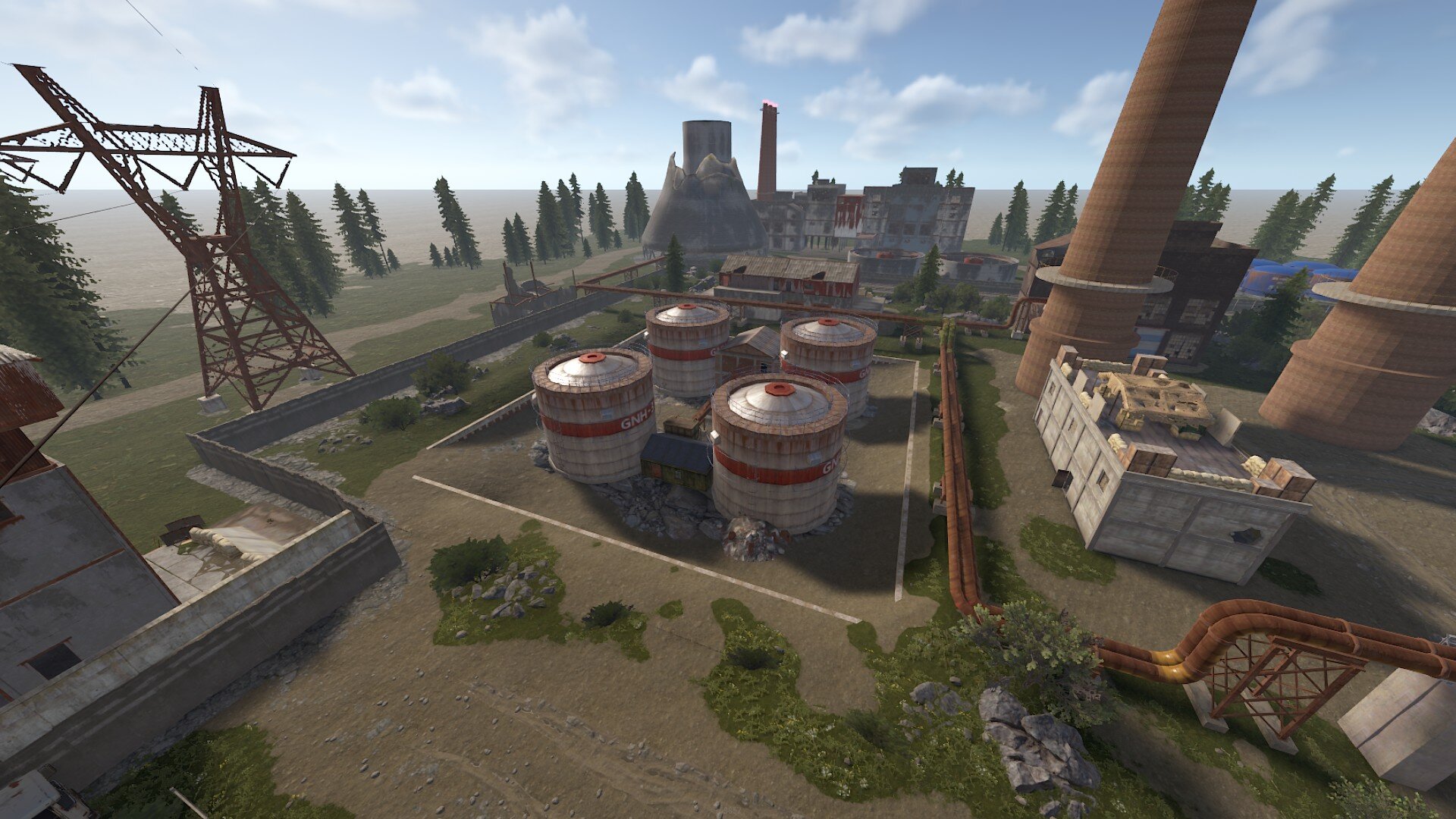
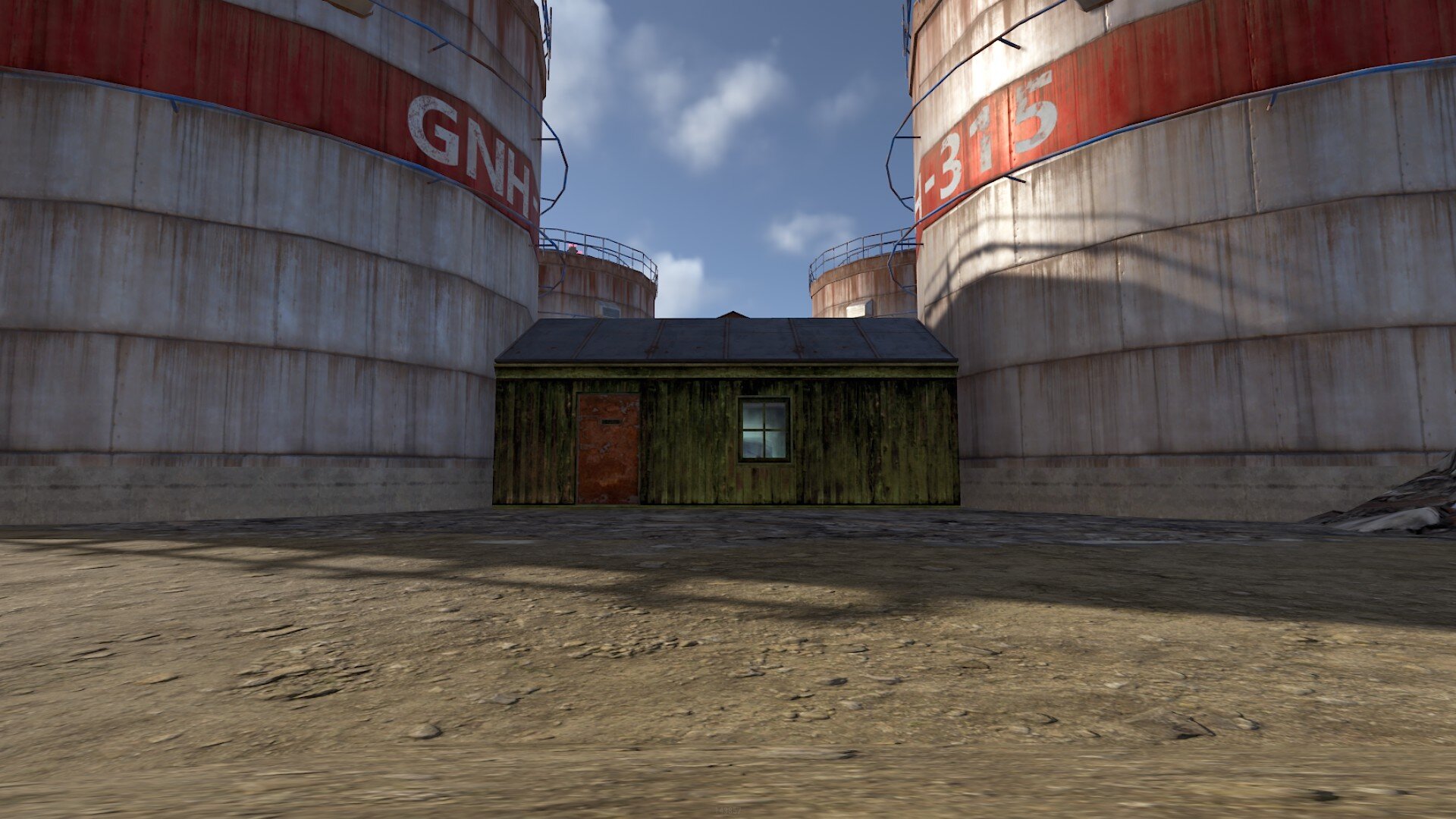
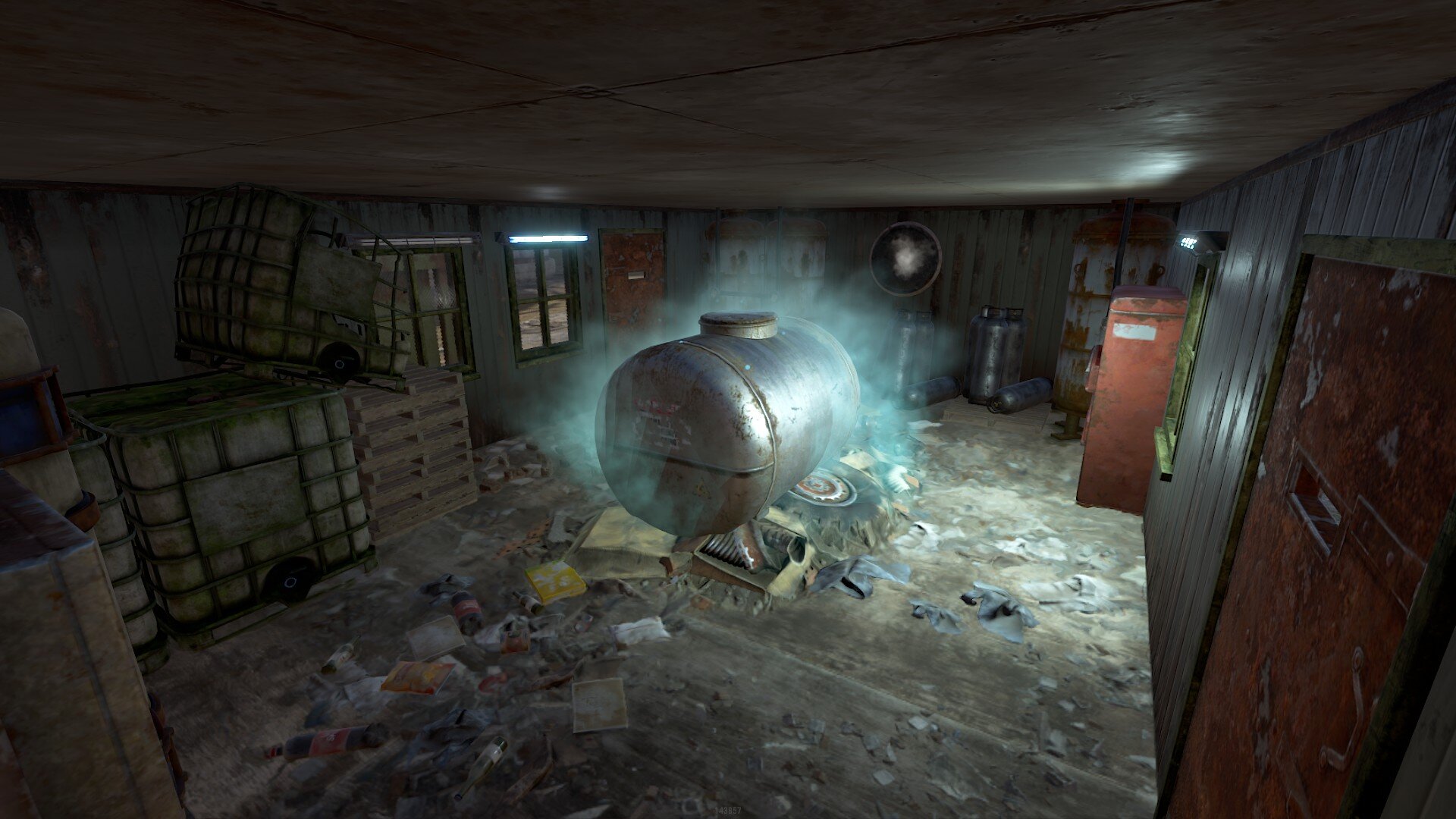
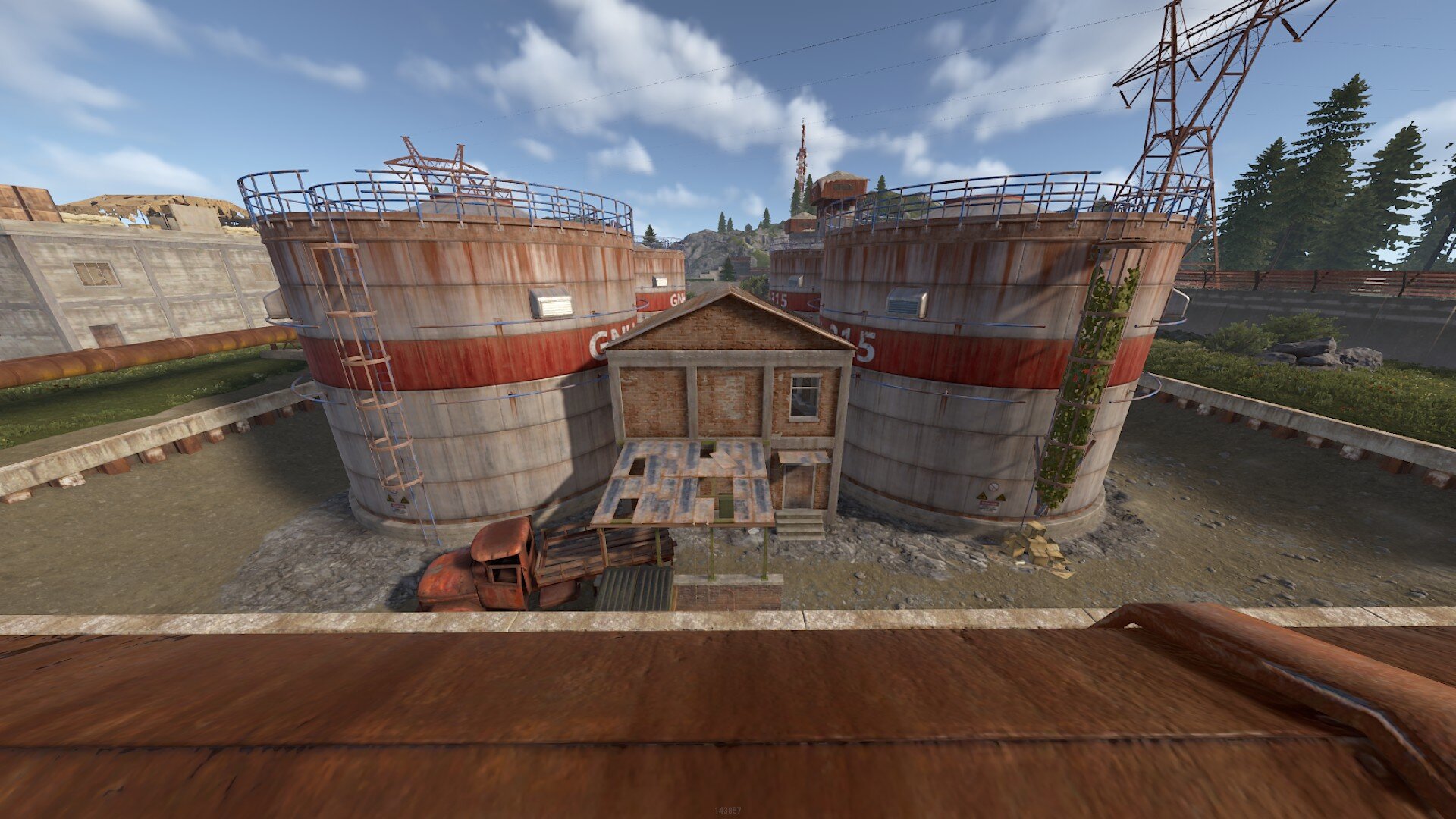

A high-intensity, tactical combat monument designed to transform your server into a competitive battleground.
Gameplay
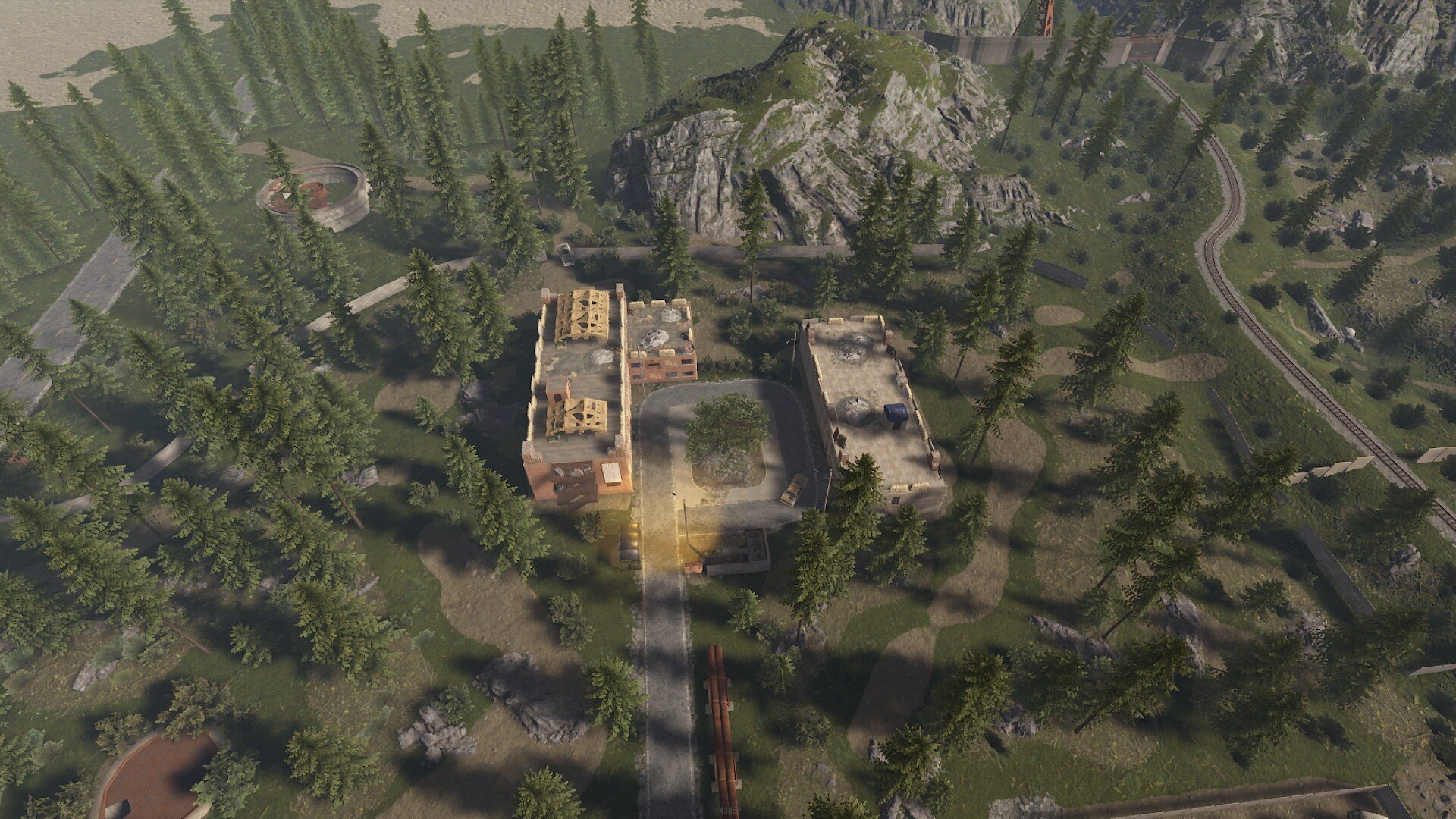
Custom Arena - Every prefab is placed by hand
Built for competitive fights & events - Recommended players in the arena is 35-40
Not 1/1 the same as in EFT - Artistic choices were made
Designed for woodland and CQB
Balanced sightlines and flank routes
Build Quality
Optimized for performance (12443 prefabs)
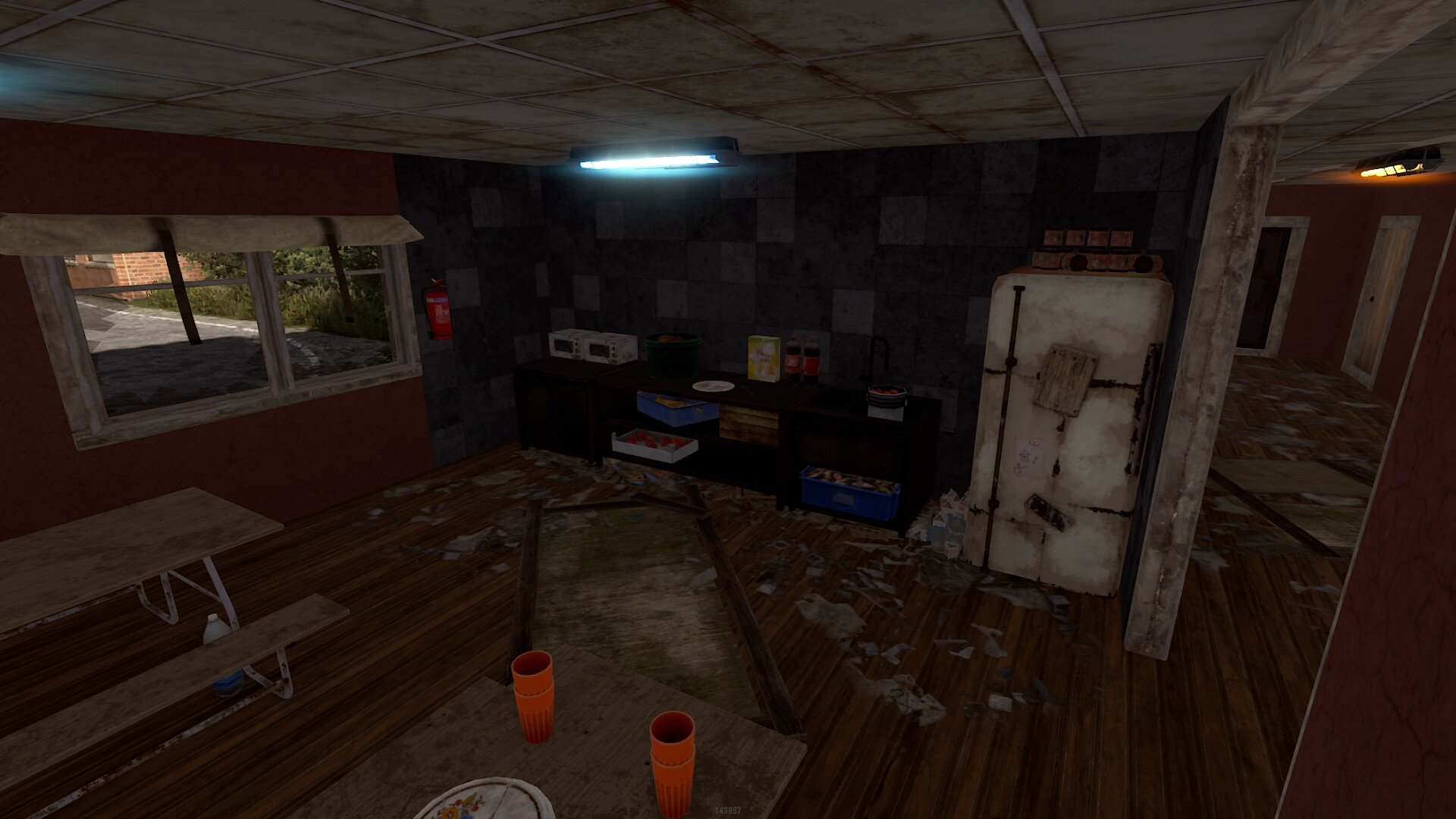
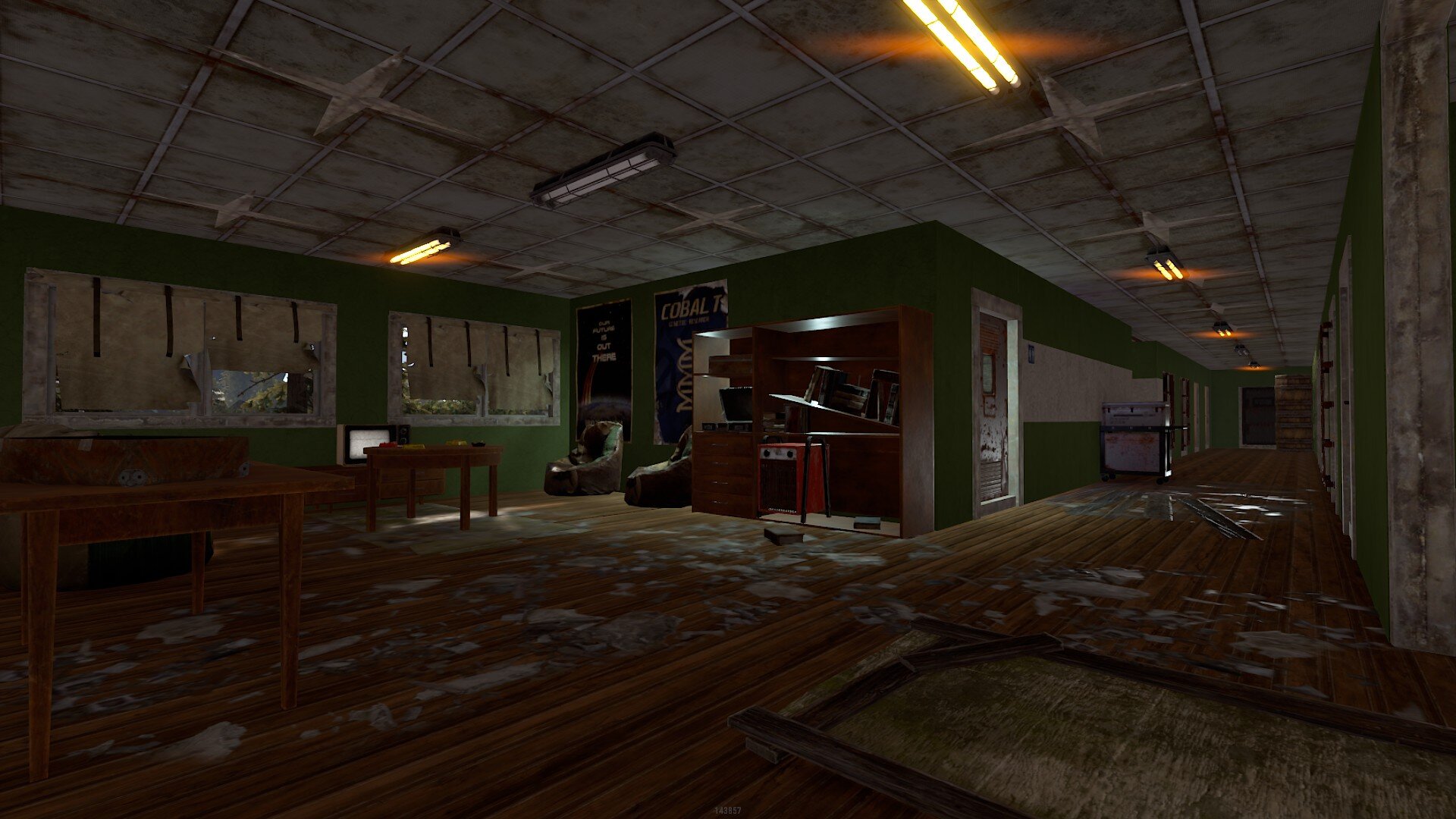
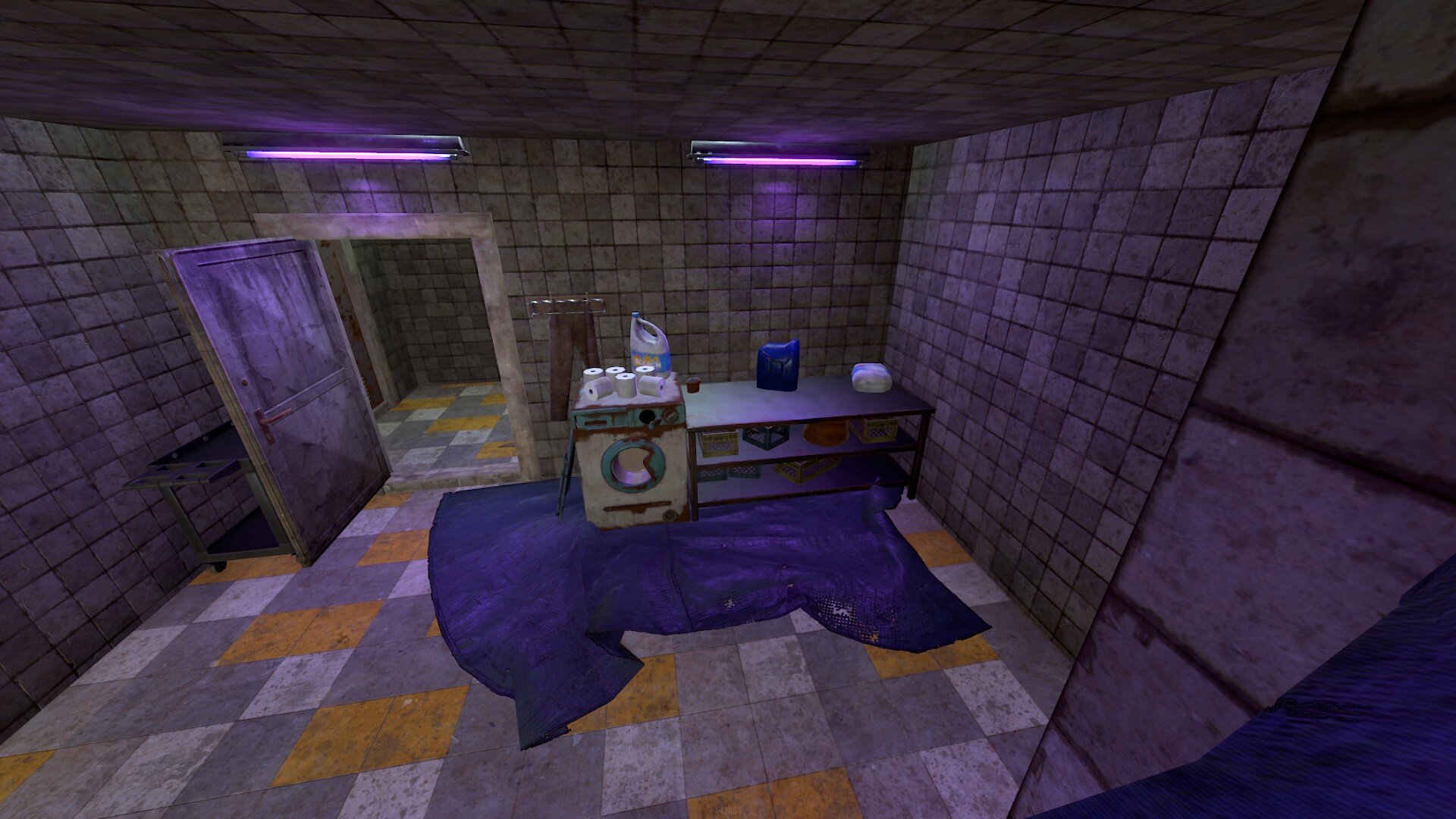
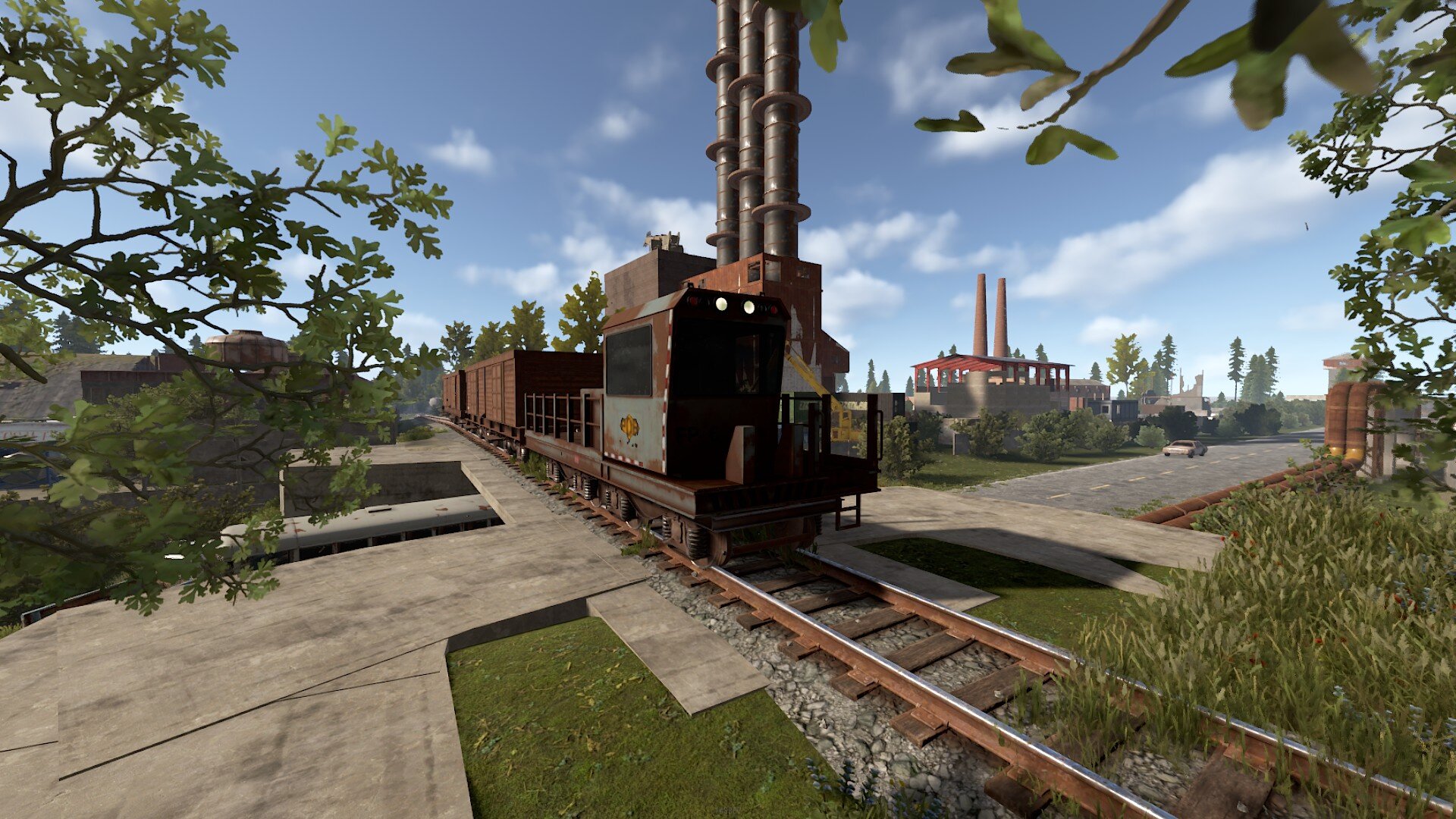
Detailed indoor and outdoor environments
Realistic monument layout
Runs on a potato

Events & Arena Ready
TDM / Gun Game / CTF / Clan Wars / FFA / Loot Arena
Plug-and-Play Friendly
Drag & Drop ready (some alpha-channel adjustments need to be done around some of the buildings)
Supports custom spawn points and loot crates
Customization Options
Editable loot crates can be placed in any room
Can be divided to multiple arenas
Night-vision battle ready
Drag & Drop the custom prefab
Apply the heights, splat, topology and alpha map
Adjust the alpha map where it's needed (boiler building, sewer, new gas station, old gas station, skeleton)
Apply the road map
Reload the map and you're done

Redesigns are expected.
Expansion of the map - river and garages - is coming!
Monument and standalone prefabs are coming!
You may only provide a review once you have downloaded the file.
There are no reviews to display.