



.png.971df92381f4734423ee501323a46d83.png)
🧟 Core AI and Horde Logic
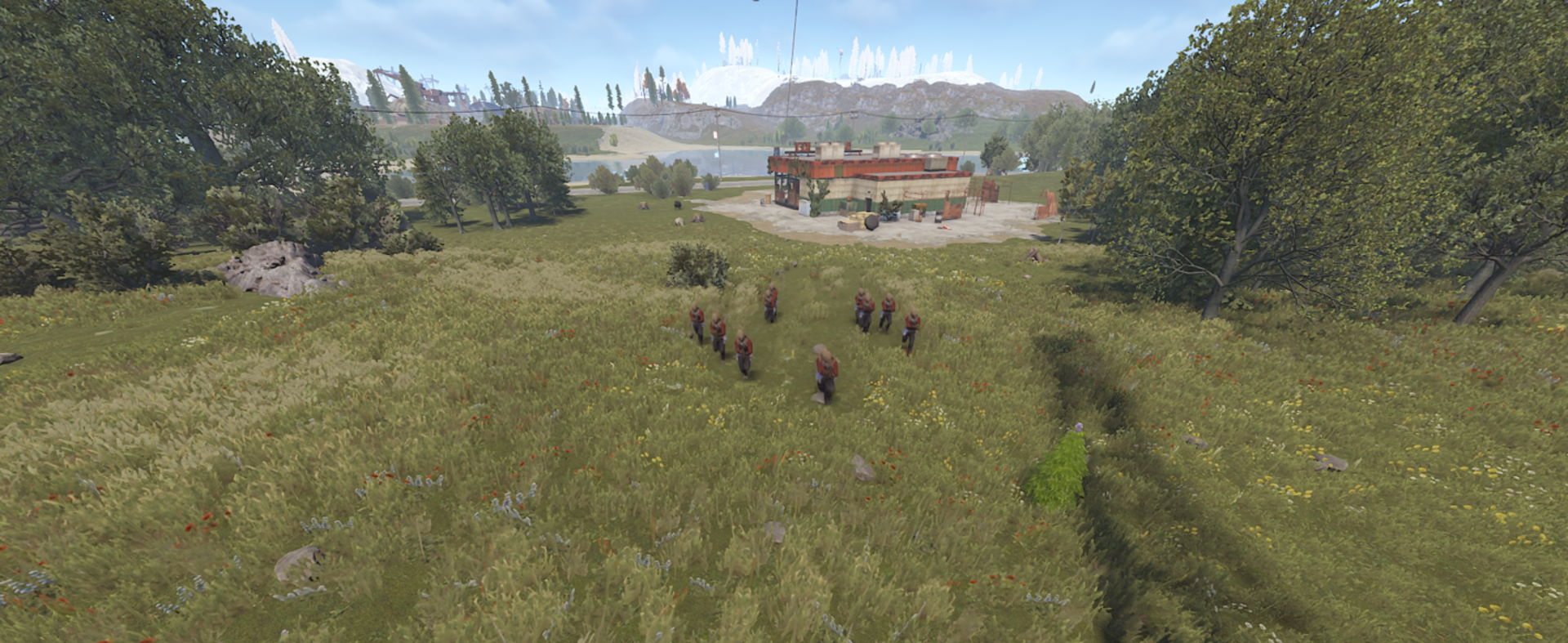
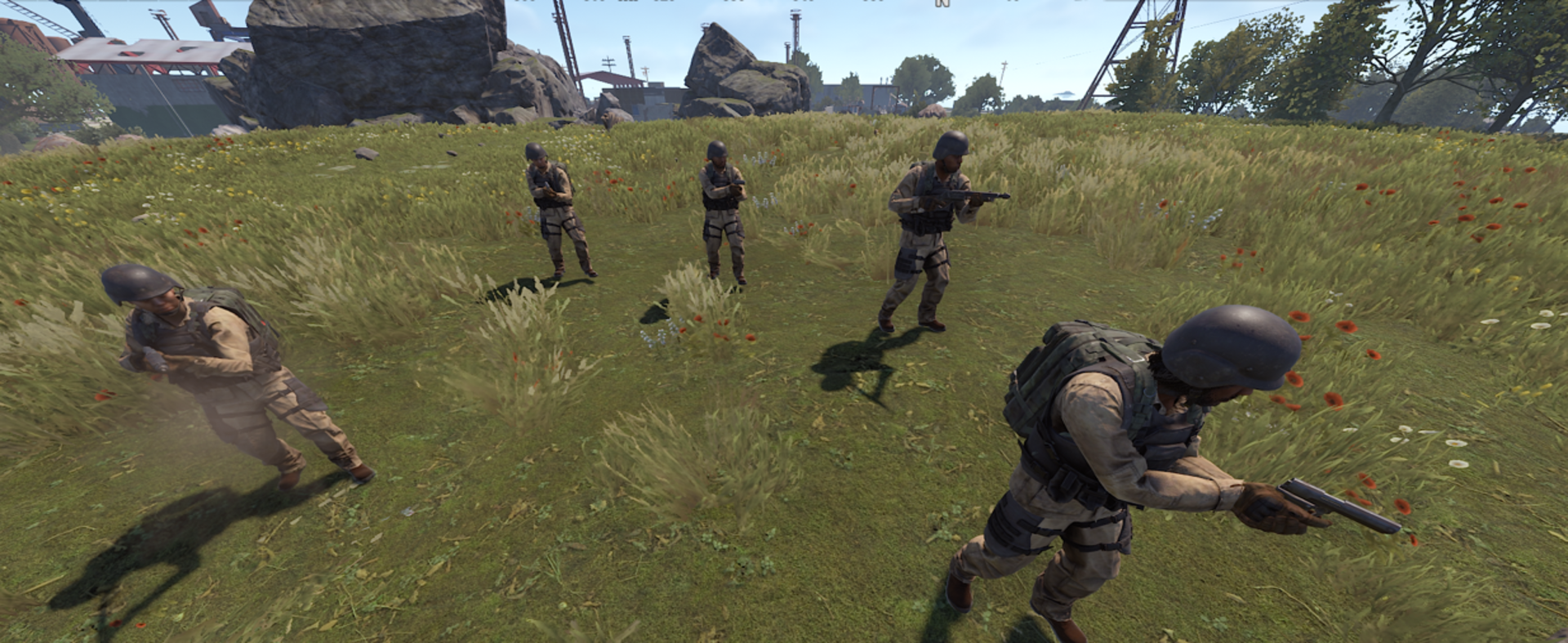
Movement in Formation: Zombies don’t just pile up chaotically. The add-on calculates a group center and assigns individual radii to each space so the horde moves as a tactical unit.
Advanced Siege Positioning: When attacking a base, NPCs no longer crowd a single point. The AI calculates “tactical slots” in a row/tangent to the structure, allowing the swarm to spread out and assault multiple sections simultaneously.
Base Assault AI: If a player takes refuge, the horde will detect nearby structures and actively attack foundations, doors, and barricades to reach their objective.
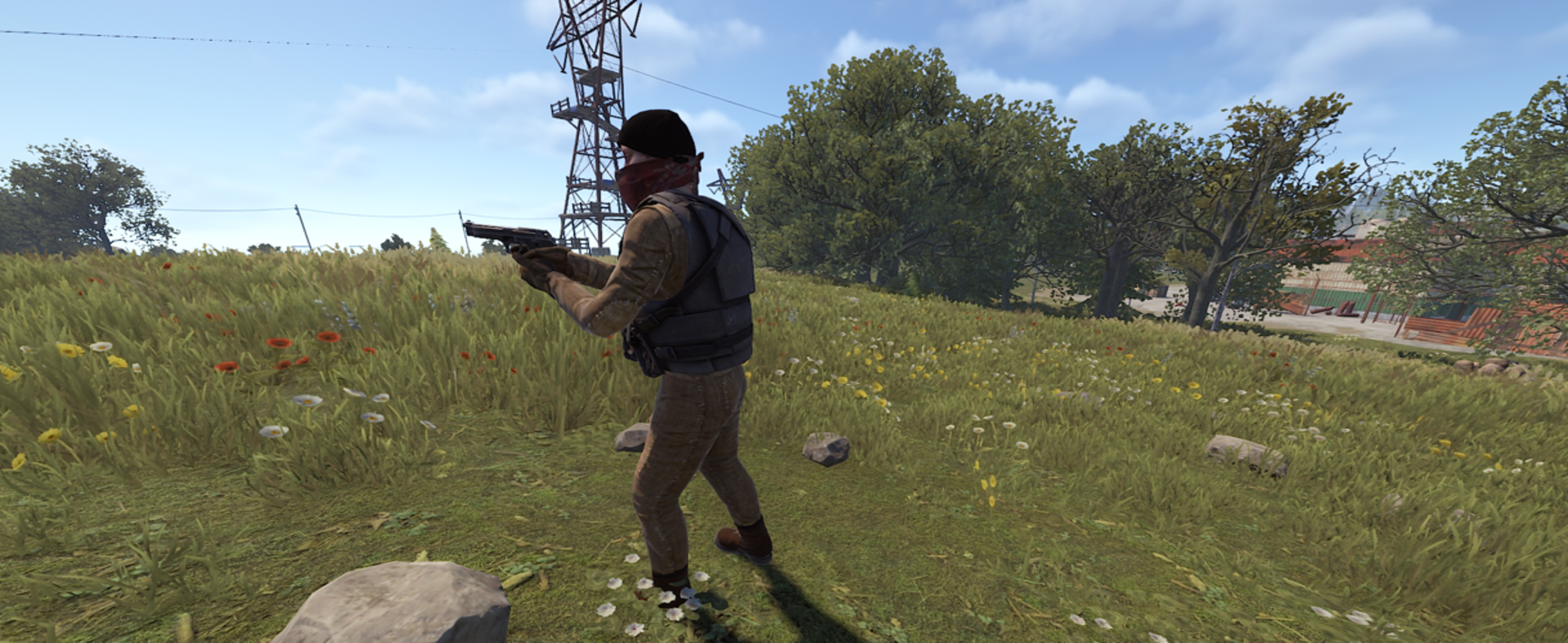
Ranged Combat & Reload System: NPCs can use firearms with a realistic reload system: when they run out of ammo, they retreat briefly or take a dynamic reload time based on weapon capacity.
NPC Interaction Modes (New v1.0.7): Administrators can now define how the swarm interacts with other NPCs on the server:
attack: The swarm will engage any other NPC they encounter.
passive: Defensive behavior only (only counter-attack).
ignore: Completely ignore external NPCs to focus only on players.
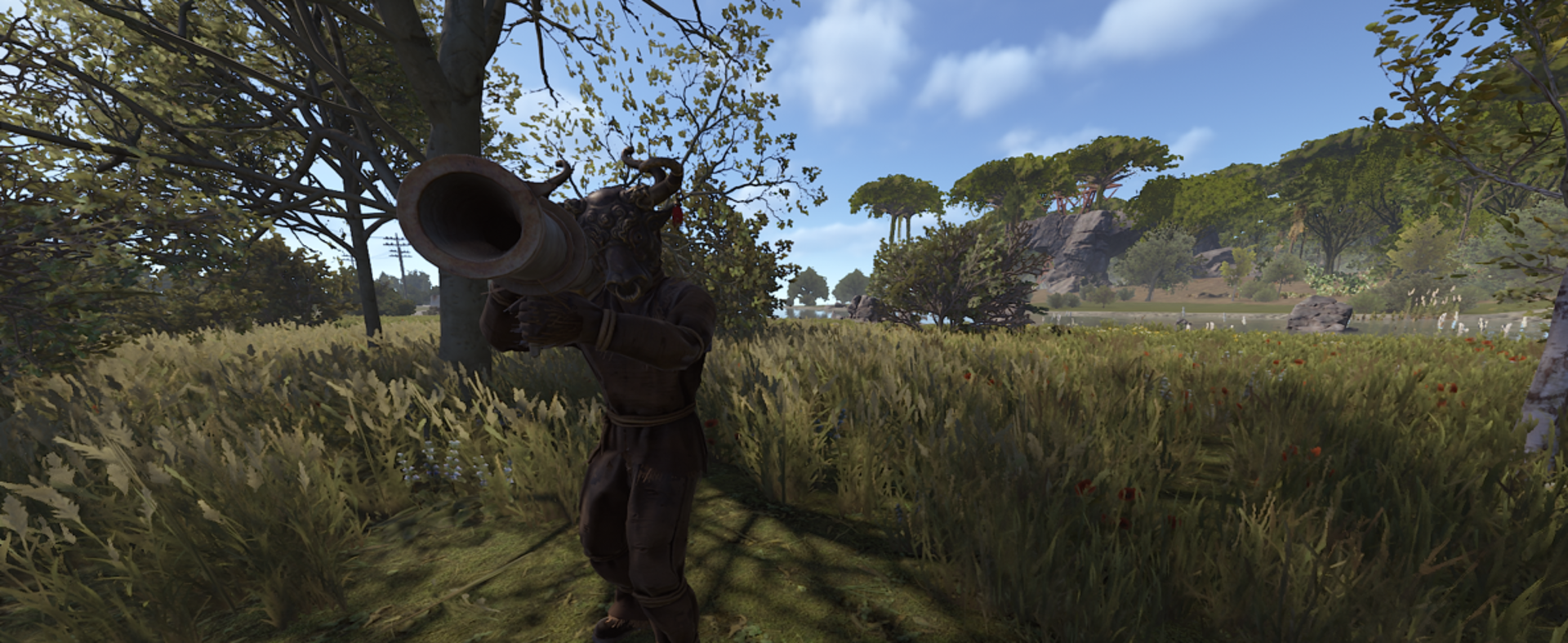
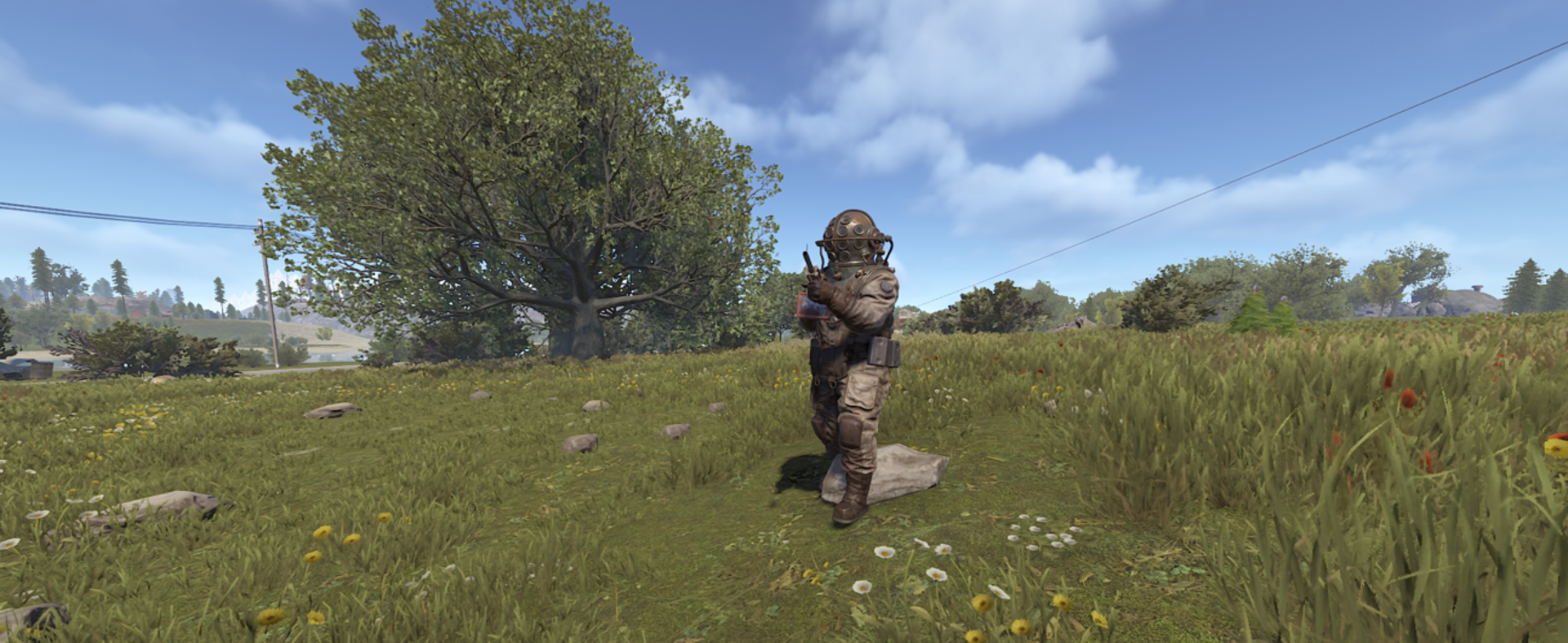
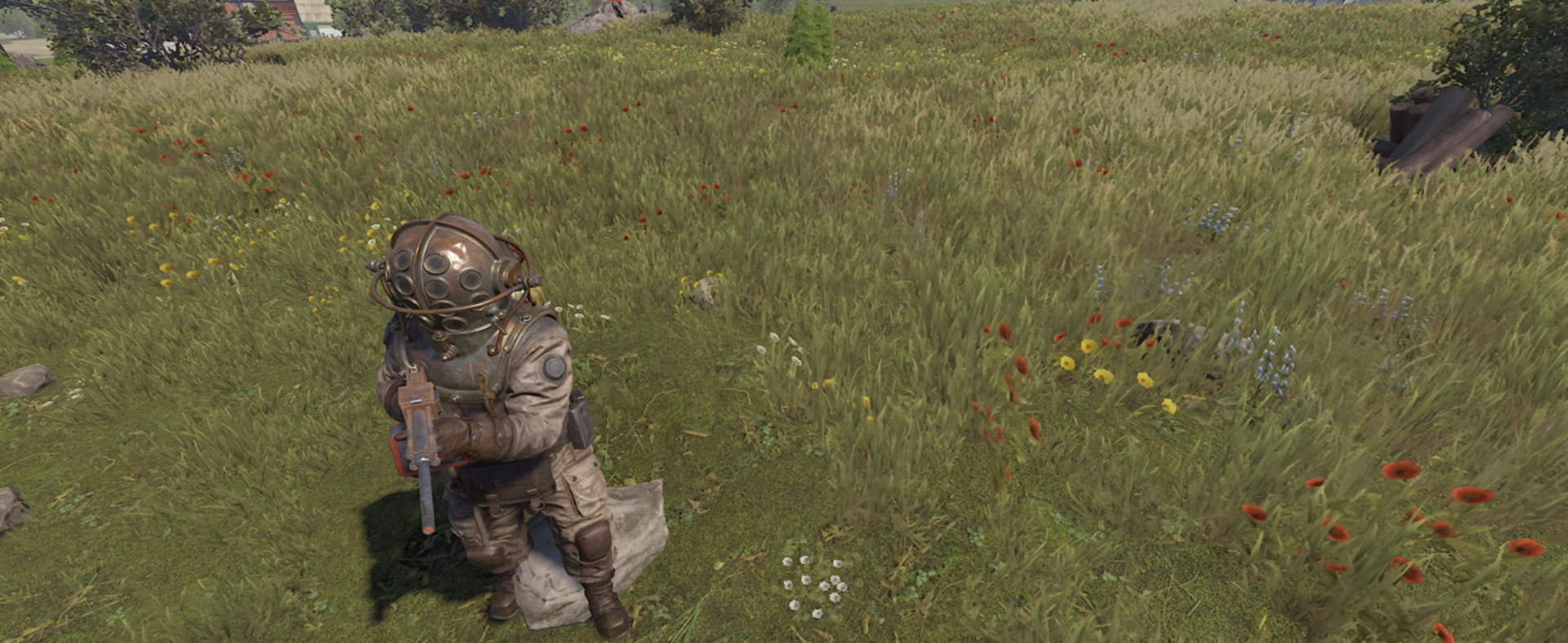
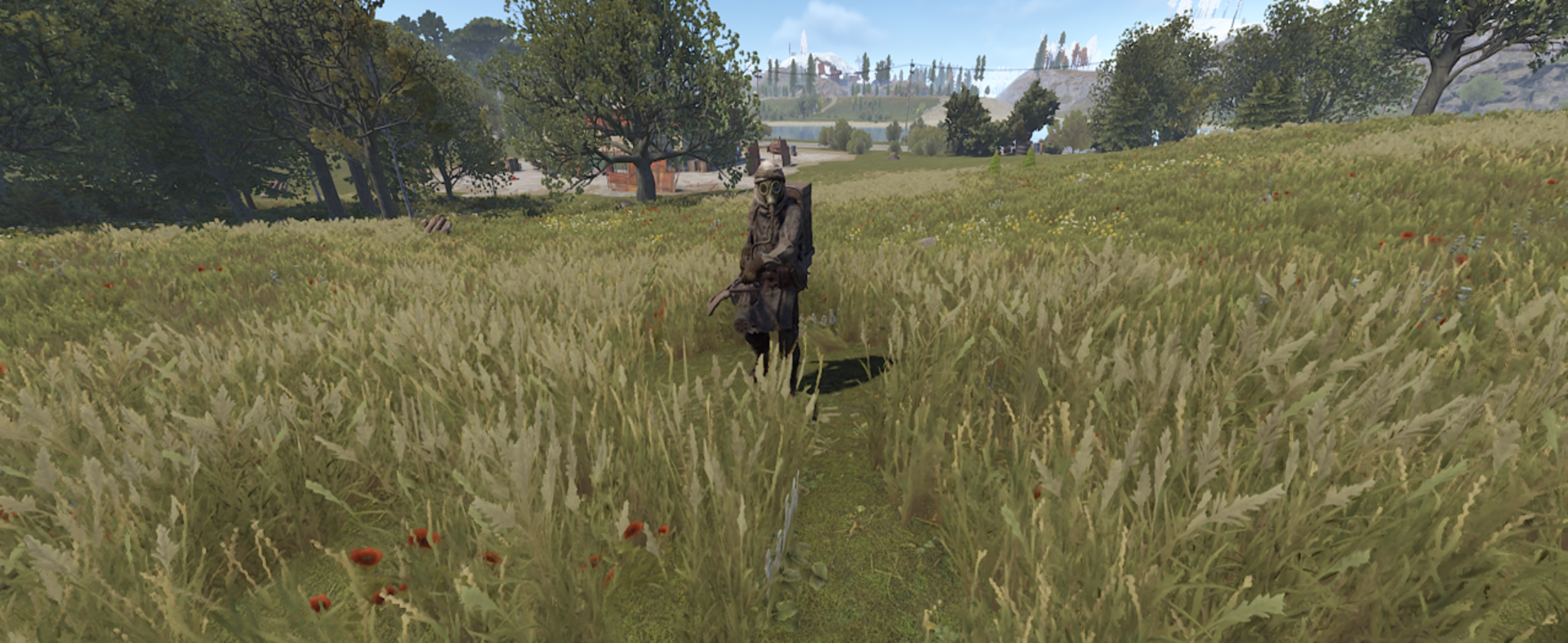
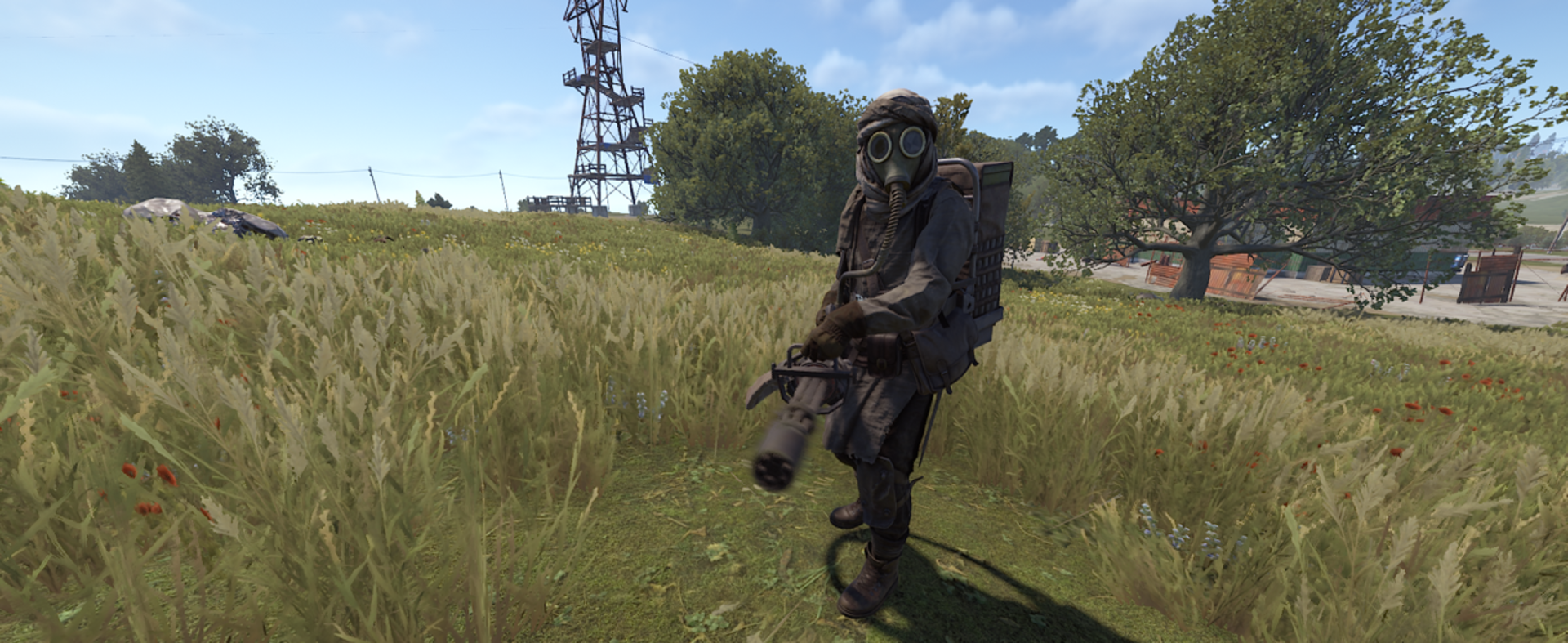
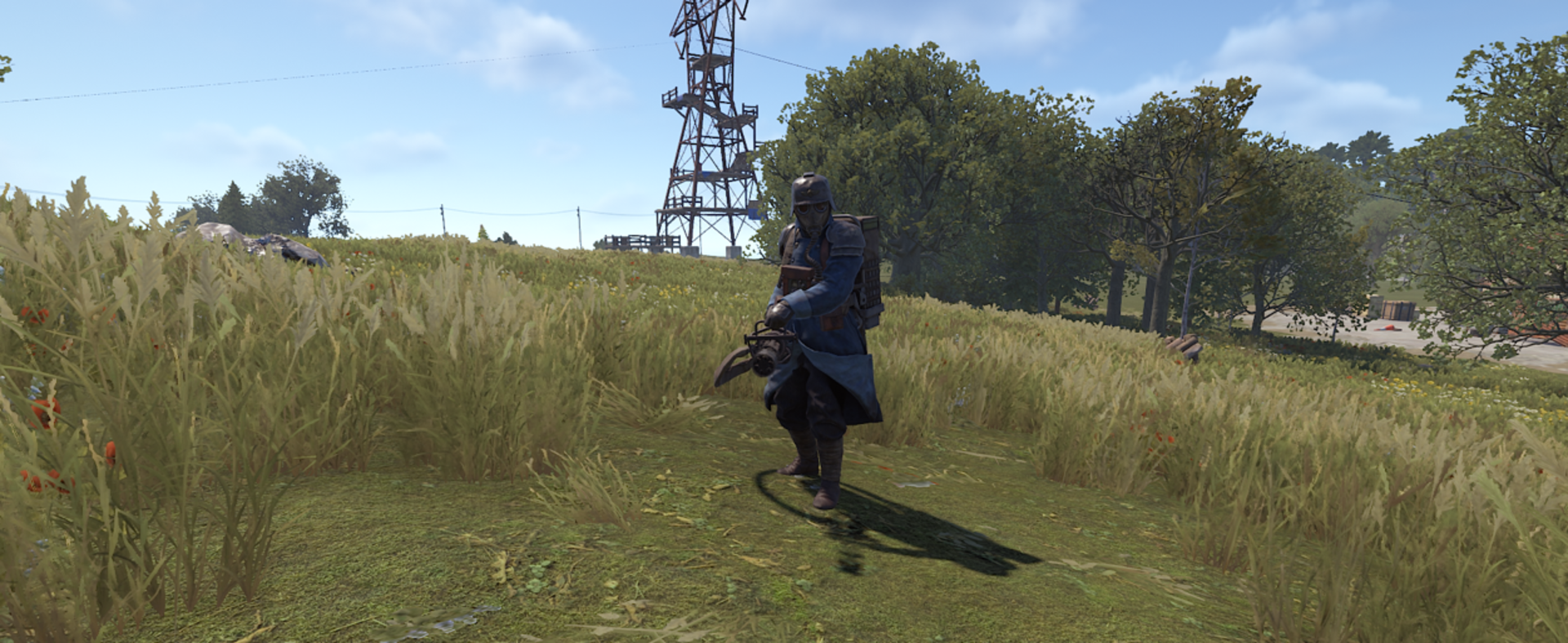
Overhauled Boss AI (Updated v1.0.7): Elite Commanders now feature more lethal and configurable intelligence:
Configurable Engagement Range: A new "Boss Vision Range" setting allows precise control over how far a Boss can detect and track enemies.
Weapon Damage Levels: Heavy weapons (Minigun, HMLMG, M249) can now be set to Low, Medium, or High damage modes for perfect server balance.
Advanced Target Memory: Bosses now maintain target memory more reliably and use improved aiming logic to prevent losing players behind cover.
Suppression Fire & Smart Rocket Aiming: Specialized logic for automatic bursts and ballistic calculations for rockets (pitch/yaw) to ensure hits from different heights.
Horde State Machine: The horde intelligently alternates between Dynamic Patrol (walking, running, or observing), Pursuit, and Attack.
Shoot Alert: If a player shoots from a distance, the group immediately enters an alert state, locates the attacker, and counterattacks.
⚔️🔥 Base Assaults and Humanized NPCs
Grenade Use: NPCs can throw F1s, Beancans, Molotovs, or Smoke grenades. The plugin calculates realistic physics, trajectories, and launch probabilities.
Smart Structure Assaults: The AI recognizes weapon types. Melee zombies tear down structures, while NPCs with firearms provide cover fire instead of hitting walls with their weapons.
Friendly Fire Prevention: Custom damage mitigation prevents zombies from killing each other with their own grenades or boss explosions.
Configurable Damage: Precisely adjust the HP damage inflicted on structures and multiply the overall aggression level.
Realistic Impact Effects: Accurate visual and sound effects based on the material hit (wood, stone, or metal).
🎭 Visual, Sound, and Loot Customization
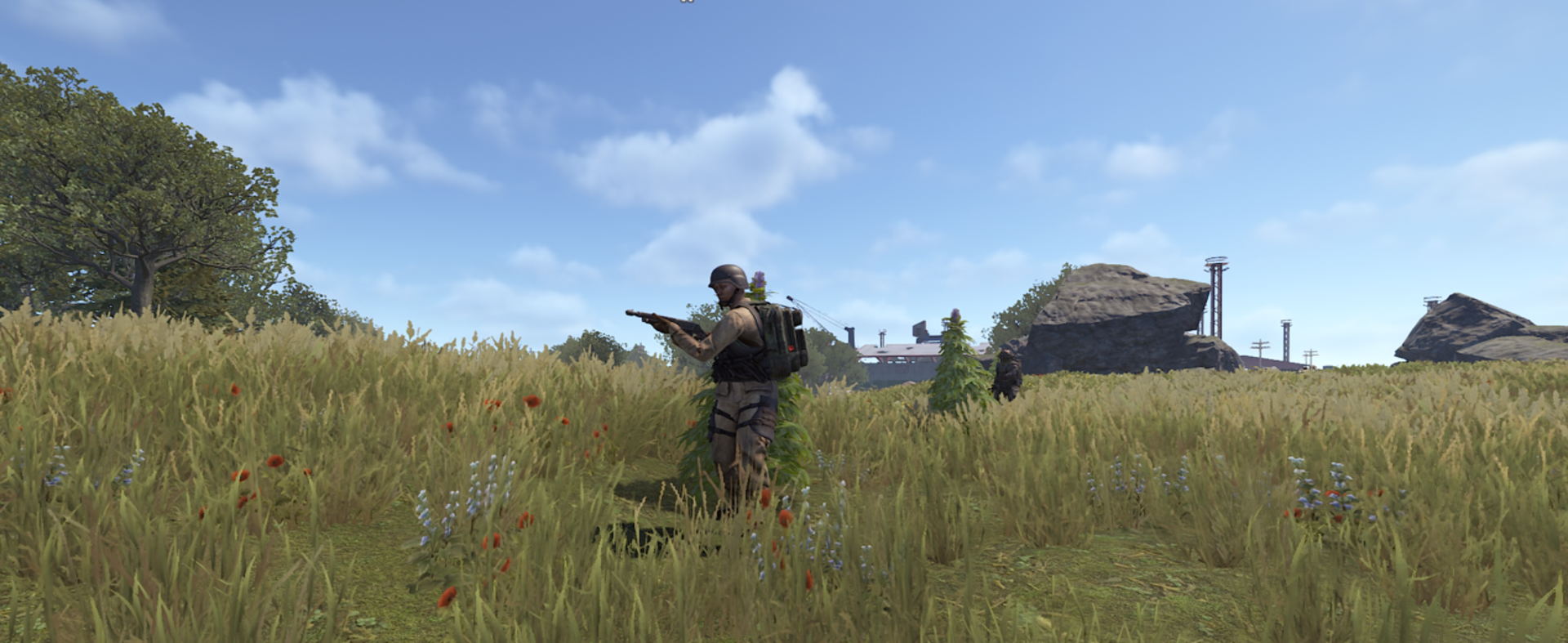
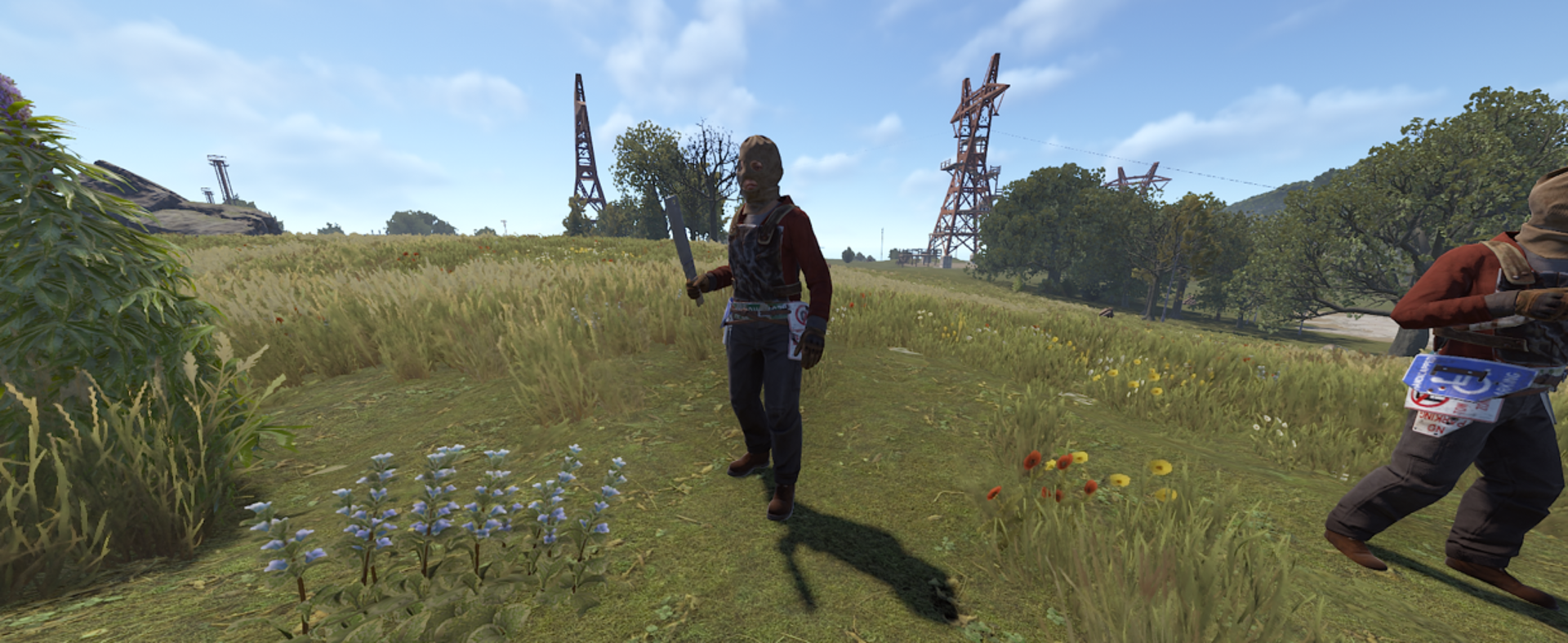
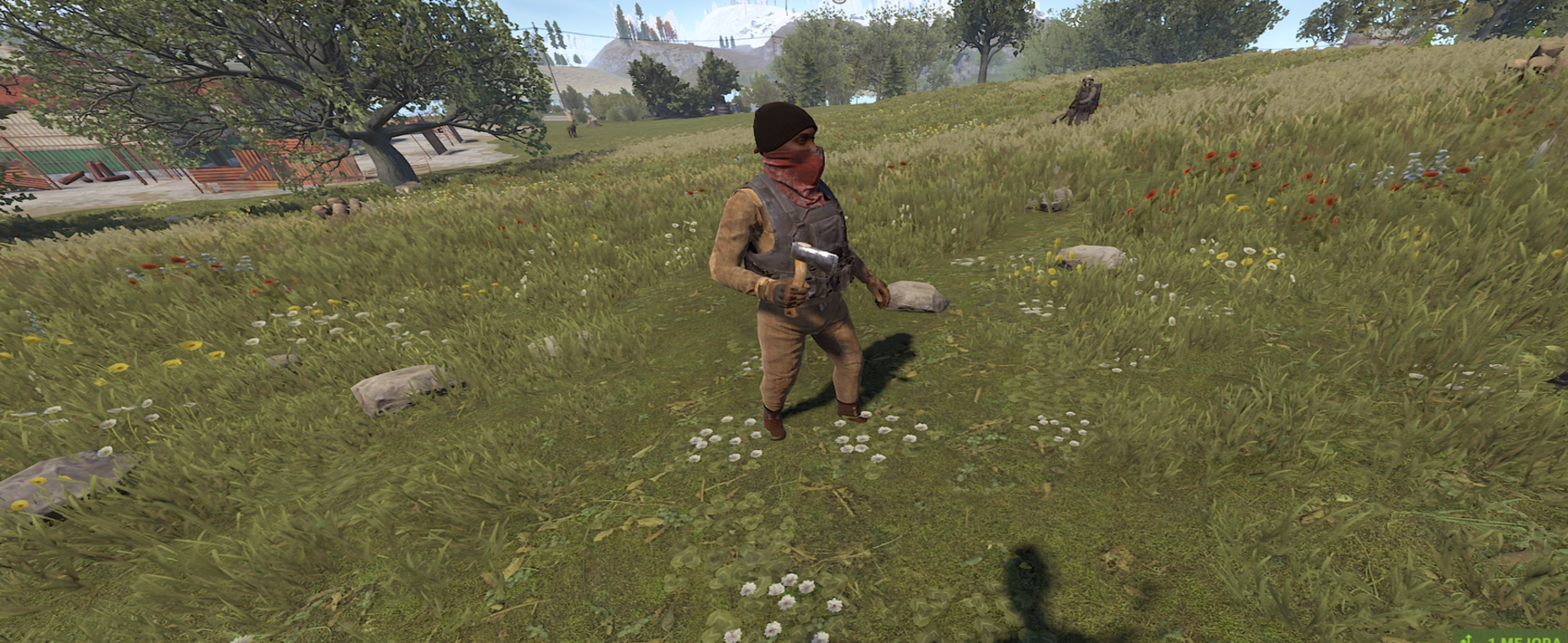
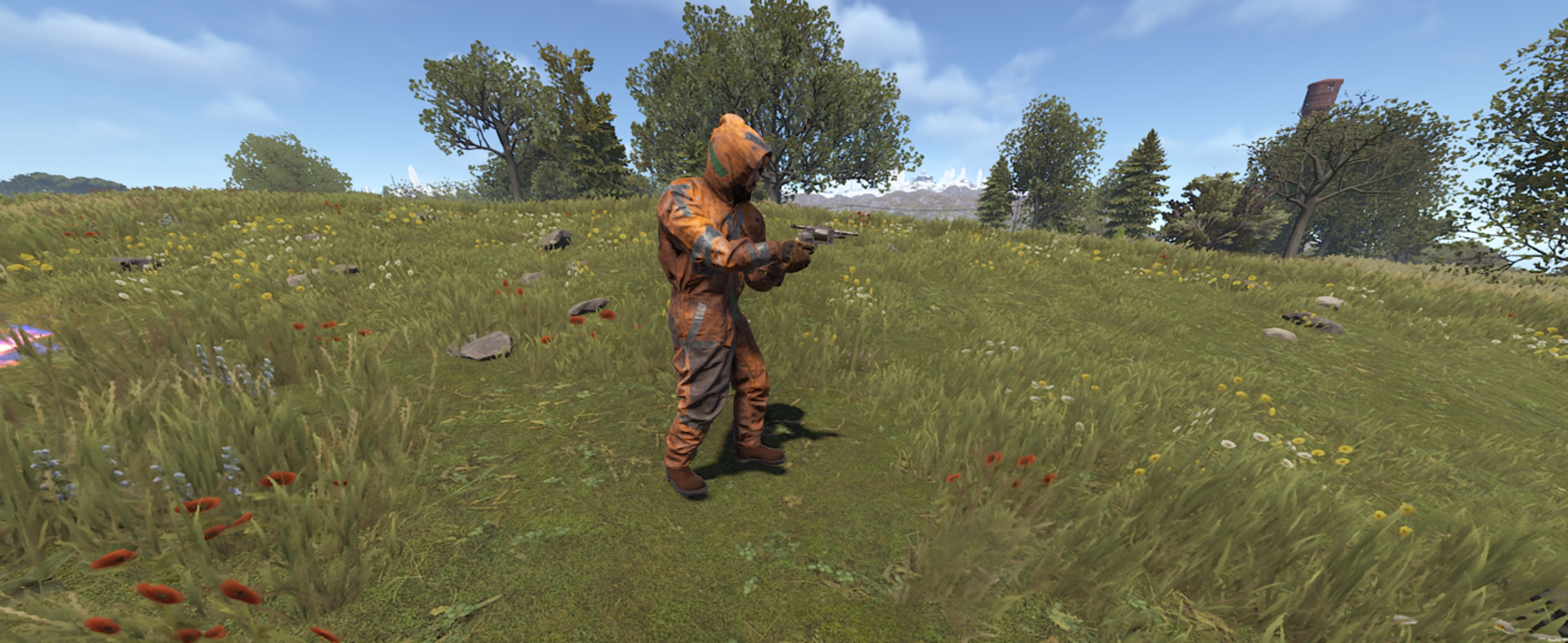
Custom Appearance & Outfits: Choose from classic scarecrows, bandits, rebels, or zombified humans.
Expanded Character Presets (New v1.0.7):
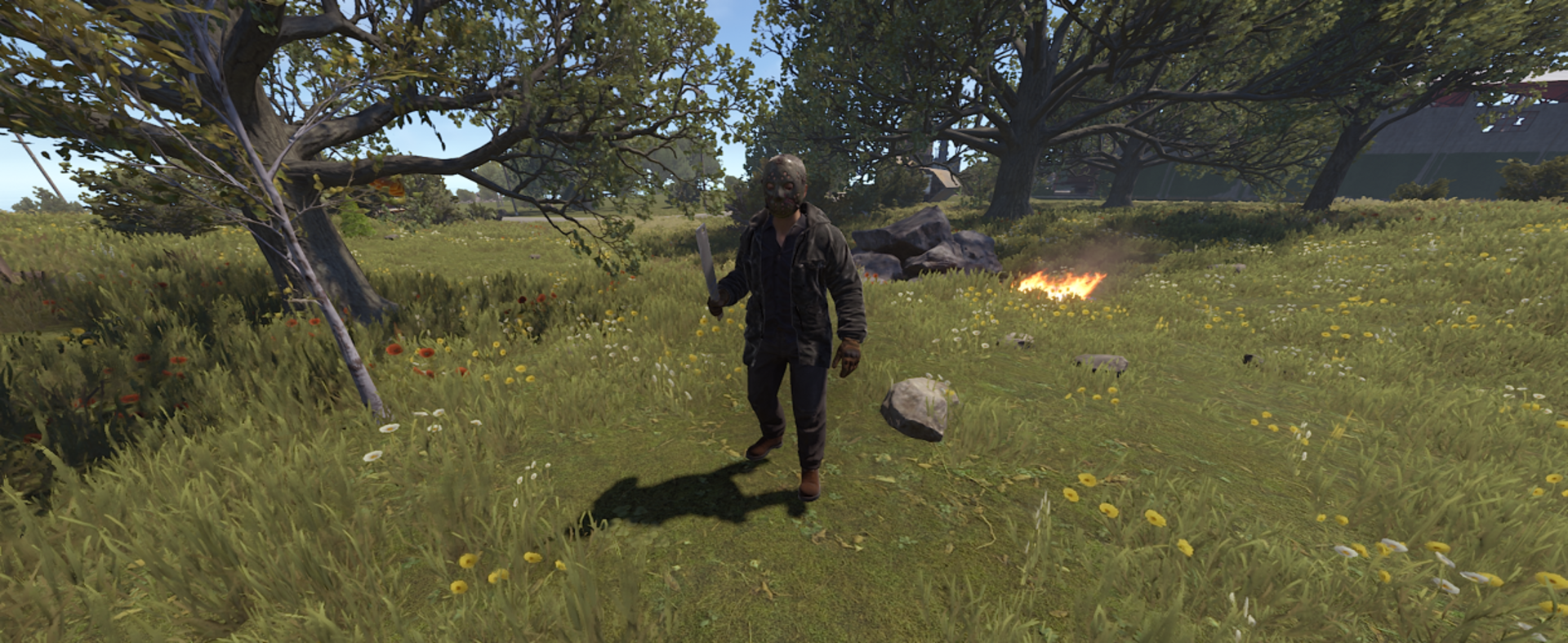
New Human Archetypes: Added jason and prisoner presets.
New Boss Outfits: Added krieg and nomad styles to the existing Juggernaut, Tactical, Demon, Legendary, and Abyss categories.
⚙️ Population Control and Performance
Memory & Performance Optimization (Updated v1.0.7):
Improved active swarm tracking and target validation to reduce CPU overhead.
Fixed edge cases where Boss routines could continue after death, ensuring complete memory release.
The formation system is optimized to handle large swarms (50+ NPCs) without frame drops.
Smart Spawning (New v1.0.7):
Improved /swarm here command: Now spawns the horde in front of the admin instead of directly on their position.
Advanced NavMesh sampling and safety validation to prevent spawns underwater or inside rocks.
Strict Global Limits: Configure a maximum number of simultaneous zombies and hordes across the entire server to protect FPS.
Spawn Cycle & Cleanup: Zombies can be configured to spawn only at night and self-destruct at dawn.
Smart Entity Cleanup: Automatic tracking and removal of dropped backpacks and expired event entities to prevent server bloat.
Detailed Debug Logging: New diagnostic messages for swarm generation and spawn attempts to help admins troubleshoot their configuration.
Featured by:
✅ New: Real-time Visual Config Panel (/swp)
✅50+ configurable settings
✅8+ strategic performance checks
✅10+ administrative commands
✅Optimized for servers with 50–150+ players
📊 Administration Tools
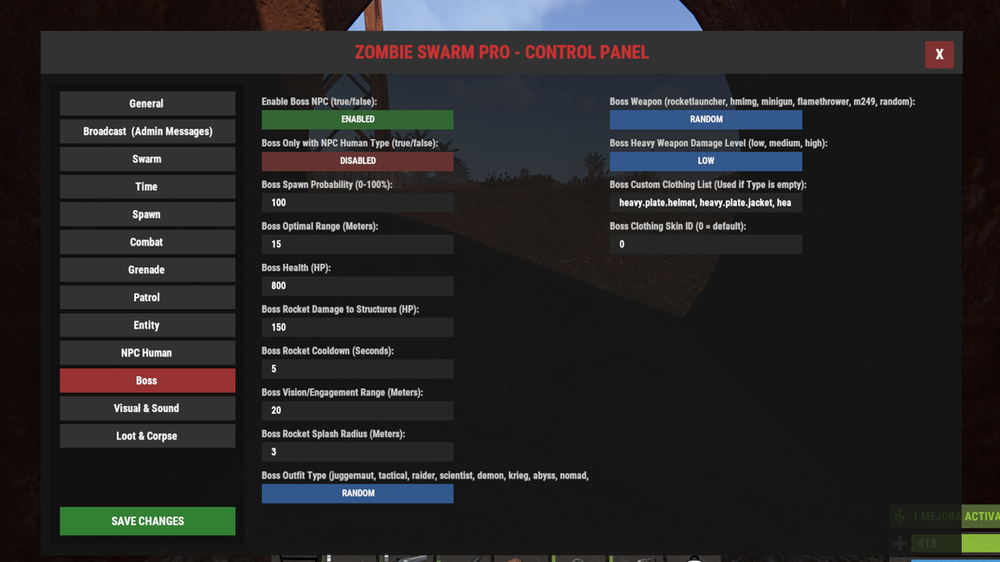
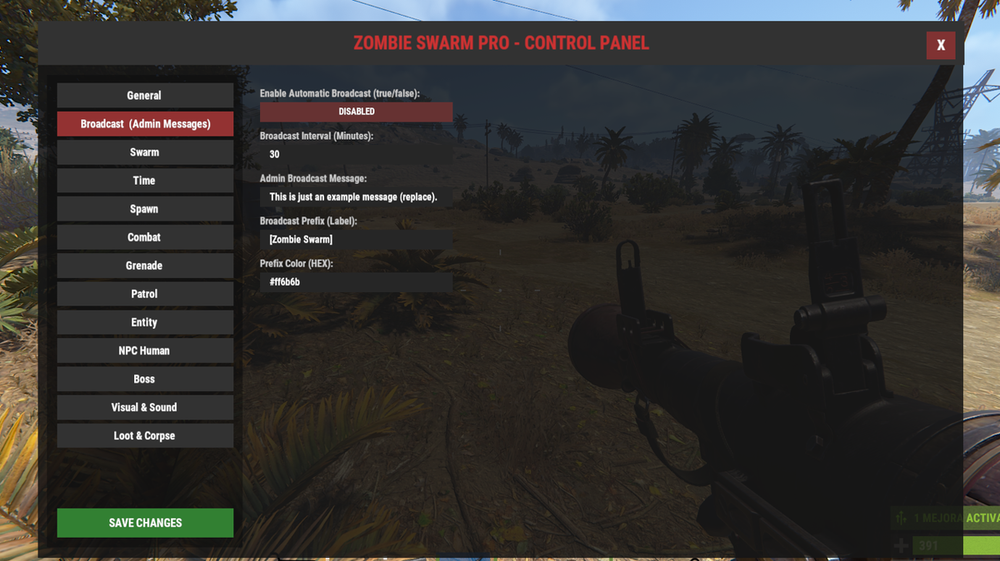
Zombie Swarm Pro v1.0.8 includes an optional additional panel (GUI) called the ZSProPanel, which provides a complete in-game graphical interface for editing plugin settings without manually modifying JSON files. Now, administrators can modify all settings in real time within the game. No more manual .json file edits and server restarts to optimize your apocalypse.
Refined Status Reports: The /swarm status command and automatic messages provide real-time details, including current Boss counts, active swarm entities, and the system’s paused/active state.
Advanced Debug Logging (New v1.0.7): Added a new diagnostic layer. The plugin now generates detailed logs for swarm generation, Boss spawning, event cleanup, and failed spawn attempts, allowing admins to troubleshoot configuration issues with precision.
Improved Forced Spawning (New v1.0.7): The /swarm here command has been optimized for convenience; it now spawns the horde and Bosses directly in front of the administrator's view instead of on top of their current position.
Custom Announcement System: Broadcast automated chat messages to the server with full support for customizable HEX colors and unique prefixes.
Redesigned Admin Menu: The help menu (/swarm help) is visually optimized for better readability, making it easier to manage the apocalypse on the fly.
🖥️ Server Integration, Commands & Permissions
The plugin offers complete control over the apocalypse cycle. Server Admins (Auth Level 2) have full access by default.
Permissions: If you want to grant access to moderators, event organizers, or
specific players without giving them full admin rights, use the following Oxide
🔑 permission:
zombieswarmpro.admin — Grants full access to all /swarm chat commands.
# To grant this permission, use your console (F1) or RCON:
oxide.grant user <PlayerName or SteamID> zombieswarmpro.admin
oxide.grant group <GroupName> zombieswarmpro.admin
🧩 Admin Commands:
/swp: Open the Pro Visual Configuration GUI (Panel).
/swarm status: Shows active swarms, total zombies on the map, and current entity type.
/swarm toggle: Pauses or resumes the automatic swarm generation on the server.
/swarm clear: Immediately clears all swarms, zombies, and corpses from the map.
/swarm reload: Reloads the configuration file without restarting the server.
/swarm entity [npc_human | scarecrow]: Changes the NPC type in real-time.
/swarm here: Forces a swarm to spawn exactly at your current position.
/swarm attack "Player Name": Summons a swarm against a specific player instantly.
/swarm boss "Player Name": Sends a Boss directly to attack a specific player.
/swarm cancel "Player Name": Cancels and removes an active swarm attacking a specific player.
/swarm msg: Broadcasts a custom announcement to all players.
⚙️ Configuration file:
🖥️ Control Panel (GUI):
Here 👇
🔷 Support
If you find any bugs or would like to see new features, please let me know and we’ll gladly find a way to implement them.
This plugin is constantly being maintained and will continue to evolve with smart new features, gameplay improvements, and more fun mechanics.
Your feedback helps shape the future of this project.
Edited by Alexprojects
What's New in Version 1.0.10
Released
Compatibility & Hotfixes
Copyright (c) 2026 Alexprojects
This software is licensed, not sold.
You are allowed to:
* - Use this plugin on your server
* - Modify the plugin for personal/server use
You are NOT allowed to:
* - Redistribute this plugin
* - Share this plugin with others
* - Resell or sublicense this plugin
* - Distribute modified versions of this plugin
Any unauthorized distribution is strictly prohibited.
You may only provide a review once you have downloaded the file.
There are no reviews to display.