



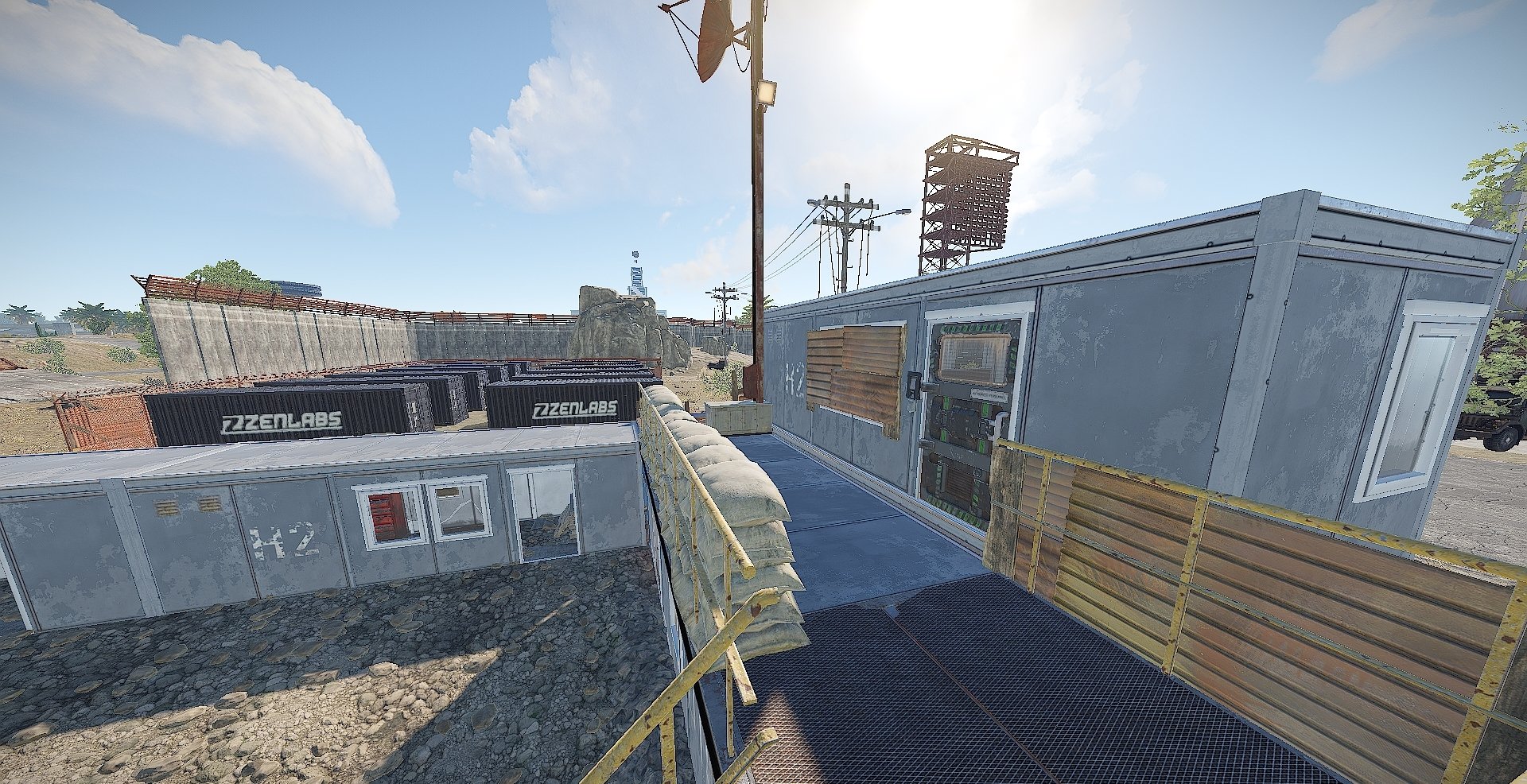
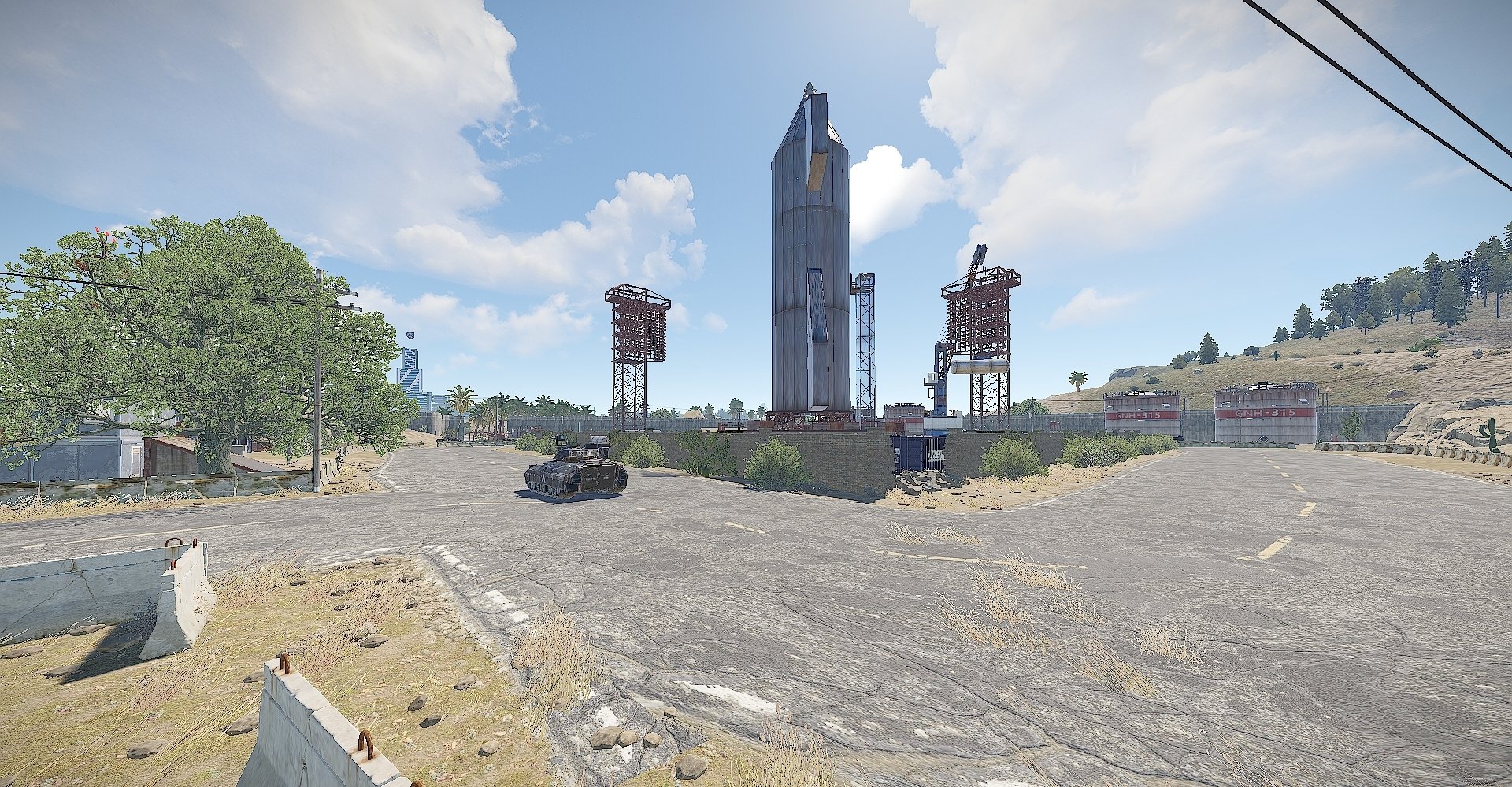
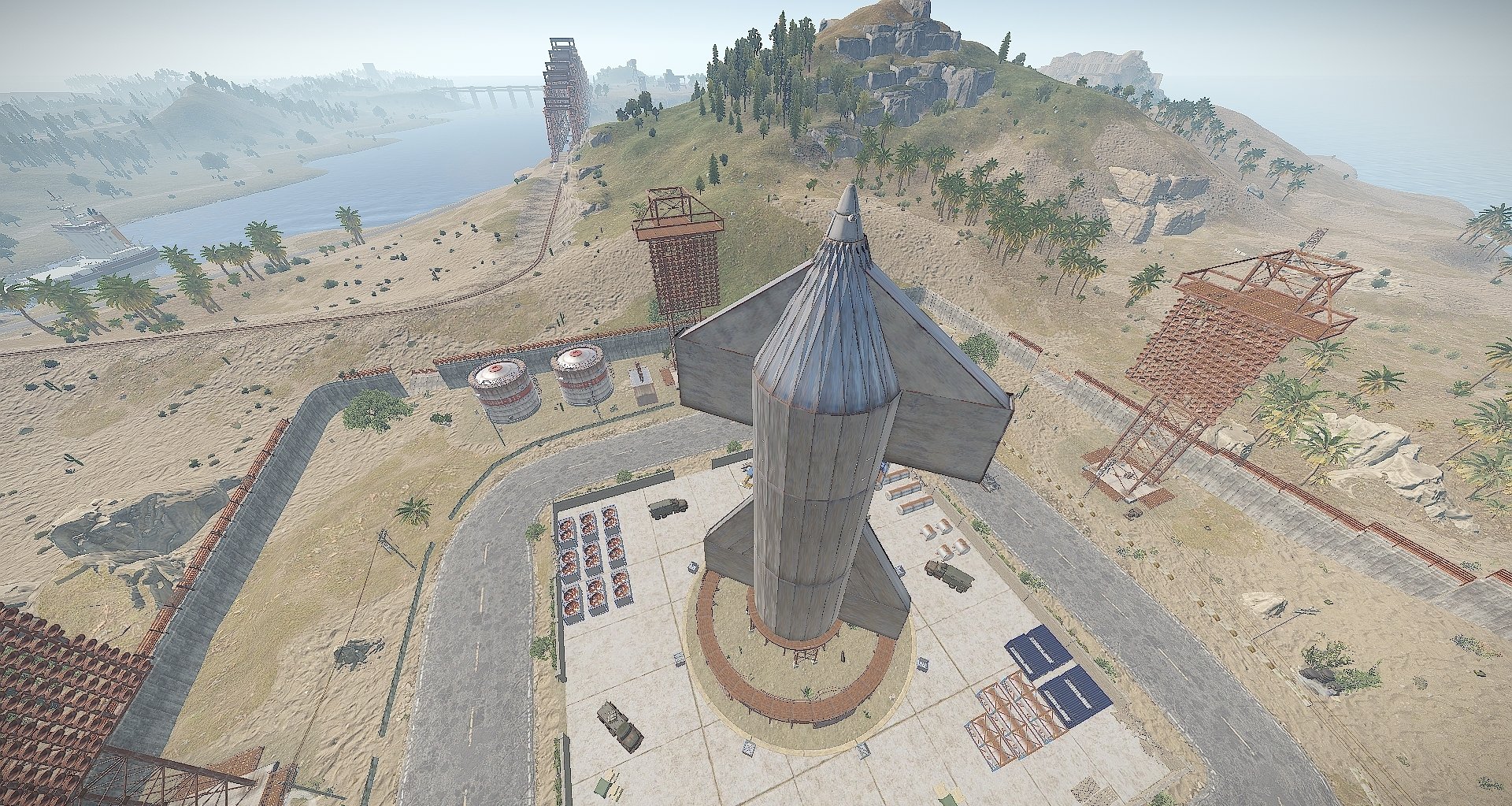
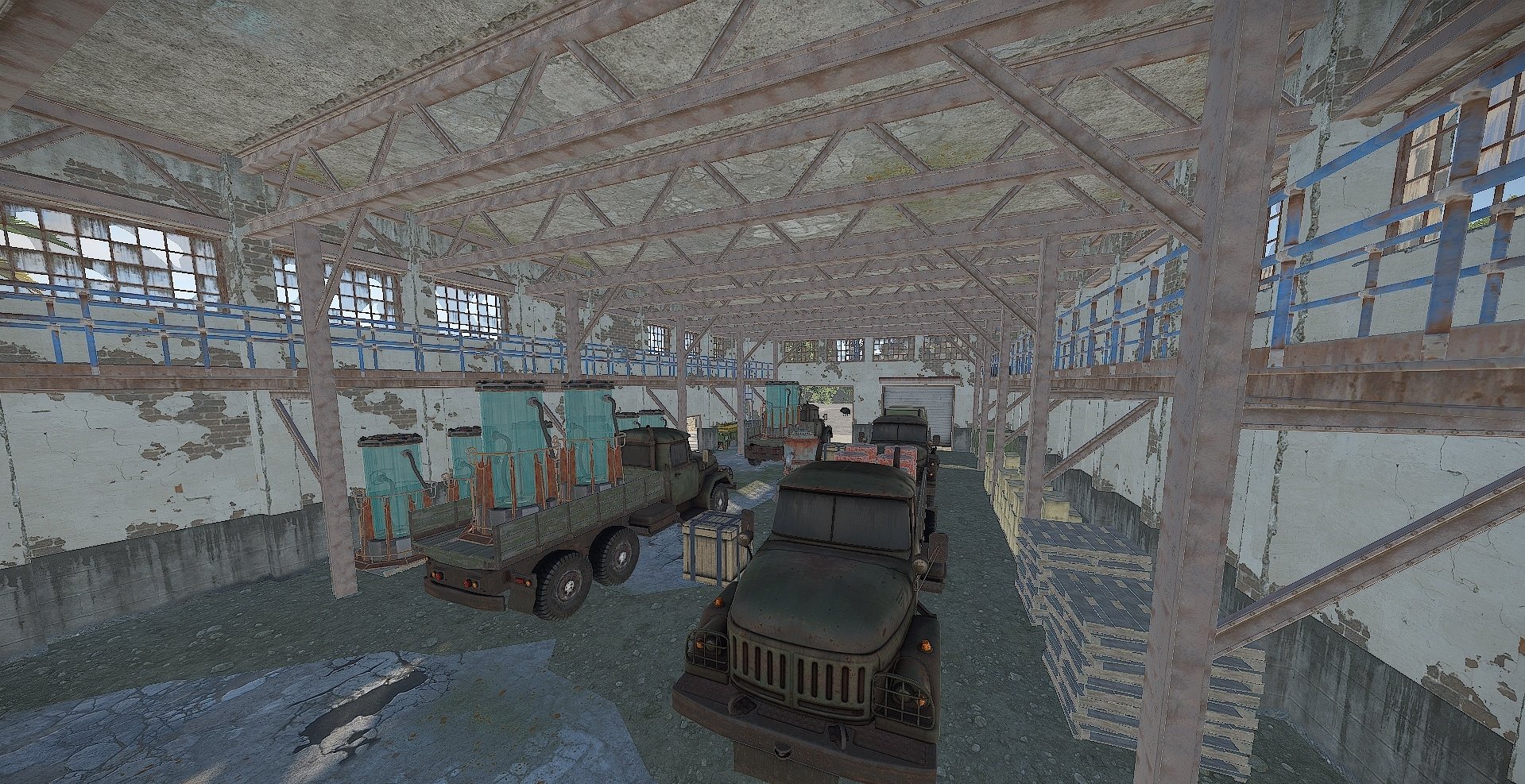
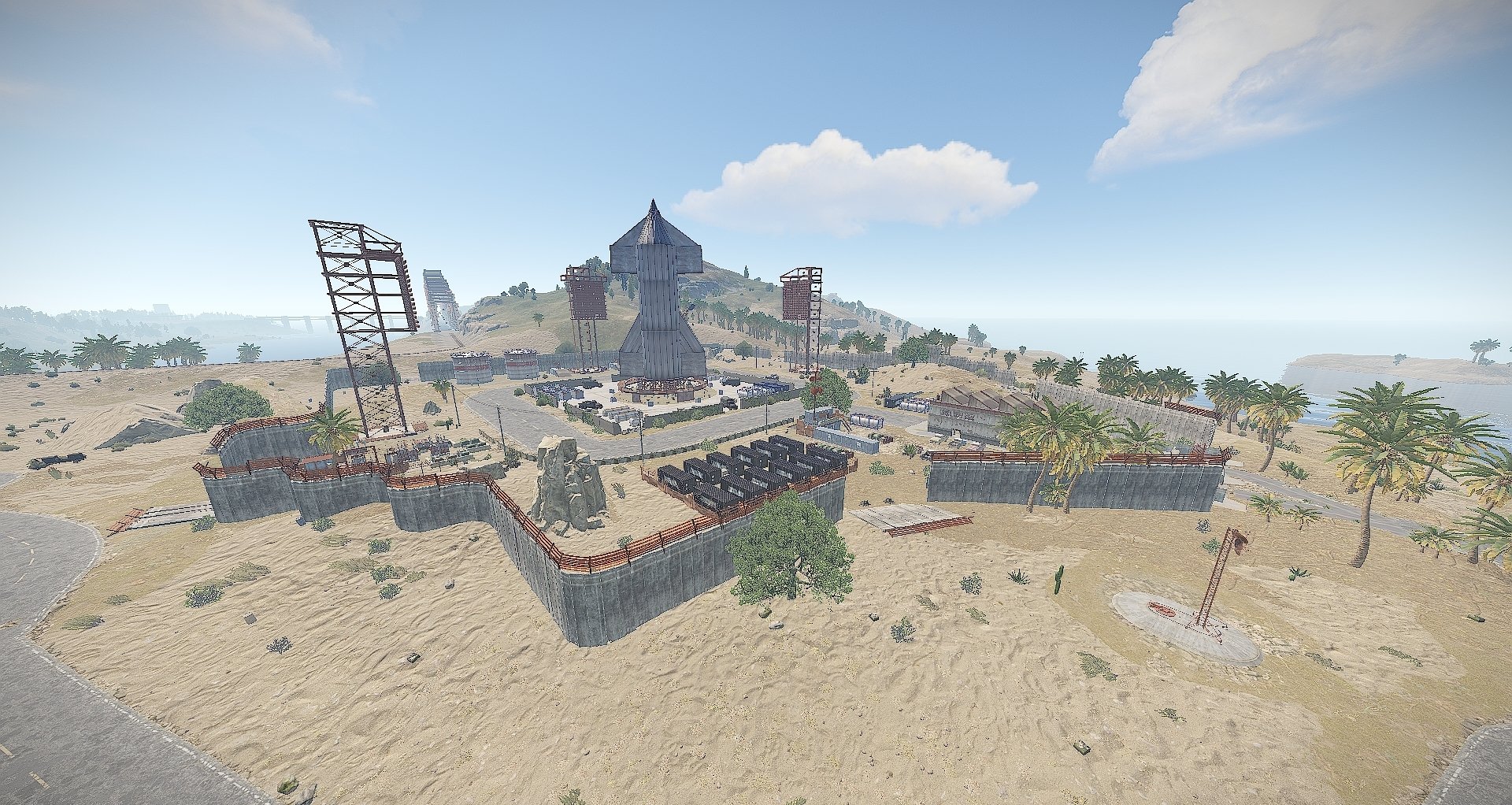
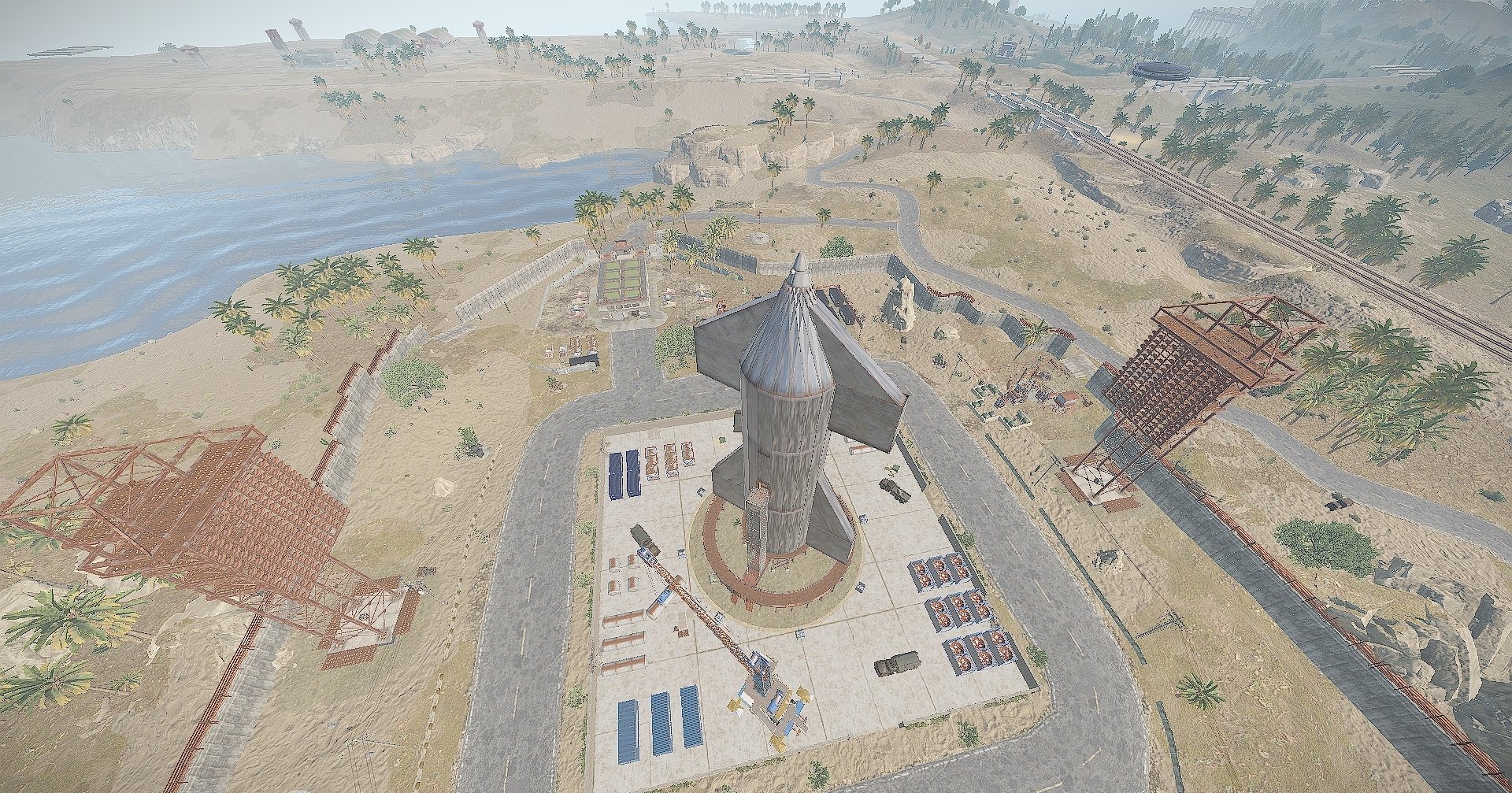
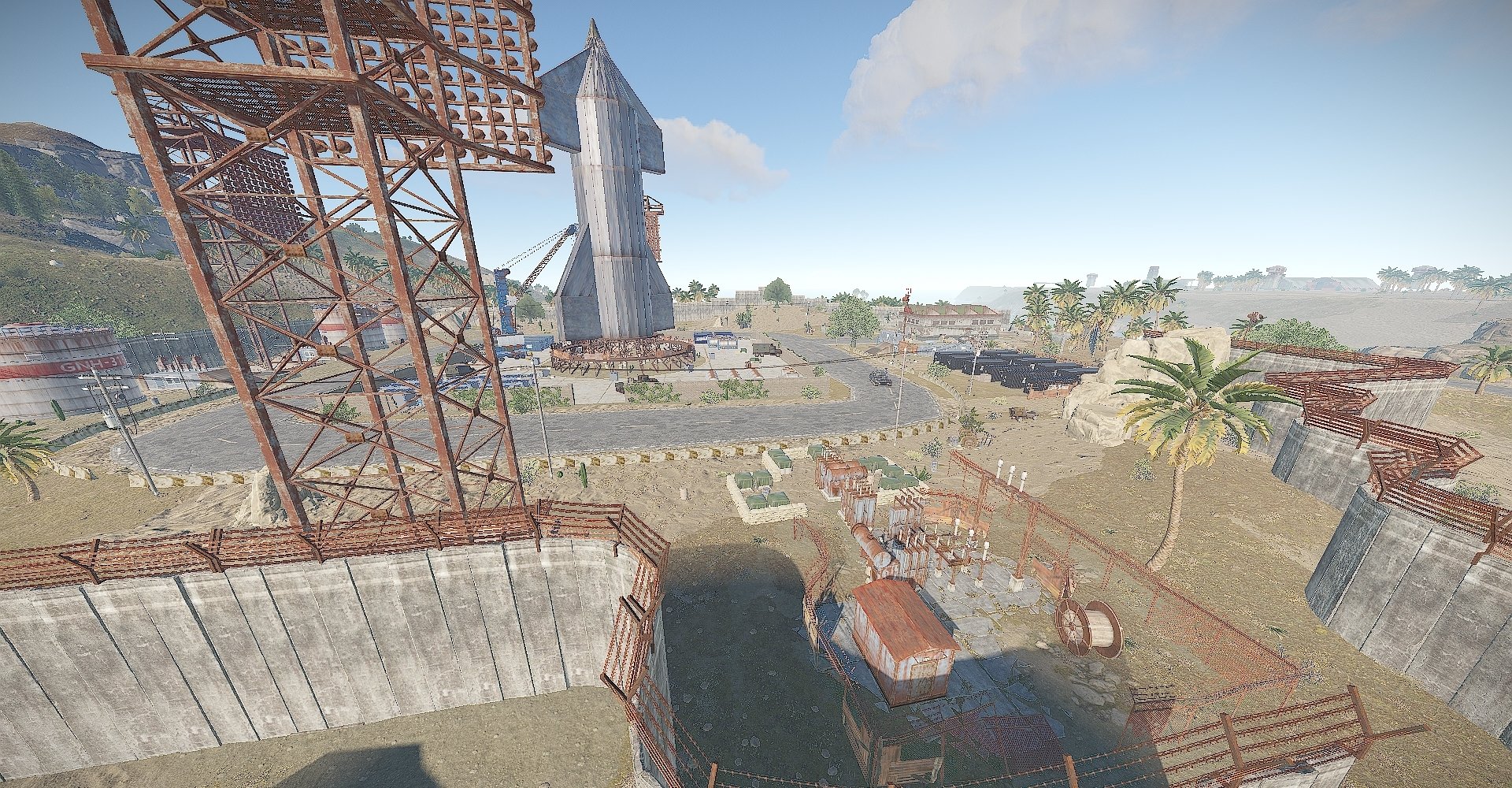
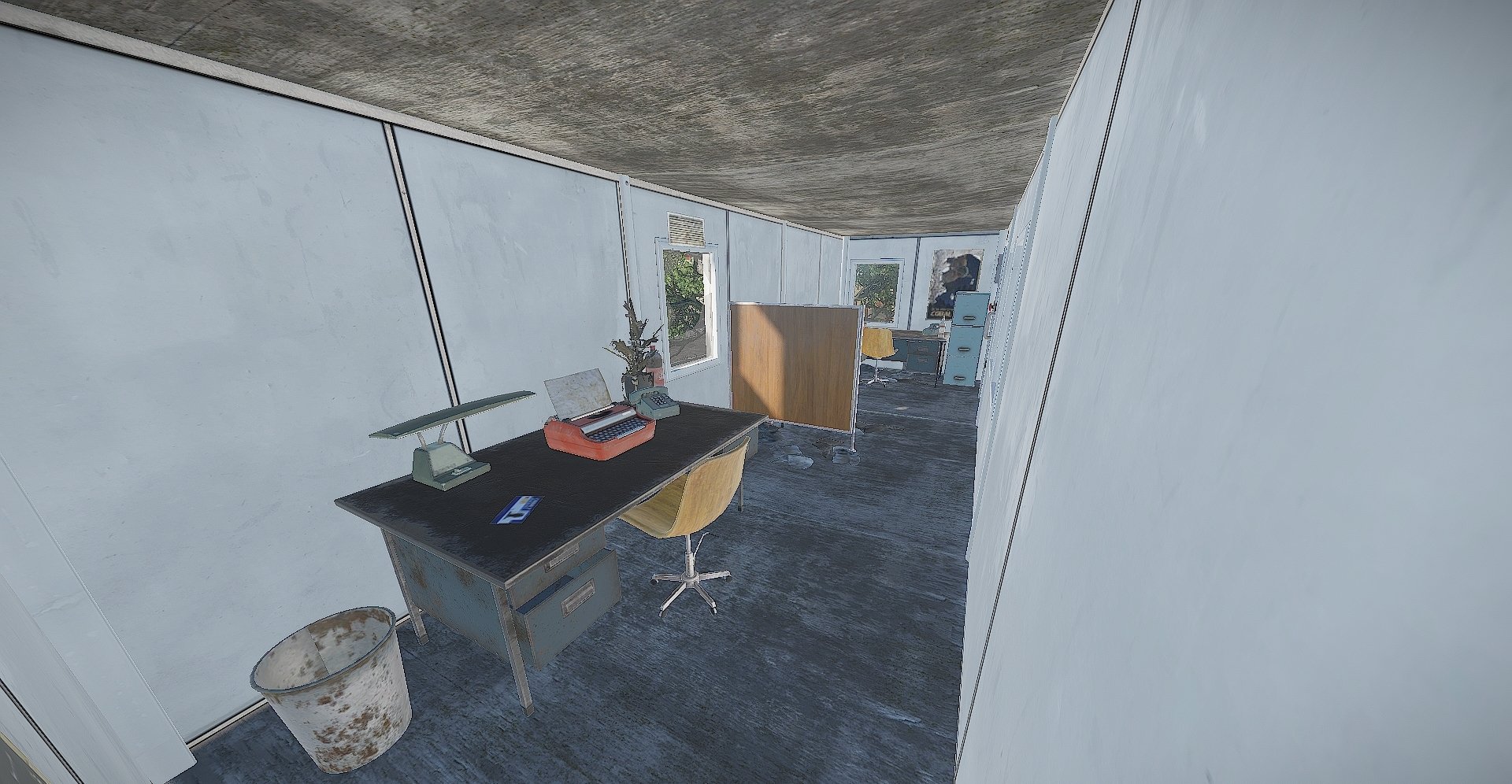
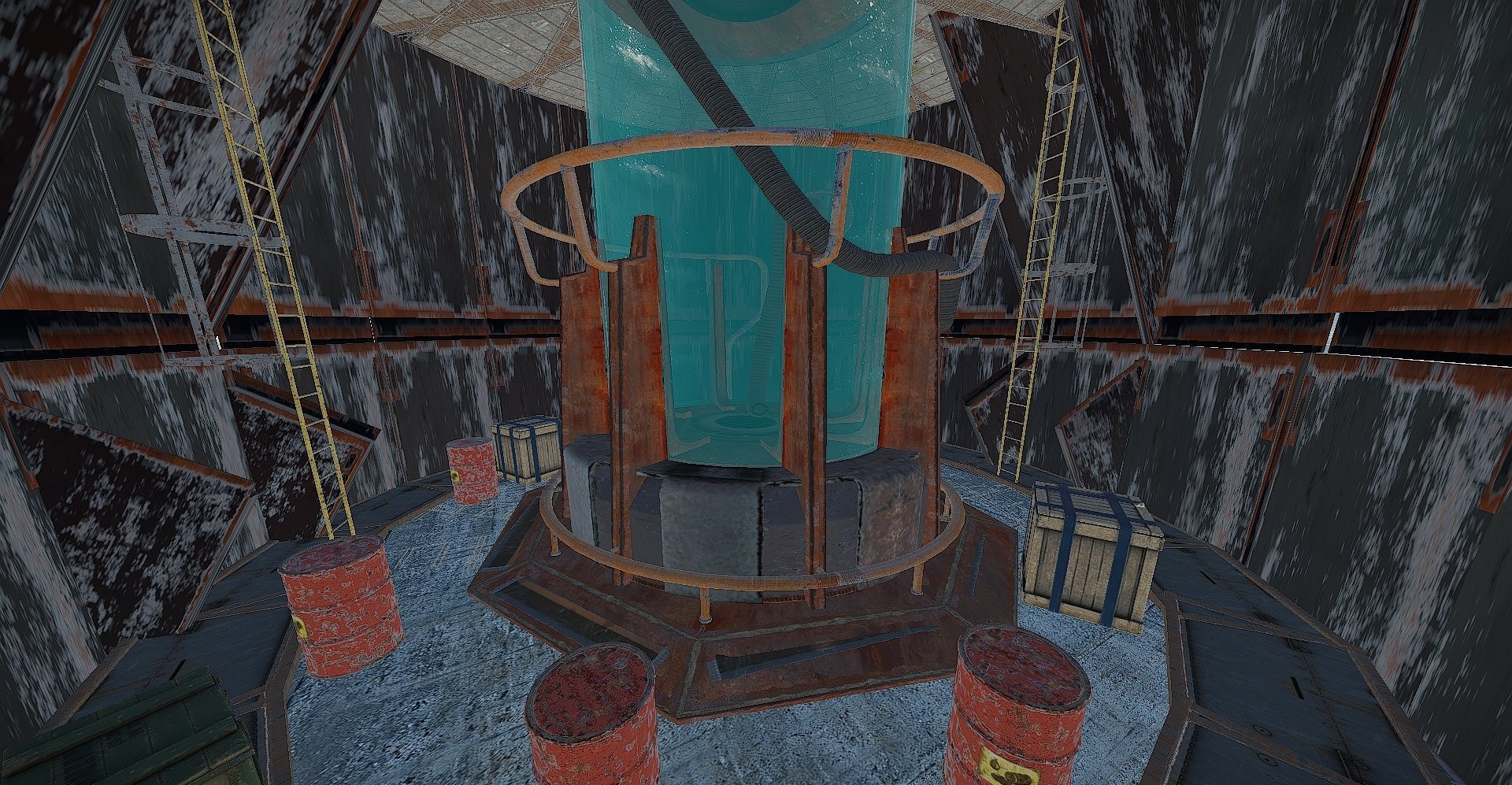
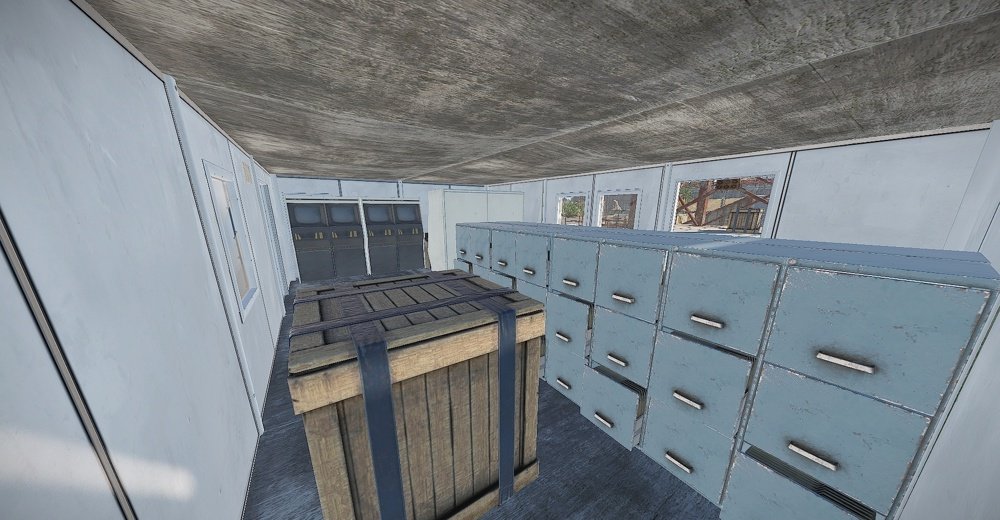
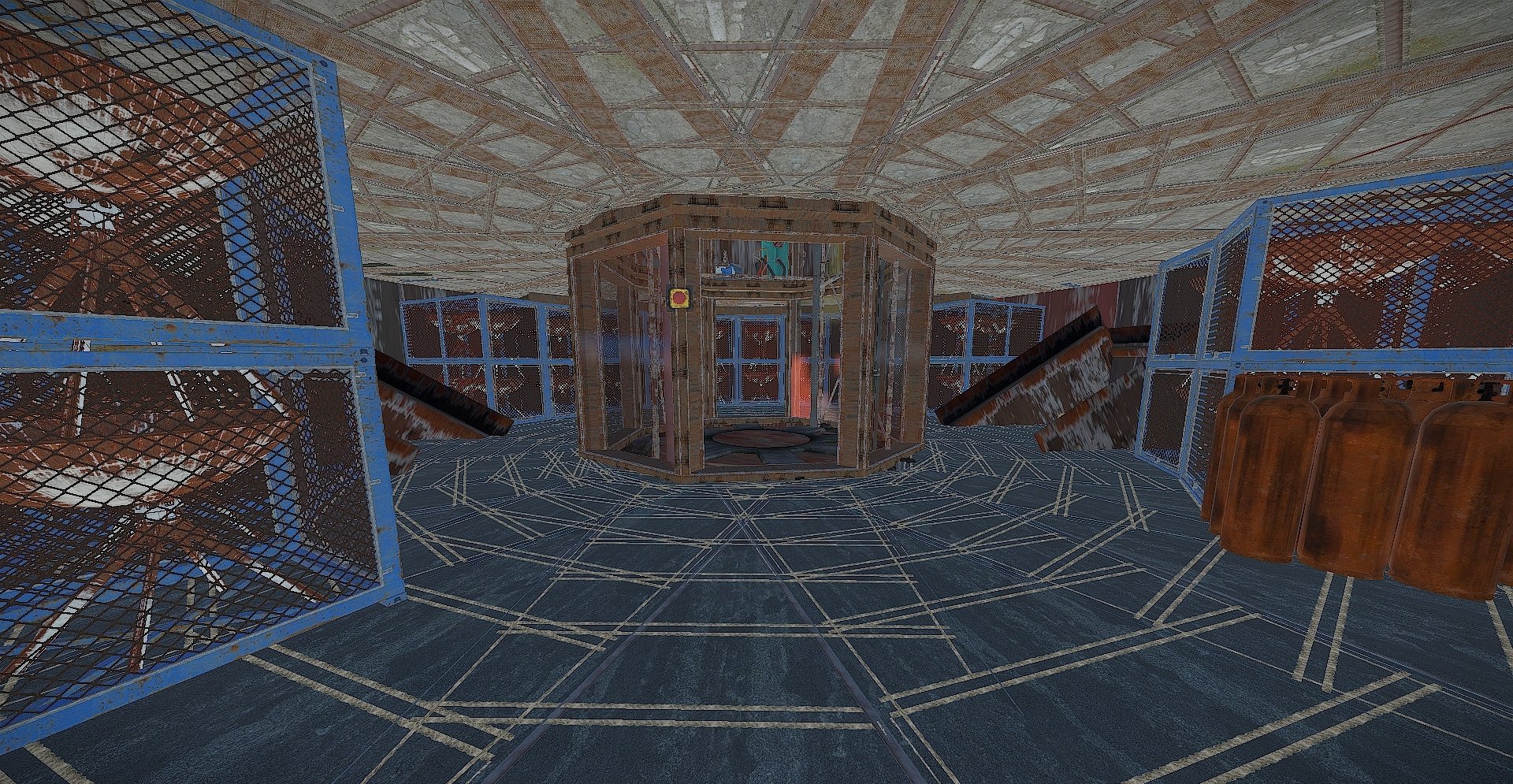
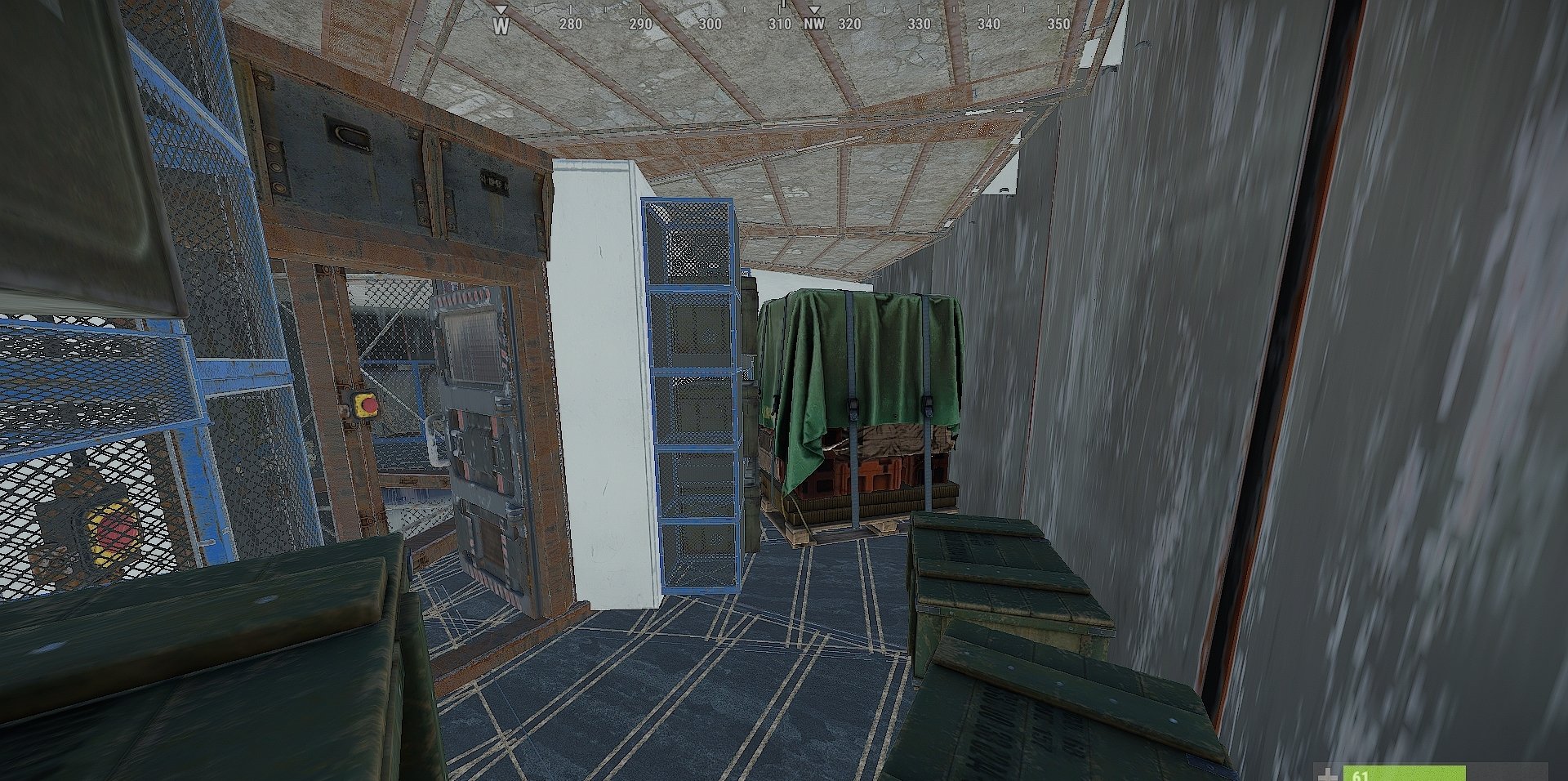
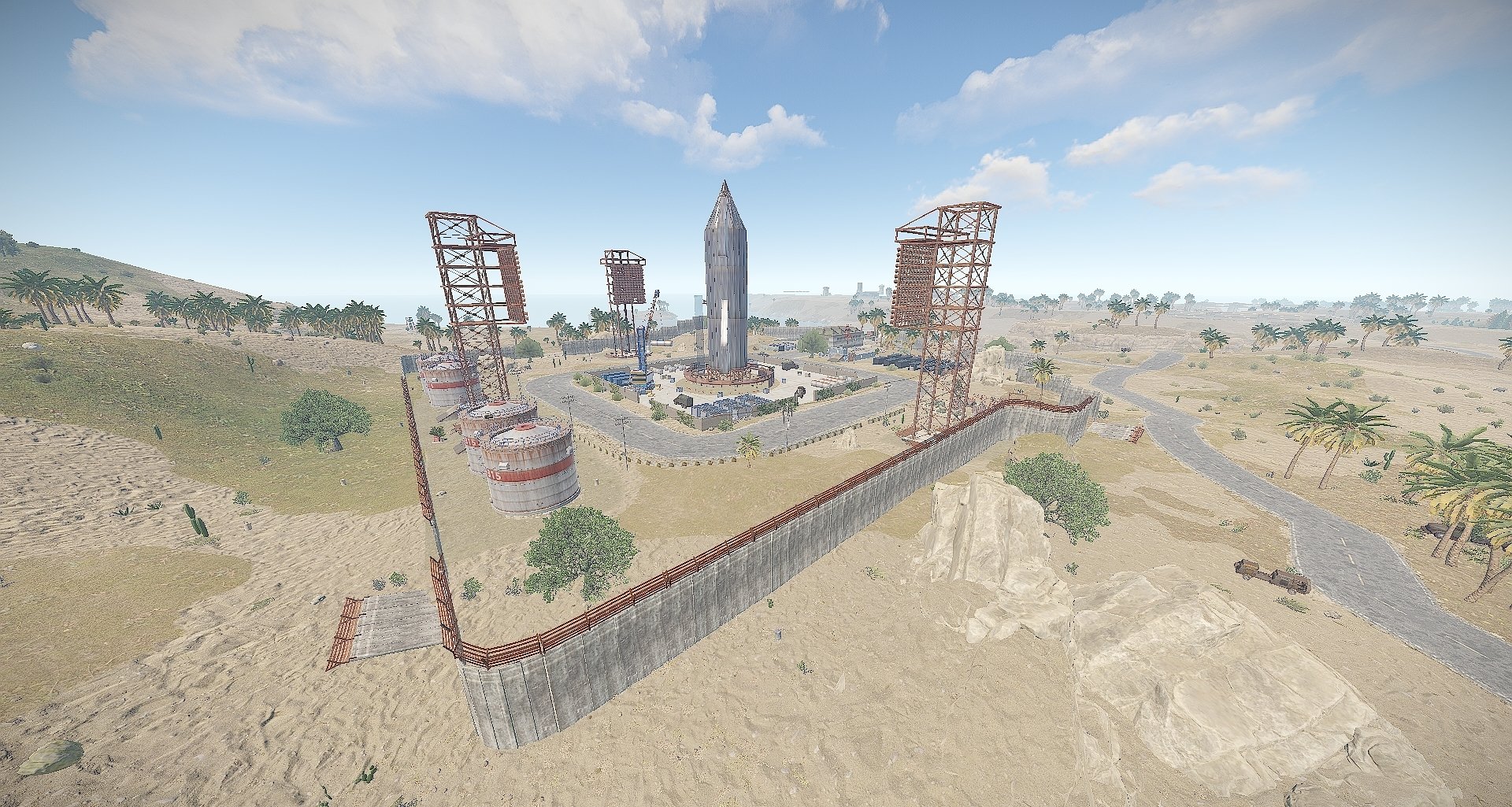
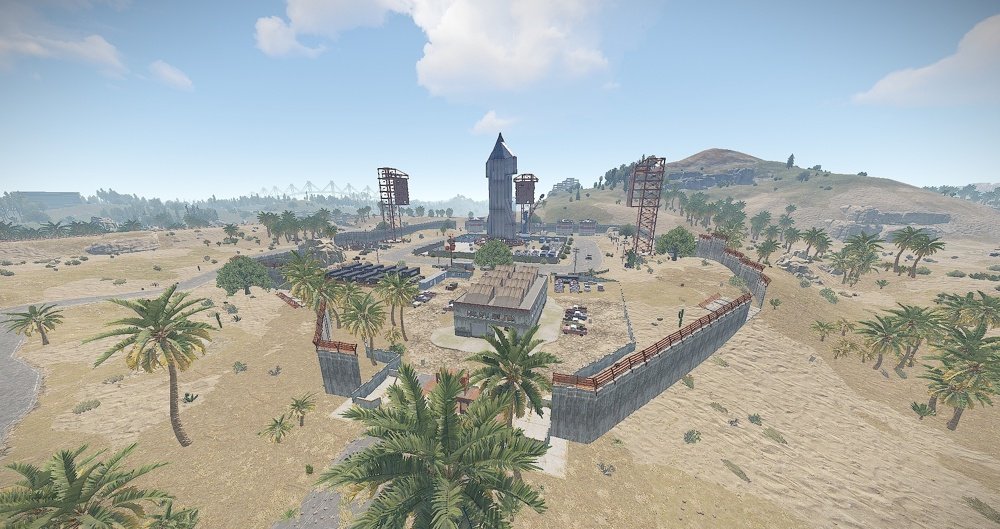
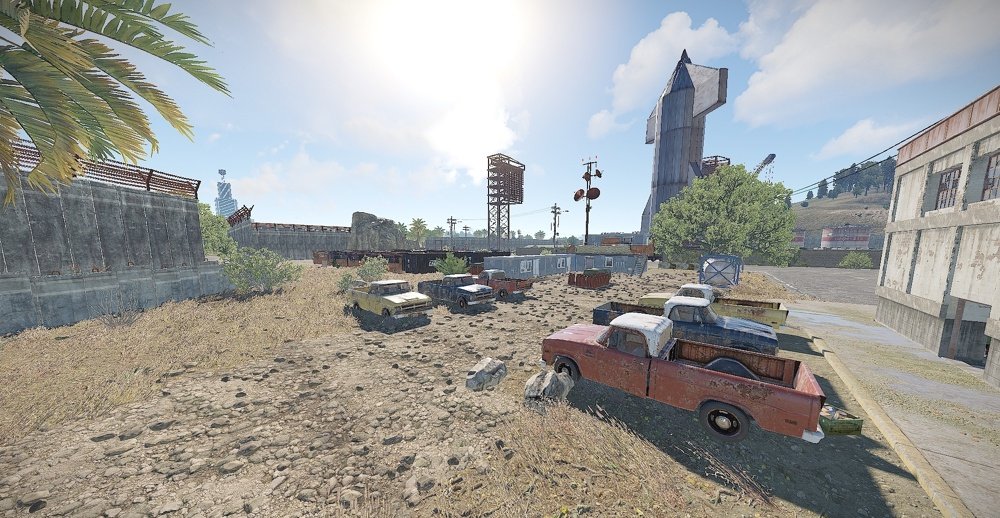
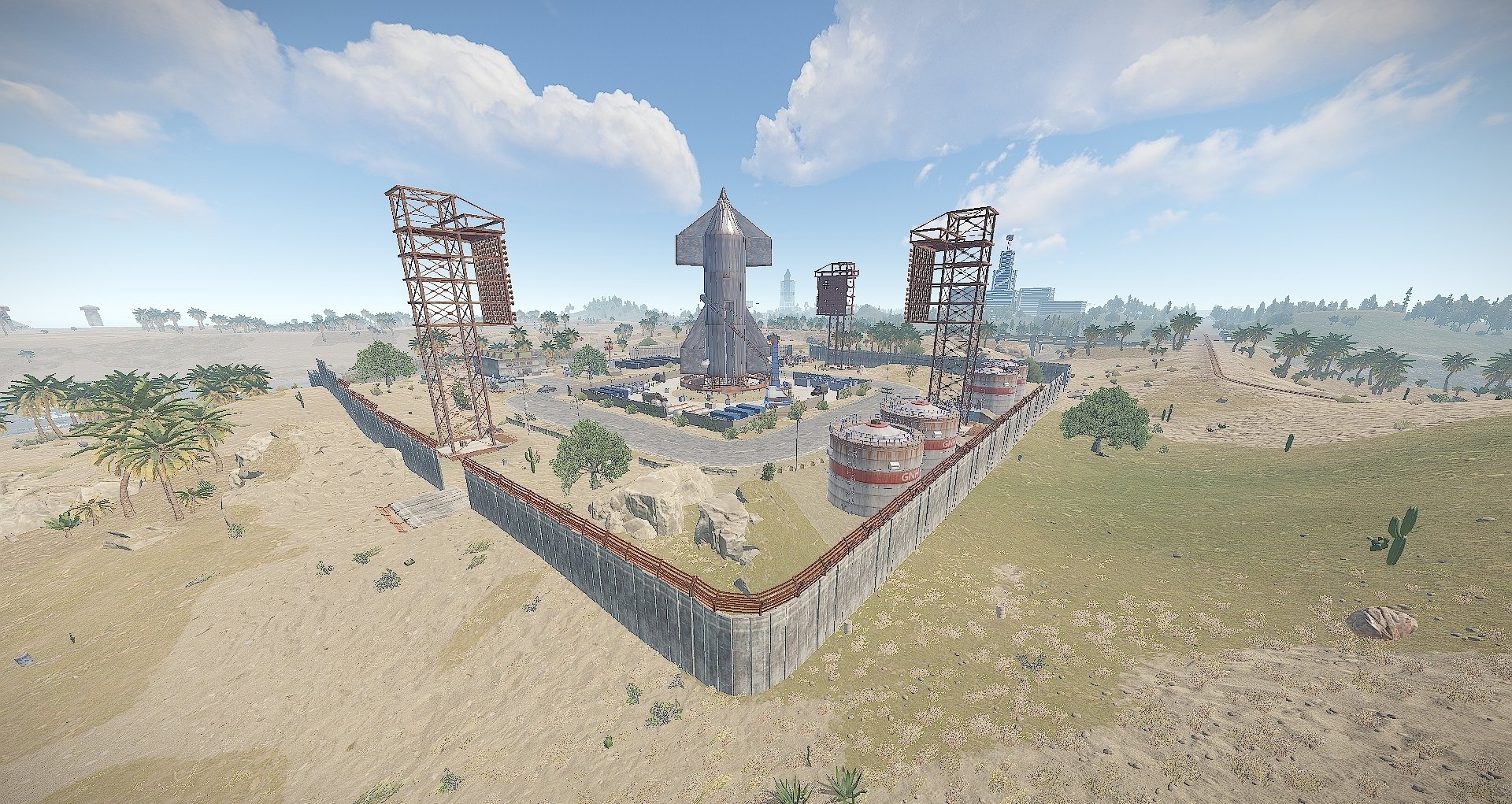
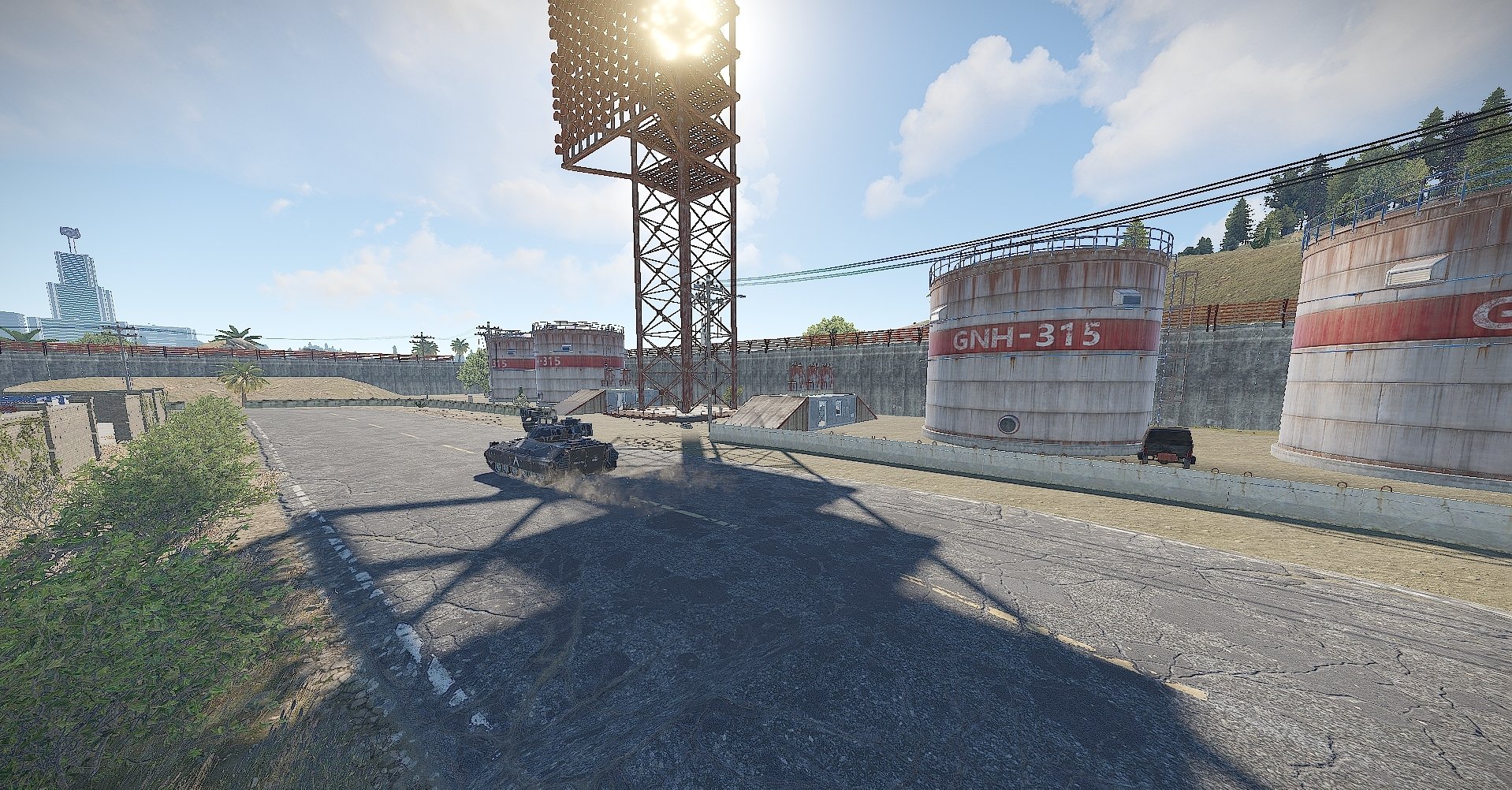
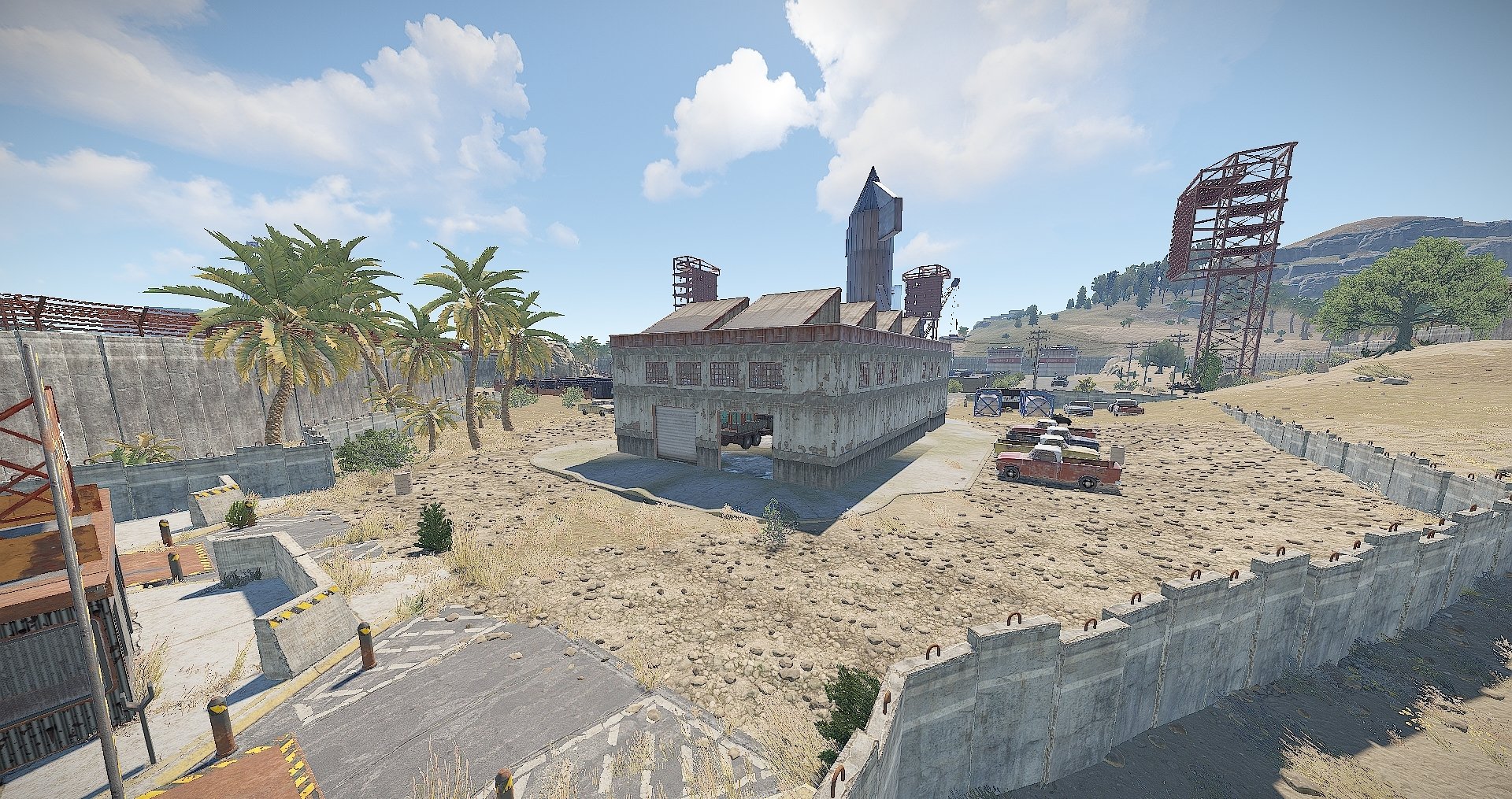
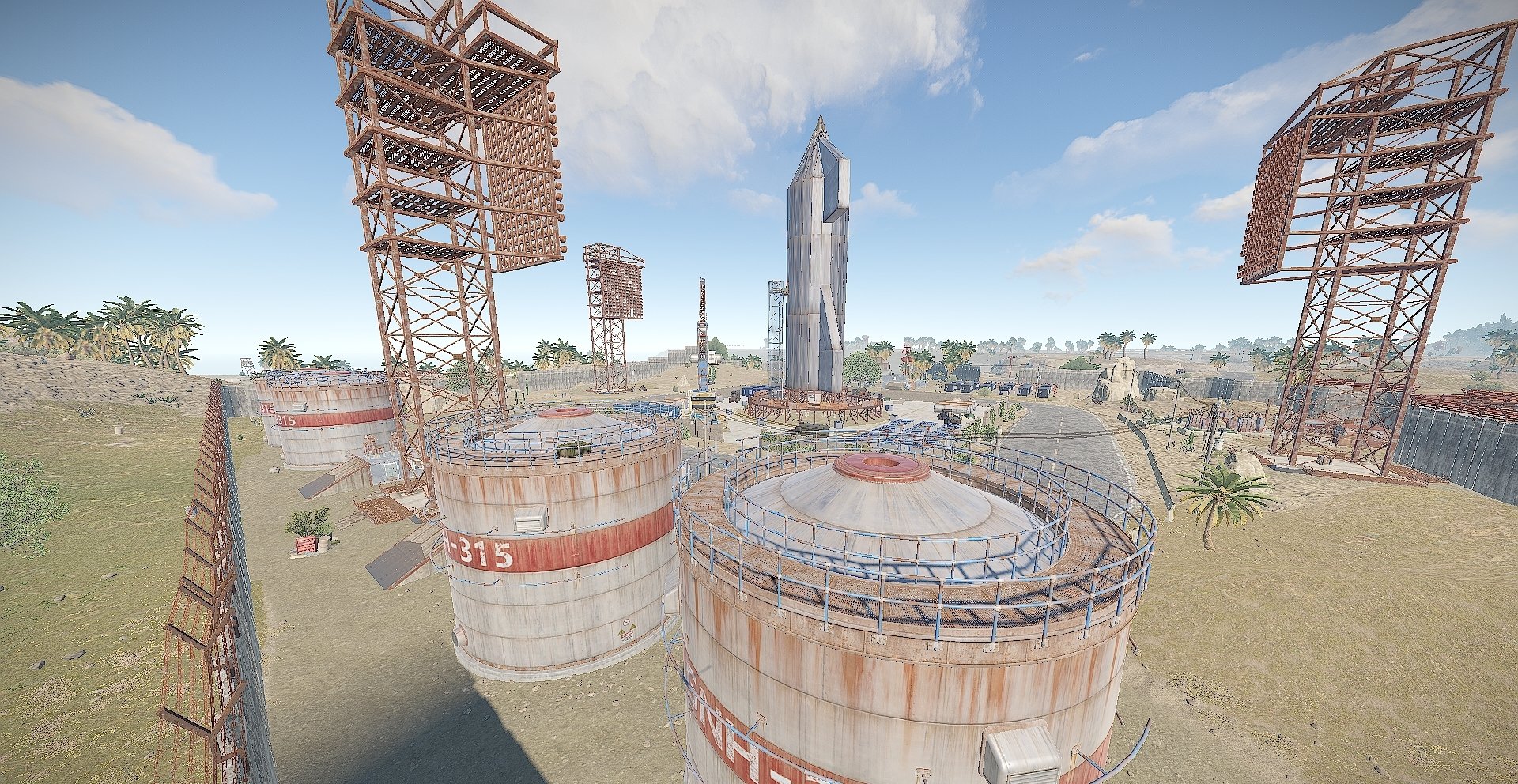

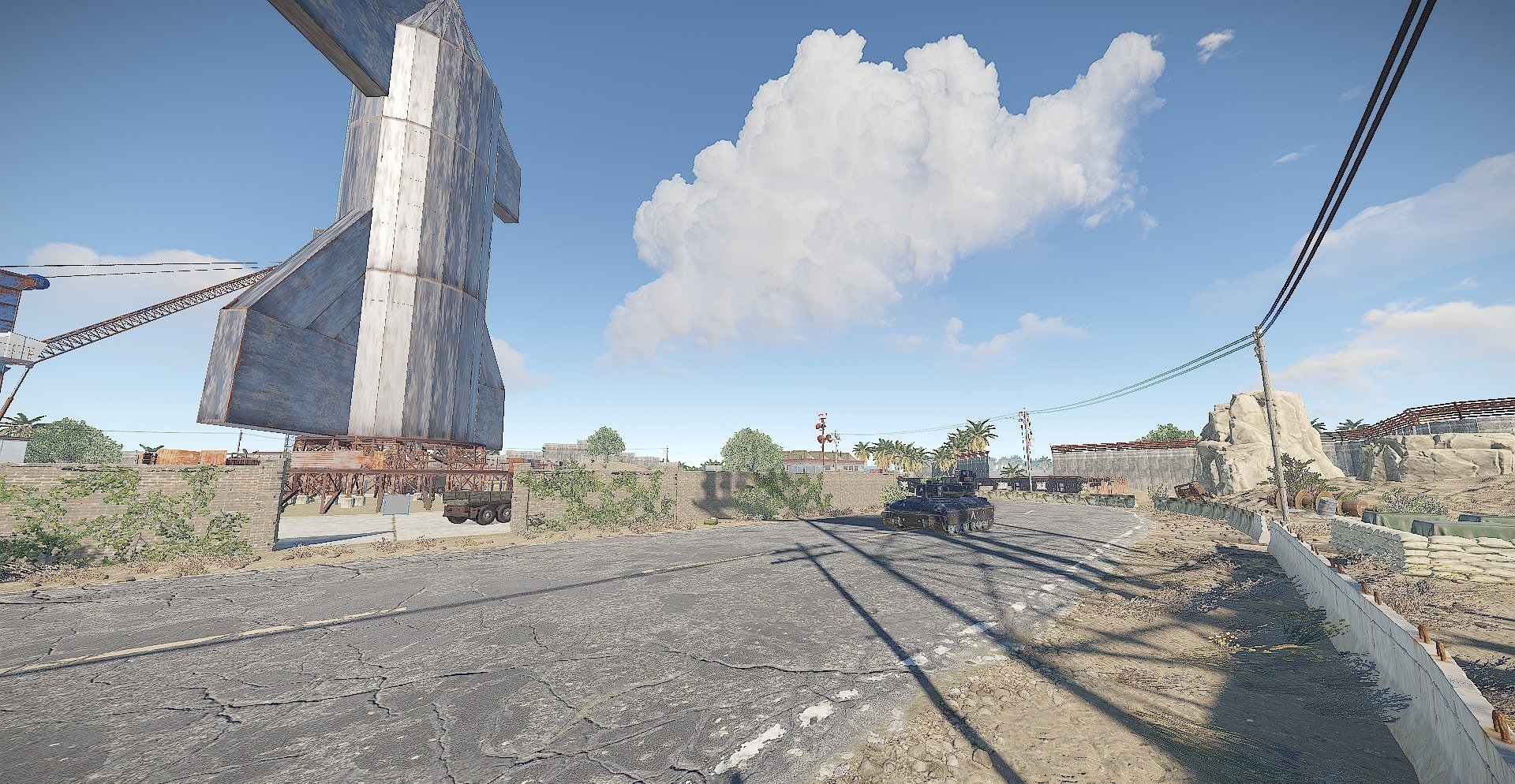
Welcome to the SpaceX Launch site, this is a smaller/cooler replacement to the launch site.
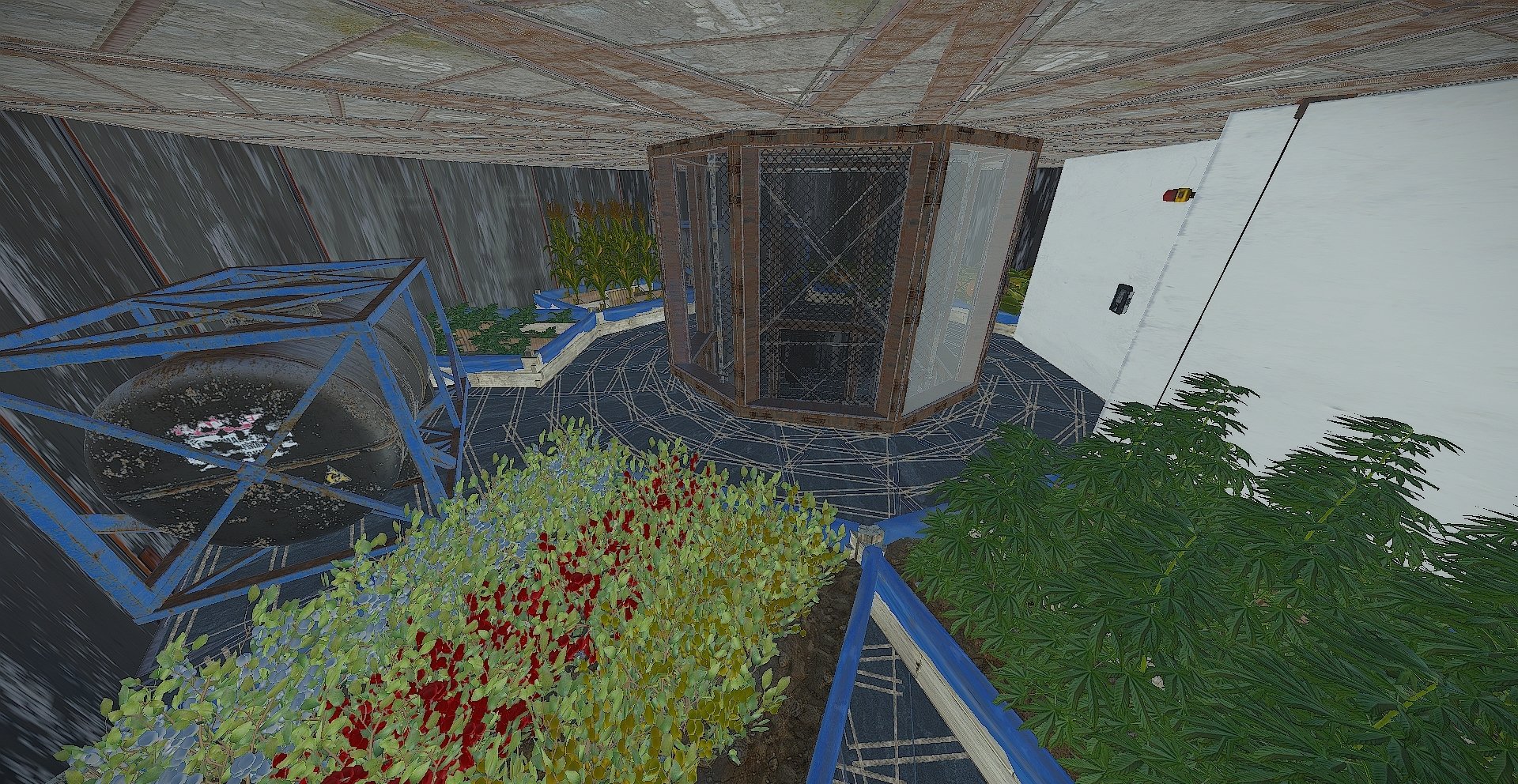
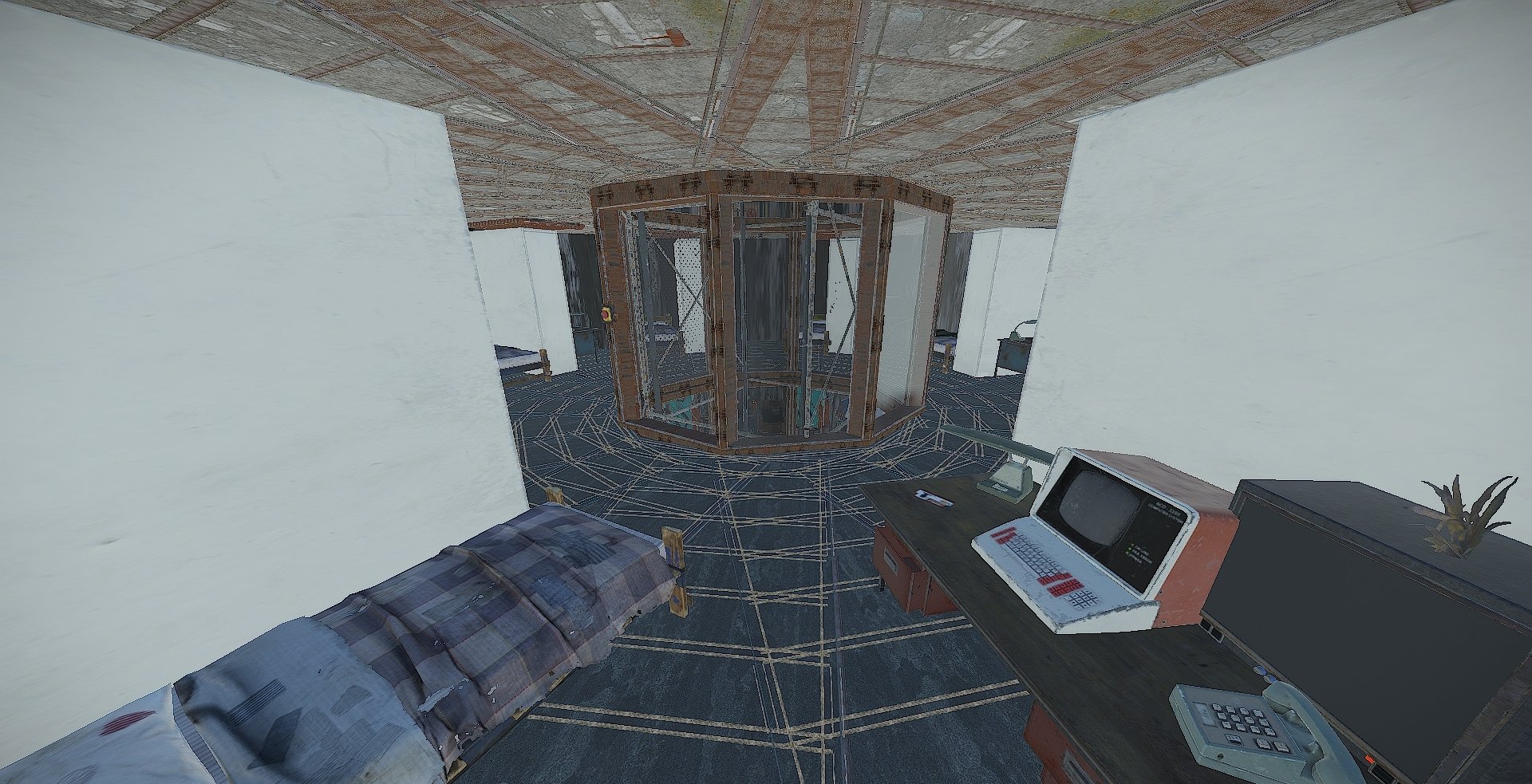
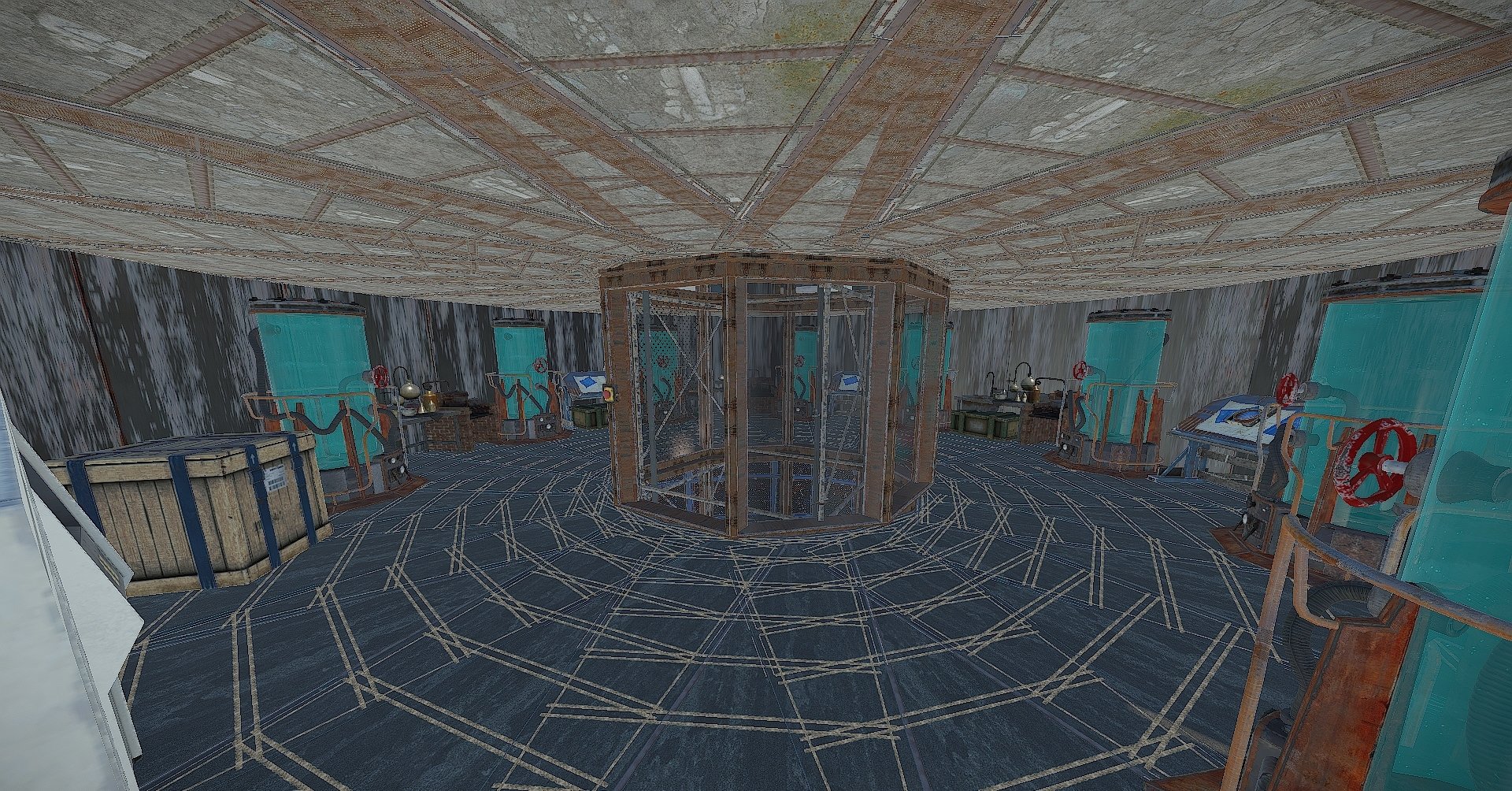
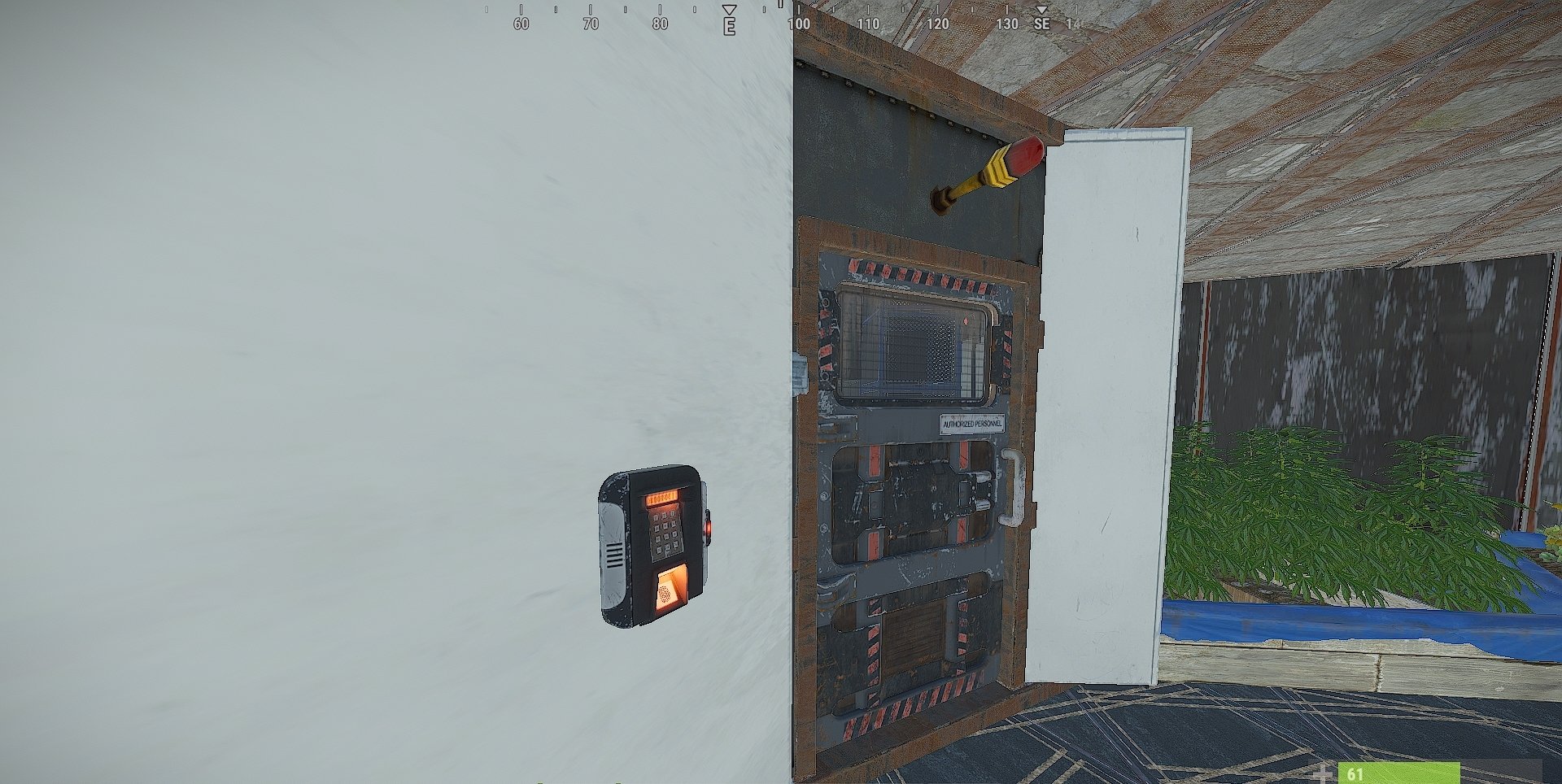
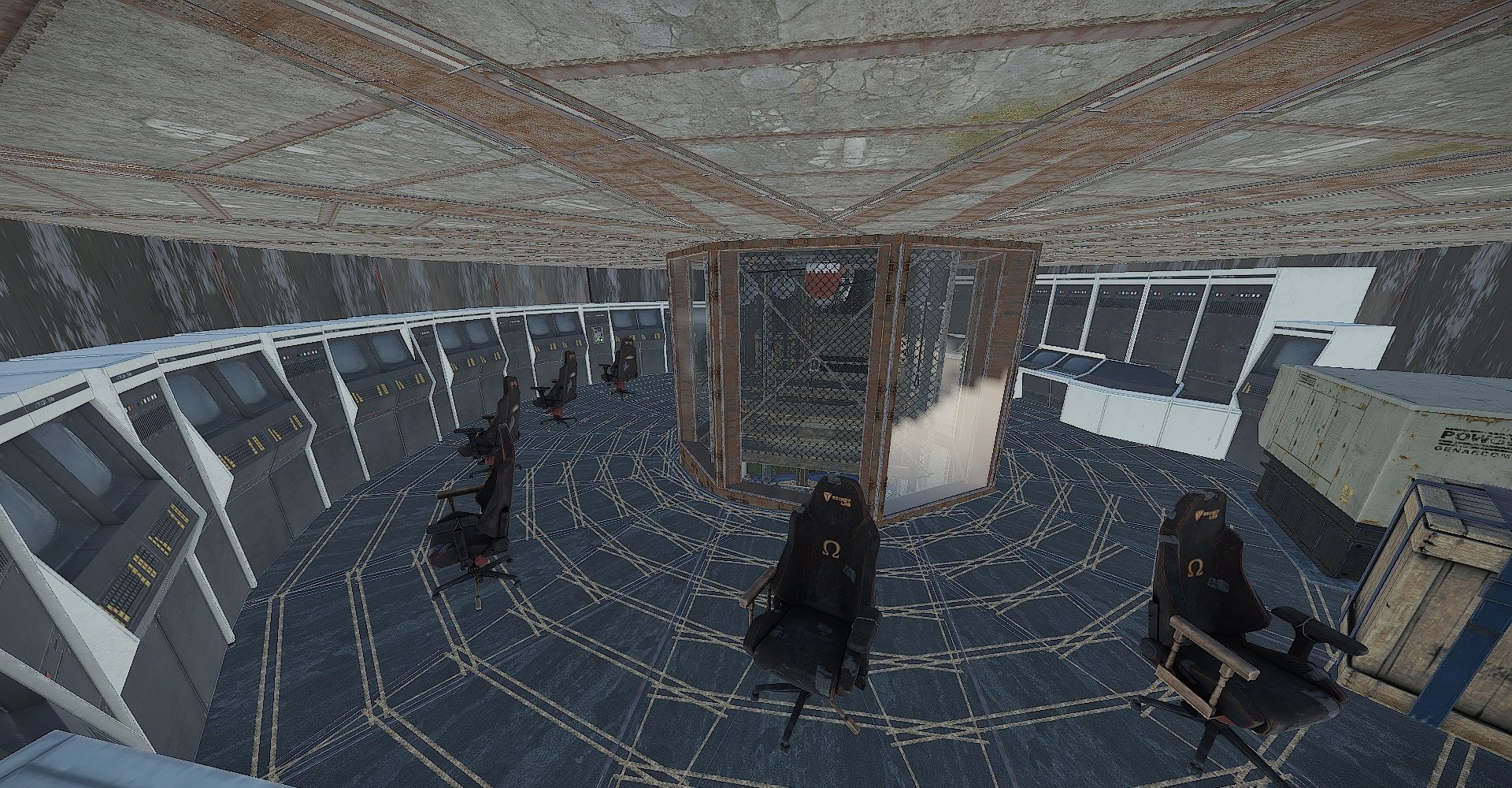
You can explore the inside of the Star ship, it has 7 accessible floors, 2 elevators, and 1 main loot room.
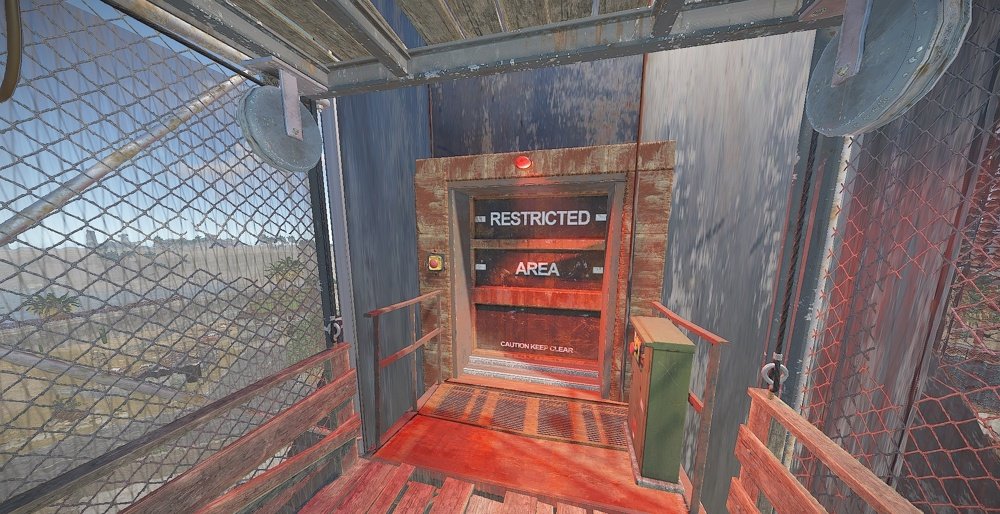
You will need a green and red key card and 1 fuse to enter all areas of the launch site.
Bradley is patrolling the outside of the Star ship.
+Radiation zones
good replacement for the current launch site.
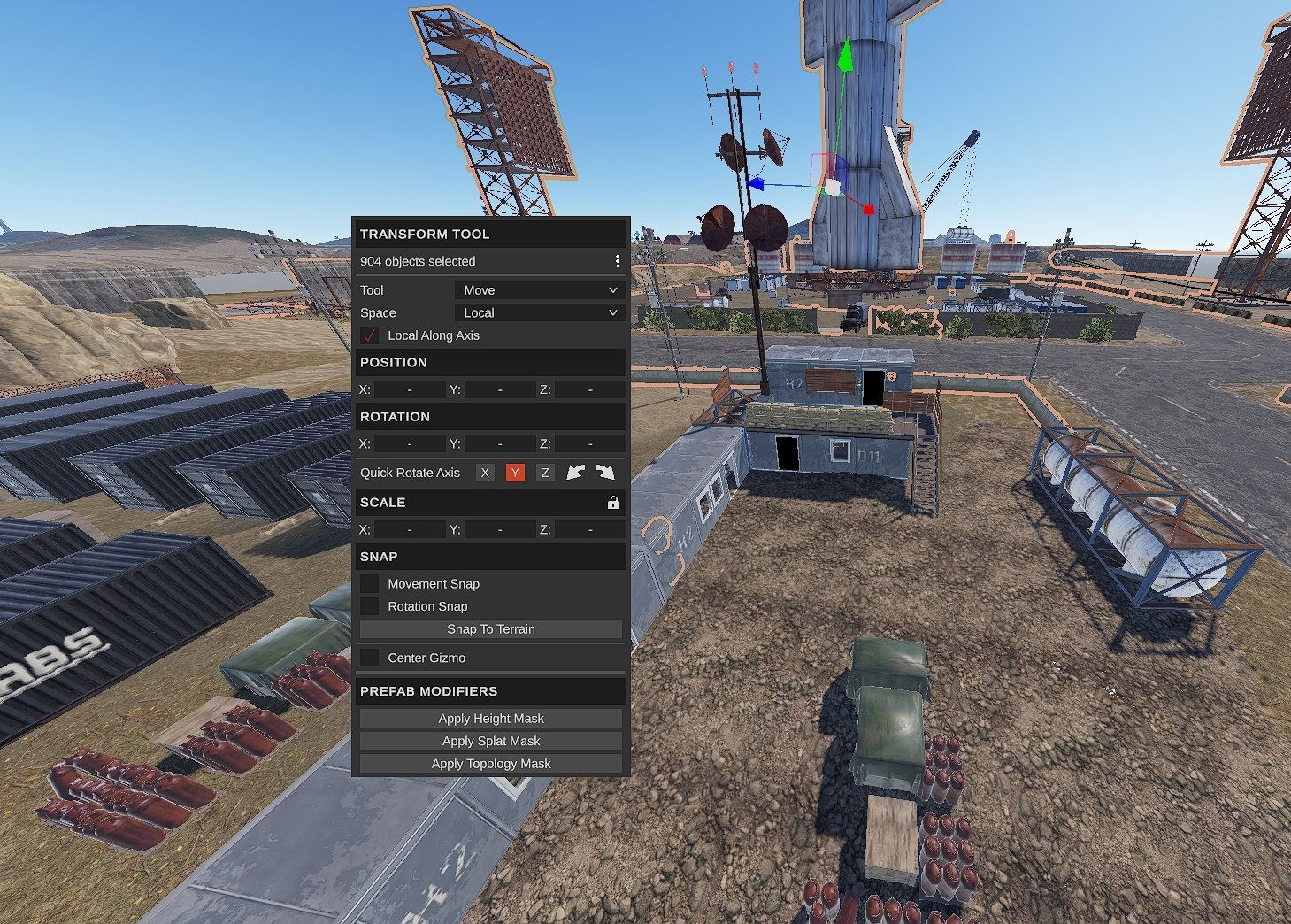
Prefab Count 904
Please make yourself aware of the TOS-Restrictions for use.
If you have any problems you can contact me on discord
DocNorris#5423
Permission is granted for personal rust server use on servers owned by you, the customer.
Permission is not granted for distribution/sharing, or re-sale.
Permission is not granted for distribution/sharing, or re-sale.
You may only provide a review once you have downloaded the file.
There are no reviews to display.