



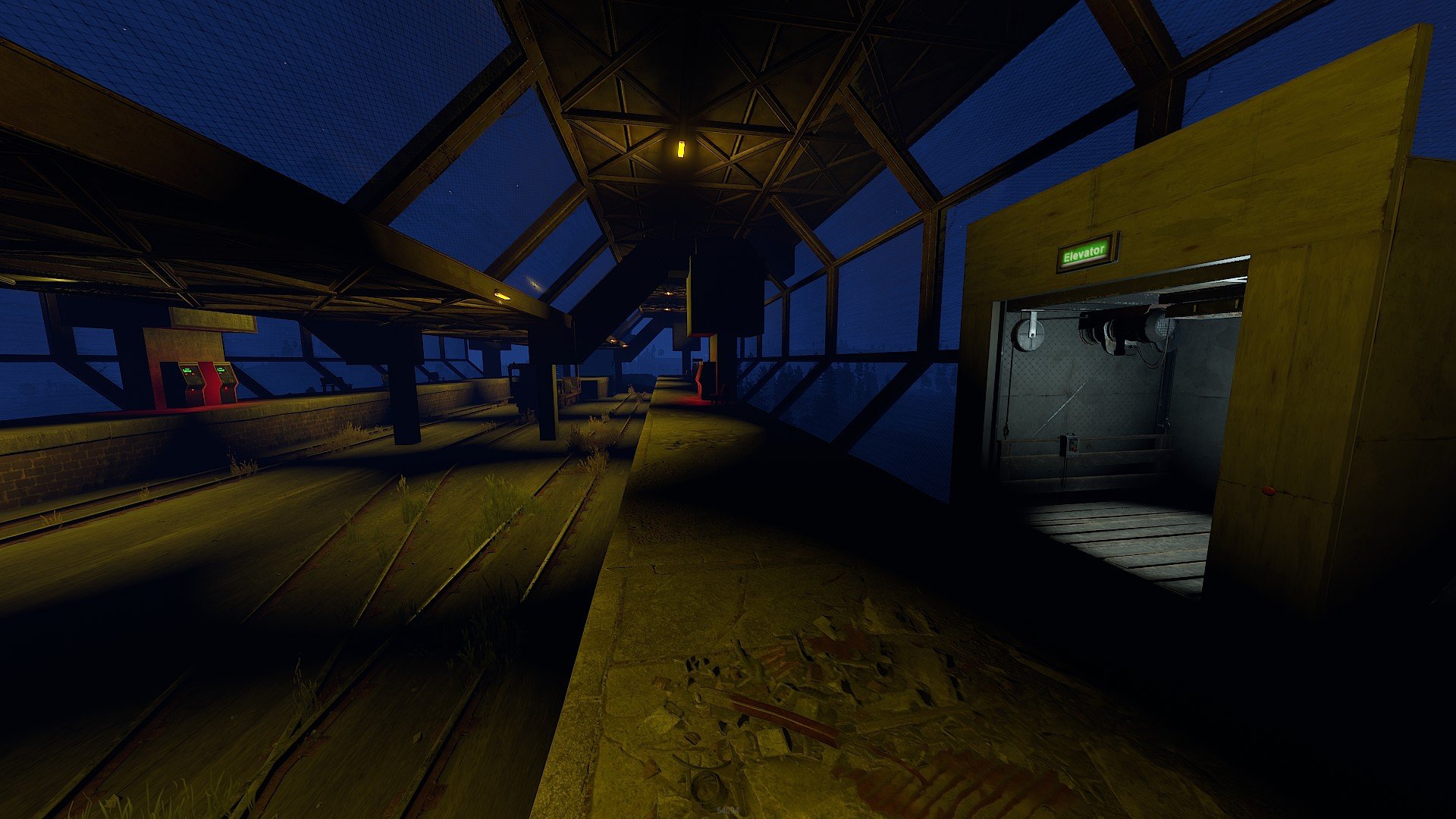
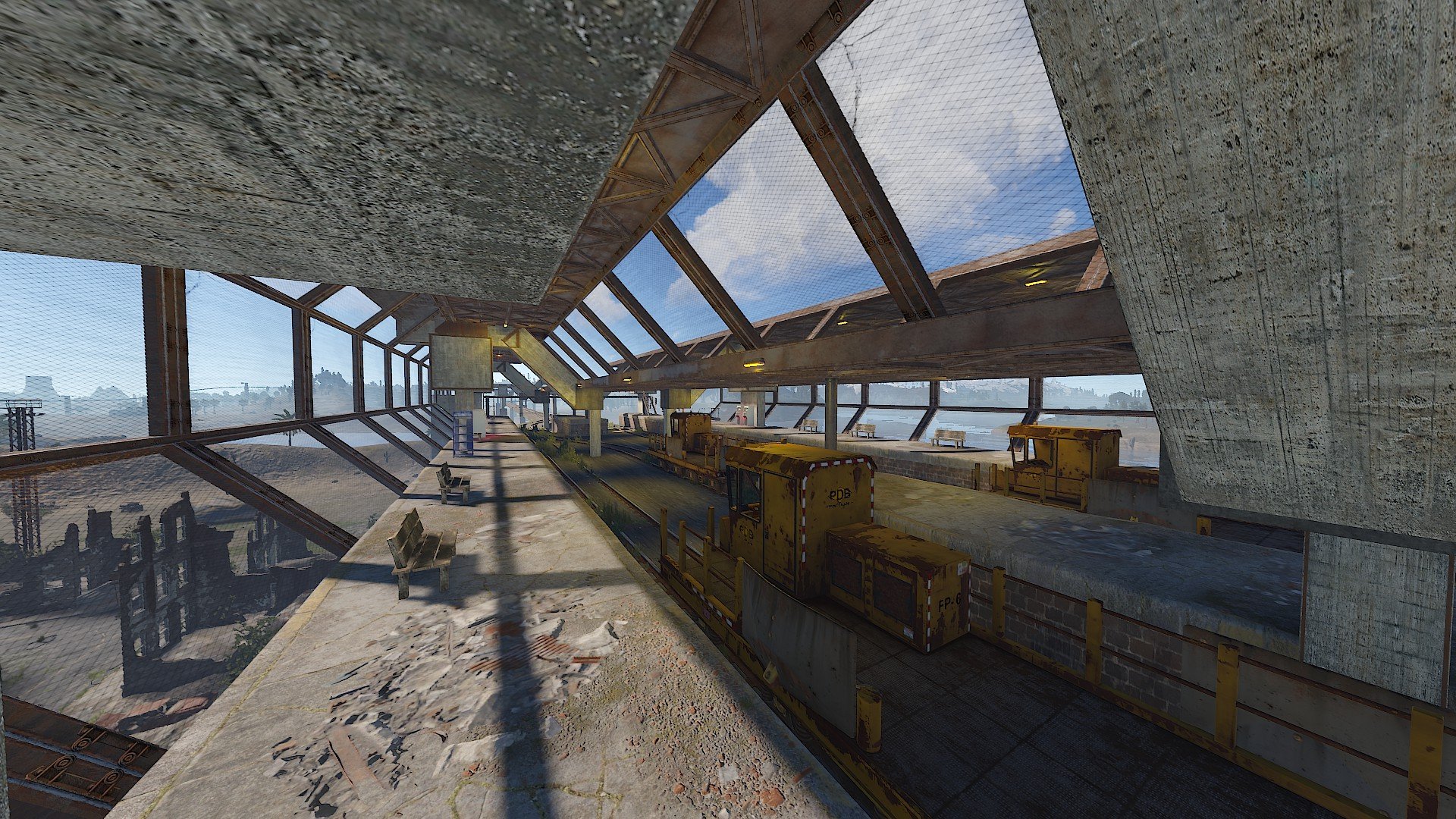
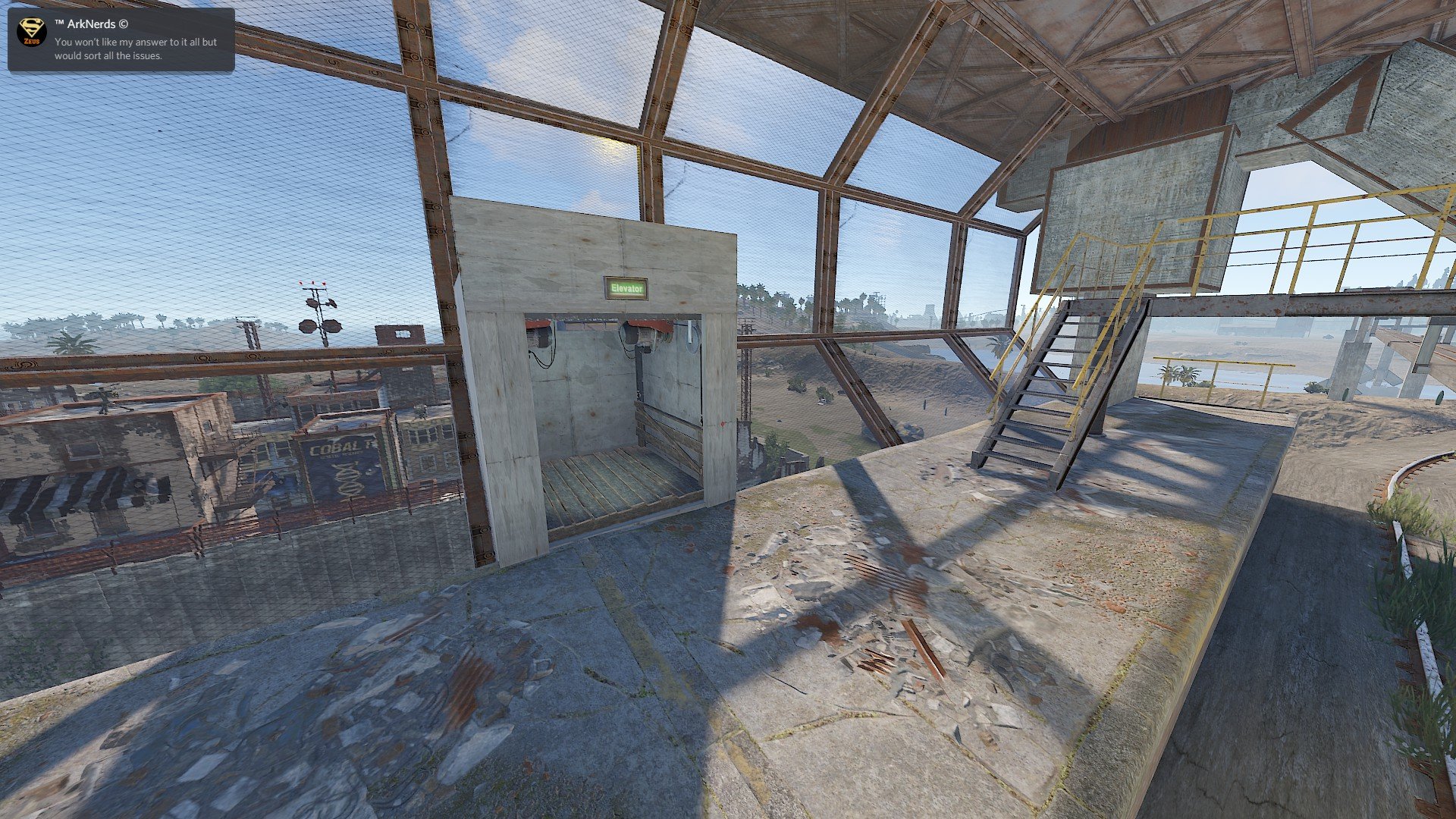
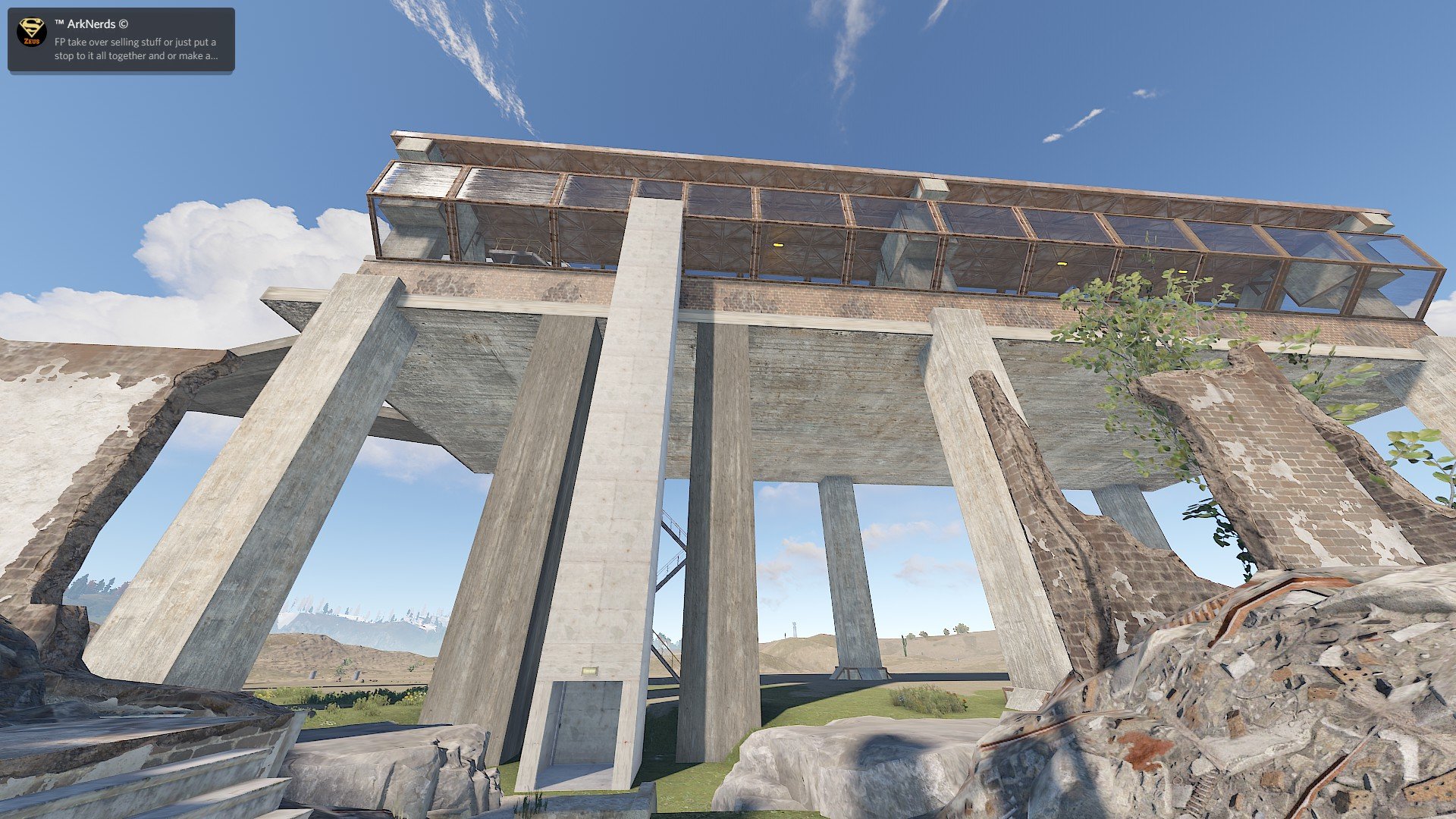
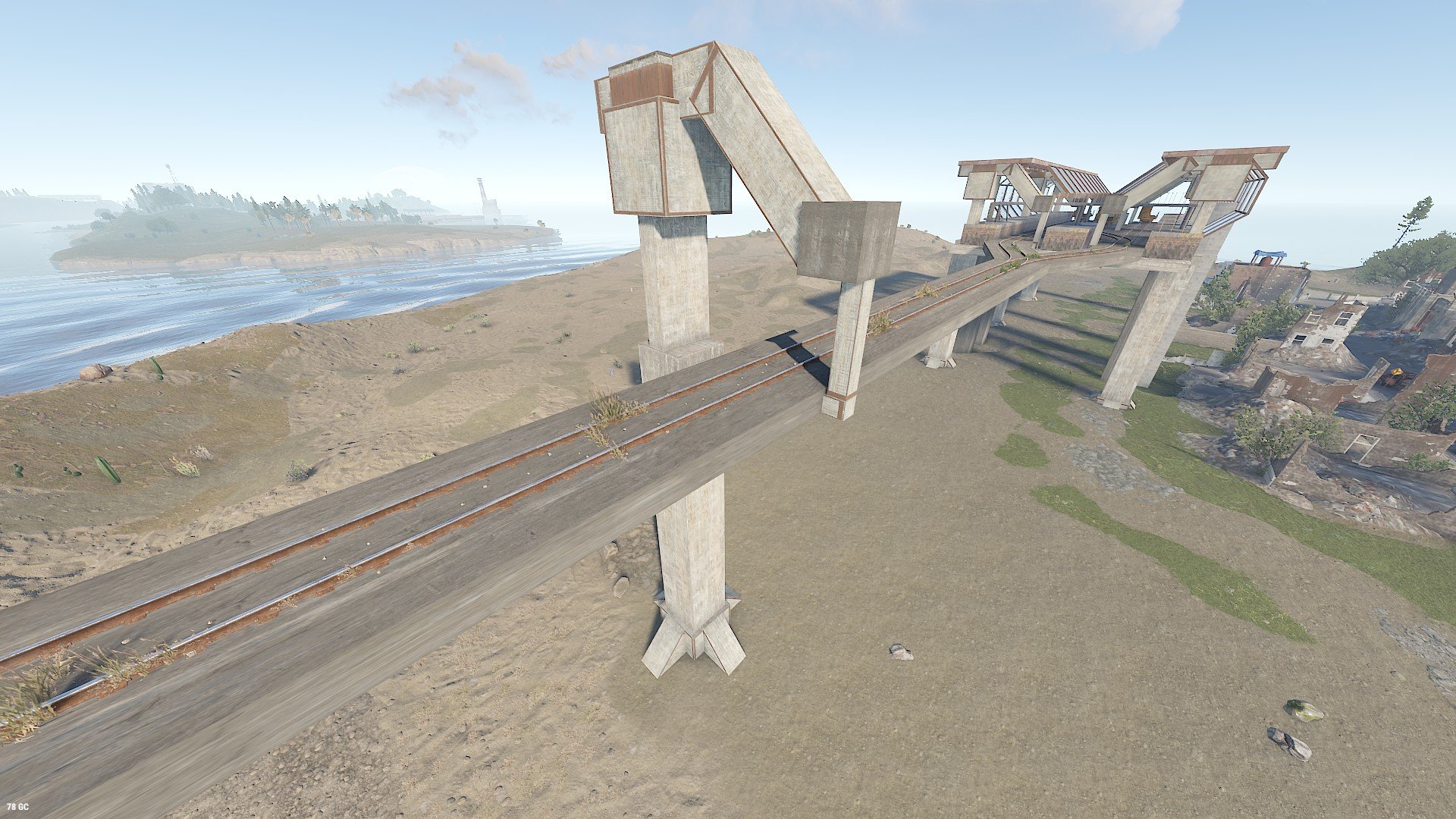
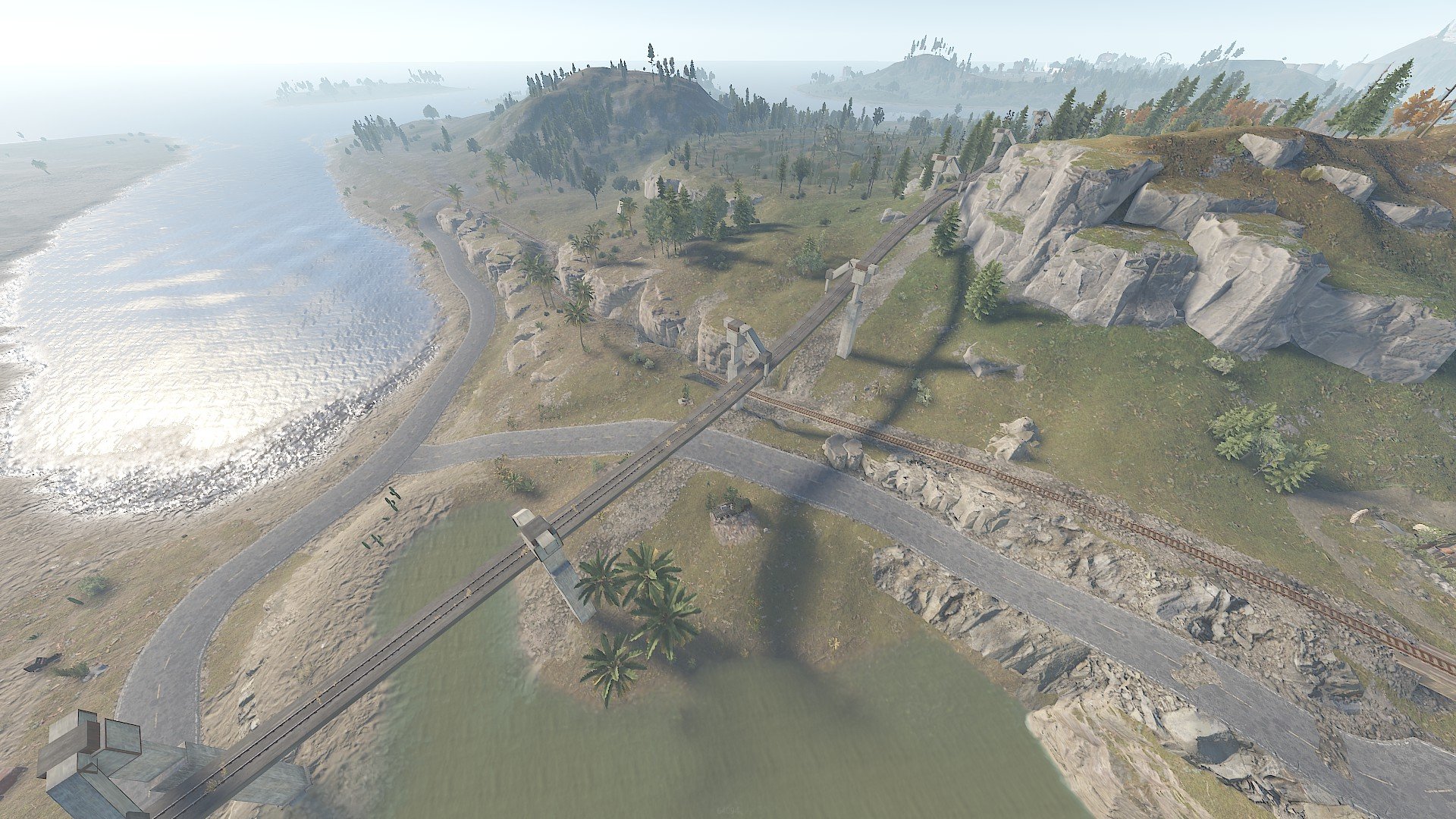
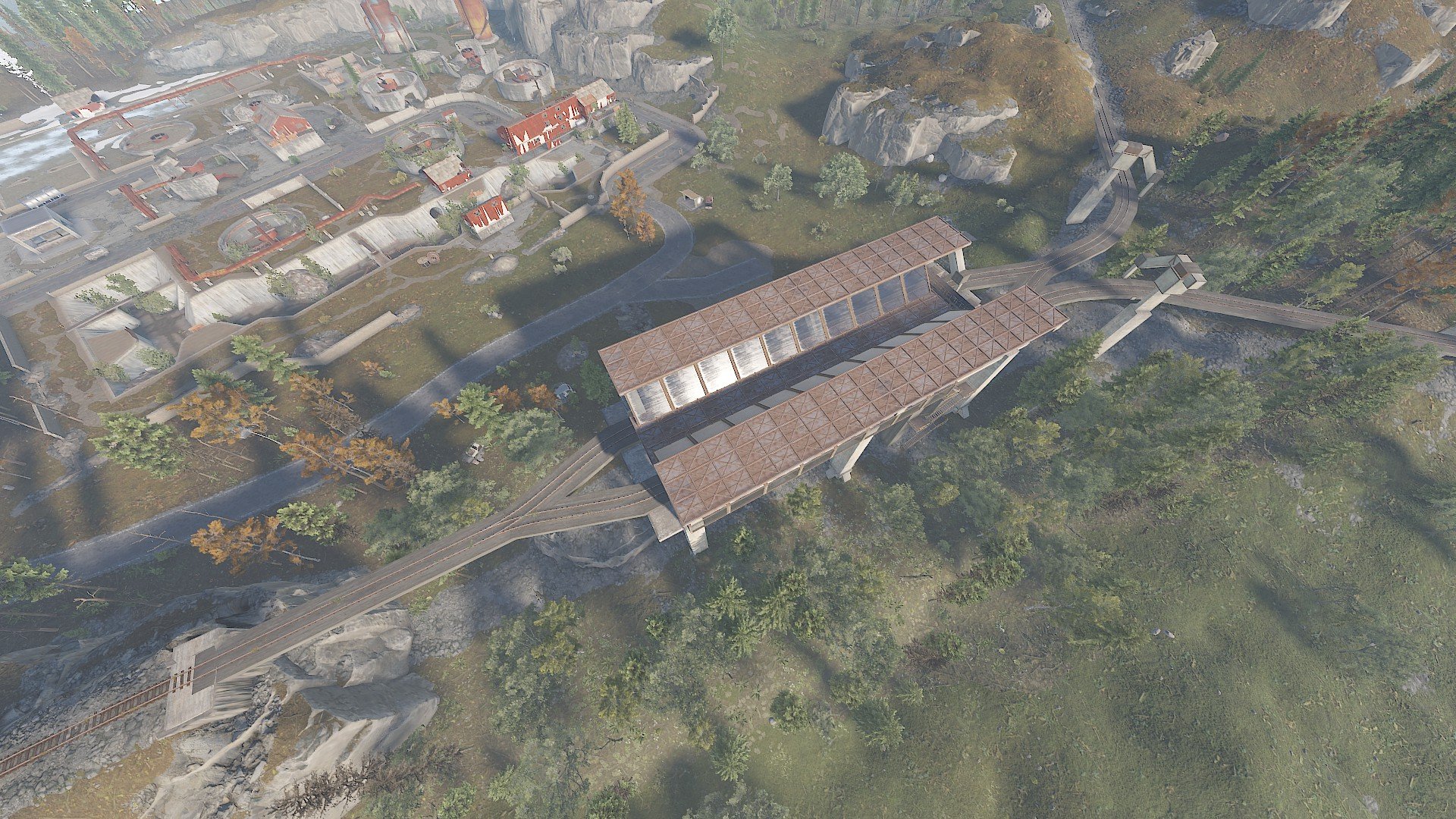
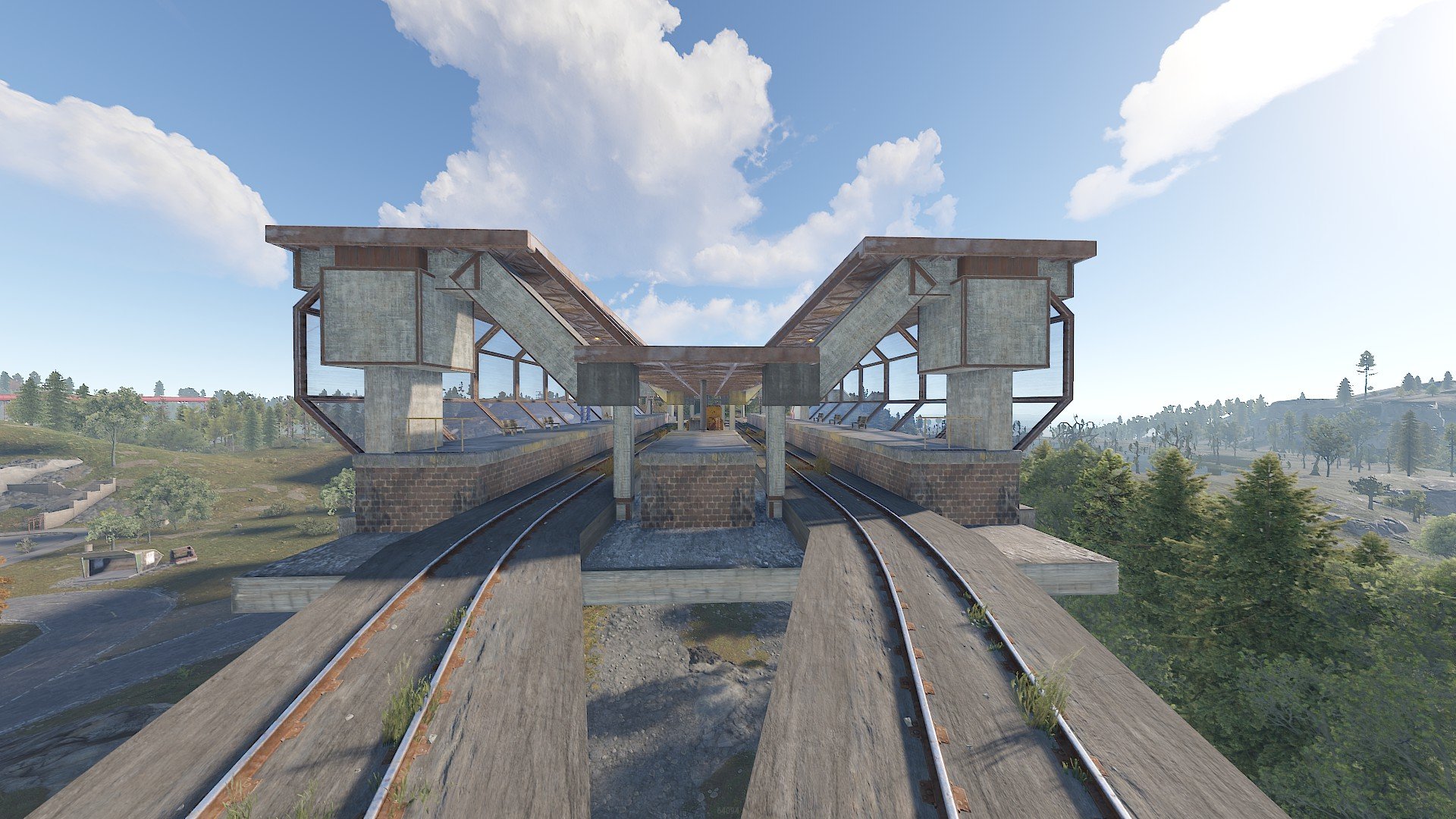
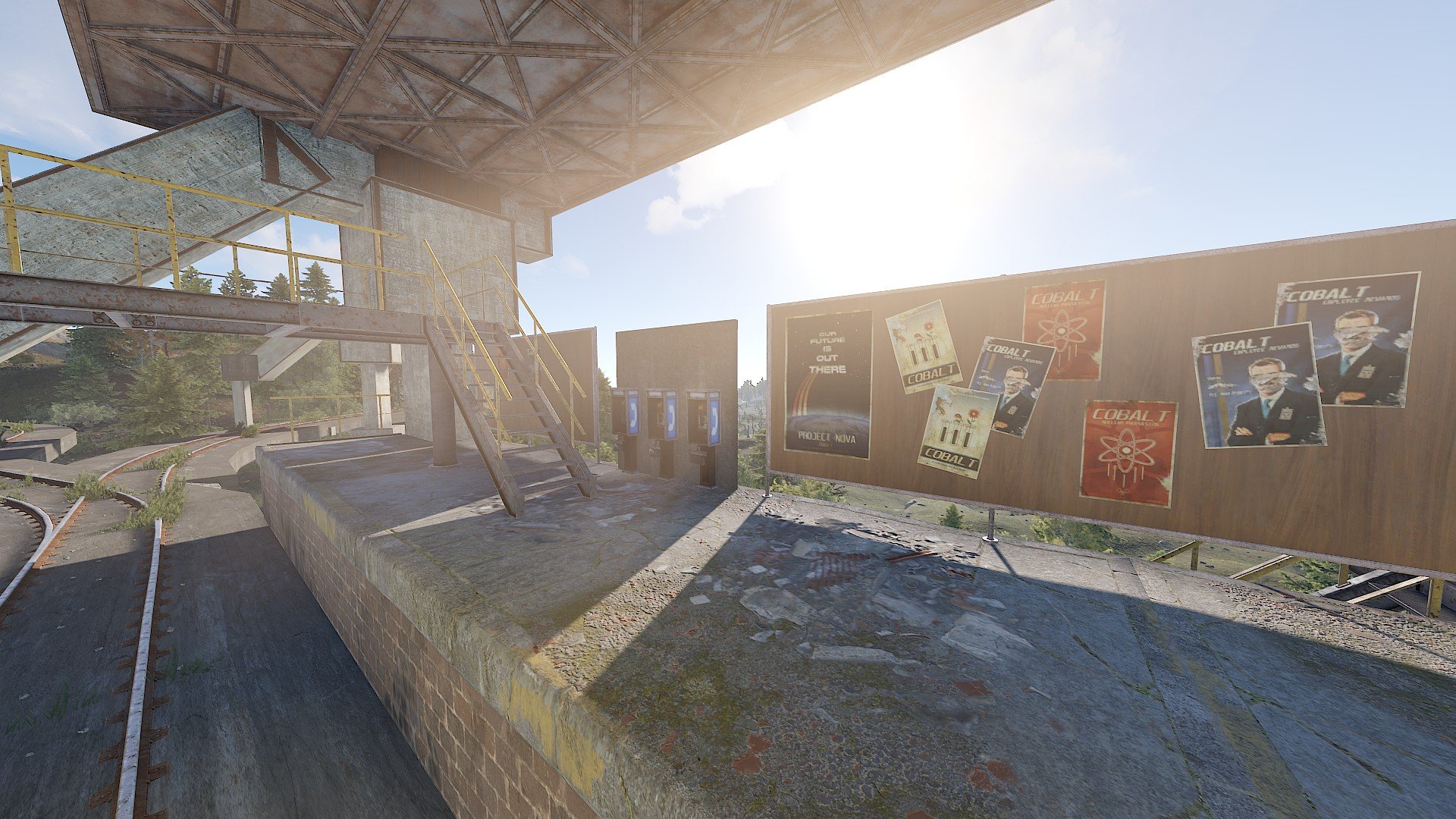
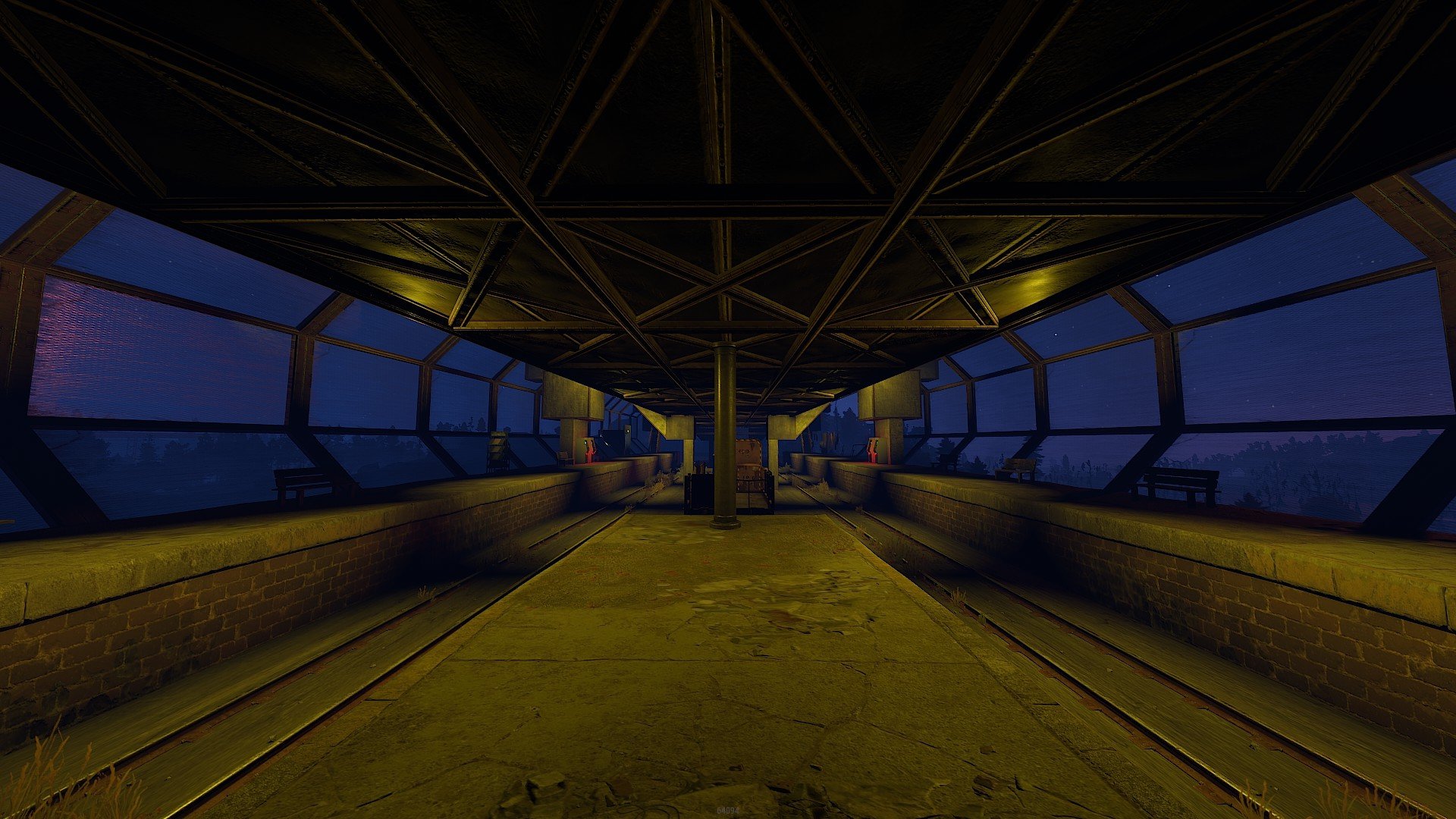
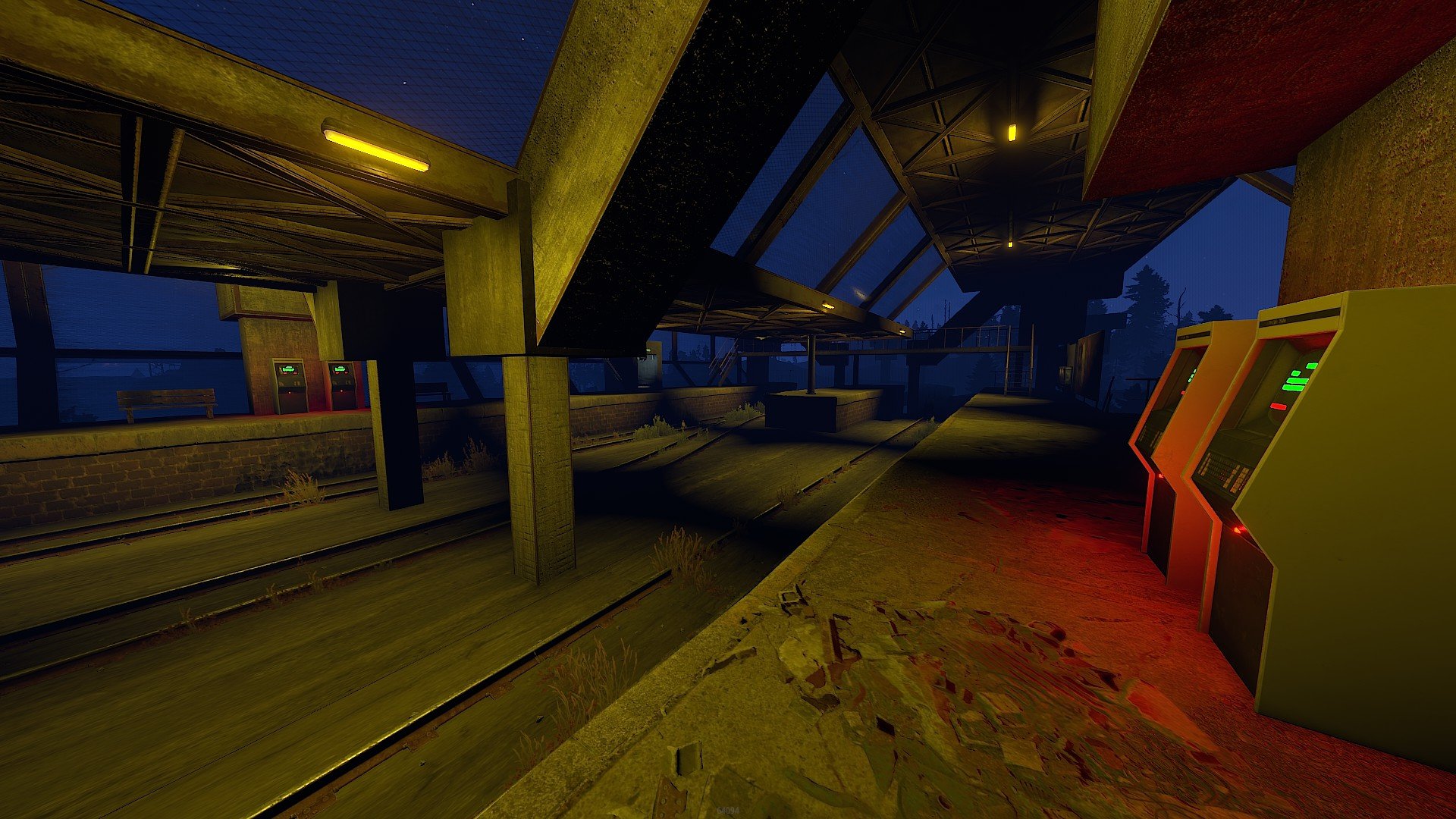
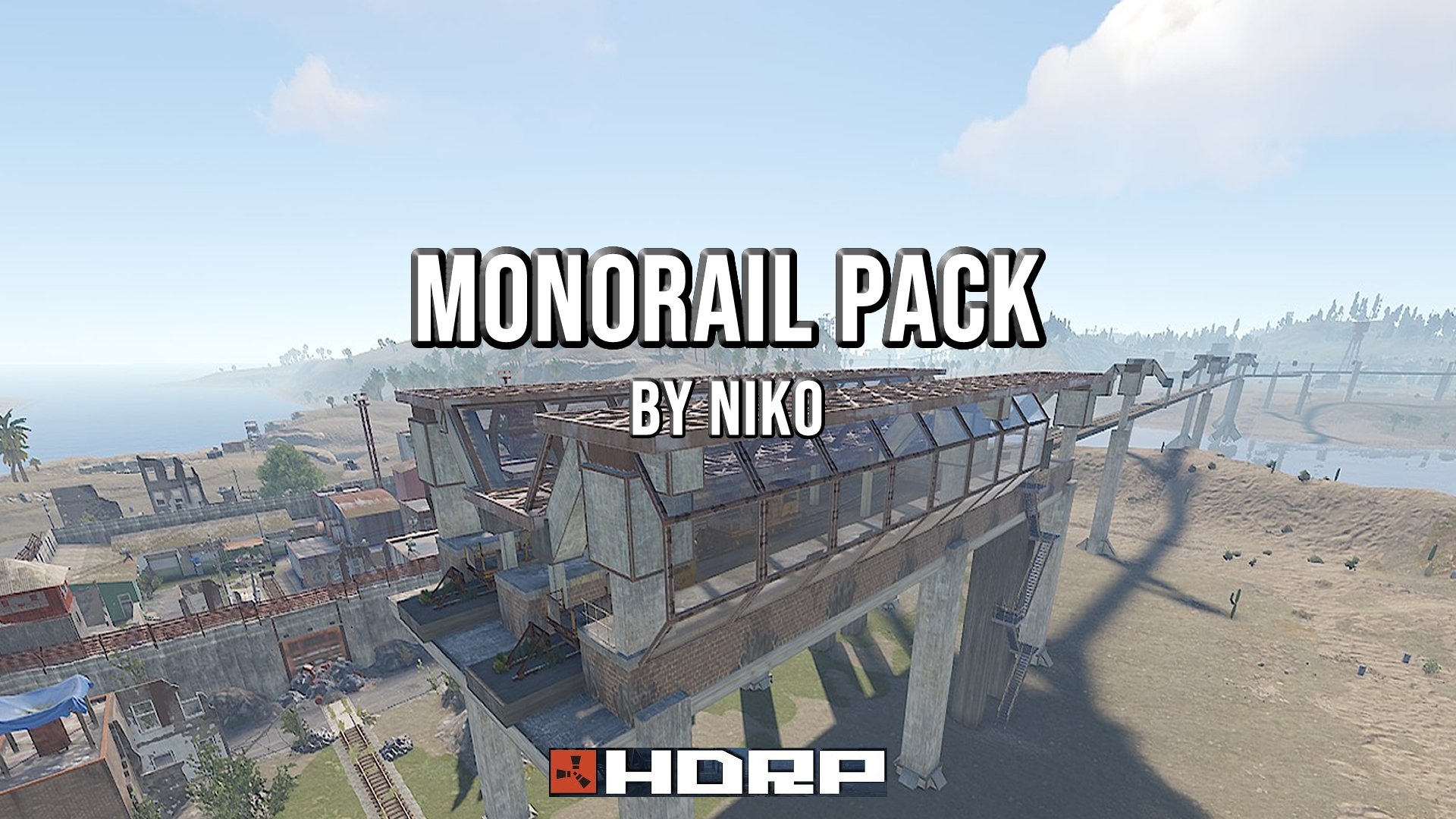
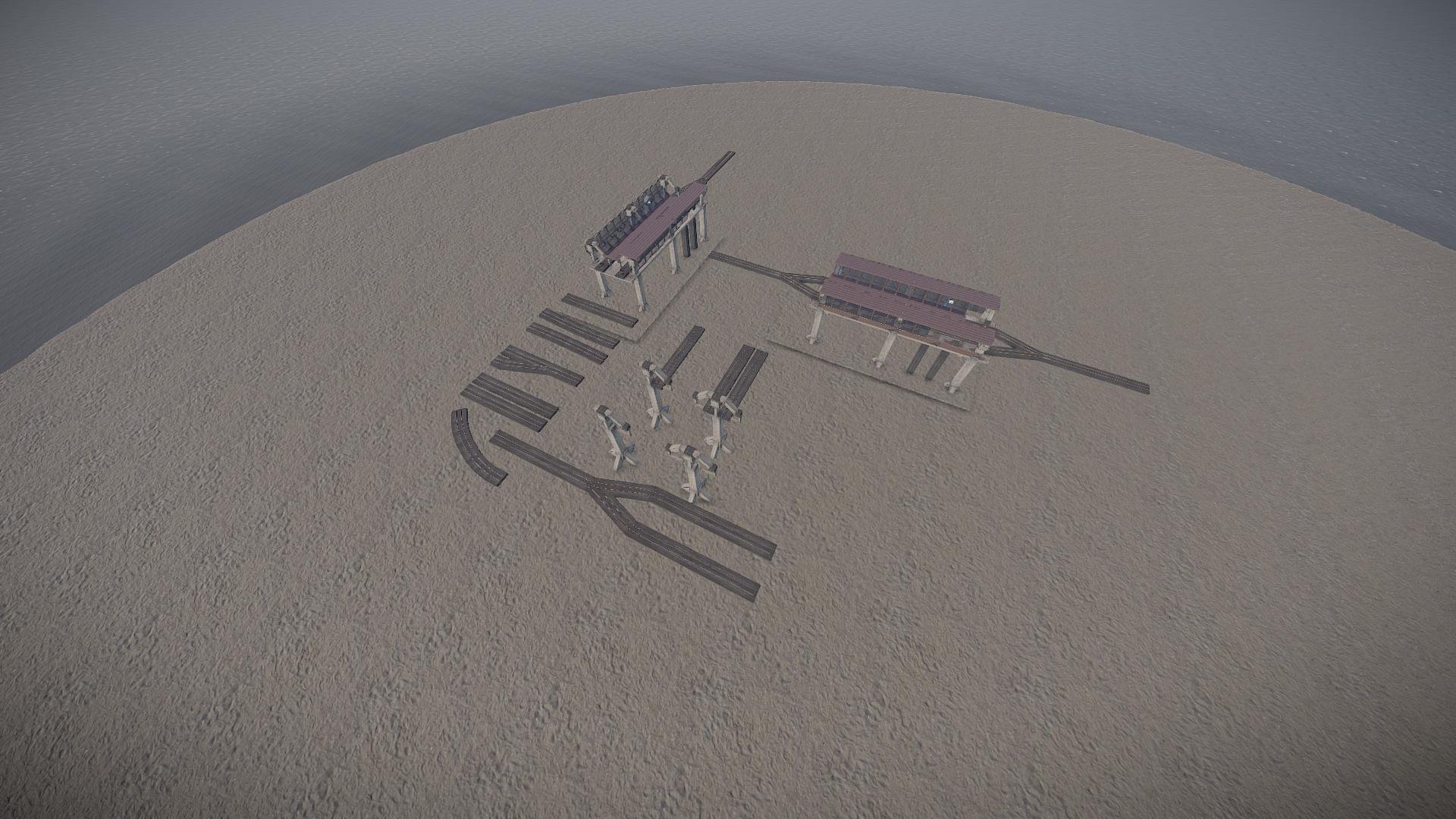
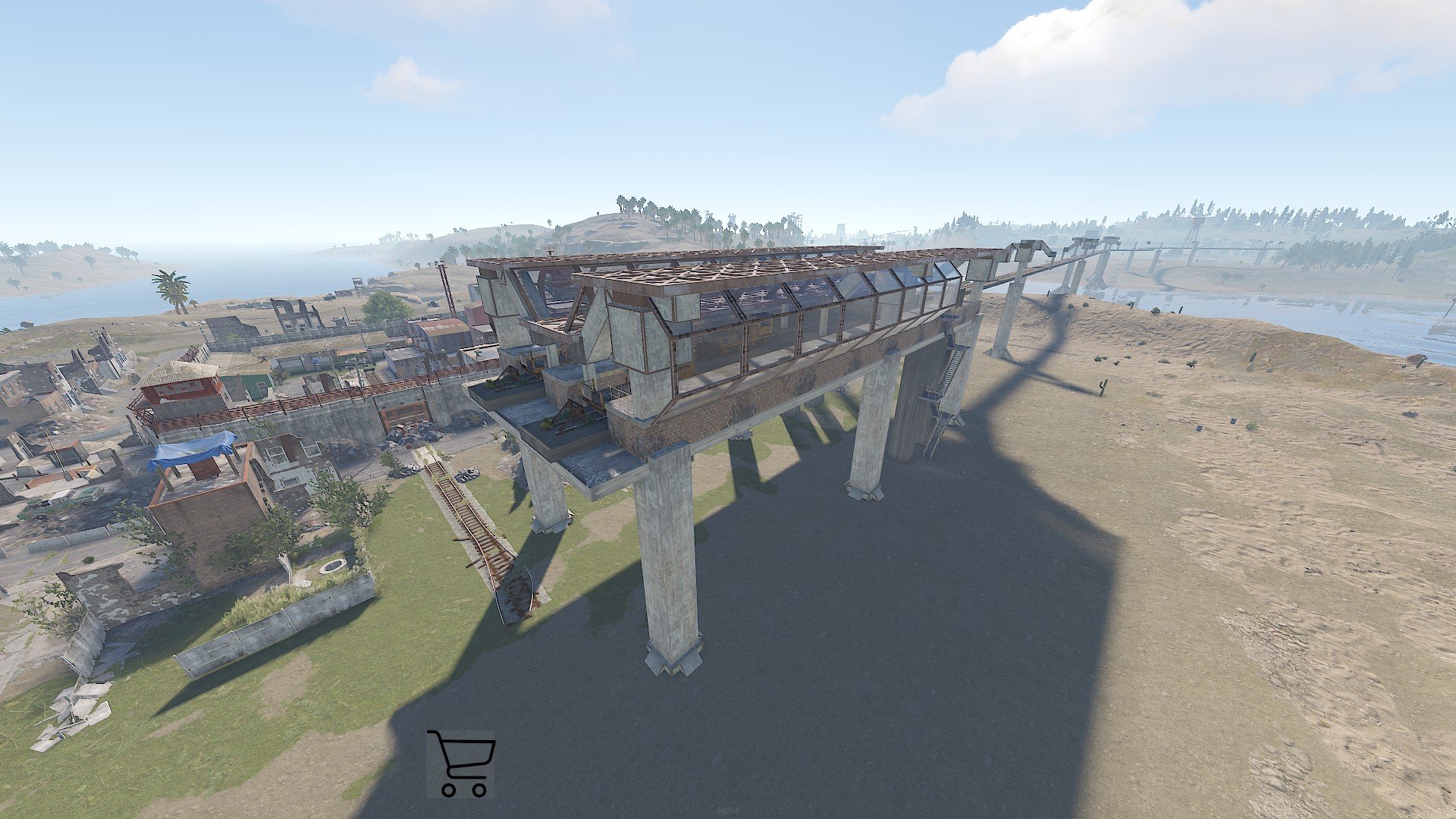
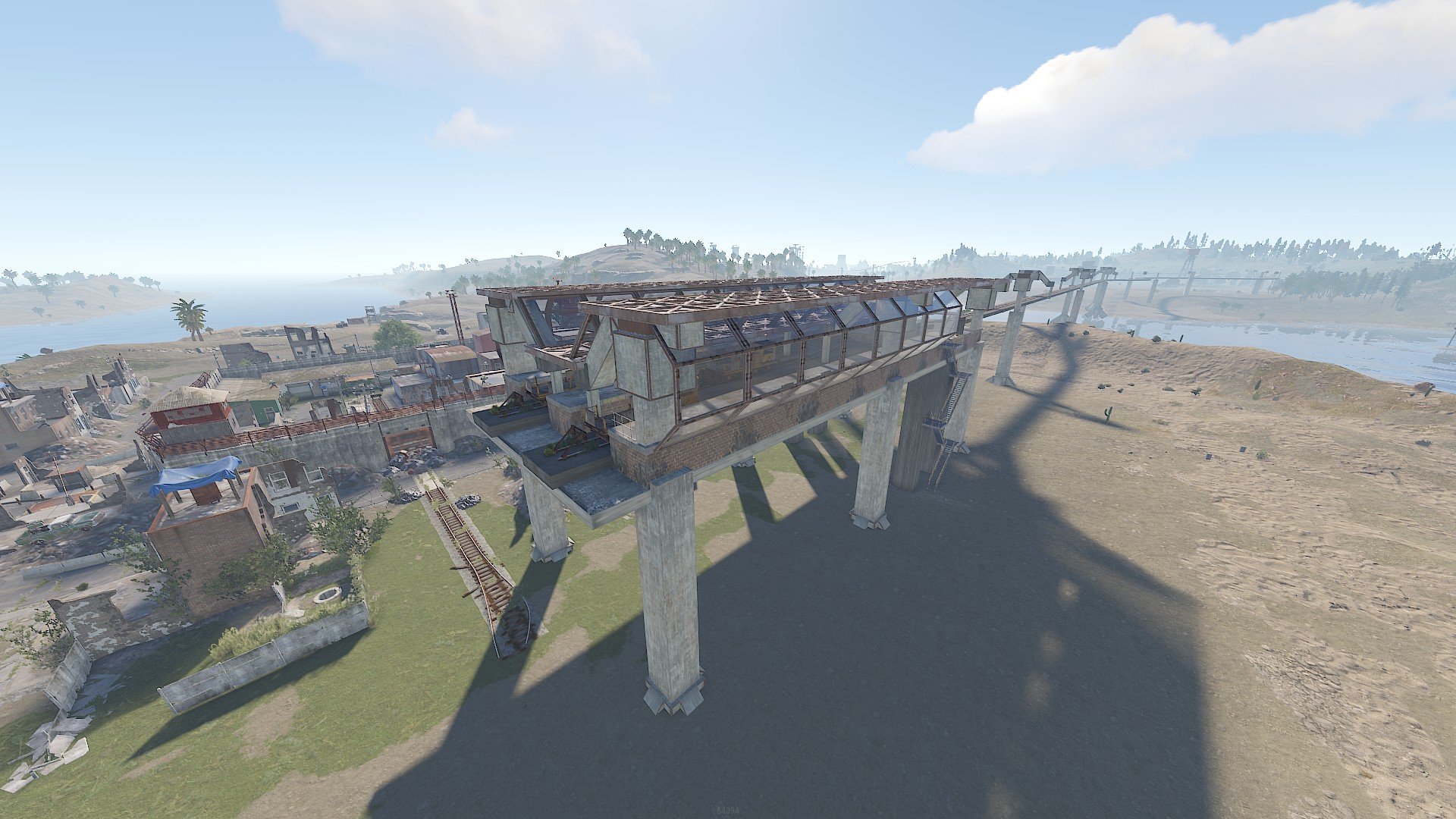
This MonoRail pack gives you all you need to add a high raised rail network to your map, the two stations come with a blended base so you know what height to place them and with some creative blending you will have workcarts running around in no time.
Included
Station Passthrough
Station Terminus
45Deg Bend
Straight
Double Straight
Concave Straight
Convex Straight
Left Split
Y Split
Single Pylon
Double Pylon
Single Pylon with Straight
Double Pylon with Straight
You can use the Left split if you like as a right split if inverted
The convex and concave are used to go up or down inclines, they only work 1 way so if the alignment looks funny, rotate and try again
Upon purchasing any content you hereby agree to the terms and conditions listed below.
Below are the following rules and TOS (Terms of Service) you are agreeing to when purchasing and using my custom maps, monuments and prefabs.
(Use of Product)
By downloading this product or any other works you may use these on your maps as you please, however, you may NOT resell these products or in any way associate them in a commercial use without permission from the author or without the express permission of the author.
This includes minor editing, modifying or renaming any of my work and using it for your own commercial applications.
In addition, any other redistribution of my maps, monuments or creations is STRICTLY prohibited.
Below are the following rules and TOS (Terms of Service) you are agreeing to when purchasing and using my custom maps, monuments and prefabs.
(Use of Product)
By downloading this product or any other works you may use these on your maps as you please, however, you may NOT resell these products or in any way associate them in a commercial use without permission from the author or without the express permission of the author.
This includes minor editing, modifying or renaming any of my work and using it for your own commercial applications.
In addition, any other redistribution of my maps, monuments or creations is STRICTLY prohibited.
-
 1
1
You may only provide a review once you have downloaded the file.
There are no reviews to display.