
-
After playing for a couple hours with this plugin installed, my server is experiencing a sudden freeze. I removed the plugin, restarted the server and it runs fine. When I reinstall the plugin (even fresh, deleting the plugin, config and data files) the server runs fine for a few minutes but then goes unresponsive. No errors on the console, it just freezes. It doesnt disconnect me, all NPCs freeze in place, and I have to force close the server. Anyone else experience this?
-
-
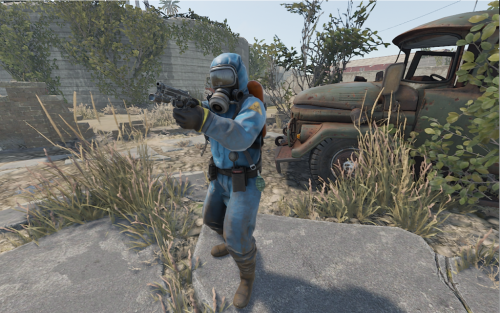 If you're an experienced server admin, you can get pretty deep in the weeds if you choose. But if you're a new admin or even just wanting to spice up your personal server a bit, this is perfect right out of the (download) box. I basically dropped this in my Oxide folder, adjusted some of the roam and attack distances, and off it went. Excellent plugin! Can't wait to mess around with more of the settings in time.
- 17 comments
- 14 reviews

View in the app
A better way to browse. Learn more.