



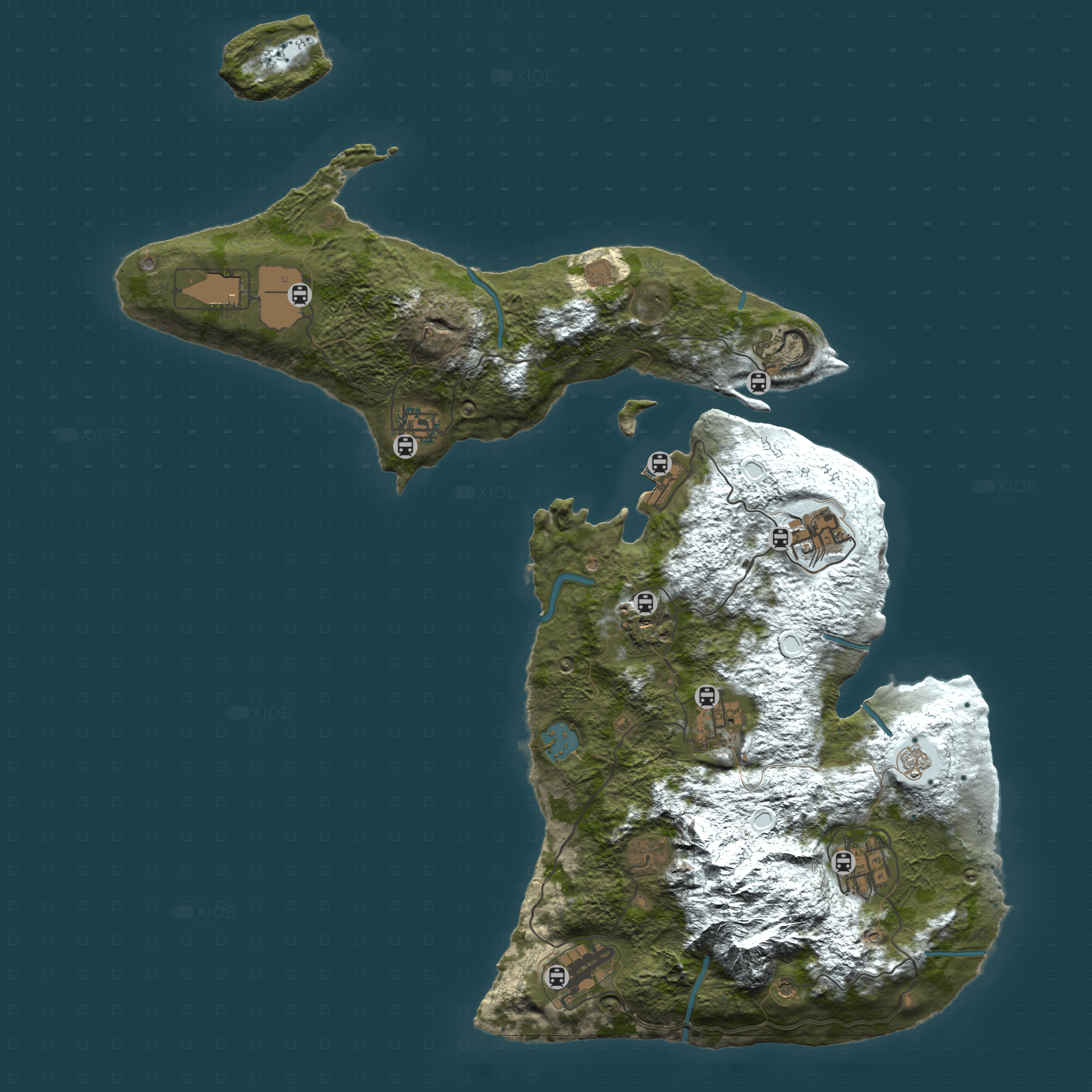
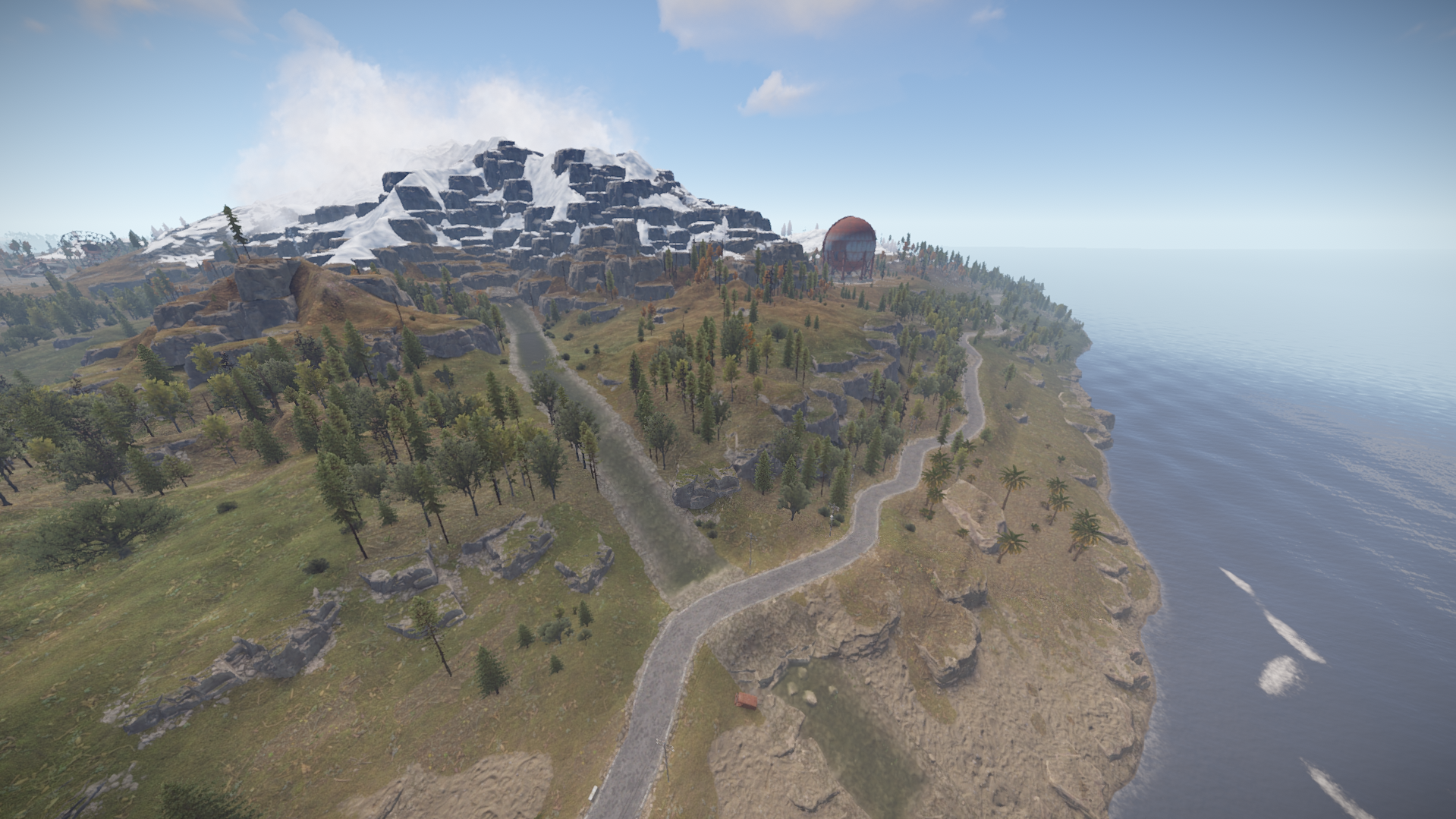
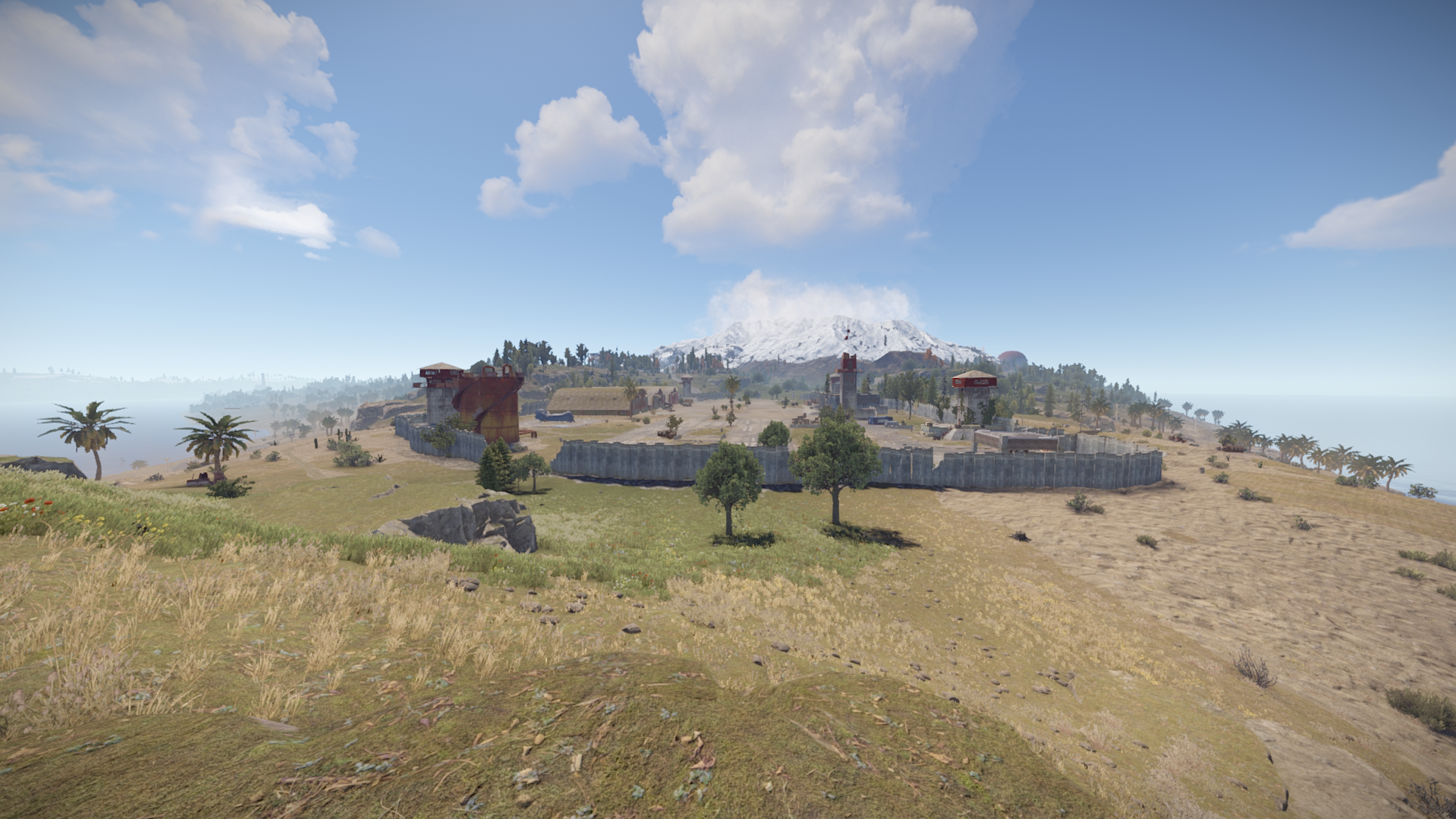
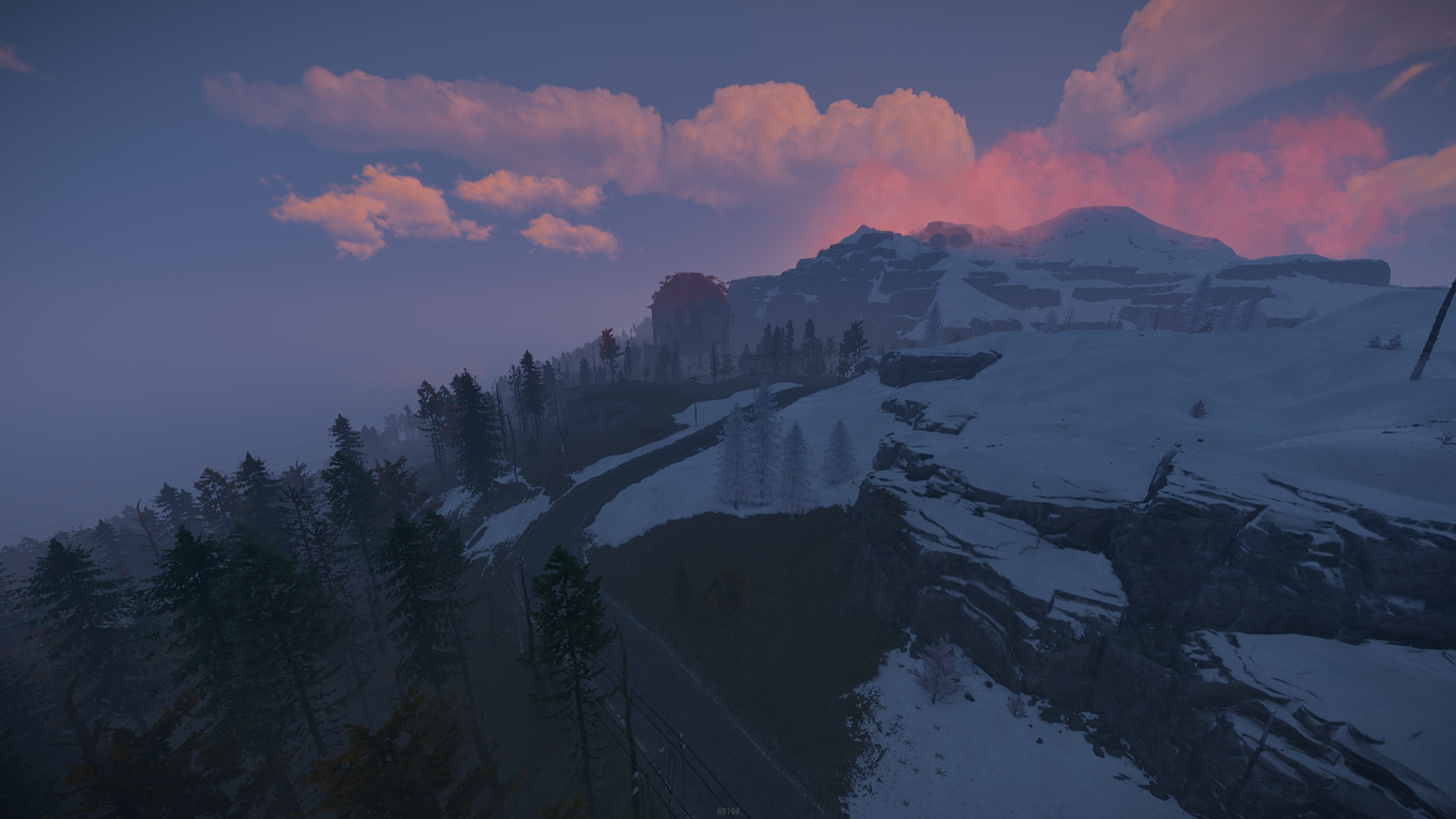
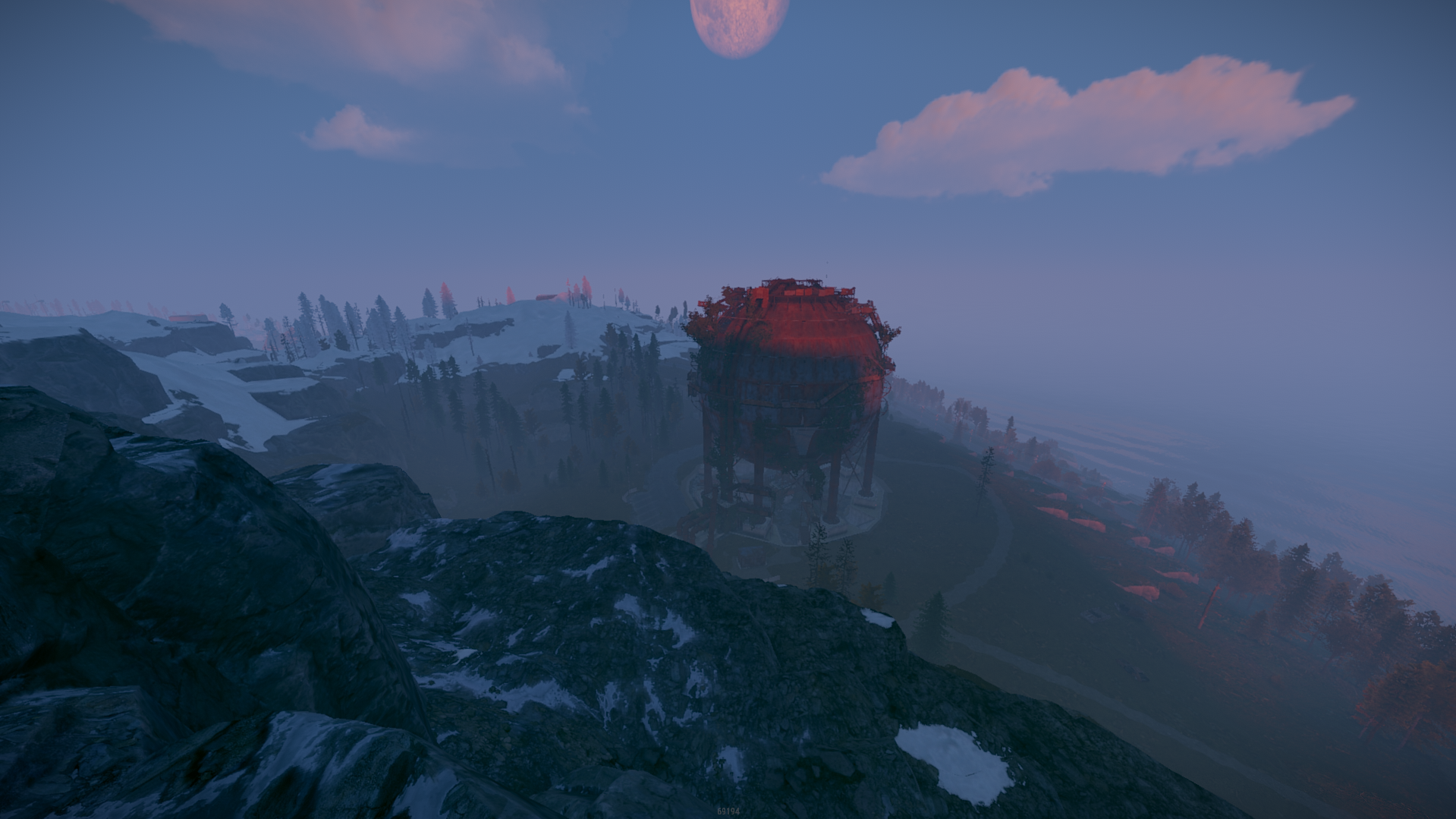
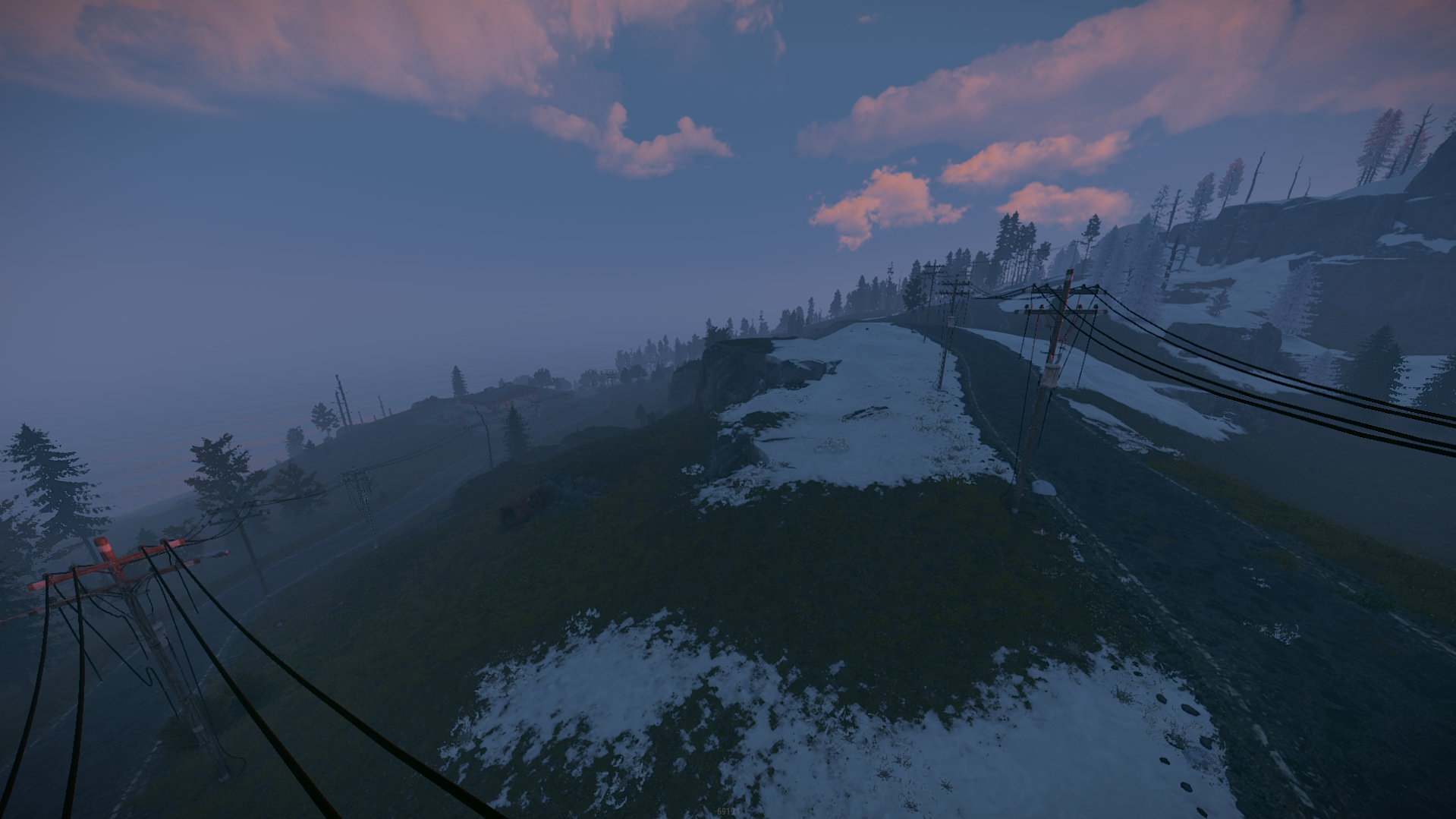
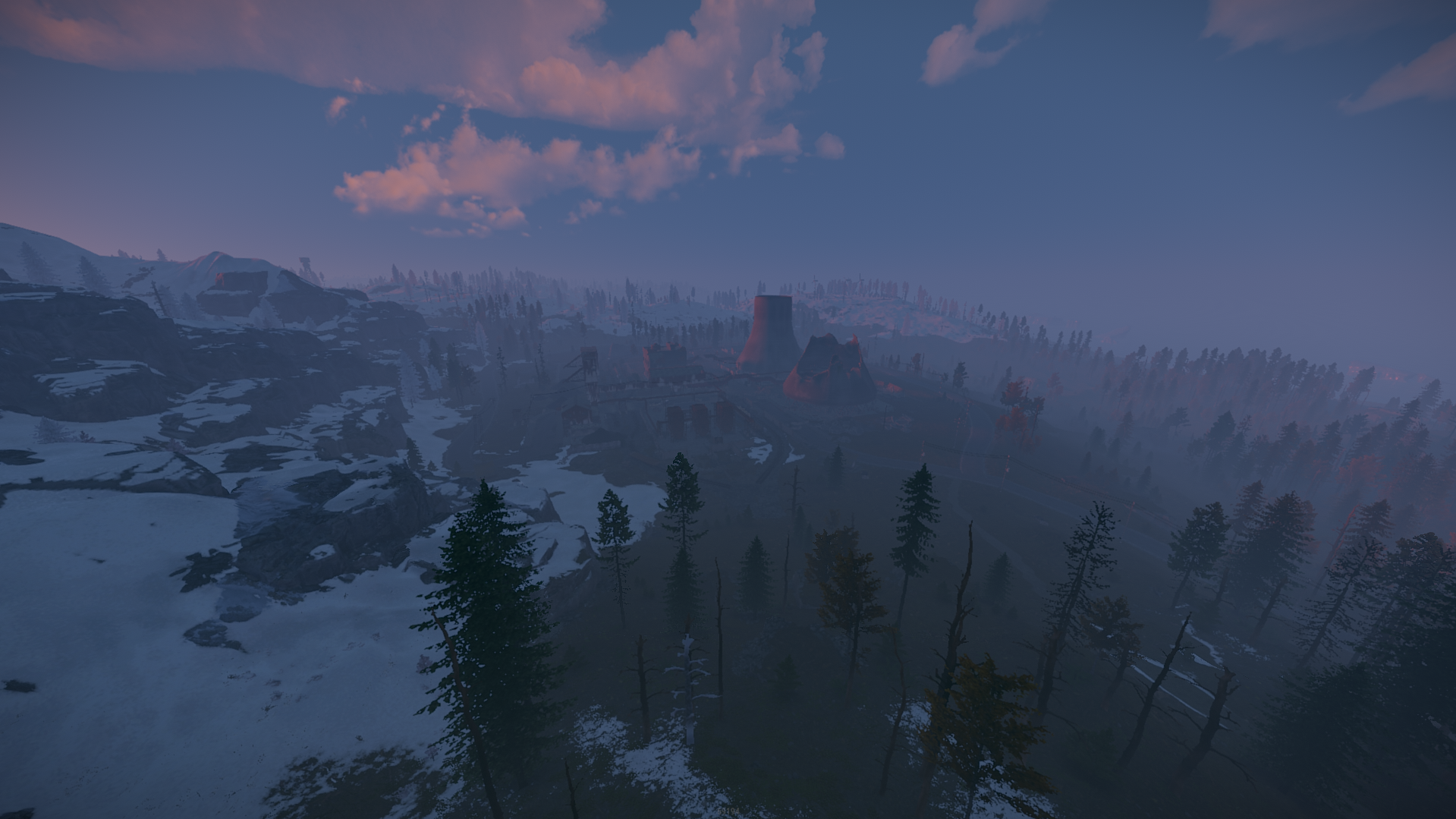
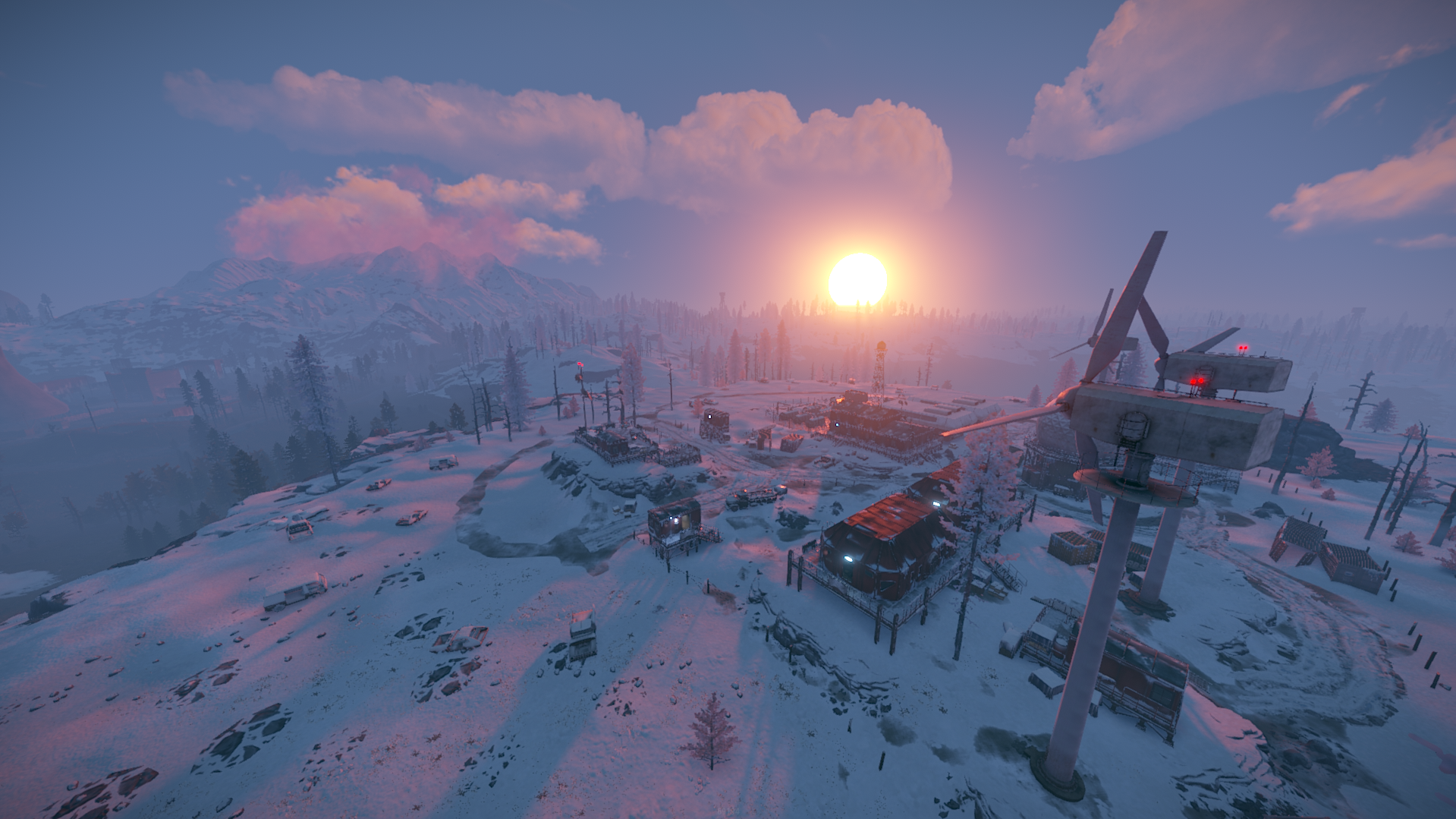
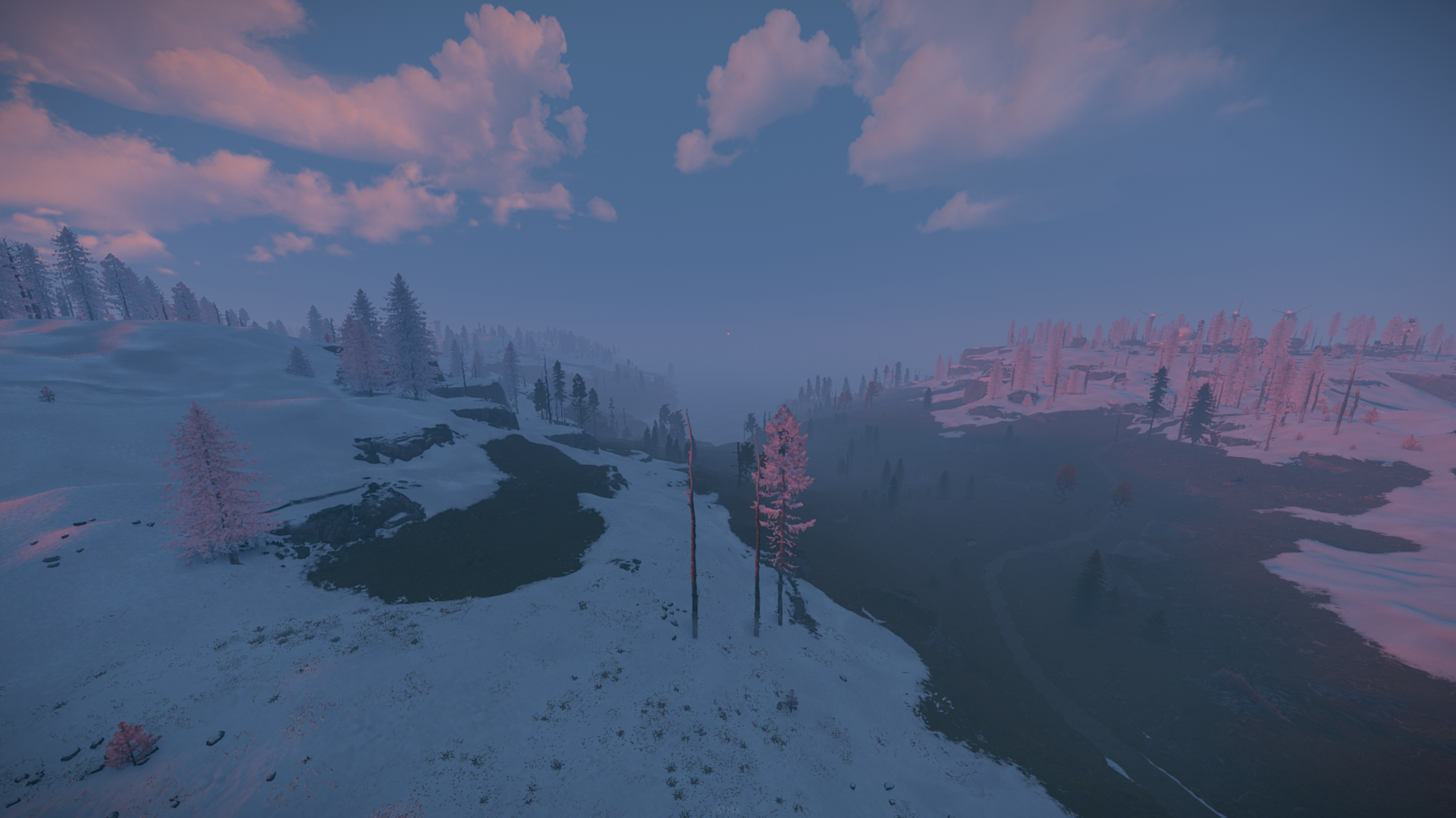
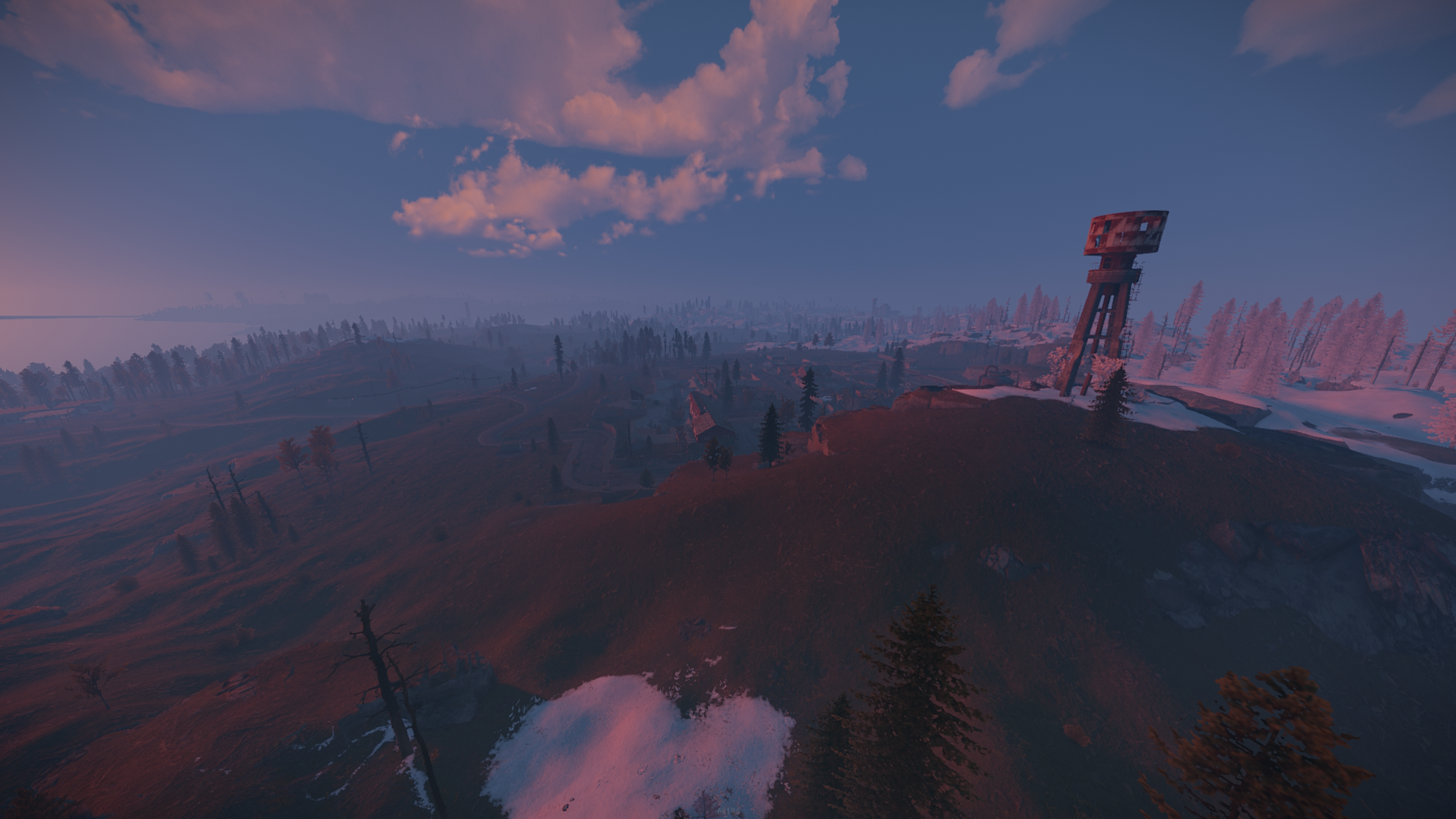
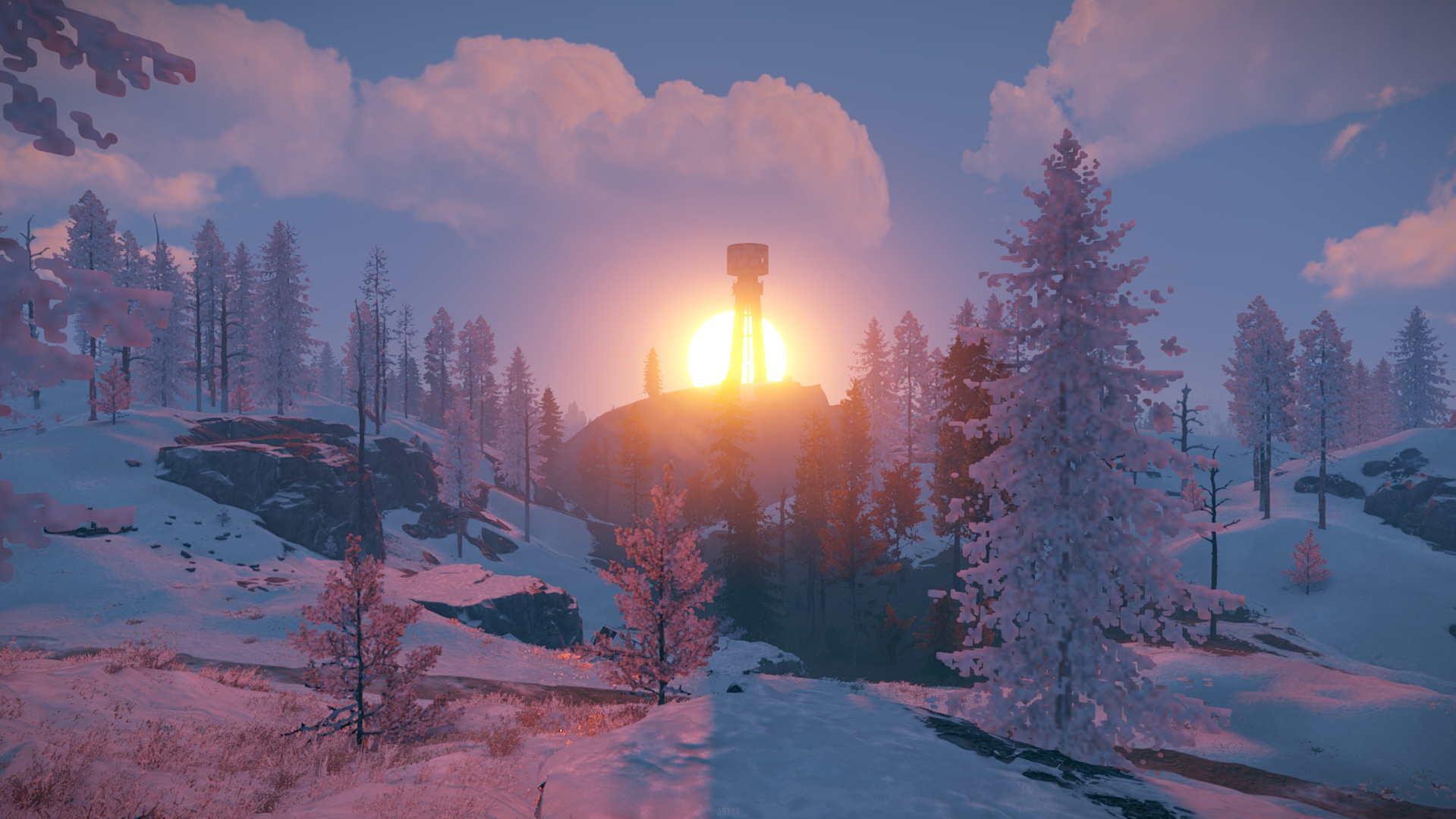
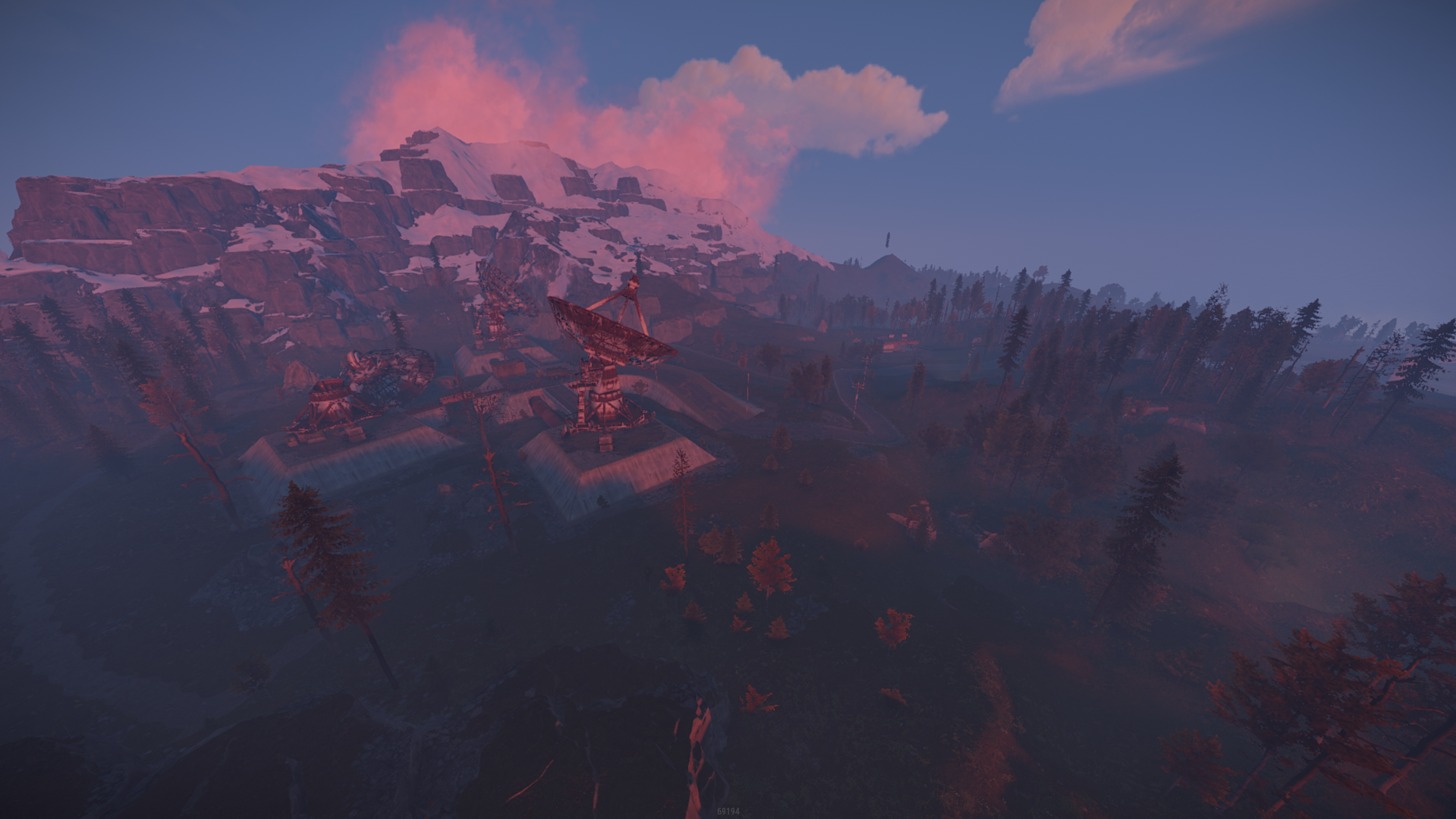
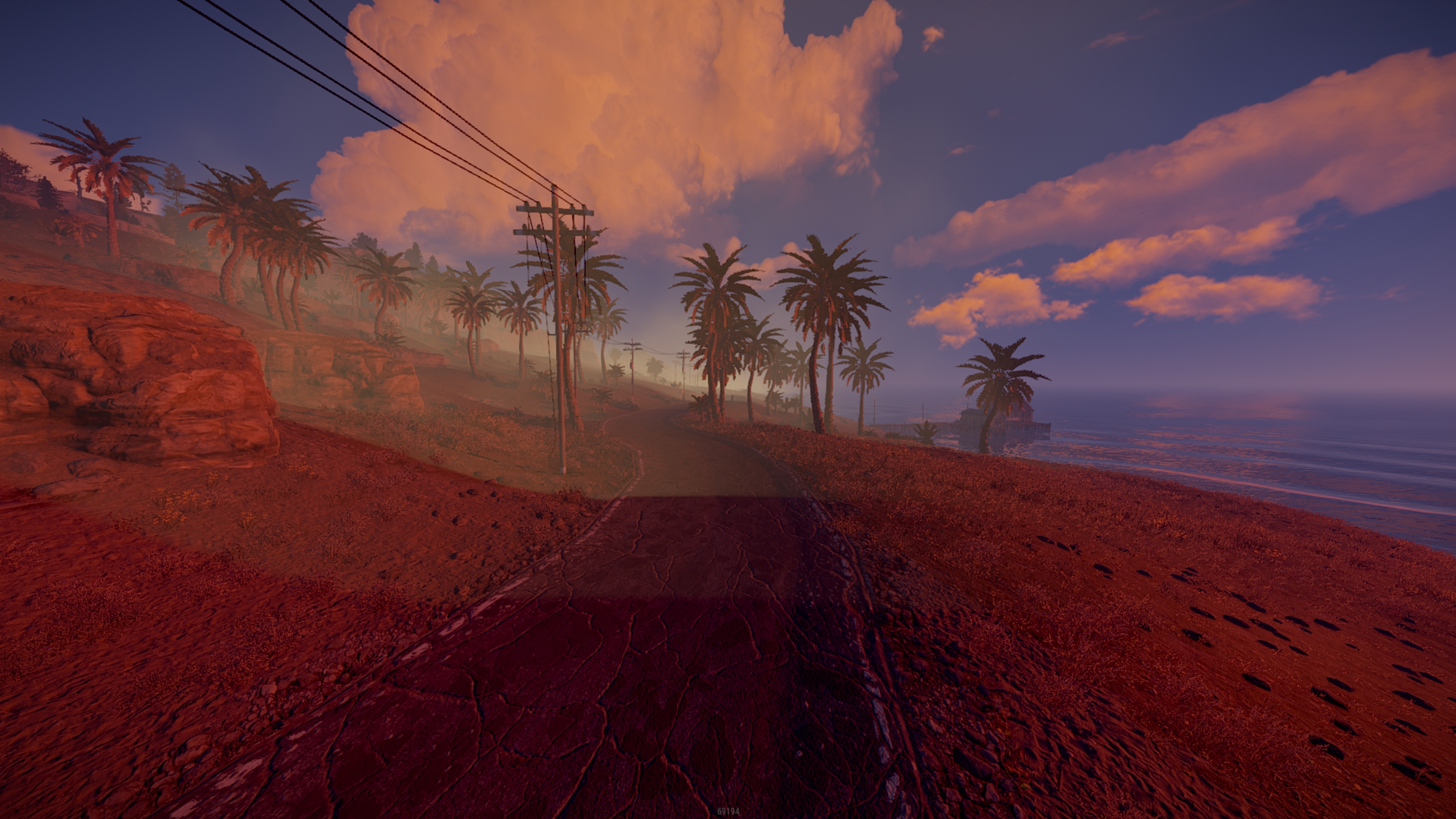
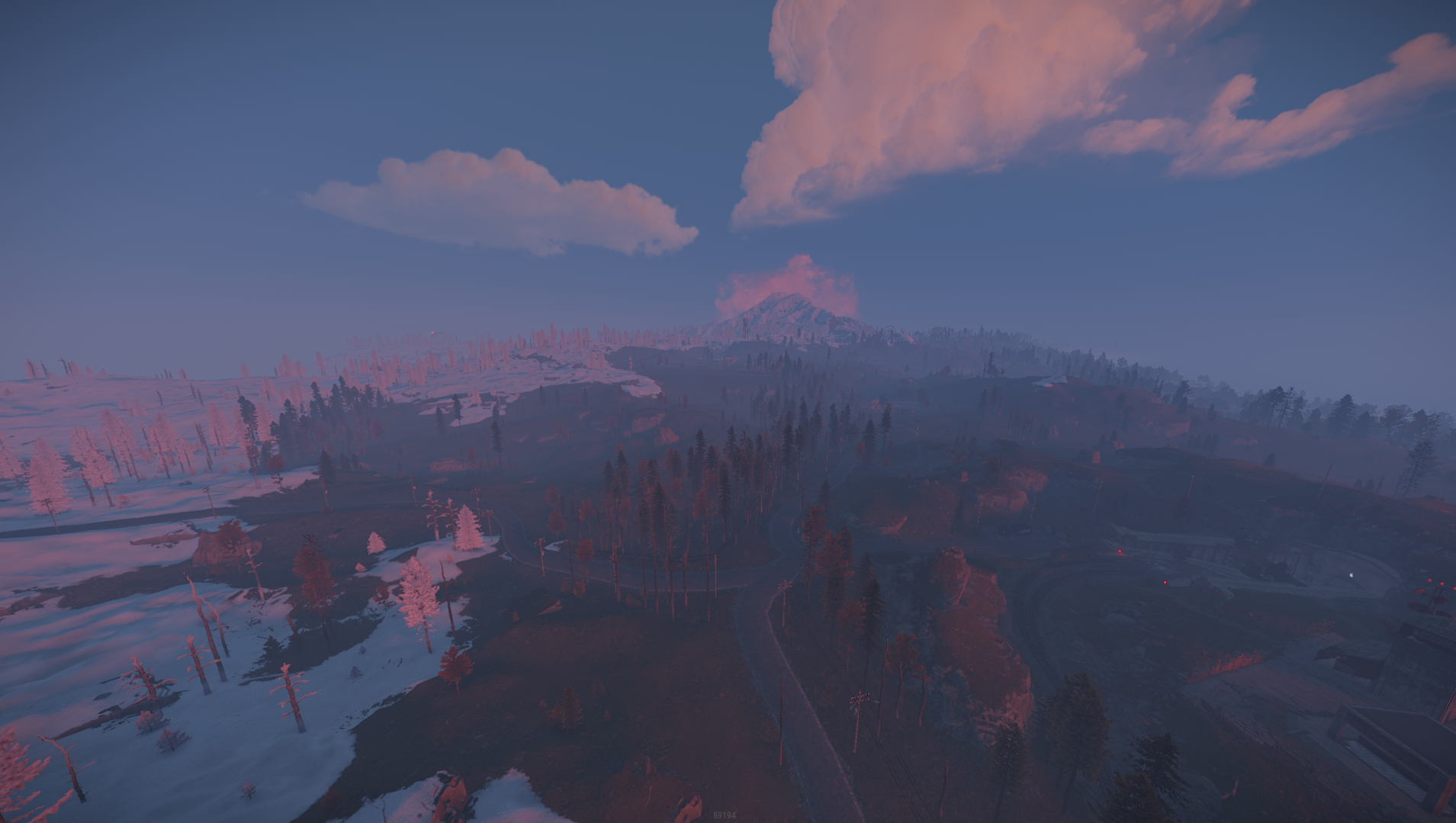
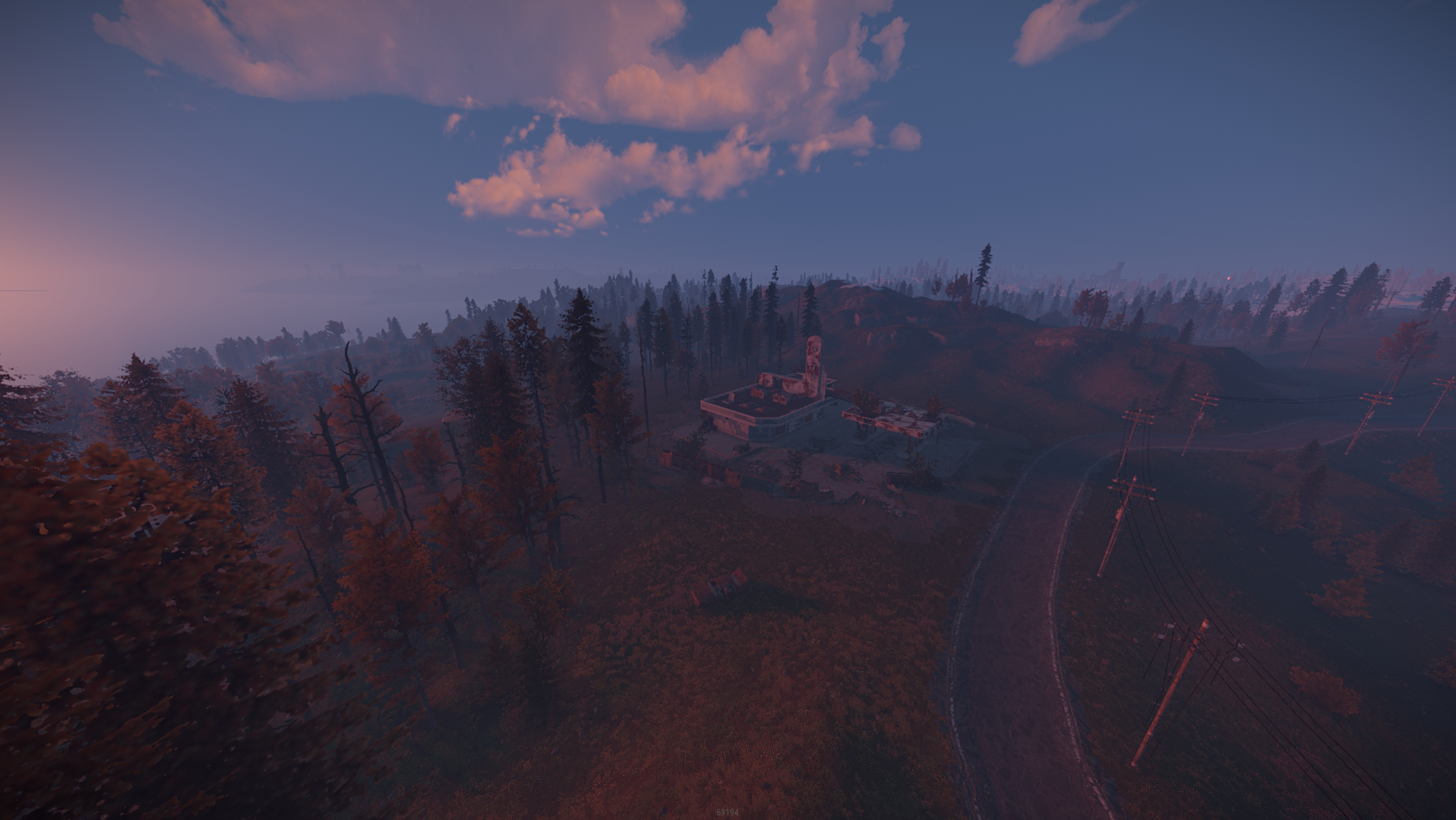
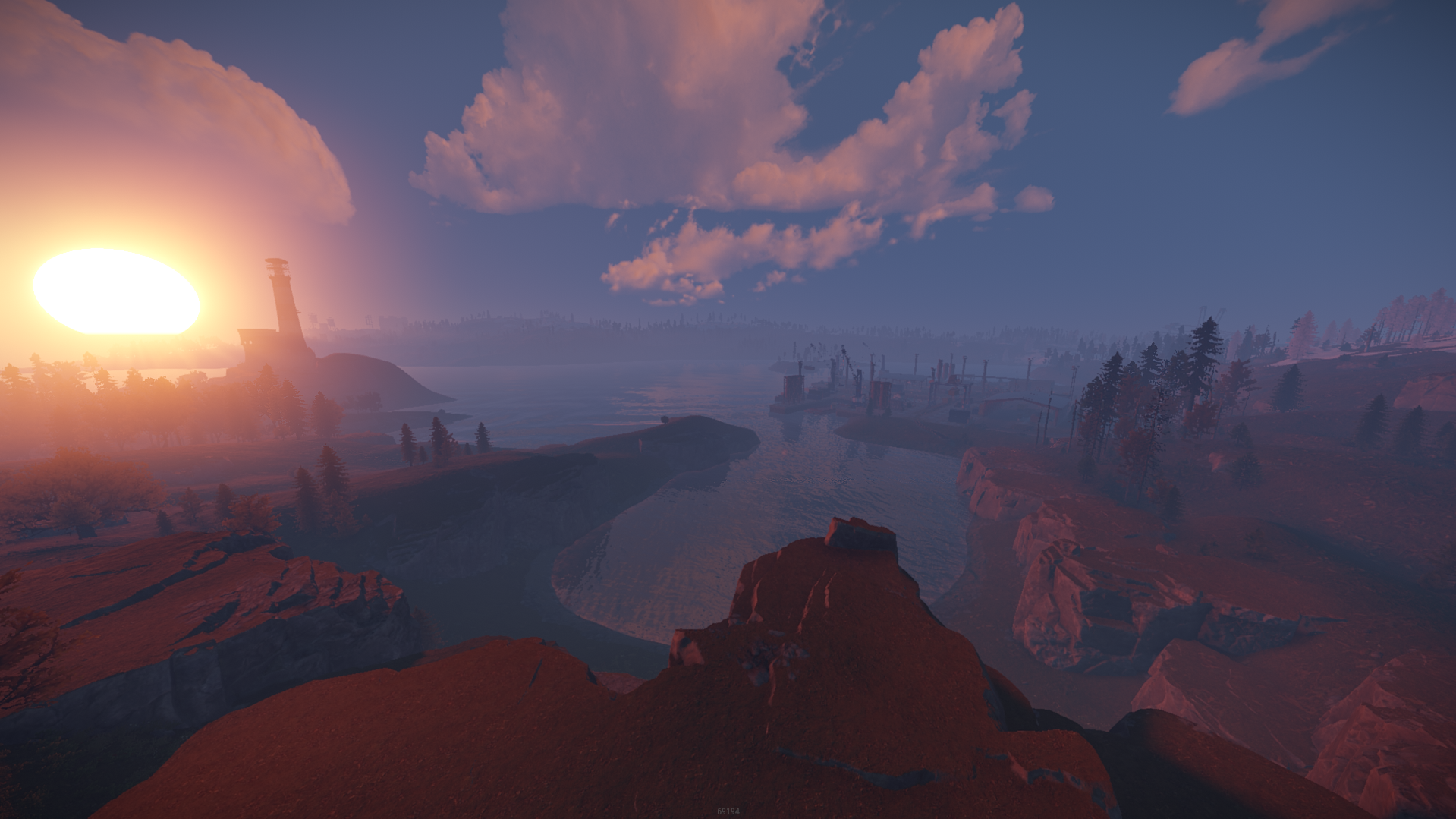
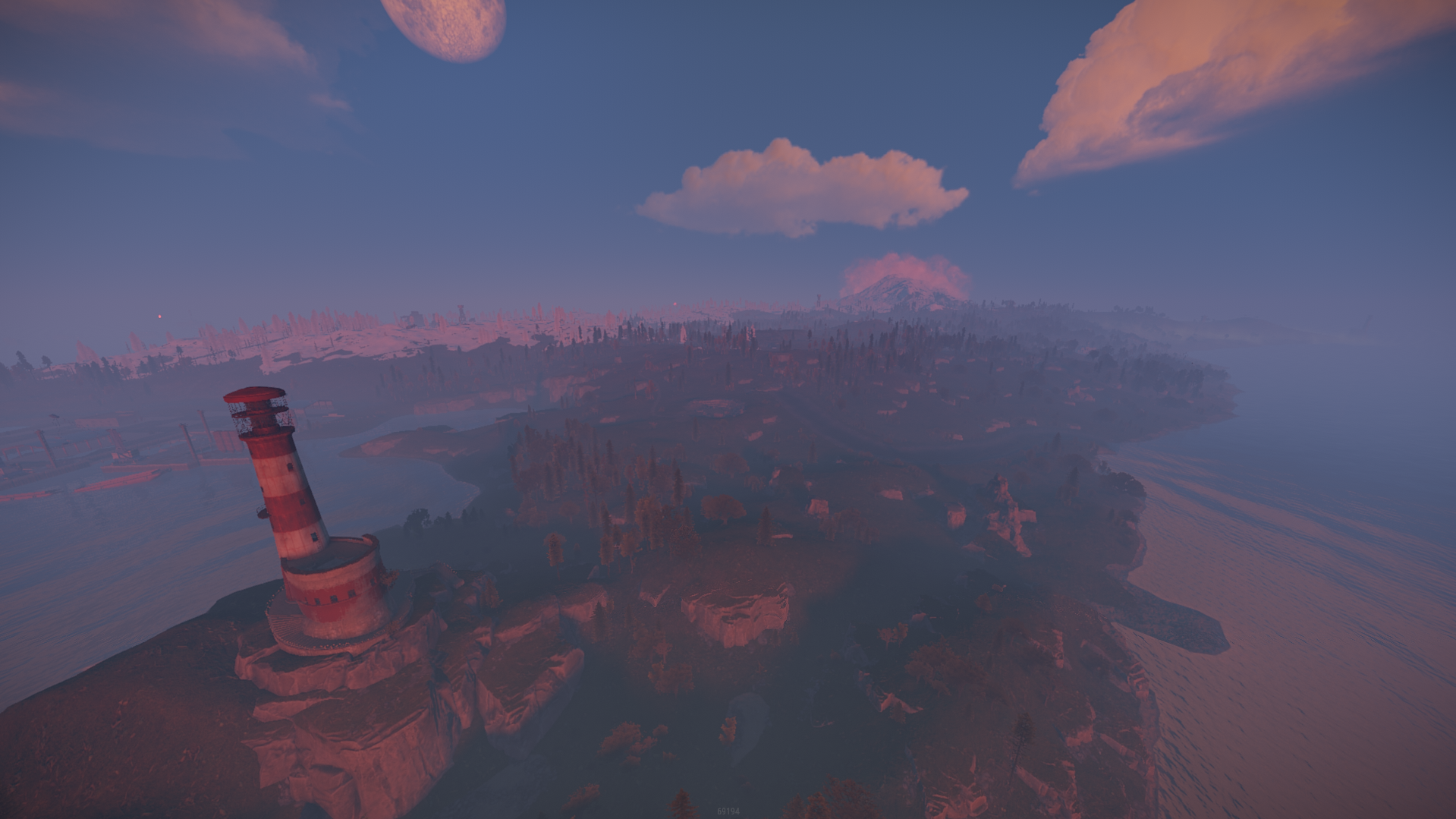
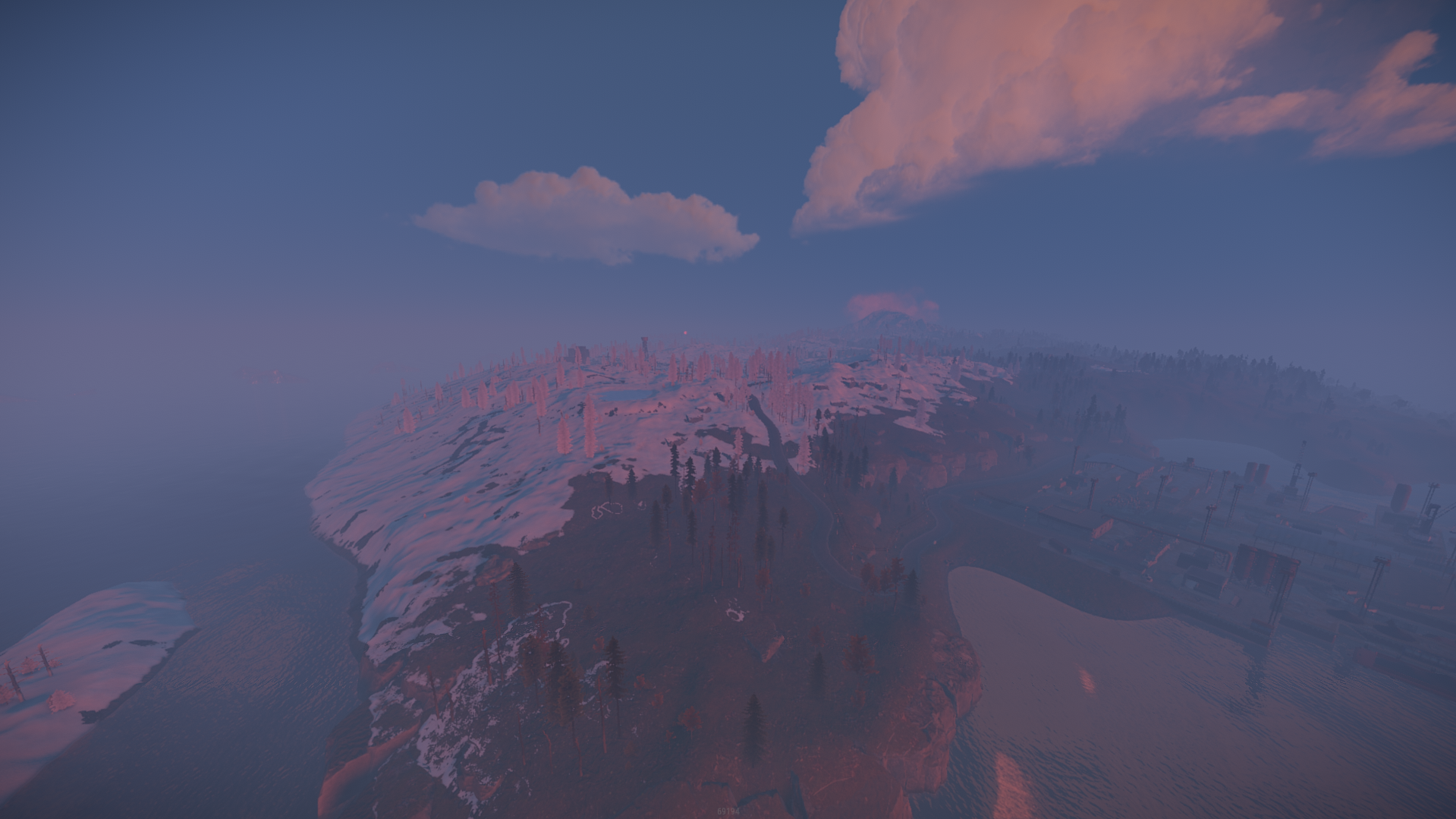
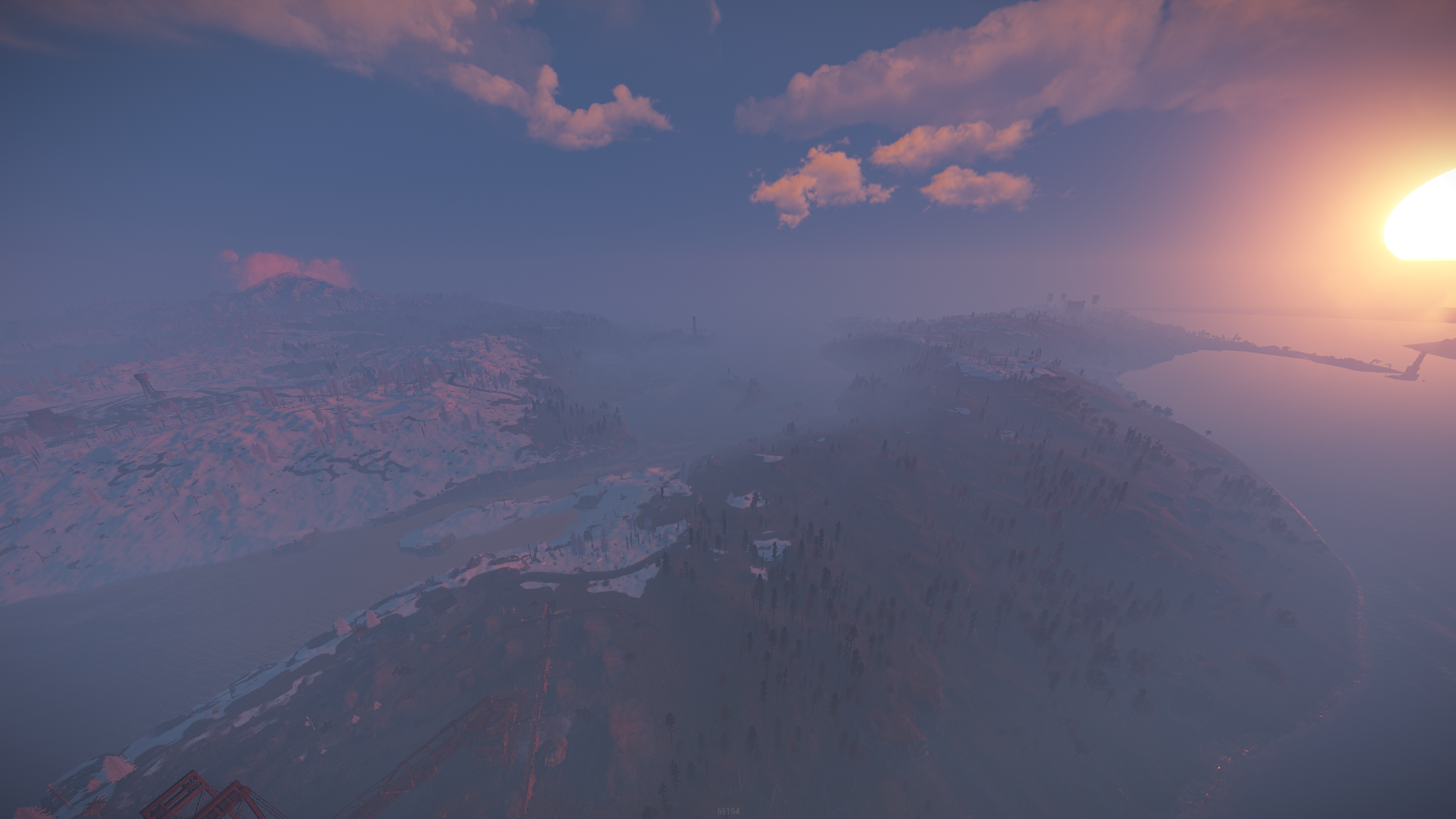
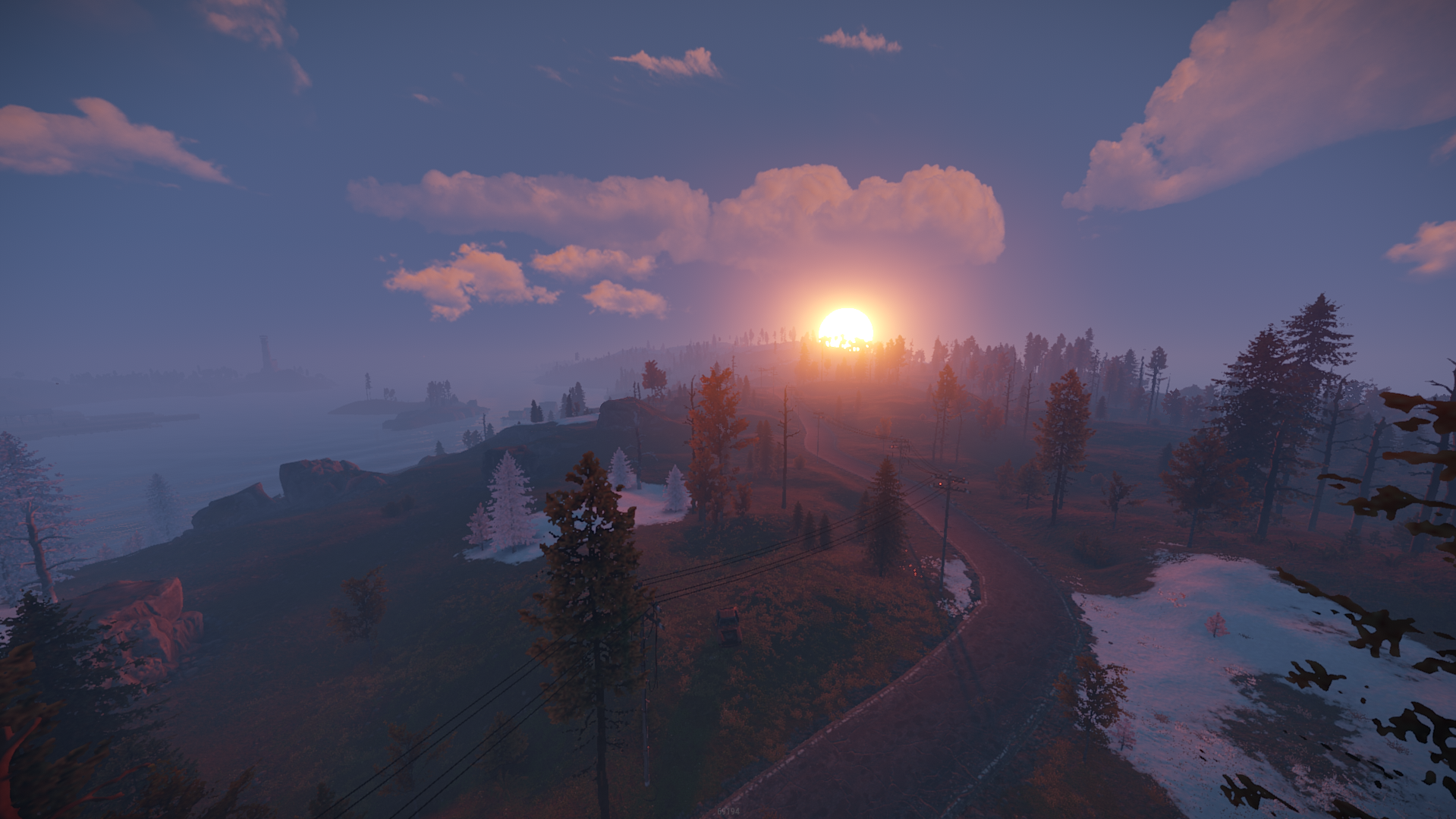
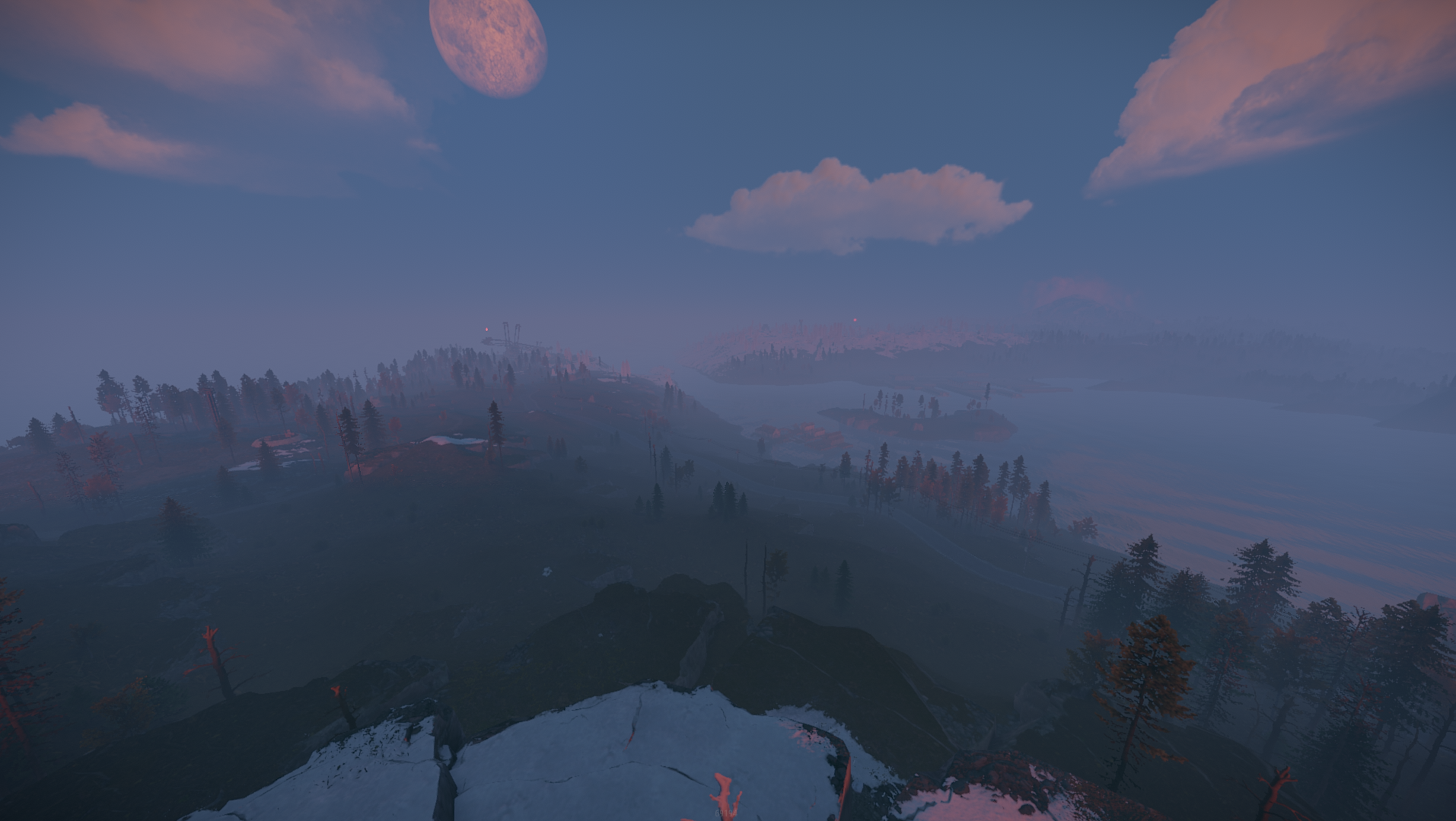
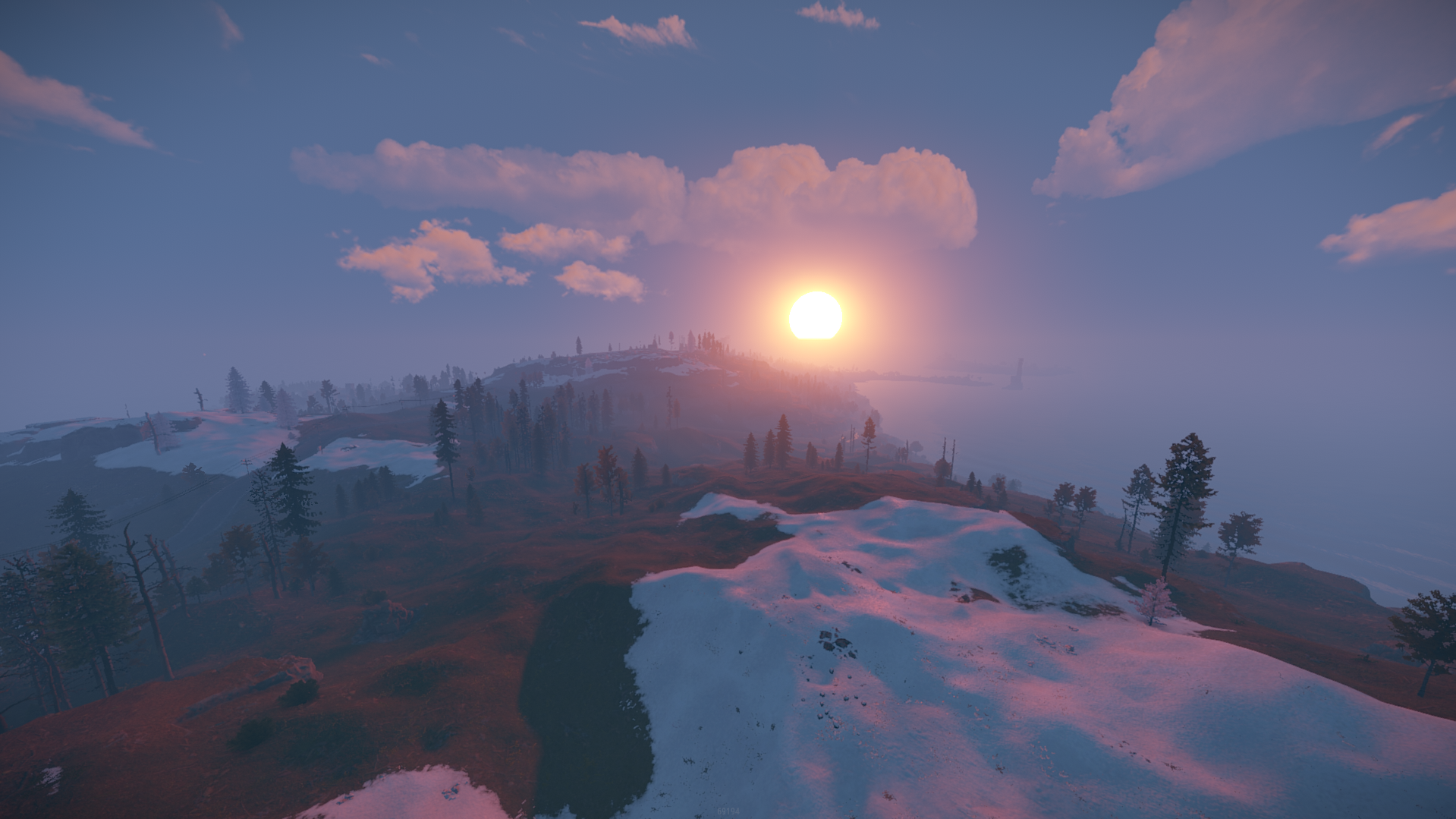
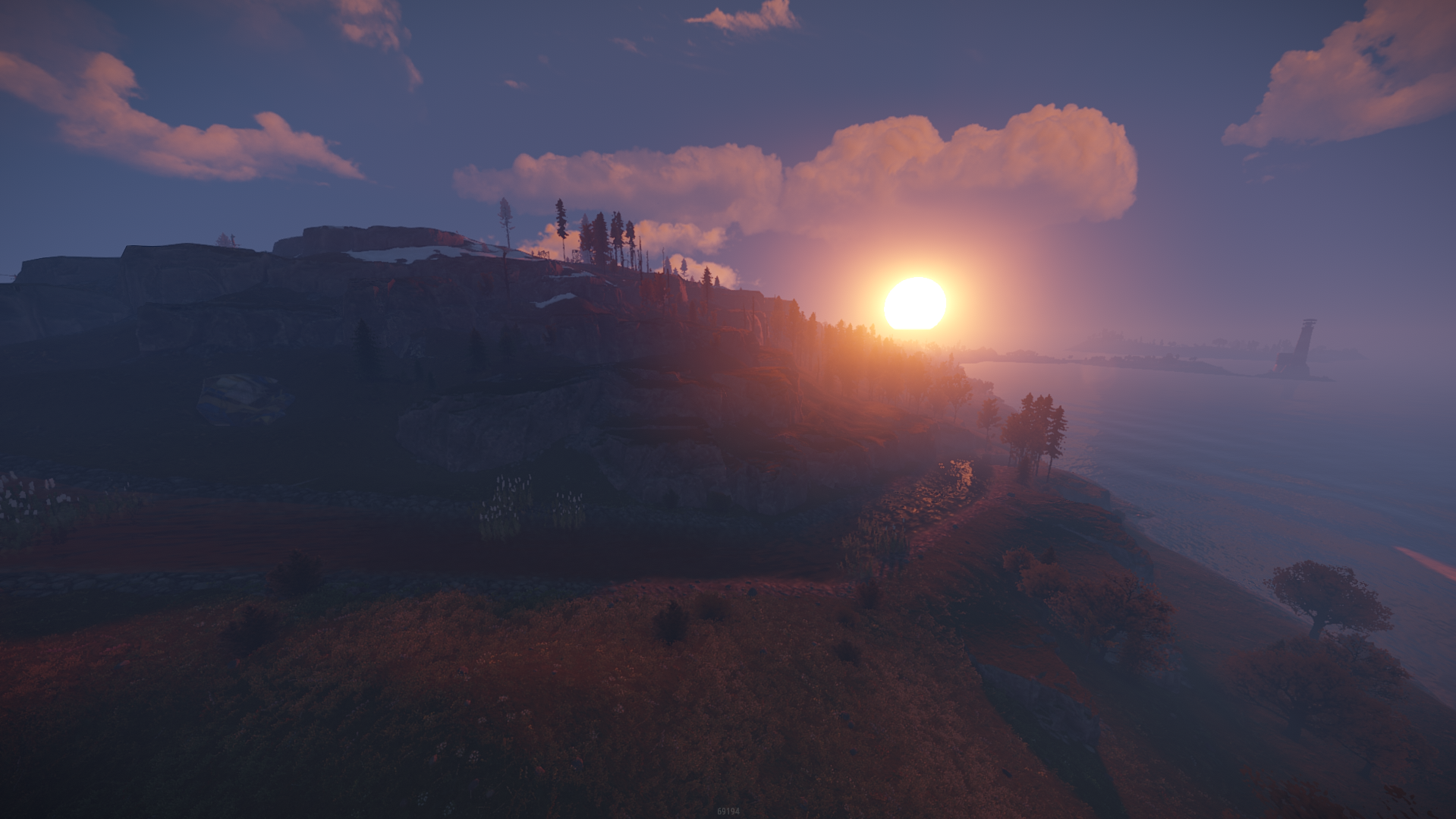
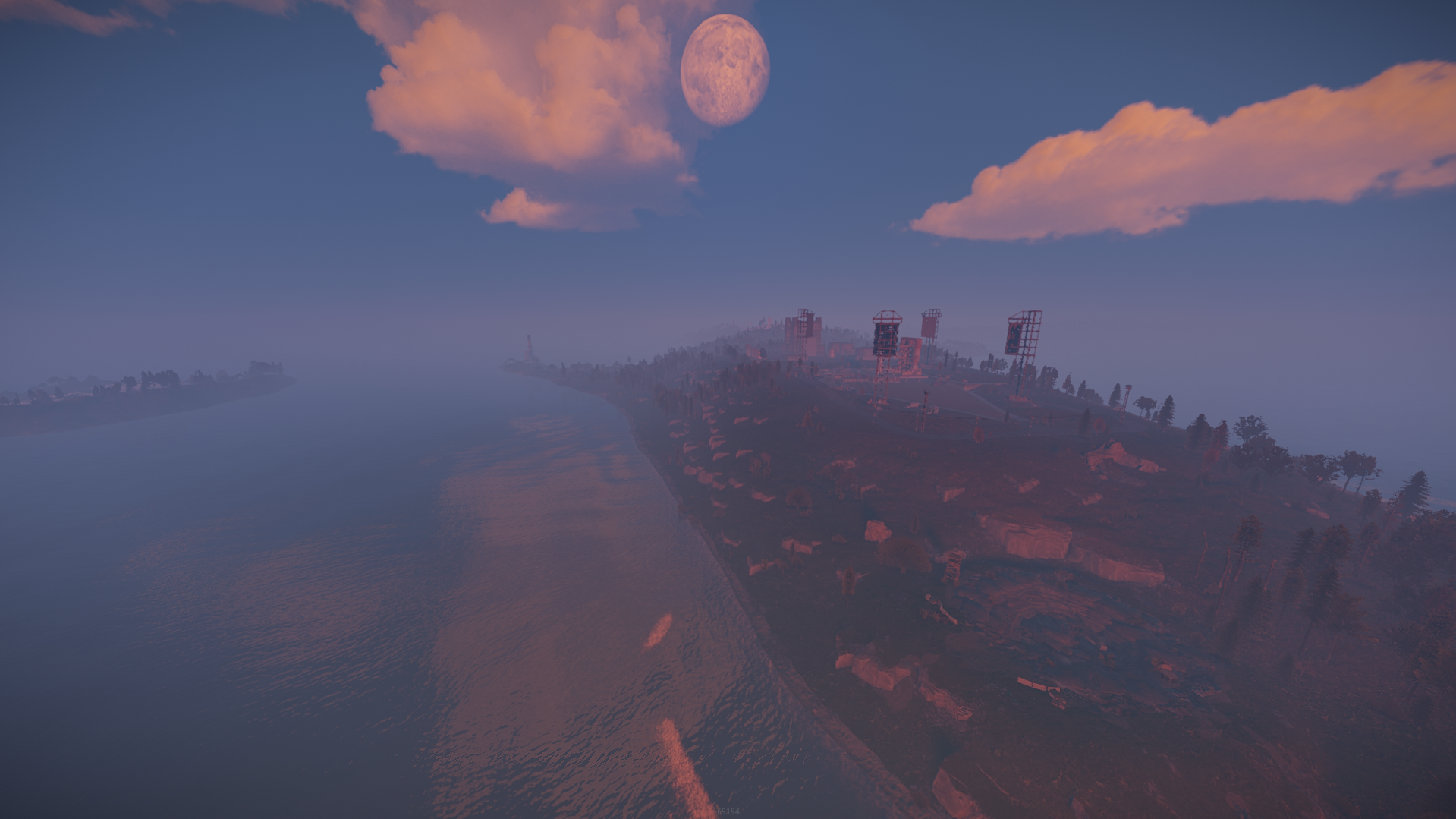
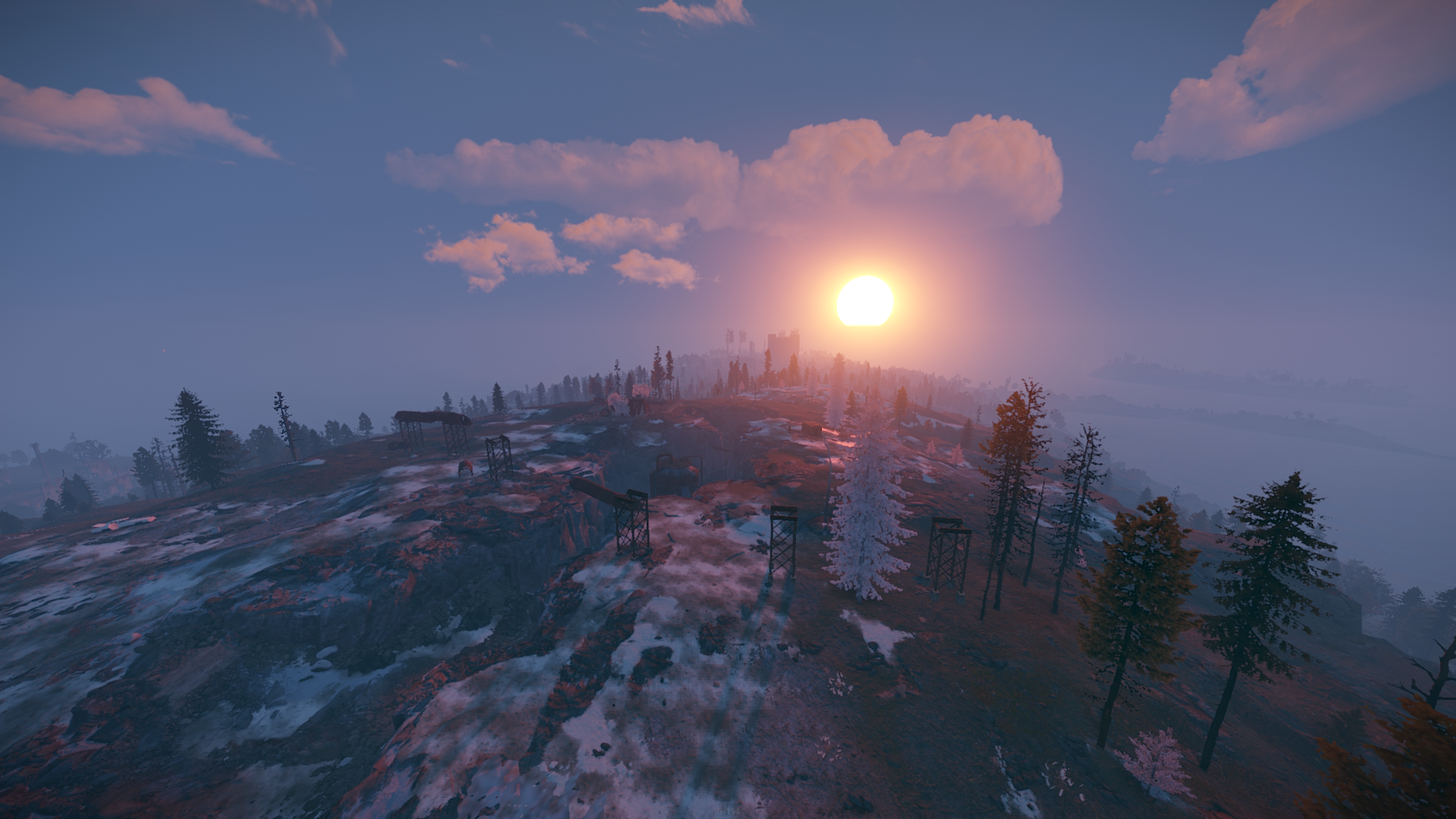
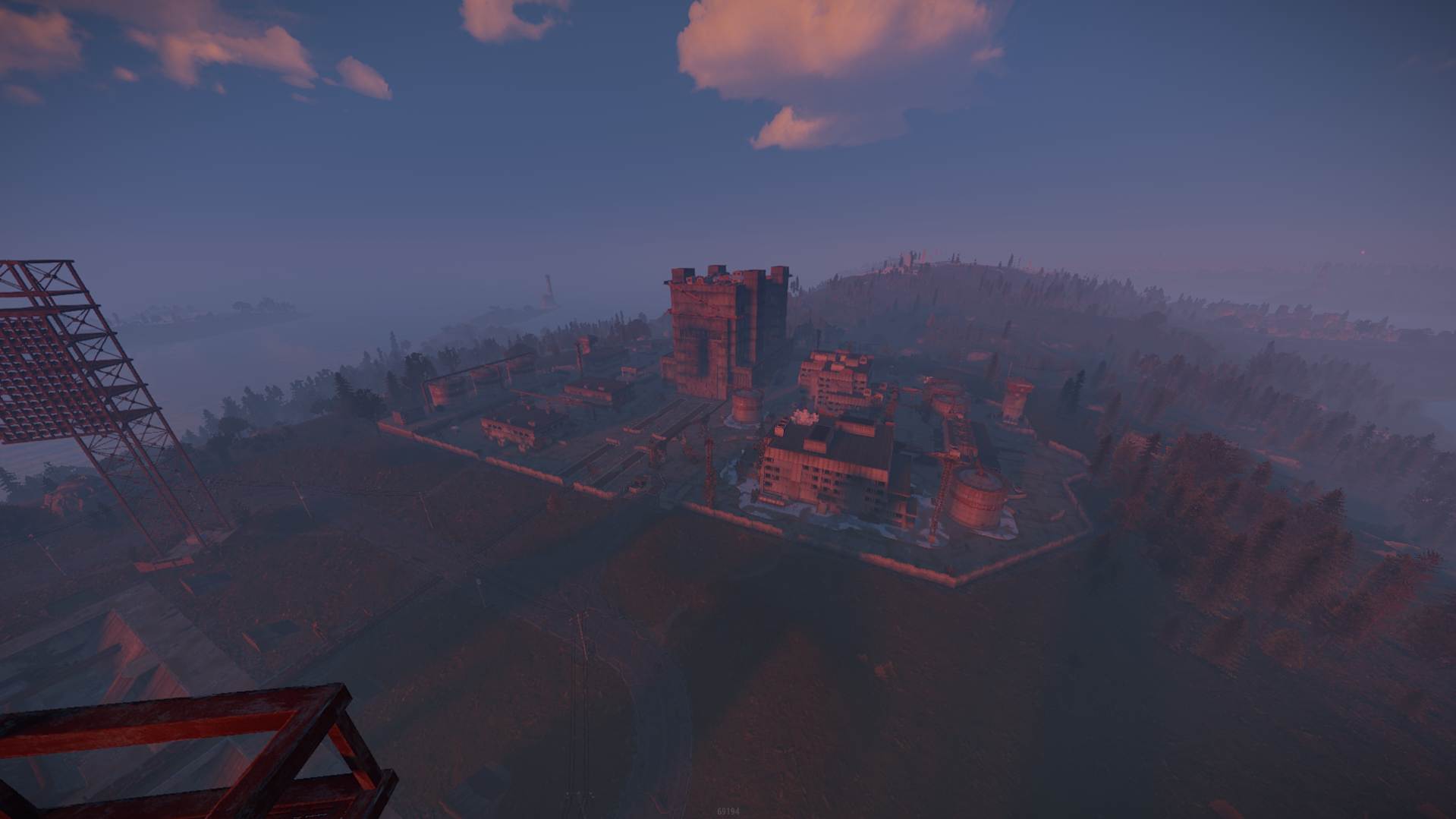
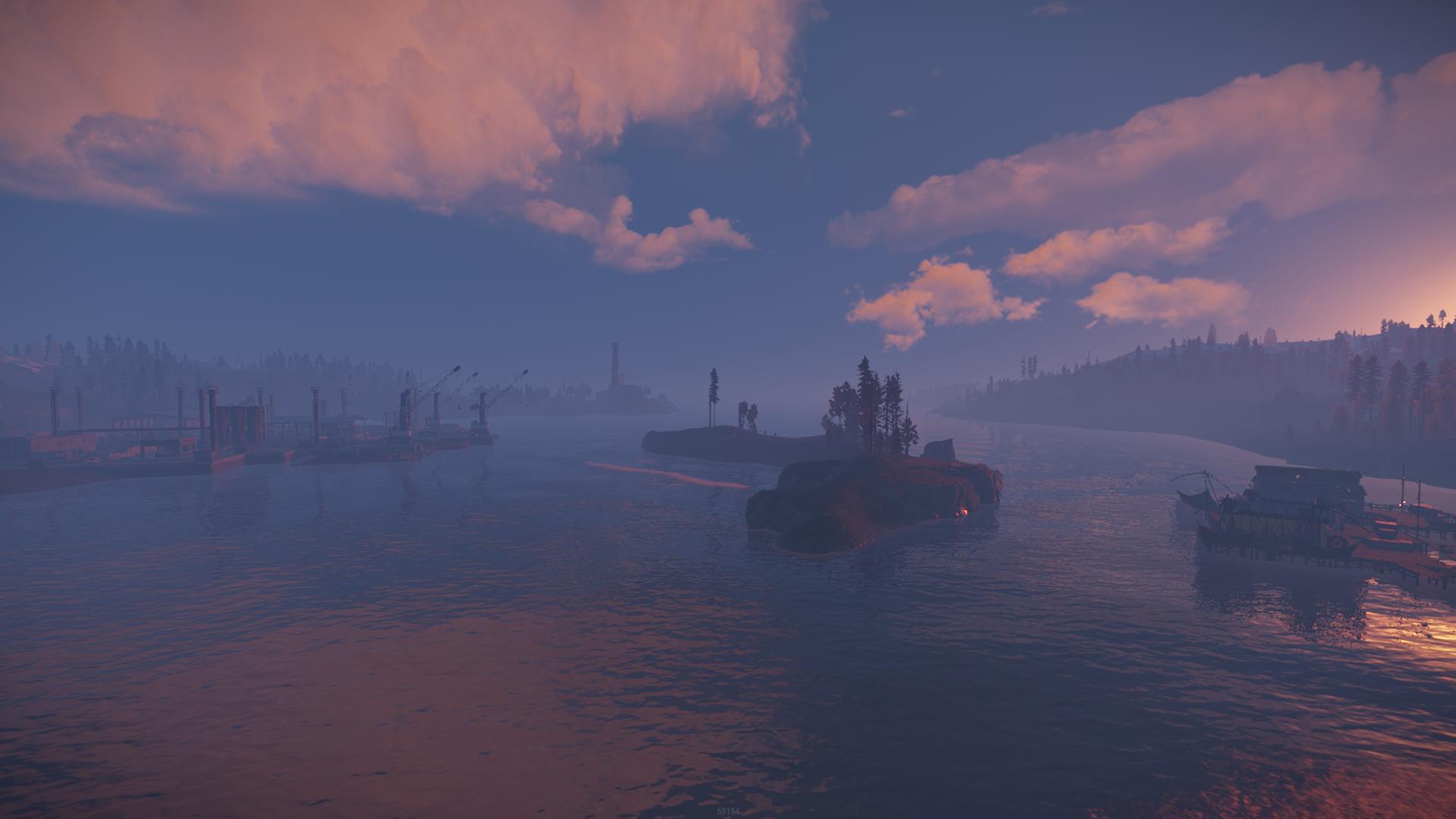
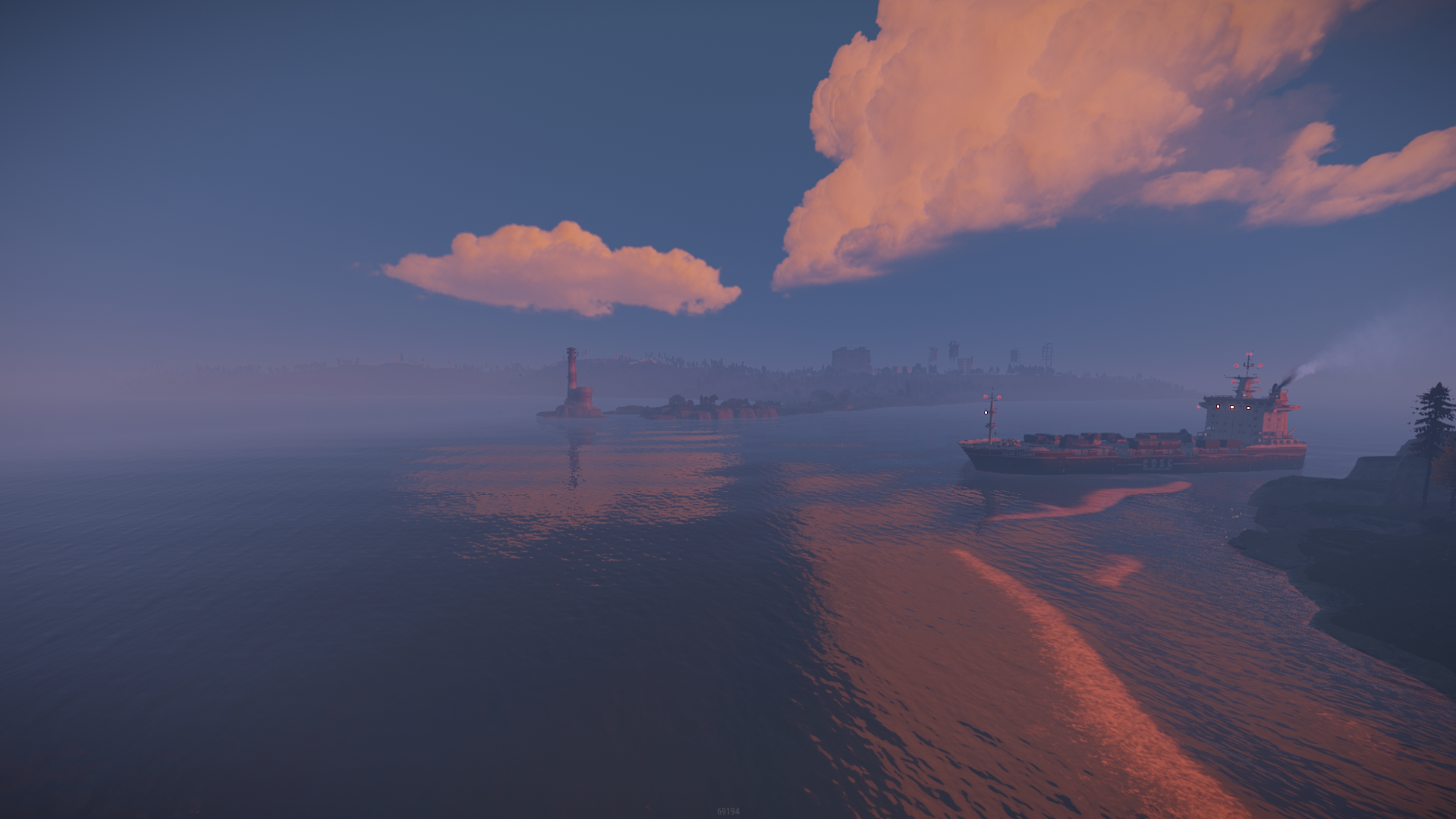
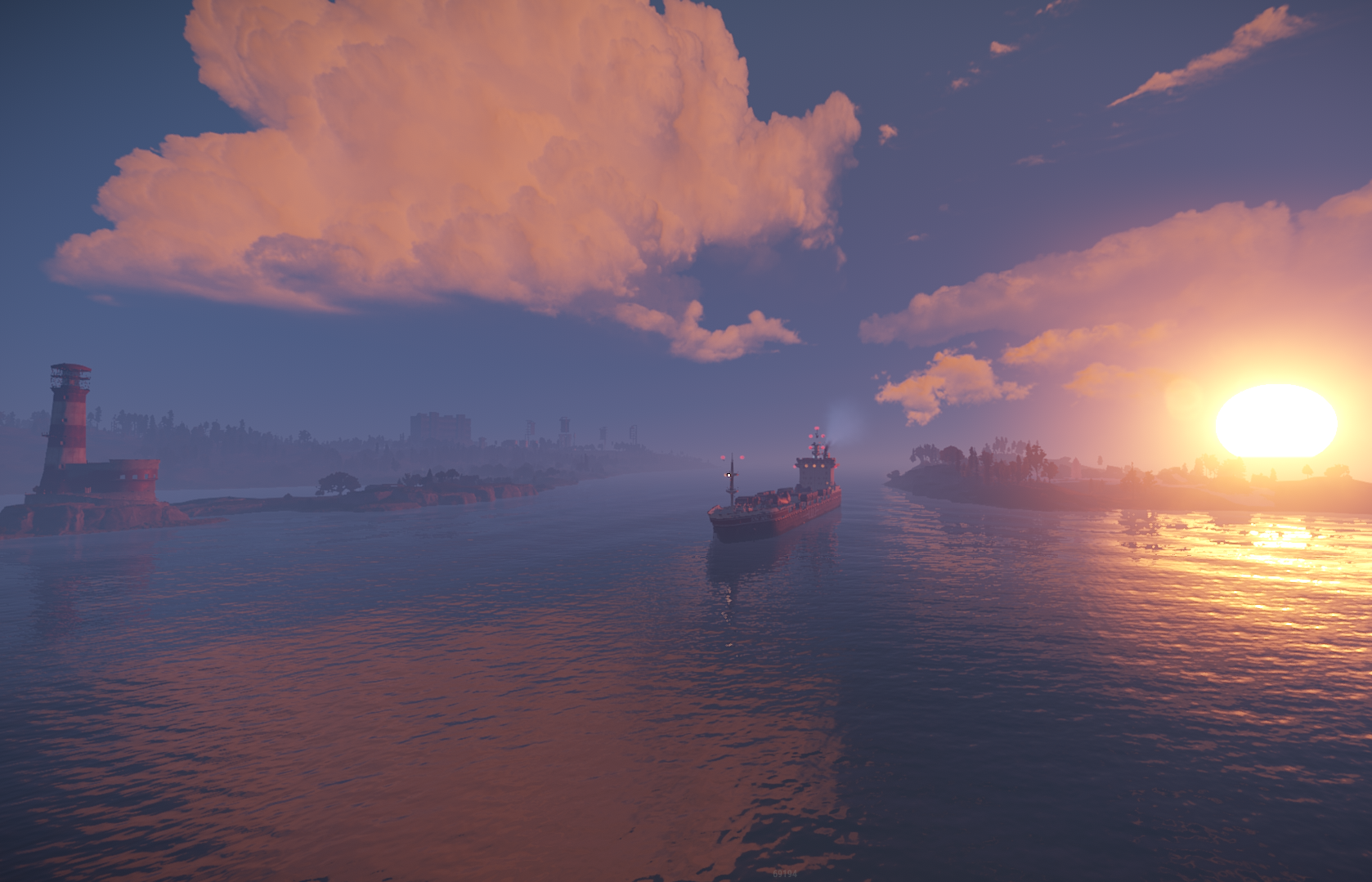
Michigan 4K is a custom shaped map with procedural monuments , it has been shaped after the State of Michigan
Map has been optimized even for the players with low spec computers to ensure quality and pleasure while playing on it !
Map will offer unique areas for players to explore and build at or just tactical placement of monuments for the action to develop smoothly.
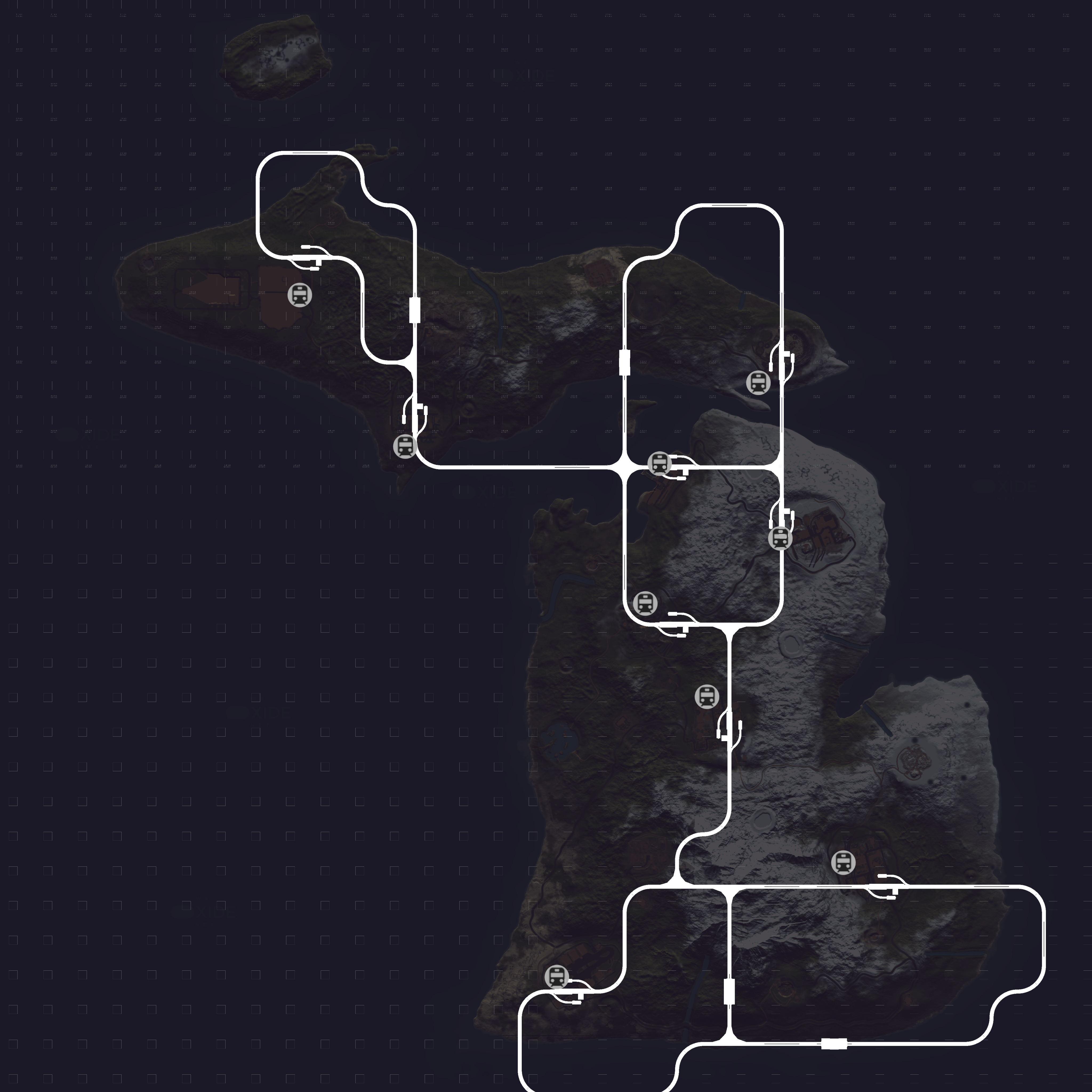
Map contains a custom cargo path to go between the 2 northern islands
It is important to load plugin before starting your server otherwise your server will not start with the map!
Password comes with the map inside the "Read me" file.
The map contains the monuments :
~Procedural Monuments :
- Water Treatment Plant
- Train Yard
- Airfield
- Power Plant
- Launch Site
- Satellite Dish
- Giant Excavator
- Bandit Camp
- Military Tunnels
- Harbor
- Arctic Research Base
- Outpost
- Sewer Branch
- The Dome
- HQM & Sulfur & Stone Quarries
- Gas Stations
- Mining Outpost
- Abandoned Supermarket
- Large & Small Oil Rigs
- 6 Underwater Labs
~ Entity Count : 7089
~ Map Size : 4000
Password Comes with the map.
What's New in Version v1.2.4
Released
December cliffs update , added bridge connecting islands north + bridge on river descending mountain
Password included in ReadMe file!
-
 1
1
You may only provide a review once you have downloaded the file.