



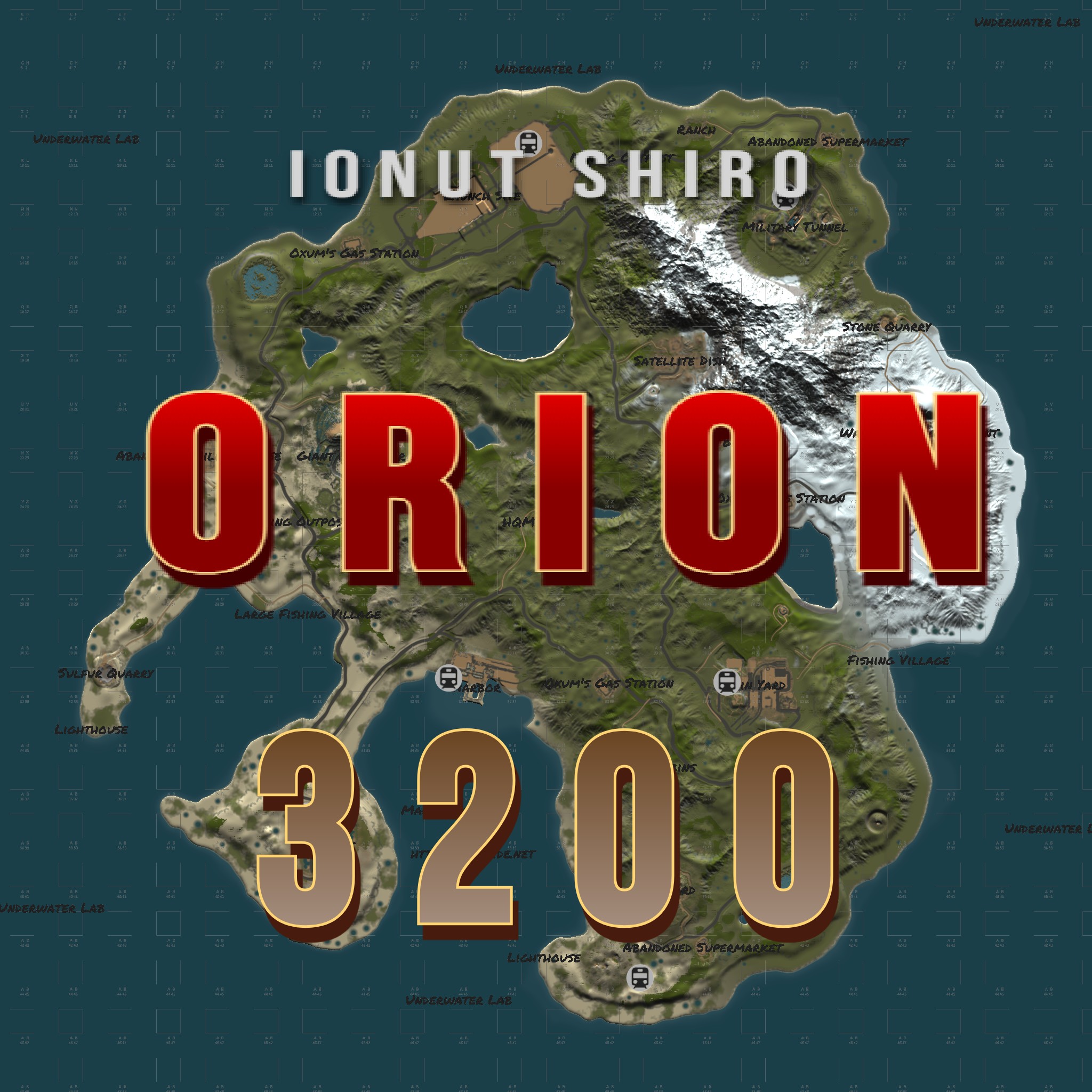
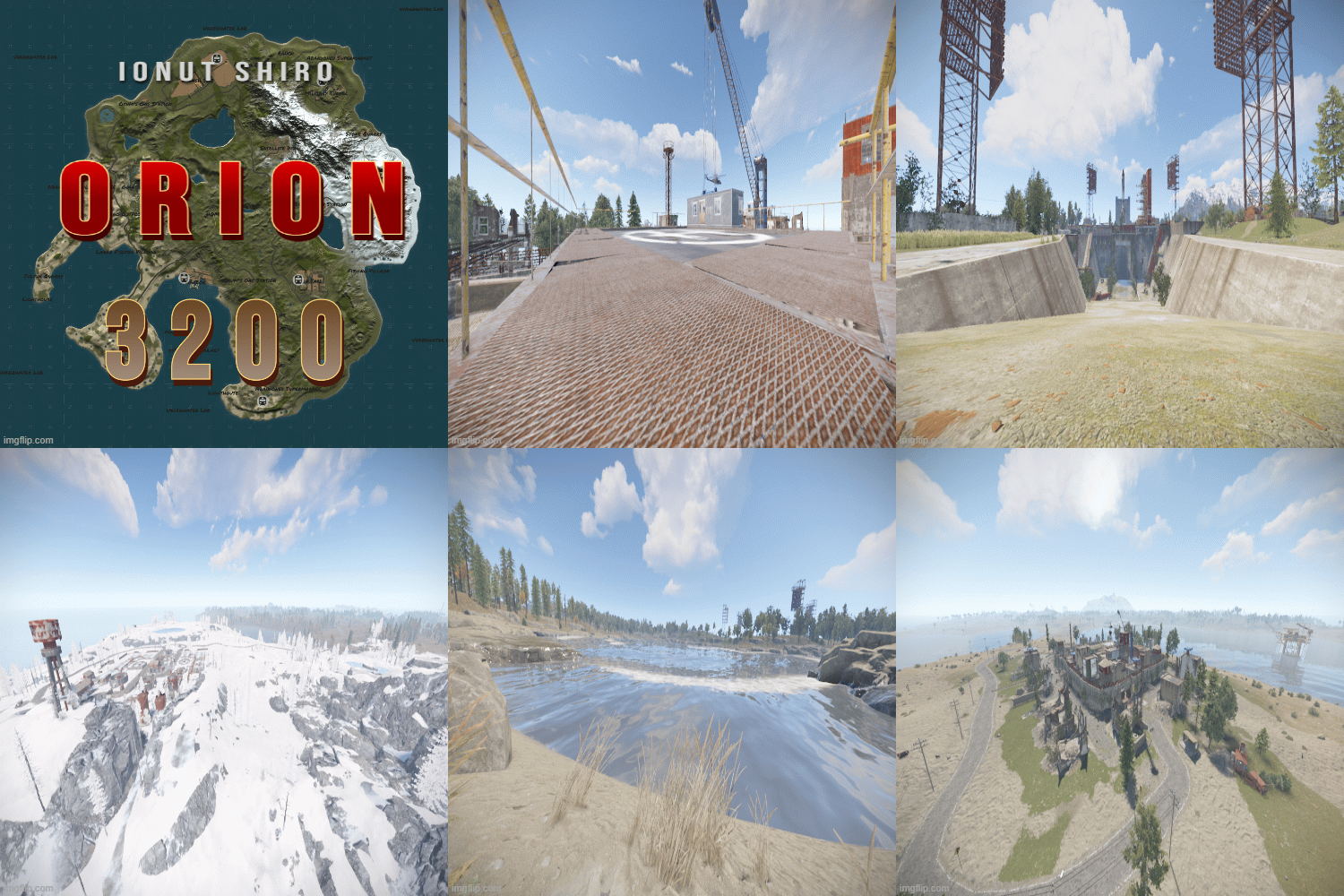
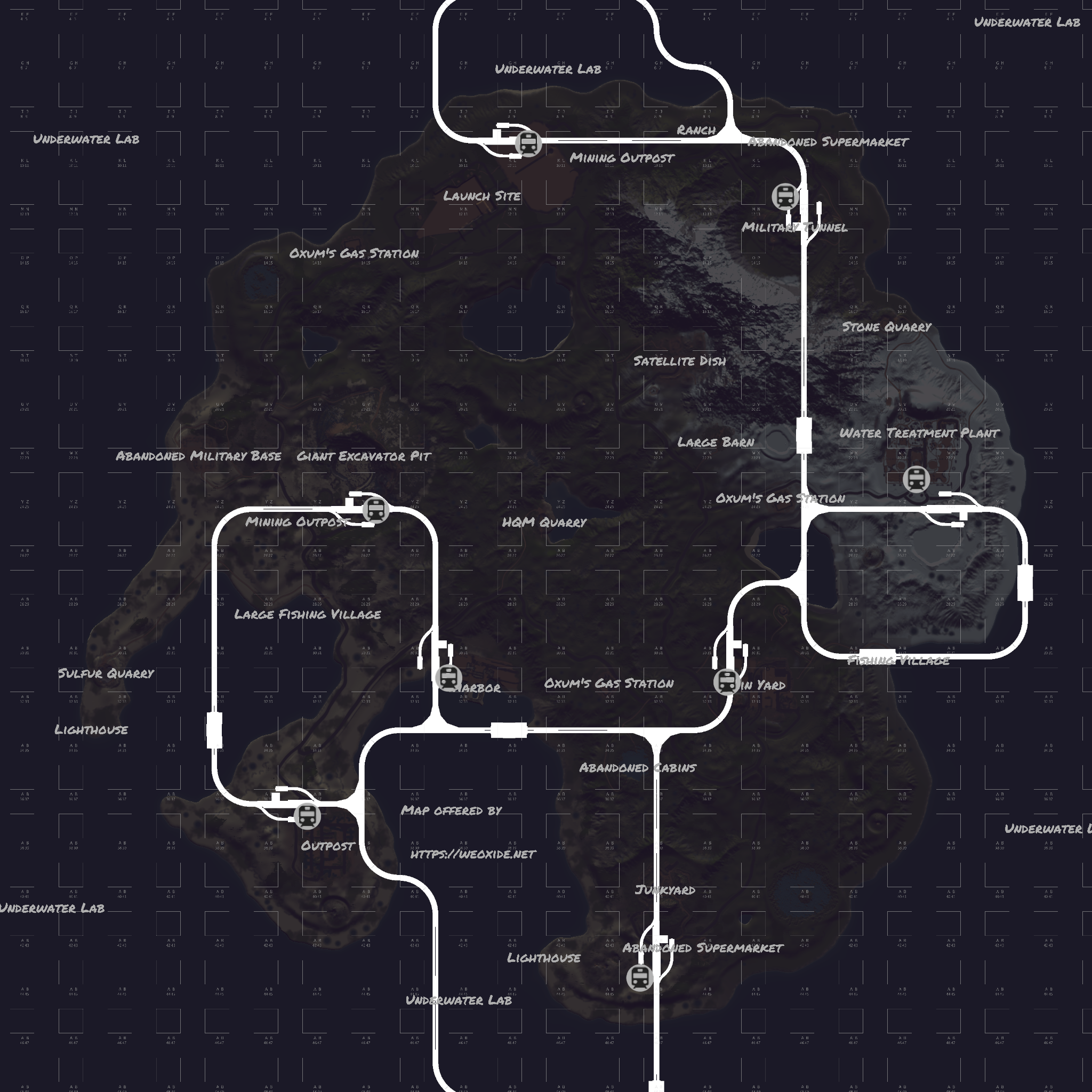
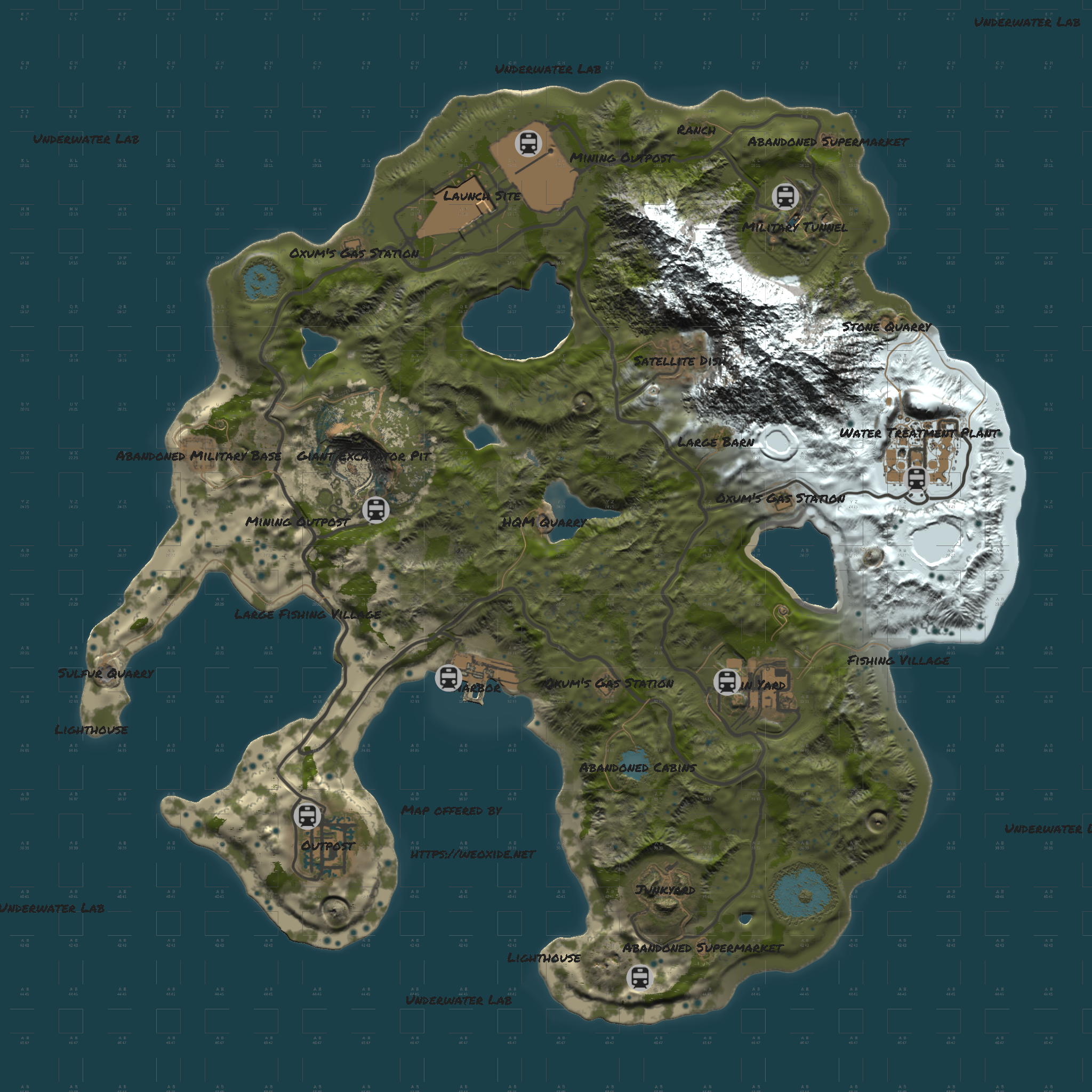
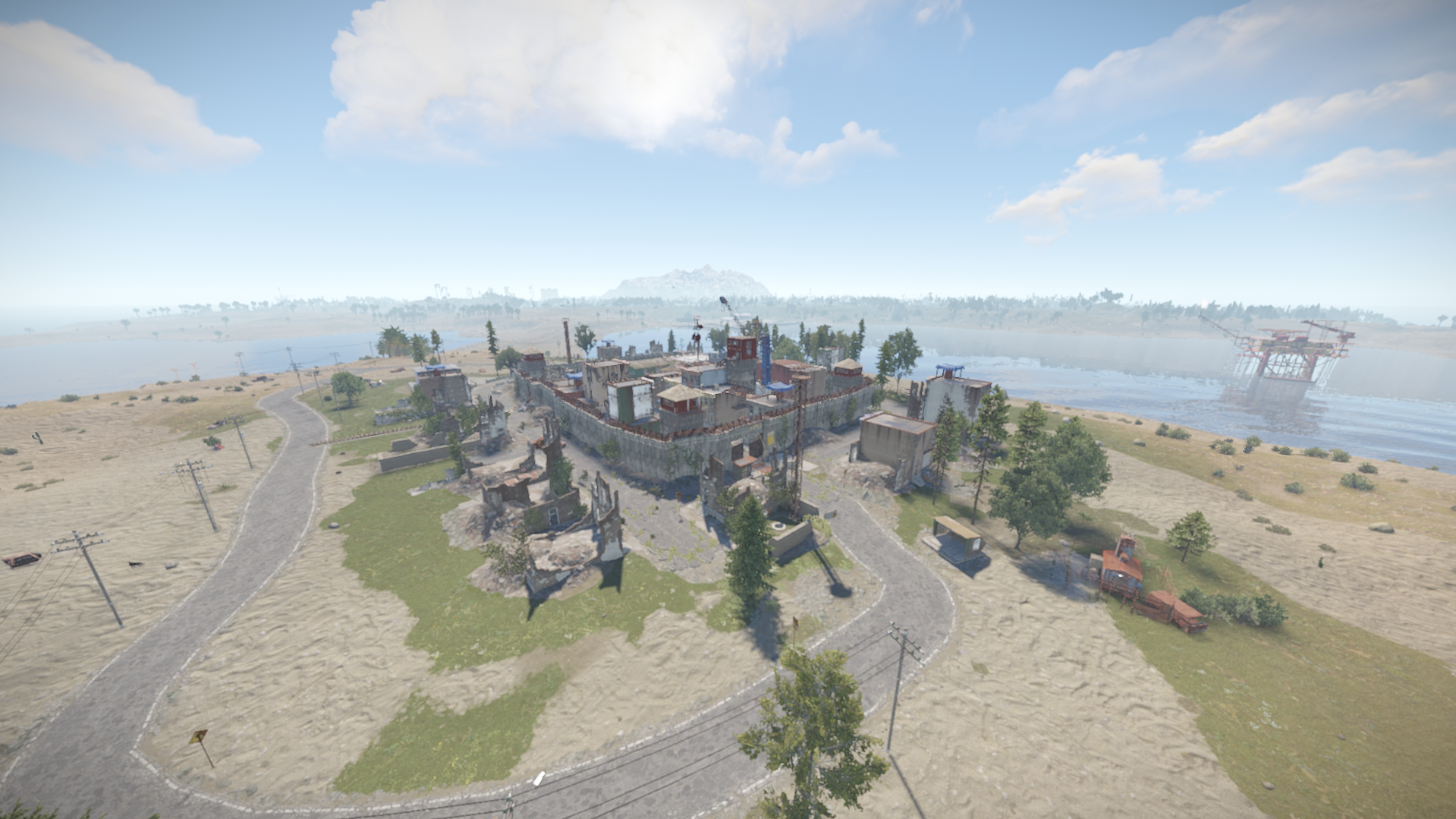
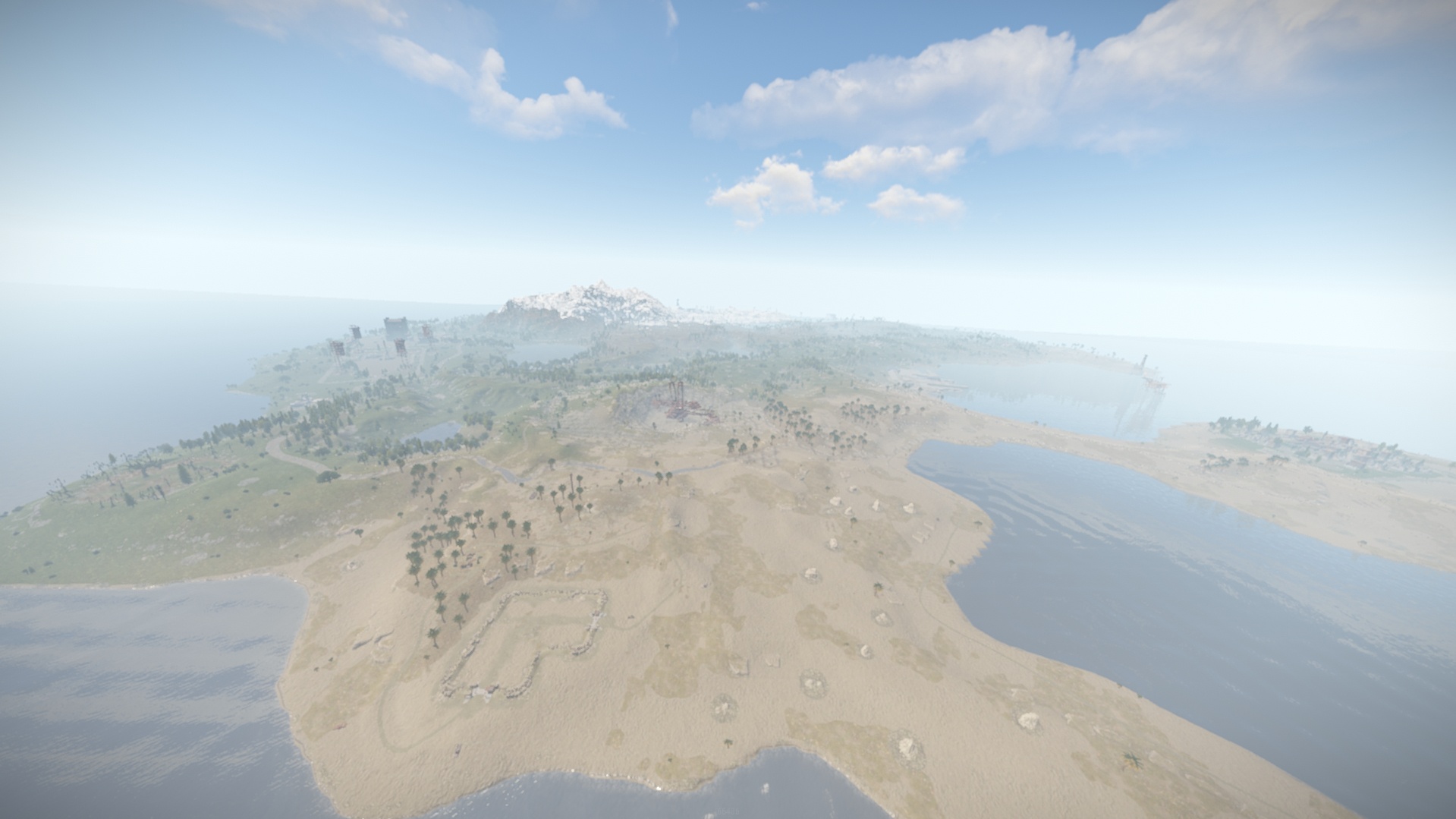
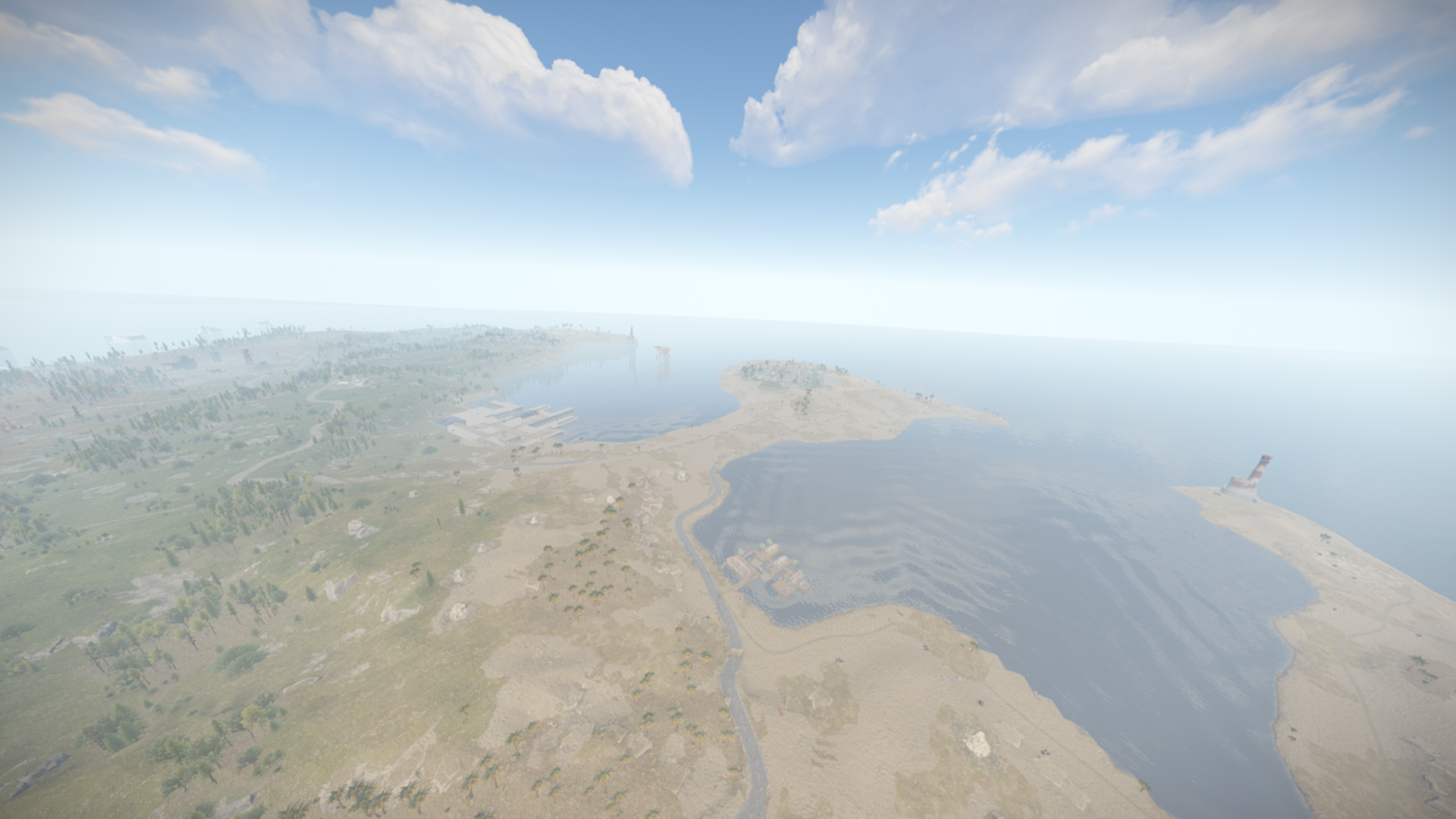
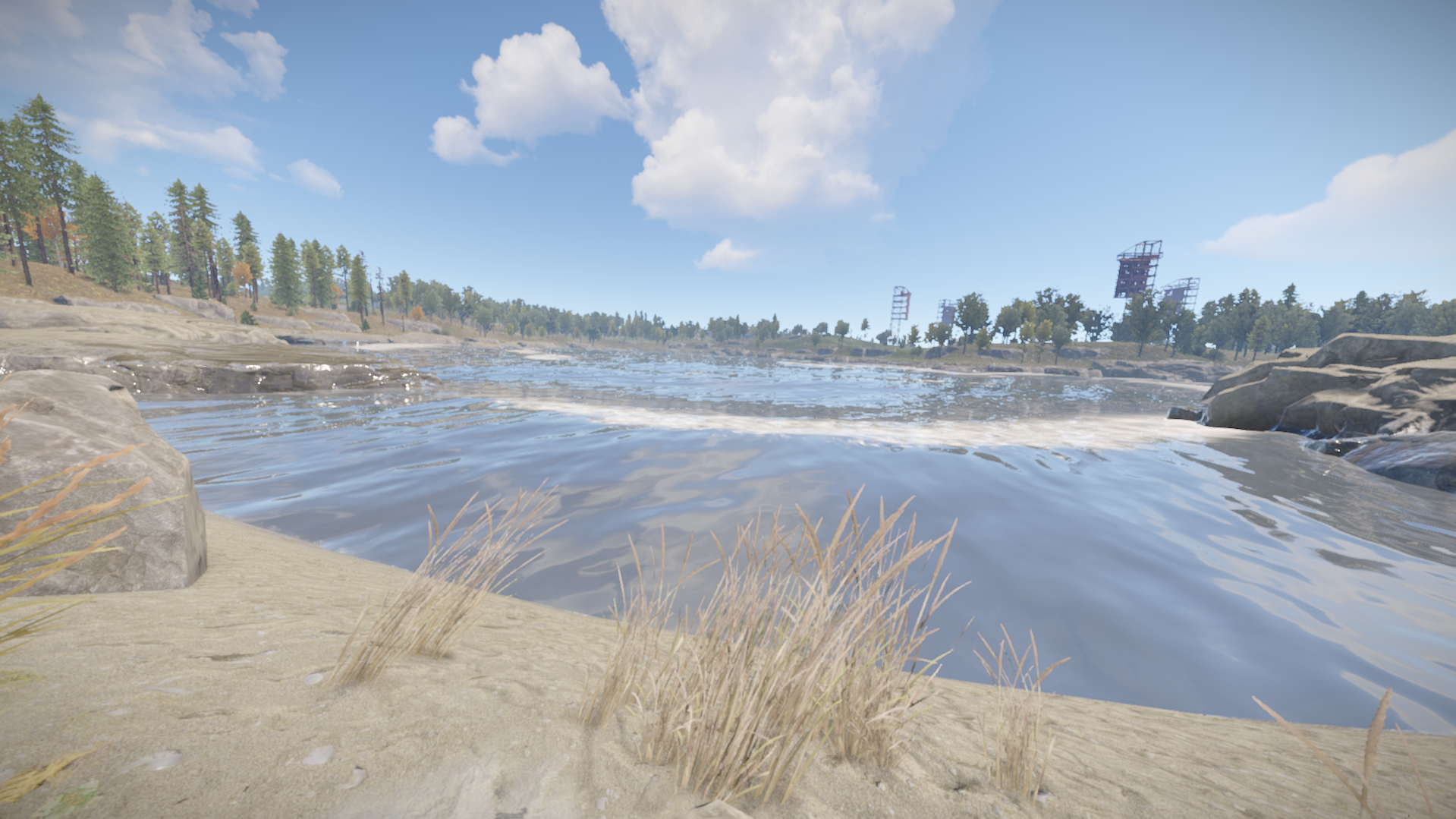
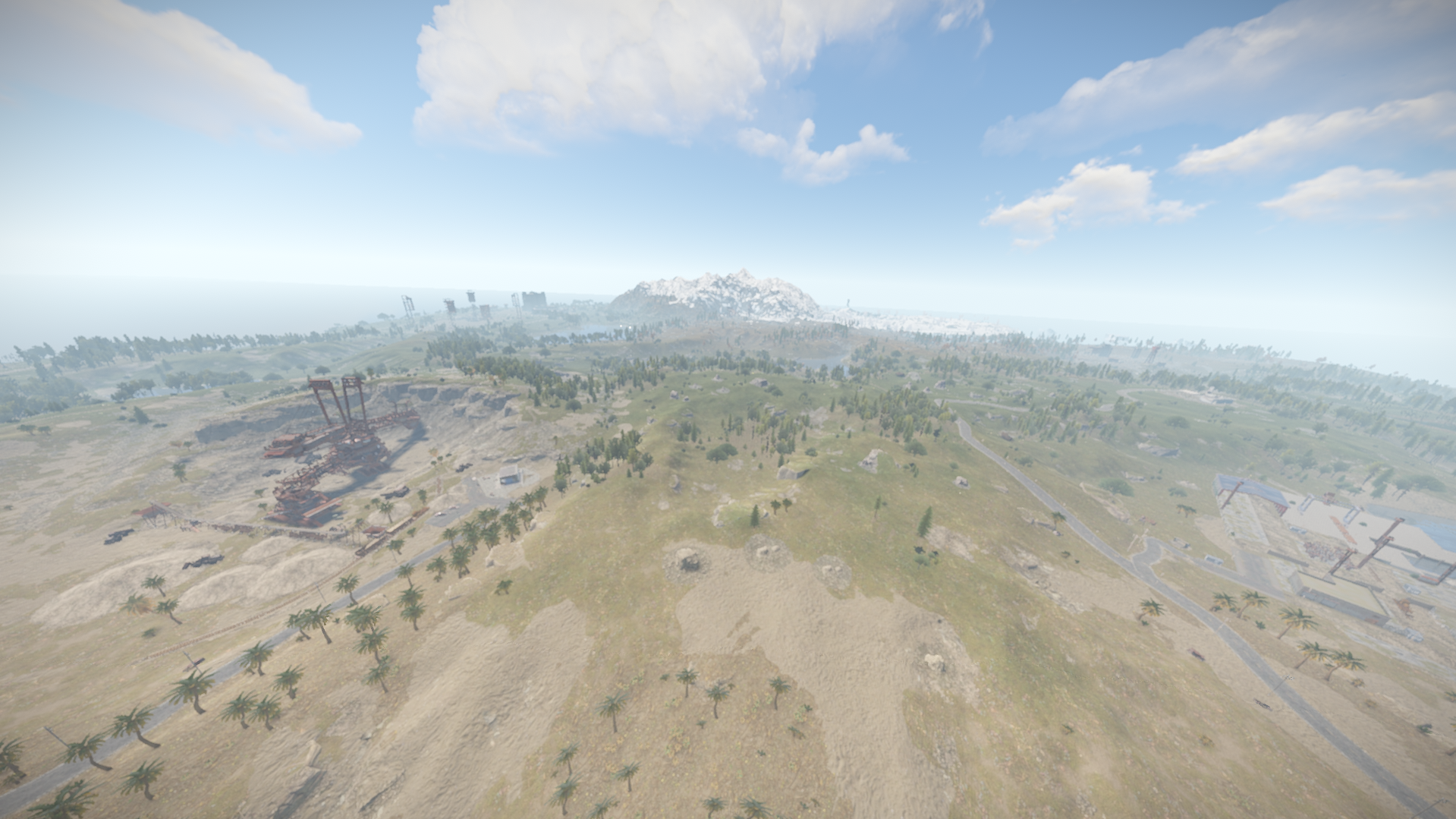
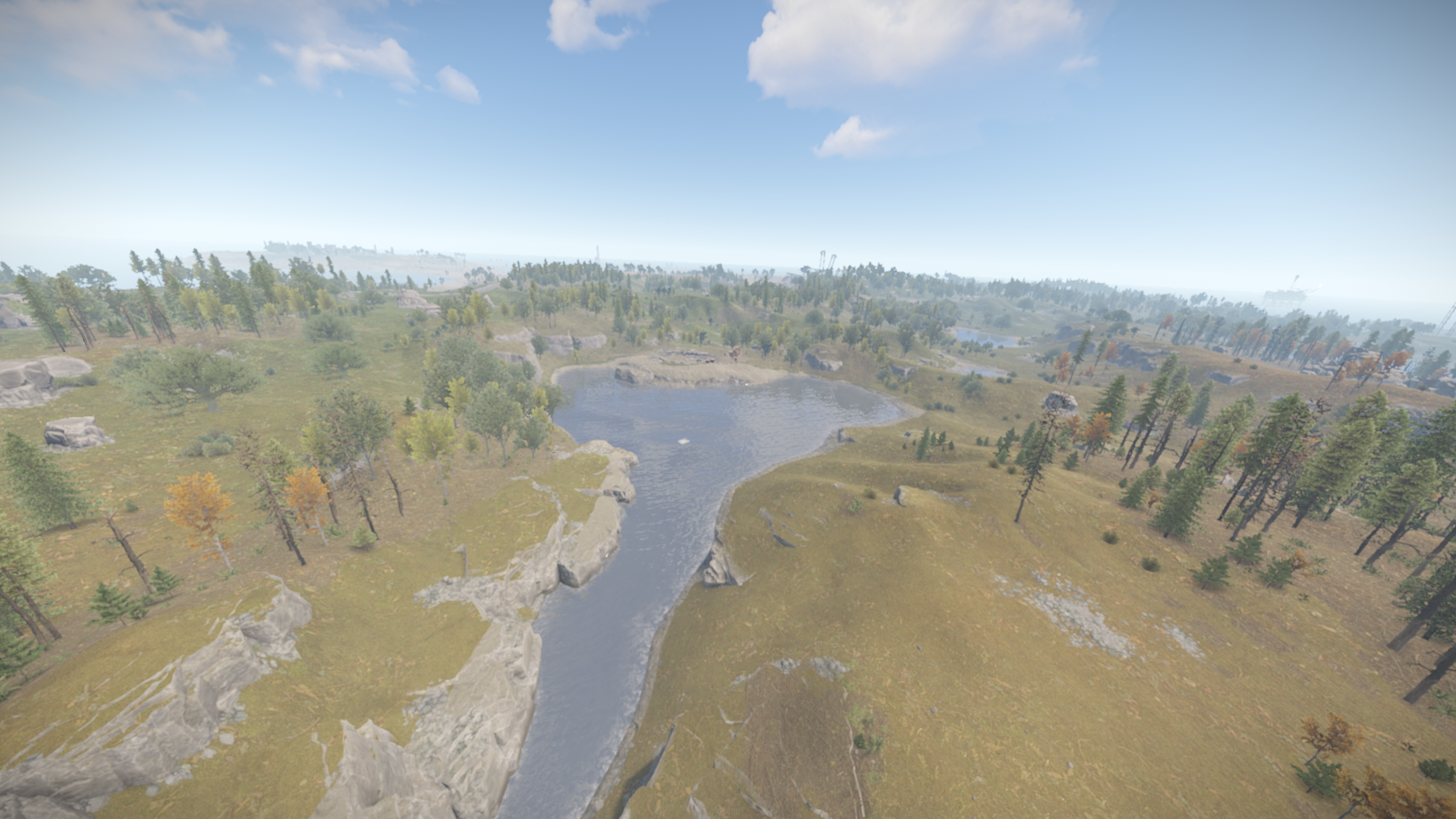
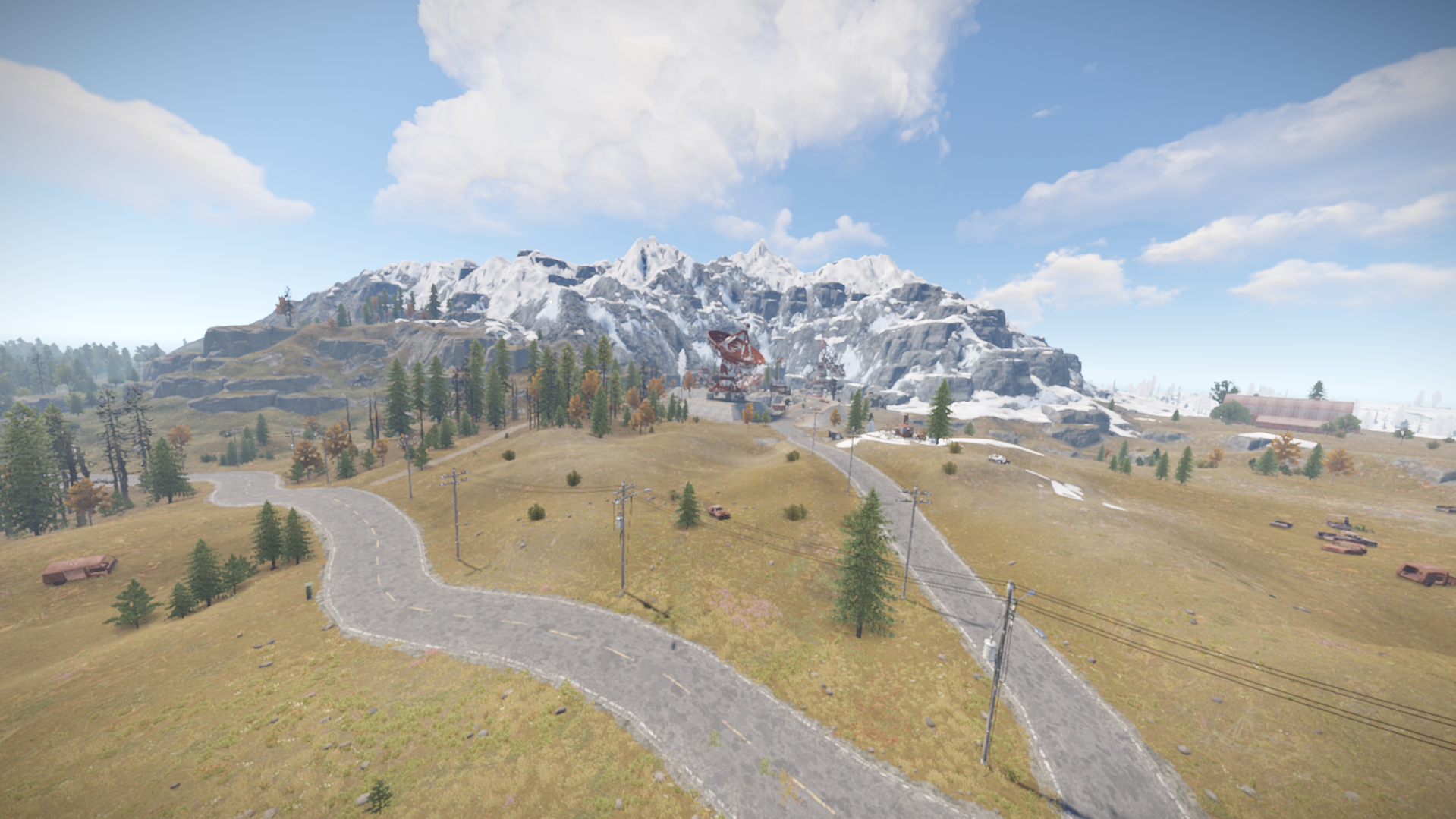
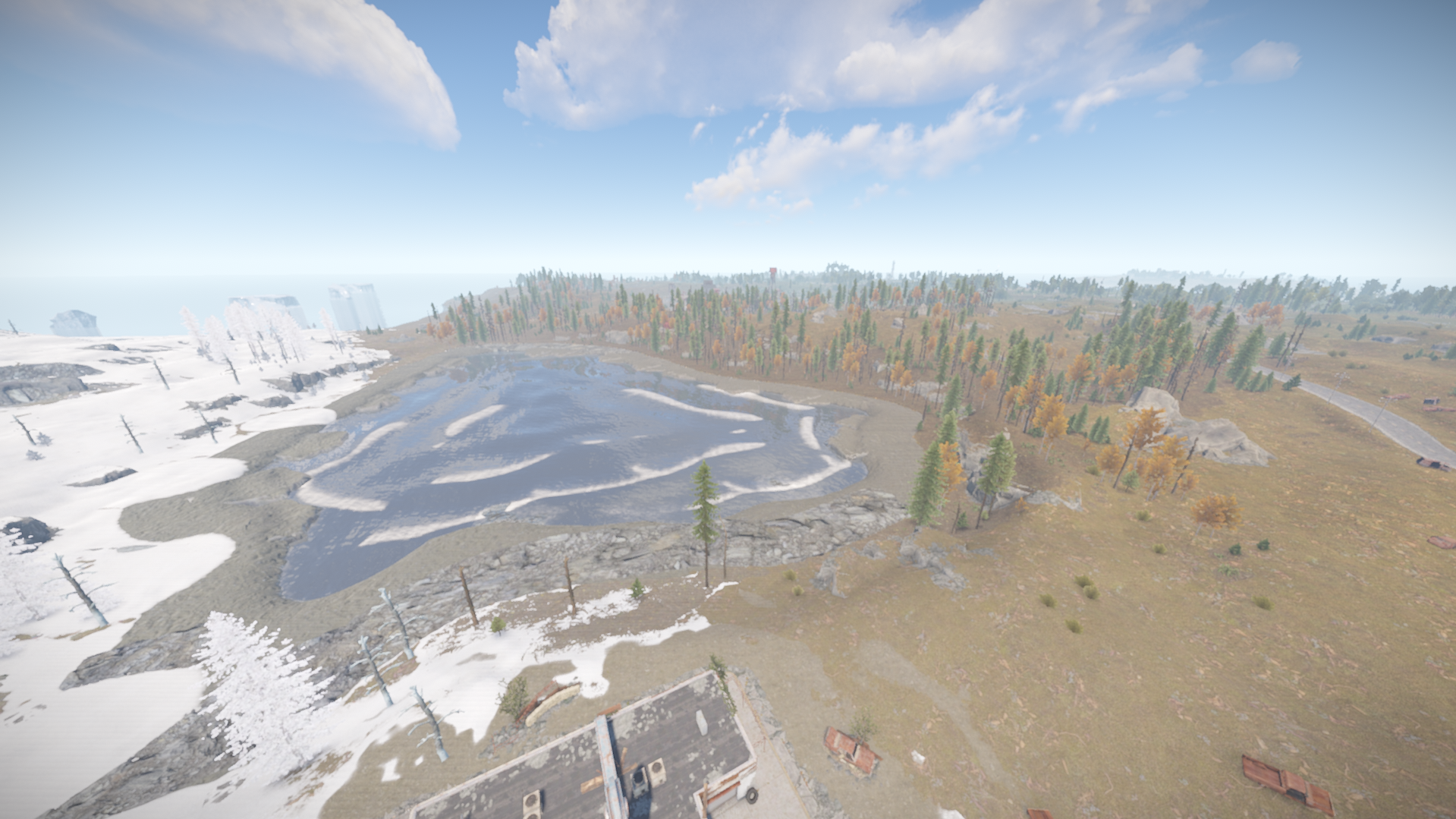
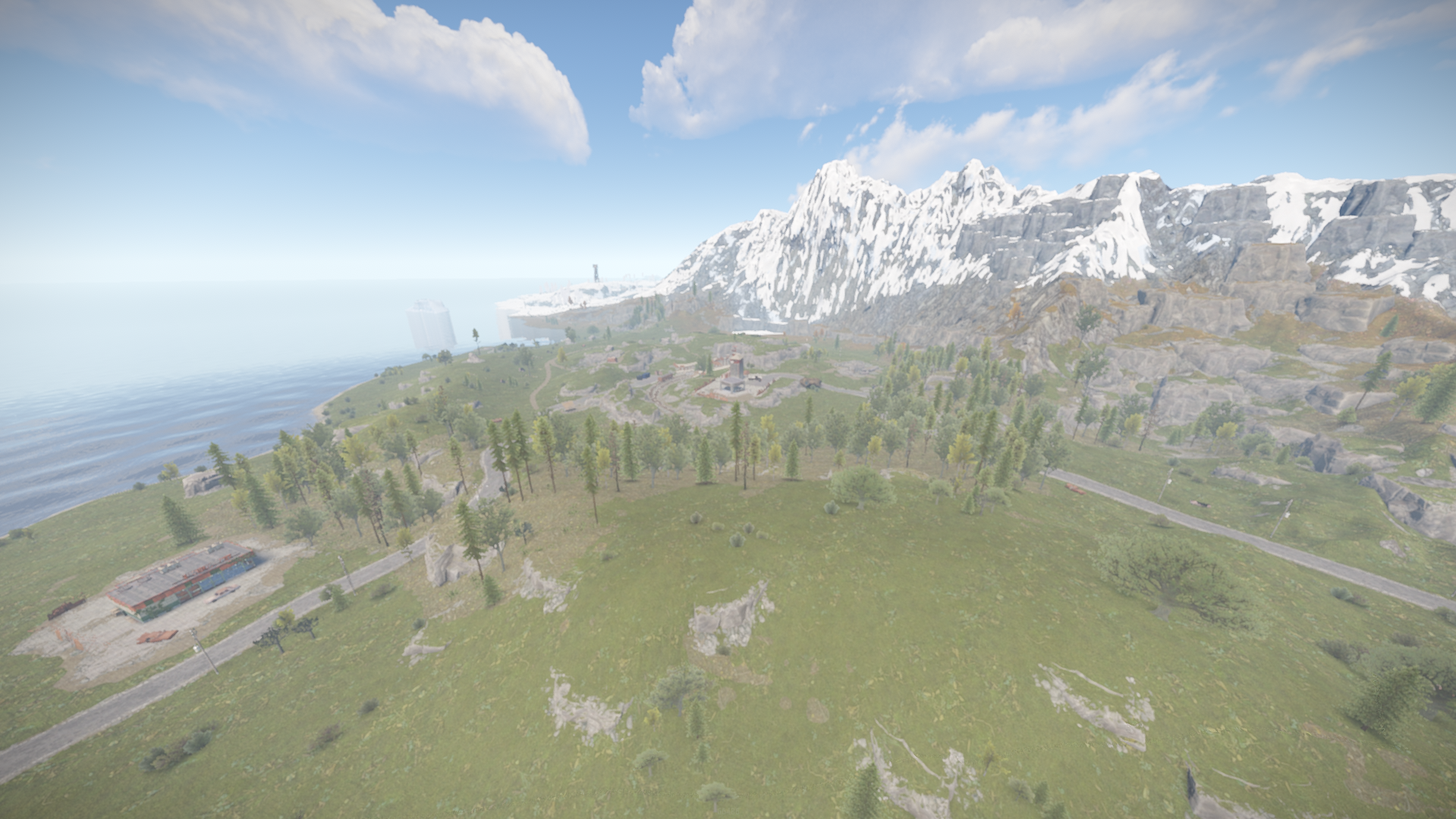
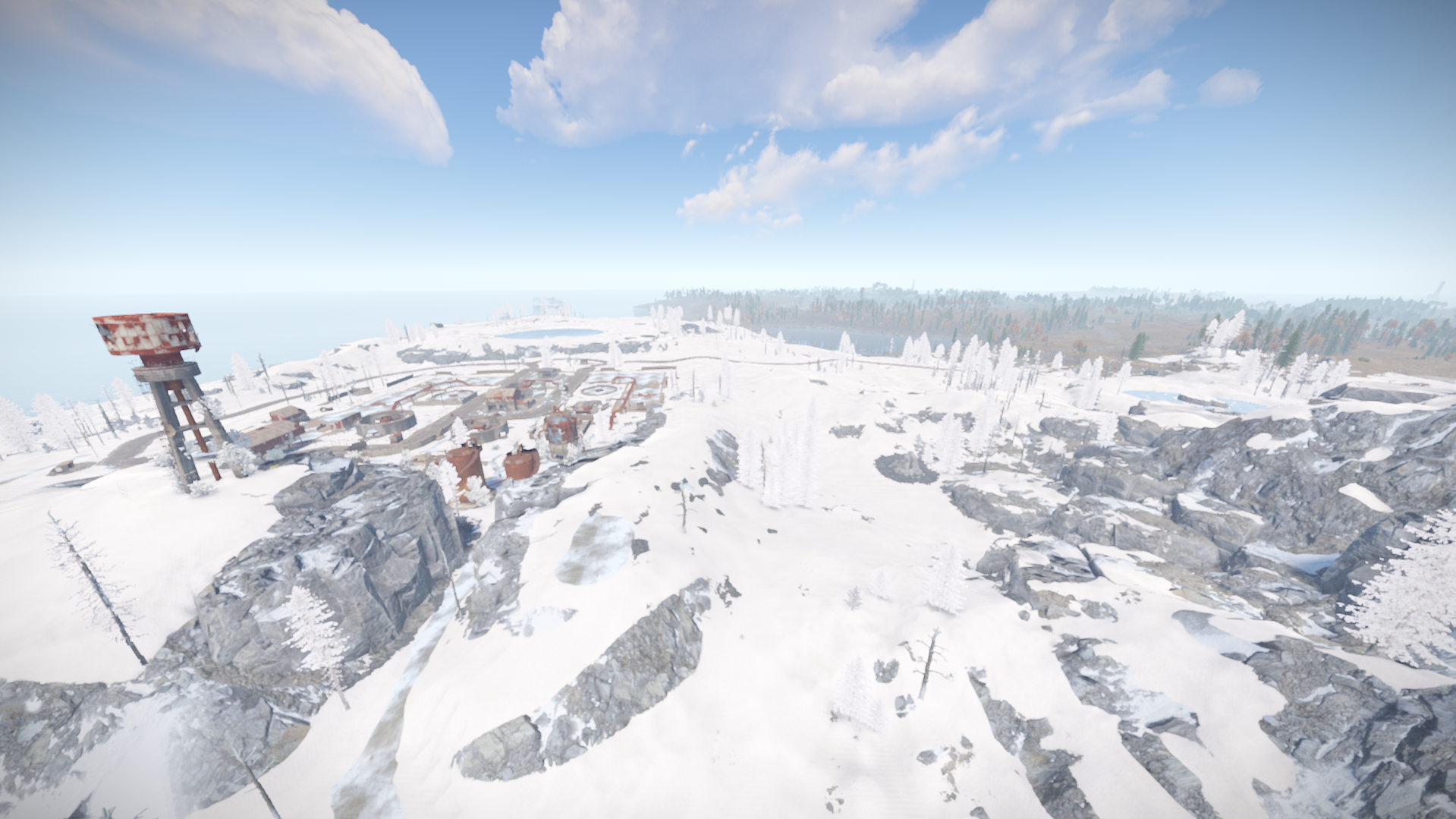
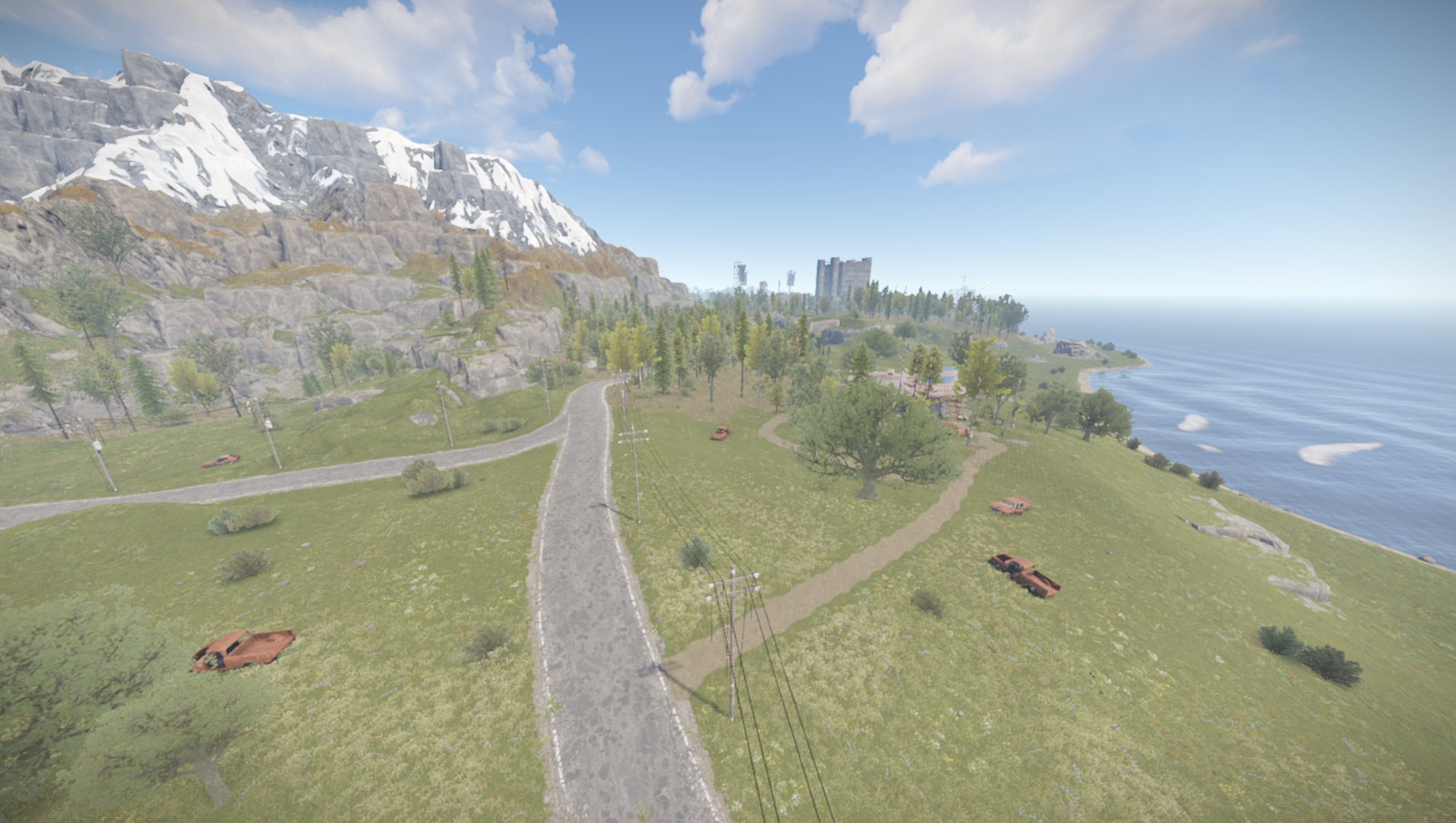
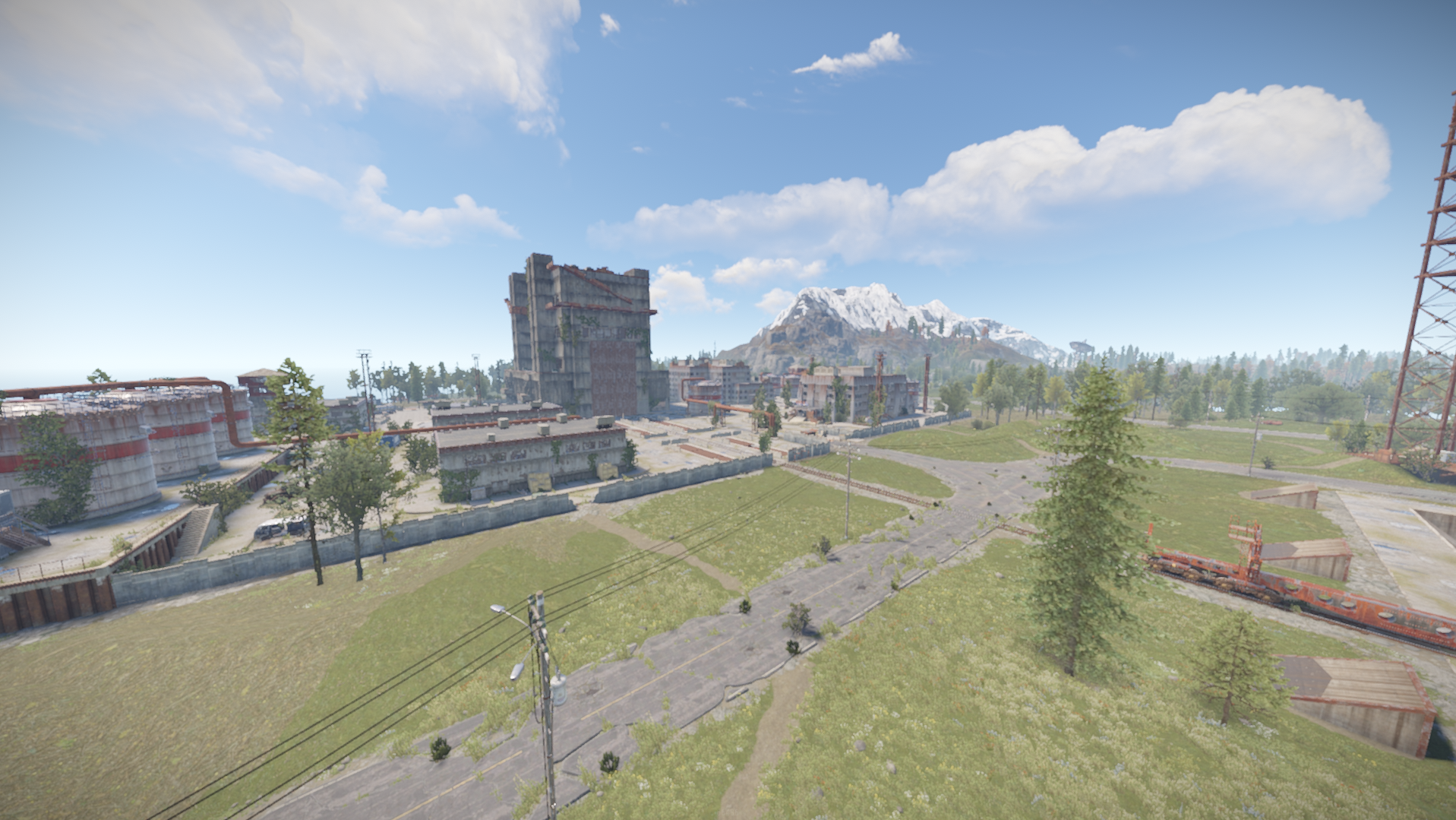
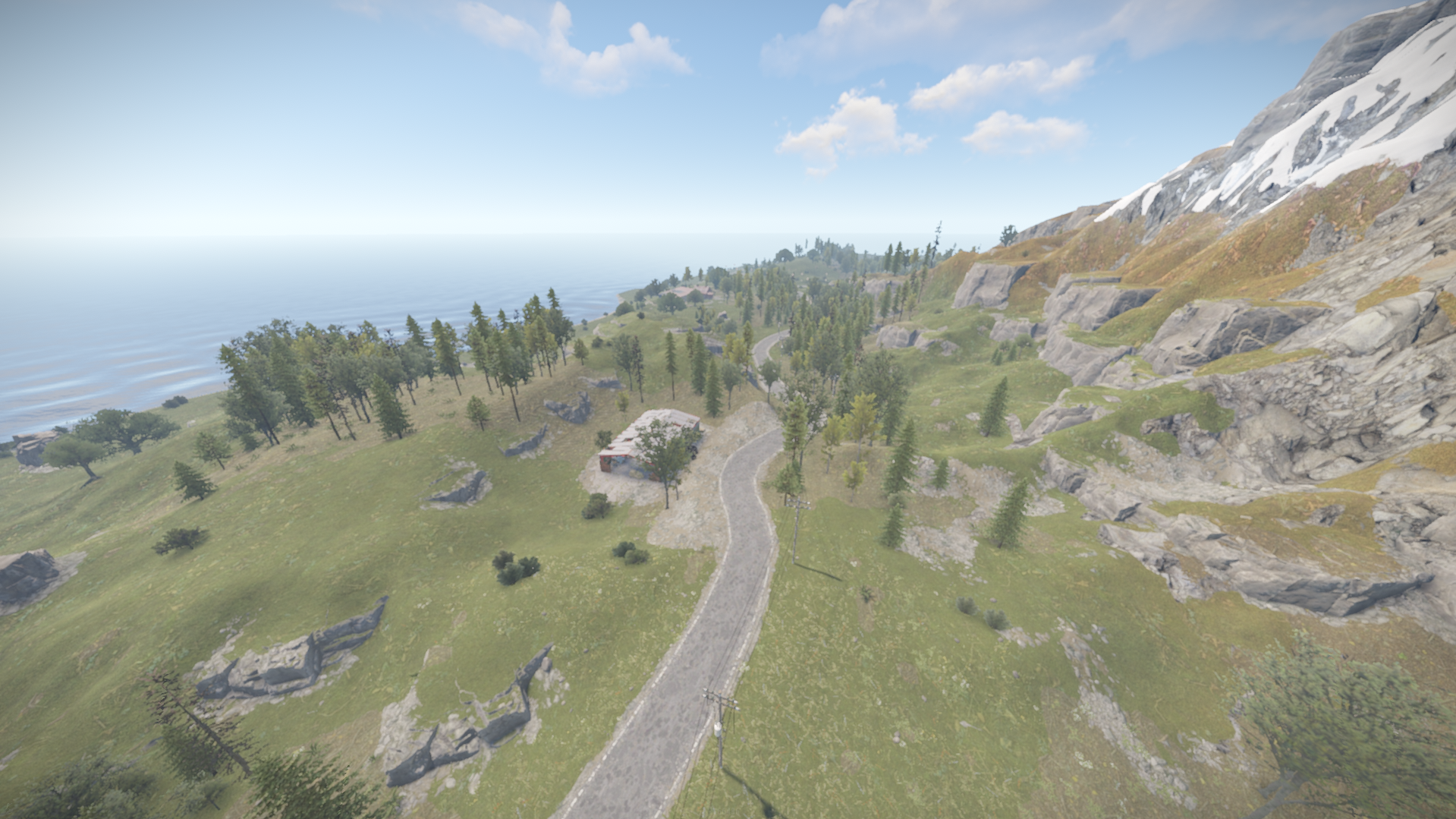
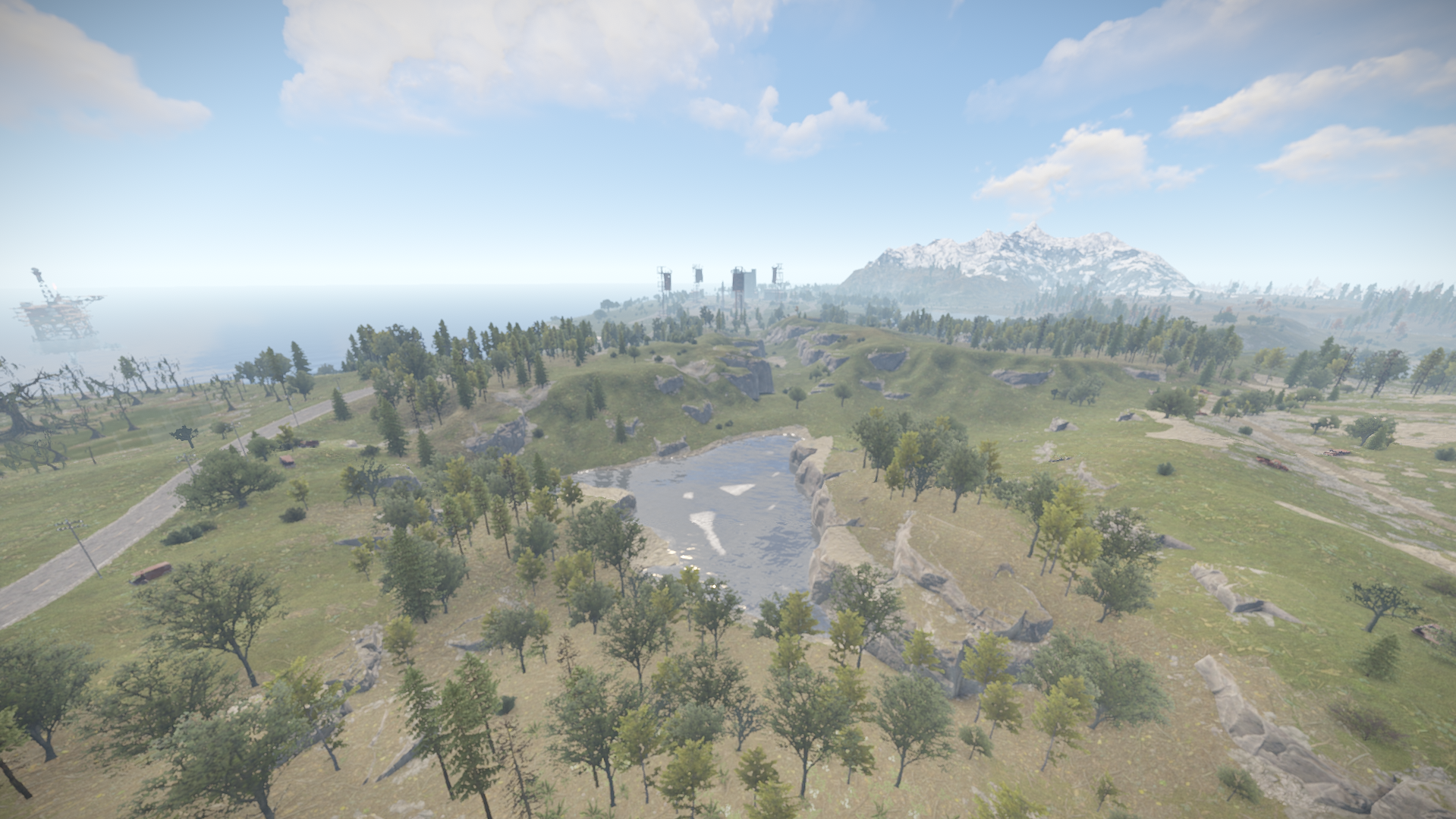
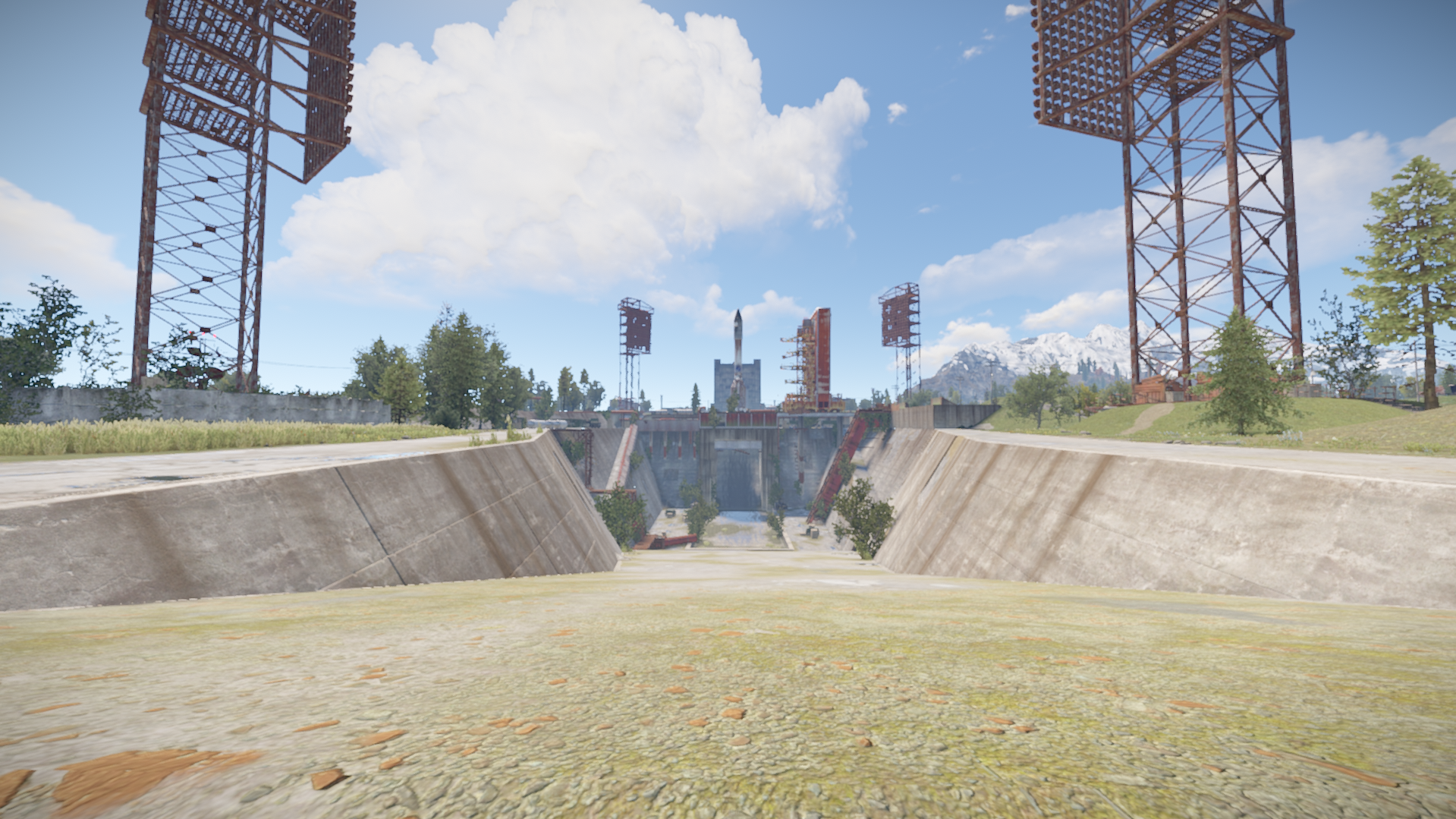
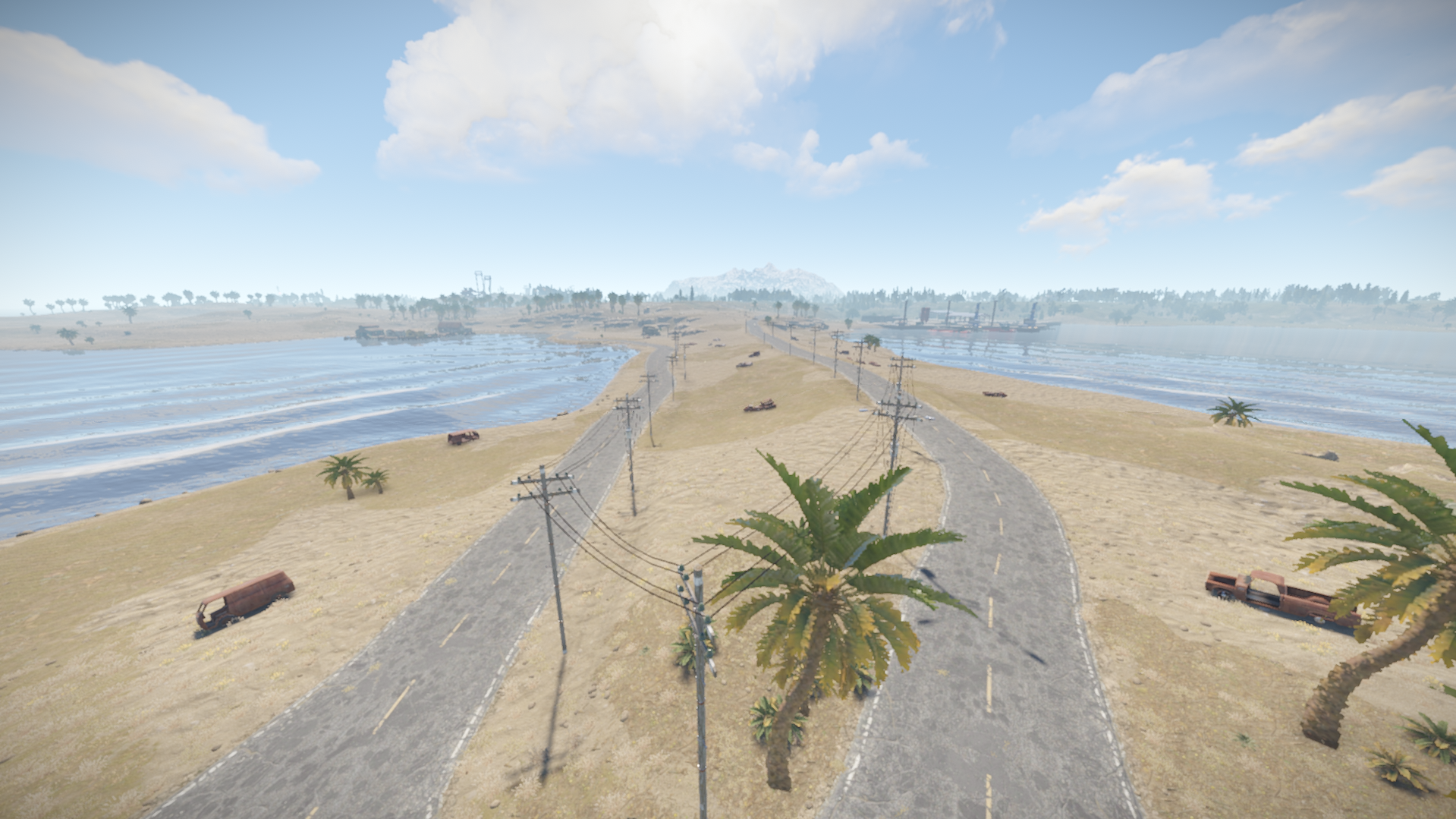
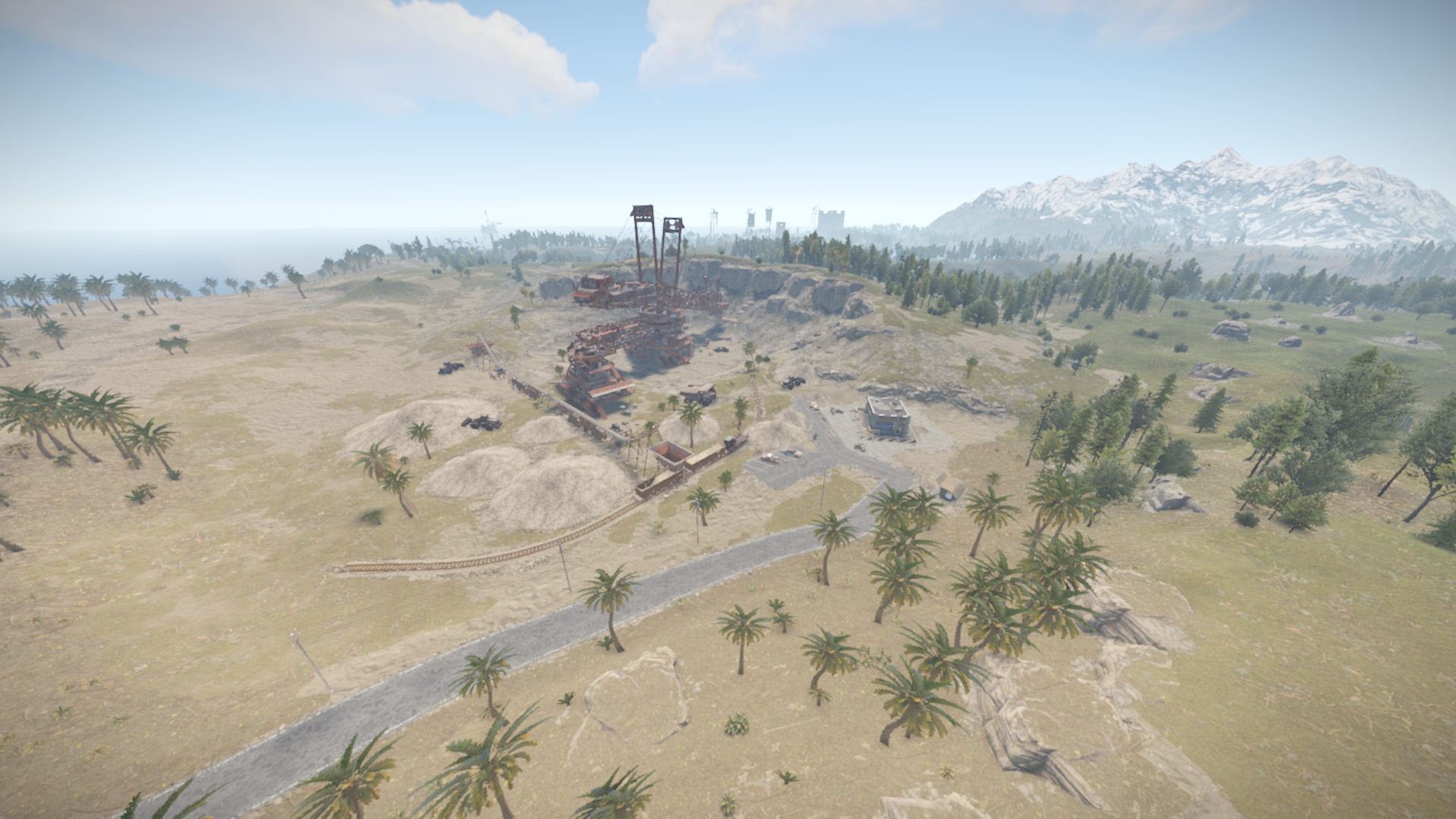
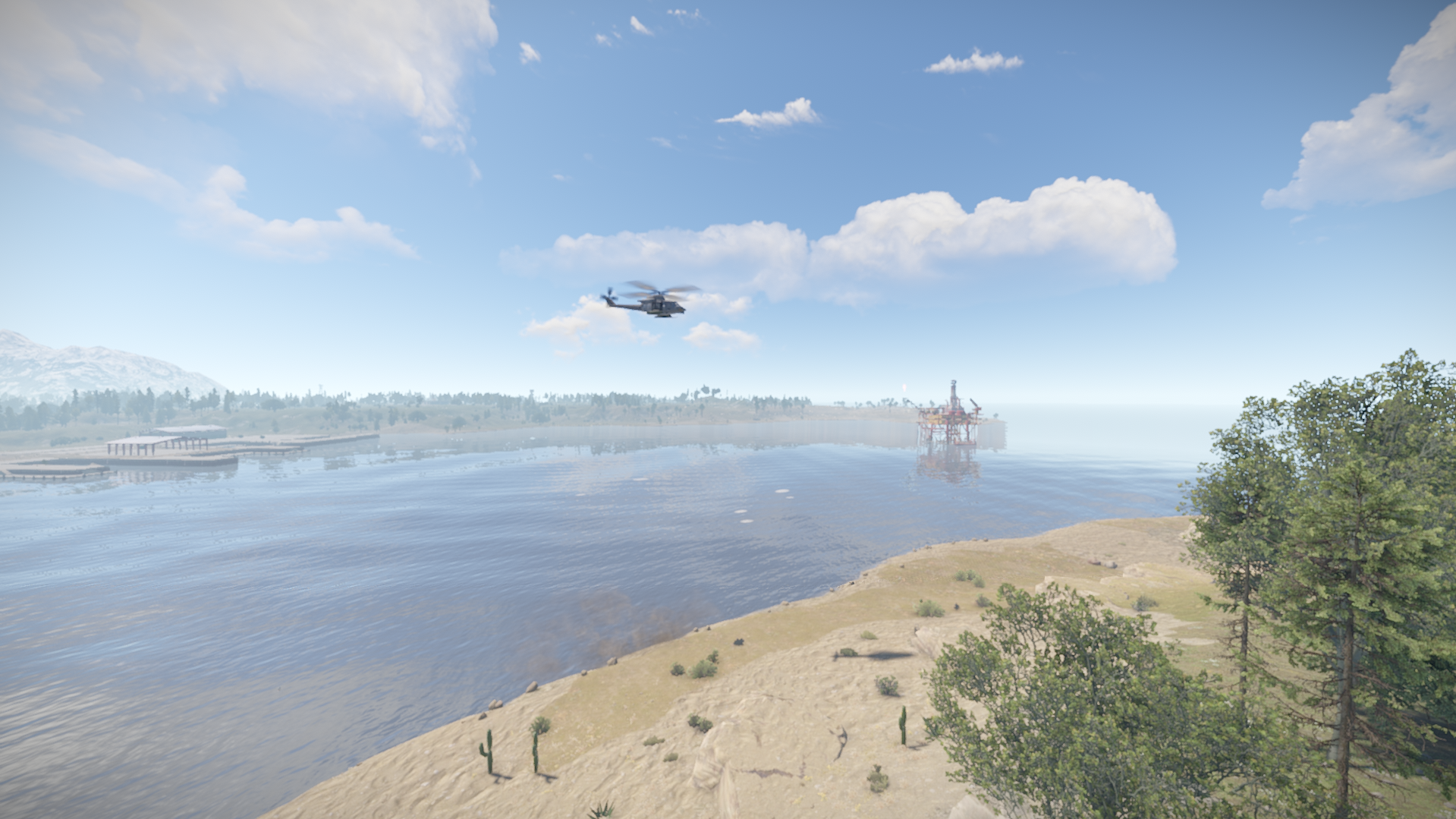
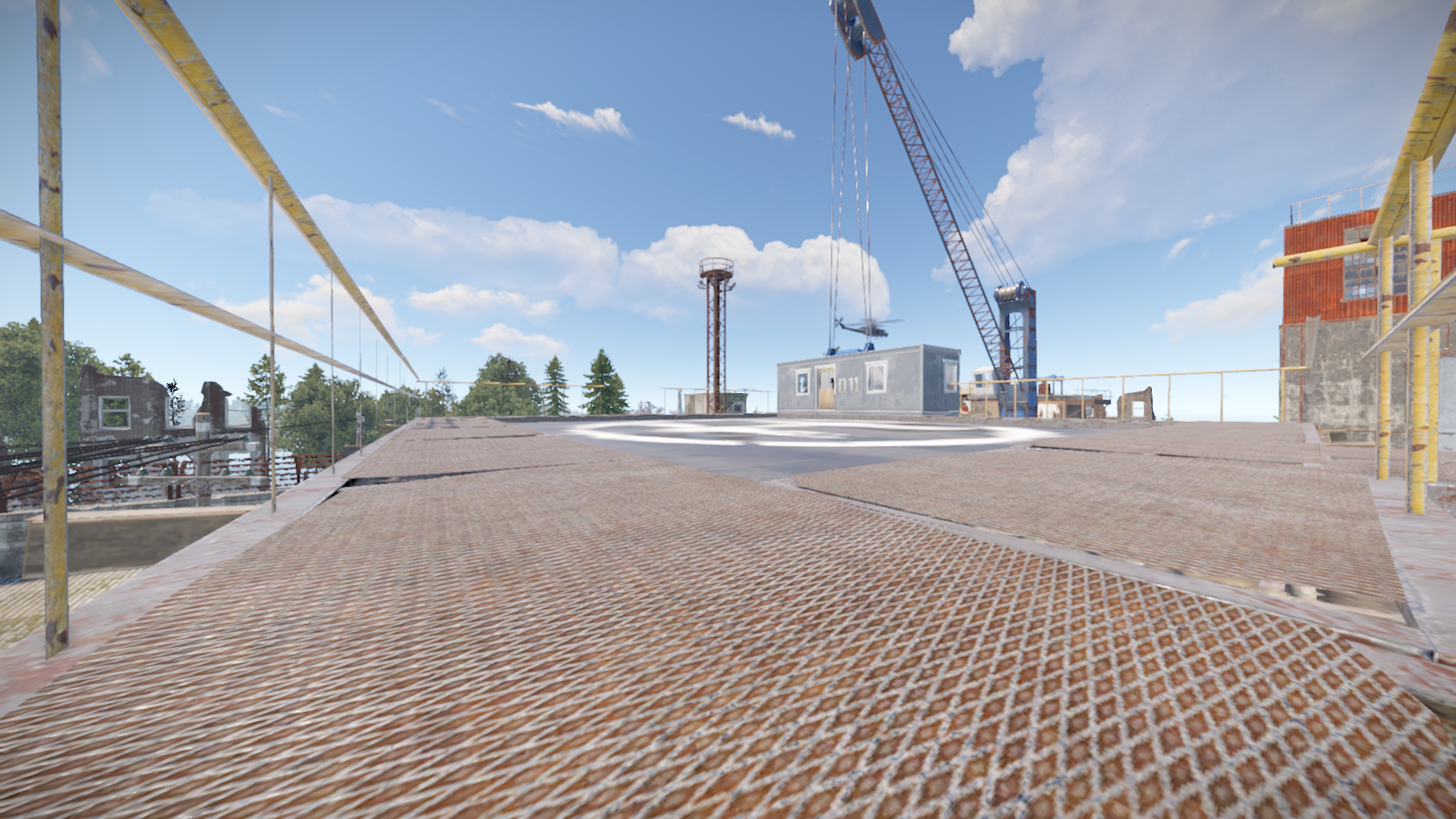
***Orion is part of a 4 maps bundle done under a request from someone where we decided to make them all public after they are finishednIt has an unique terrain and procedural monuments in unique locations and a procedural Outpost with an Airwolf Vendor and bandit camp vending machines + gambling wheel.nThe aim for this is for pvp servers where action can happen between the monuments faster and more often .nMonuments:
-
- Train yard
-
- Satellite Dish
-
- Military Tunnel
-
- Launch Site
-
- Water Treatment Plant
-
- Arctic Research Basen
- Giant Excavator Pit
-
- Harbor
-
- Airfield
-
- Junkyard
-
- Abandoned Military Base
-
- Big & Small Oil Rigs
-
- 6 Underwater labs
-
- 2 Fishing Villages
-
- 2 Lighthouses
-
- 2 Mining Outposts
-
- 2 Abandoned Supermarkets
-
- 3 Gas Station
-
- Large Barn
-
- Sulfur & HQM & Stone Quarries
- Map size is 3200
- Entity Count : 3625
- All maps are optimized and made to be used on any type of server and to ensure performance for every player
What's New in Version v1.3.4
Released
2 Misplaced Ocean topo dots removed
This map is only for your own personal use not to share or resell.
Any changes you wish to make on the map you can notify me via support or discord without issues.
Password is not included!
Any changes you wish to make on the map you can notify me via support or discord without issues.
Password is not included!
You may only provide a review once you have downloaded the file.
There are no reviews to display.