



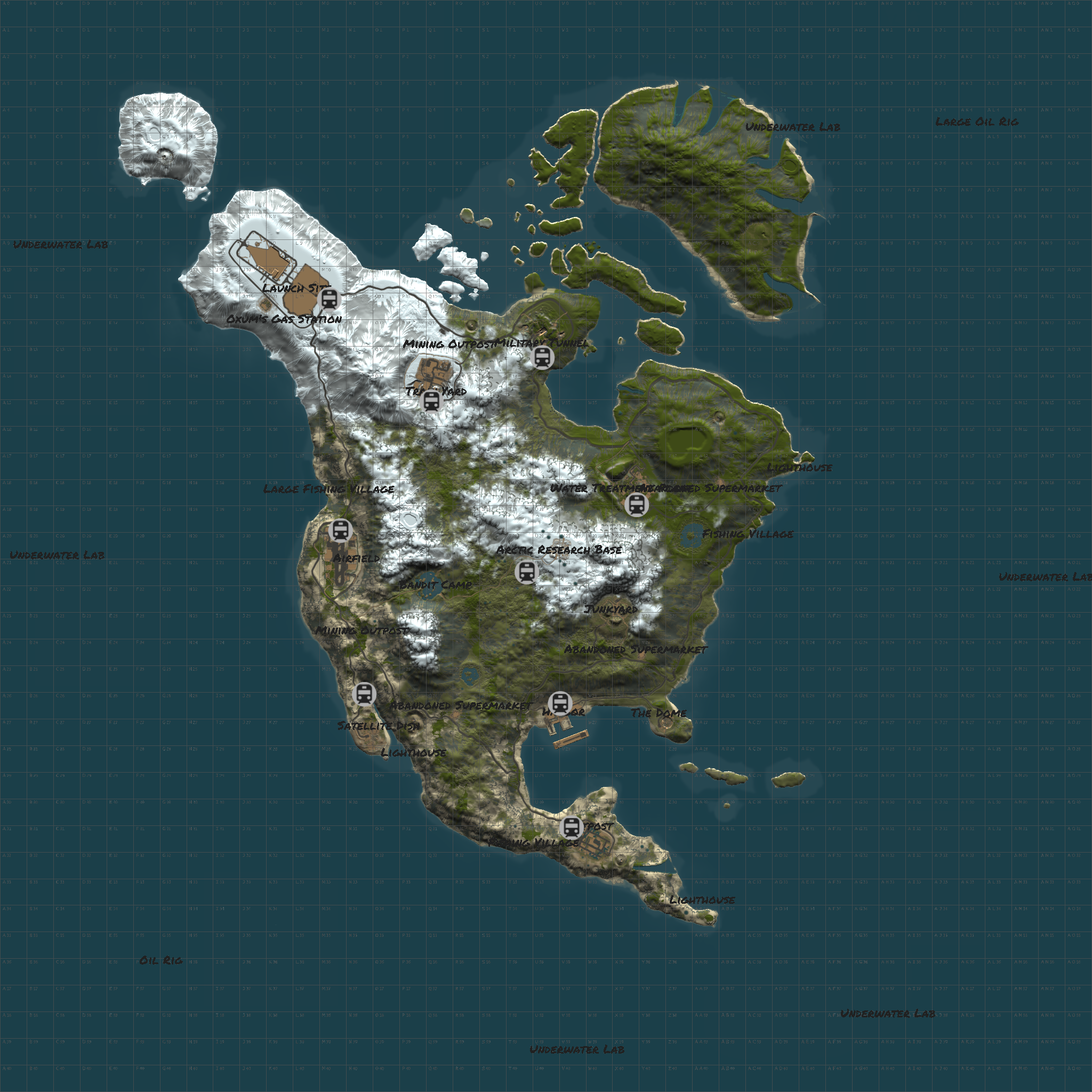
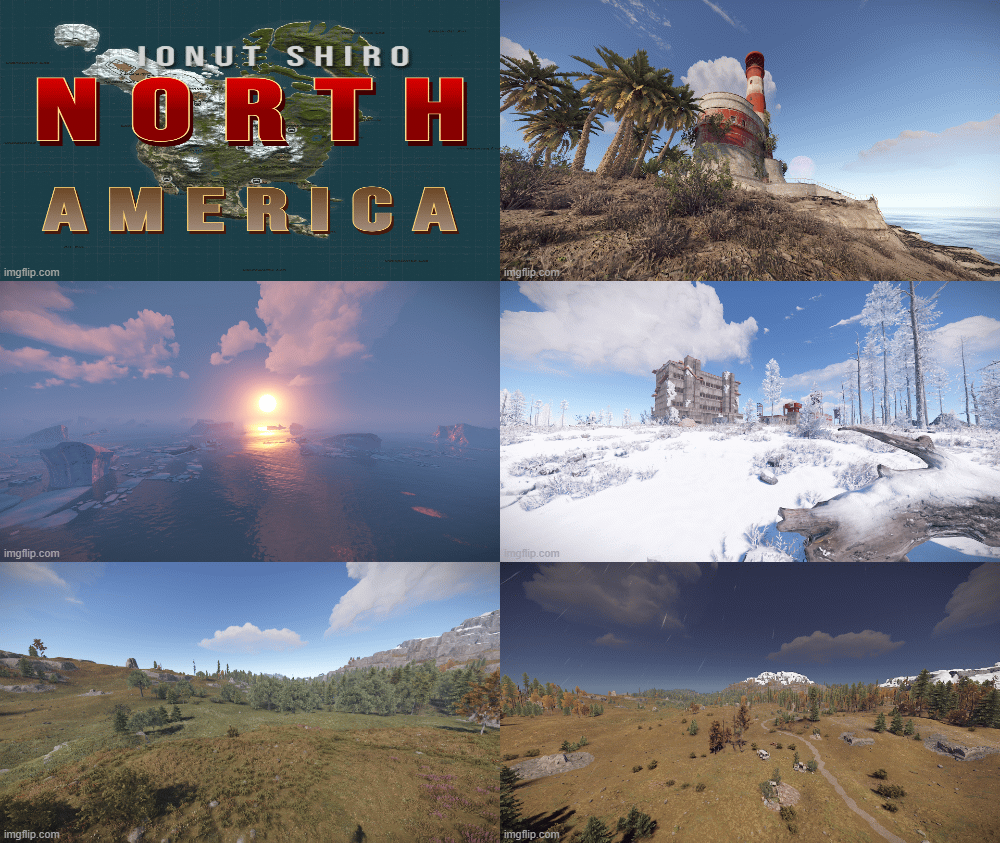
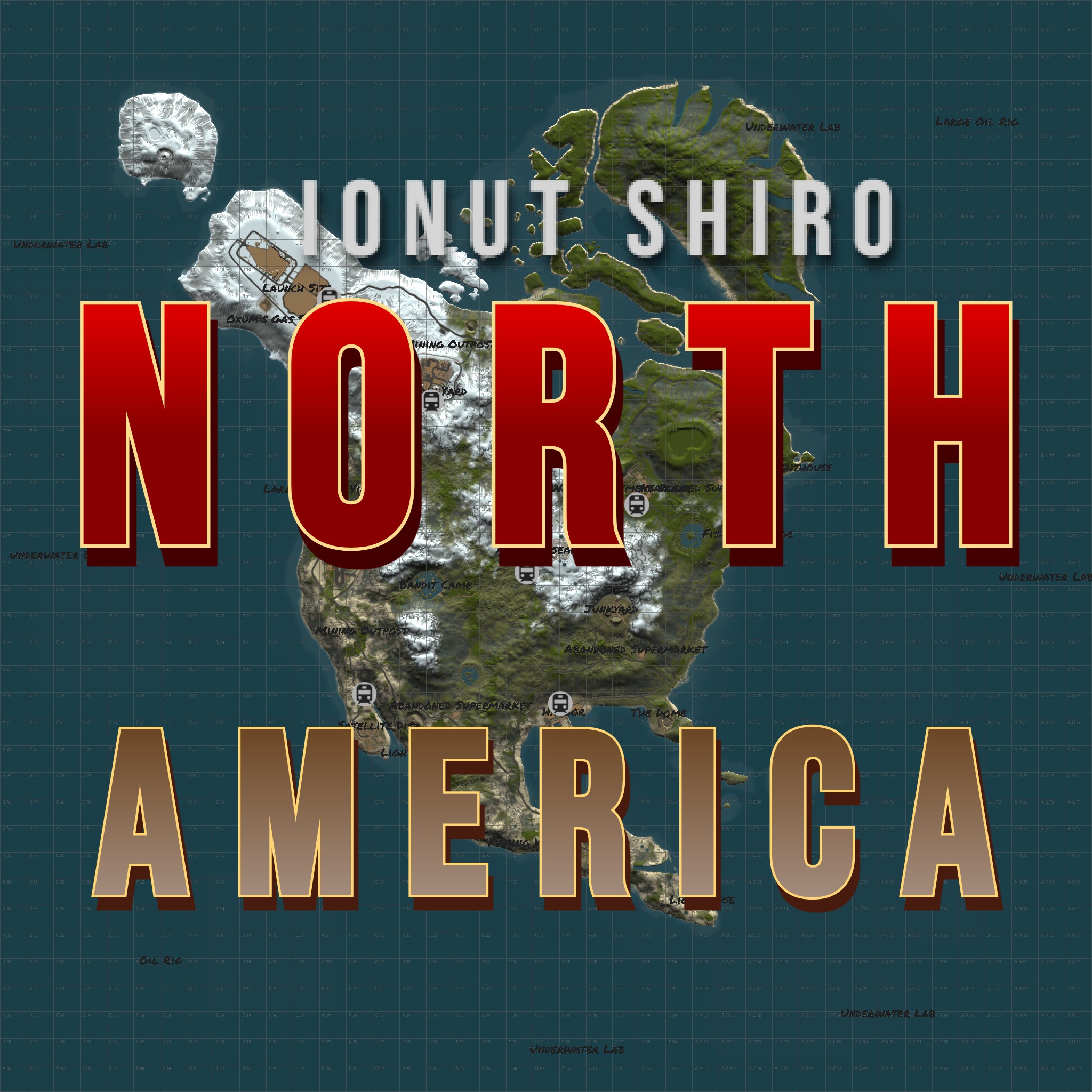
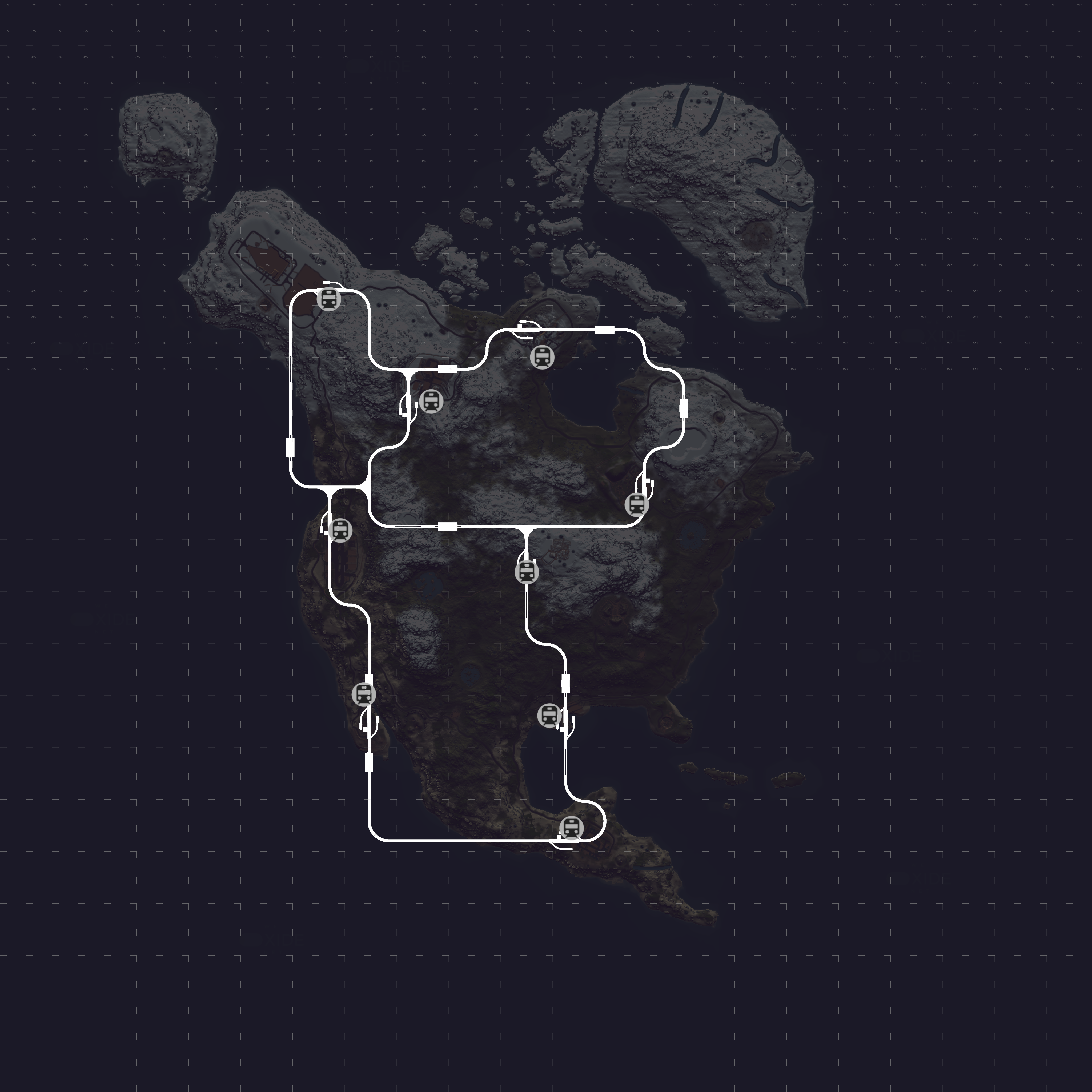
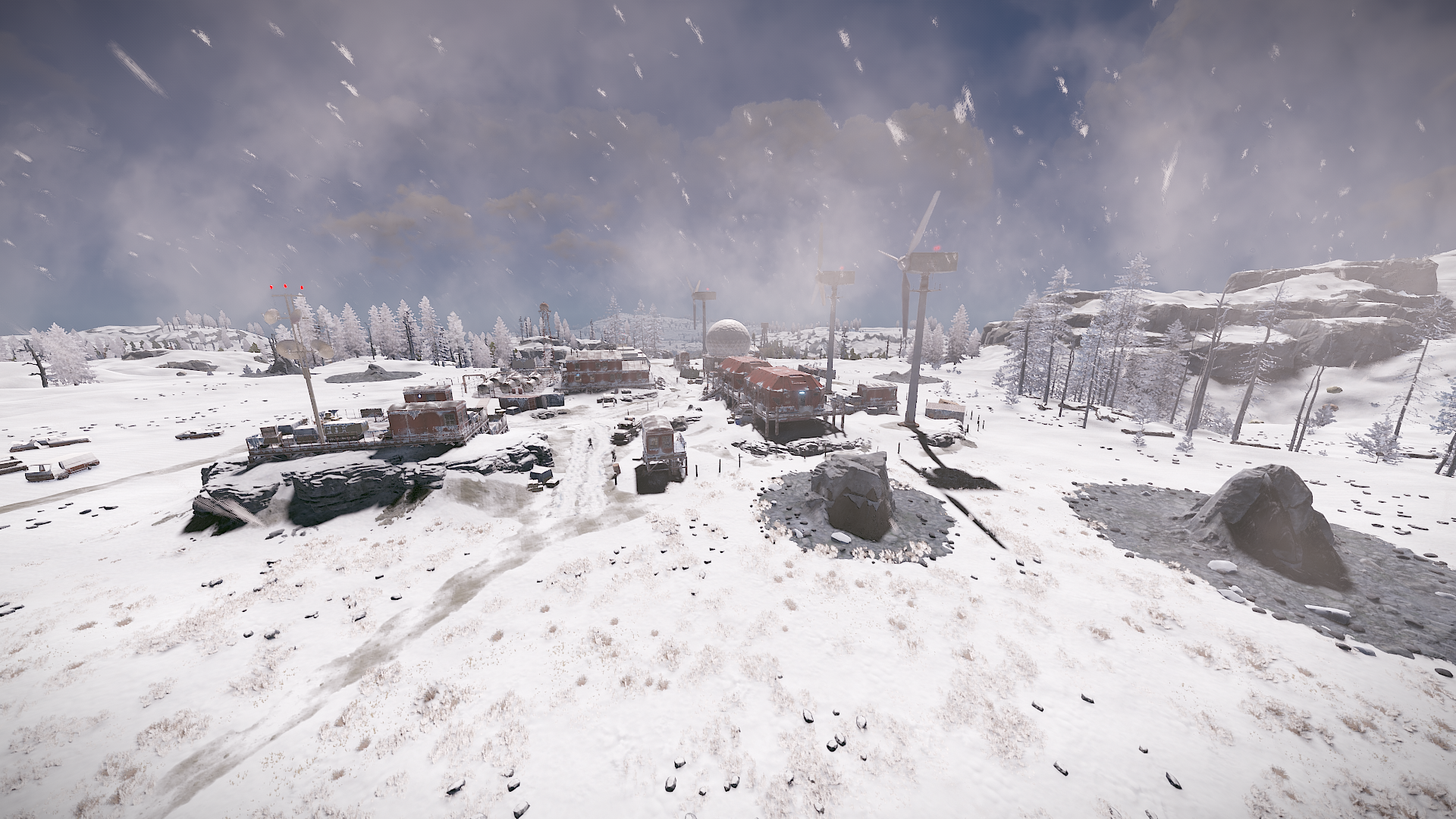
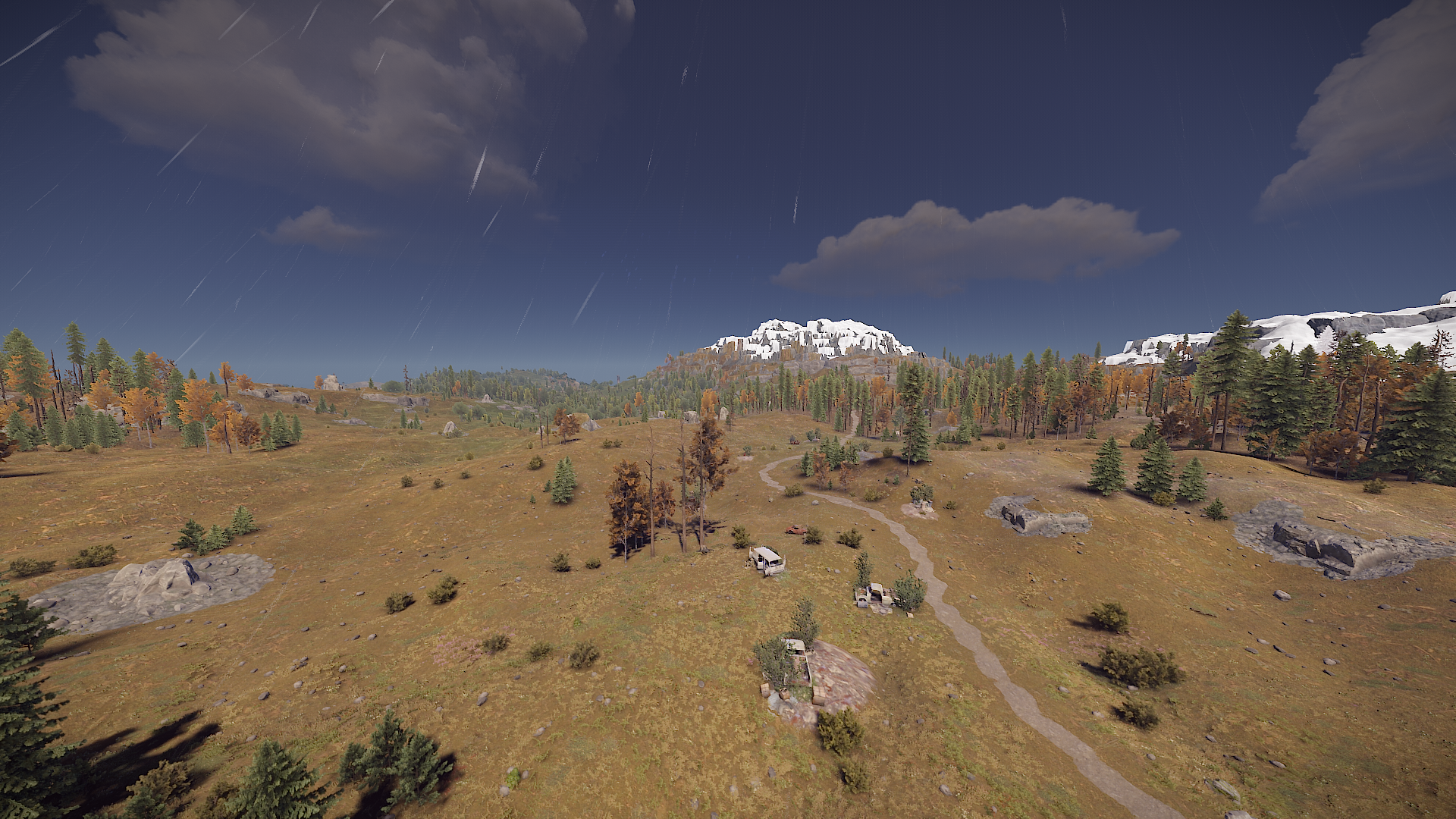
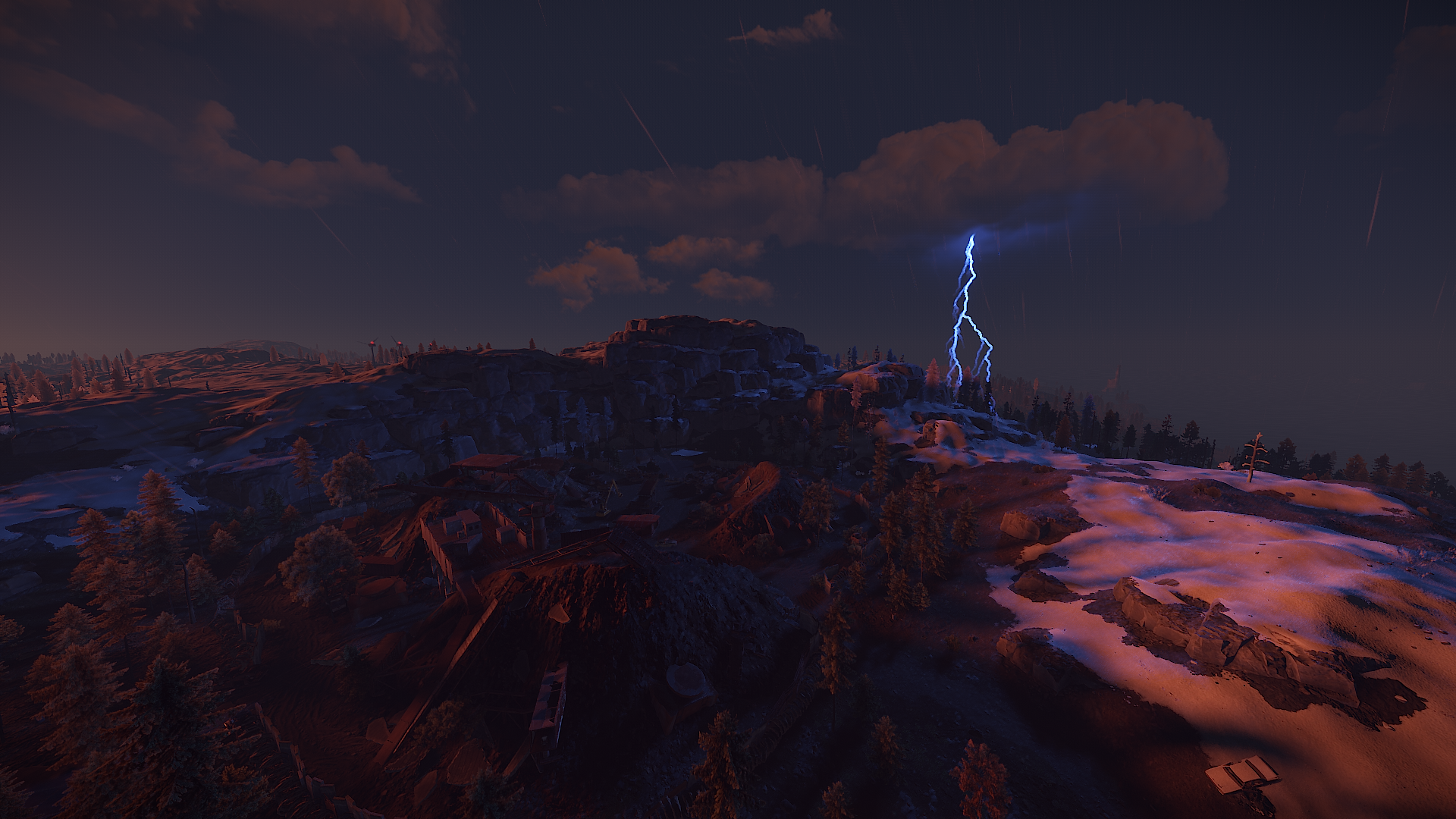
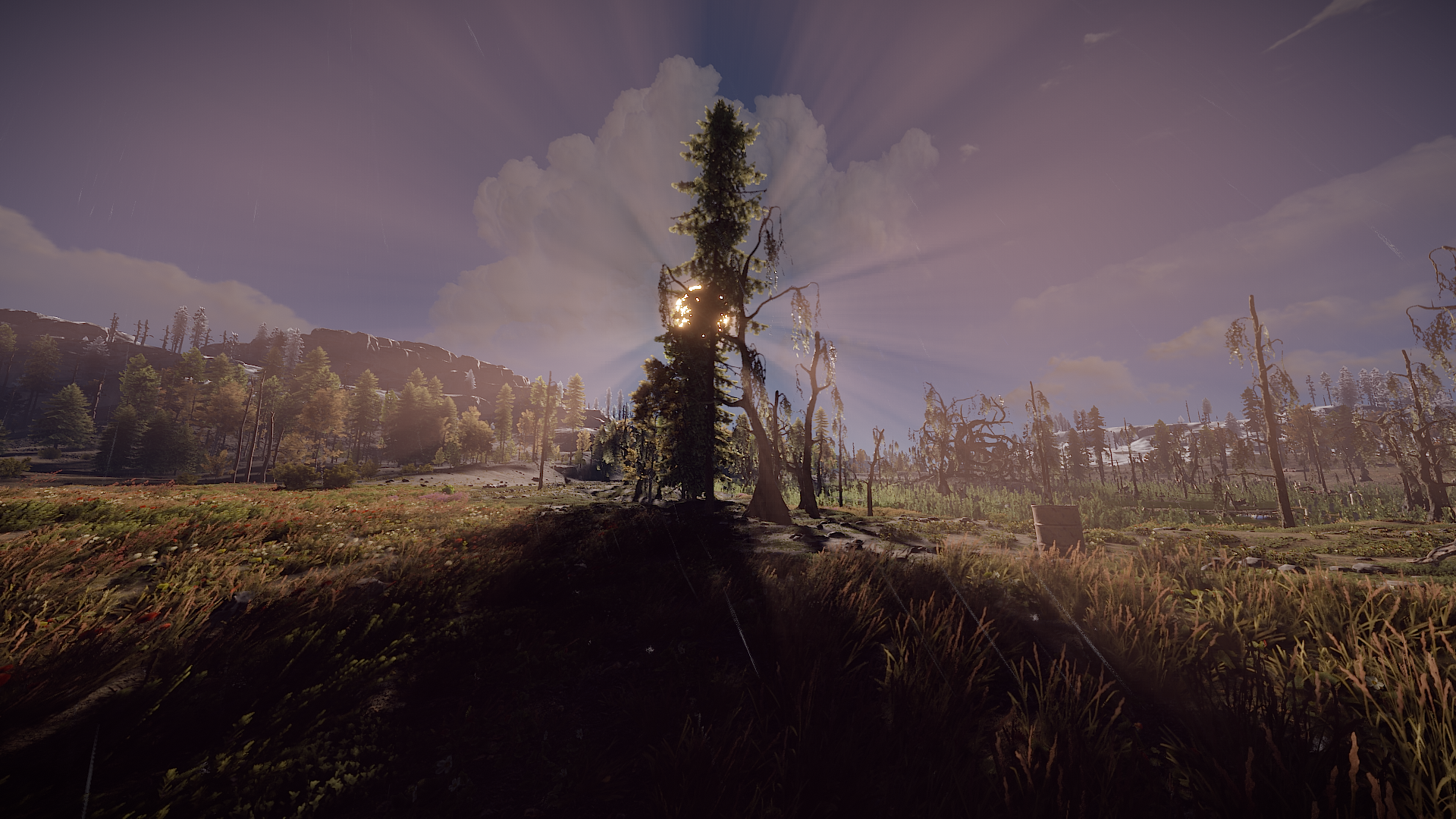
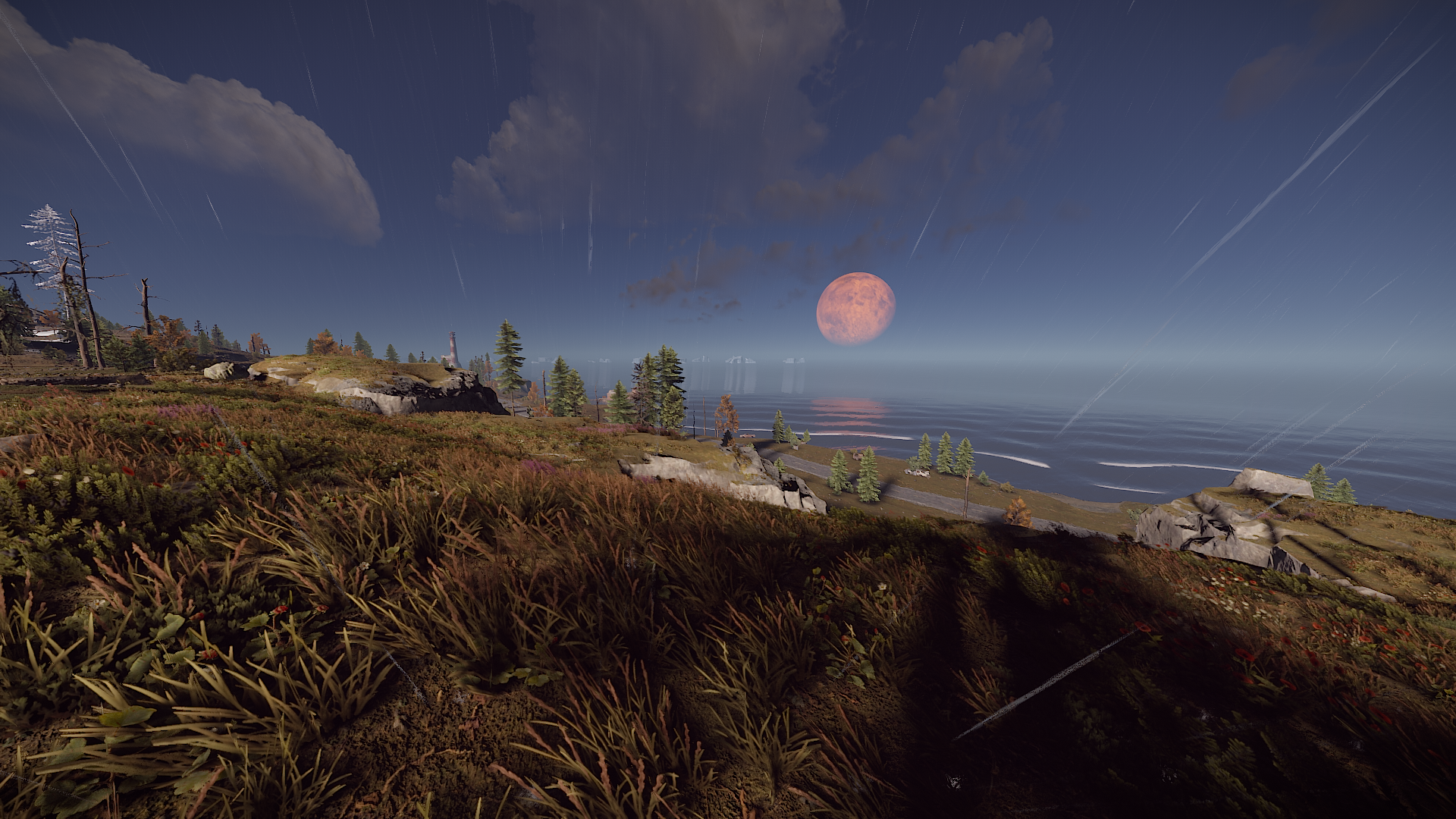
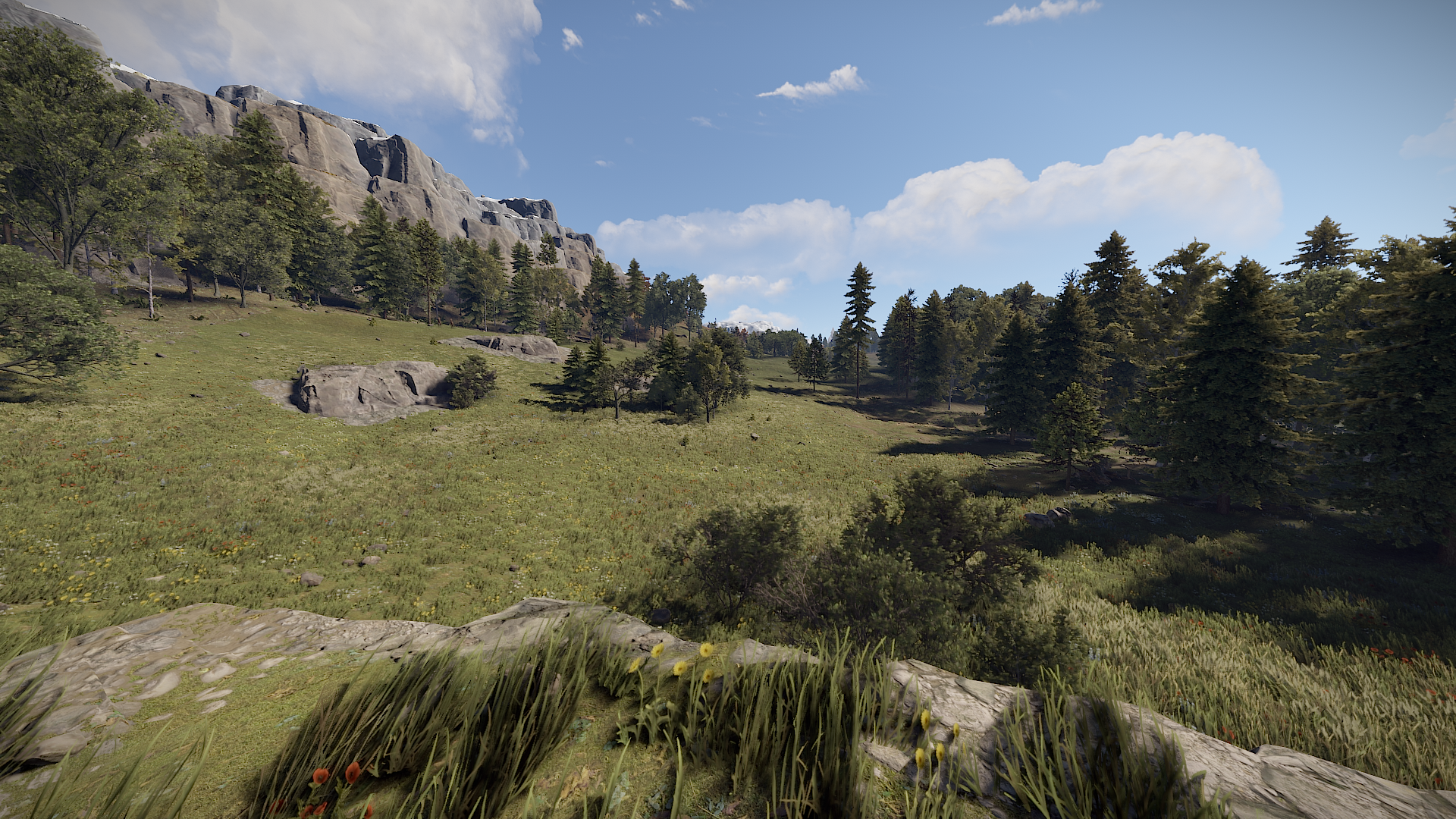
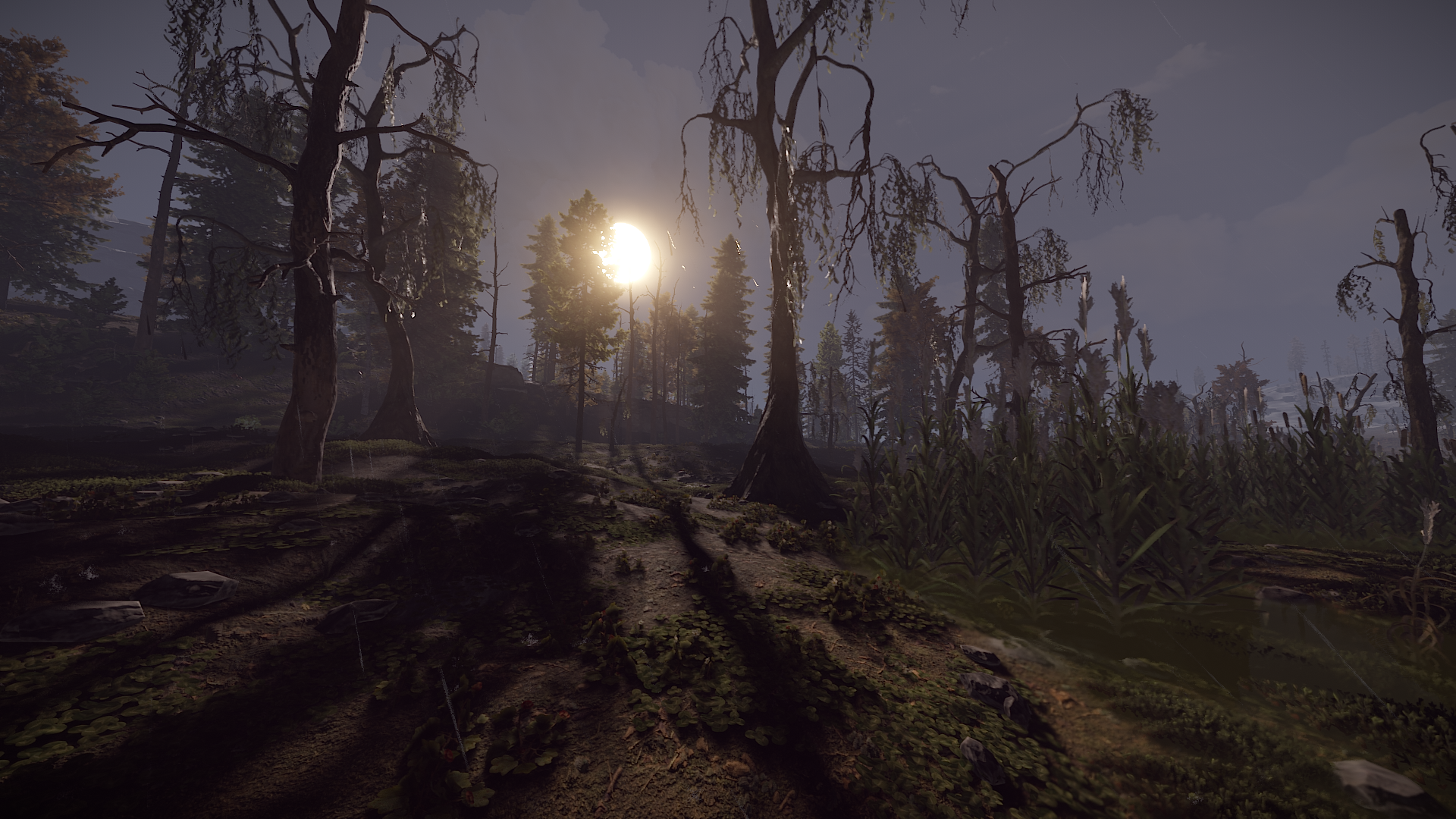
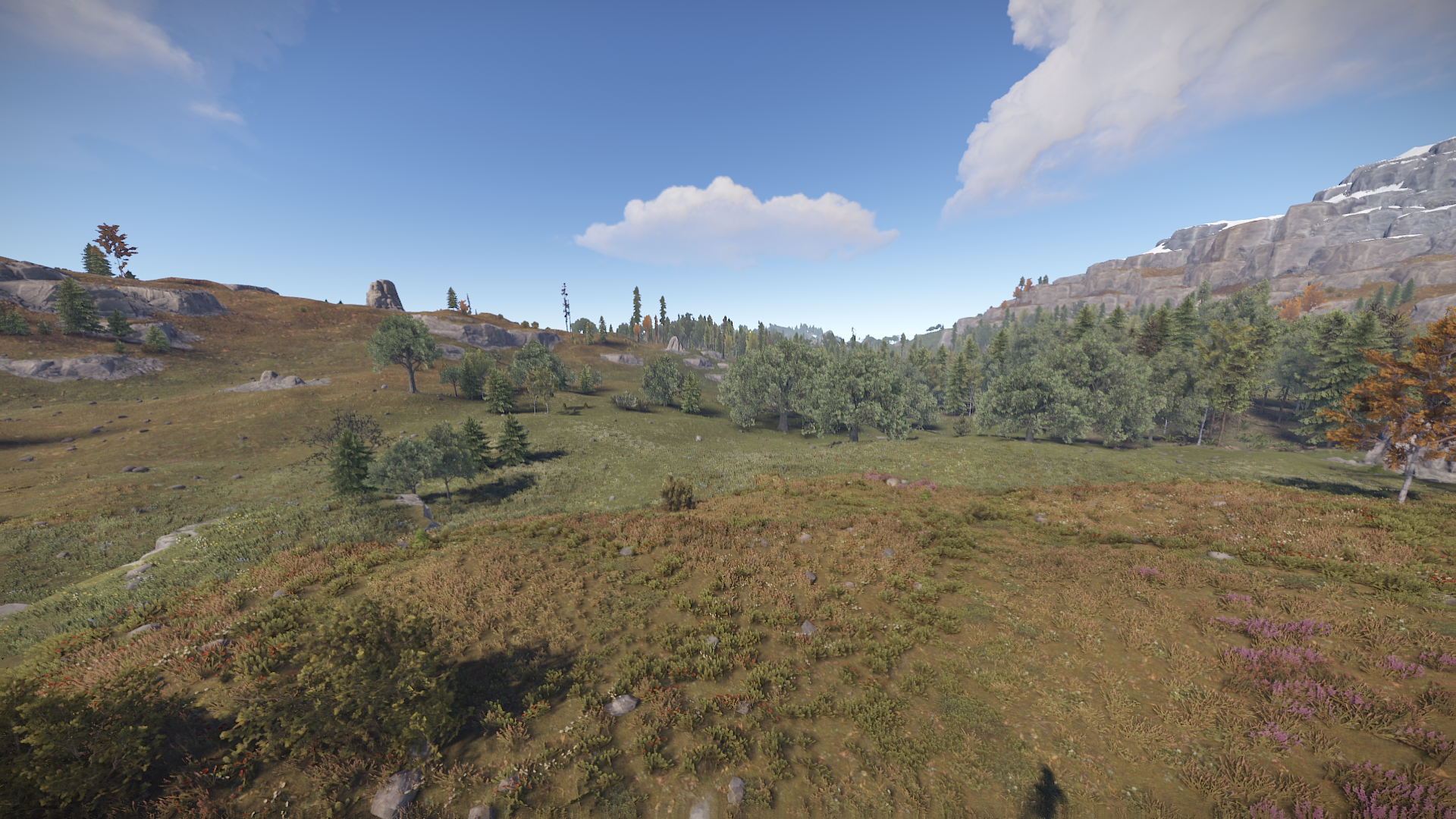
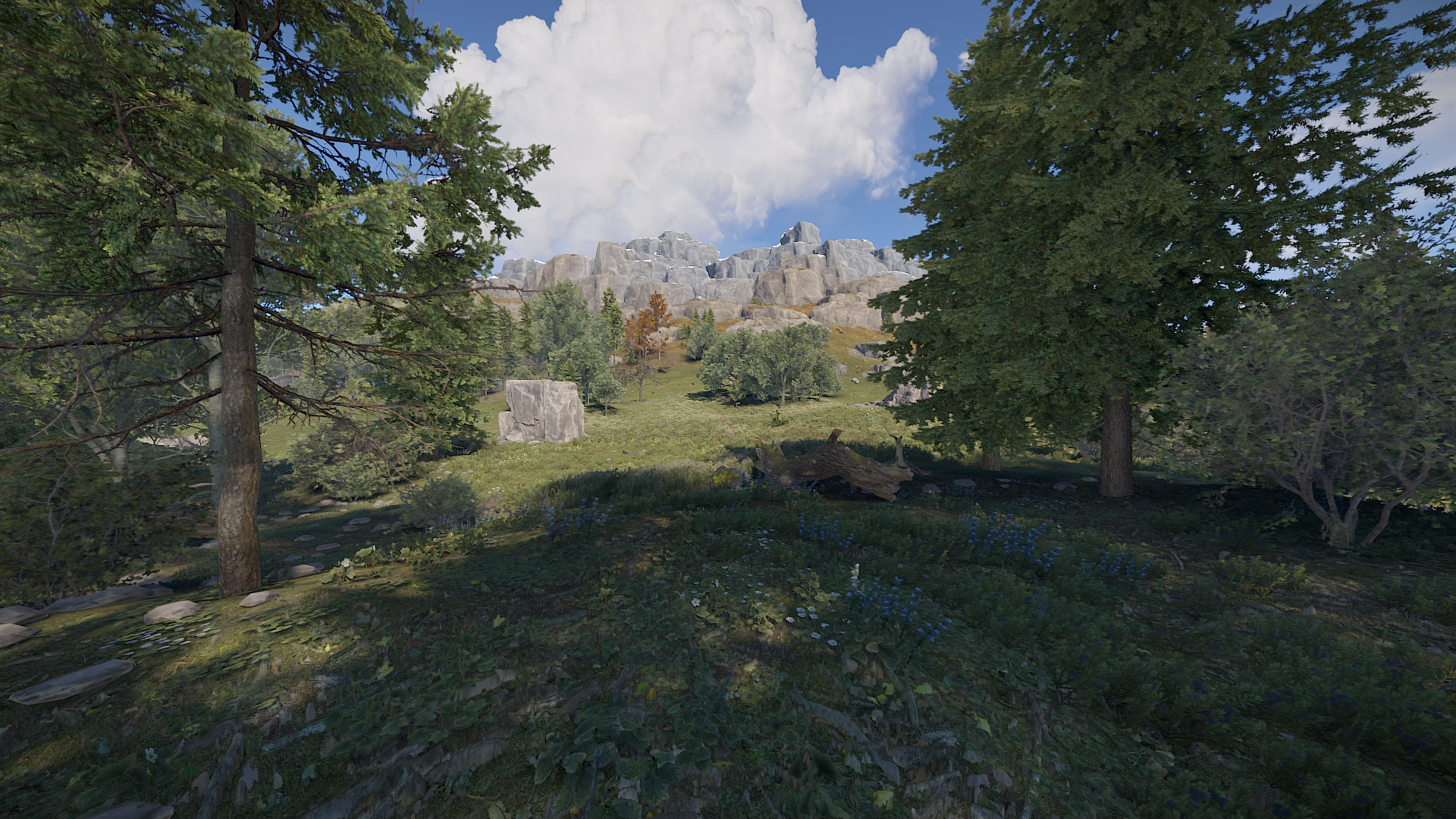
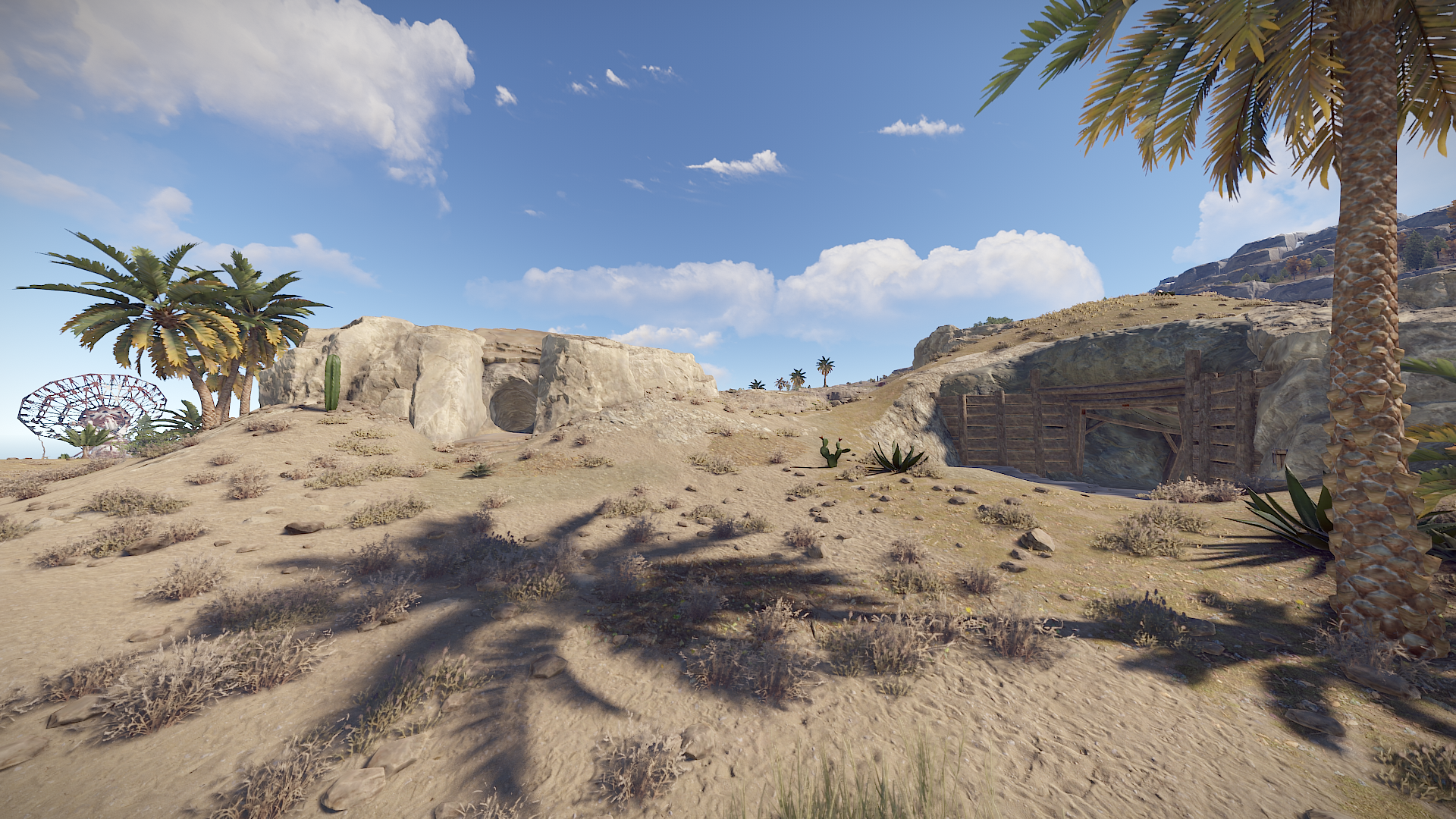
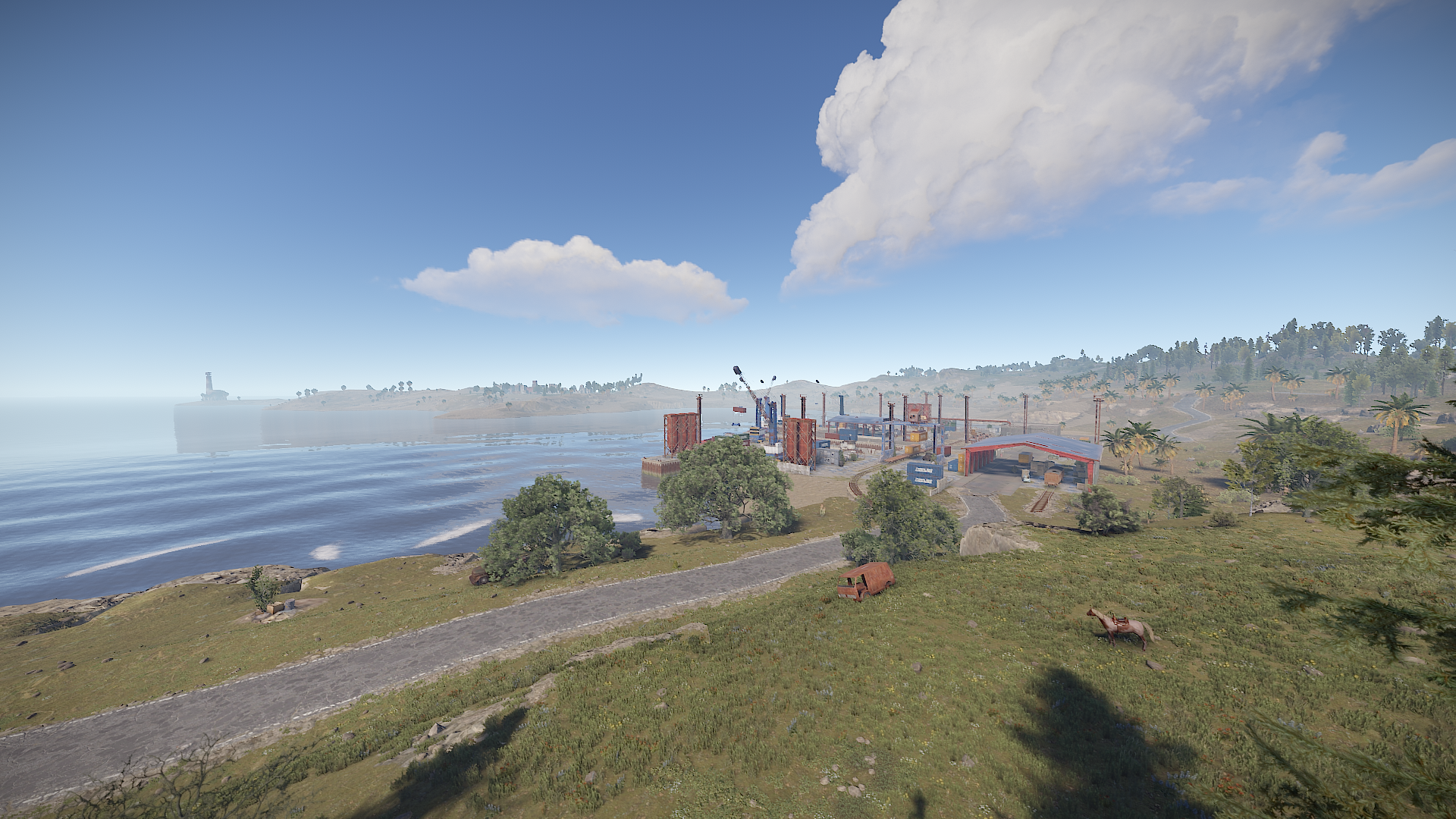
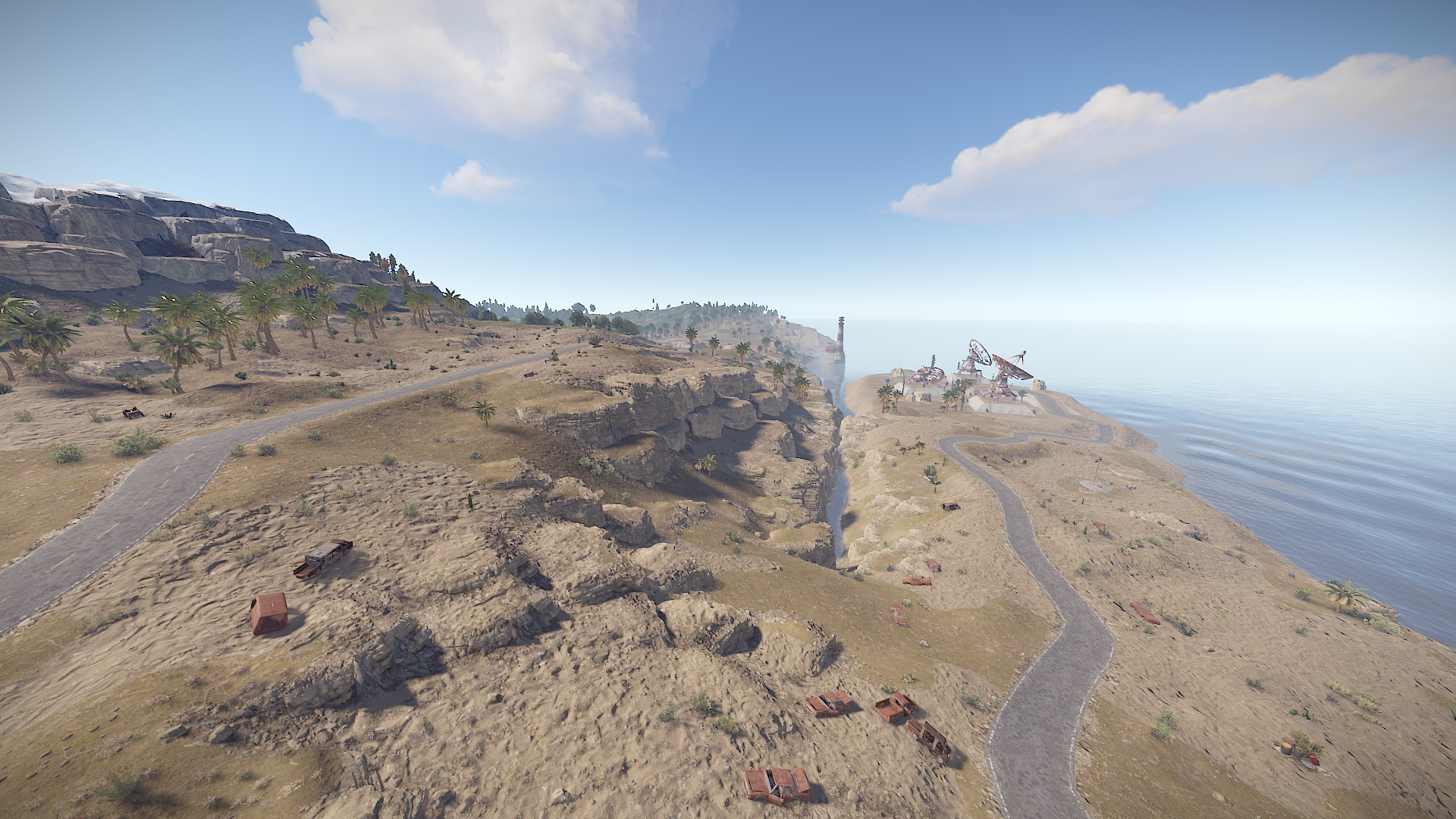
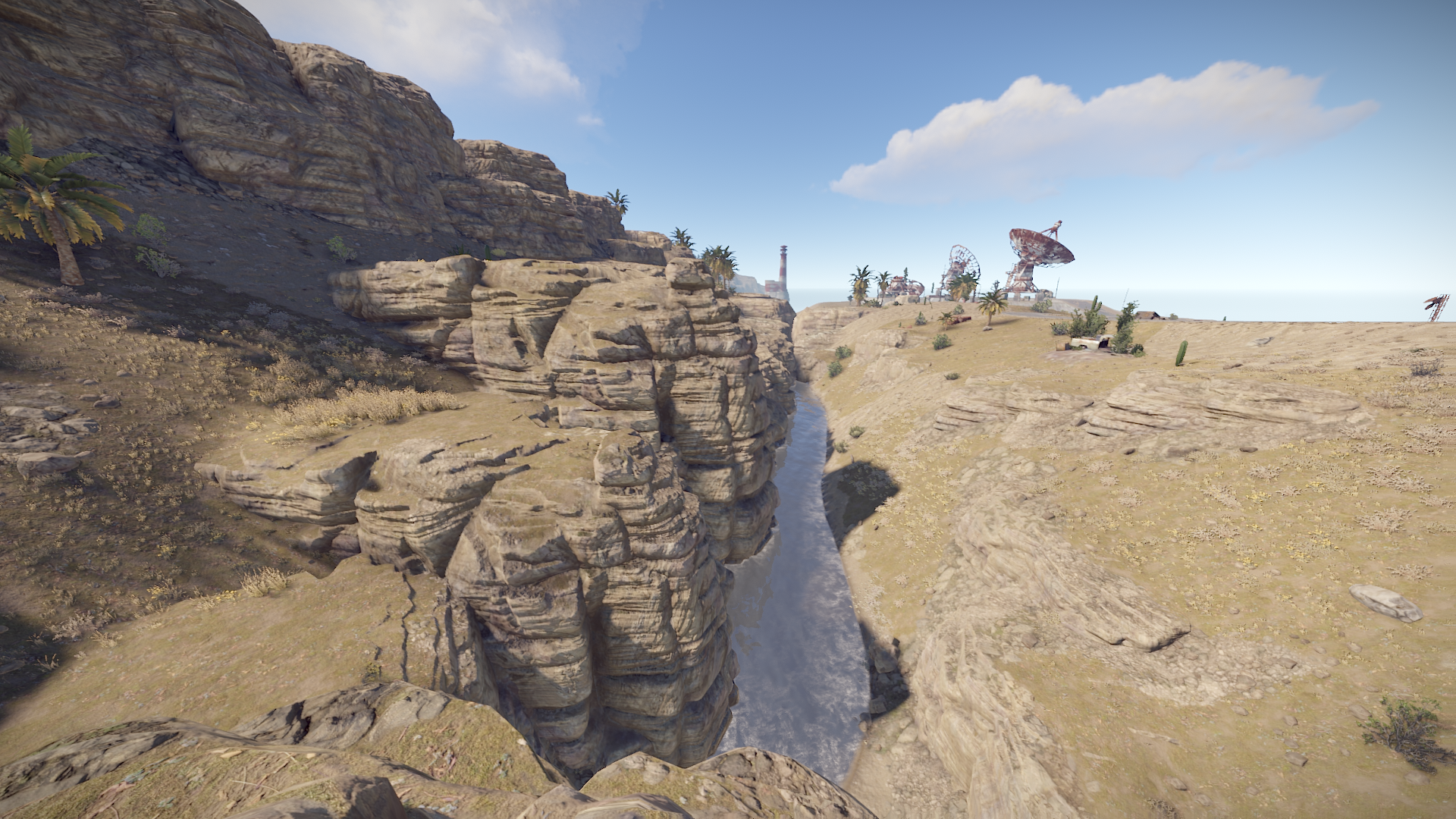
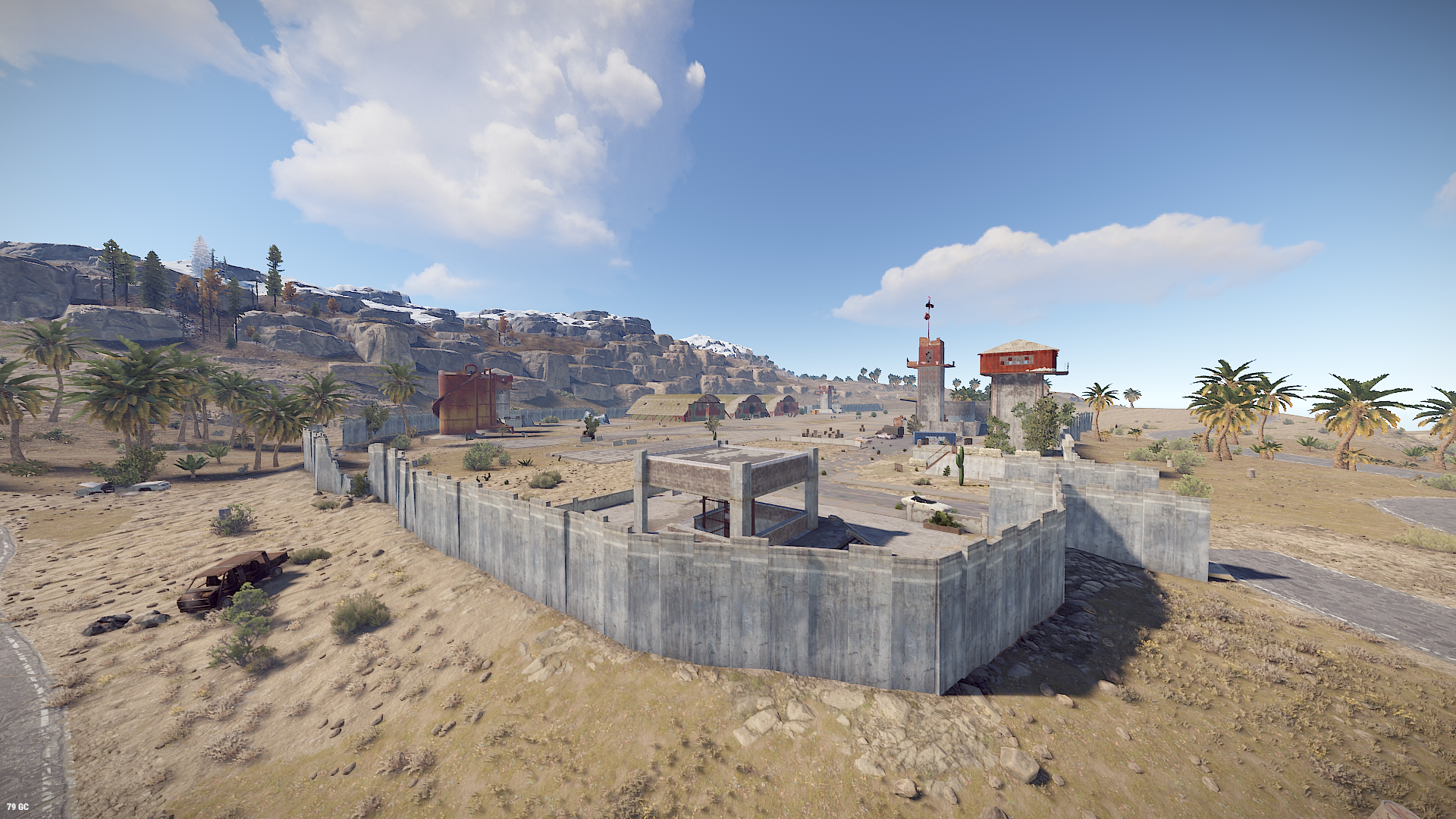
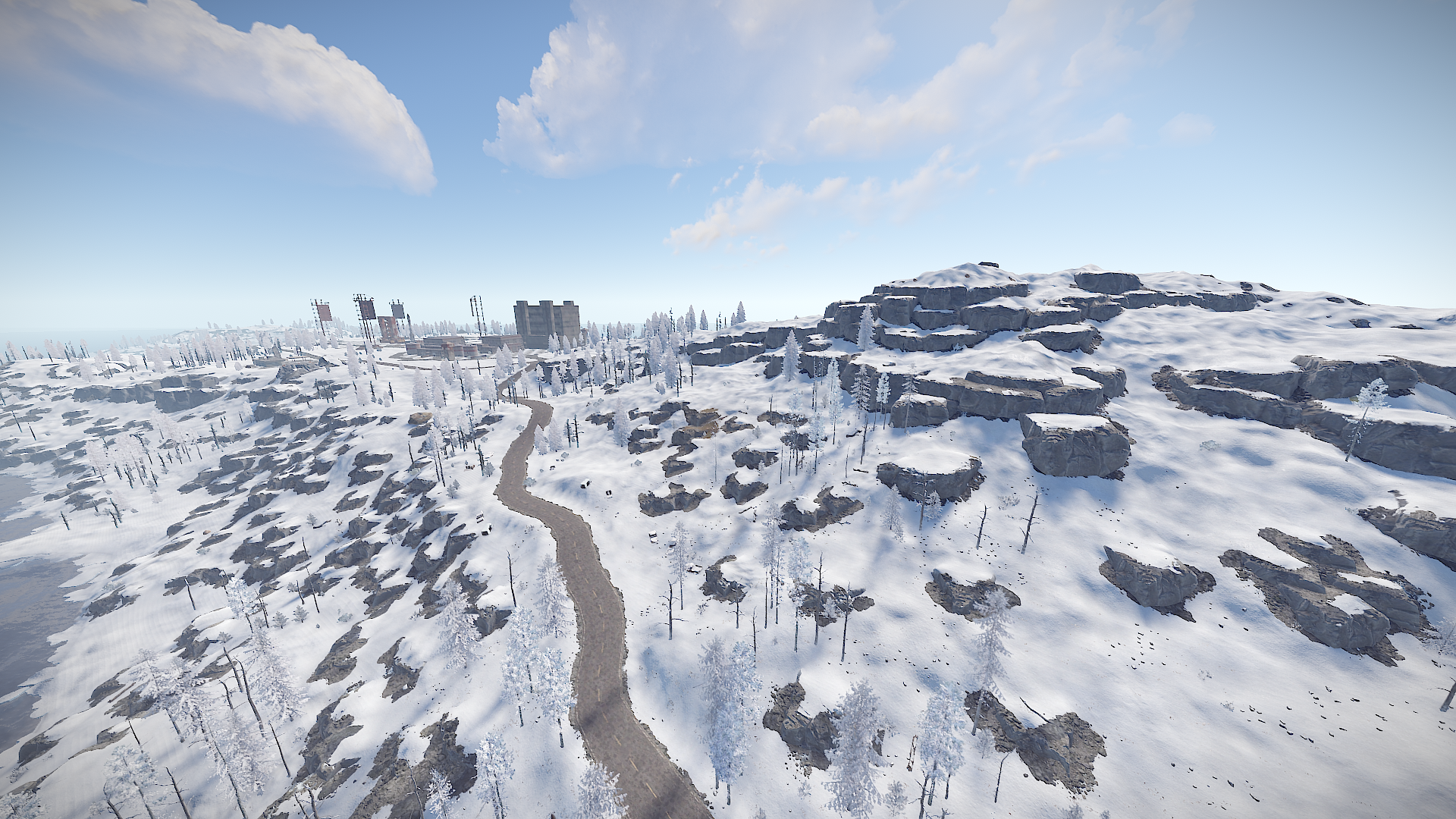
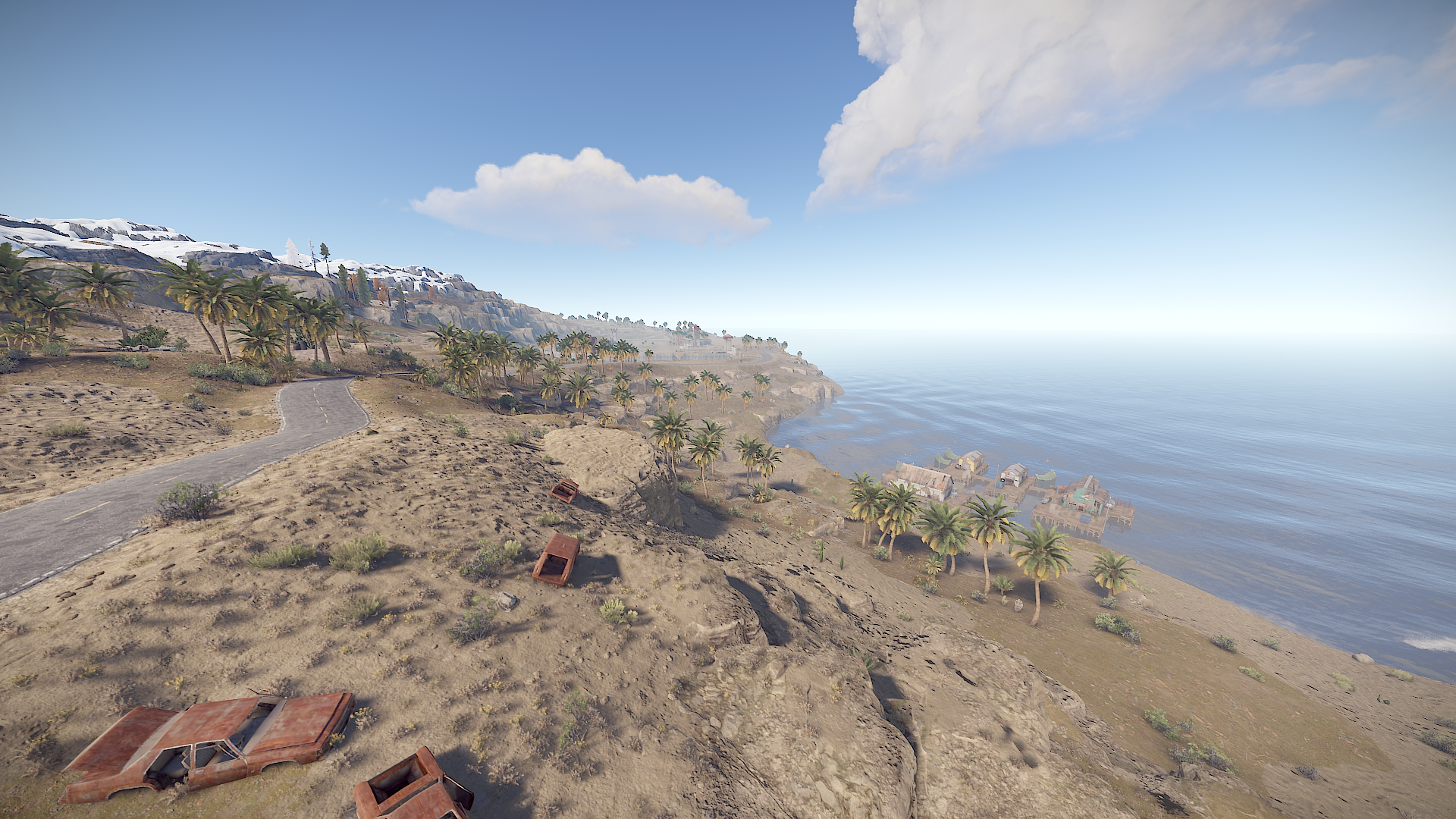
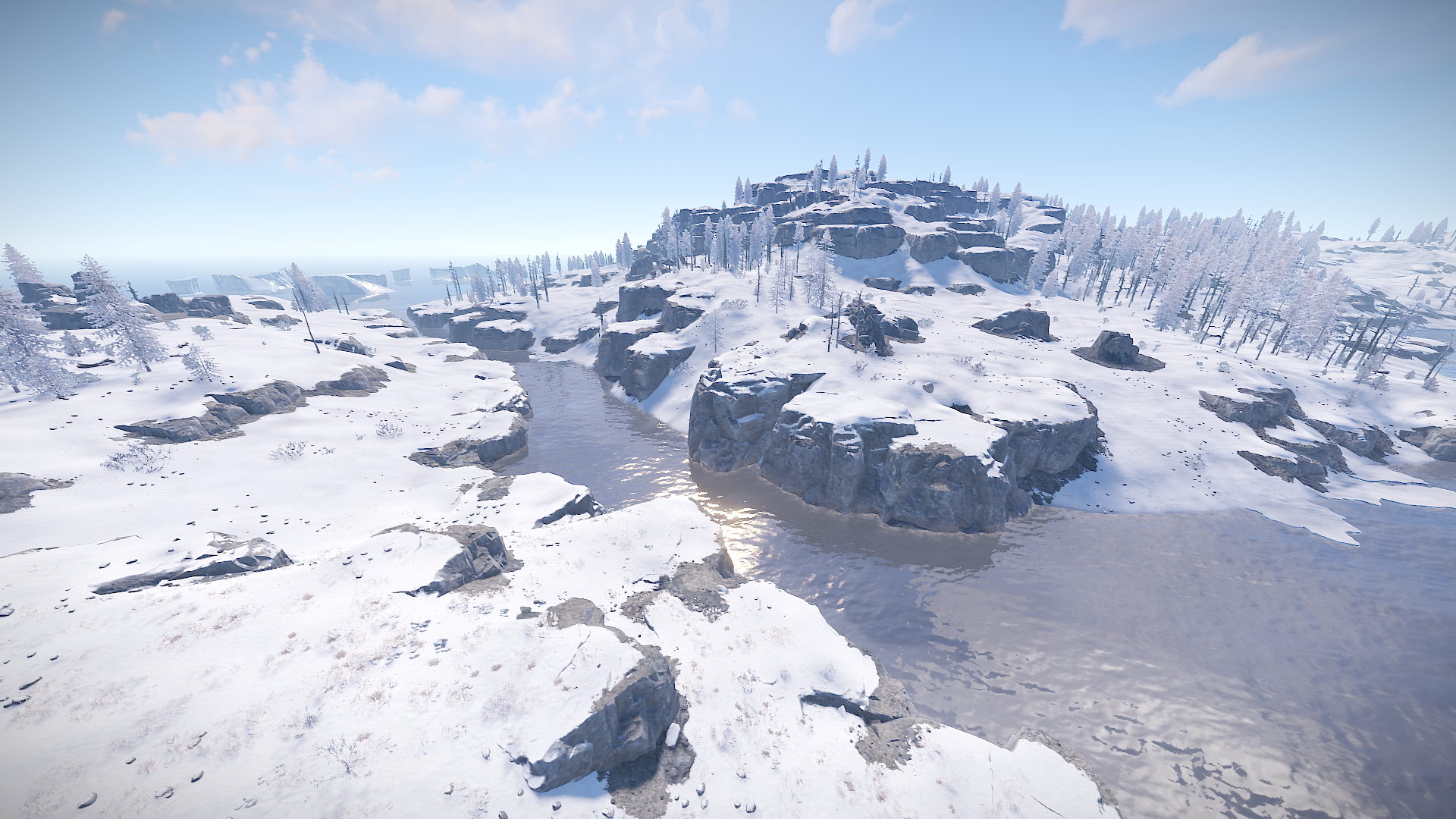
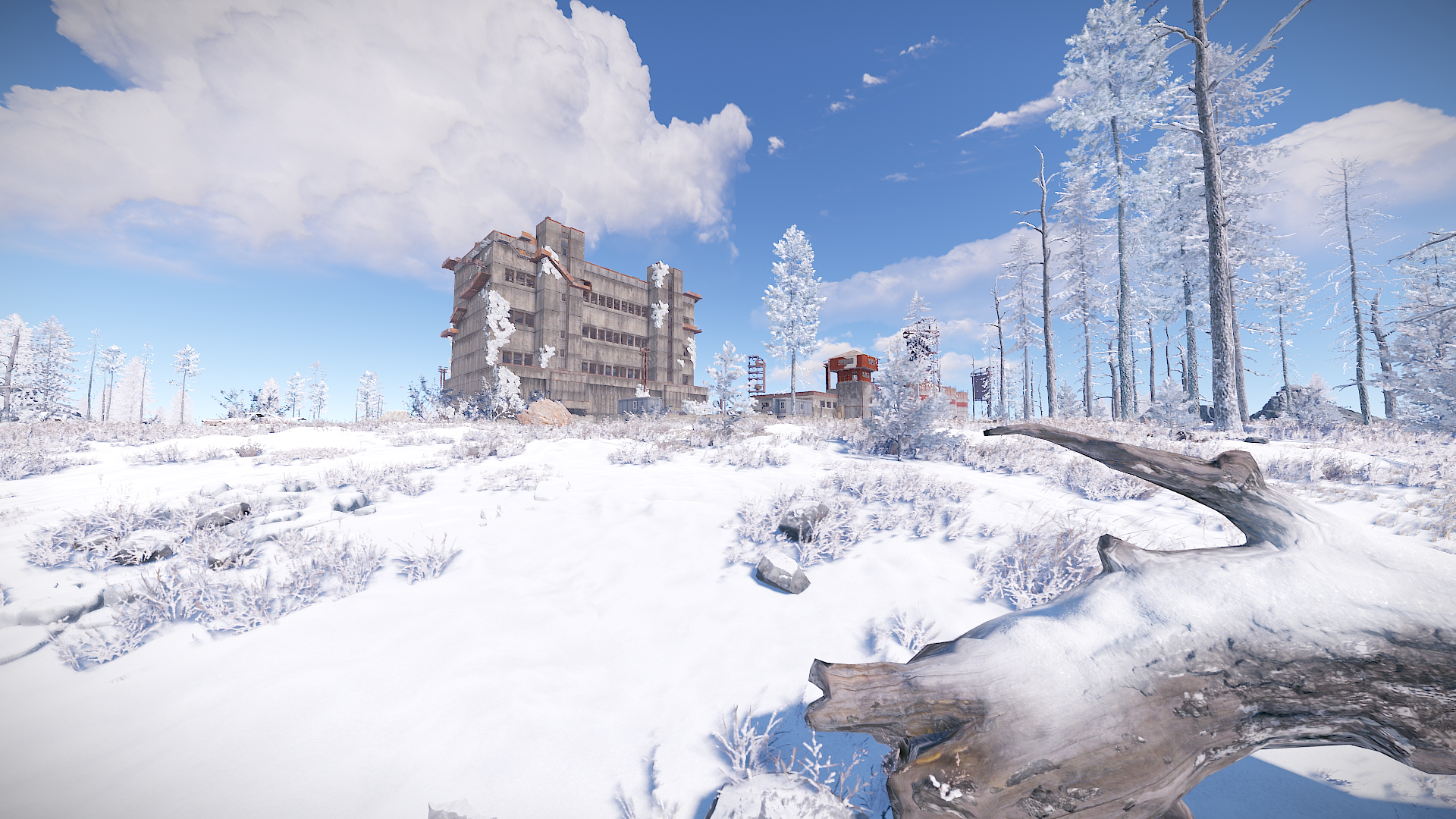
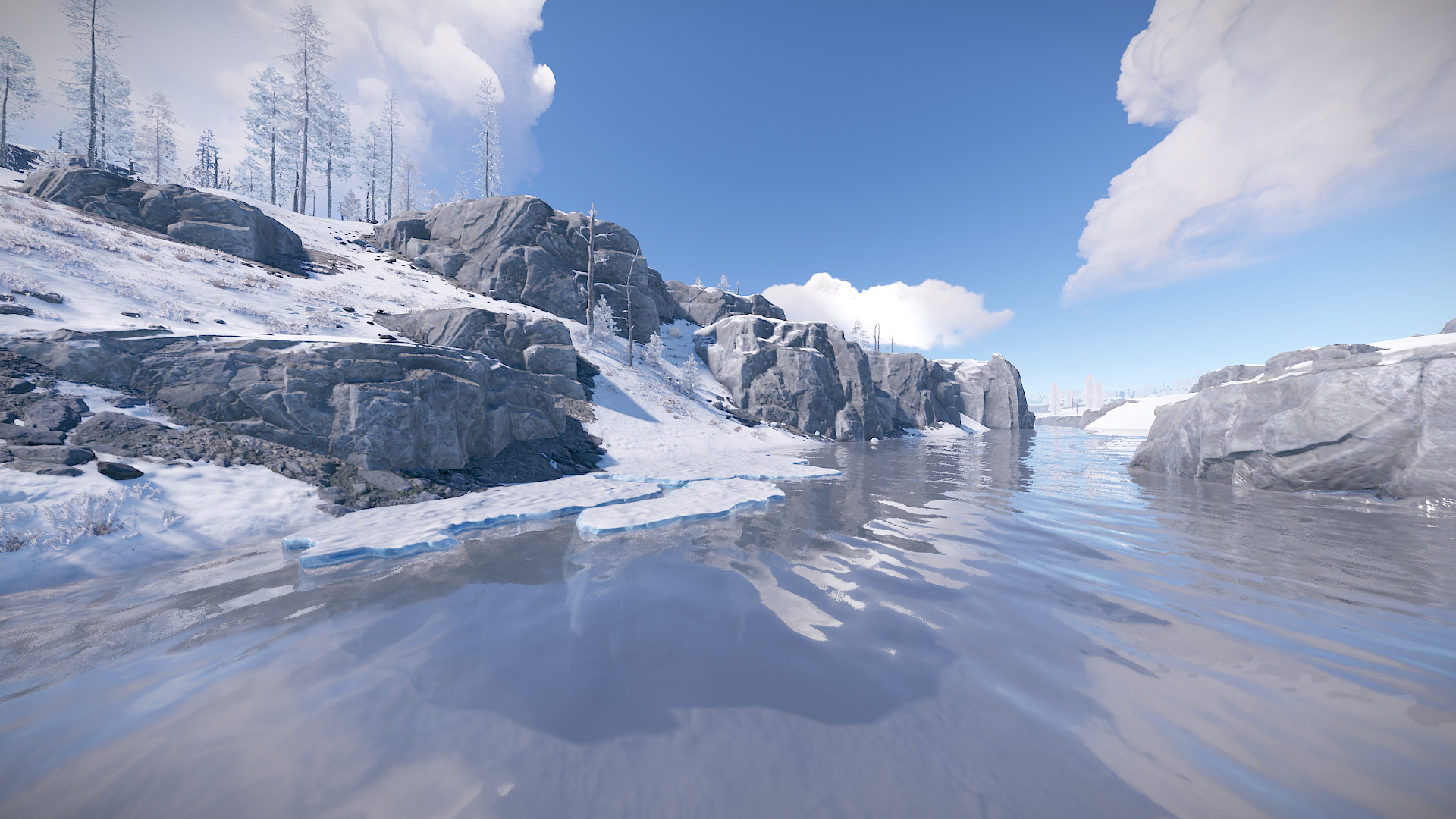
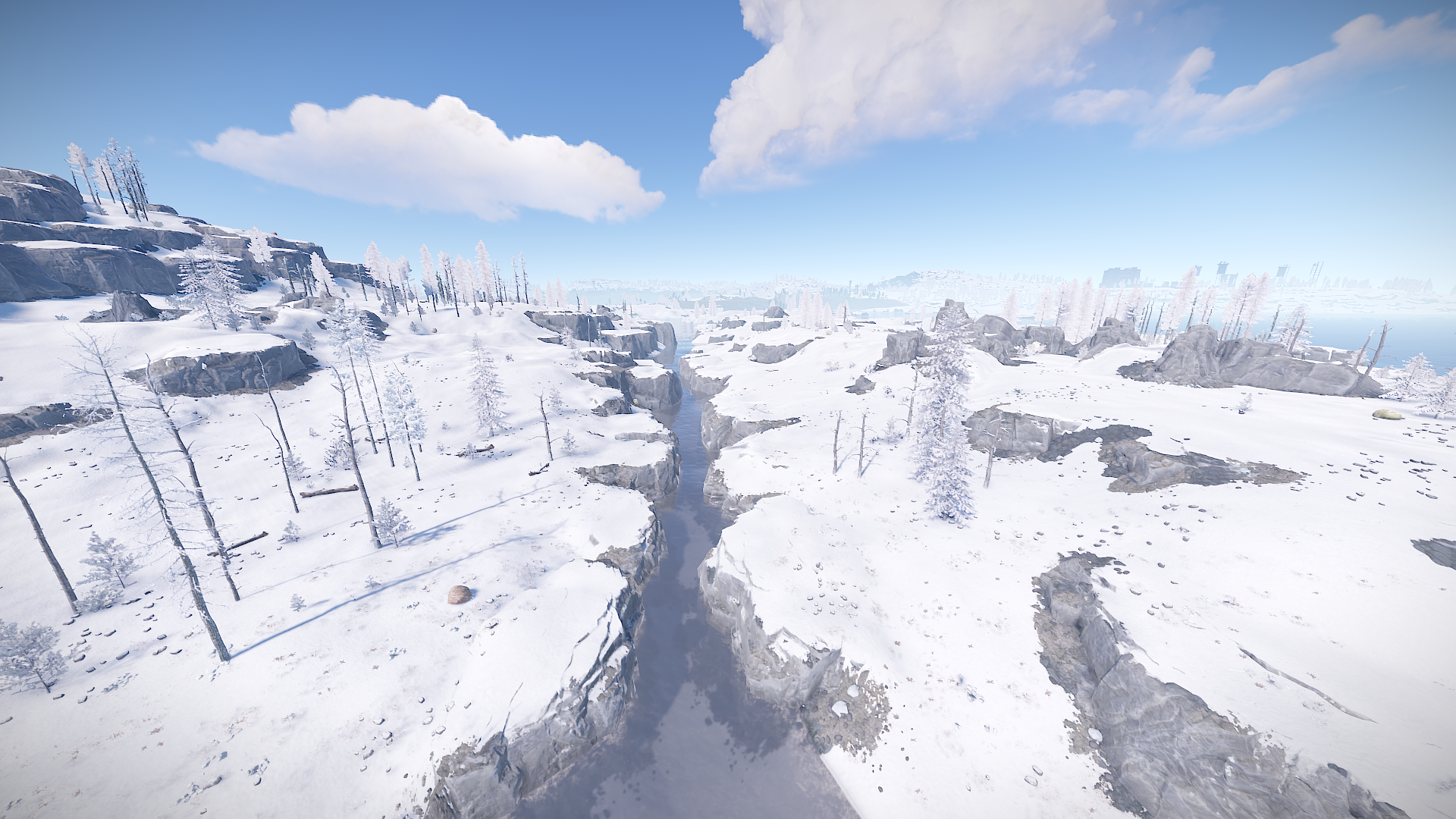
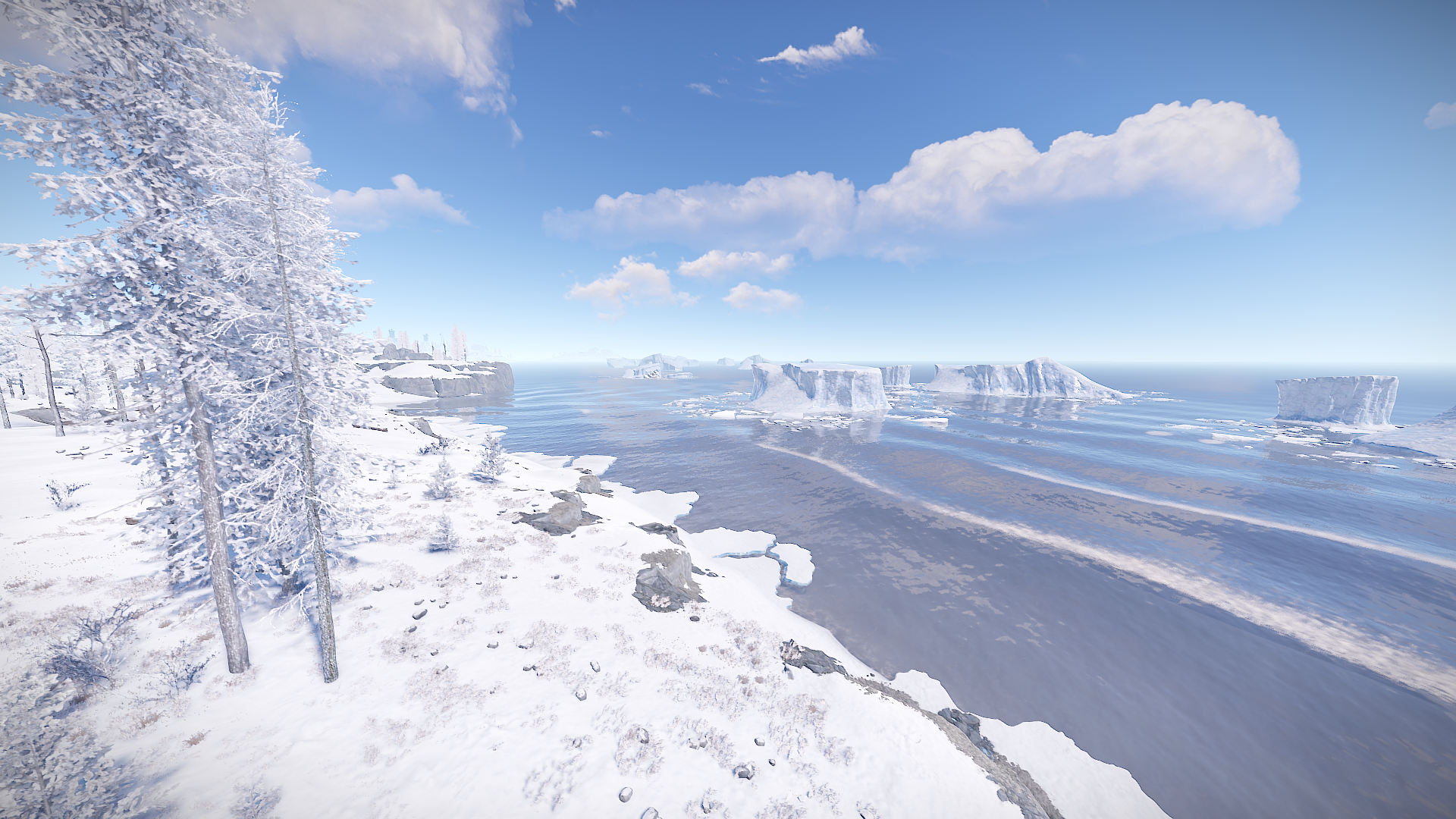
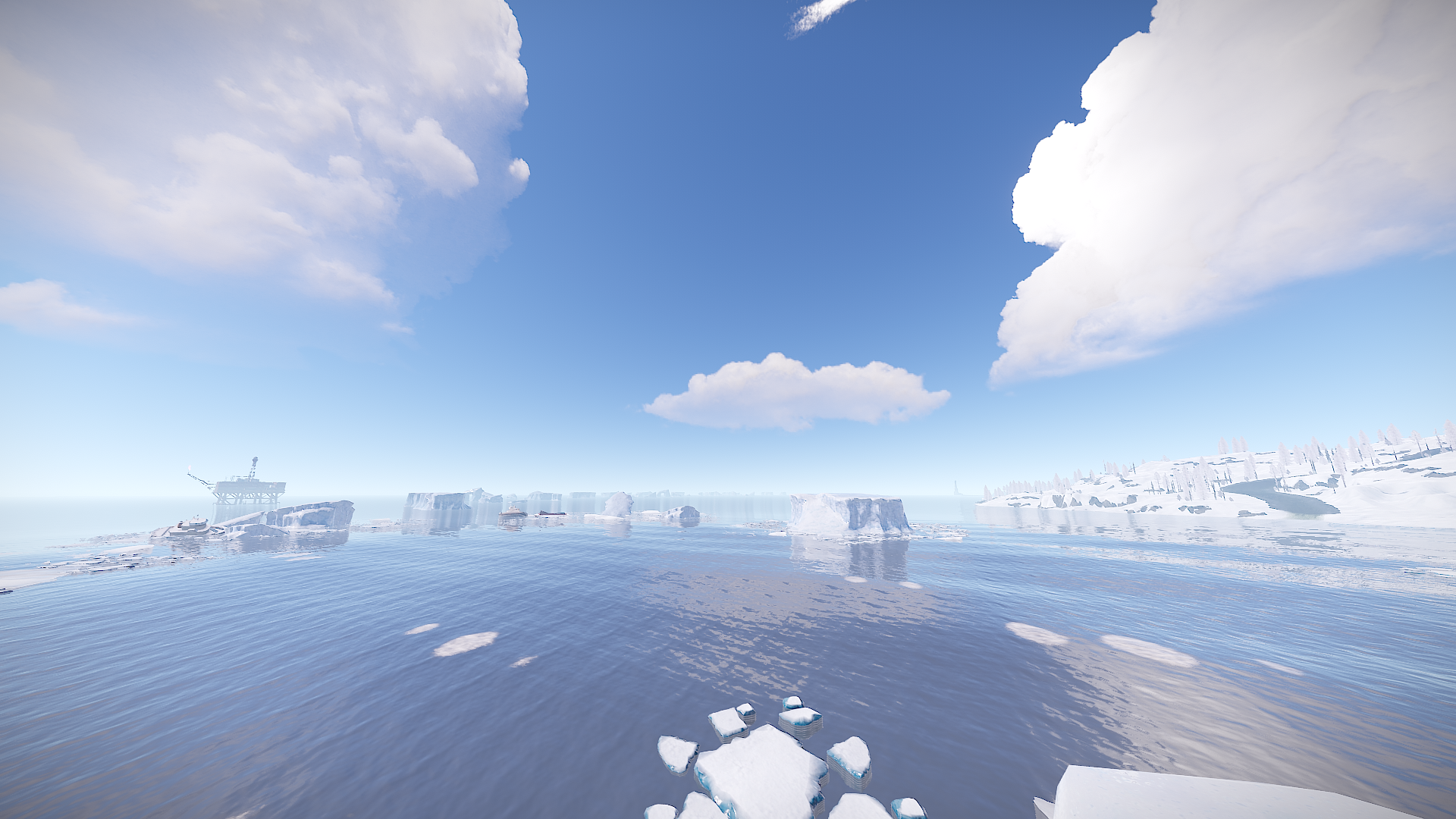
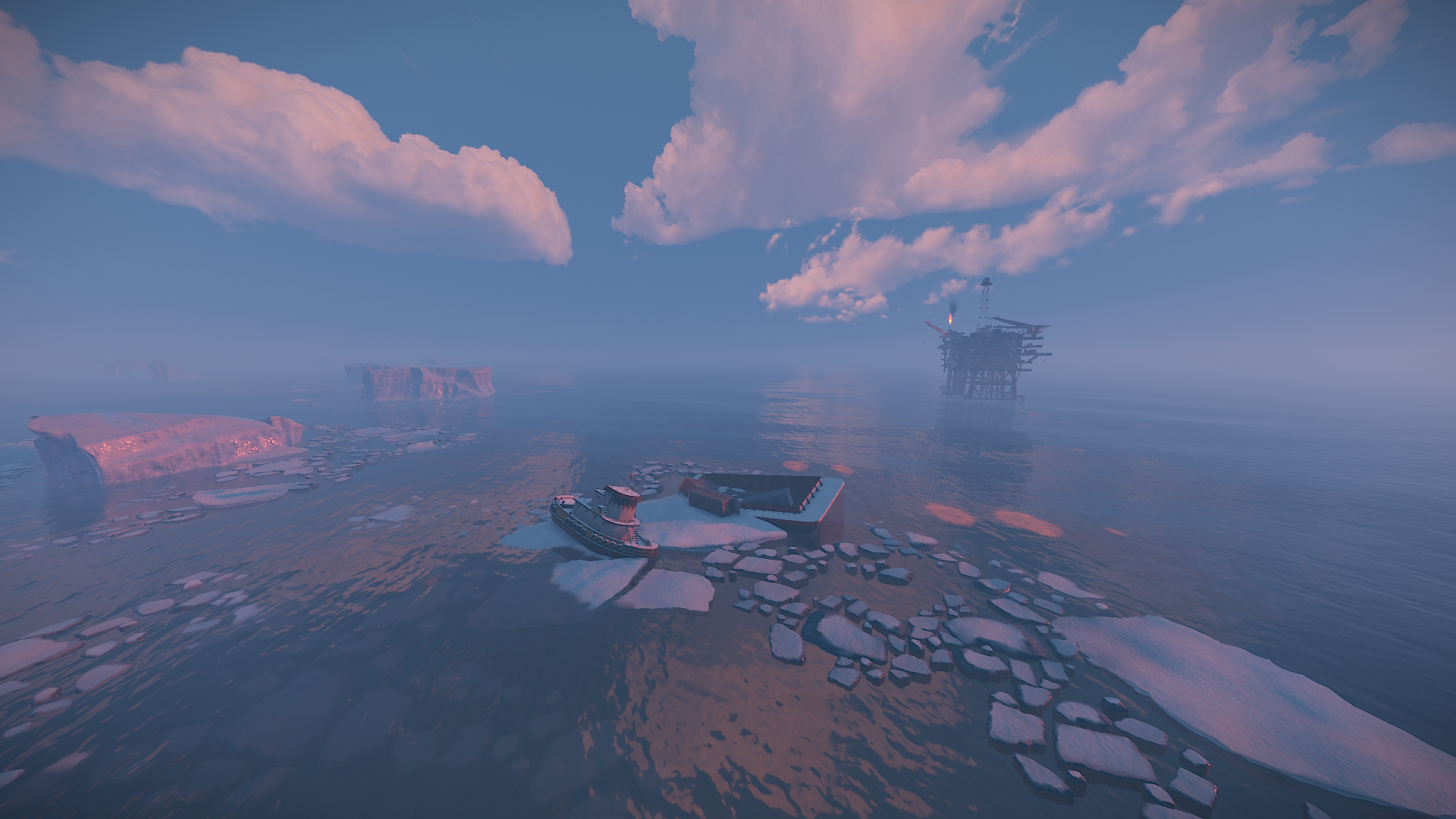
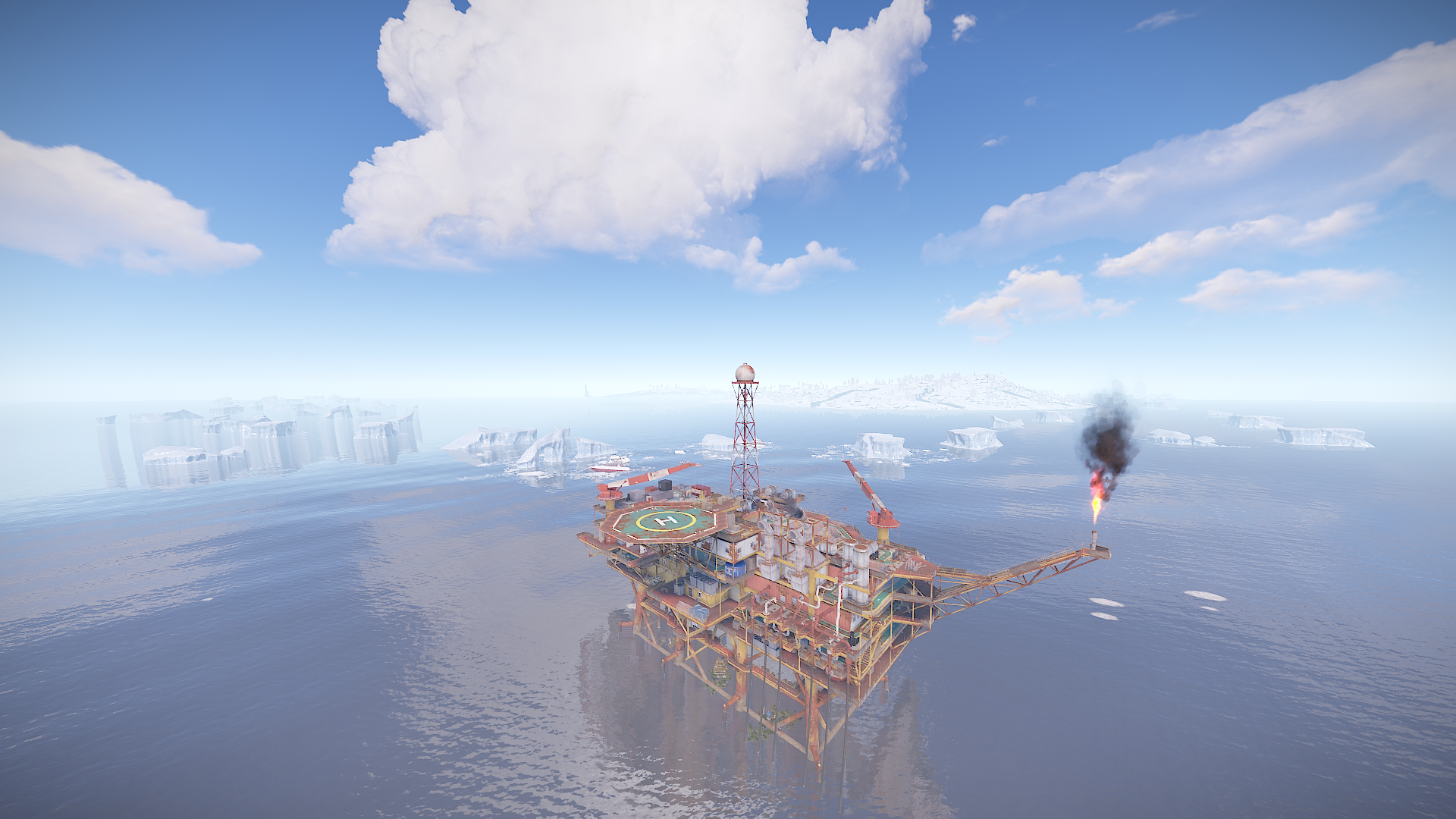
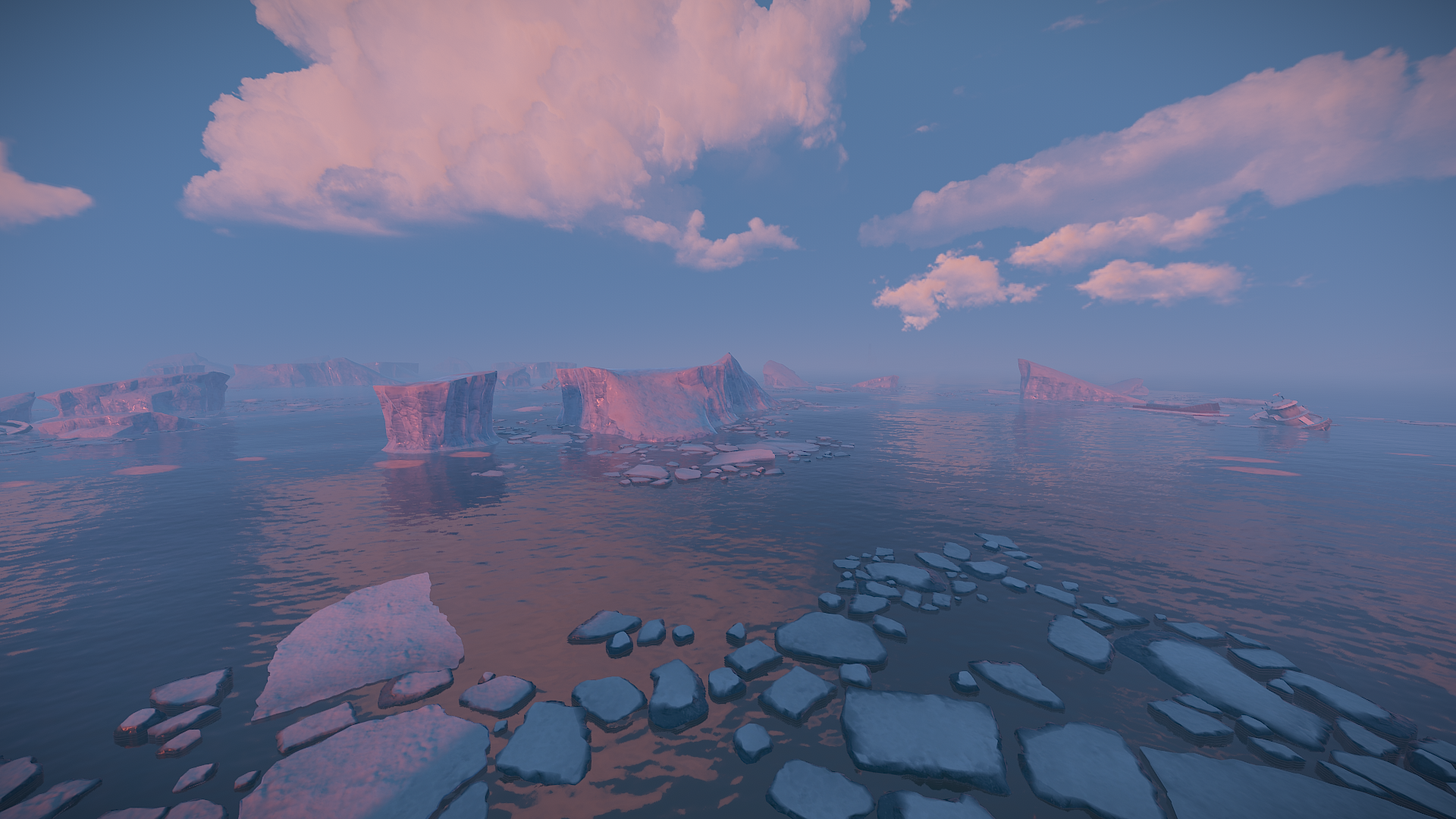
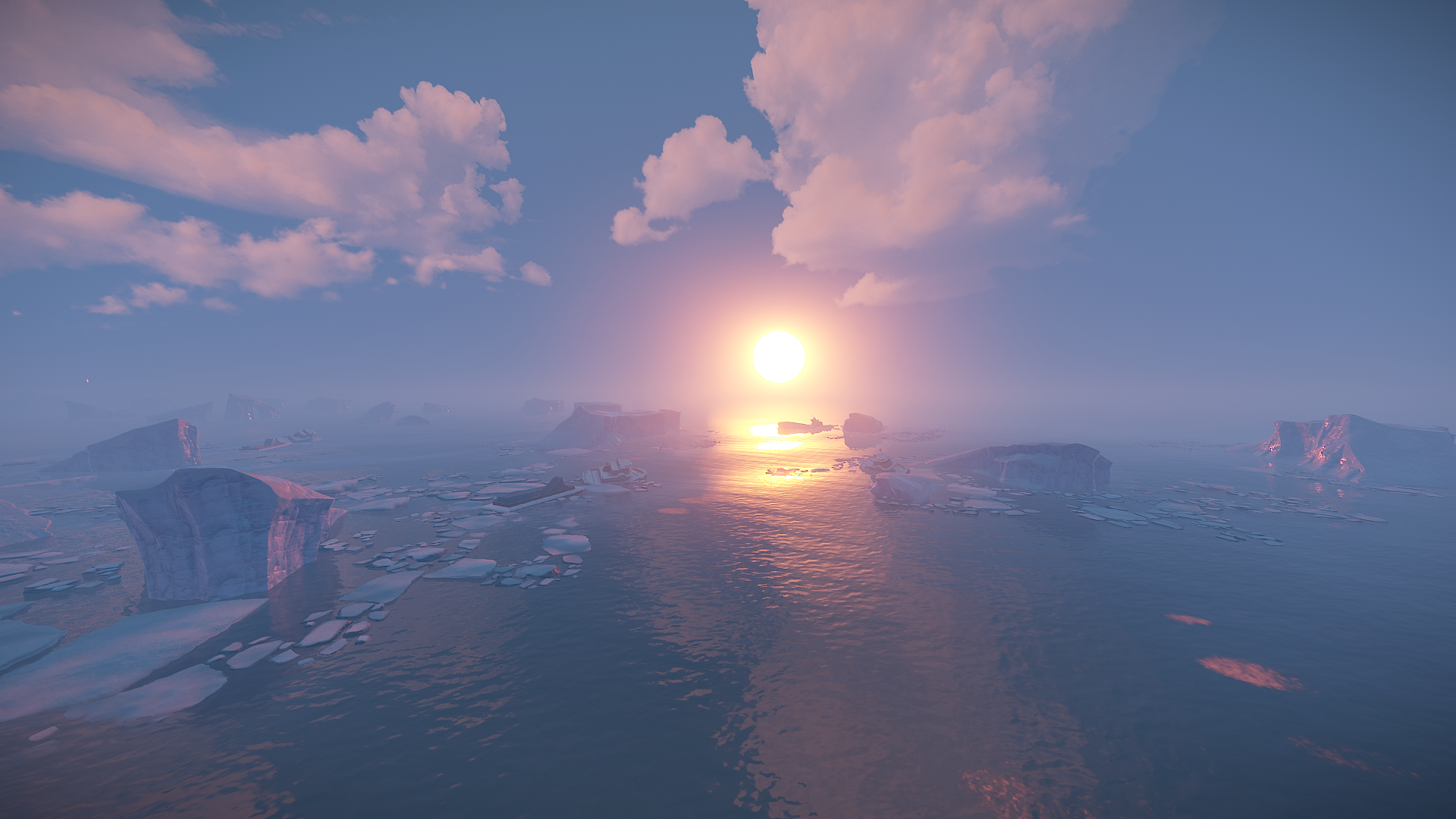
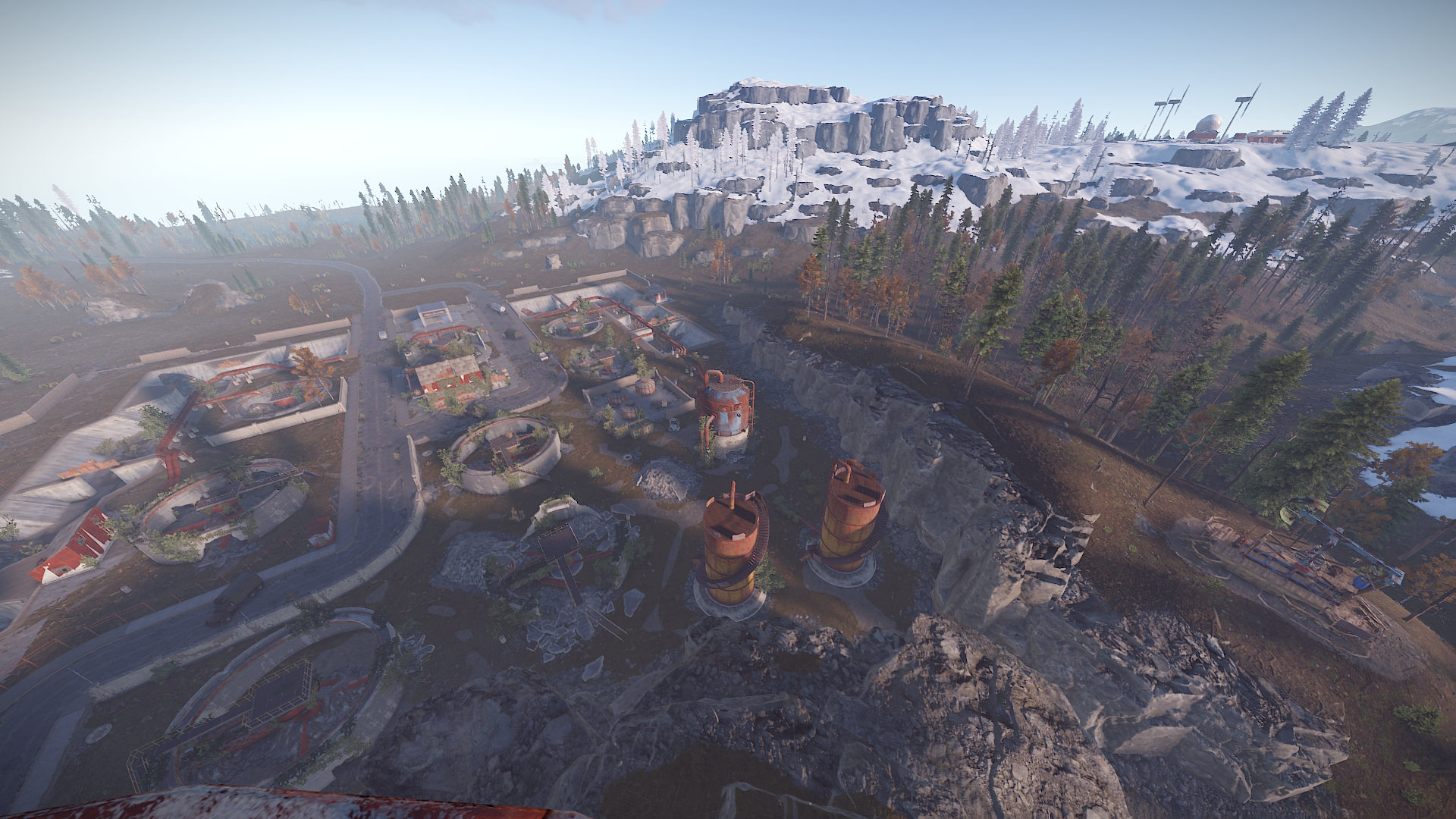
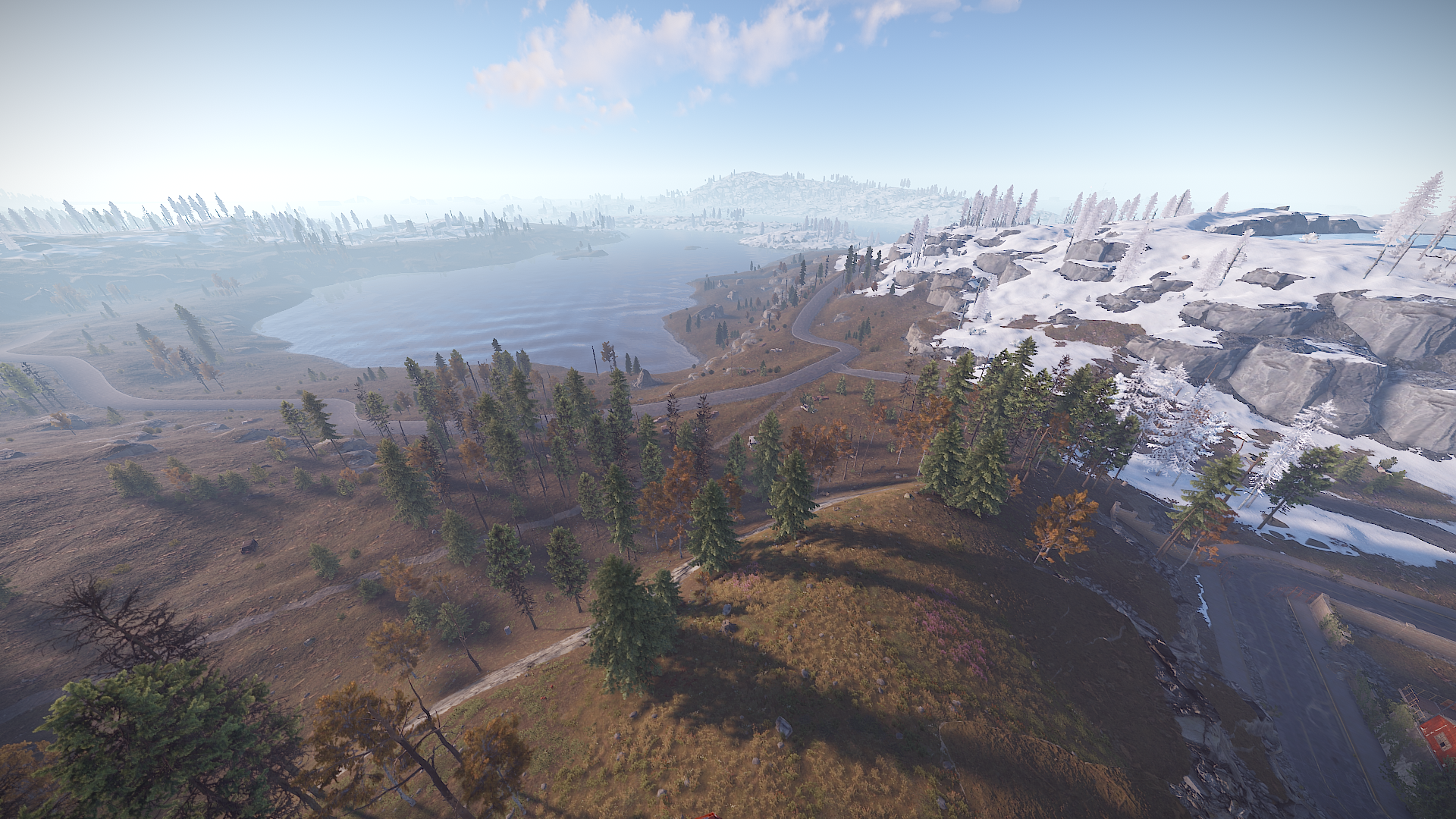
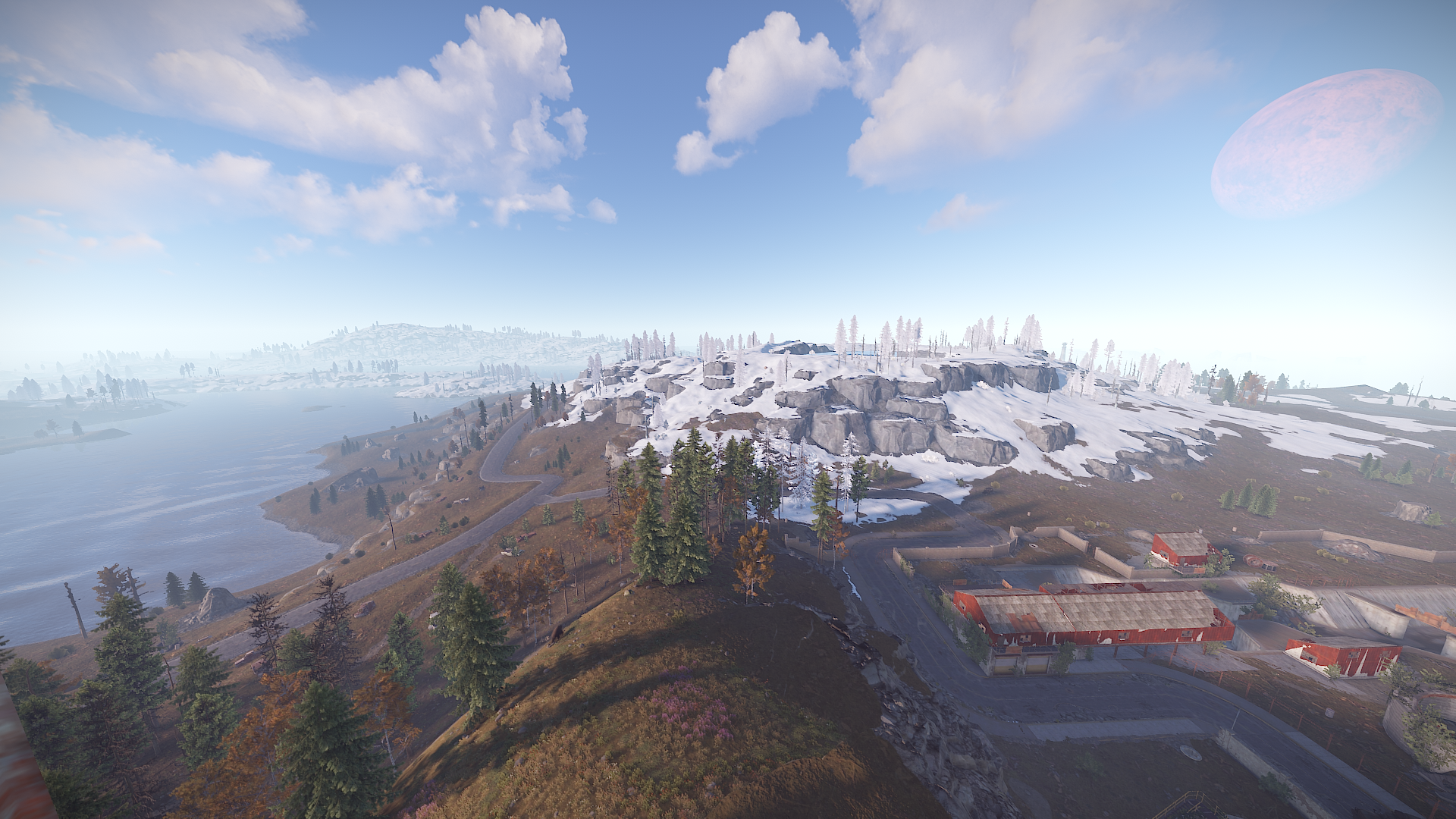
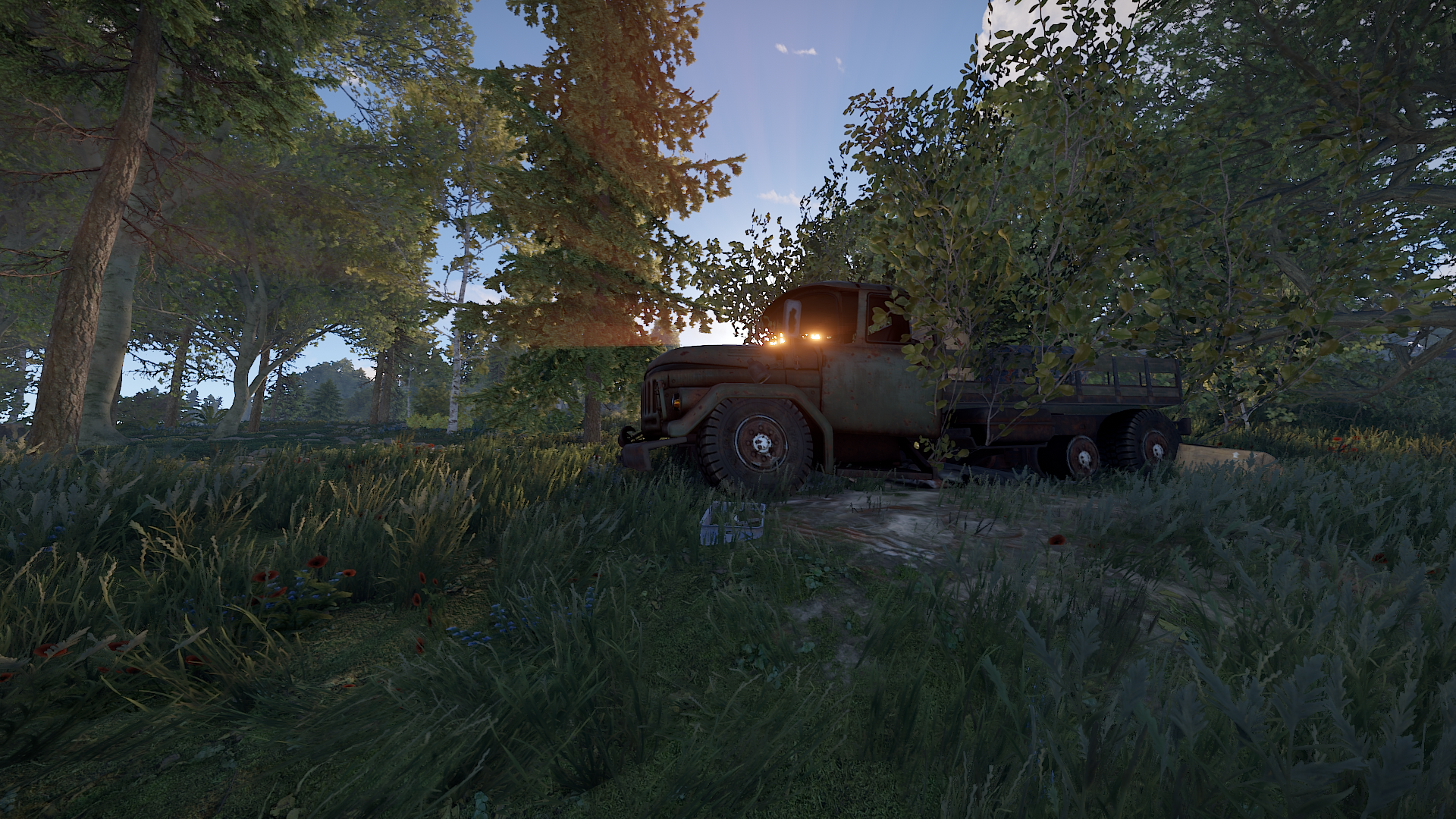
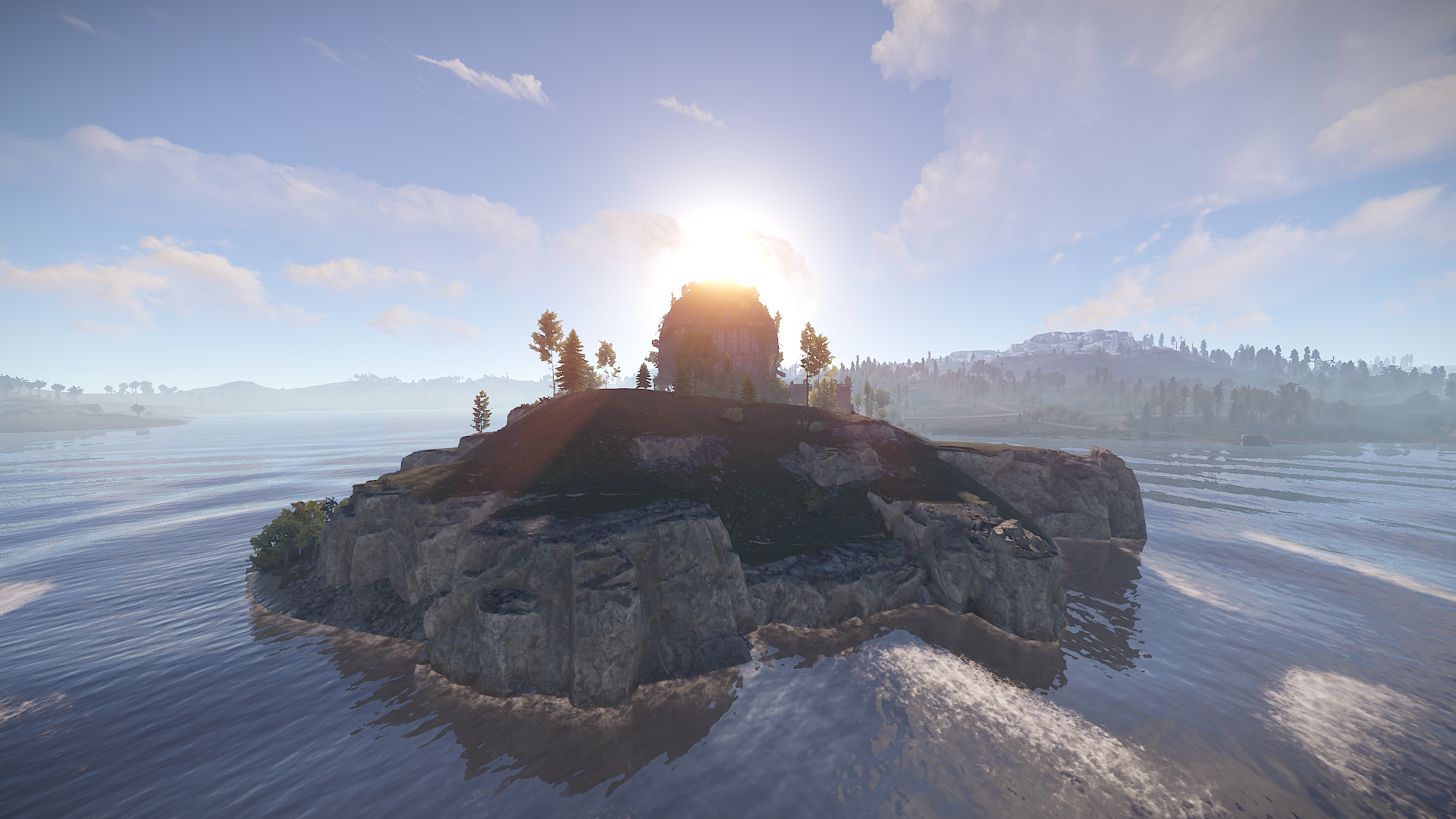
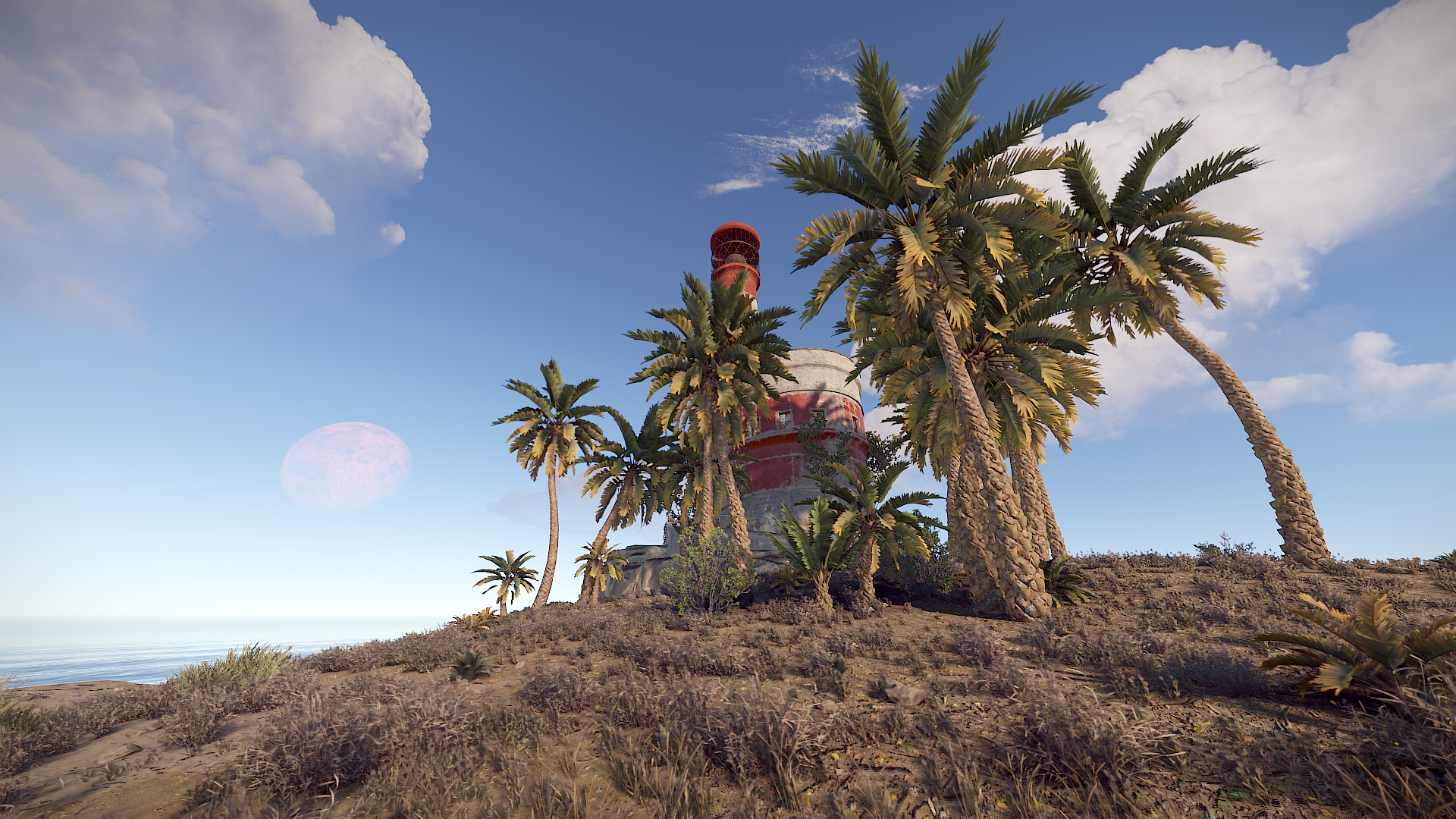
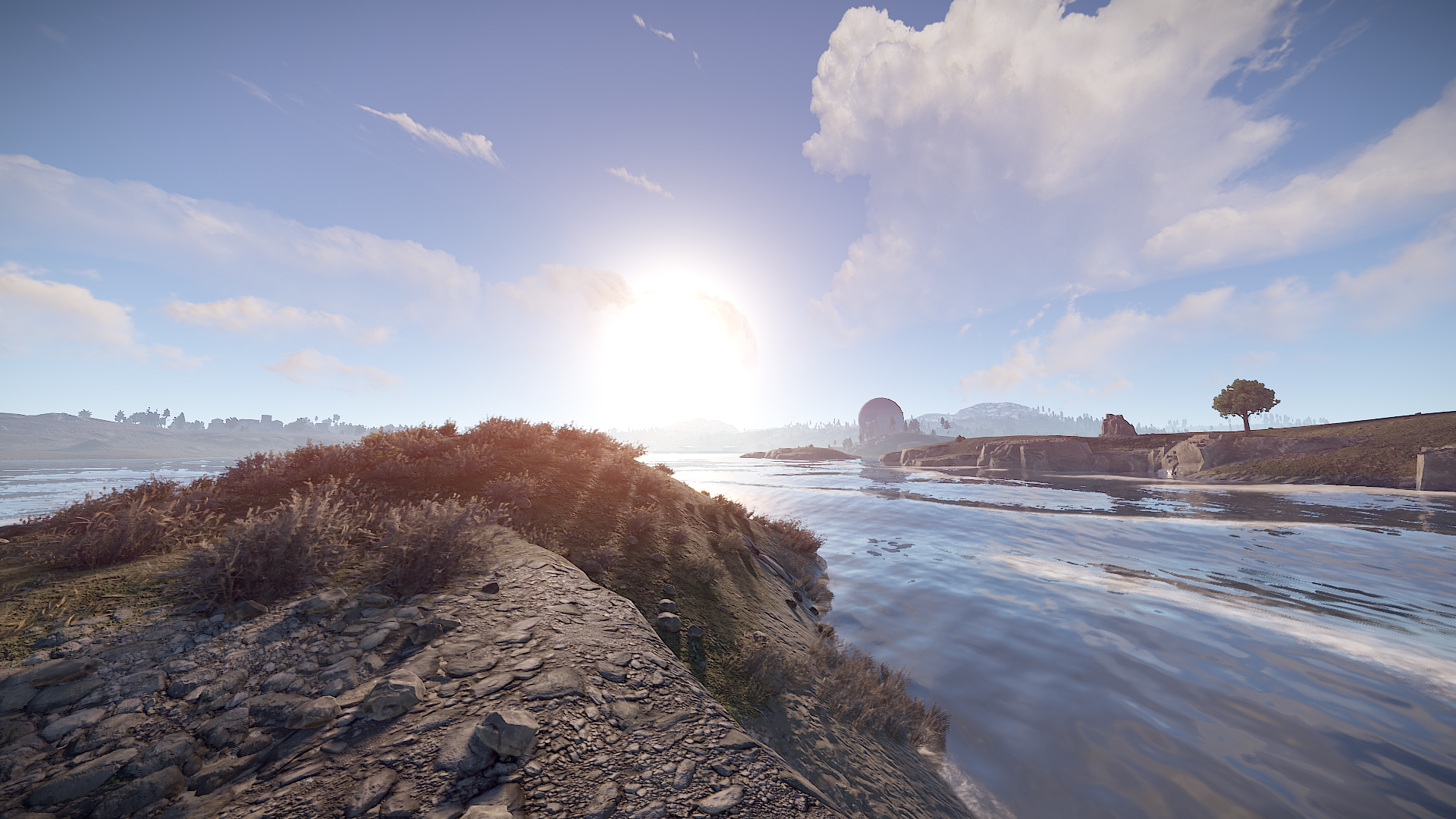
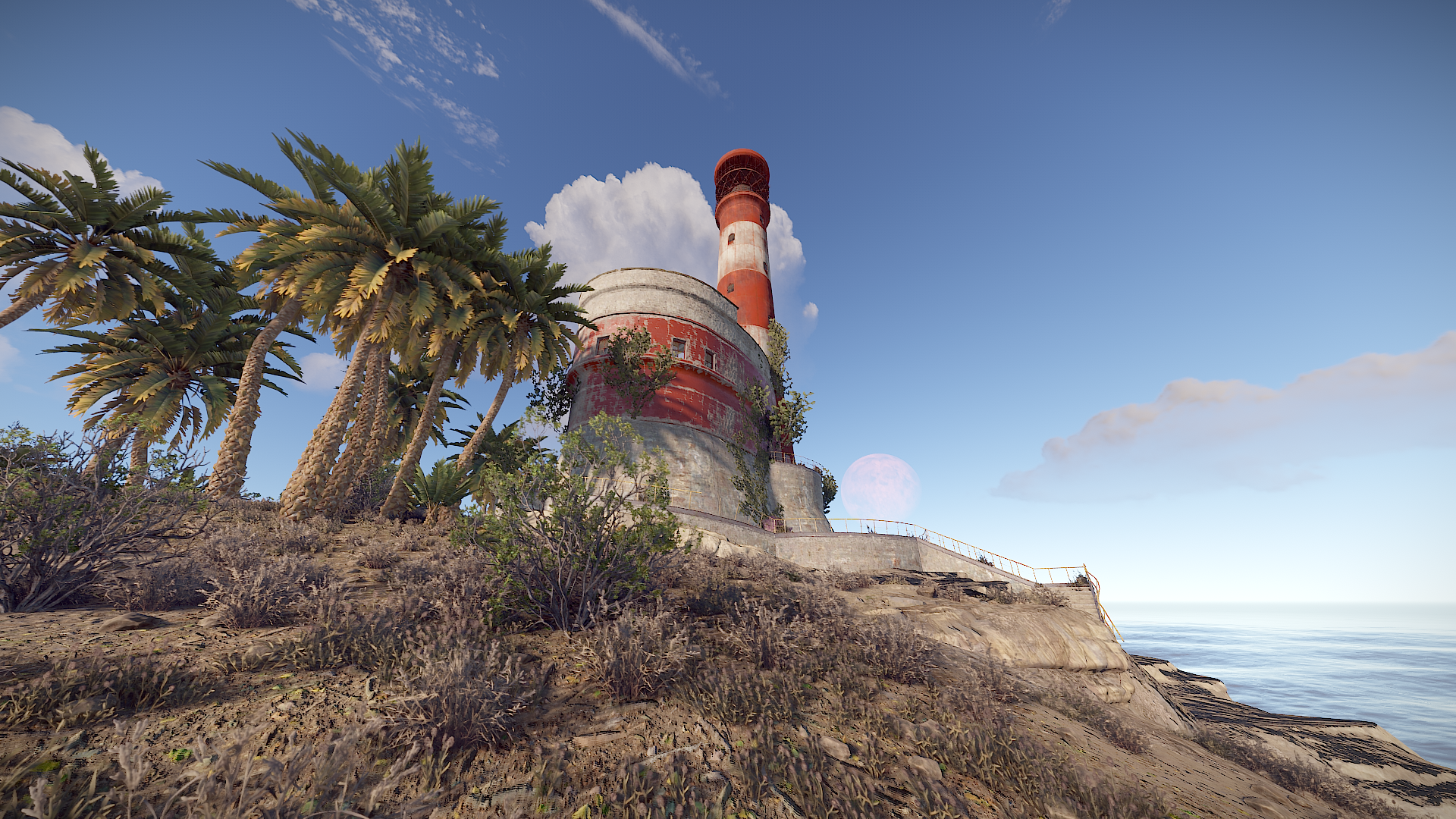
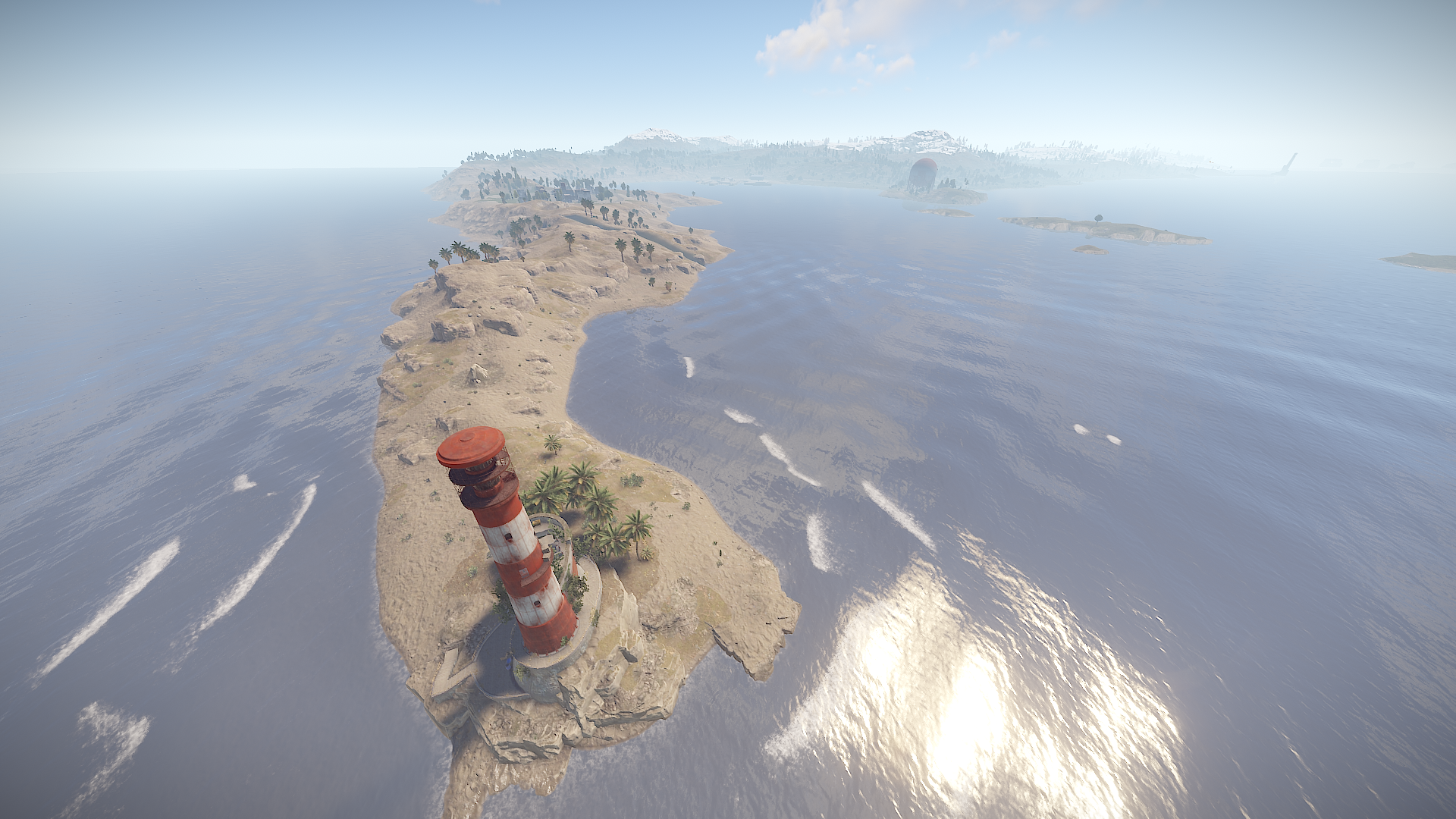
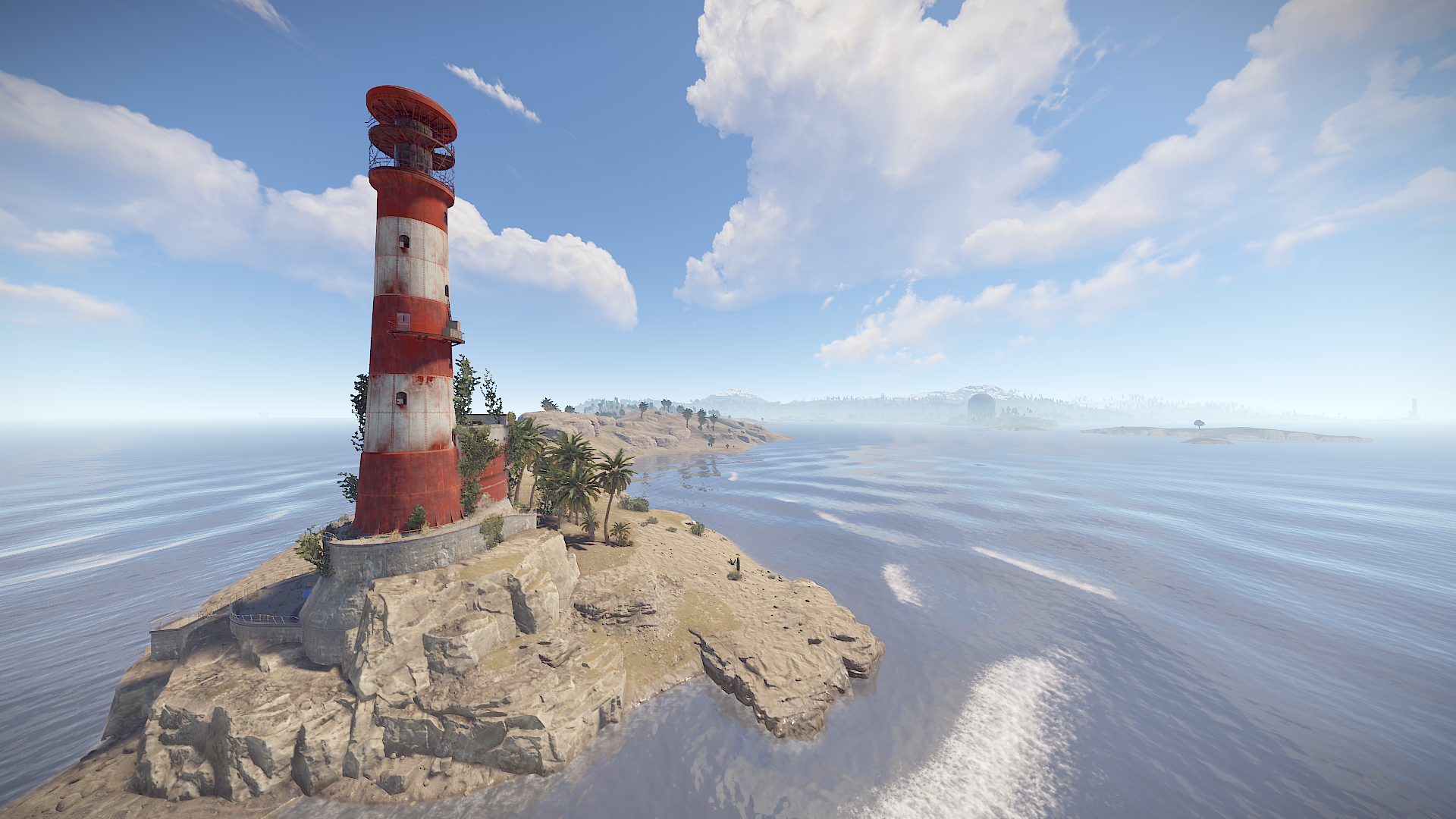
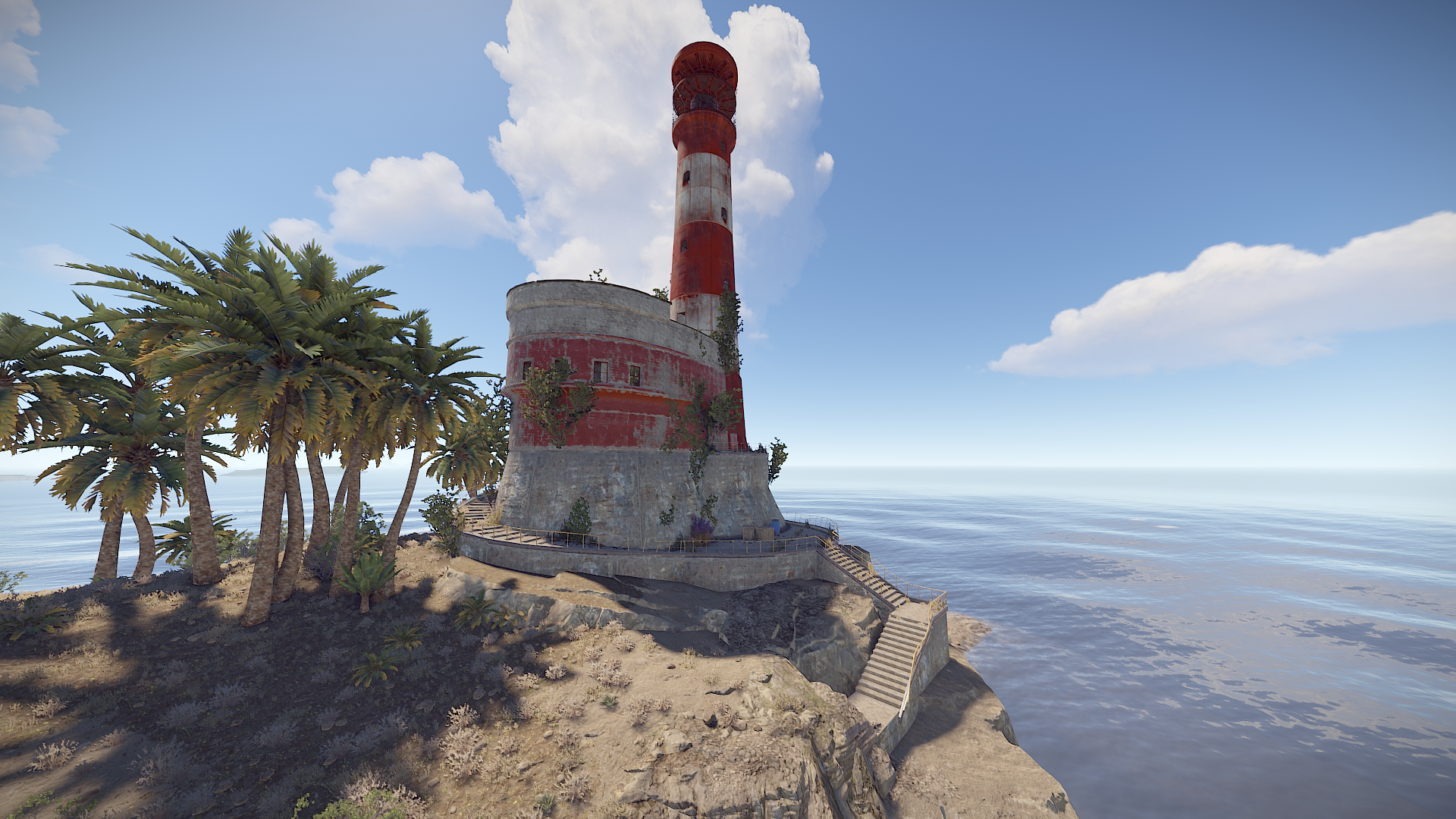
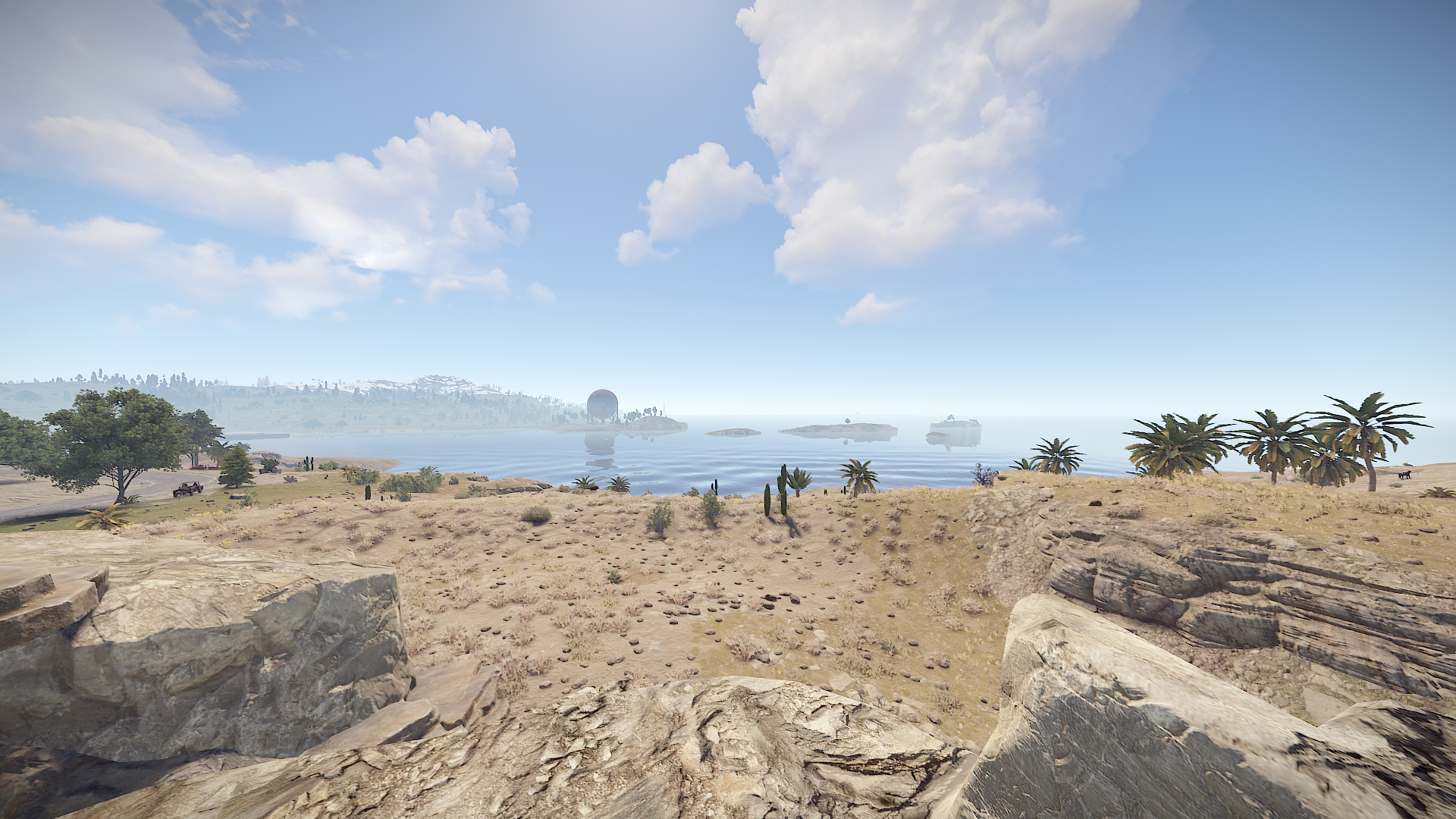
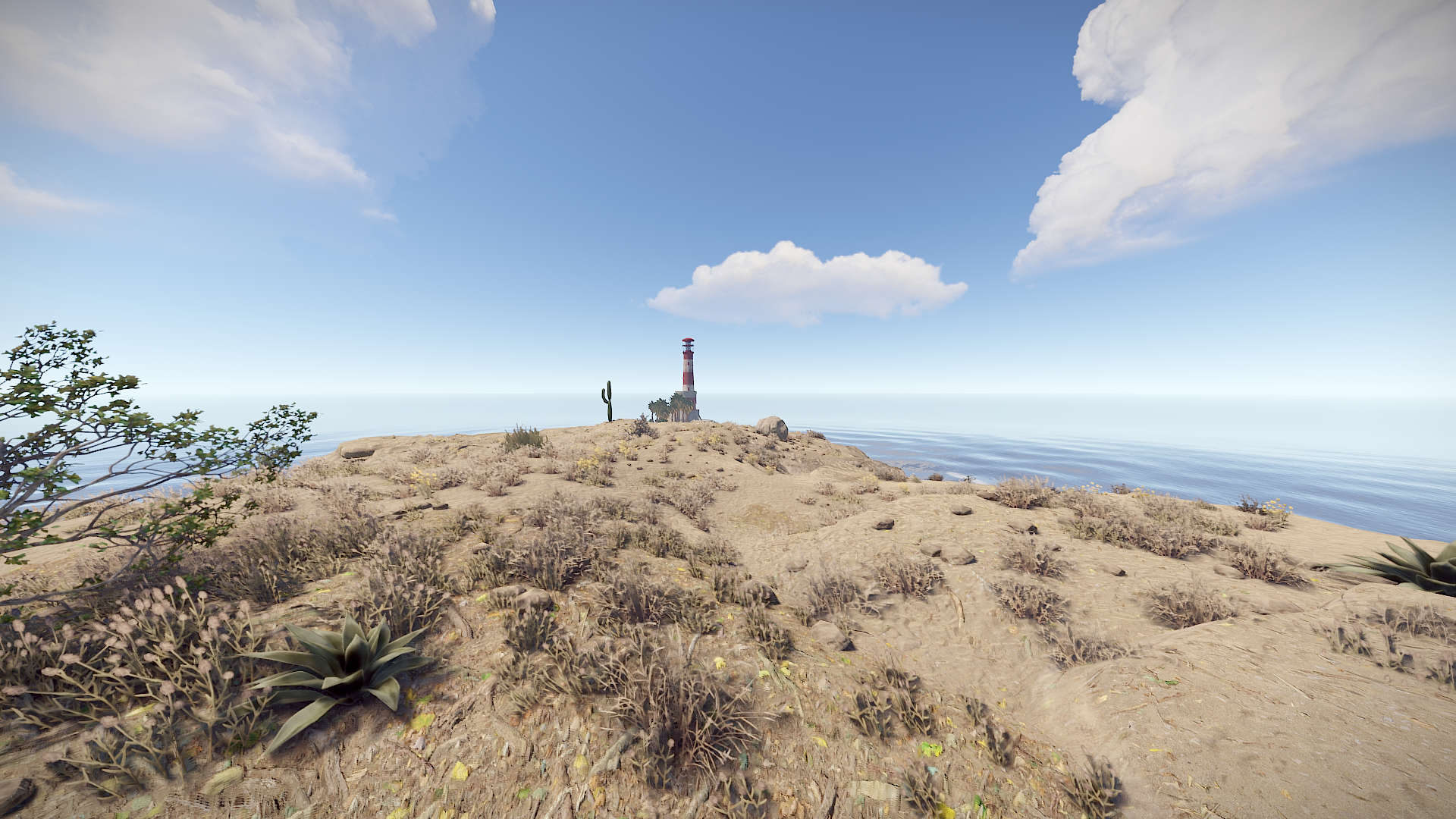
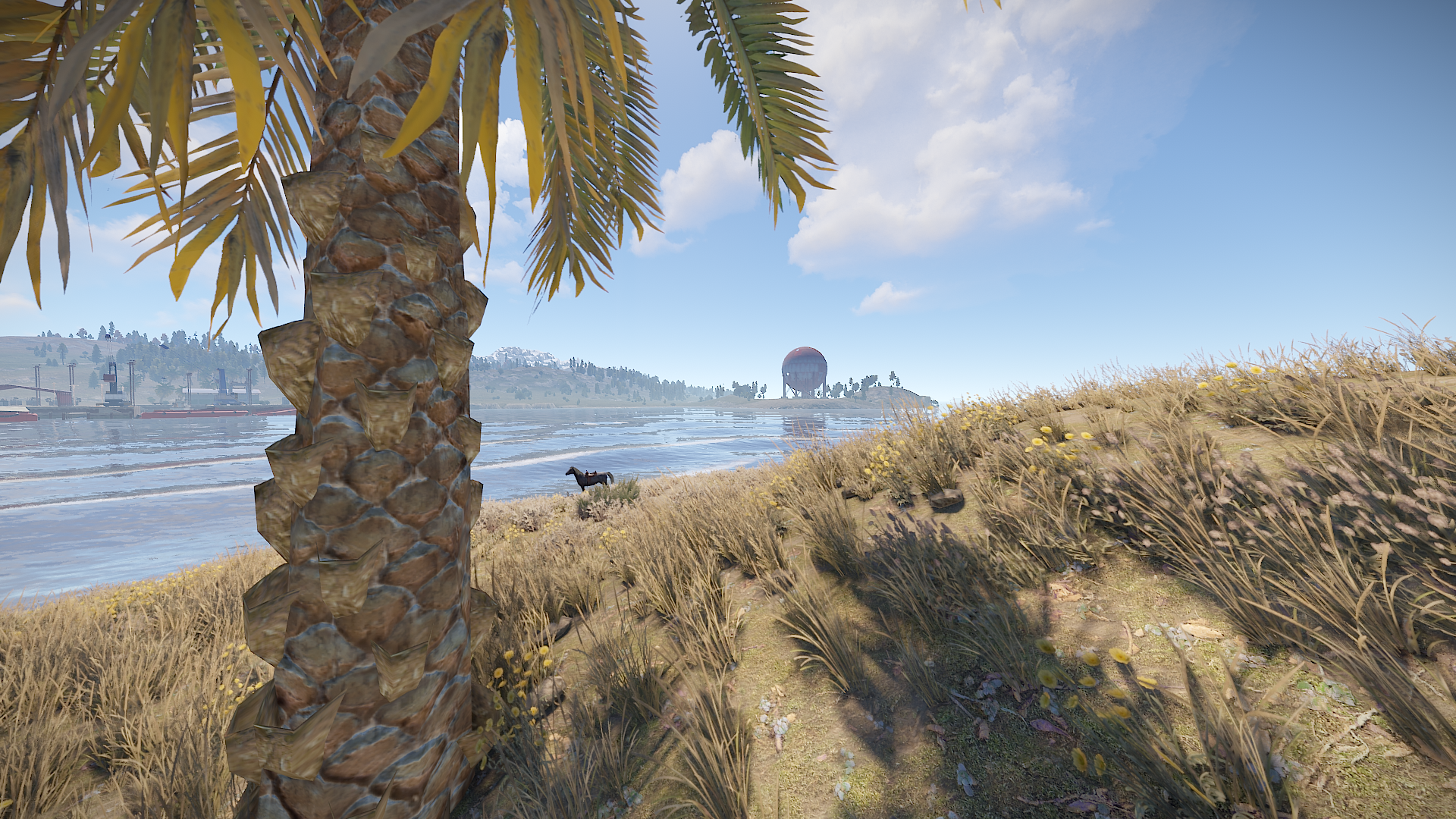
North America 4K has been shaped after the North American continent in an attempt to do biomes and terrain elevations accordingly , map features solely procgen monuments no customs
Map has been optimized to run with low entity count to ensure performance and players satisfaction.
Password is given along with map for edits
Put NorthAmericaMapLock in your plugins folder before starting your server.
~Procedural Monuments :
- Launch Site
- Military Tunnels
- Airfield
- Water Treatment Plant
- Trainyard
- Bandit Camp
- Compound
- Harbor
- Junkyard
- Sphere Tank
- Satellite Dish
- Arctic Research Base
- Roadside monuments including Supermarkets - Mining Outposts
- Fishing Villages
- Lighthouses
- Stables
- Supermarkets & Mining Outposts and Gas Stations
- Large and Small Oil Rigs
- Several underwater Labs
~ Entity Count : 8480
~ Map Size : 4000
What's New in Version v1.5
Released
World 2.0 updated + Jungle Biome added North of the map
Any changes you wish to make on the map you can notify me via support or discord without issues.
-
 1
1
-
 1
1
You may only provide a review once you have downloaded the file.