



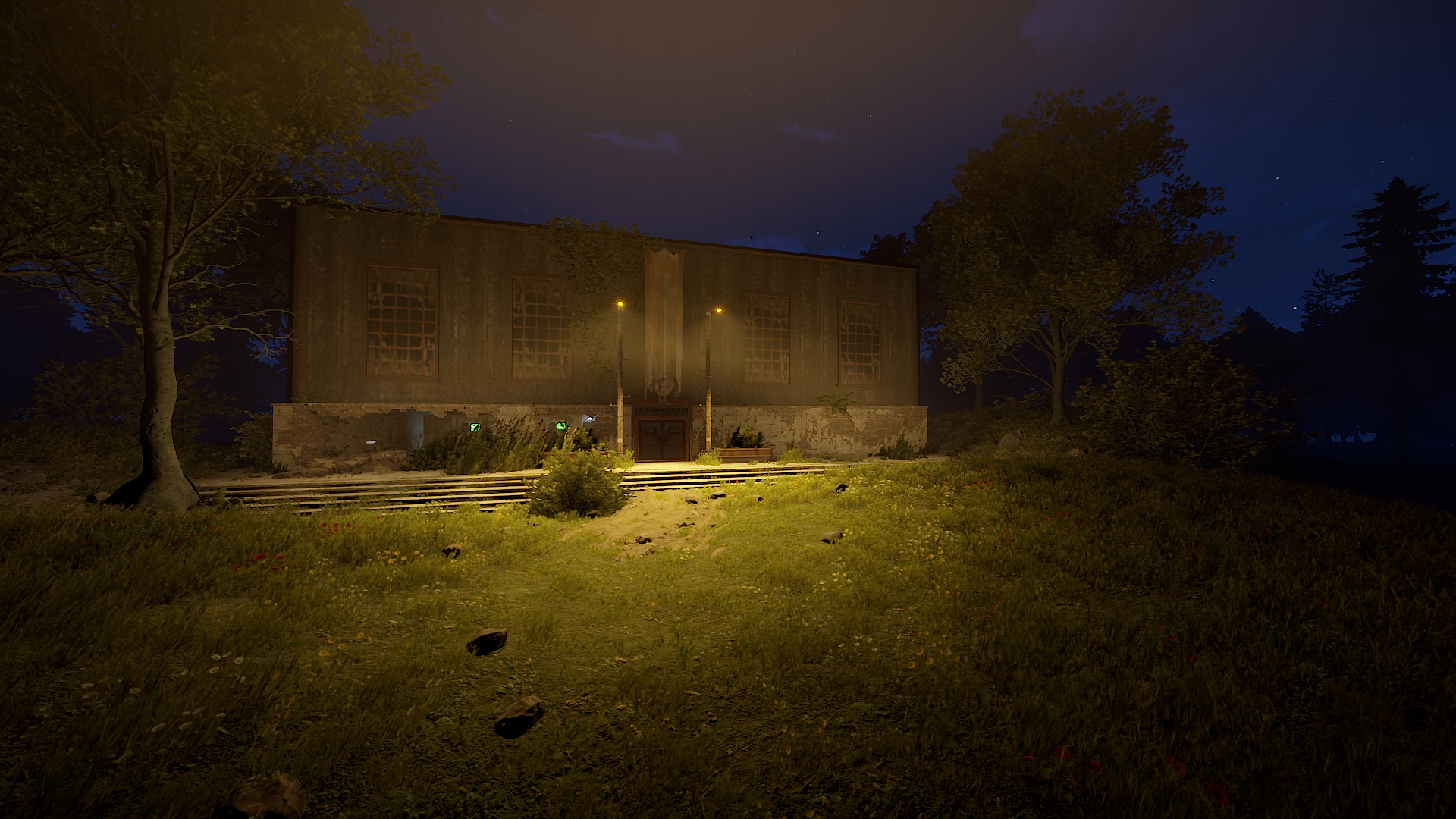
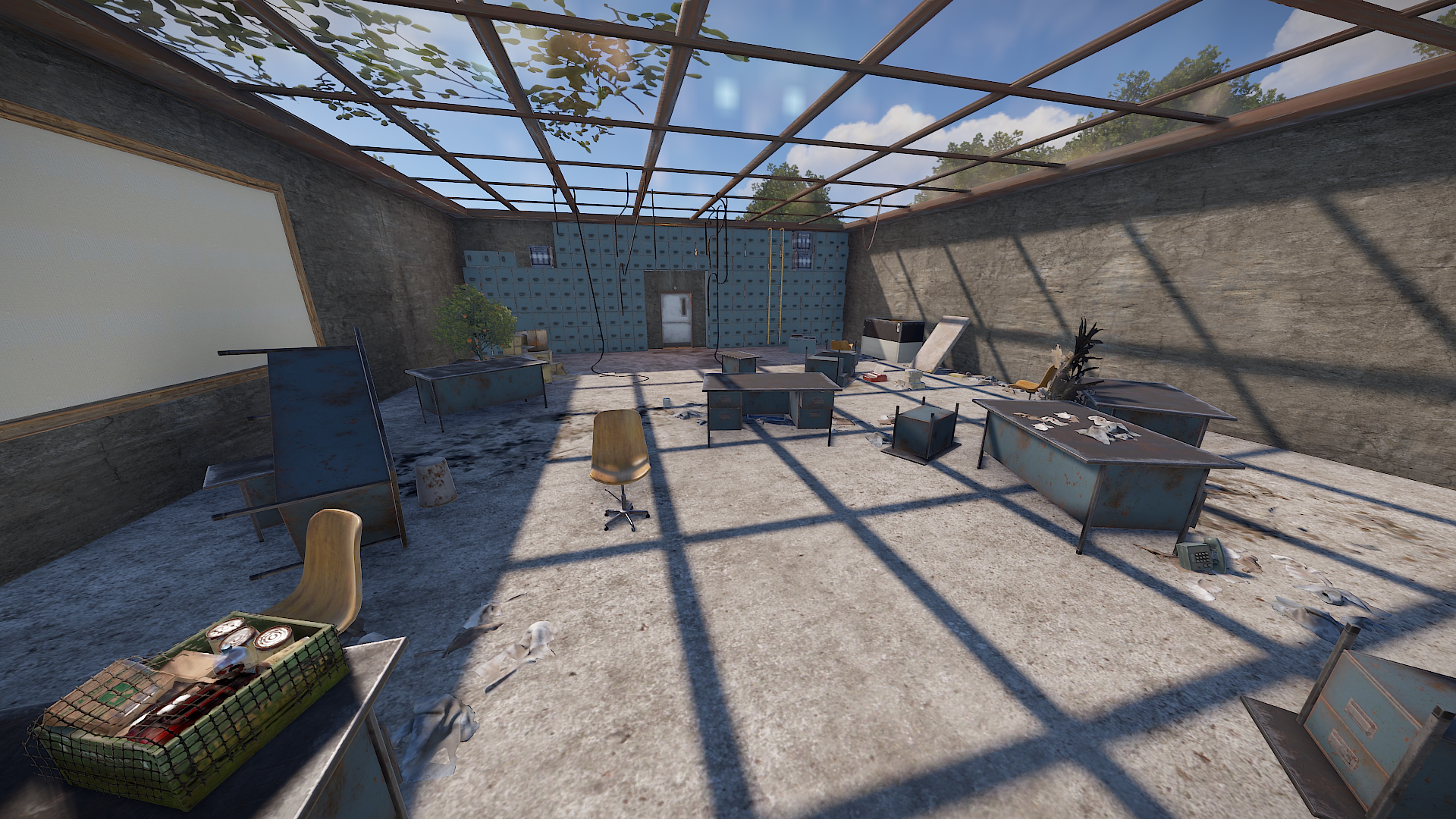
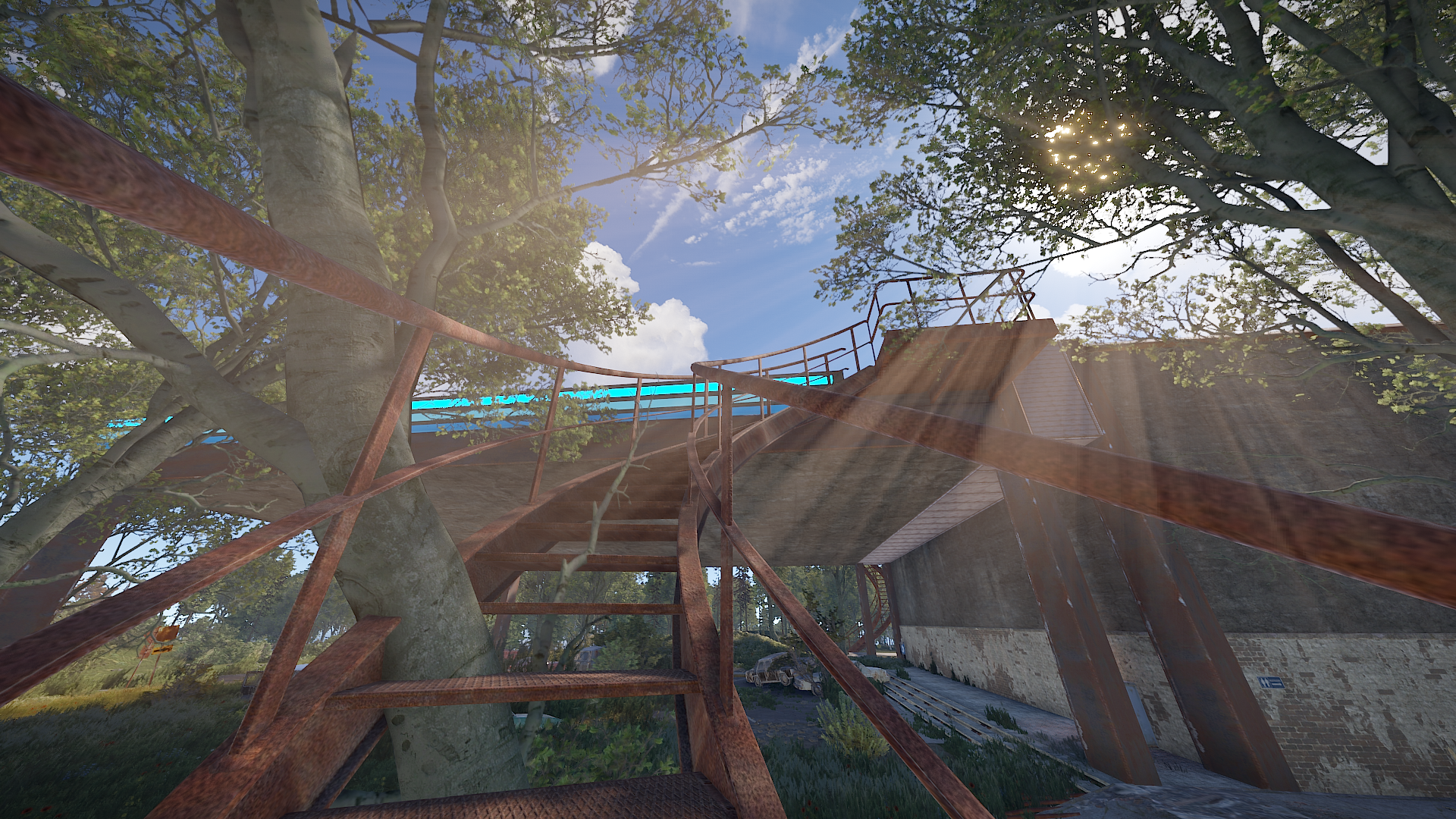
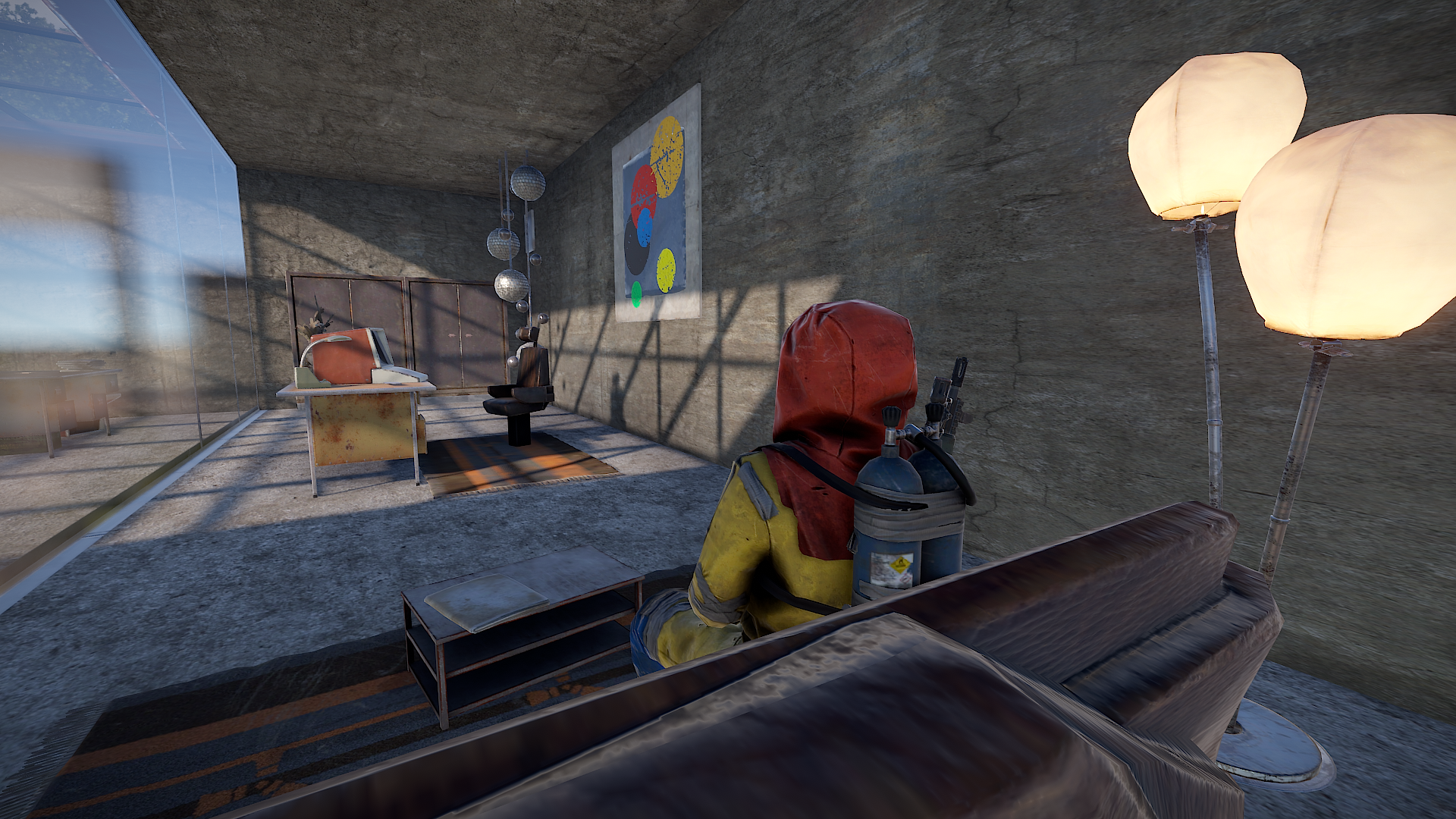
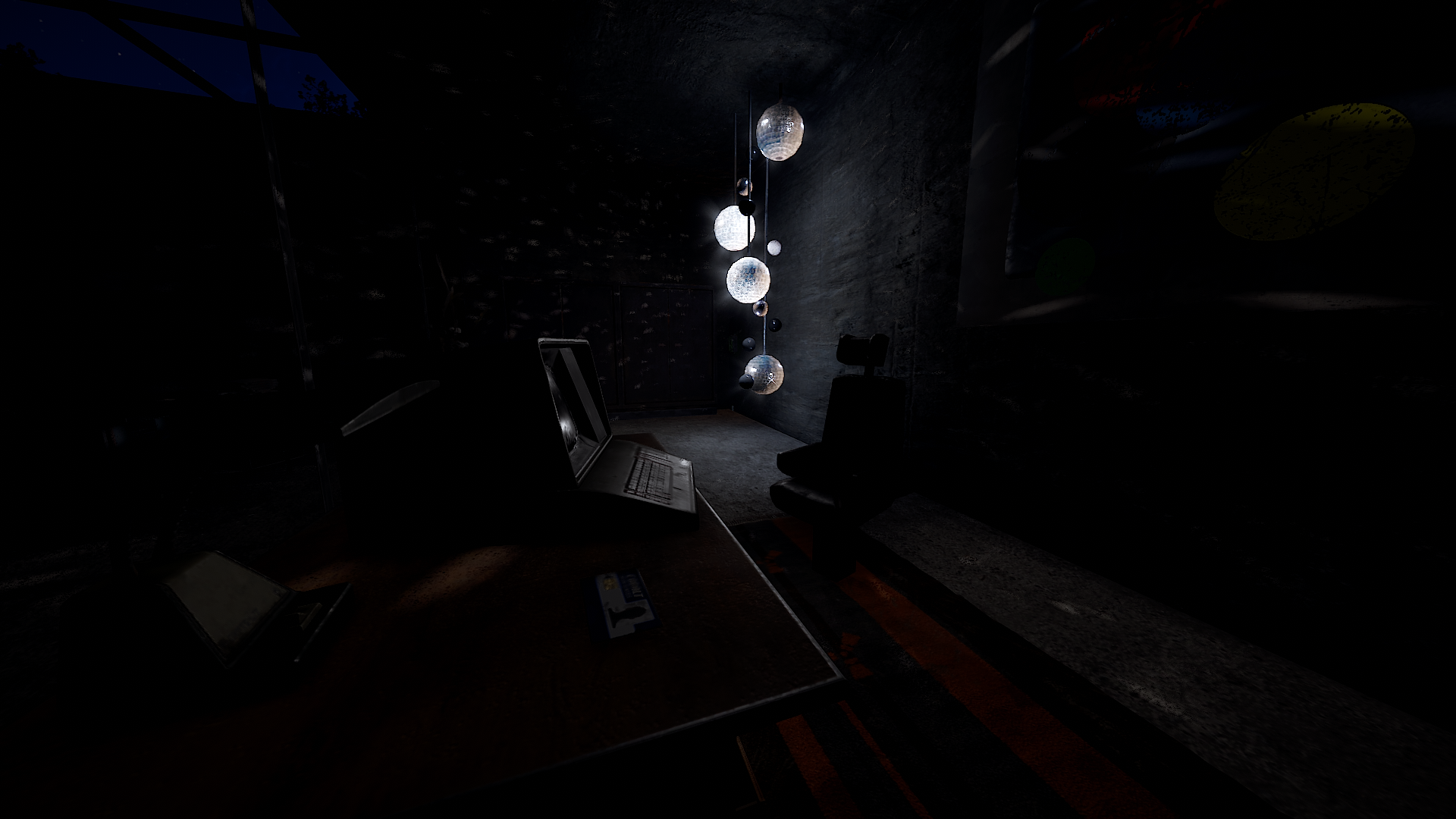
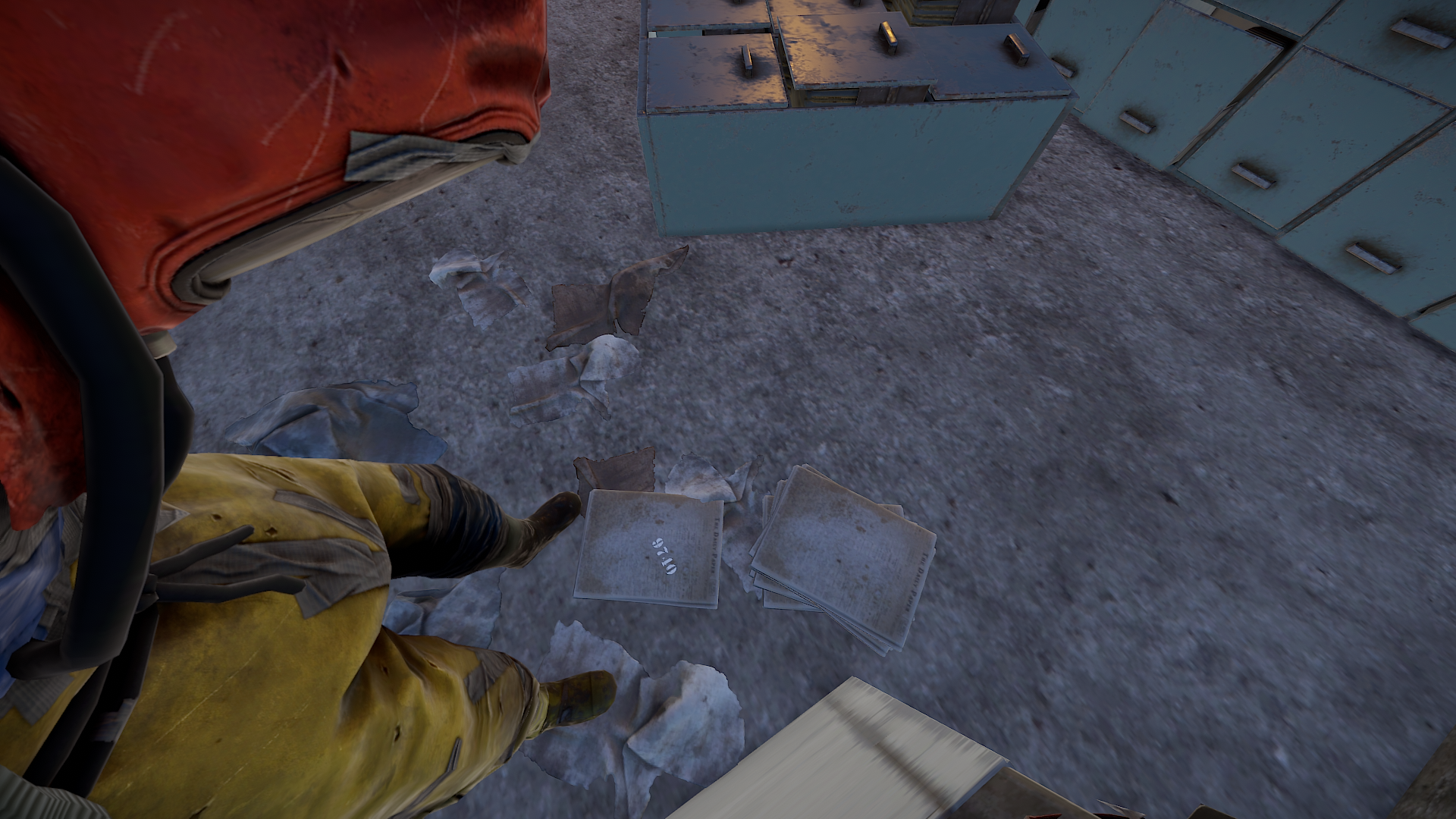
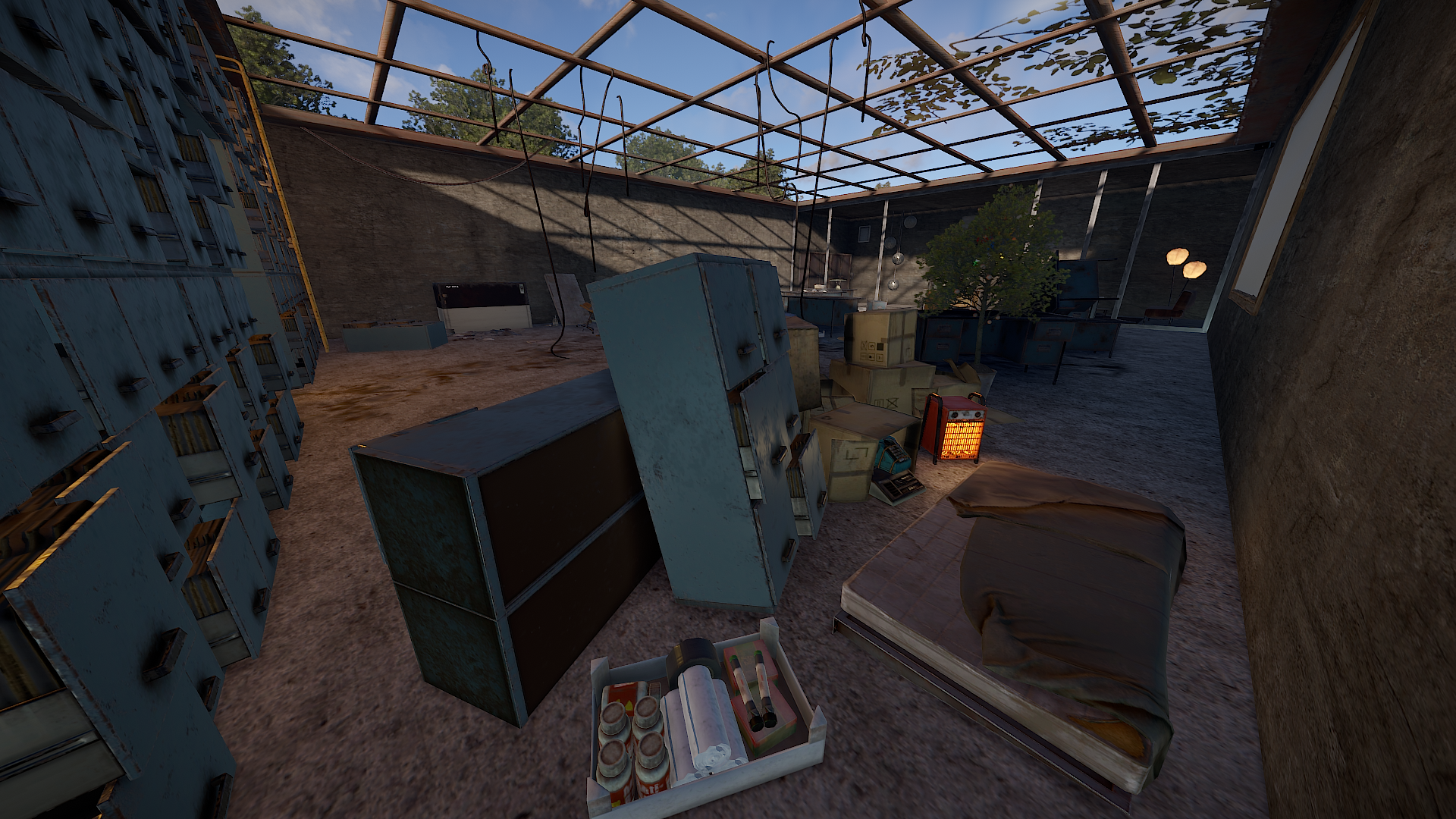
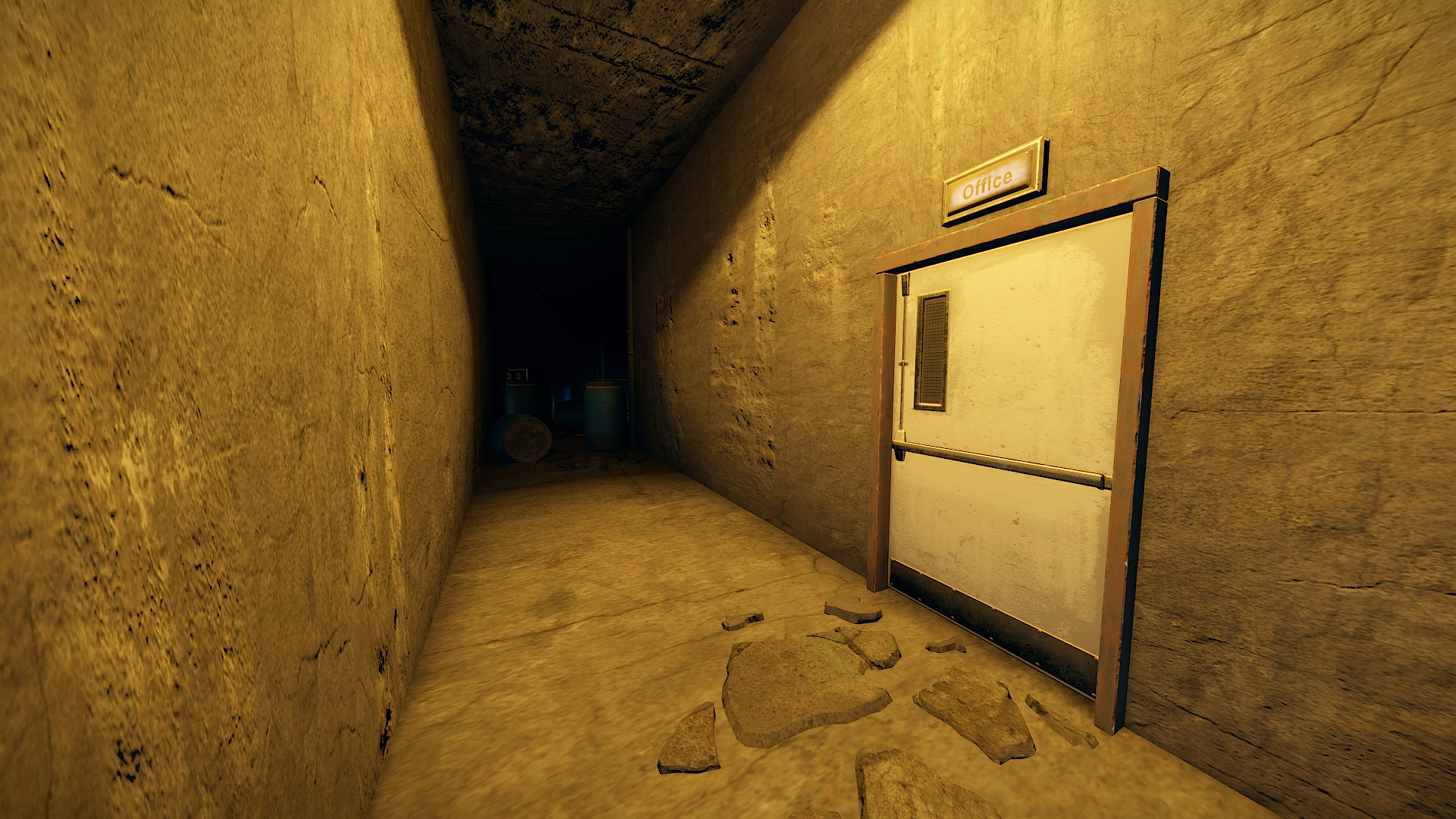
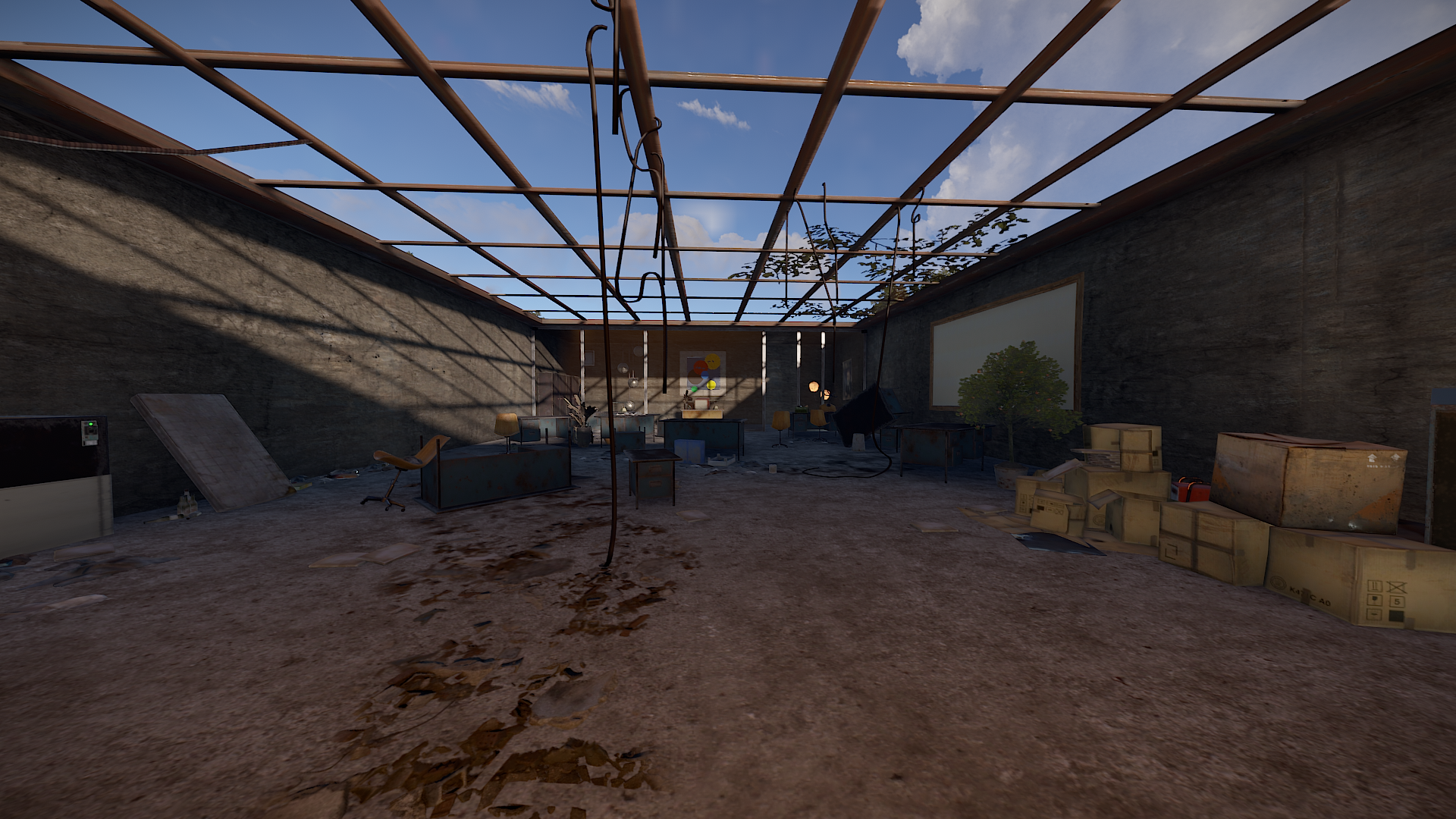
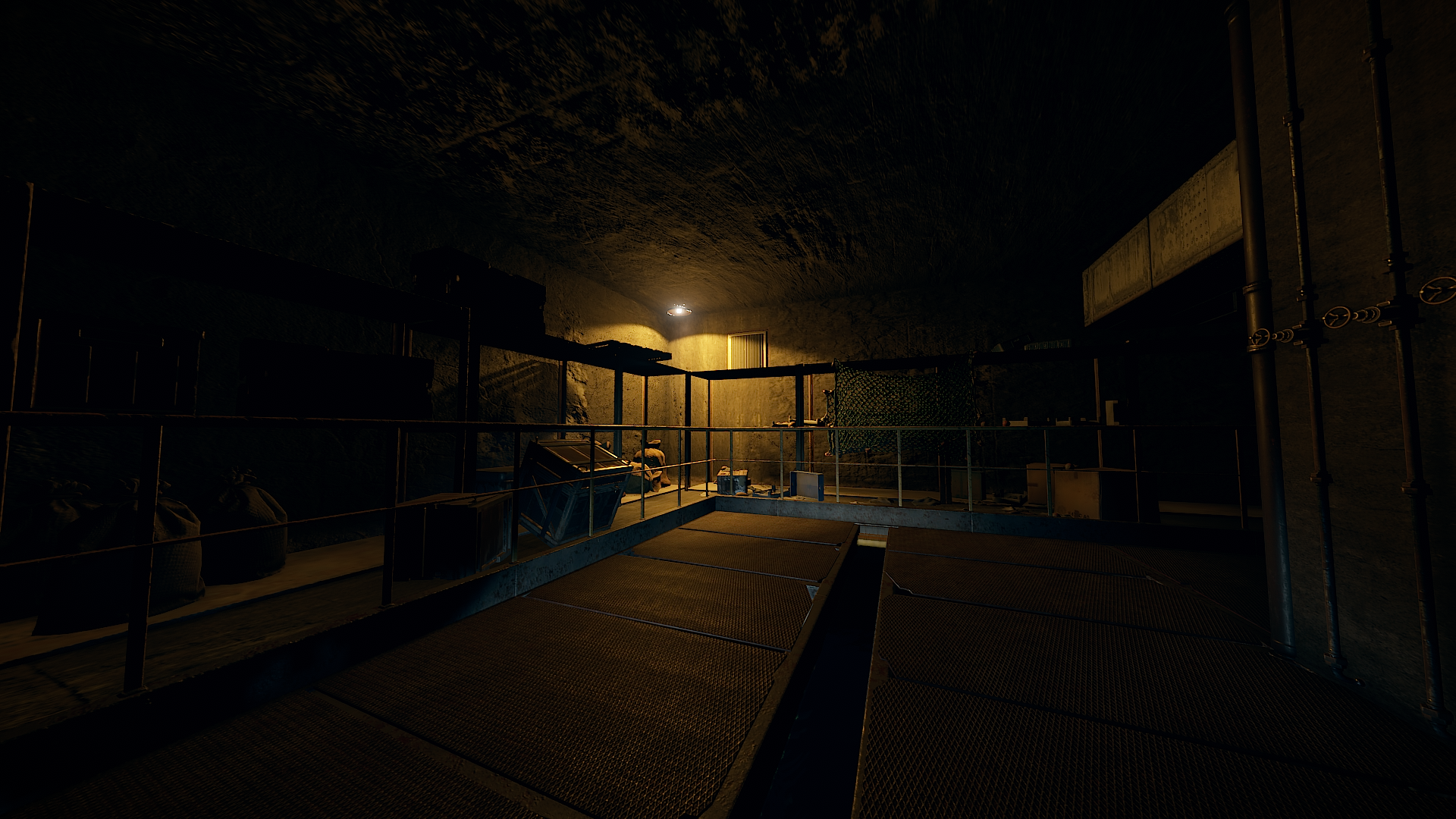
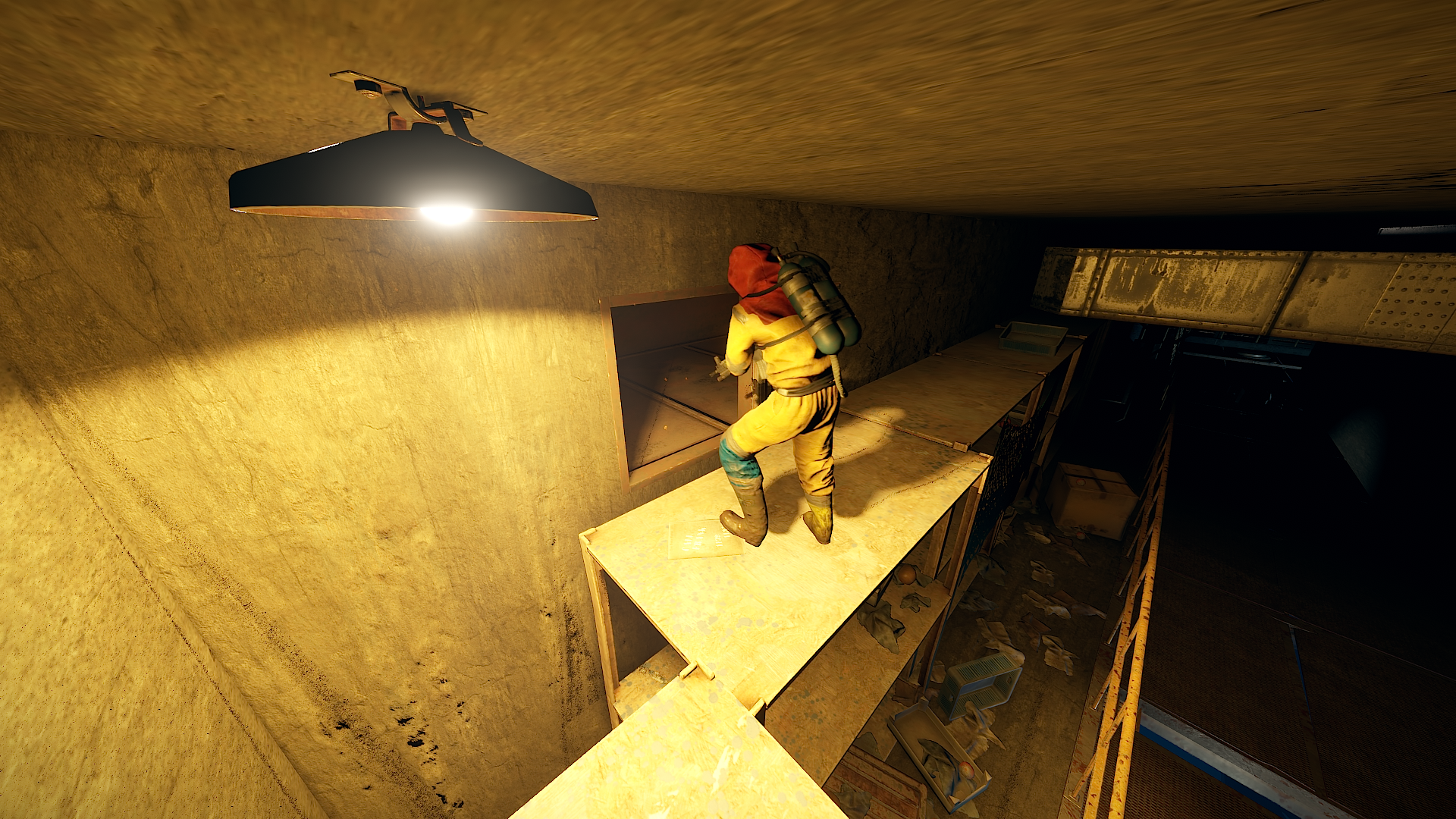
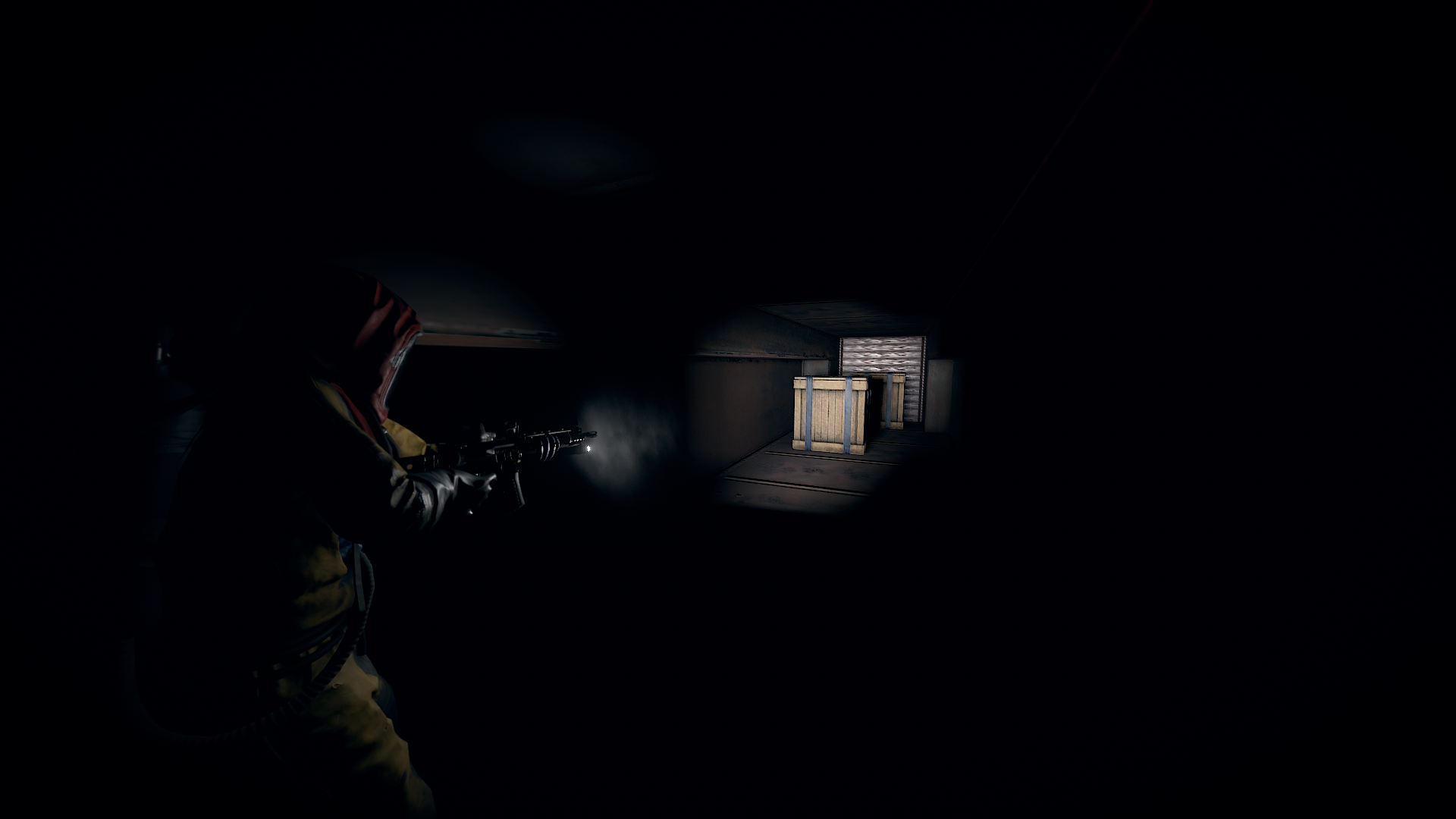
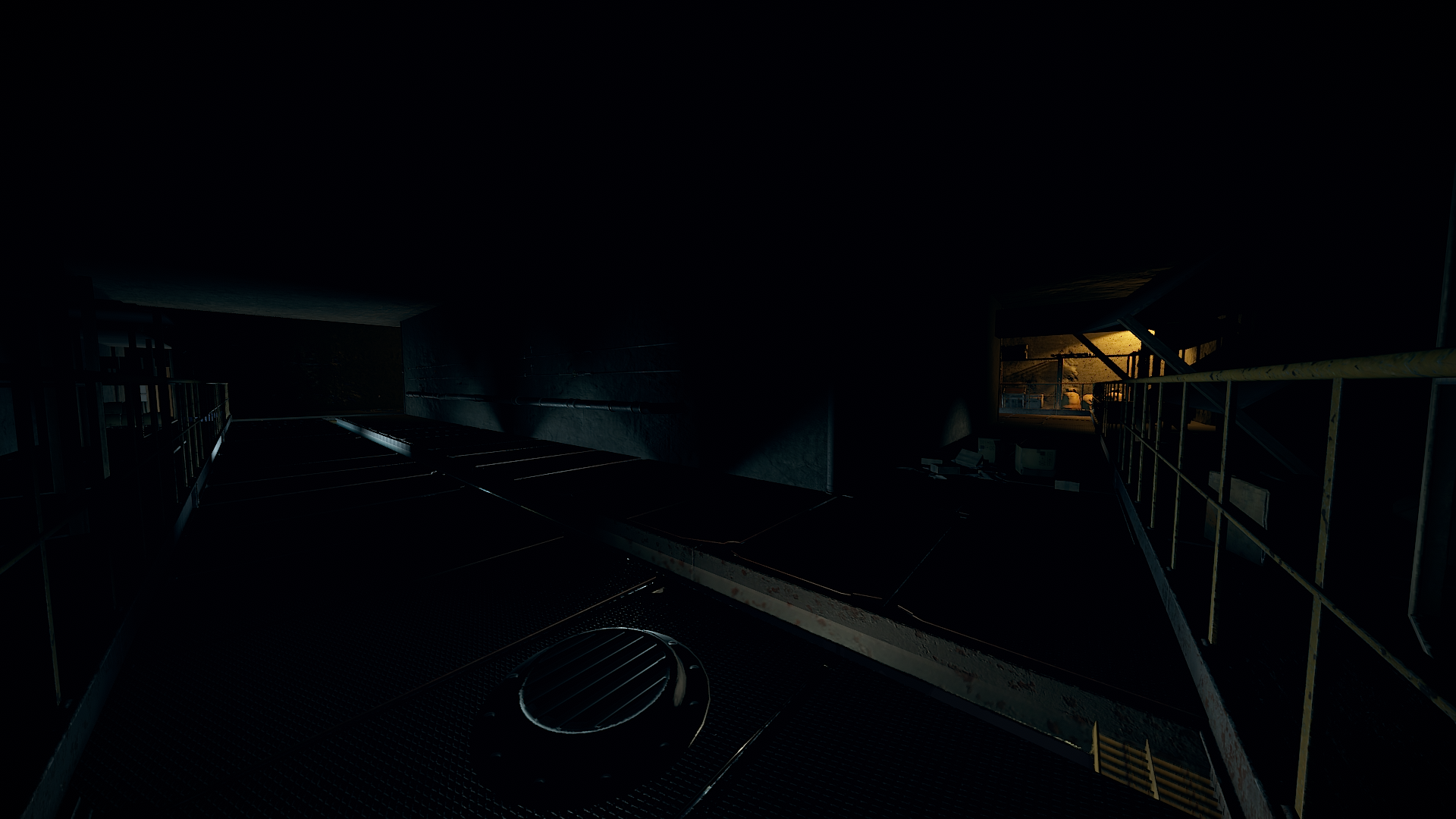
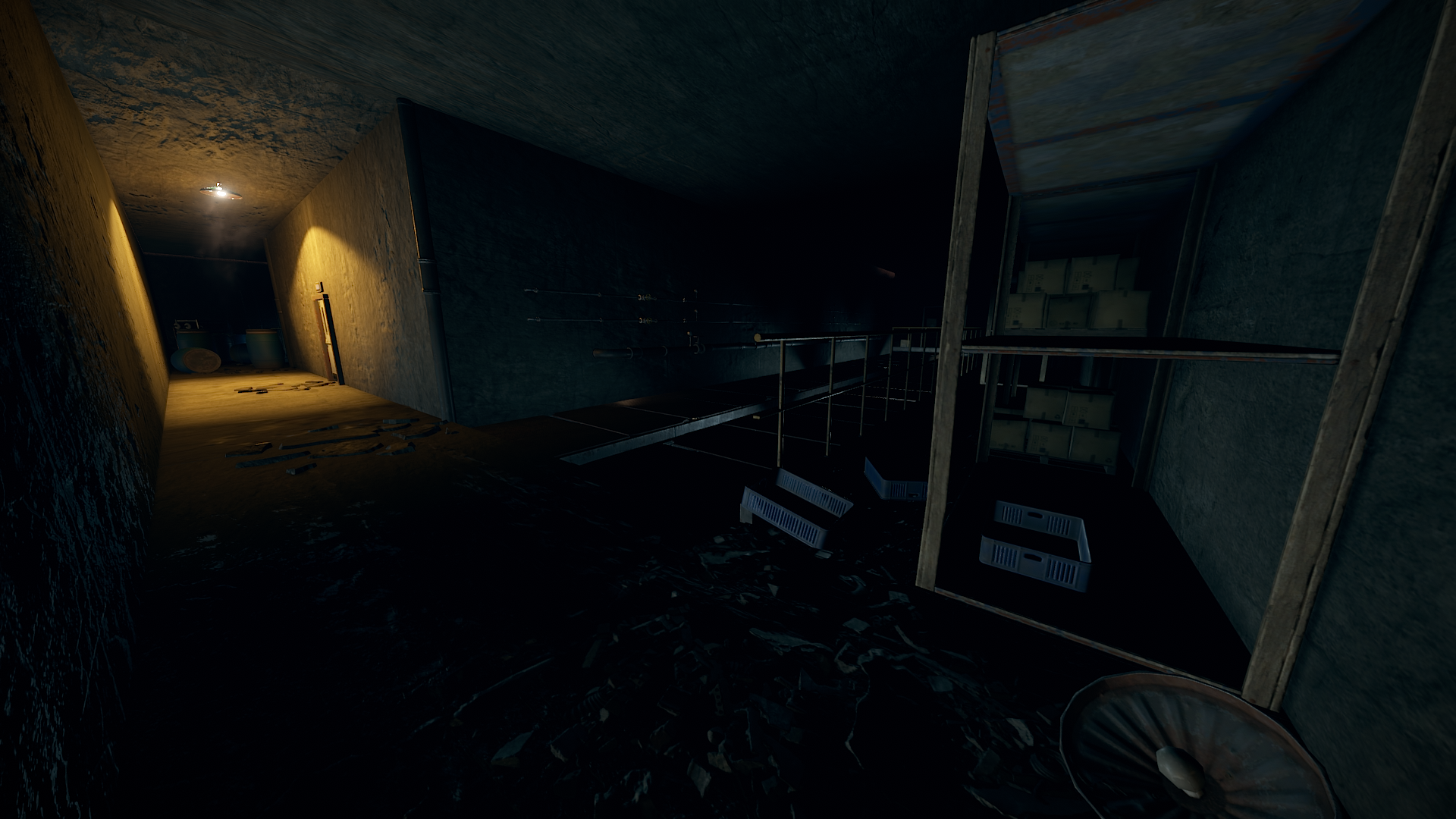
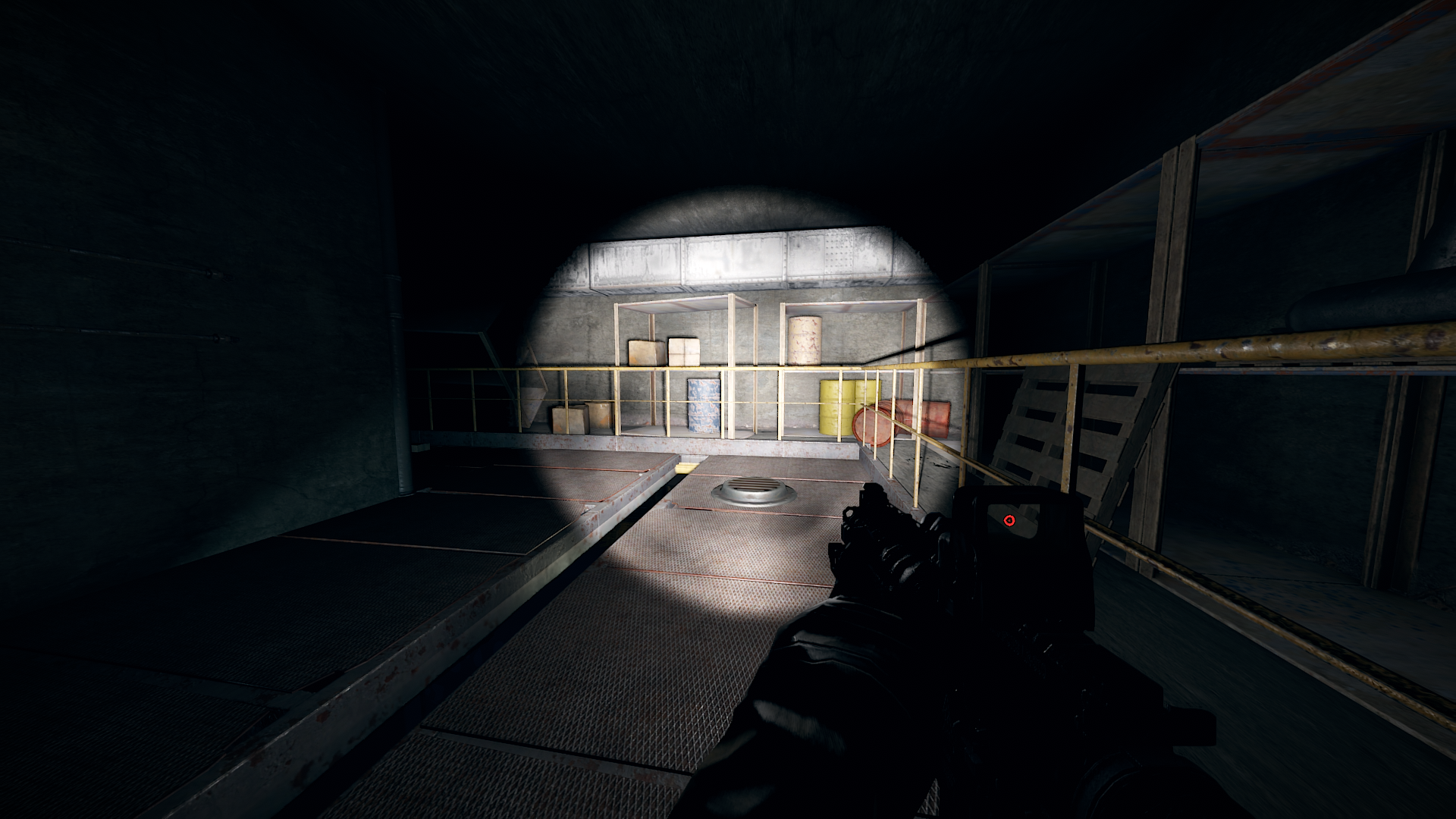
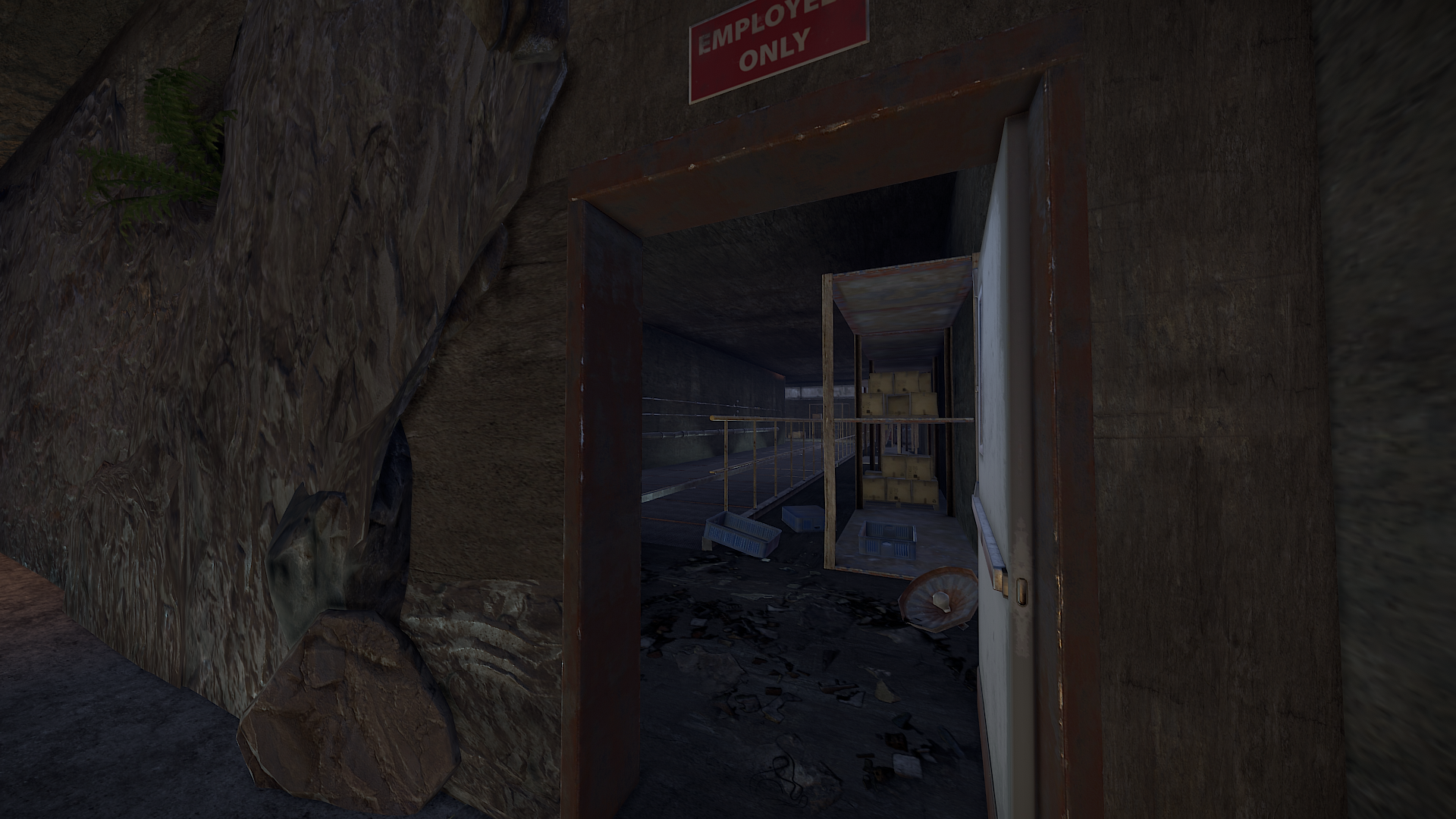
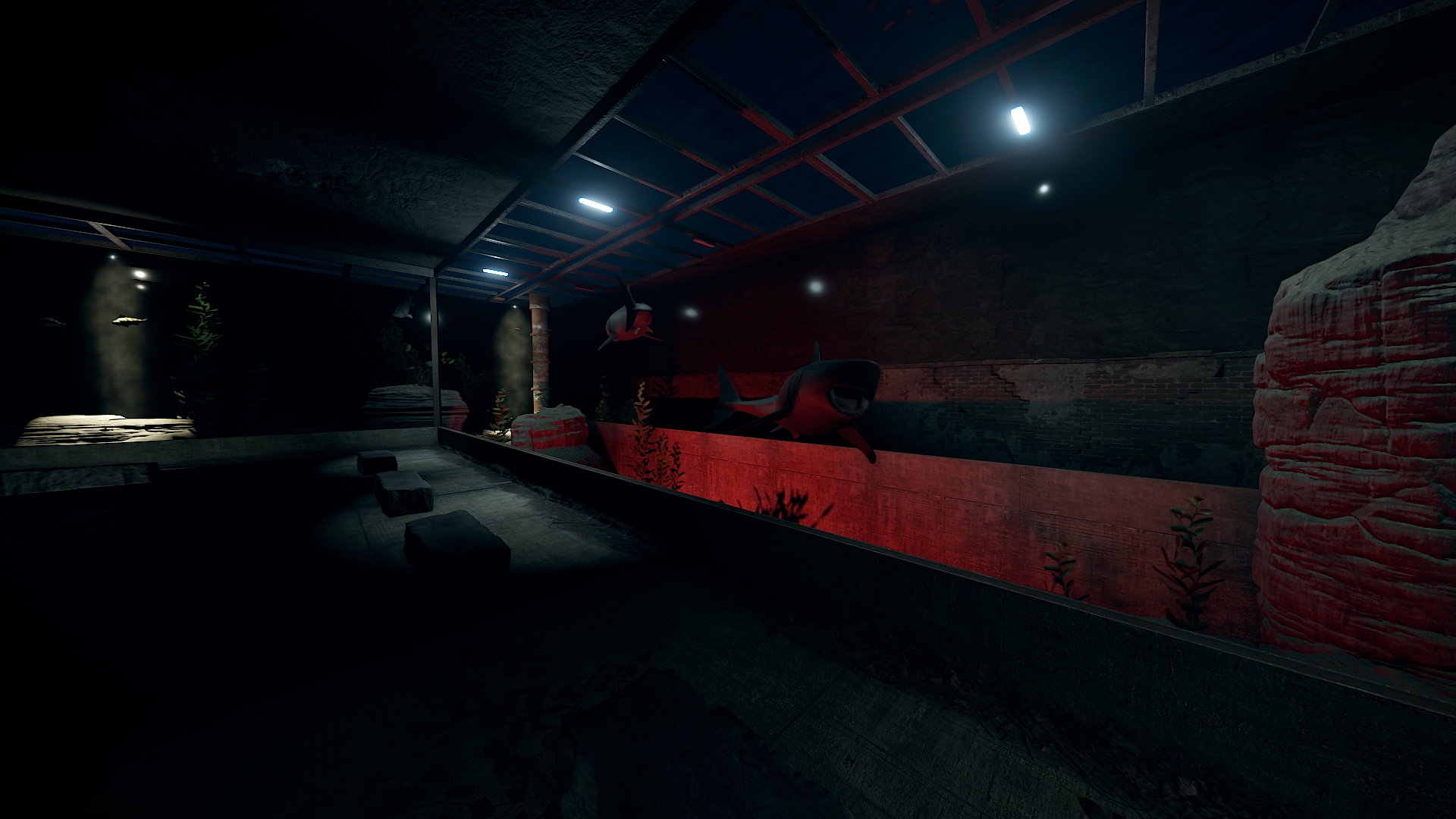
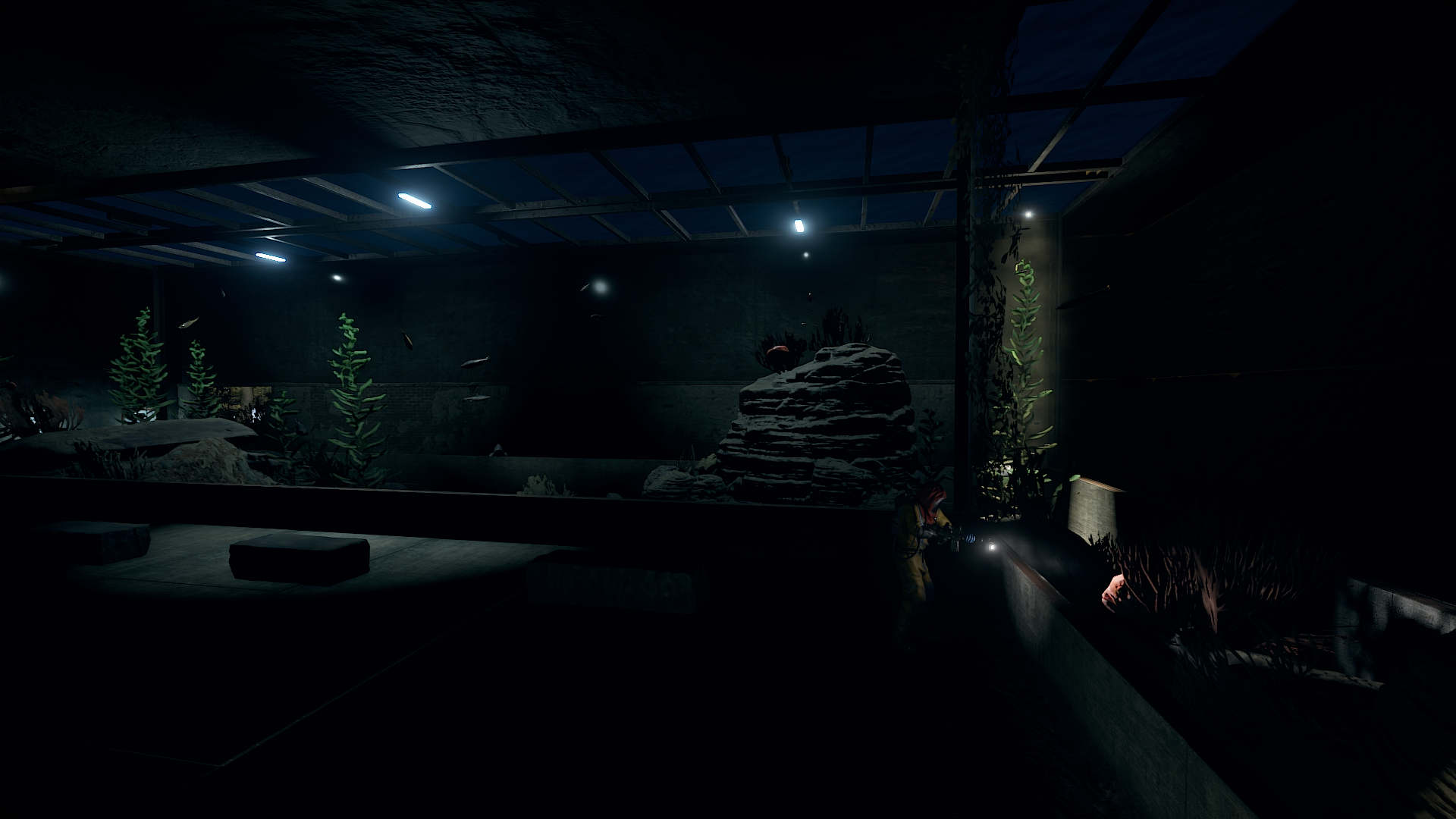
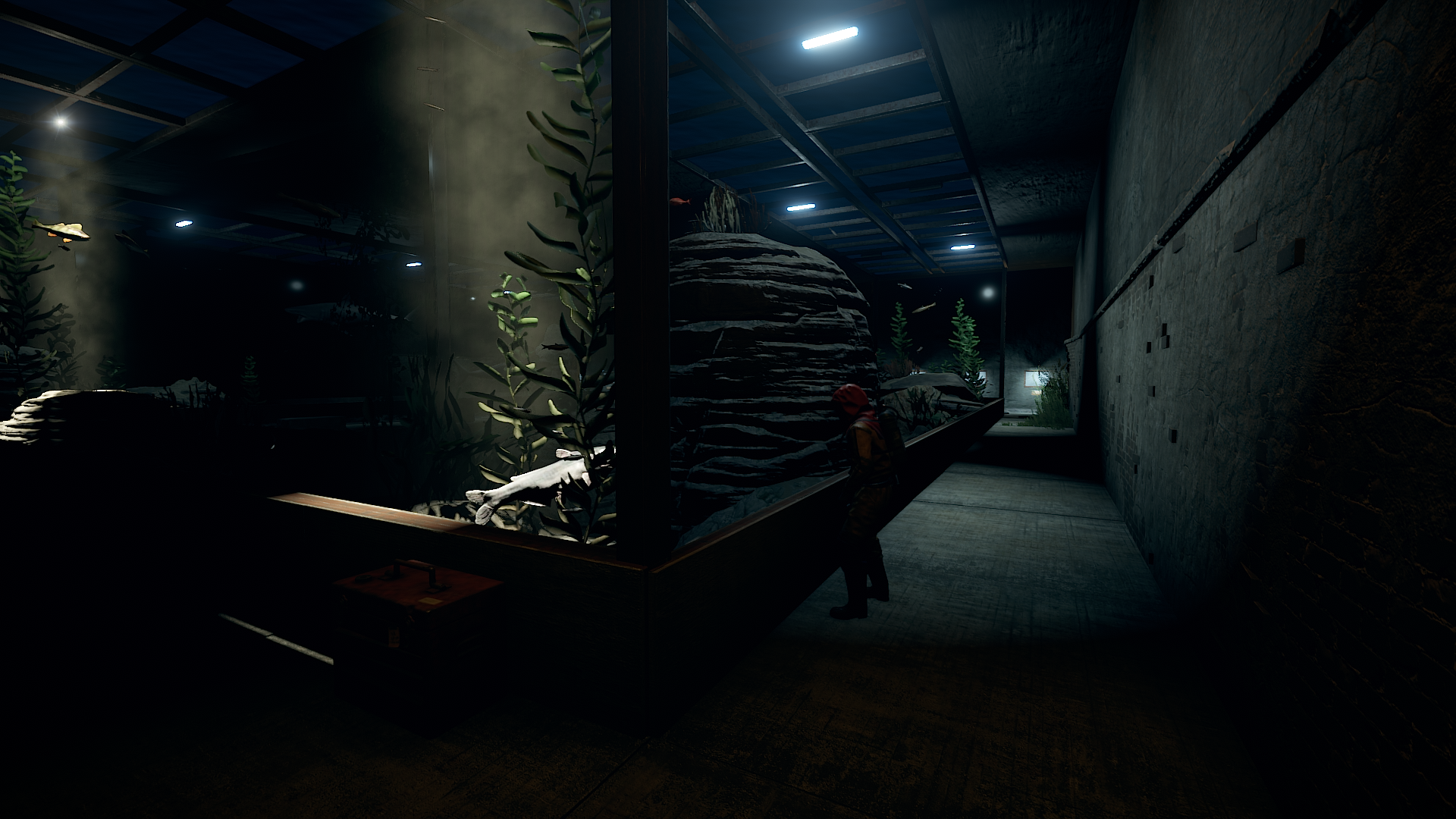
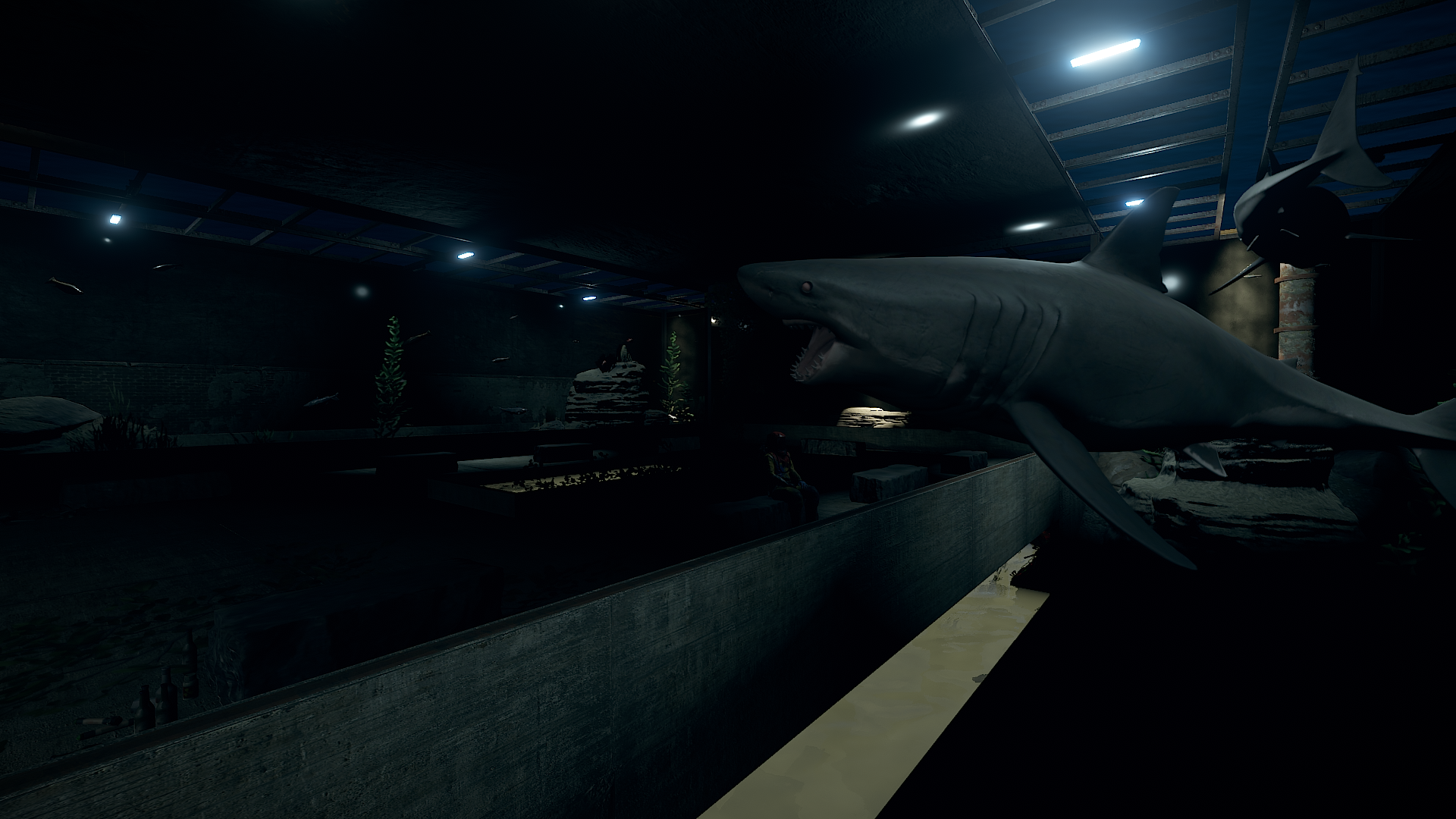
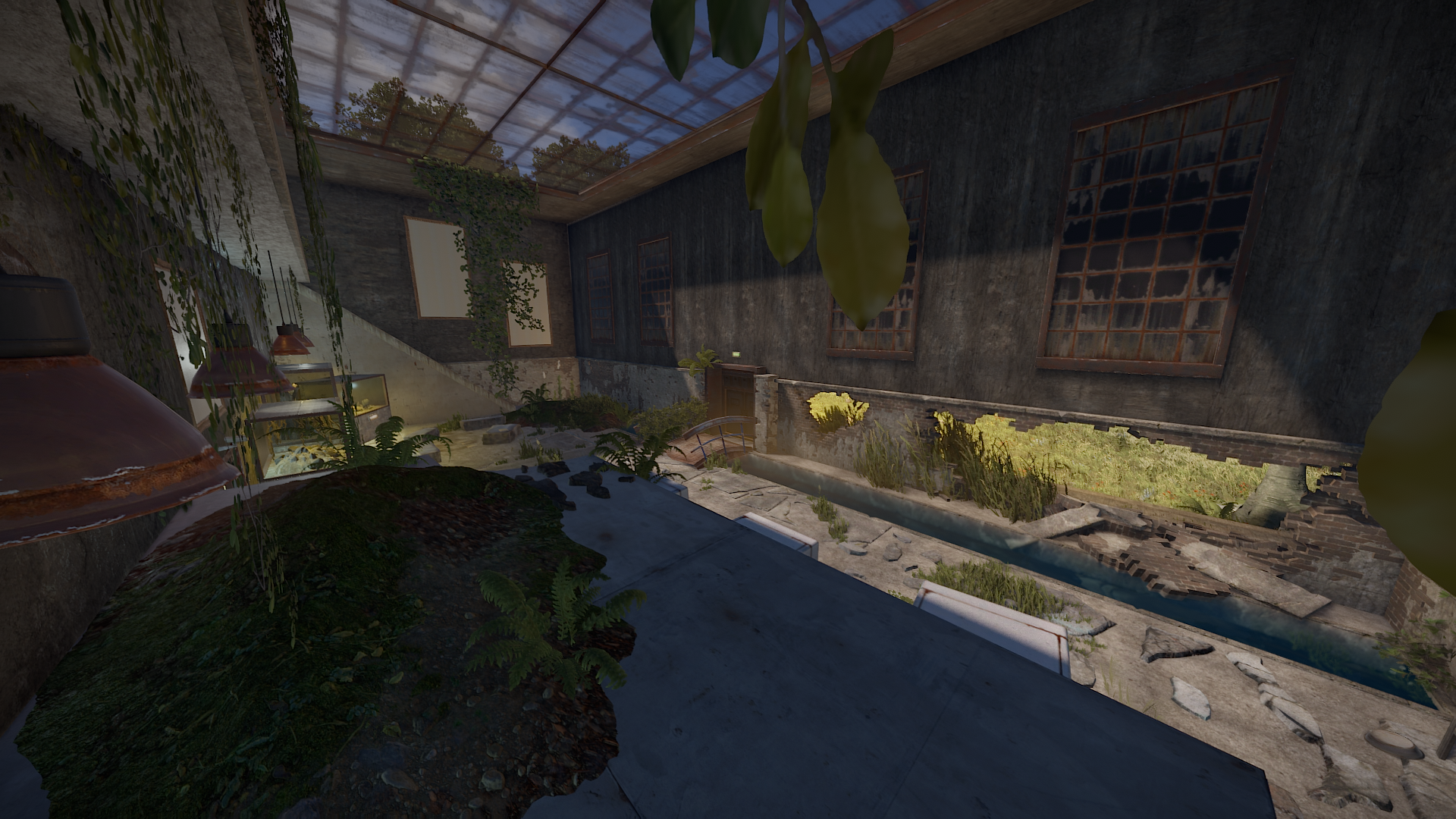
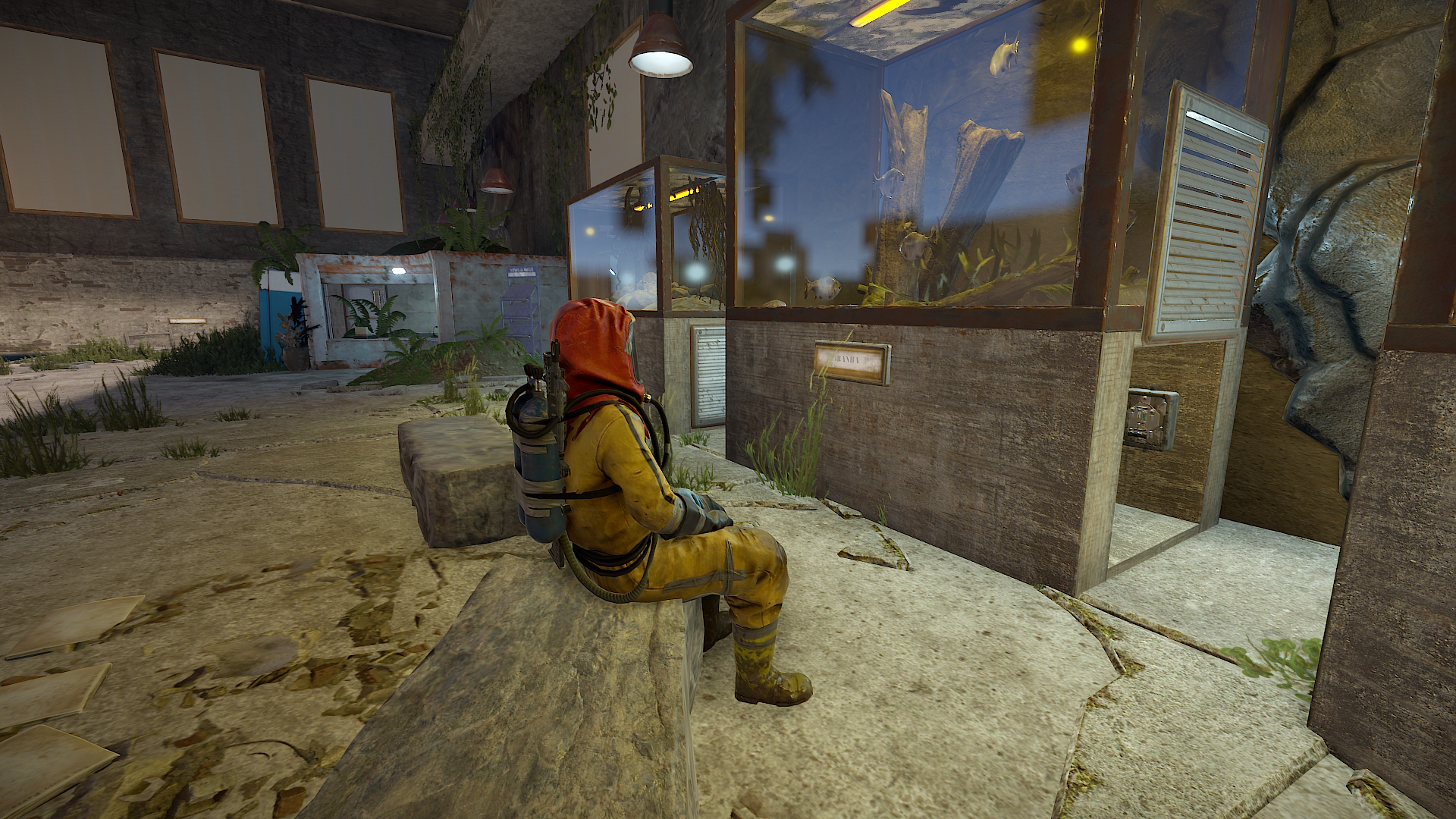
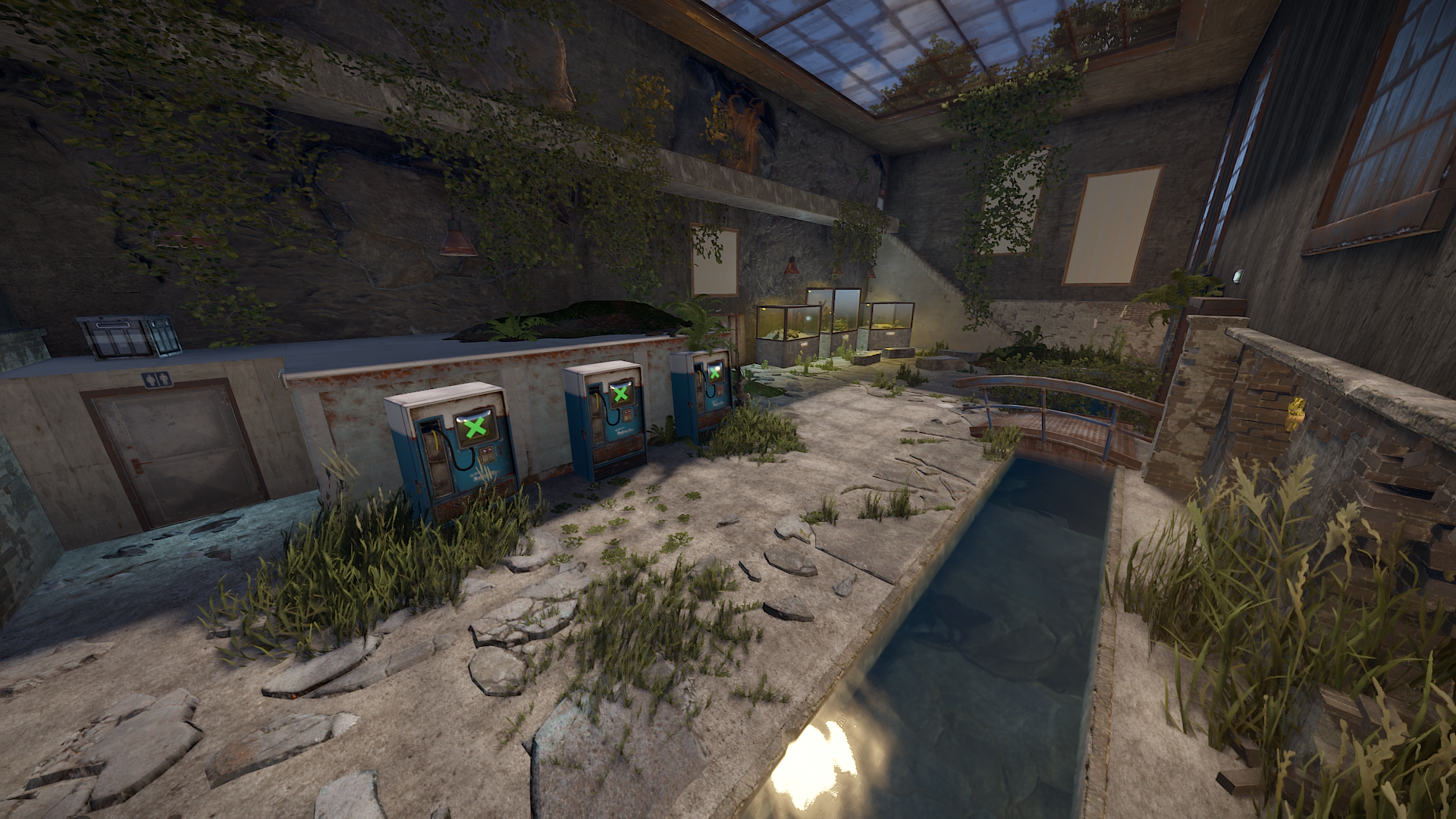
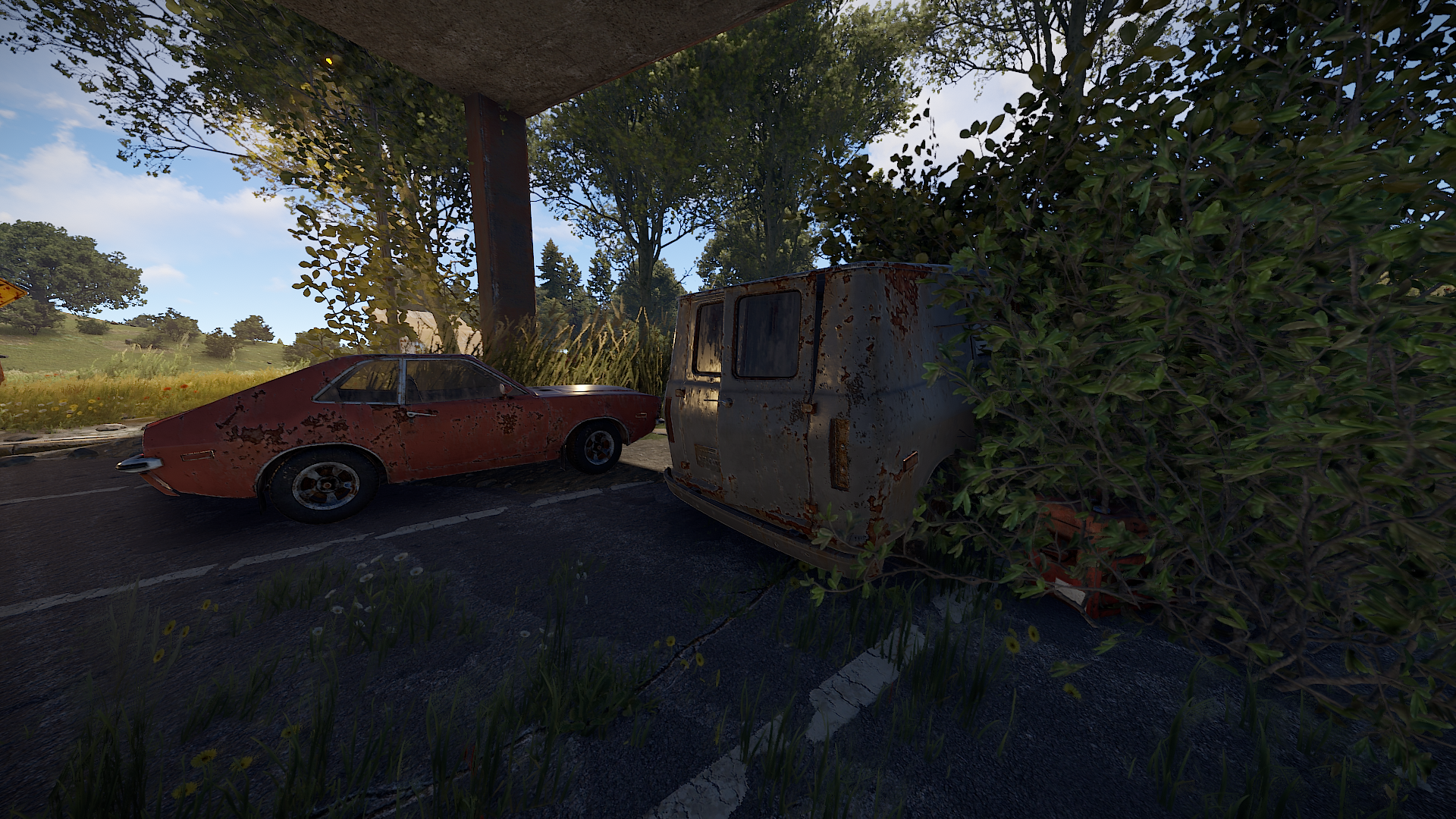
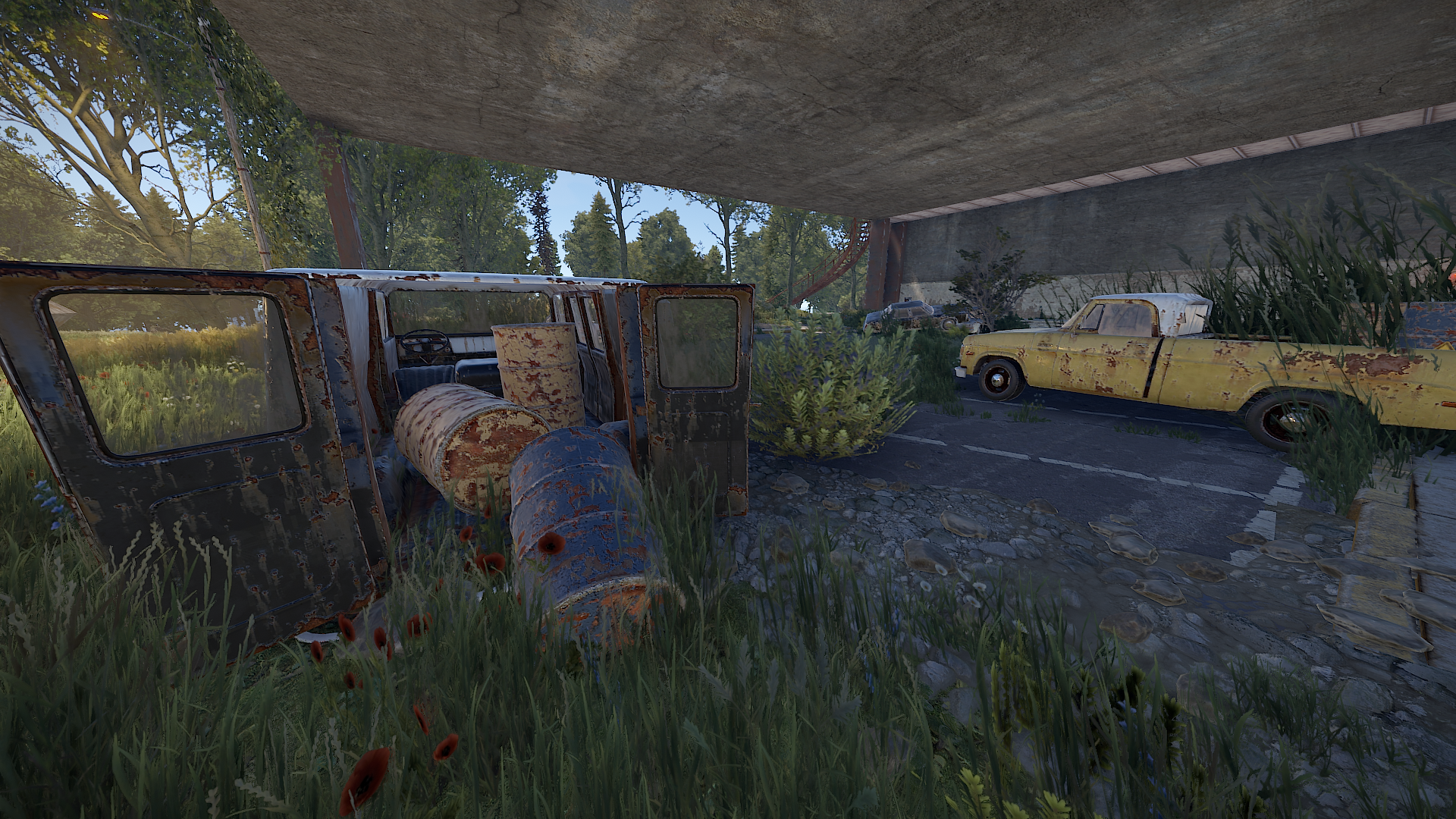
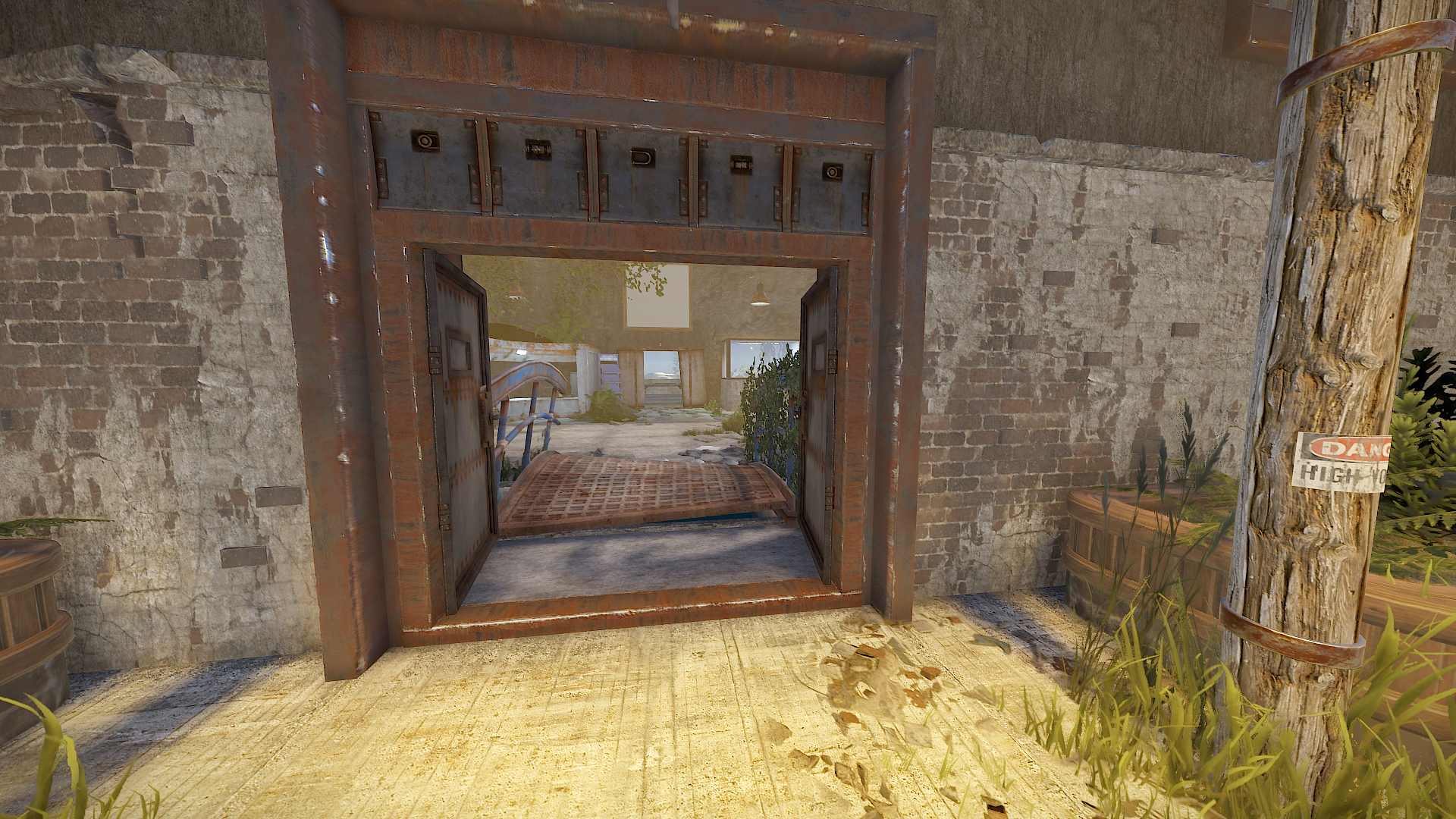
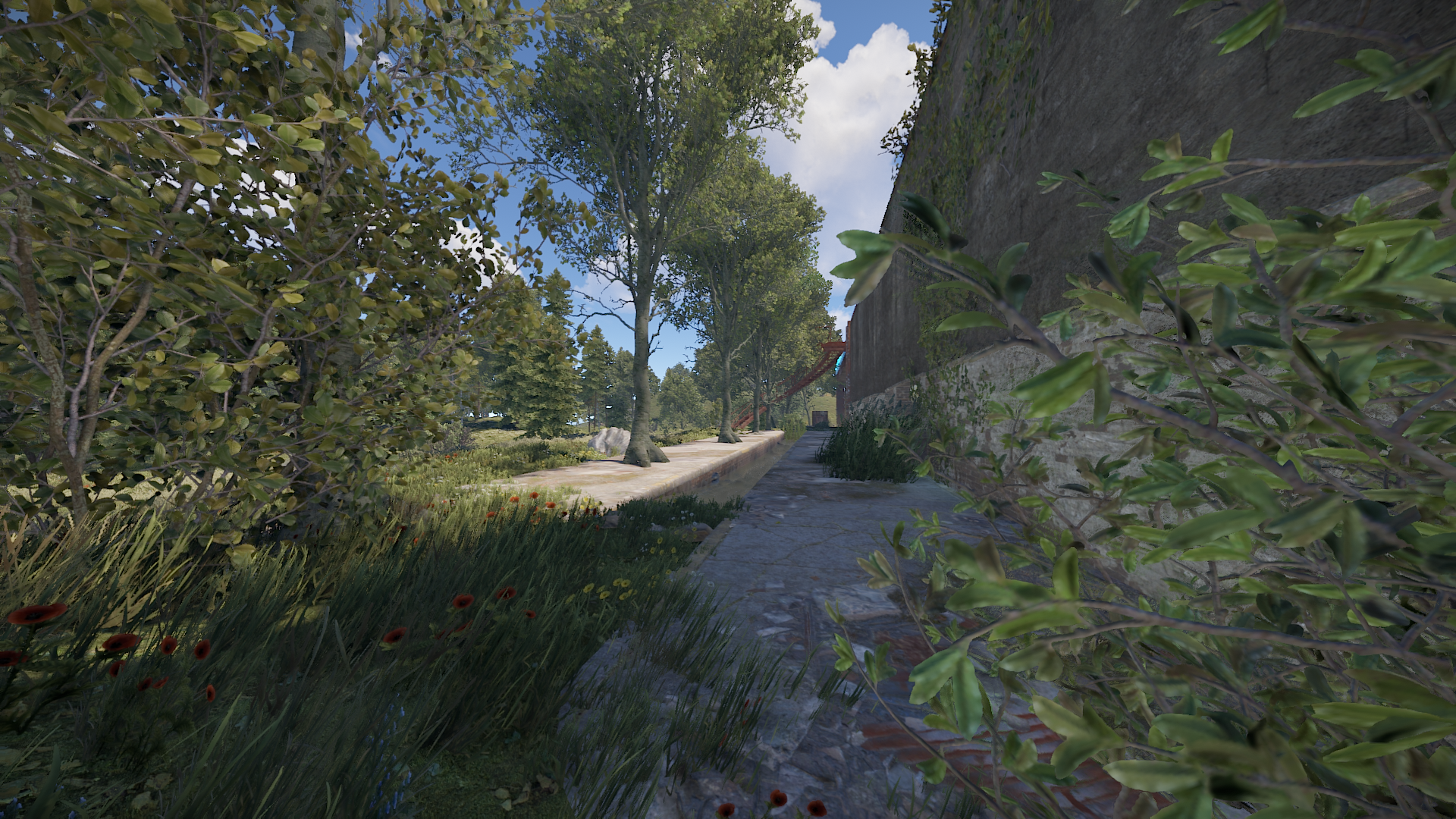
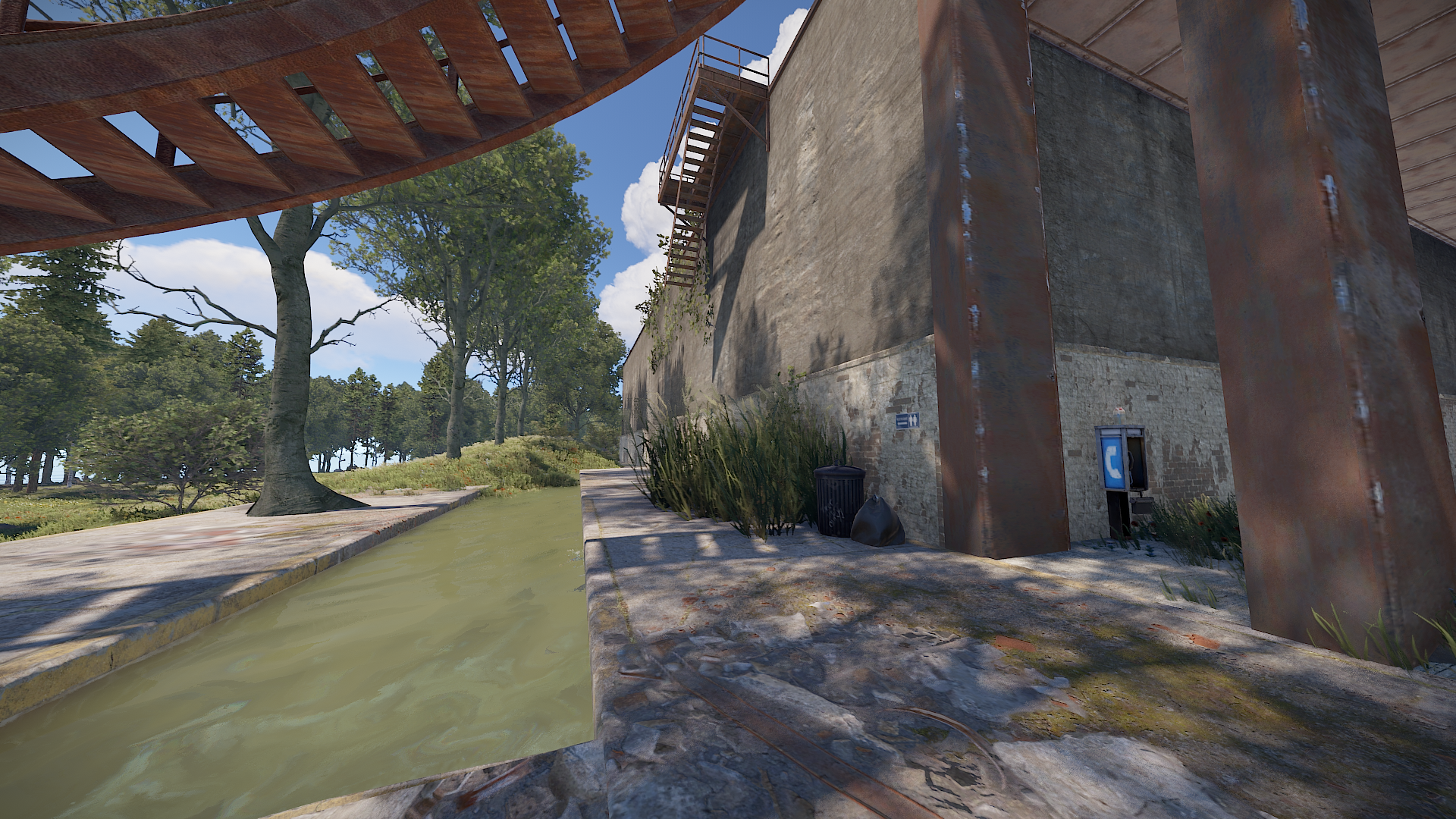
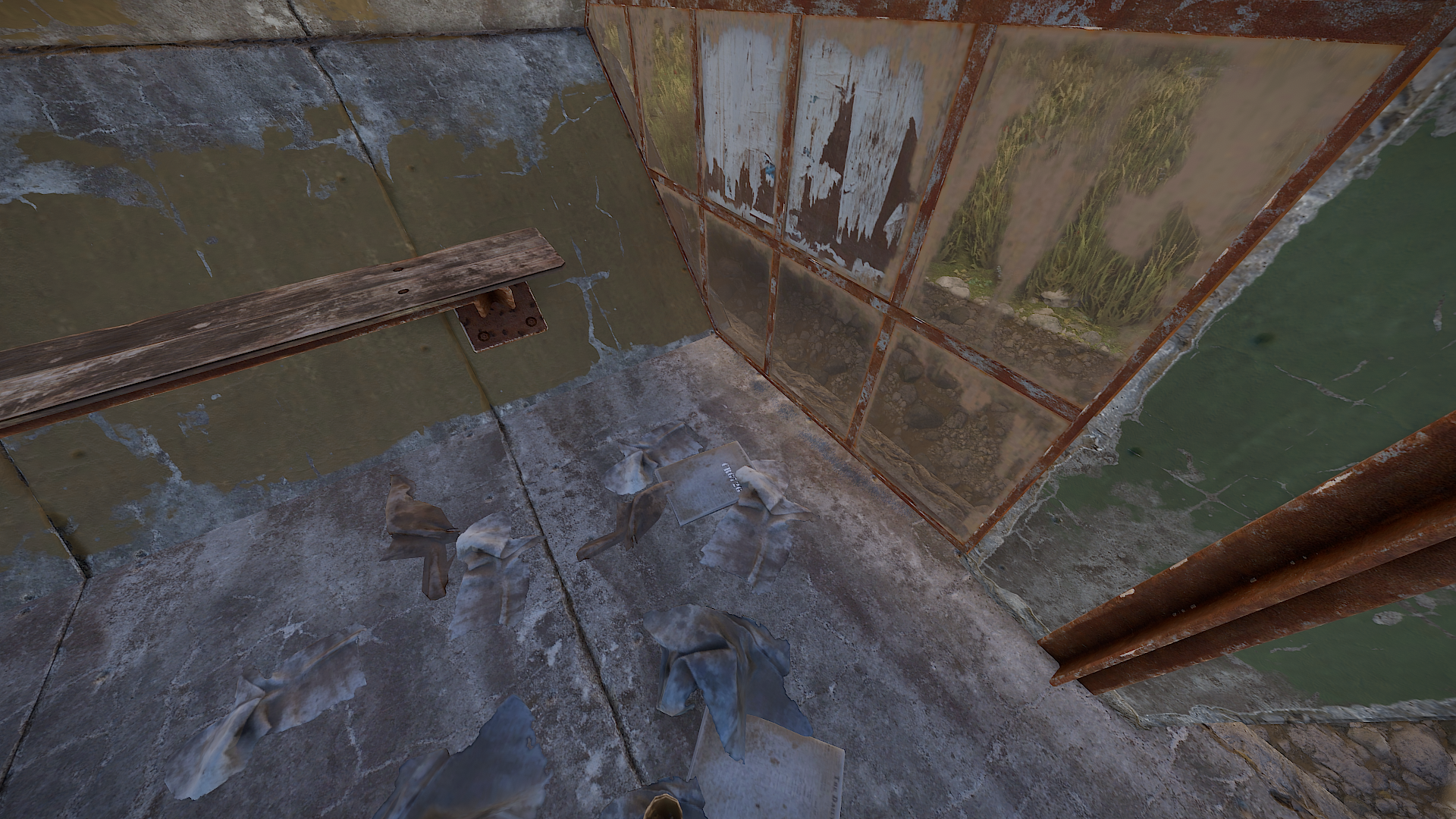
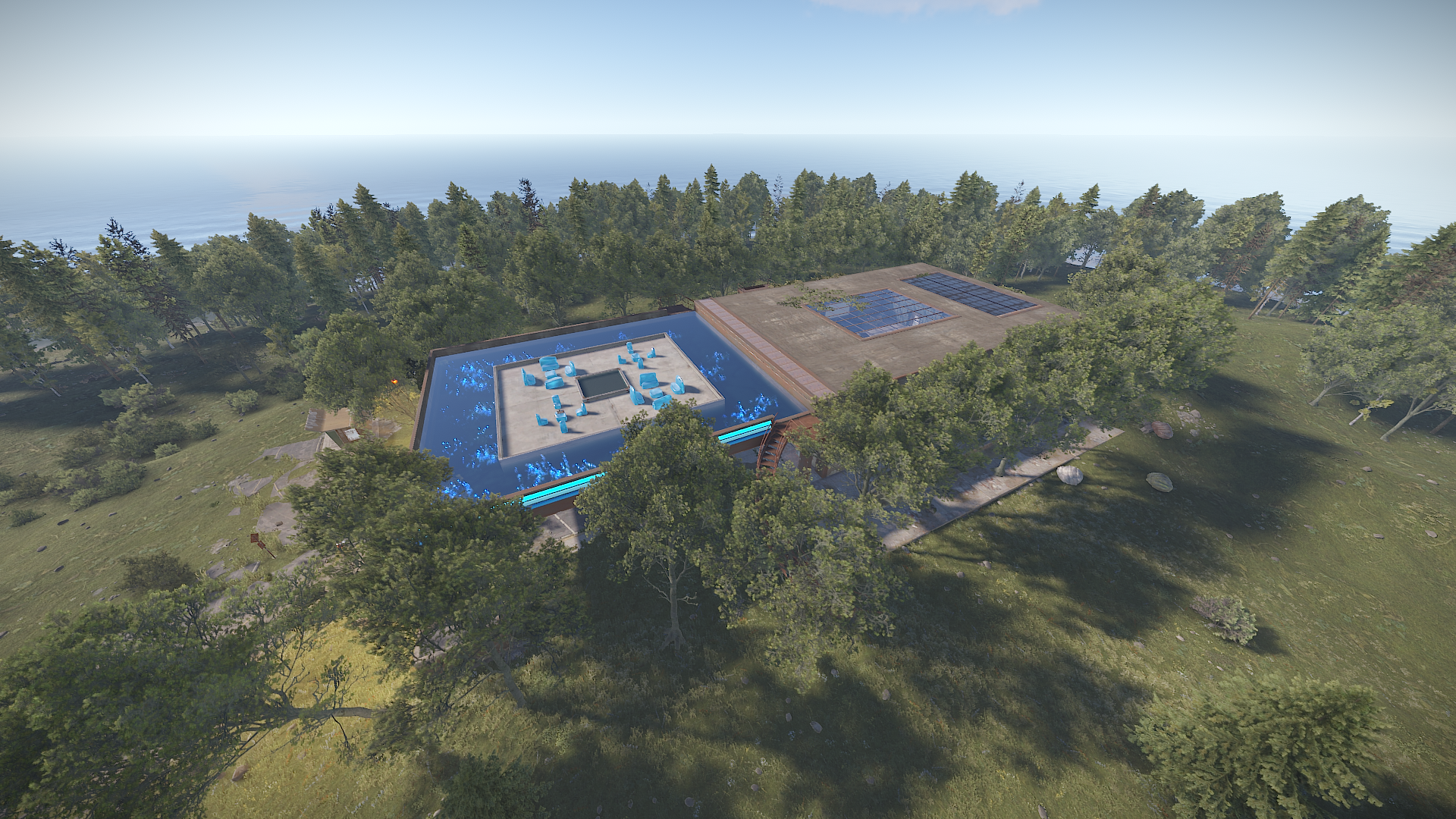
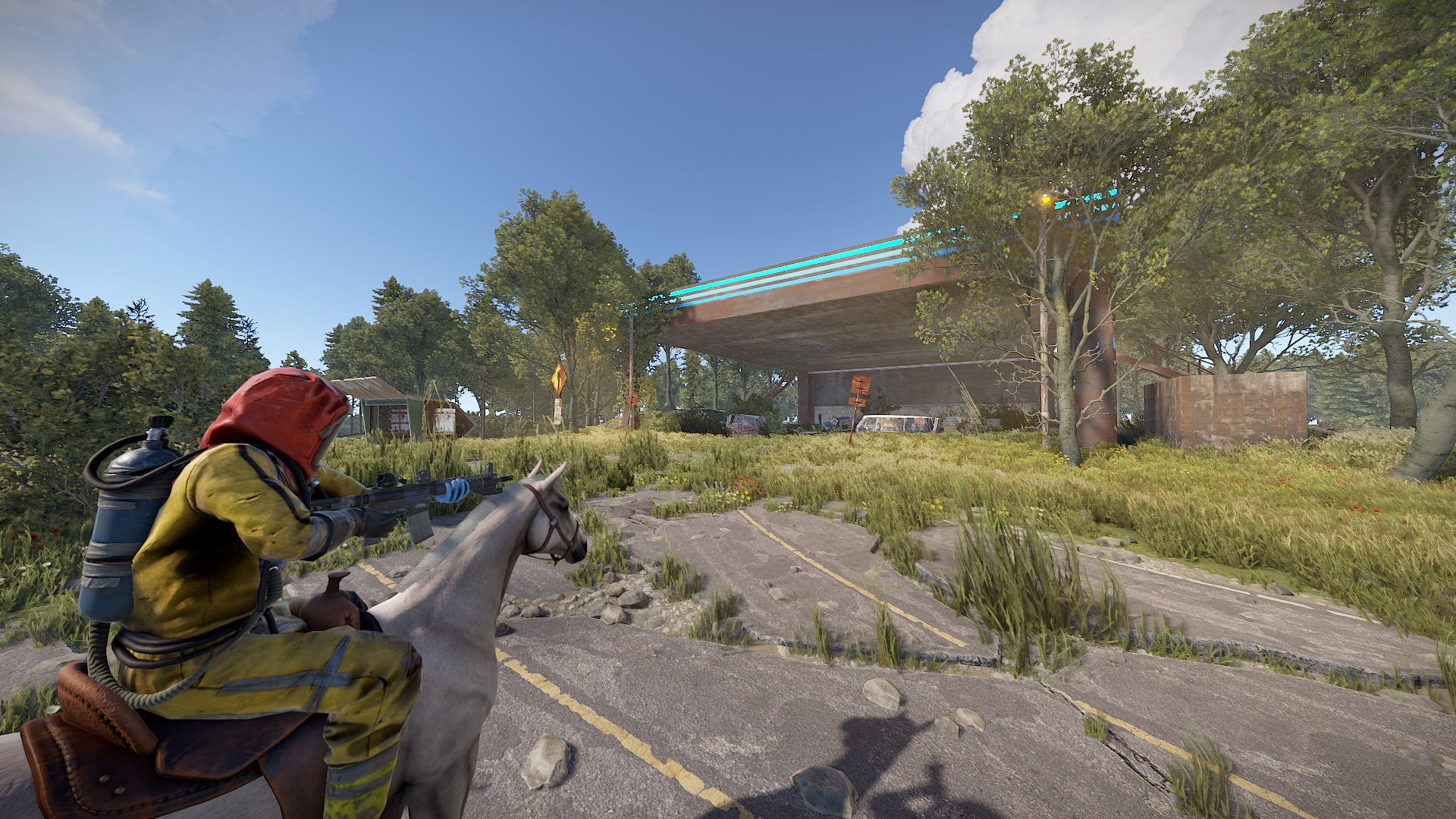
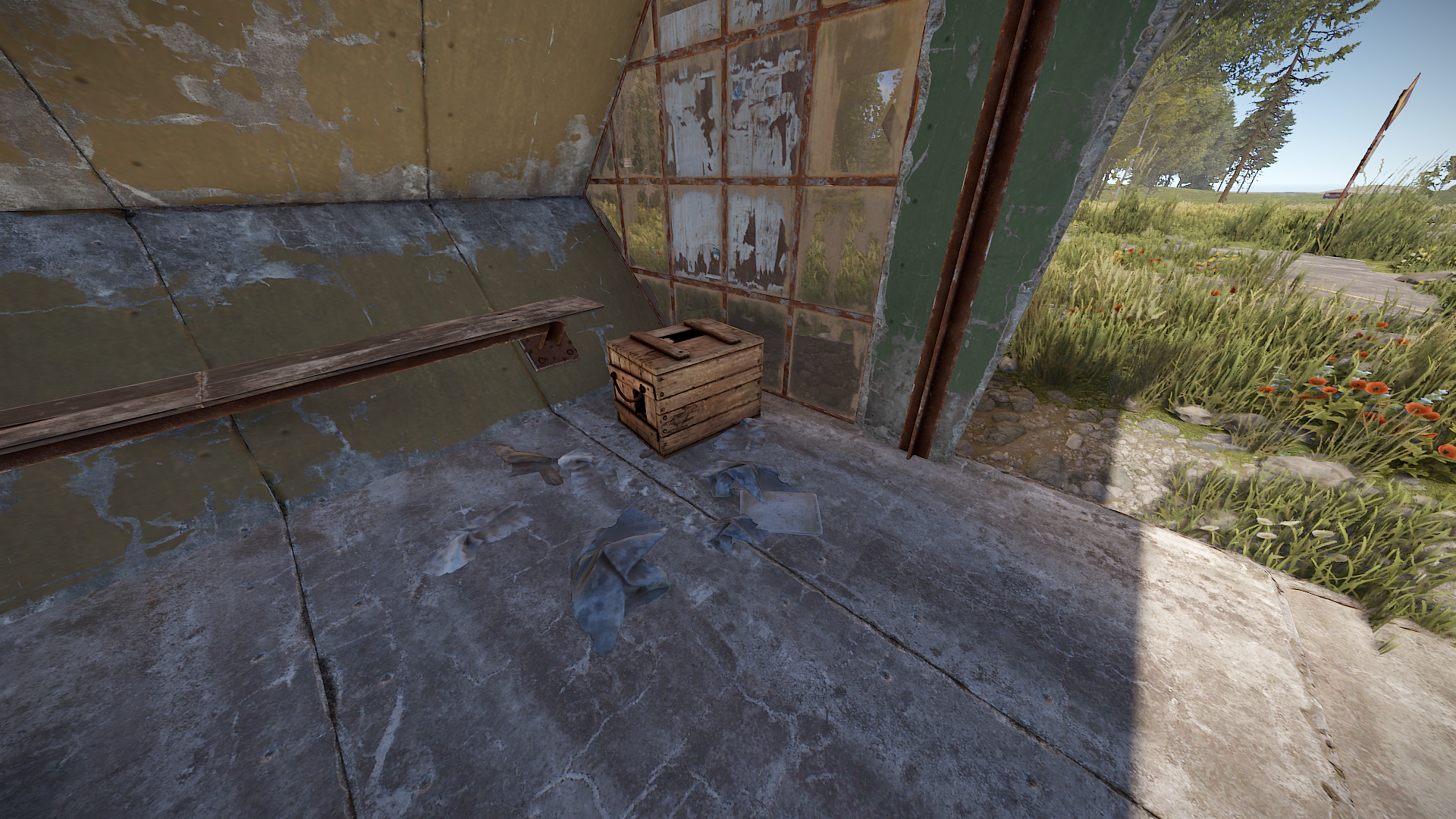
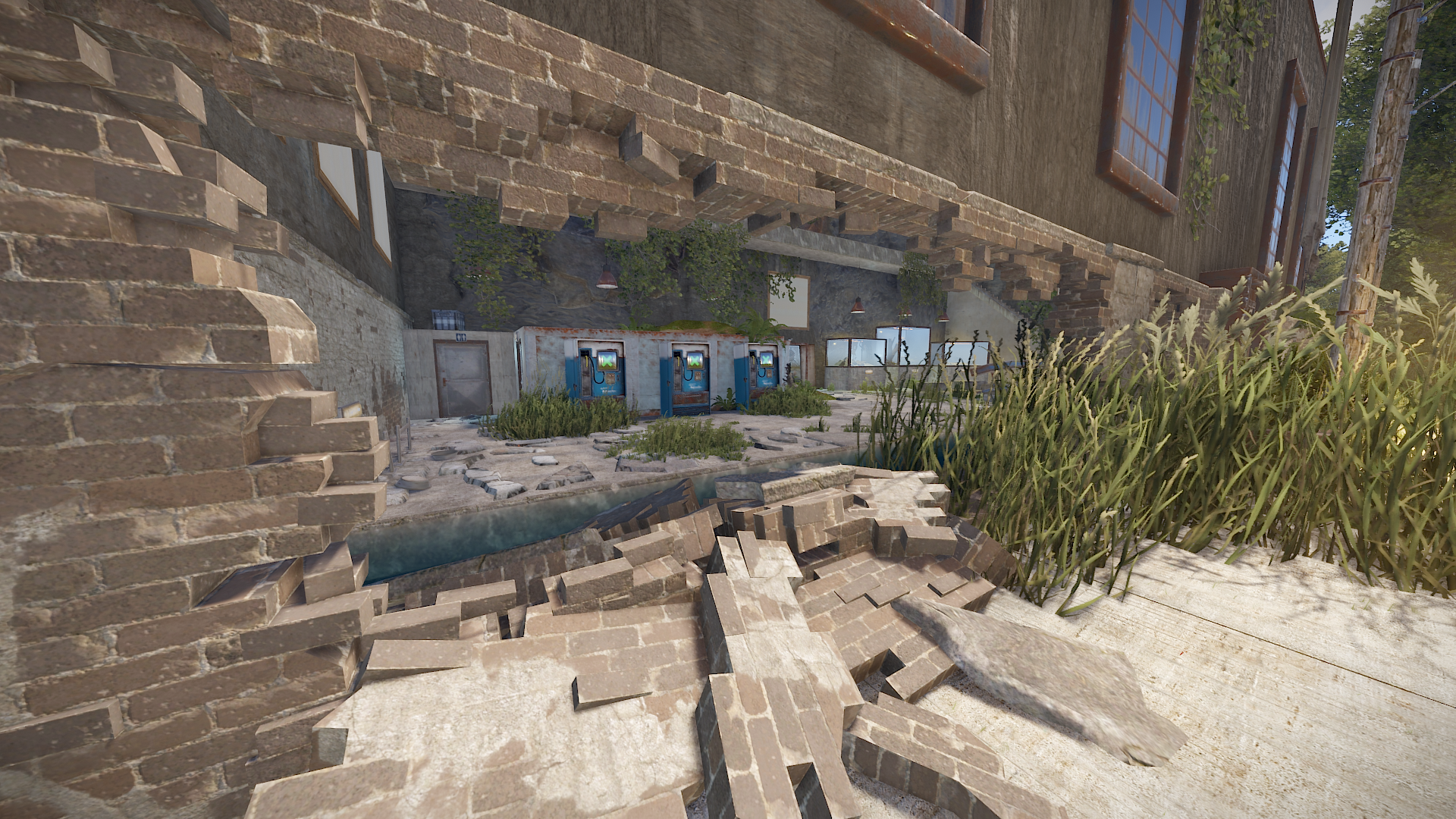
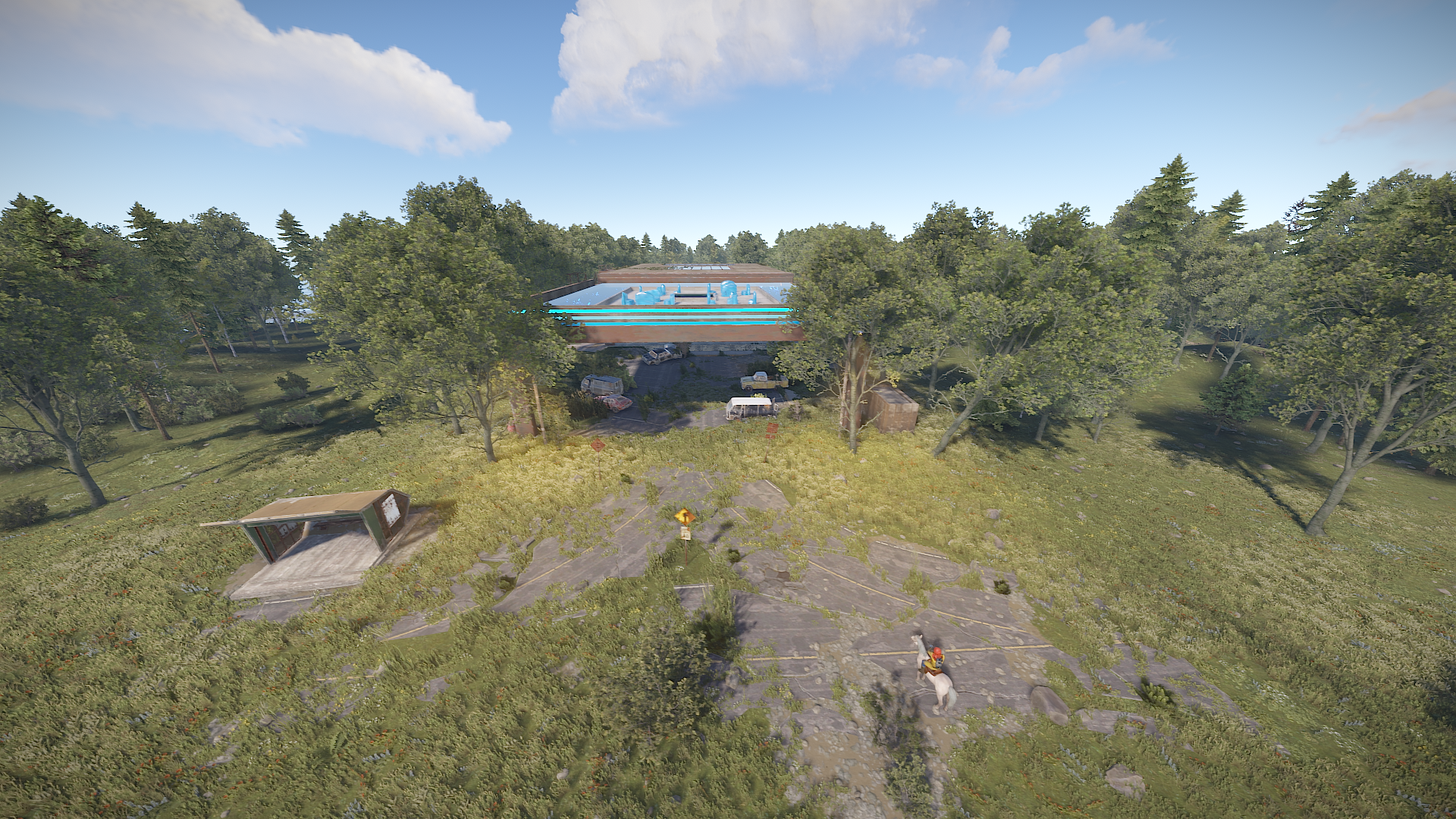
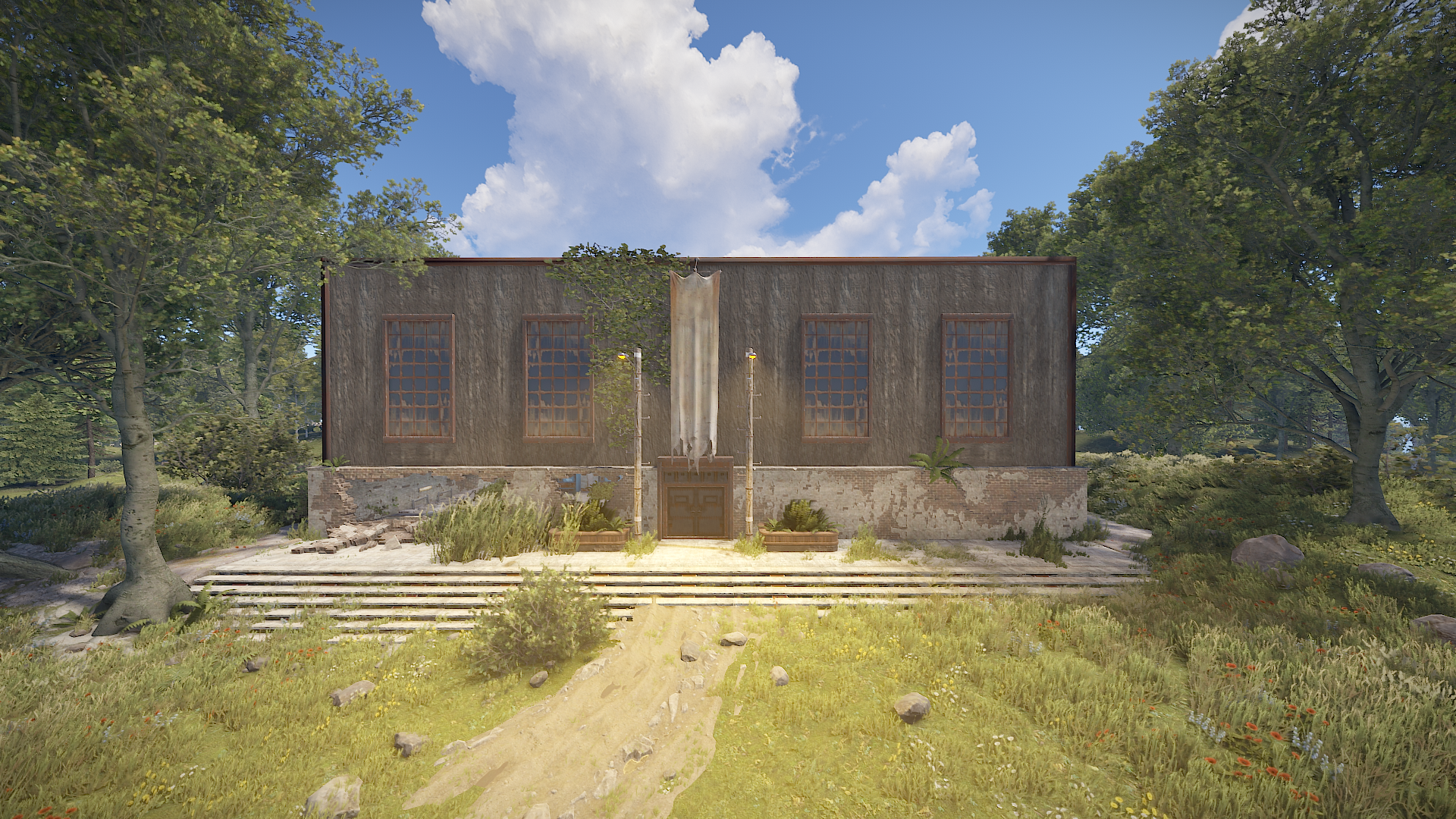
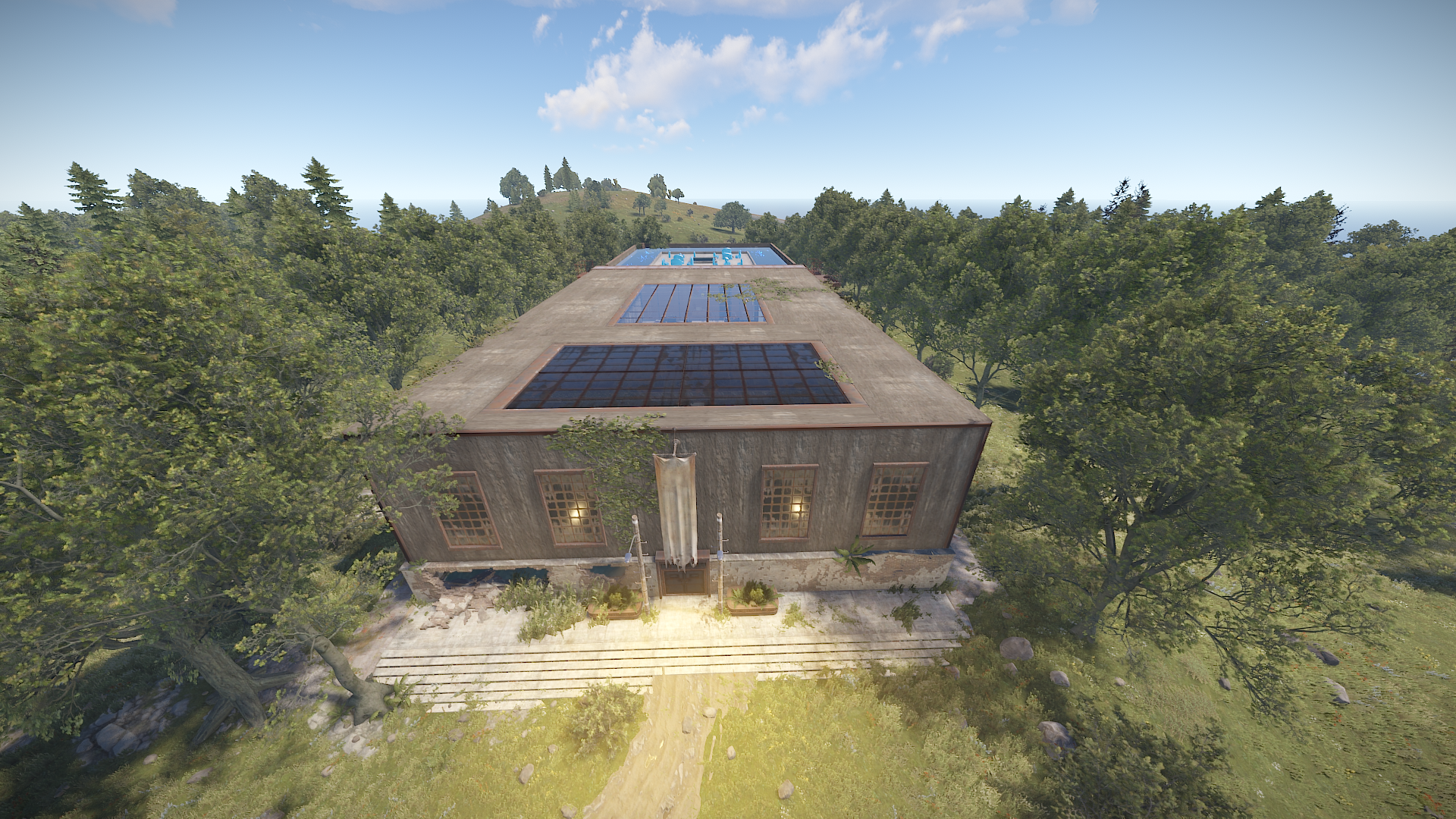
"Small" RedCardRoom-Monument
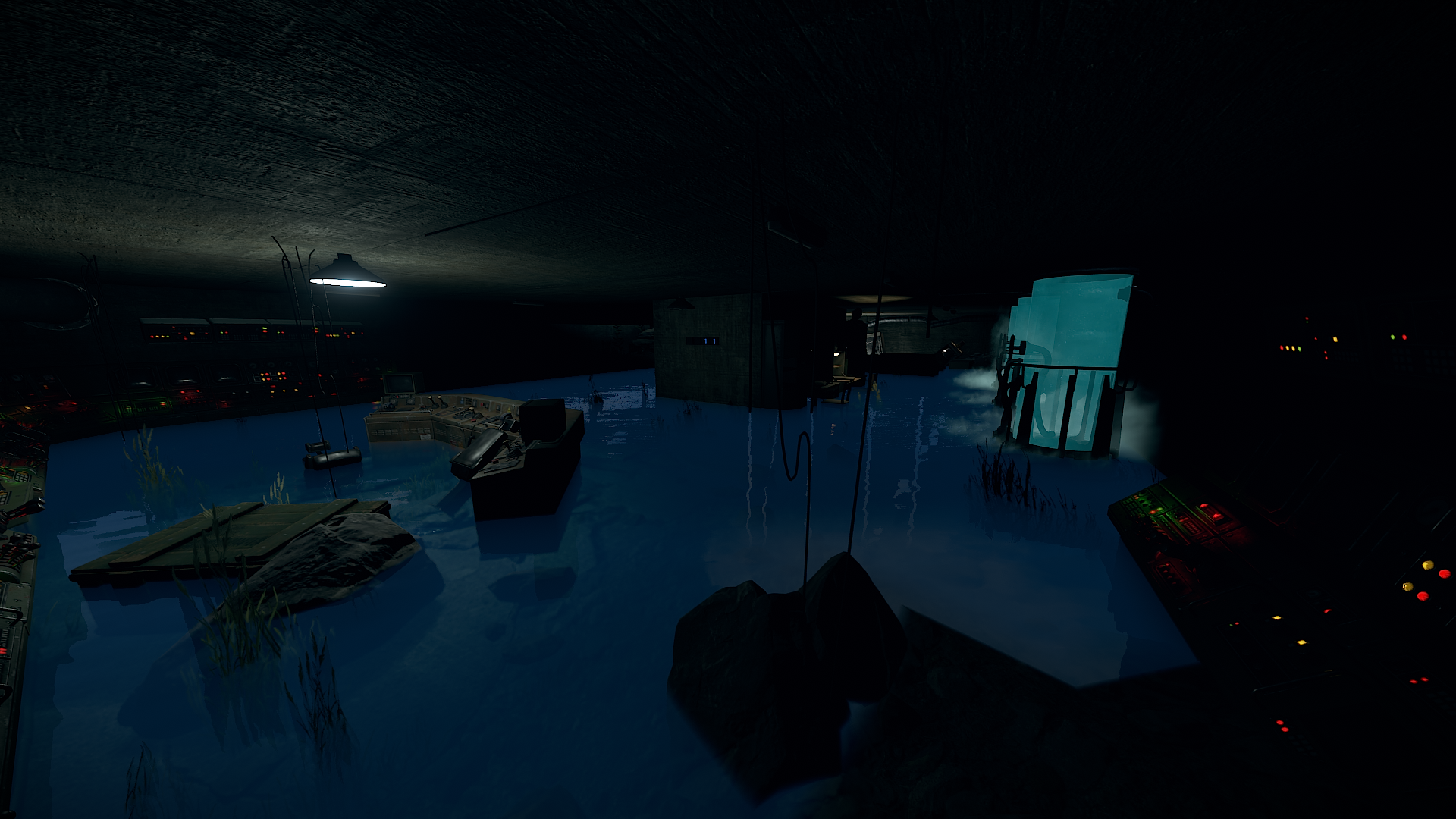
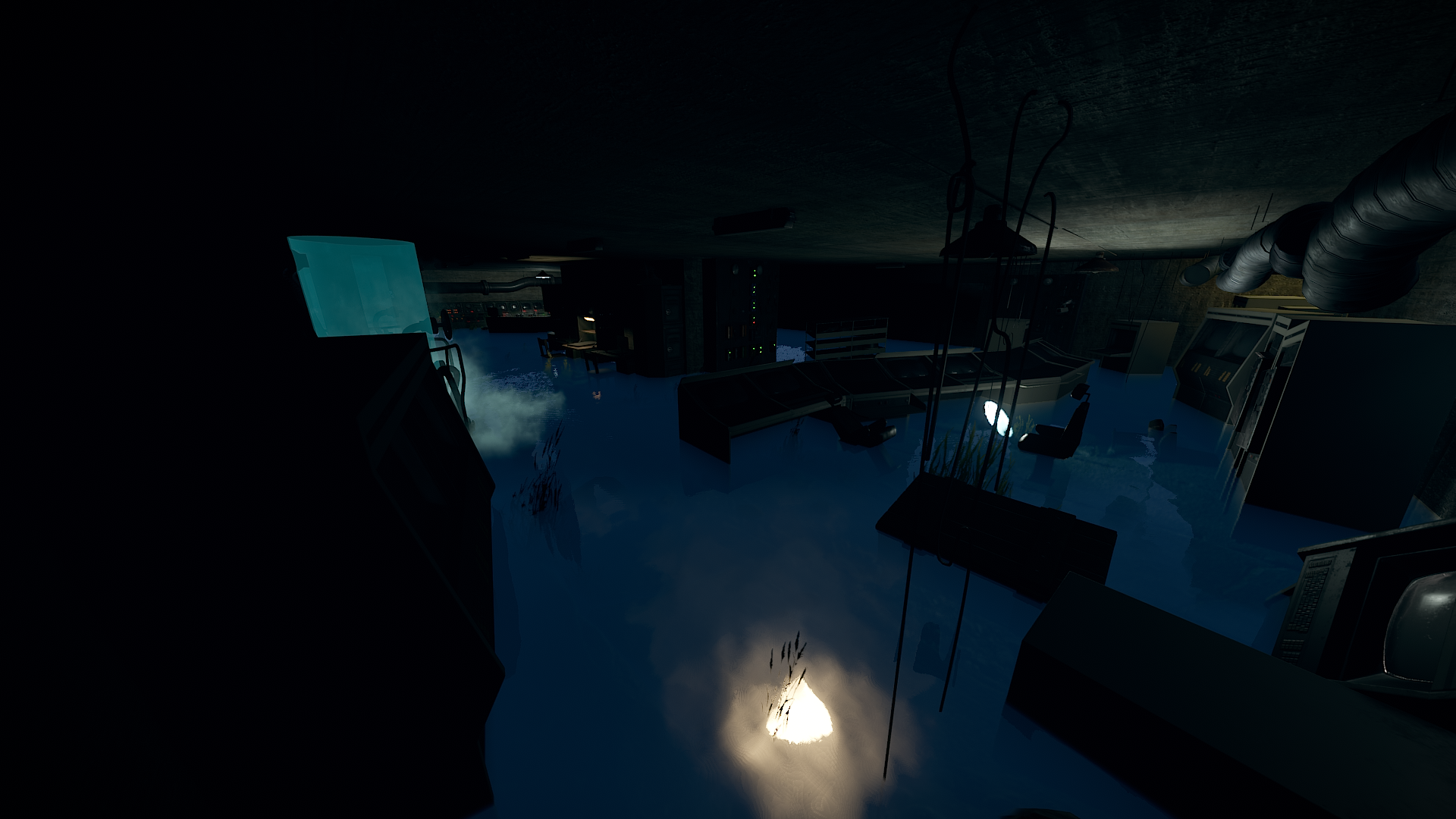
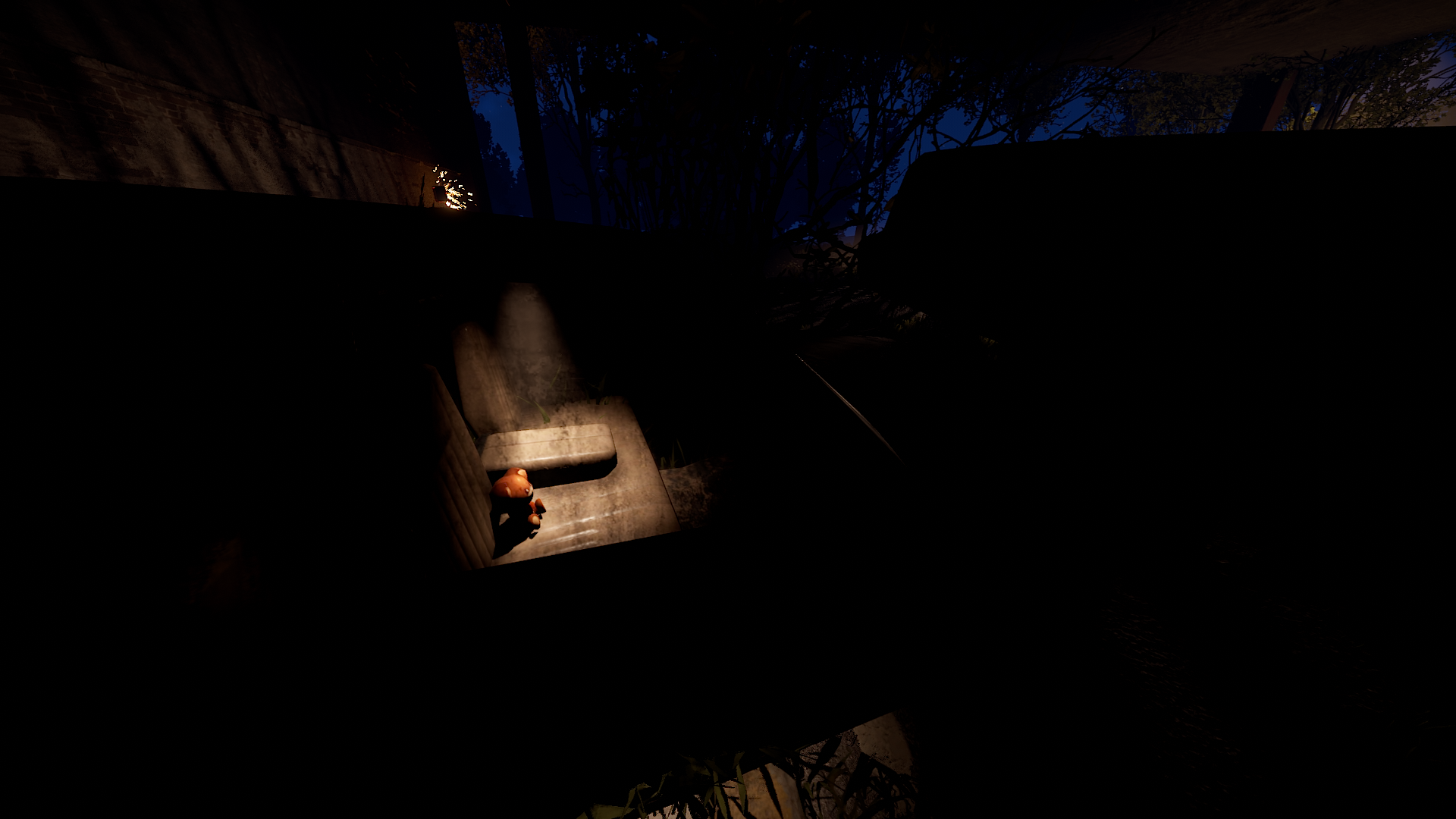
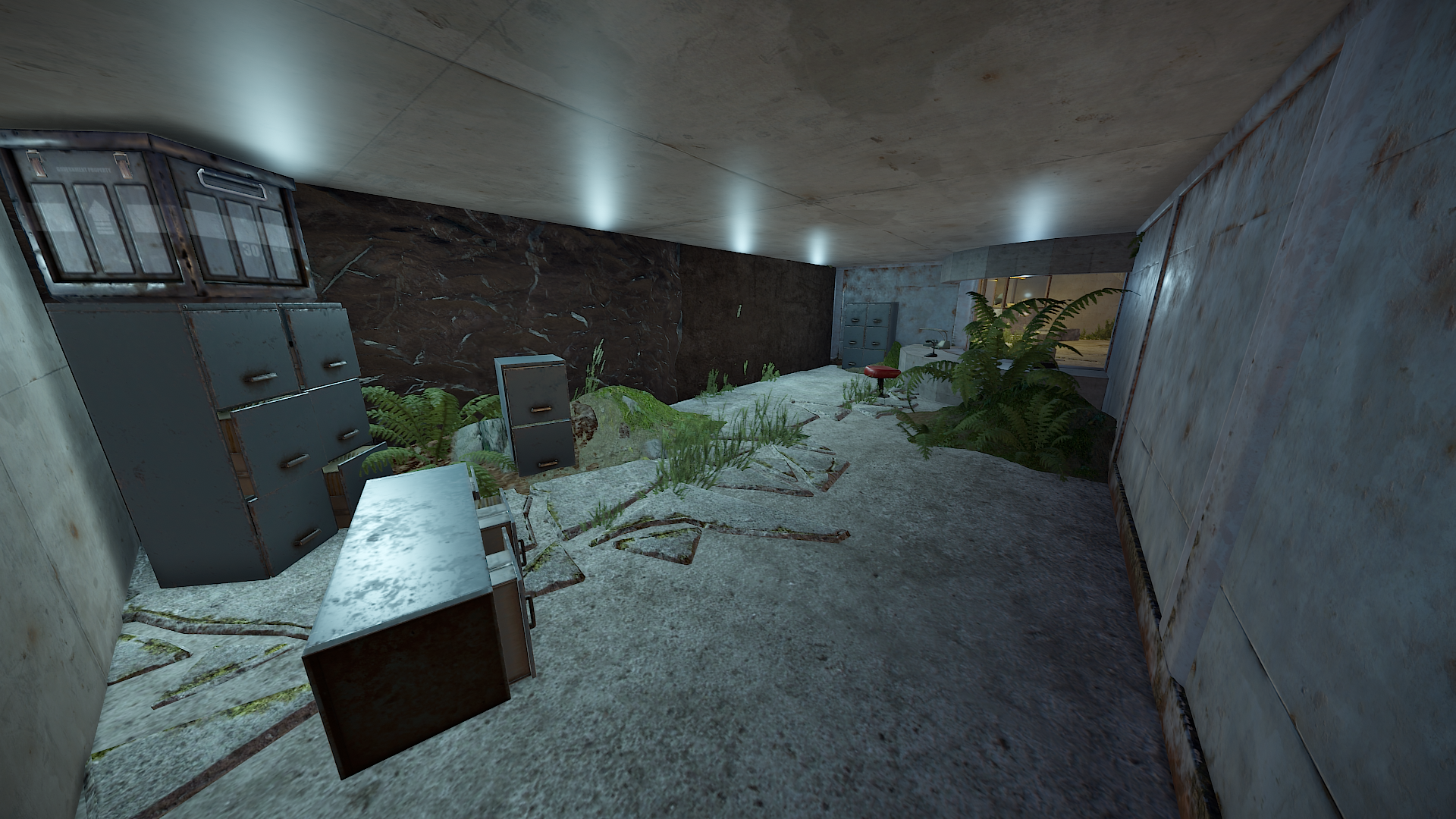
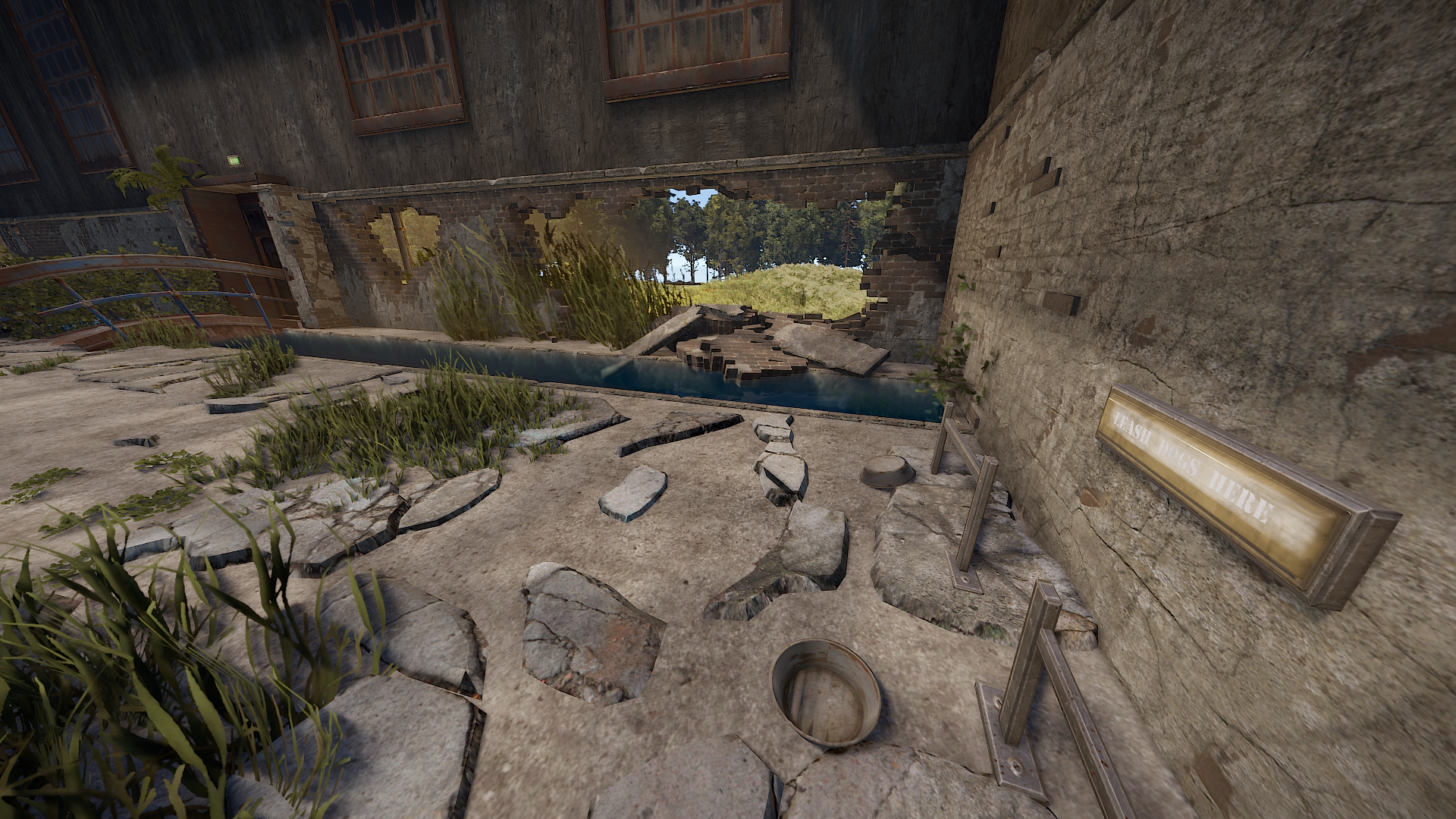
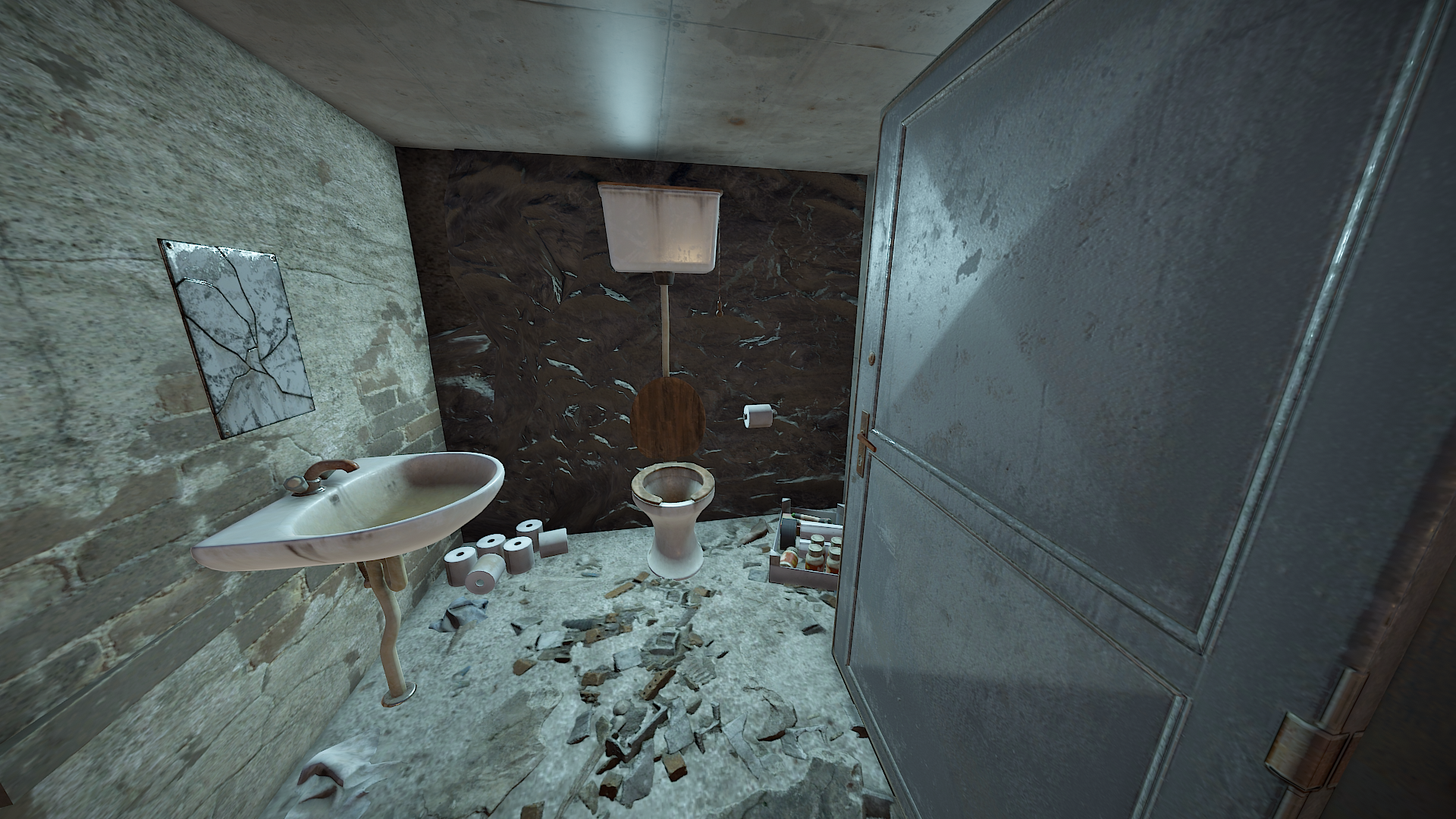
It includes two hidden rooms:
A redcard-room (standard redcardpuzzle)
and a loot room which can be accessed through a vent.
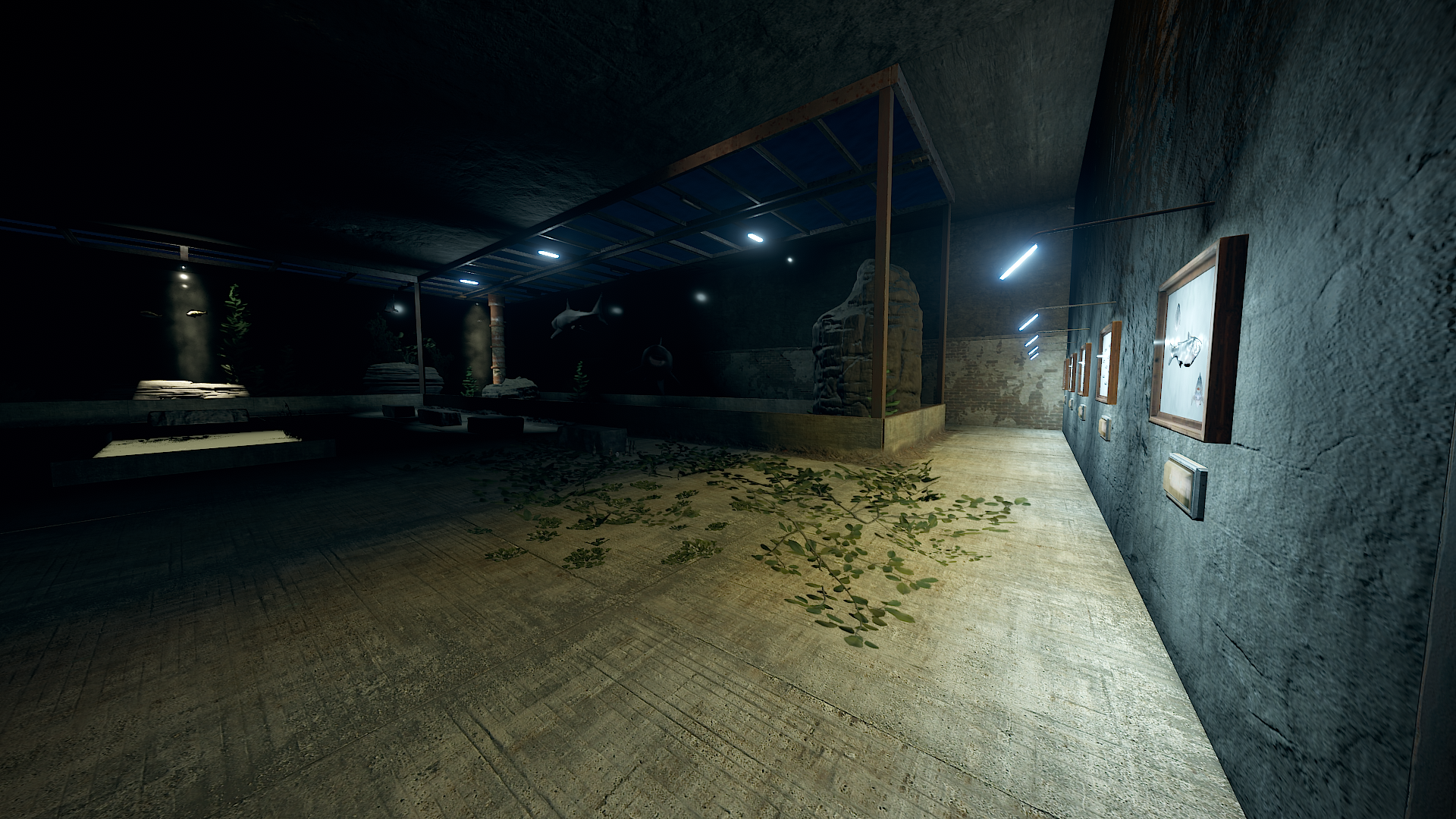
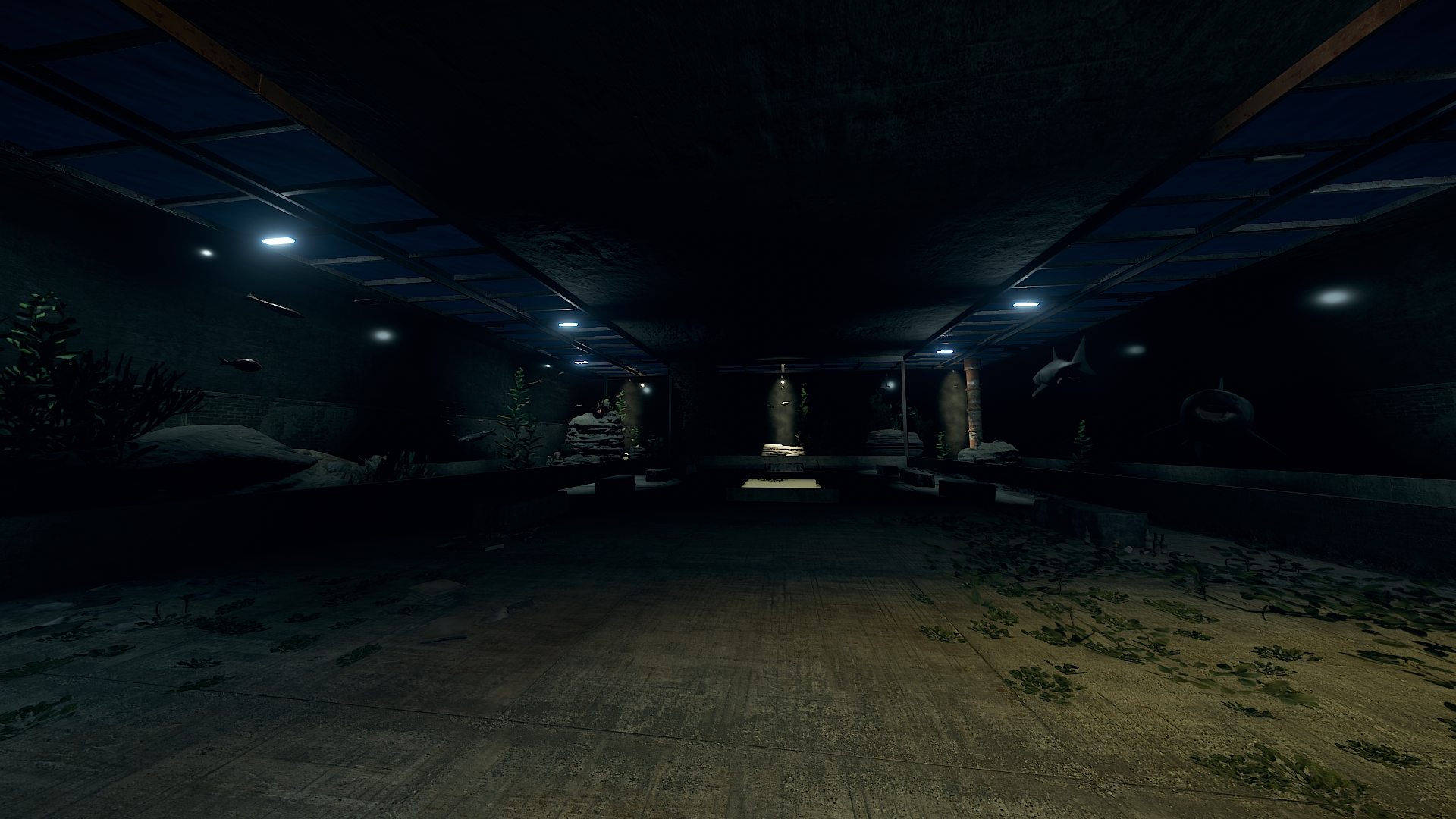
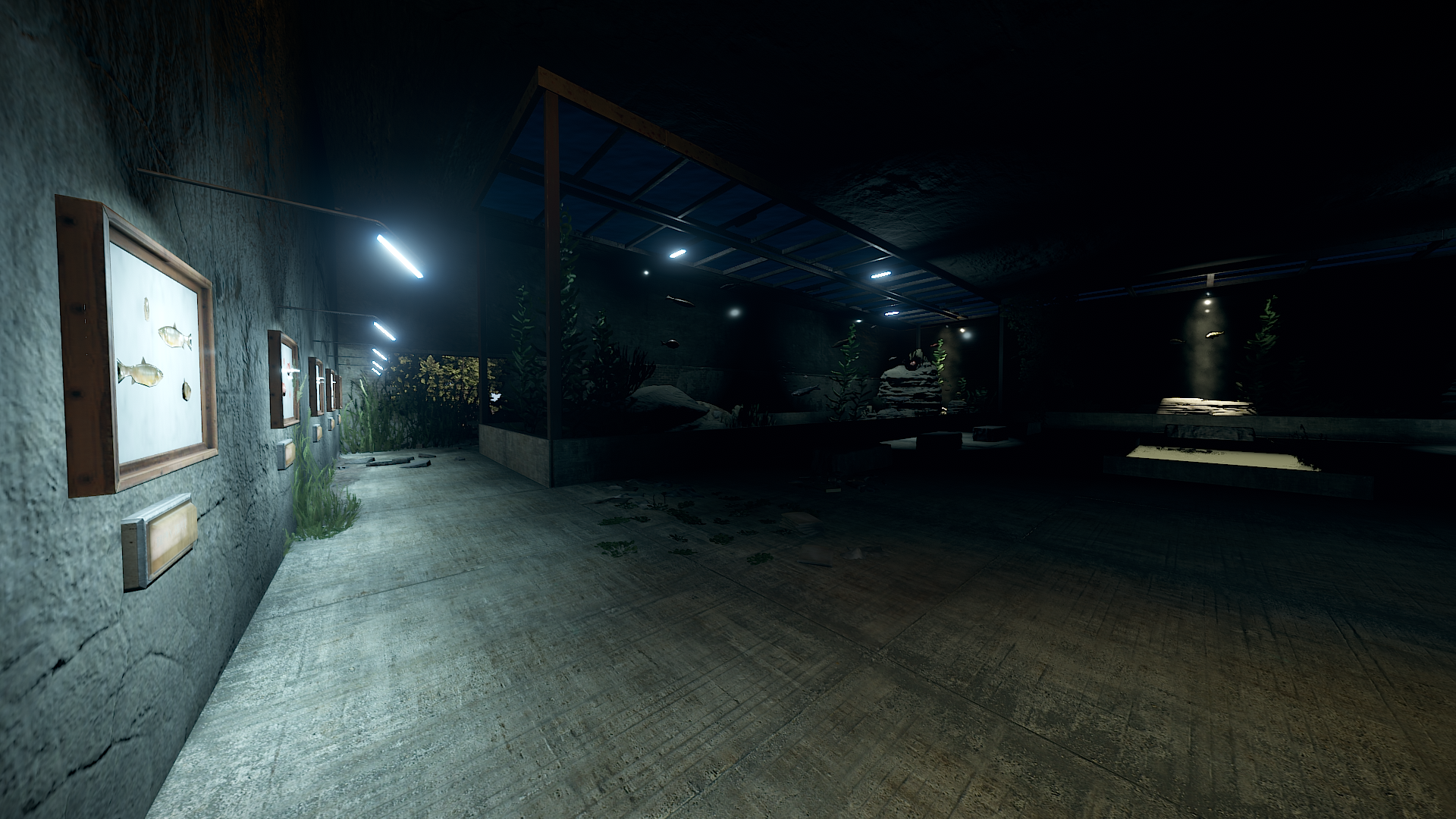
If you know the space you need about 10 - 15 mins to run through the whole monument (excluding time on the recycler).
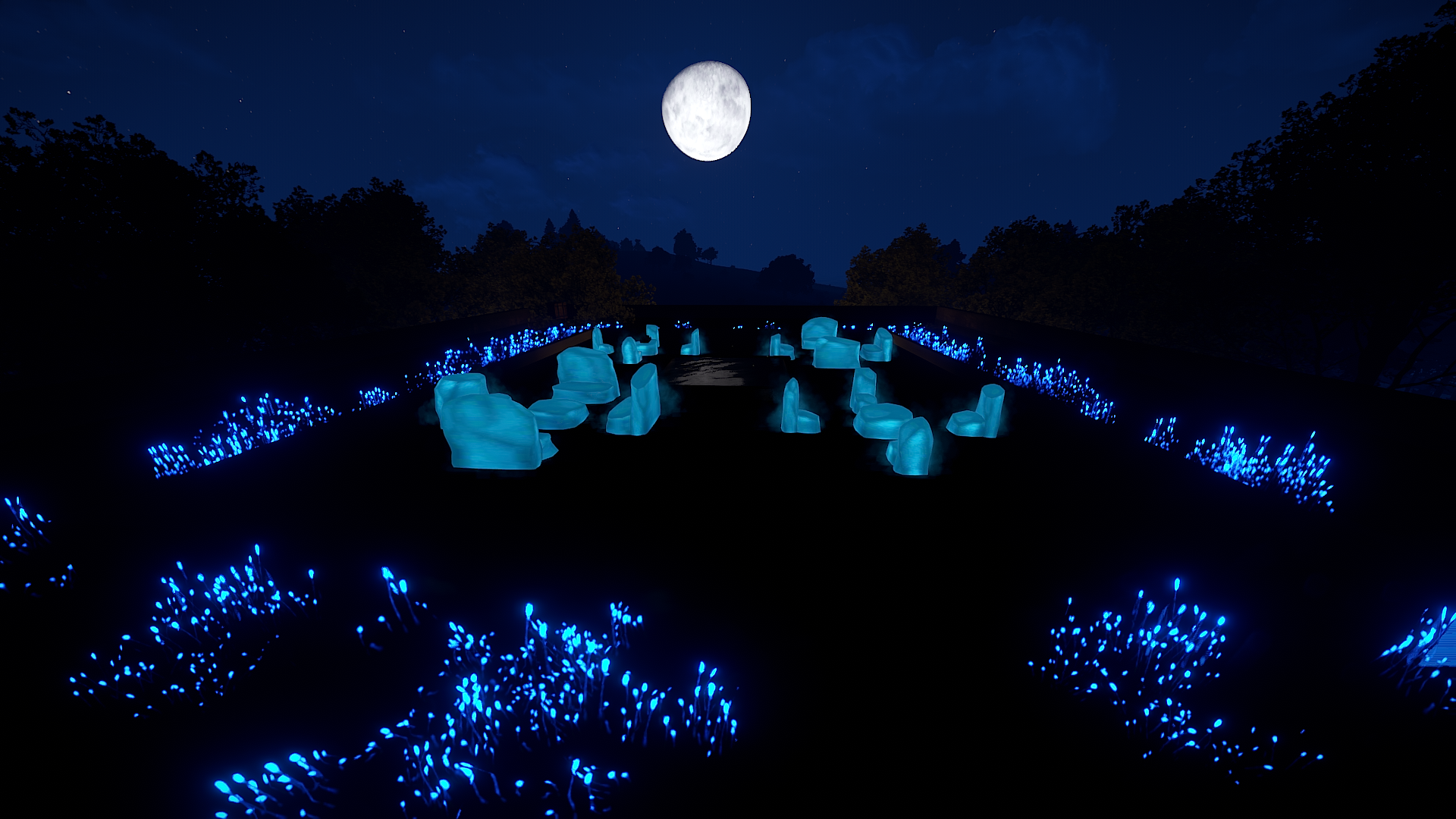
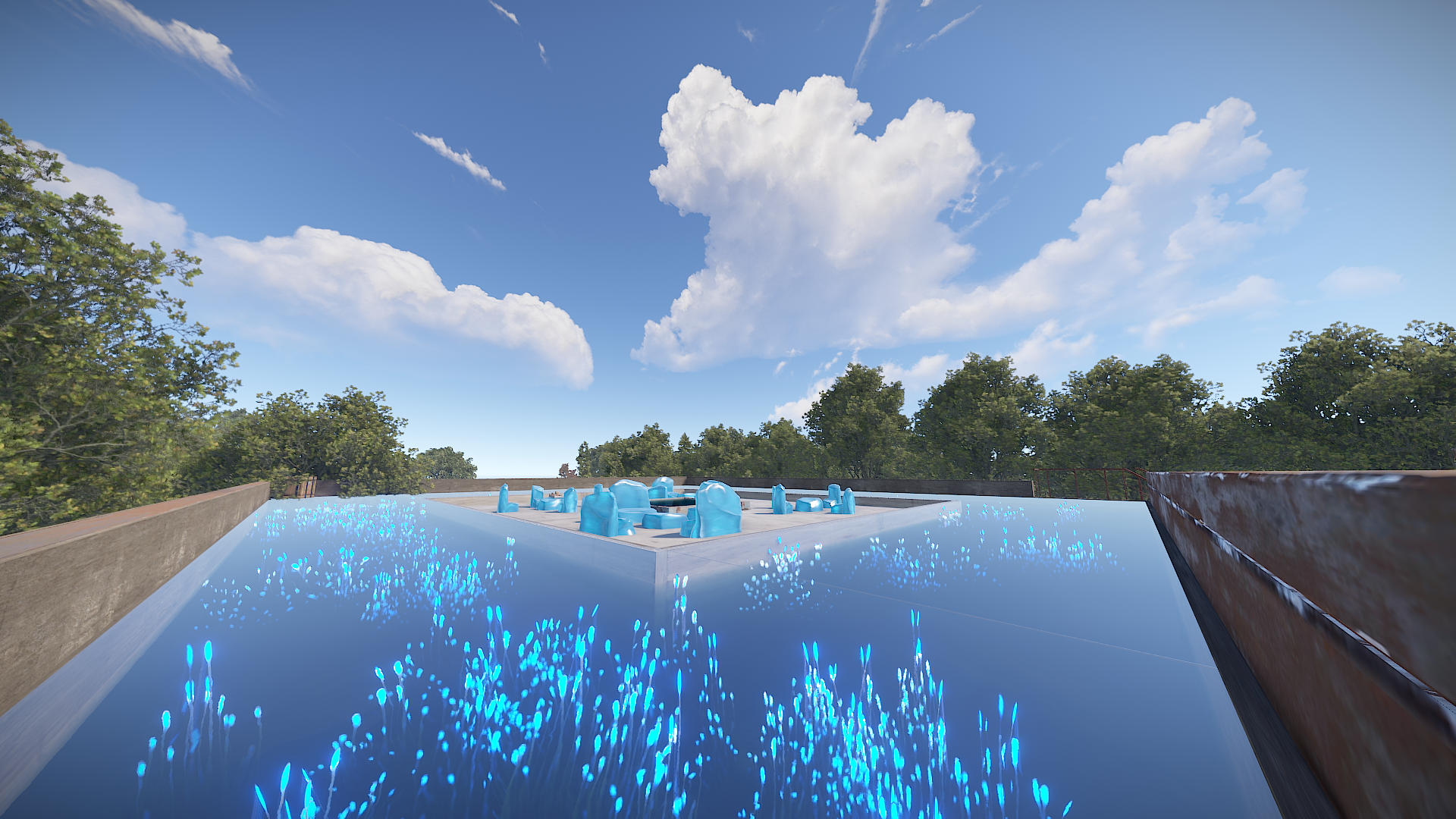
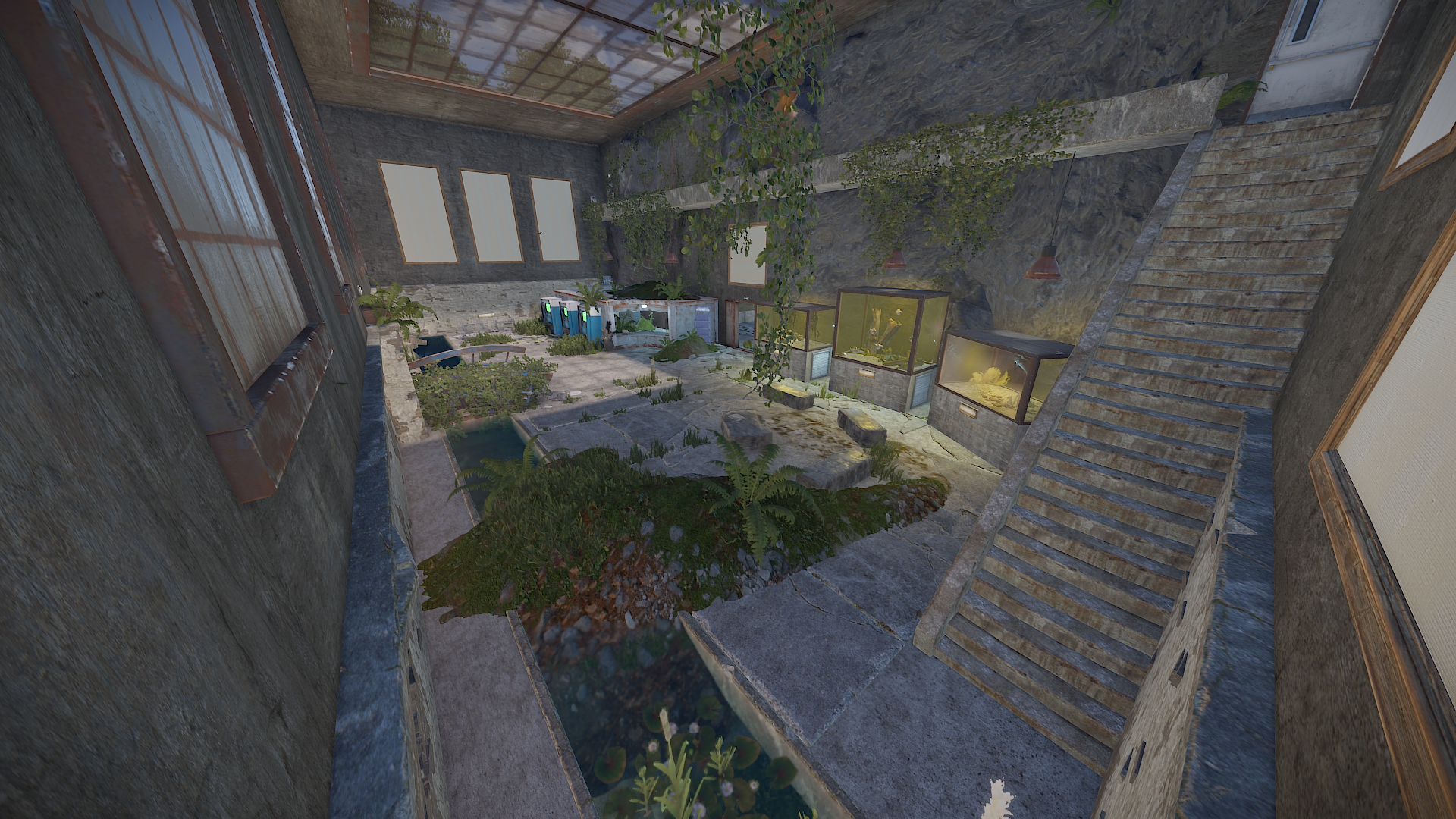
The size is around 3 supermarkets long and 1 supermarket wide.
It has around 2560 prefabs.
1 blue card spawner
1 recycler
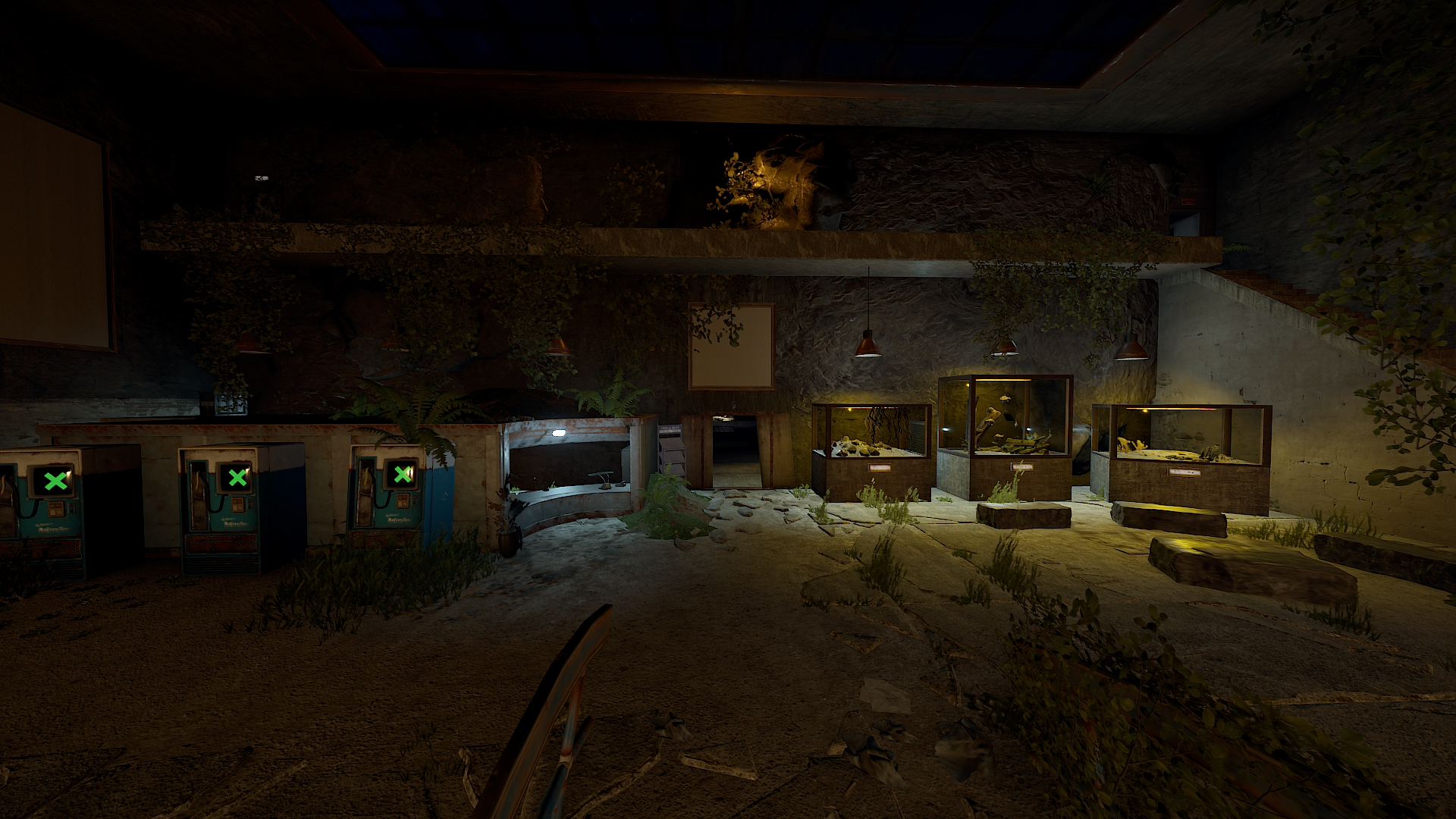
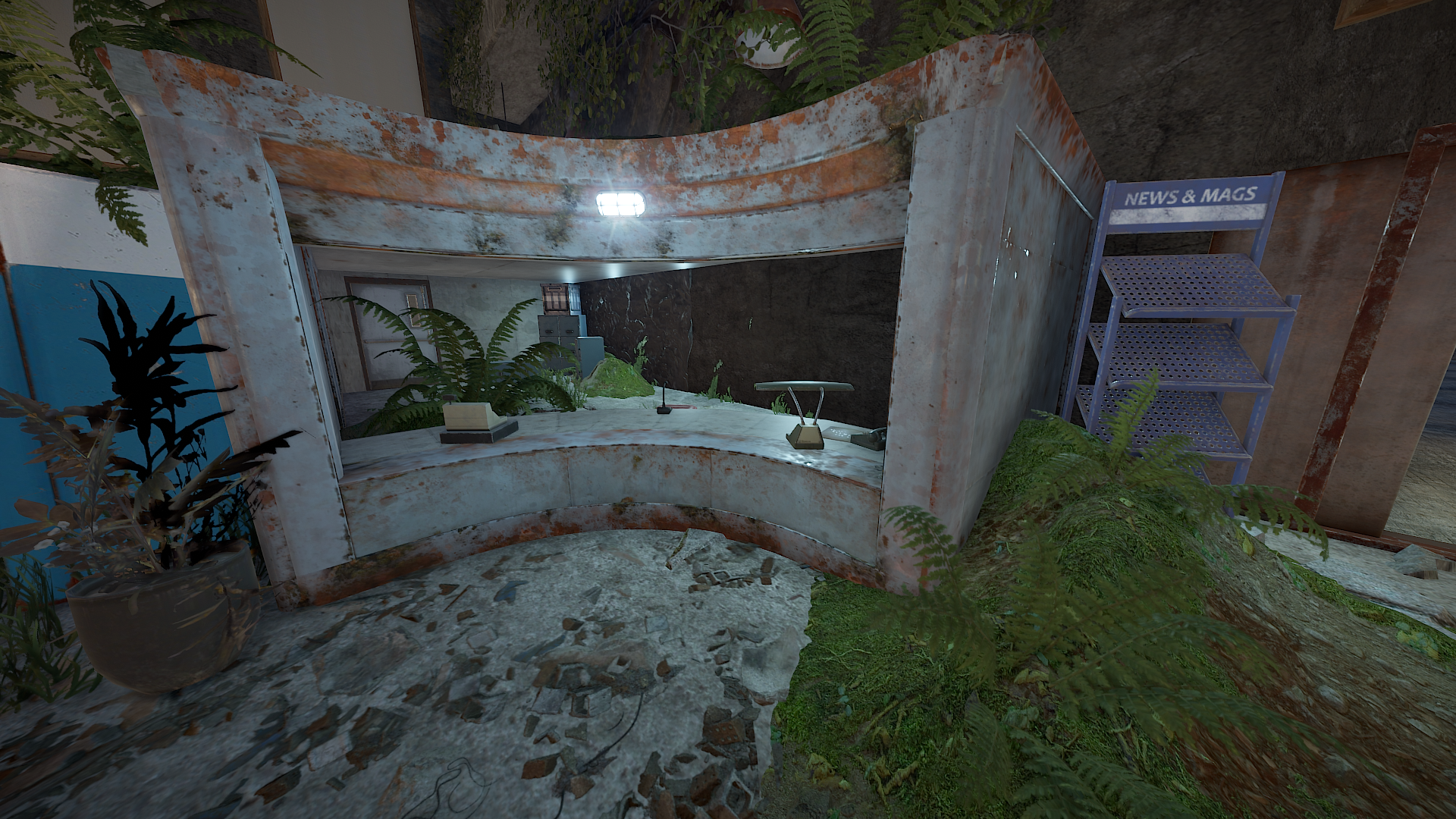
2 static computerstations
3 vending machines (which can be personally filled)
7 picture frames
1 large banner
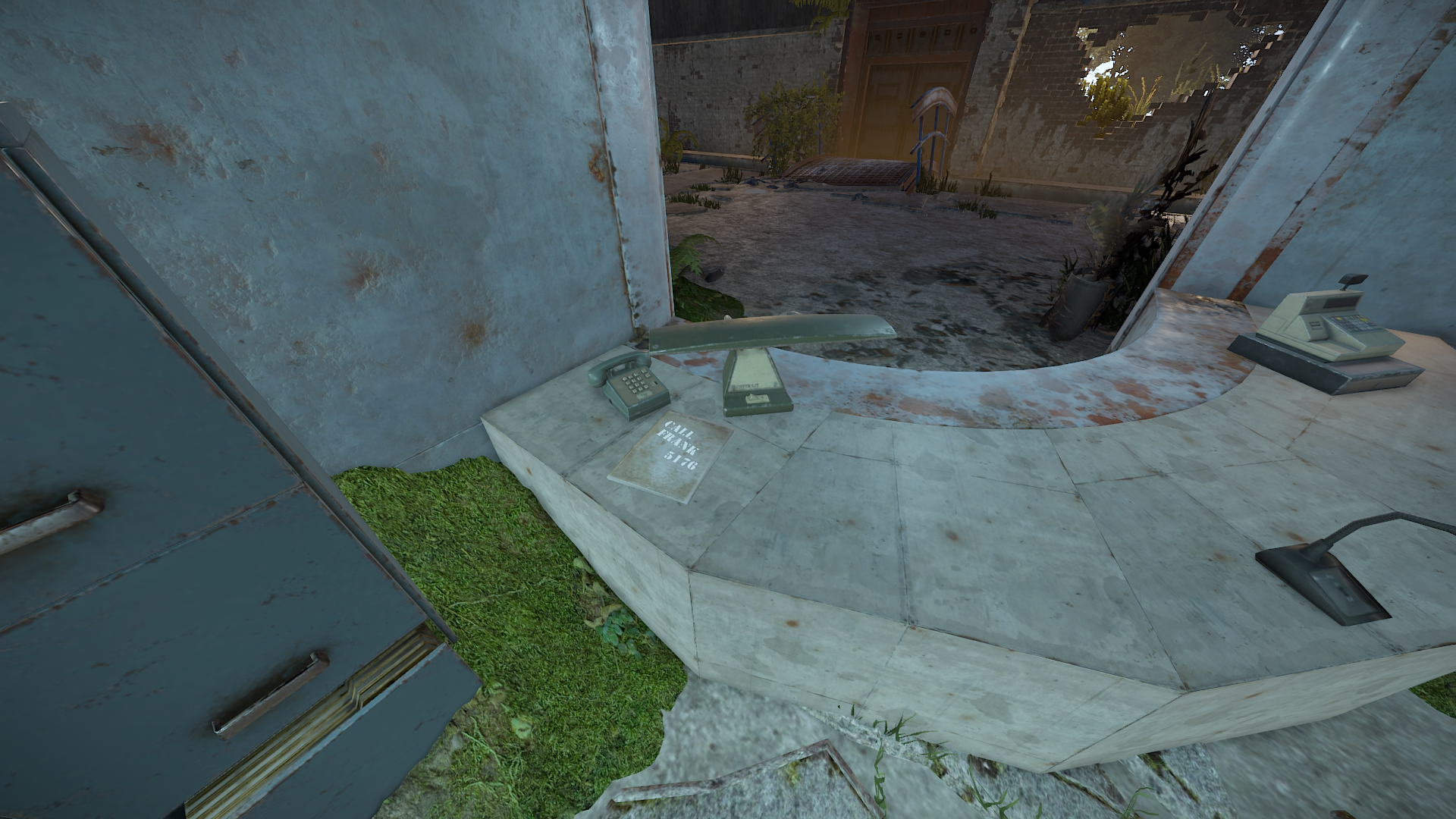
1 public phone
1 telephone
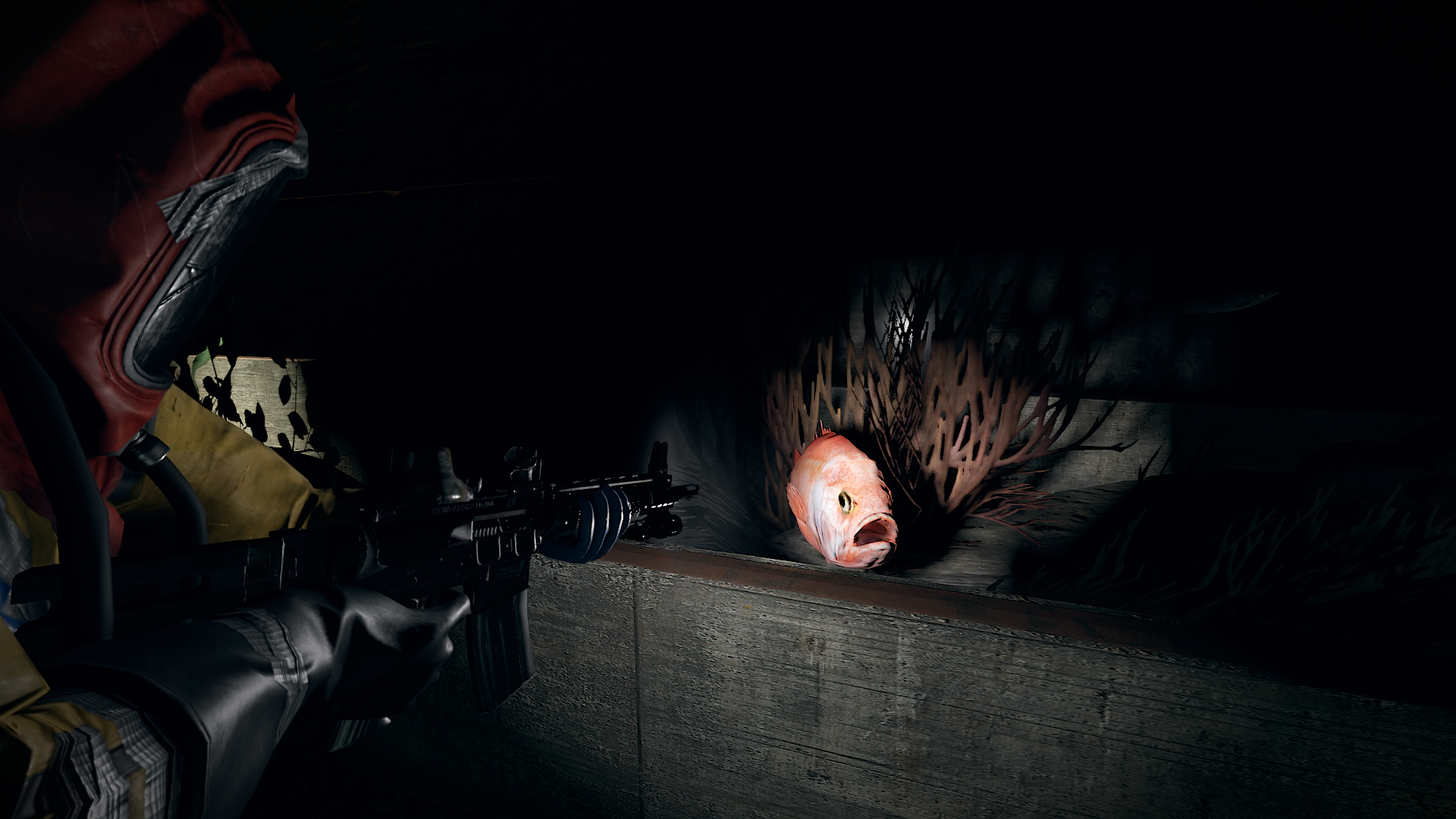
21 loot containers (tier 1-3) in total - 2 crates with custom loot (only fishes) - the .lprof is added to the file
2 drinkable watersources
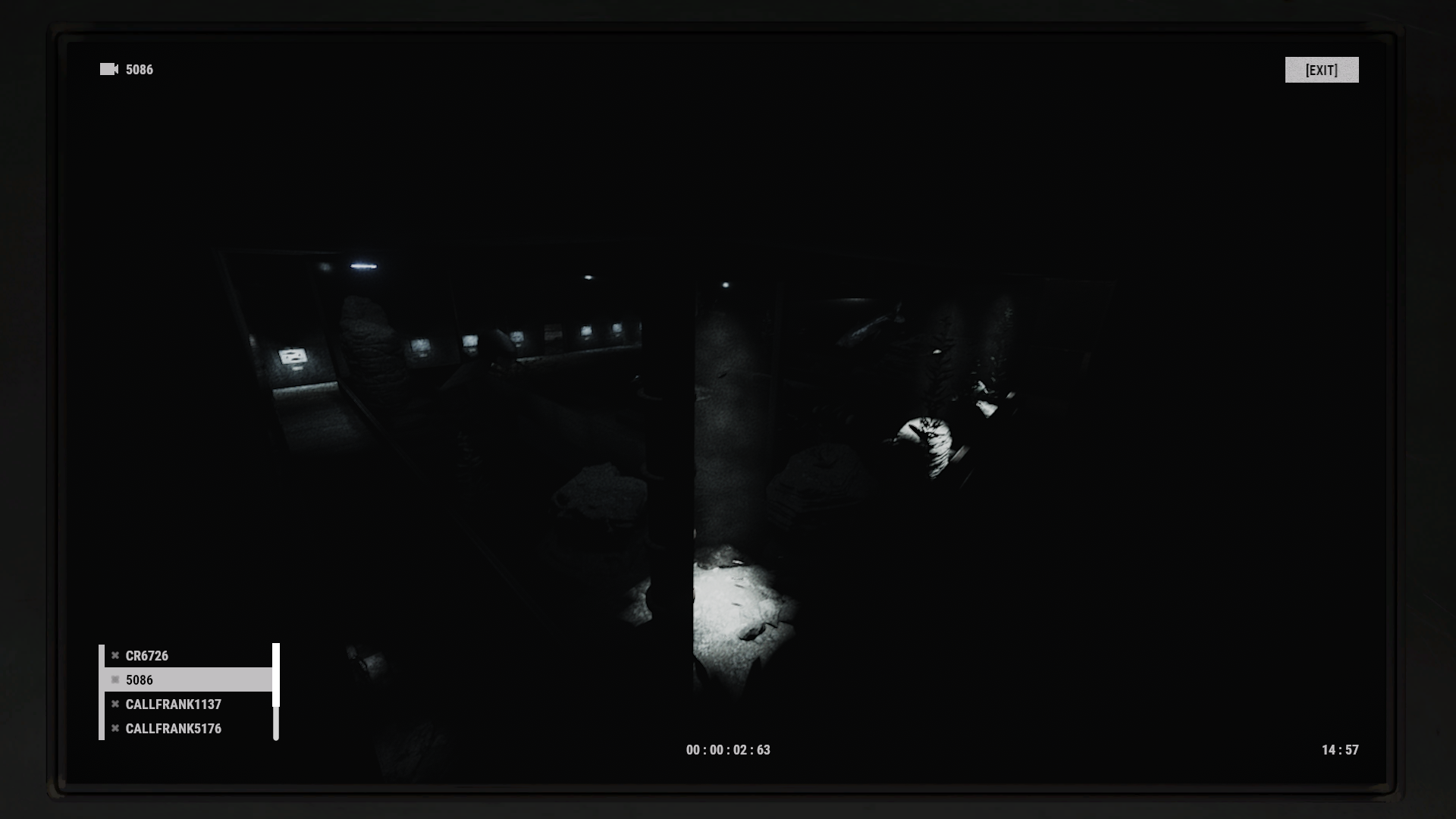
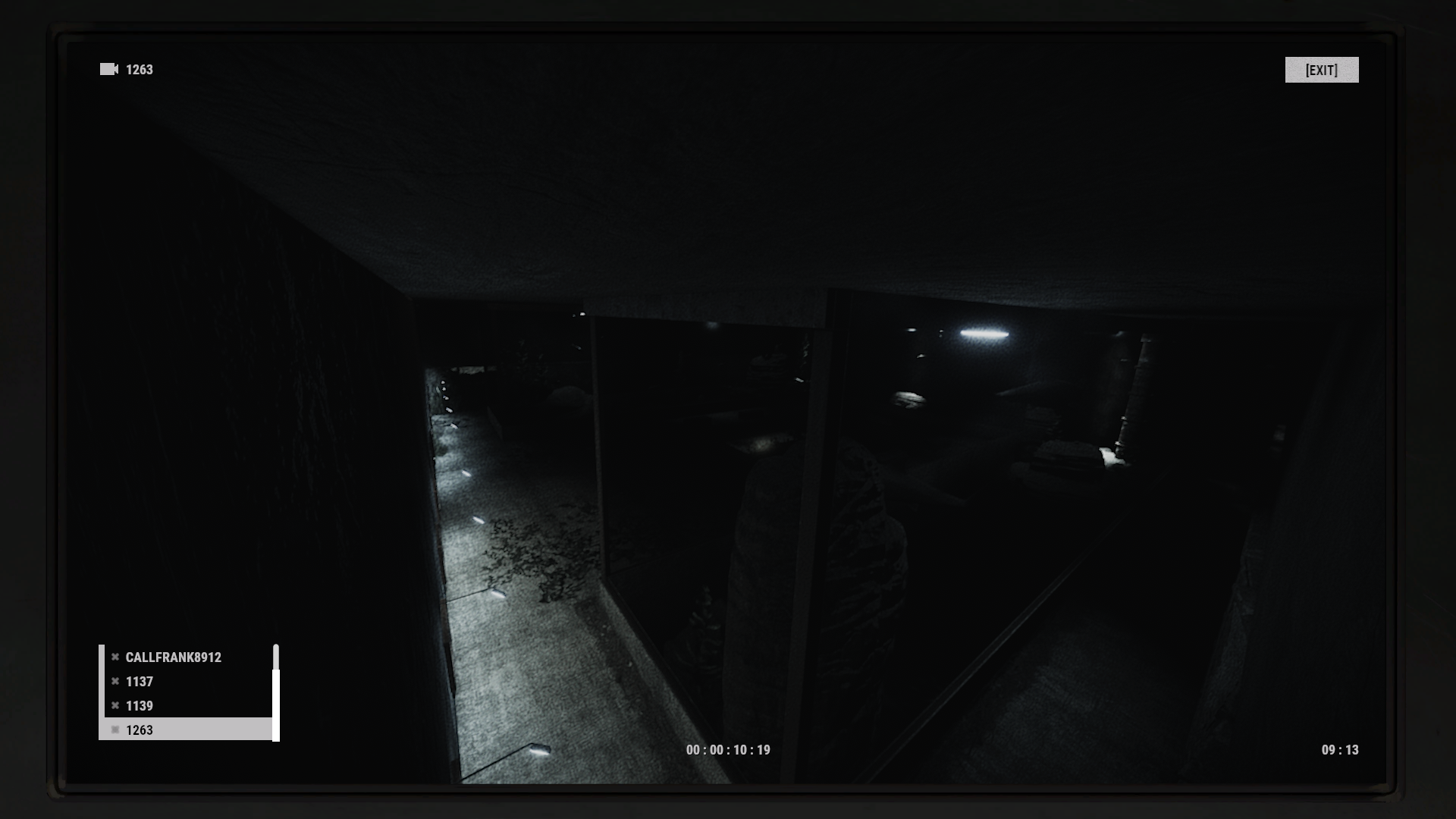
7 CCTV cams
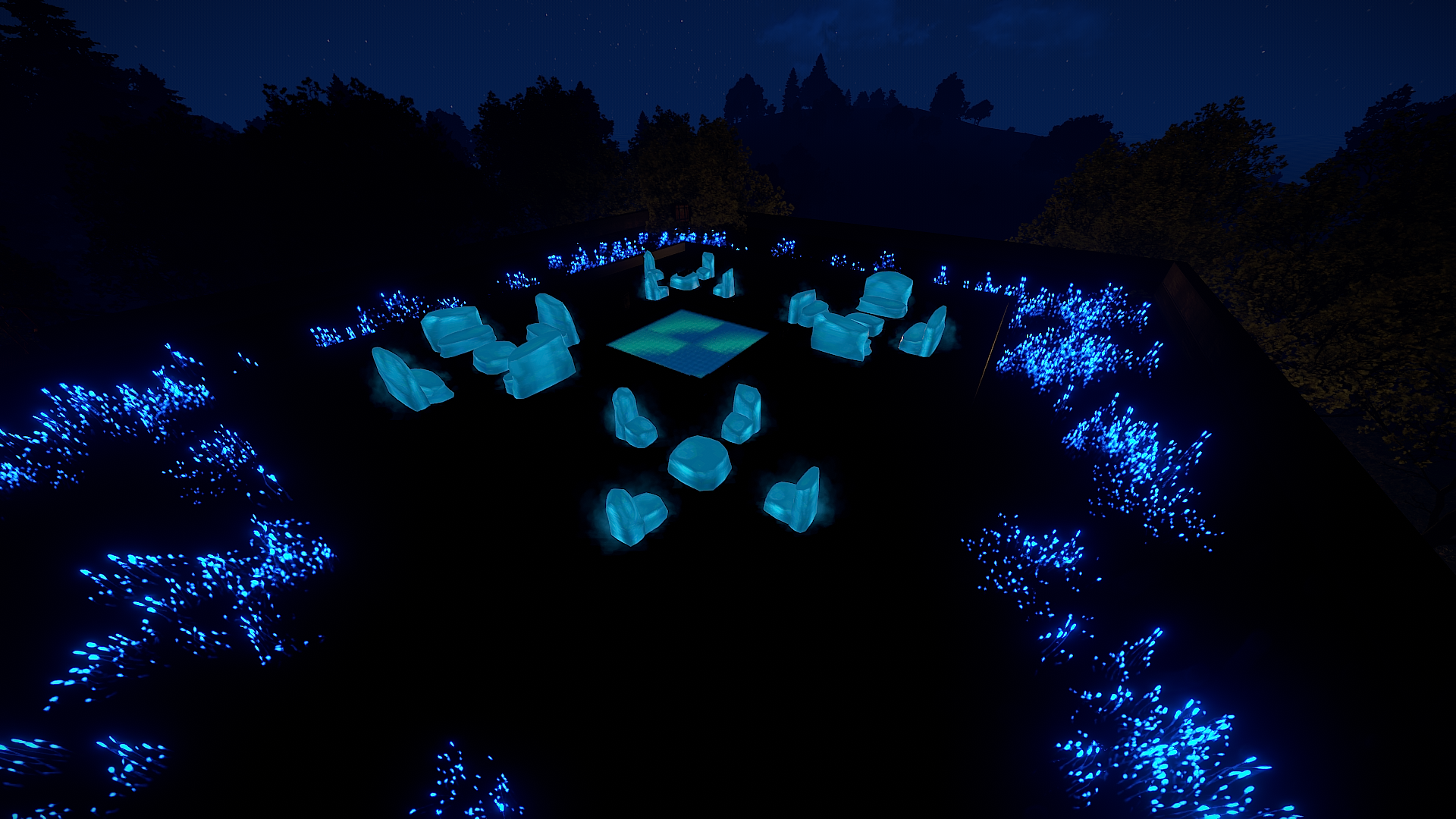
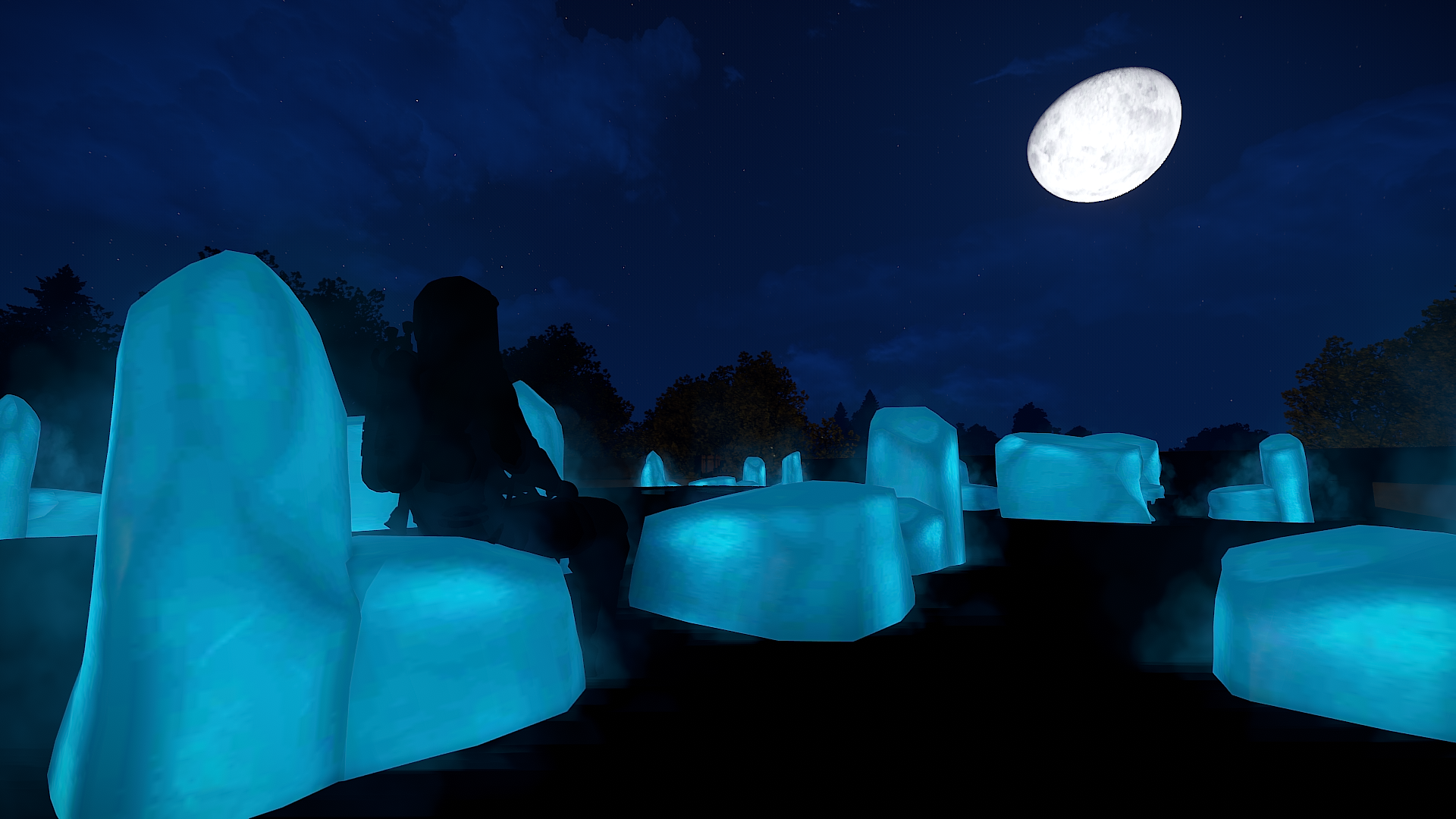
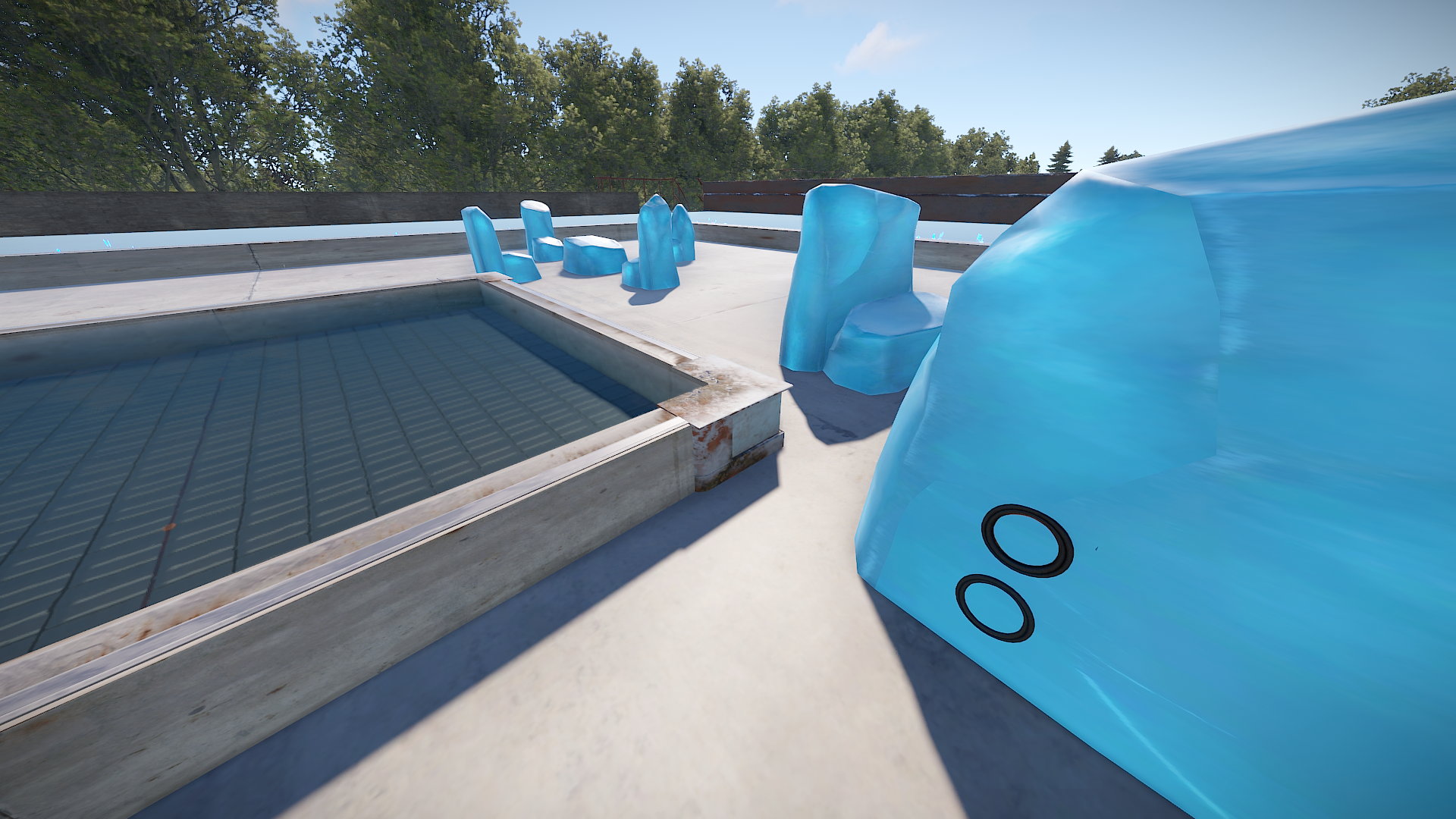
Discofloors are not connected to electricity, but can be. I recommend "aqua-" and "ripple-style, "low-" and "slow-speed" if connected to the boombox, which is hidden in a crystalchair. There you can also hide the testgenerator.
Further you can build around the area of the crystalfurniture, which means you can for example place fireworks.
The two rugs in the office are deployed ones and should be able to be reskined with the spraycan. (not guaranteed! - i could reskin boxes, but couldnt do it with the beachtowels for example)
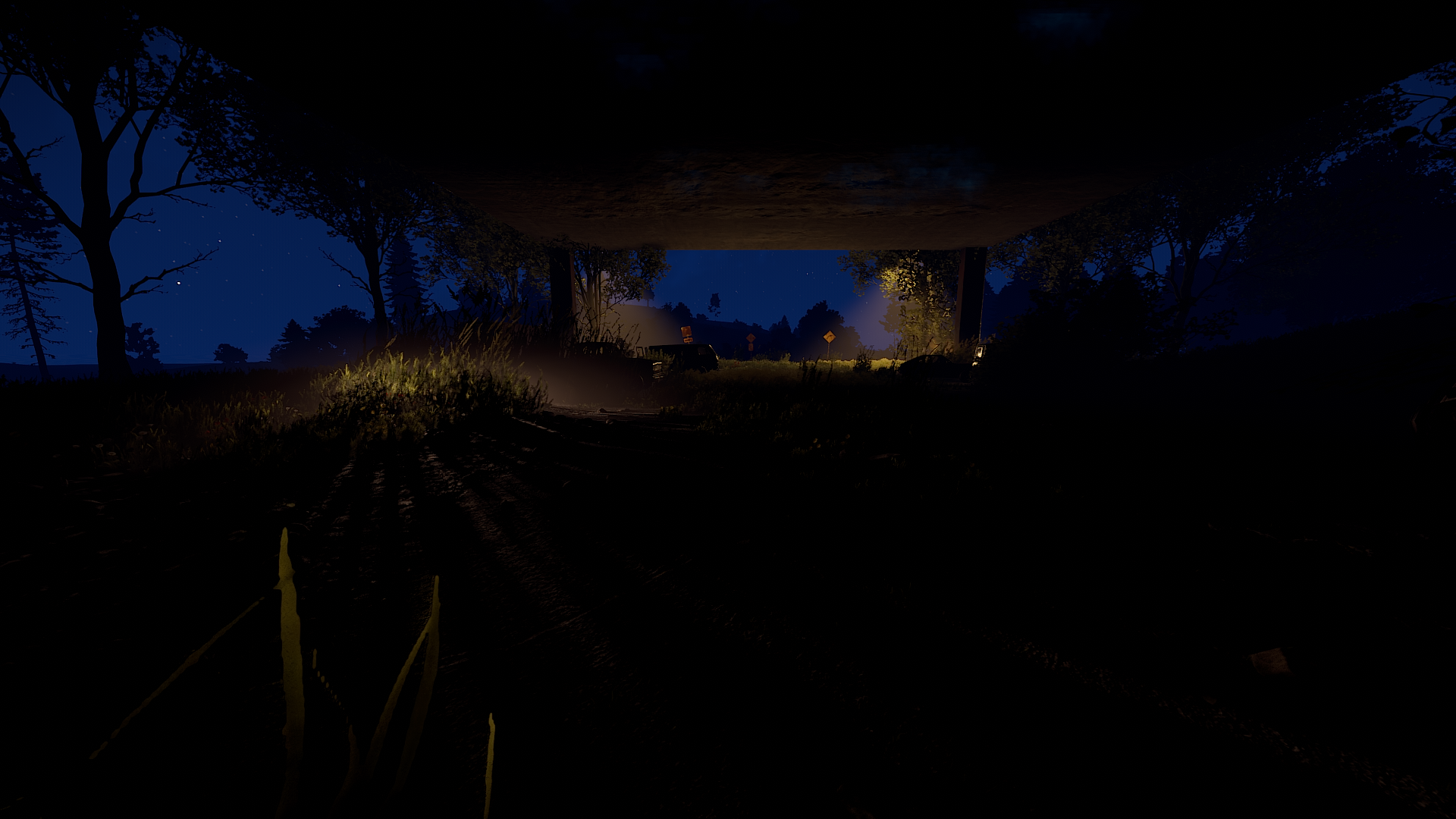
The other area in and around the monument is prevent building zone.
The monument marker (shows the name of the monument on the map) has to be added by yourself. (prefabs - monument marker - name: Abandoned Aquarium
Requires: uMod/Oxide, RustEdit DLL
Edited by Shiro
User- and Purchase Agreement - Copyright Notice
All content of this offer written by me personally, in particular screenshots, graphics, designs, layout, presentation and ideas are protected by copyright. Unless expressly stated otherwise, the copyright lies with Ixis. If you would like to use the content of this offer for a purpose other than that intended in this context and for this purpose, please contact me in writing.
The sale and purchase of the article takes further place under the following conditions:
This is a private sale. I am selling this item as a private person and therefore any warranty and guarantee is excluded.
The condition of the item on offer corresponds to the item description at the time of sale. If defects are known, you will find them in the item description.
By purchasing my content, you agree to the terms and conditions listed.
Below (and preceding) are the following rules and terms of use that you agree to if you purchase and use my custom maps, monuments, and prefabs (creations).
By purchasing my products you are free to use them on your maps as you wish. However, you may not resell these products or associate them with any commercial use in any way without my permission (if you are considering this, please contact me).
This includes minor editing, modifying or renaming my work and using it for your own commercial applications.
The redistribution of my creations is strictly prohibited in any case.
All statements without guarantee.
Copyright © 2022 Ixis
-
 1
1
You may only provide a review once you have downloaded the file.
There are no reviews to display.