



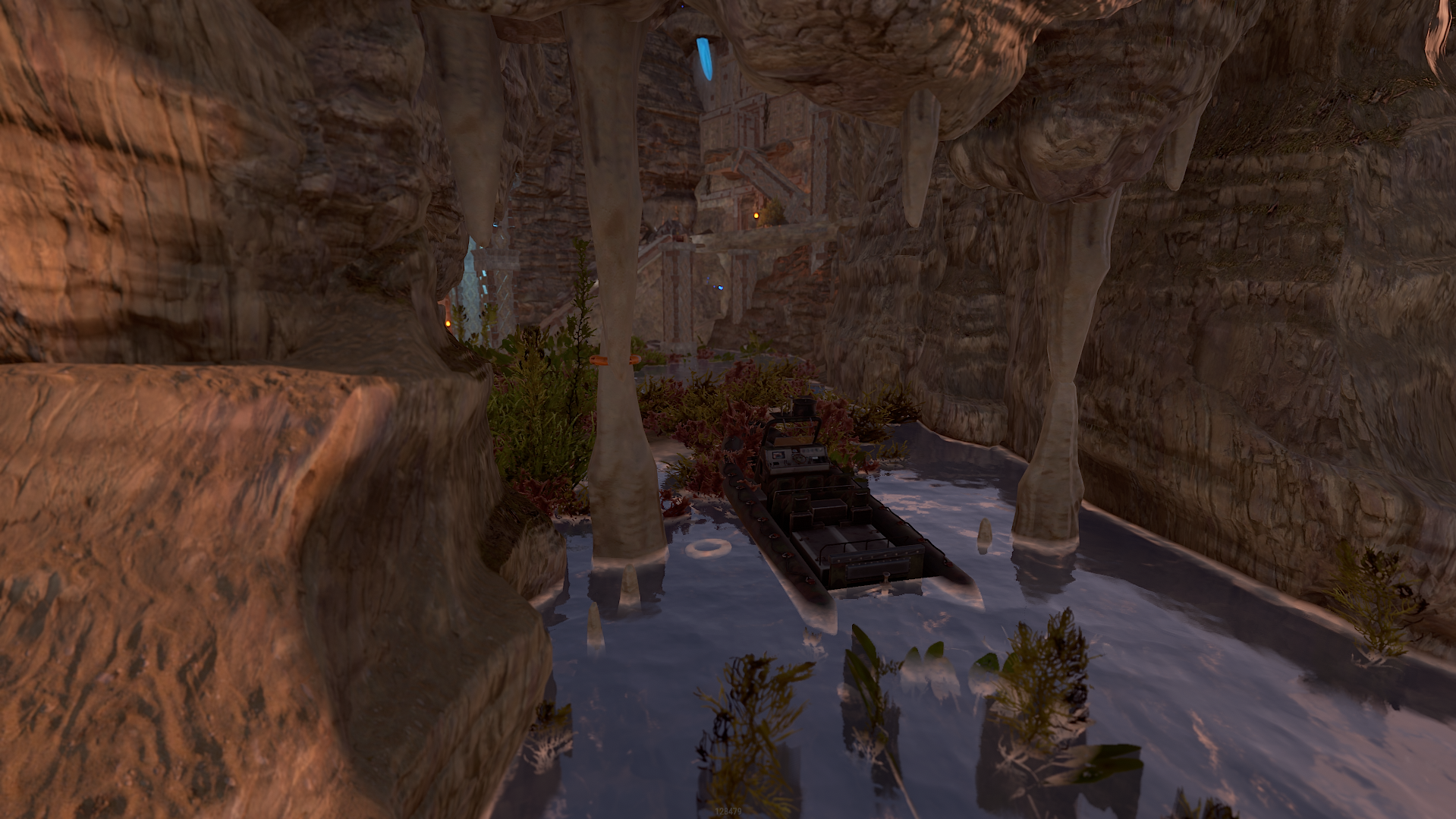
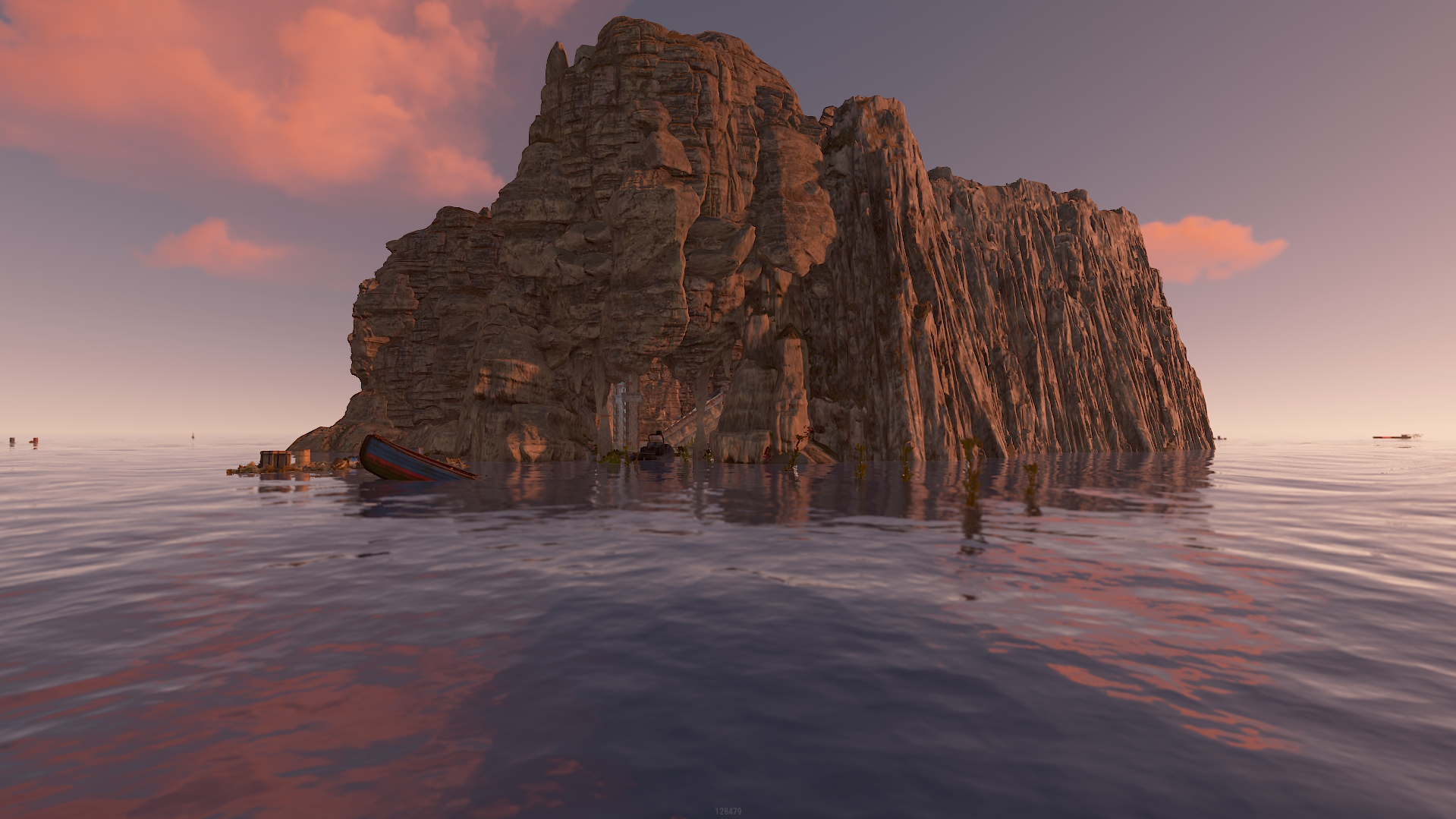
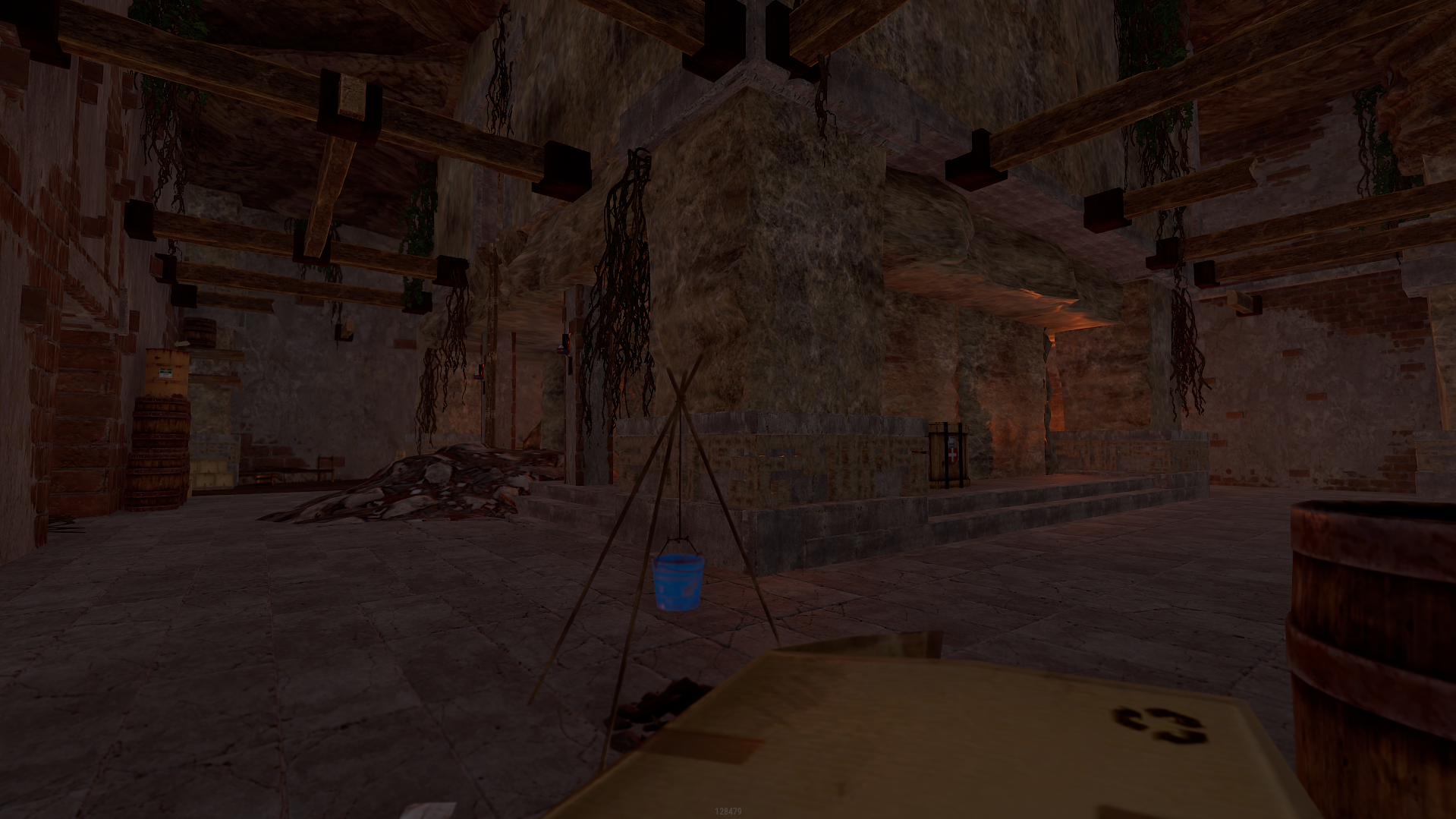
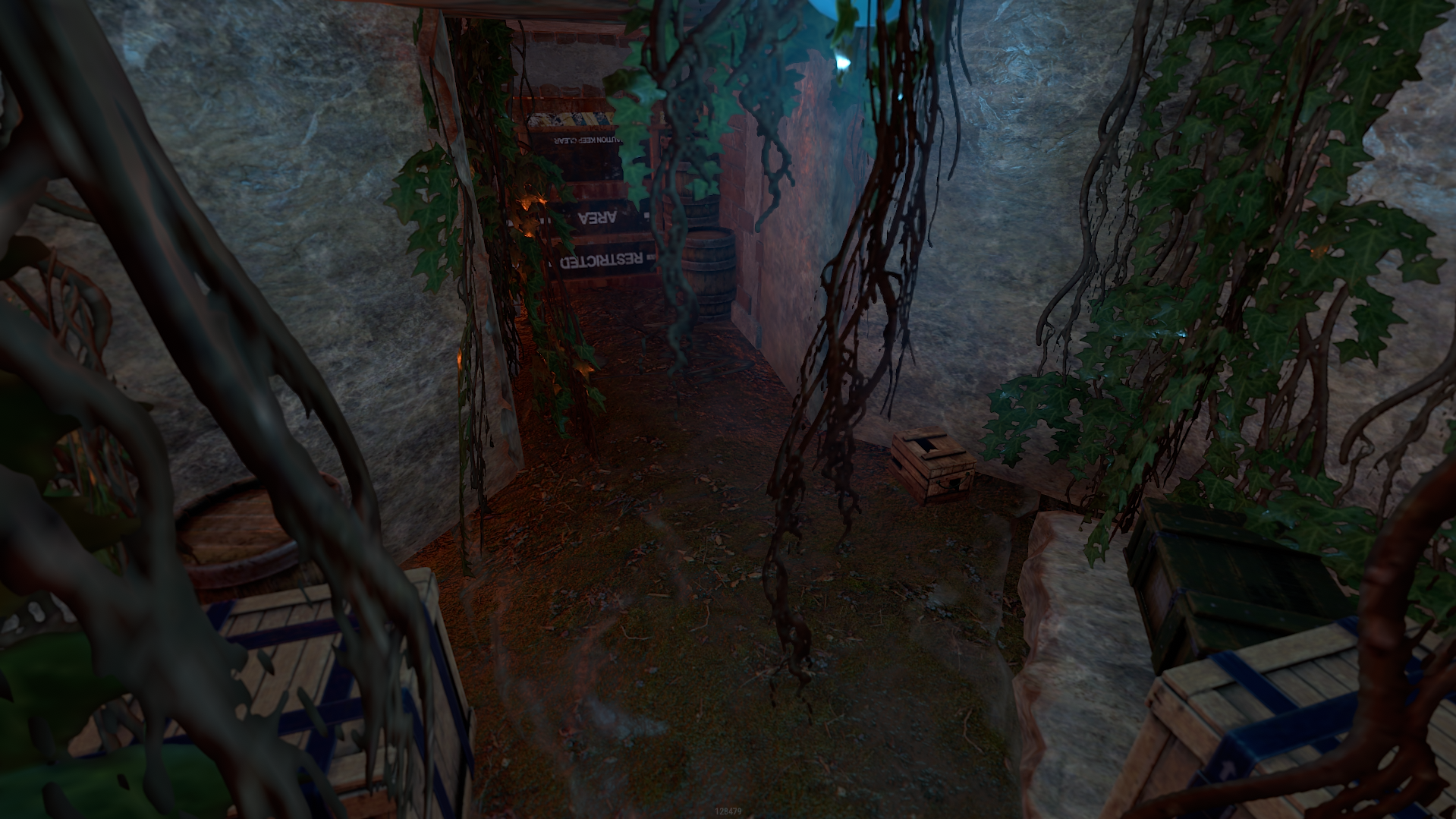
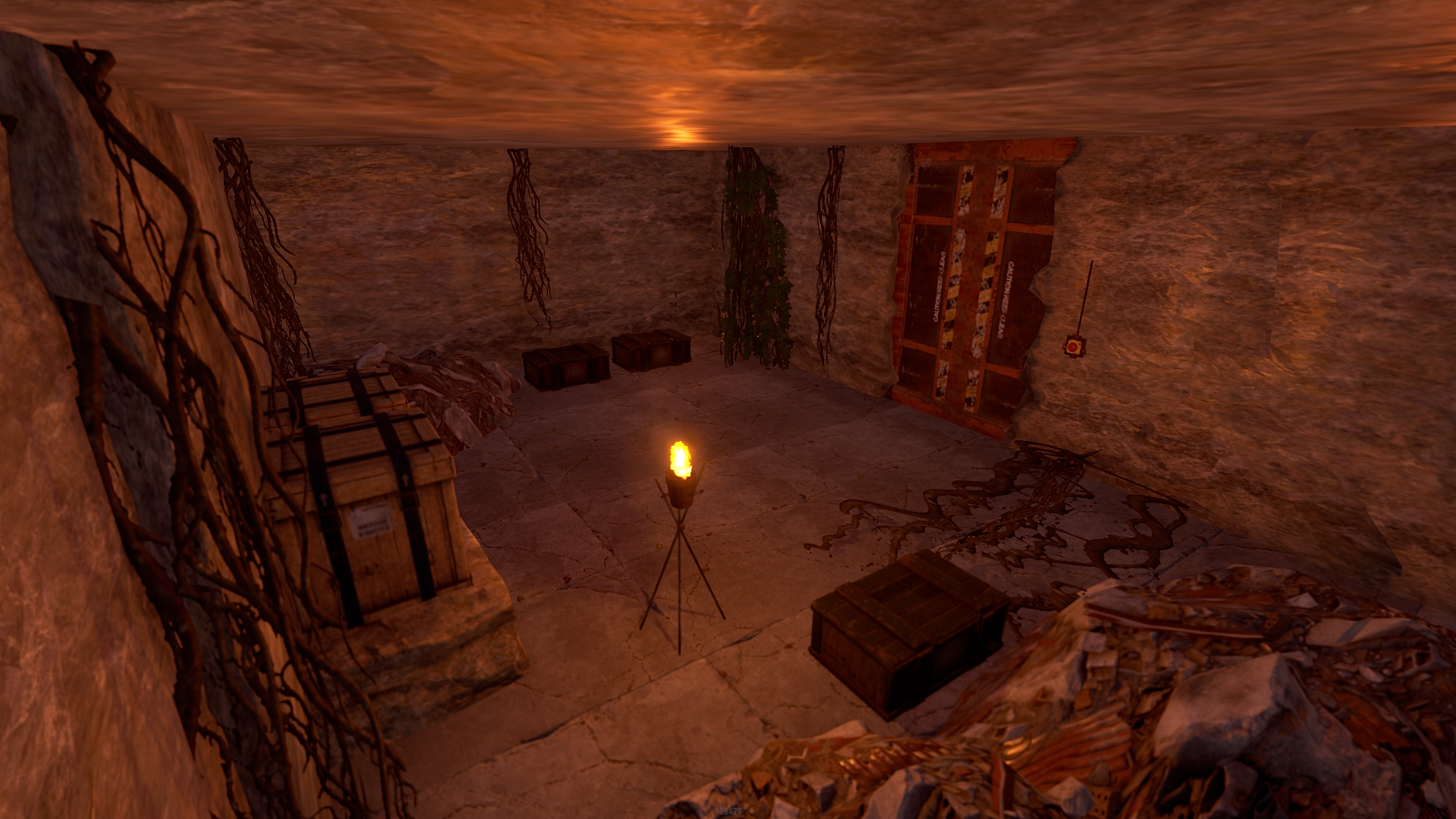
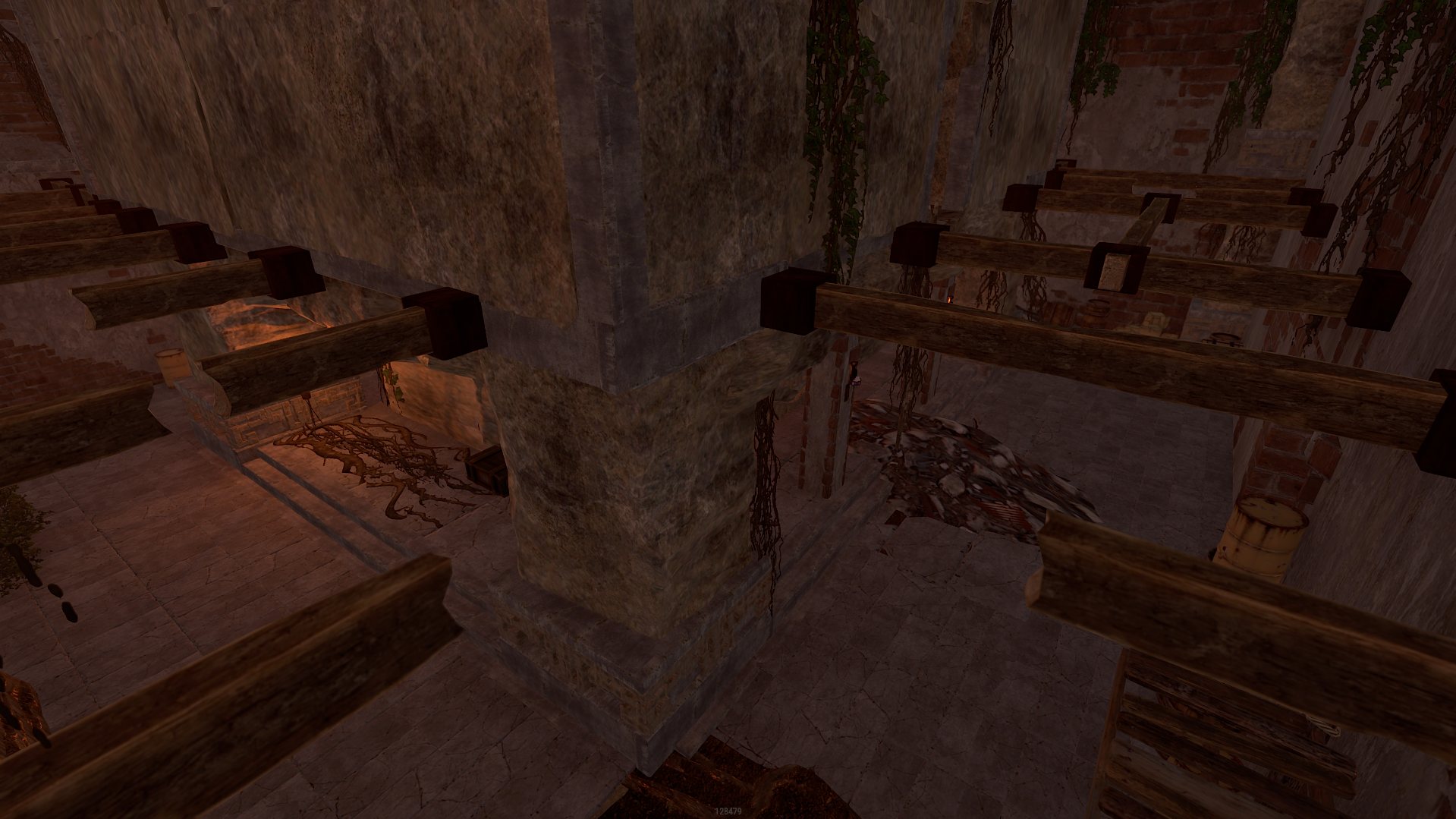
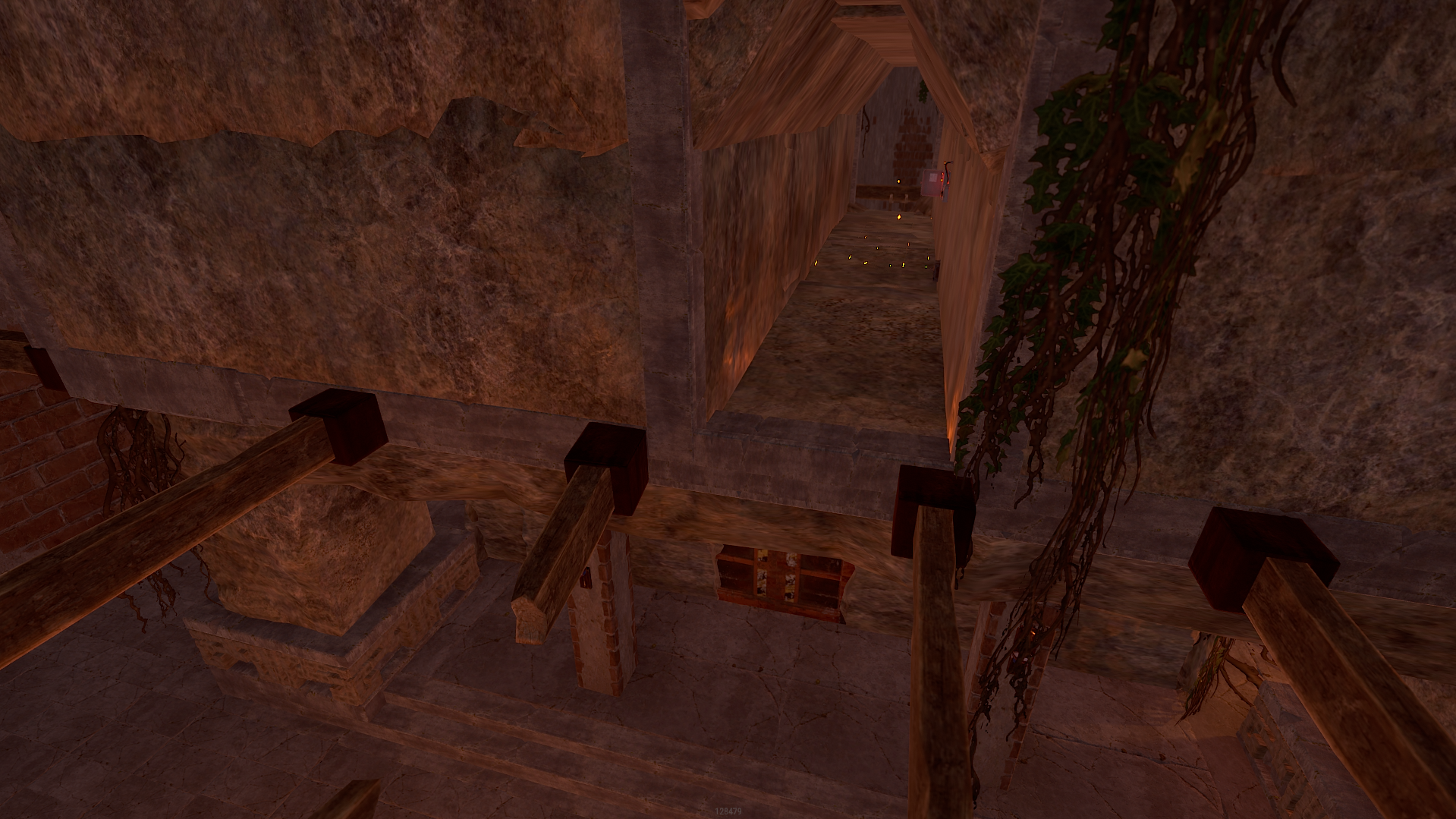
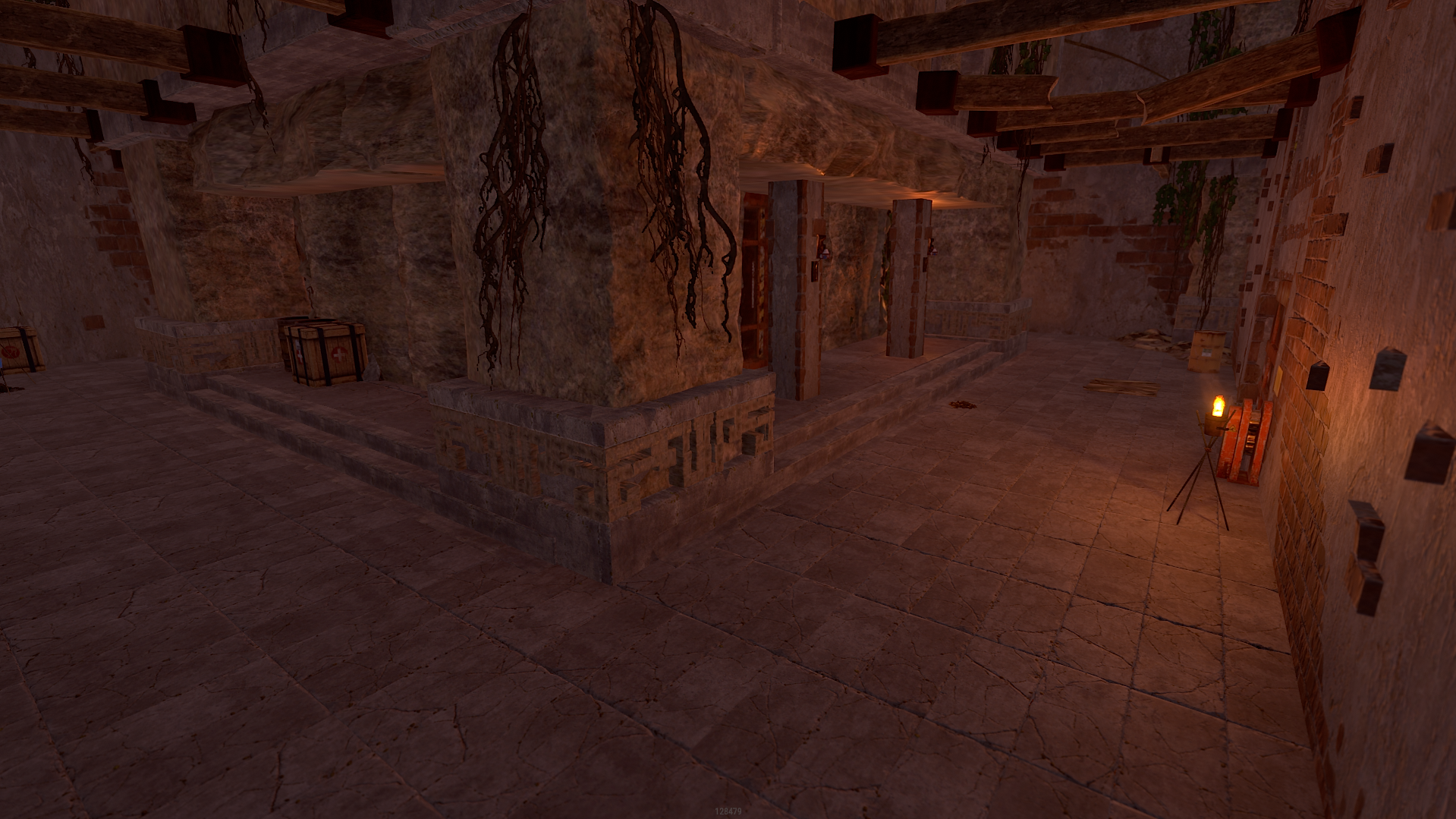
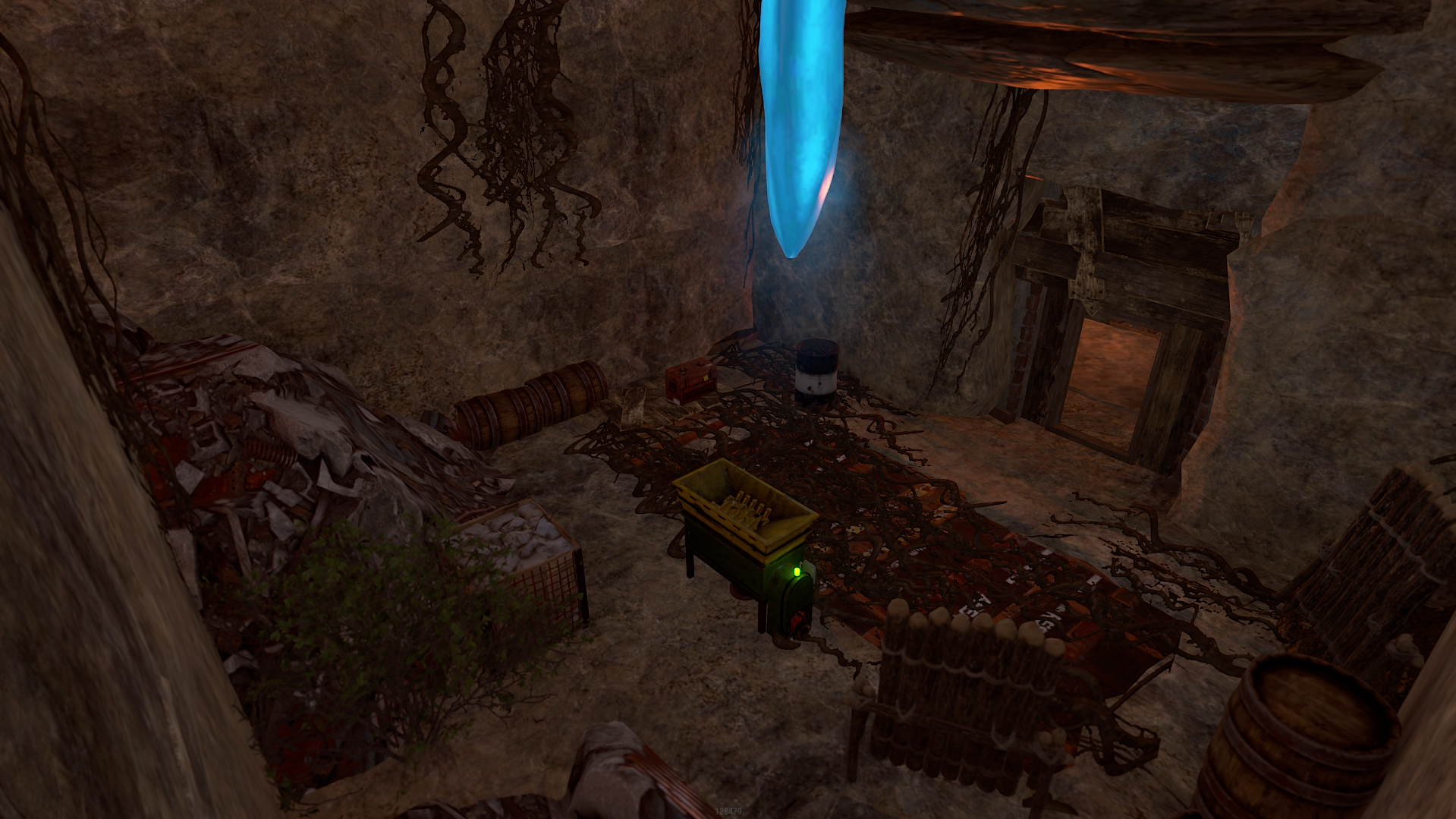
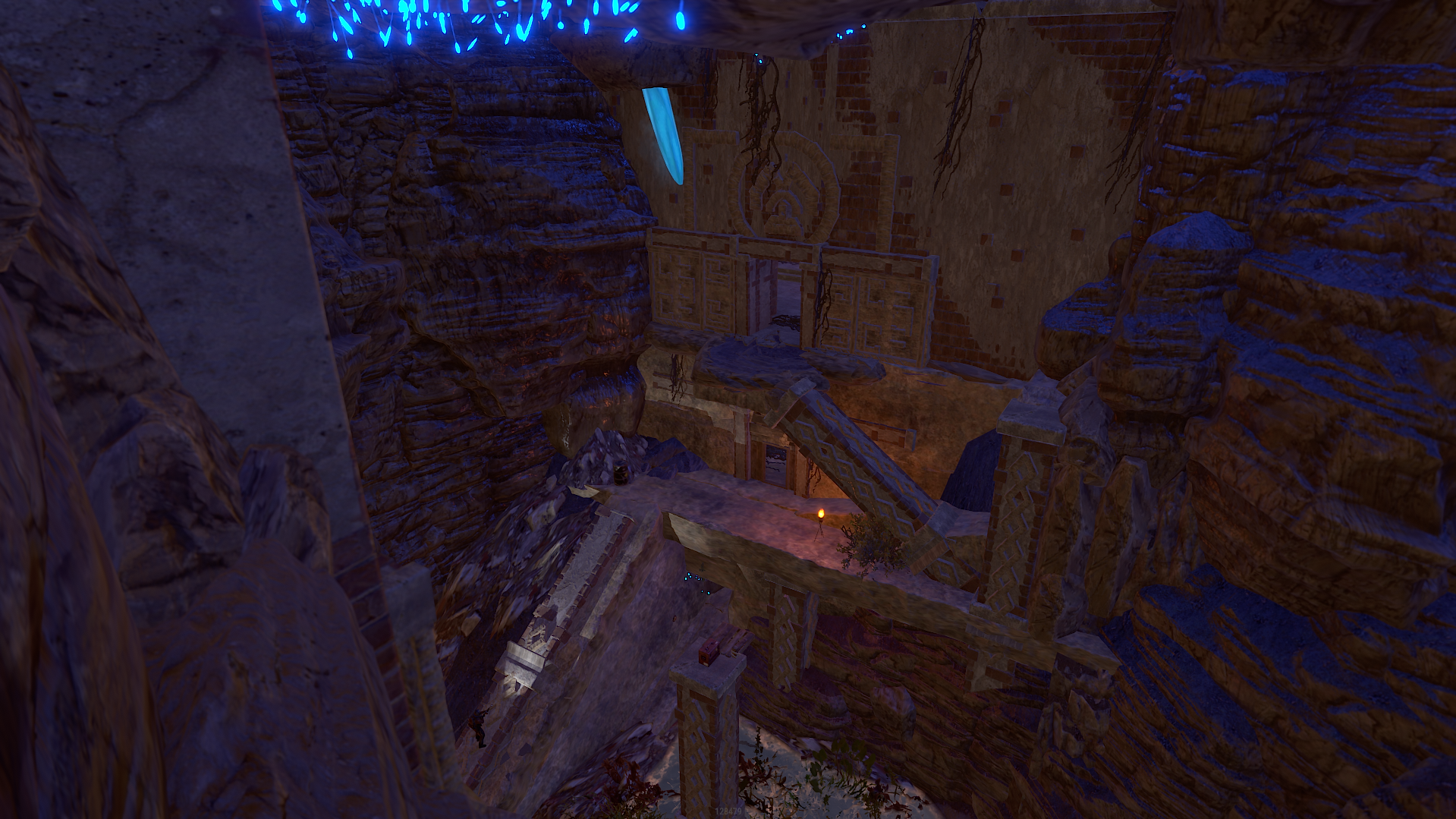
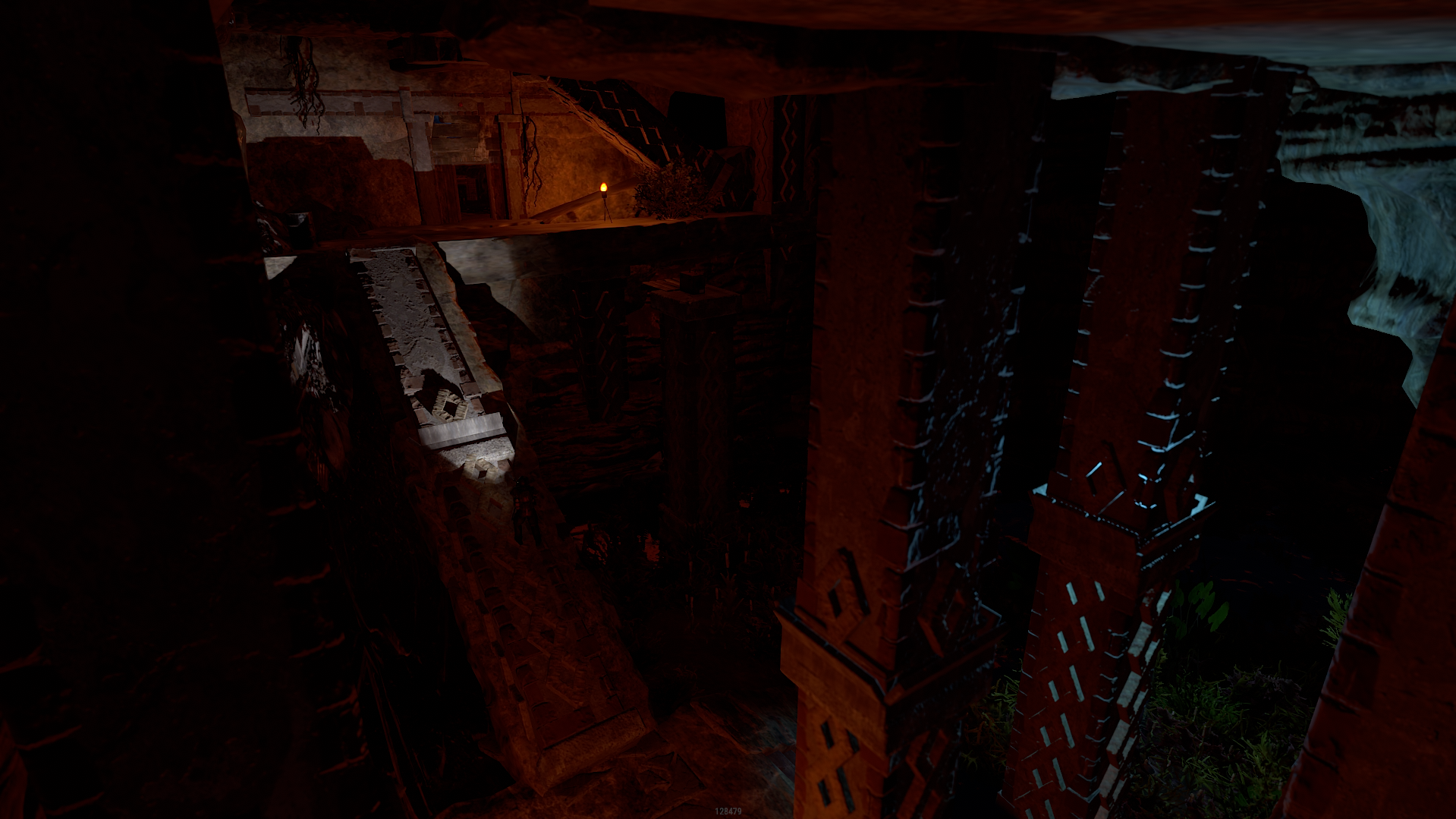
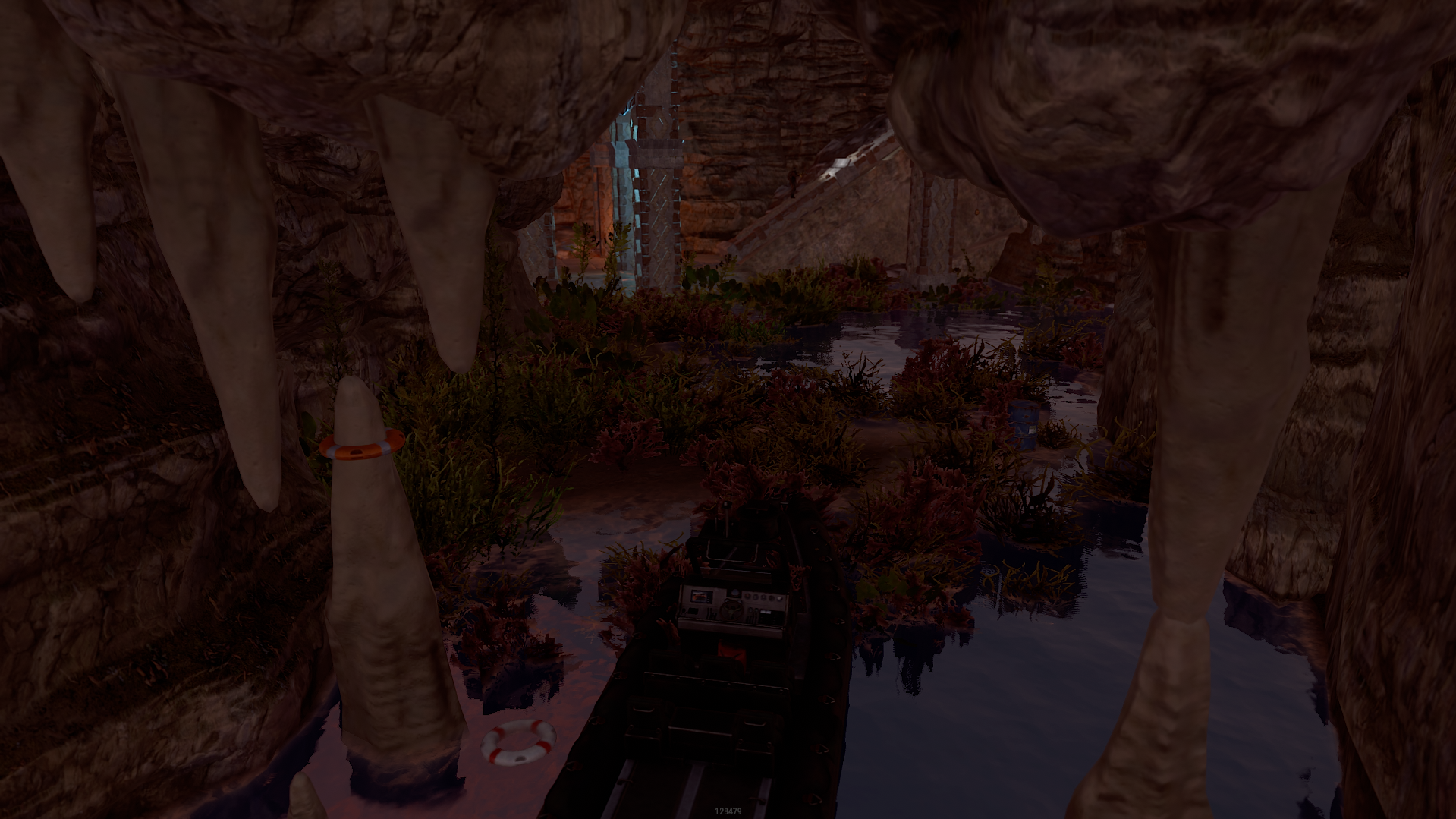
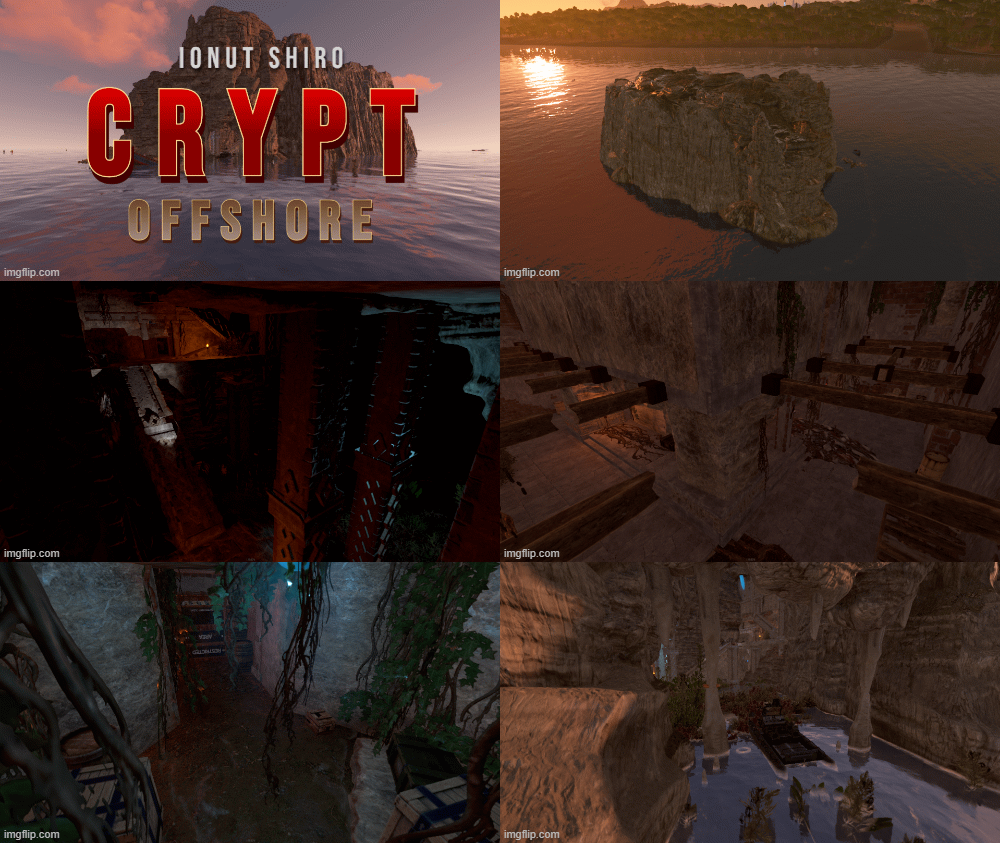
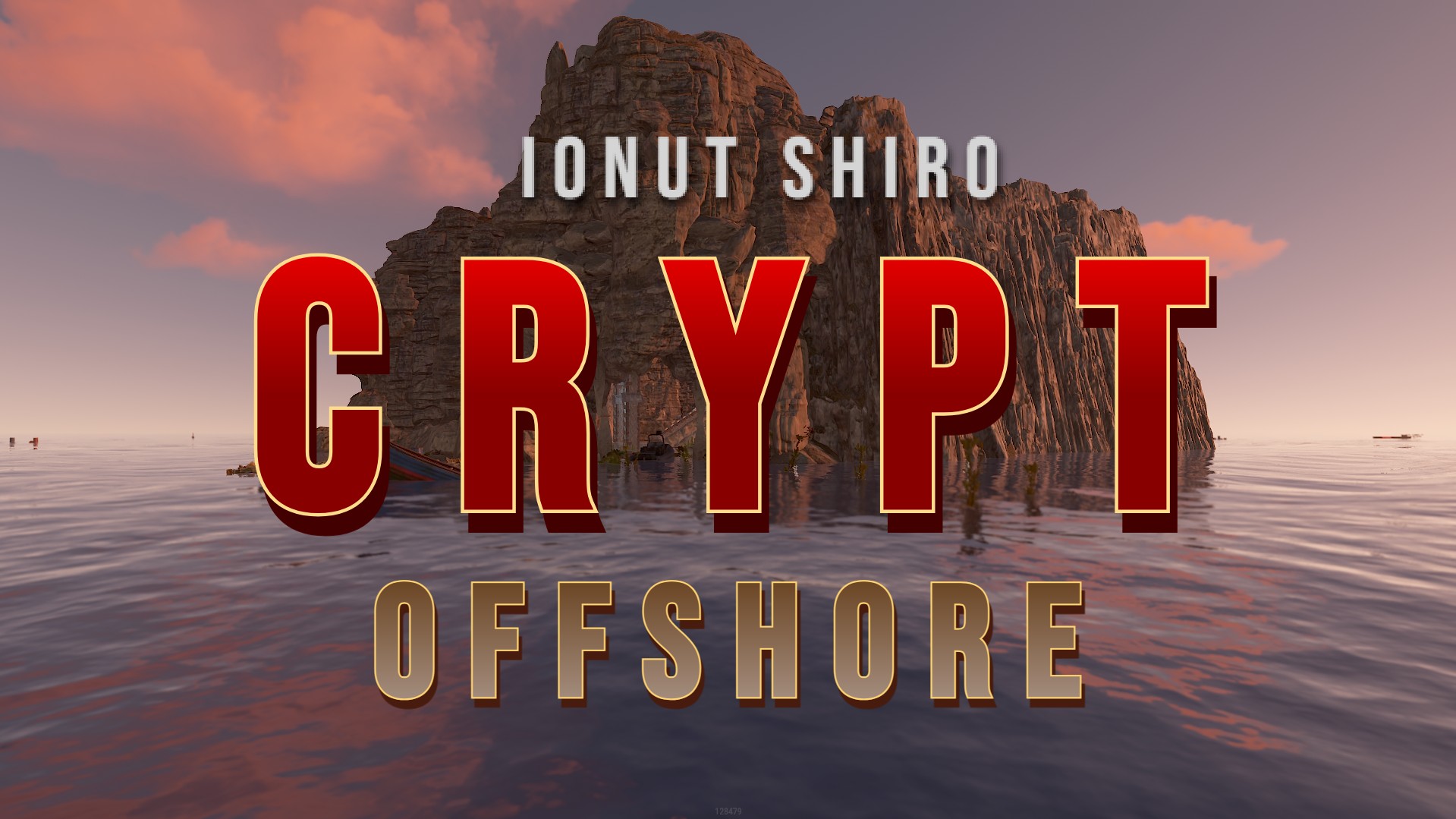
I was inspired by this construction by the game Assasins Creed 4 BF.
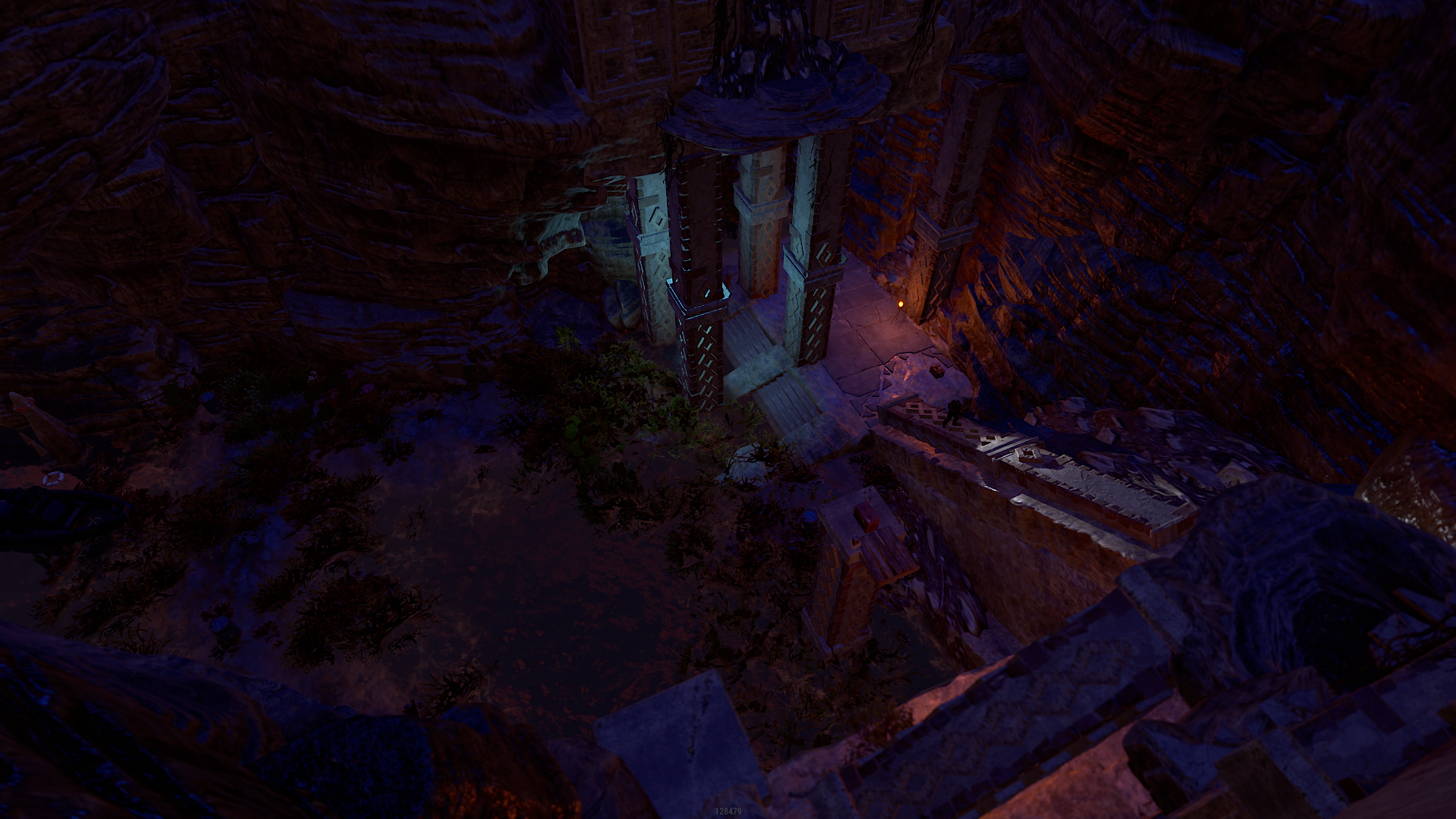
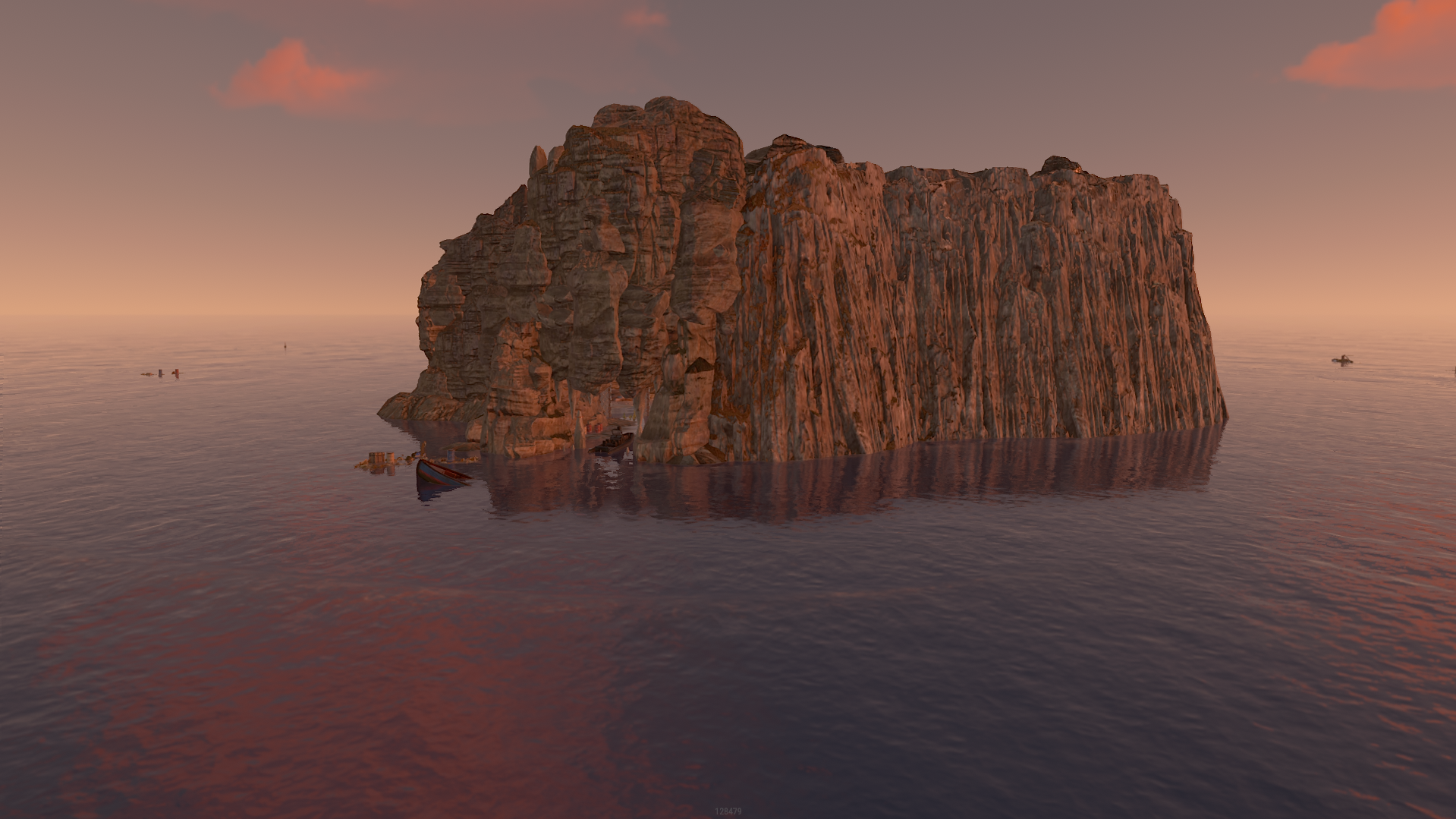
Old technologies of a forgotten civilization were hidden in this cave, during the time of pirates, pirates captured this cave and searched for a treasure in it for a long time. In our time, we can see what happened to the cave, it has old magic stones, shovels left over from pirates and mechanisms of our time. This cave perfectly conveys the contrast of the differences of times and technologies
- There is a trap with a floor that goes out from under your feet, the player can catch an opponent while he processes resources on the 2nd floor
- After falling, the player can fall on the laser and the Tesla coil will work
-
On the 3rd floor there are 2 rooms with loot, to open the first room, you just need to turn the wheel. To open the second room, you need a red card and a fuse.
Boats rarely appear inside the cave.
Barrels with fuel and components will appear inside the cave, the player will always be able to sail away if he has a boat.
All the water in the cave is drinkable
If there is a person on the 2nd floor, then a siren is triggered, which will show you that there is a person there
Total objects 4860
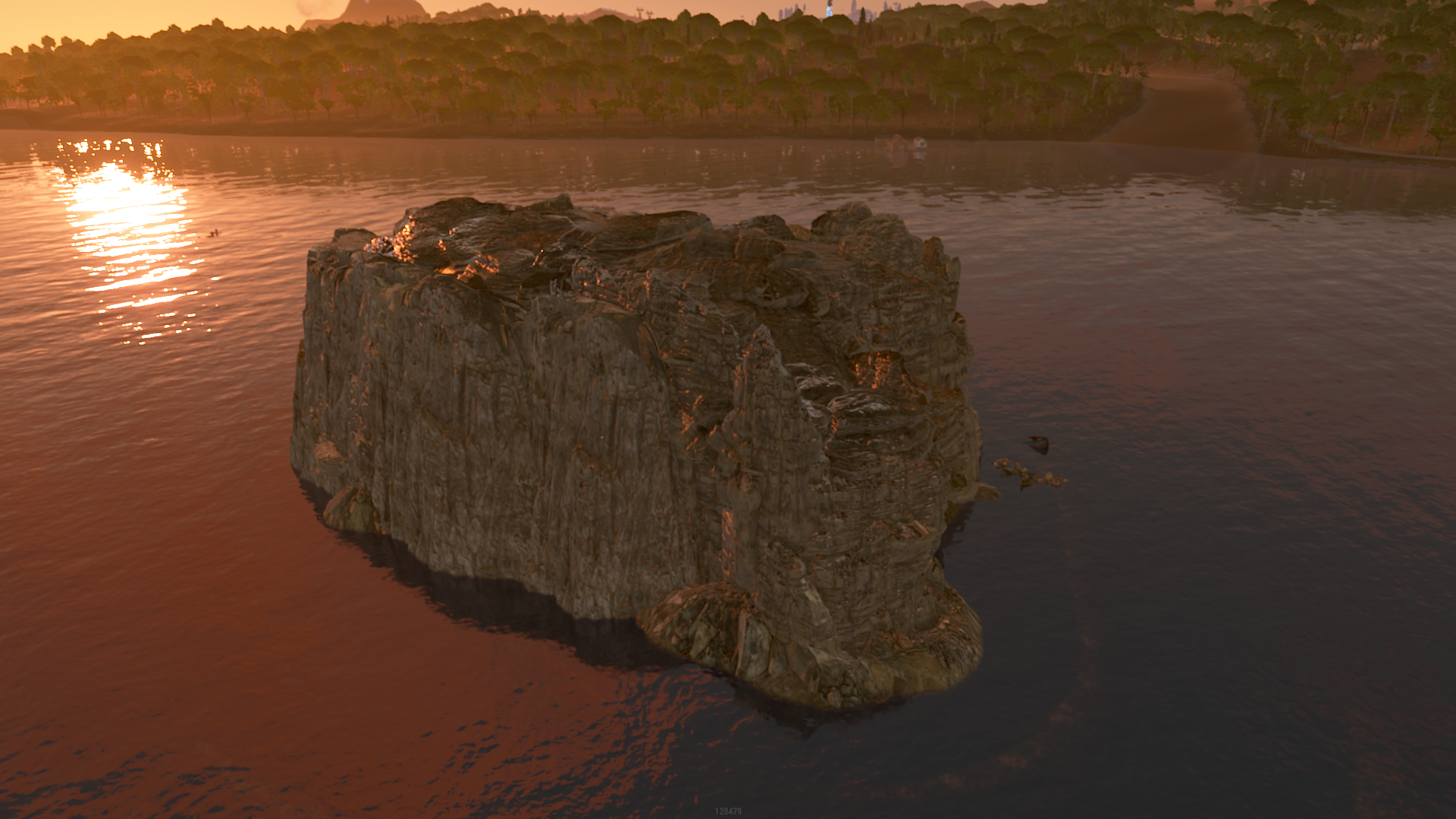
For proper installation, focus on the water lilies, they should be exactly on the water. If you want me to change something or add to this building, then write in the reviews, I want to develop and I am interested to see your thoughts and suggestions.thumb.jpg.efdb9f92036574e87b984fed6537a415.jpg)
.jpg.bf5d07ead7816249943cb19803adb322.jpg)
What's New in Version V1.1
Released
Takeover and update
========================================================================
The products, whether modified or not, and all intellectual property and copyright contained therein,
are and shall at all times remain our sole and exclusive property. You agree that under no circumstances,
whether the product has been modified or not, shall you have or attempt to claim ownership of any intellectual property rights or copyright in the product.
========================================================================
You can only use this for your server, for your own personal purposes.
You are prohibited from reselling and distributing this content to others.
You are not allowed to impersonate my content as a rework or not.
After posting this content on your map, please in case you break it. Before saving, re-create all my content in the custom prefab.
(This is a required condition)
========================================================================
The products, whether modified or not, and all intellectual property and copyright contained therein,
are and shall at all times remain our sole and exclusive property. You agree that under no circumstances,
whether the product has been modified or not, shall you have or attempt to claim ownership of any intellectual property rights or copyright in the product.
========================================================================
You can only use this for your server, for your own personal purposes.
You are prohibited from reselling and distributing this content to others.
You are not allowed to impersonate my content as a rework or not.
After posting this content on your map, please in case you break it. Before saving, re-create all my content in the custom prefab.
(This is a required condition)
========================================================================
You may only provide a review once you have downloaded the file.
There are no reviews to display.