



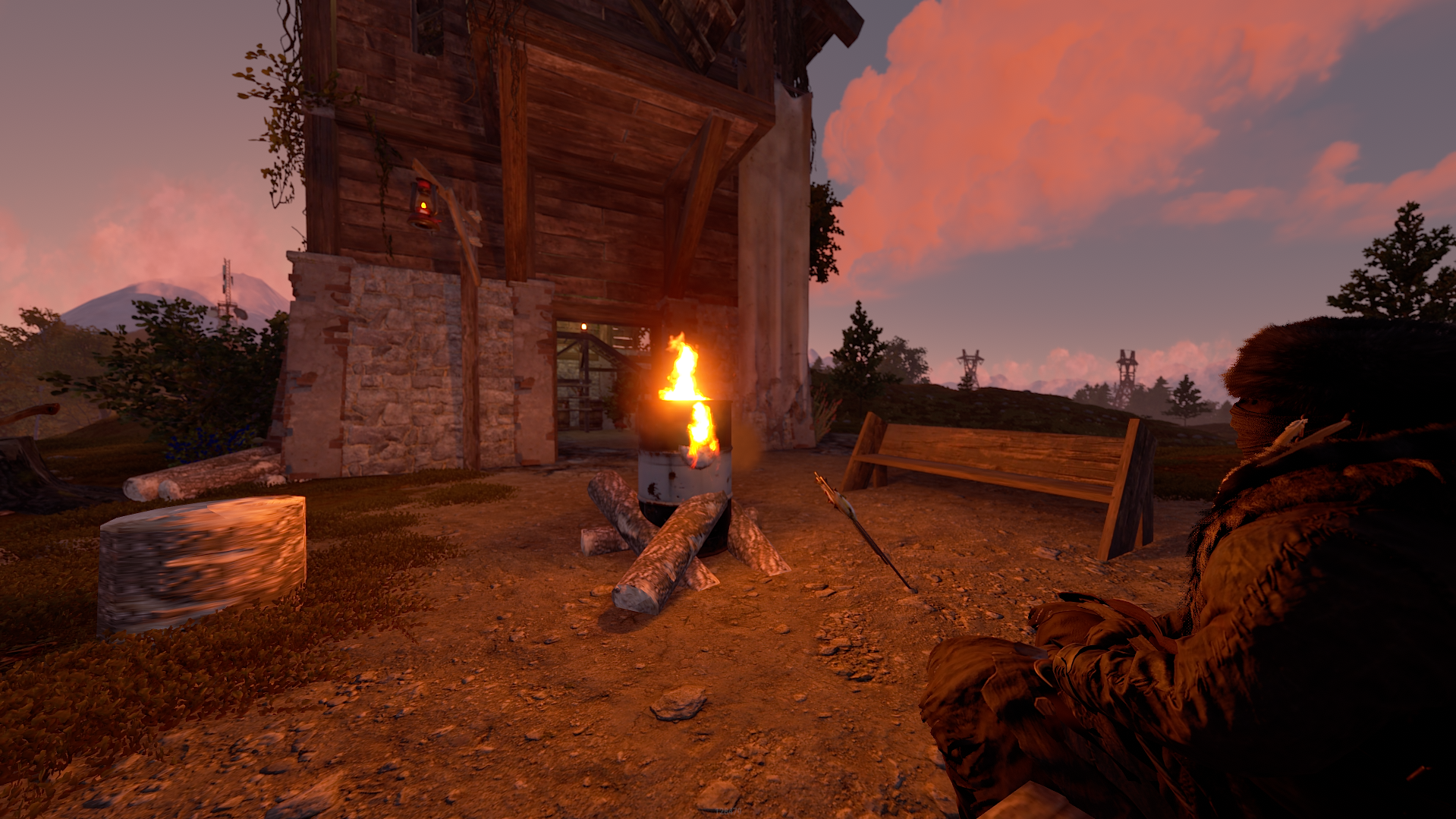
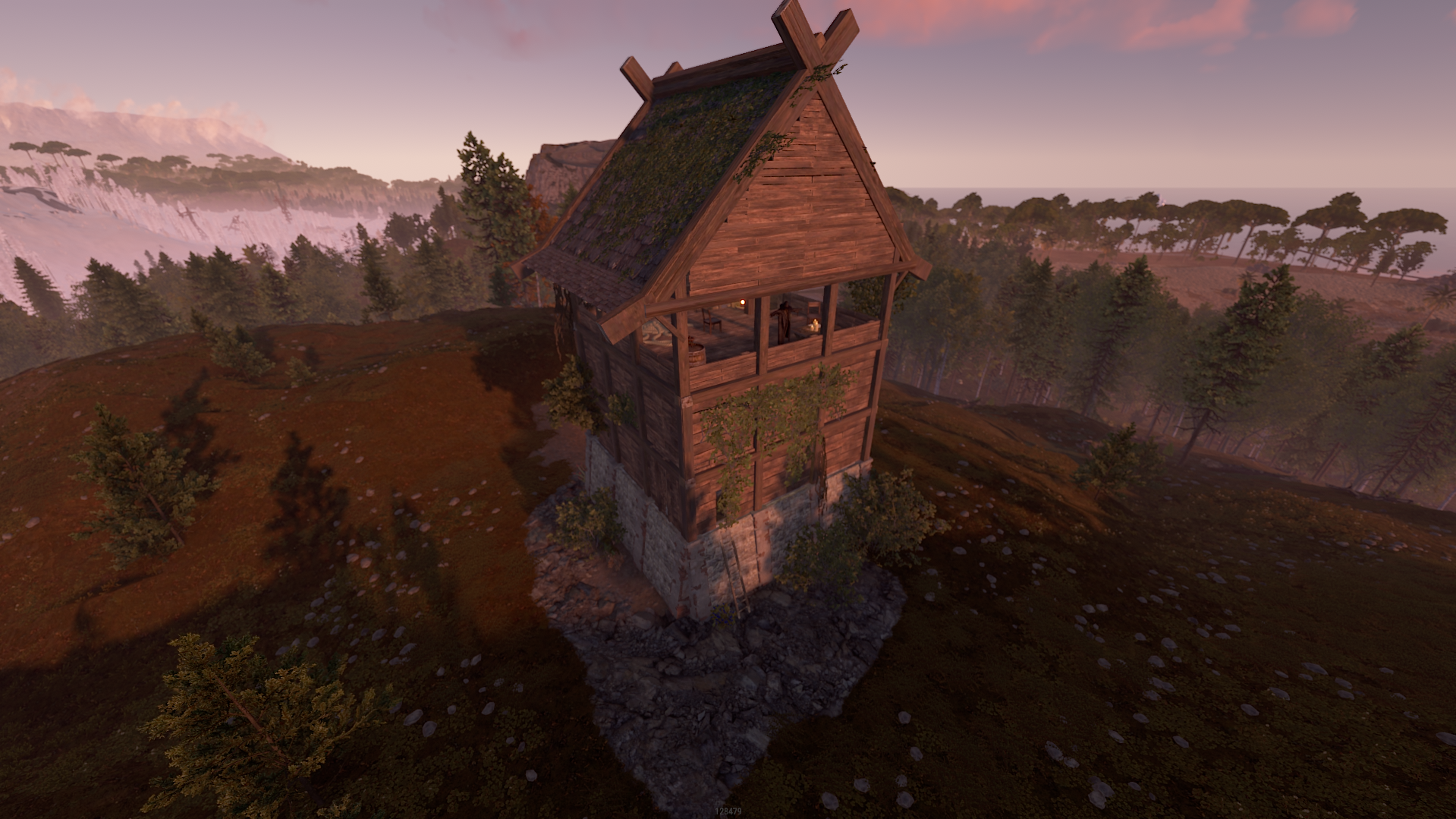
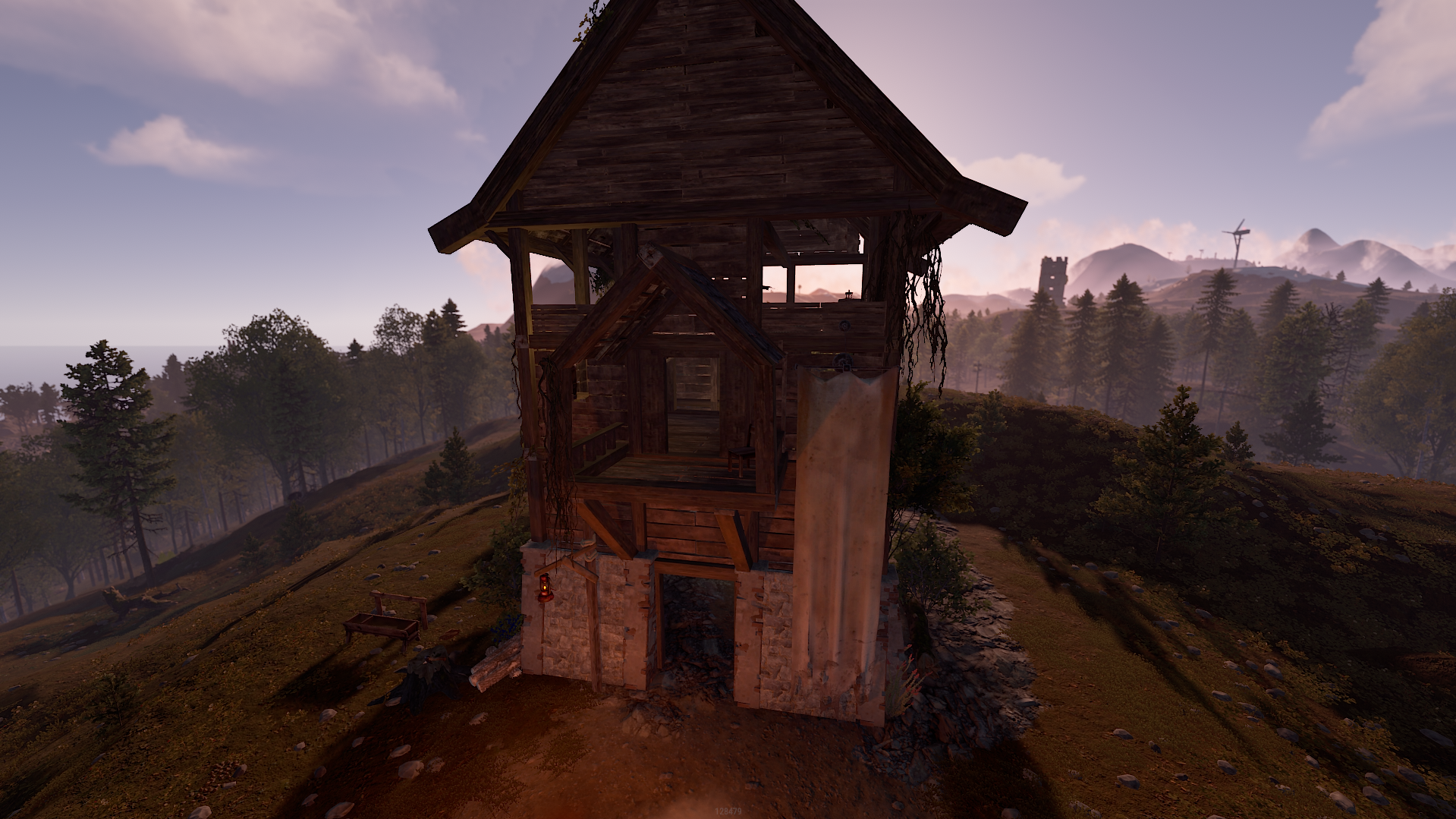
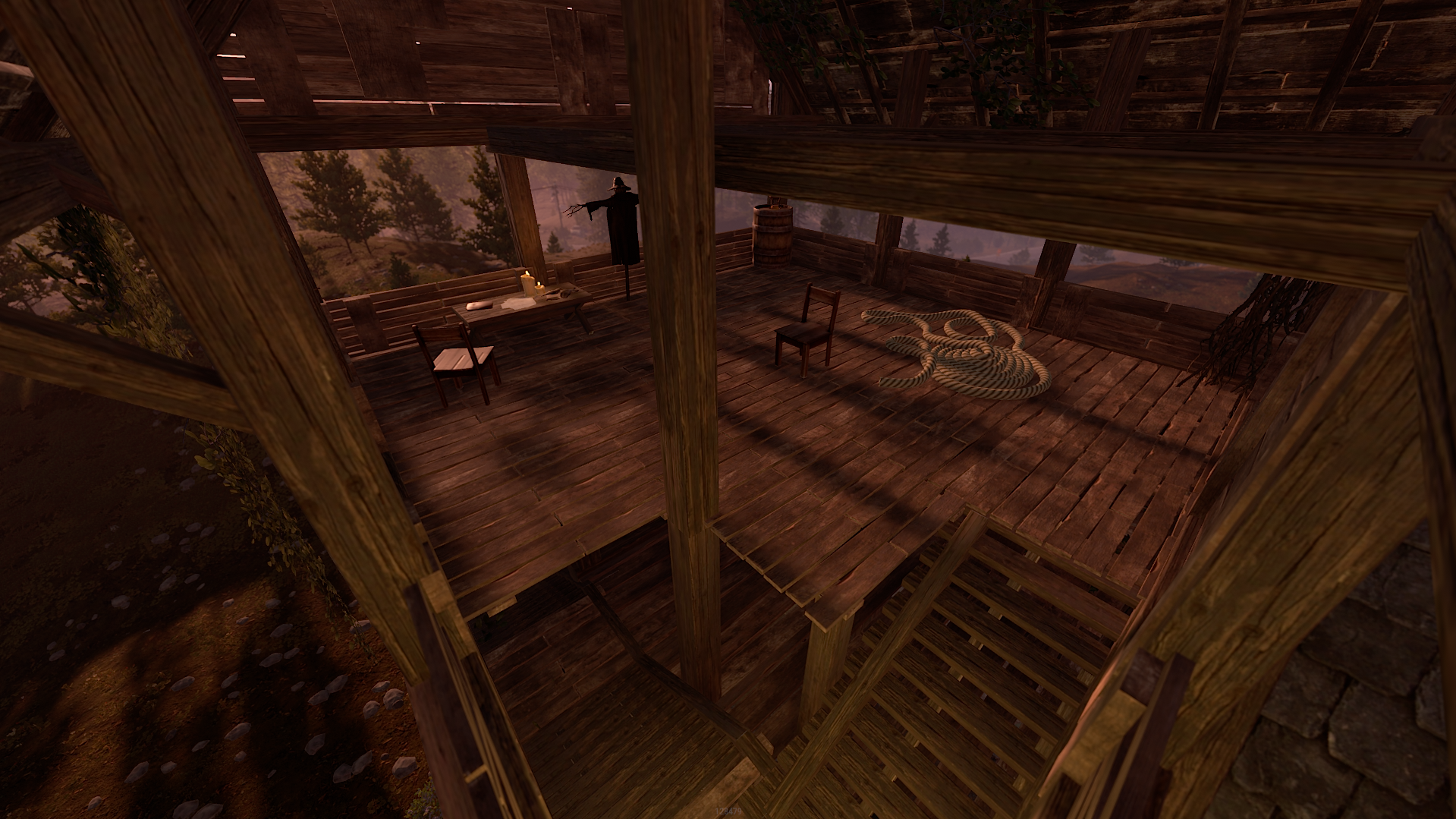
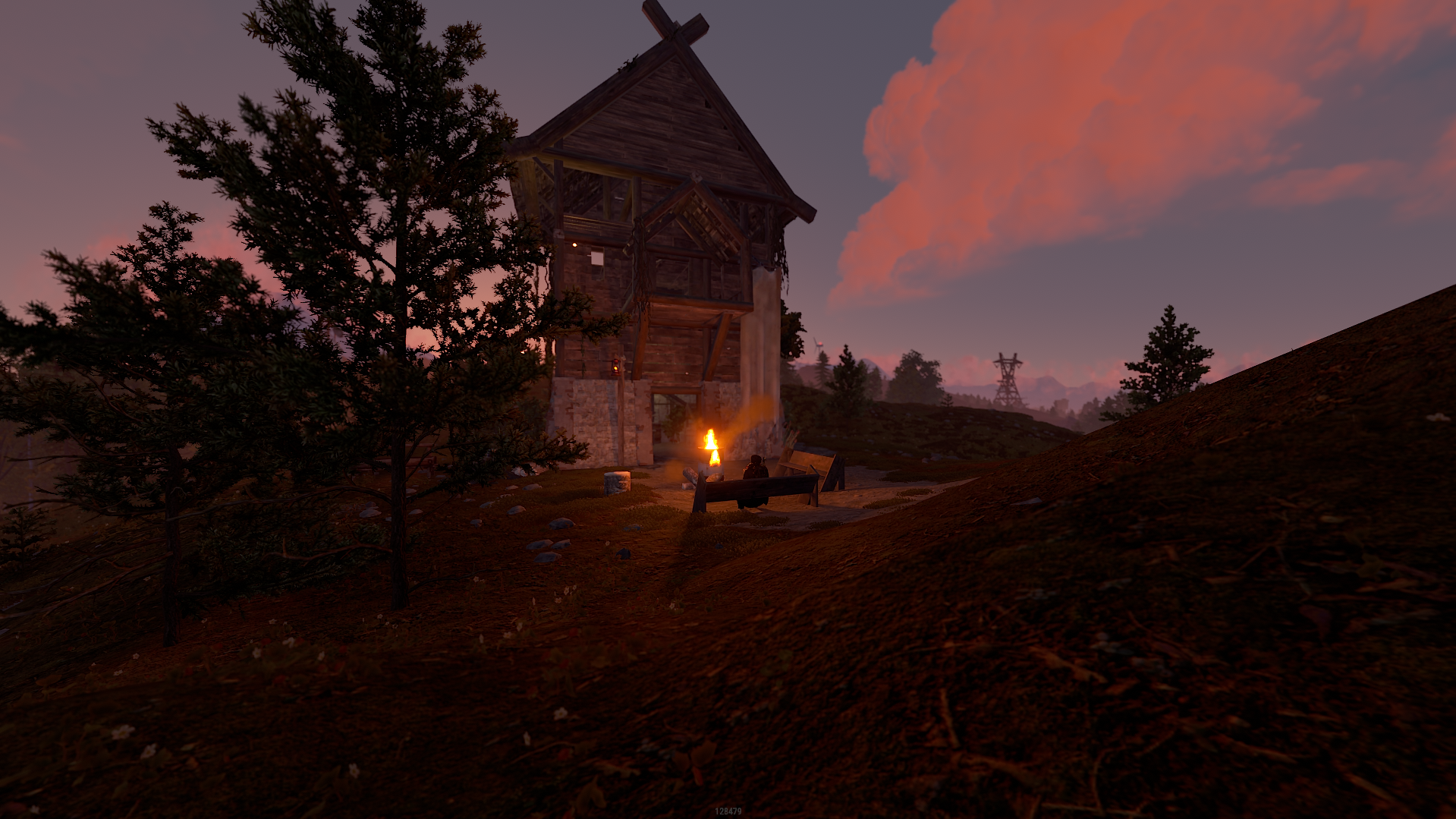
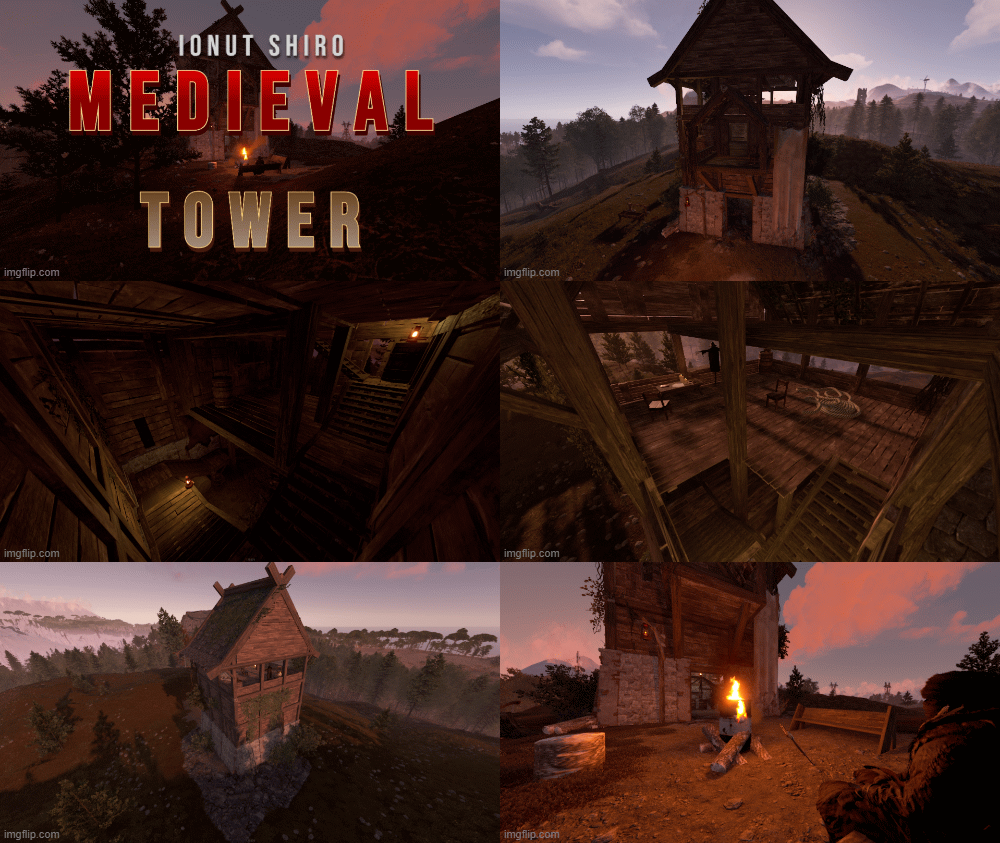
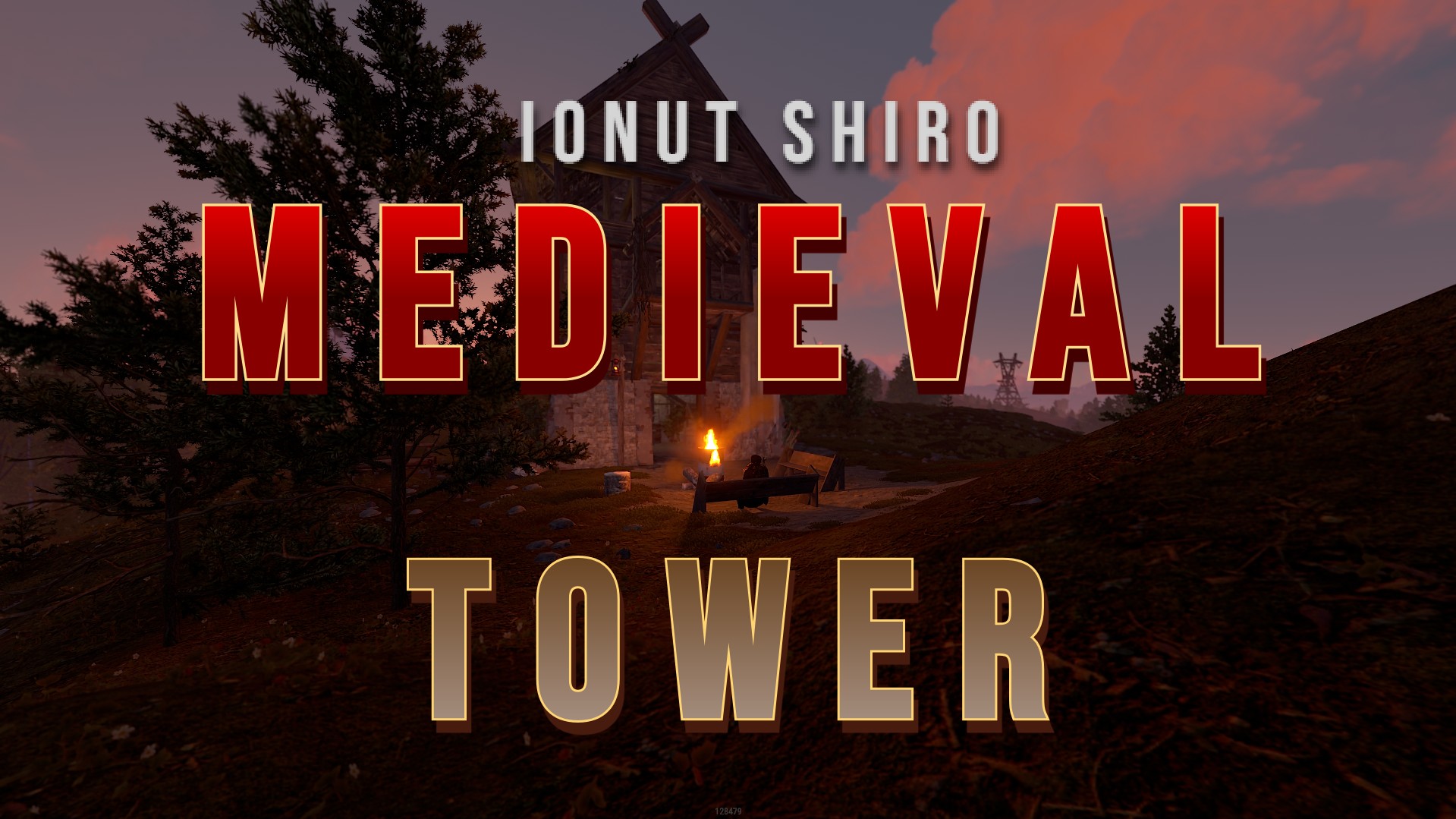
- This prefab was developed based on the tower from the game The Elder Scrolls v Skyrim
- The prefab is designed for comfortable time and defense against other players.
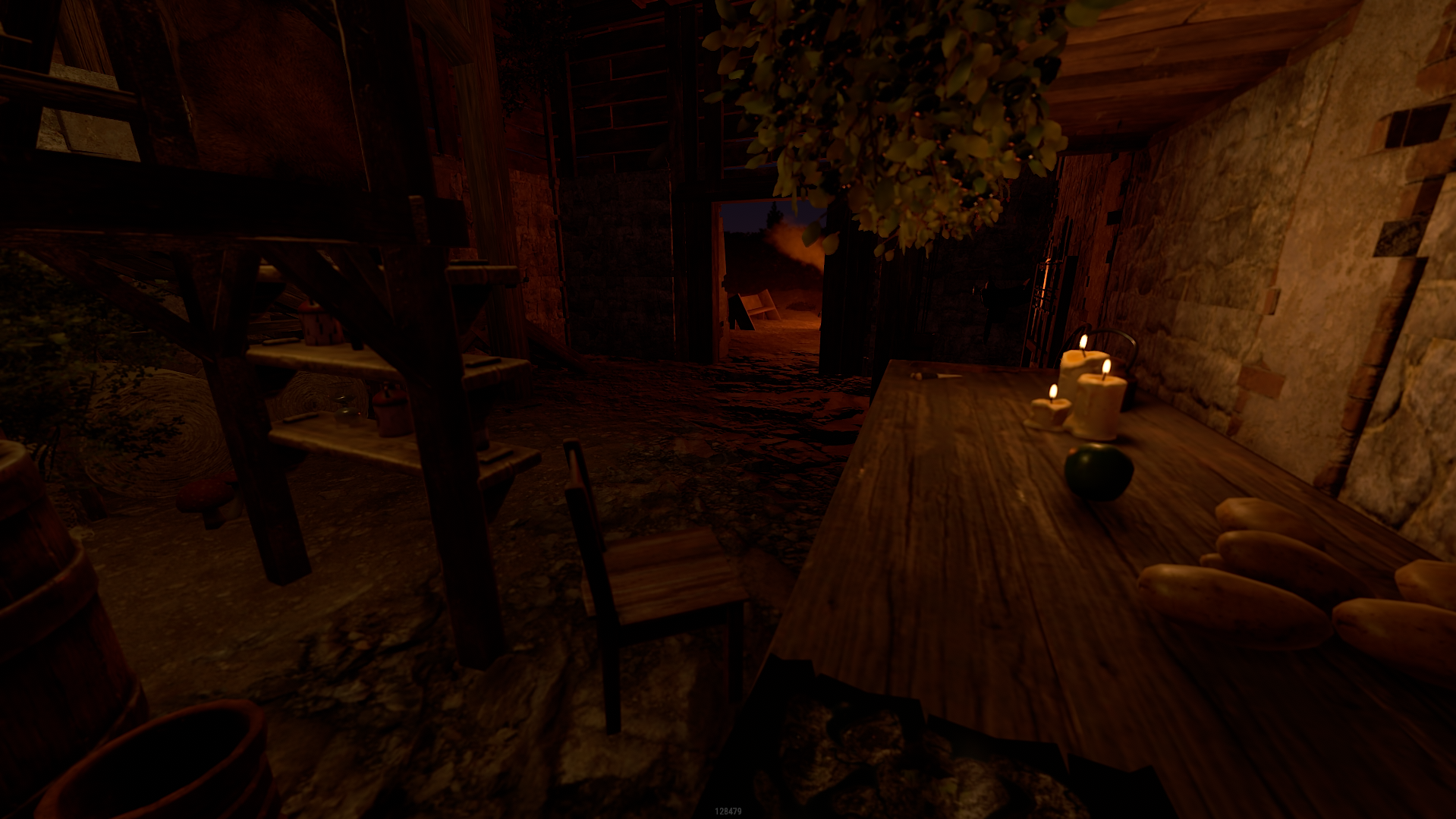
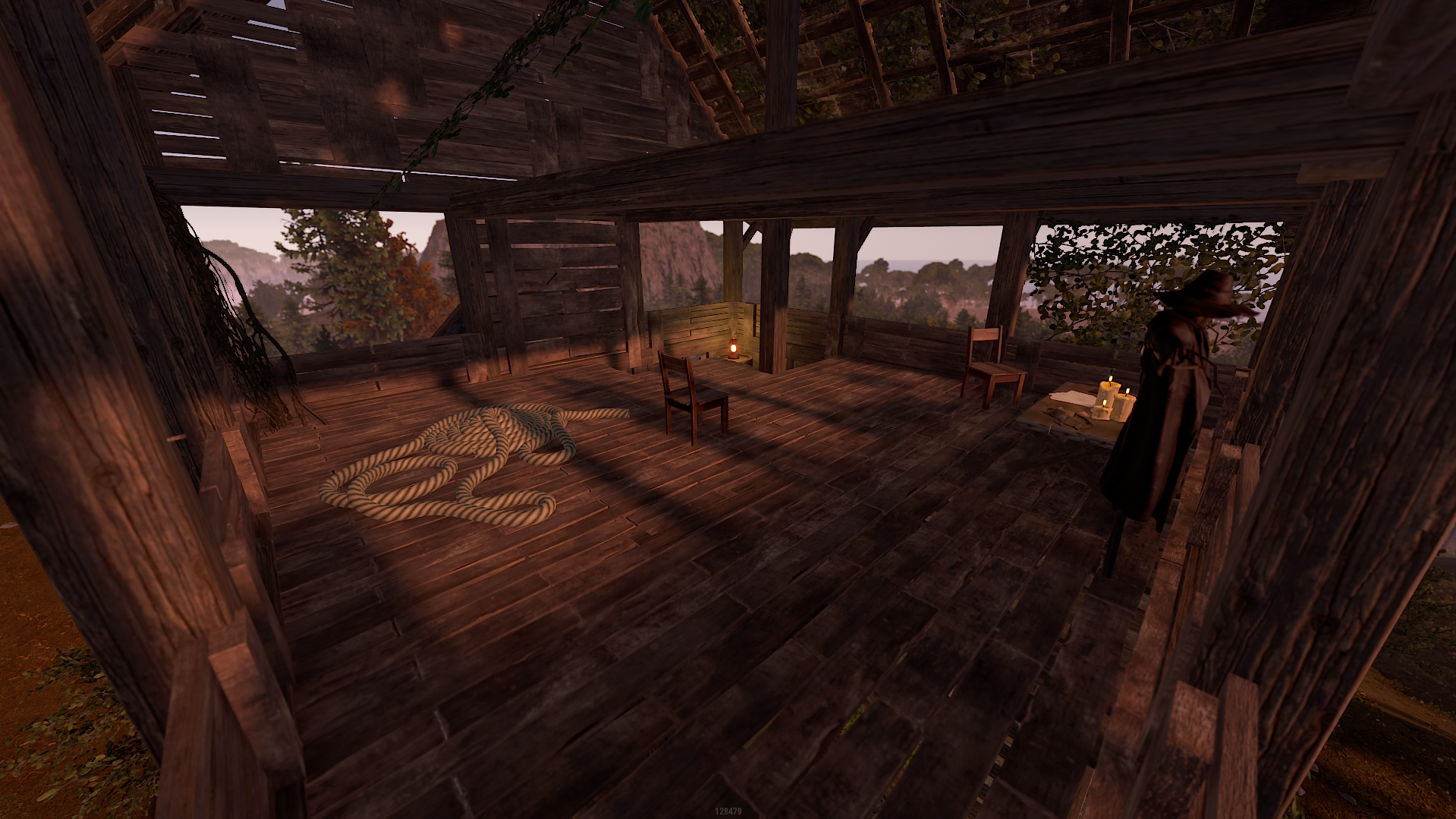
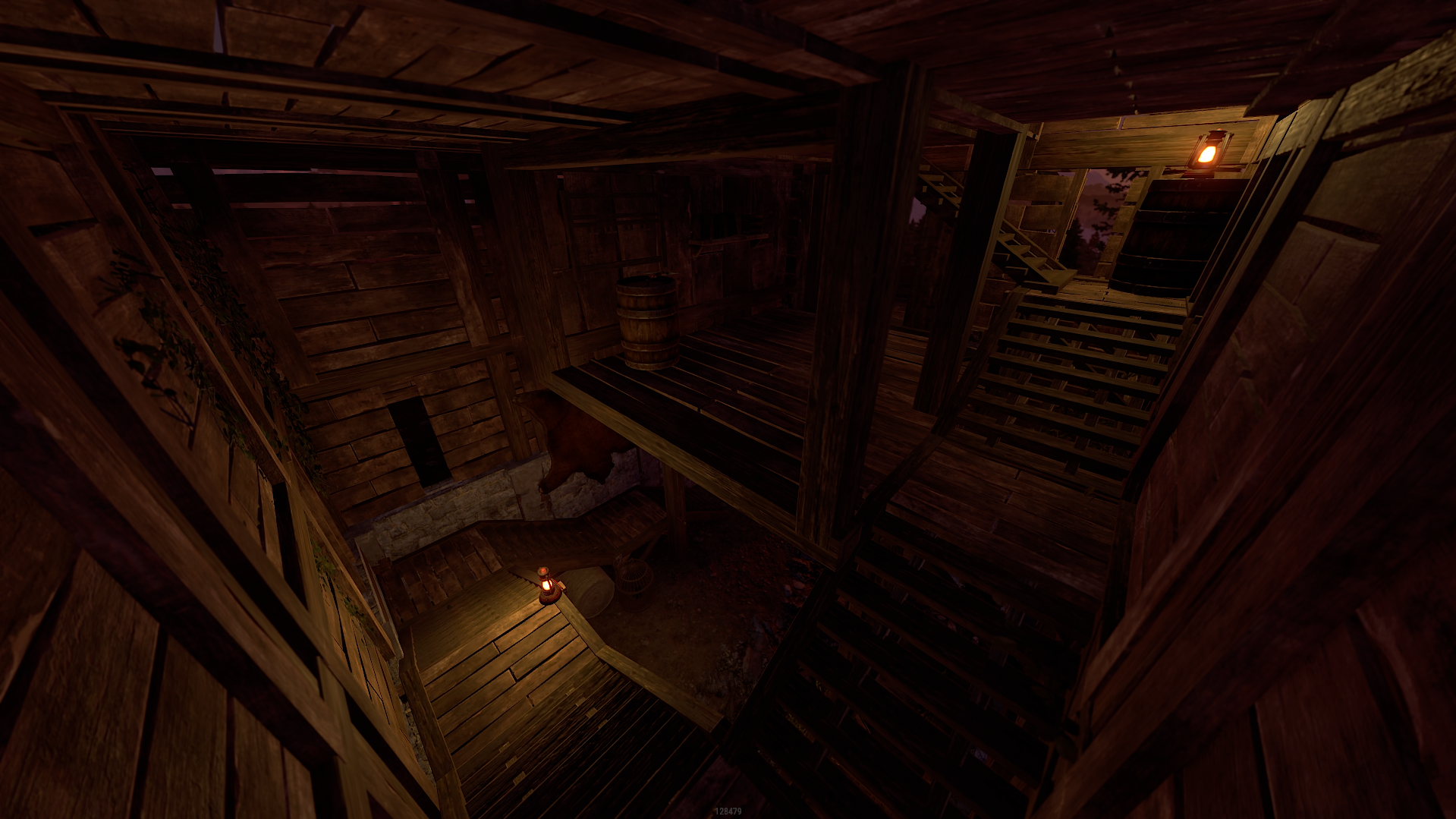
- The prefab is equipped with good lighting, you can sit on each chair.
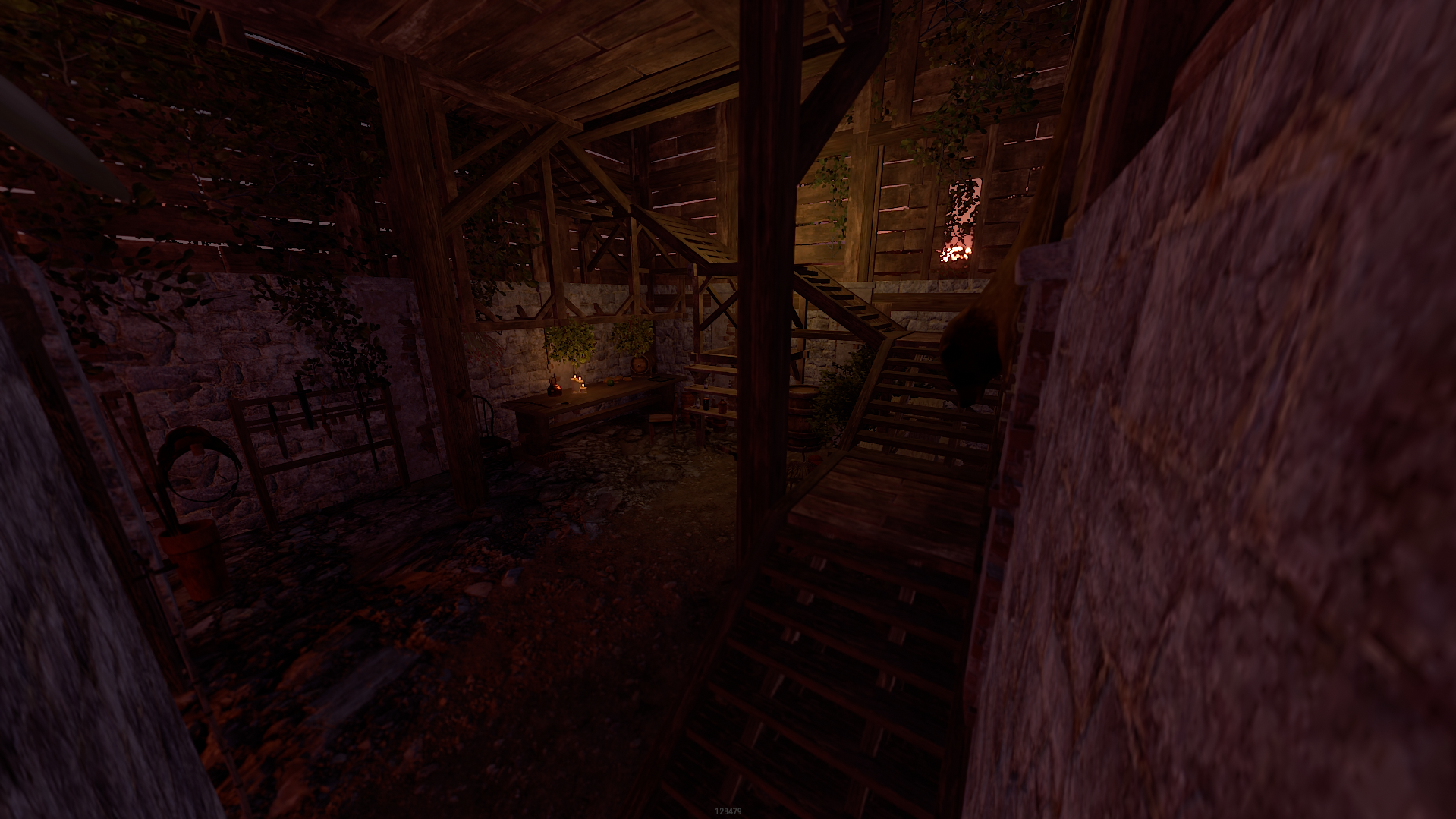
- The whole prefab is well thought out, the player will not stumble on the stairs.
- In general, it's incredibly atmospheric there.
- Prefab is very easy to install.
- Players cannot build on its territory.
- Loot won't spawn, but you can add it yourself if you want.
- If you like this style and you want more prefabs from the Skyrim game, then rate this product with a like, so I can understand that you need it.
What's New in Version V1.1
Released
Takeover and update
========================================================================
The products, whether modified or not, and all intellectual property and copyright contained therein,
are and shall at all times remain our sole and exclusive property. You agree that under no circumstances,
whether the product has been modified or not, shall you have or attempt to claim ownership of any intellectual property rights or copyright in the product.
========================================================================
You can only use this for your server, for your own personal purposes.
You are prohibited from reselling and distributing this content to others.
You are not allowed to impersonate my content as a rework or not.
After posting this content on your map, please in case you break it. Before saving, re-create all my content in the custom prefab.
(This is a required condition)
========================================================================
The products, whether modified or not, and all intellectual property and copyright contained therein,
are and shall at all times remain our sole and exclusive property. You agree that under no circumstances,
whether the product has been modified or not, shall you have or attempt to claim ownership of any intellectual property rights or copyright in the product.
========================================================================
You can only use this for your server, for your own personal purposes.
You are prohibited from reselling and distributing this content to others.
You are not allowed to impersonate my content as a rework or not.
After posting this content on your map, please in case you break it. Before saving, re-create all my content in the custom prefab.
(This is a required condition)
========================================================================
You may only provide a review once you have downloaded the file.
There are no reviews to display.