



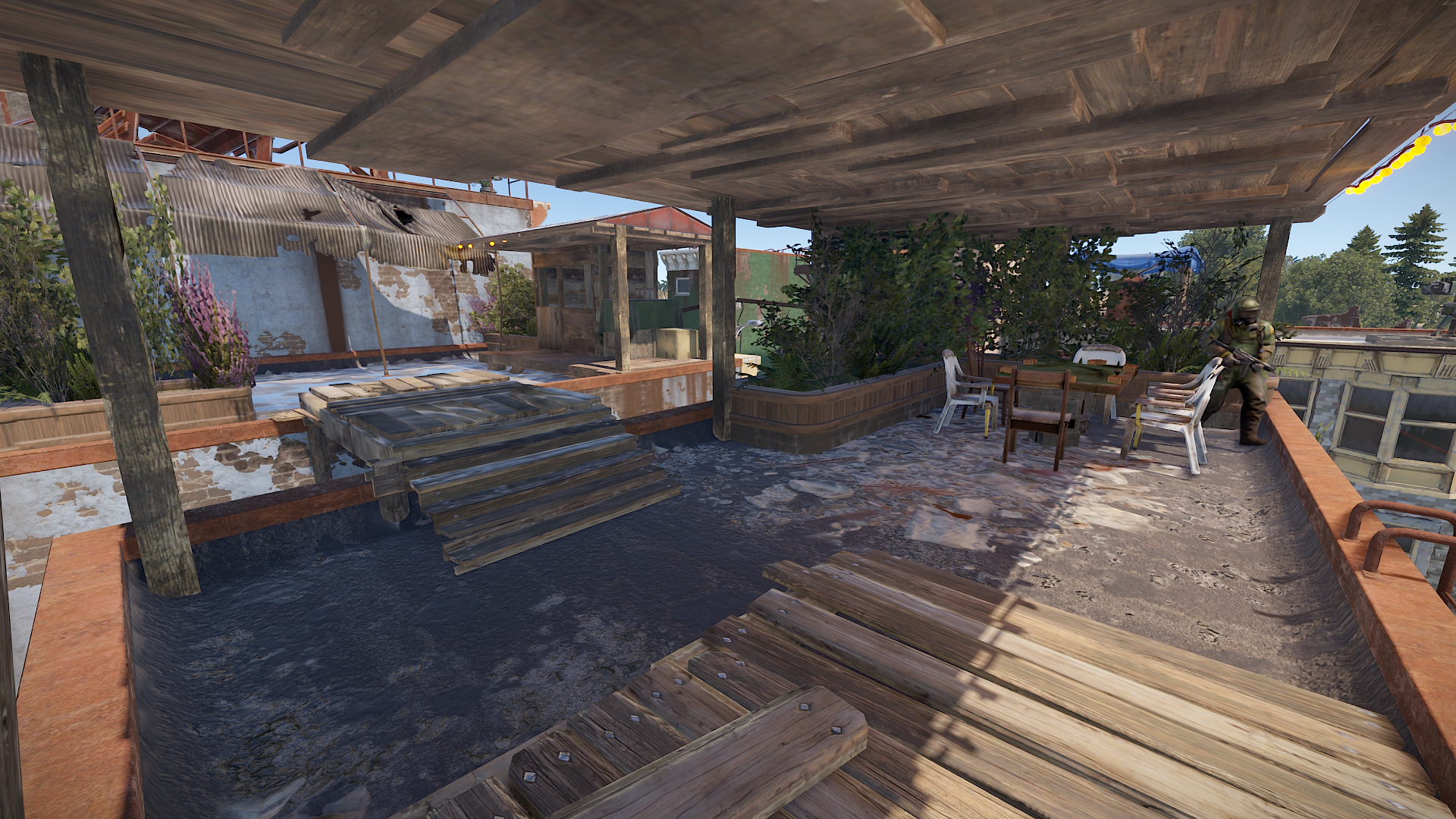
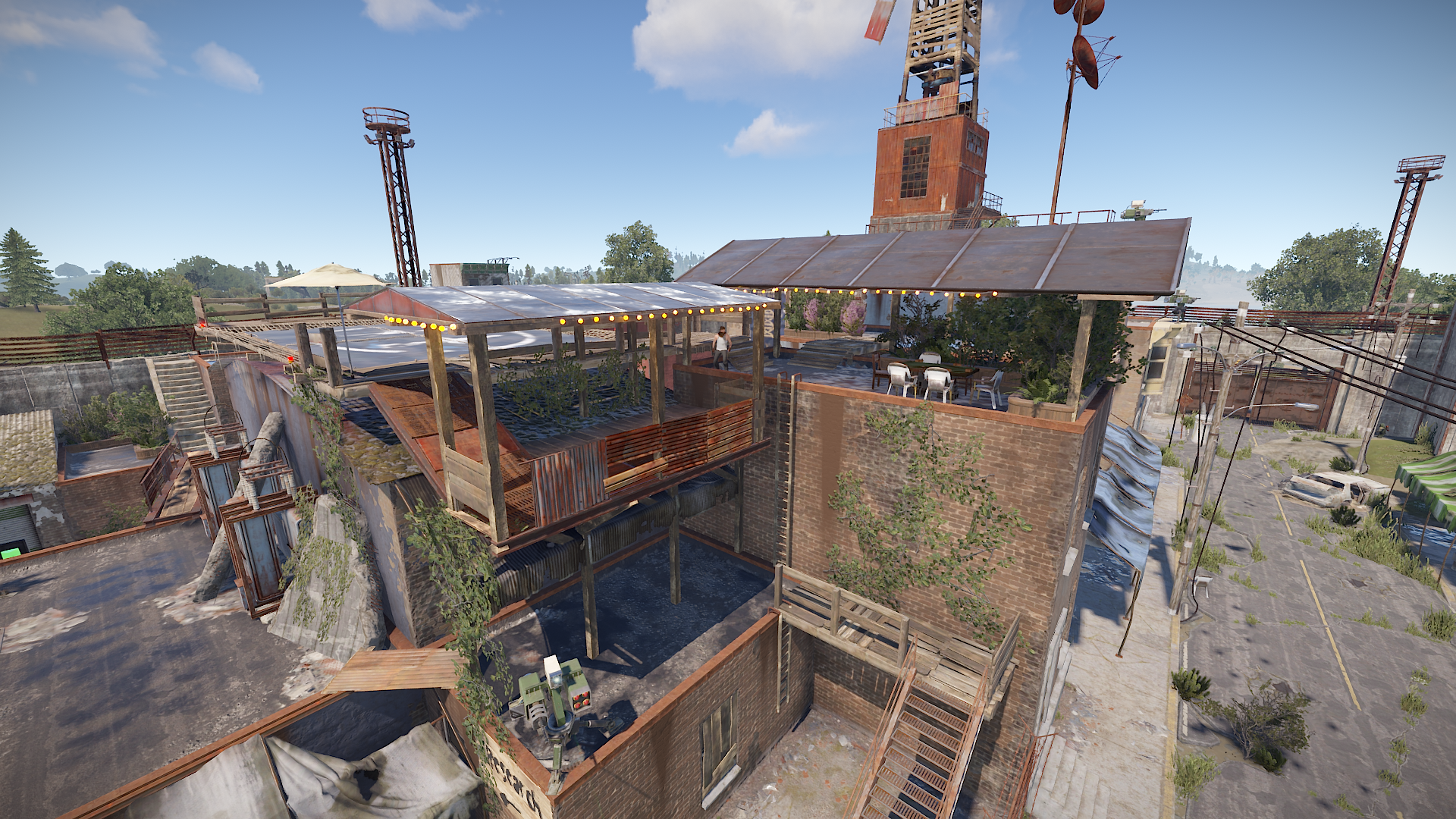
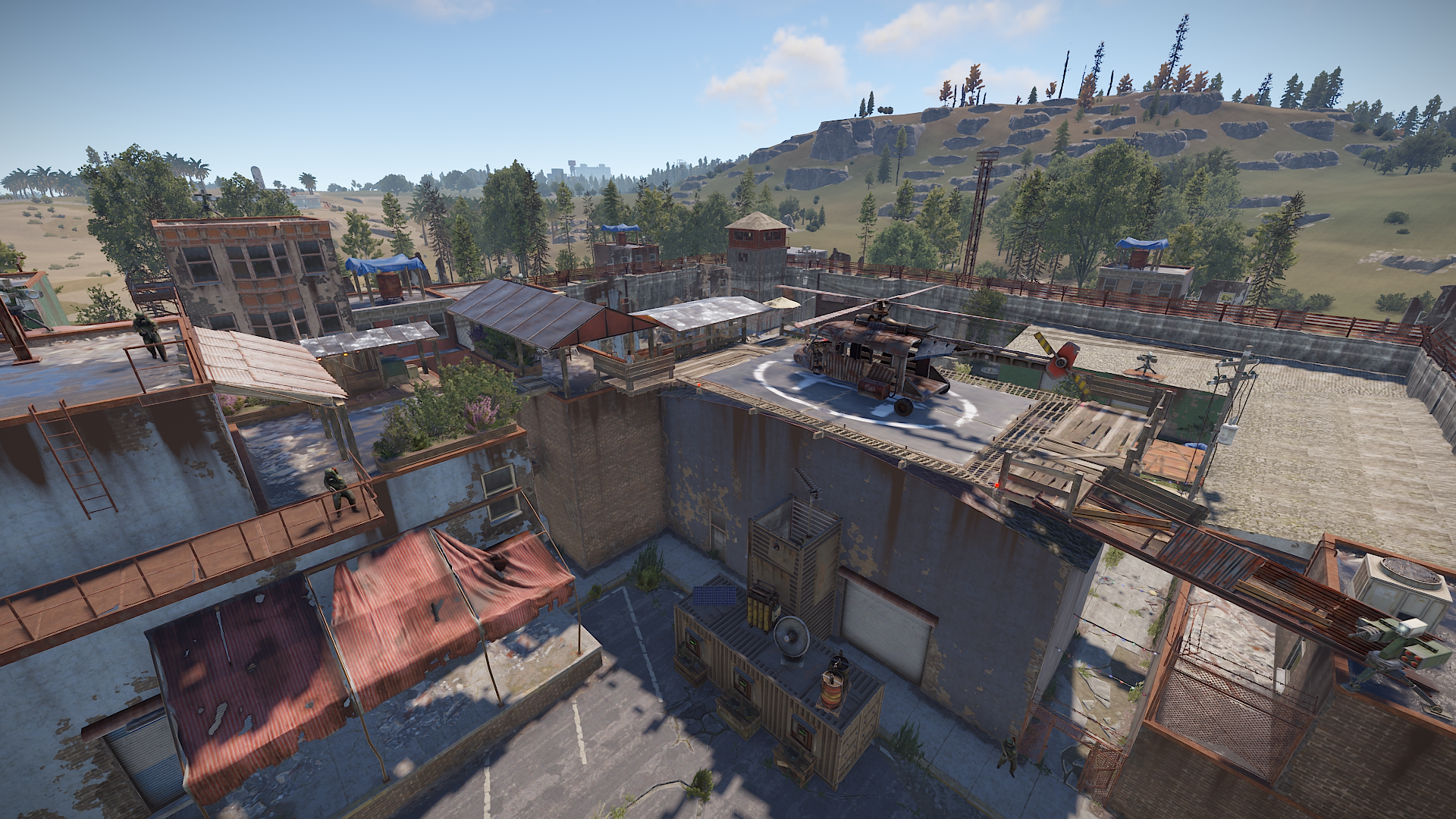
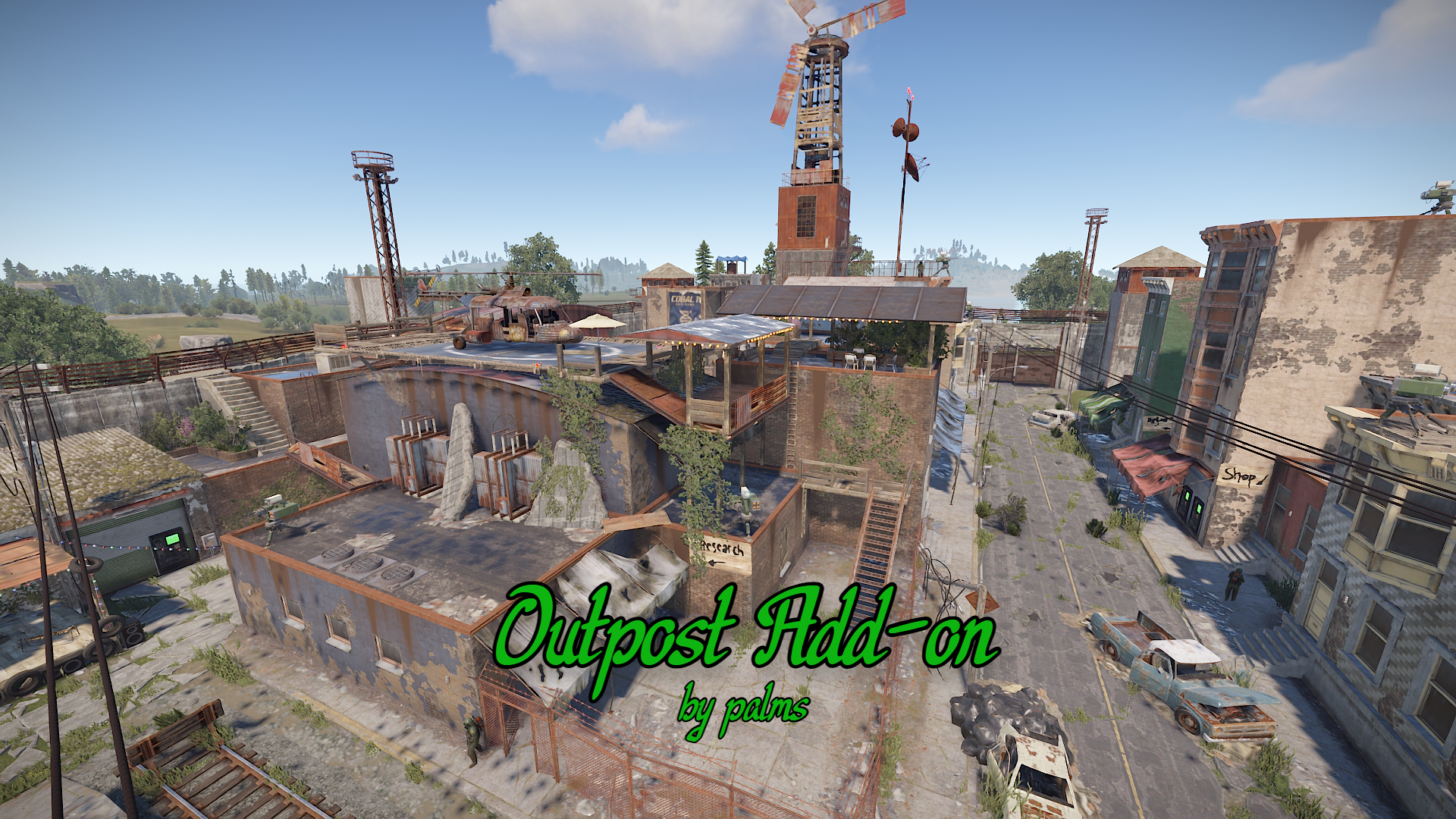
This custom prefab can turn the old bland outpost into something more accessible and enjoyable for your players. I designed this specifically to enable Airwolf to look good combine with this custom Outpost Add-on. This is perfect for small community's on a budget that are looking to spice things up.
This prefab contains
. A substantially sized Heli pad
. Stairs, bridges for easy accessibility
. Custom vendor hut to put any custom npc you desire
. room for the option for [Monument addons] to add a Air wolf NPC without tampering with custom NPC's.
https://umod.org/plugins/monument-addons
In order for this to be applied. You will need to download RustEdit. This a simple process and not hard to do. Lone has posted a video on the installation https://youtu.be/HAvh9MYUmFg and this video explaining how to add the custom prefab https://youtu.be/NYrNAox1Olc I will be making a few videos on how the process is done soon.
If you need any help or general enquiries. Please contact me via Discord : )
join my Discord - Palm Discord
All prefabs/Files that are published by Palms are protected by CopyRight.
Permission is needed in order for any tampering with the File/prefabs.
Contact palms personally for any business enquires.
You may only provide a review once you have downloaded the file.
There are no reviews to display.