



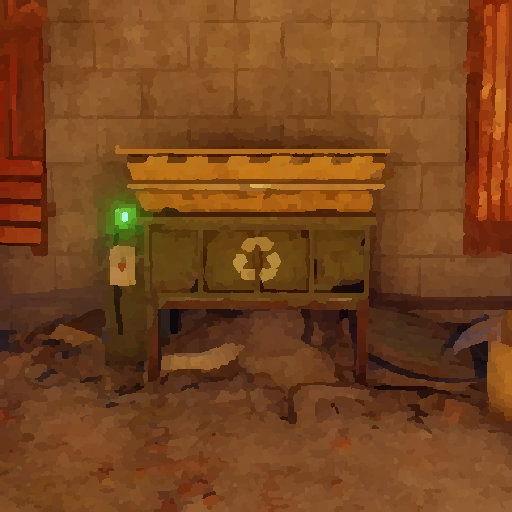
This plugin allows you to place and pickup recyclers! It is simple and perfect for your tebex shop, give the players the ability buy a recycler, without having to wait for an admin to place it!
Hit it with a hammer and its in your inventory! Simple as that!
Notes:
If you plan on changing the skin do it before giving anyone a place able recycler, as it will break the current placed recyclers! "Wont allow them to pick them up"
Permissions:
placeablerecyclers.give - permission for the command /giverecycler
placeablerecyclers.remove - permission for the command /removerecycler
Commands:
/giverecycler - Would give you a recycler!
/giverecycler [playername] - Would give the player name given a recycler!
/removerecycler - Toggleable command to enable/disable the ability to pickup a placeablerecycler!
Configuration:
{
  "SkinID": 2245200021
}
Language:
{
  "Given": "<color=green>A Placeable Recycler has been given to {0}!</color>",
  "Returned": "<color=green>You have picked up the recycler!</color>",
  "PlayerNotFound": "<color=red>Cannot find the player by the given ID or Name {0}!</color>"
}
But you have the right to use PlaceableRecyclers for personal use "This means you can use the plugin, but it cannot be copied and/or distributed, Modified or Resold"
Copyright © 2020 NubbbZ
You may only provide a review once you have downloaded the file.
There are no reviews to display.