



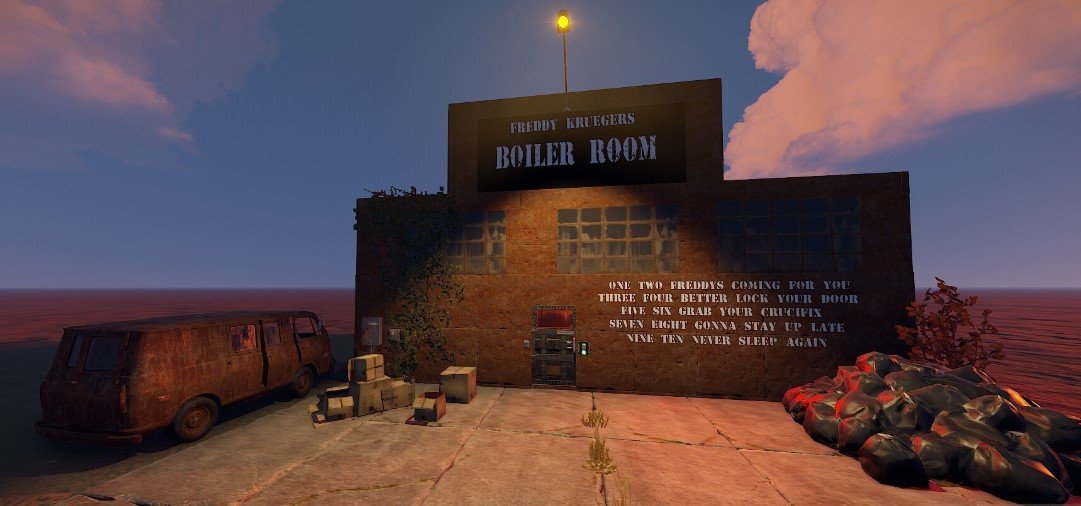
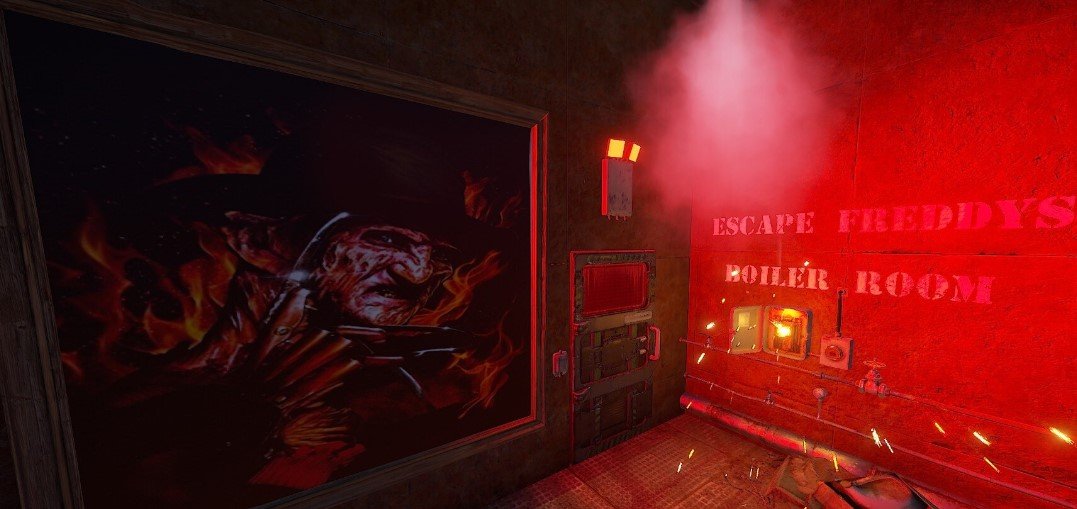
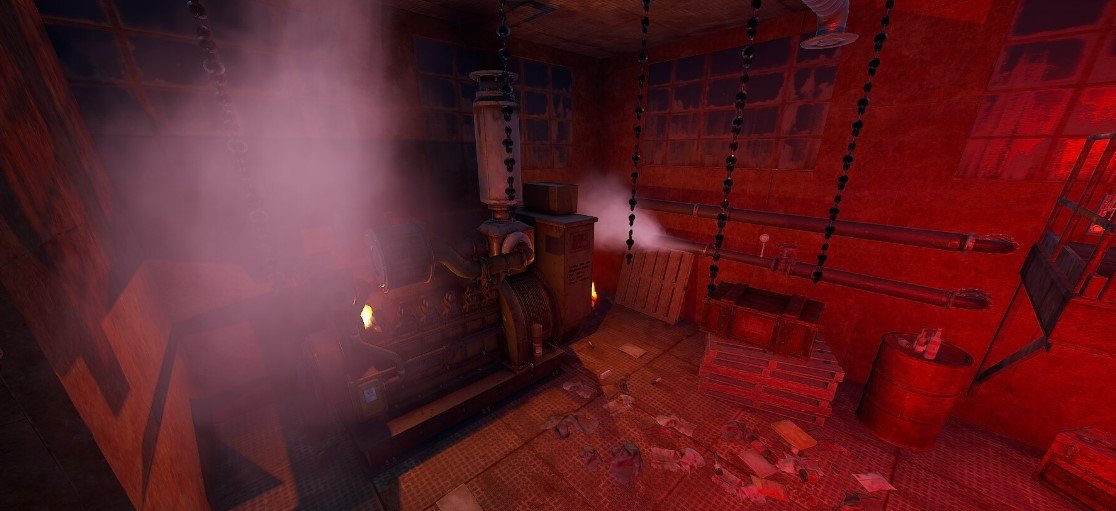
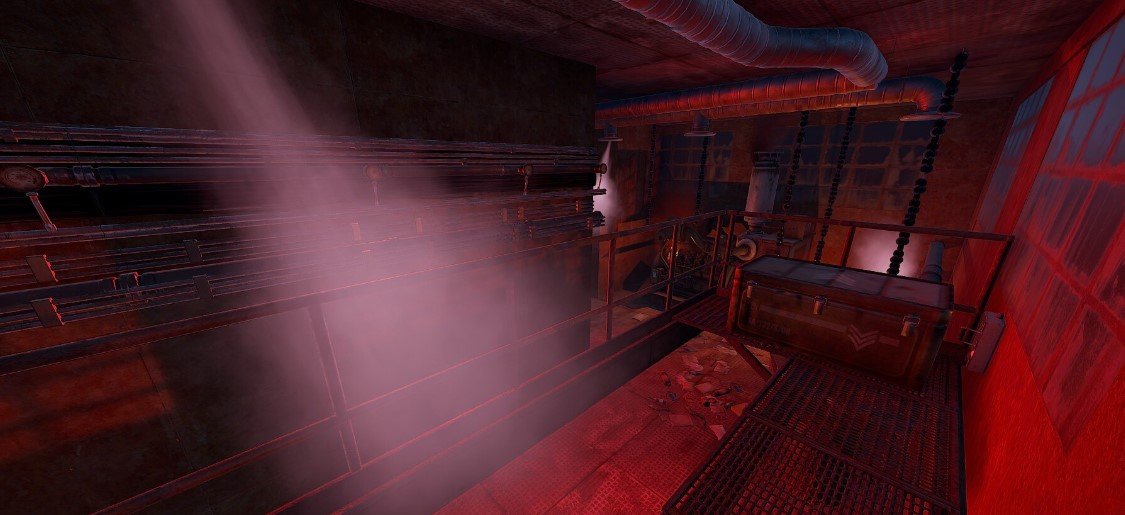
Entity count: 618 No NPC's included. When placing them with Rust Edit they tend to run off or dont act right. I highly suggest you try a plugin such as Better NPC, works amazing once you get it set up for prefabs like this. There is a /sil picture inside (you will need sign artist). I did place a barrier over to keep players from taking the pic. While in game an admin would need to hover at the very top to use /sil to add the pic. This is put in place like this to prevent players from removing the frame. There is plenty of loot inside. Takes a green card to get inside and a fuse. There are low volume damage colliders placed near steam so when the player walks through the steam areas they will take very minimal damage to there health. The electric, switches, timers, etc set up to give the player a little harder time getting through it. There are fake buttons, sequenced timers you must use to get through so beware, all the electric works and has been tested but switches are hidden behind loot that they will need to hit to get to the next area of the prefab to make it more challenging is all. Any questions you can always reach out to me. Hope everyone will enjoy this prefab for Halloween and bring some spookiness to their servers!
Edited by Shiro
Permission is not granted for distribution/sharing, or re-sale.
-
 1
1
You may only provide a review once you have downloaded the file.
There are no reviews to display.