



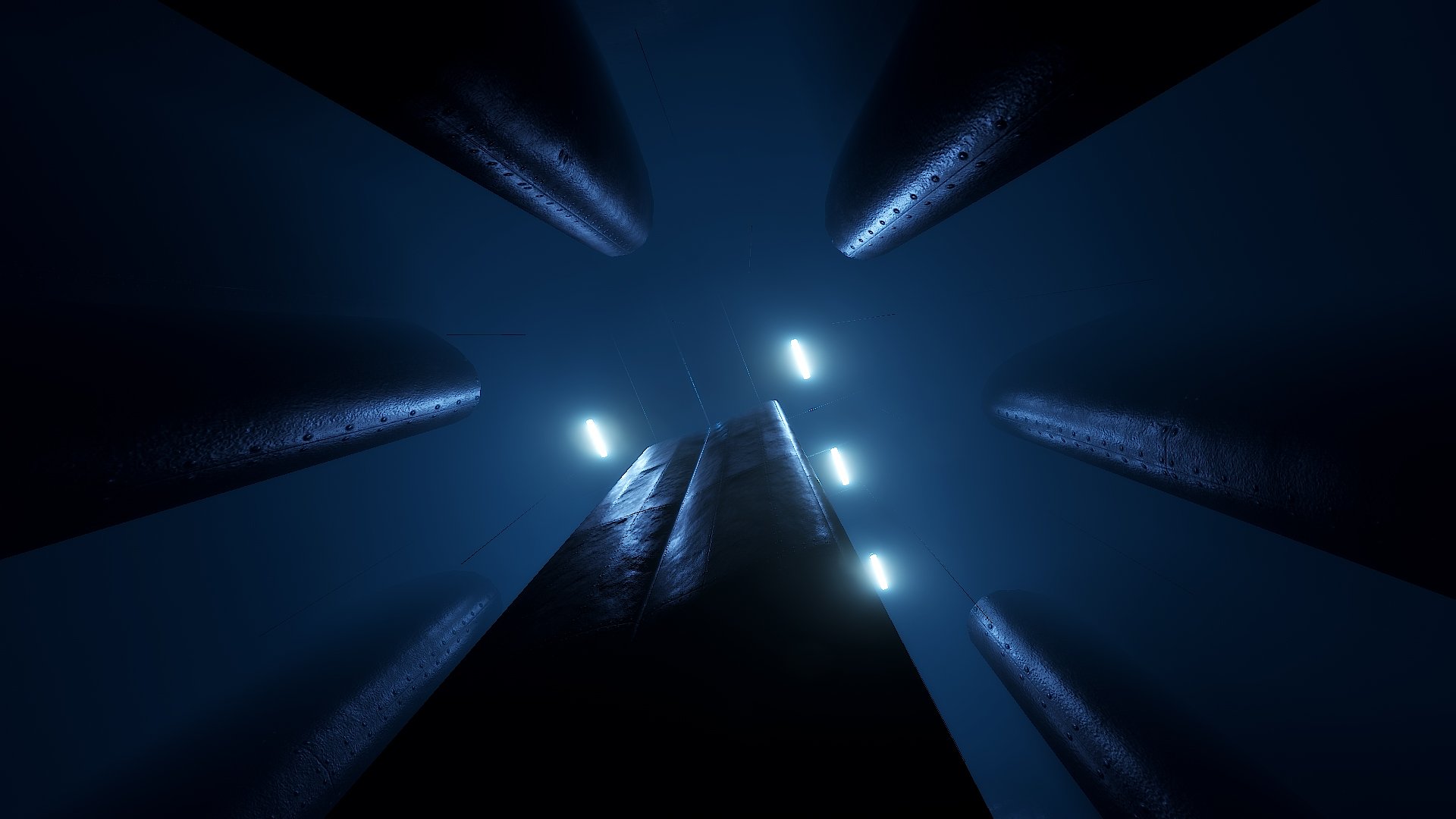
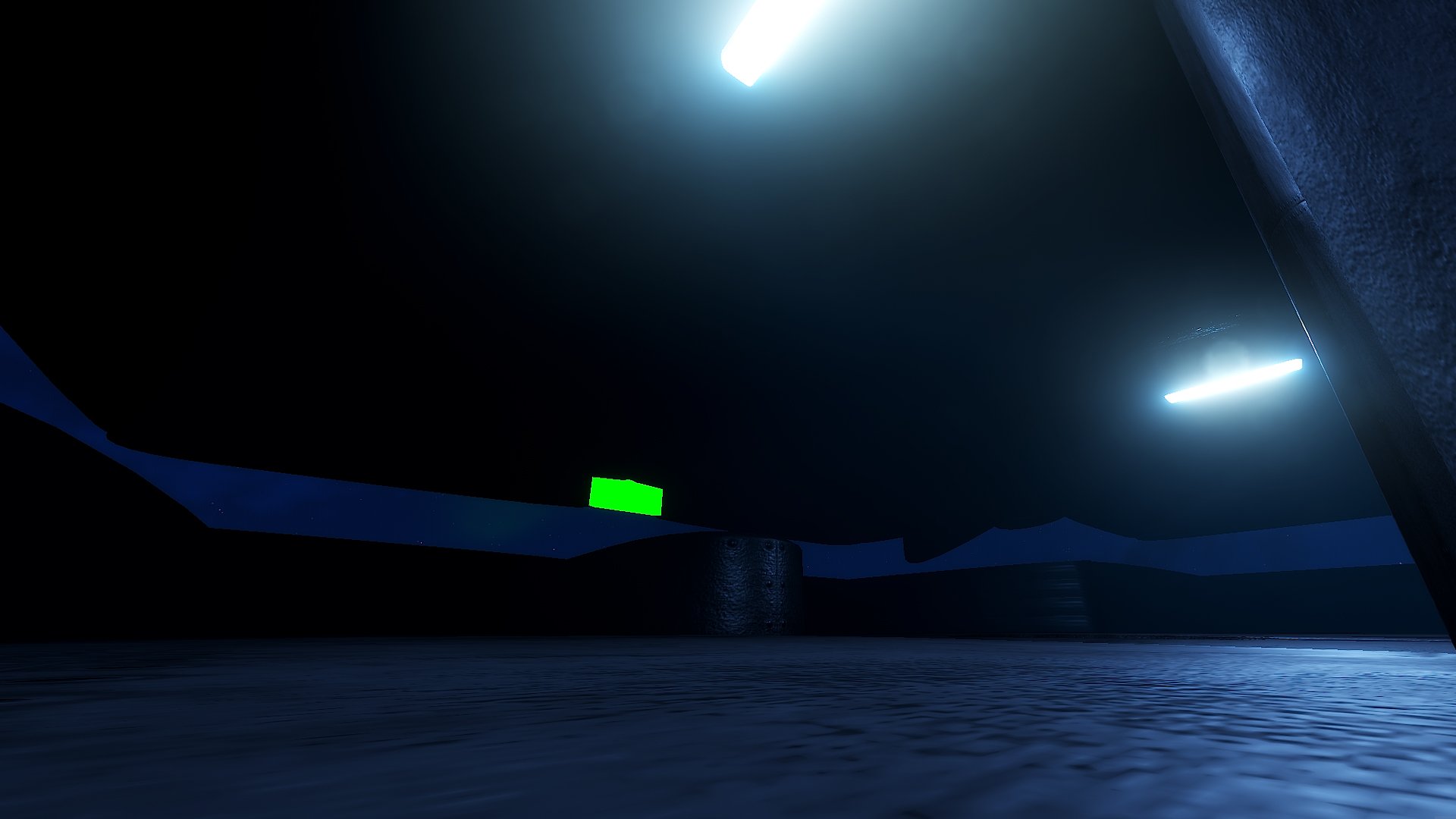
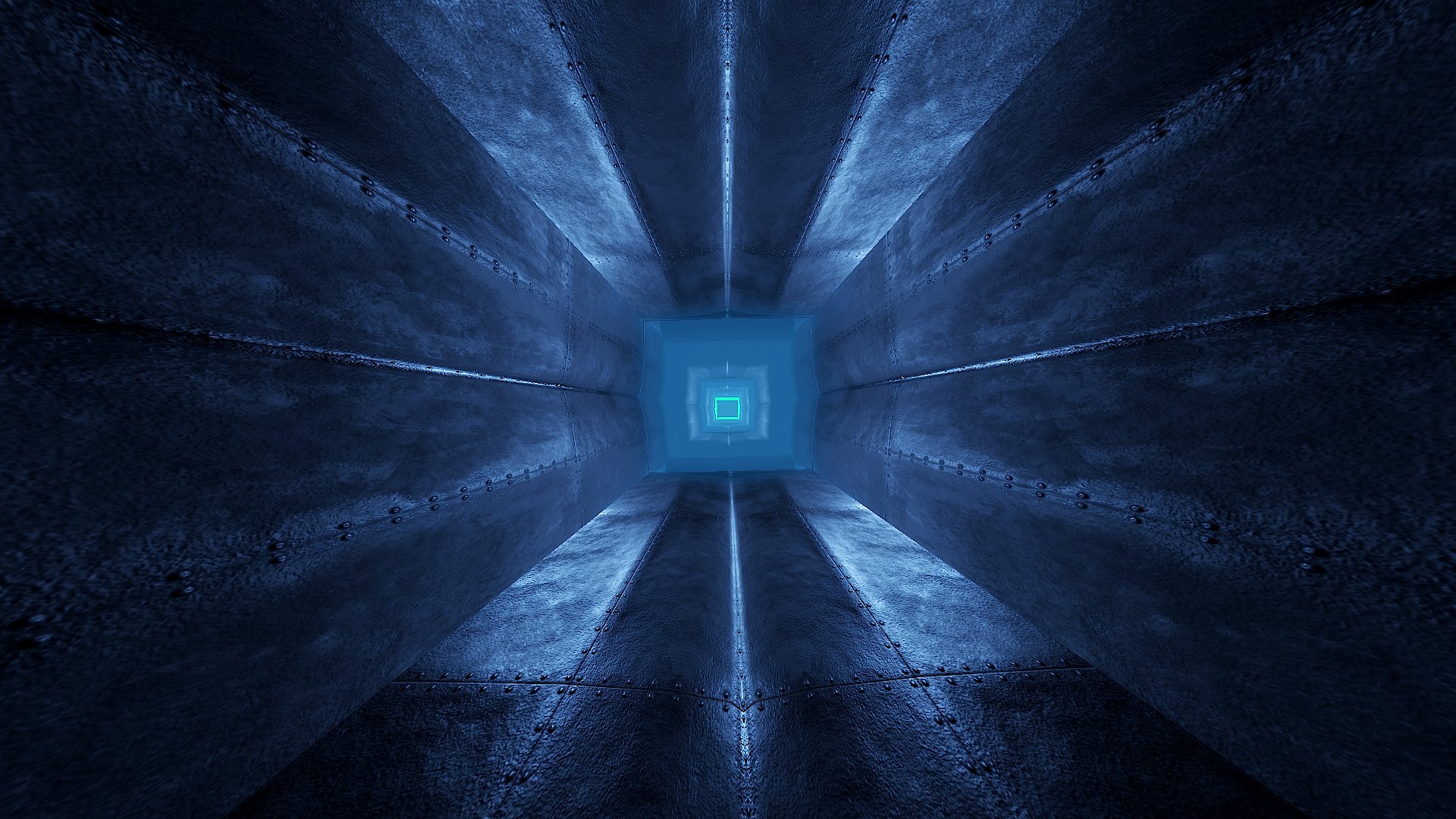
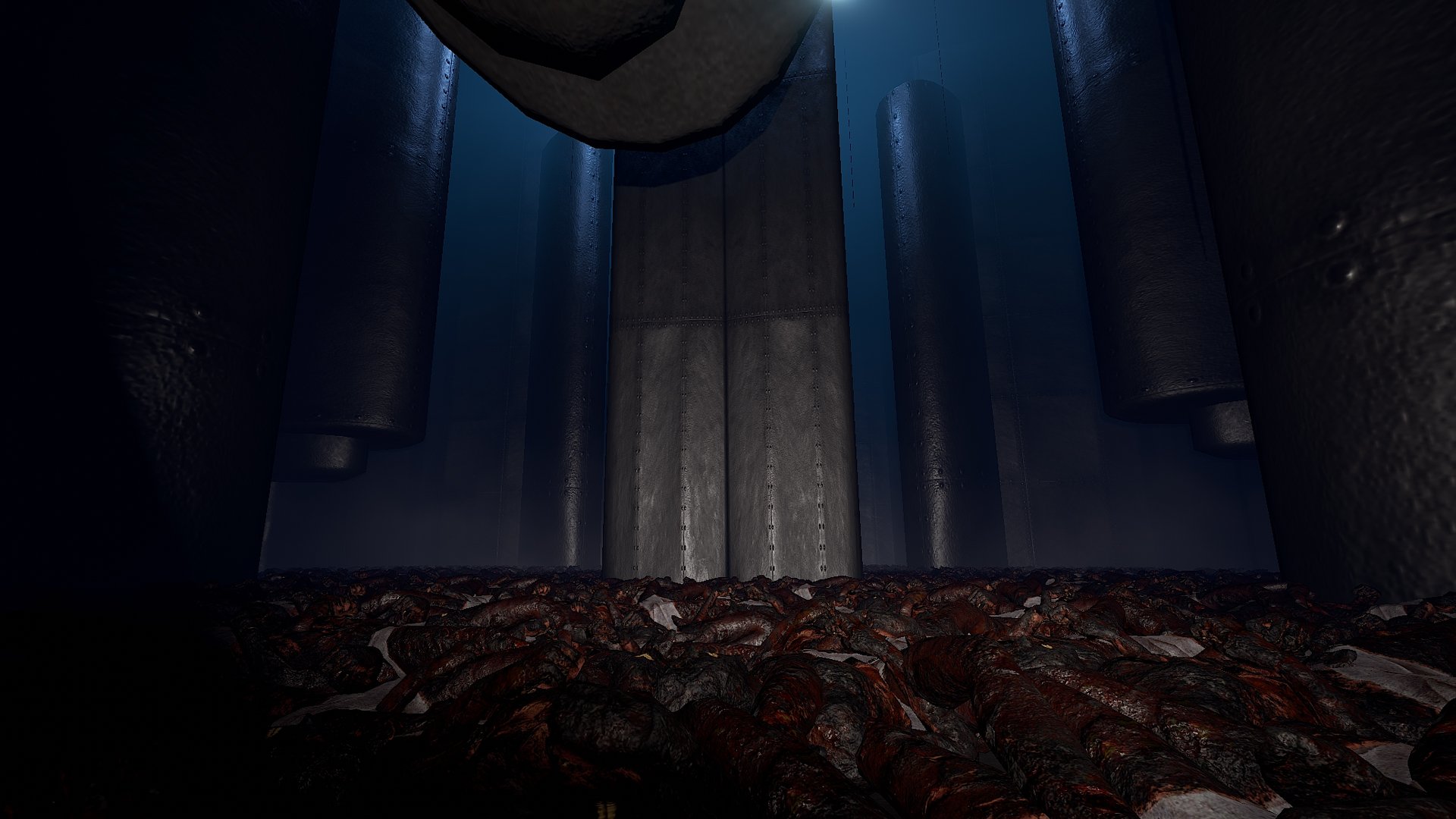
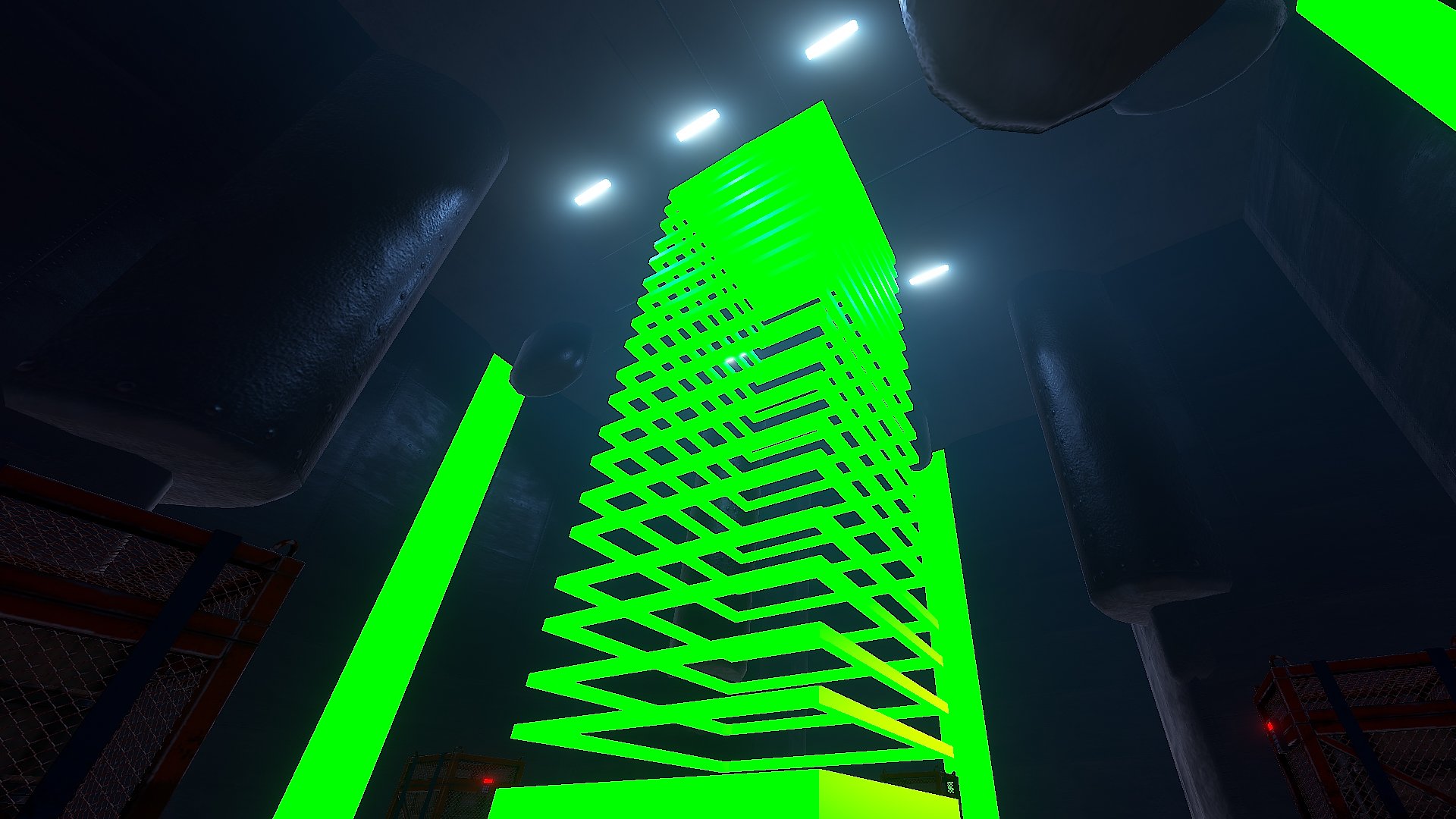
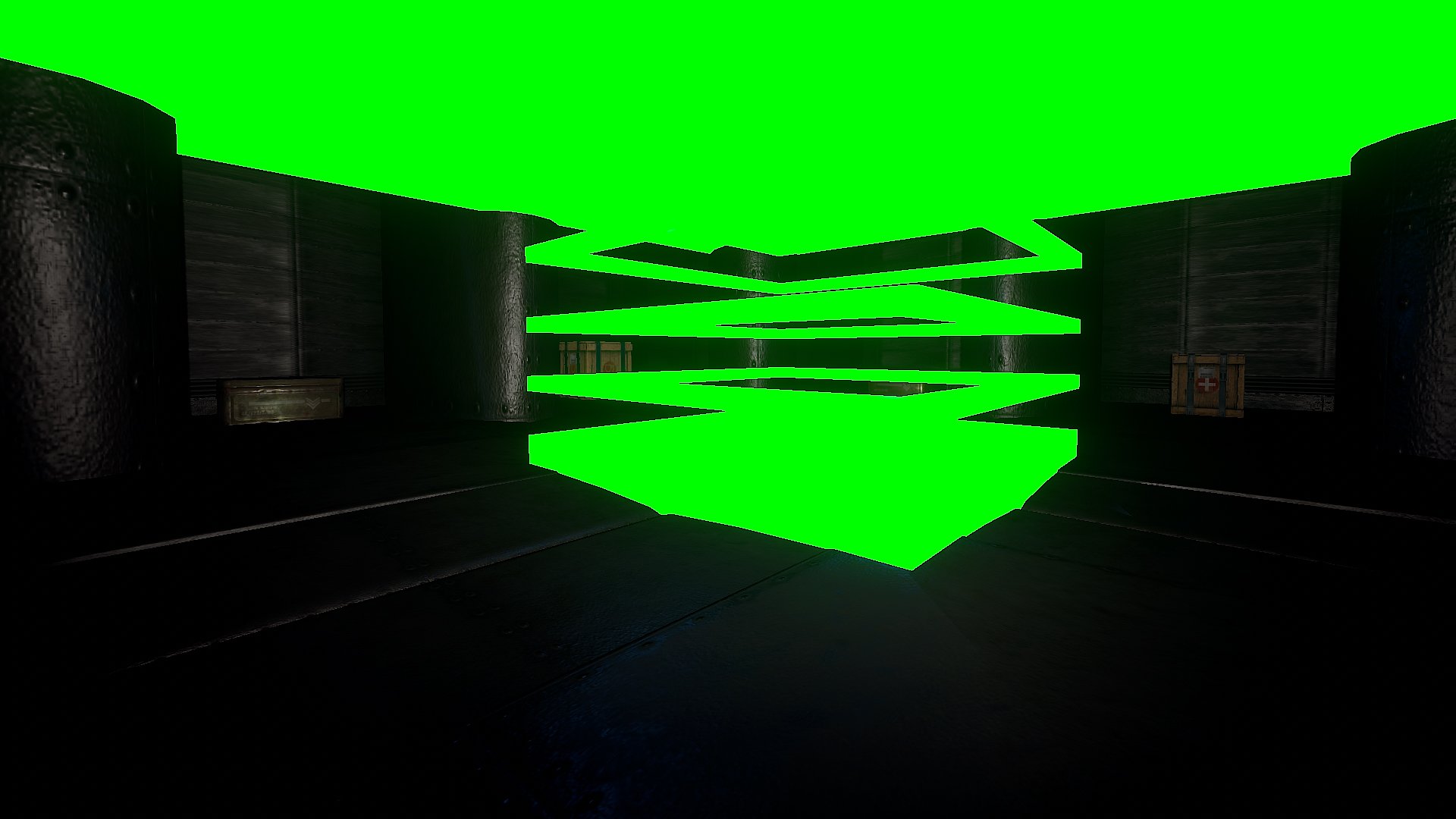
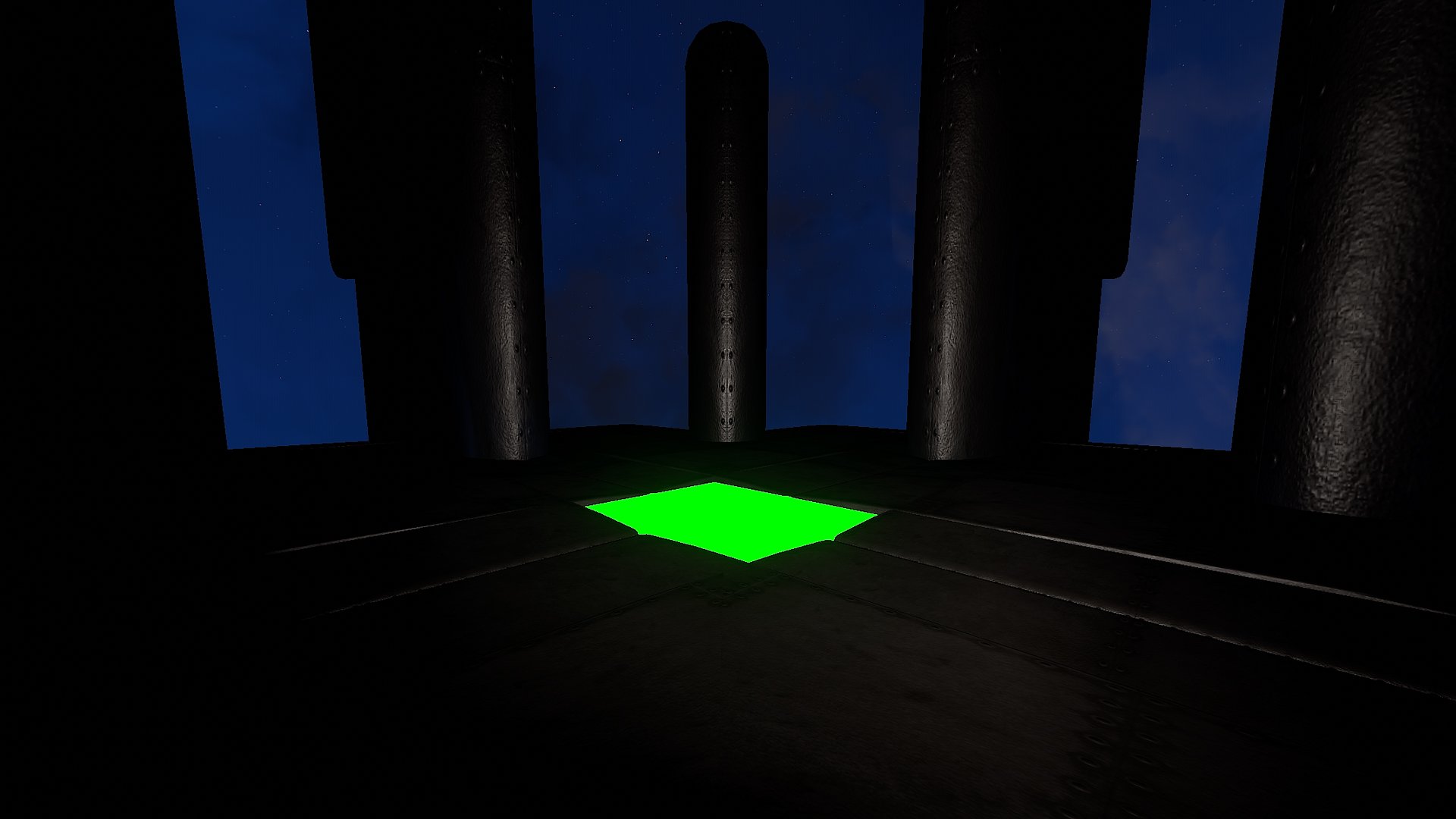
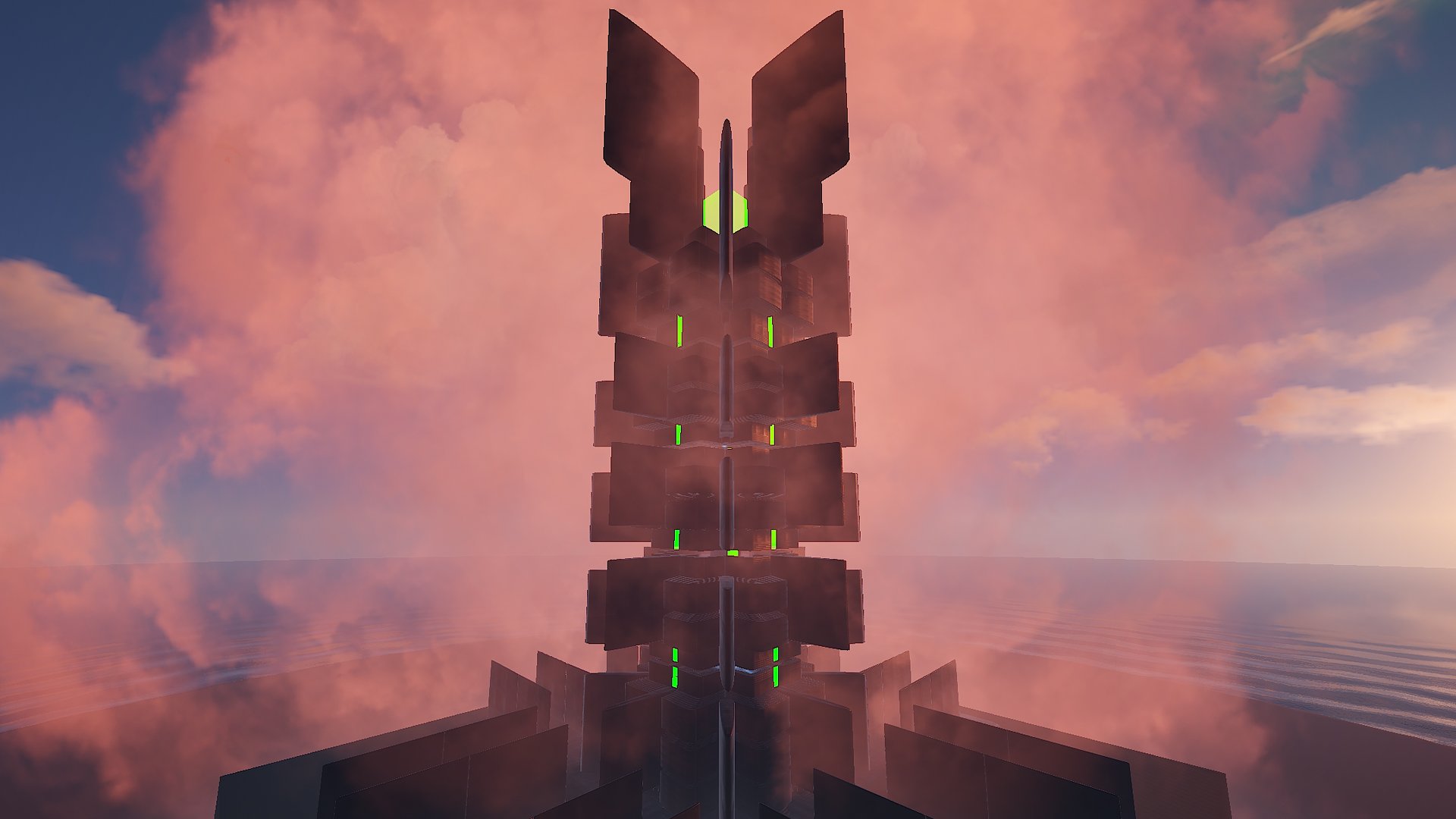
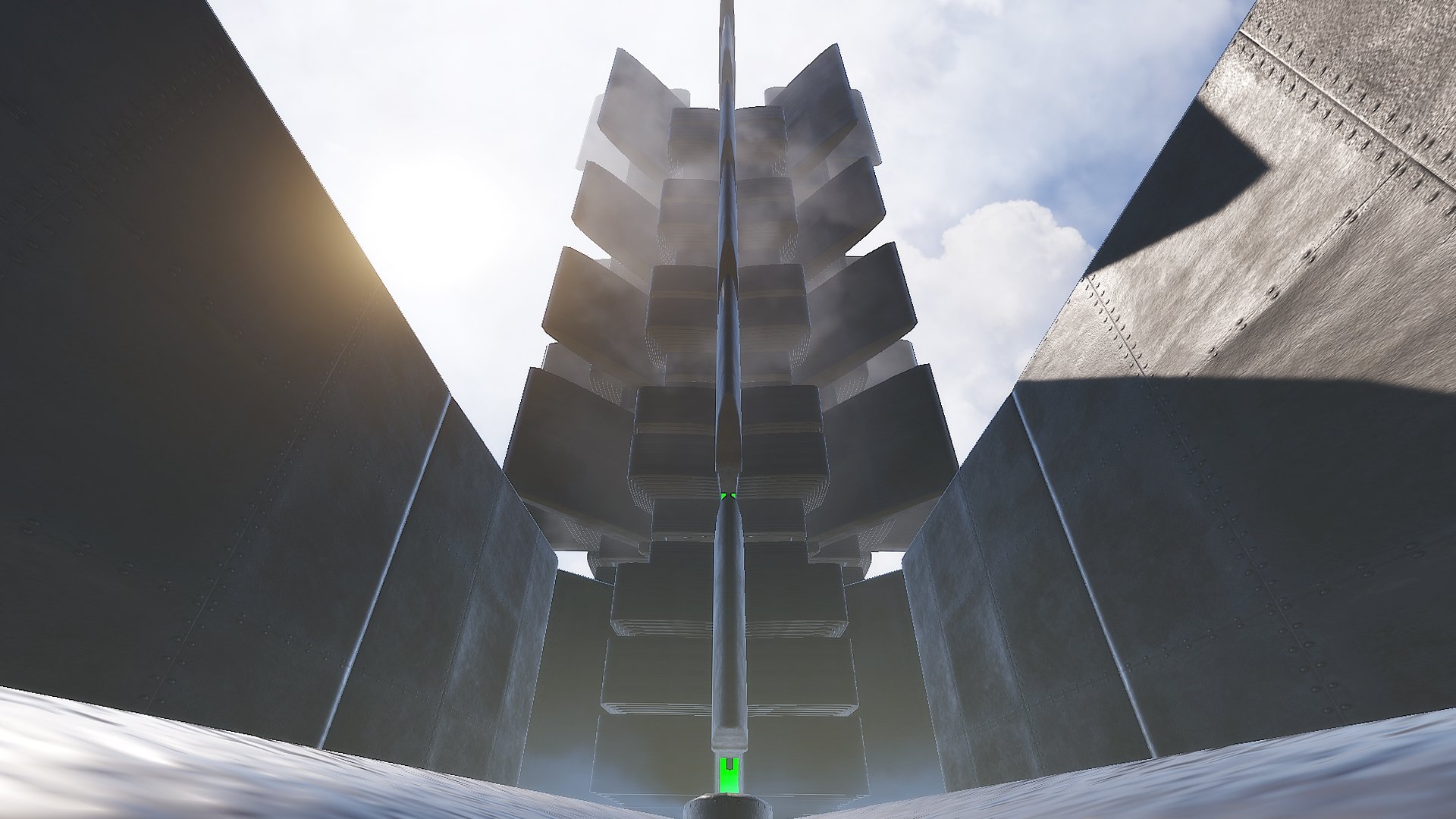
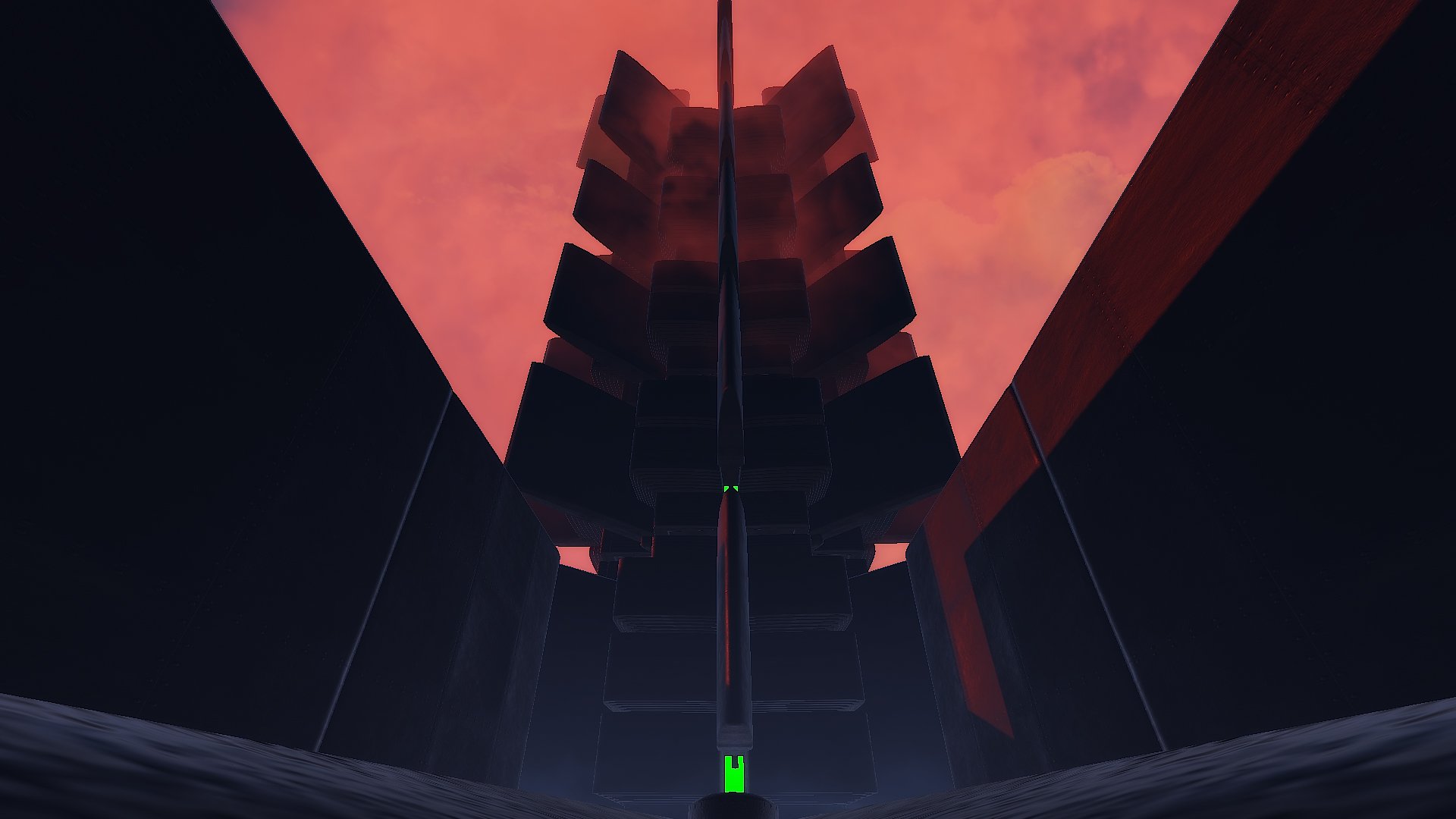
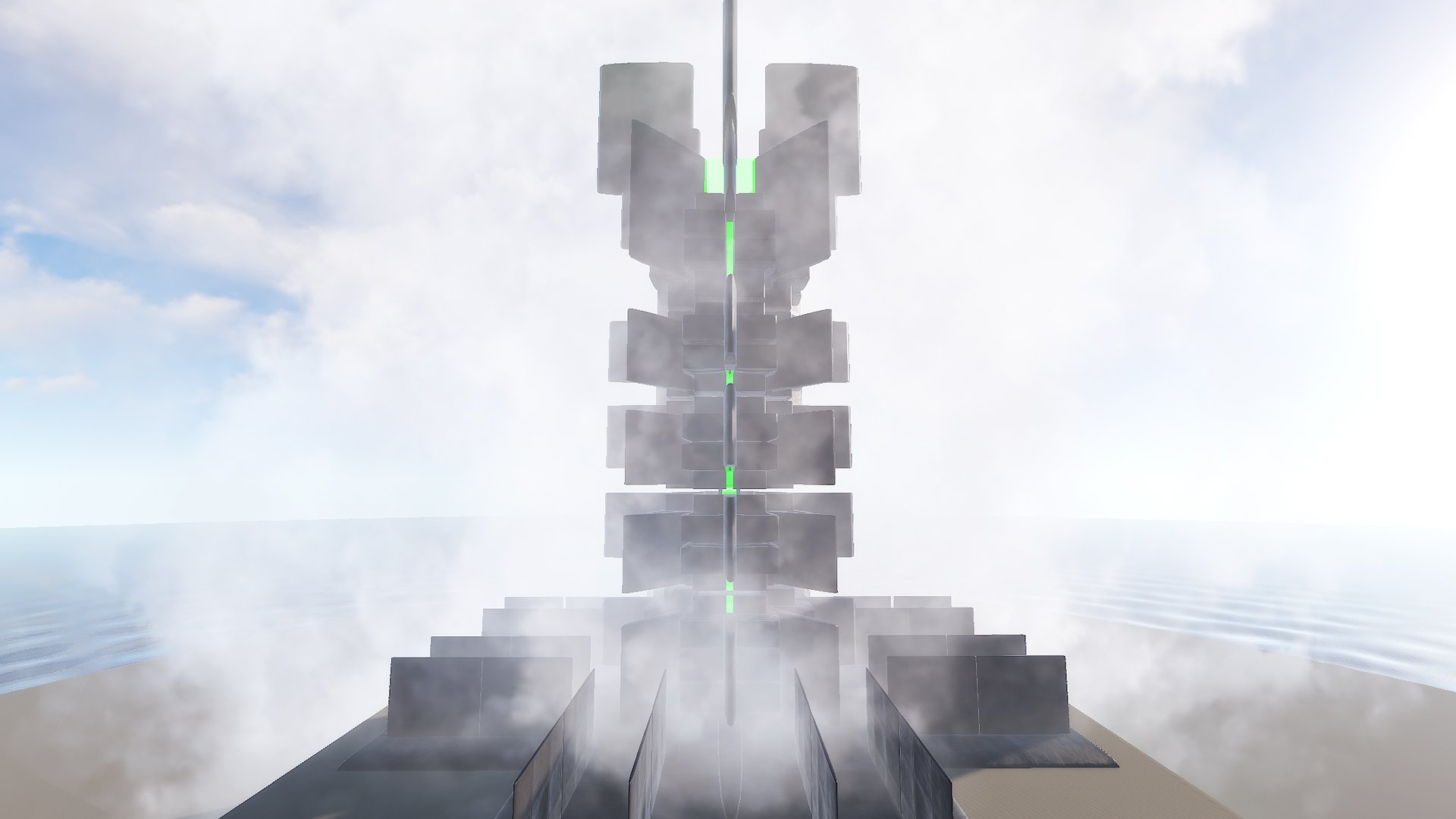
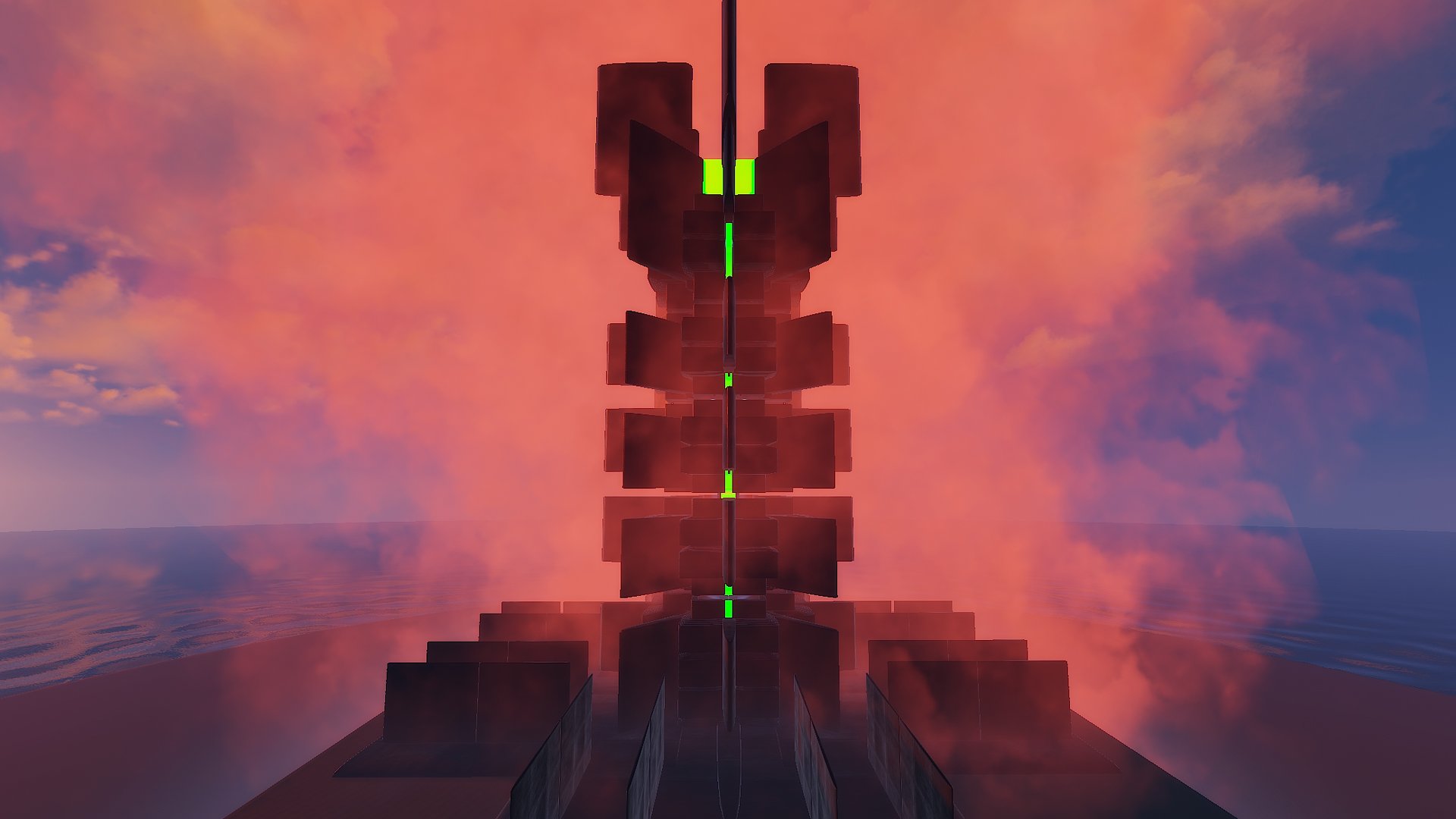
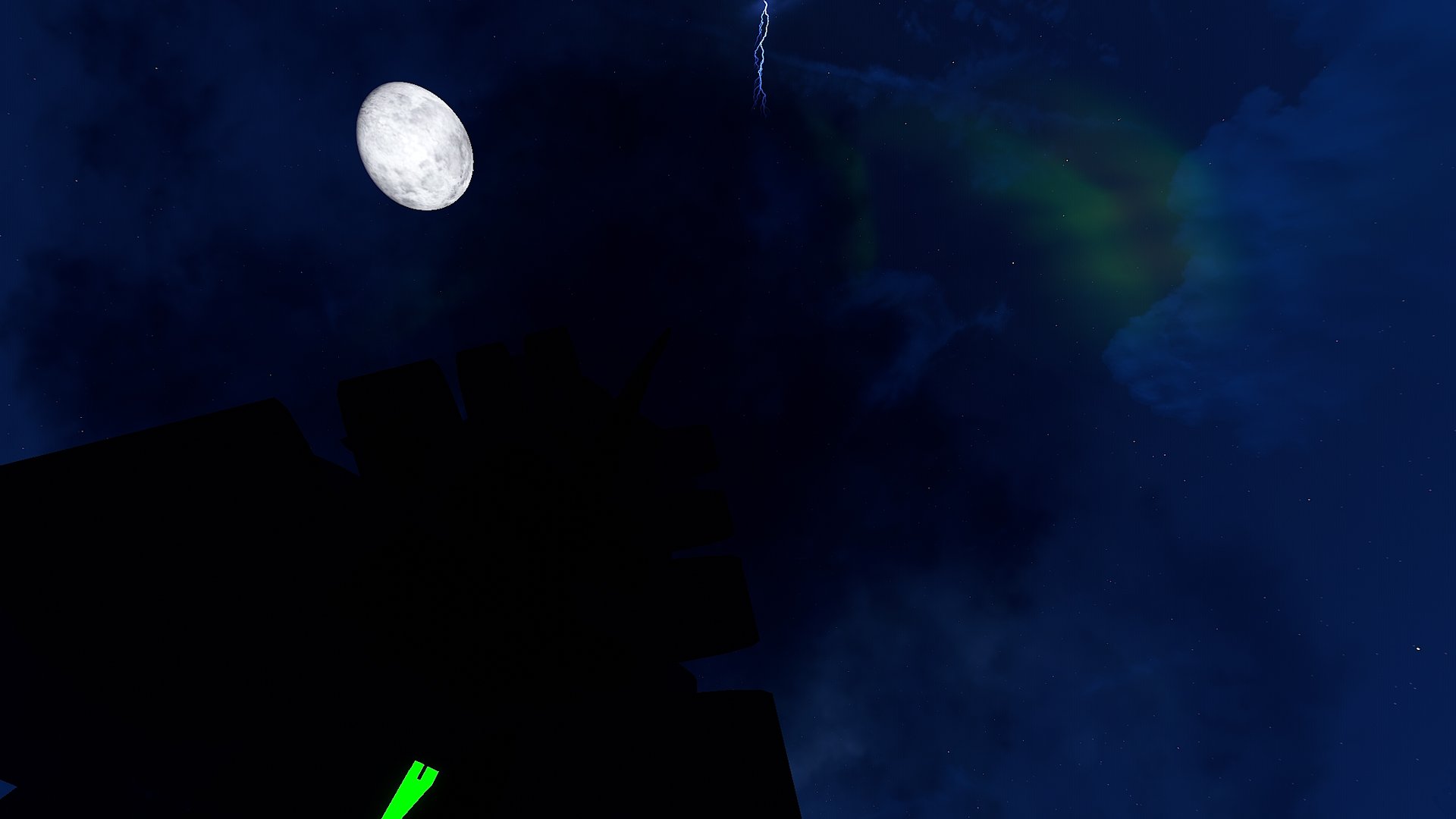
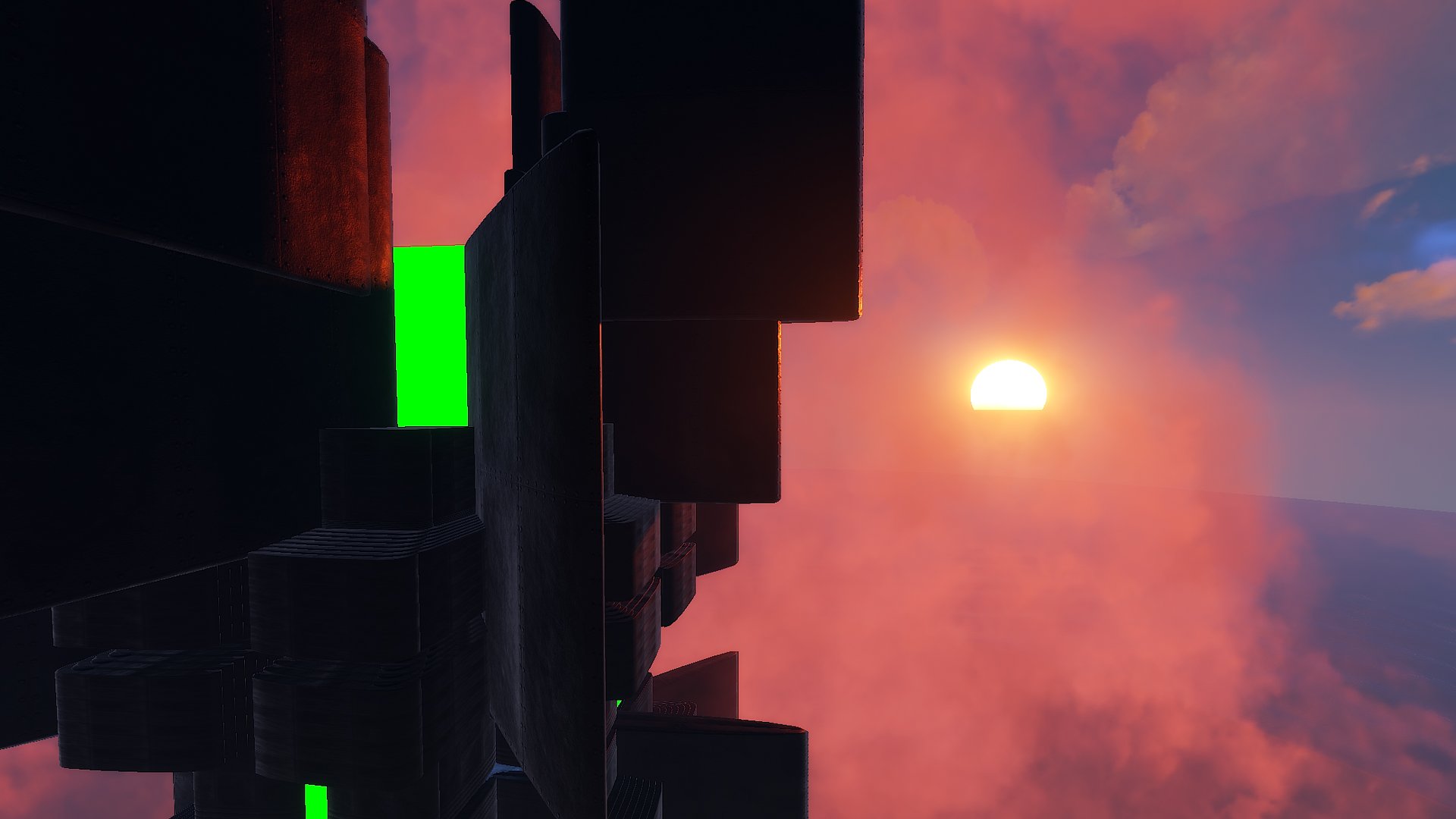
Meet the Monster Tower, the result of watching the film The Lord of the Rings - The Two Towers, while I was drinking a can of Monster Energy.
This monument has several options to use:
• You can use this tower for the Chopper Survival plugin (Event Manager).
• You can use it like a monument, it contains both NPC respawn and Loot.
• You can also use it like a Public Tower so players can defend themselves against the Attack Helicopter.
- The Monster Tower consists of five floors with a lift, plus two hidden floors with an extra difficulty (NPC).
- You can access these hidden floors via an invisible staircase containing green rings.
Edited by BADGYVER
- The four player spawn points have been removed.
What's New in Version 1.0.1
Released
- The four player spawn points have been removed.
• This product cannot be included in maps, prefabs or monuments for sale, but you can contact me to make an agreement.
• Resale of this product is not allowed.
• You may not share this product.
• You may use this product on any type of server.
• You do not need to credit me.
You may only provide a review once you have downloaded the file.
There are no reviews to display.