



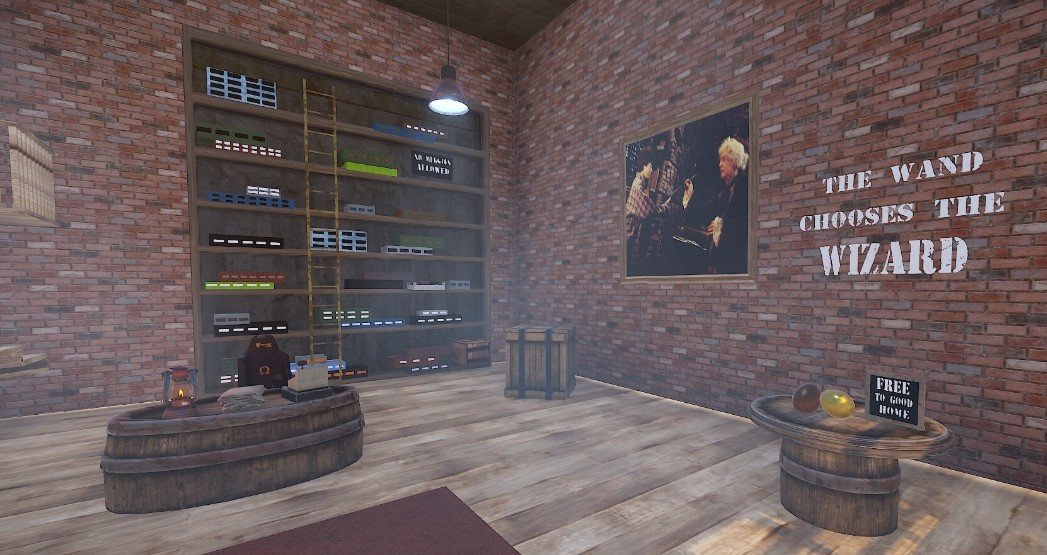
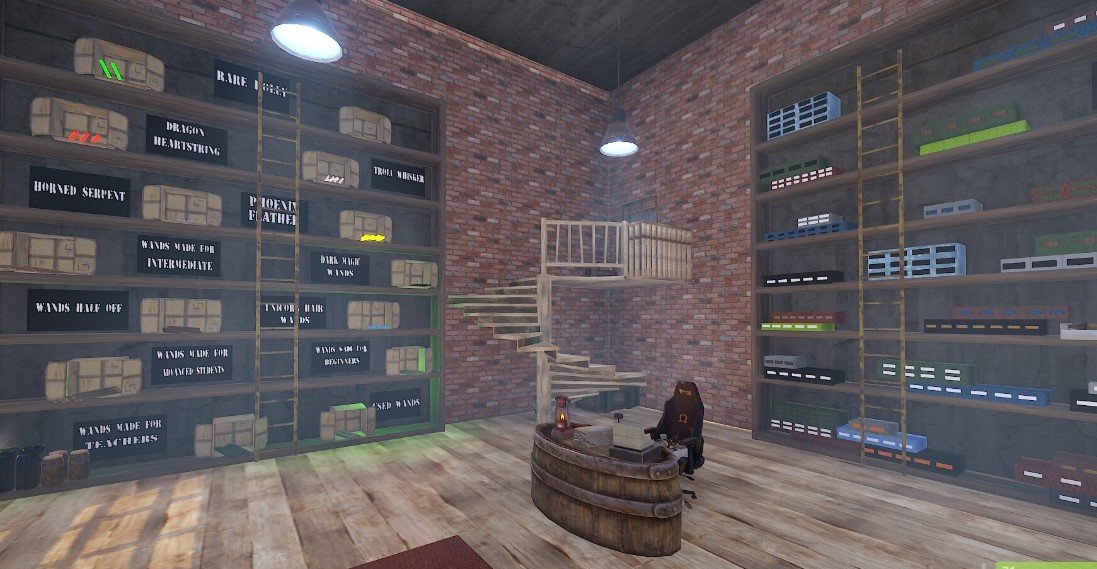




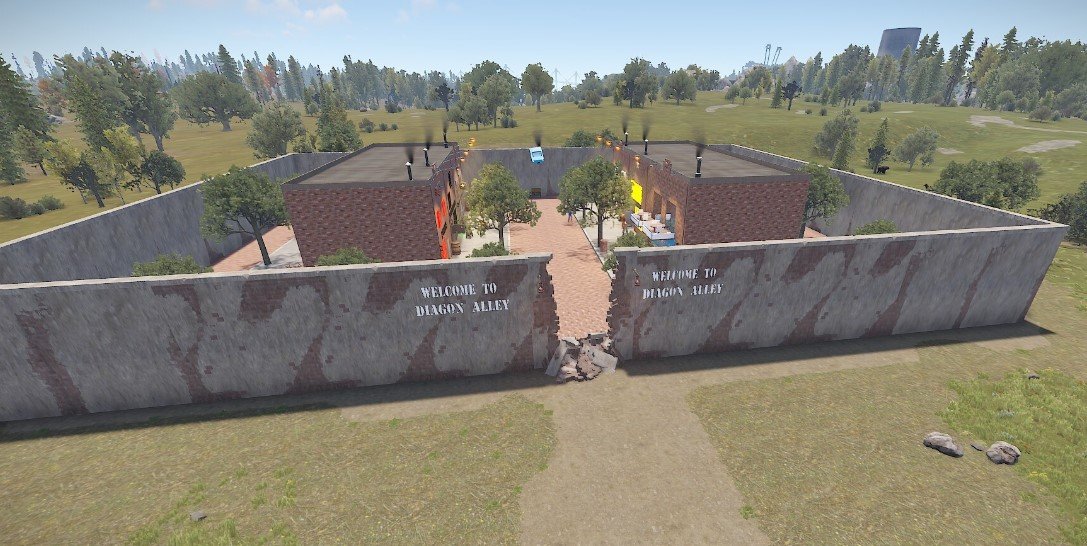
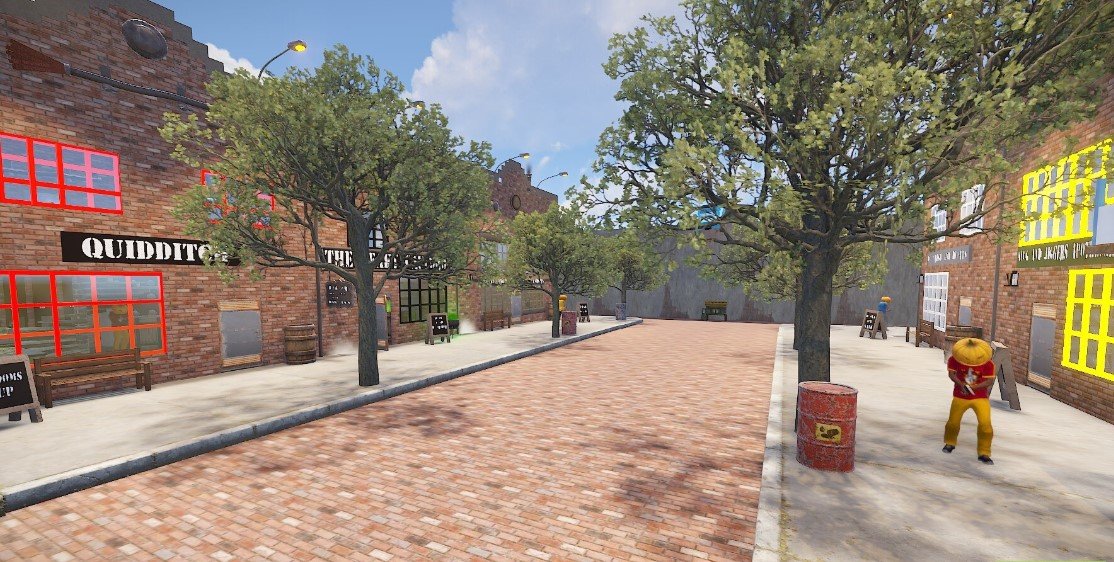
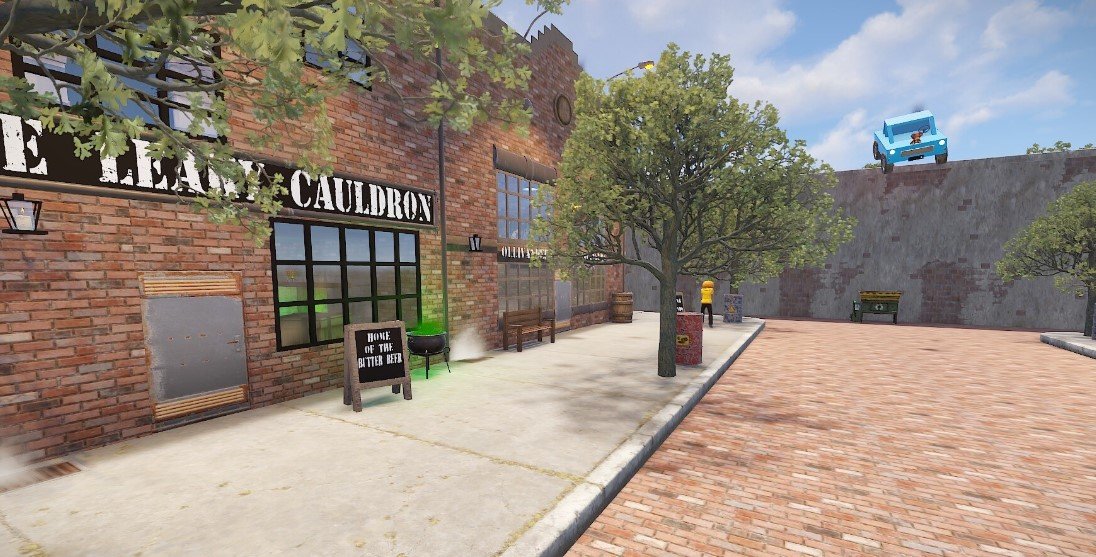
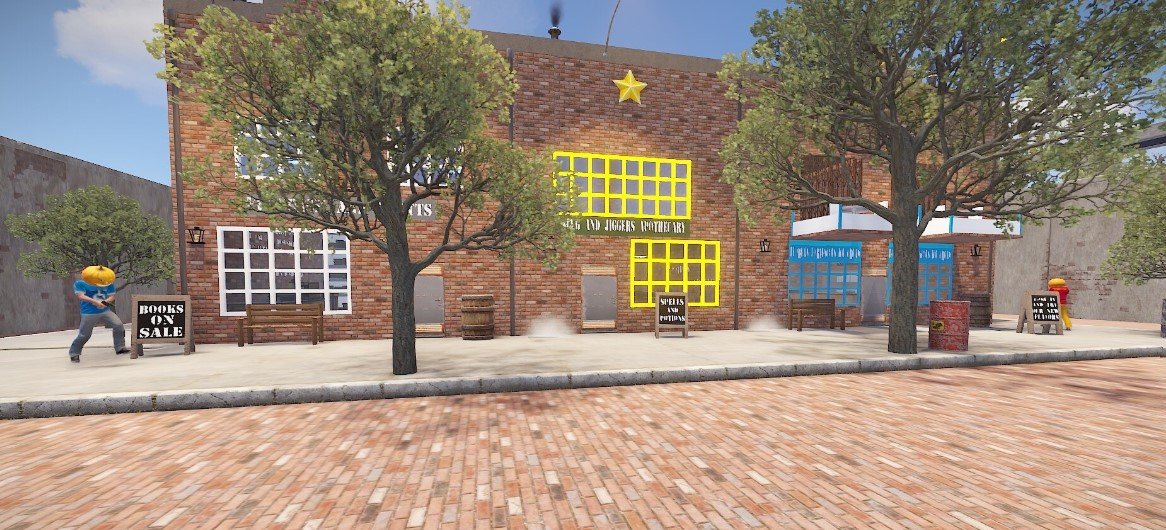
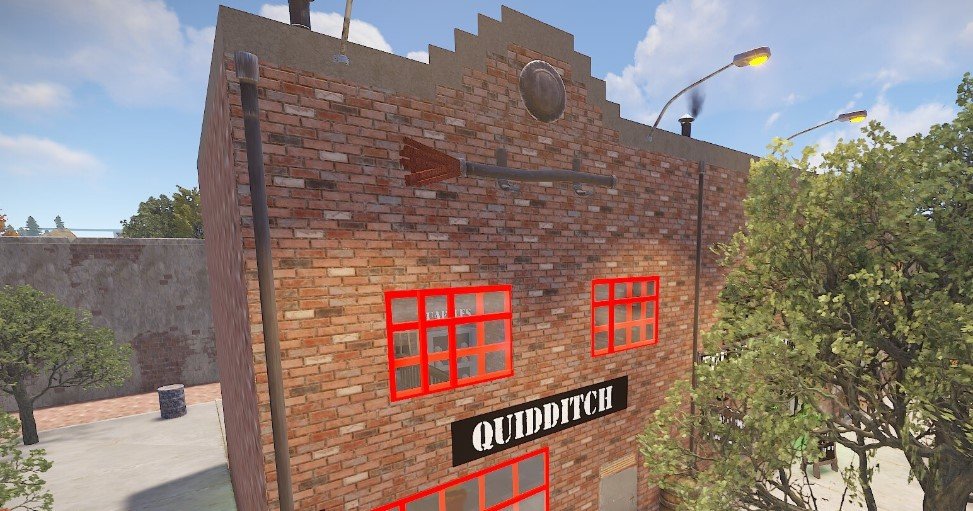
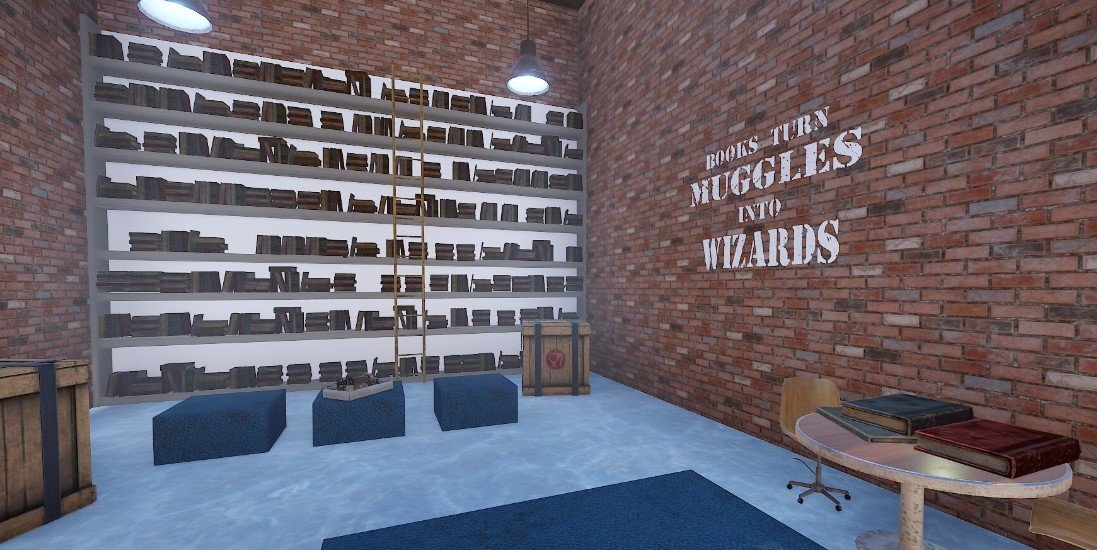
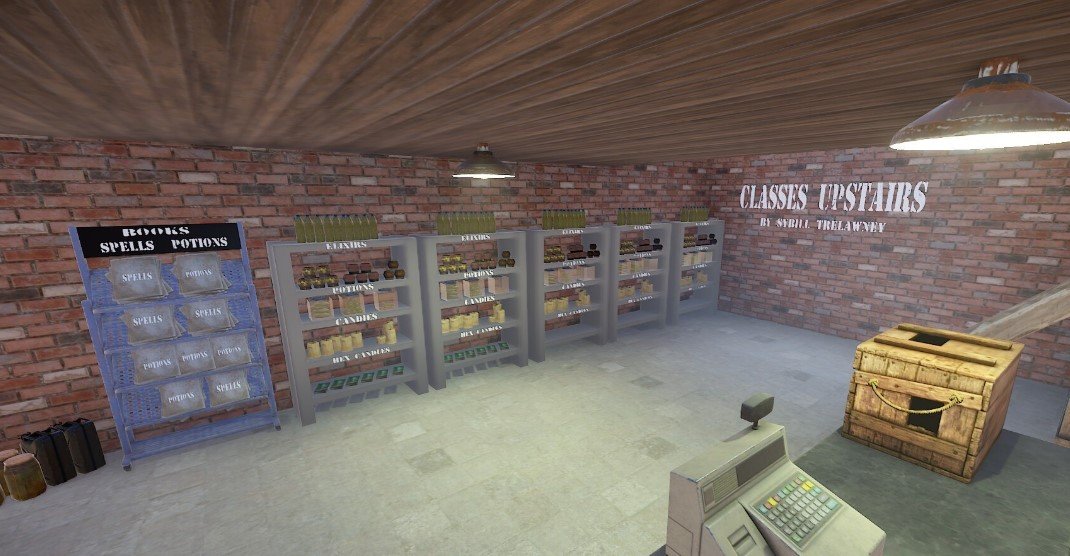
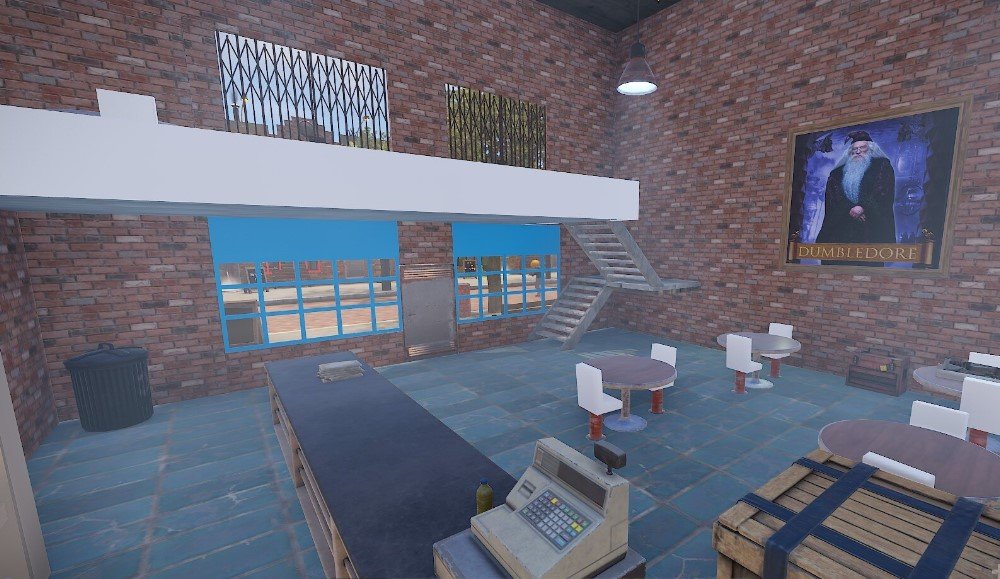
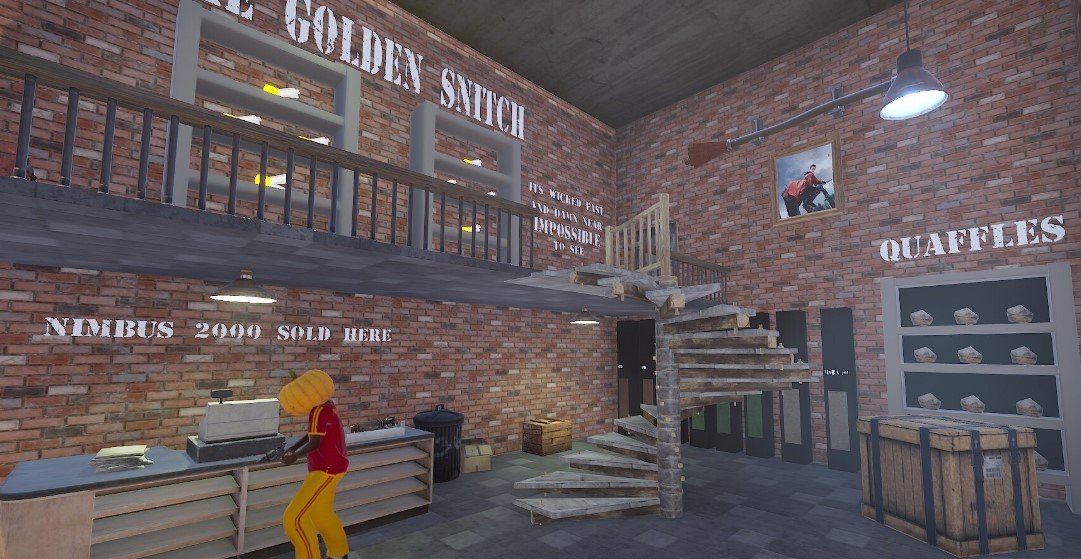
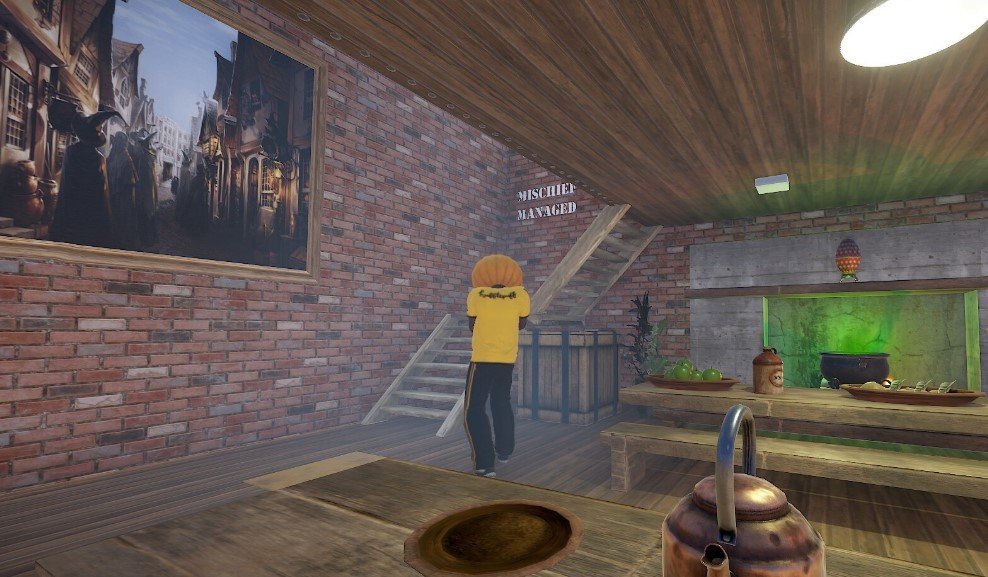

Here is the famous Diagon Alley from Harry Potter. You enter by a crack in the wall and it opens up to a whole new world. Walking the streets and looking around you just know that Hagrid is probably at The Leaky Cauldron having a meal now!
There is six stores inside along with the flying Ford Anglia coming in for a landing. If your looking for a wand or just some equipment to play Quidditch you have come to the right place. There is lots and lots of loot all around as well as NPC's and there is a recycler on the property. There is colliders on each of the pictures frames to prevent theft. You must go to the top of the frame to place /sil. This prefab has a lot to explore and is sure to please your players. Ive used Better NPC as you can see in the above pics to kit all of my NPCs accordingly and they work amazing and i highly suggest that. You do have regular NPC's inside still tho.
Stores included in prefab are: Quidditch, The Leaky Cauldron, Ollivanders, Flourish and Blotts, Slug and Jiggers Apothecary and Florean Fortescues Ice Cream.
This prefab is sure to please your players and keep them busy ,it is a fairly large prefab!
Entity count: 3885
What's New in Version V1.2
Released
Touchups
Permission is not granted for distribution/sharing, or re-sale.
You may only provide a review once you have downloaded the file.
There are no reviews to display.