Jump to content
View in the app

A better way to browse. Learn more.

WeOxide Marketplace ¬ Rust Custom Maps ¬ Prefabs ¬ Monuments and Plugins Free & Paid Assets

A full-screen app on your home screen with push notifications, badges and more.

To install this app on iOS and iPadOS
  1. Tap the Share icon in Safari
  2. Scroll the menu and tap Add to Home Screen.
  3. Tap Add in the top-right corner.
To install this app on Android
  1. Tap the 3-dot menu (⋮) in the top-right corner of the browser.
  2. Tap Add to Home screen or Install app.
  3. Confirm by tapping Install.

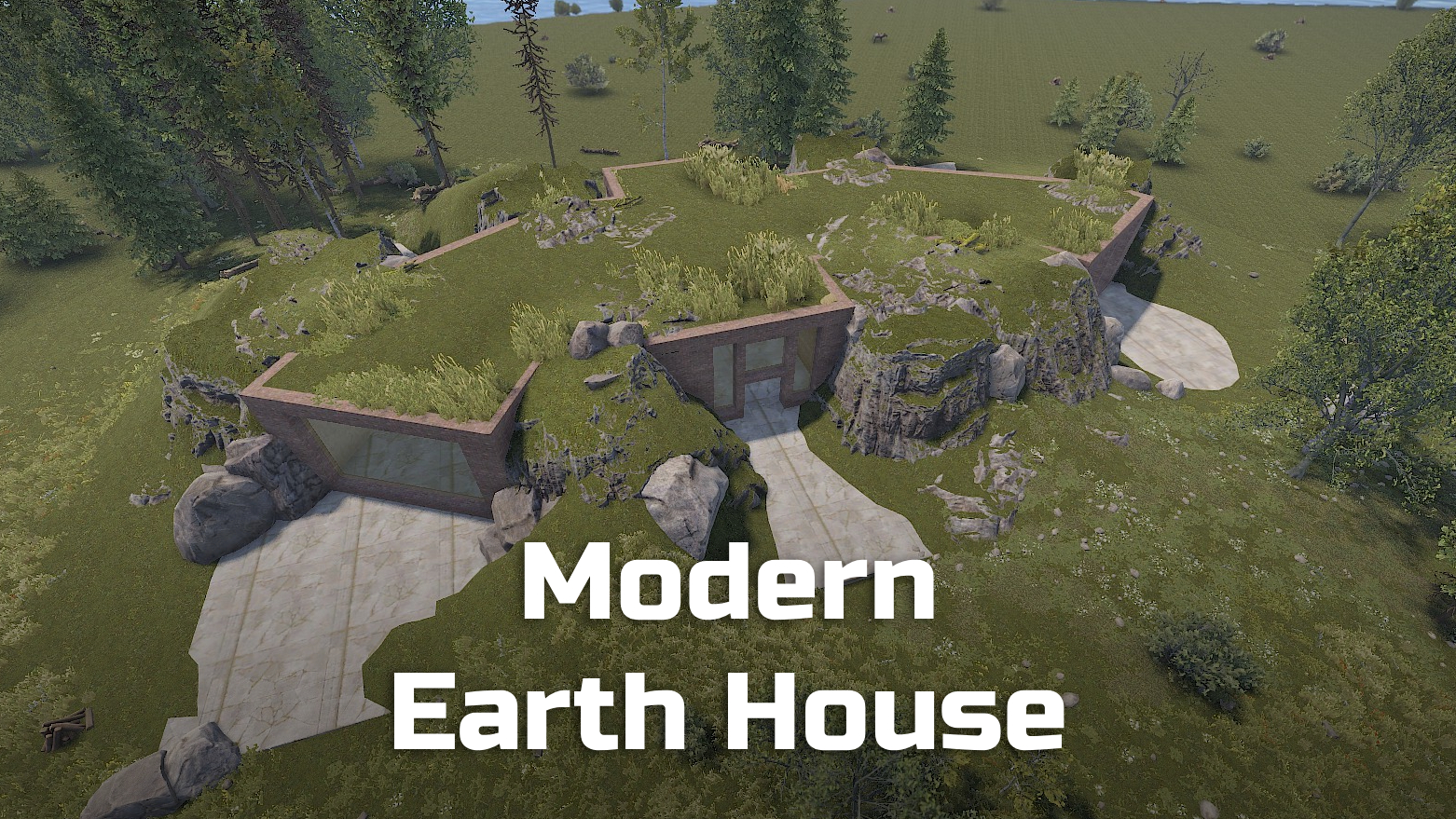
Modern Earth House | Place for building 1.0.5

$5.99

(1 review)

14 Screenshots

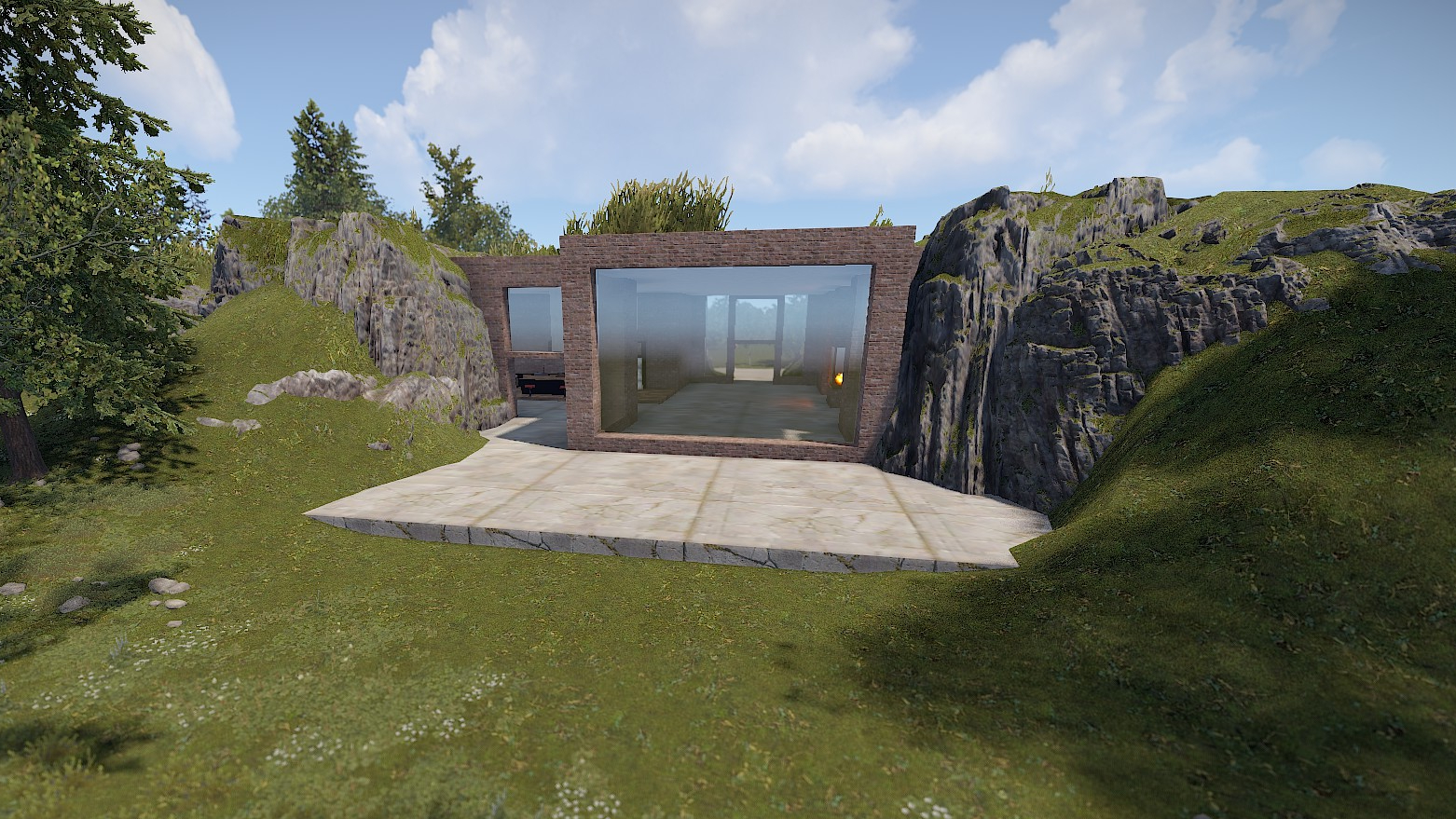
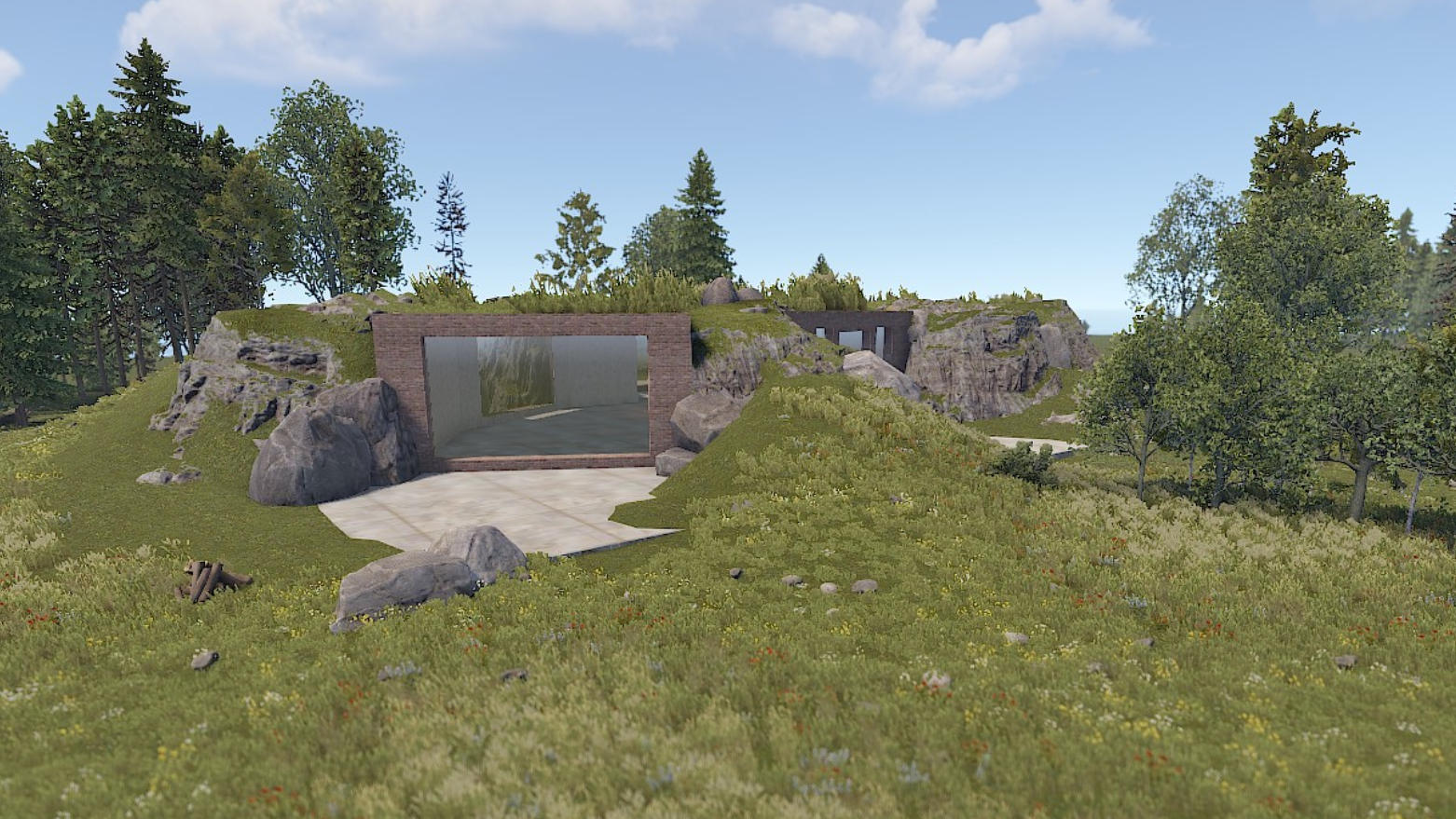
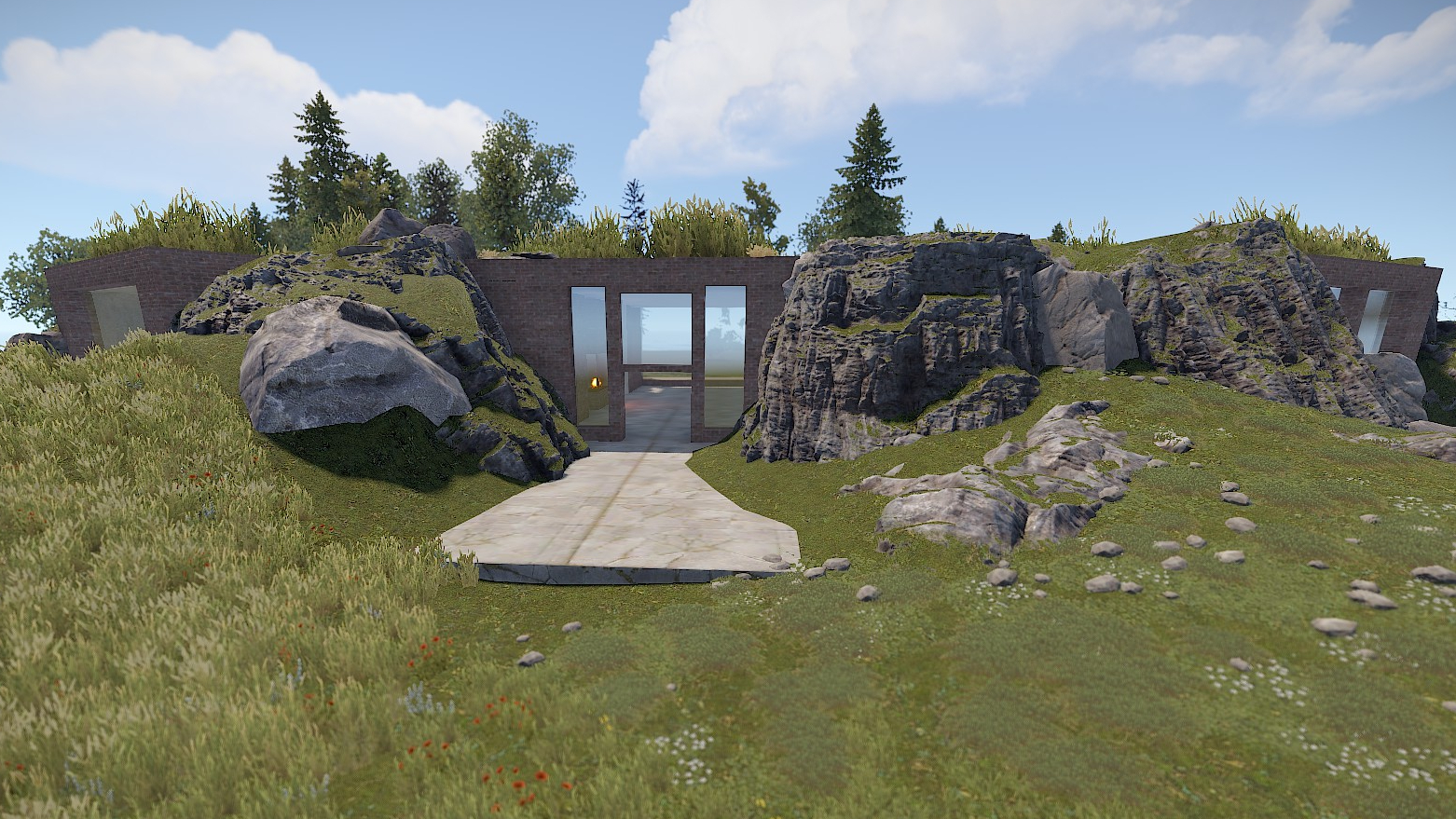
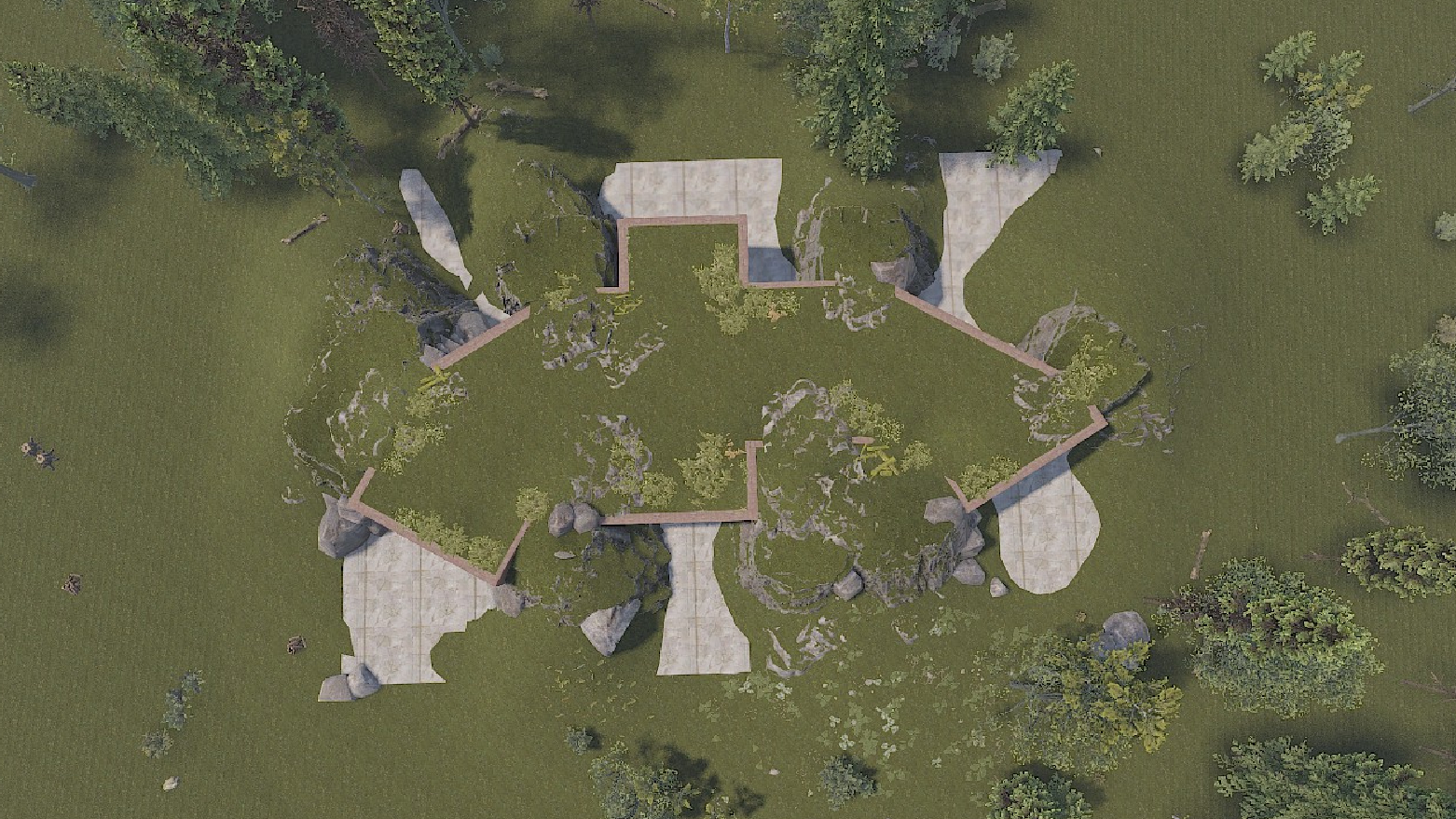
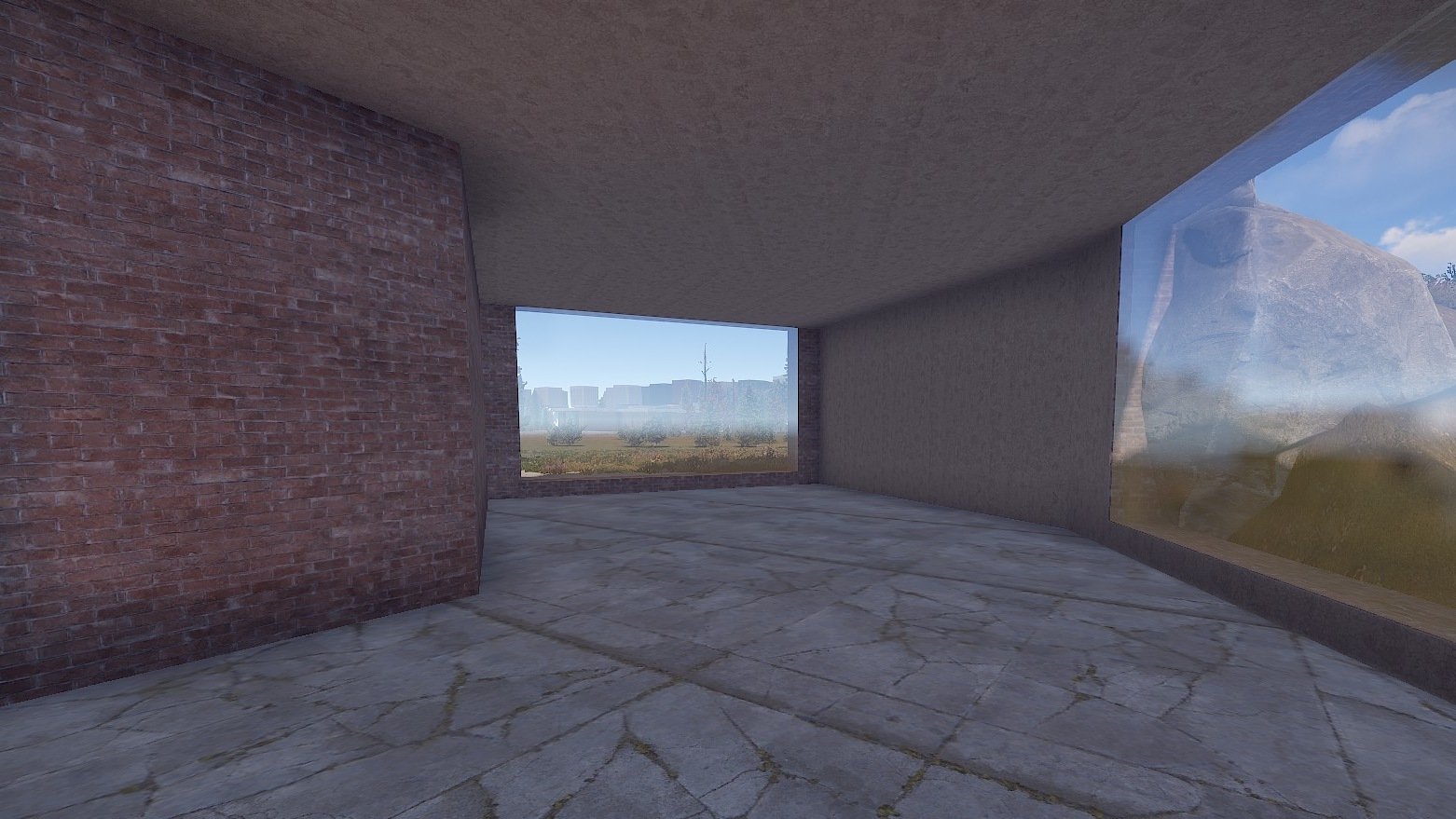
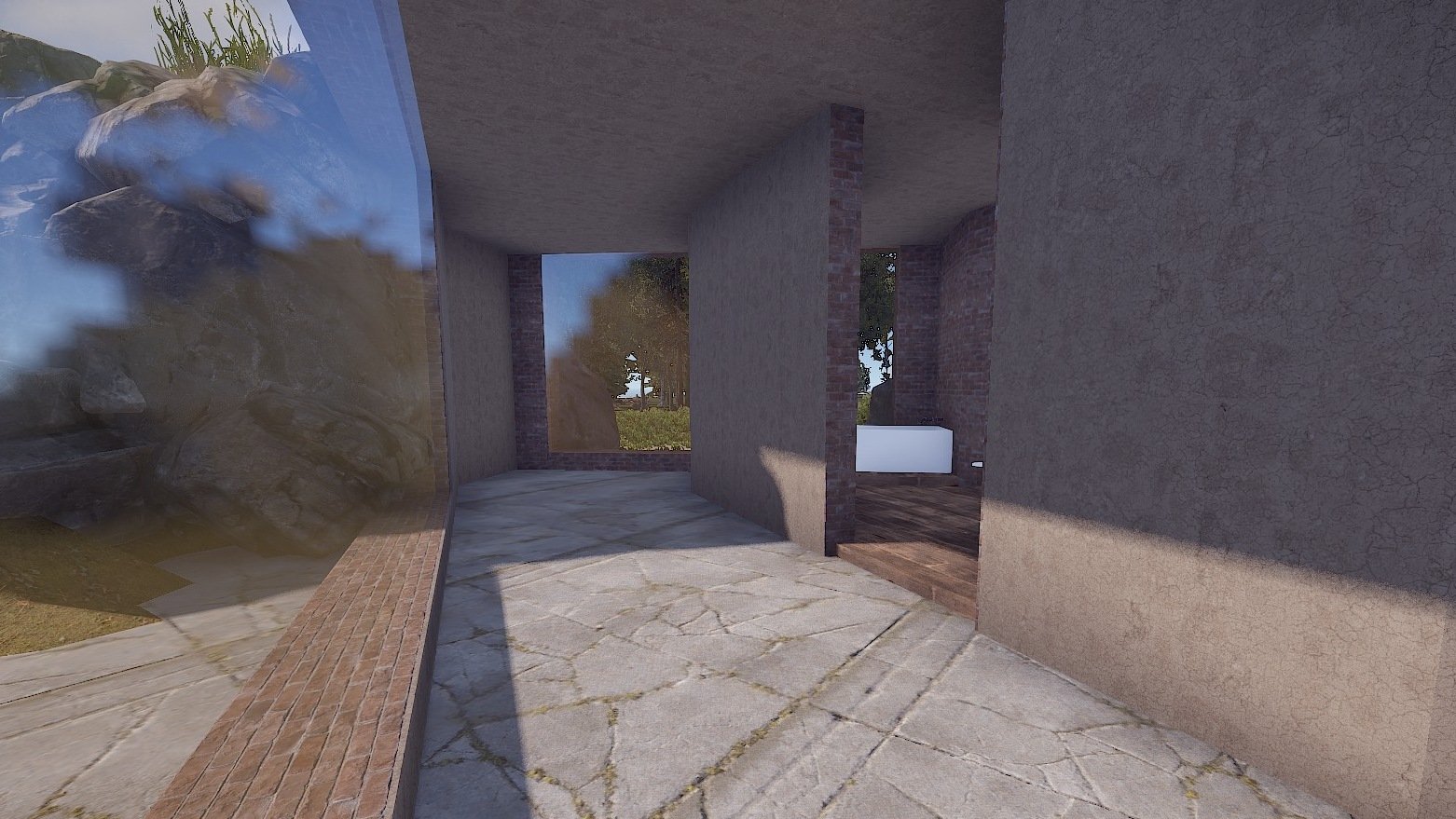
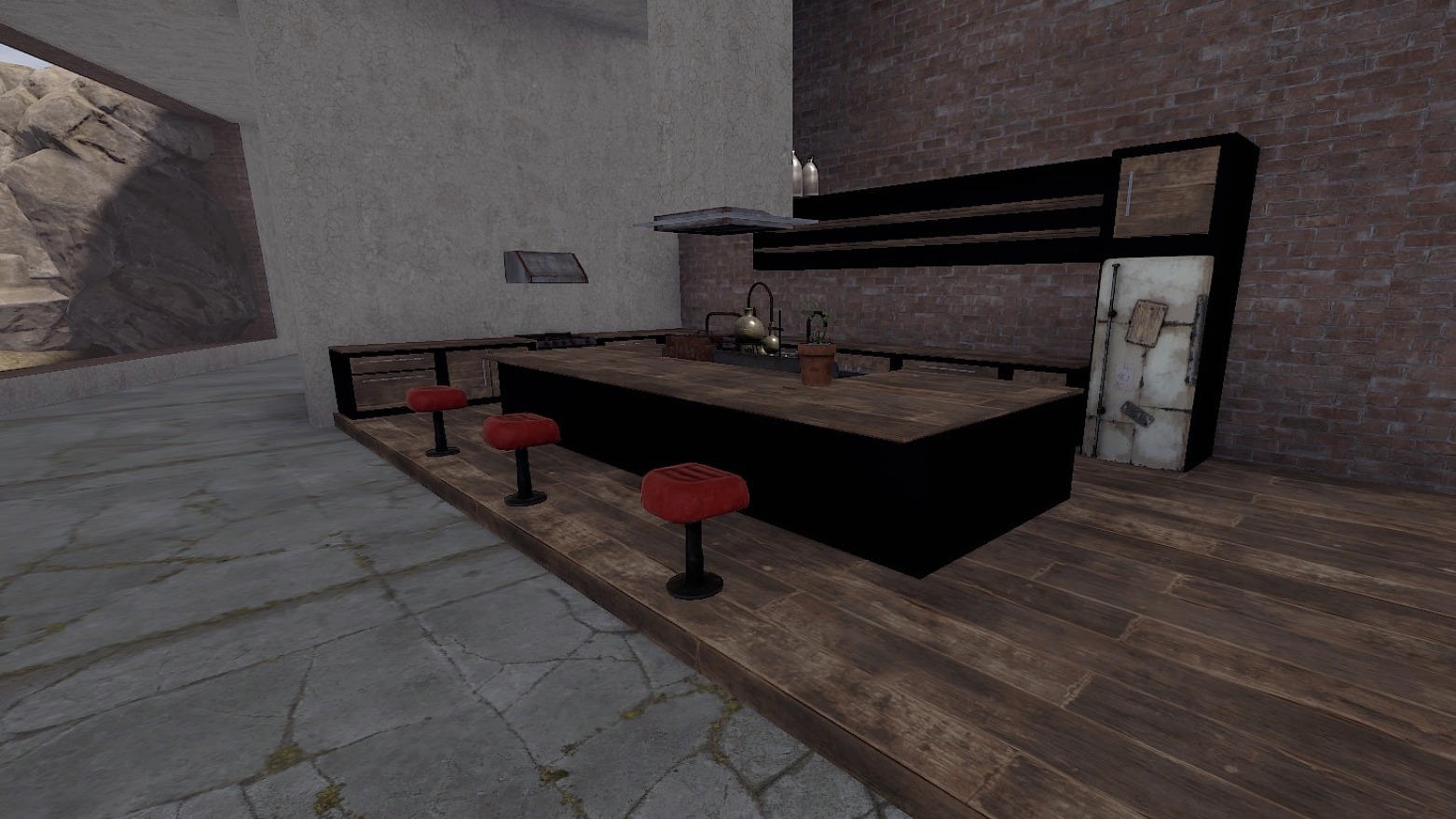
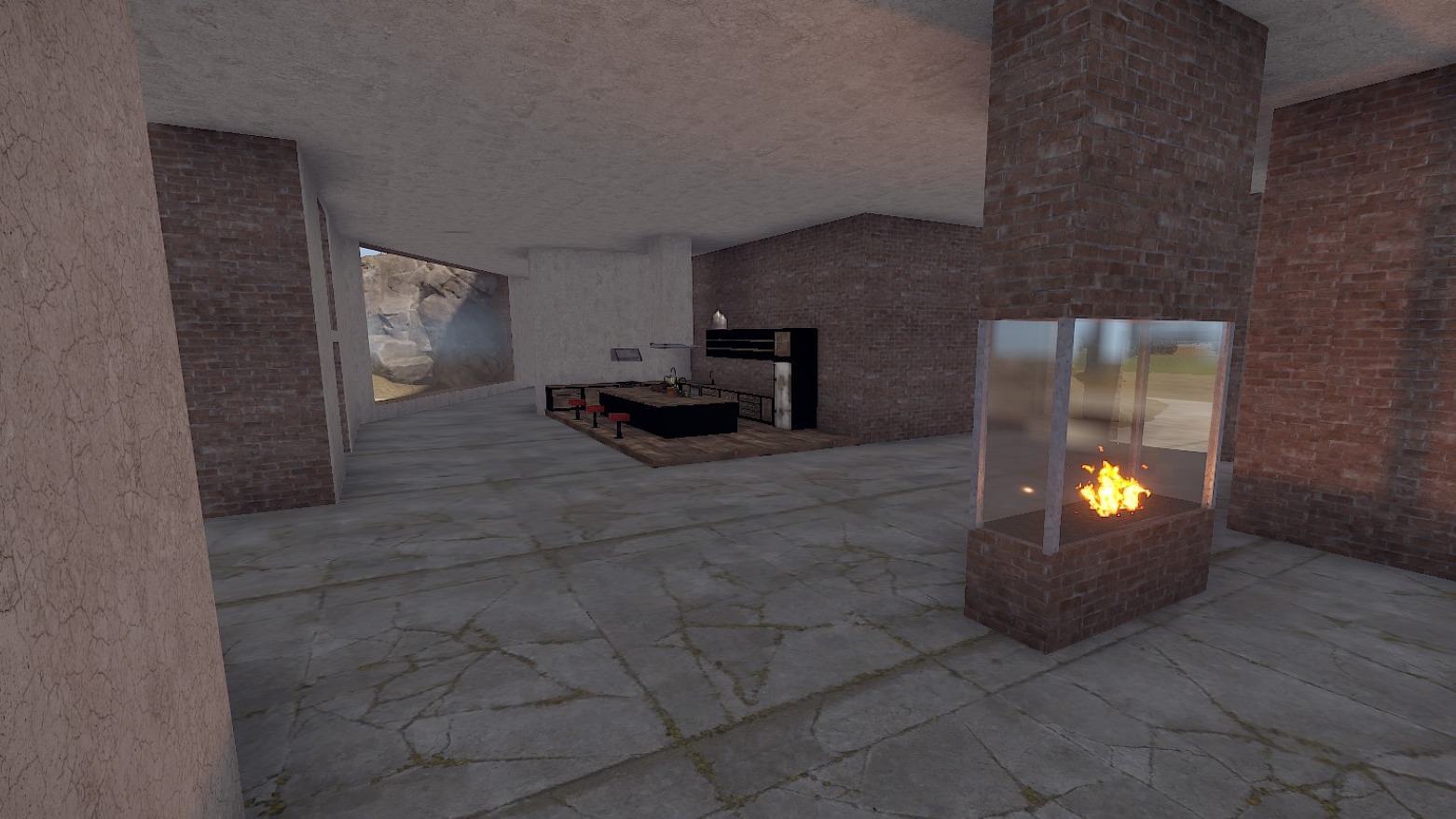
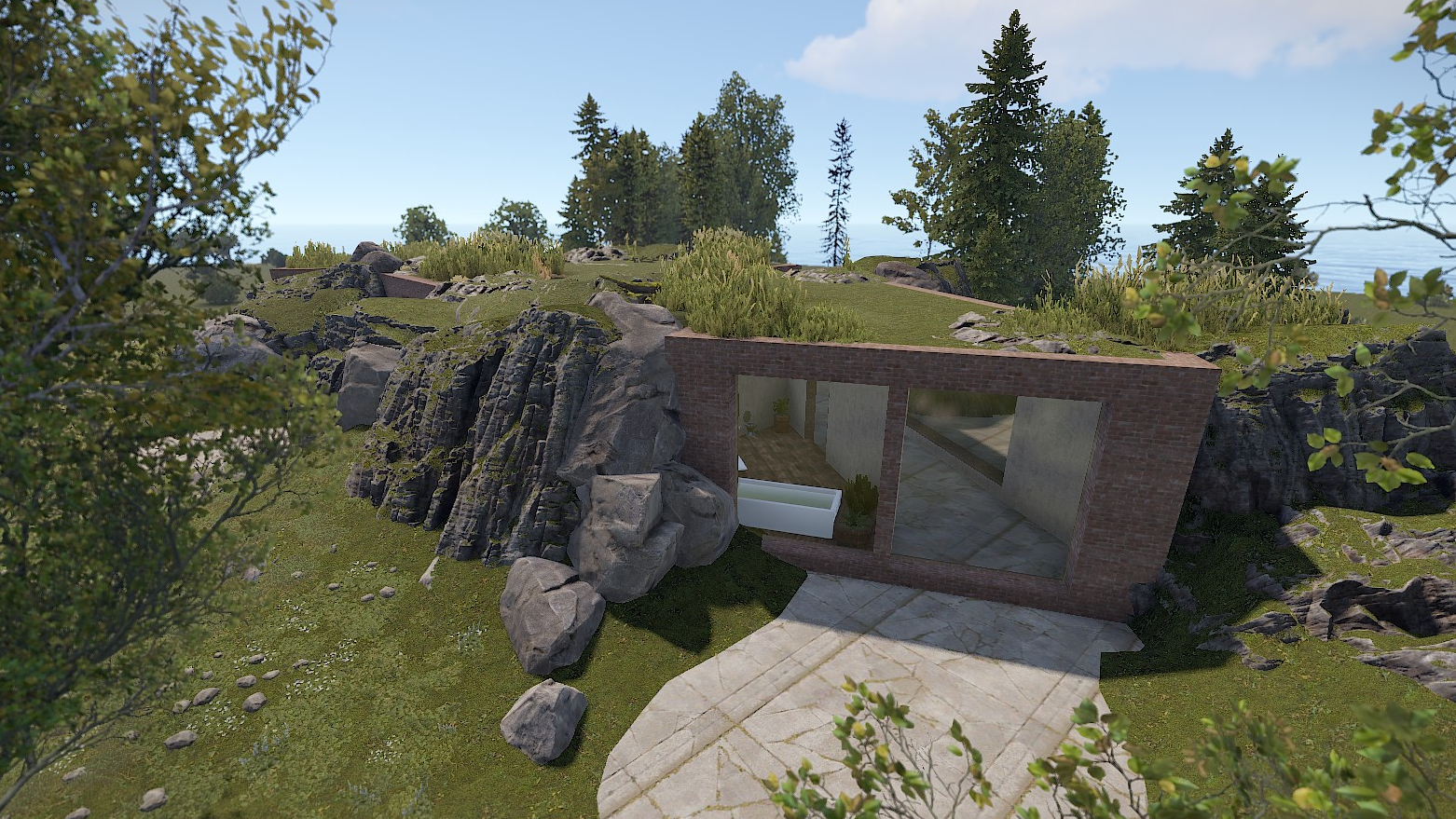
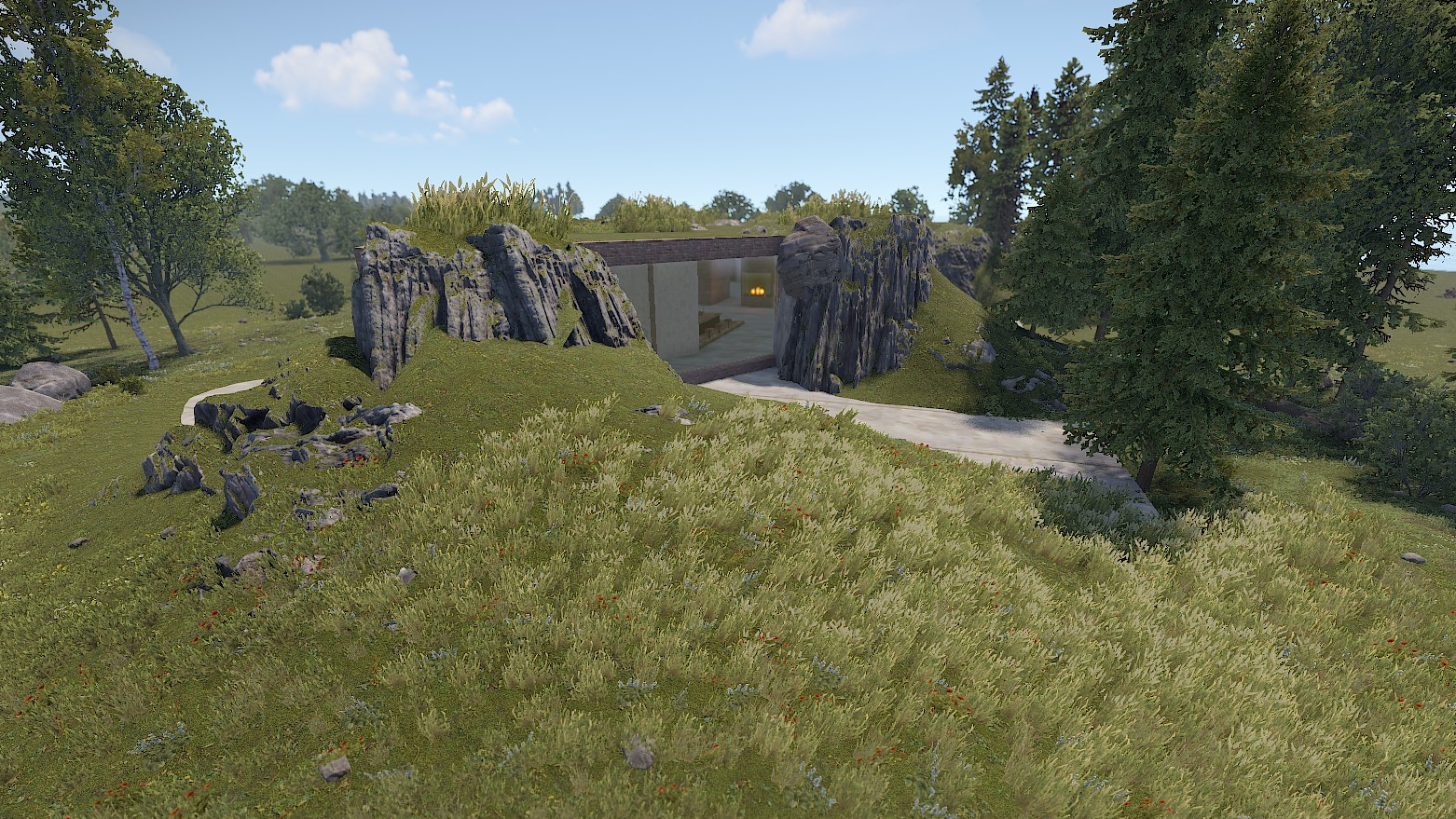
This earth house is hidden from the outside but wow from the inside!

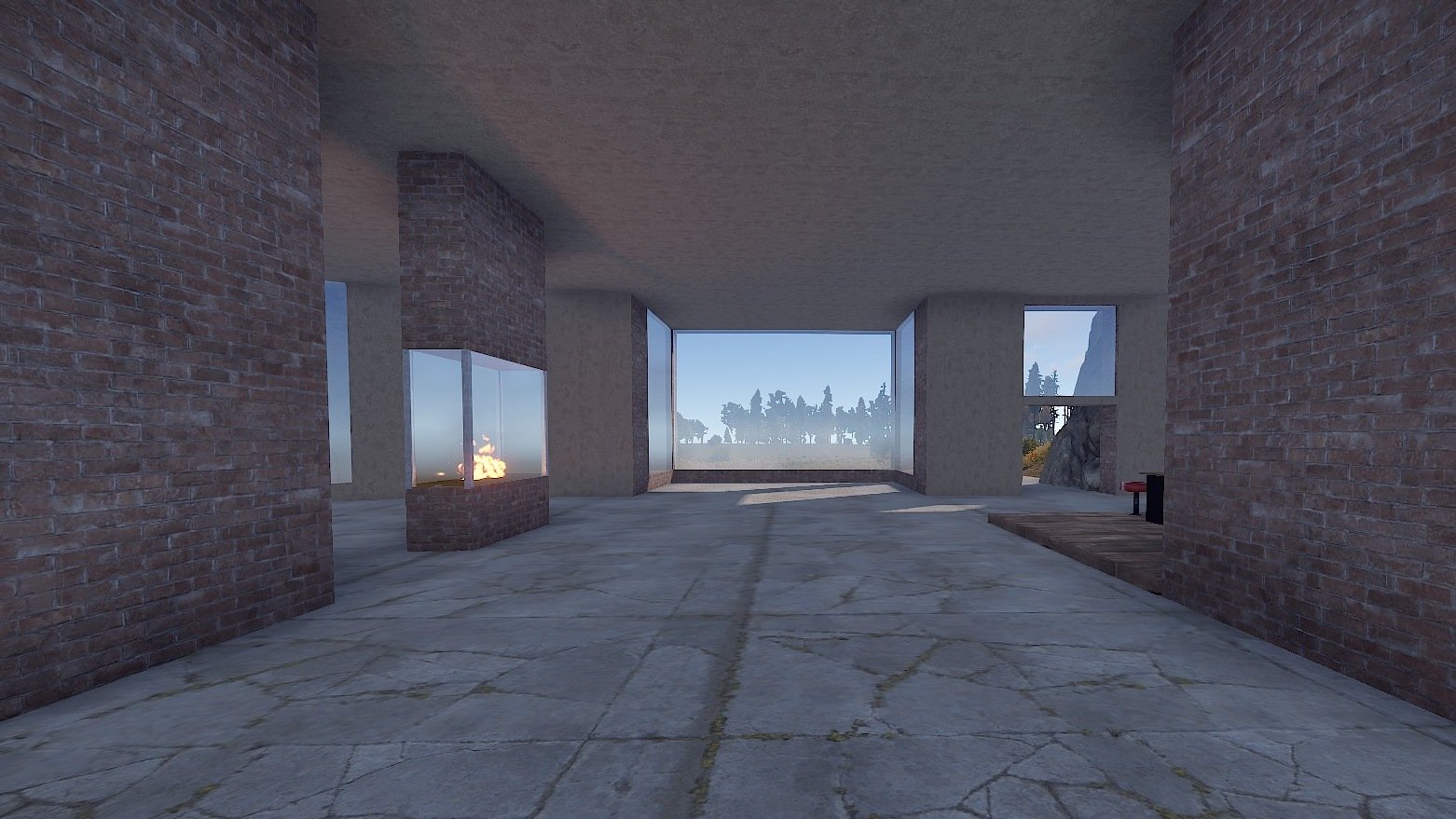
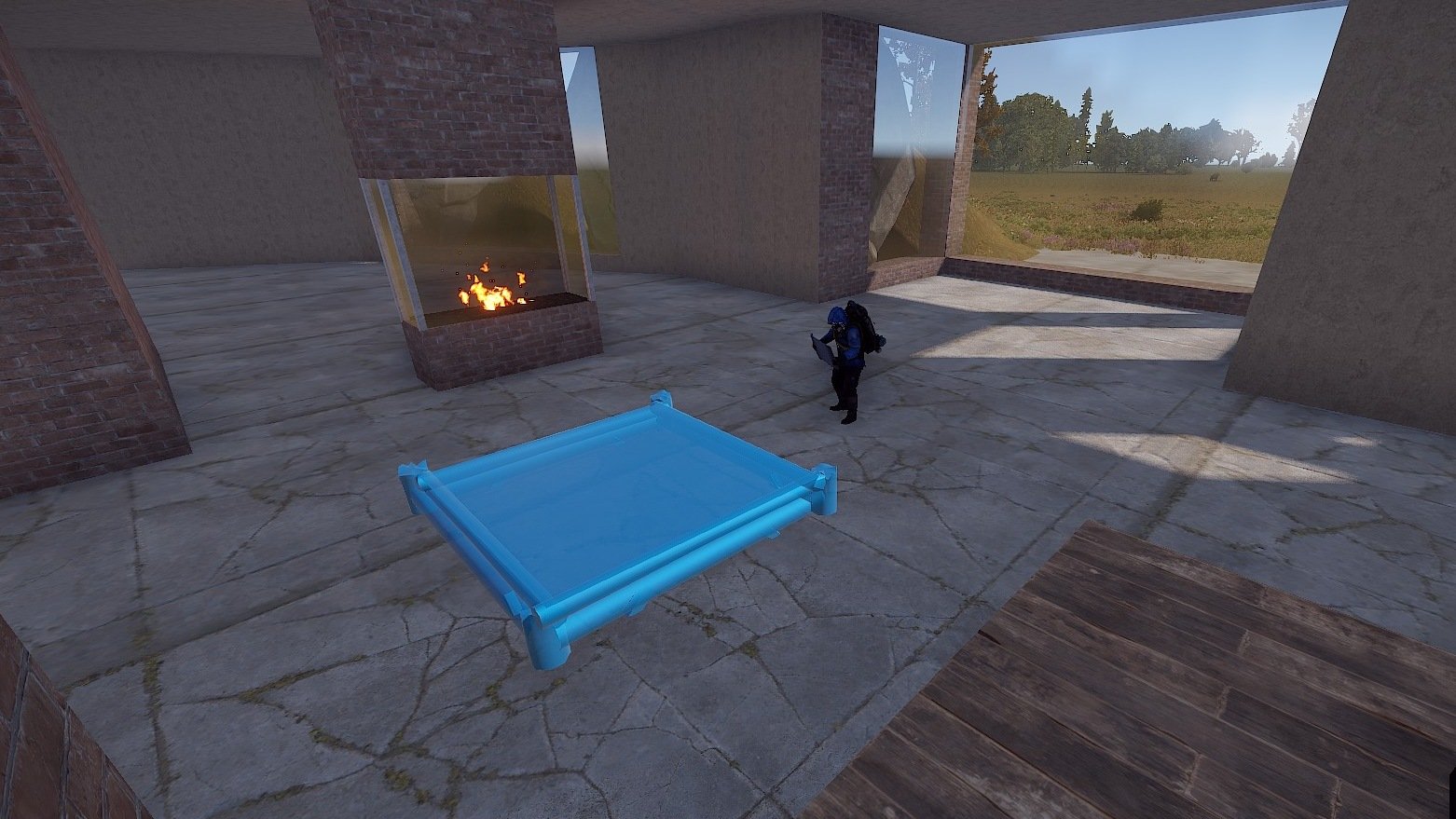
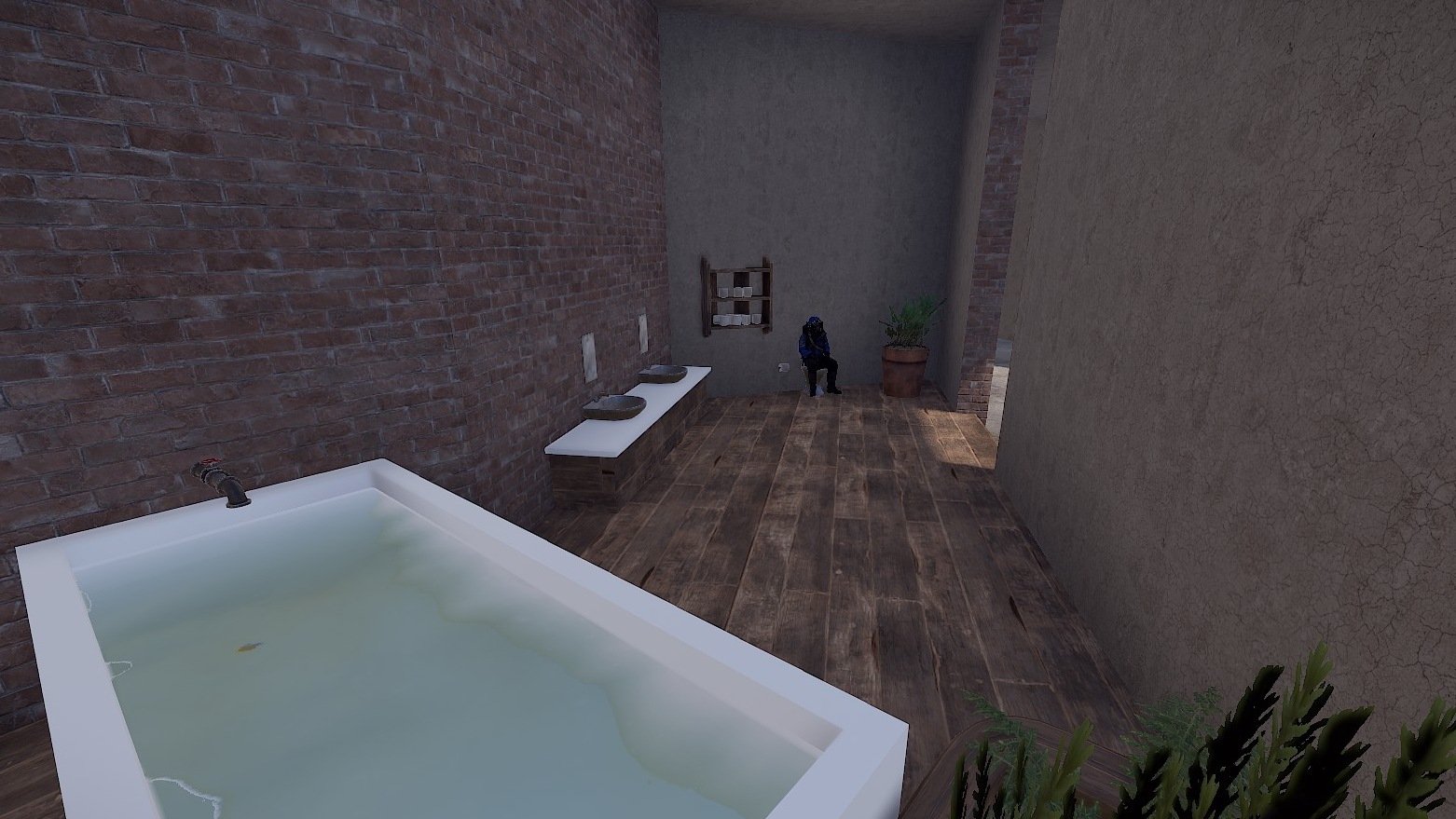
This base comes with a large kitchen, a bathroom and a modern fireplace.
The rooms are open plan so players can build and decorate as they wish.

Perfect for PVE/Roleplay servers.


Prefabs count: ~403
Modifiers: Height, Topology


Installation: 
1. Download file
2. Unzip the file and copy the folder to RustEdit\CustomPrefabs
3. Open RustEdit and place the prefab
4. Apply the Height/Topology  modifier


Skins
I am happy to share with you suitable skins for your skin mods (you will find the ID's in the READ ME file):

Window Loft (Garage Door)
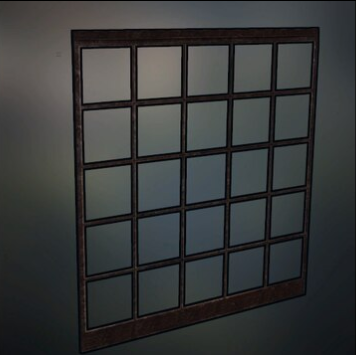
Window.PNG.42557c8f0aabb4c8d99852eda28baf00.PNG

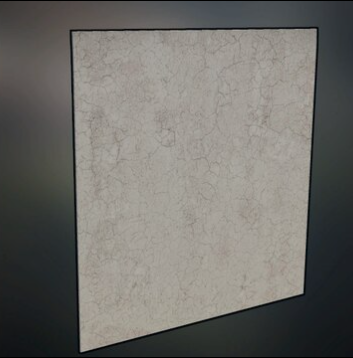
Plaster Wall (Garage Door)

Plaster.PNG.e6daa409121b82f829afa5a470a4f700.PNG


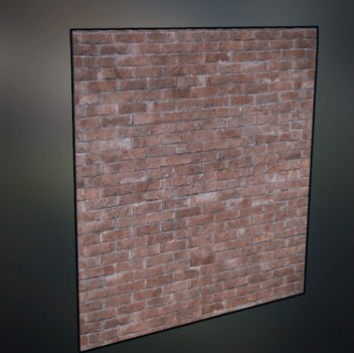
Brick Wall red dark (Garage Door)

693460605_BrickWallred.PNG.c81ec1afffe6ce59ab47d7654073994e.PNG


If you have any questions or problems, feel free to contact me on Discord:  ilineus - J.A.R.V.I.S.#5700

Edited by ilineus

What's New in Version 1.0.3

Released

Fixed fireplace (hobo barrel was scaled back to normal size)

User Feedback

You may only provide a review once you have downloaded the file.

   1 of 1 member found this review helpful 1 / 1 member

A very well designed & detailed modern house for your players! What more could they want! Well actually a inside swimming poll according to 1 player 😄 I was pleasantly surprised to see this is what one player was doing, The inside is a lot bigger then i first imagined & has plenty of areas to build within & on top of so it seems 🙂 Result! 

Great work!

10/10

Configure browser push notifications

Chrome (Android)
  1. Tap the lock icon next to the address bar.
  2. Tap Permissions → Notifications.
  3. Adjust your preference.
Chrome (Desktop)
  1. Click the padlock icon in the address bar.
  2. Select Site settings.
  3. Find Notifications and adjust your preference.