



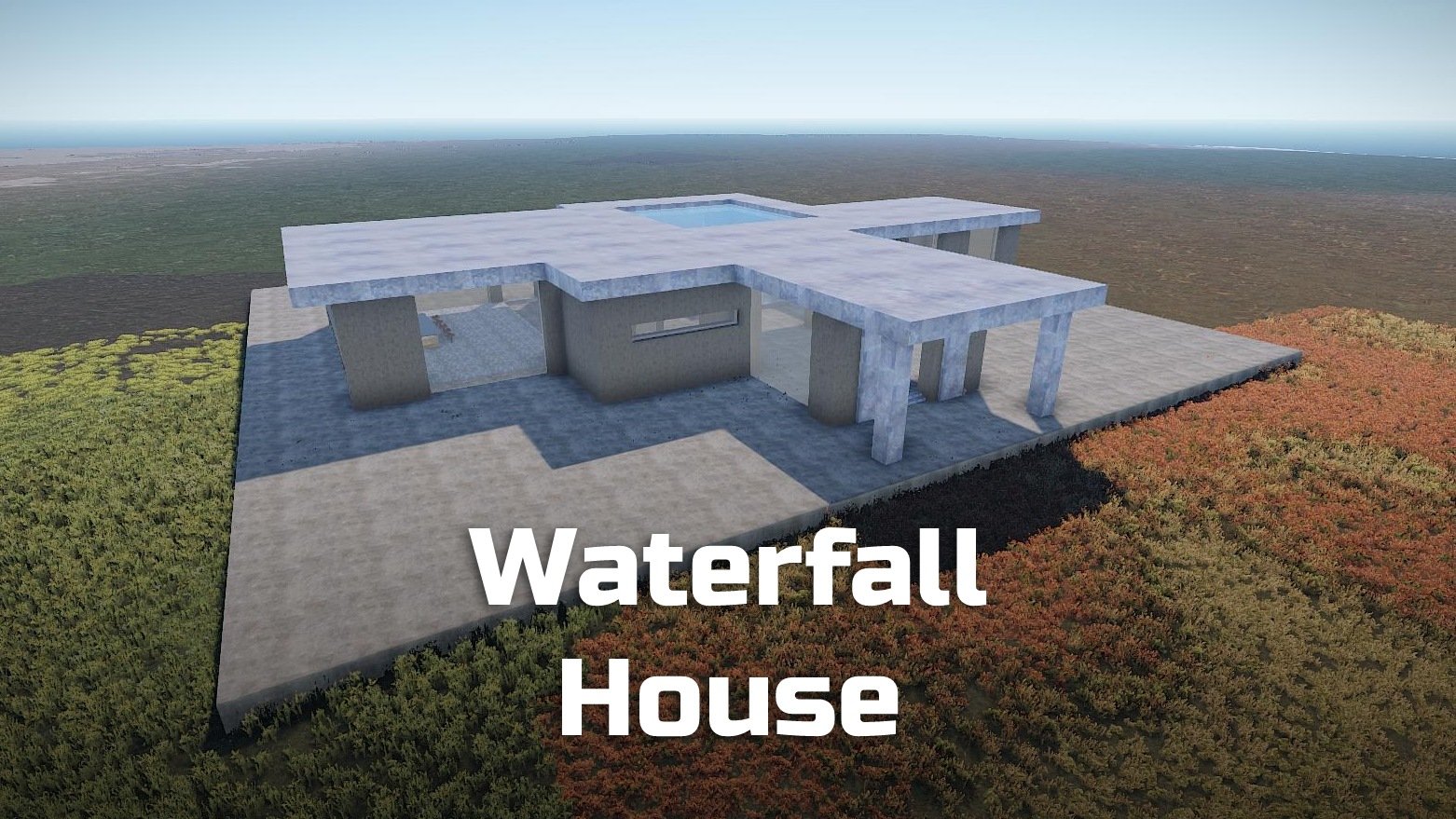
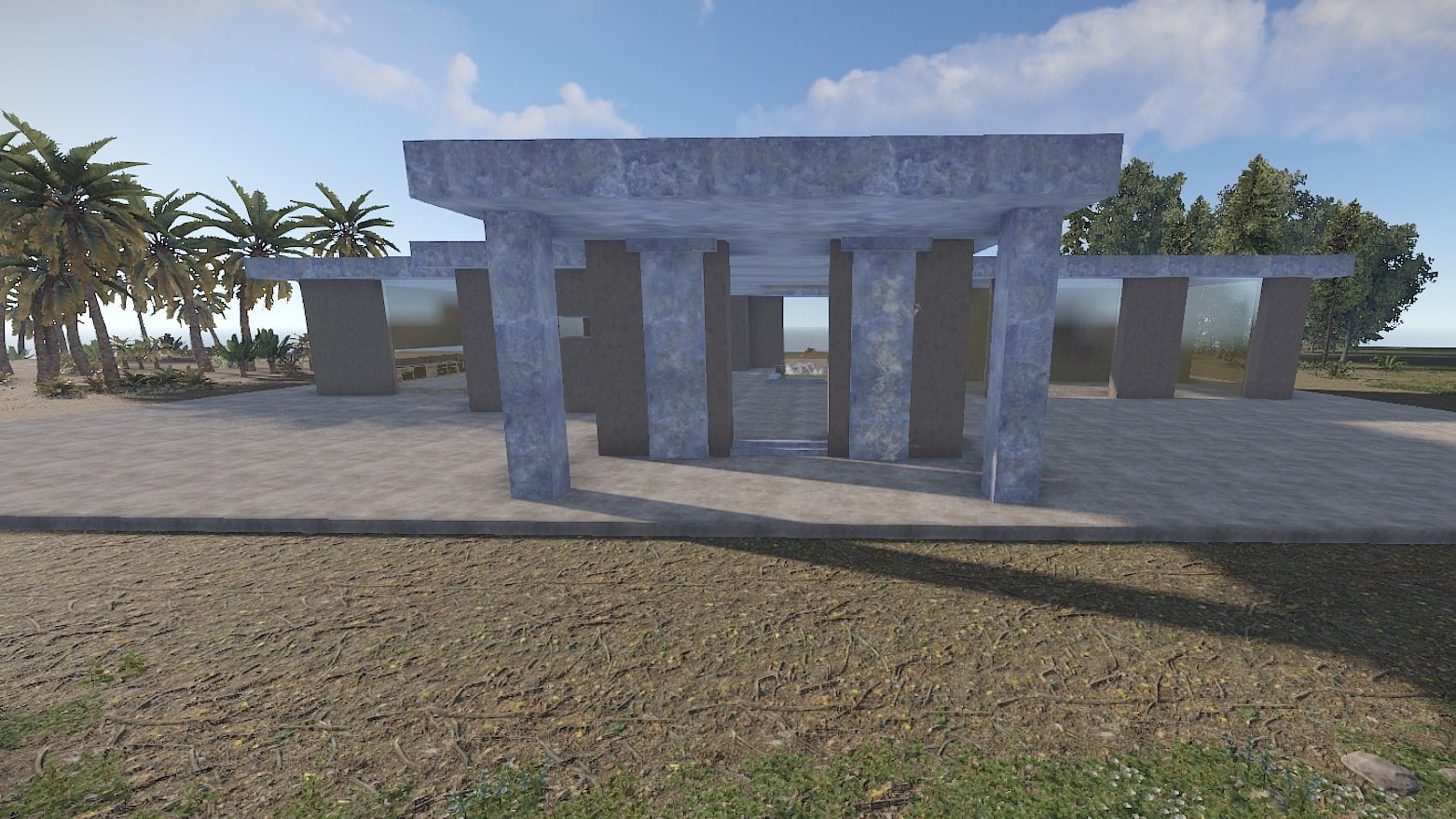
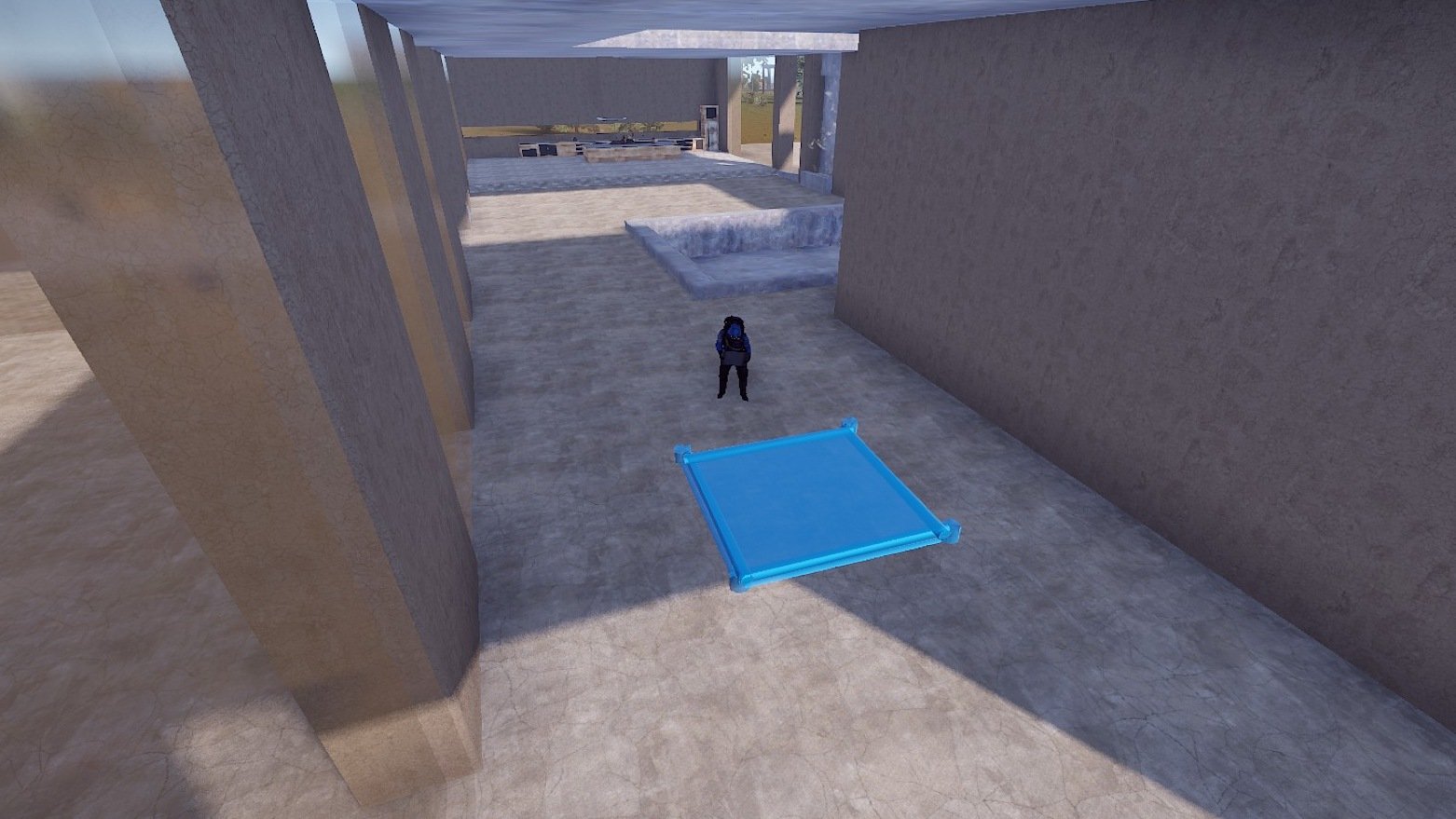
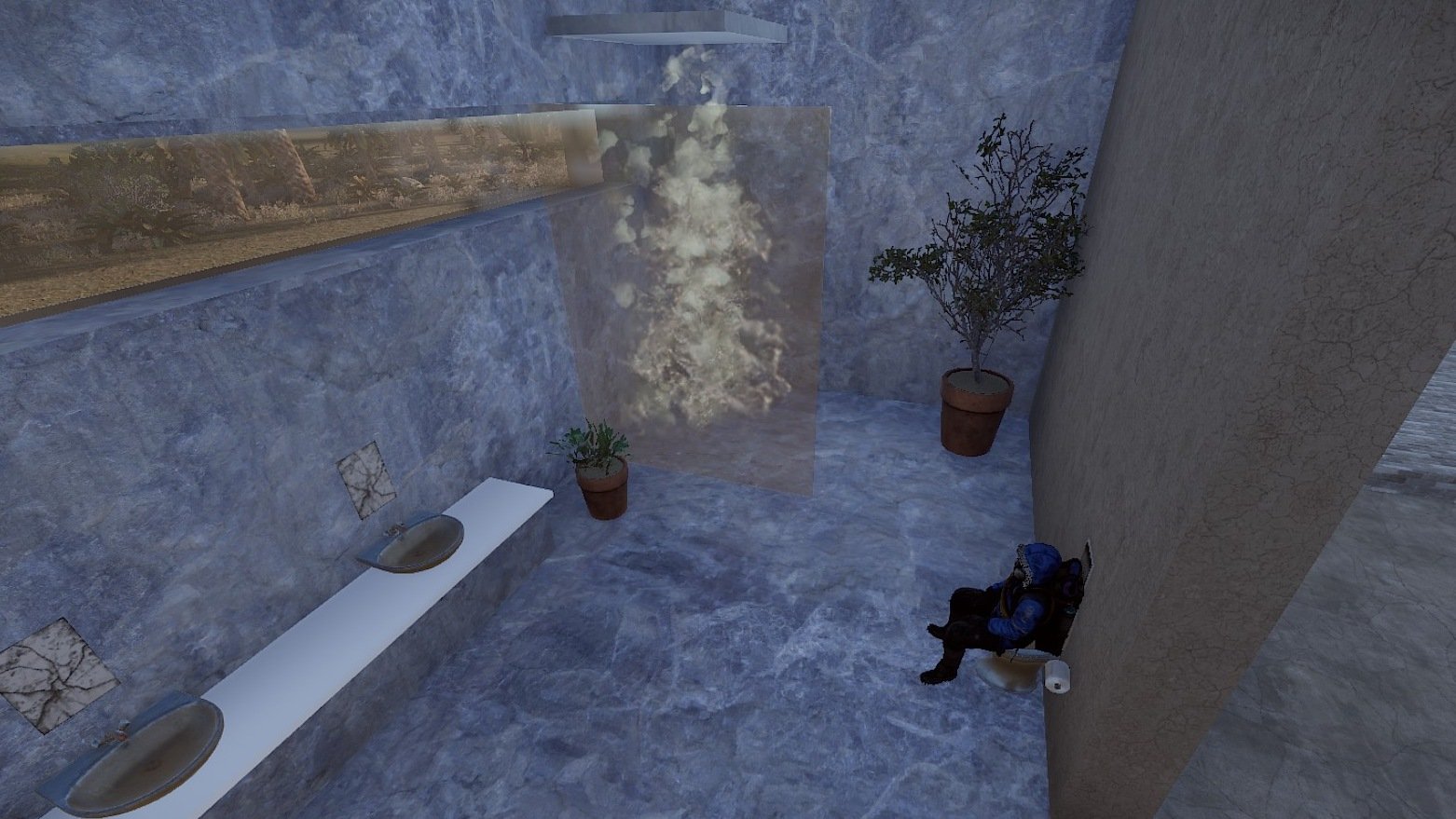
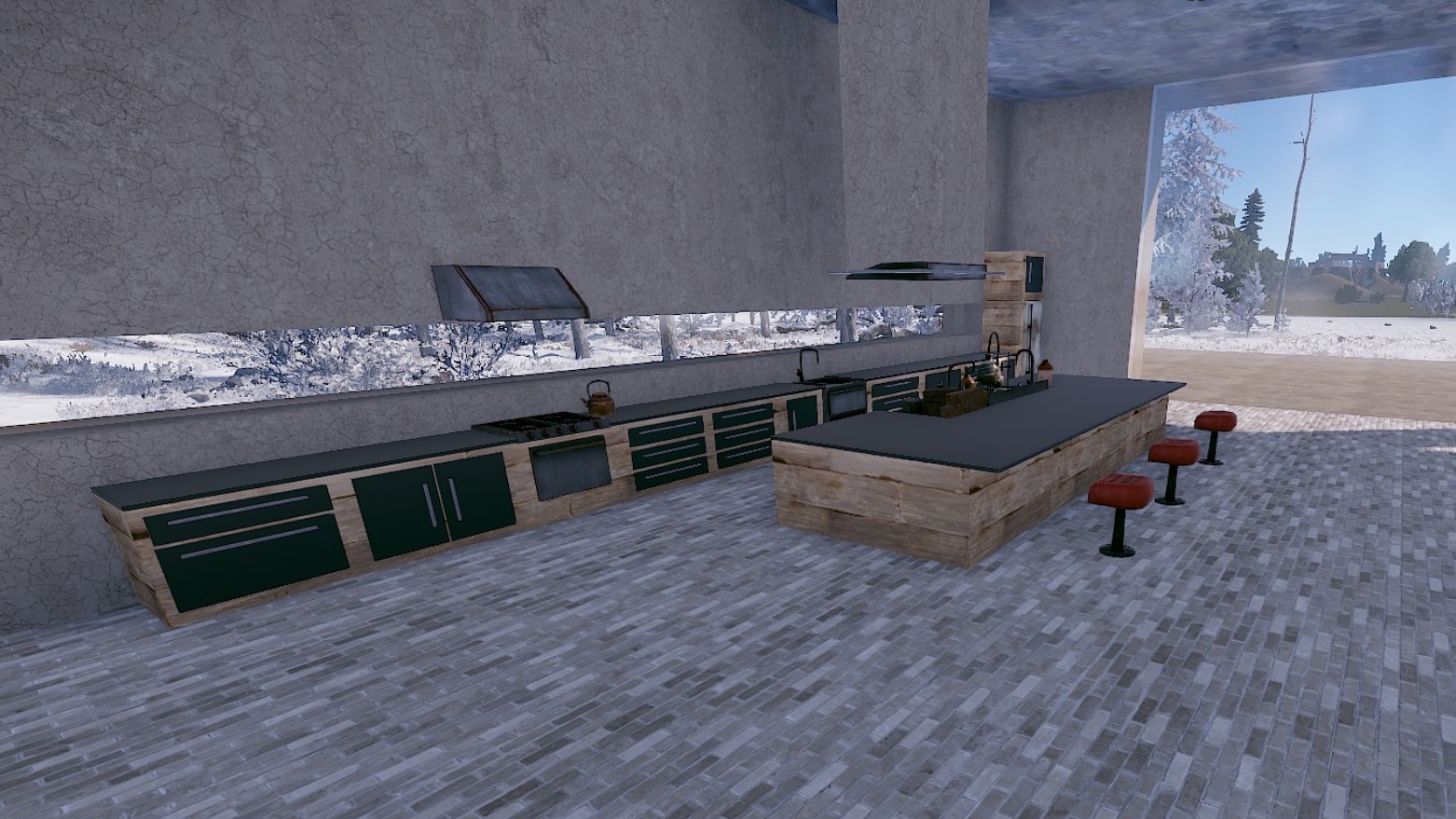
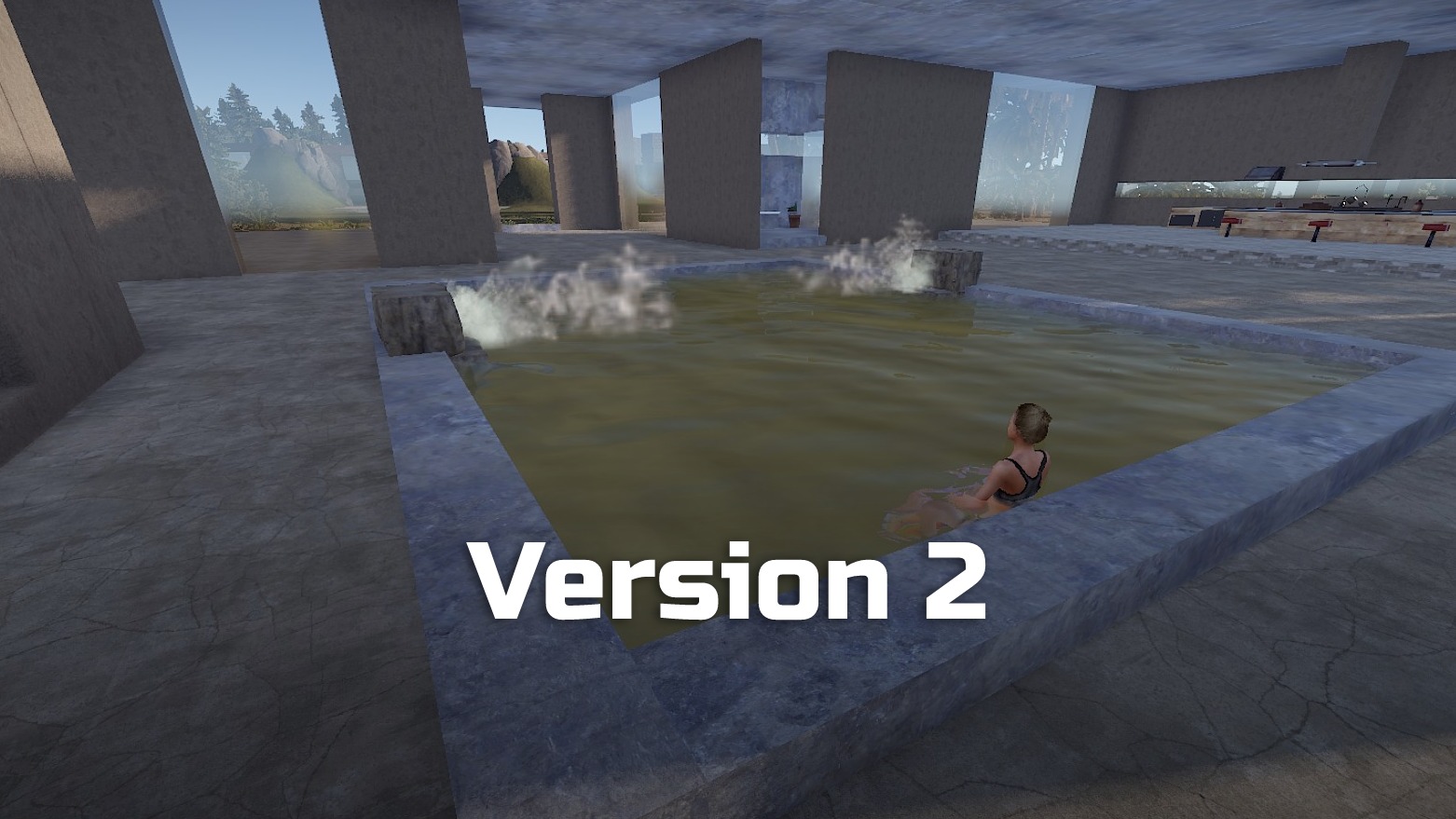
A base with many water elements.
This base is supplied in two versions:
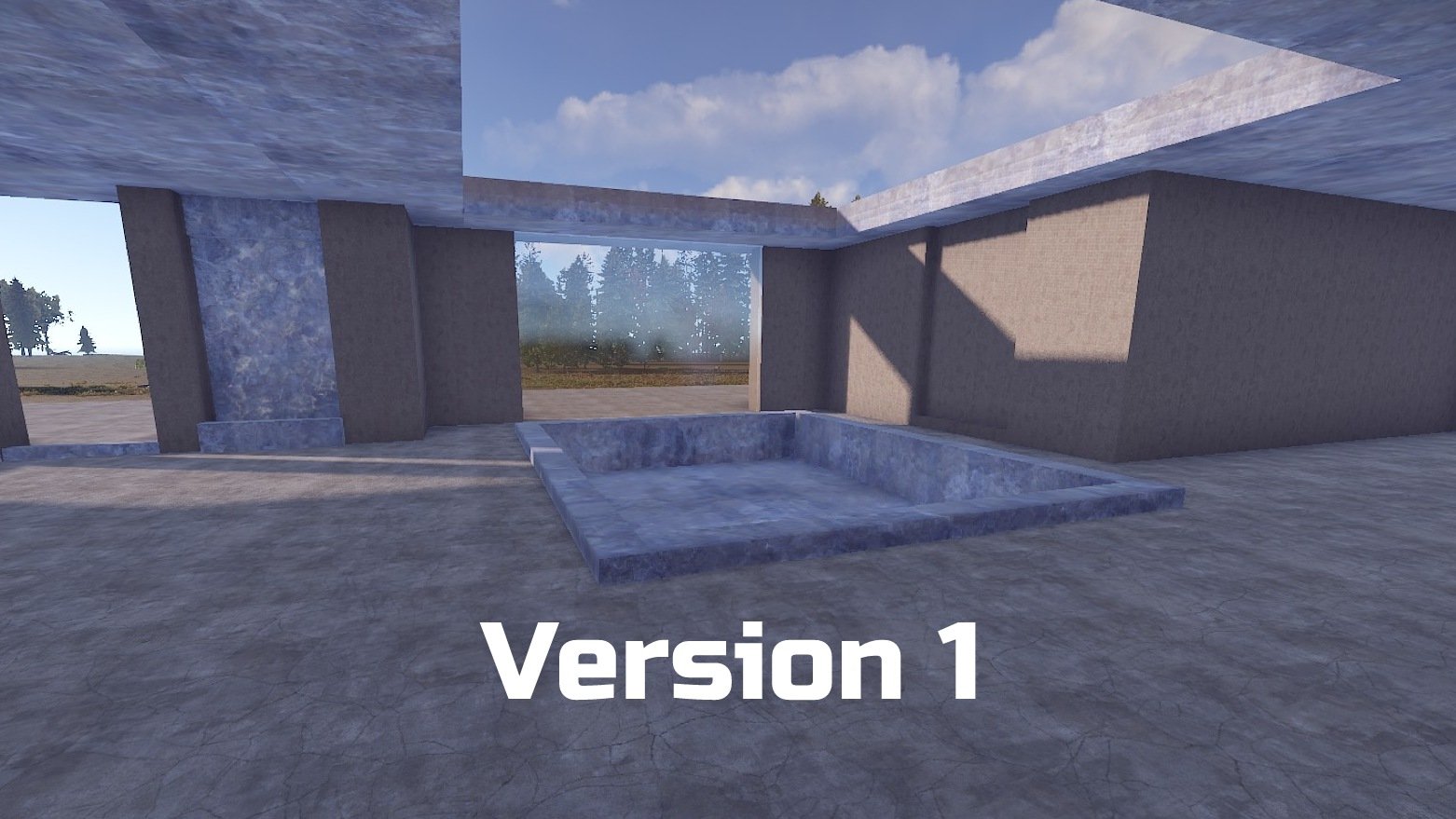
With a staggered living room level (V1) or with indoor pool (V2)
In addition, this base has a beautiful bright kitchen and a modern bathroom.
In the entrance area and in the living room you will also find indoor fountains.
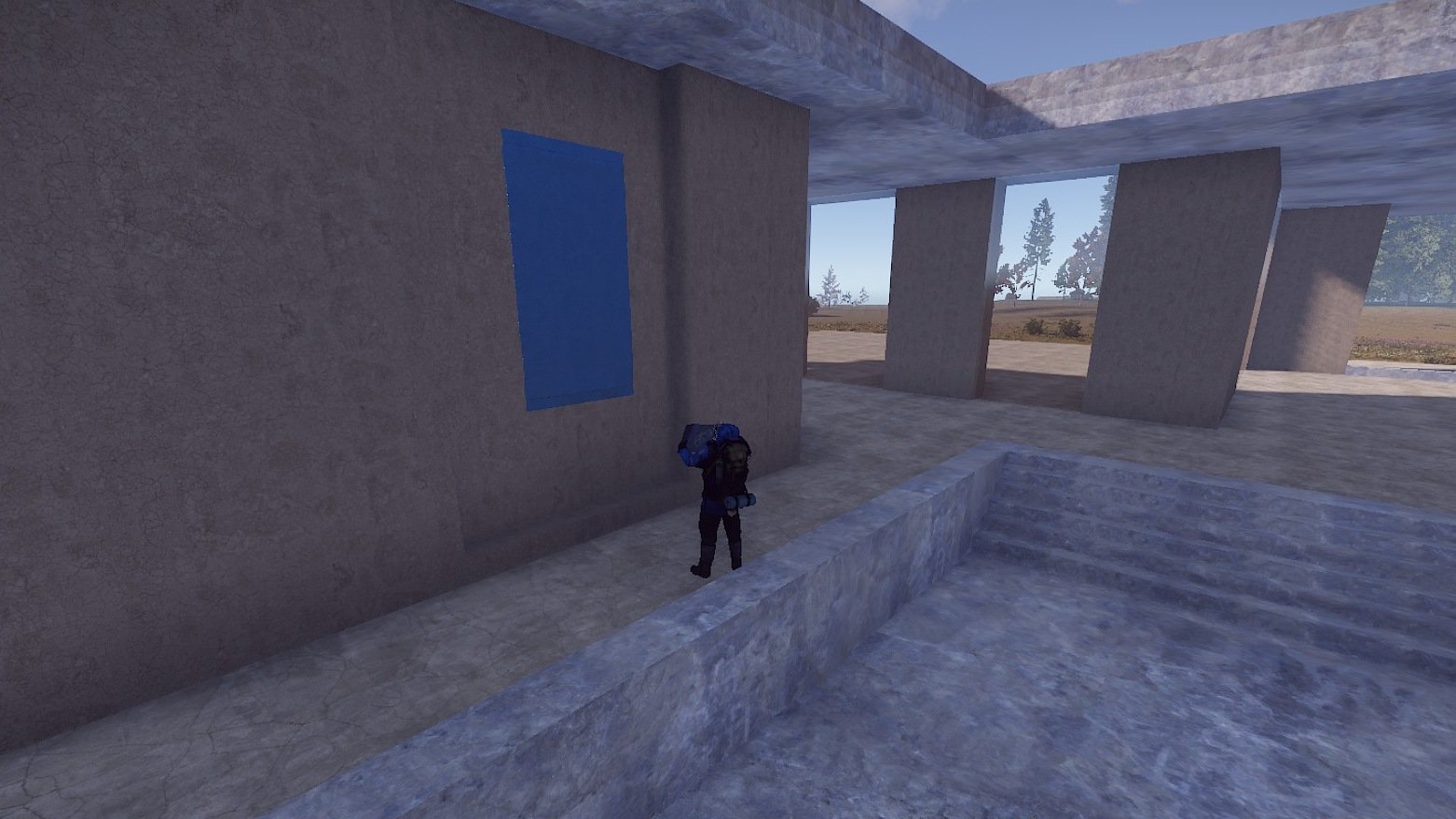
In the living room there is a back wall that can be used for a rug (can be placed on this wall) or a fireplace.
The layout of the rooms is open so that the players can build their base according to their own ideas.
Perfect for PVE/Roleplay servers.
Prefabs count: ~207 (V1) / 221 (V2)
Modifiers: Height, Topology
Installation:
1. Download file
2. Unzip the file and copy the folder to RustEdit\CustomPrefabs
3. Open RustEdit and place the prefab
4. Apply the Height/Topology modifier
If you want the pool to be freshwater you have to paint the Topology "Lake" over the pool.
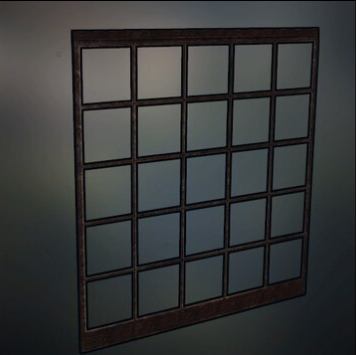
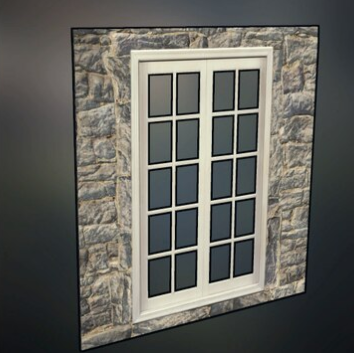
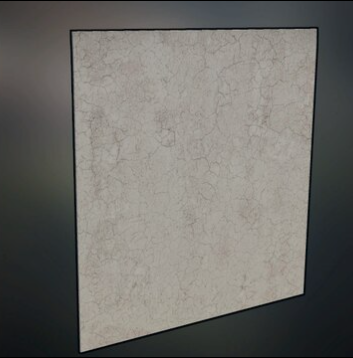
I am happy to share with you suitable skins for your skin mods (you'll find the skin IDs in the READ ME file):
Window Loft (Garage Door)
Stone Window (Garage Door)
Plaster Wall (Garage Door)
If you have any questions or problems, feel free to contact me on Discord under ilineus - J.A.R.V.I.S.#5700
Edited by ilineus
What's New in Version 1.0.2
Released
- I removed the invisible colliders because they are now built in by default
- Added toilet again
- Adjusted the spacing between the bar chairs
- Fixed a Drawer in the kitchen
You are not allowed to share, redistribute, sell or claim this prefab as your own.
You may only provide a review once you have downloaded the file.
There are no reviews to display.