



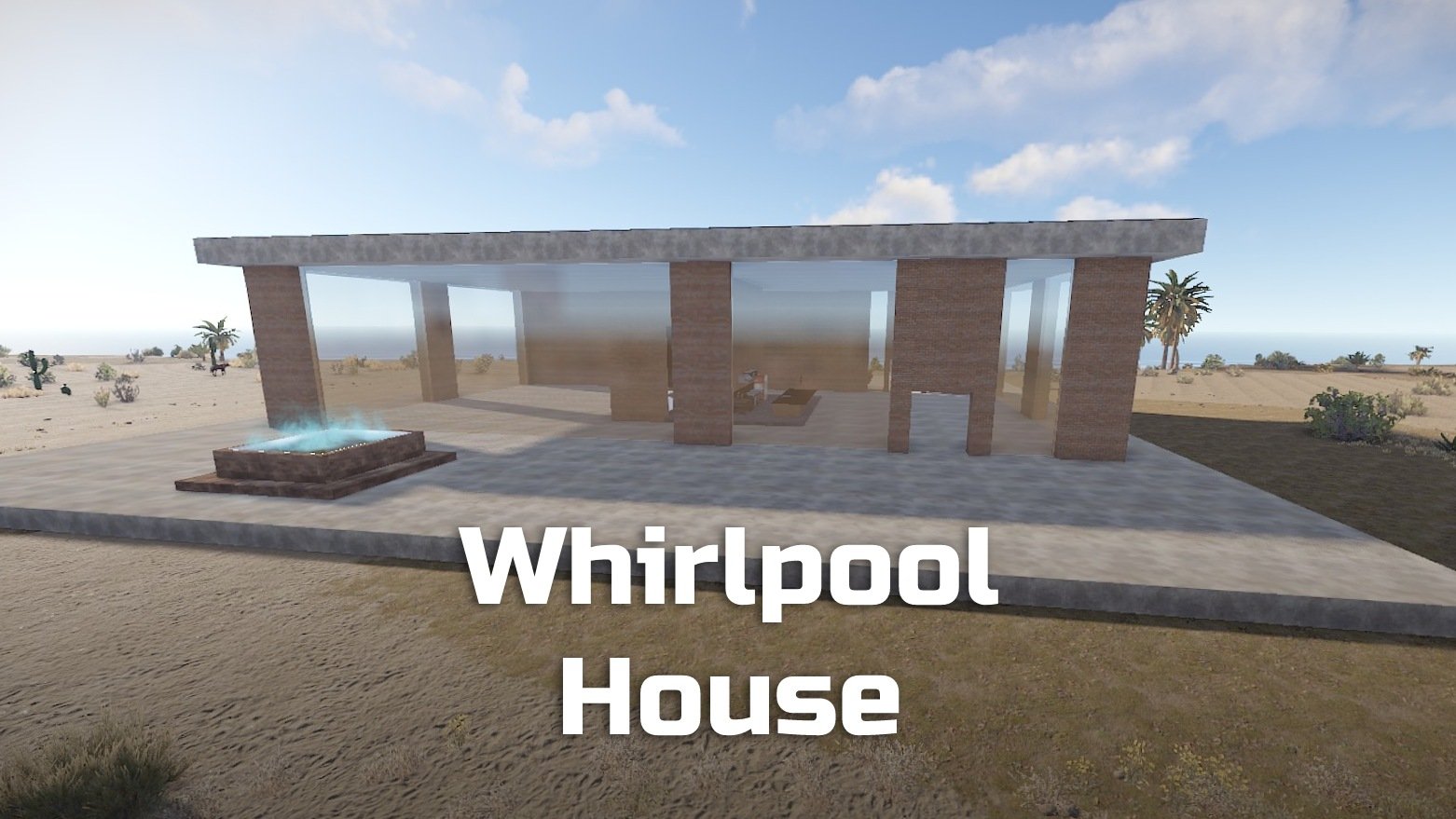
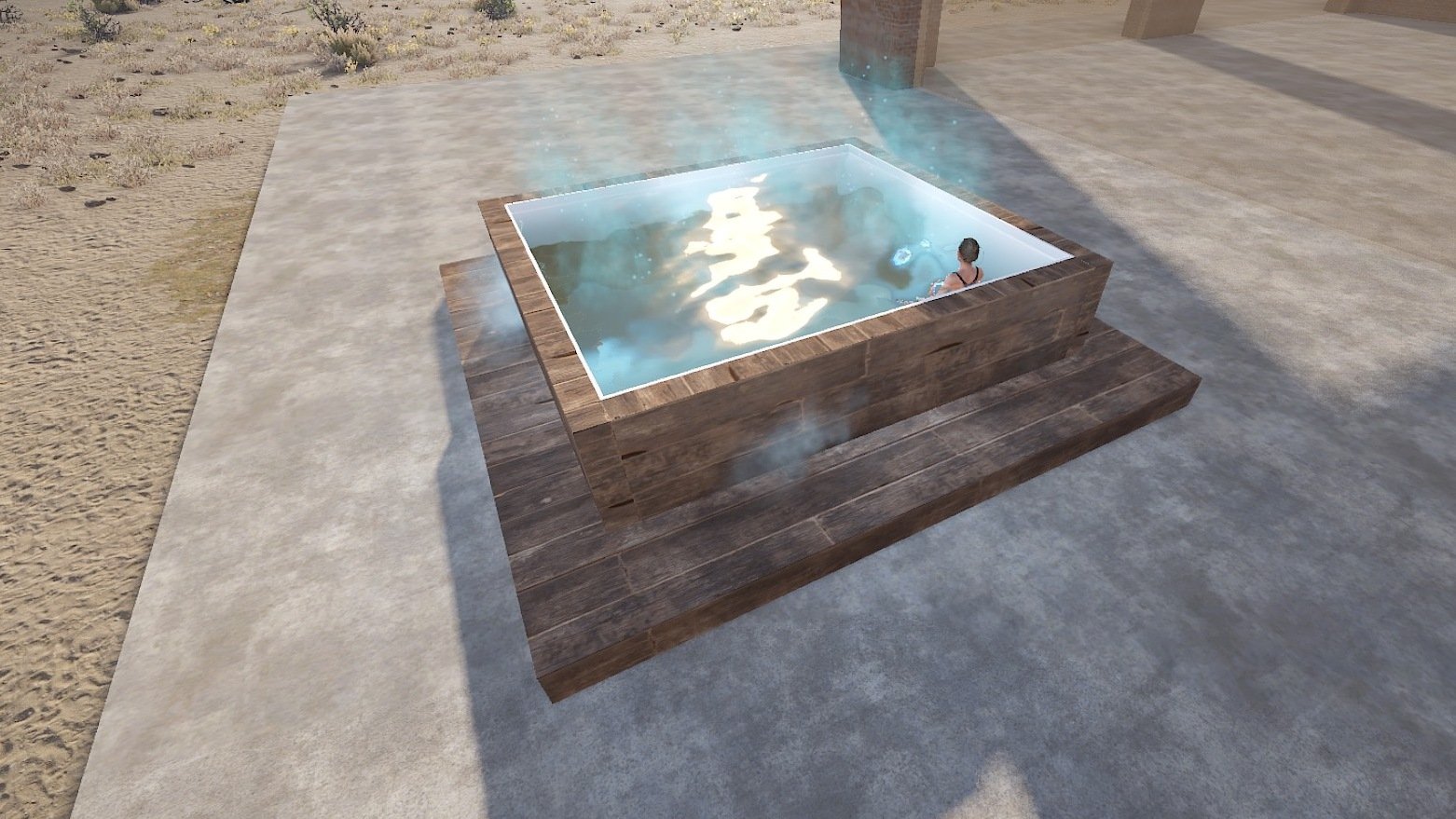
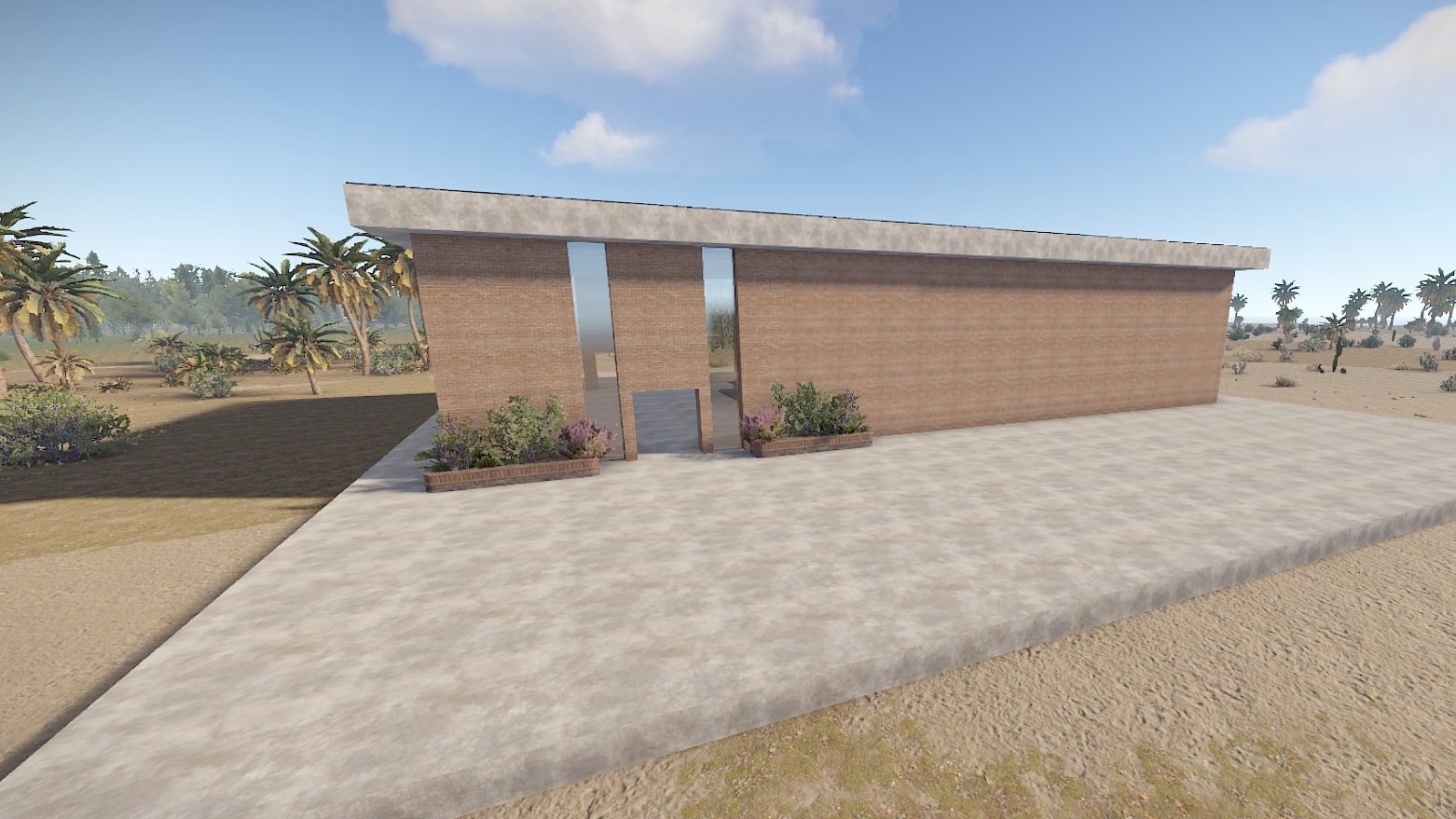
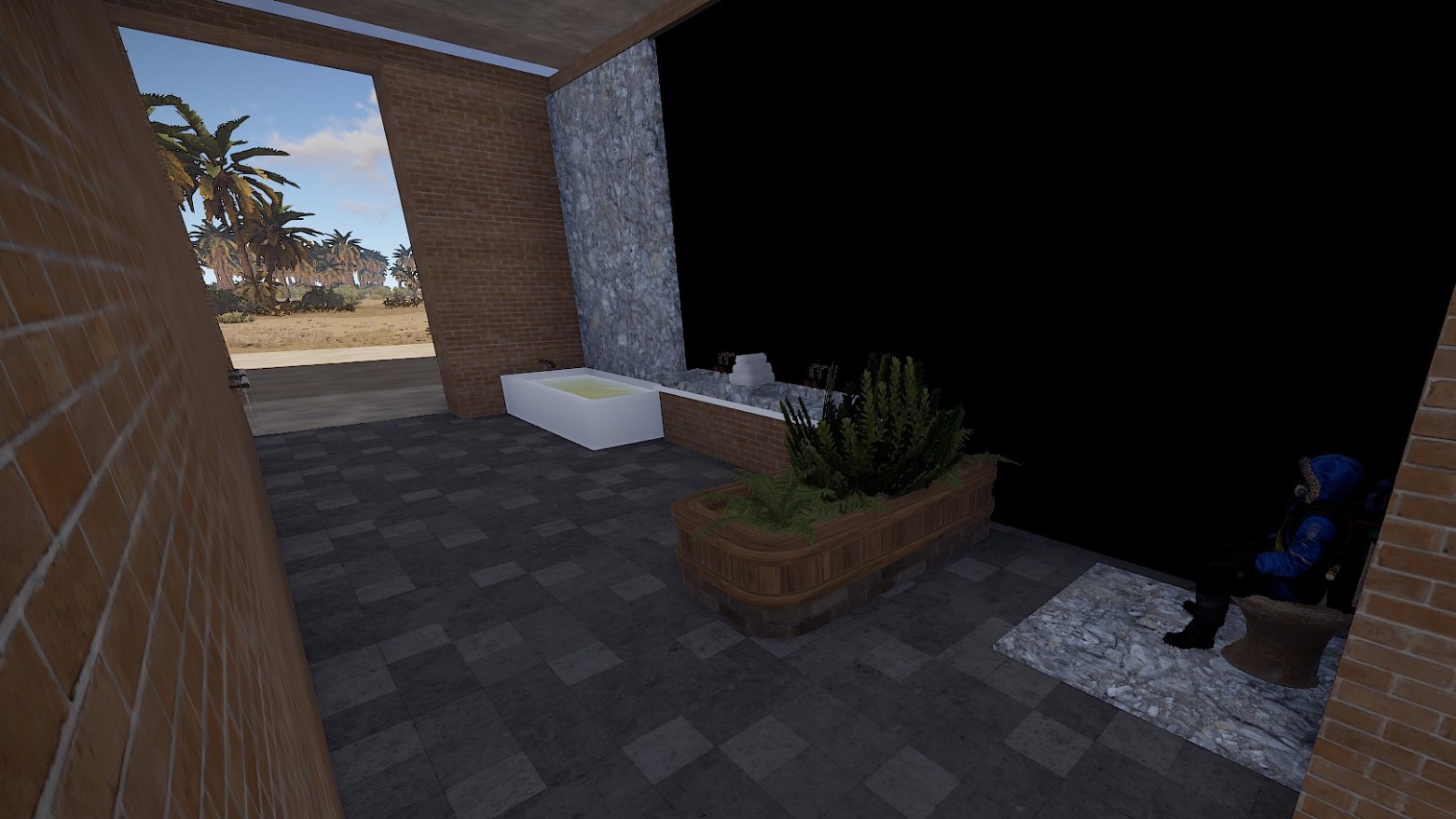
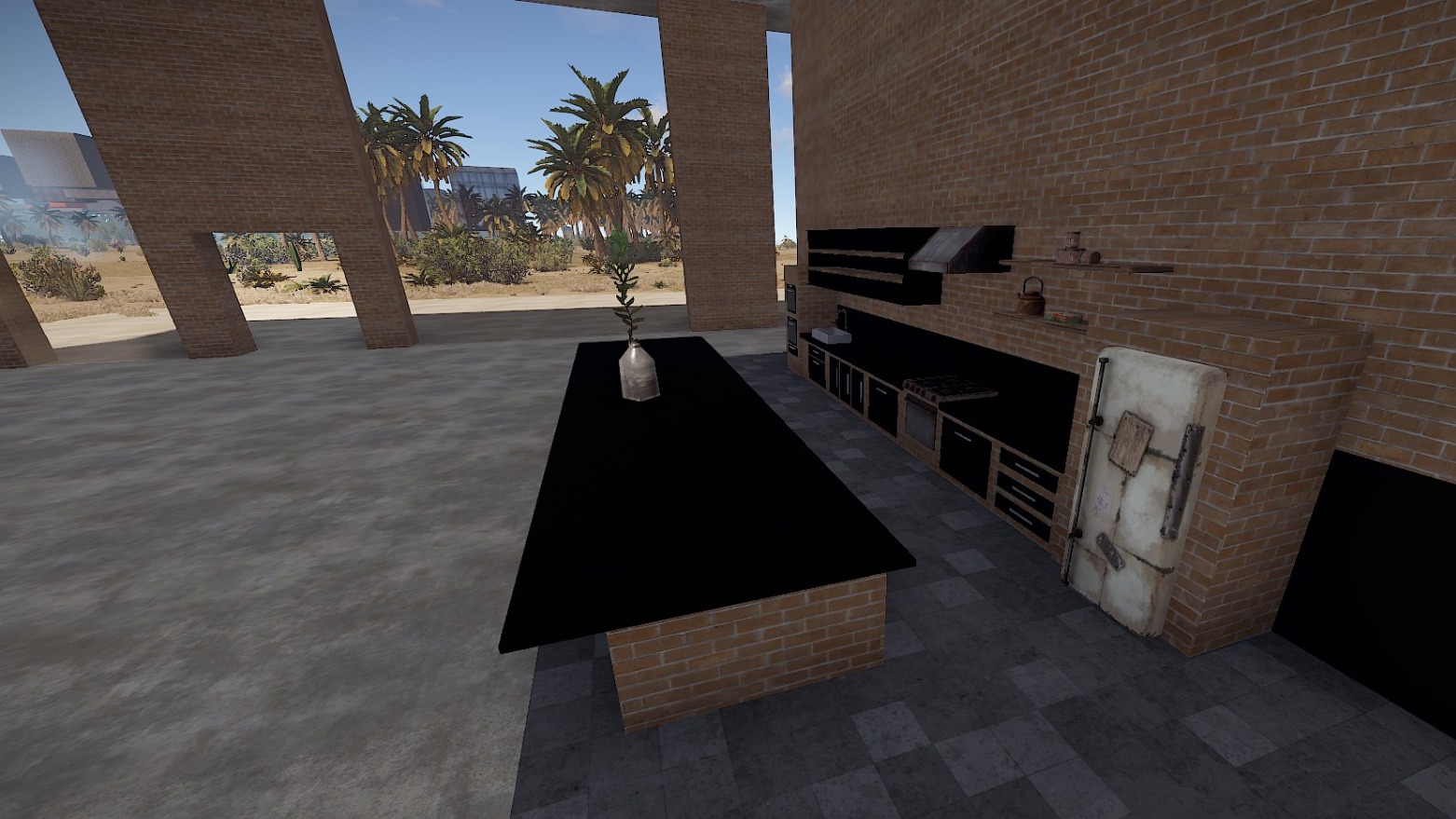
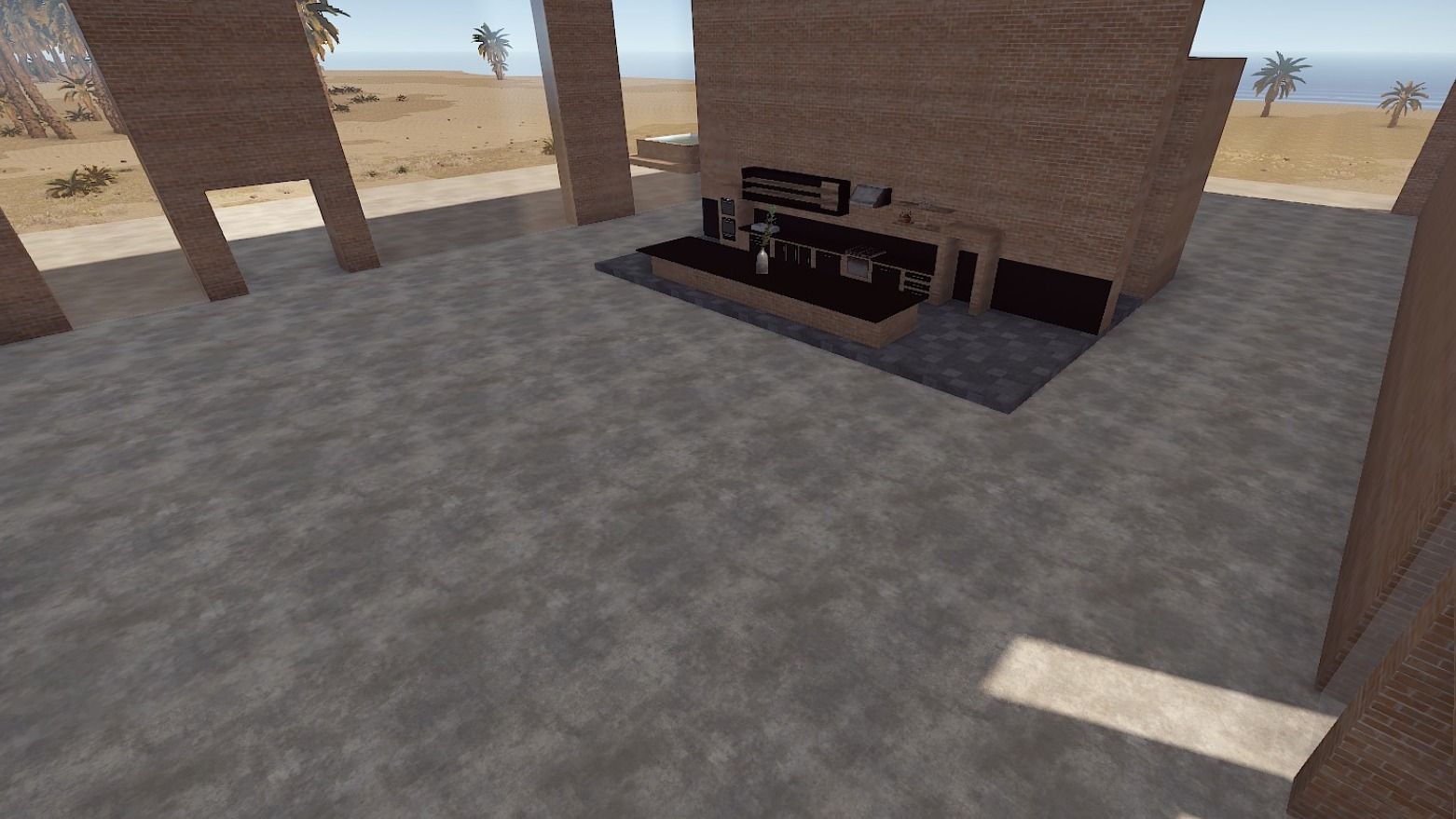
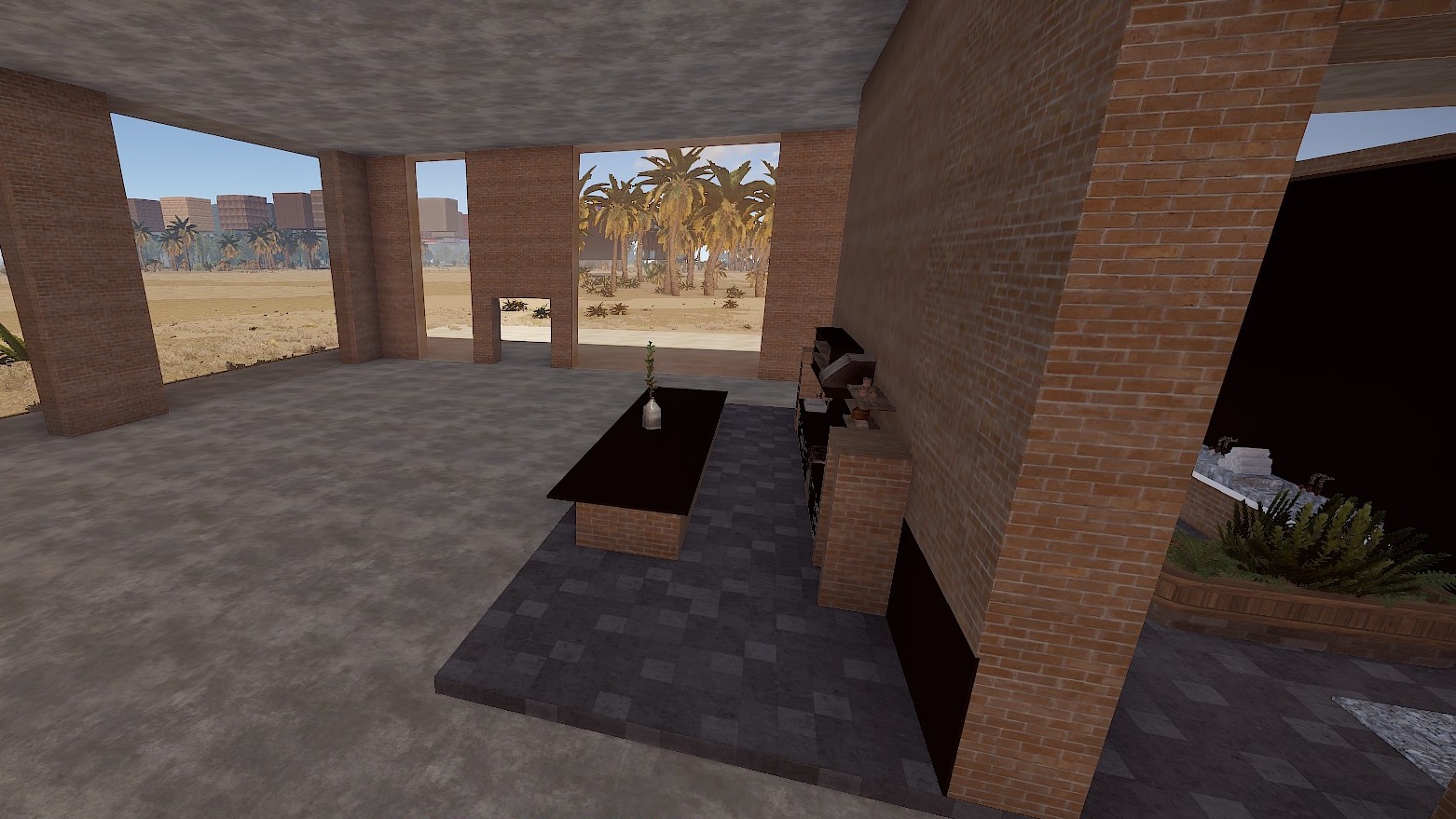
A nice big base with an outdoor hot tub for your creative players.
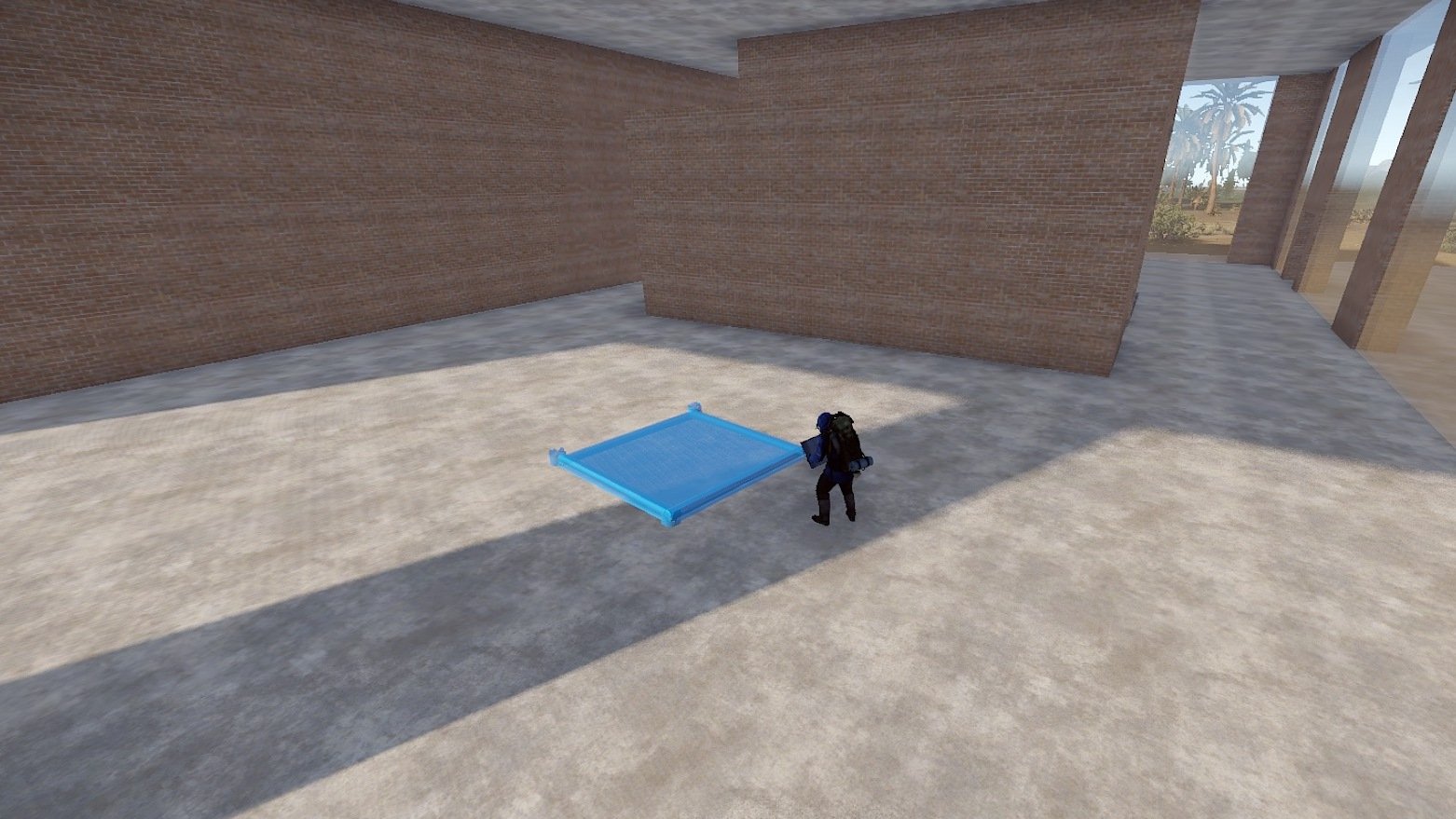
This base comes equipped with a kitchen with kitchen island and a bathroom.
The rooms are all very open plan so players can build their base in it according to their own ideas.
Perfect for PVE/Roleplay servers.
Prefabs count: ~183
Modifiers: Height, Topology
Installation:
1. Download file
2. Unzip the file and copy the folder to RustEdit\CustomPrefabs
3. Open RustEdit and place the prefab
4. Apply the Height/Topology modifier
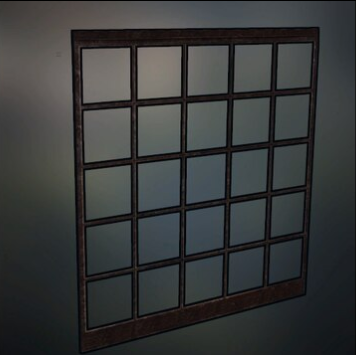
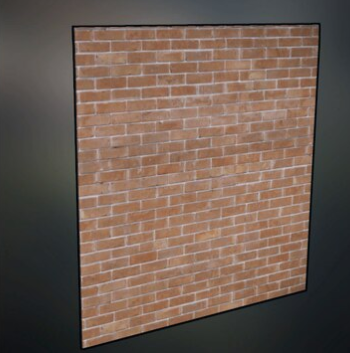
I am happy to share with you suitable skins for your skin mods (you'll find the skin IDs in the READ ME file):
Window Loft (Garage Door)
Brick Wall red (Garage Door)
If you have any questions or problems, feel free to contact me on Discord: ilineus - J.A.R.V.I.S.#5700
Edited by ilineus
What's New in Version 1.0.4
Released
Updated for the new World 2.0/ October update
You are not allowed to share, redistribute, sell or claim this prefab as your own.
You may only provide a review once you have downloaded the file.
There are no reviews to display.