



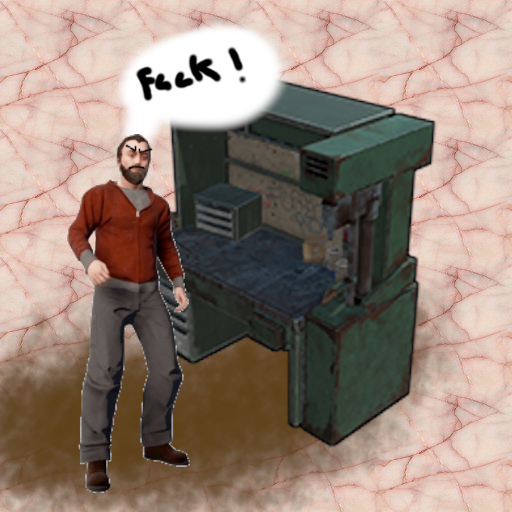
Want to make your server a tad bit more realistic, welcome StationaryCrafting, it makes it so players can only craft if they are next to a workbench, if not crafting is not possible or cancels out...
Permission:
- stationarycrafting.use
Configuration:
{
  "ShowMessages": false
}
Localization:
{
  "inofrange": "Stay in the workbench radius, or your crafting queue will be canceled!",
  "outofrange": "You cannot craft if you are not in the workbench radius!",
  "canceled": "You have left the workbench radius so your crafting queue was canceled!"
}
What's New in Version 1.1.0
Released
- Code cleanup
- New Permission stationarycrafting.use
- Better Localization
Upon purchase or download of this plugin, you automatically agree to follow our license guidelines.
You are granted the ability to use this plugin for personal and commercial purposes, but you are denied the ability to modify, share, distribute, or sell the plugin.
Copyright © 2022 NubbbZ (Discord: NubbbZ#4586)
You are granted the ability to use this plugin for personal and commercial purposes, but you are denied the ability to modify, share, distribute, or sell the plugin.
Copyright © 2022 NubbbZ (Discord: NubbbZ#4586)
You may only provide a review once you have downloaded the file.
There are no reviews to display.