




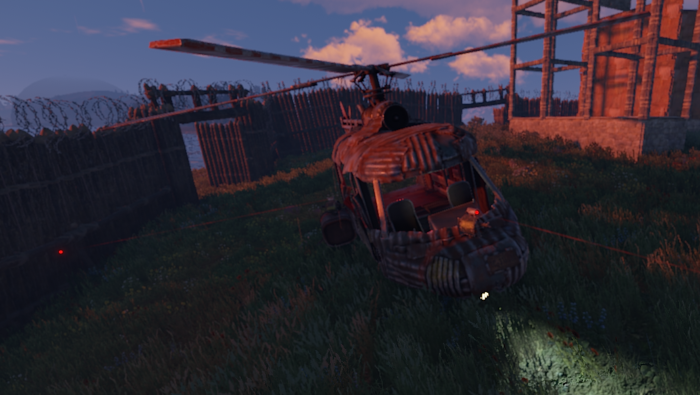
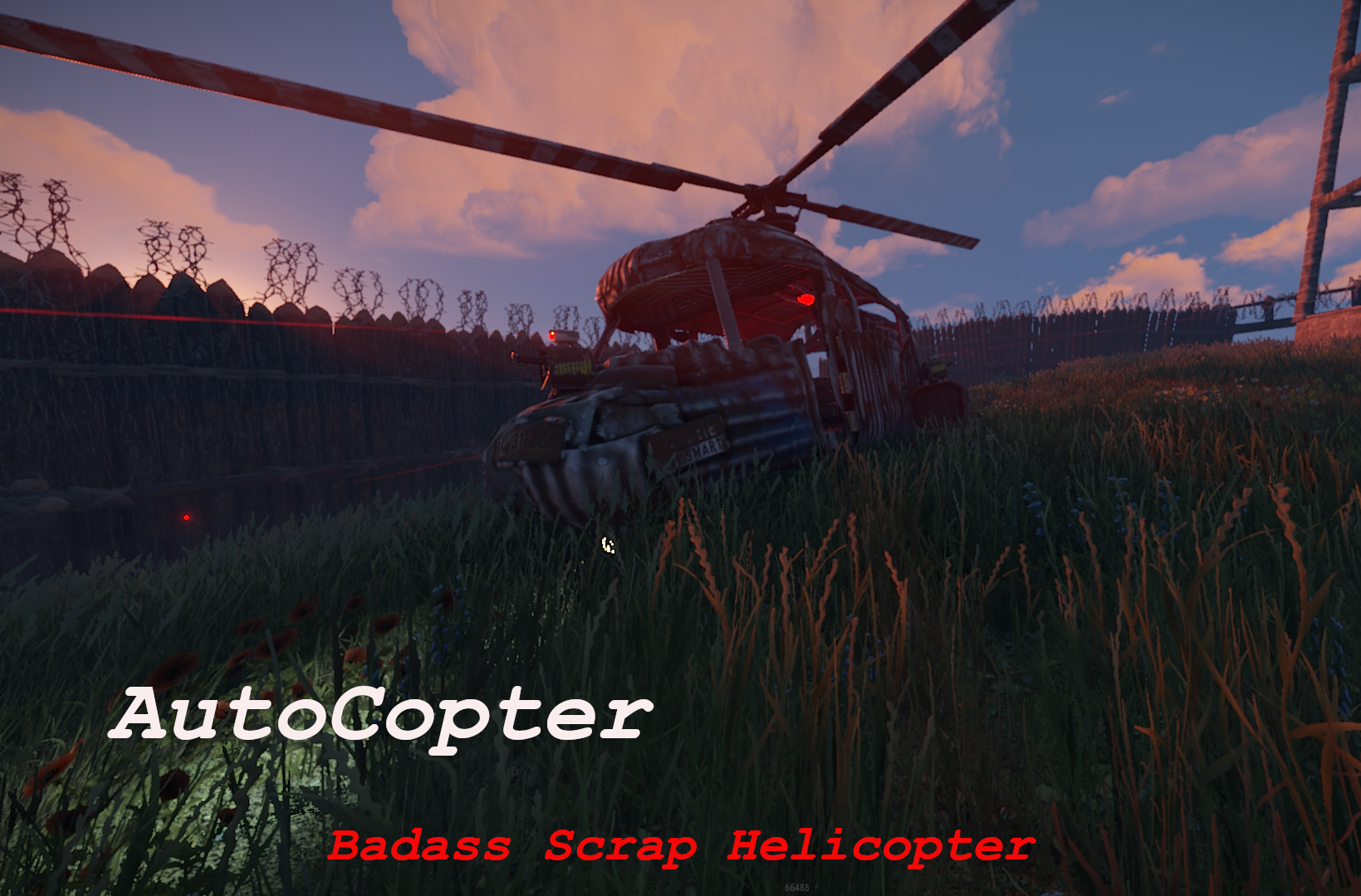
AutoCopter brings you all the tools needed to survive the Rust Apocalypse while flying in your private helicopter.
Features
Customizable Health Points
Customizable upgrade costs
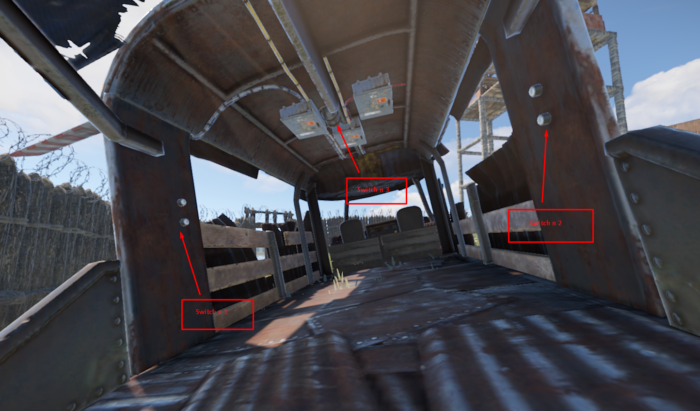
Fancy extra light in the back
2 turrets on top of fuel tanks and 1 in front of the helicopter
Destroying or crashing the scrap helicopter will refund all items on ground including weapons and ammo.
Chat Commands
/upautocopter -> Will upgrade your owned Scrap transport helicopter with turrets and light
Configuration
The settings and options can be configured in the AutoCopter file under the config directory. The use of an editor and validator is recommended to avoid formatting issues and syntax errors.
{ "UpgradeCost": 4000, "HeliConfig": { "MaxHealth": 4000.0 } }
What's New in Version 1.0.1
Released
No changelog available for this version.
But you have the right to use LootGuard for personal use "This means you can use the plugin, but it cannot be copied and/or distributed, or Resold"
Copyright © 2020 NubbbZ
-
 1
1
You may only provide a review once you have downloaded the file.
There are no reviews to display.