



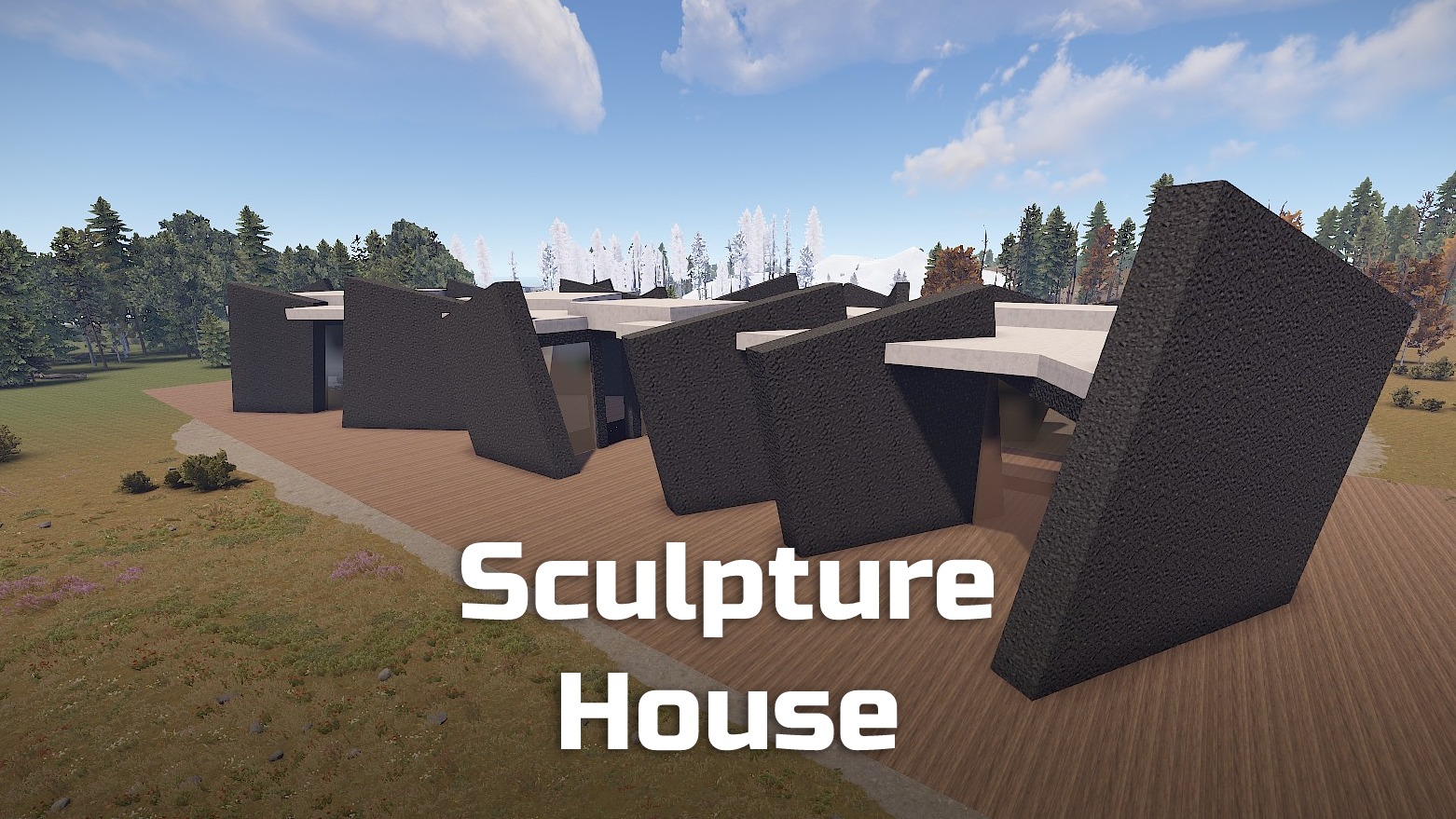
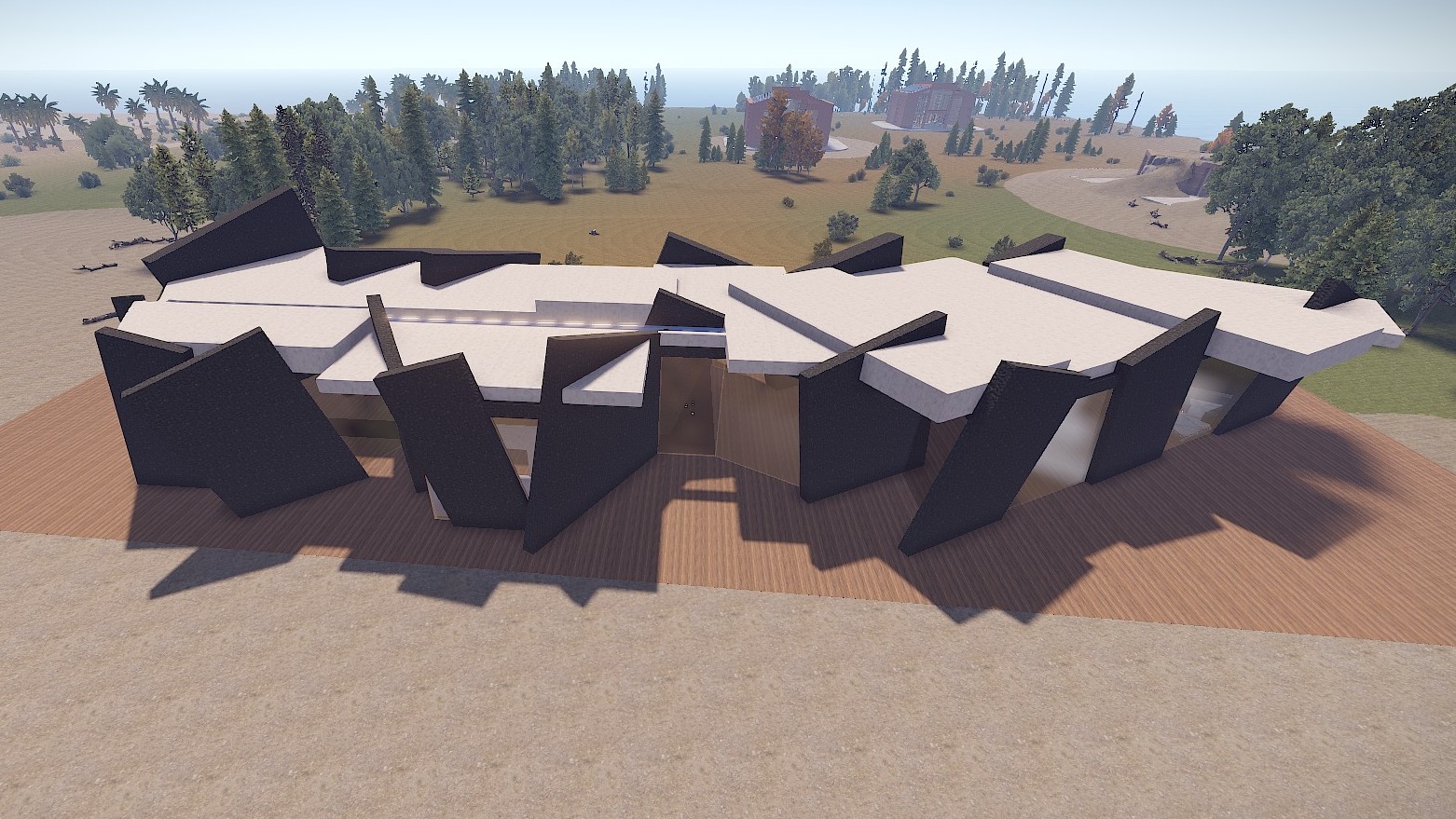
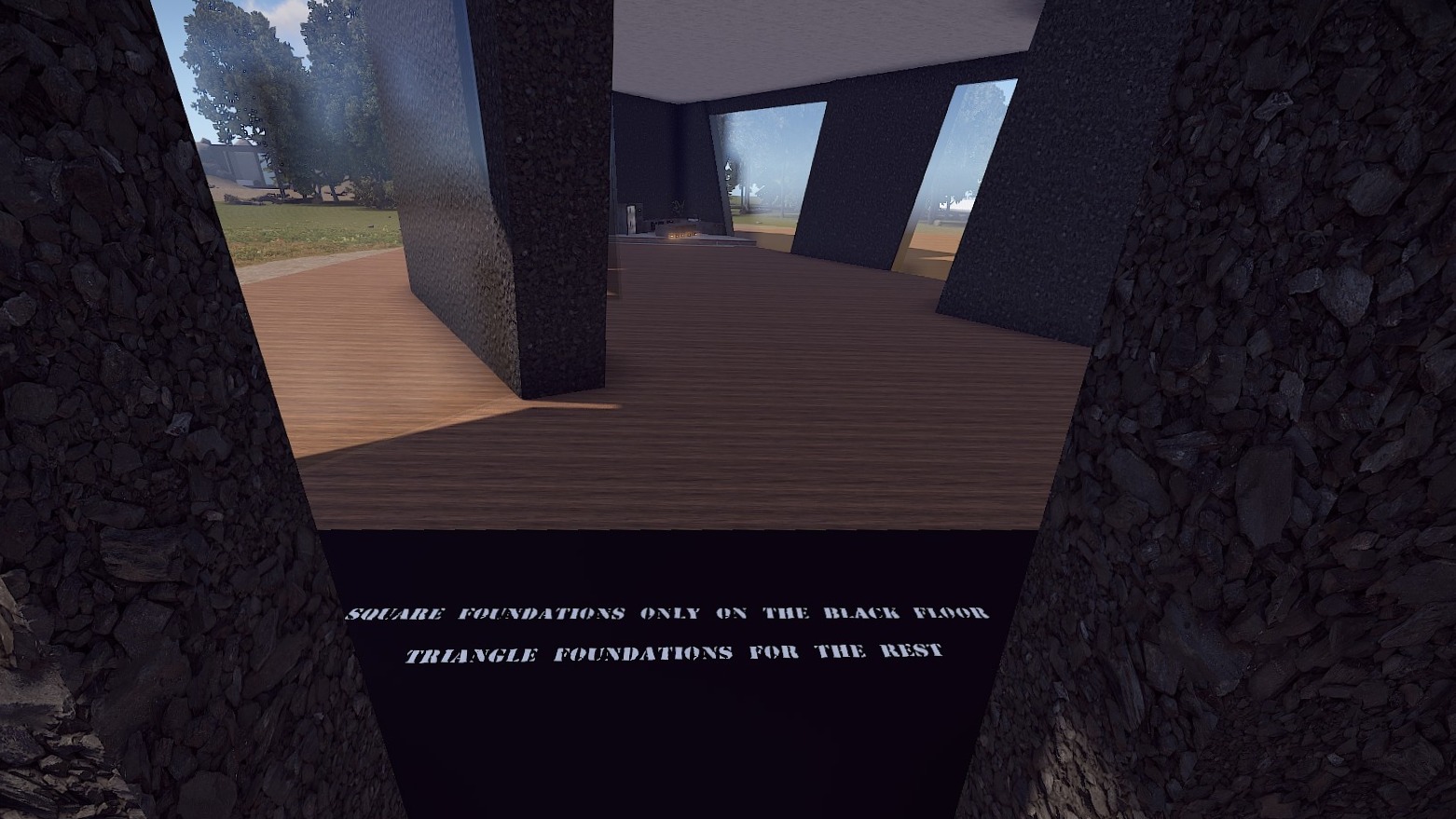
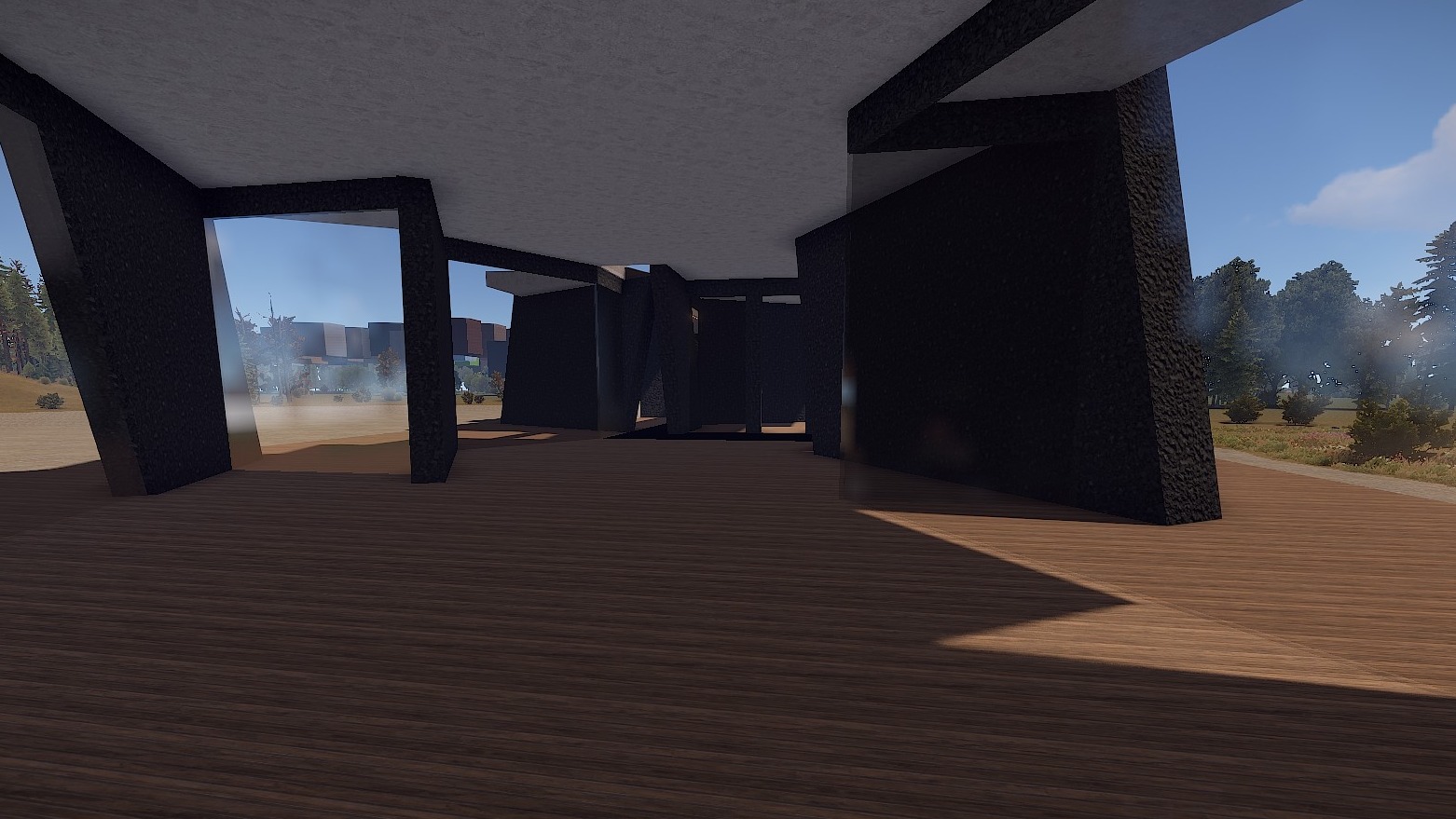
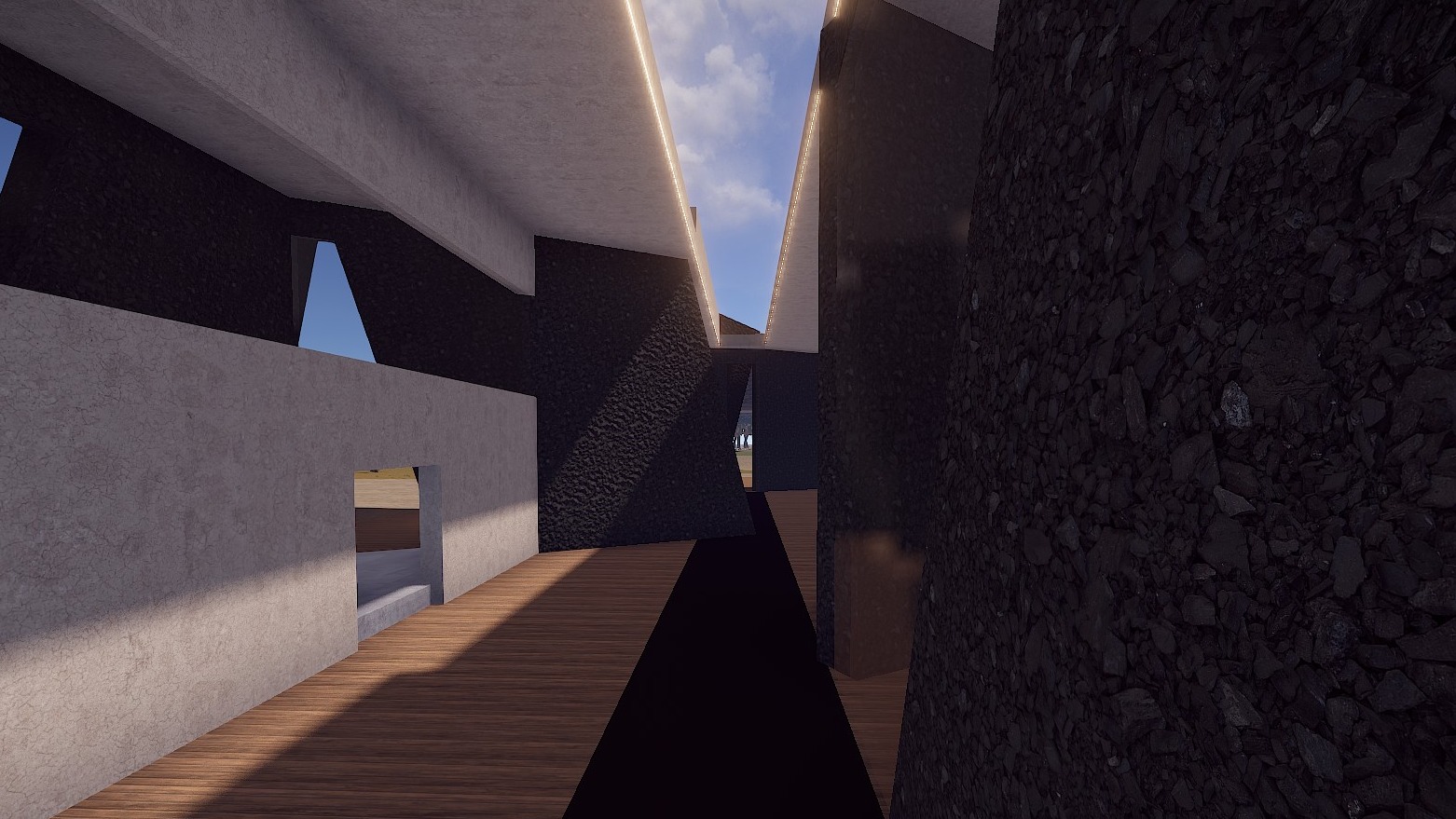
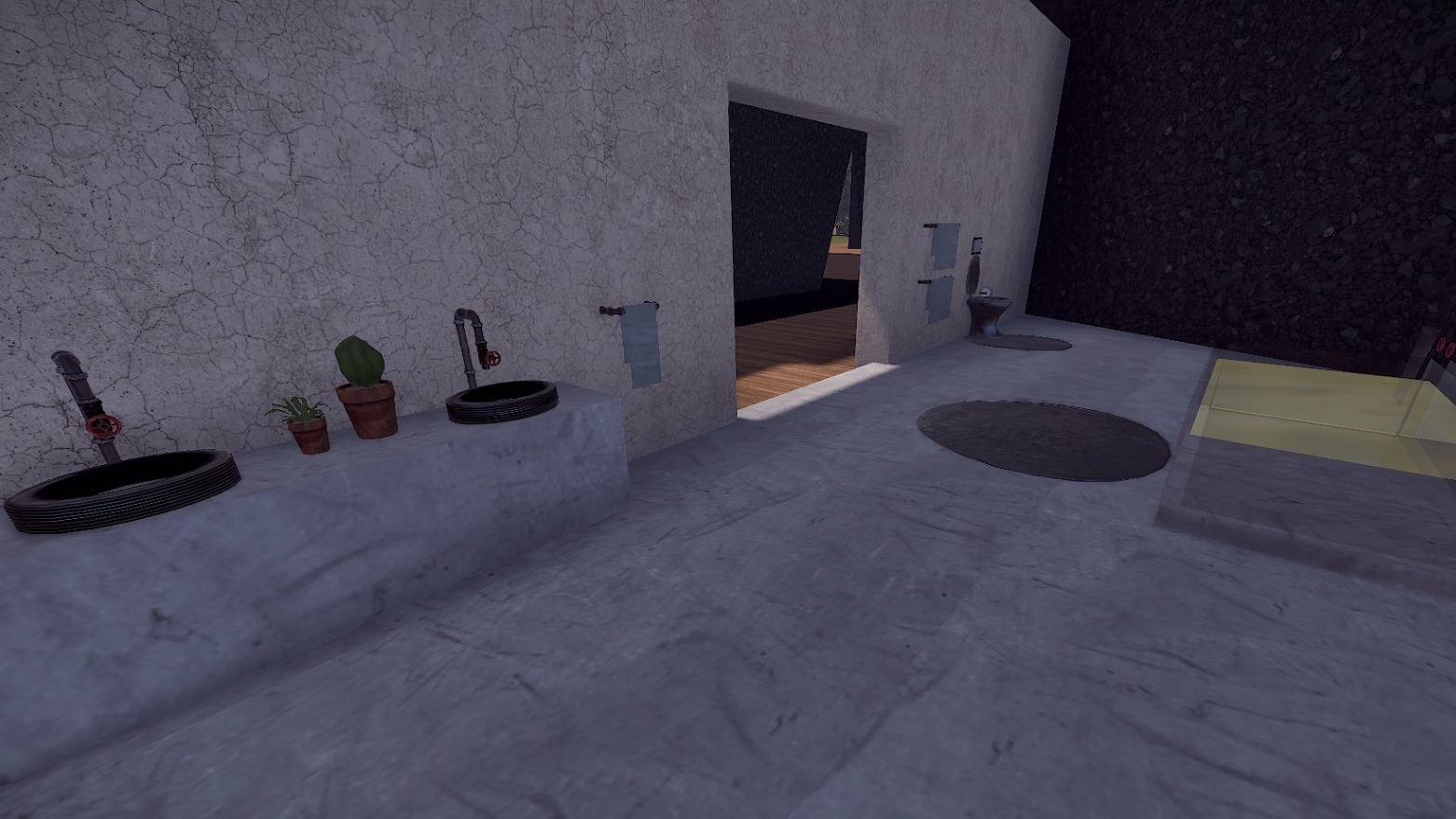
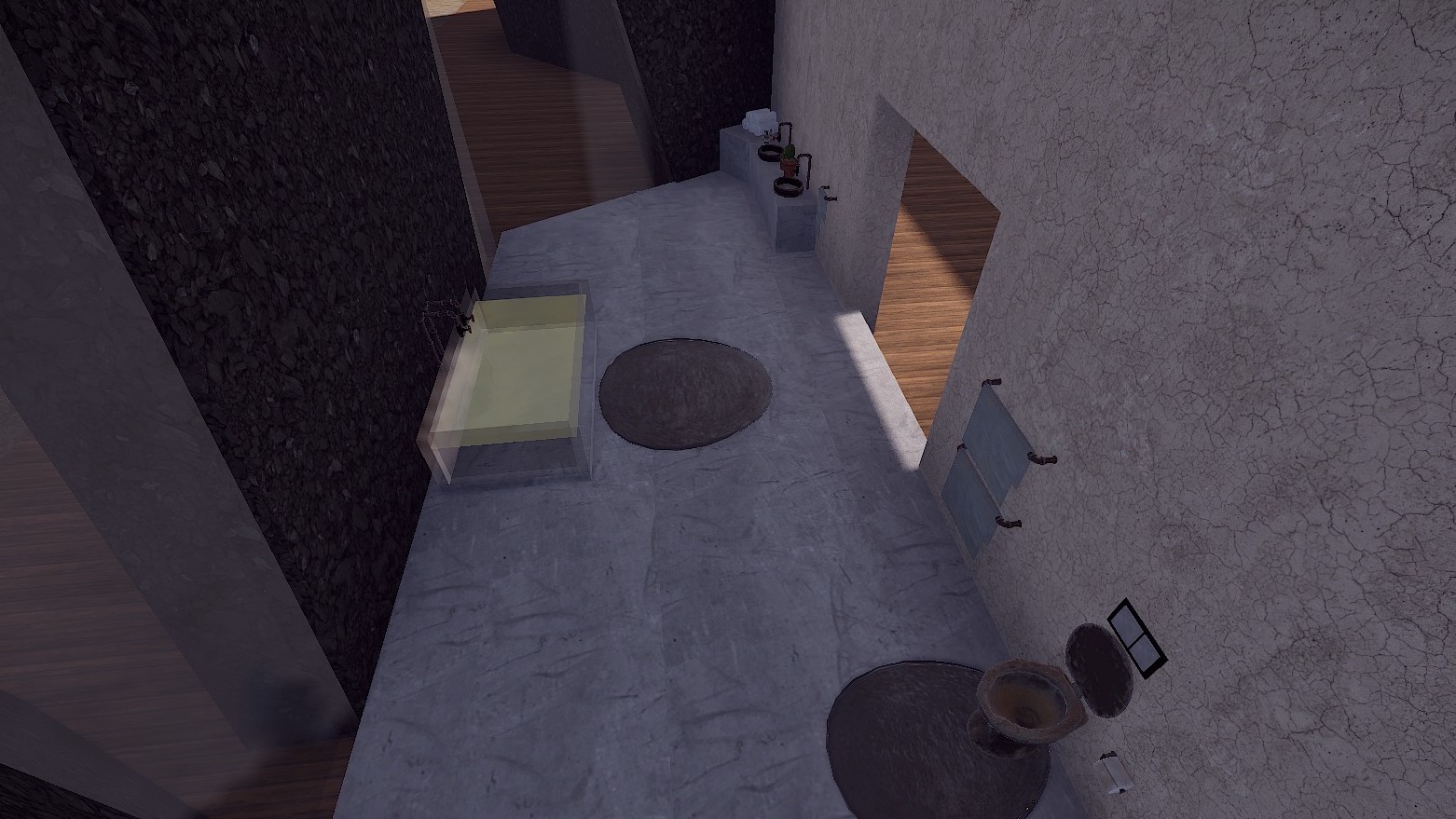
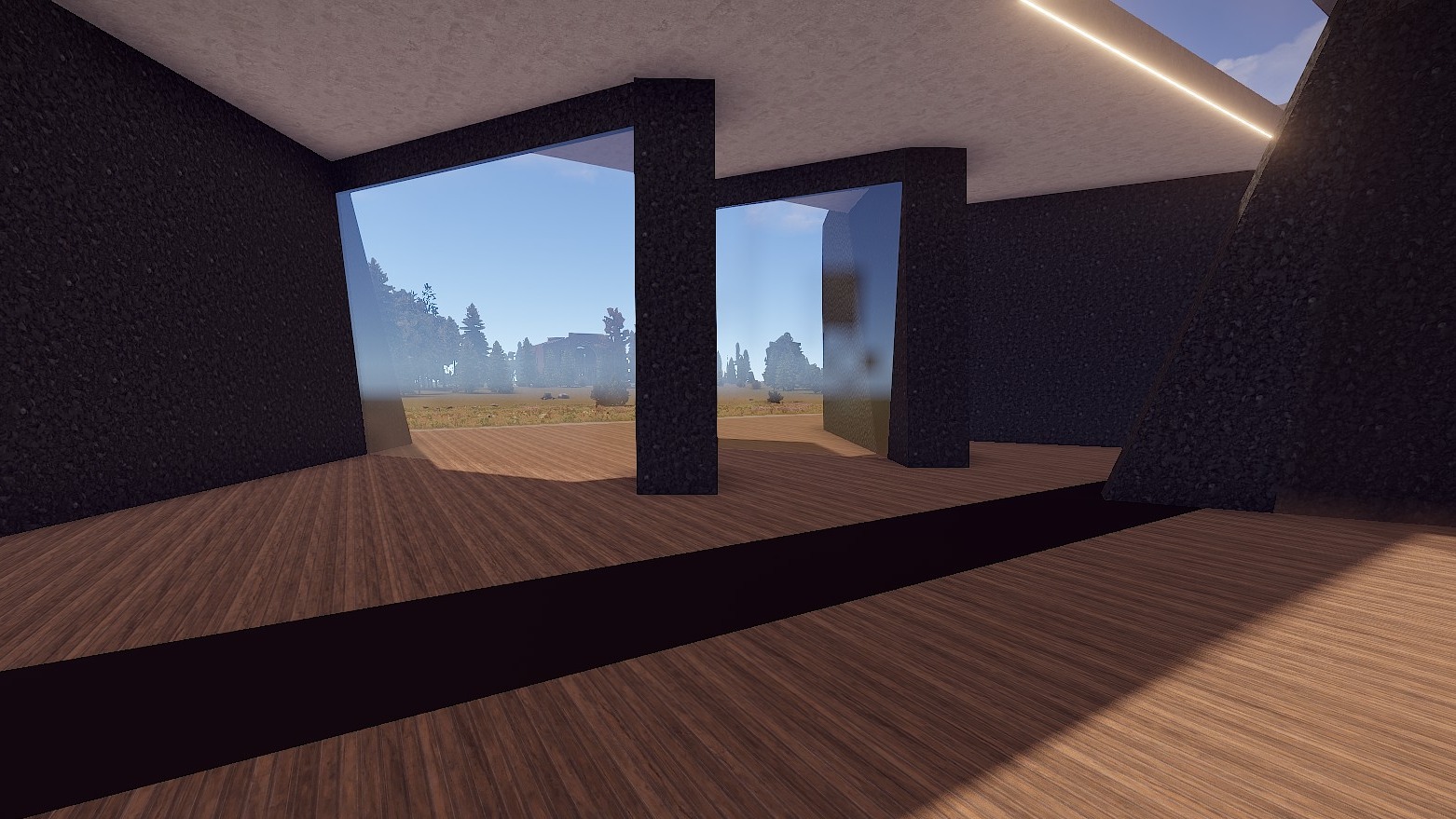
This base is based on a real building that was shown in the TV show "Grand Designs".
I was so fascinated by this Sculpture House that I had to build an inspired version for Rust.
Here you can see the original: https://www.squirrel-design.co.uk/projects/hux-shard-paragraph-55-dwelling/
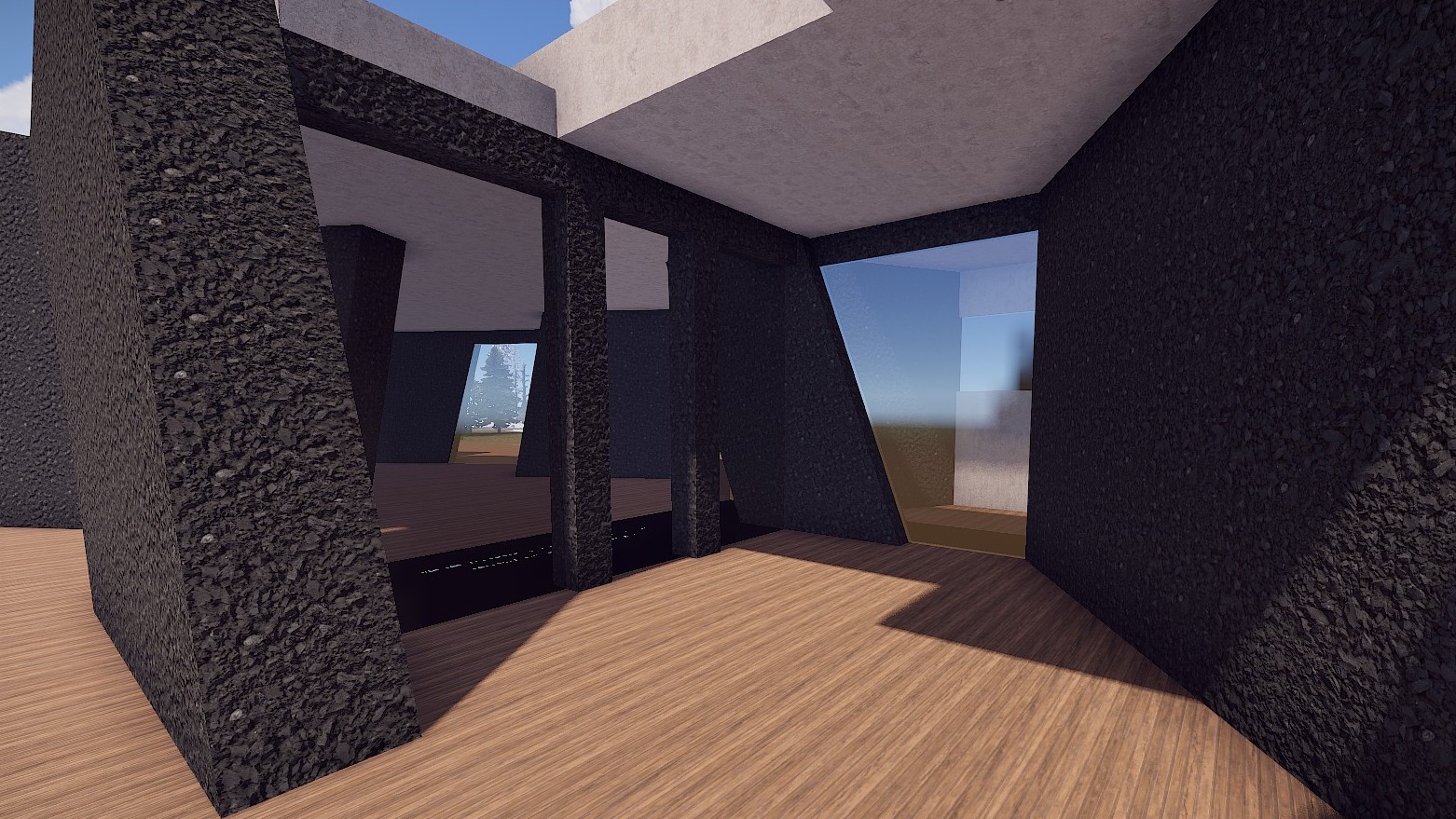
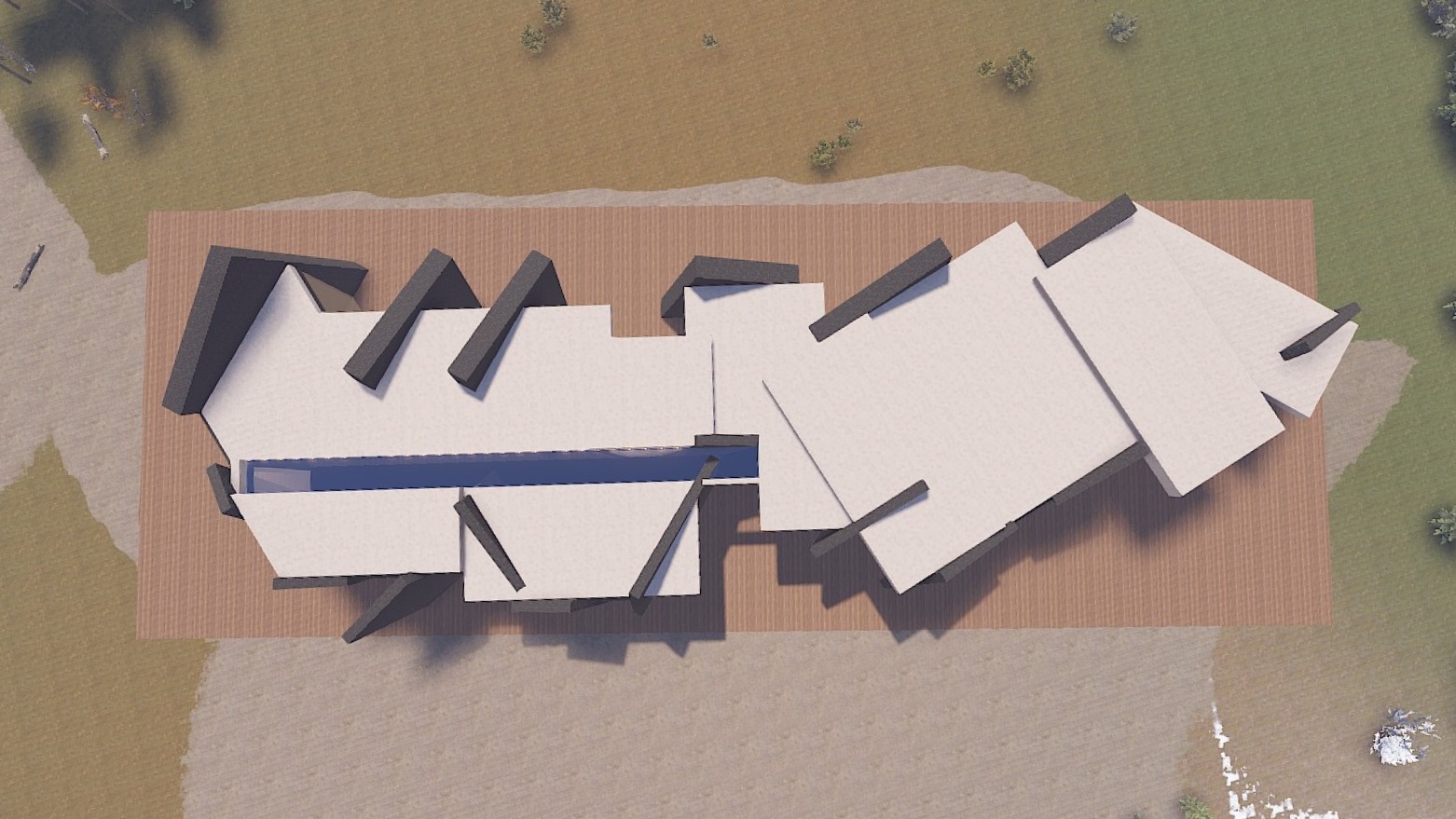
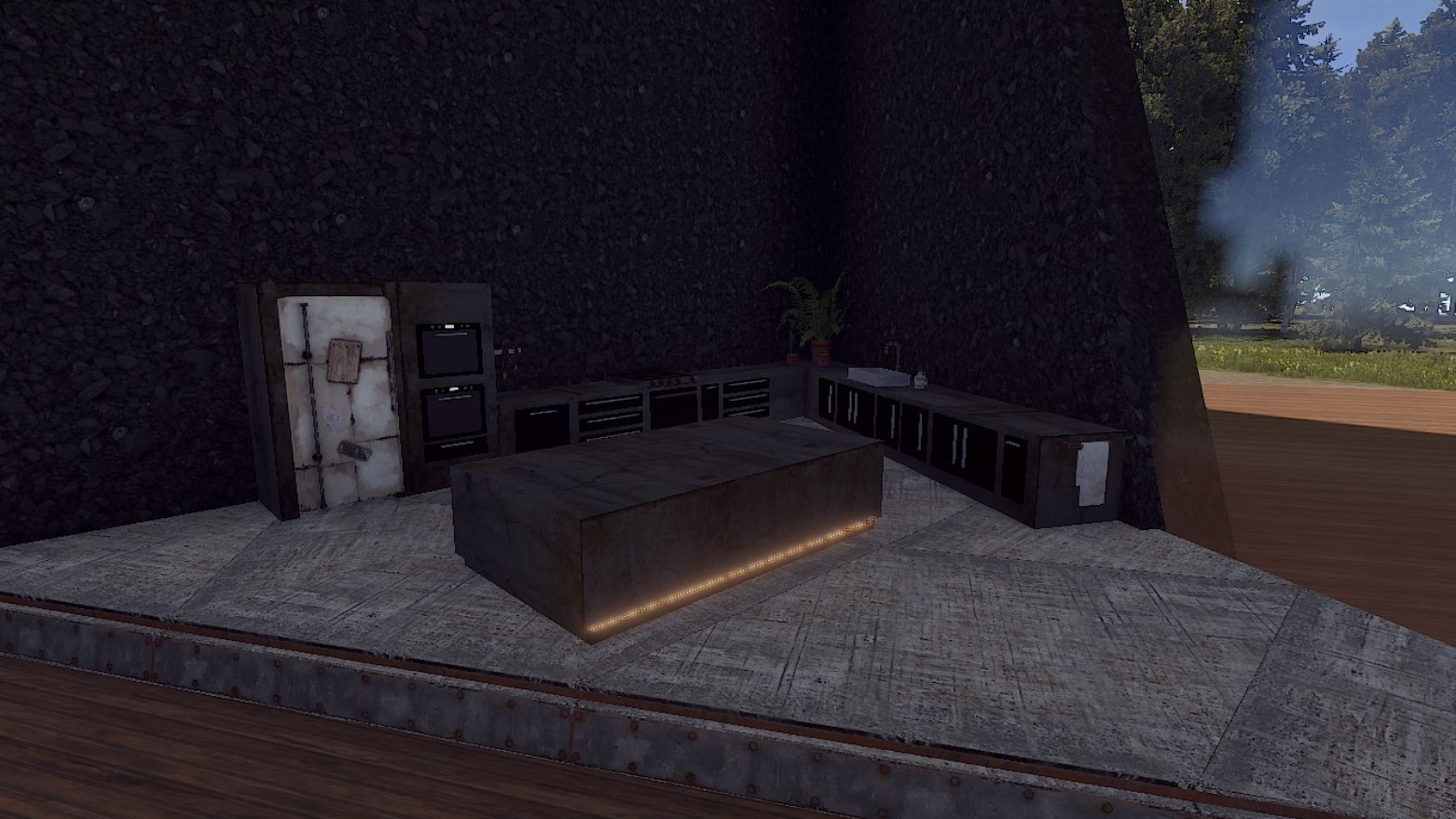
The house is winding, yet you can always see out through the many windows. Lights on the ceiling and also in the kitchen, make this base something very special.
The Base has a lot of space, so your players can do the interior design themselves.
You will find a modern kitchen as well as a nice bathroom already in the base.
Since the base has a complex cut, I have marked with a black field where you have to place square foundations. For the rest, triangular foundations are needed.
Prefabs count: ~318
Modifiers: Height, Topology
Installation:
1. Download file
2. Unzip the file and copy the folder to RustEdit\CustomPrefabs
3. Open RustEdit and place the prefab
4. Apply the Height/Topology modifier
I am happy to share with you suitable skins for your skin mods:
Plaster Wall (Garage Door)
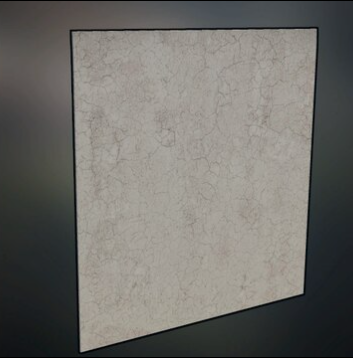
Big Window (Garage Door)
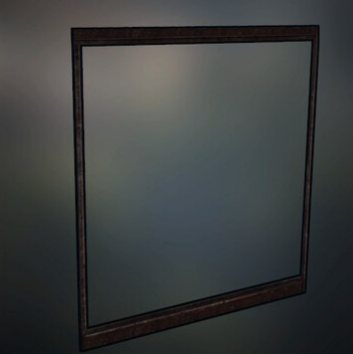
Copper Door (Sheet Metal Double Door)
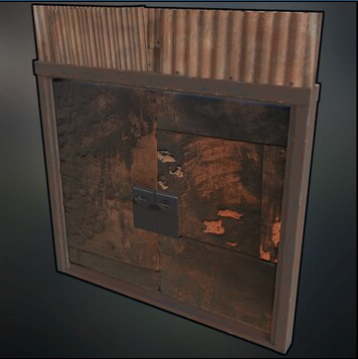
If you have any questions or problems, feel free to contact me on Discord: ilineus - J.A.R.V.I.S.#5700
Edited by ilineus
What's New in Version 1.0.0
Released
No changelog available for this version.
You are not allowed to share, redistribute, sell or claim this prefab as your own.
You may only provide a review once you have downloaded the file.
There are no reviews to display.