



.jpg.fc036c5462f14b45ca8c204c080203bf.jpg)
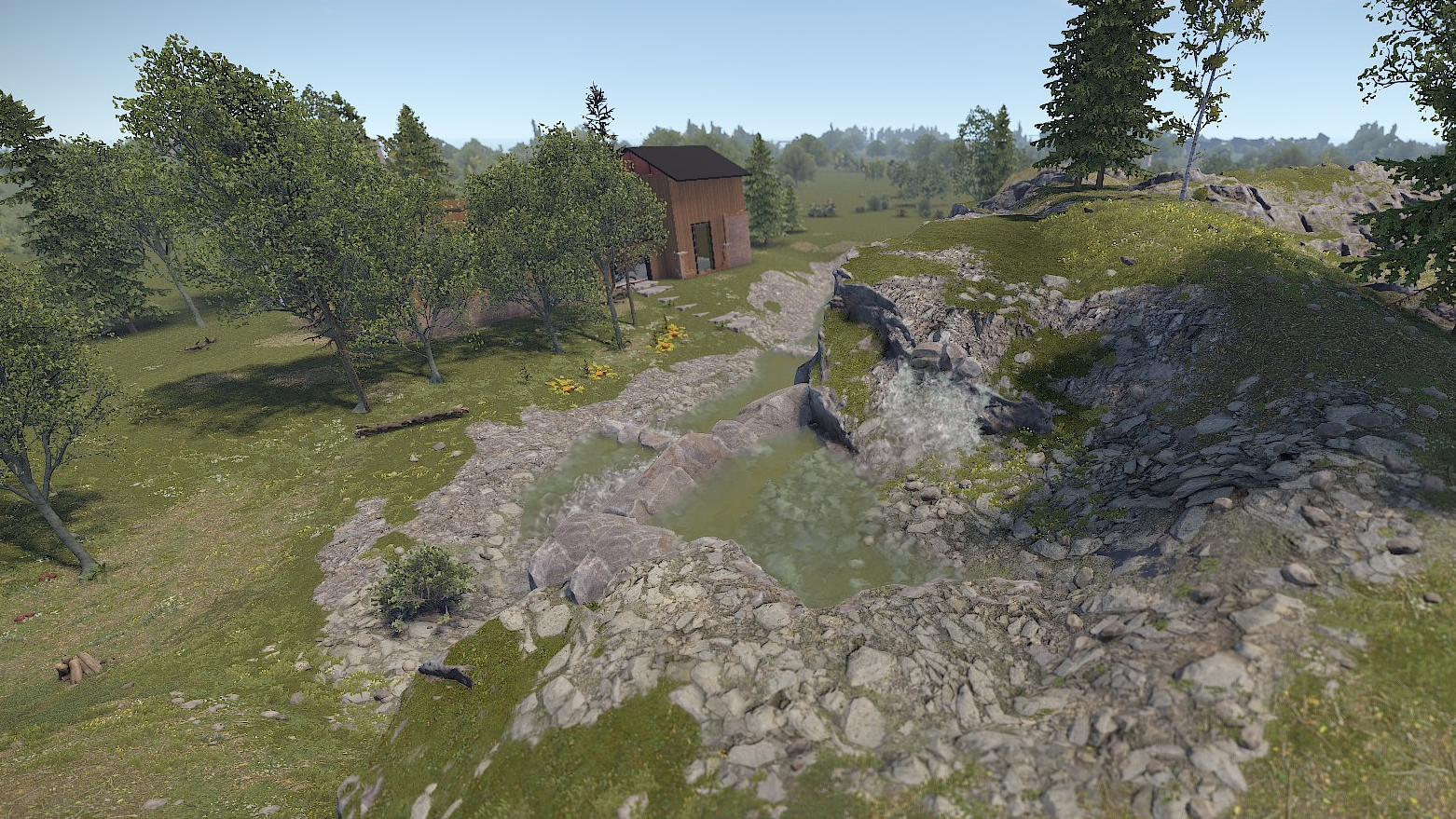
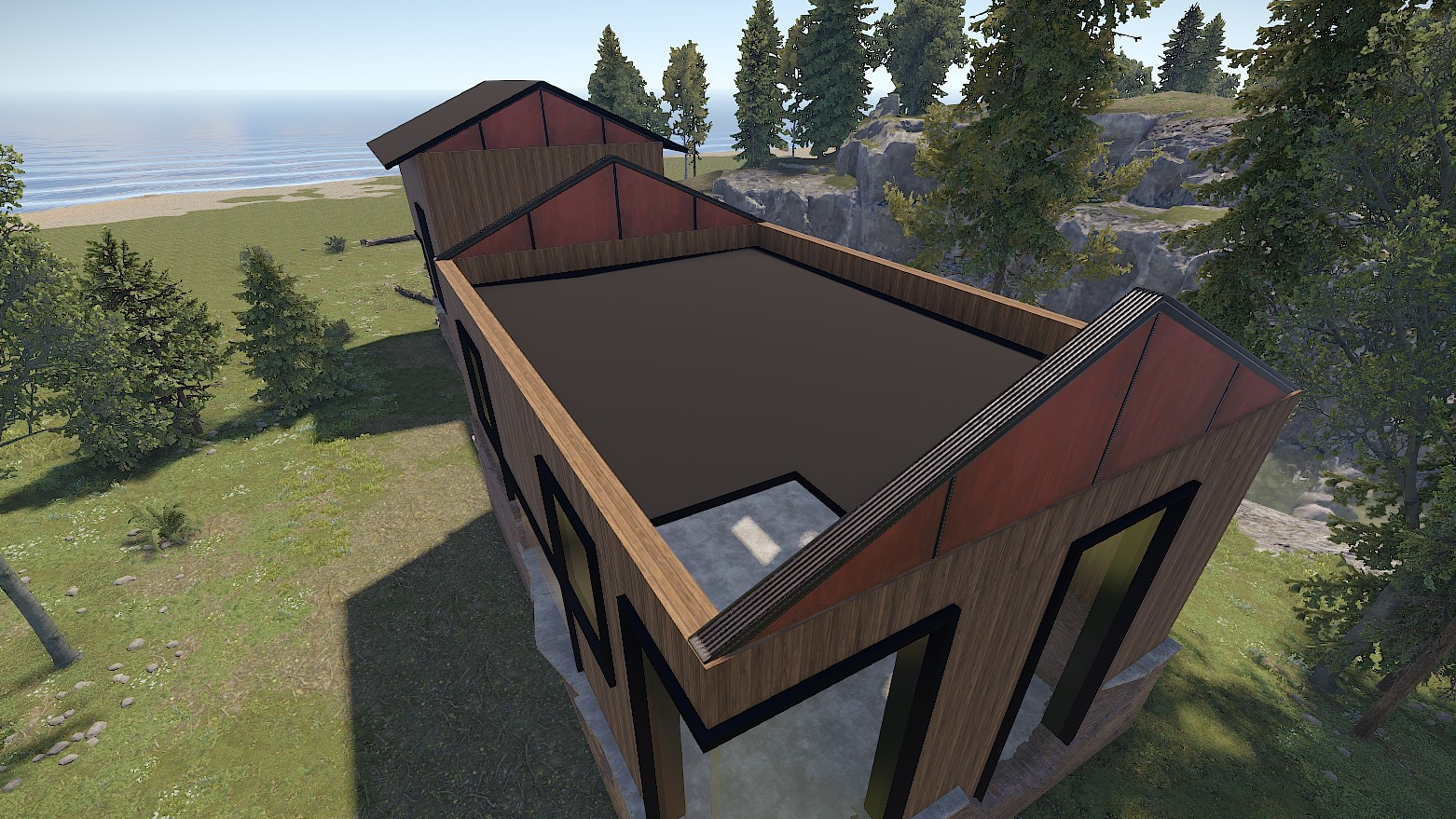
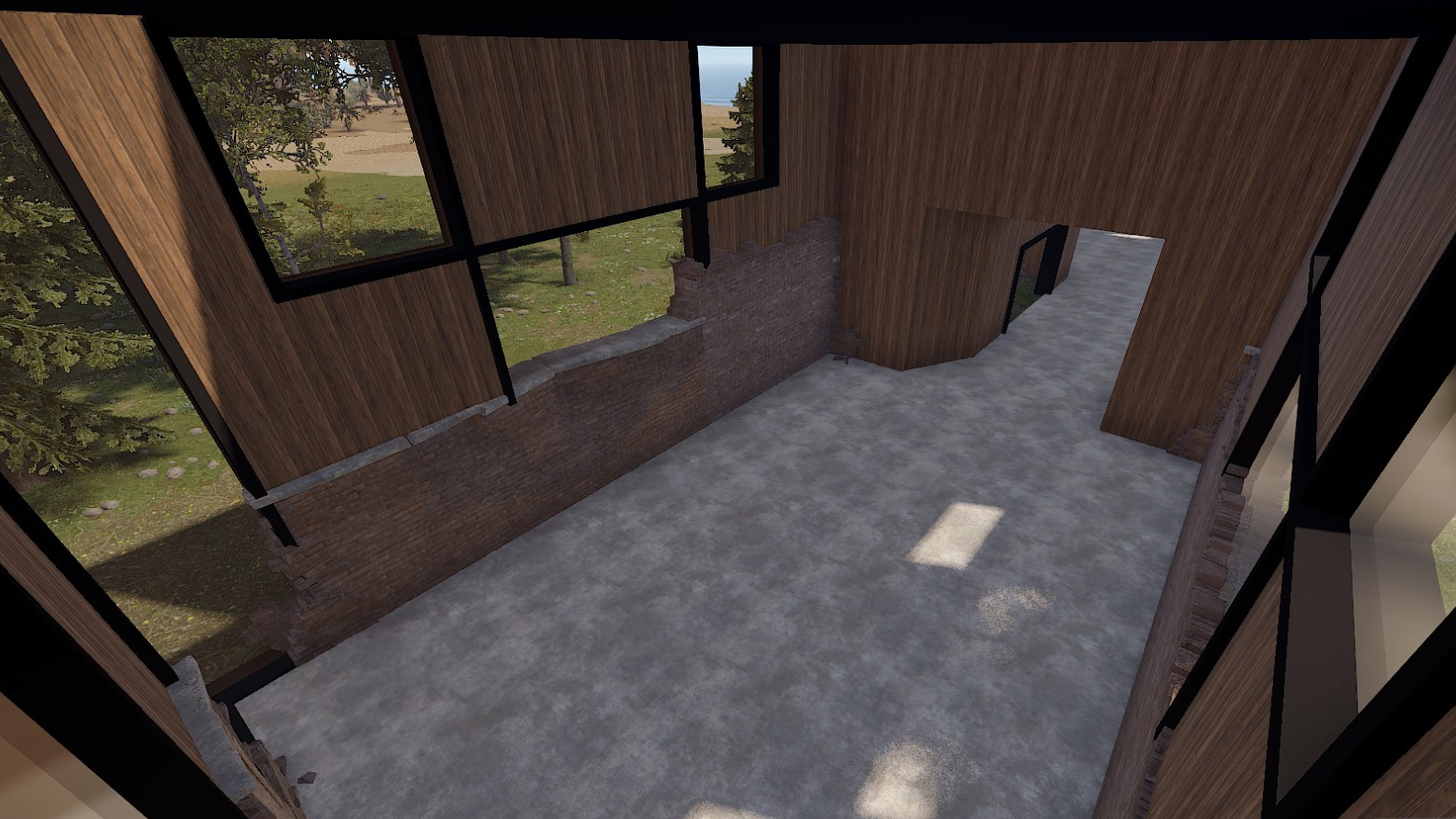
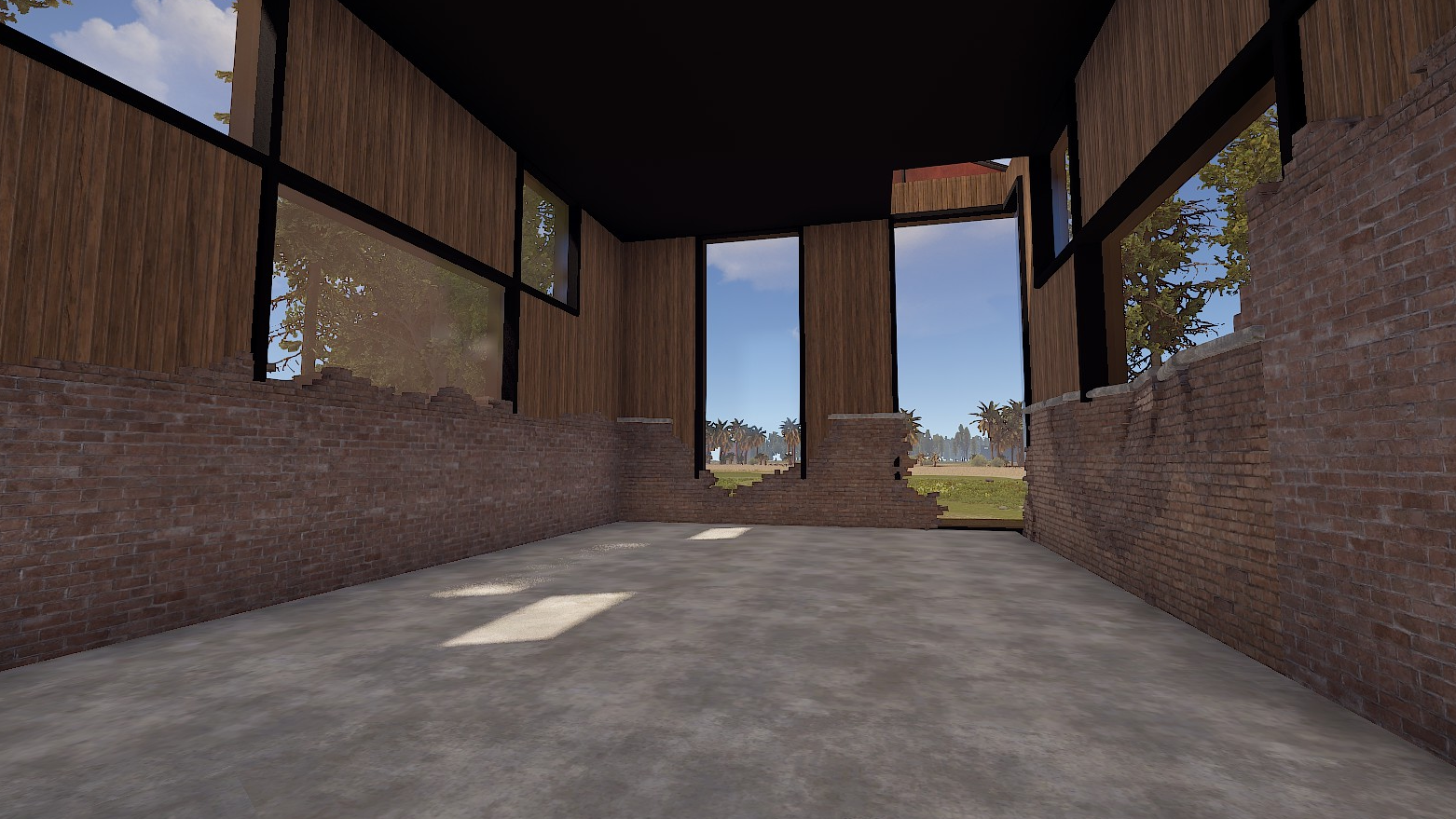
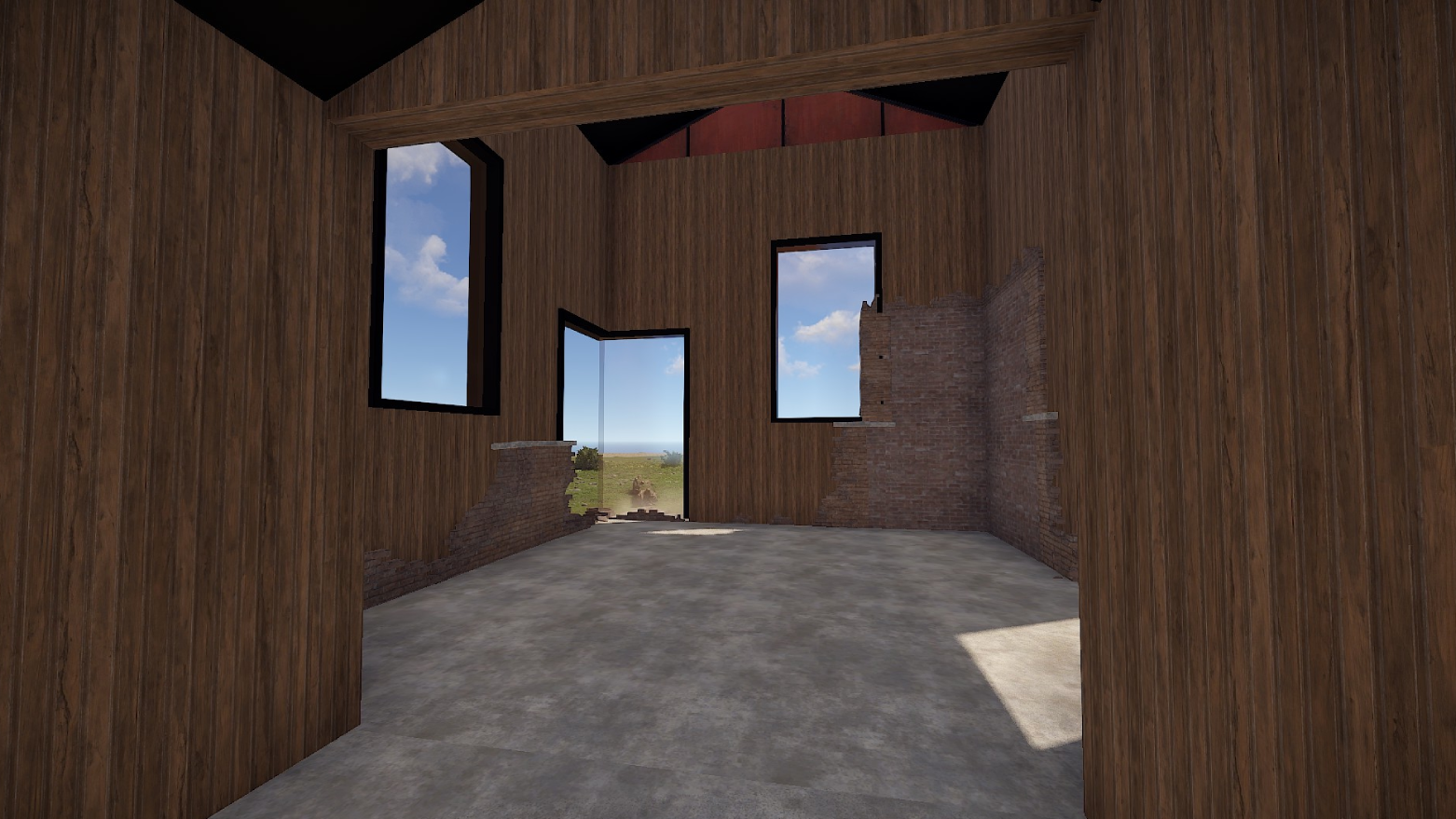
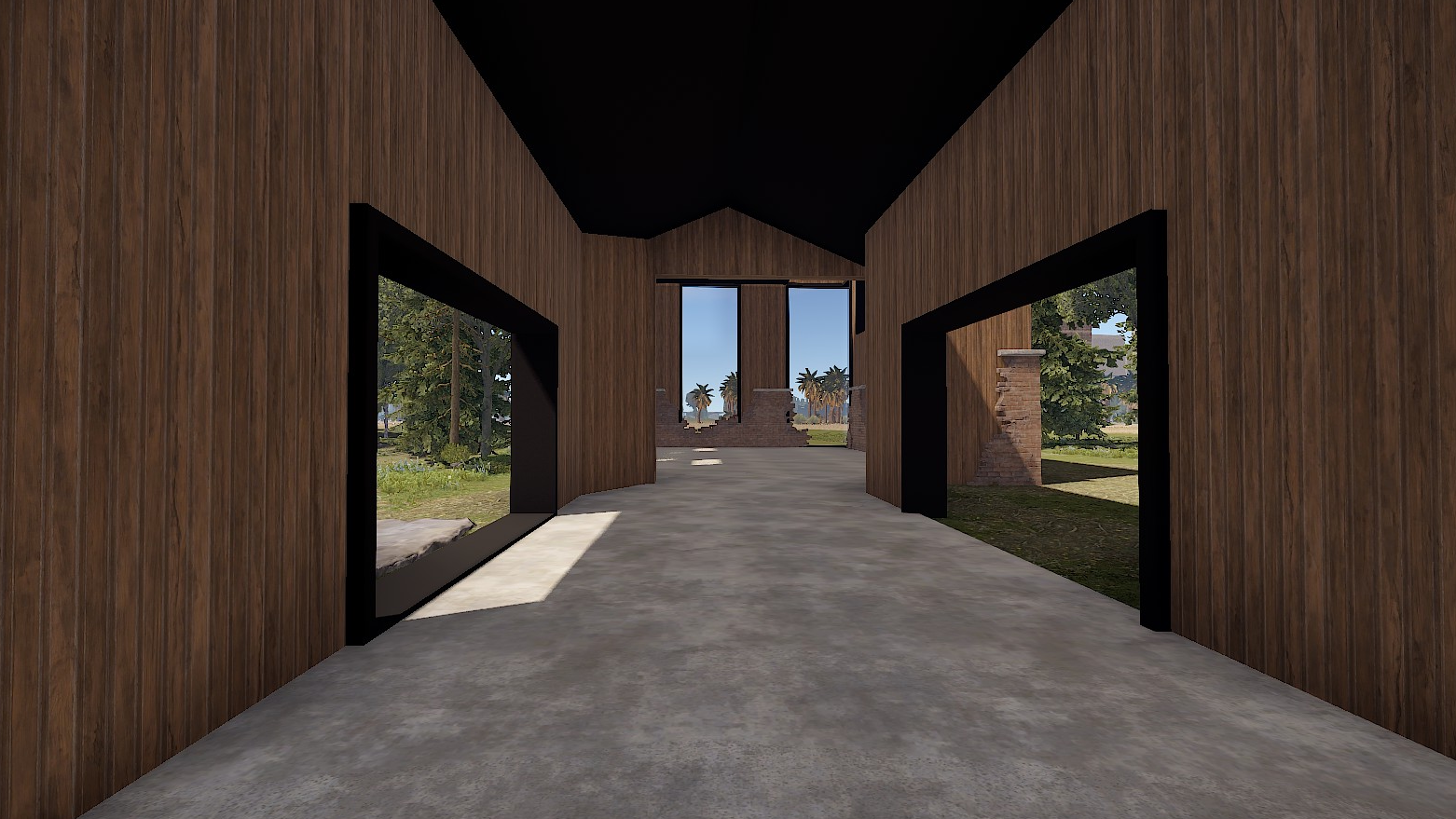
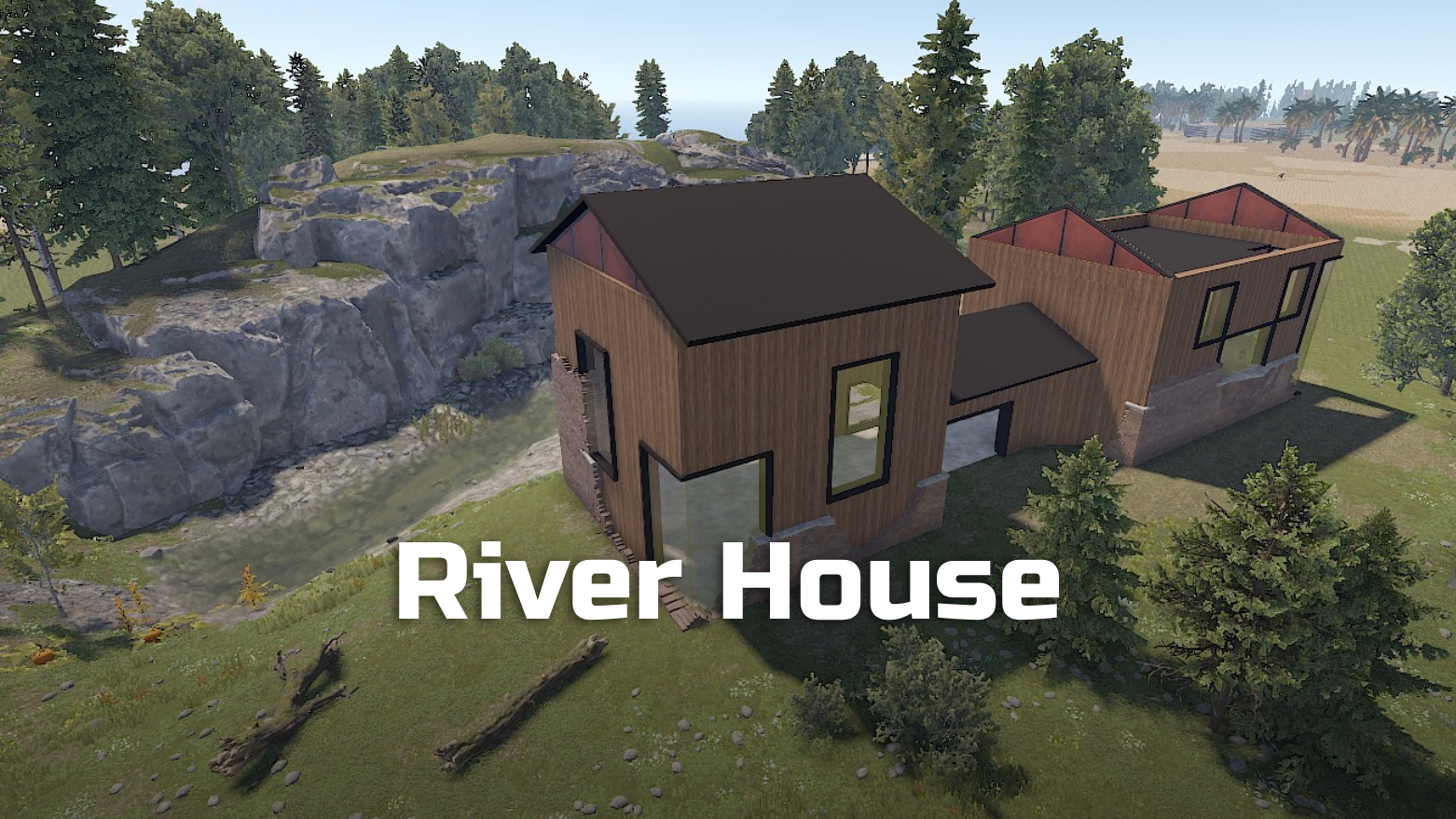
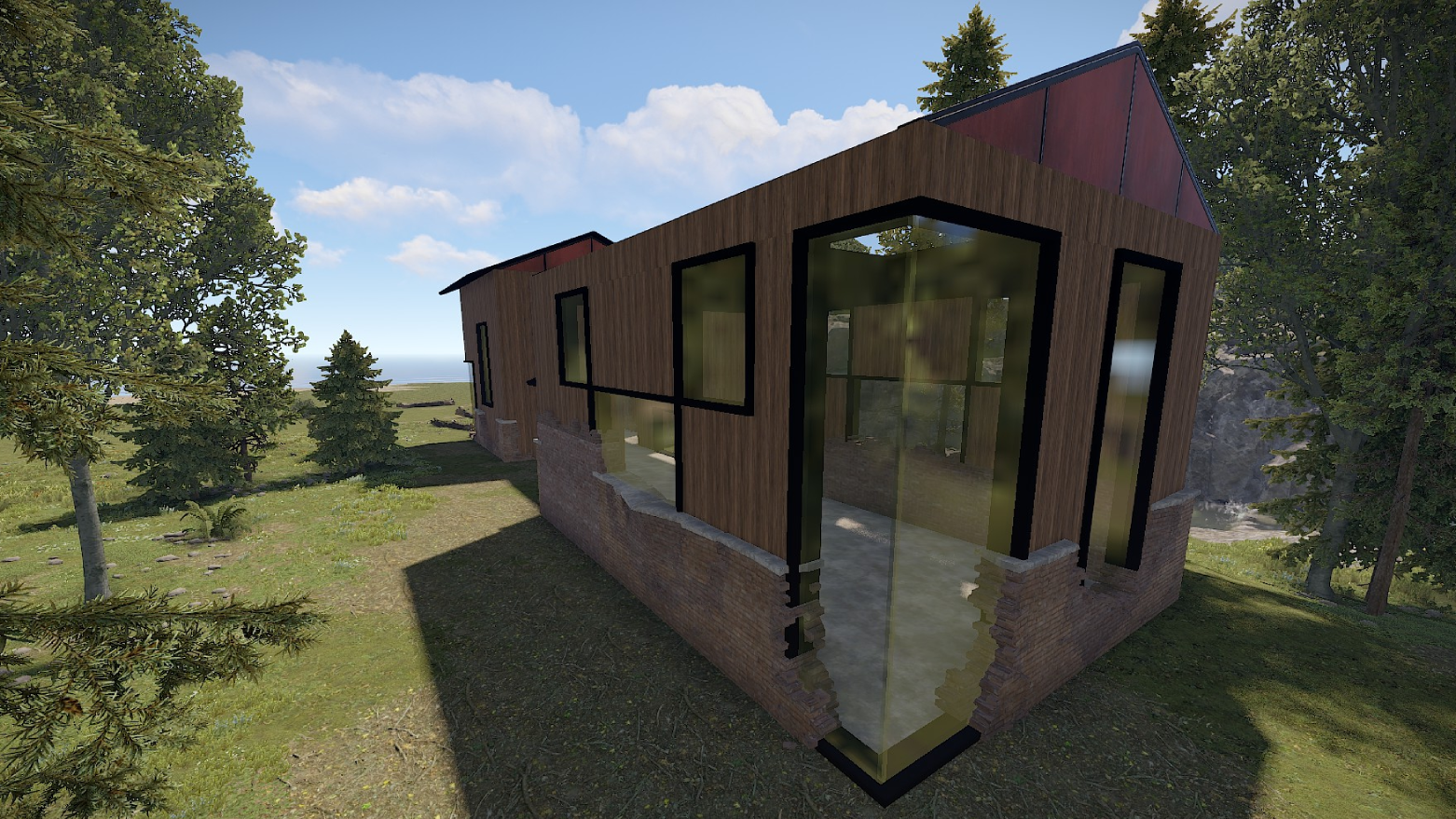
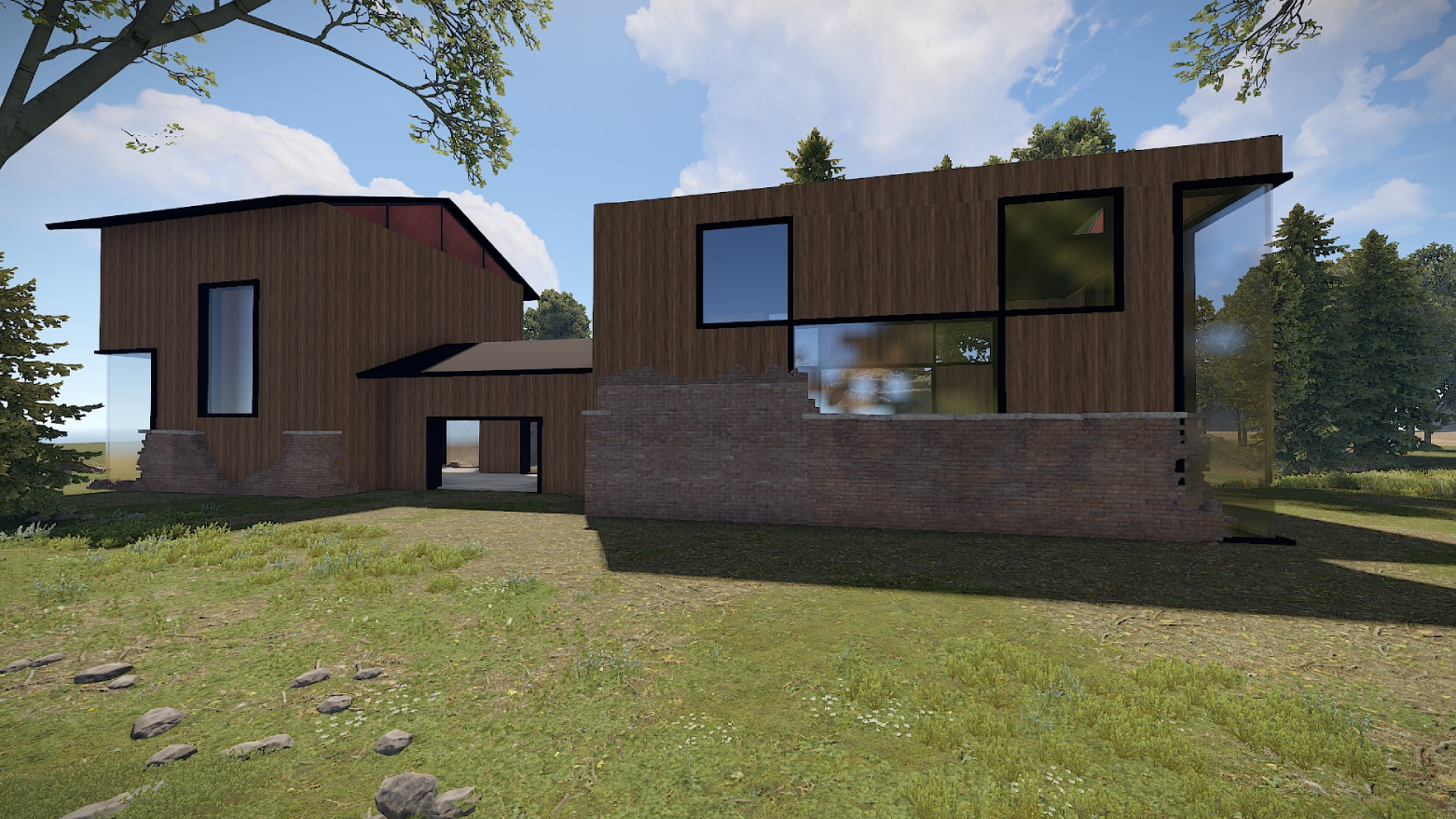
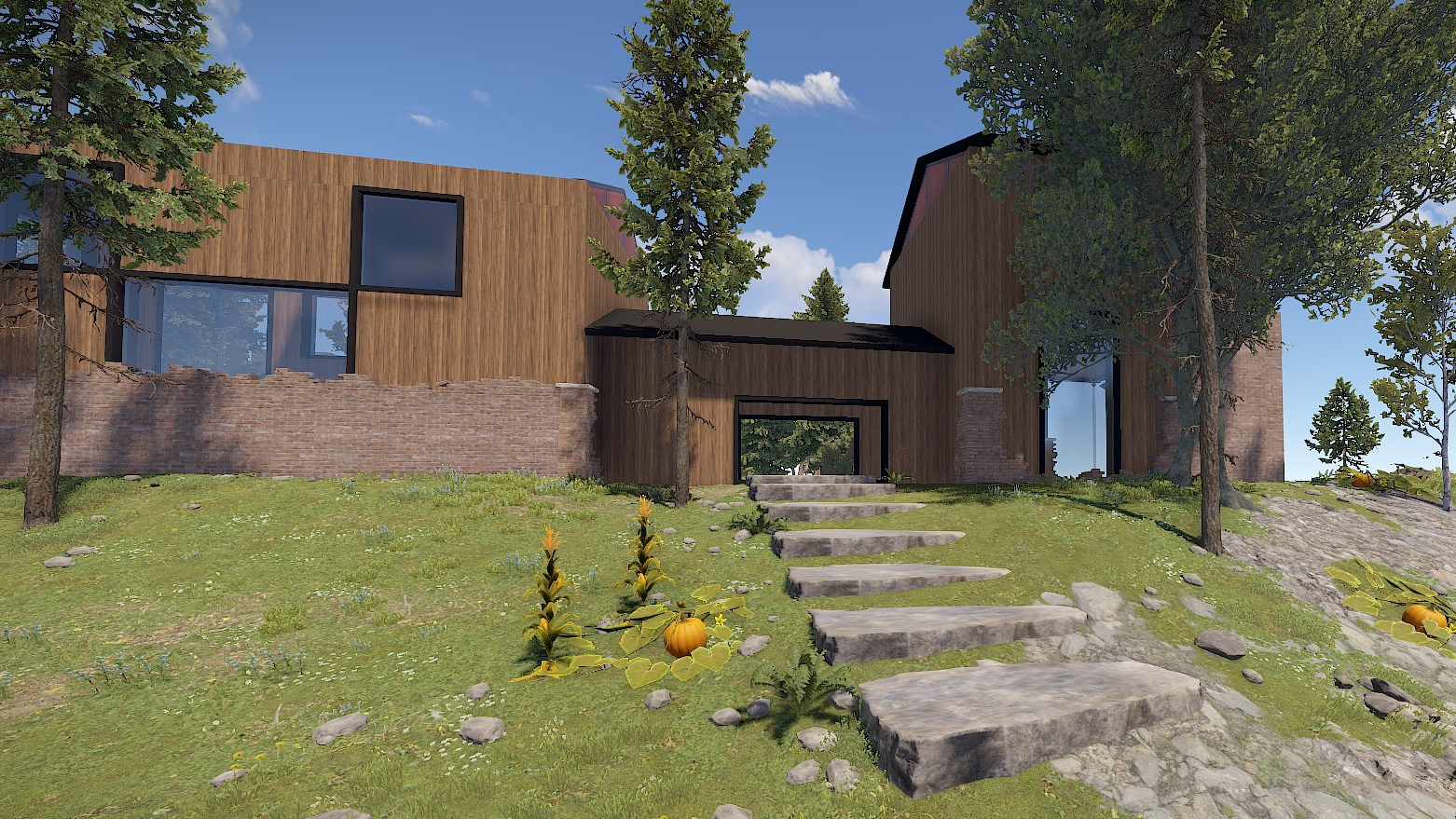
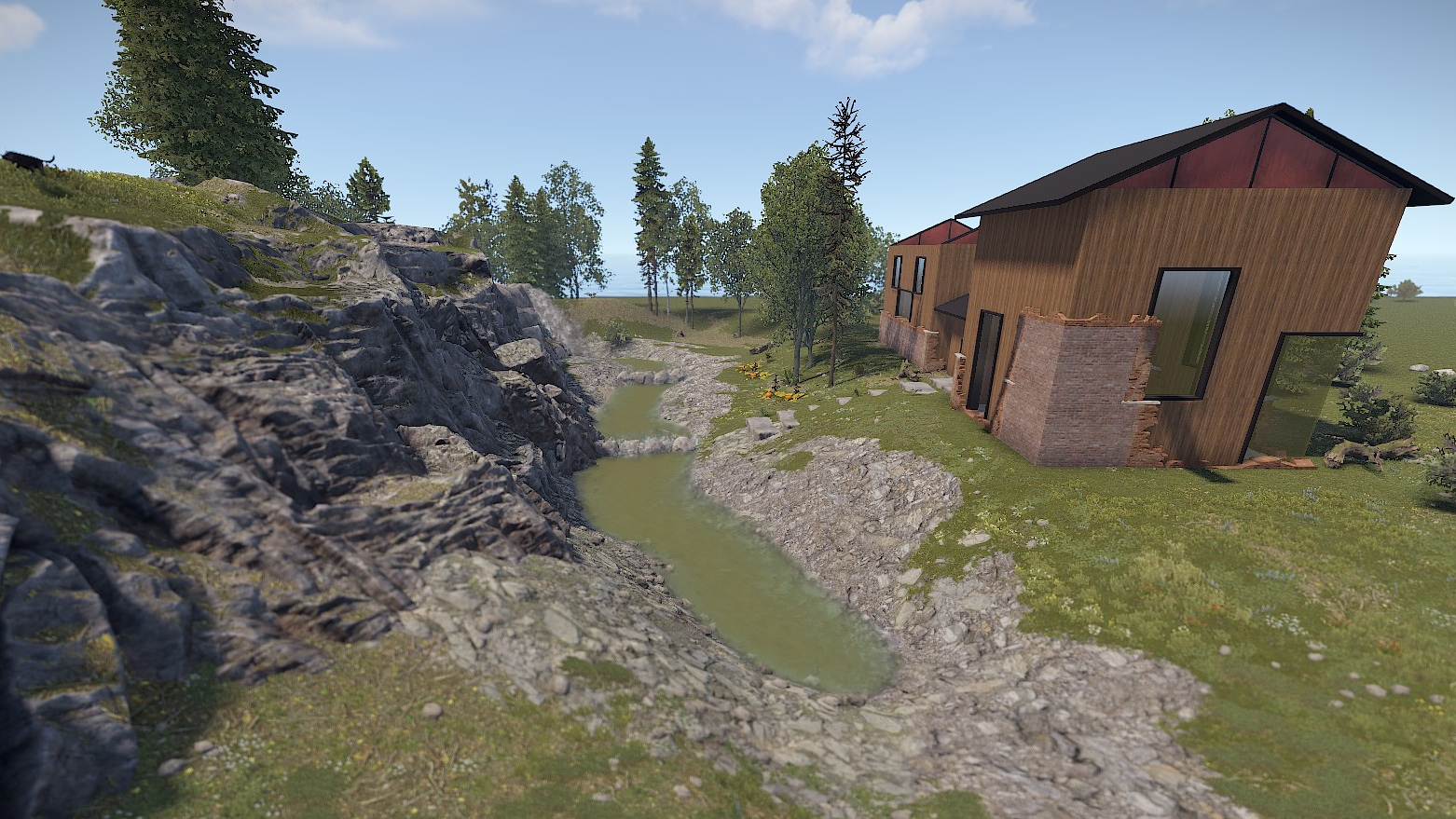
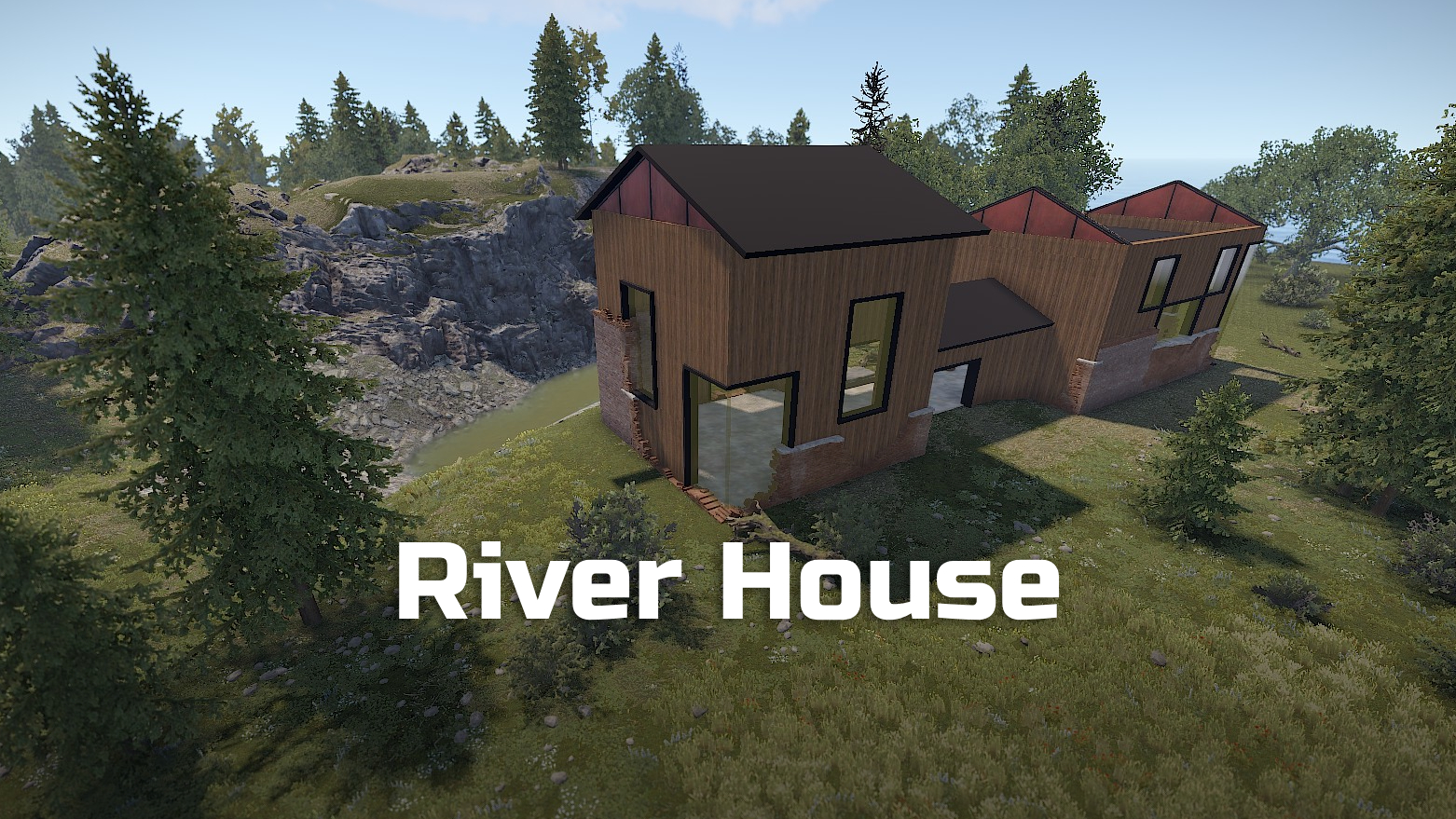
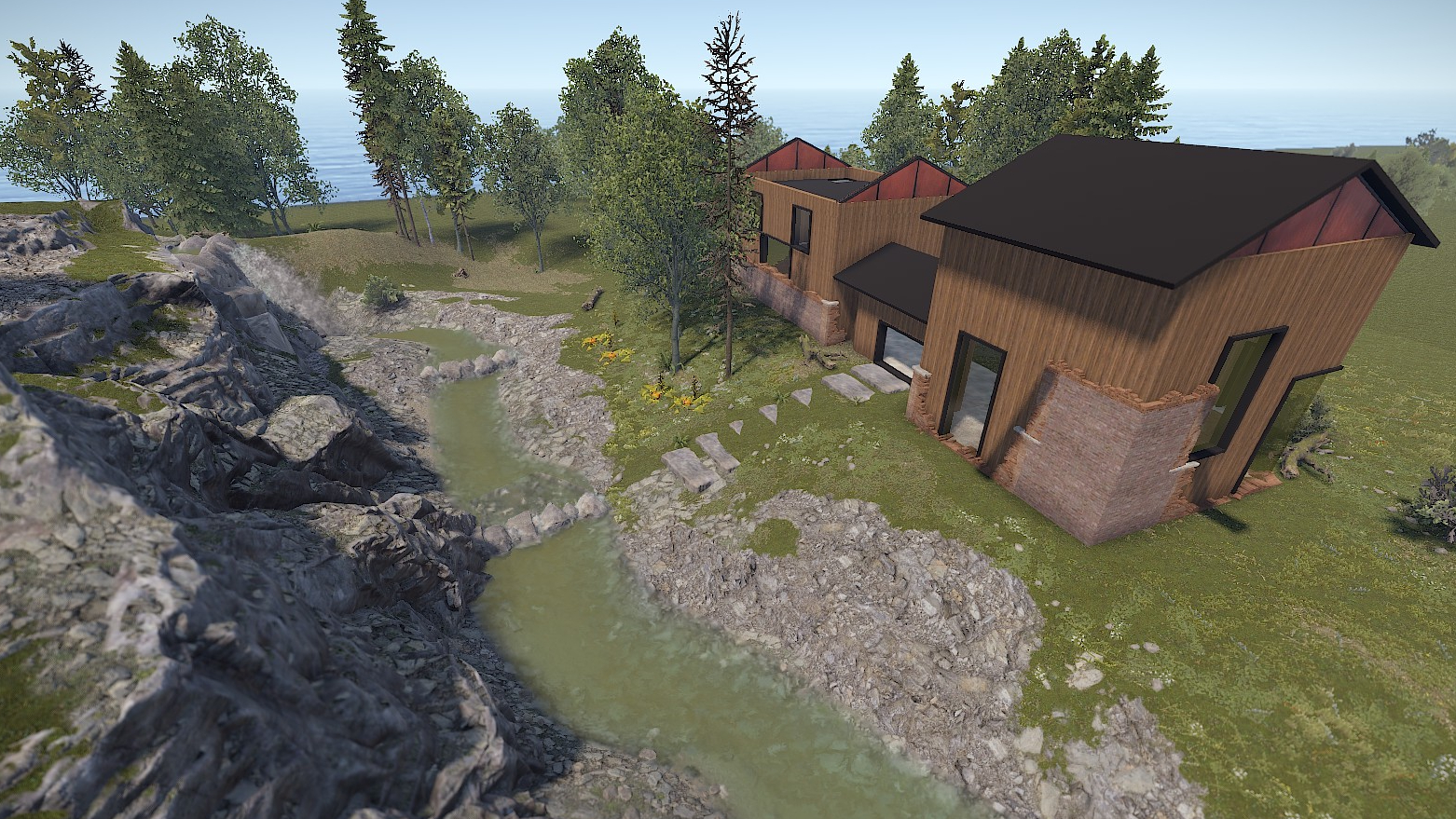
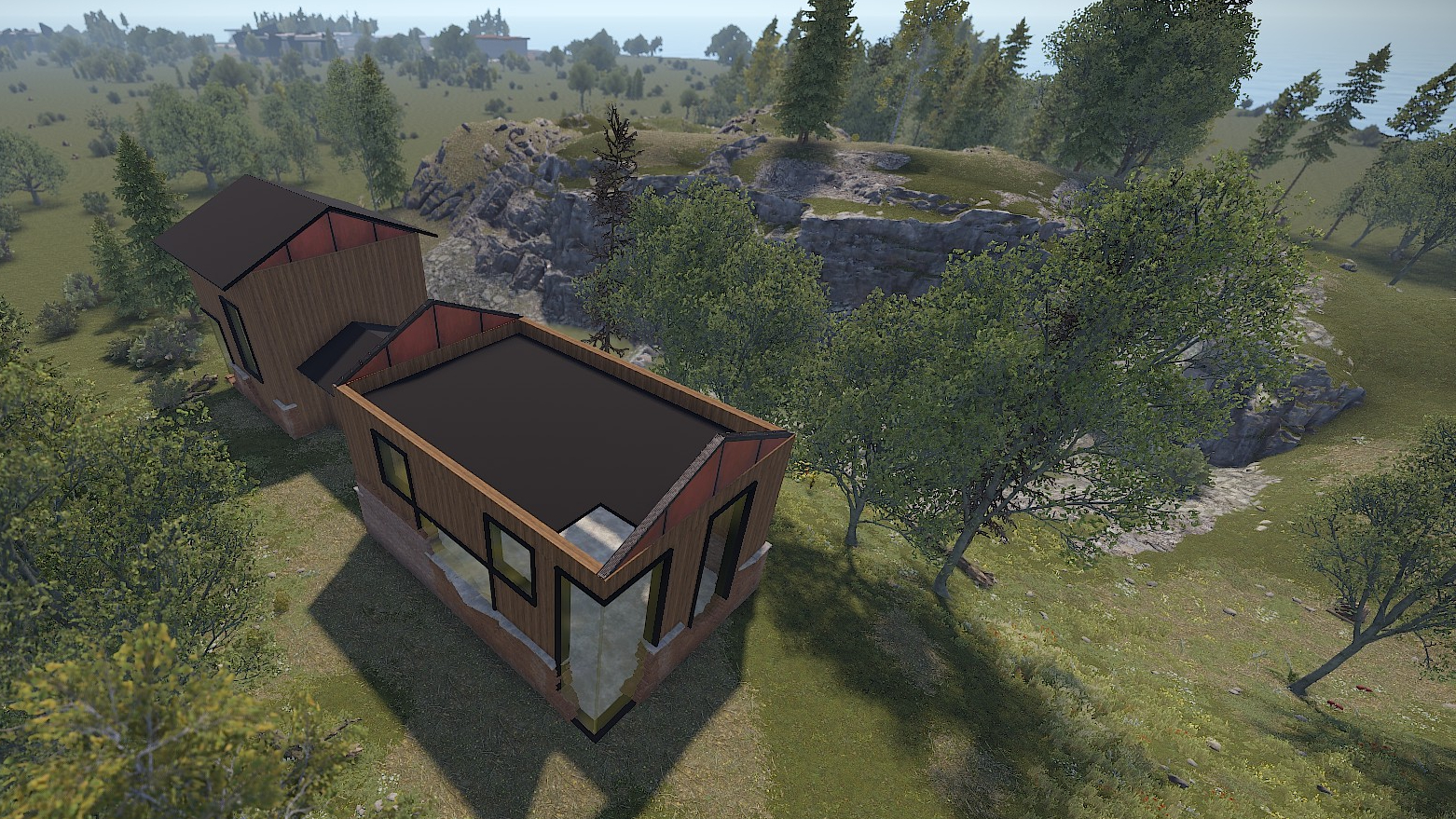
A modern house built in an old ruin. You can still see the remains of the old walls.
Large windows and a lot of space make this house a special place.
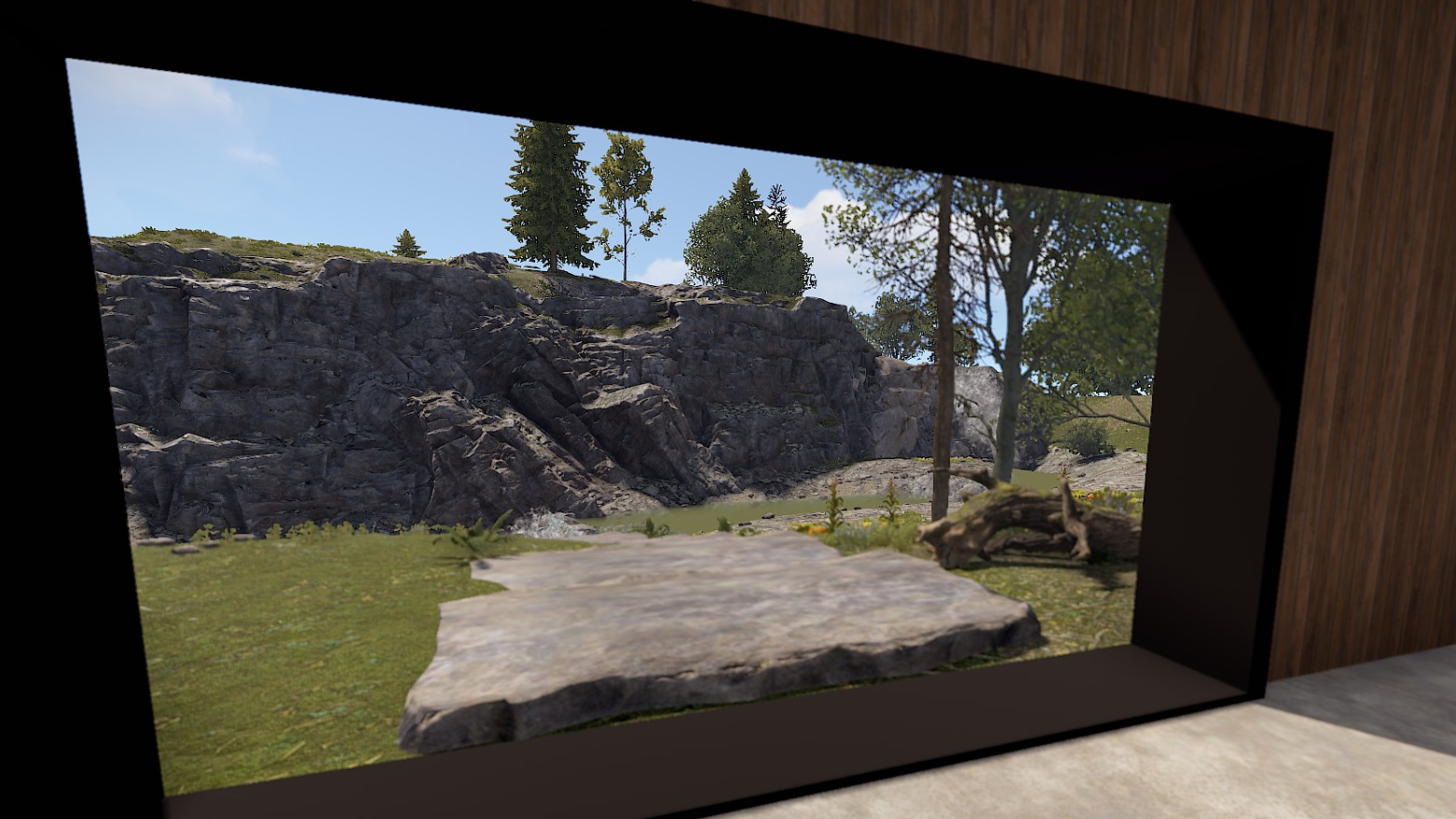
Right next to it flows a small stream that turns this place into an oasis of well-being.
Offer your players a special building place like this. Perfect for RP/PVE servers.
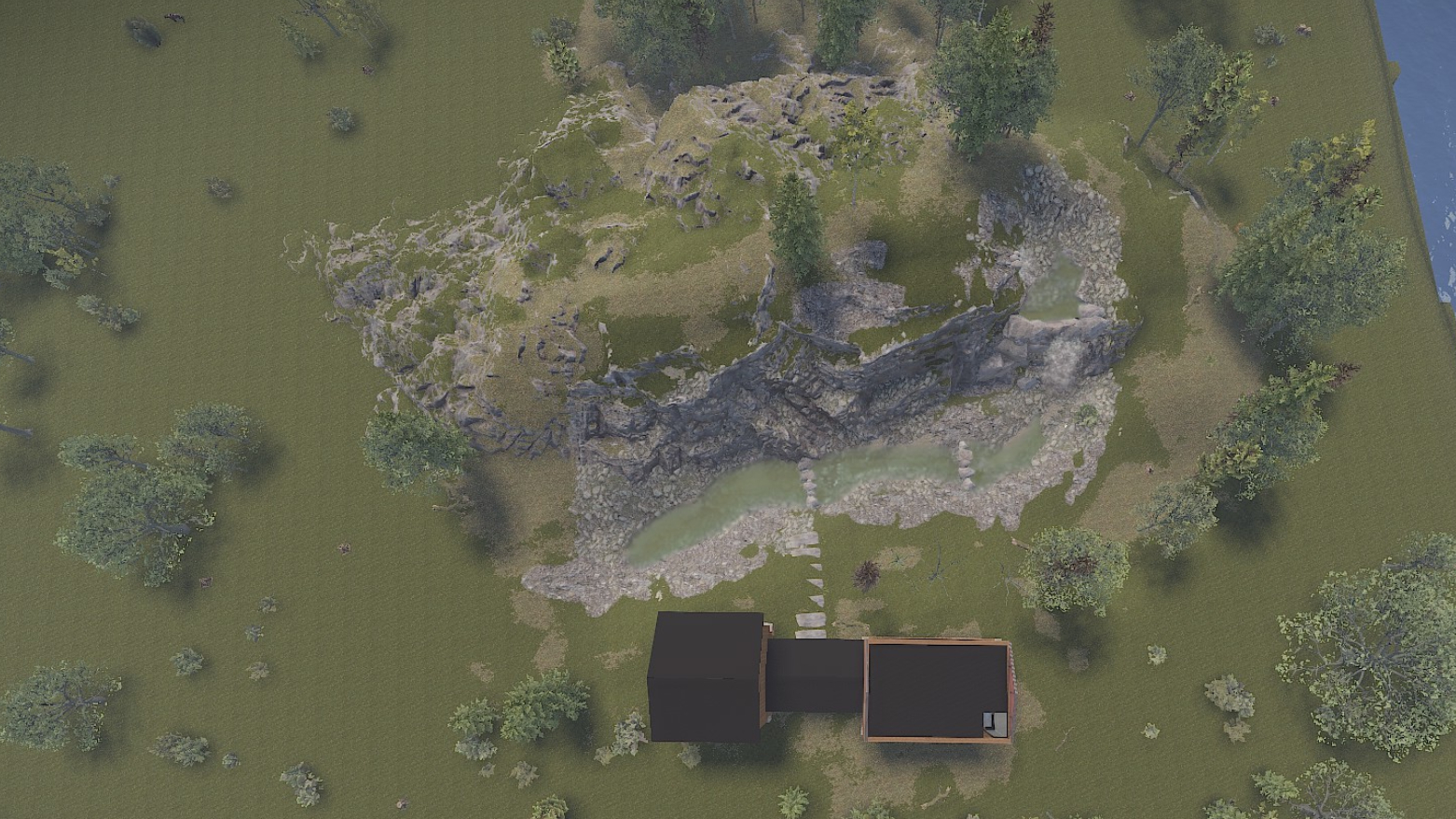
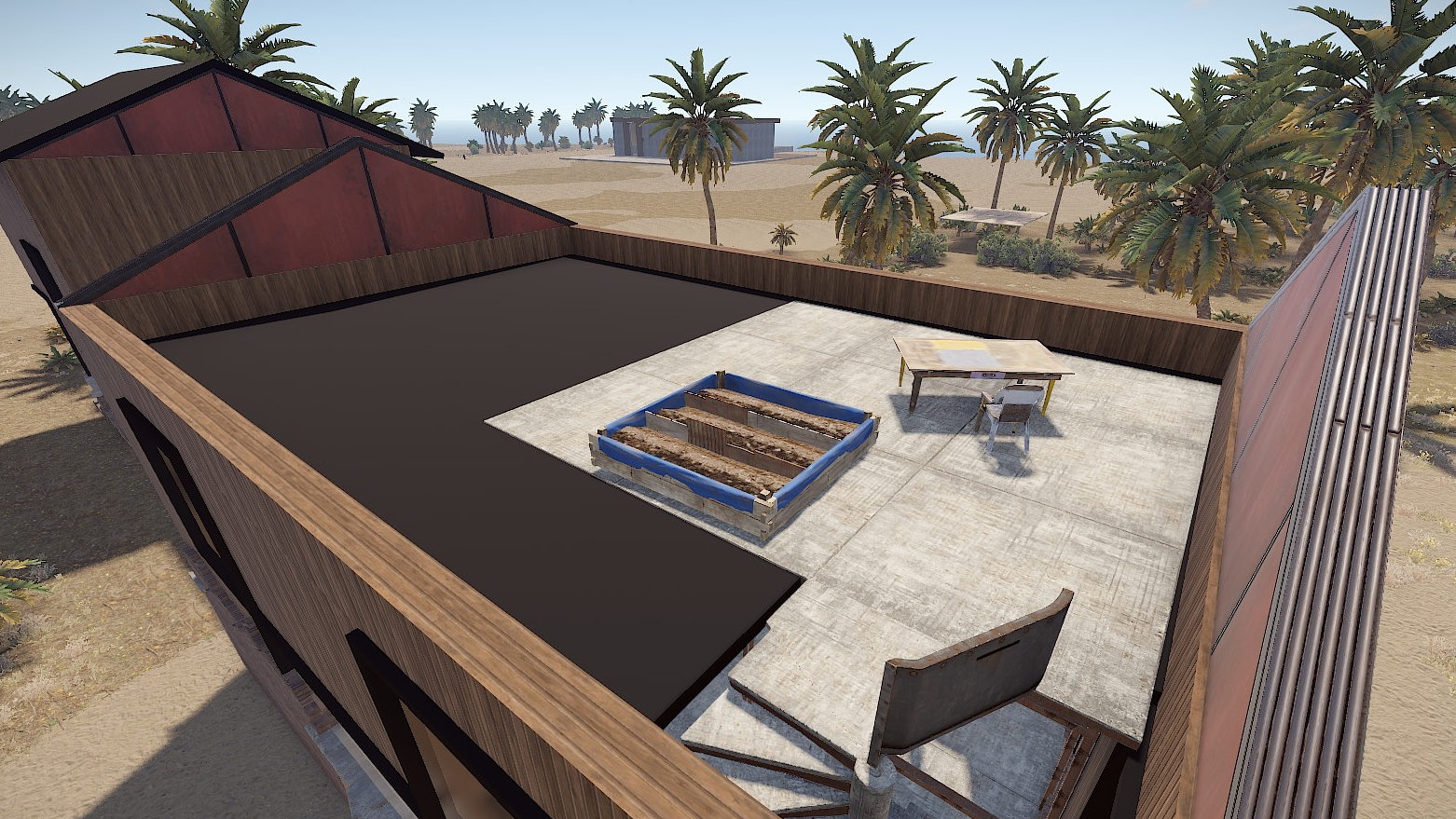
In one of the rooms there is a hole in the roof that fits perfectly for a staircase or an elevator,
so you can still build on the roof.
The trees and plants in the pictures are not included, but they are spawned by the topology layer.
Prefabs count: ~220
Modifiers: Height, Topology, Biome, Splat
Installation:
1. Download file
2. Unzip the file and copy the folder to RustEdit\CustomPrefabs
3. Open RustEdit and place the prefab
4. Apply the modifiers (Height/Topology/Biome/Splat)
Skins:
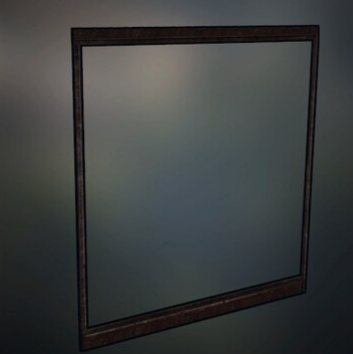
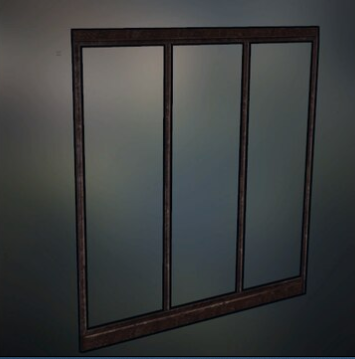
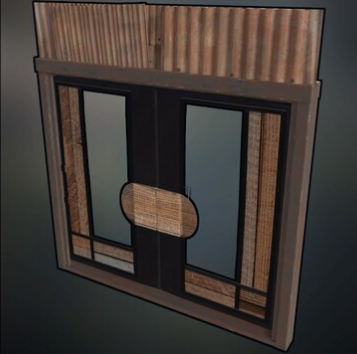
I am happy to share with you suitable skins for your skin mods (you will find the ID's in the READ ME file):
Big Window (Garage Door)
Large Window (Garage Door)
Glass-Wood Door (Sheet Metal Double Door)
Edited by ilineus
What's New in Version 1.0.0
Released
Fixed River Source
You are not allowed to share, redistribute, sell or claim this prefab as your own.
-
 1
1
You may only provide a review once you have downloaded the file.
There are no reviews to display.