



About ModernMarket
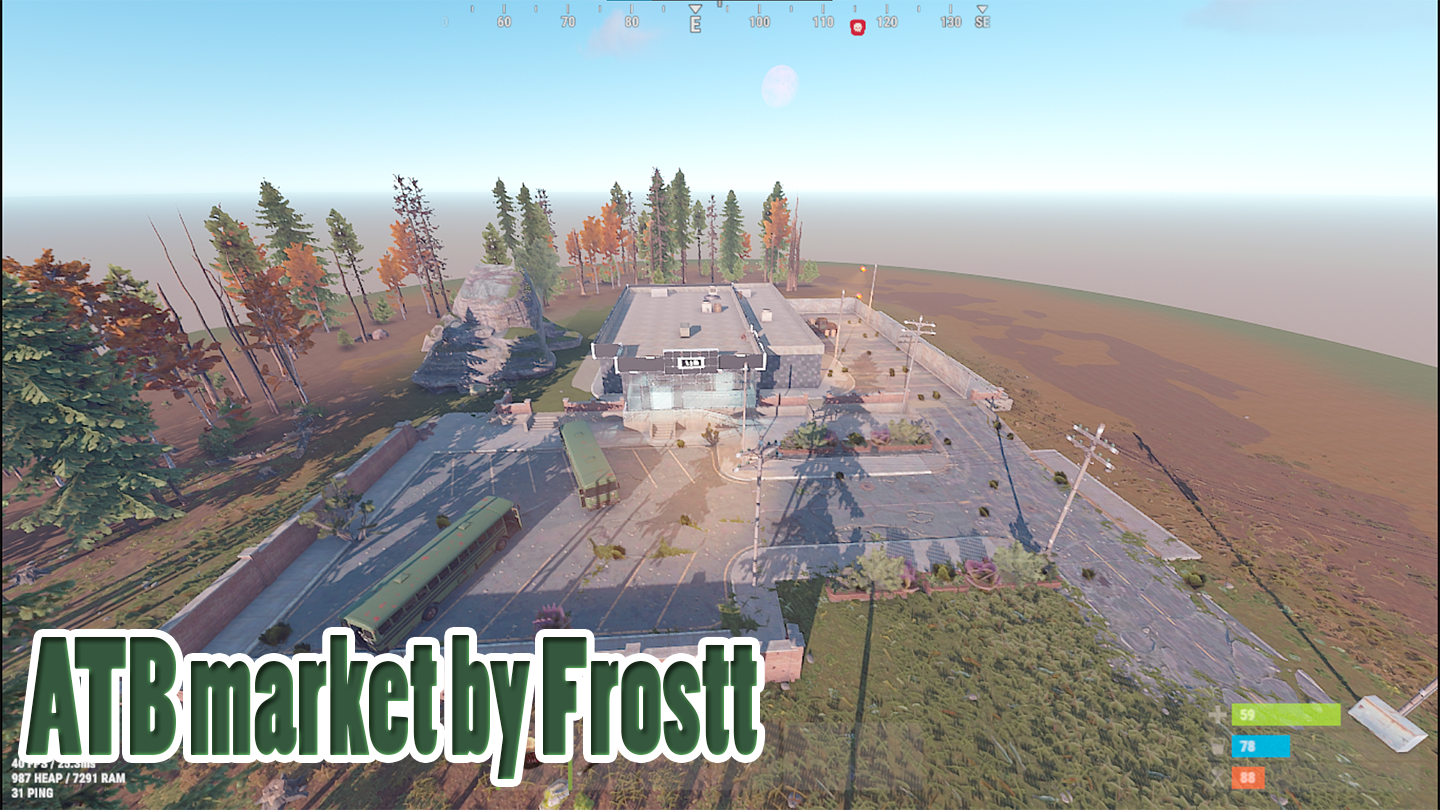
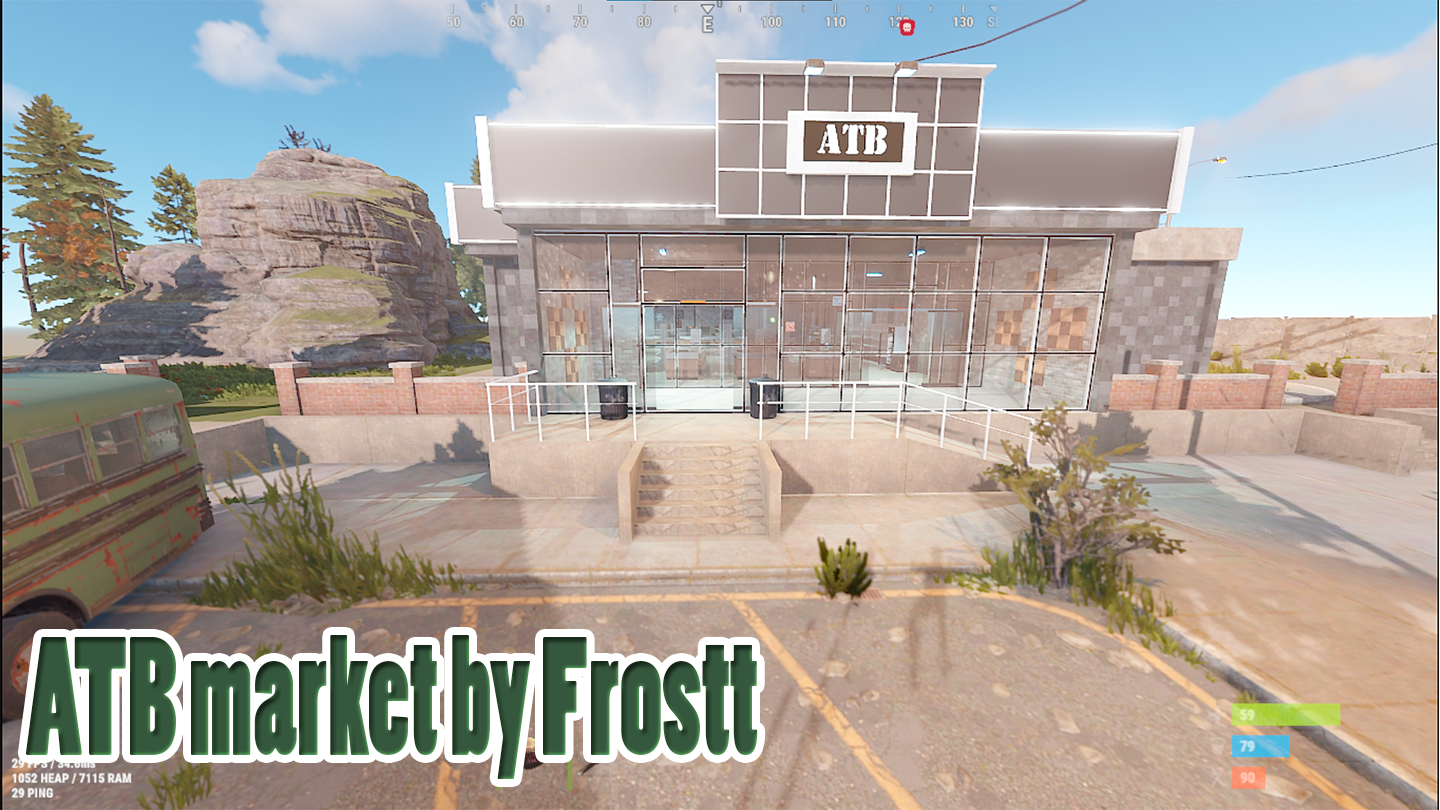
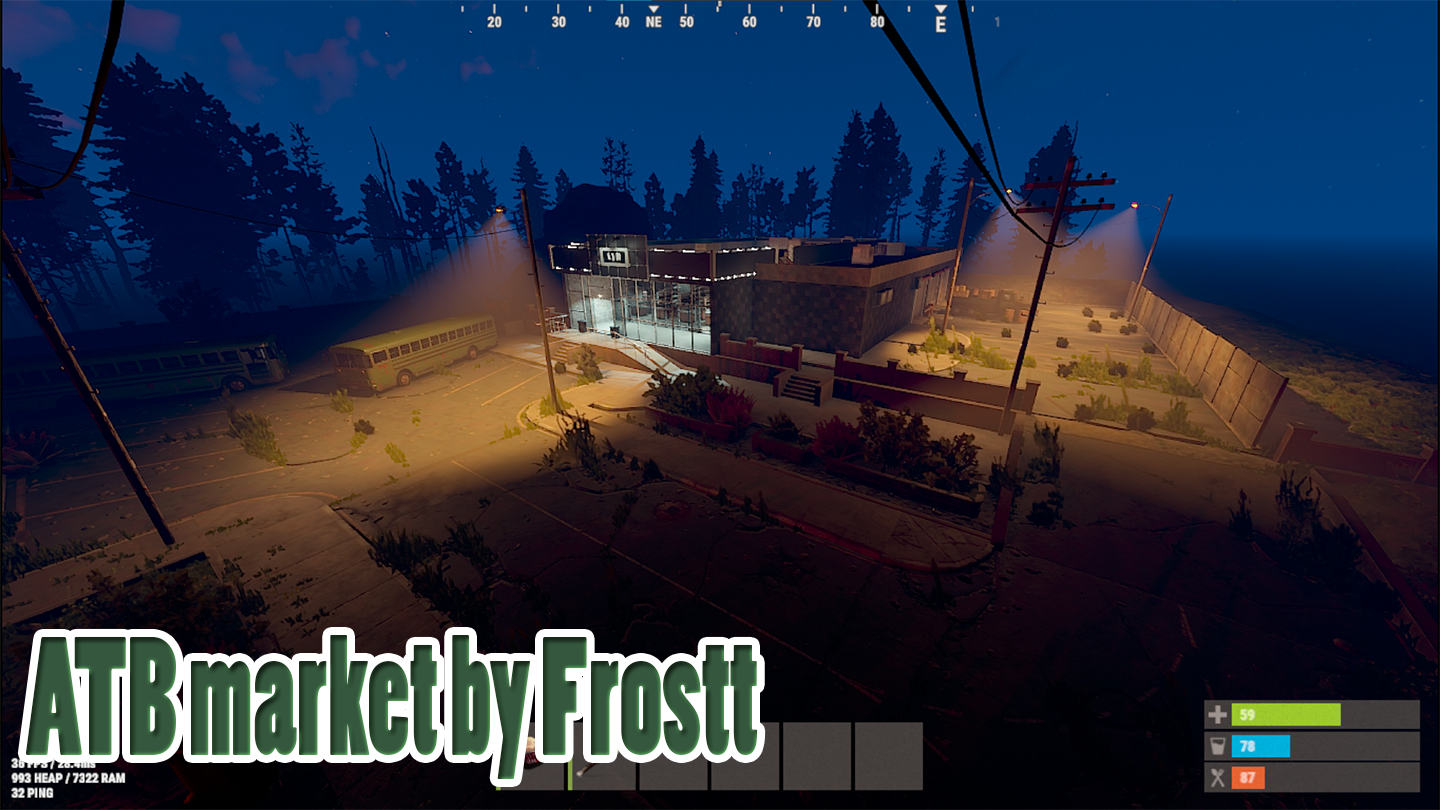
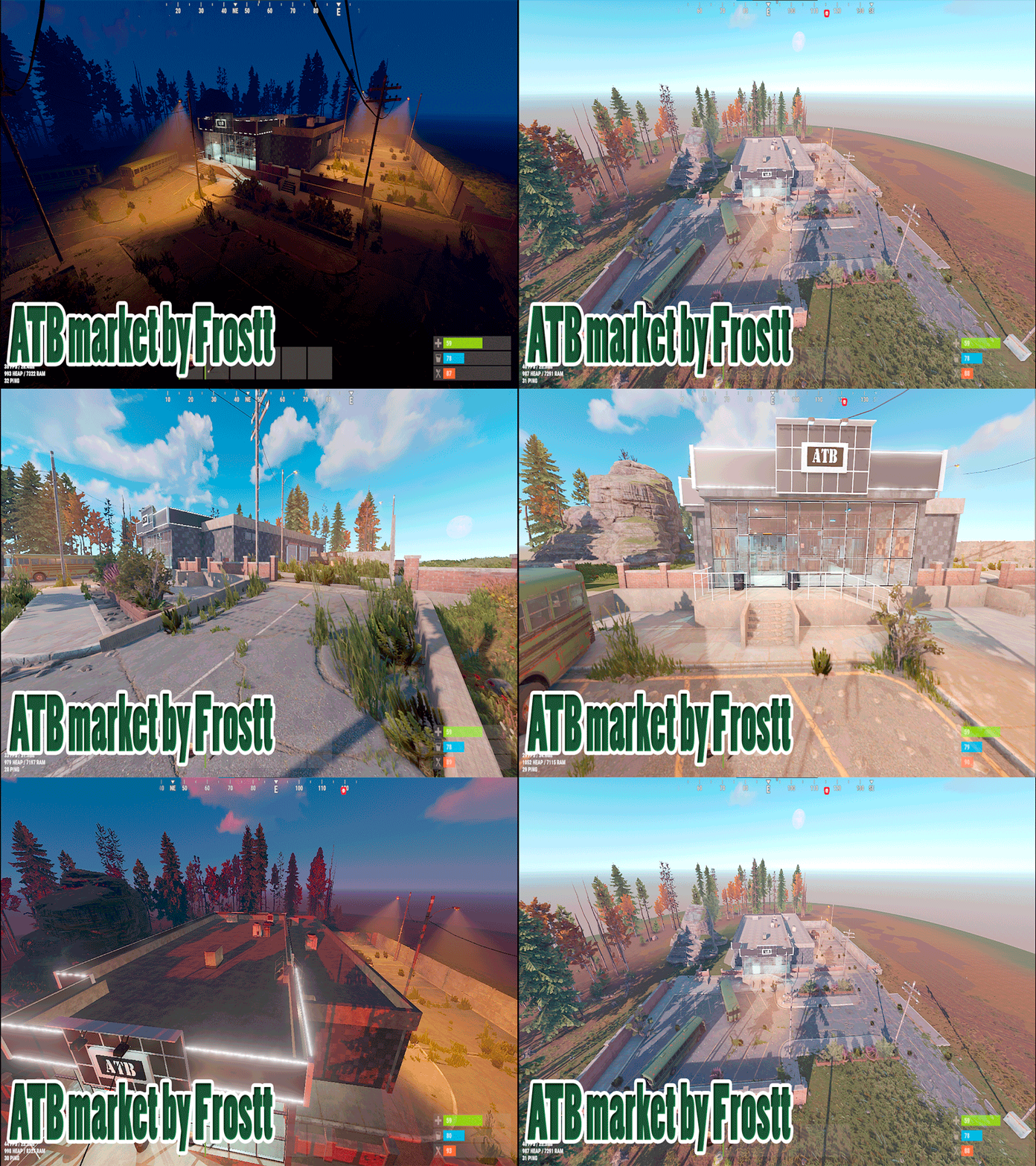
I suggest showing you my version of the supermarket.
This supermarket will fit perfectly into any server
The supermarket consists of five zones inside and two outside.
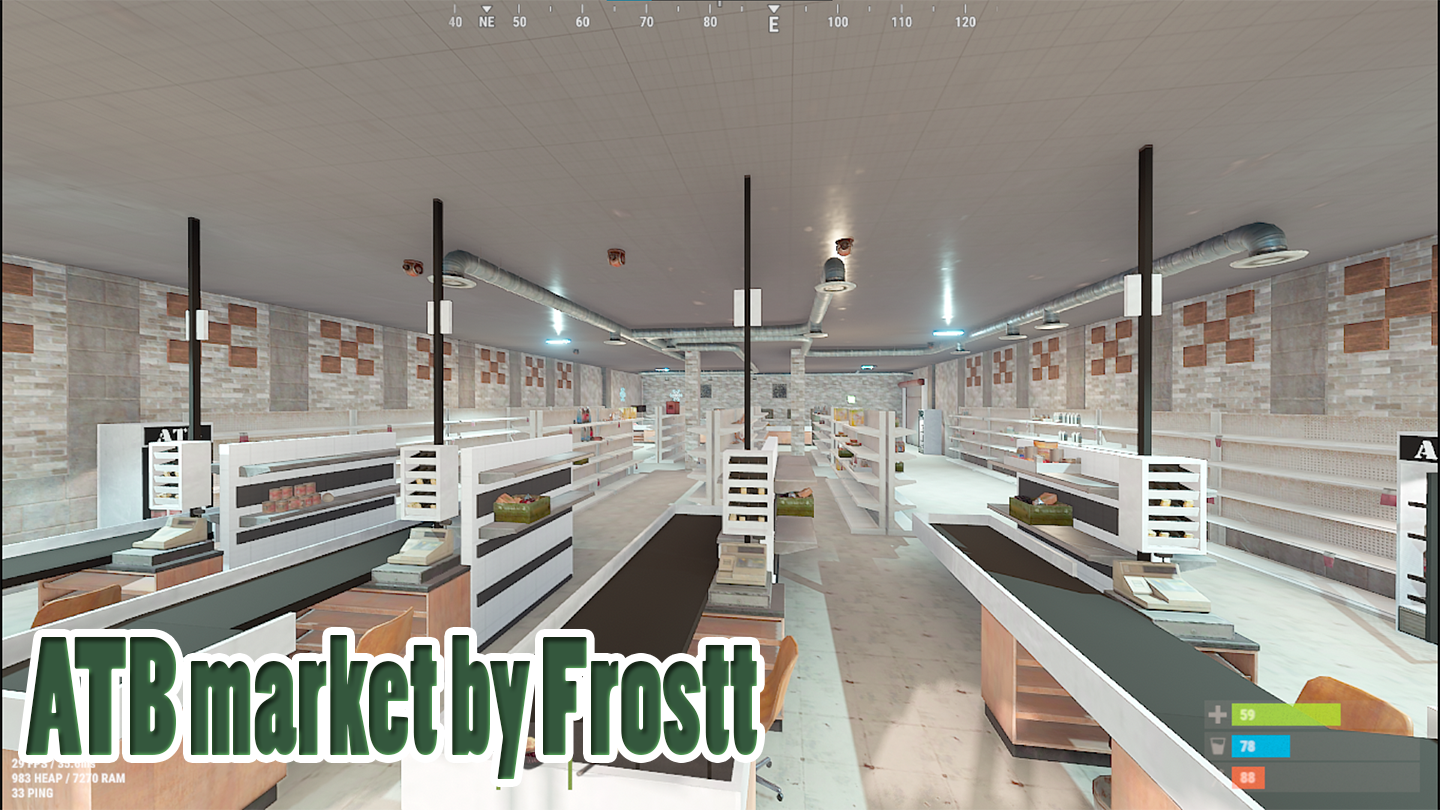
- The first zone inside is the supermarket itself with shelves of goods, cash registers, and a section for meat products
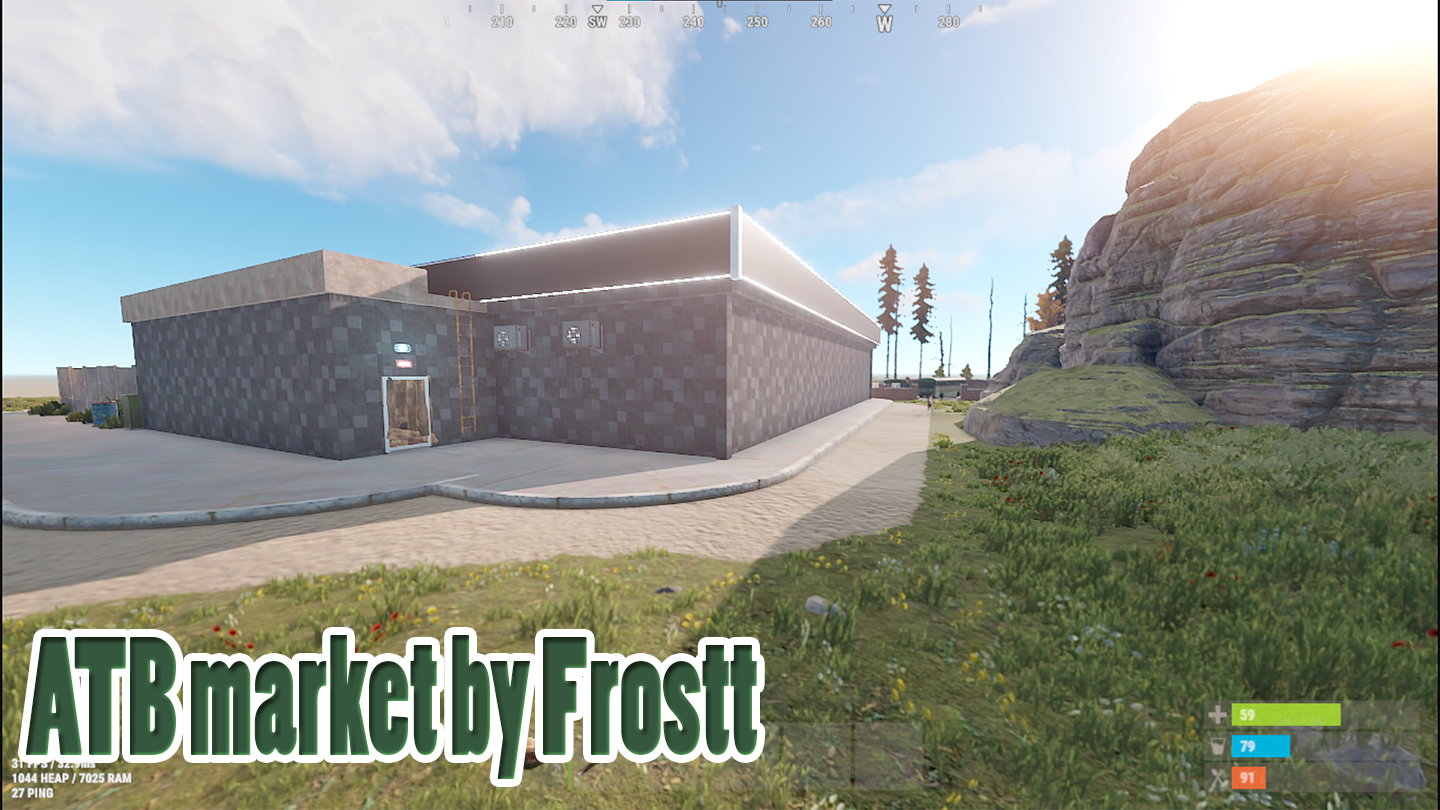
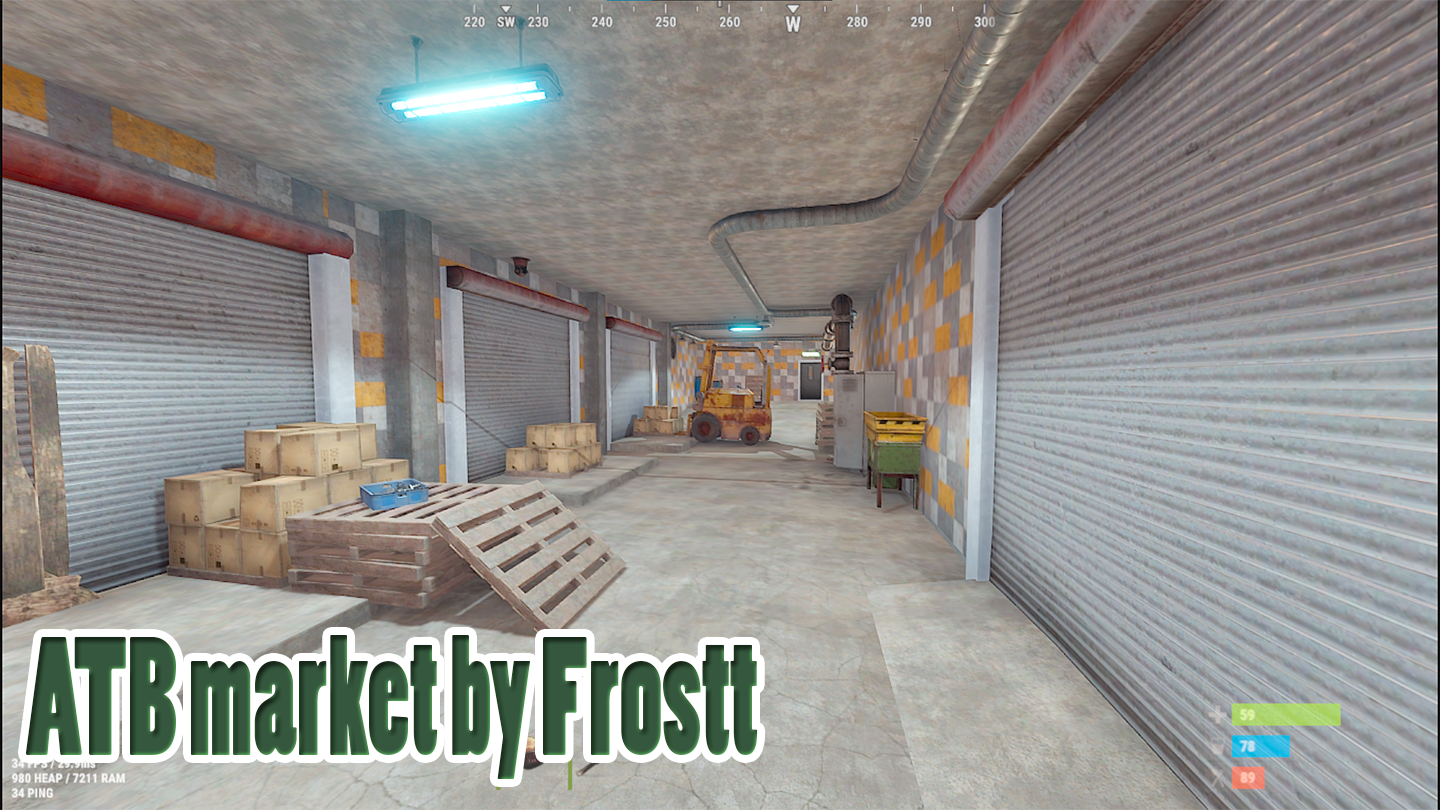
-Next, there will be a corridor connecting the black exit and the loading-unloading area, followed by a security room and an exit to the roof.
loot
-In the supermarket, you will be able to find food, components, and medicine
-In the warehouse, you can find a crate with tools and components. Additionally, there is a recycler in the warehouse.
-In the security room, you can find a green card and a crate with components.
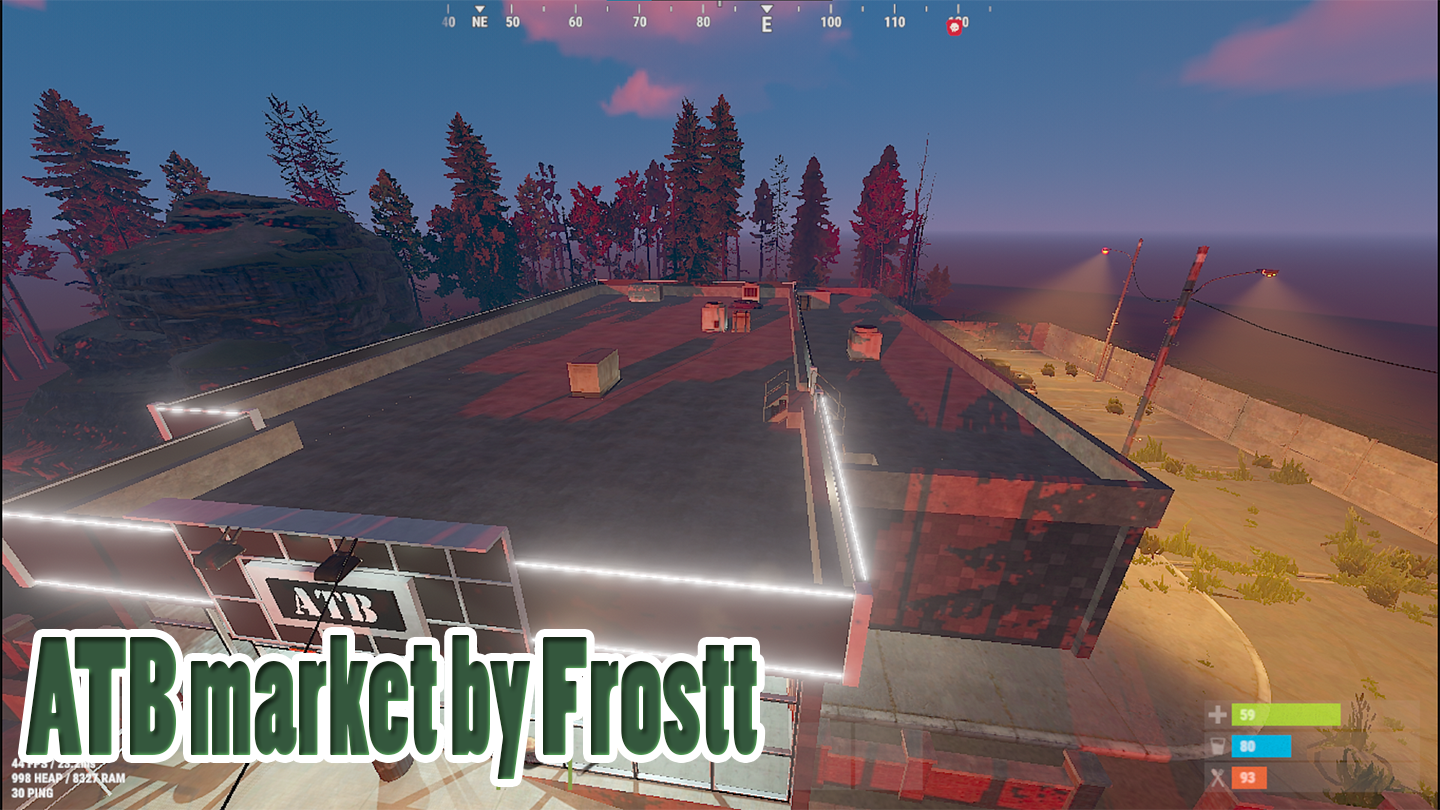
-On the roof, you will find three regular crates waiting for you.
PREFABS
1400+
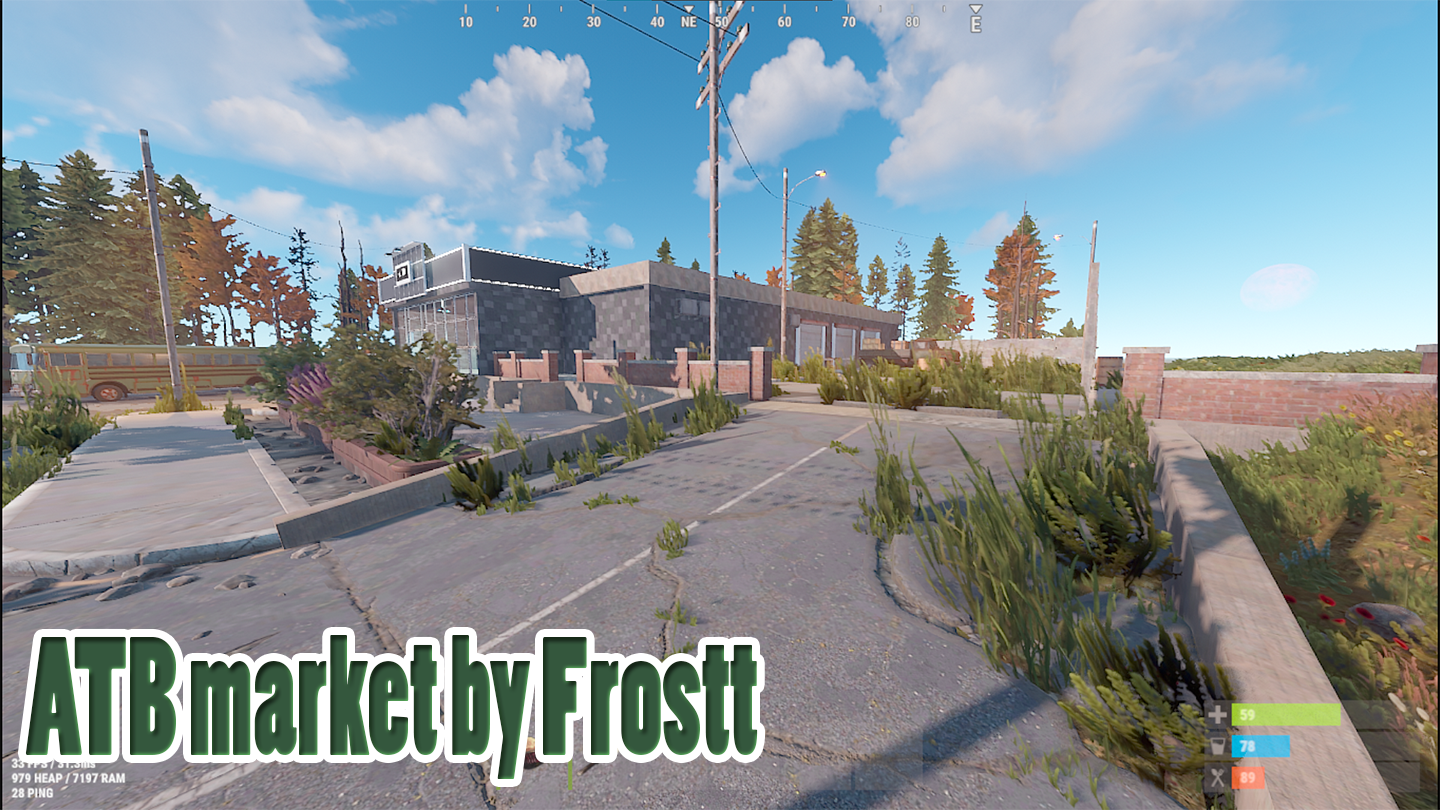
Near the supermarket, there are two buses in the parking lot.
One of them contains a crate with tools.
Barrels spawn on the external territory.
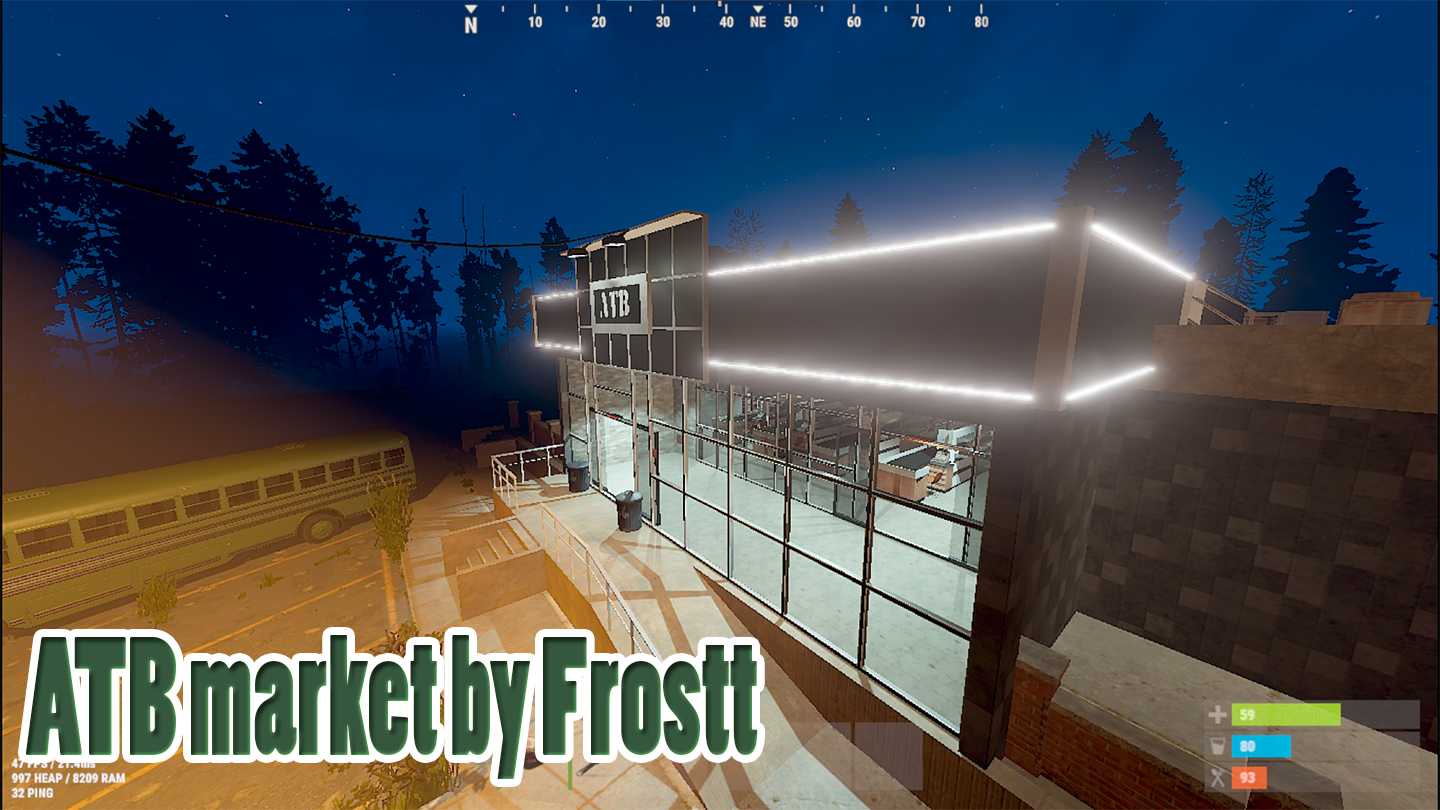
At night, the supermarket is beautifully illuminated along the roofline, emphasizing its modern origin.
What's New in Version 1.0.0
Released
No changelog available for this version.
By purchasing this resource:
• you get support for future updates
• you agree to the following rules:
It is forbidden to carry out the following actions with the purchased resource:
• sell anywhere
• transfer to third parties
• exchange for other resources purchased by someone
• edit the resource for subsequent use in coloboration with other prefabs
You can use this resource on your map.
If you violate these rules, you will be removed from buyers on all my resources, as well as in relation to you, support for my work will be terminated
You may only provide a review once you have downloaded the file.
There are no reviews to display.