



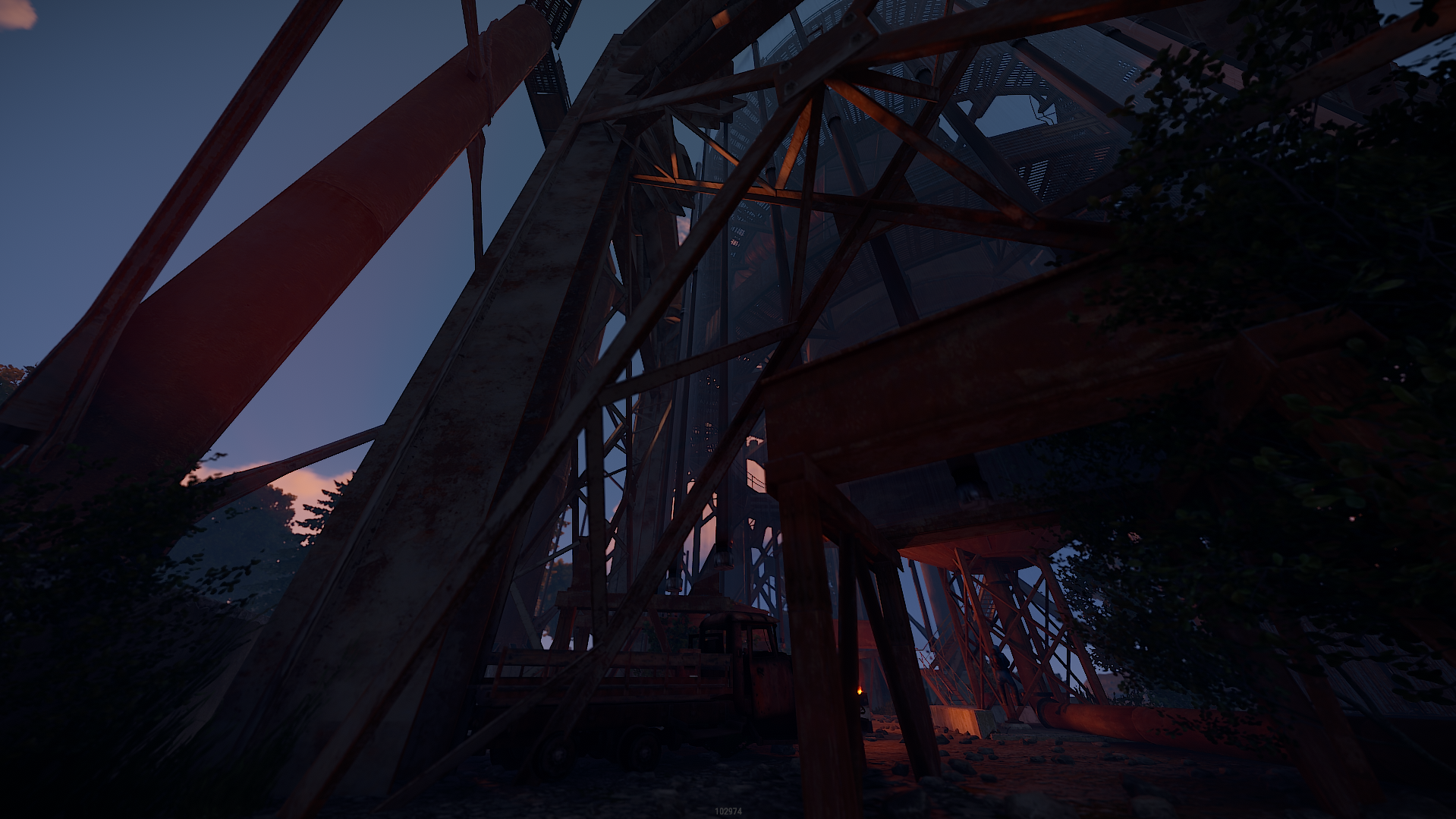
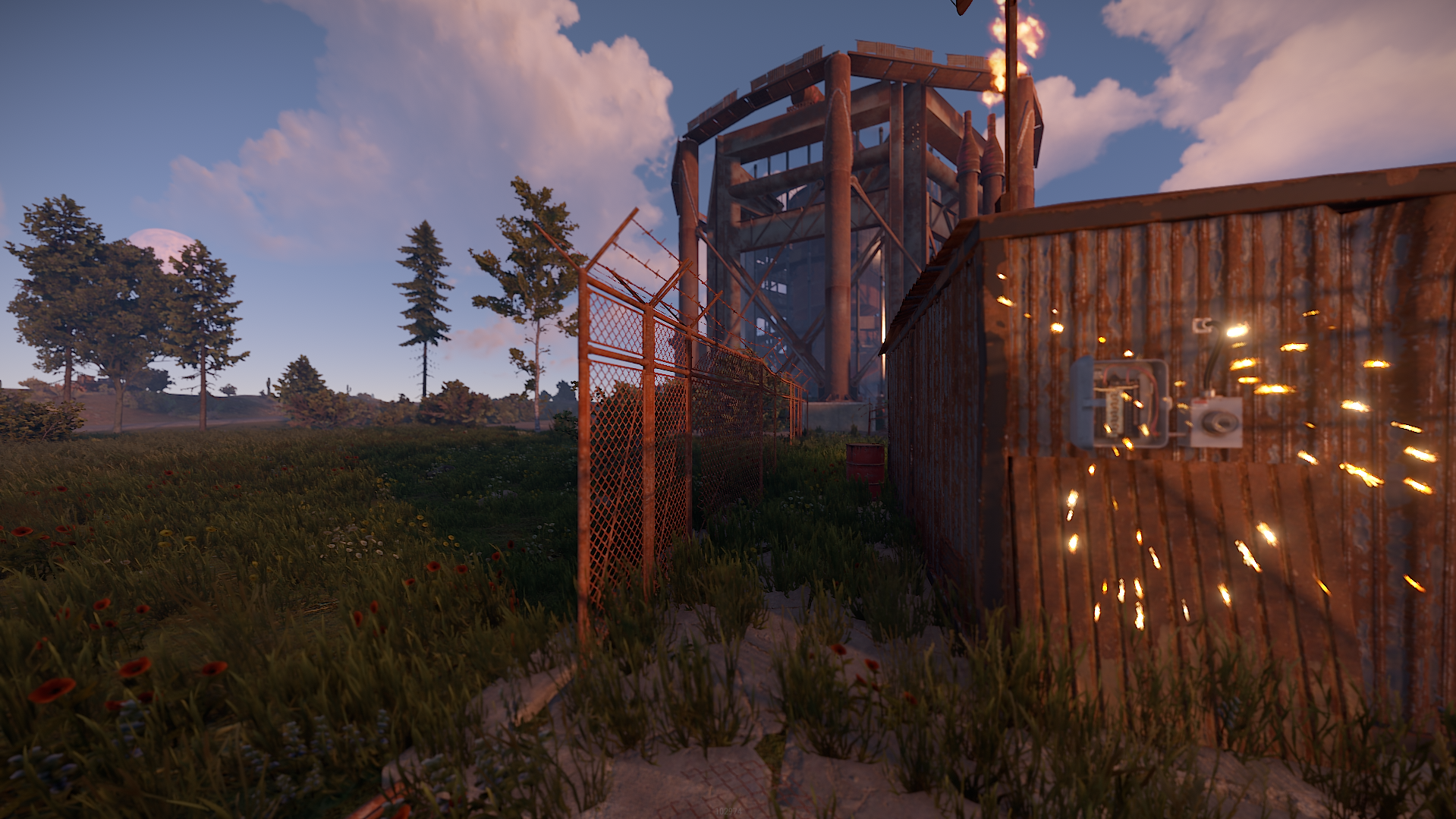
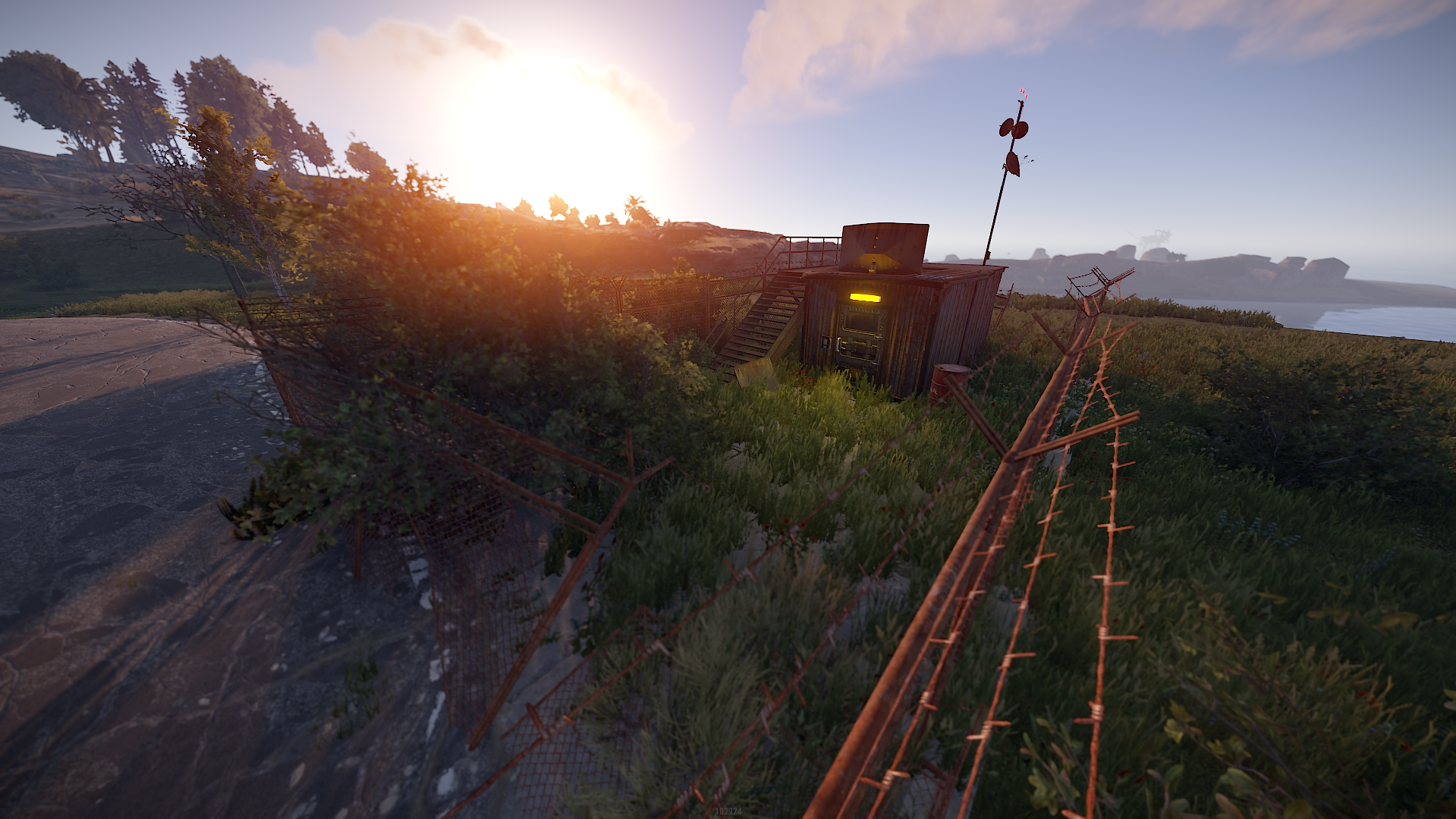
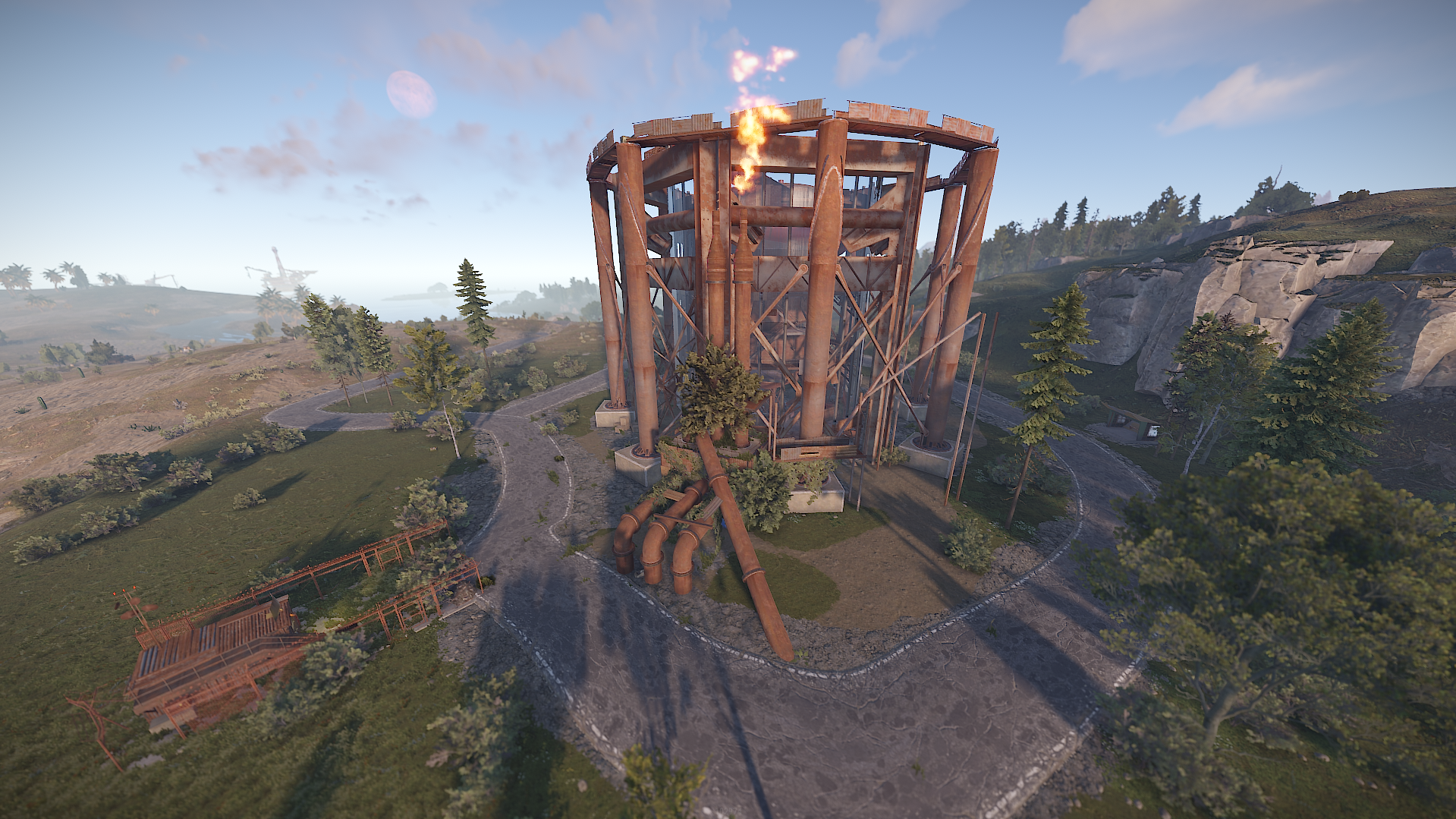
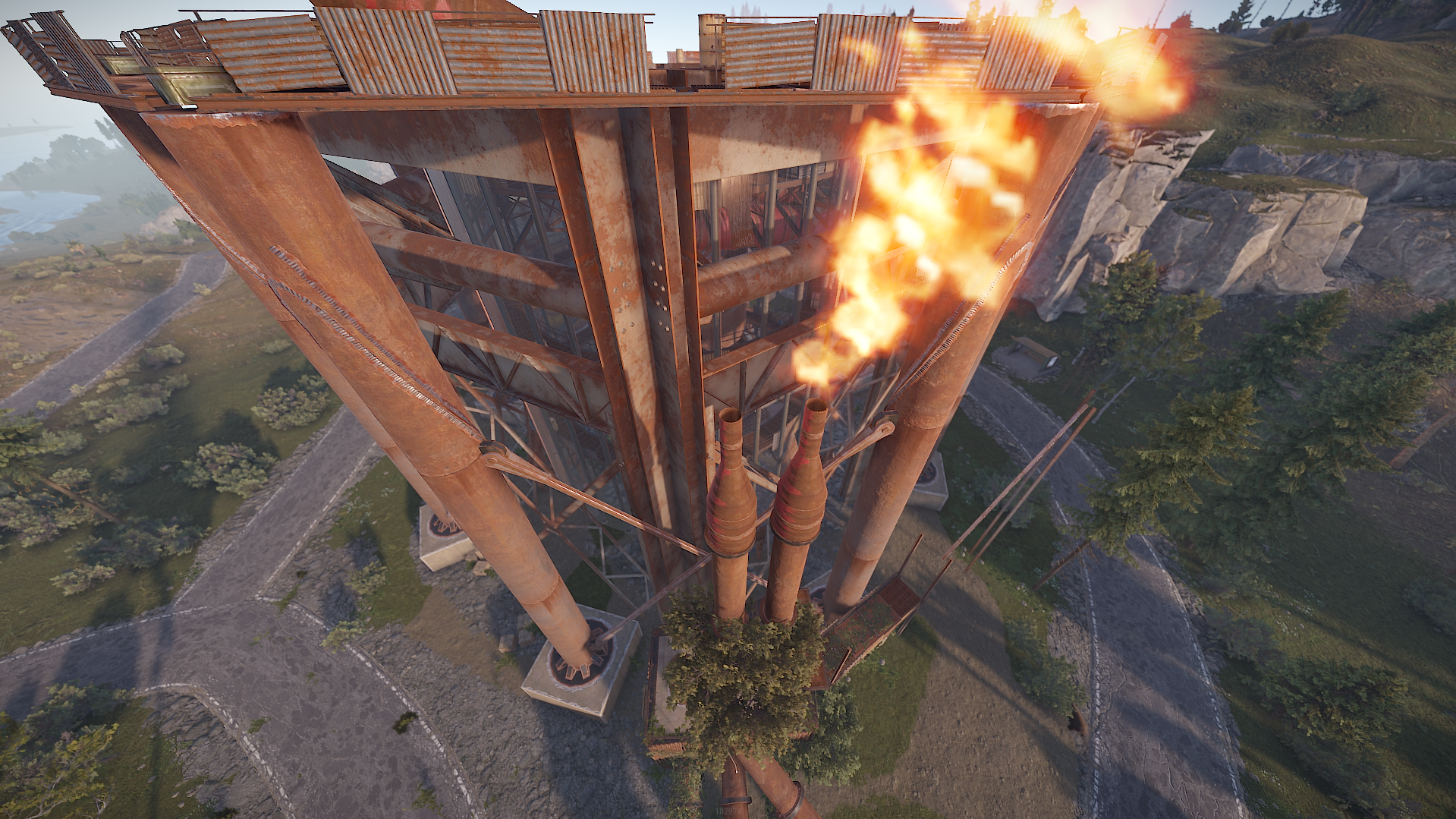
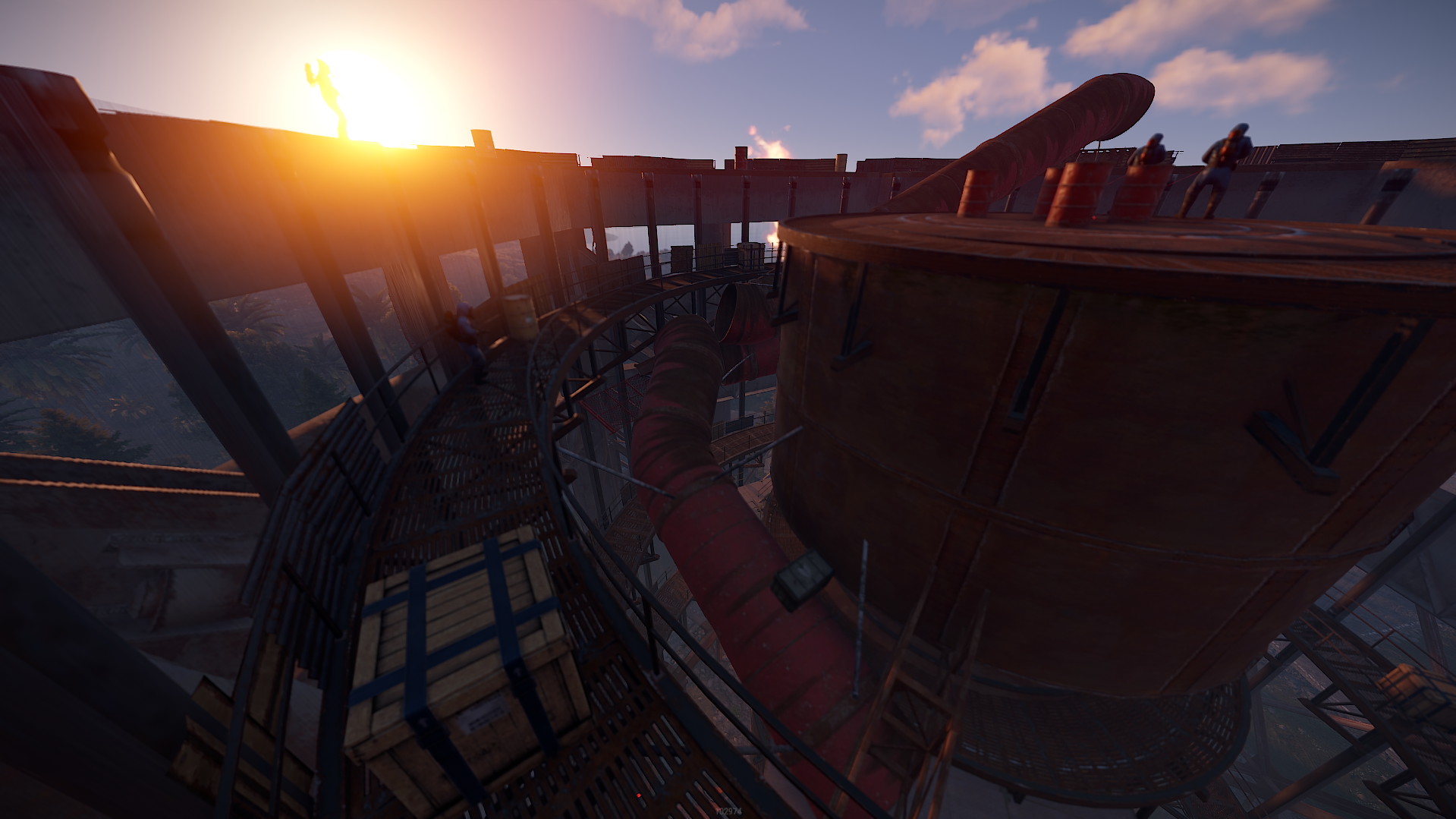
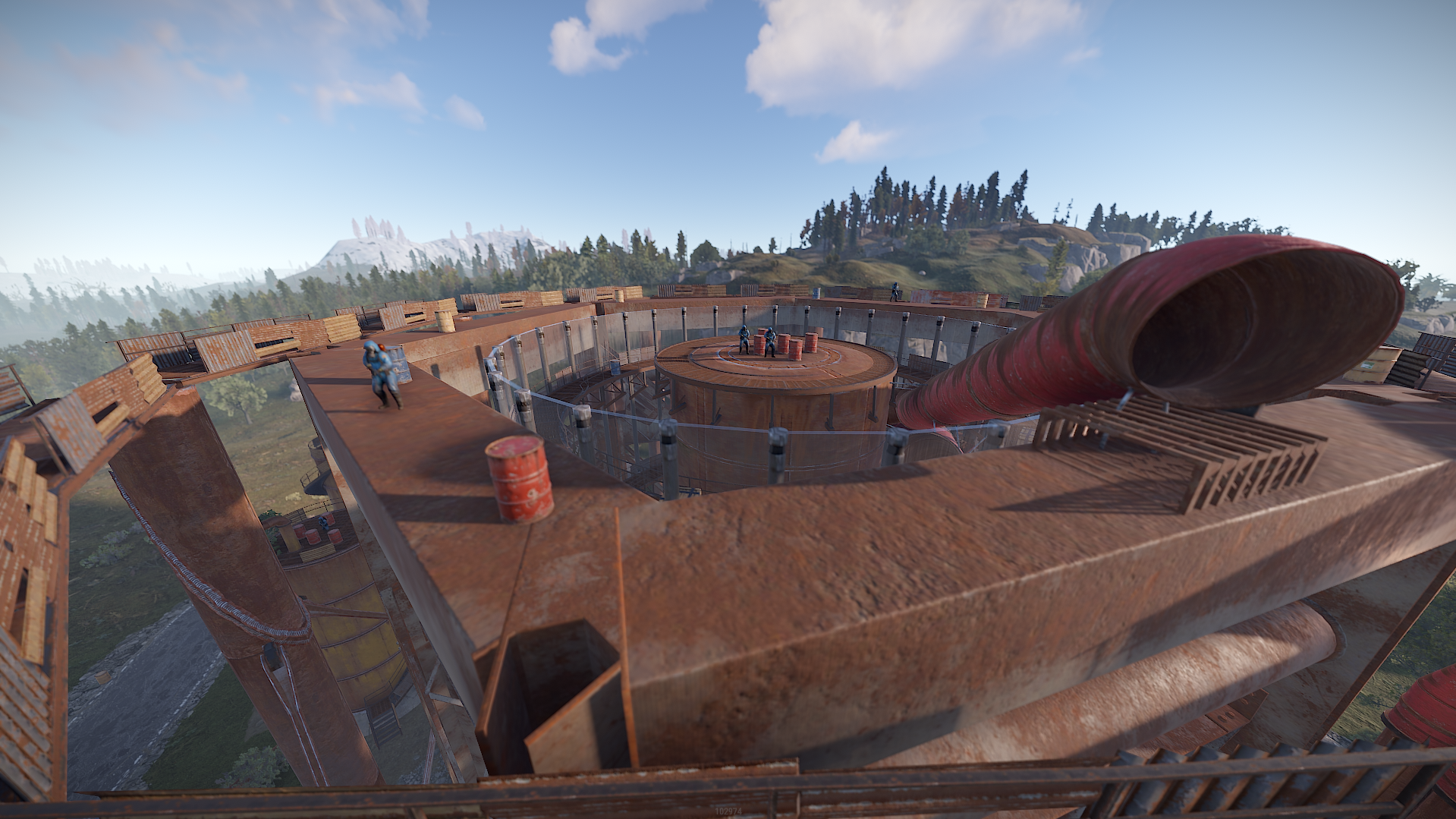
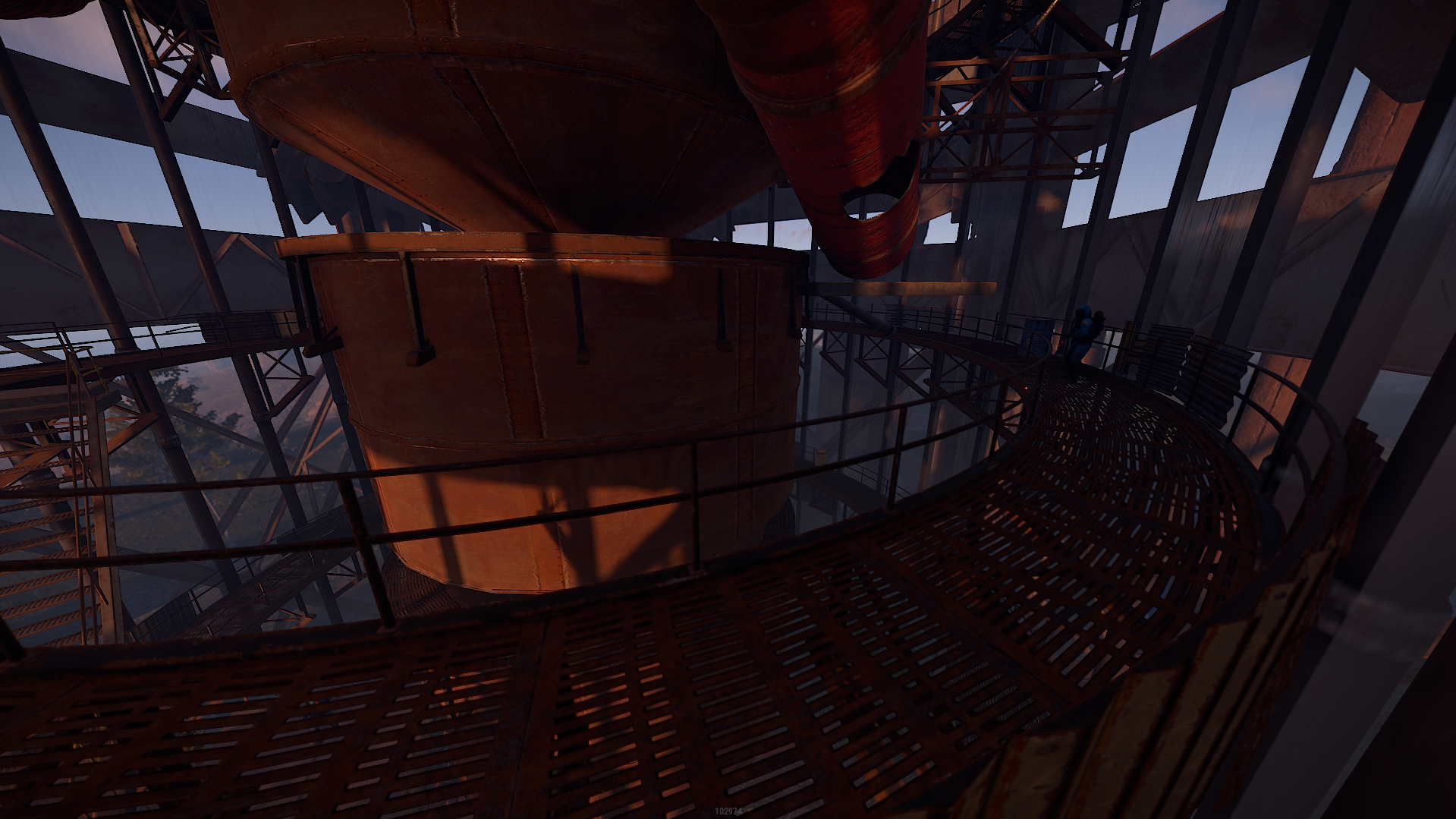
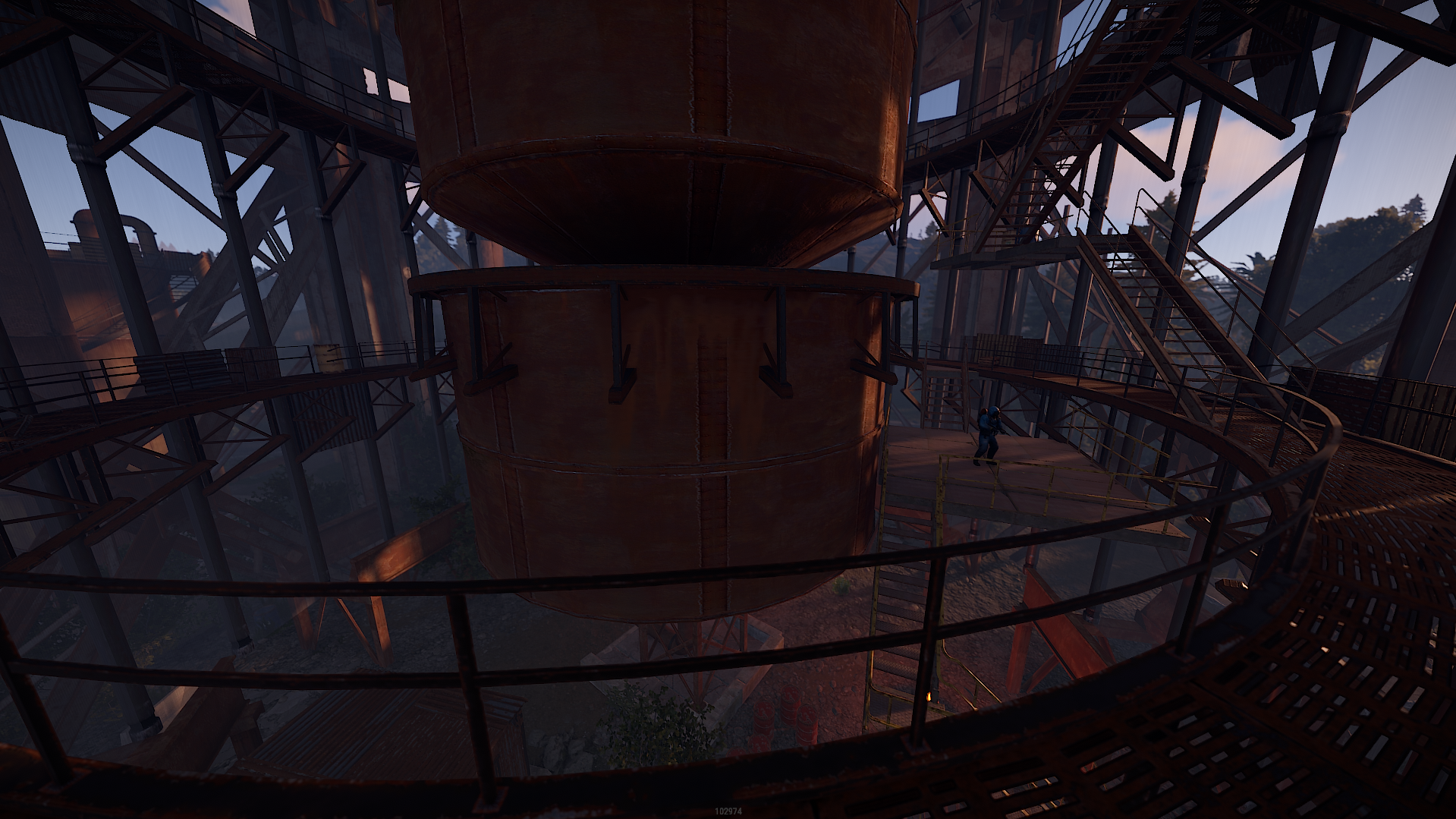
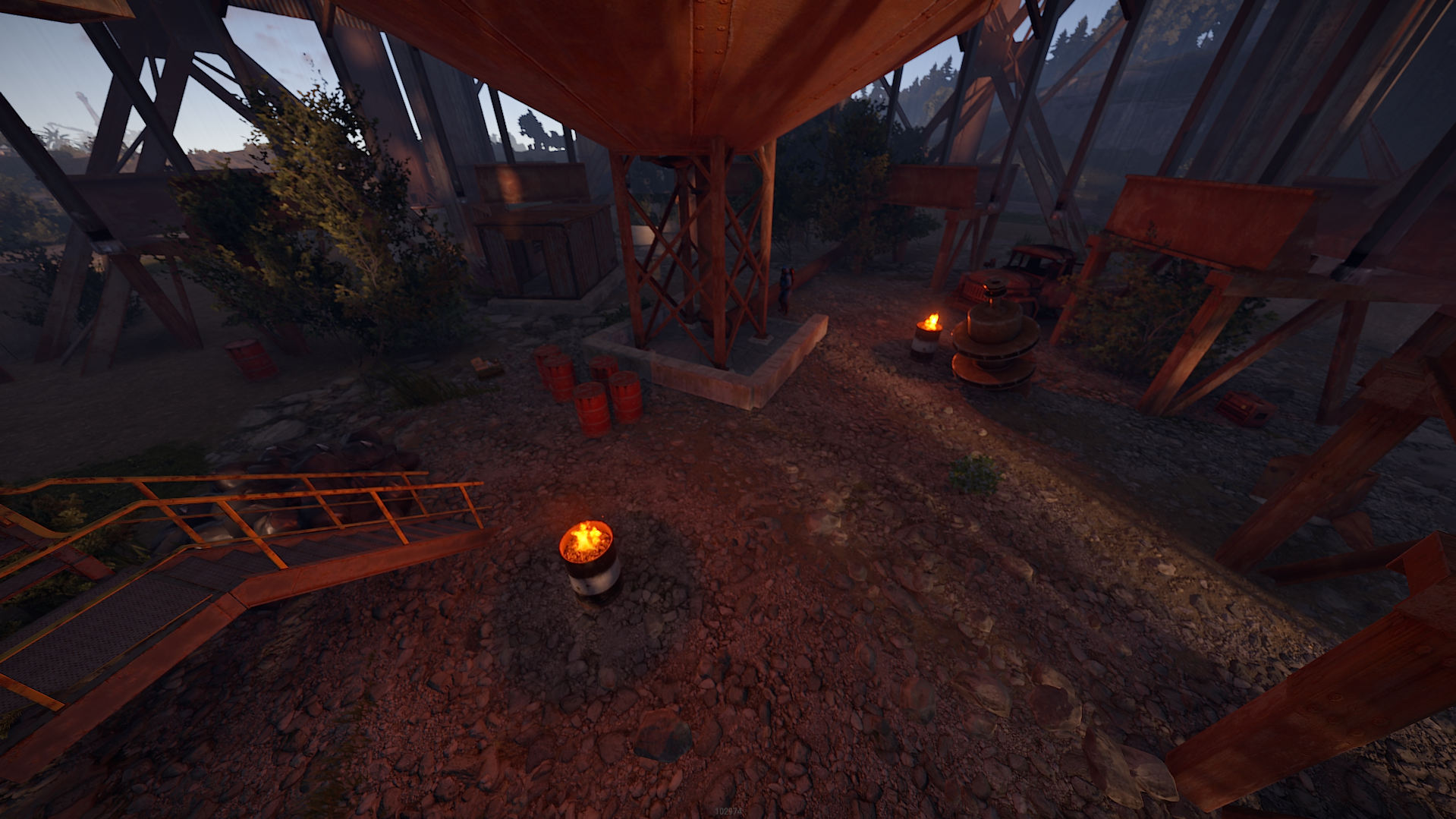
his prefab is structured like the Sphere Tank, but has a lot more surprises and loot.
Prefab Count 598 (how many prefabs are in the pack)
This prefab contains :
- 1 Green Card
- Puzzle
- 36 Crate (Normal, Elite, Food, Medic)
- 20 Barrels (Loot-Barrel 1, Loot-Barrel 2, Oil-Barrel)
- 21 NPC
Copy the prefab folder to your RustEdit Custom Prefabs folder.
Drop the prefab and apply the prefab modifiers.
This prefab requires Rustedit.dll https://github.com/k1lly0u/Oxide.Ext.RustEdit
Upon purchasing any content you hereby agree to the terms and conditions listed below.
Below are the following rules and TOS (Terms of Service) you are agreeing to when purchasing and using my custom maps, monuments and prefabs.
(Use of Product)
By downloading this product or any other works you may use these on your maps as you please, however, you may NOT resell these products or in any way associate them in a commercial use without permission from the author or without optioning the Commercial Licence (Fee Applies).
This includes minor editing, modifying or renaming any of my work and using it for your own commercial applications.
In addition, any other redistribution of my maps, monuments or creations is STRICTLY prohibited.
Below are the following rules and TOS (Terms of Service) you are agreeing to when purchasing and using my custom maps, monuments and prefabs.
(Use of Product)
By downloading this product or any other works you may use these on your maps as you please, however, you may NOT resell these products or in any way associate them in a commercial use without permission from the author or without optioning the Commercial Licence (Fee Applies).
This includes minor editing, modifying or renaming any of my work and using it for your own commercial applications.
In addition, any other redistribution of my maps, monuments or creations is STRICTLY prohibited.
You may only provide a review once you have downloaded the file.
There are no reviews to display.