



### Plugin: SpawnBike
!!!NOT FOR RESALE!!!
Developer: A1 (maliciousharp24)-Discord.For any questions feel free to contact me.
Description:
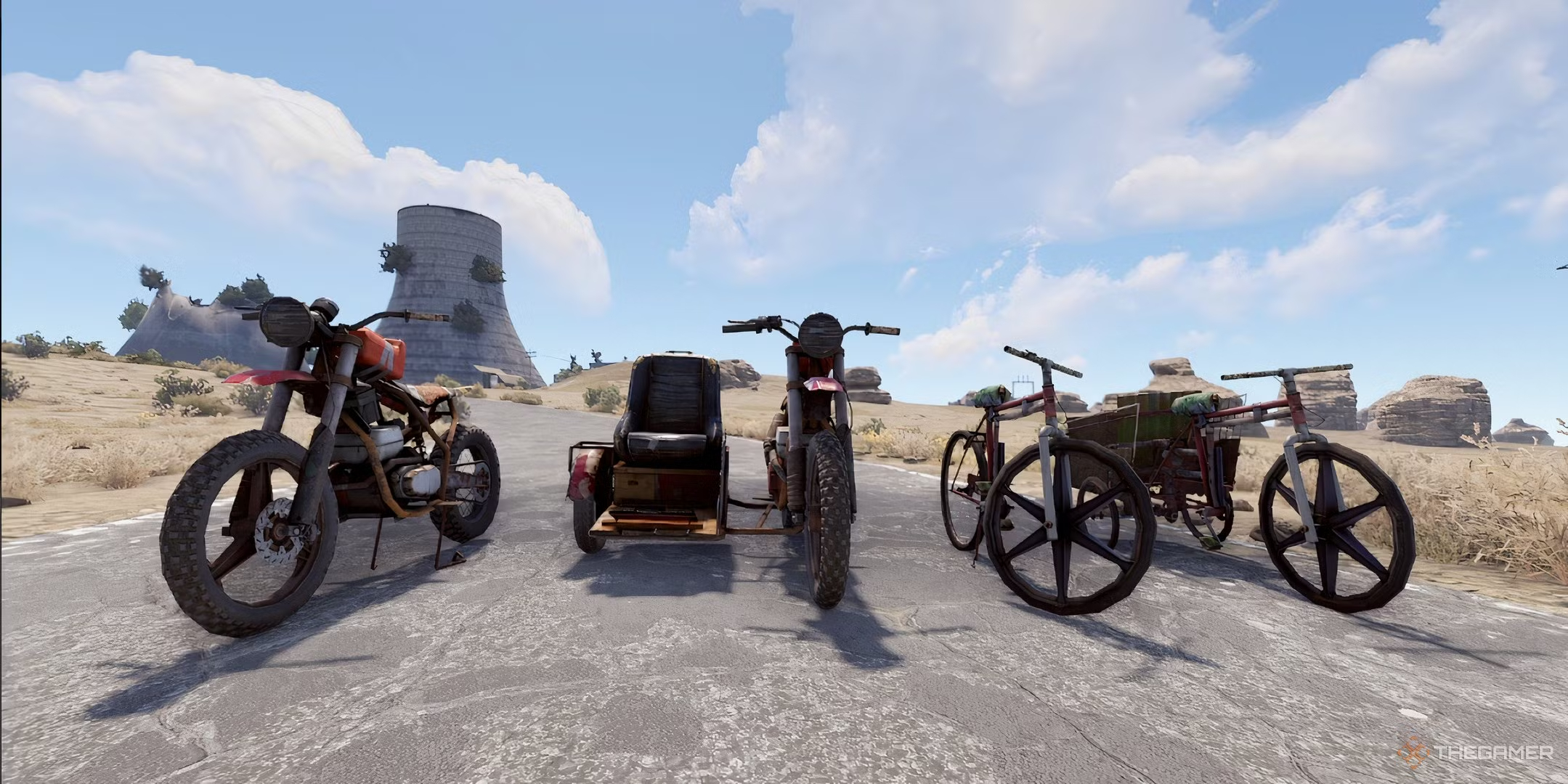
SpawnBike allows players to easily spawn various vehicles, including motorcycles, sidecars, bicycles, and tricycles. It features fuel management, cooldown periods for vehicle spawning, and permission controls to limit access based on player roles.
All instructions are included in File. Please read them.
Key Features:
- Spawn a single vehicle type at a time.
- Fuel allocation based on player permissions.
- Cooldown management to prevent spamming vehicle spawns.
- Admin-defined permissions for vehicle access.
Commands:
- /mymoto - Spawn a motorcycle.
- /mysidecar - Spawn a sidecar.
- /mybike - Spawn a bicycle.
- /mytrike - Spawn a tricycle.
- /nomoto - Despawn your motorcycle.
- /nobike - Despawn your bike or sidecar.
- /help - Display available commands and descriptions.
This plugin enhances gameplay by providing fun and functional vehicle options while maintaining balance through cooldowns and permissions.
Edited by Andrius Ferarri
What's New in Version 1.0.2
Released
Major update to fix issue, when players looking down - Motorbikes spawns under terrain-FIXED. 1.0.2
As Developer of this Plugin, Not giving any permissions for resale.
Developer: A1 (maliciousharp24)-Discord.For any questions feel free to contact me.
Description:
SpawnBike allows players to easily spawn various vehicles, including motorcycles, sidecars, bicycles, and tricycles. It features fuel management, cooldown periods for vehicle spawning, and permission controls to limit access based on player roles.
Key Features:
- Spawn a single vehicle type at a time.
- Fuel allocation based on player permissions.
- Cooldown management to prevent spamming vehicle spawns.
- Admin-defined permissions for vehicle access.
Commands:
- /mymoto - Spawn a motorcycle.
- /mysidecar - Spawn a sidecar.
- /mybike - Spawn a bicycle.
- /mytrike - Spawn a tricycle.
- /nomoto - Despawn your motorcycle.
- /nobike - Despawn your bike or sidecar.
- /help - Display available commands and descriptions.
This plugin enhances gameplay by providing fun and functional vehicle options while maintaining balance through cooldowns and permissions.
You may only provide a review once you have downloaded the file.
There are no reviews to display.