



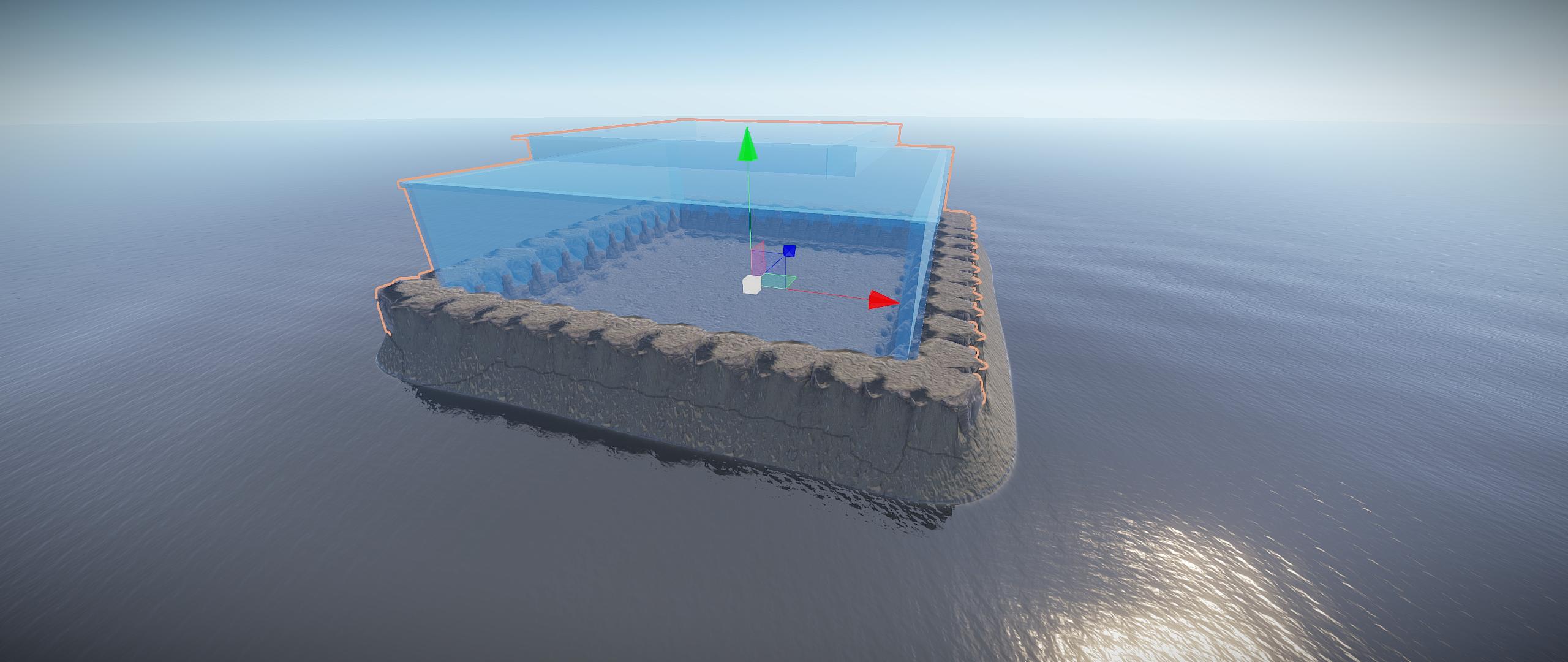
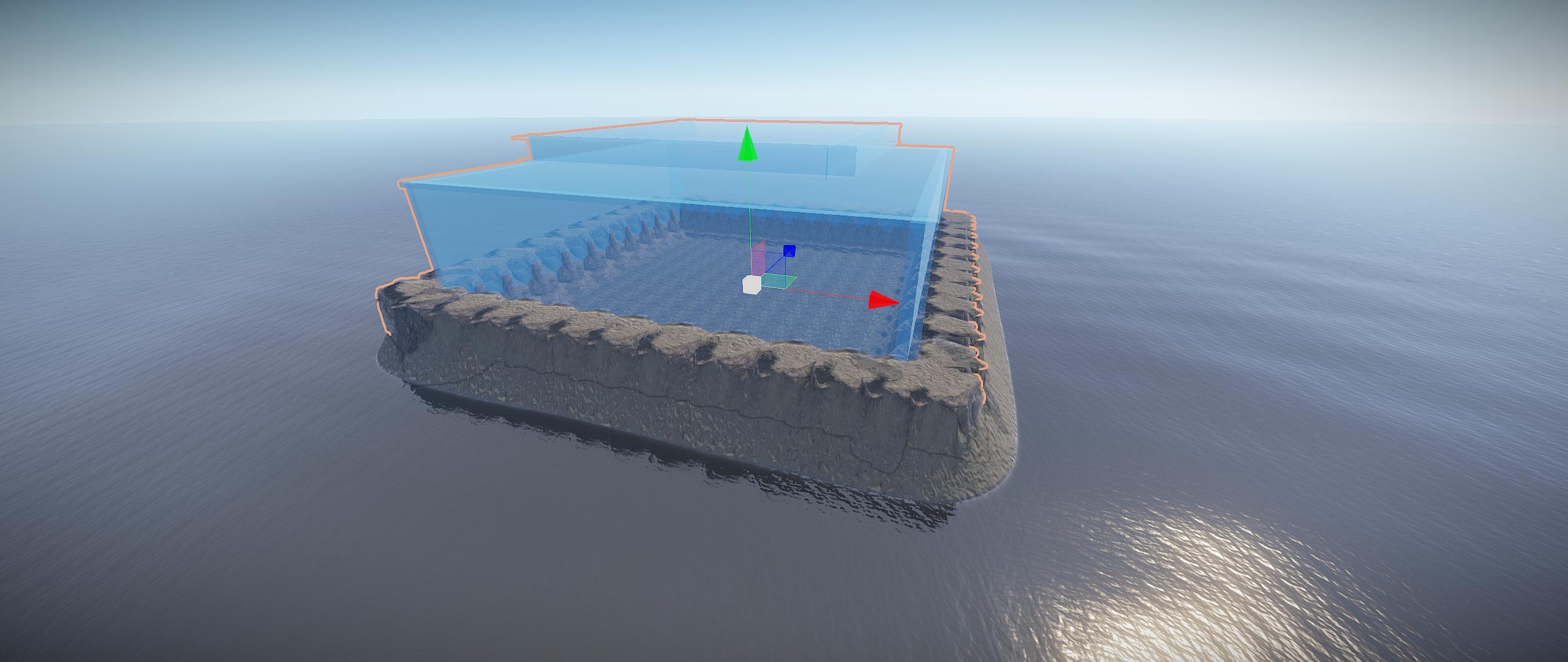
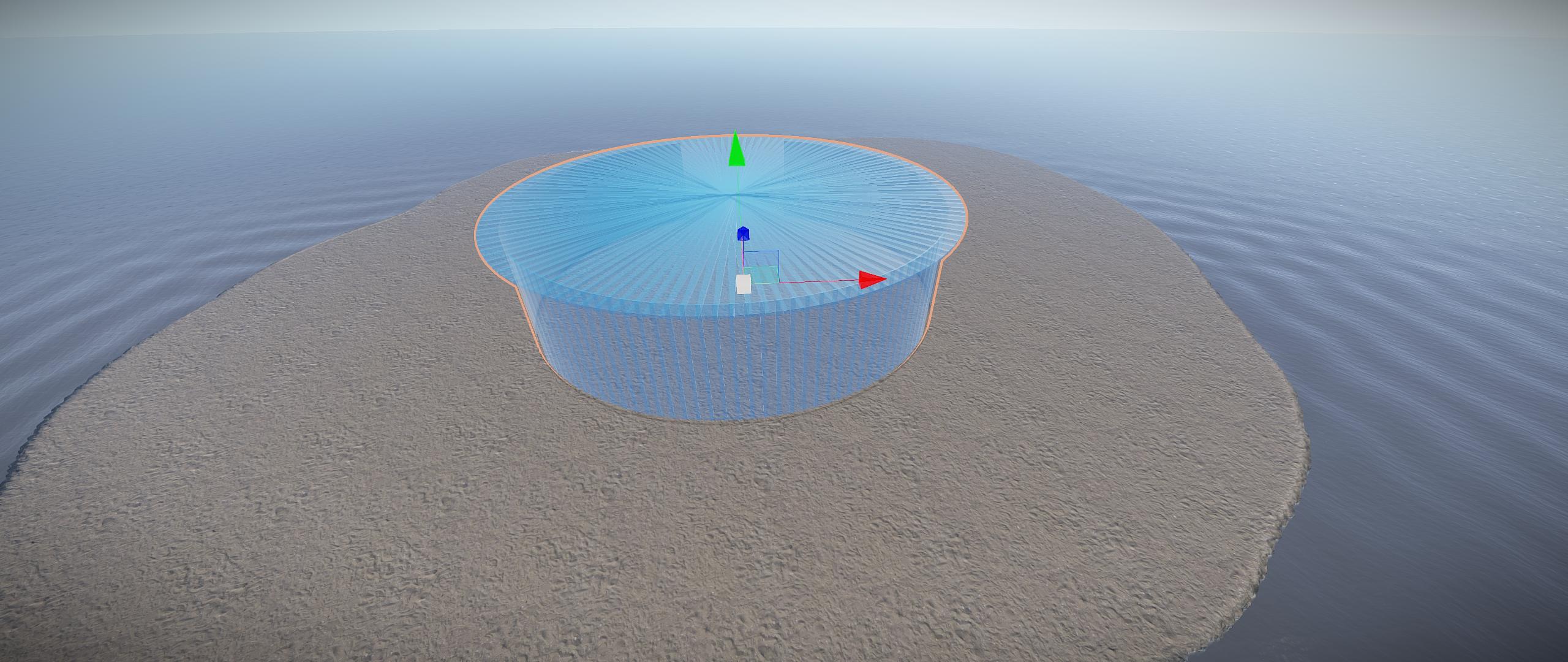
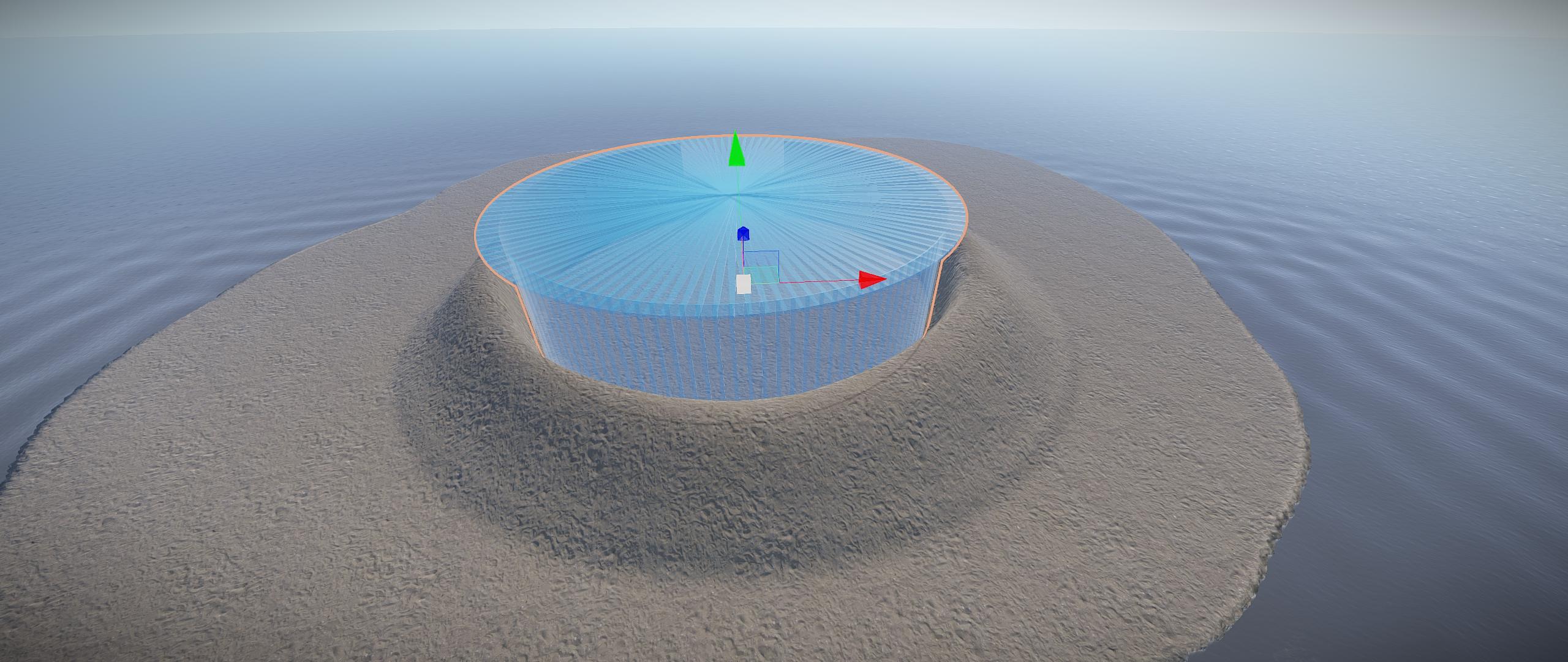
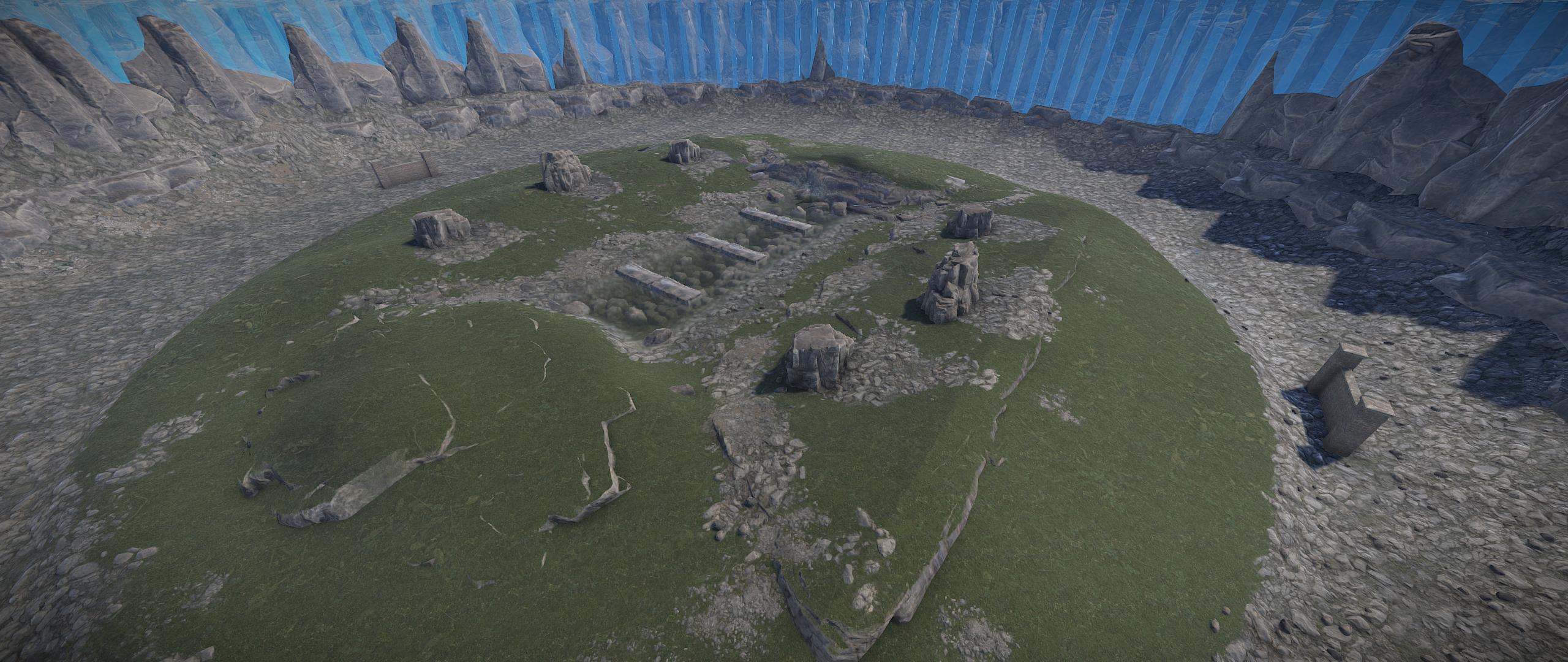
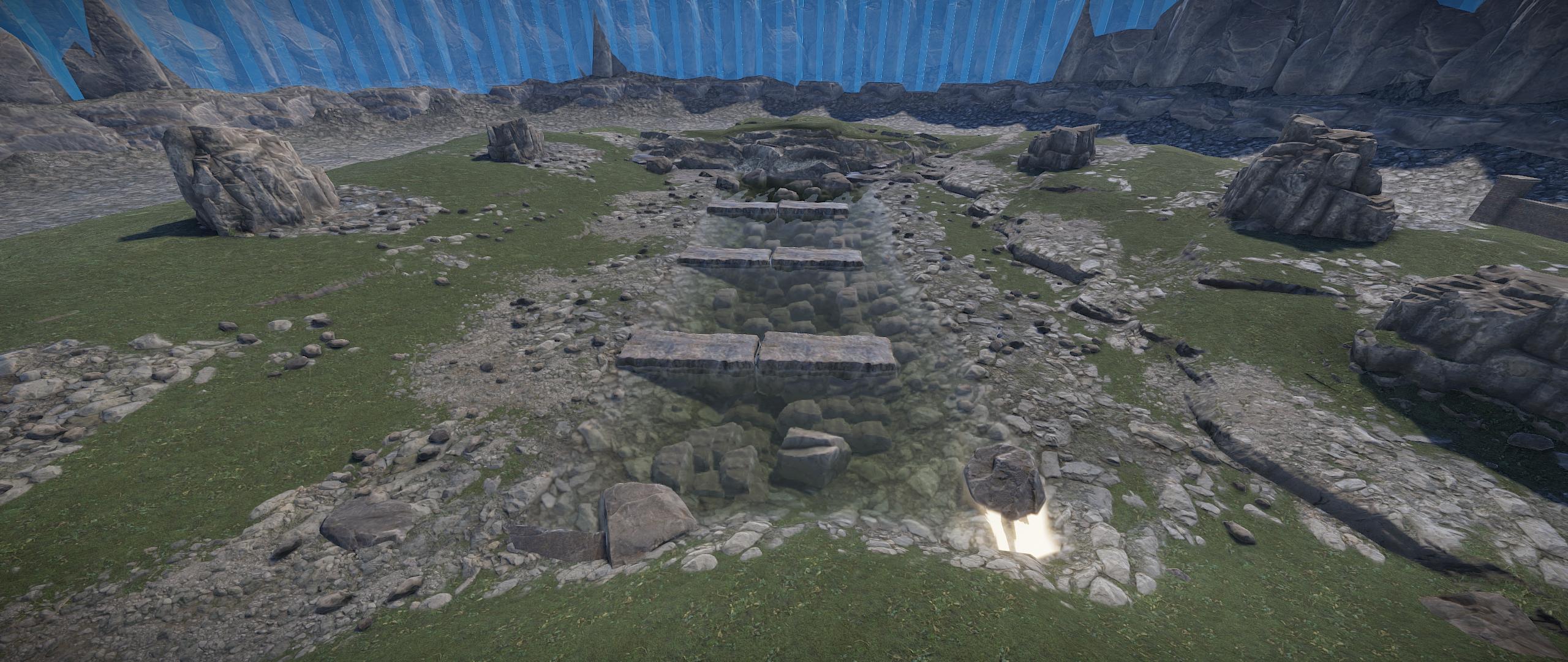
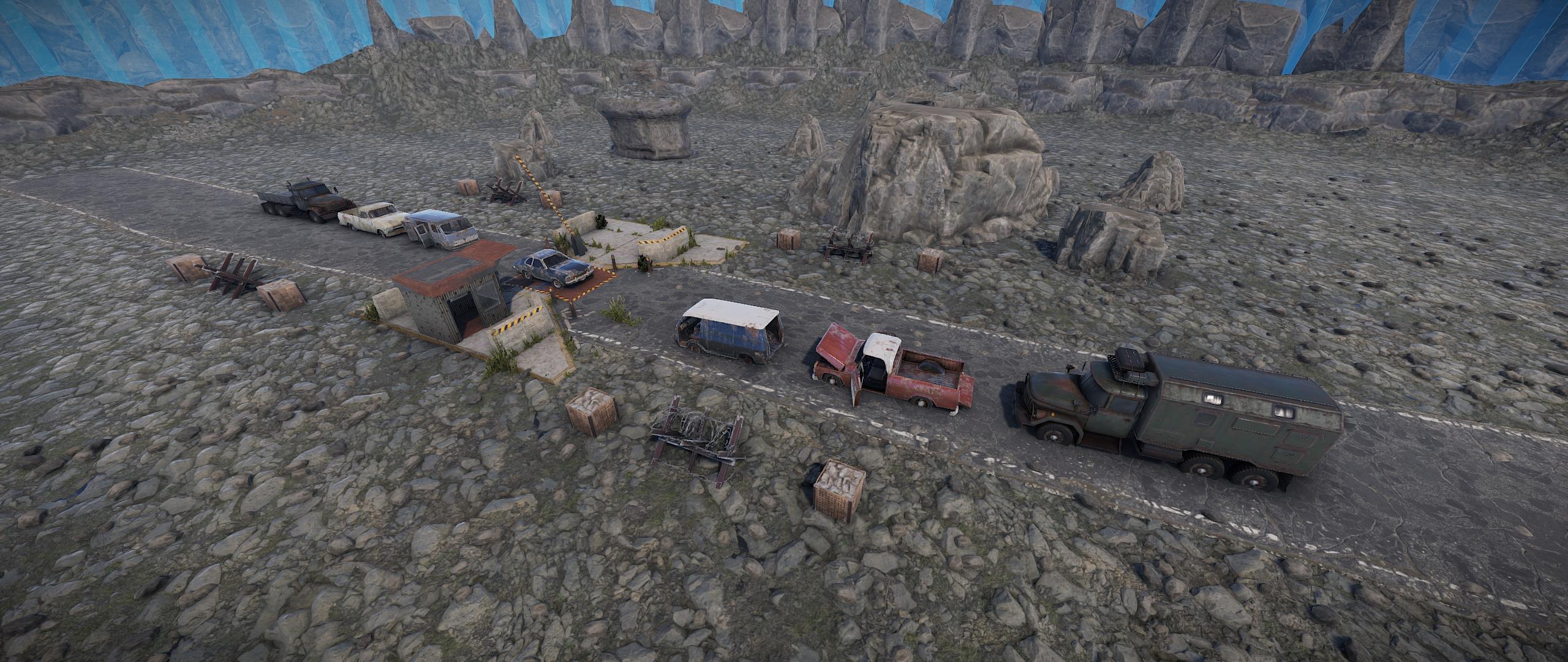
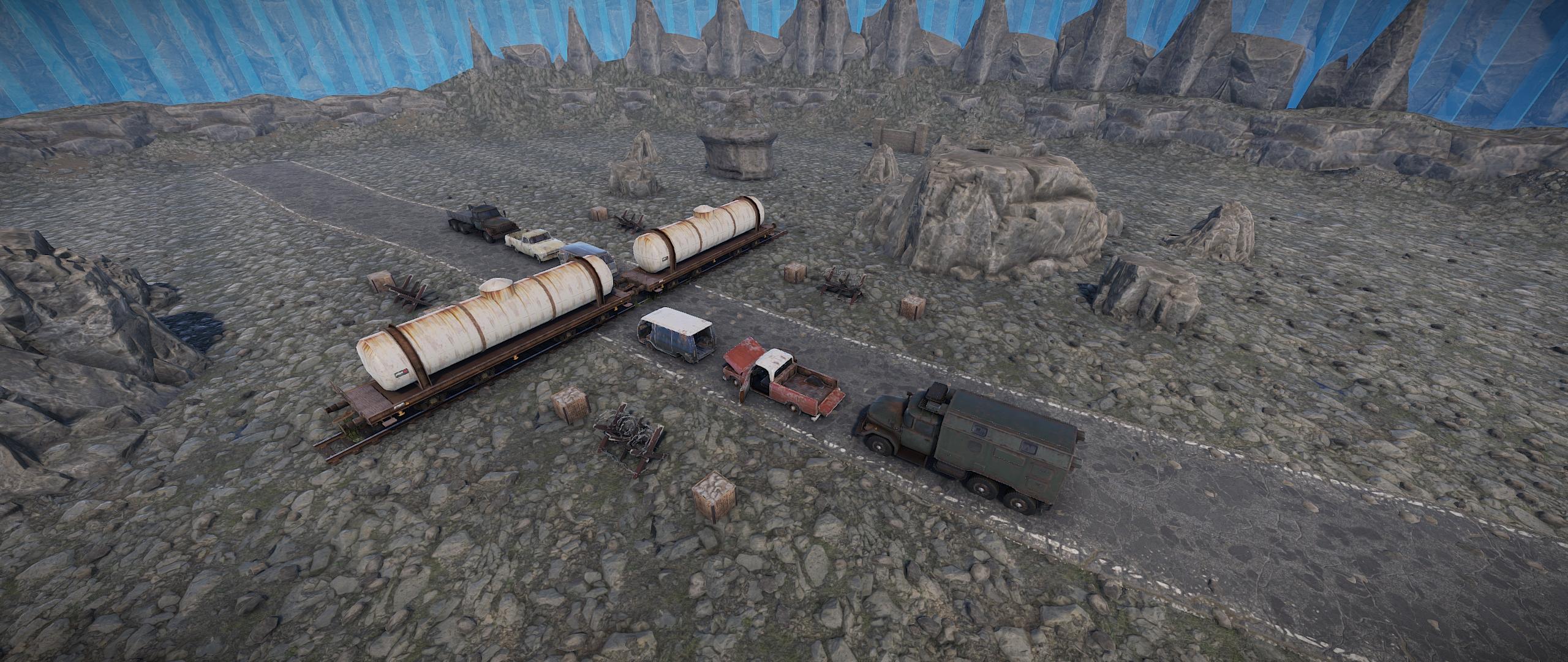
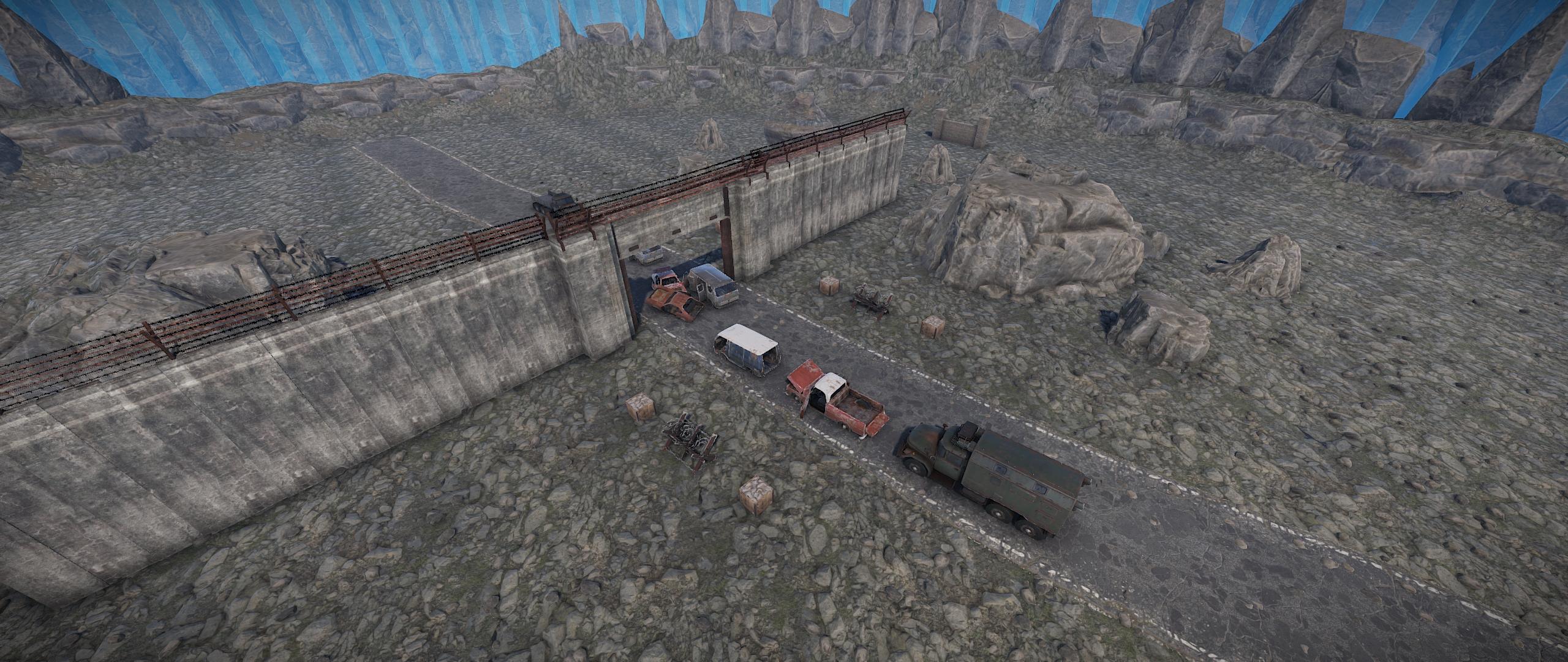
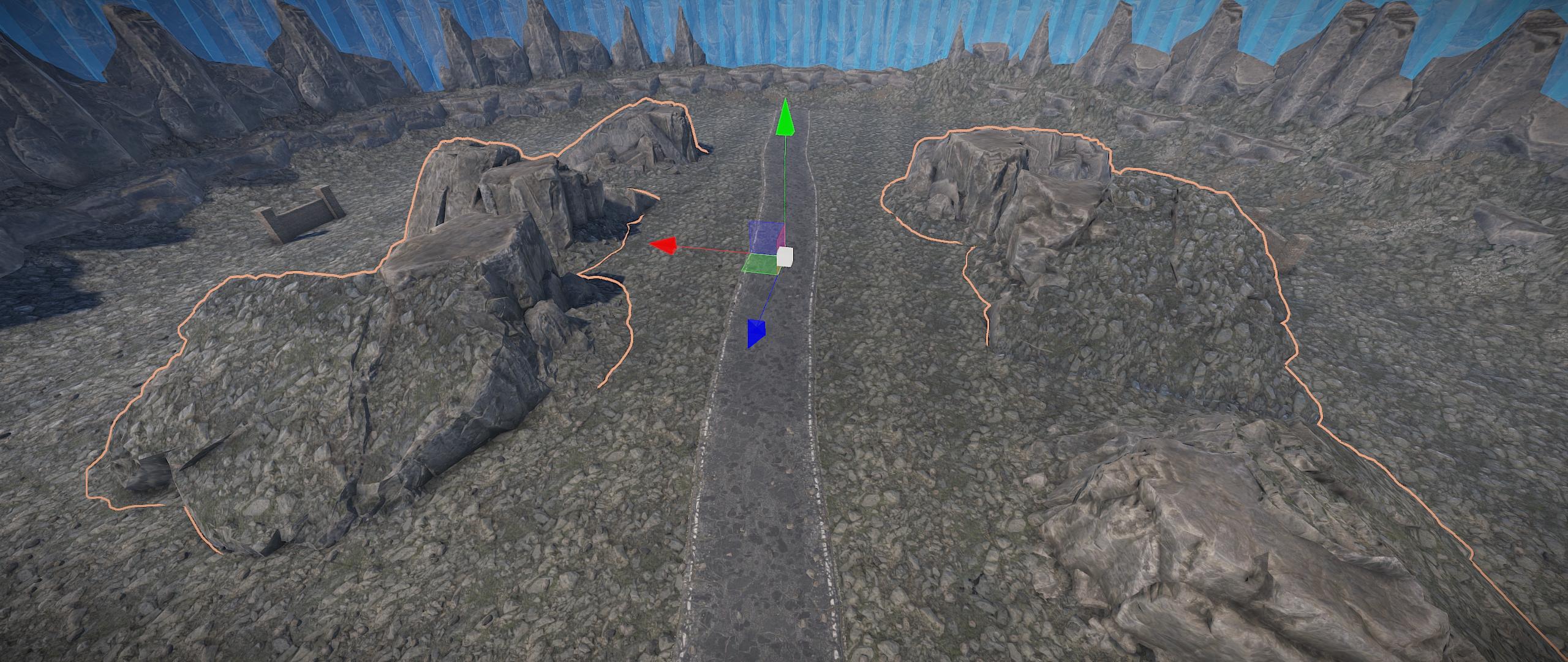
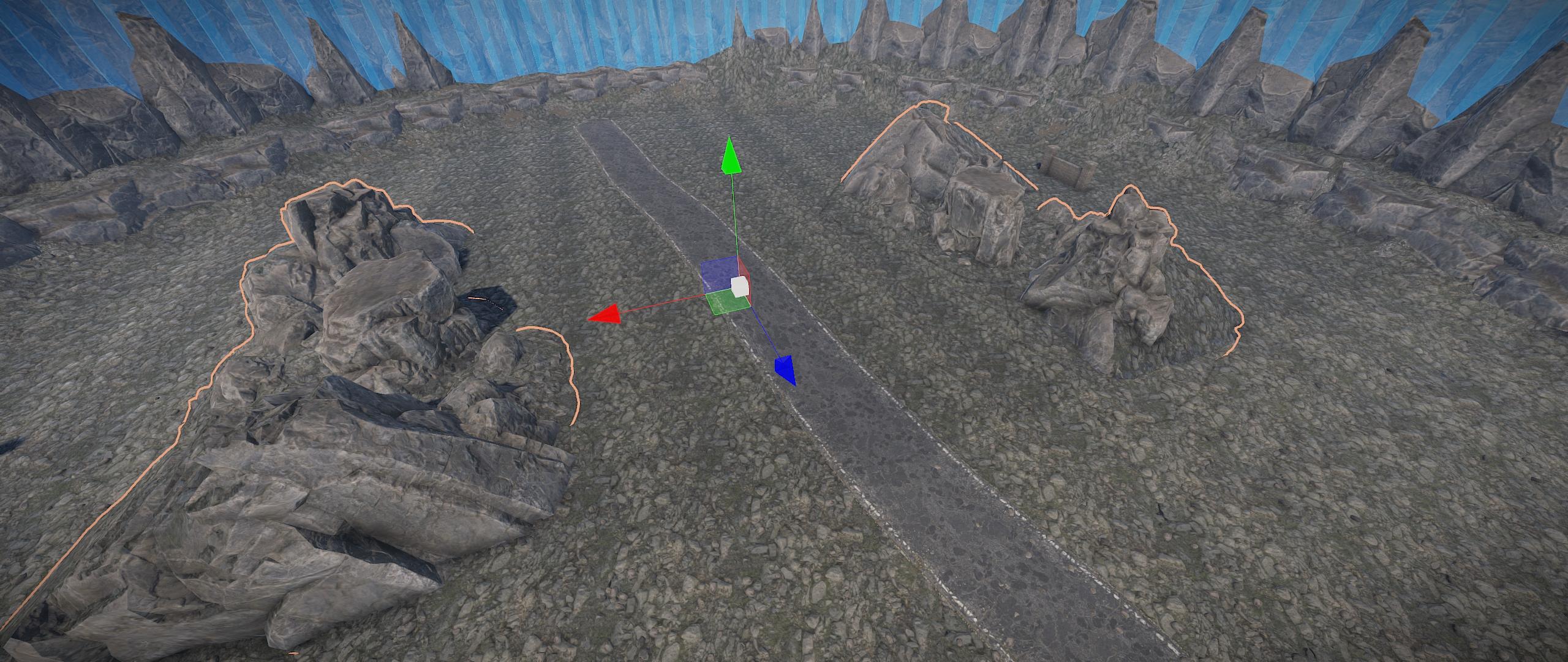
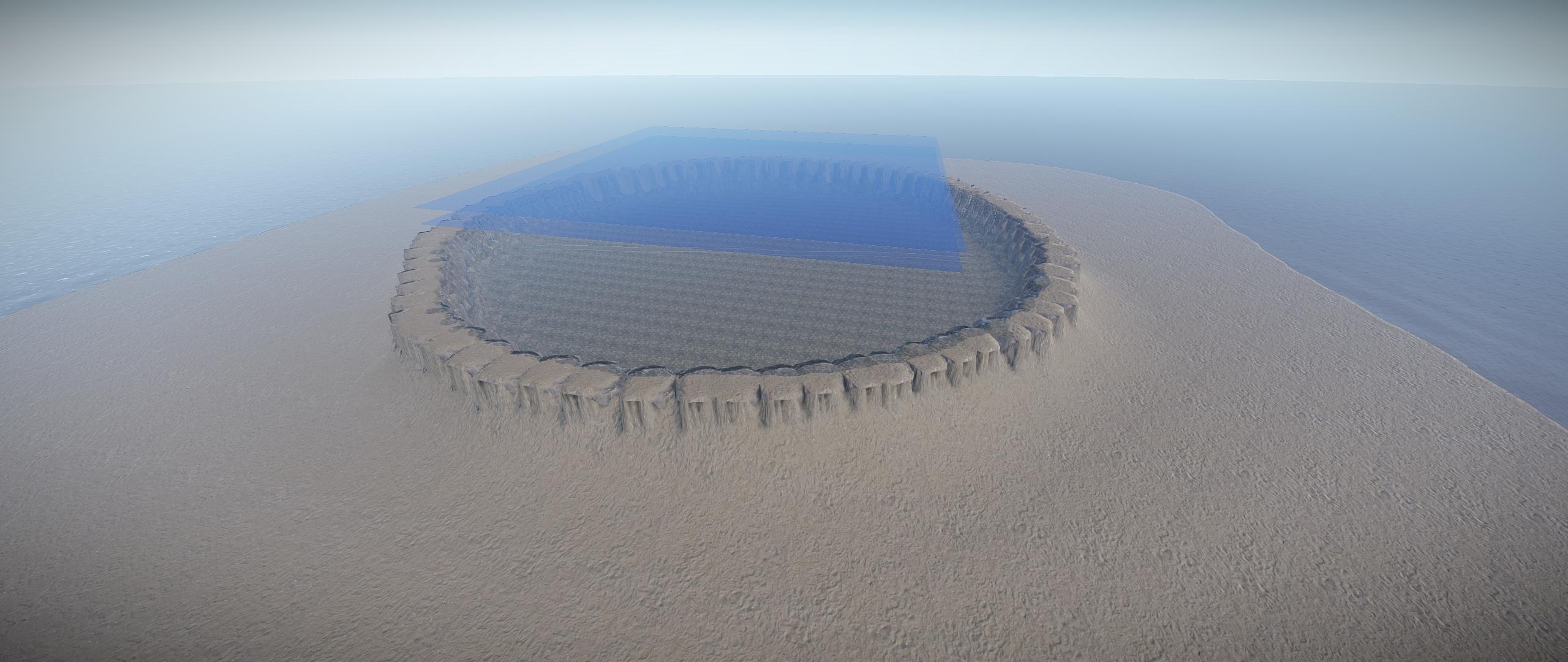
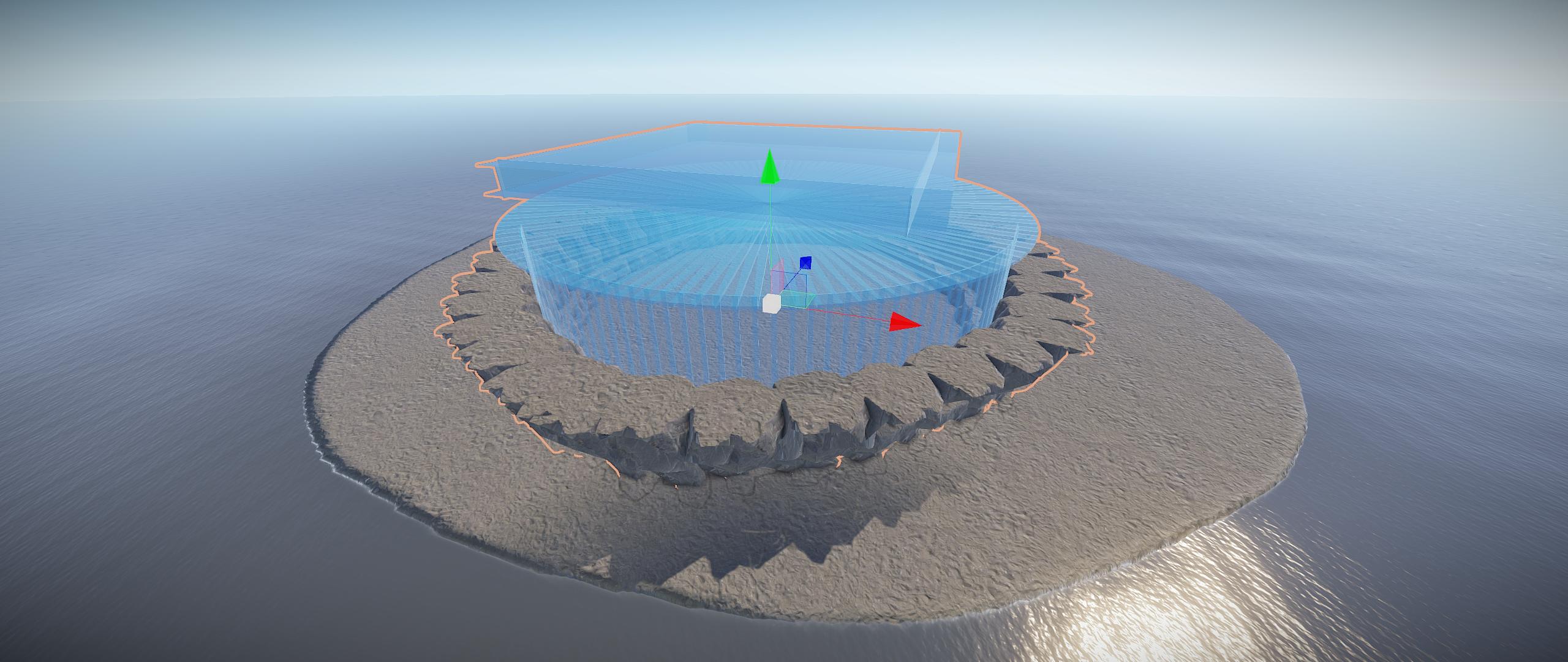
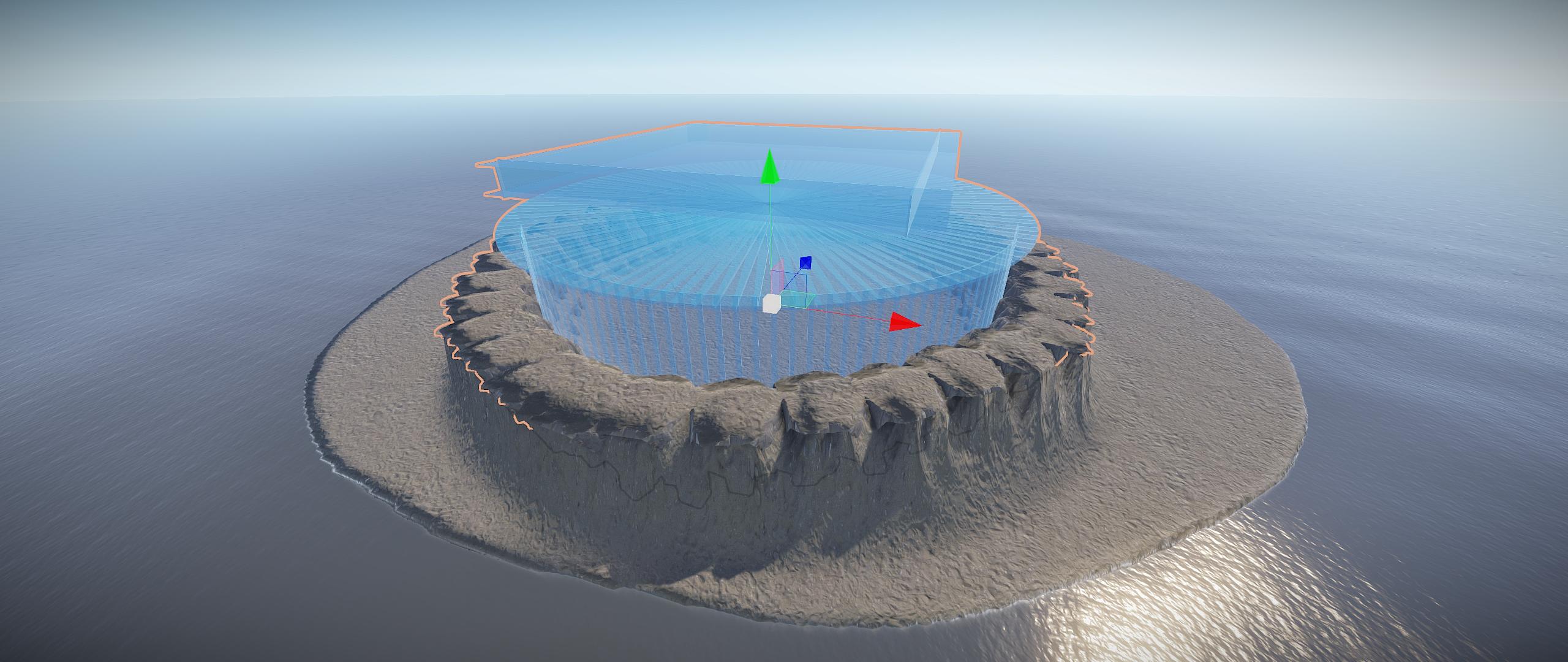
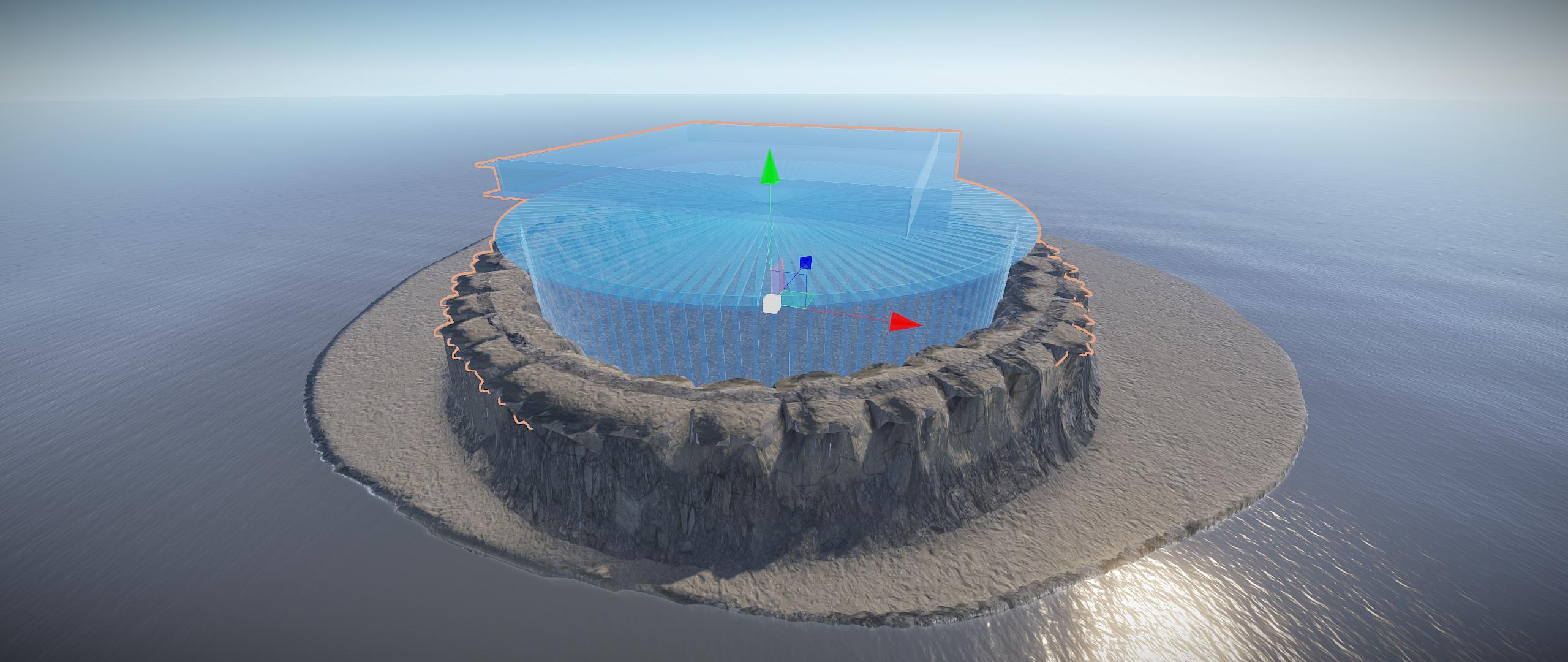
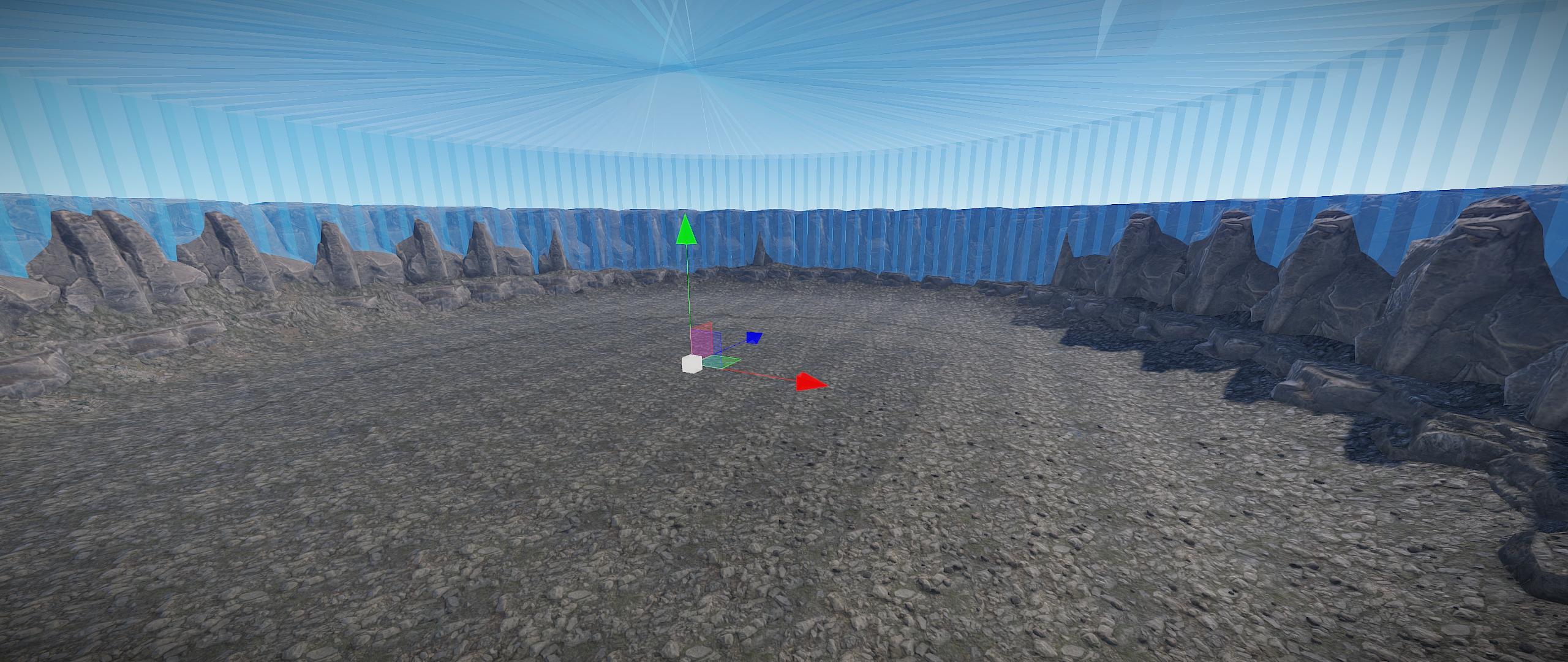
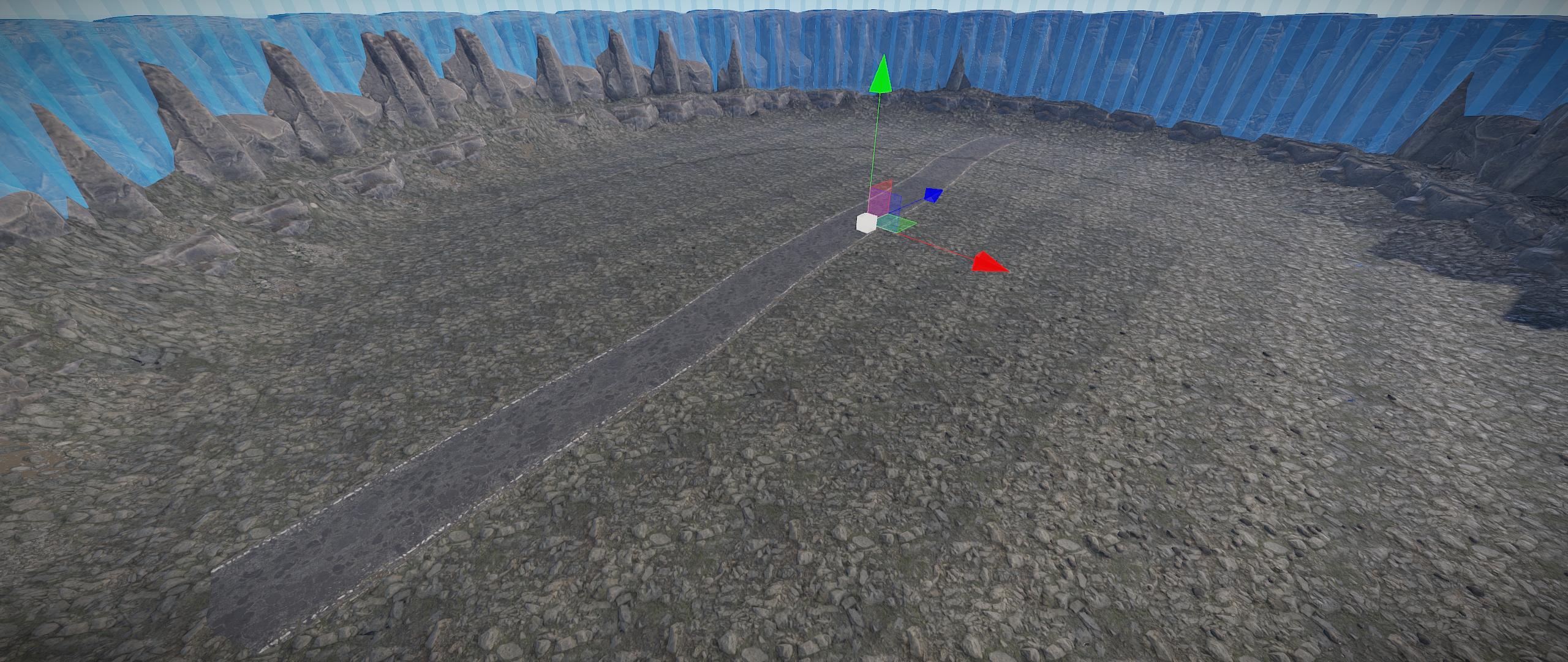
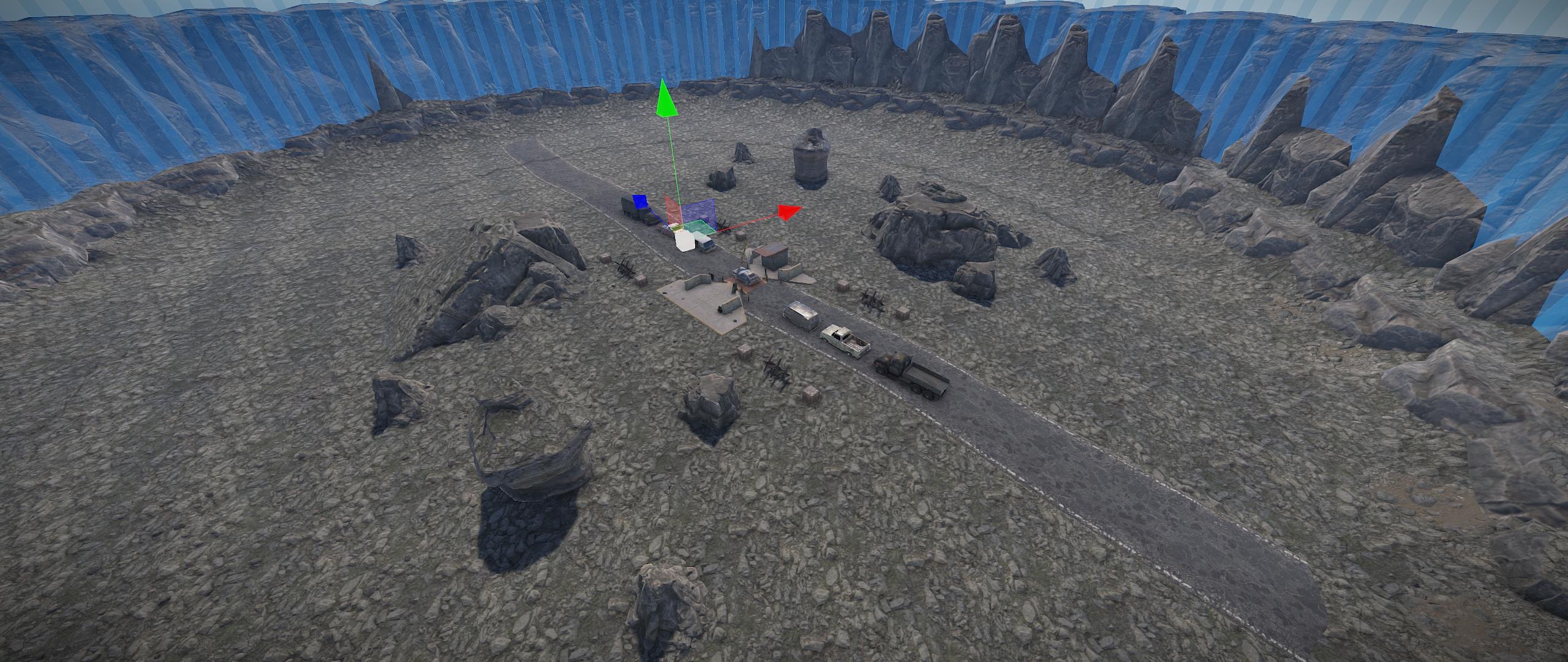
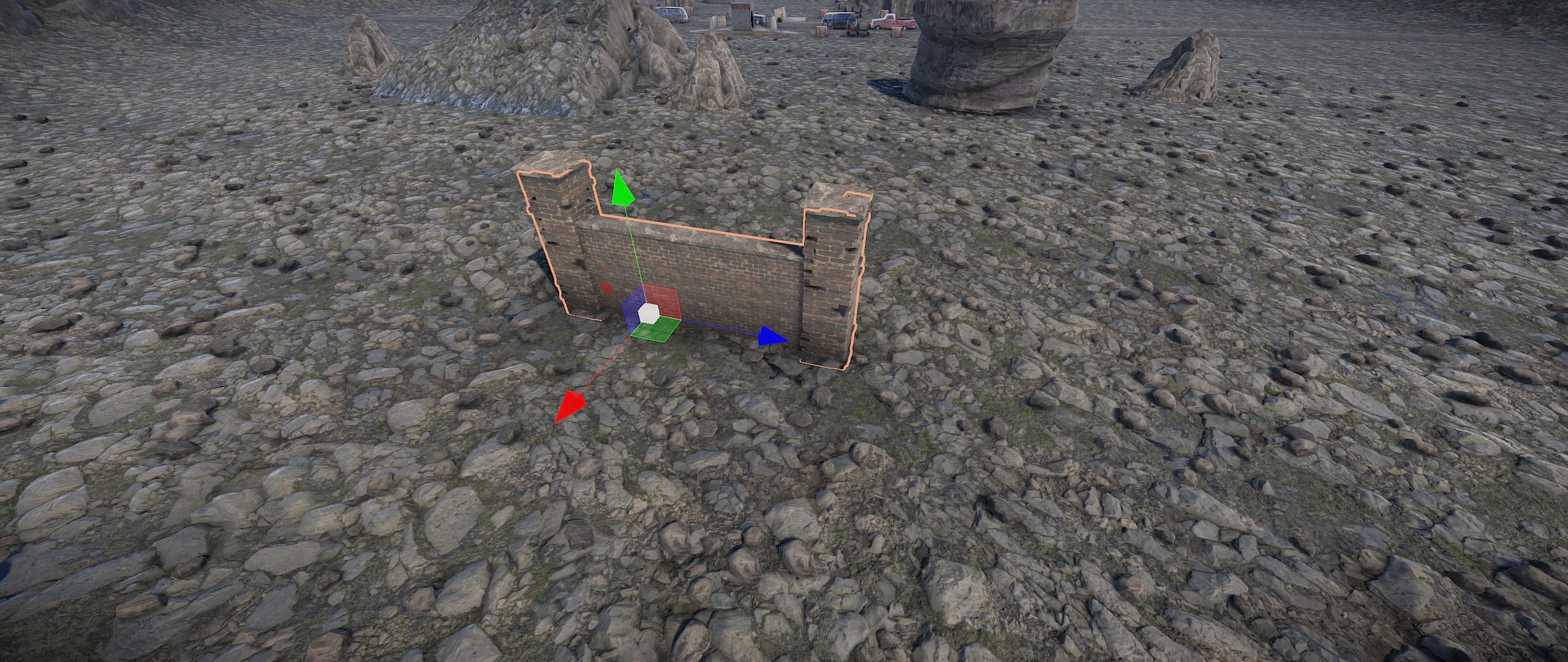
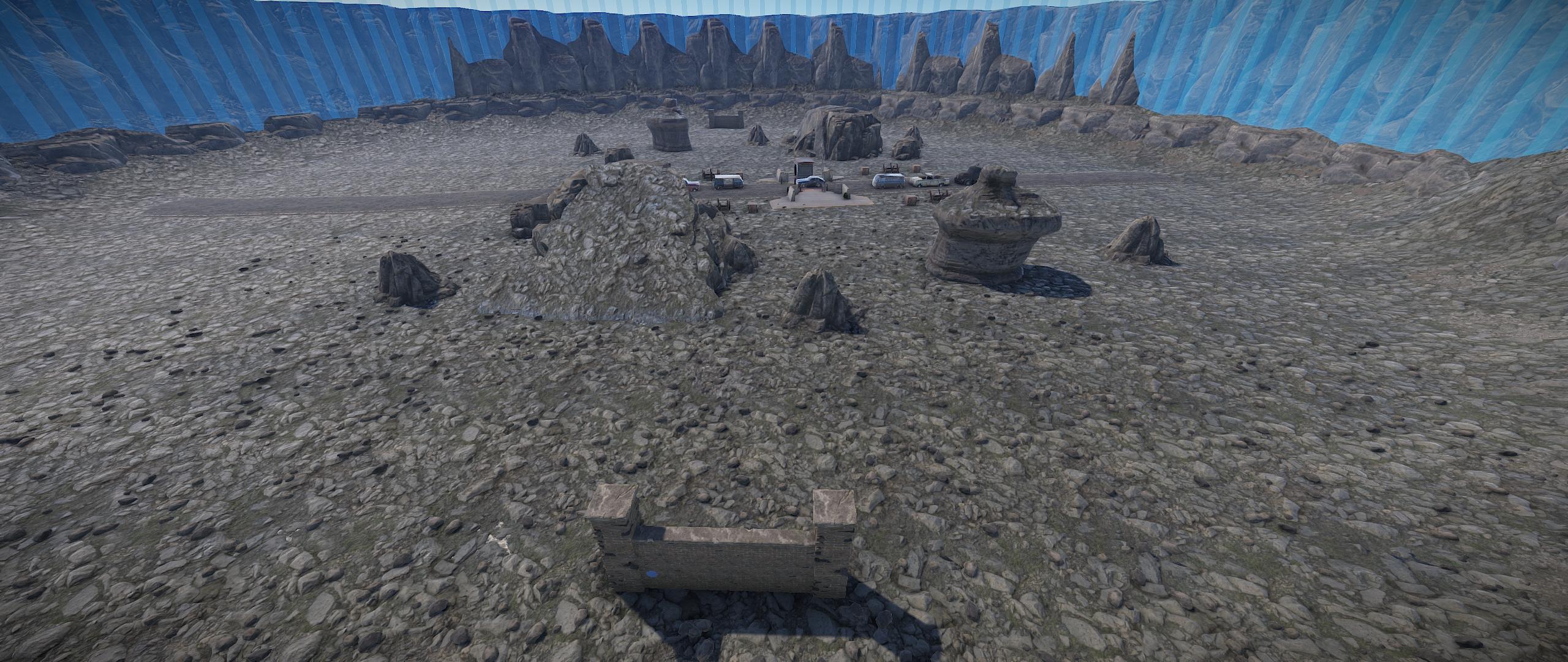
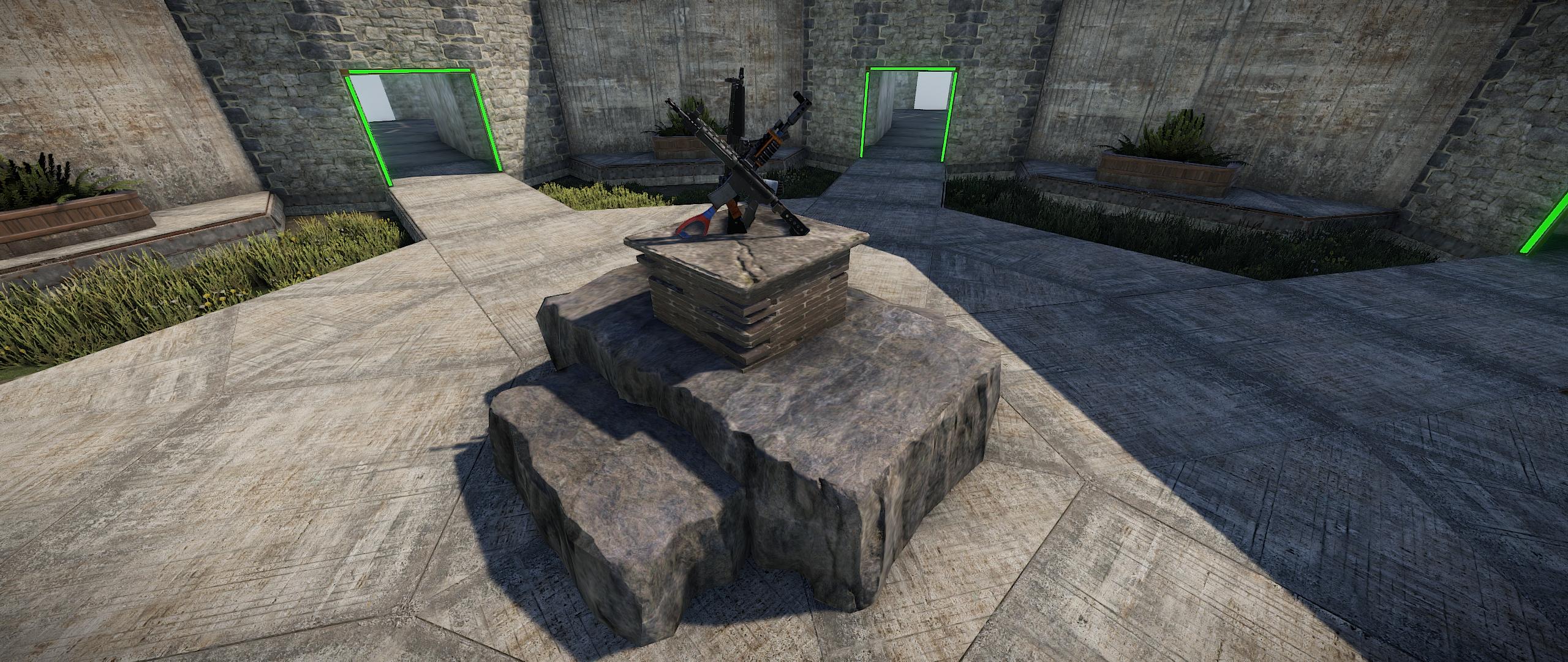
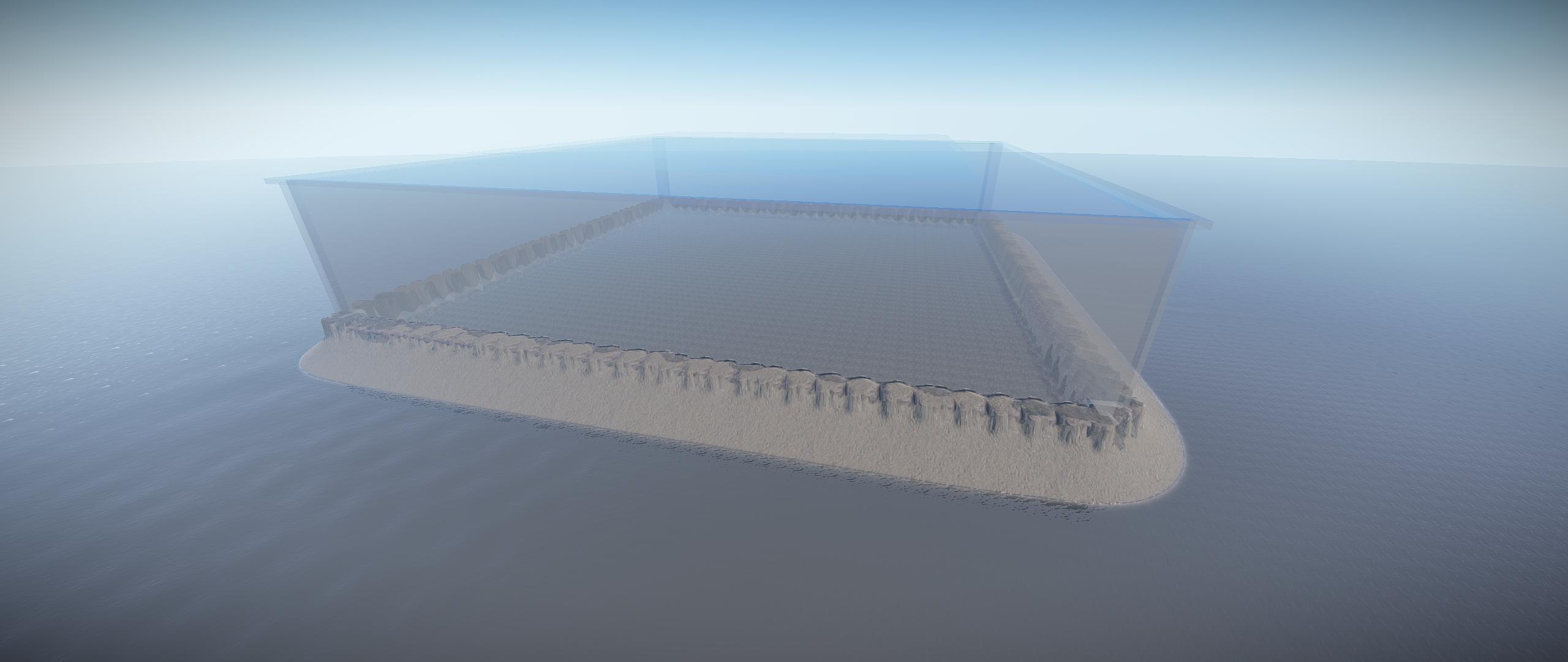
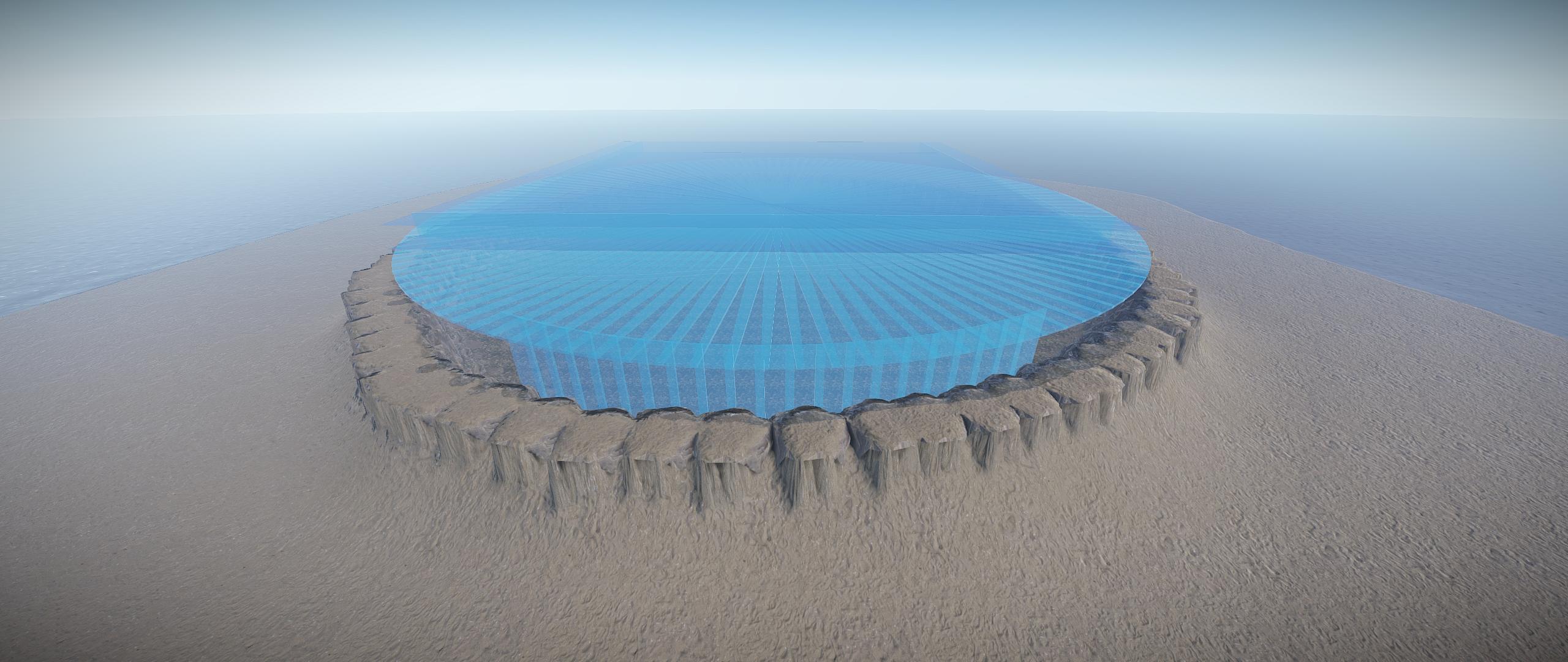
Do you want to create or start your own Aimtrain server, or just like to add a custom PVP arena or Bot training arena to your map? Here is an easier way to design and customize your own arenas.
KEY FEATURES:
ARENA DESIGNERS
- Easy to install with predefined Height, Splat and Road Spawn settings included.
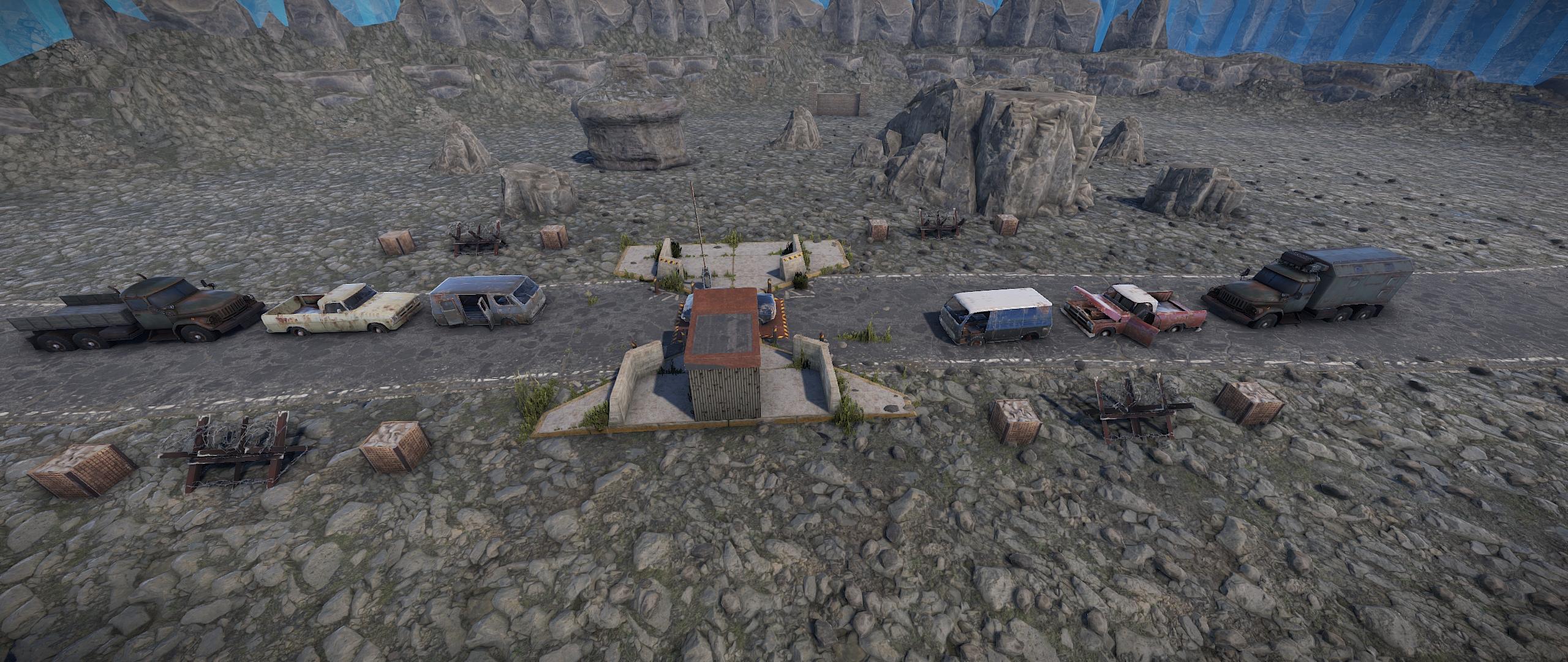
- Various included placeable prefabs to add to your arenas, or you can design any of your own.
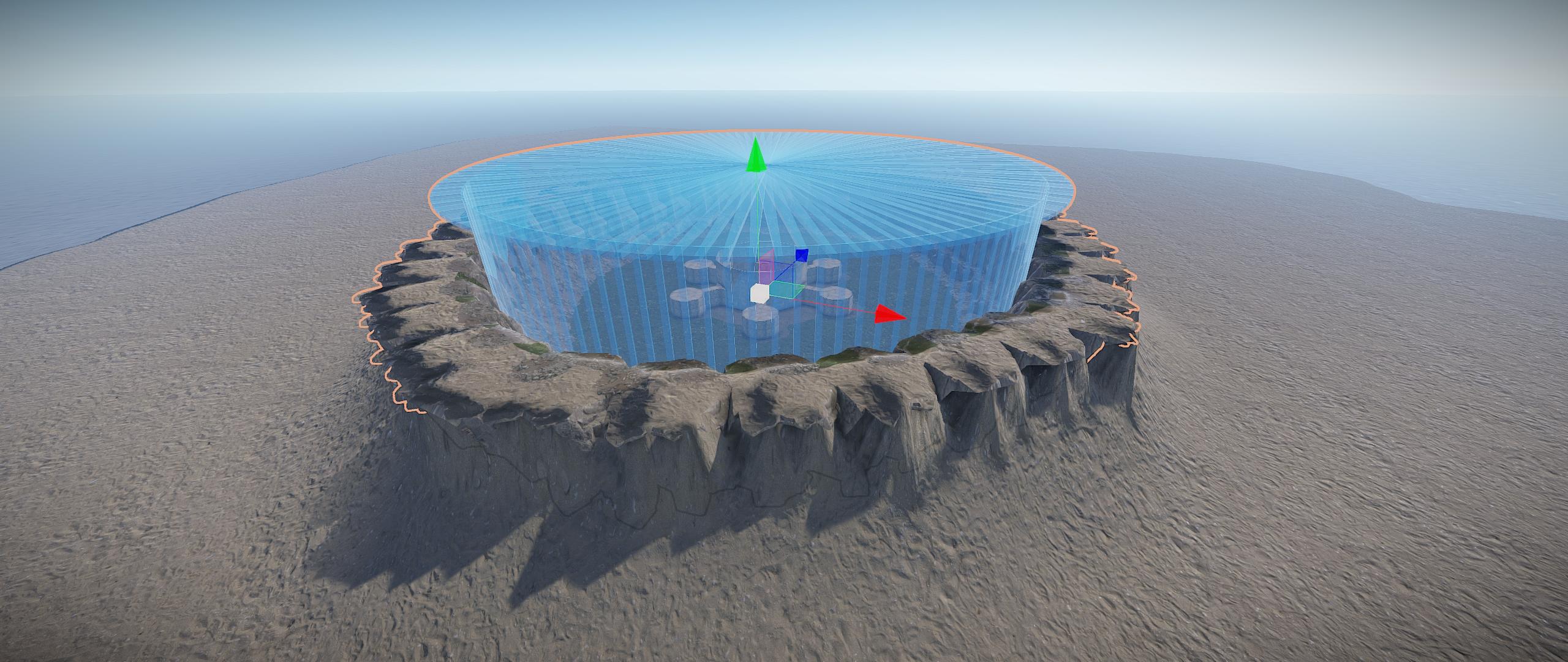
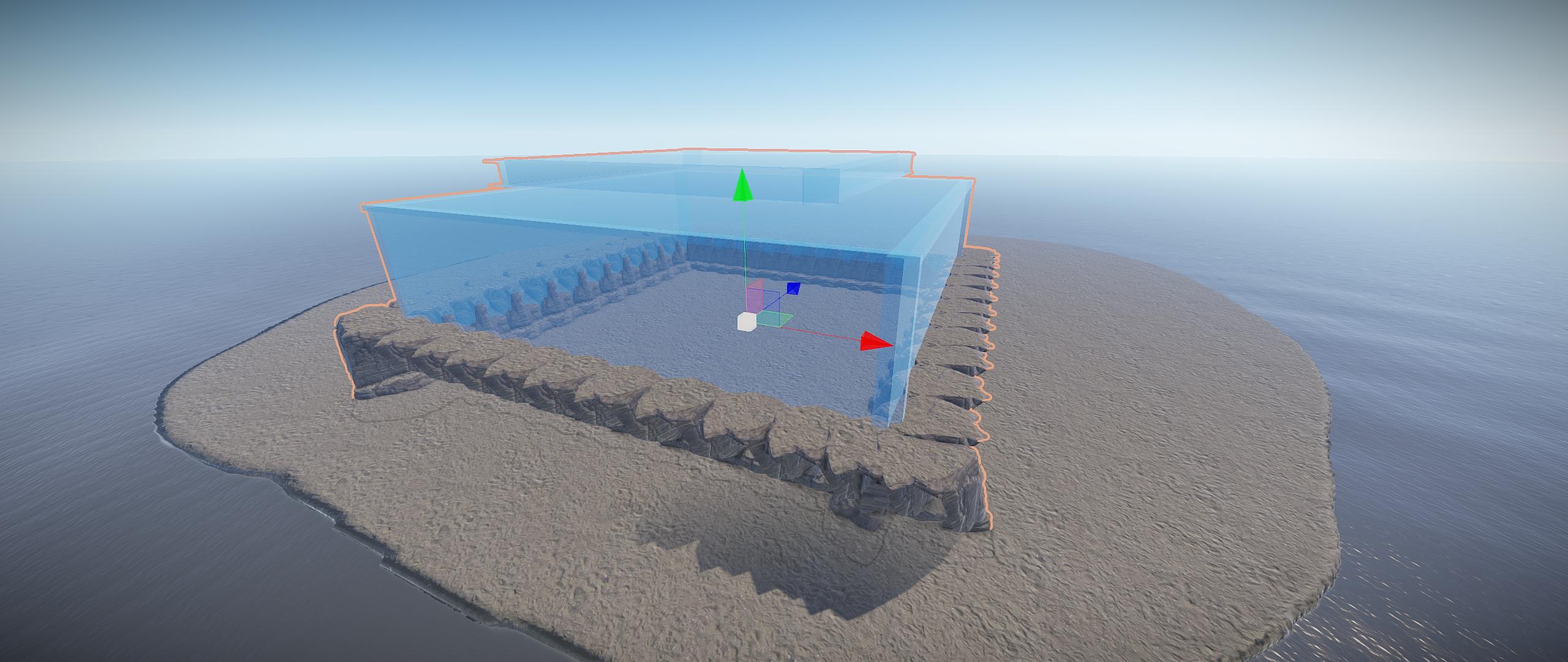
- Various sizes available. All arenas includes a spectator glass box for players to watch the events.
+ Round shaped arenas: 50M, 75M, 100M, 125M, 150M and 200M.
+ Square shaped arenas: 100M, 200M, 300M and a Glass Cage design of 300M (Great for minicopter flight combat)
- A Natural set of a River designed arena for the classic open-combat.
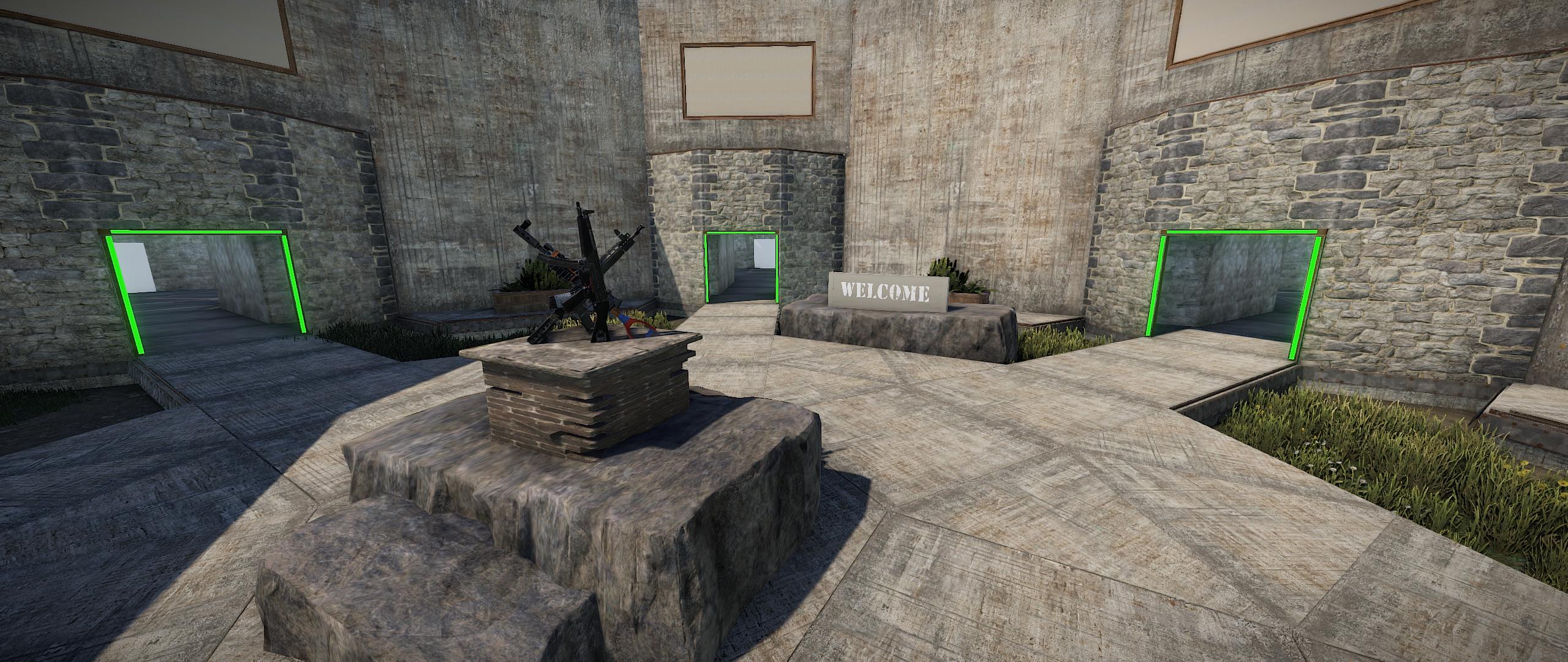
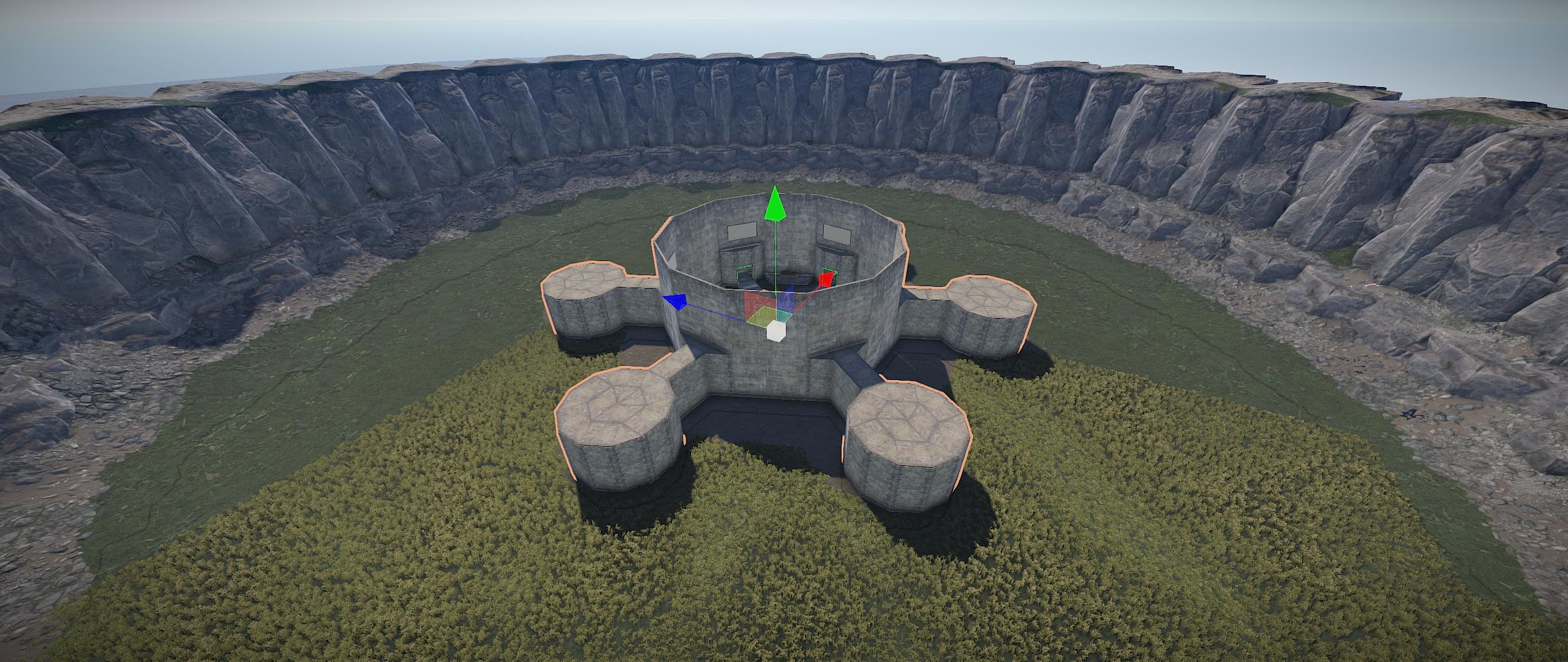
SPAWN LOBBY
- Enclosed with a beautiful cliff edge, and surrounded by grass landscape.
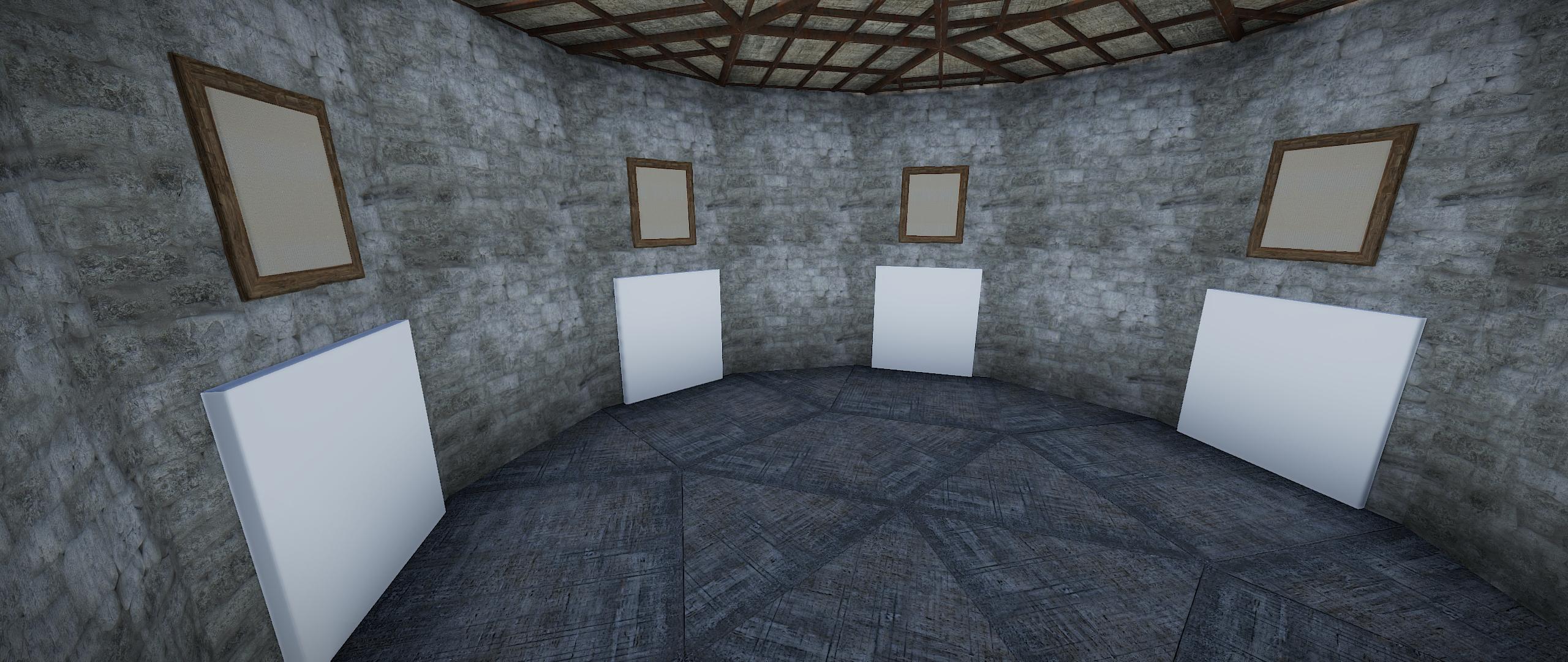
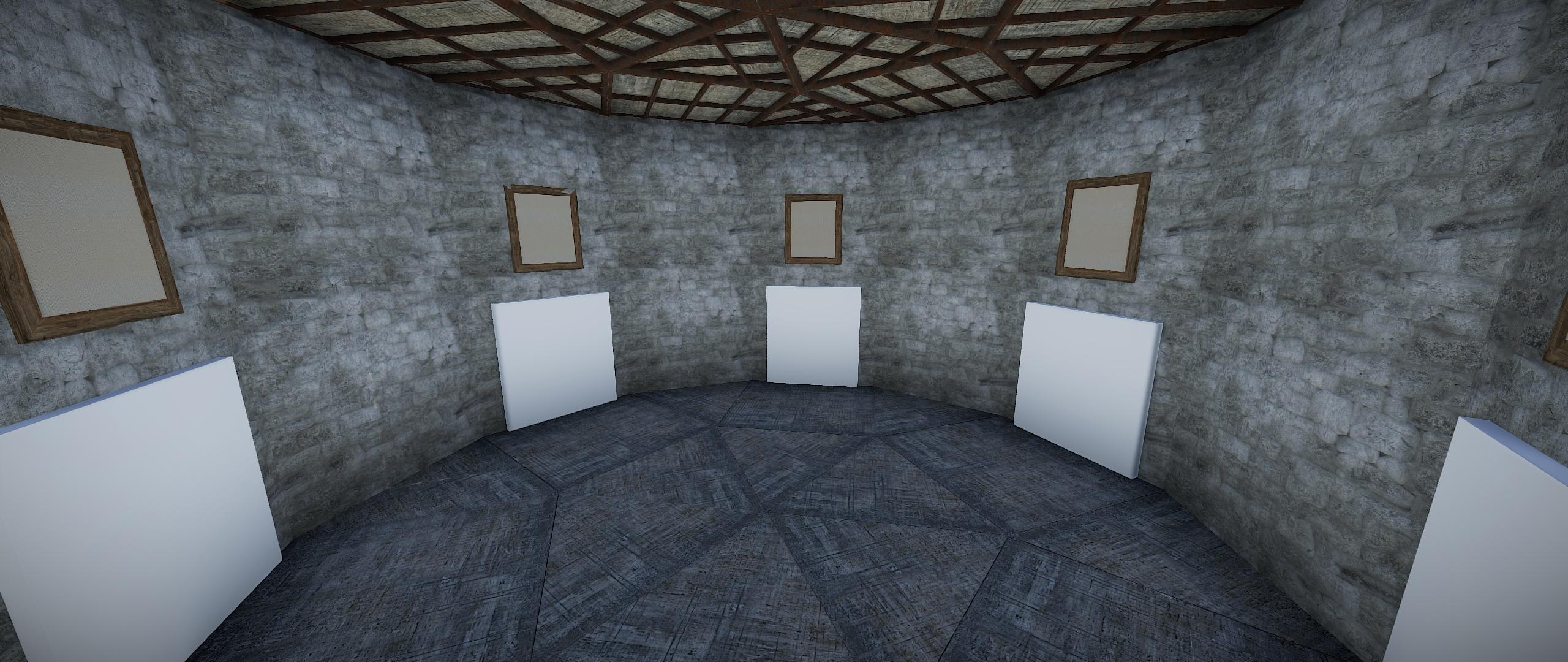
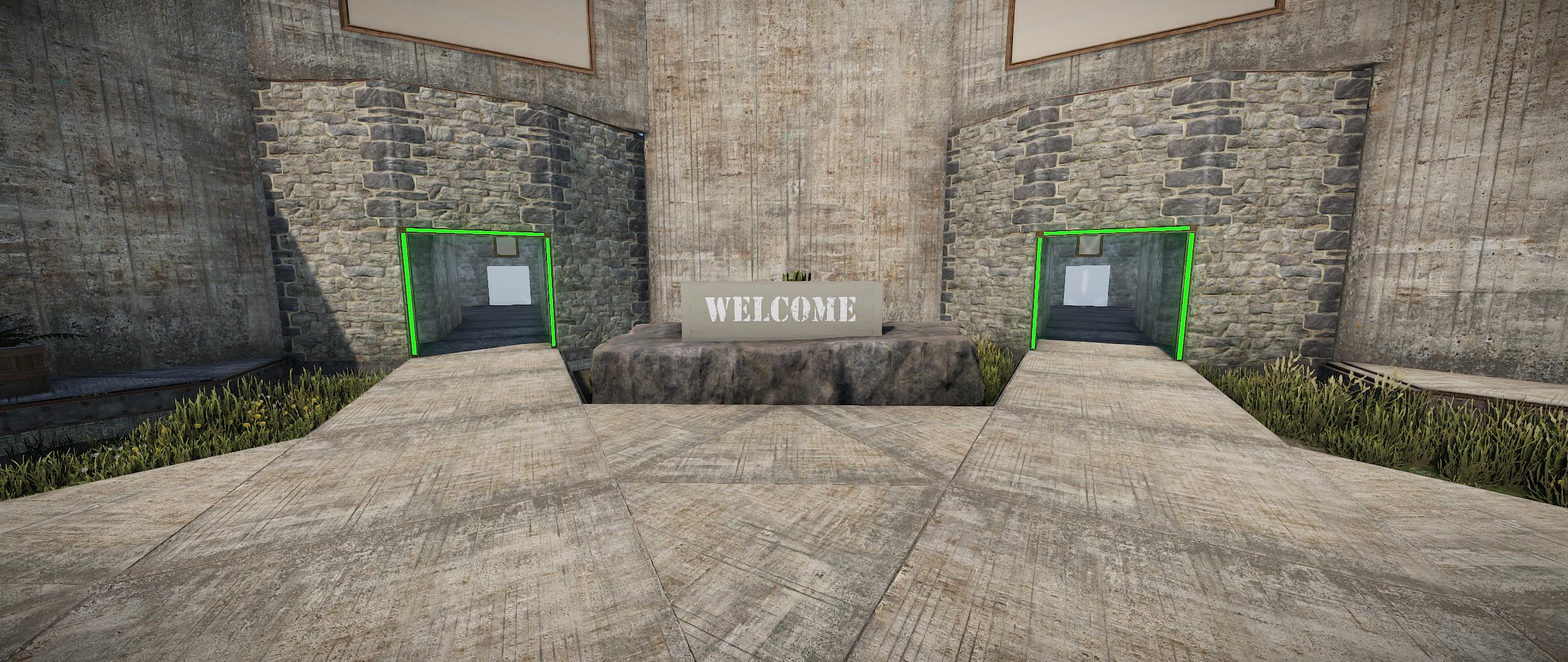
- 6 Arena rooms, each with 5 arena entrances.
- Signs to advertise your Arenas, or for your sponsors.
- 3 pre-set Spawn Points for players joining your server. (Requires Oxide.Ext.RustEdit.dll file to be installed.)
- Easy to adjust or customize your Lobby further from within RustEdit.
SAMPLE MAP
A sample 4500 map is included, pre designed with various arena sizes to get you started.
PLEASE NOTE: This package is only the prefabs to create arenas for your map, you will still need to use a Game Manager or Event Management plugin.
If you need help, have problems, or for any questions, please feel free to join my Discord or DM me, gpsmit84#5963.
Thank you very much for your time and have a great day.
Edited by gpsmit84
What's New in Version 1.0.0
Released
No changelog available for this version.
You are not allowed to sell this product, or any part of it, or advertise it on any other website. You do not hold the claim to this product, nor do you have permission to post it, or share it with any other person.
You are entitled, without any additional payment, for further updates, and/or support when needed. This includes updates to the game Rust, where product may become unstable or cause any issues, then you are granted full support. Exceptions may be caused by the game itself, Rust and any change of coding within the game, resulting in the broken state of the prefabs, and/or cause of usable state other than by mistake by the author, causing this product to become discontinued, and such, all support, sales and/or updates may become terminated.
This product was originally designed and developed by gpsmit84.
You may only provide a review once you have downloaded the file.
There are no reviews to display.