



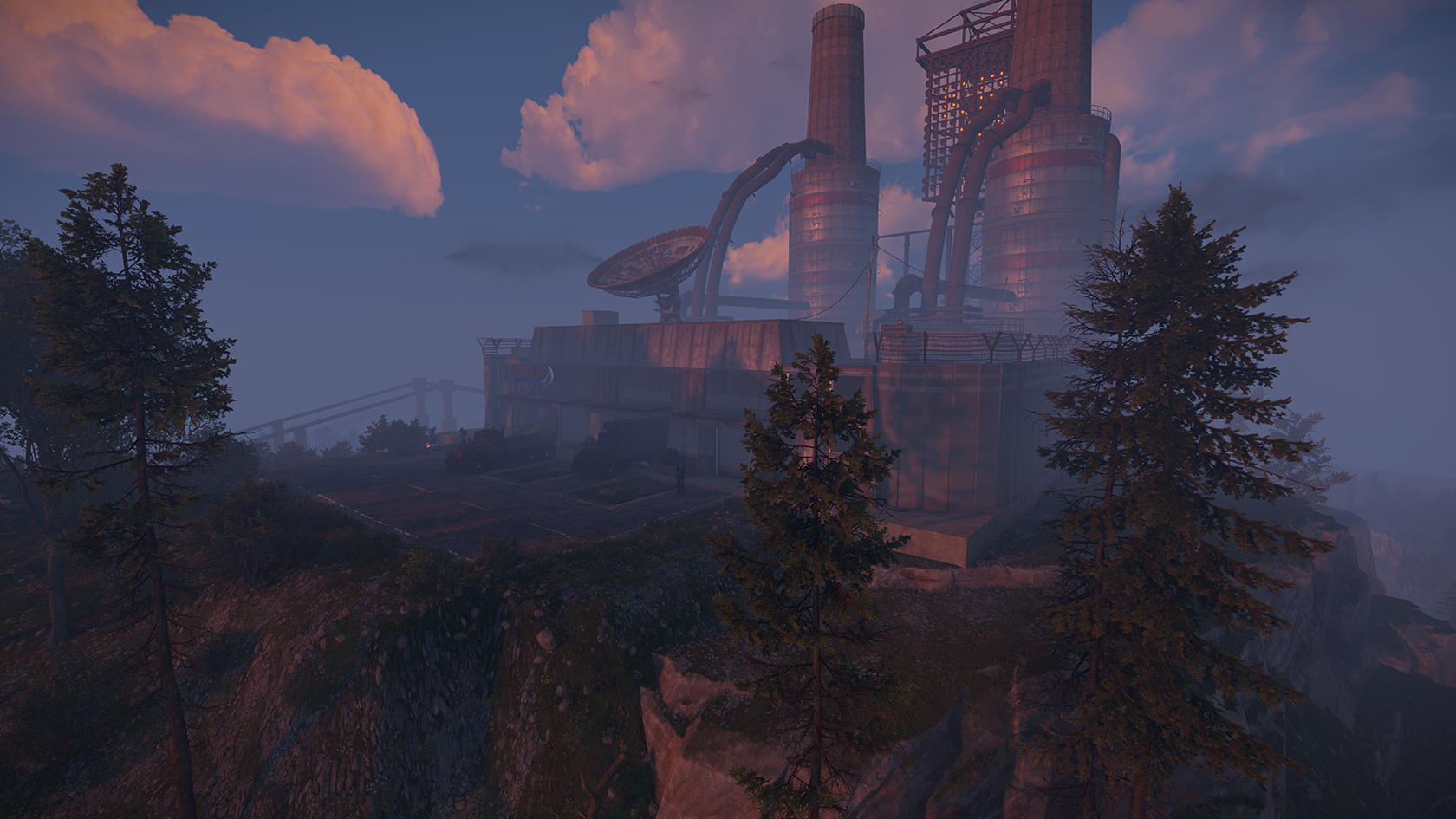
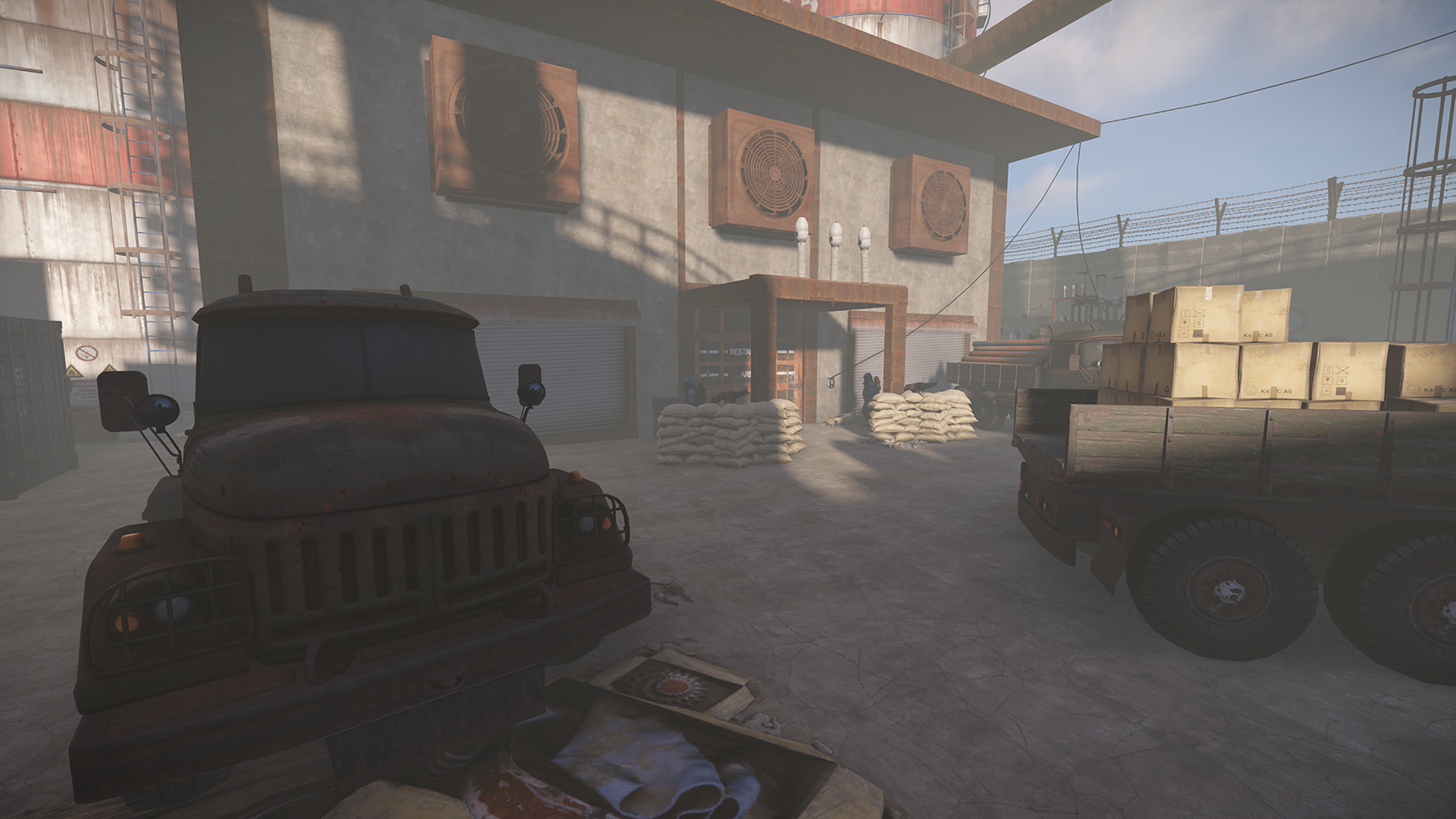
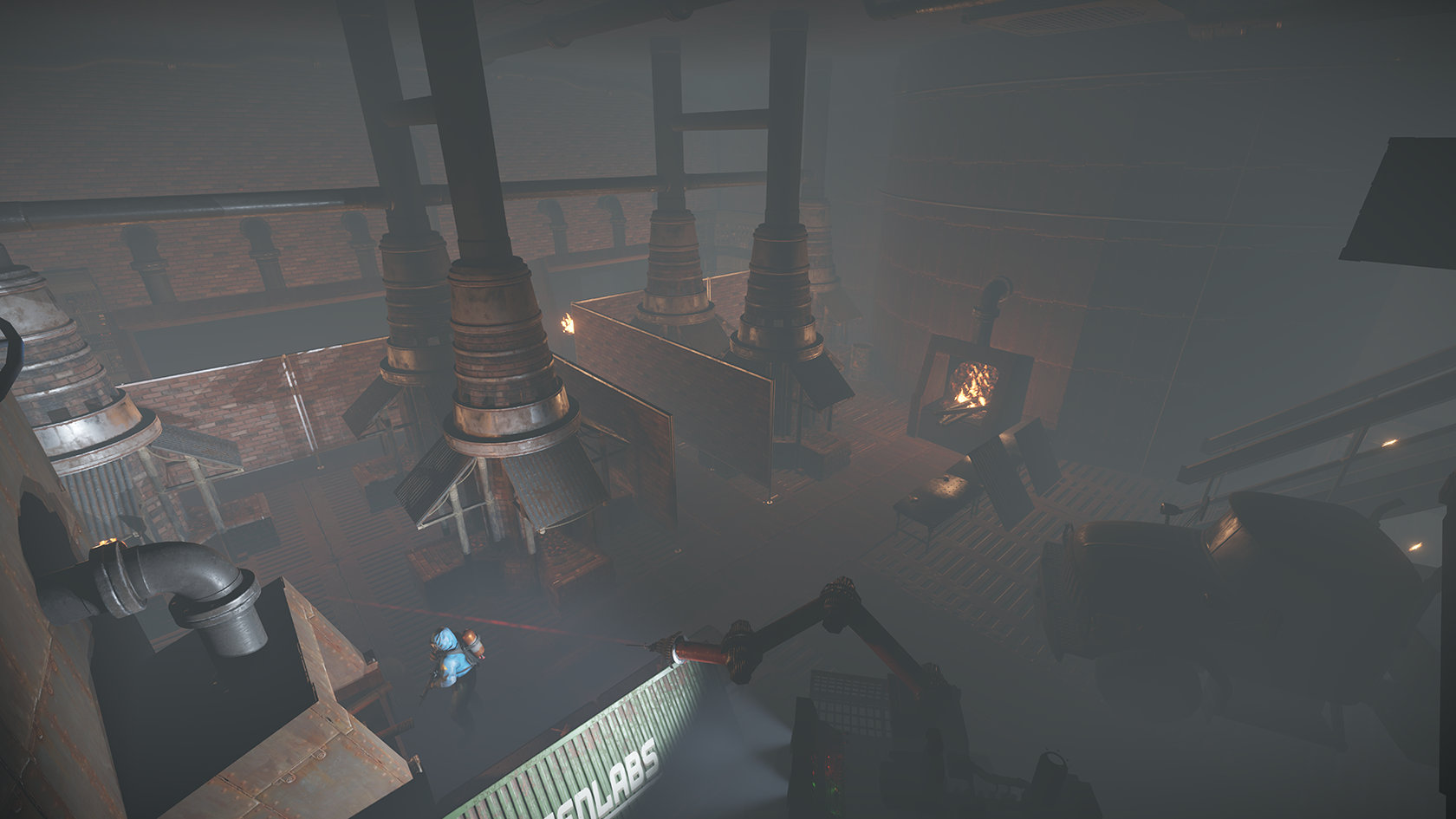
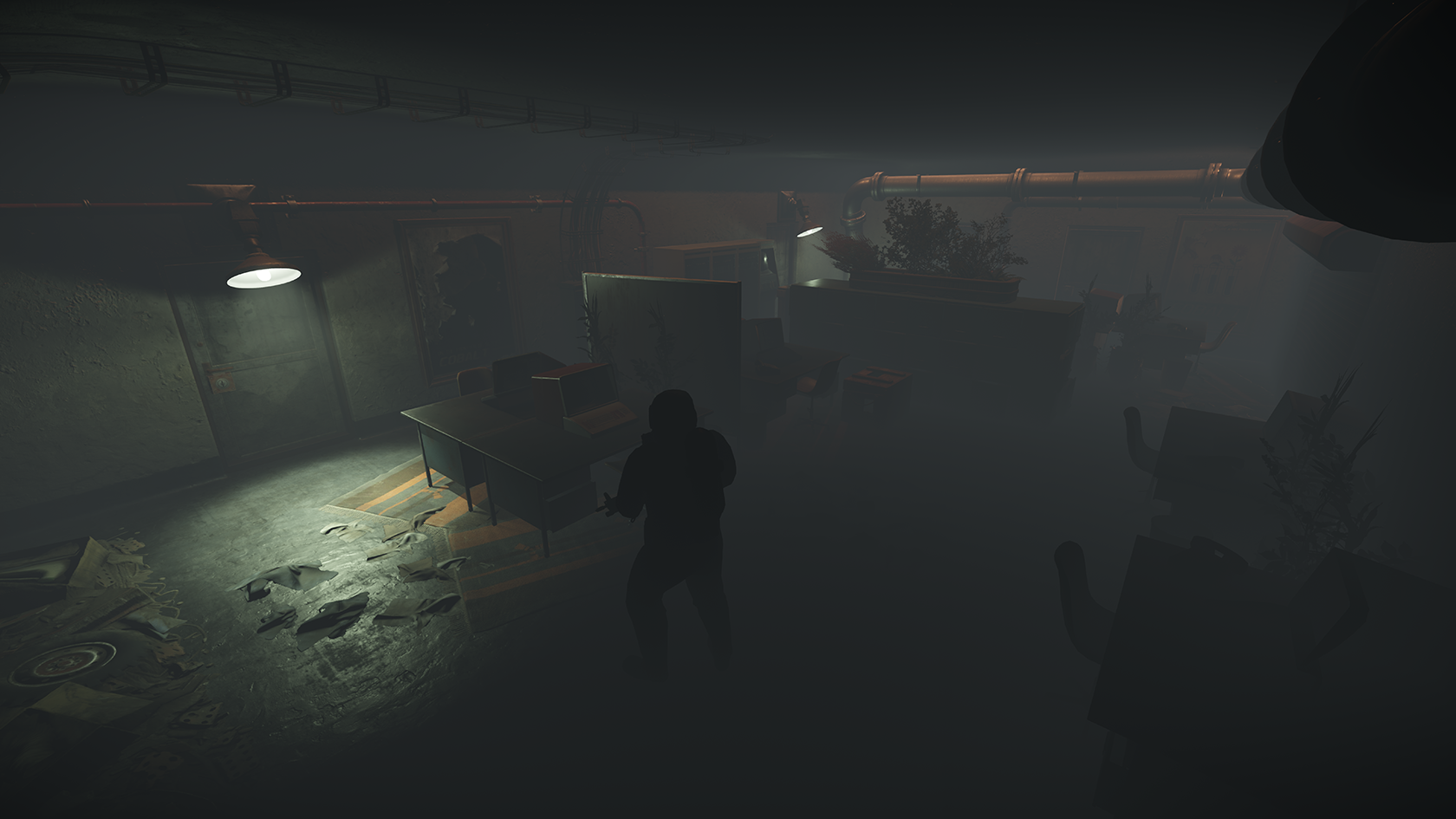
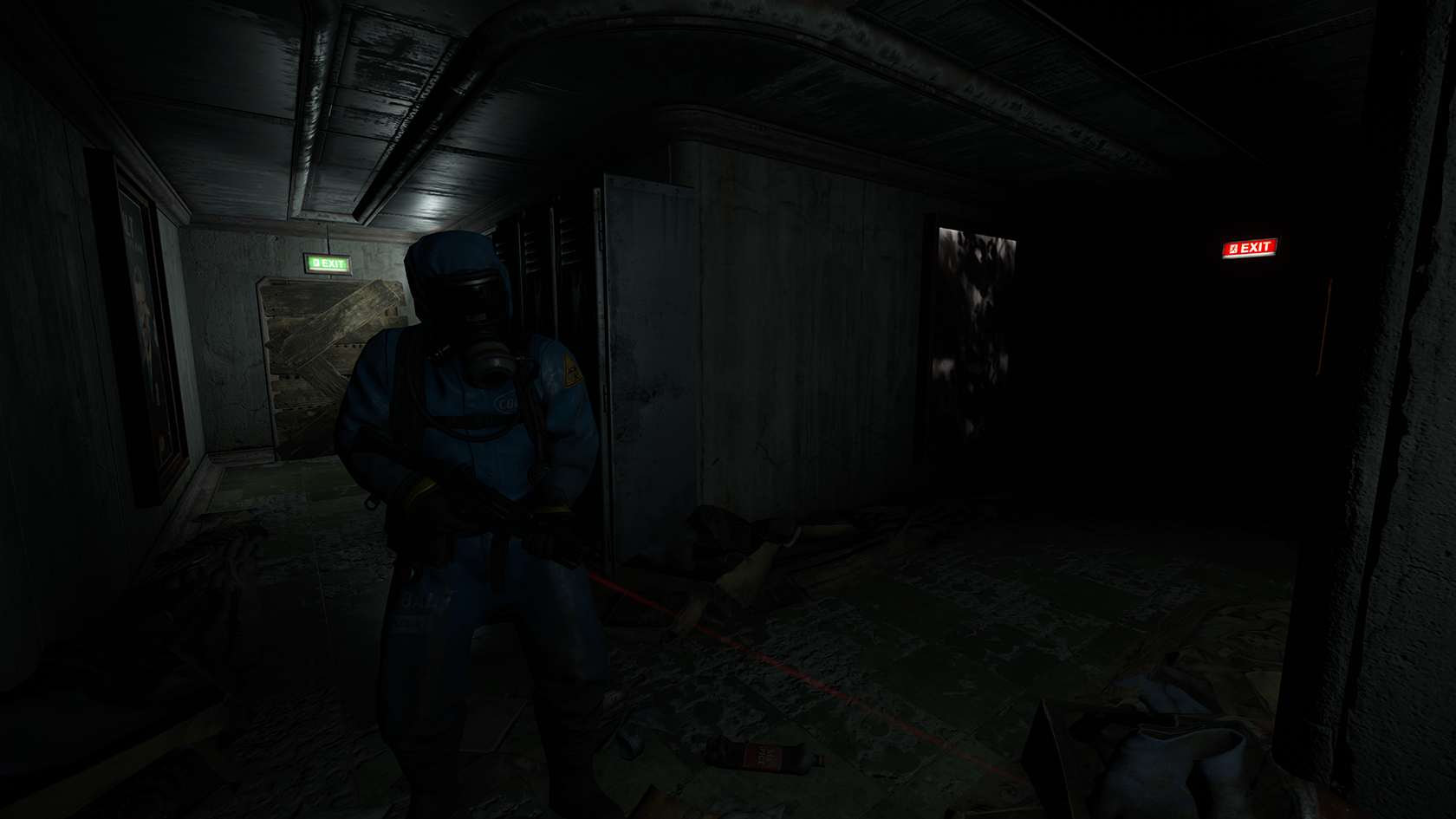
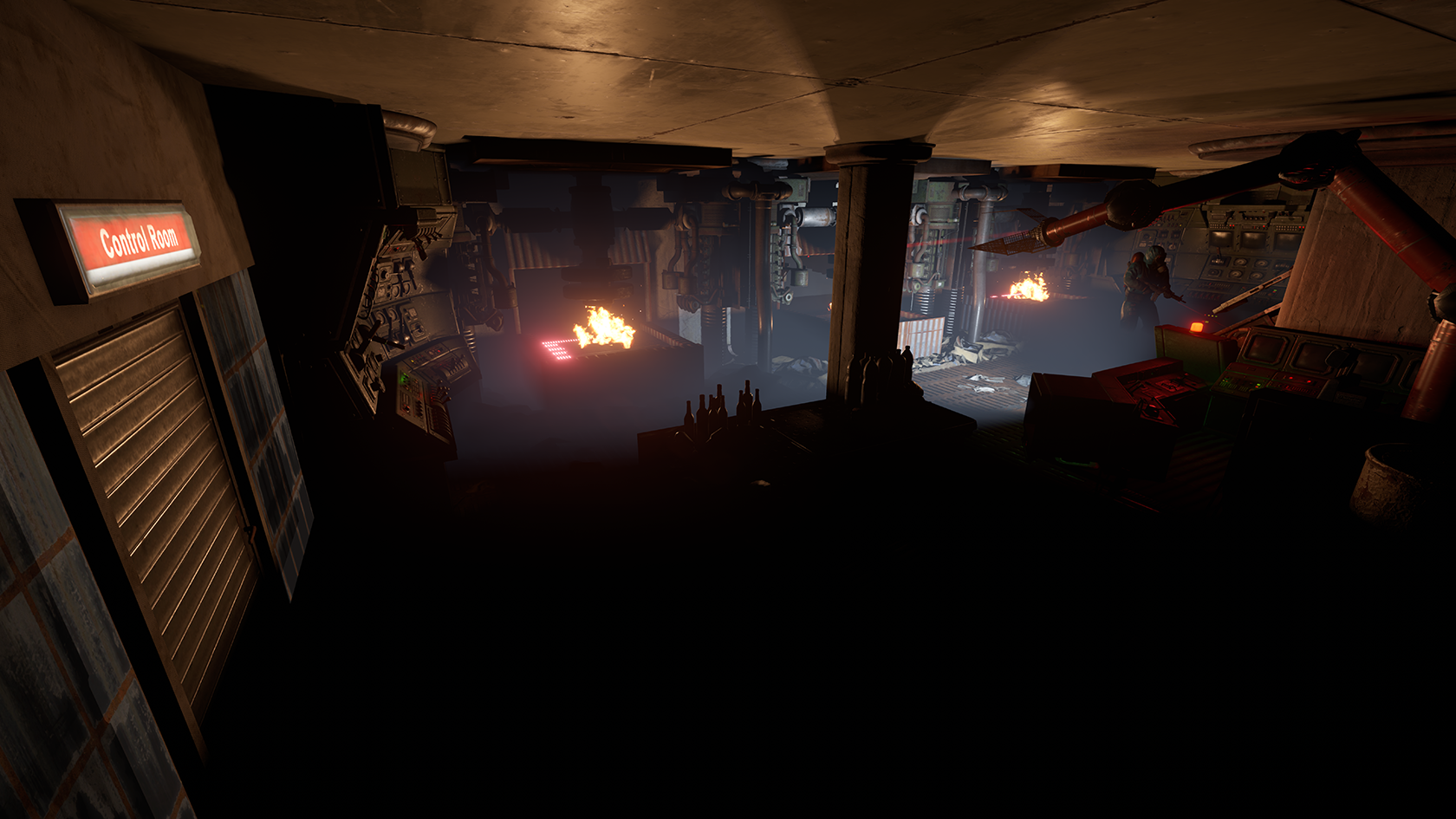
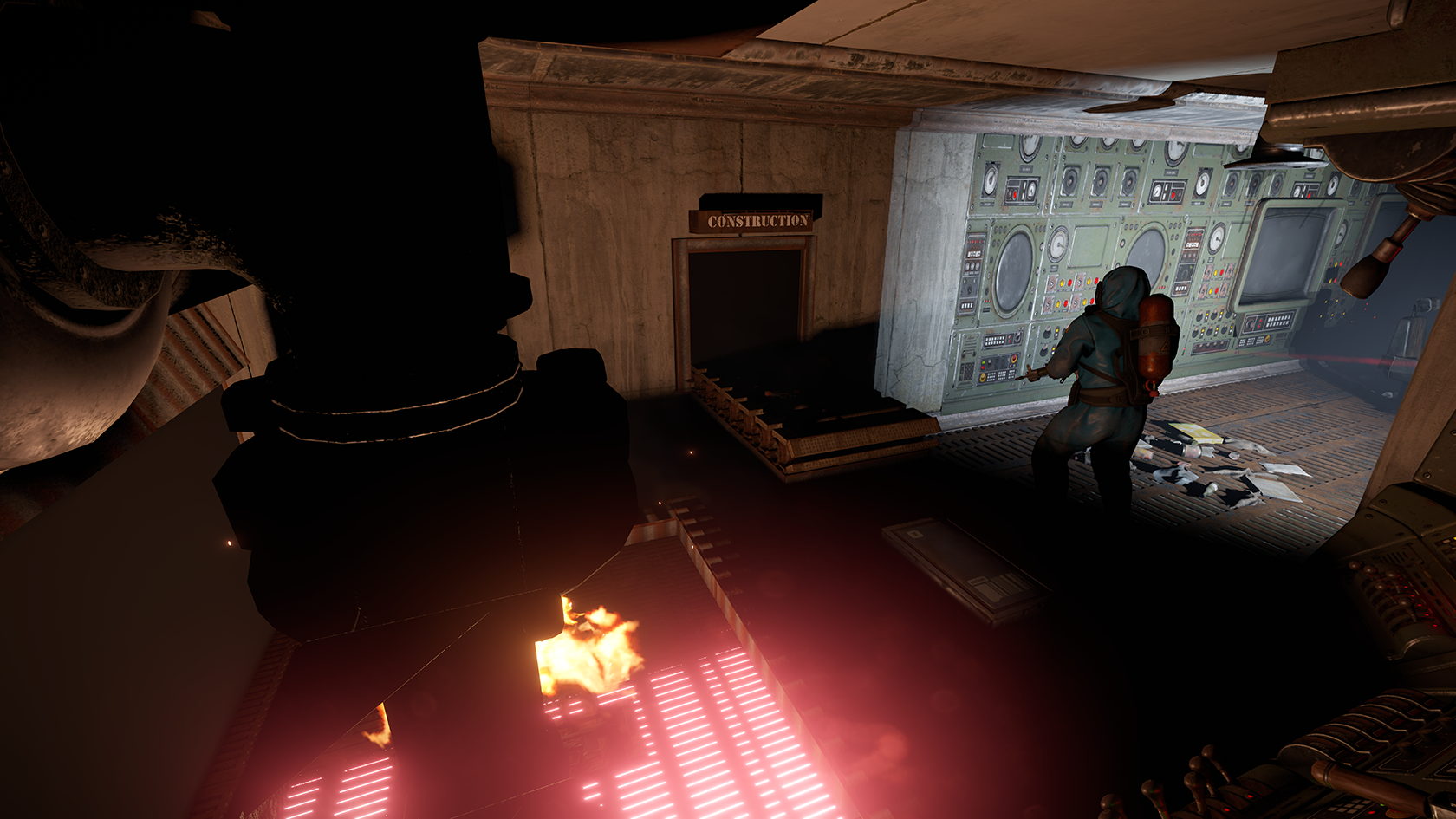
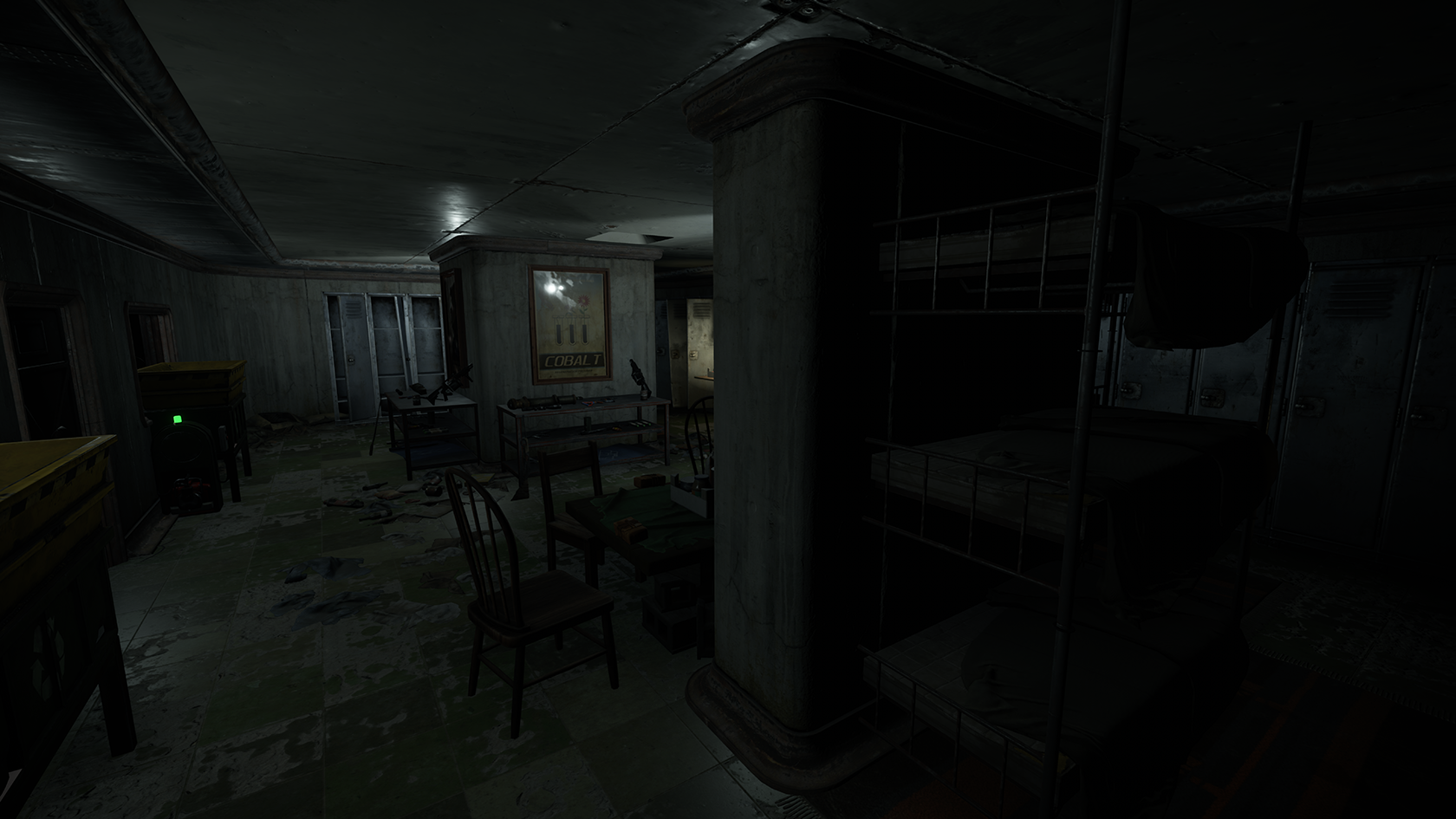
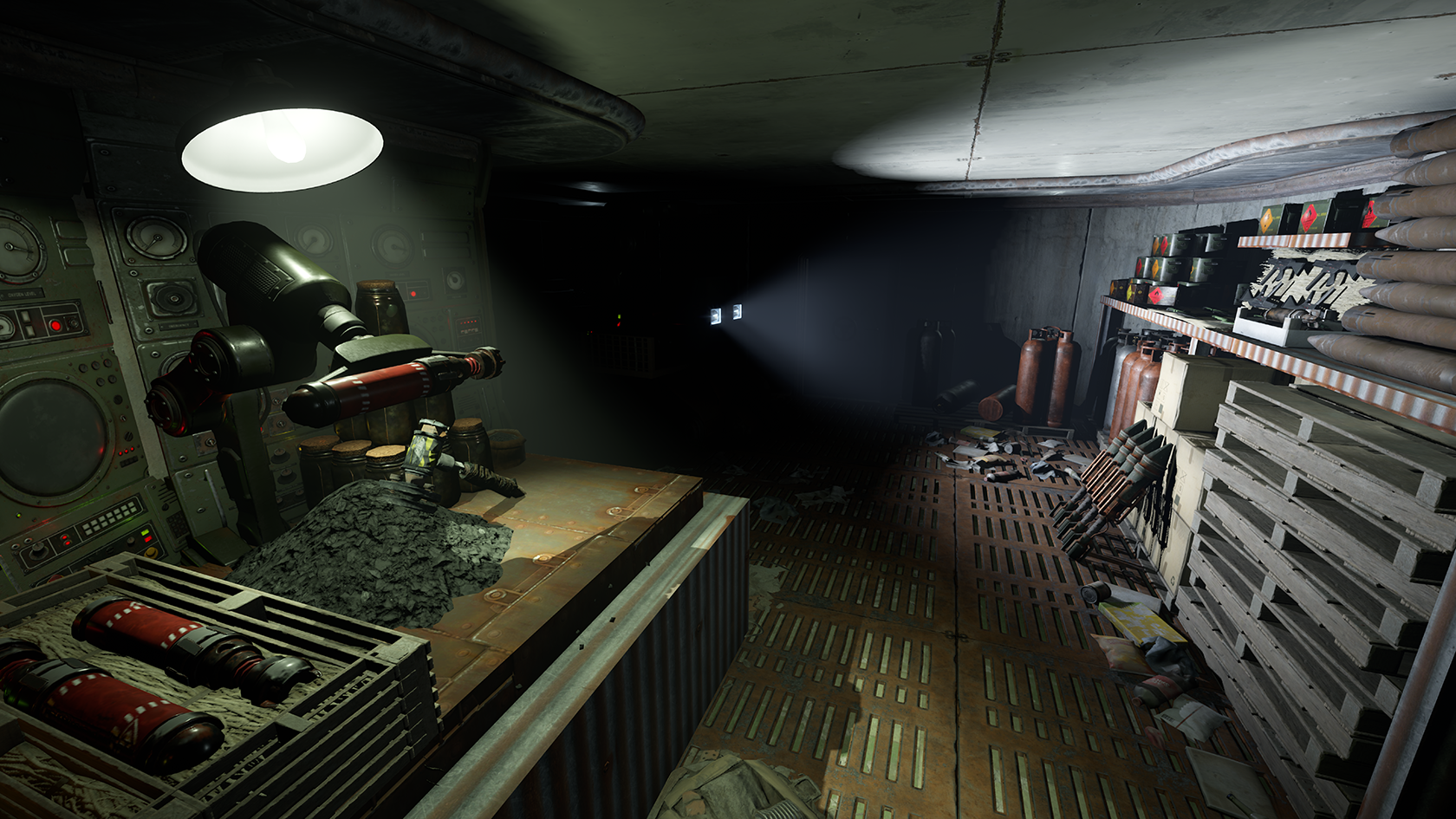
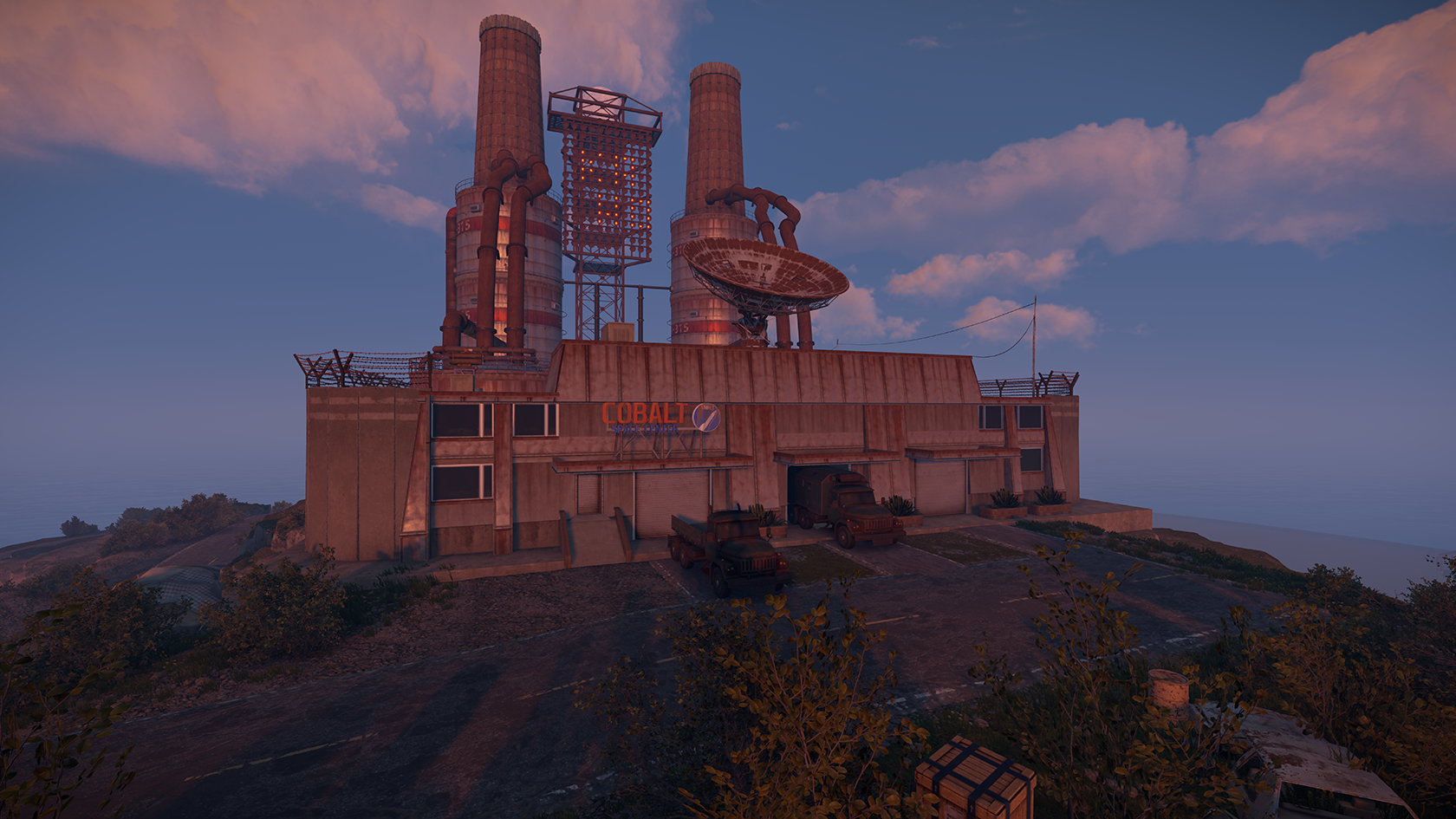
Ammo is one of the things, needed alot to defens for the always Respawning People in RUST.
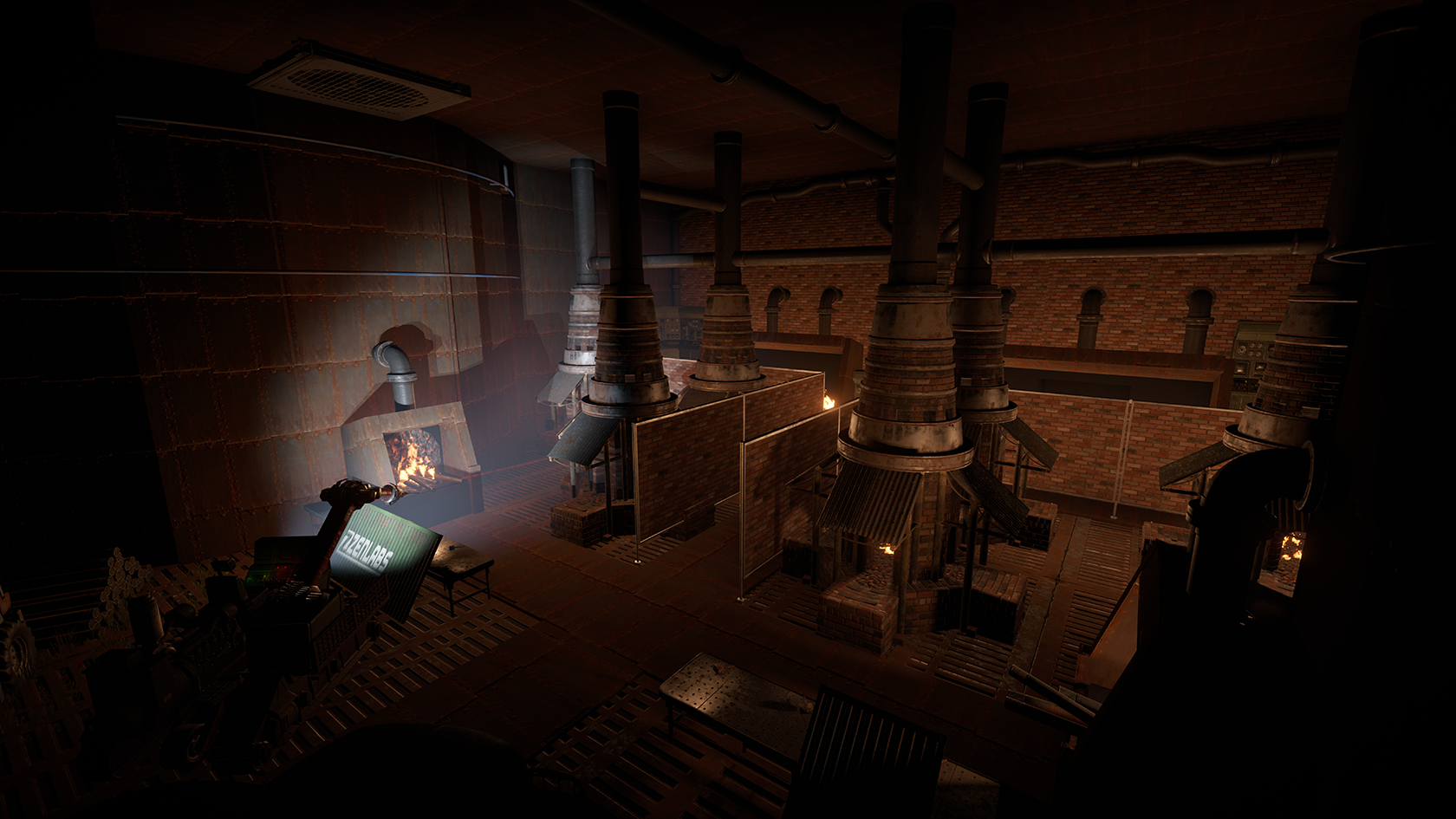
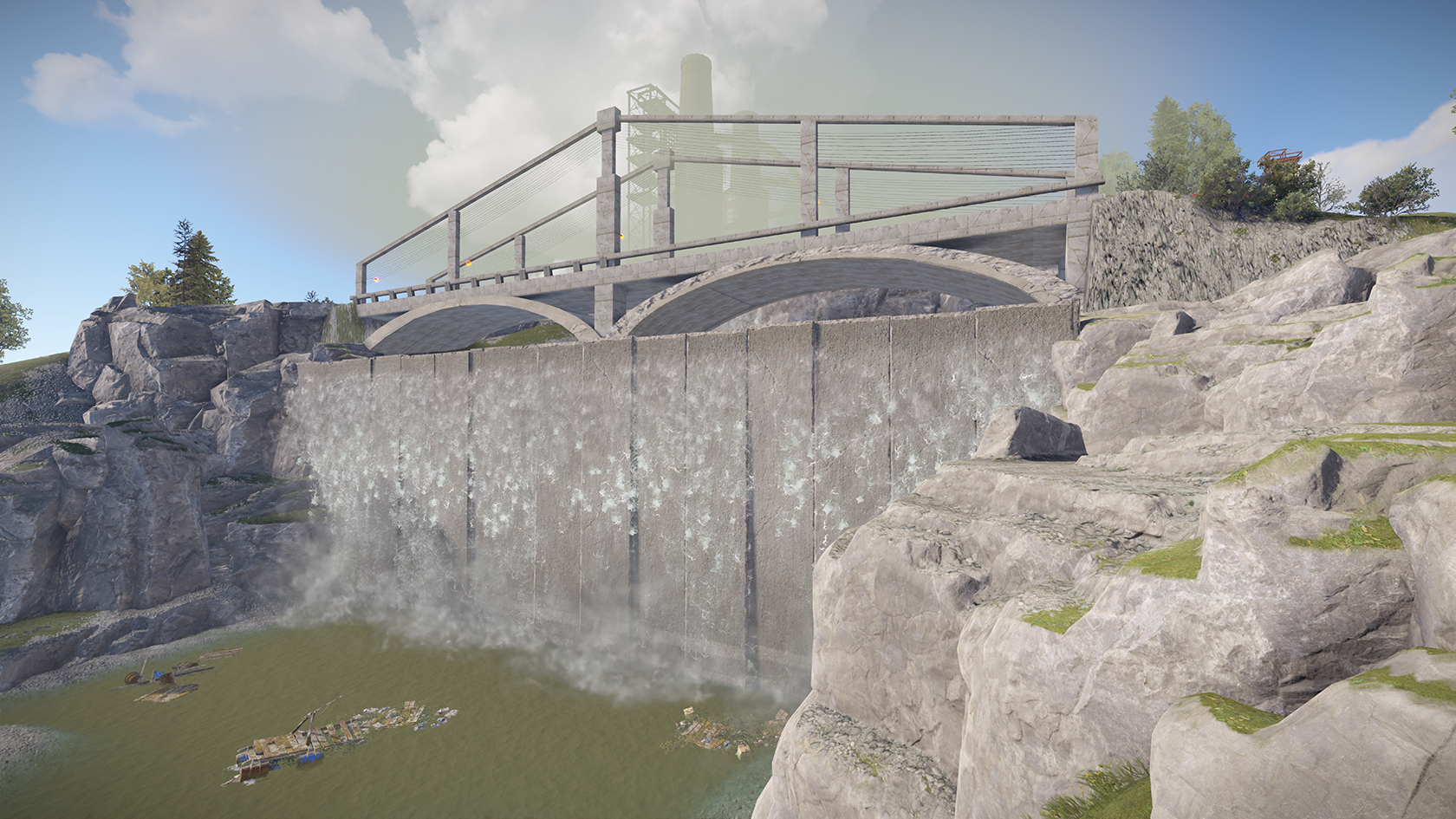
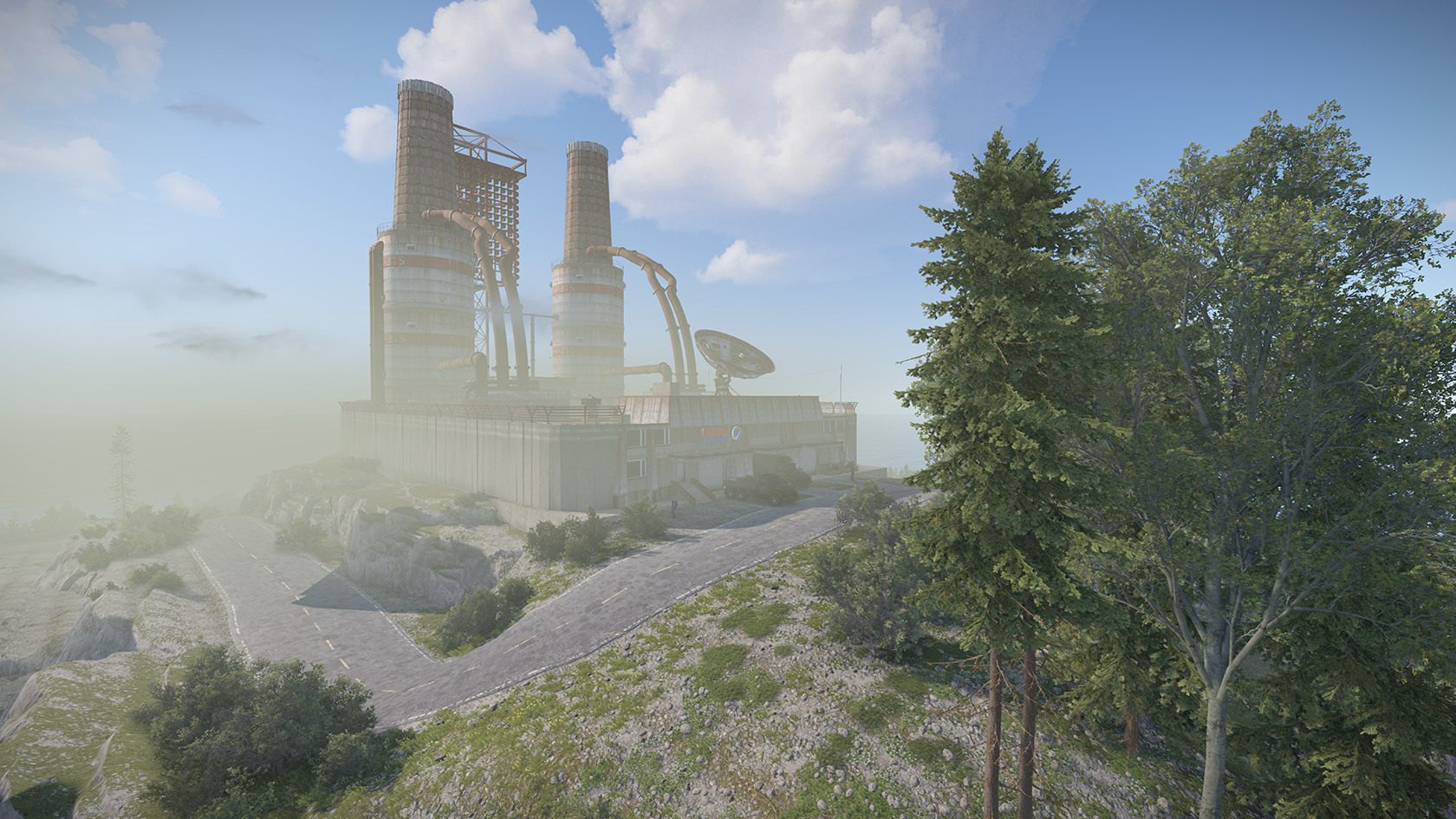
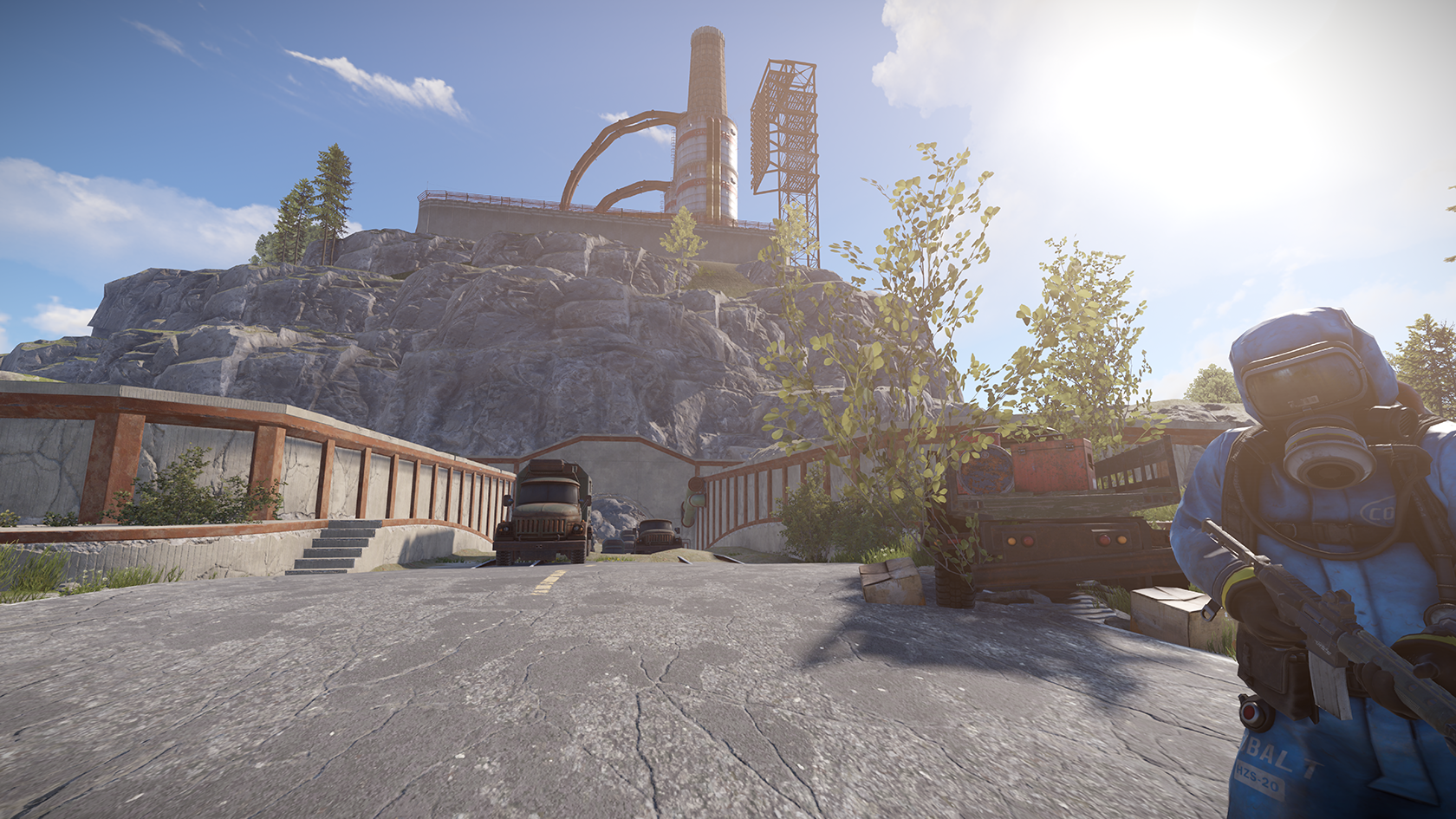
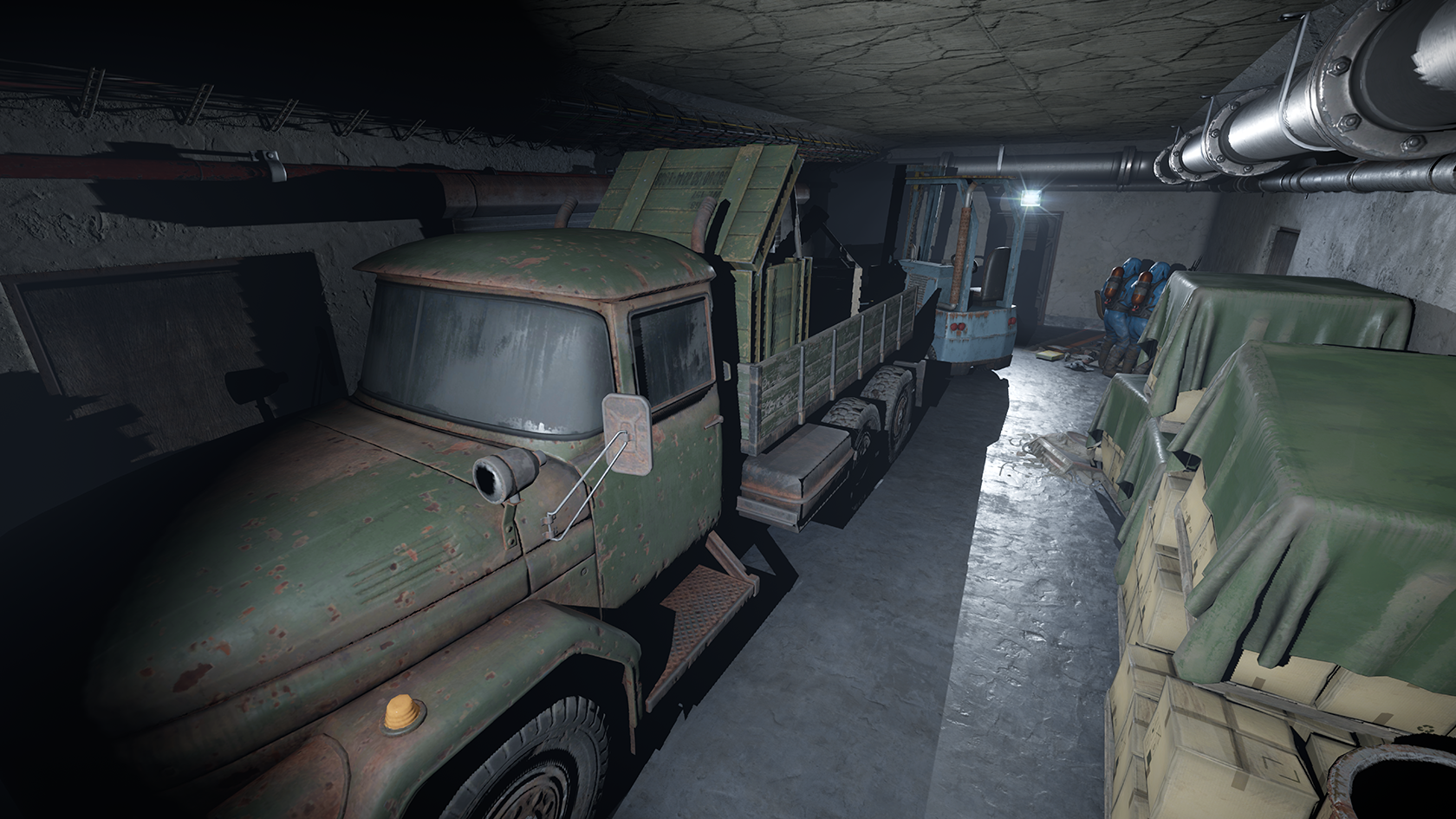
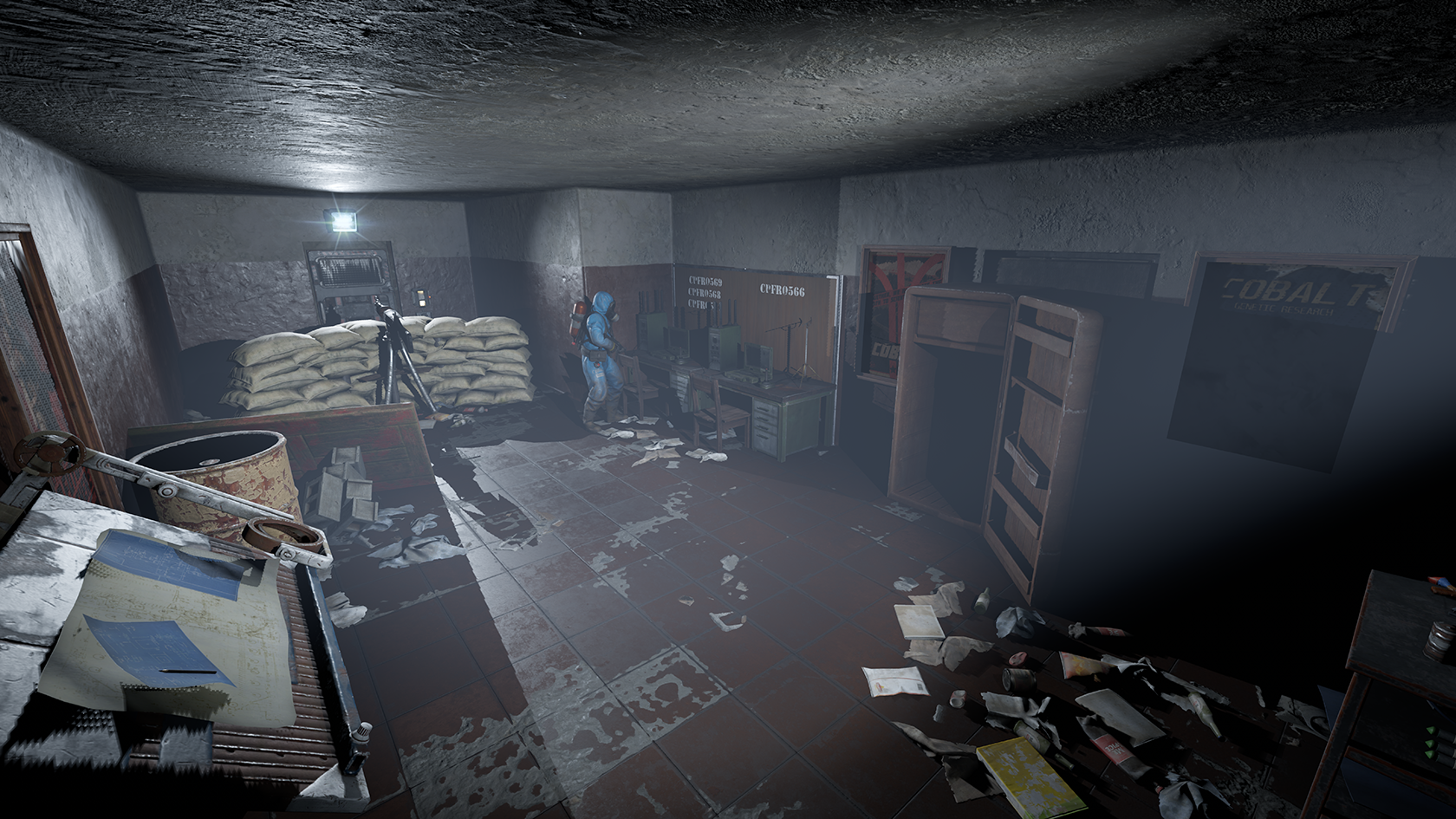
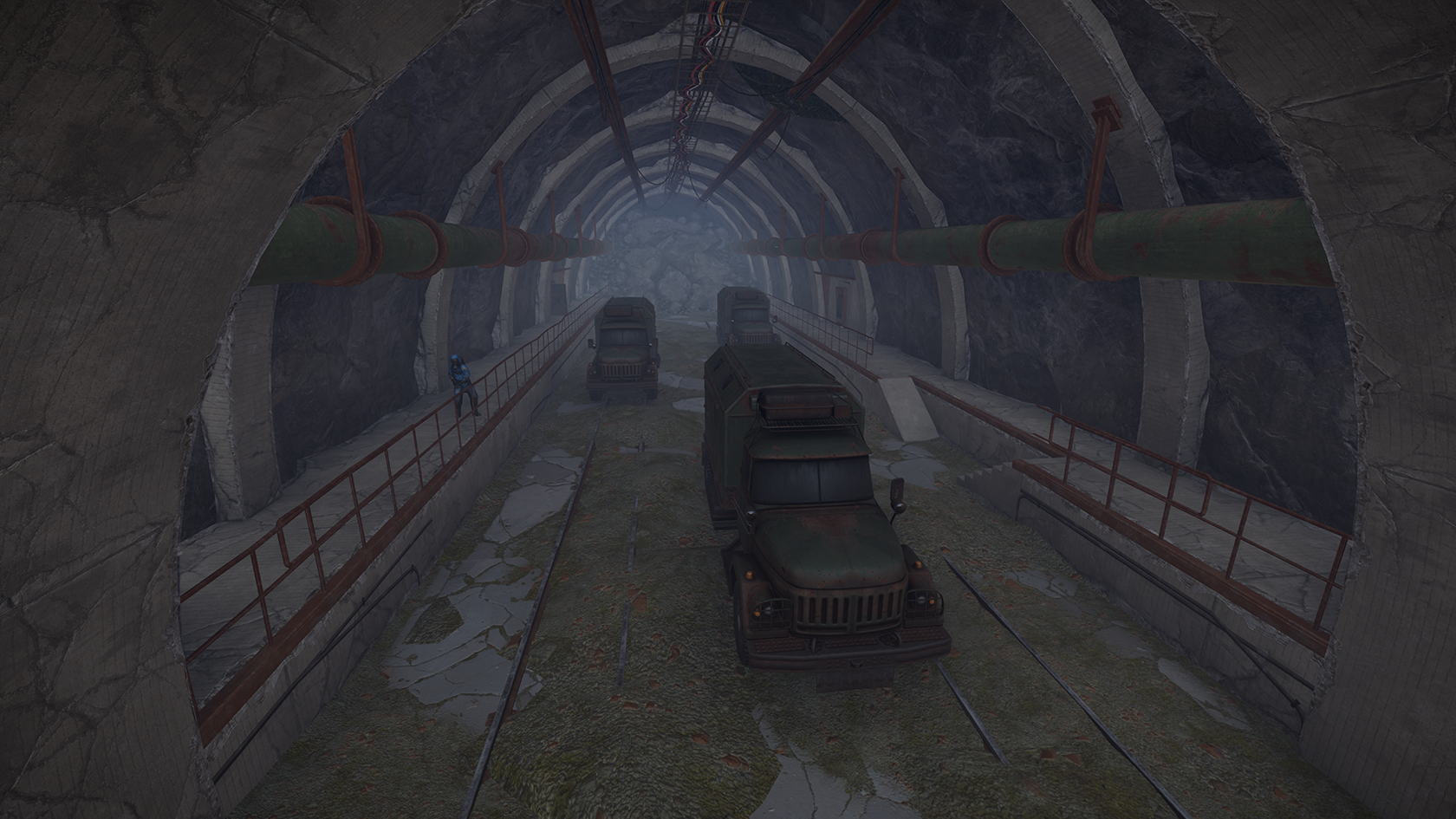
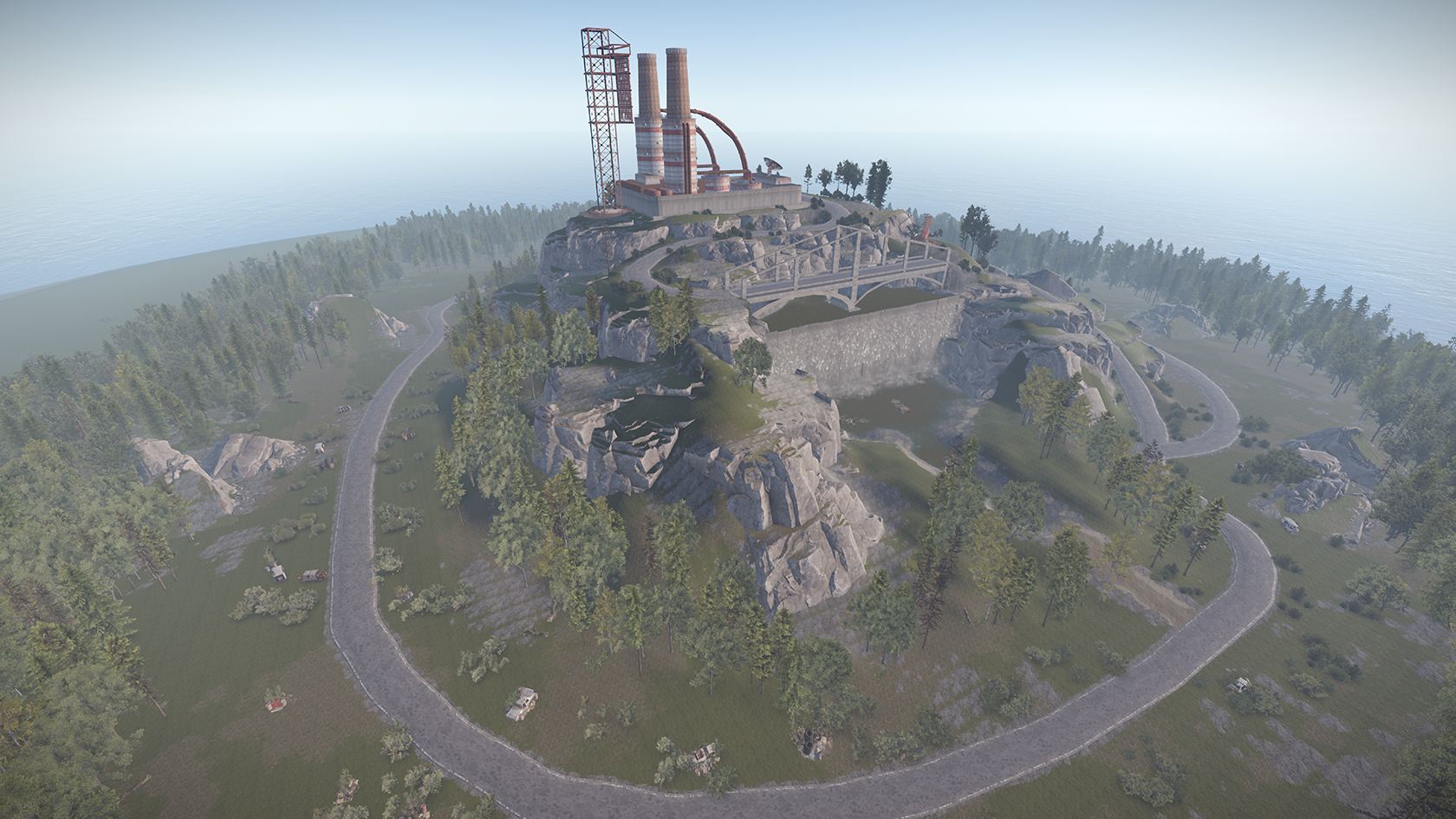
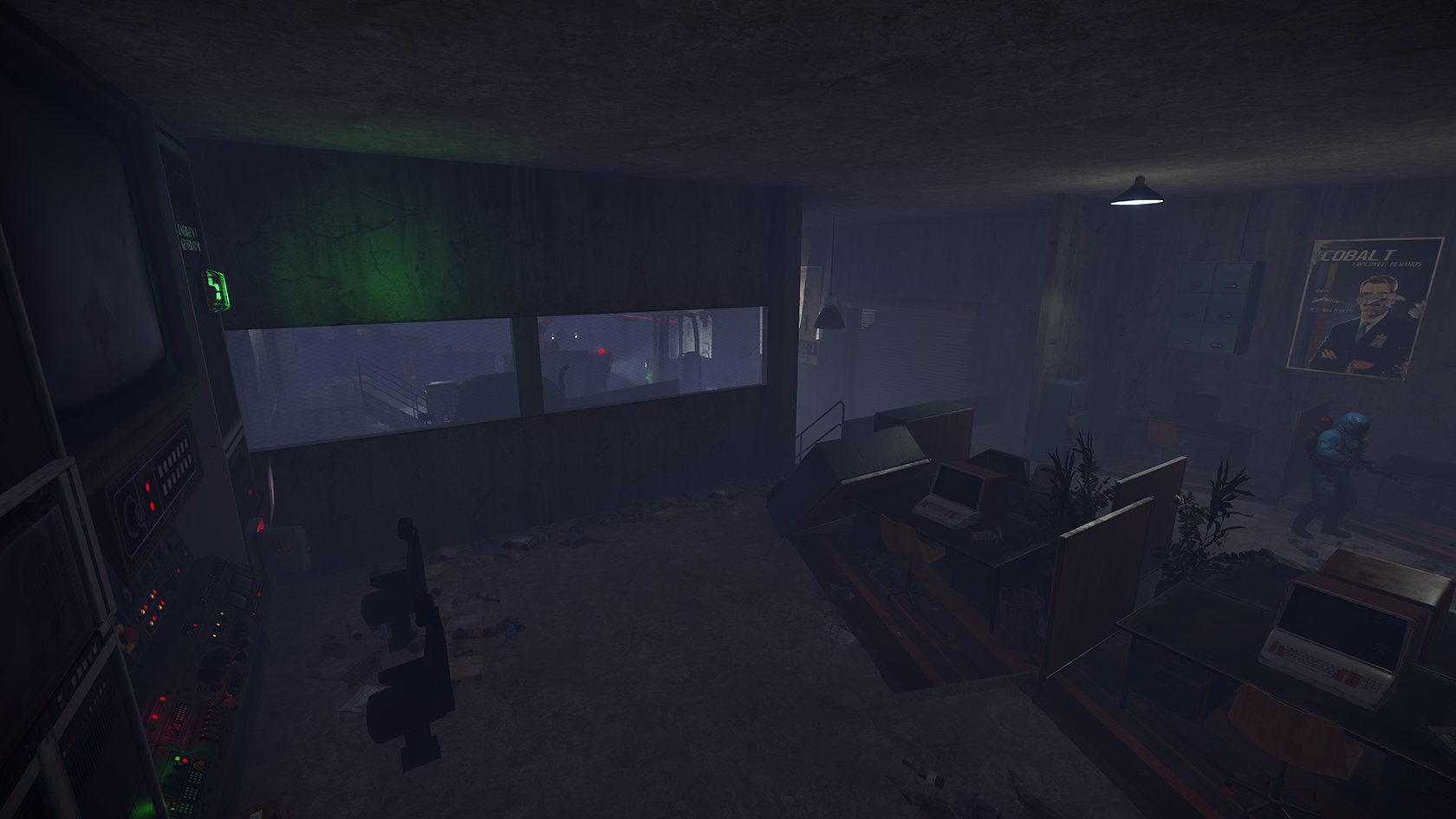
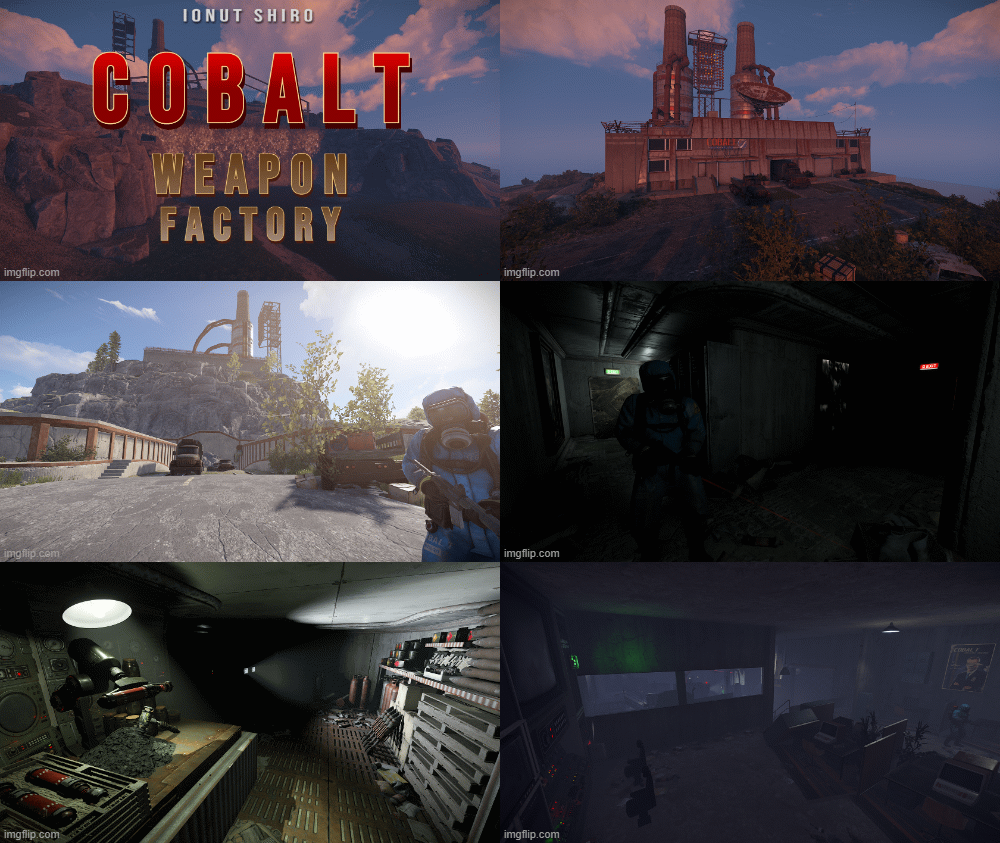
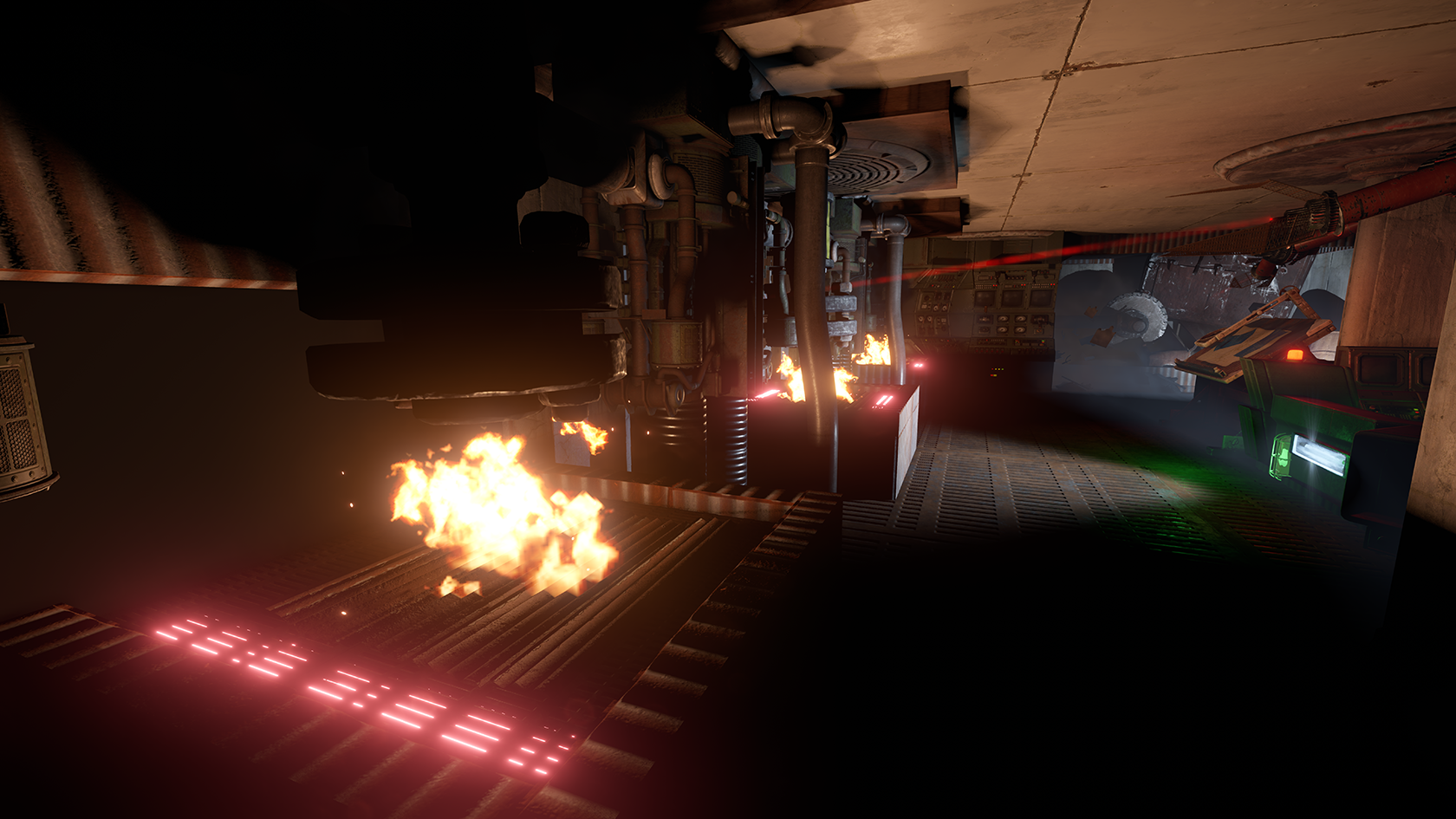
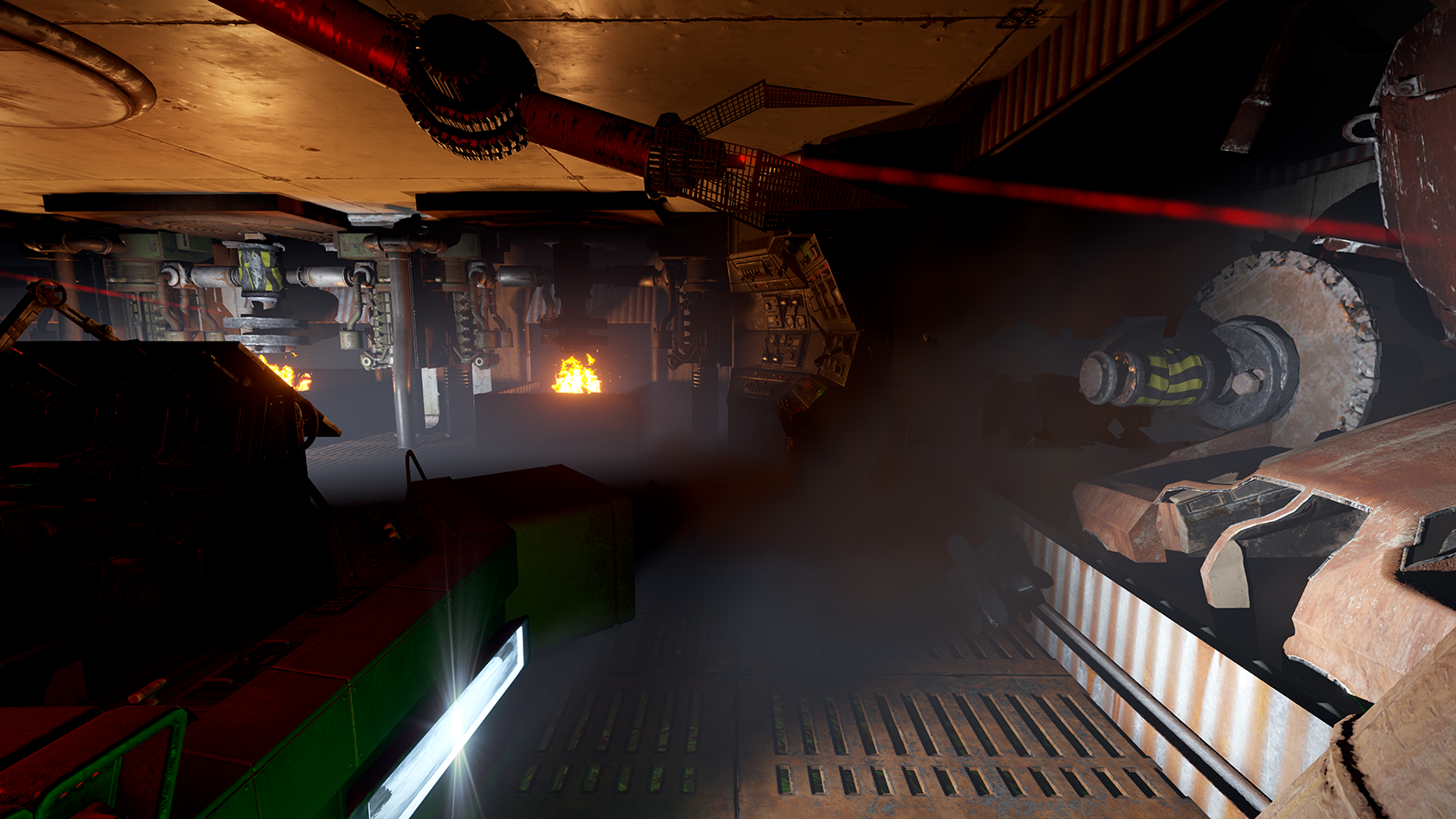
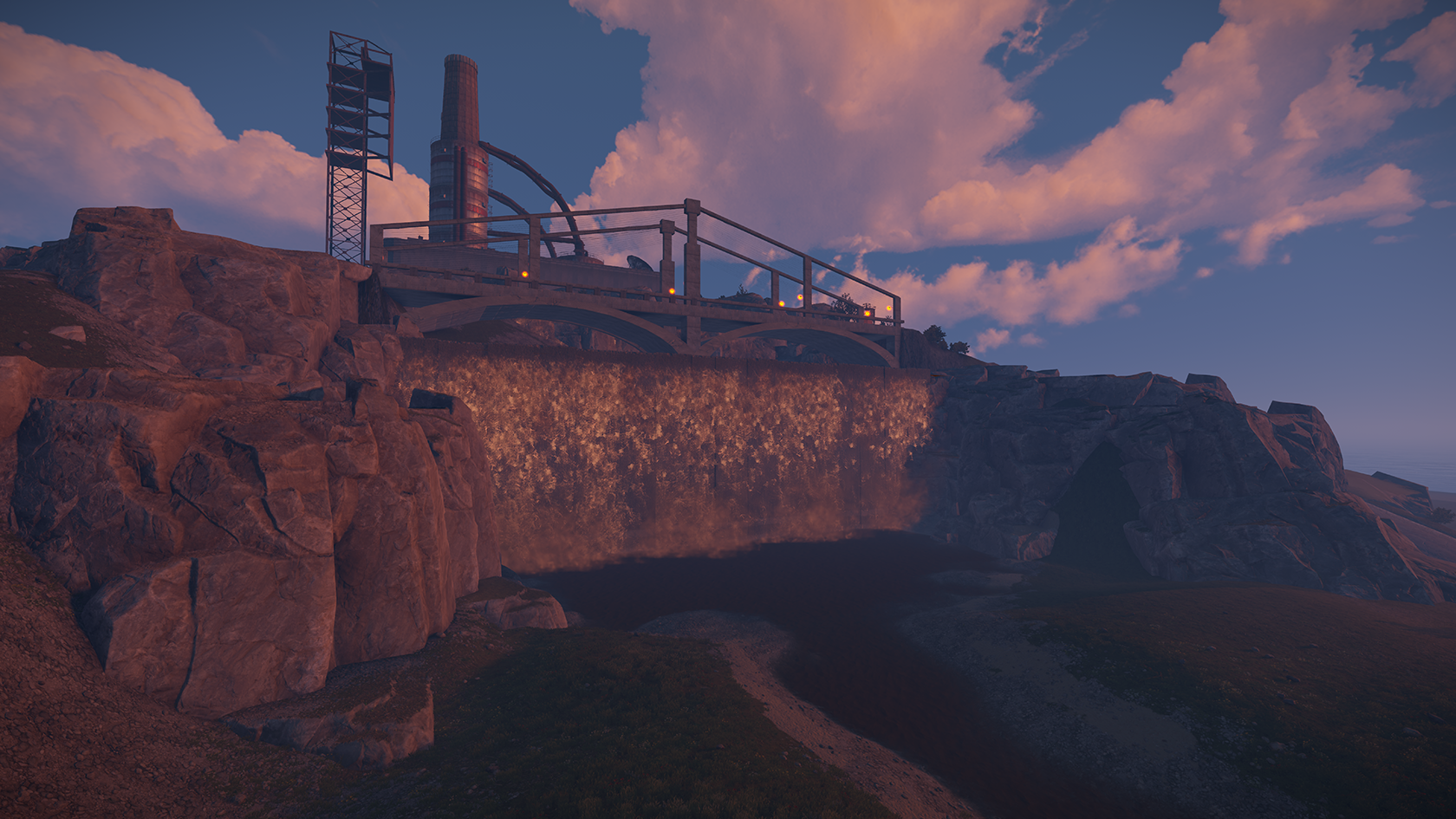
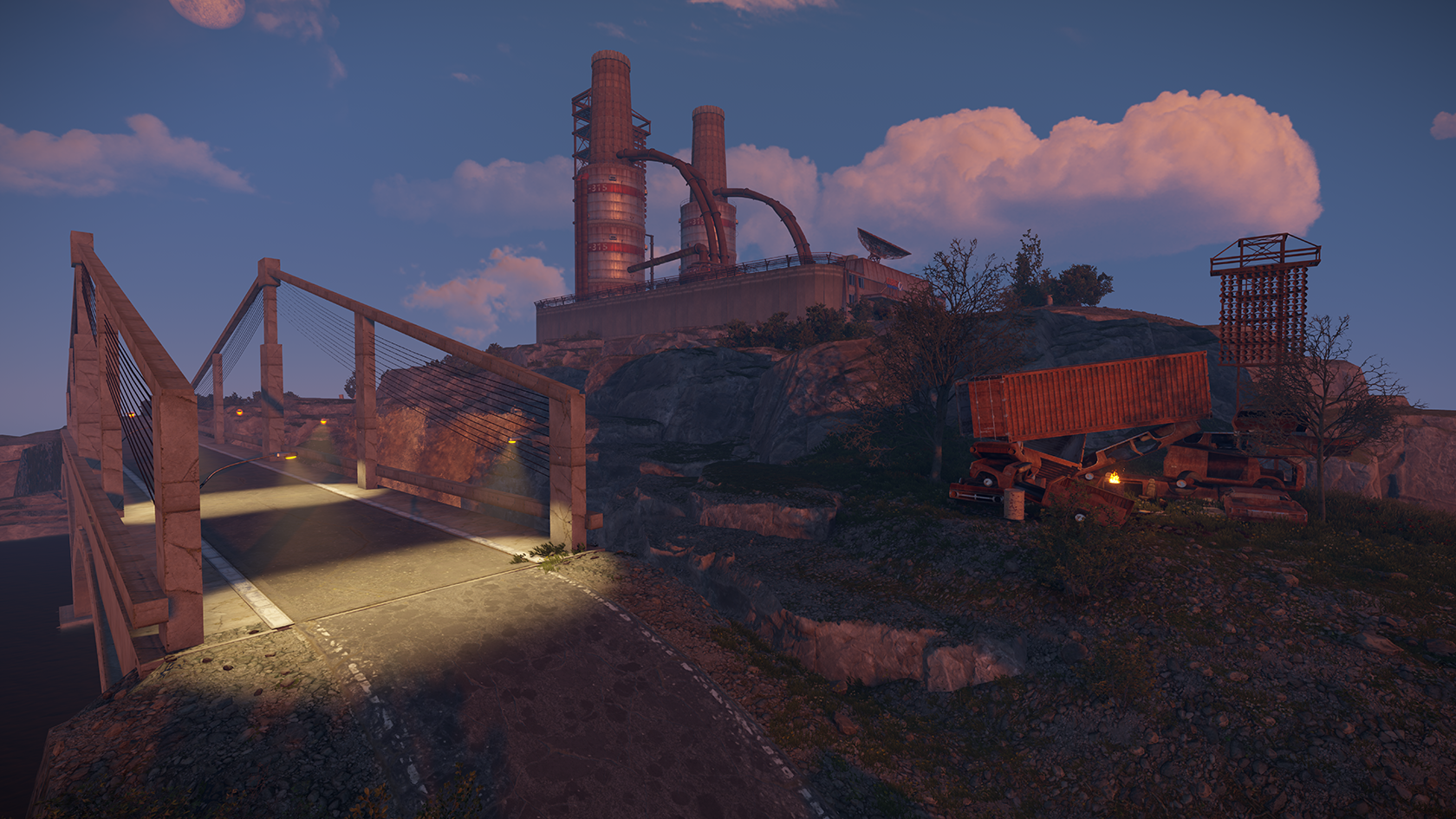
This Monument is called "Weapon Factory" due the Scene located in a Mountain with Undergroundlevels and alot of things to see.
Green- / Blue- and Optional Redcard Puzzle
Green & Bluecard Puzzle are combined
Greencard:
The Greencard Puzzle is located in the "Office" Building and needs to be done to activate the Bluecard Reader
3 x Fuse
1 x Greencard
Bluecard:
In the patio you need Fuel and a Blue Card
Fuel the Electric Car to enable the Bluecard Slider
Inside the Blueroom you need to activate a Button to get Into the Control Room. There you find a Button to activate the Ash-Cleaning-System.
This System Opens a Hidden Door into the Fire to get to the Underground level and take the Blueroom Loot.
If you dont have a Redcard:
There is an Green Exit sign, where you can get Out without a Redcard
If you have a Redcard:
You'll find more Underground rooms and another Puzzle to Solve.
You need:
2x Fuse
* x Fuel
This is how you activate the Redcard Slider to get into the Redroom Loot.
Both ways will bring you into the Underground Exit. Covered with Cams and Trucks to get some Defense.
What's New in Version V4.3
Released
Cliff blocking entrance and missing terrain trigger on vent bit
Attached are are the following rules and TOS (Terms of Service) you are agreeing to when purchasing and using my content.
(Use of Product)
By downloading my products and content you are not allowed to resell or use it for commercial use without permission.
This includes minor editing, modifying or renaming any of my work and using it for your own commercial applications.
Any redistribution of my creations is STRICTLY prohibited.
You may only provide a review once you have downloaded the file.
There are no reviews to display.