


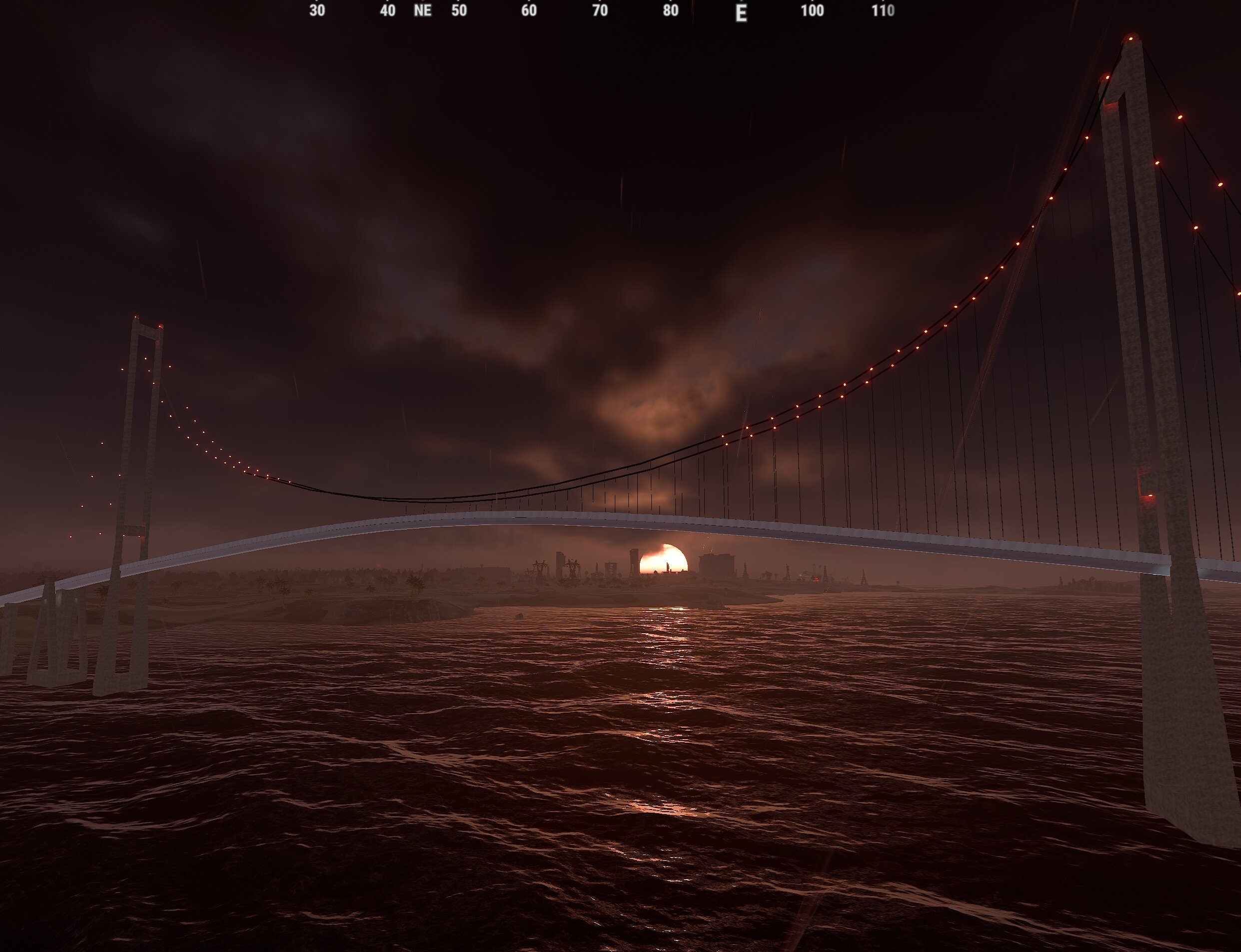
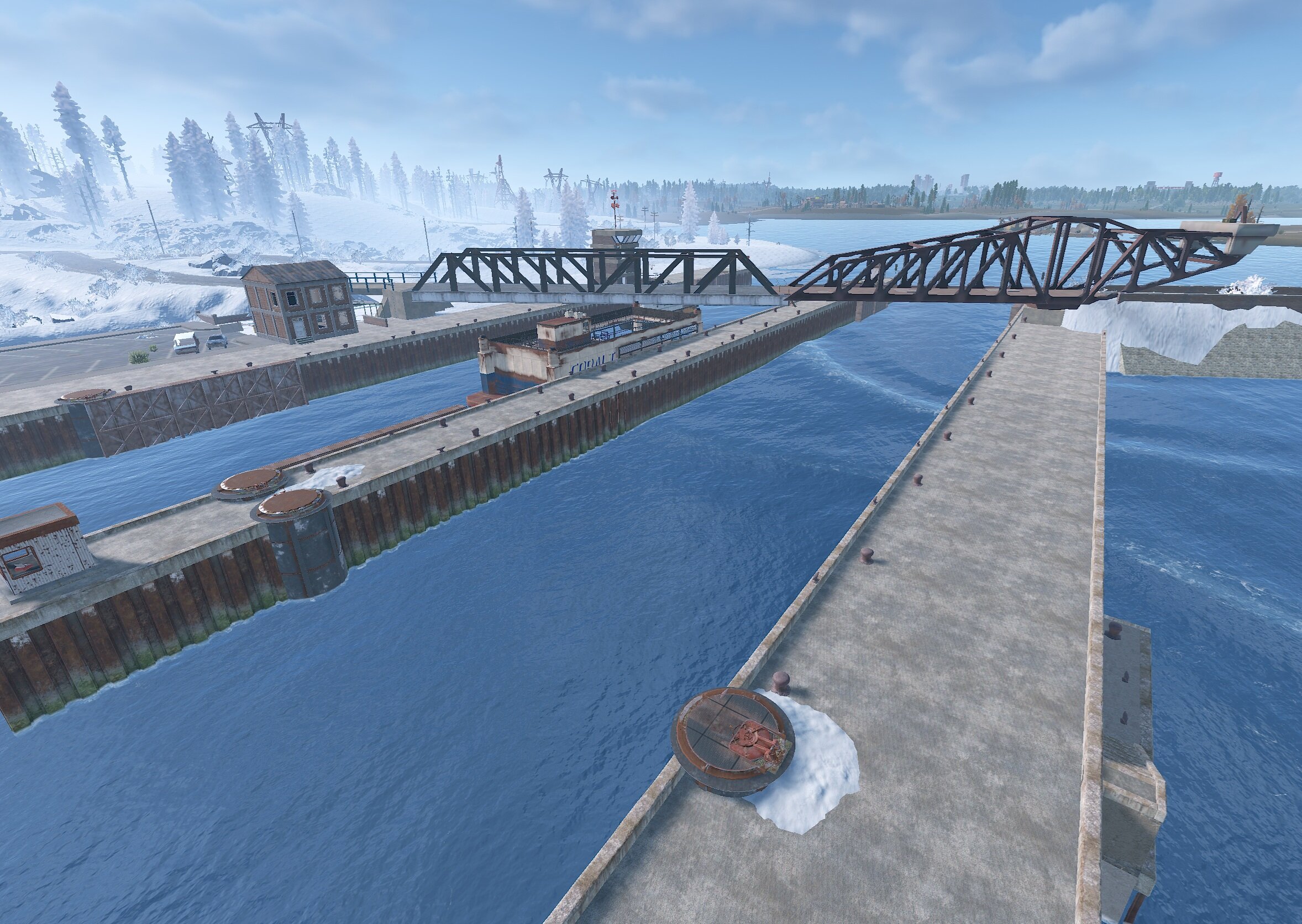
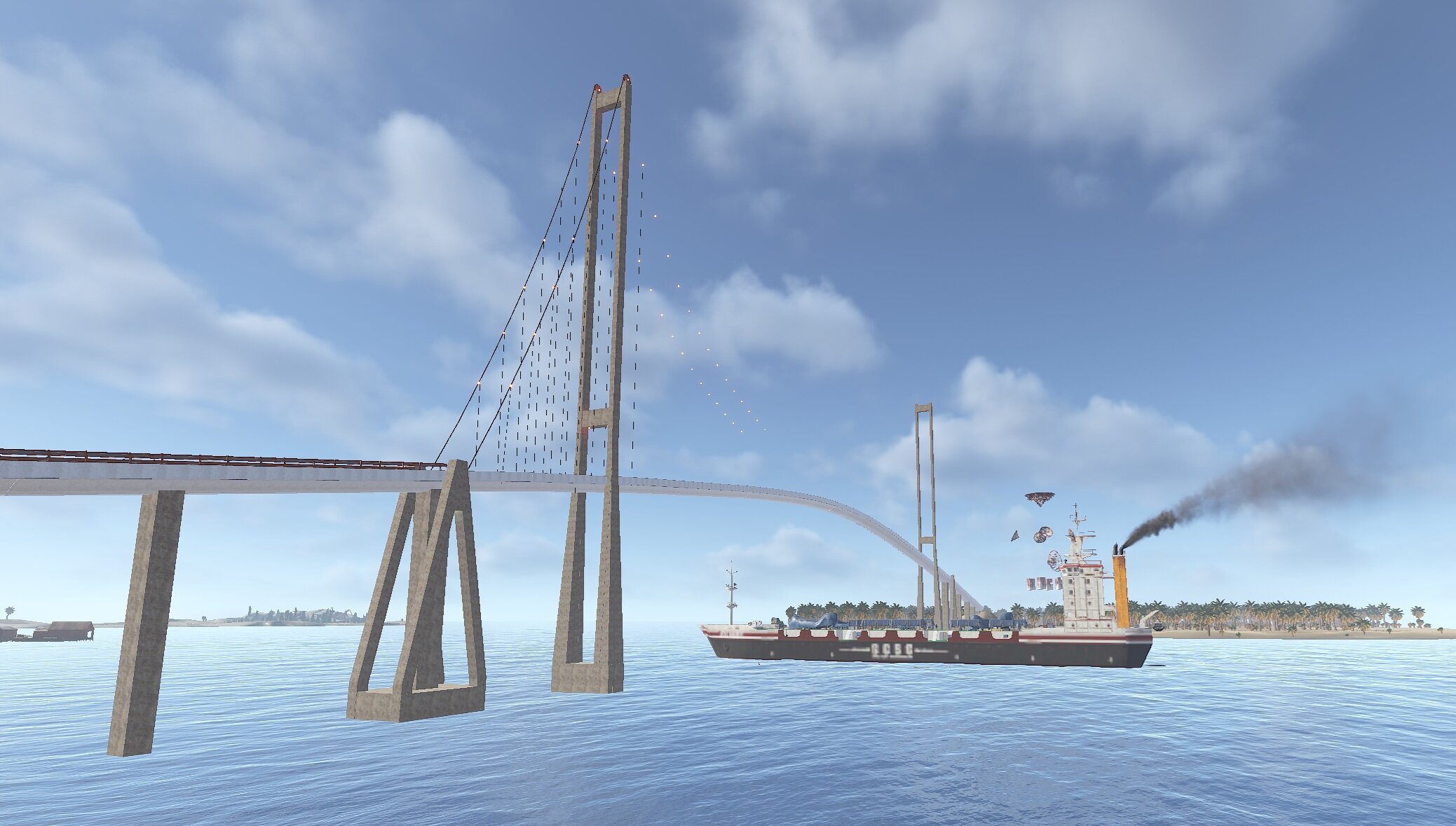
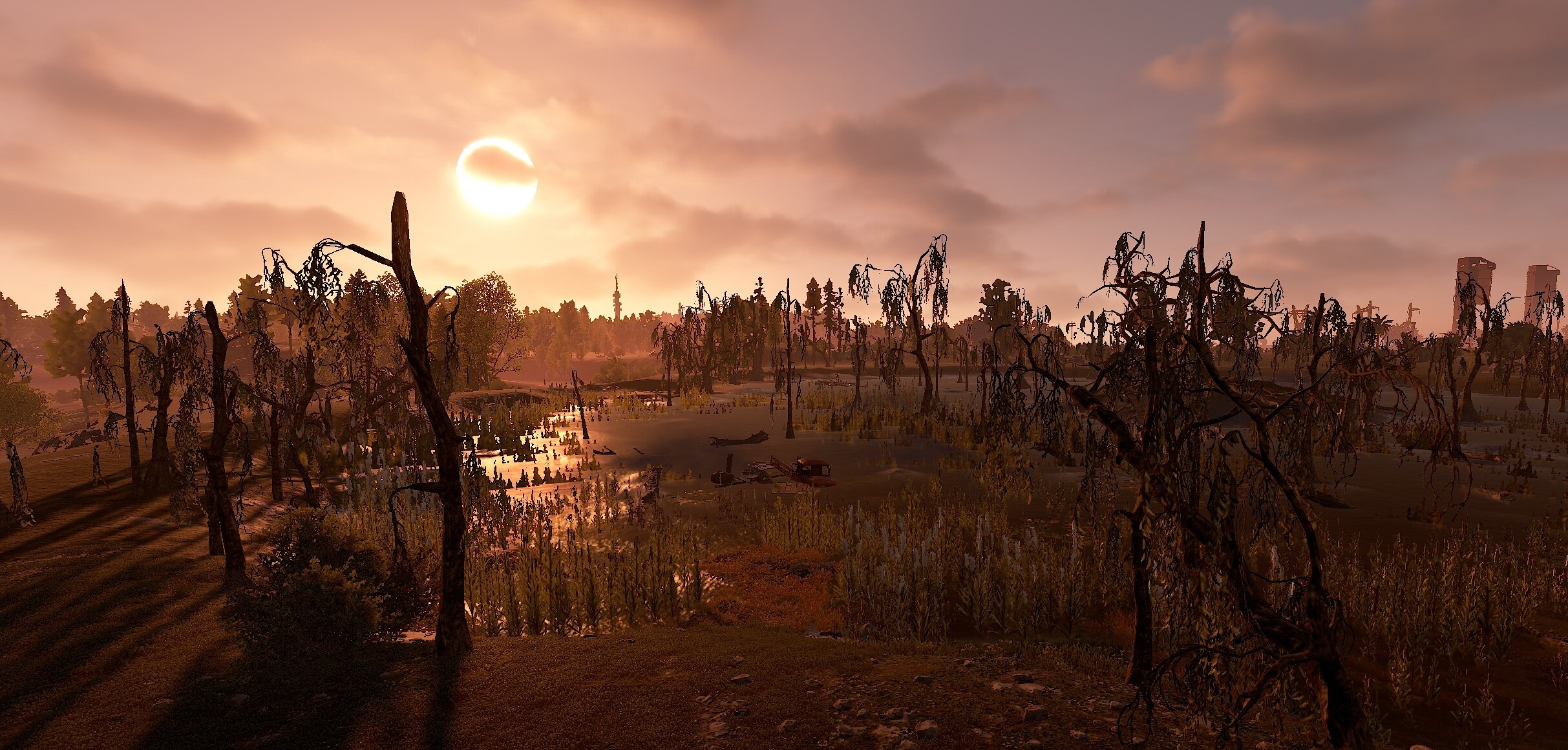
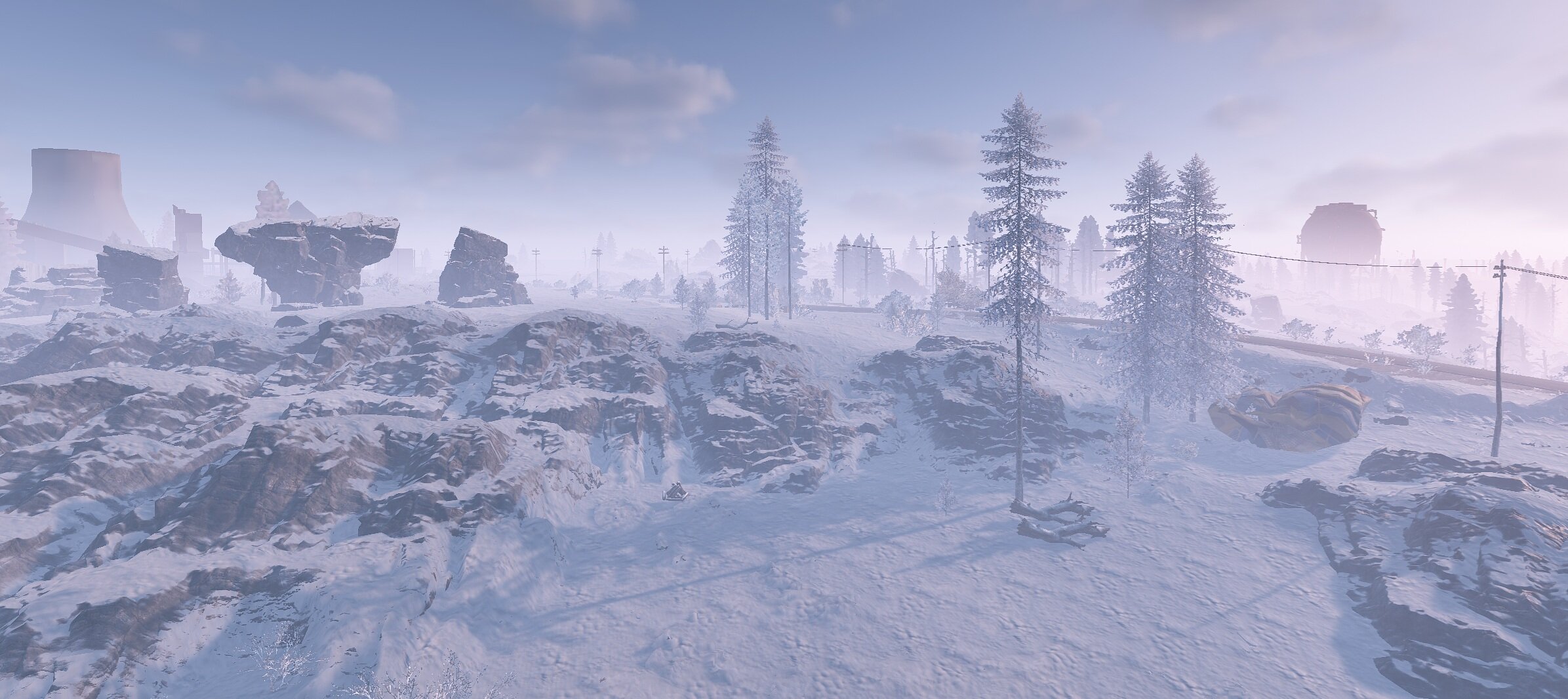
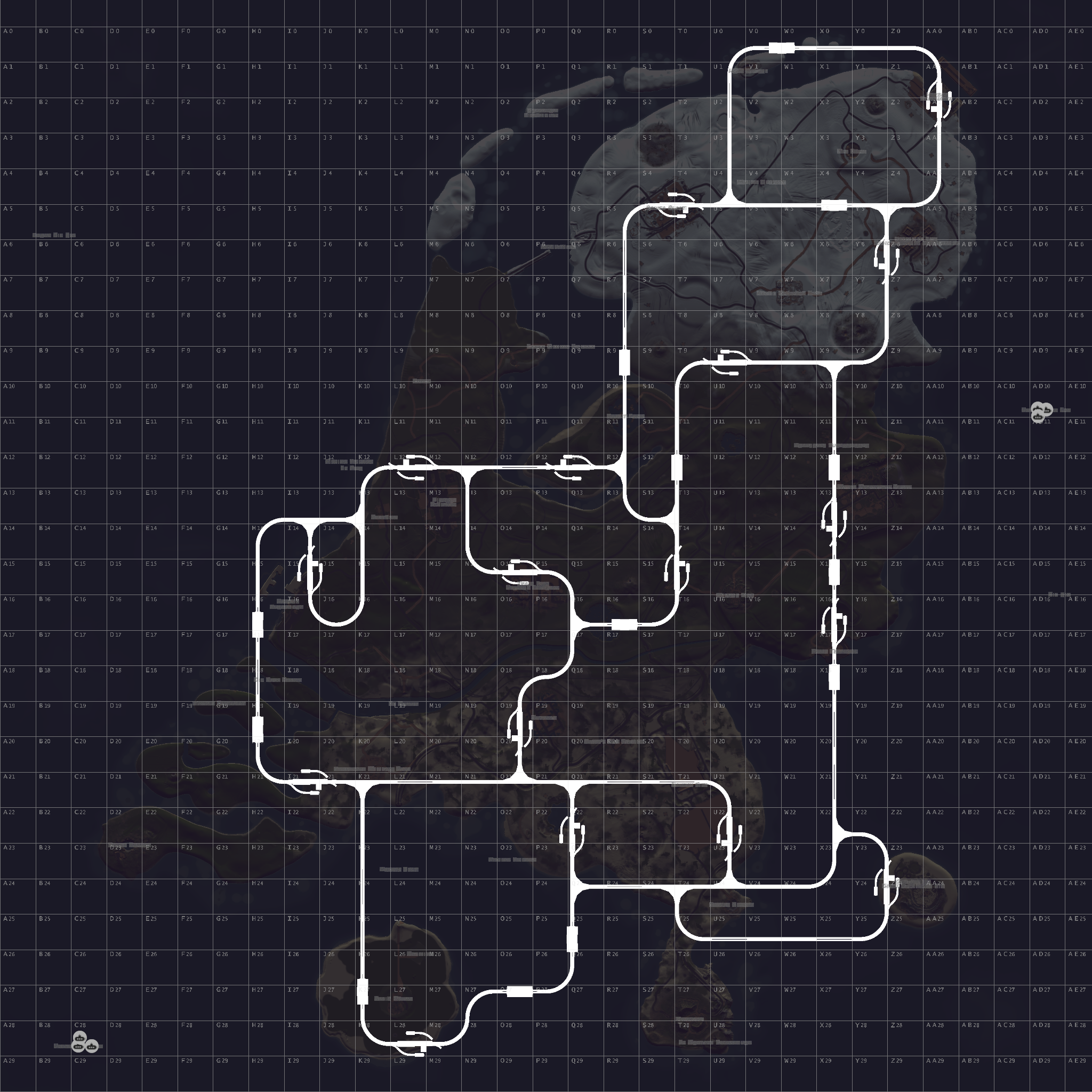
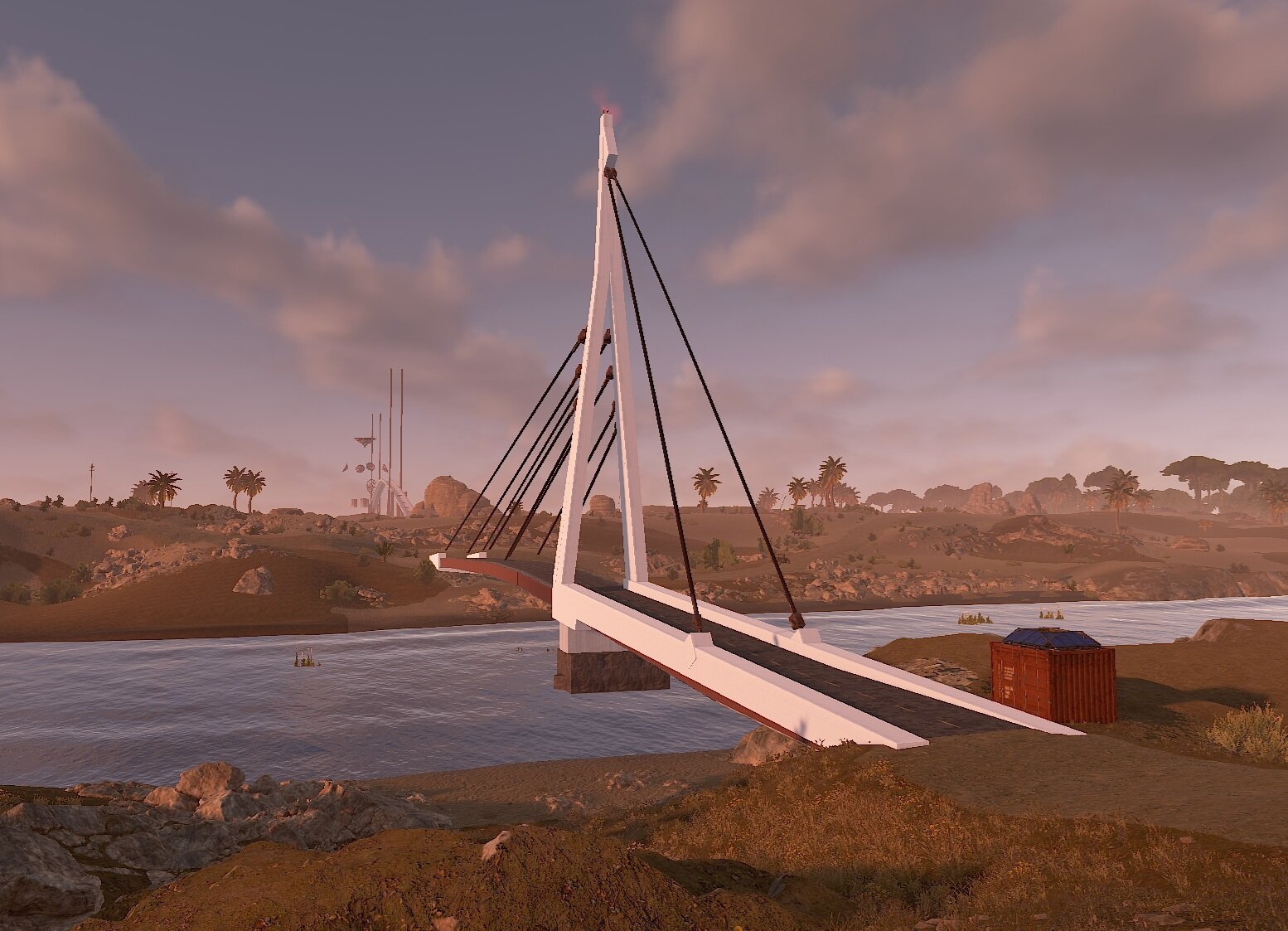
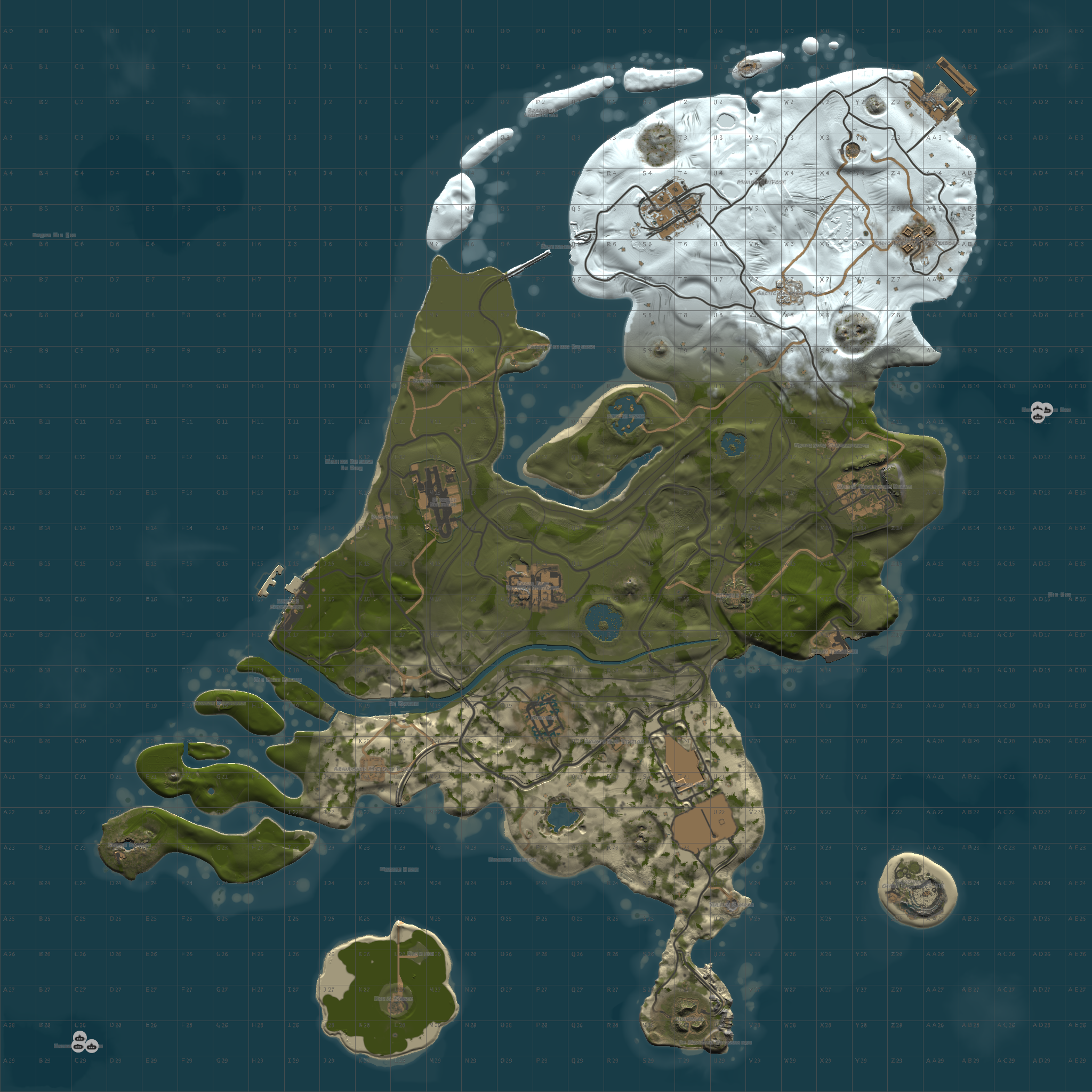
Hollandia is a unique map where you play in the Netherlands, with almost all facepunch monuments. Hollandia has 4 exclusive bridges made for this map and custom monuments. Discover the beautiful landscape of the Netherlands. This map is from the Delta Hollandia team. Unfortunately, they stopped working on it and also stopped updating it. It was full of bugs. I've completely reworked it so we can all enjoy it again. I try to place monuments historical correct.
Facepunch Monuments:
• Power Plant
• The Dome
• Satellite Dish
• Arctic Research Base
• Airfield
• Train Yard
• Water Treatment
• Missile Silo
• Ferry Terminal
• Abandoned Military Base
• Launch Site
• Sewer Branch
• Jungle Ziggurat
• Junkyard
• Excavator
• Sulfur, HQM and Stone Quarry
• Roadside Monuments: Radtown, Supermarket, Mining Outpost and Oxum's Gas Station
• Harbor (2)
• Oilrig and Large Oil Rig
• Underwater Lab (2)
• Fishing Village and Large Fishing Village
• Ranch
• Bandit Camp
• Outpost
Custom Monuments:
• De Pier/Fishing Village
• Afsluitdijk
• Atomium
• Oil Raff Pernis
• 5 Custom made bridges (Exclusive for Hollandia made by WishMasterNW)
• Radio Tower (Orginal Design by Ionut Shiro)(Reworked by KWSN Community)
A lot of the custom monuments are developed by WishMasterNW.
If you want the pumpjack to work in Oil Raff Pernis you need the mod BackPumpJack on uMod.
It is possible to set your own heli vendor in De Pier, you need to download MonumentAddons on Umod, see instructions on the mod how to do it.
If you encouter bugs: My Discord: www.discord.gg/eTfVDU7xPC
This map is password protected. You cannot edit it.
Edited by QueenLuckyshot
What's New in Version 1.2.4
Released
Added: Apartement Complex
Added: Oosterscheldekering
Added: New Tower in The Pier
Added: 1 more Supermarket and Mining Outpost
Fixed: Minor Fixes
You may only provide a review once you have downloaded the file.
There are no reviews to display.