



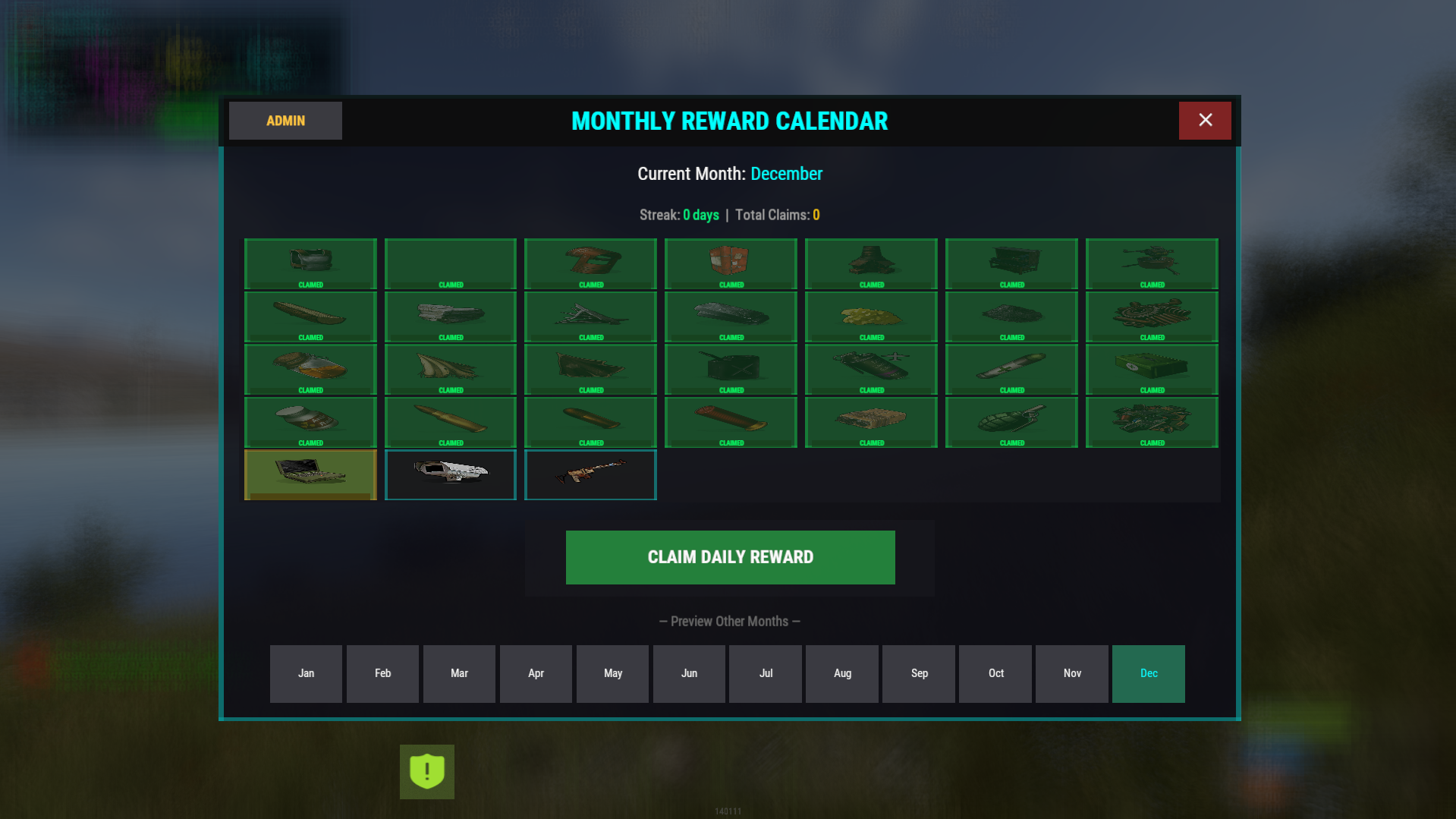
Monthly Rewards Calendar gives your players a reason to come back every day — without feeling grindy or pay-to-win.
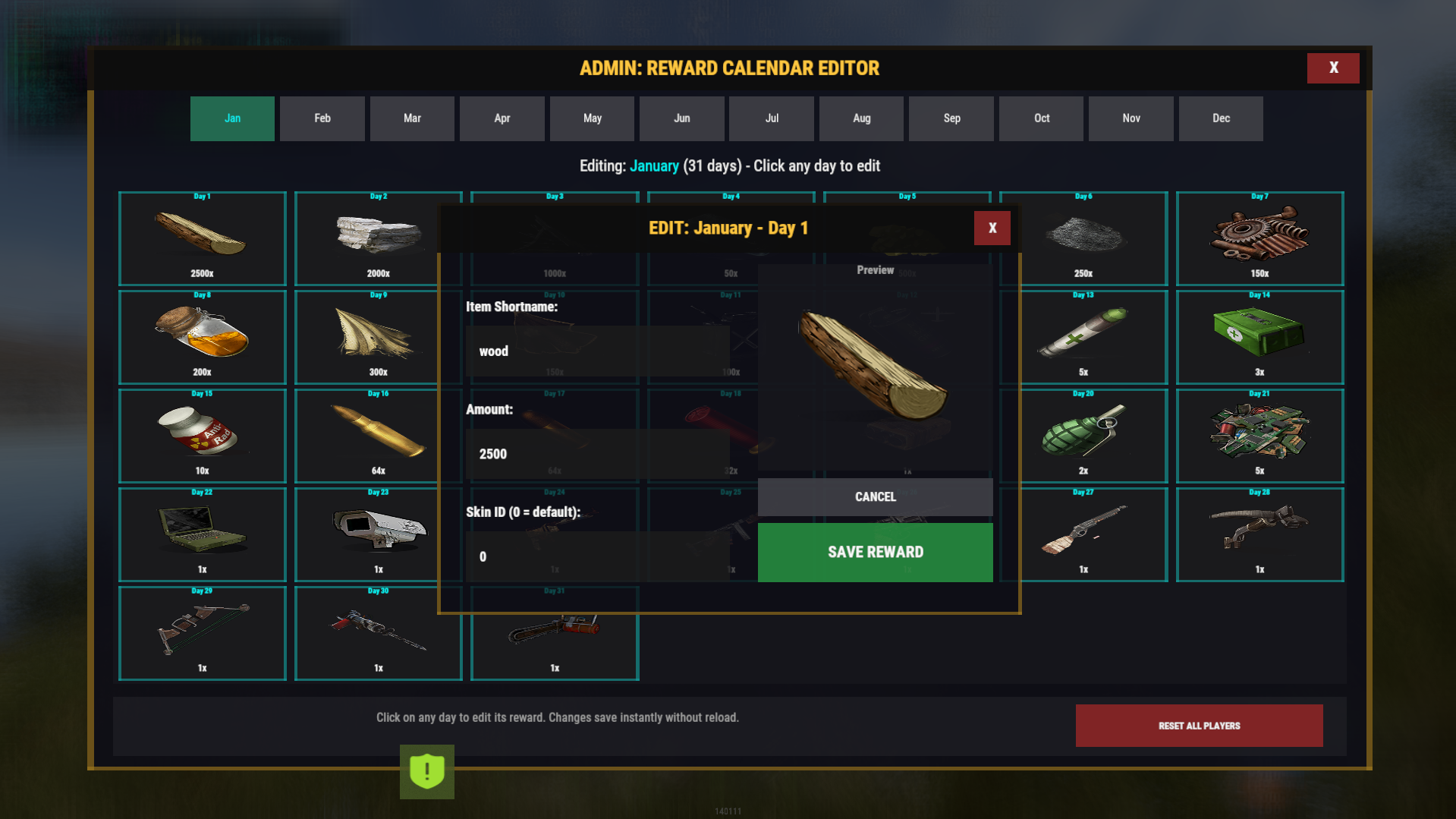
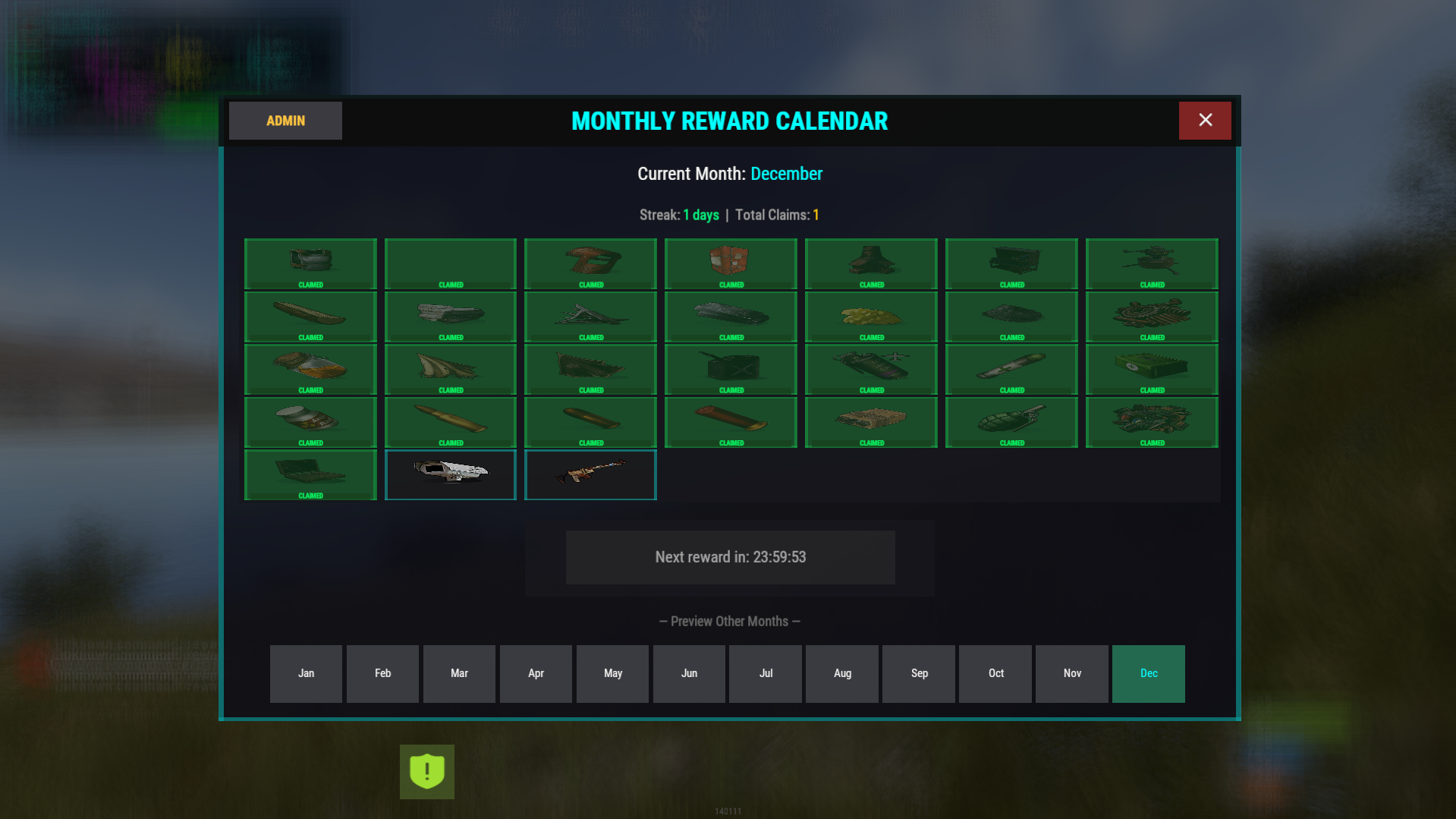
The plugin shows a clean monthly calendar UI, lets players claim daily rewards, tracks streaks, and even announces milestones. Admins get a full in-game editor, so you can change rewards instantly — no JSON editing or server reload required.
It also supports Discord announcements, custom commands, blueprints, skins, streak bonuses, and full month preview mode.
What it does ?
Detects when players are eligible for a daily reward
Shows a polished calendar UI with claimed, available, and locked rewards
Supports streak bonuses with configurable multipliers and caps
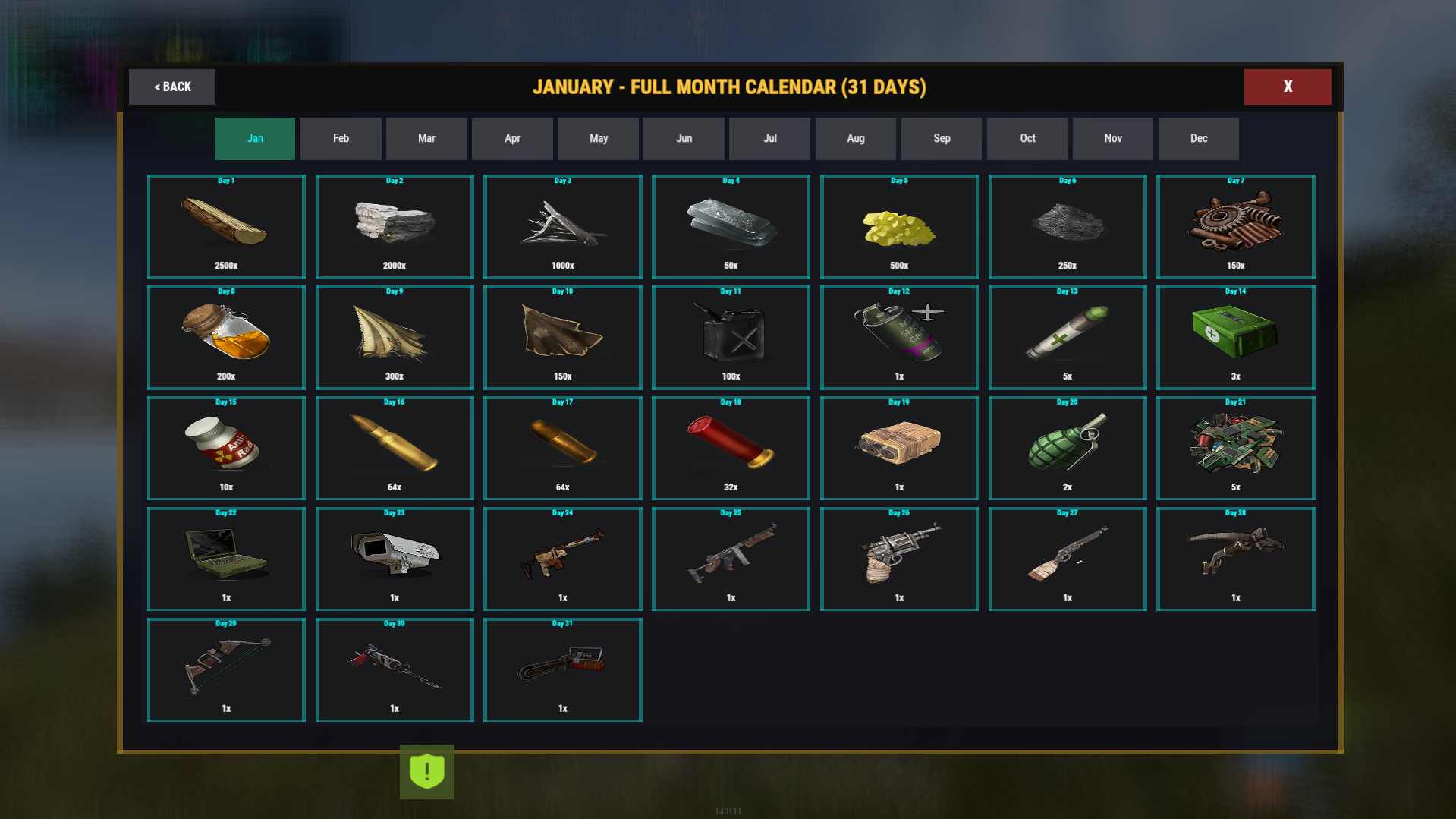
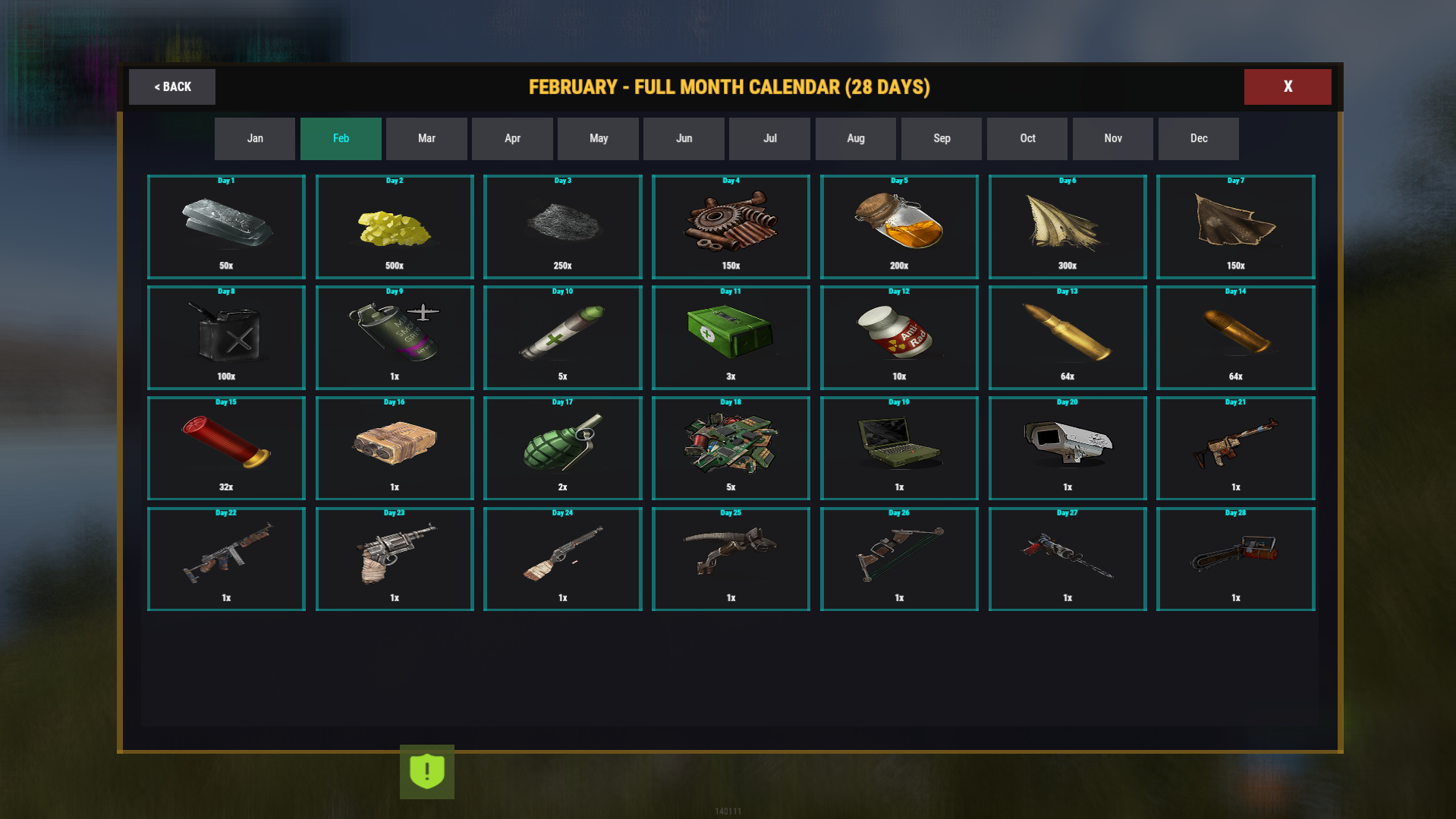
Lets players preview rewards for every month
Tracks claim history, streaks, and total rewards earned
Allows per-month reward tables (fully customizable)
Supports command-based rewards (economy, kits, VIP, etc.)
Integrates item icons via ImageLibrary
Announces streak milestones to Discord (optional)
Includes a full admin editor UI for live reward editing
Supports rotational mode or fixed calendar rewards
And yes — almost every feature can be toggled or tweaked.
Permissions :
monthlyrewardcalendar.admin -Allows access to the admin editor, player reset tools, and calendar editing.
Commands :
Player
/rewards— opens the reward calendar/daily— alias/calendar— aliasAdmin
/rewardsadmin— opens the admin management UI
Config ( Comes with all months/days just shortened here as example ):
{
  "Claim Cooldown (hours)": 24,
  "Show Streak Bonus": true,
  "Streak Bonus Multiplier Per Day": 0.1,
  "Max Streak Bonus": 2.0,
  "Reset Streak On Miss (false = streak only counts claim days)": true,
  "Use Calendar Day Rewards (true = Day 1 always gives slot 1, false = rotational)": true,
  "Command Aliases": [
    "rewards",
    "daily",
    "calendar"
  ],
  "Sound Effect On Claim": "assets/prefabs/misc/halloween/lootbag/effects/gold_open.prefab",
  "UI Cooldown (seconds)": 1.0,
  "Discord Webhook URL": "",
  "Discord Announce Milestones (streak counts)": [
    7,
    14,
    30
  ],
  "Monthly Rewards": {
    "1": {
      "Month Name": "January",
      "Rewards": [
        {
          "Item Shortname": "wood",
          "Display Name": "Wood",
          "Amount": 2500,
          "Skin ID": 0,
          "Is Blueprint": false,
          "Custom Command": ""
        },
        {
          "Item Shortname": "stones",
          "Display Name": "Stone",
          "Amount": 2000,
          "Skin ID": 0,
          "Is Blueprint": false,
          "Custom Command": ""
        }
      ]
    },
    "2": {
      "Month Name": "February",
      "Rewards": [
        {
          "Item Shortname": "scrap",
          "Display Name": "Scrap",
          "Amount": 150,
          "Skin ID": 0,
          "Is Blueprint": false,
          "Custom Command": ""
        }
      ]
    }
  }
}
You may only provide a review once you have downloaded the file.
There are no reviews to display.