



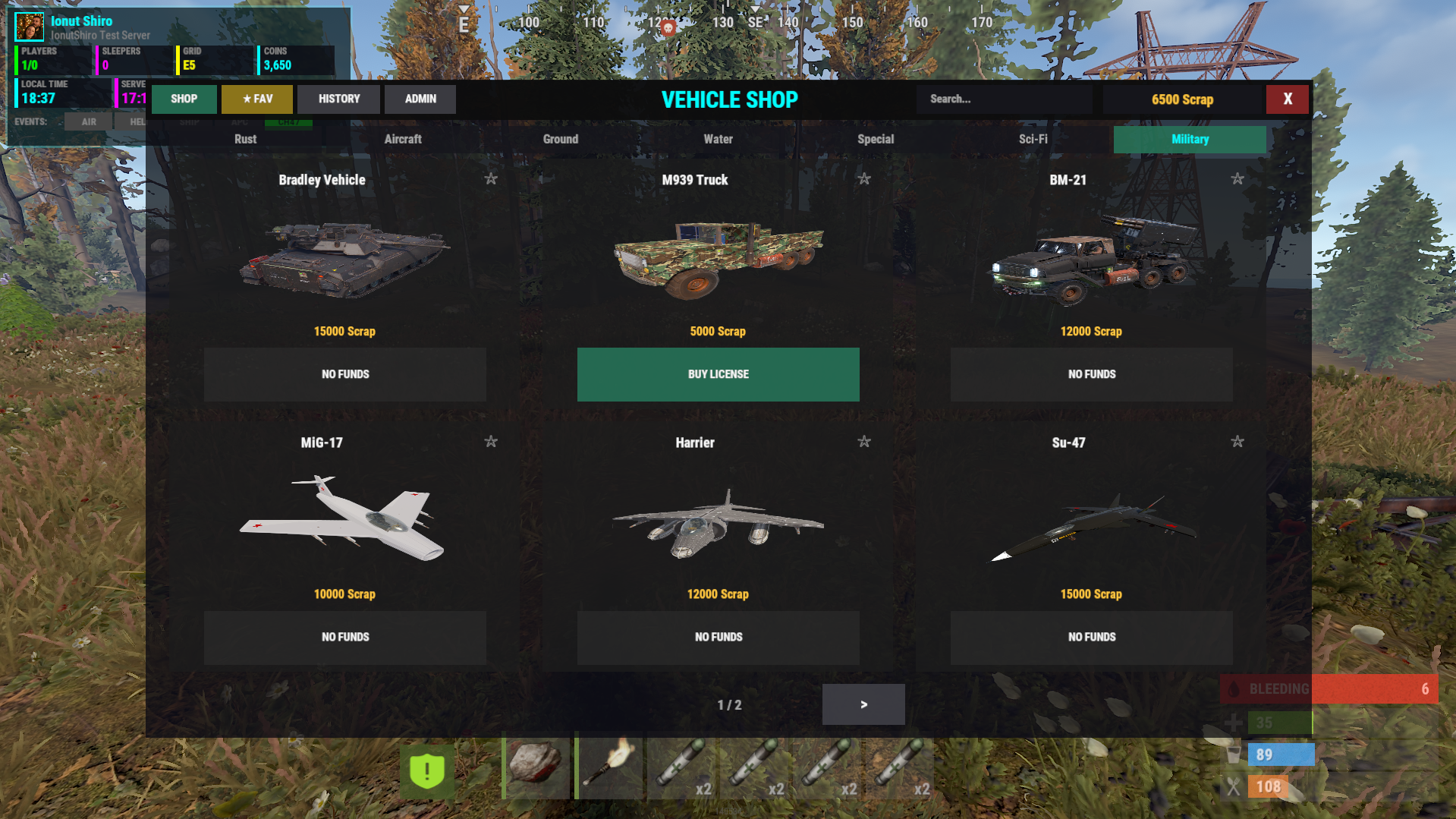
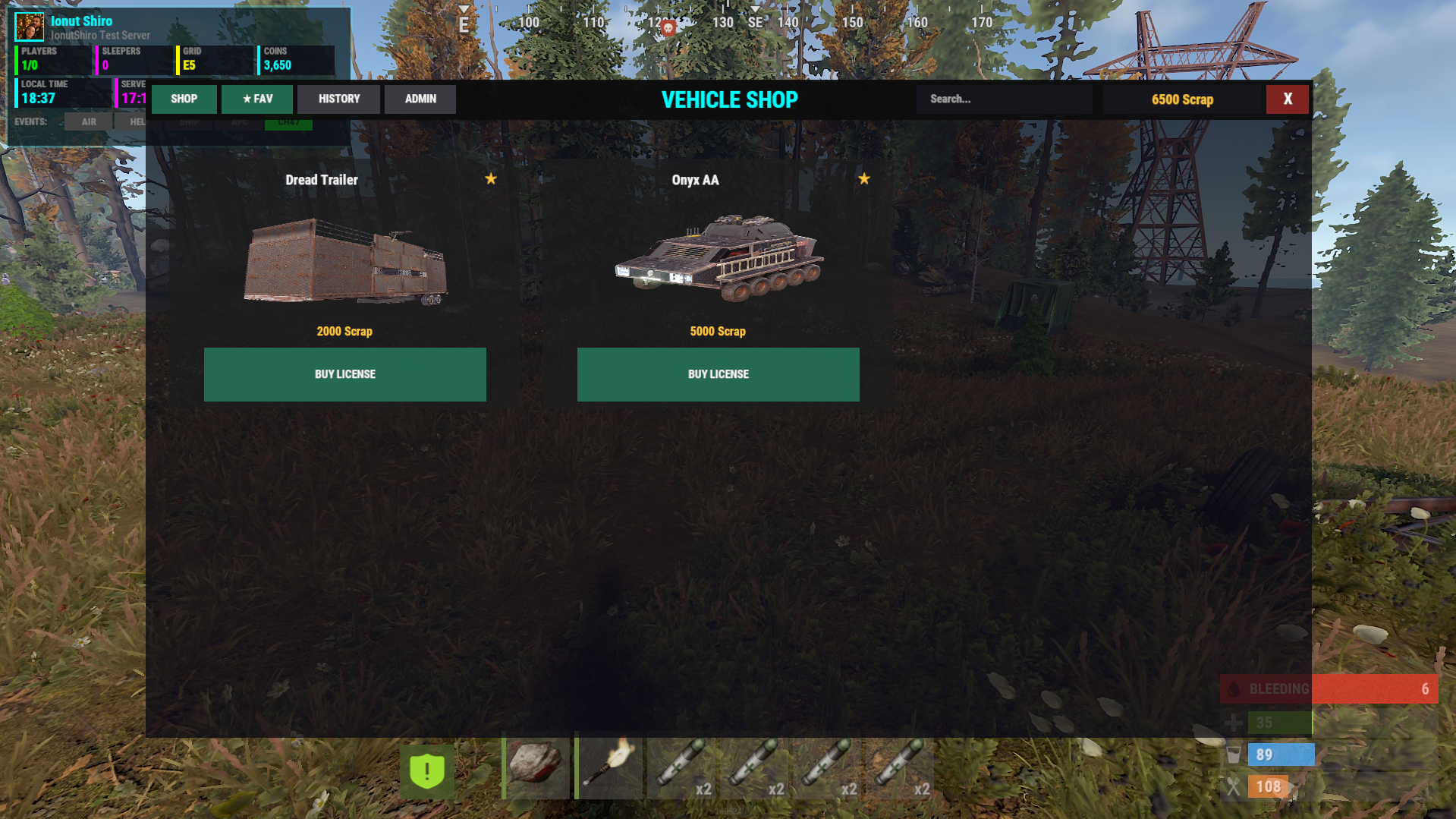
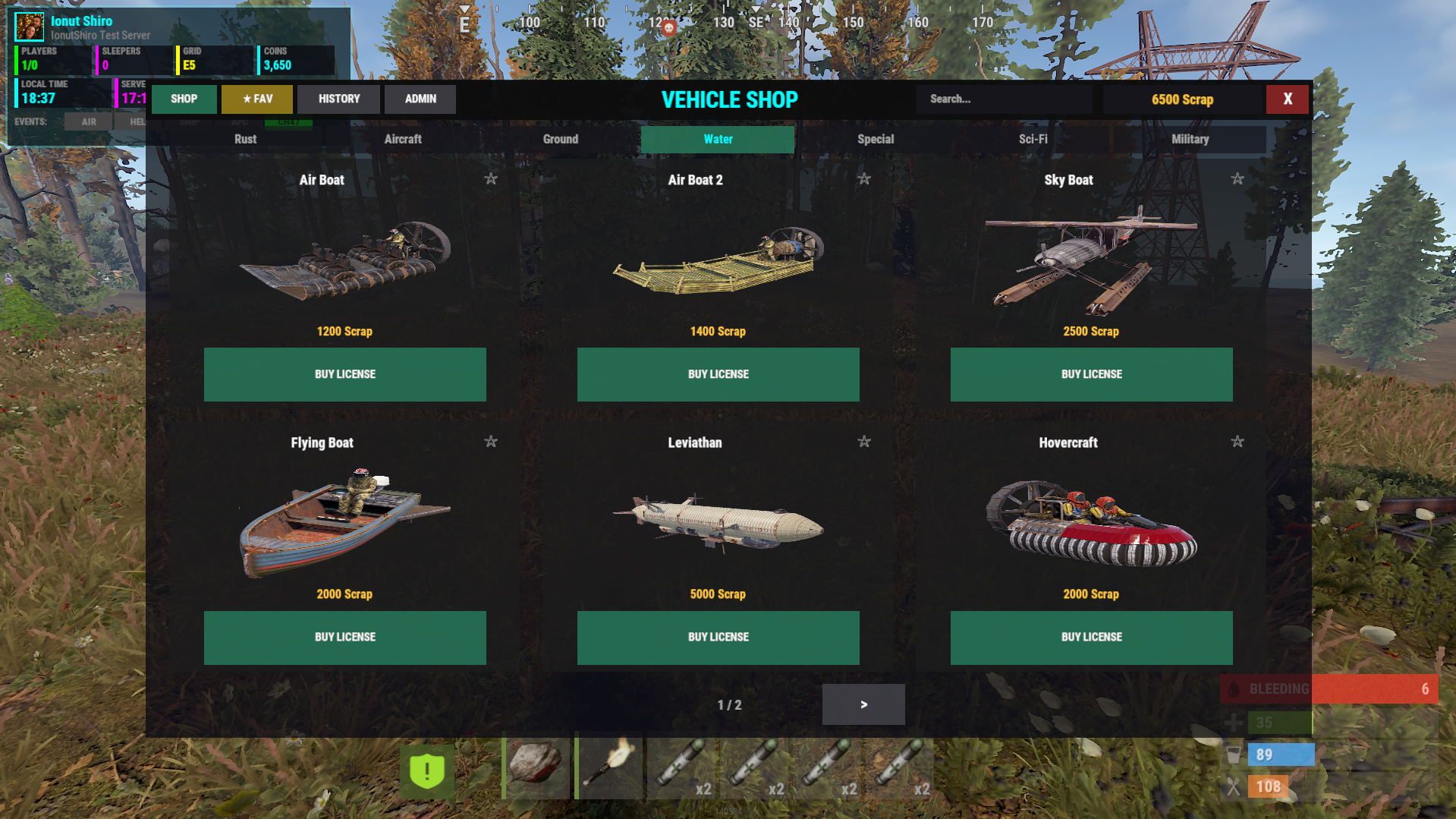
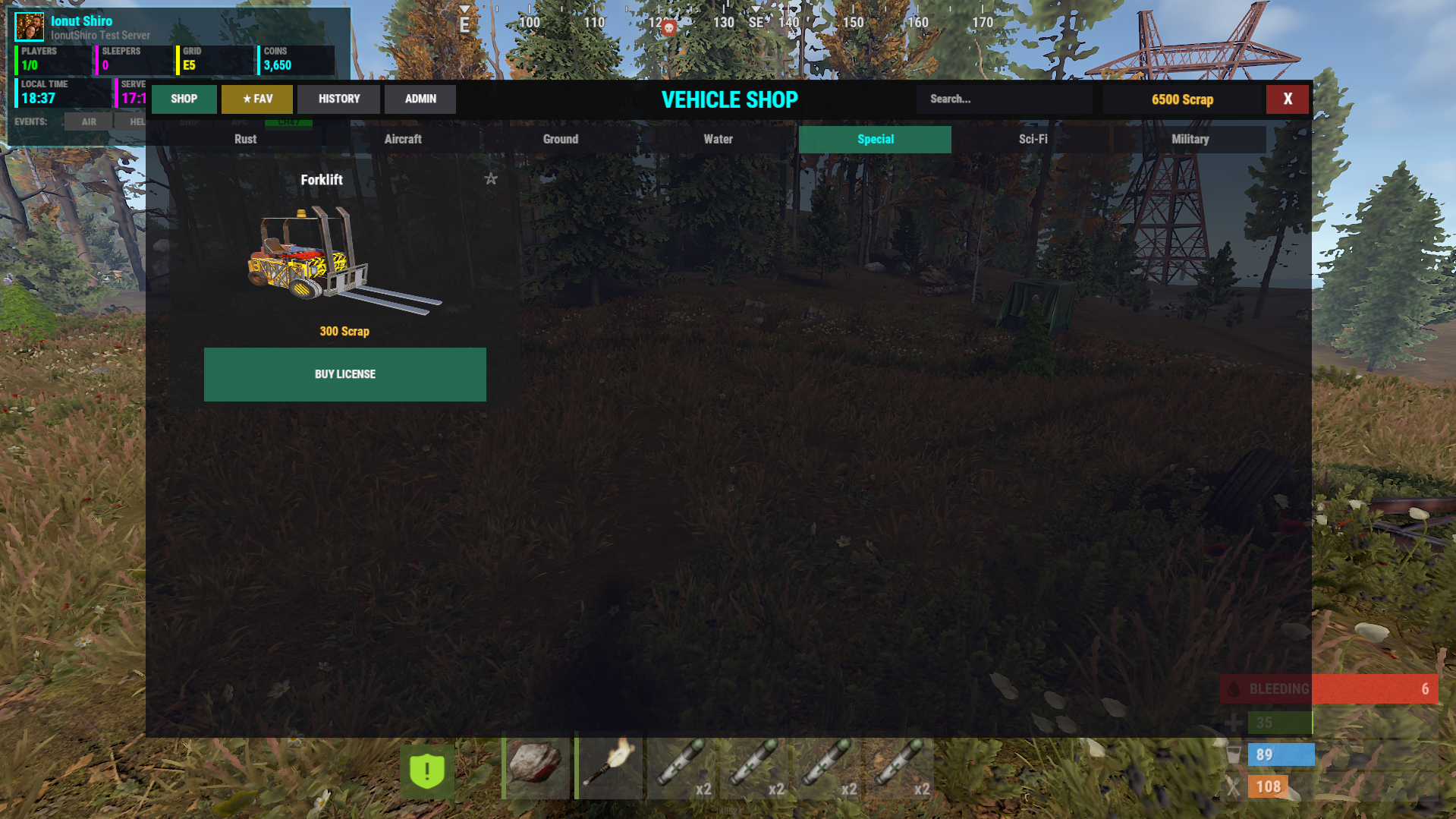
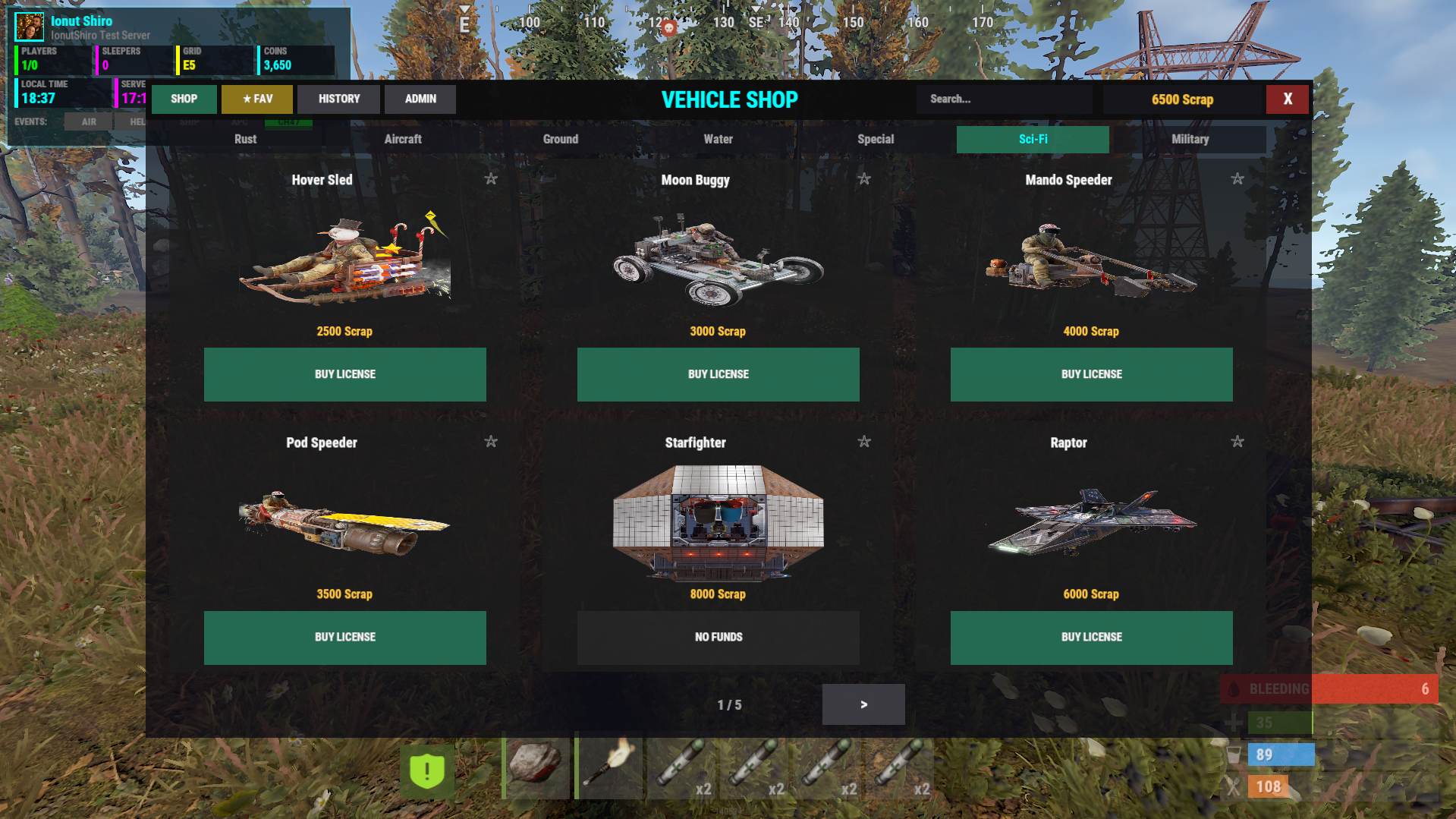
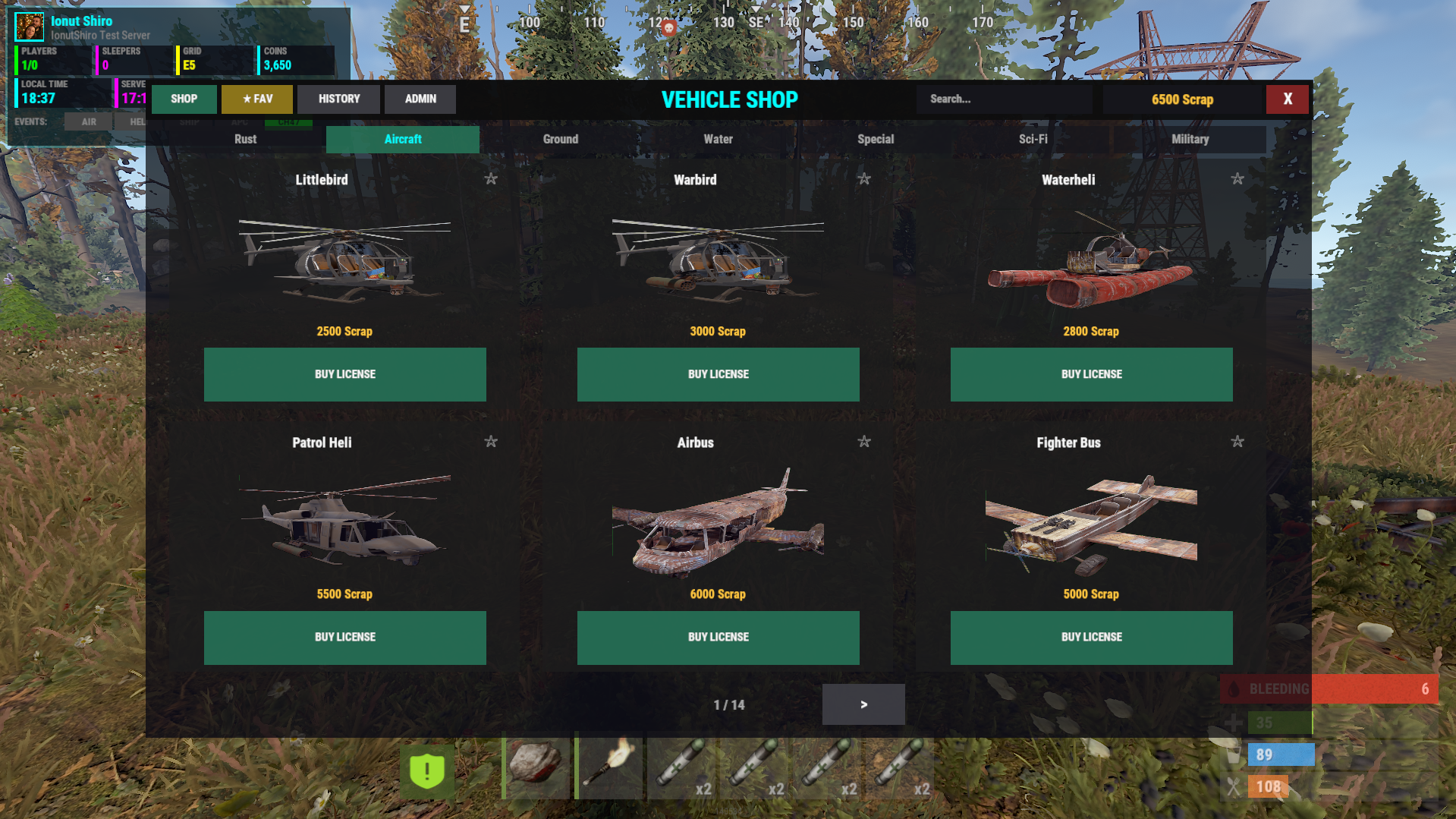
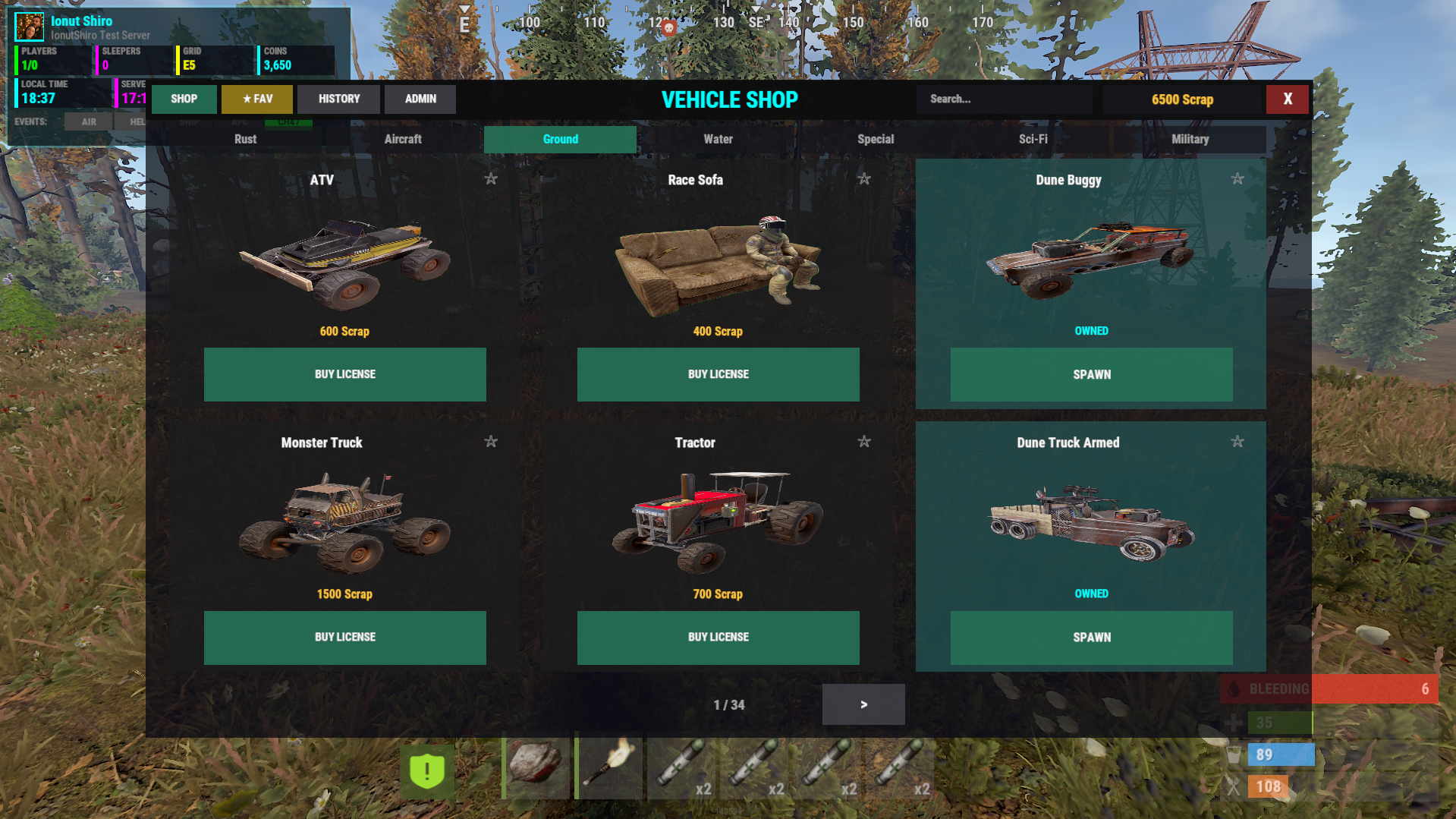
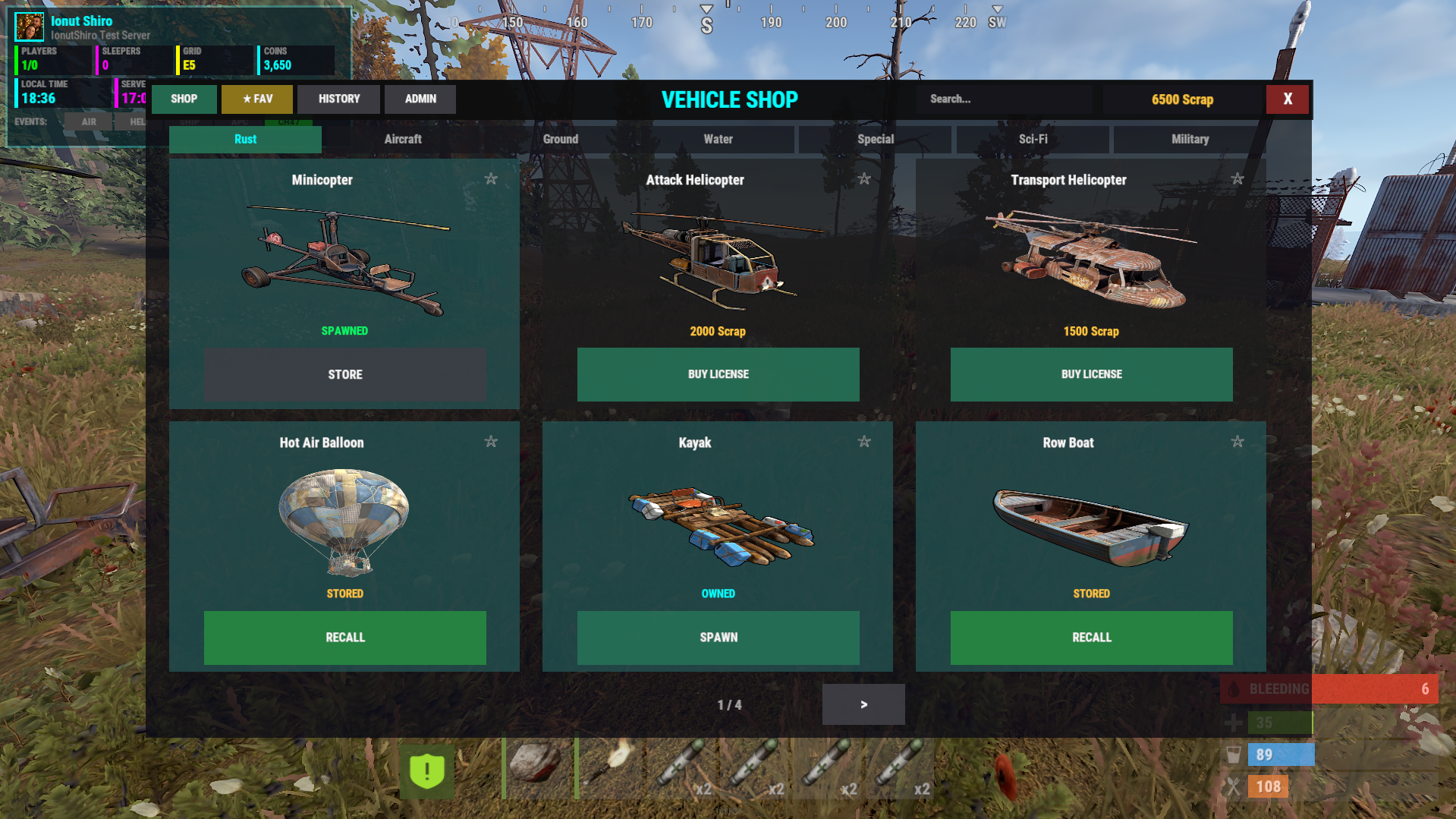
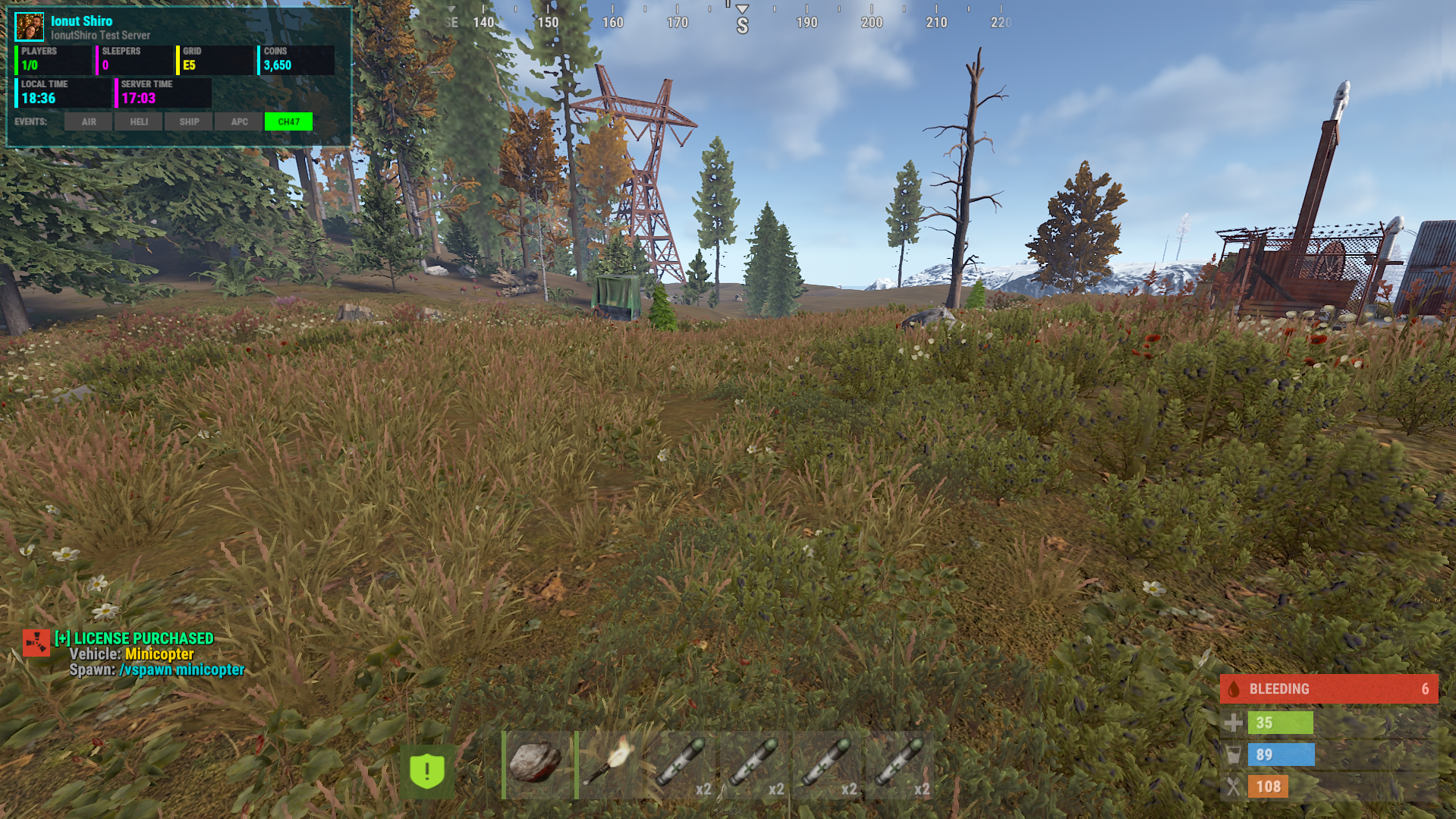
Modern GUI Vehicle Shop with License System & Karuza's Custom Vehicles Support
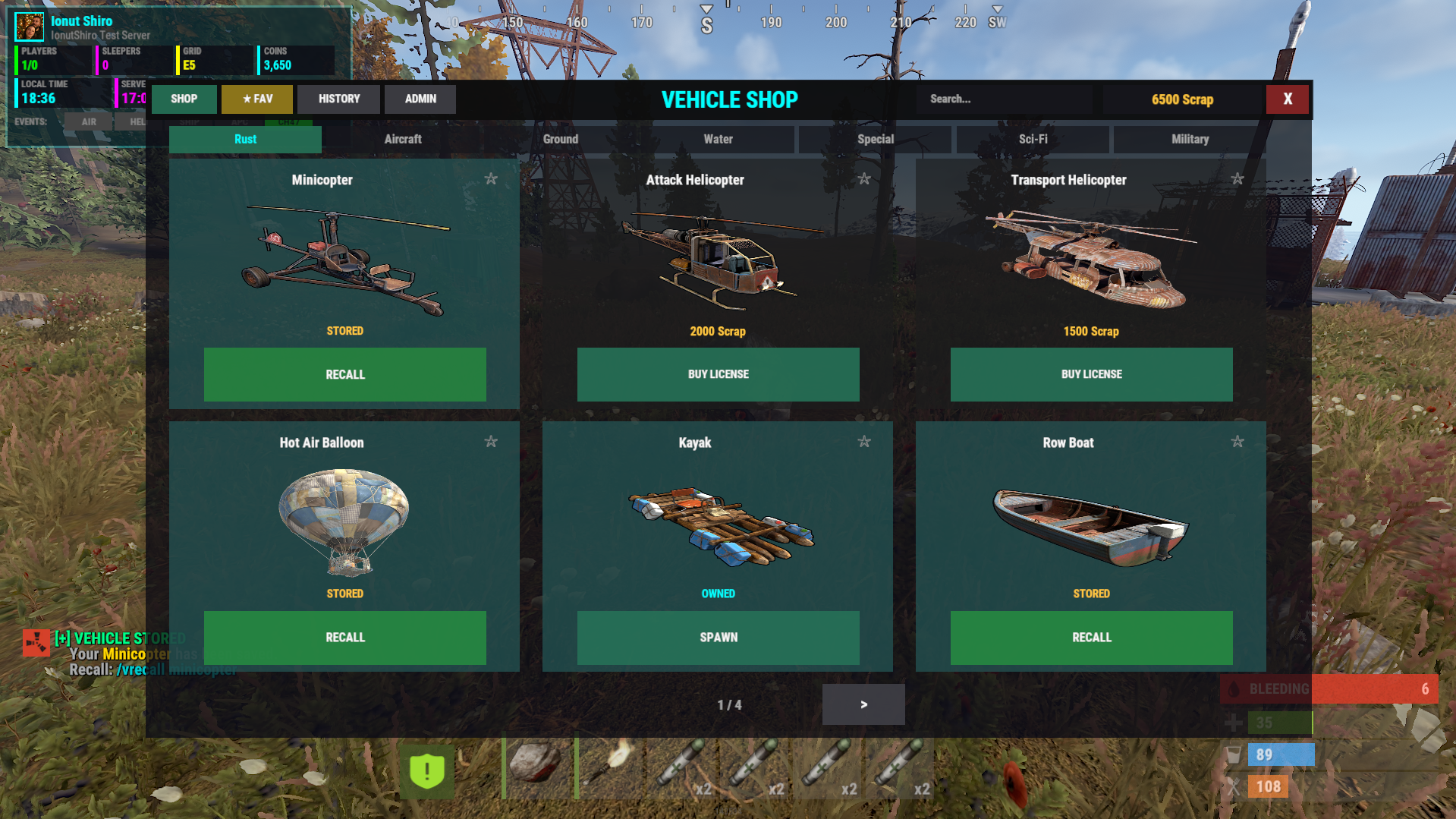
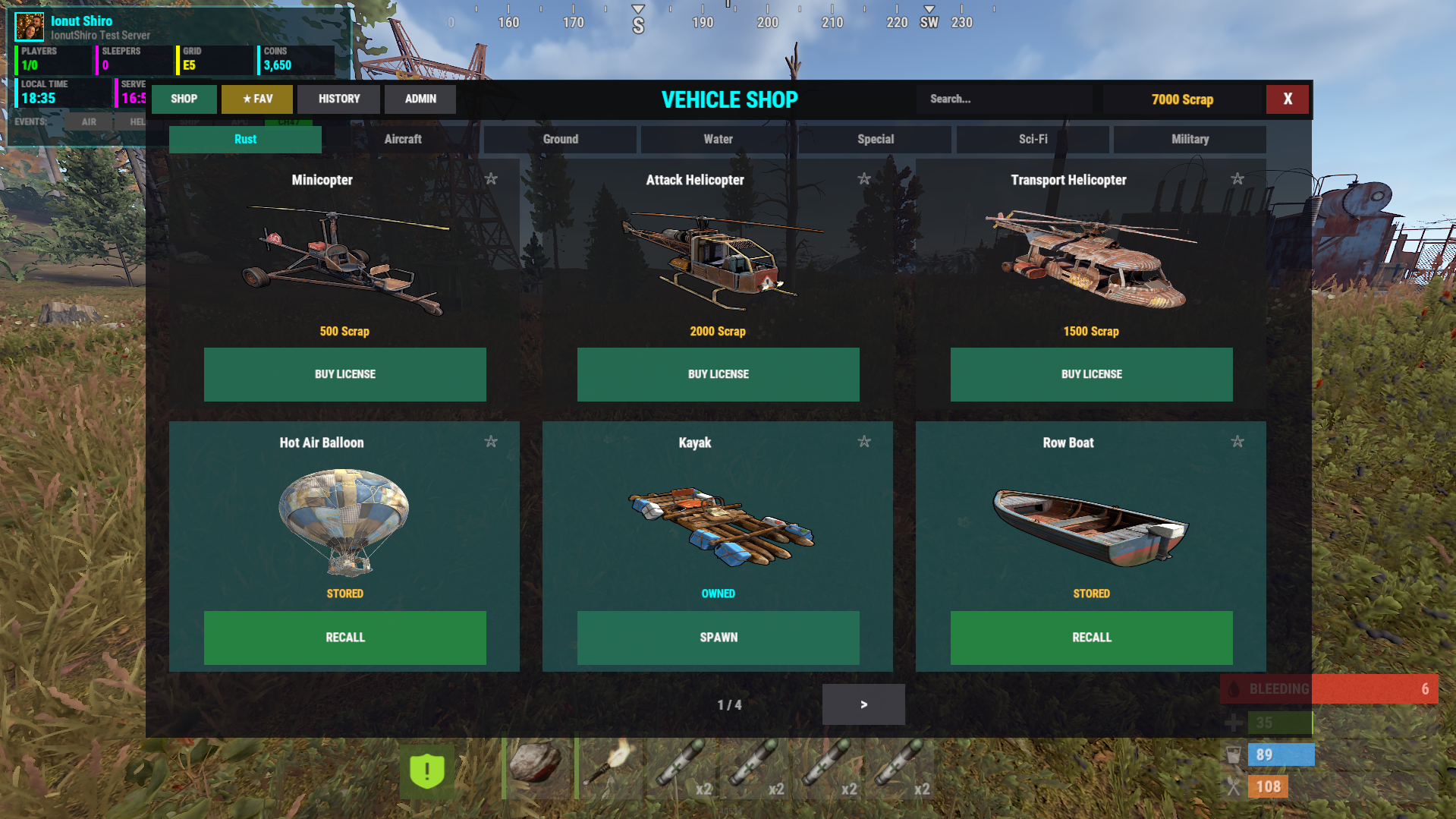
VehicleShop is a full-featured, GUI-based vehicle store for Rust servers, built around a license-based ownership system instead of disposable spawns.
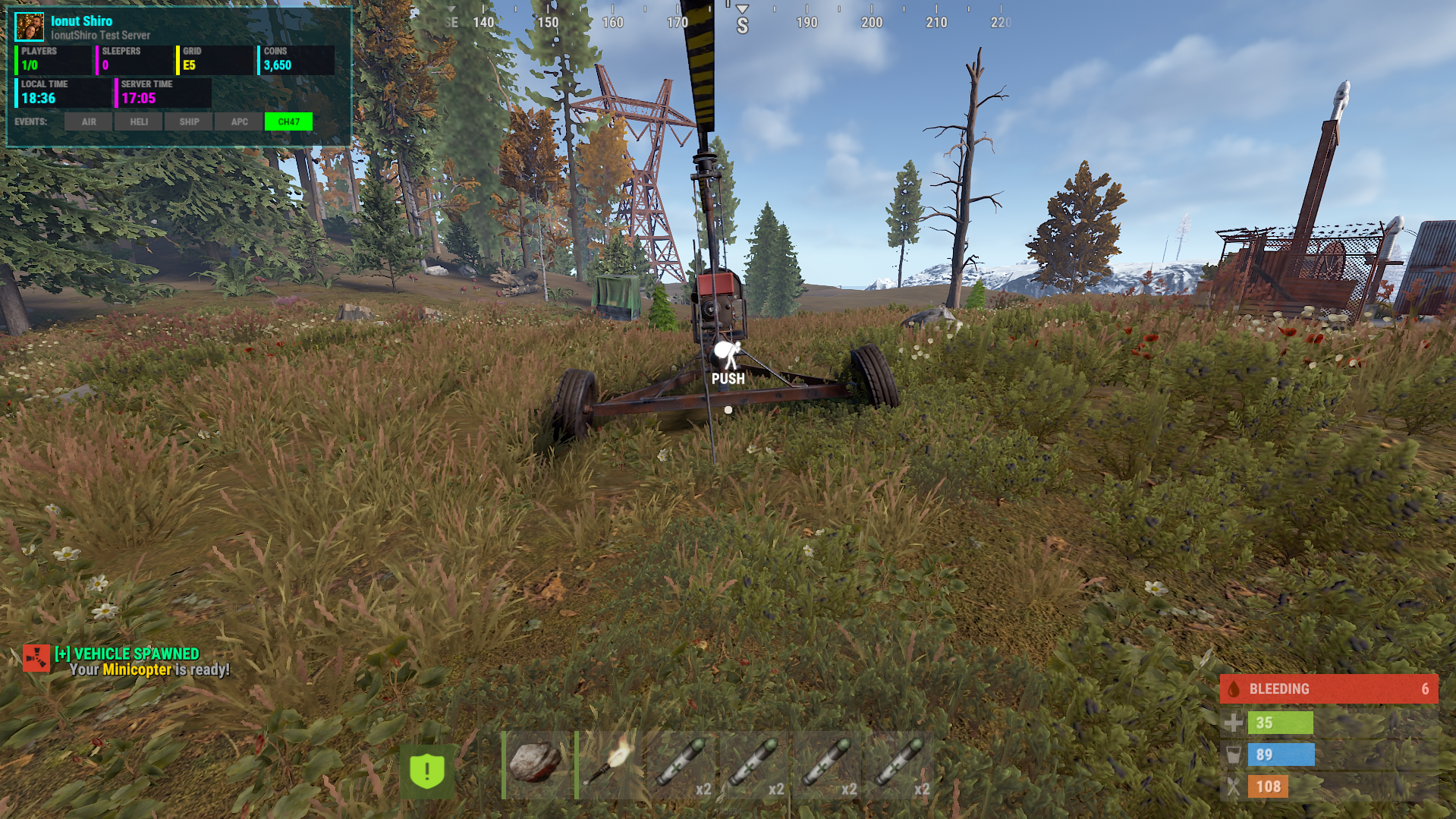
Players buy vehicles once, then spawn, store, and recall them safely — while admins stay in full control of balance, limits, cooldowns, and permissions.
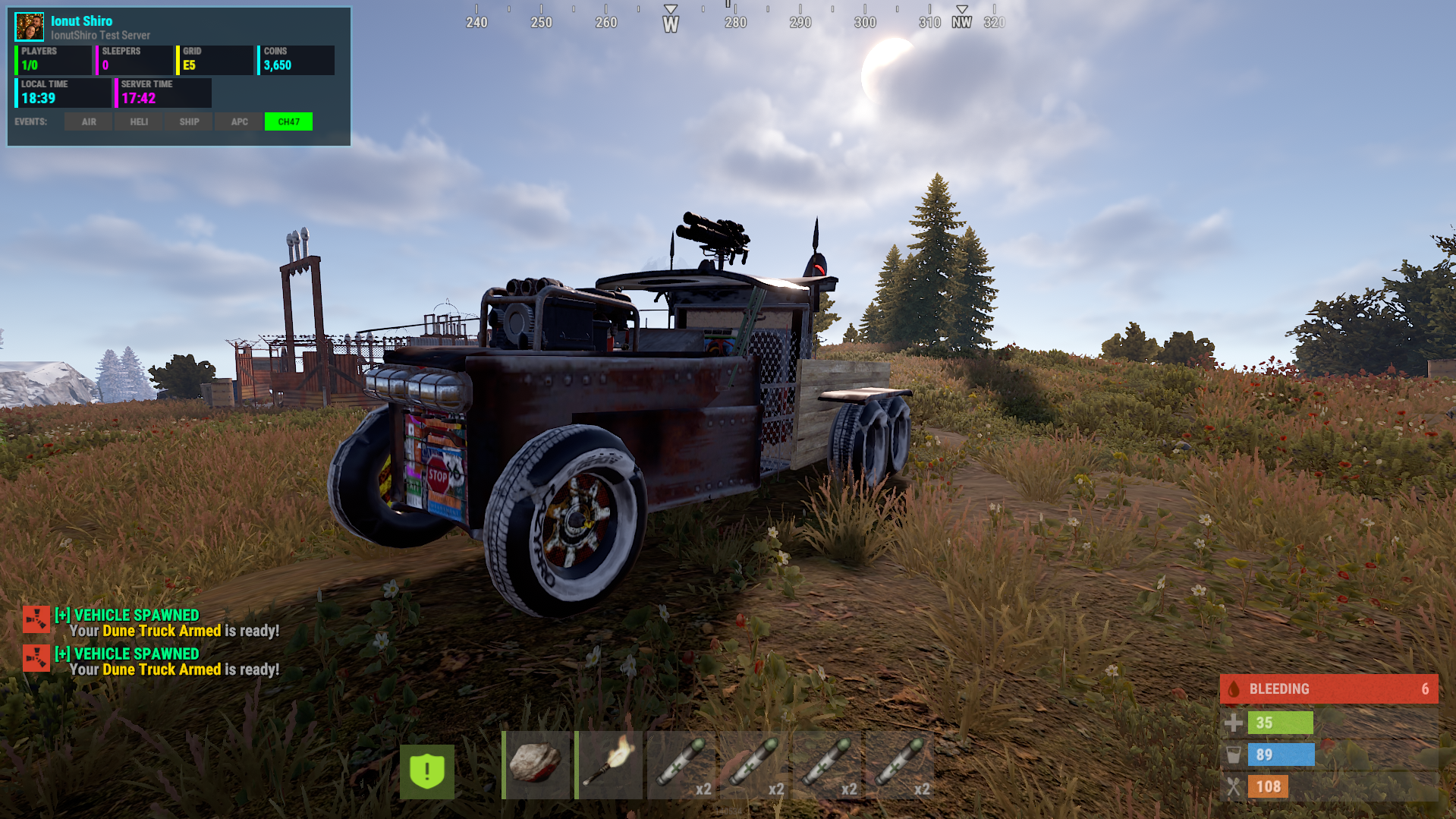
Supports vanilla Rust vehicles and Karuza's custom vehicles, fully categorized and configurable.
Features :
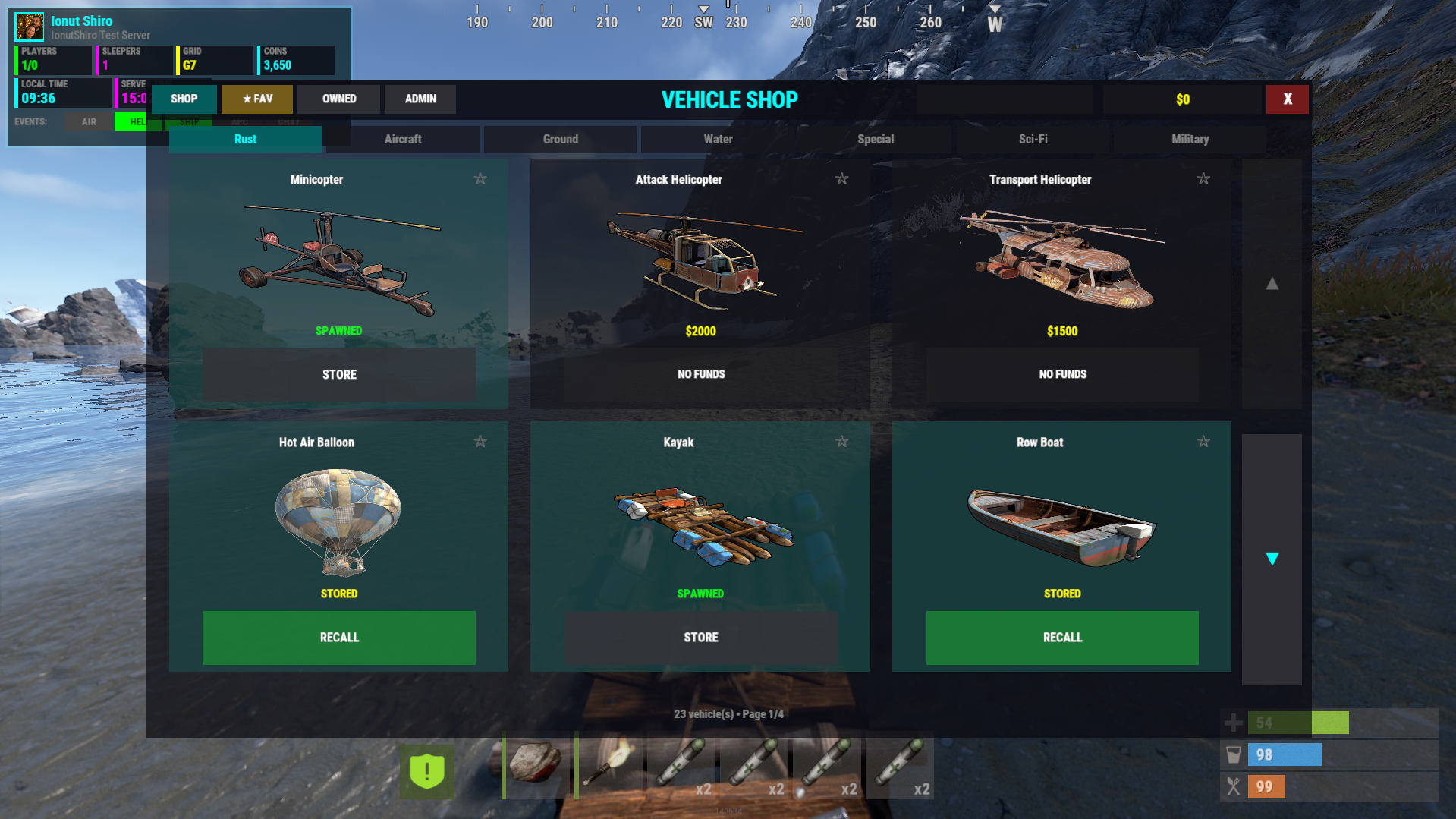
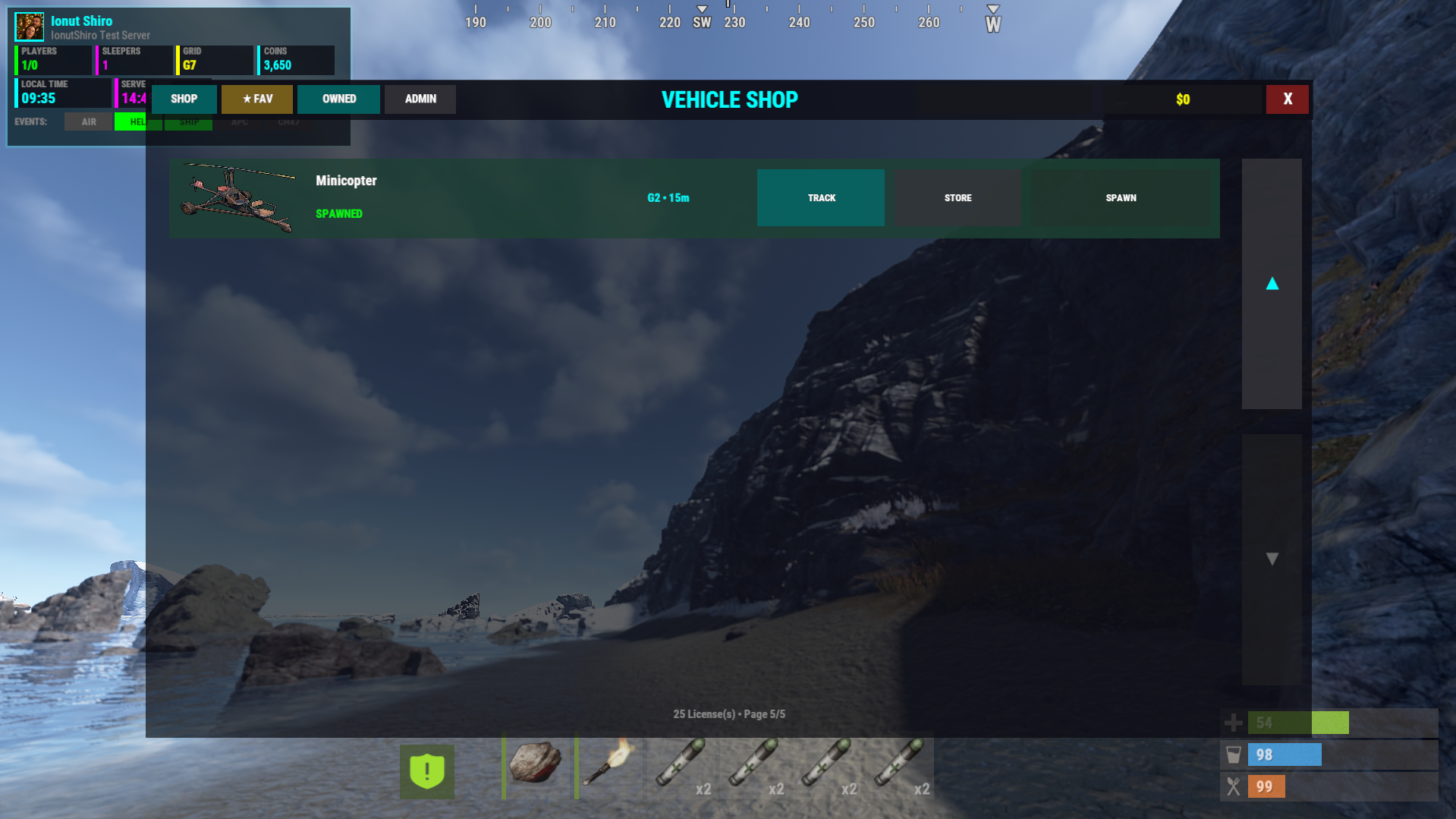
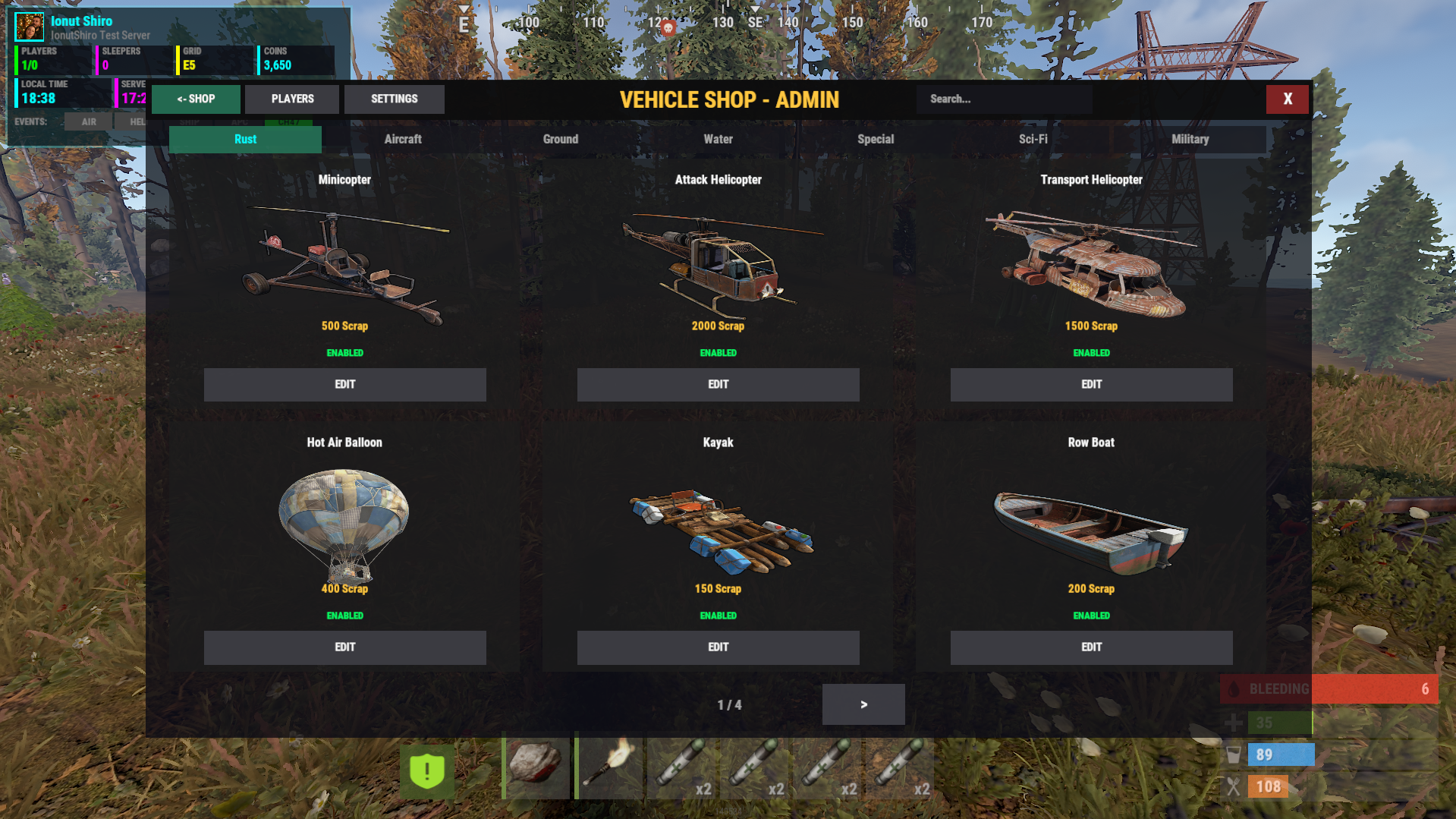
Vehicle Shop UI
Clean, modern GUI
Category-based browsing
Search support
Pagination
Custom icons (ImageLibrary)
Per-vehicle descriptions
License-Based Vehicles
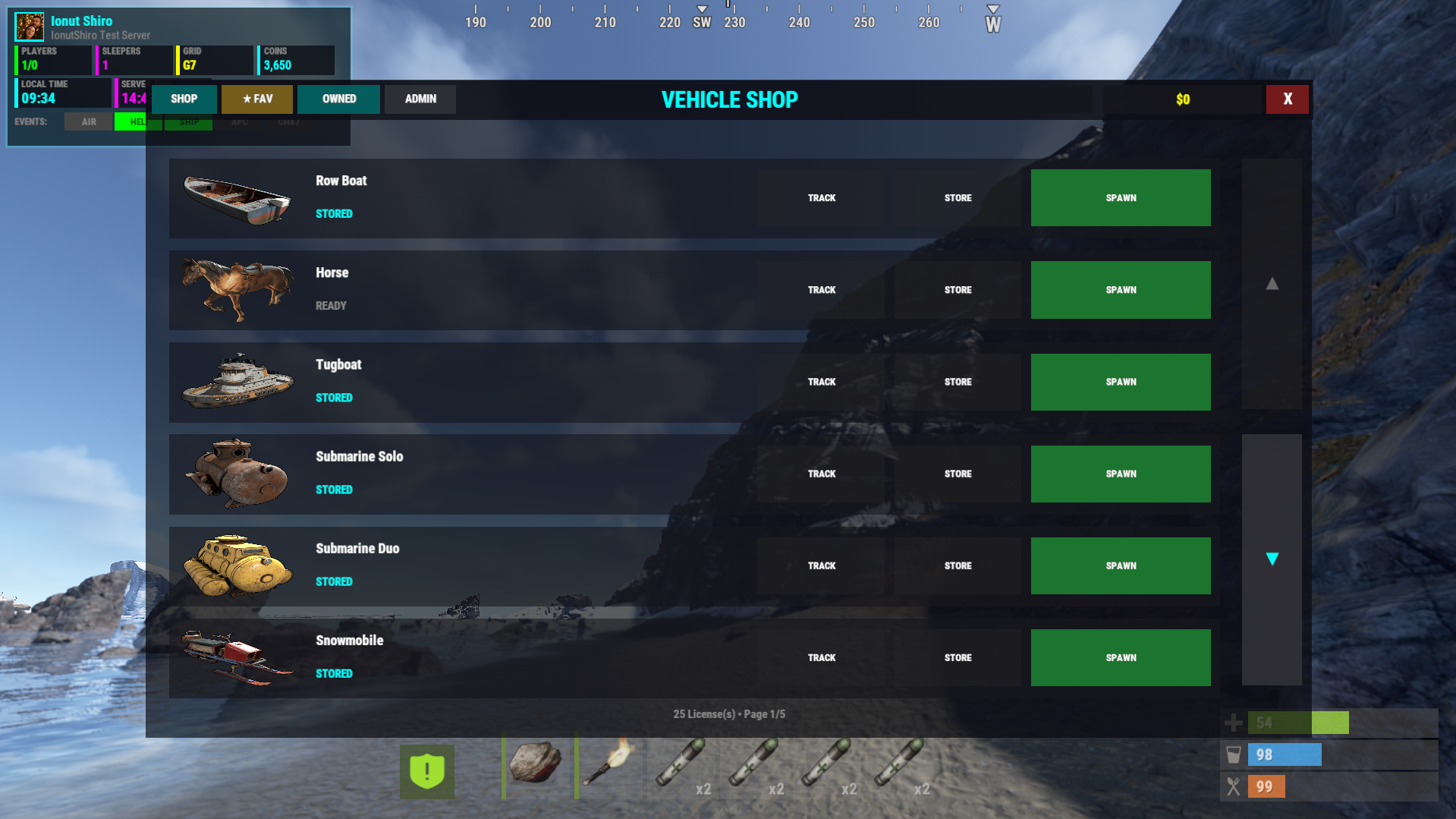
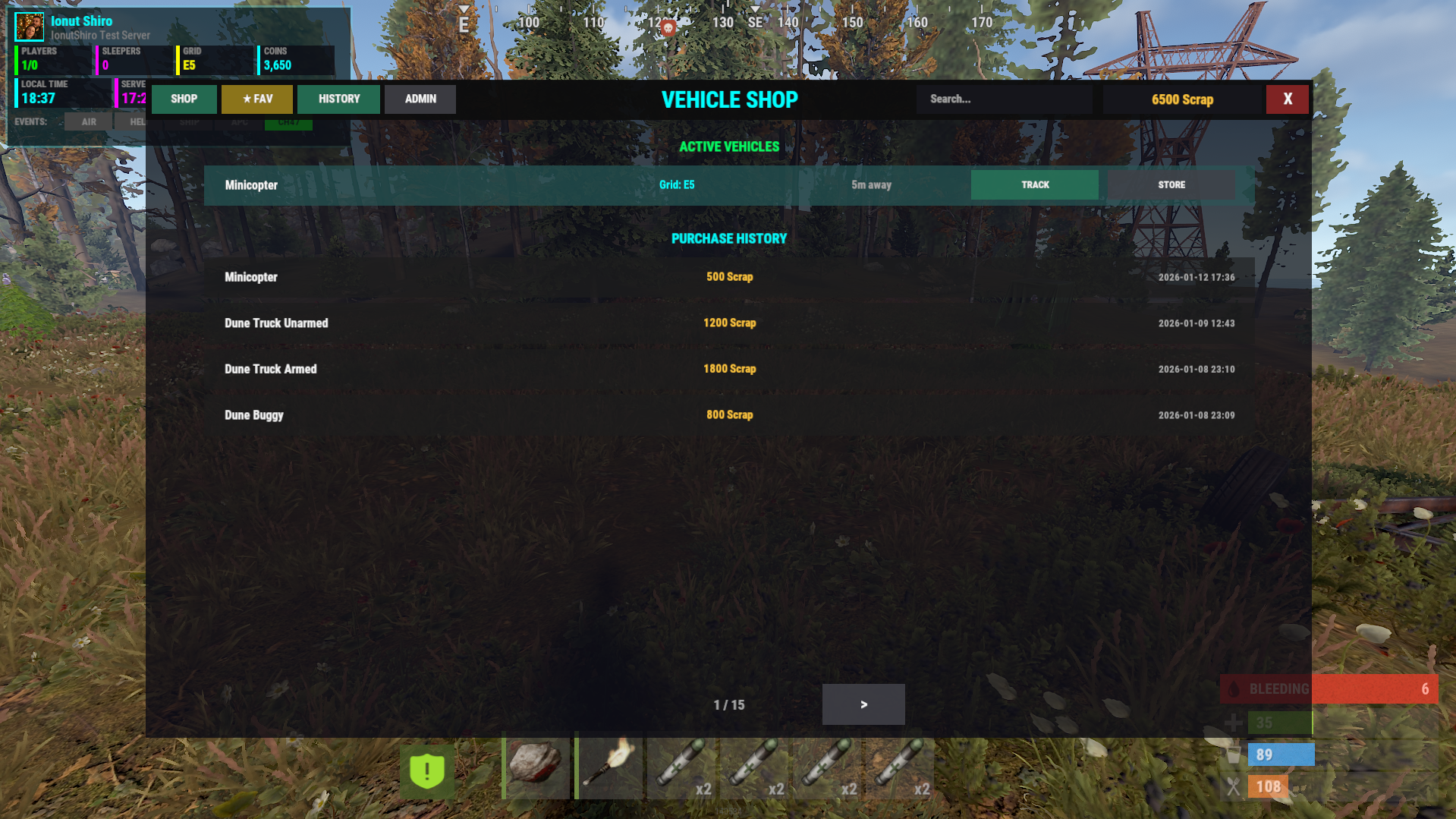
Vehicles are owned by players
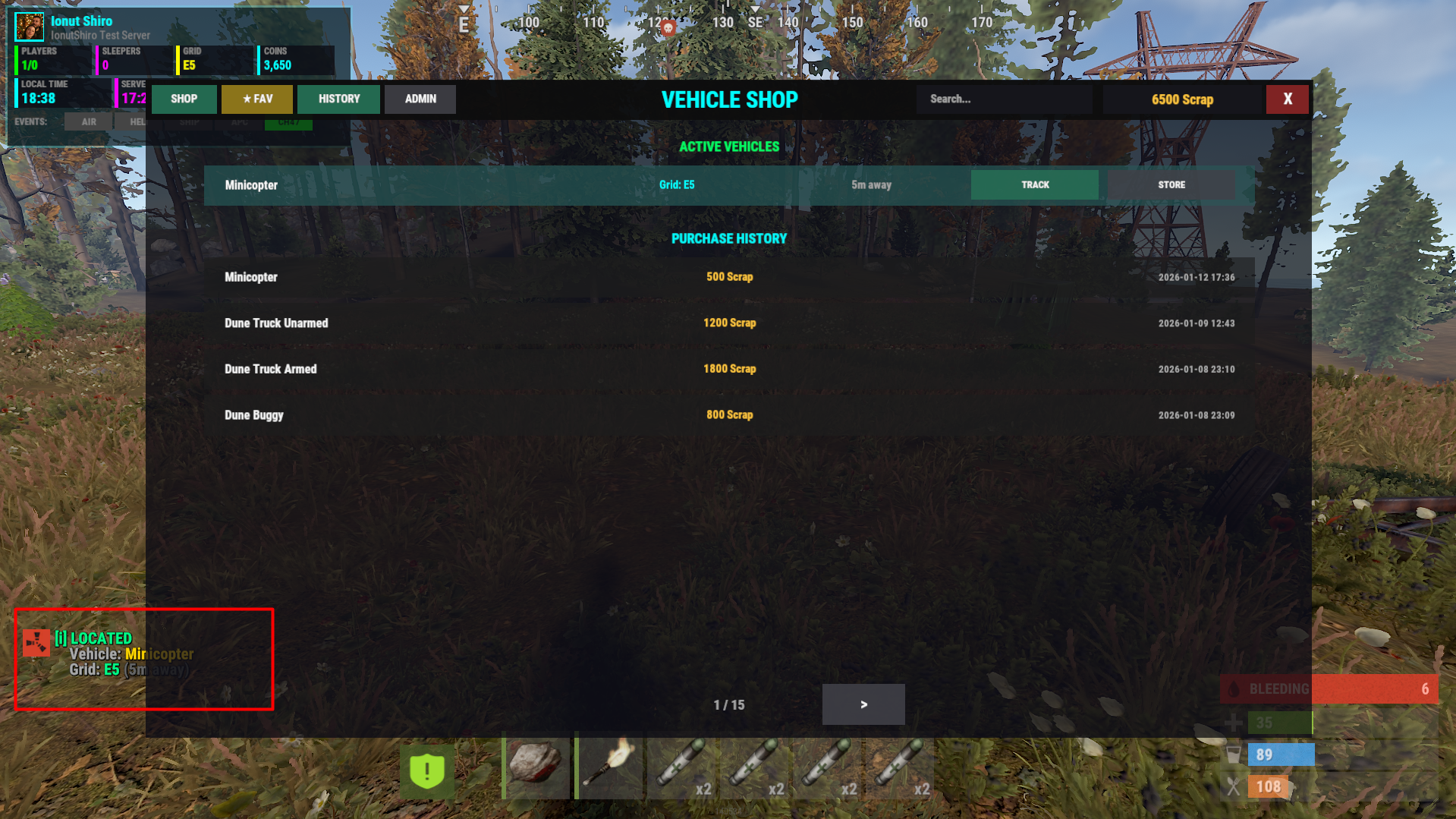
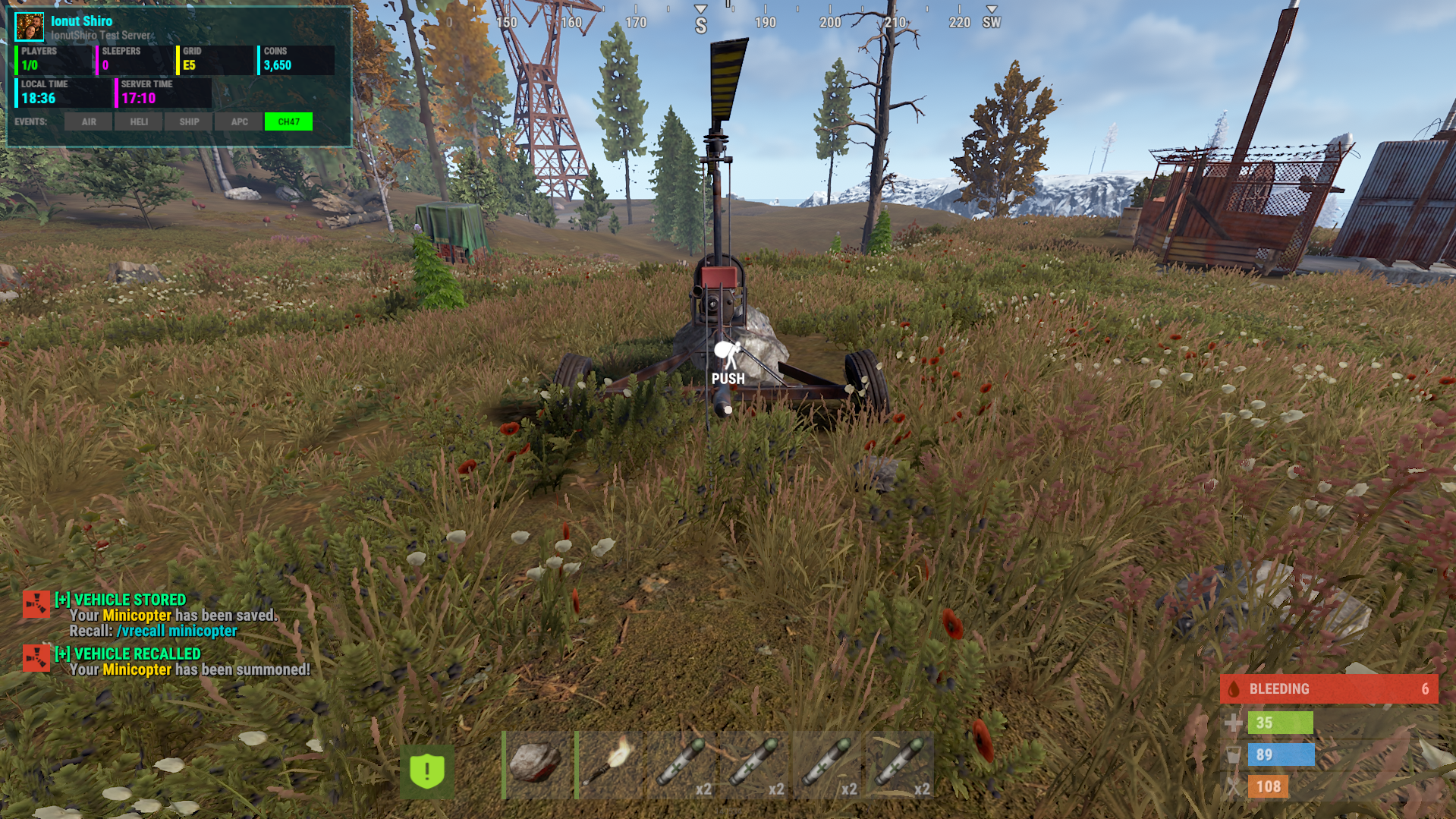
Recall / store system
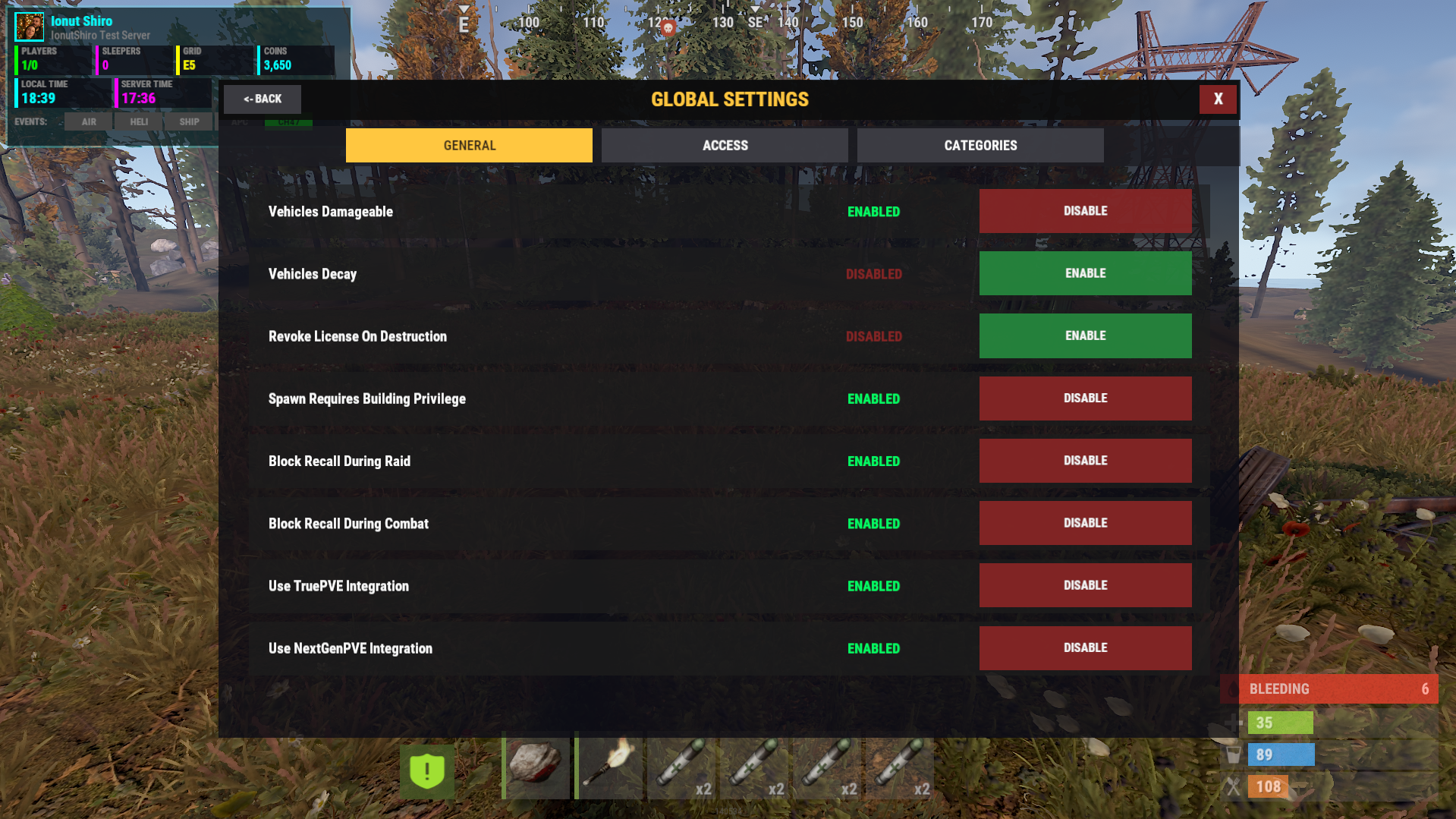
Optional revoke on destruction
Max vehicles per player (VIP-aware)
Economy Support
Choose one currency:
Scrap
Economics
ServerRewards (RP)
VIP pricing supported per vehicle.
VIP Support
Lower prices
Shorter cooldowns
Higher vehicle limits
Restrictions & Safety
Combat & raid block (NoEscape)
Building privilege required
Distance checks for storing
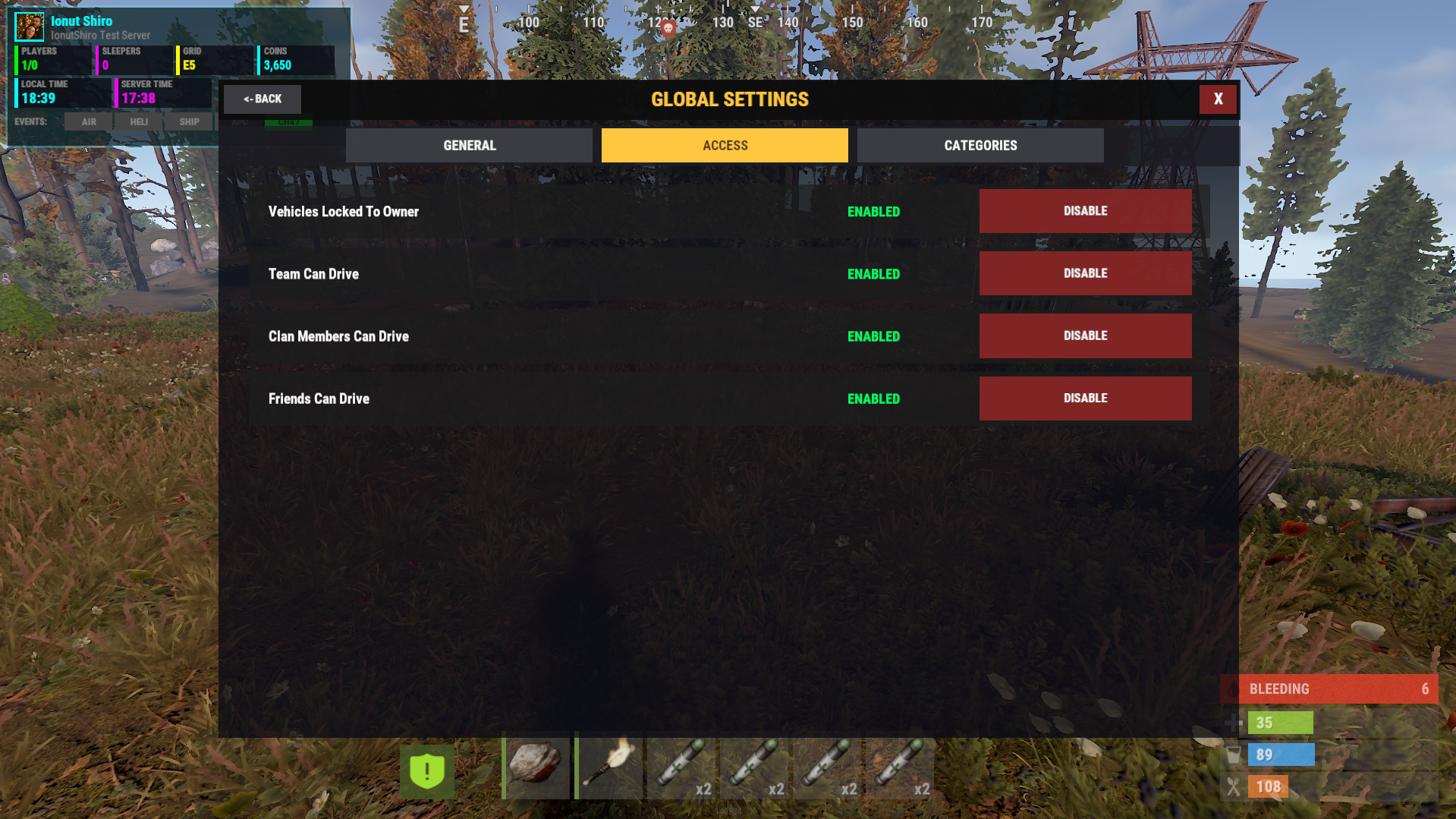
Optional vehicle locking
Team / clan / friends access support
TruePVE / NextGenPVE integration
Karuza Vehicle Support
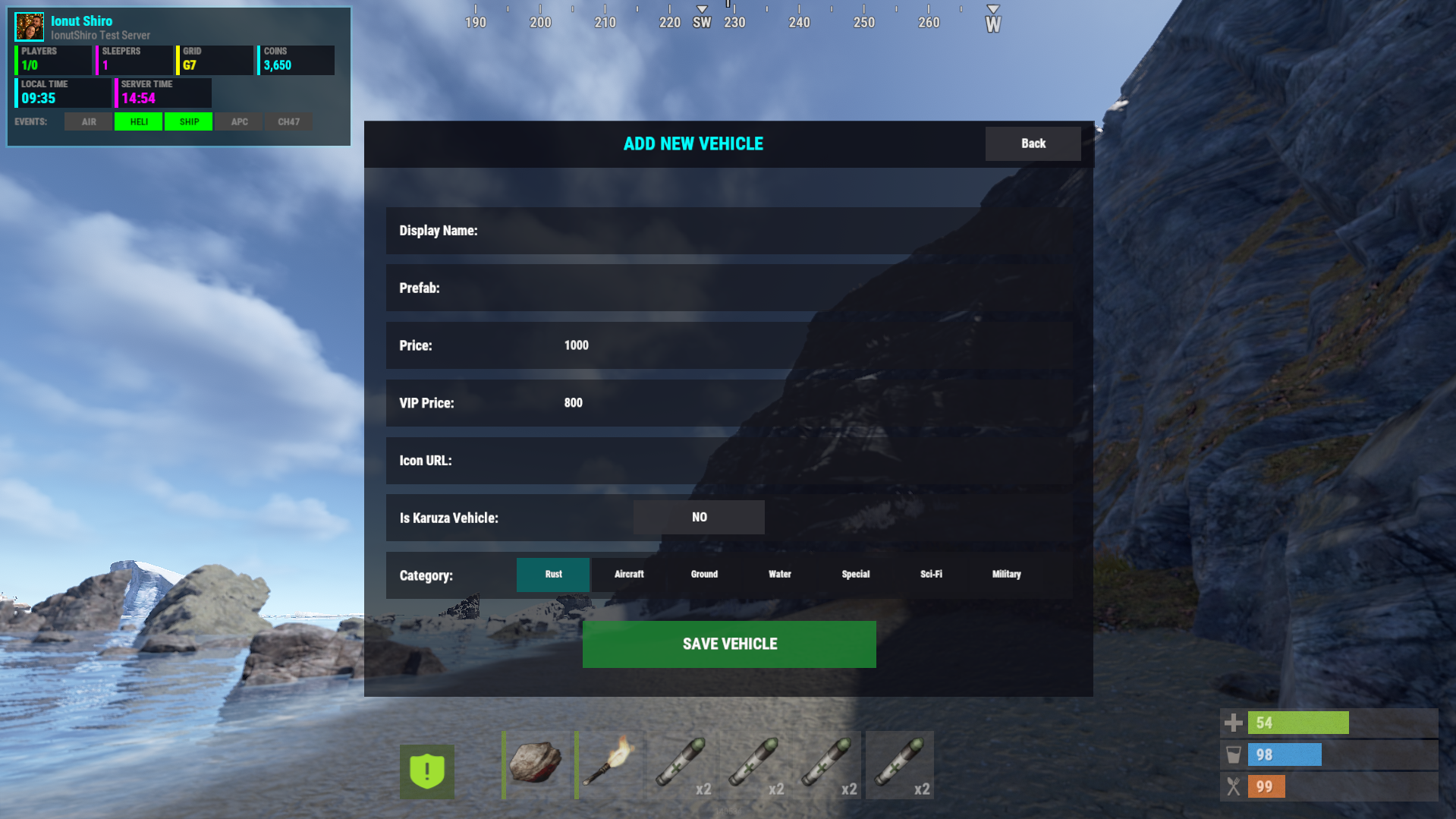
It has pre-filled categories with all vehicles available in Karuza's store so you only need to disable/enable the vehicles you own or do not own to use , keep in mind this plugin will not spawn custom vehicles if you do not own any Karuza's vehicles and will only spawn the ones you own and purchased from Karuza!
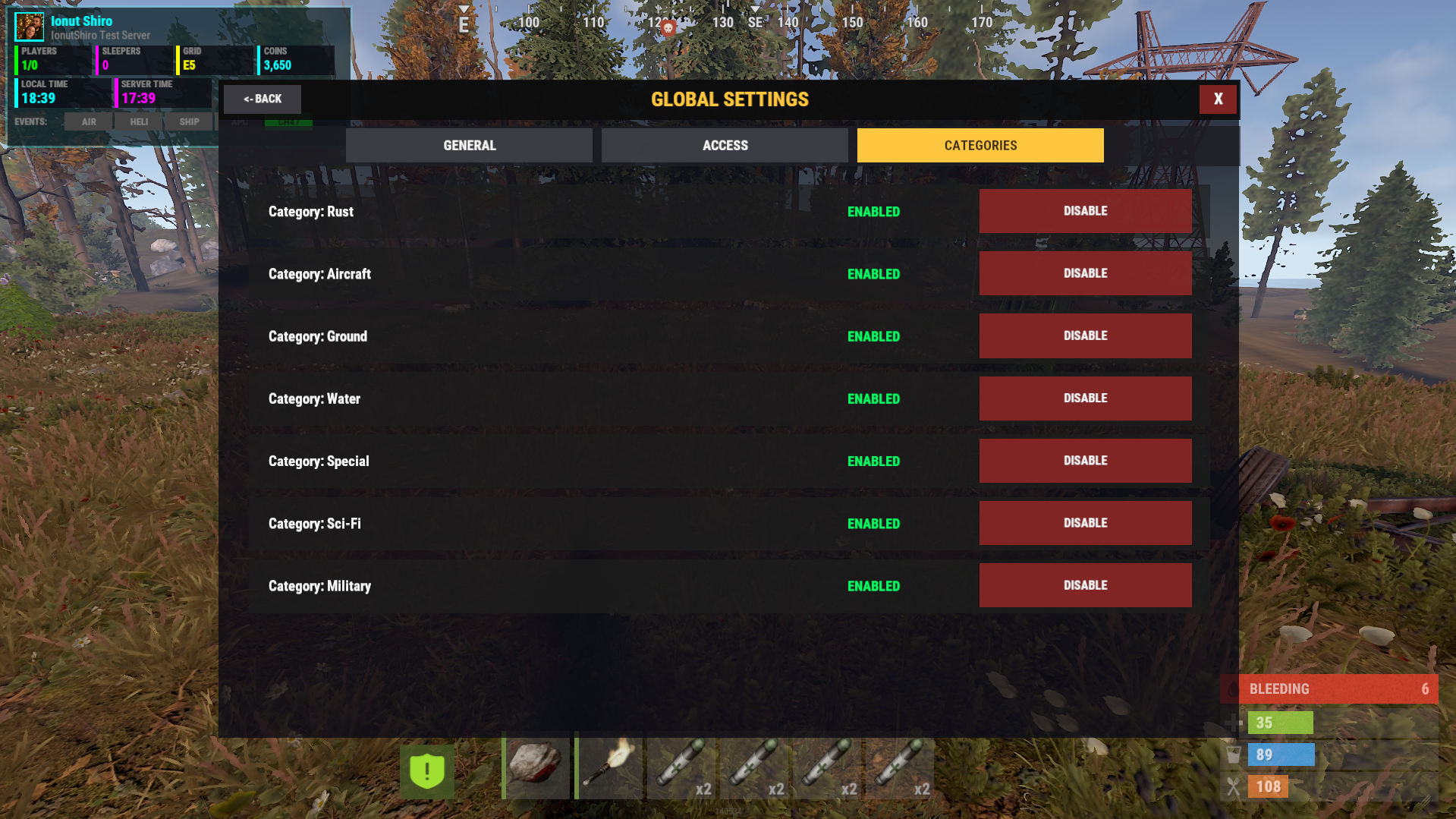
Fully categorized:
Aircraft
Ground
Water
Sci-Fi
Military
Special
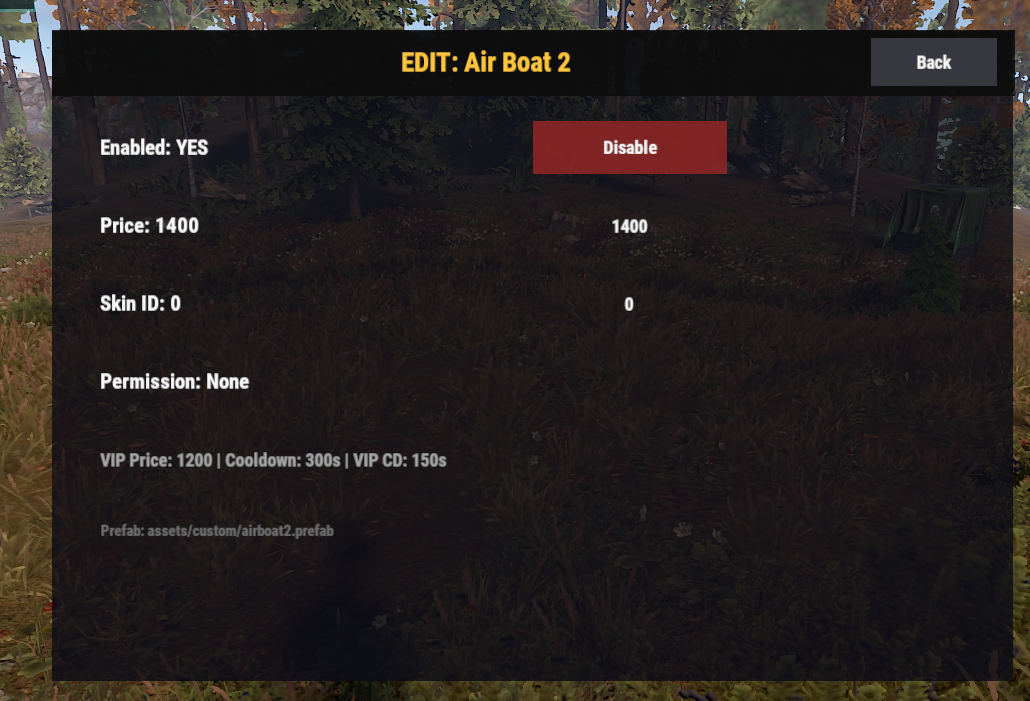
Each vehicle can:
be enabled/disabled
require its own permission
have unique cooldowns & prices
Player Commands : | Description |
|---|---|
| Open the vehicle shop |
| Spawn owned vehicle |
| Store nearby vehicle |
| Recall vehicle to player |
Admin Command : | Description |
|---|---|
| Open admin control panel |
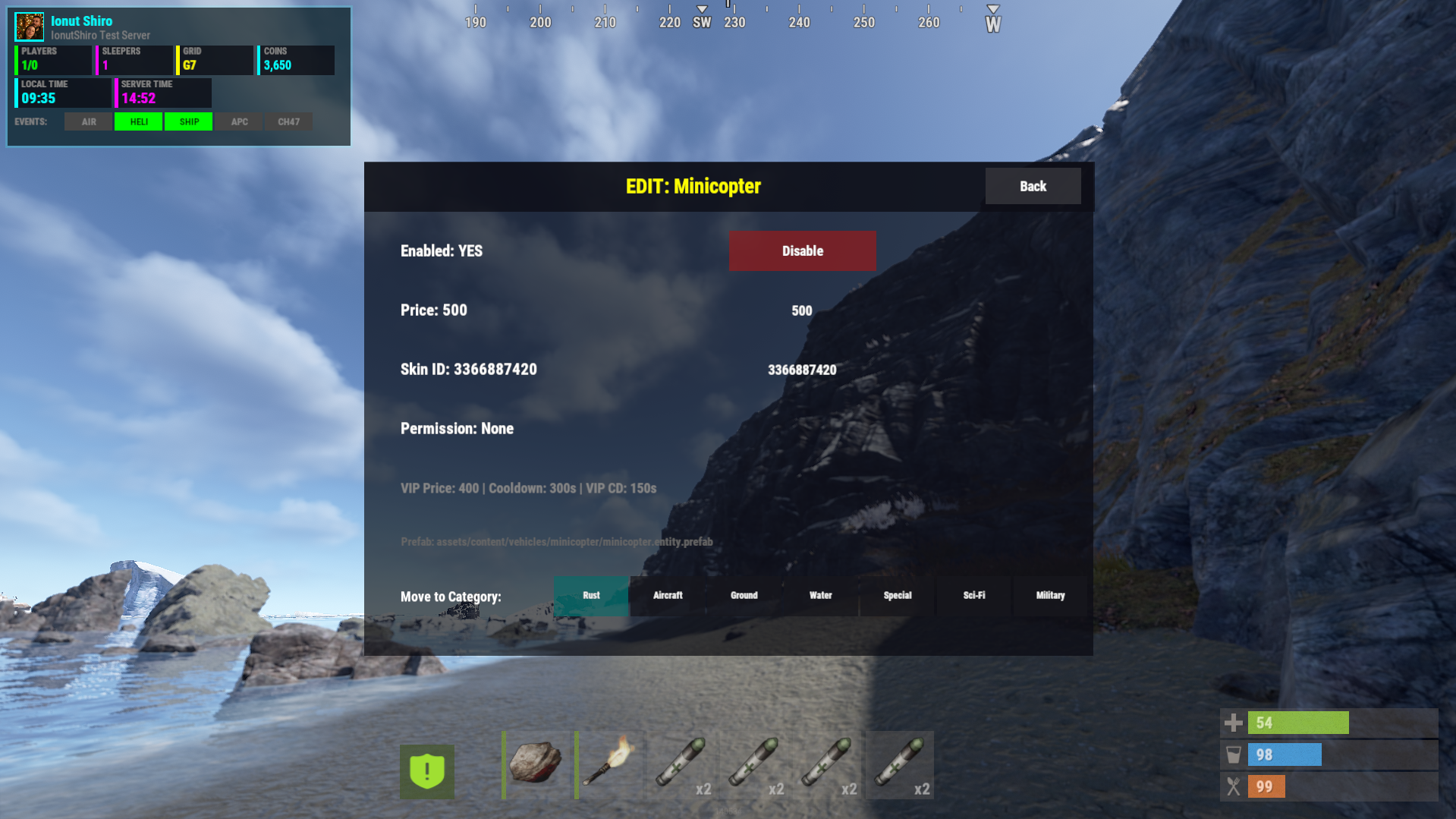
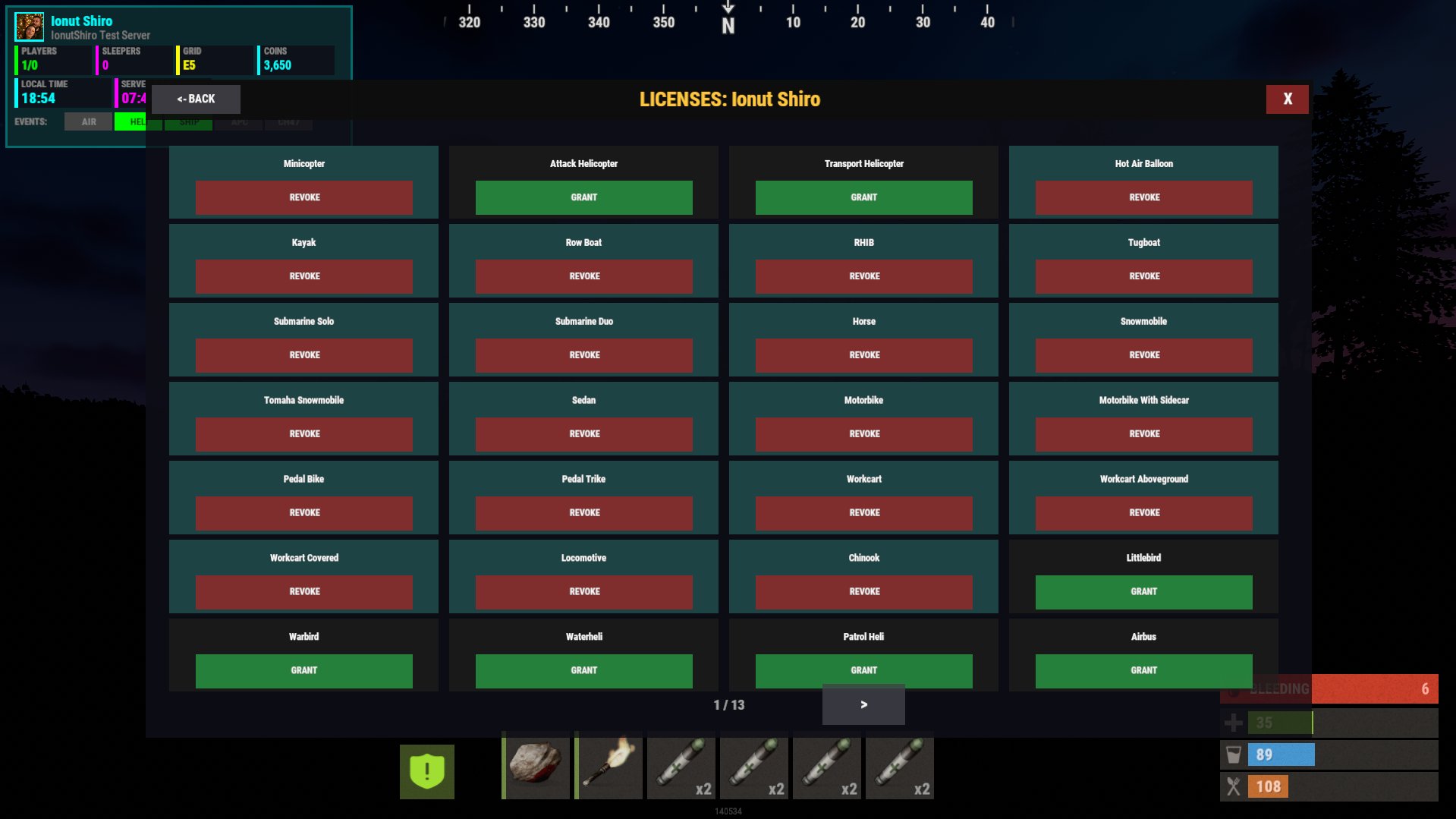
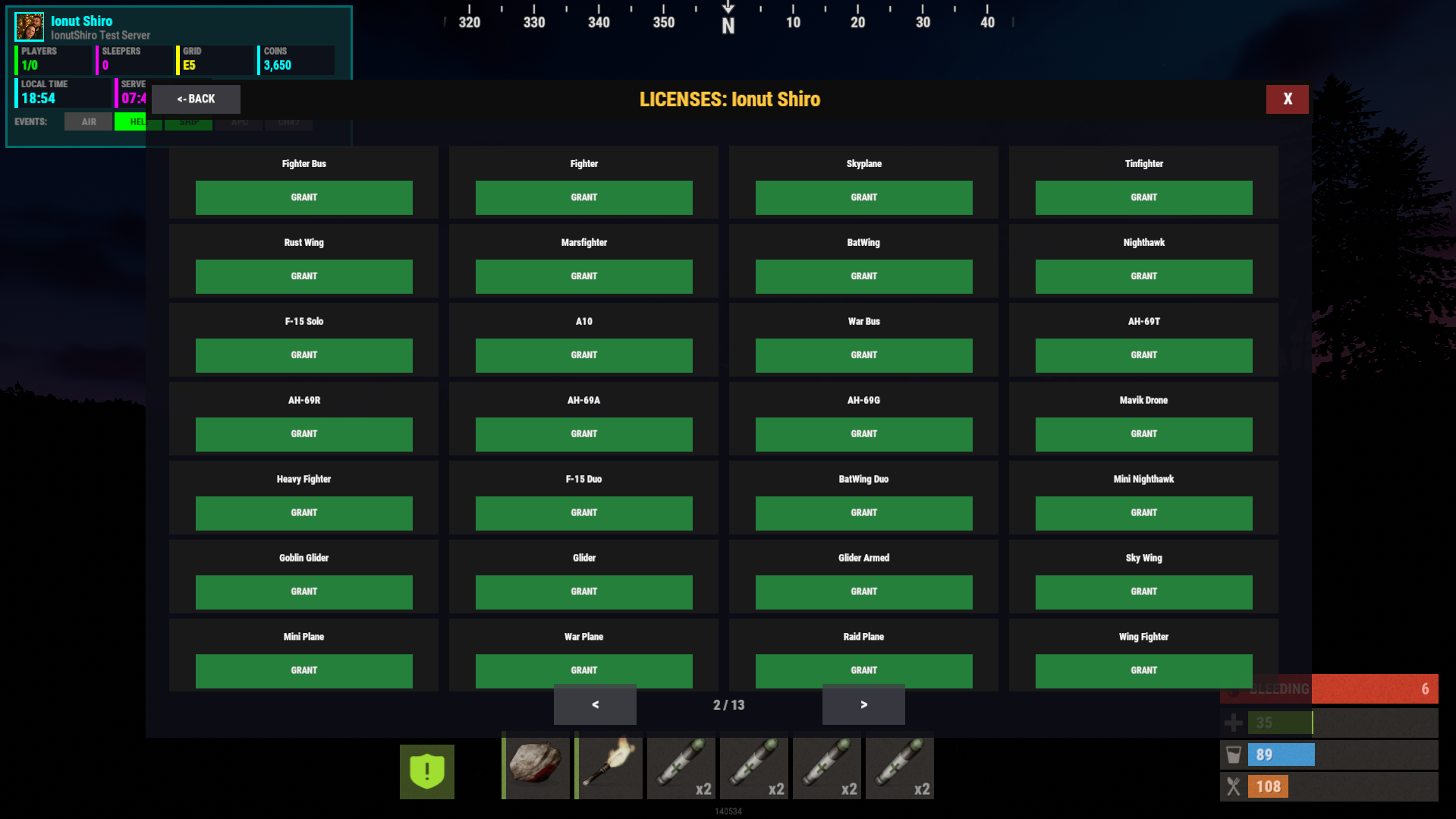
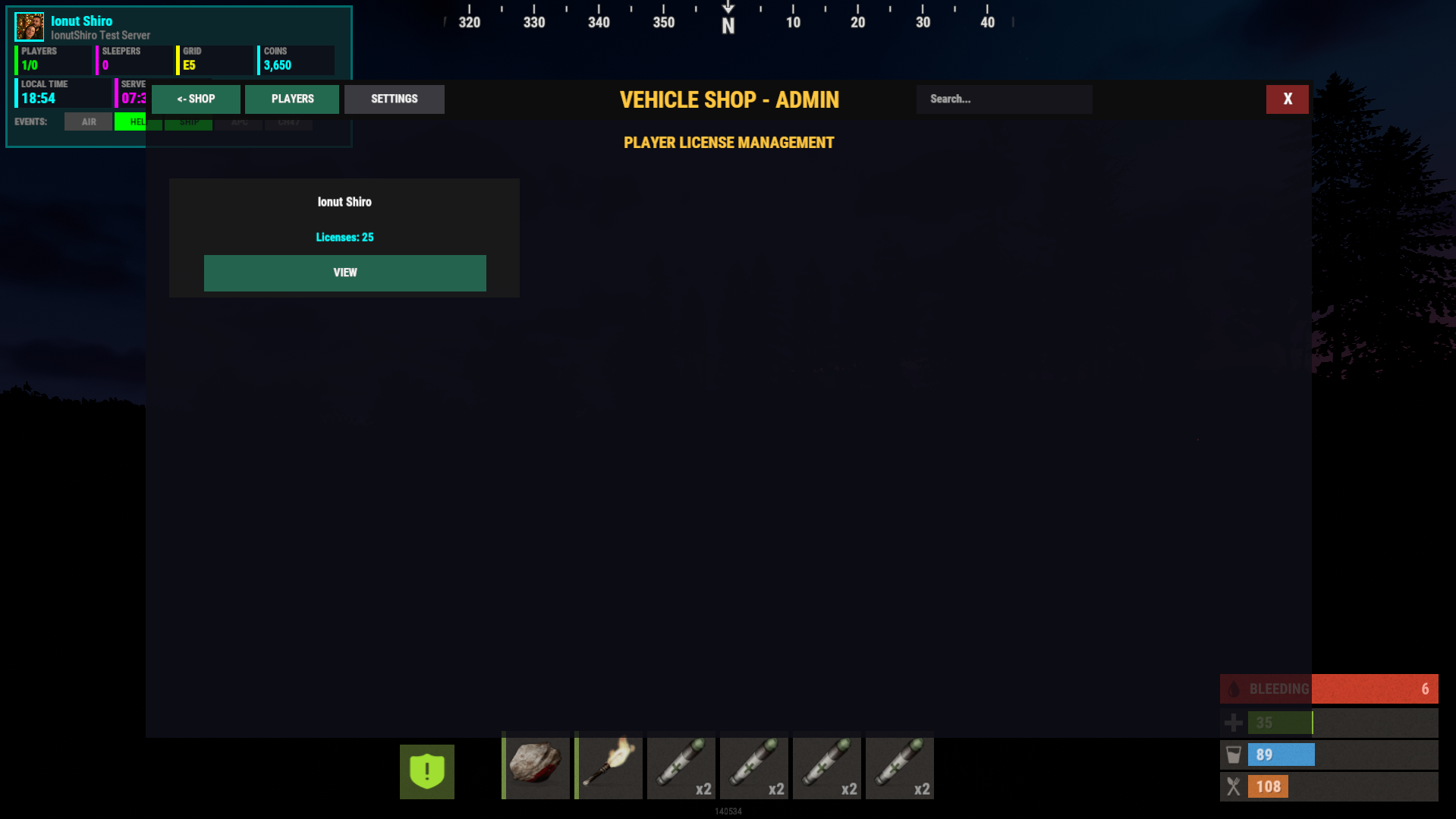
Admin UI allows:
editing vehicles
adjusting prices
enabling/disabling categories
managing licenses
viewing player vehicles
No config editing required.
Permissions : | Description |
|---|---|
| Allows access to the shop |
| Full admin access |
| Enables VIP benefits |
| Bypass cooldowns & limits |
Plugin Dependencies : | Purpose |
|---|---|
ImageLibrary | Vehicle icons |
Economics ( Optional ) | Currency |
ServerRewards ( Optional ) | RP currency |
NoEscape ( Optional ) | Raid/combat block |
Clans / Friends ( Optional ) | Shared vehicle access |
Karuza Vehicles ( Required if you want custom vehicles not just Rust vehicles ) | Custom vehicles |
What's New in Version 1.0.1
Released
Added auto-detection to disable vehicles with missing prefabs on load and logs to console
Global search instead of category search
Reworked some ui parts
Scroll based navigation with arrows instead of left/right
History Tabed renamed to Owned to show Owned Licenses and execute commands from that tab as well
Added option to change currency symbol via config and lang
New Add Vehicle button for future vehicles that will be added by Karuza
Added option to be able to move vehicles from one category to another
Updated Fuel handling
Updated save vehicle on server restart with console output on results
You may only provide a review once you have downloaded the file.
There are no reviews to display.