



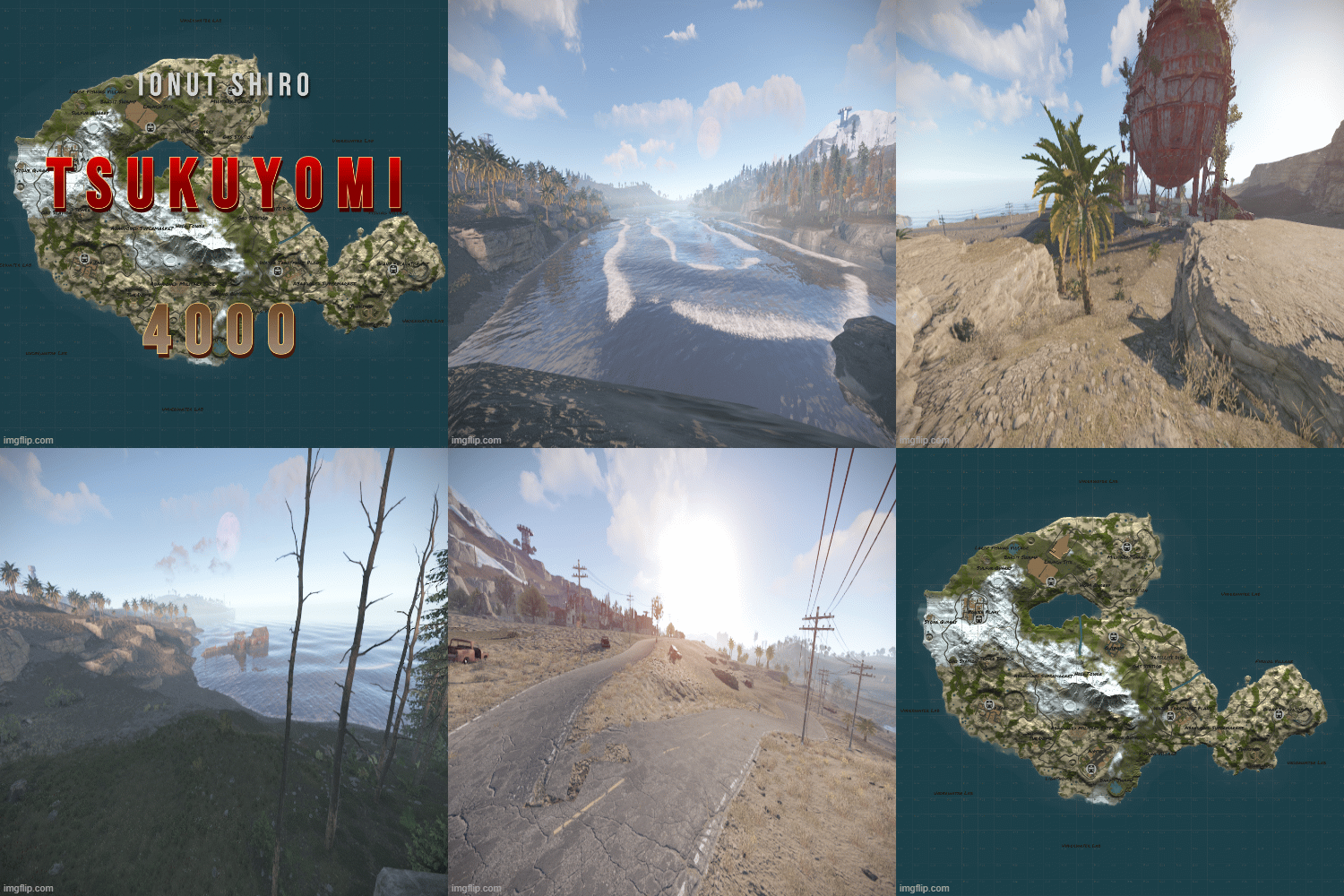
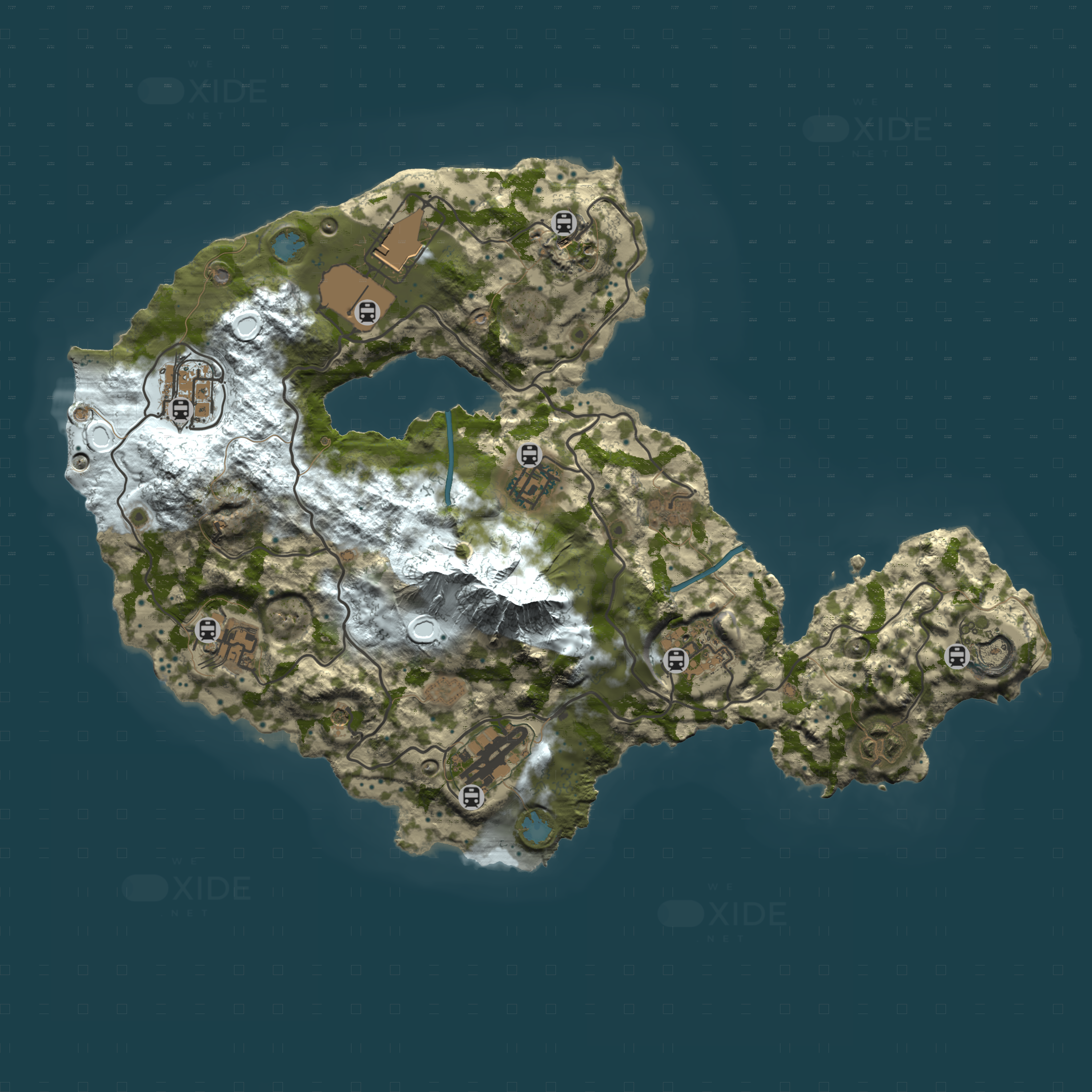
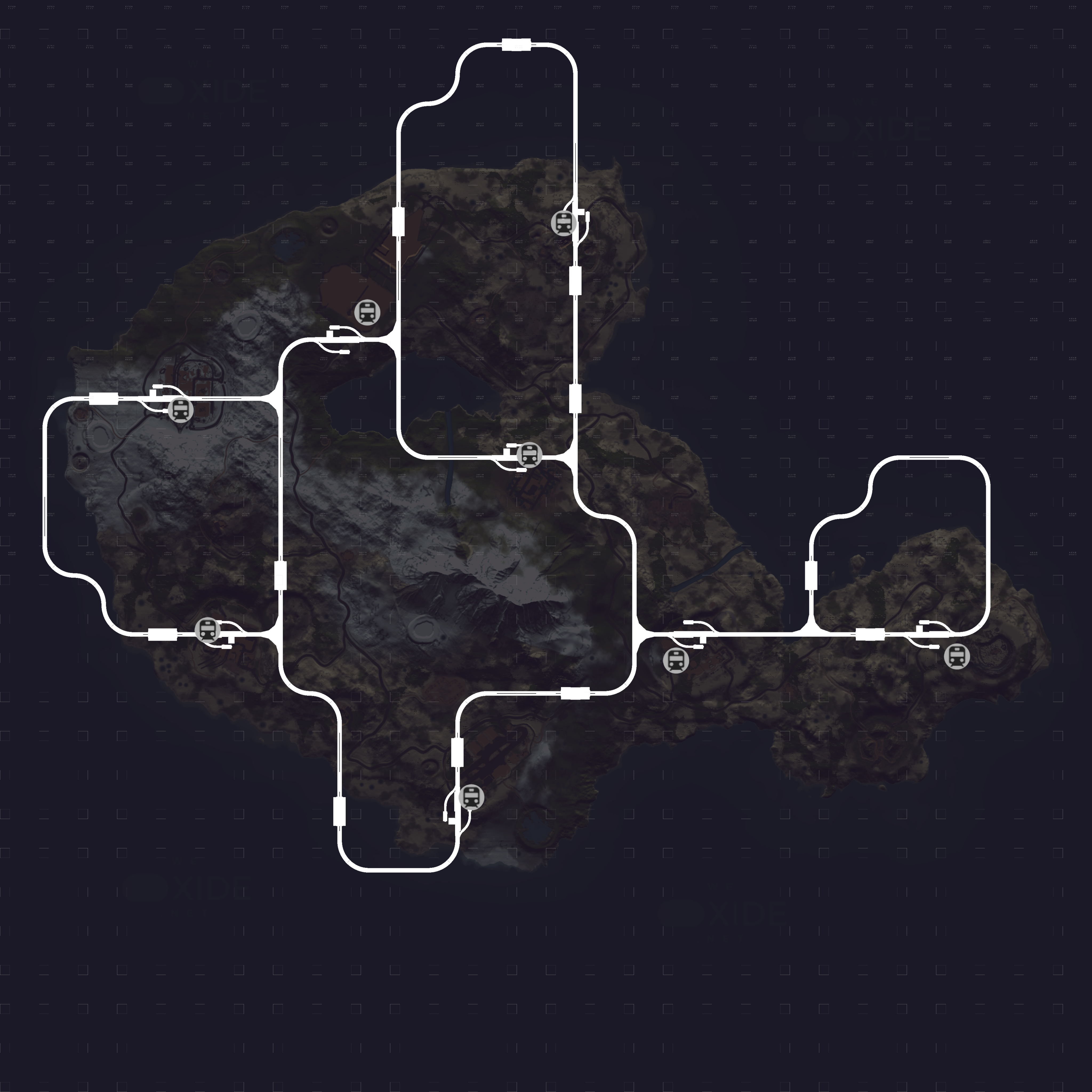
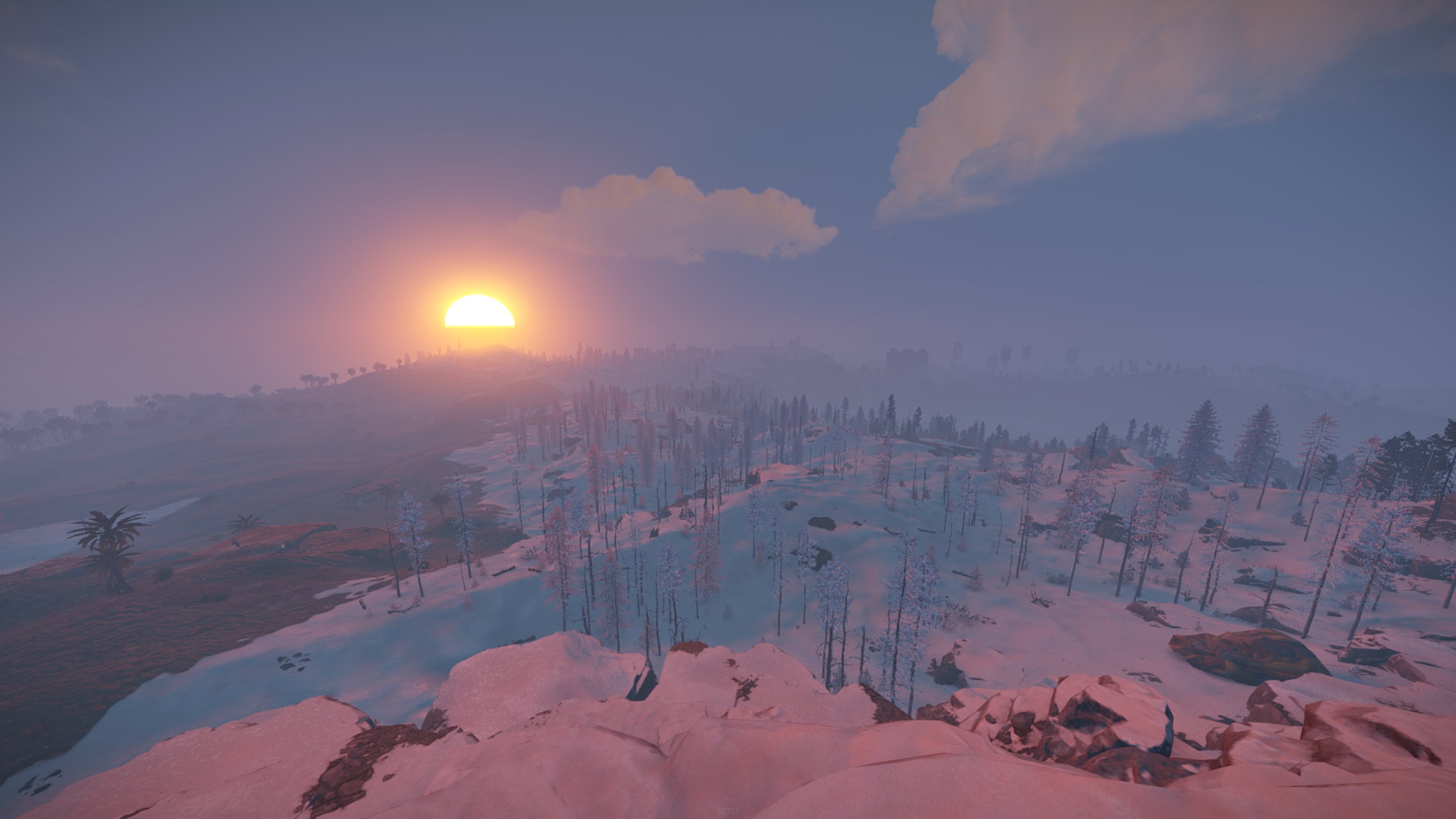
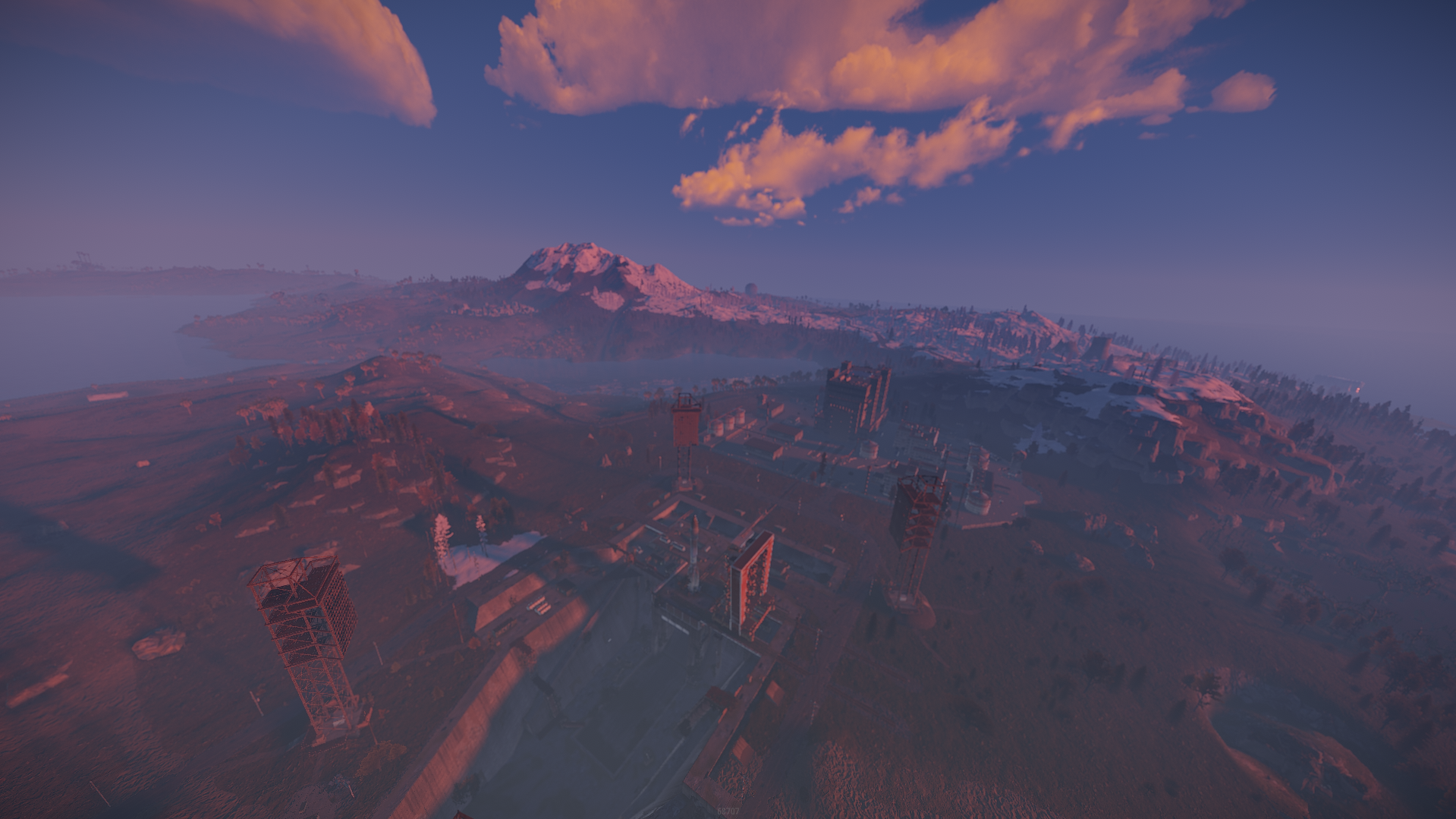
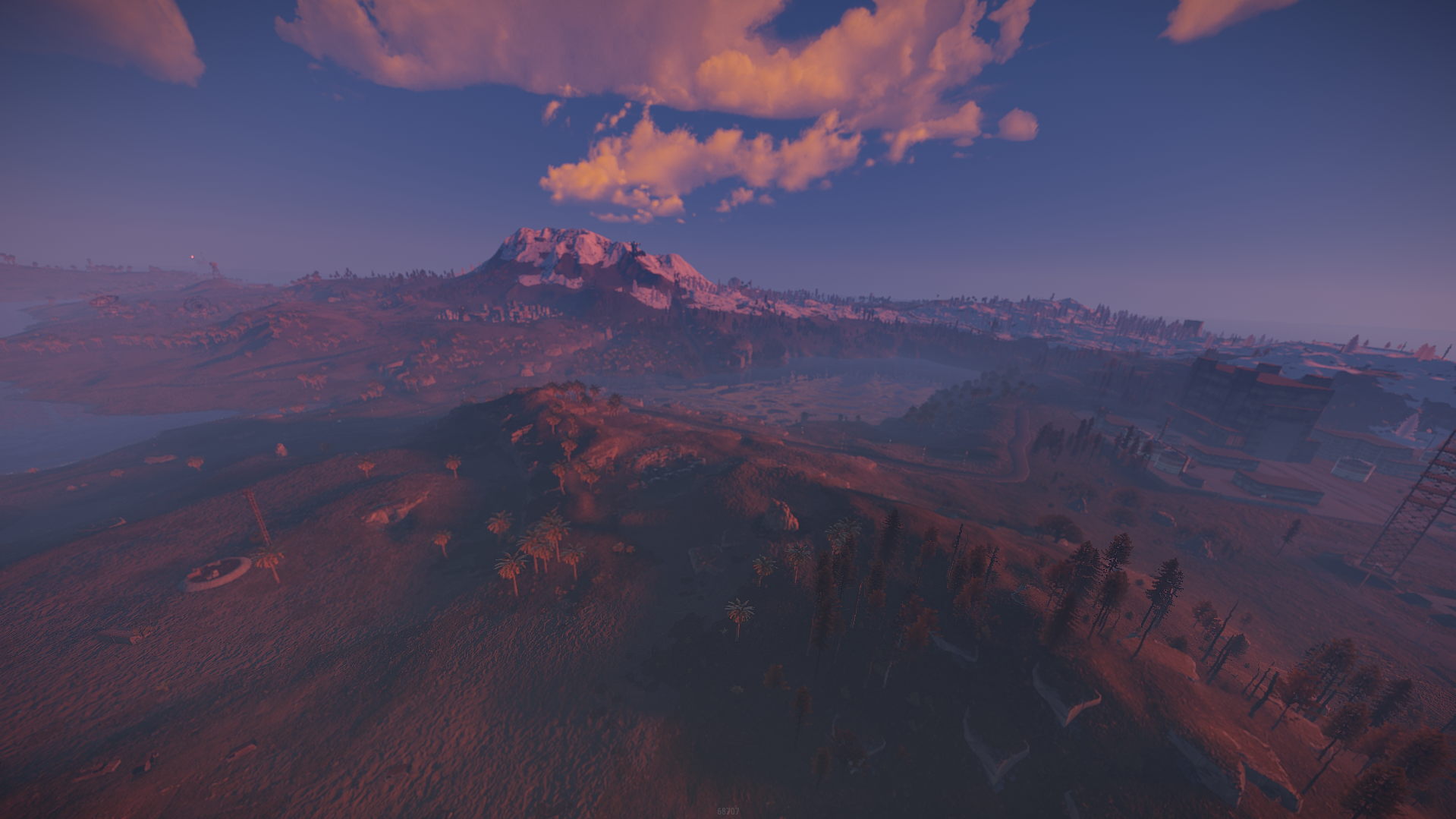
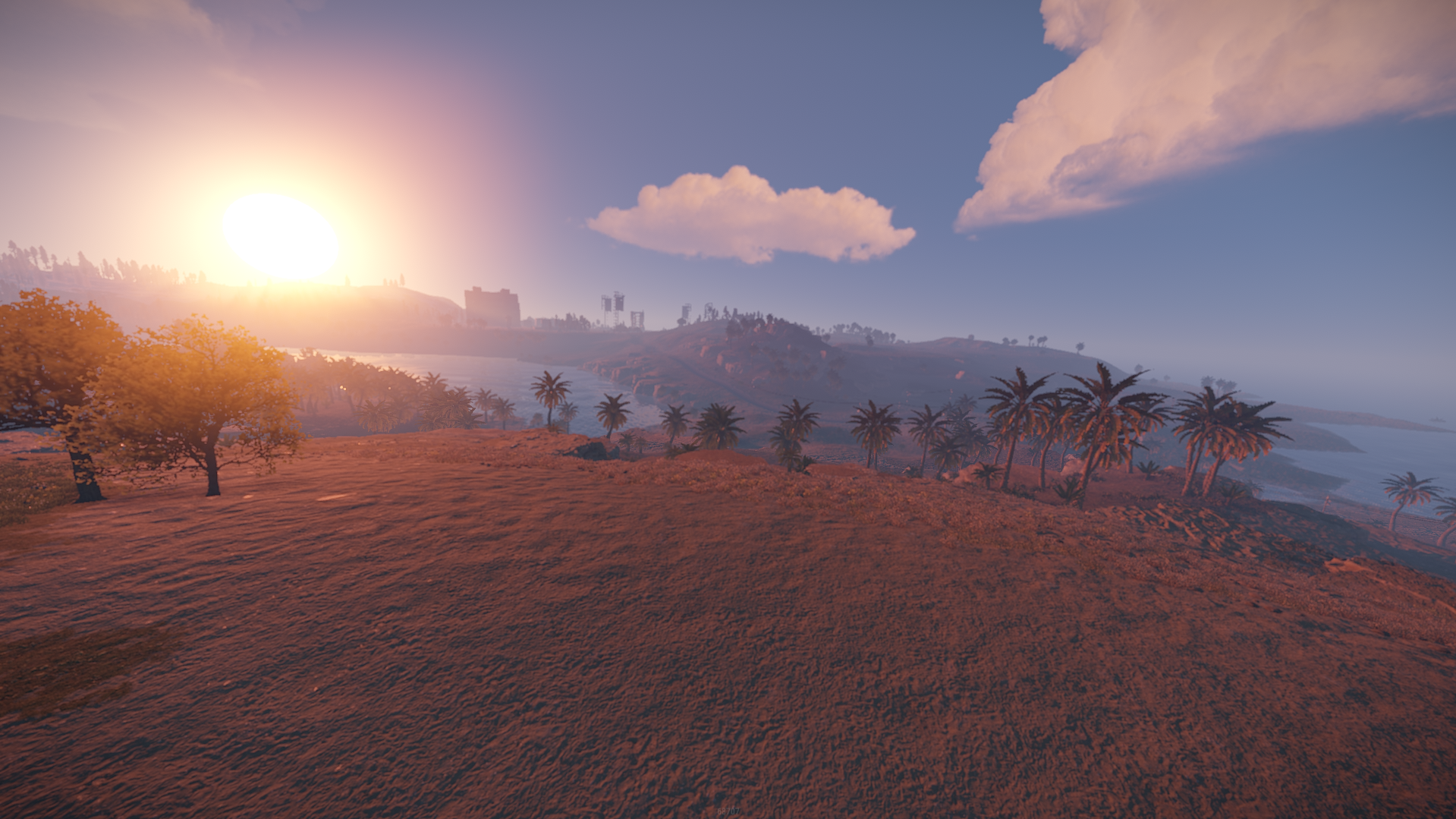
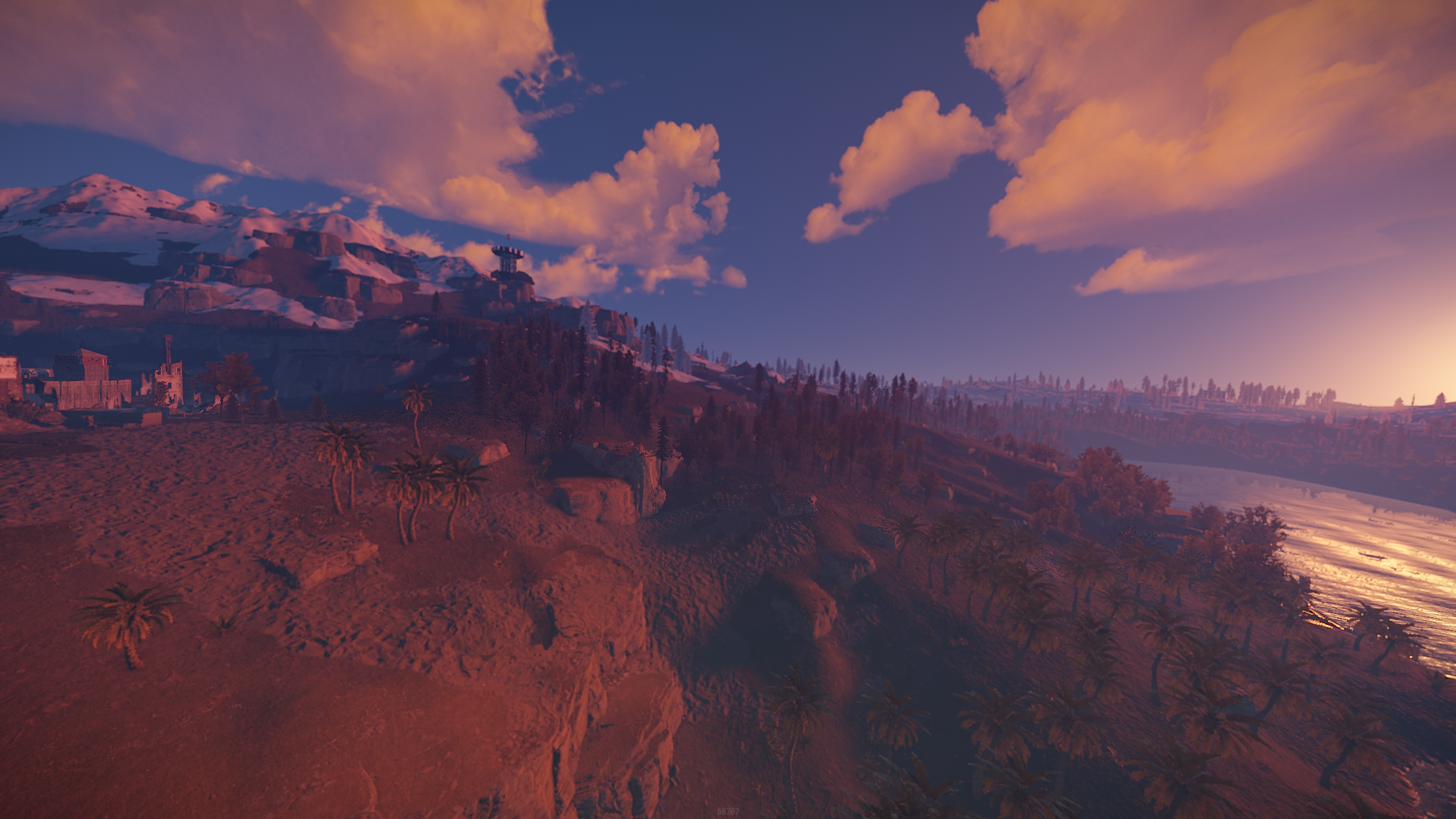
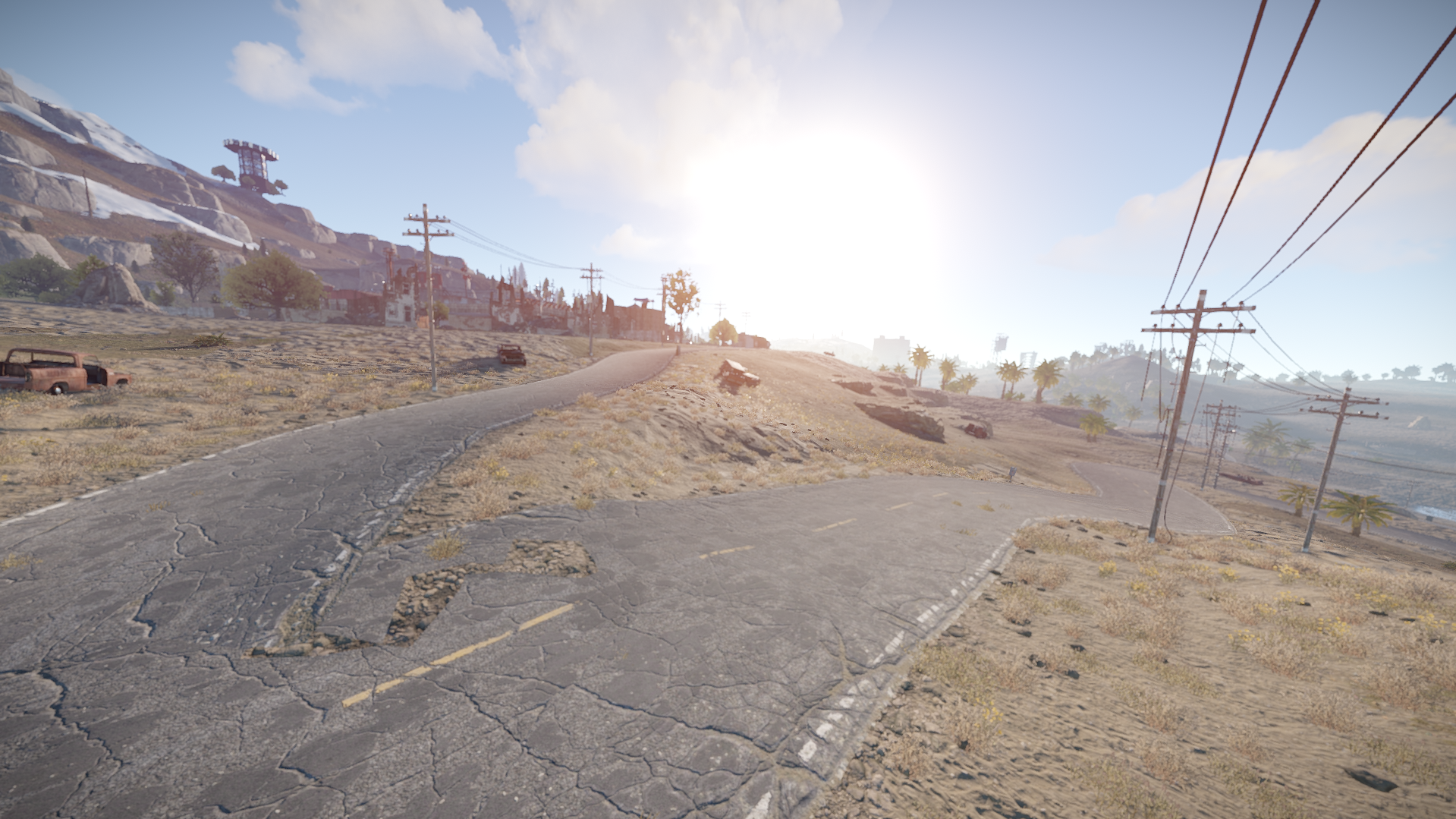
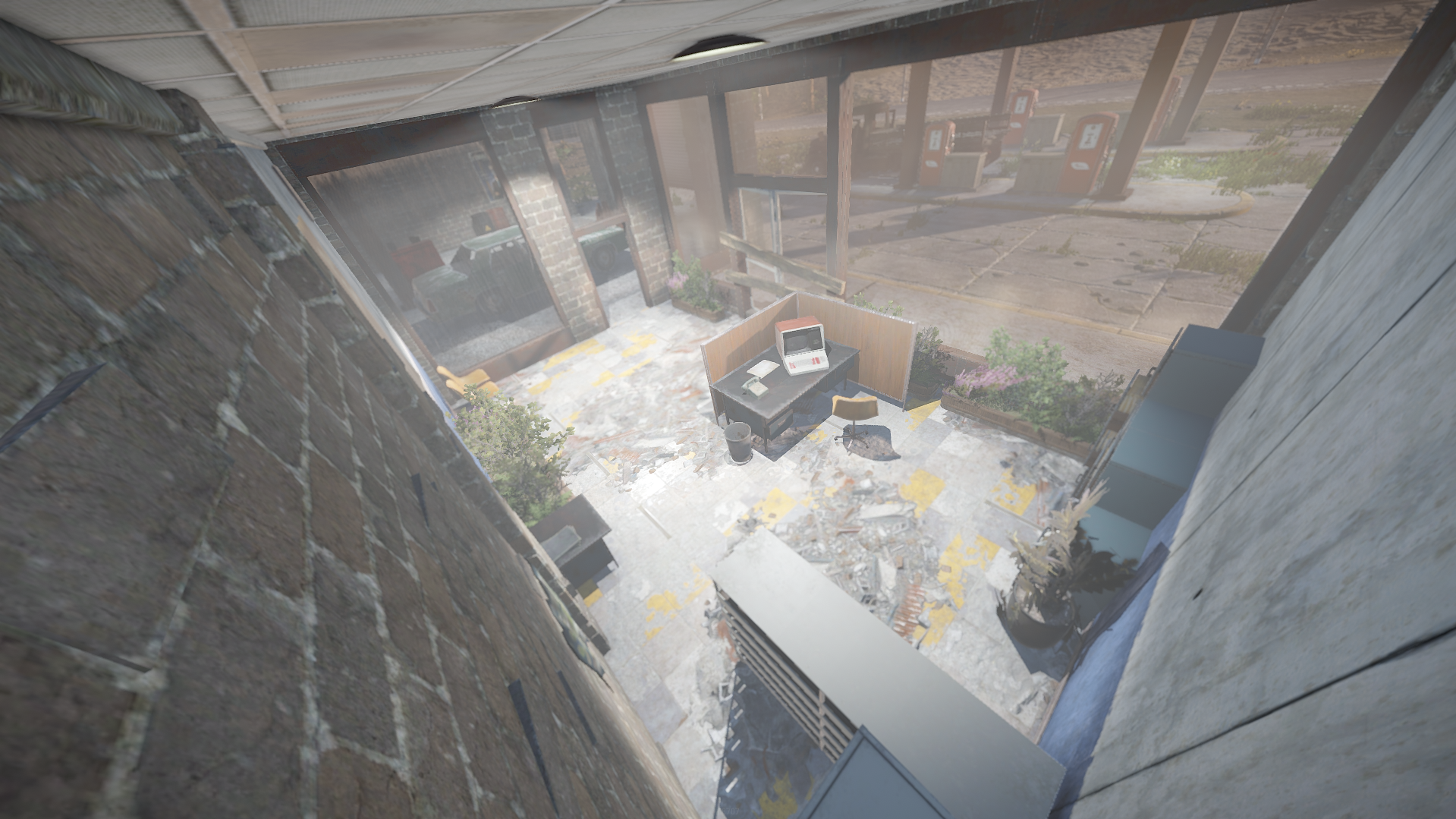
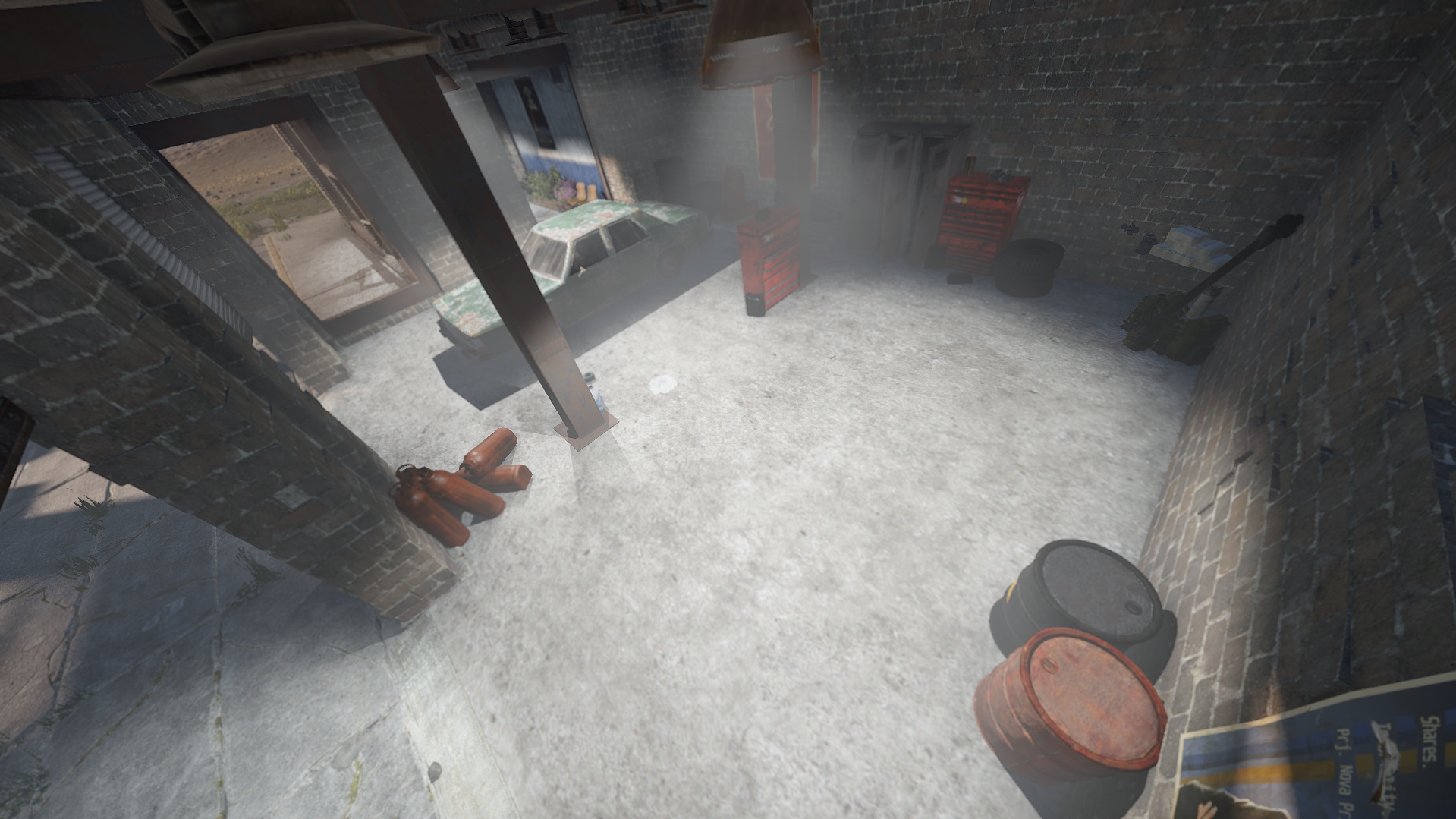
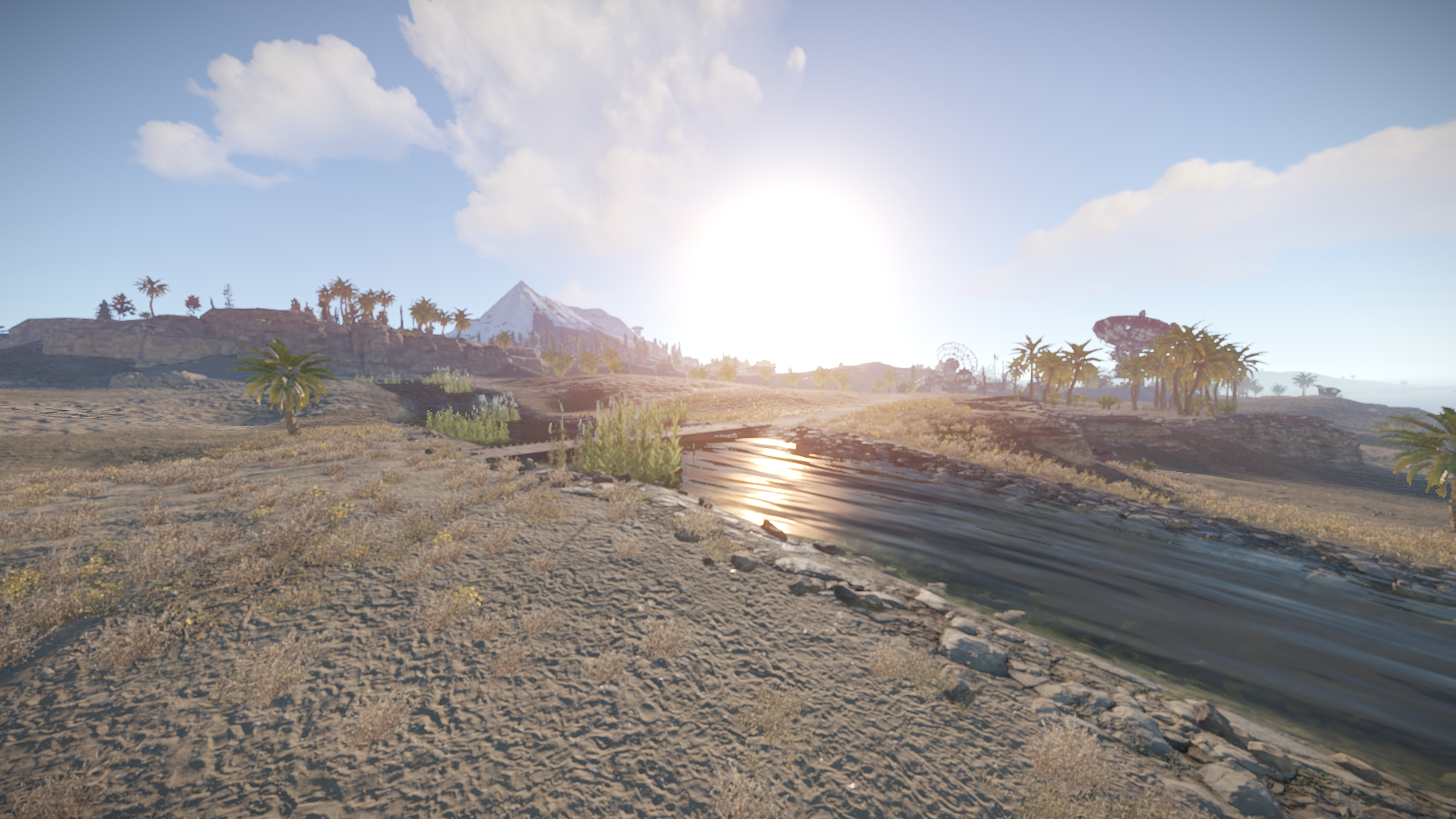
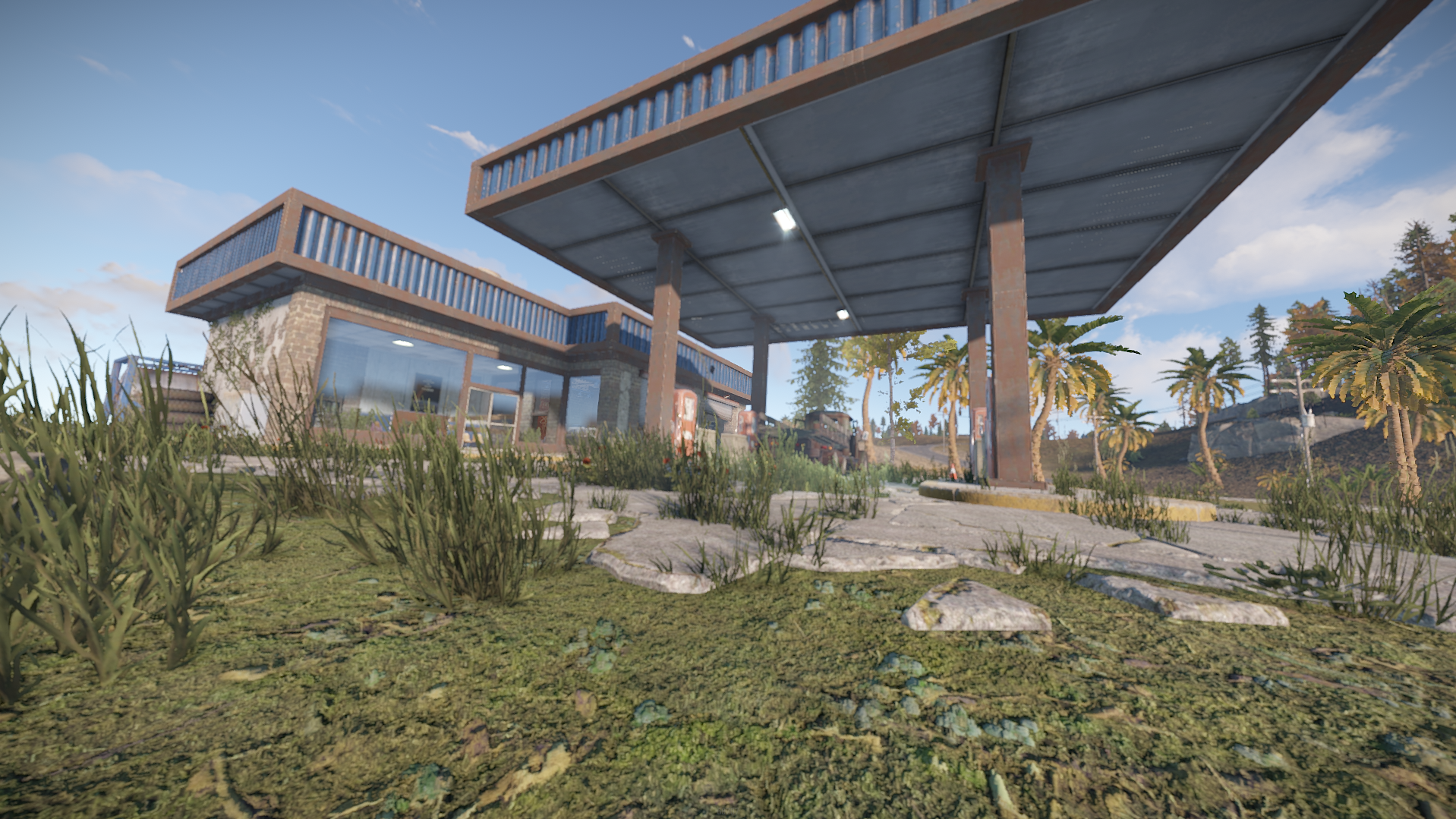
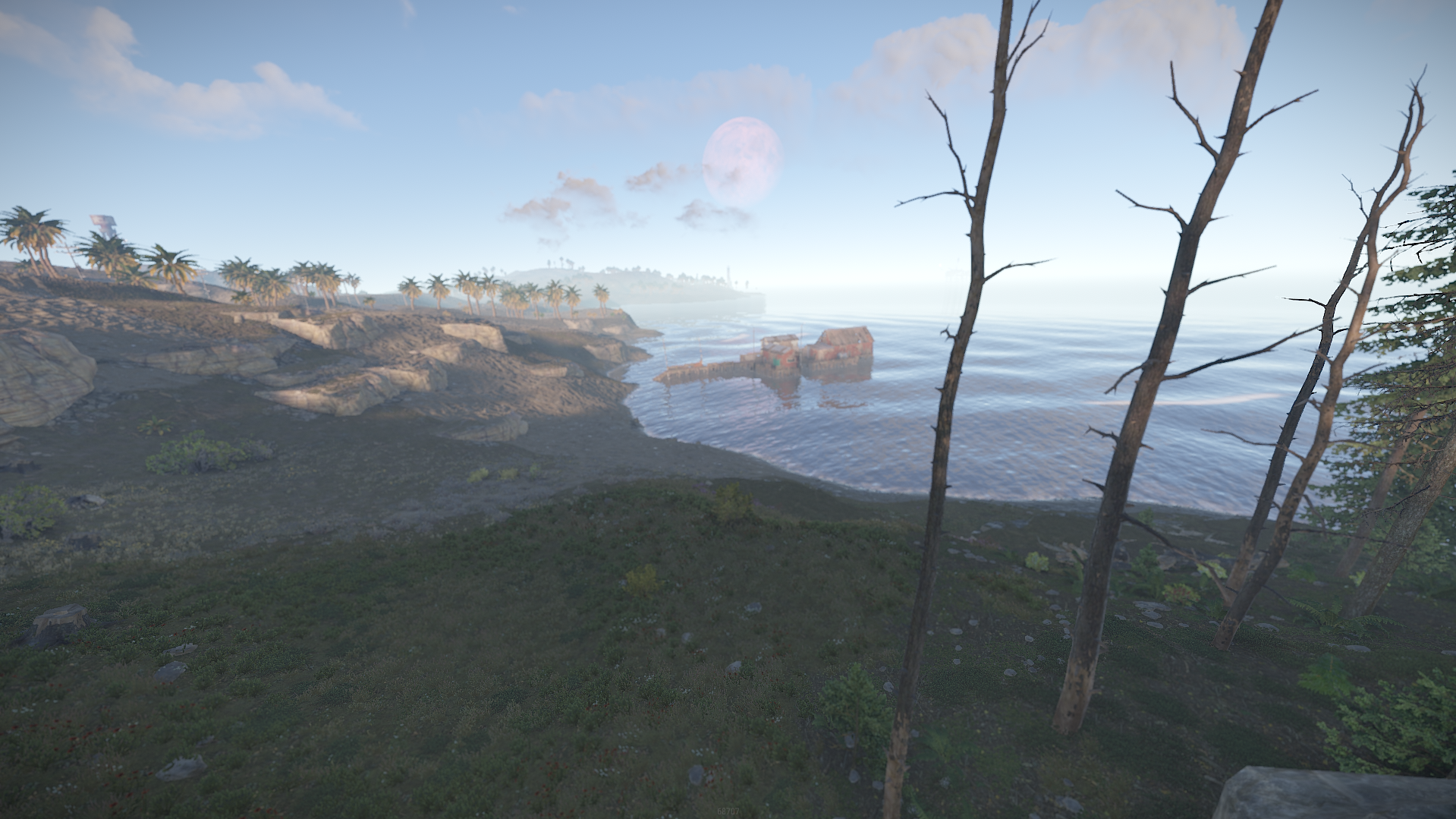
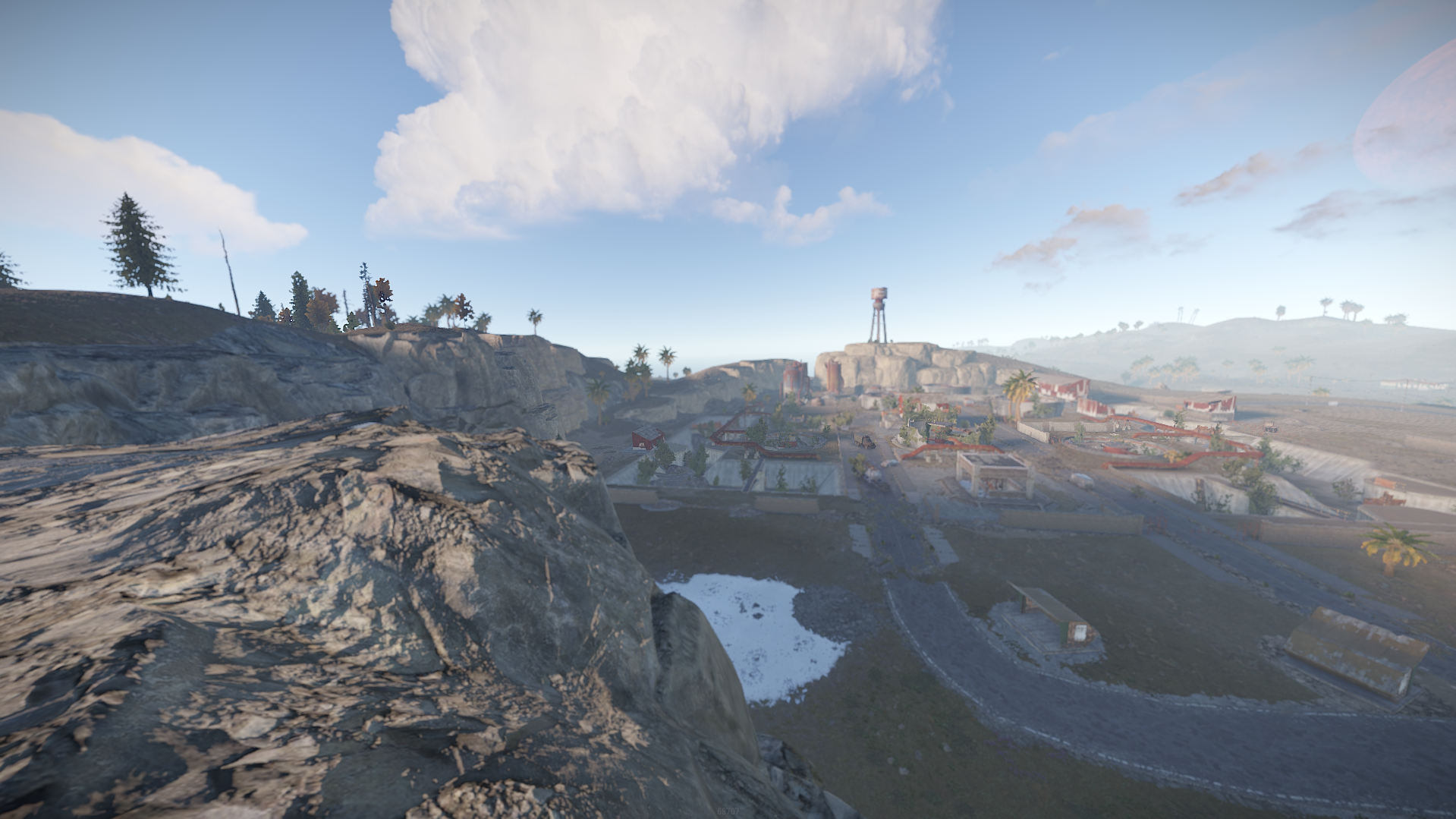
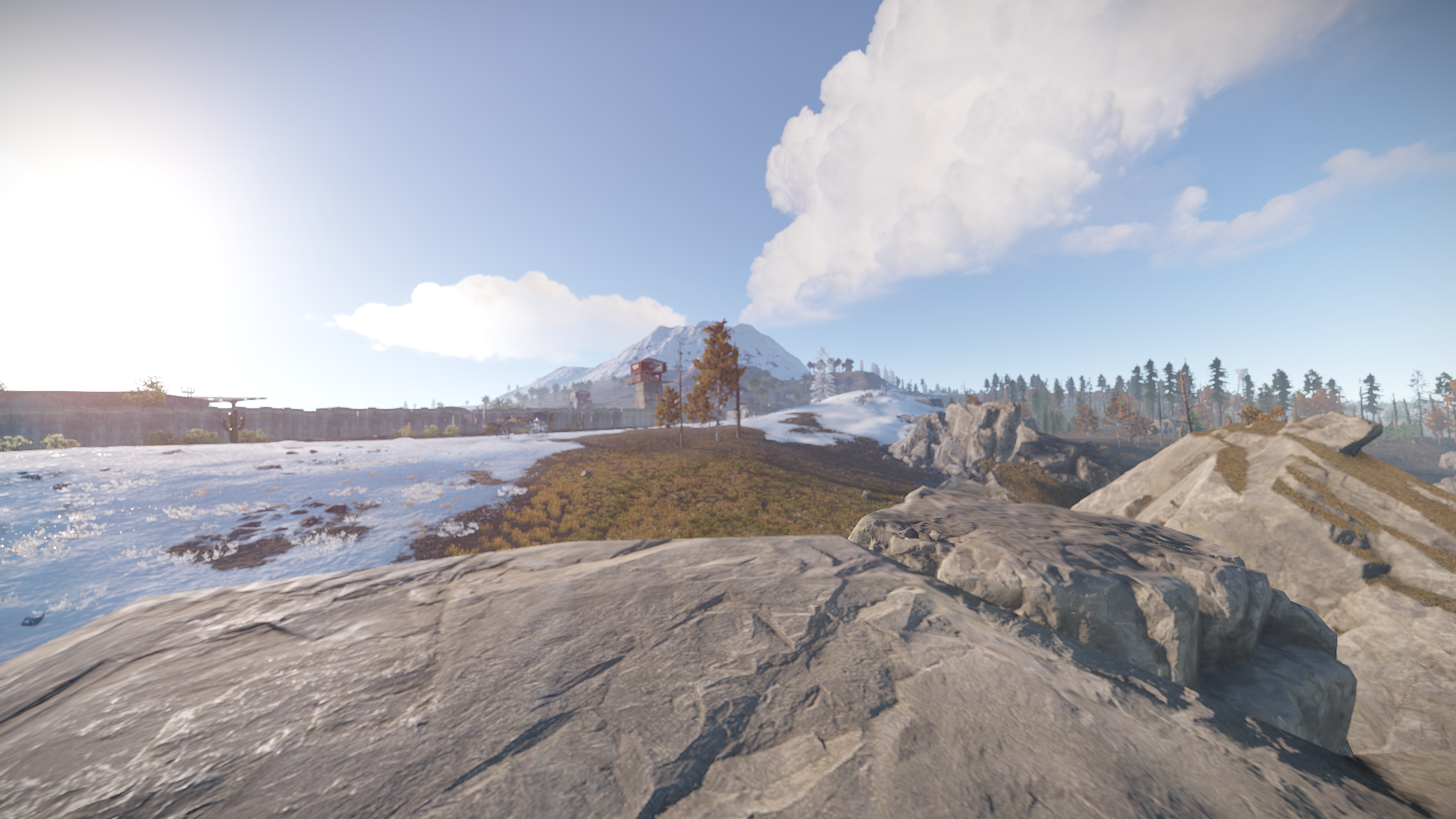
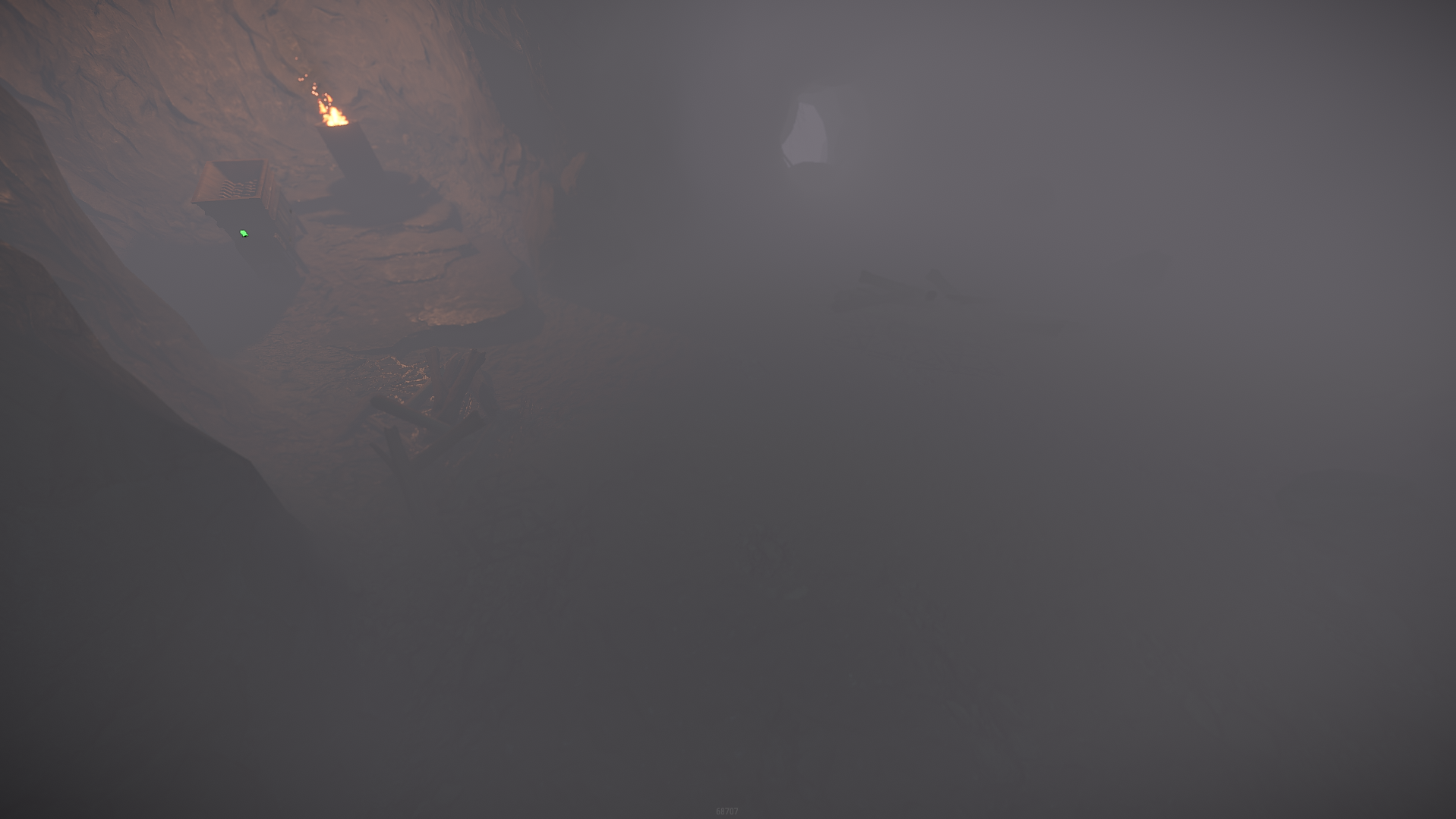
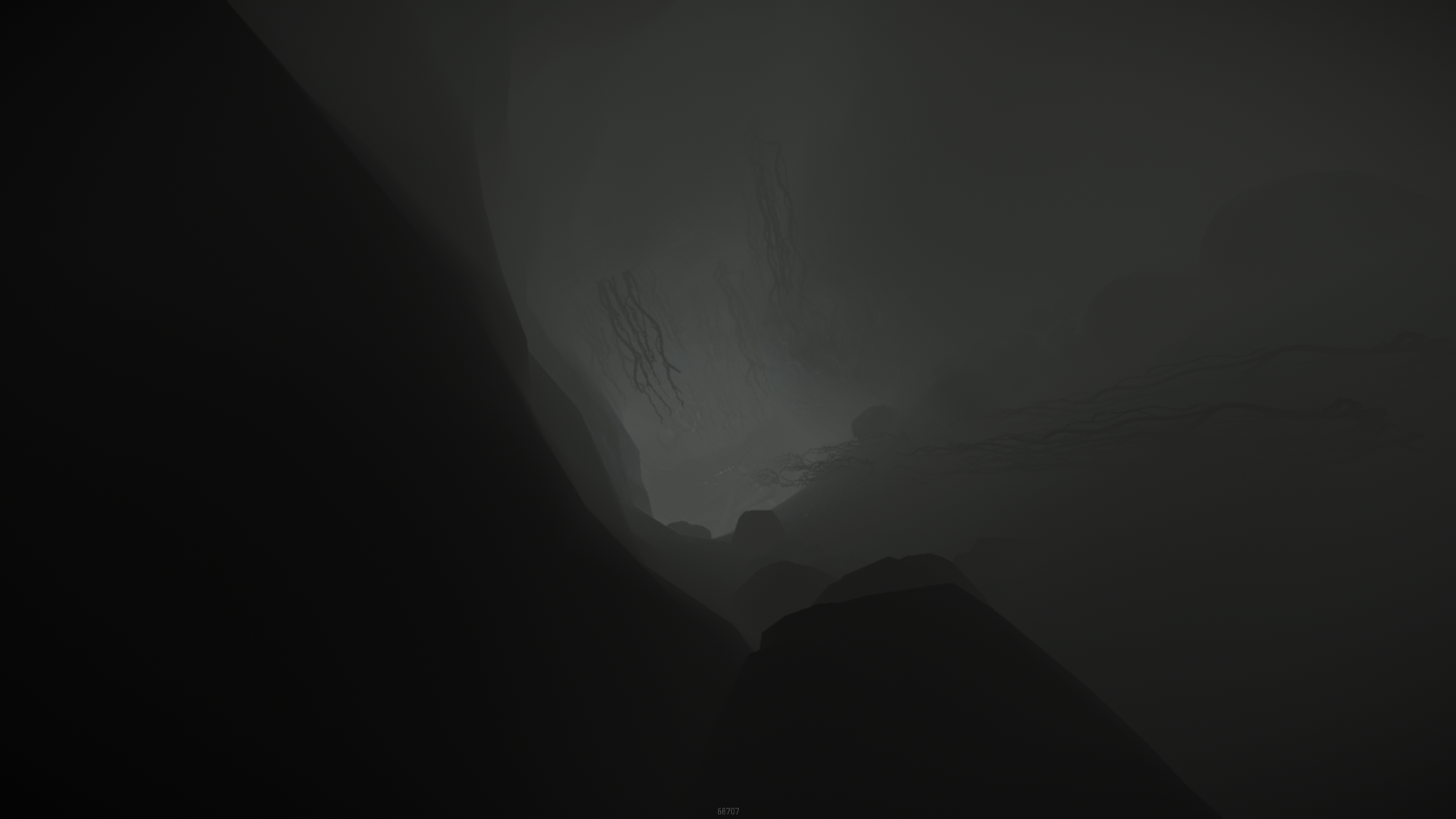
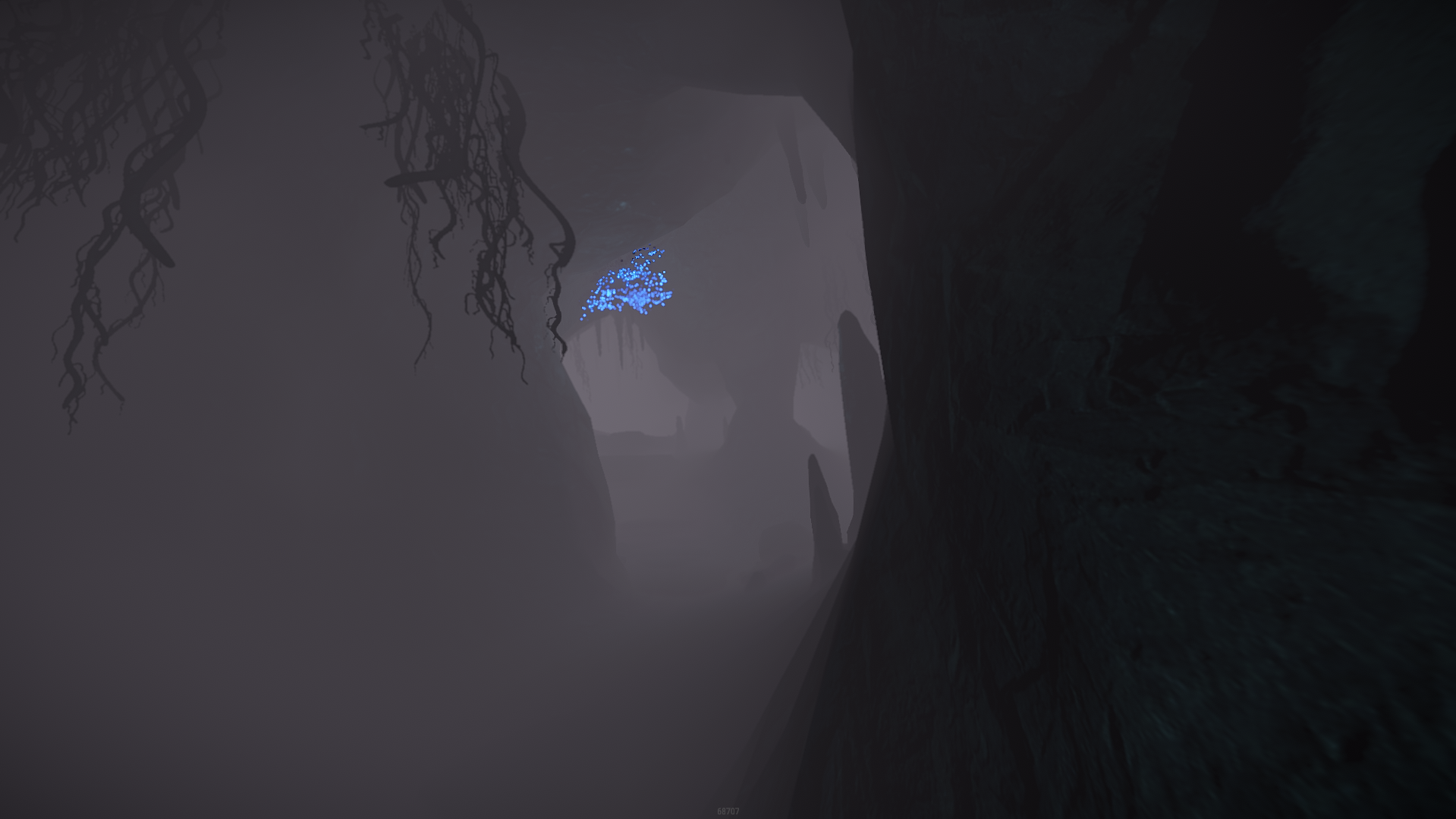
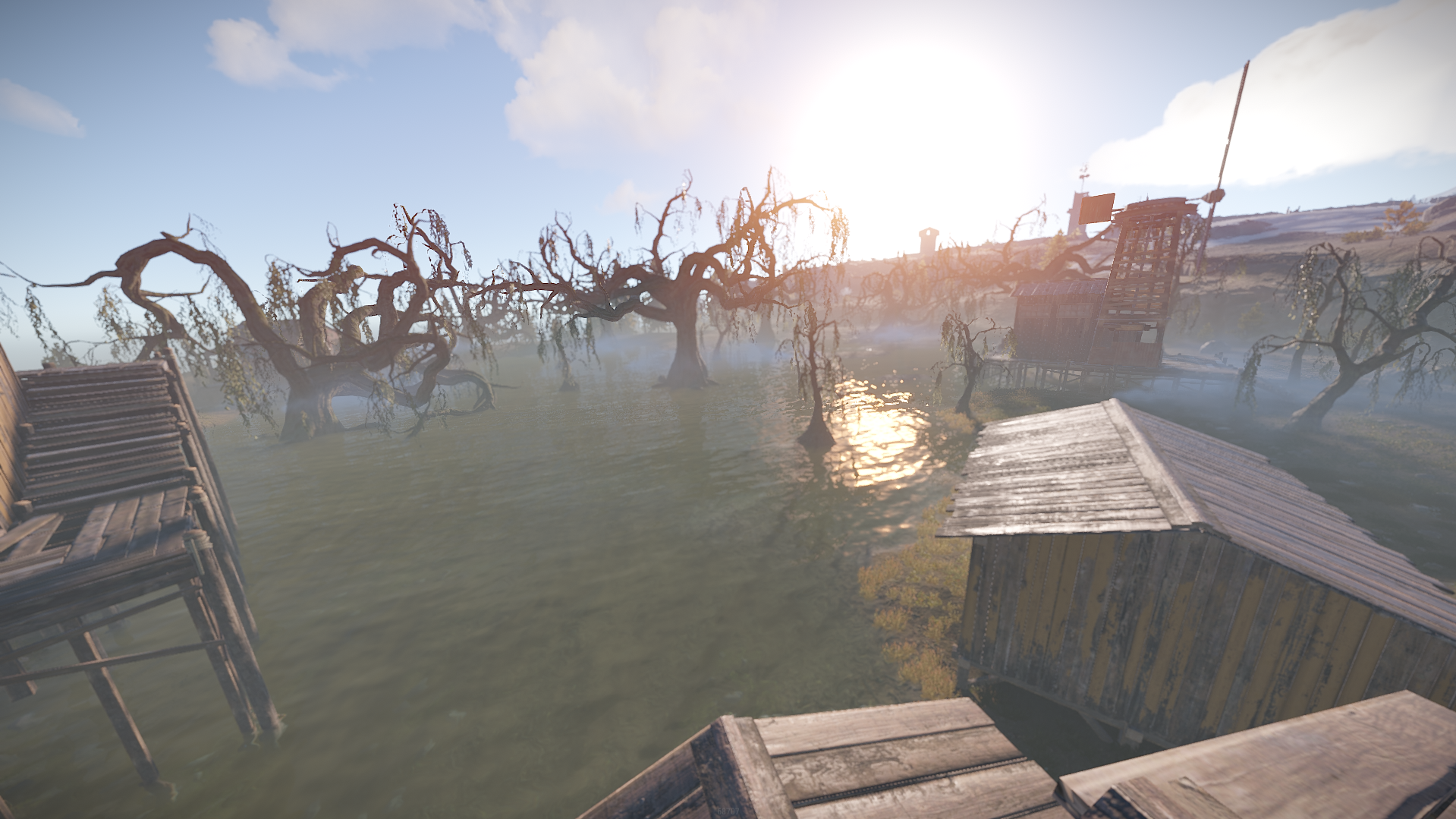
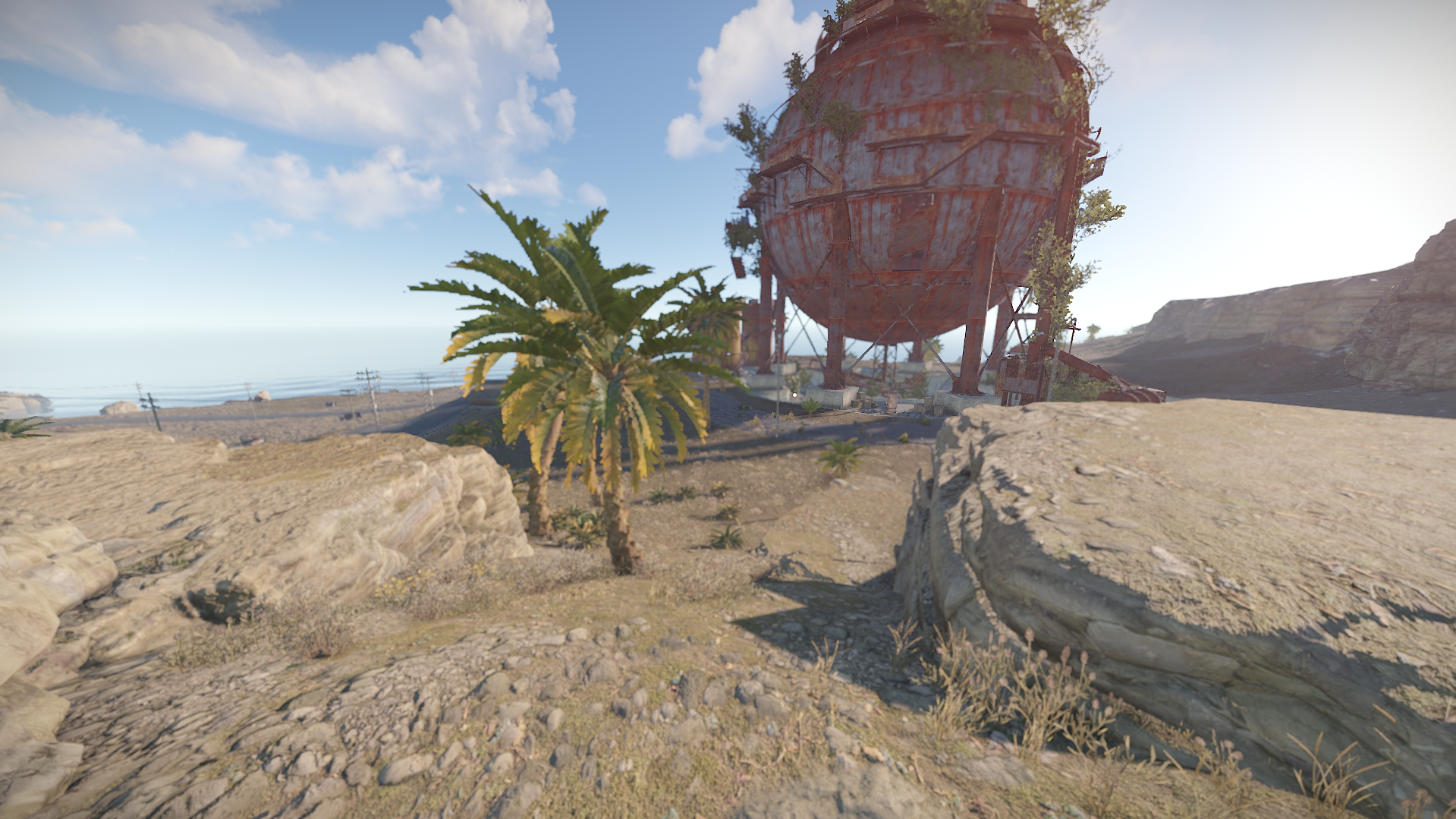
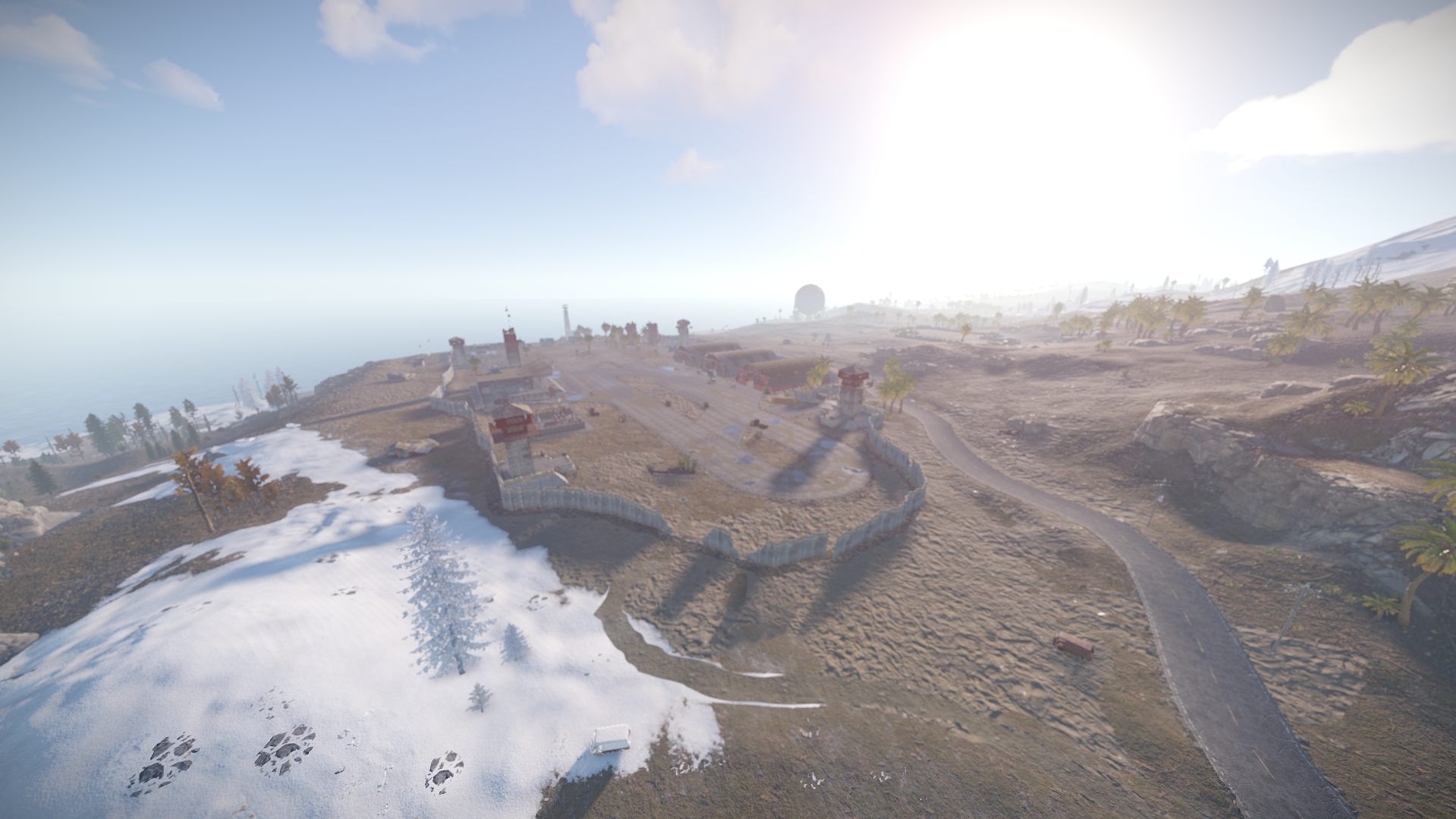
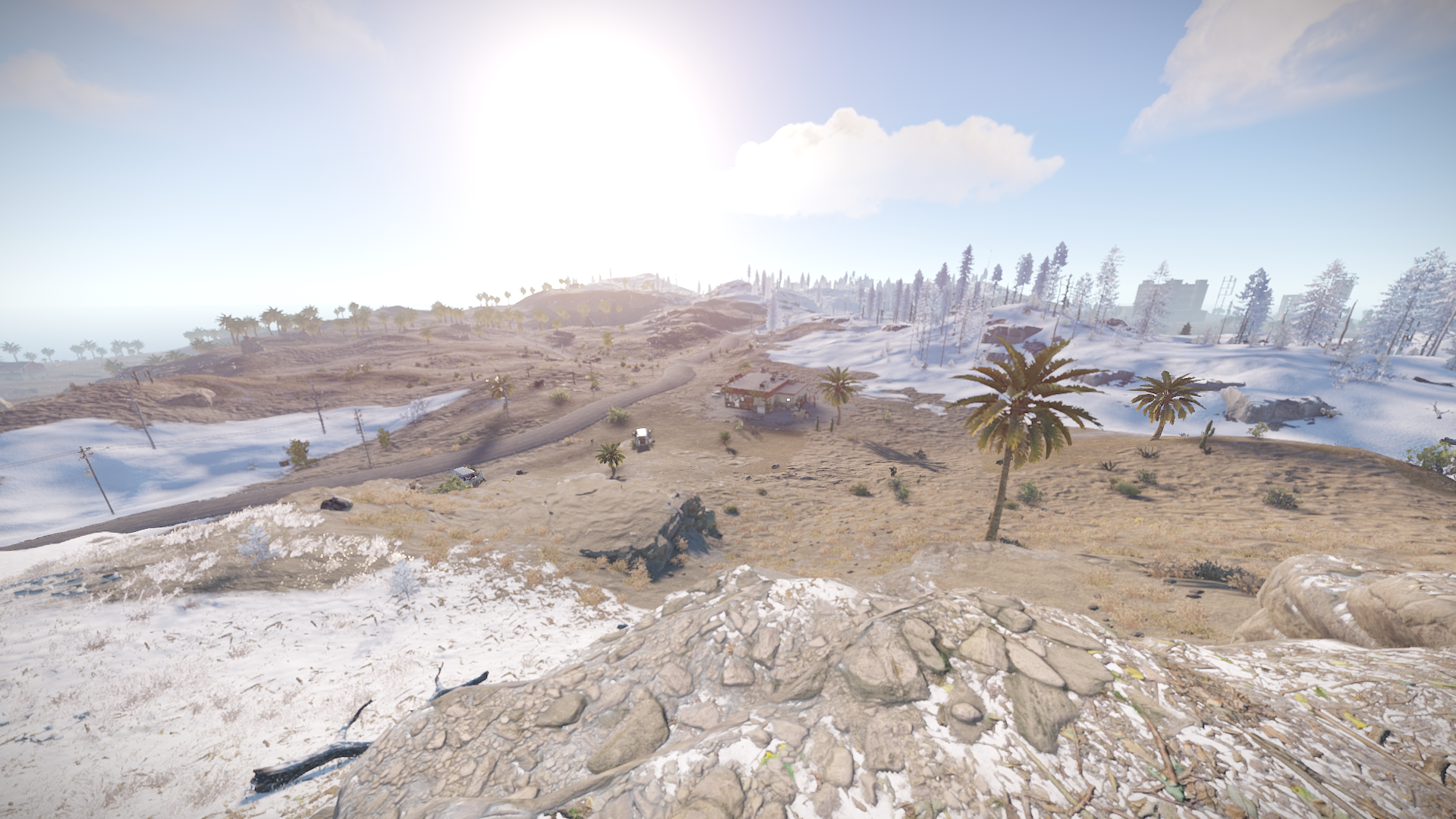
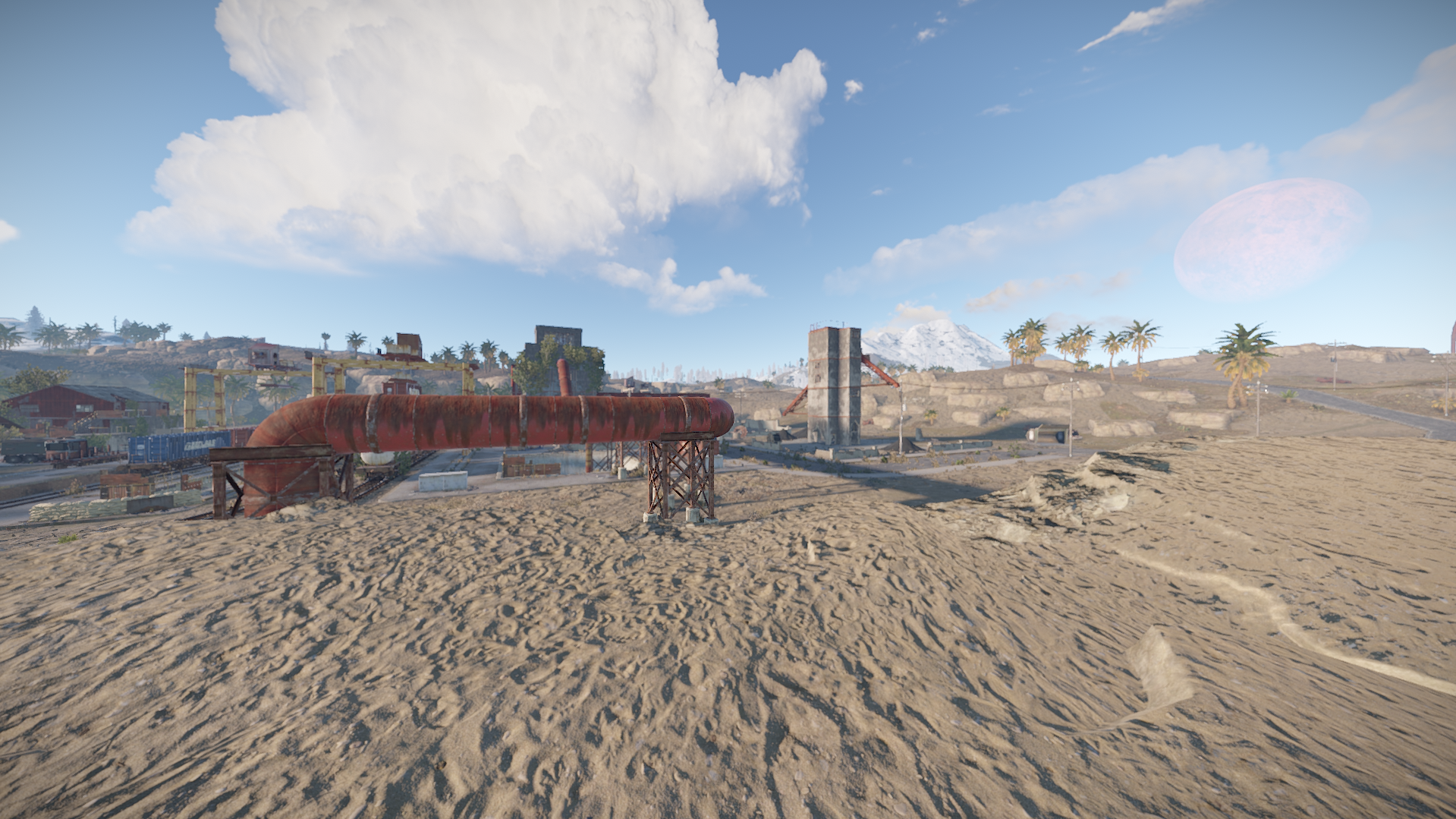
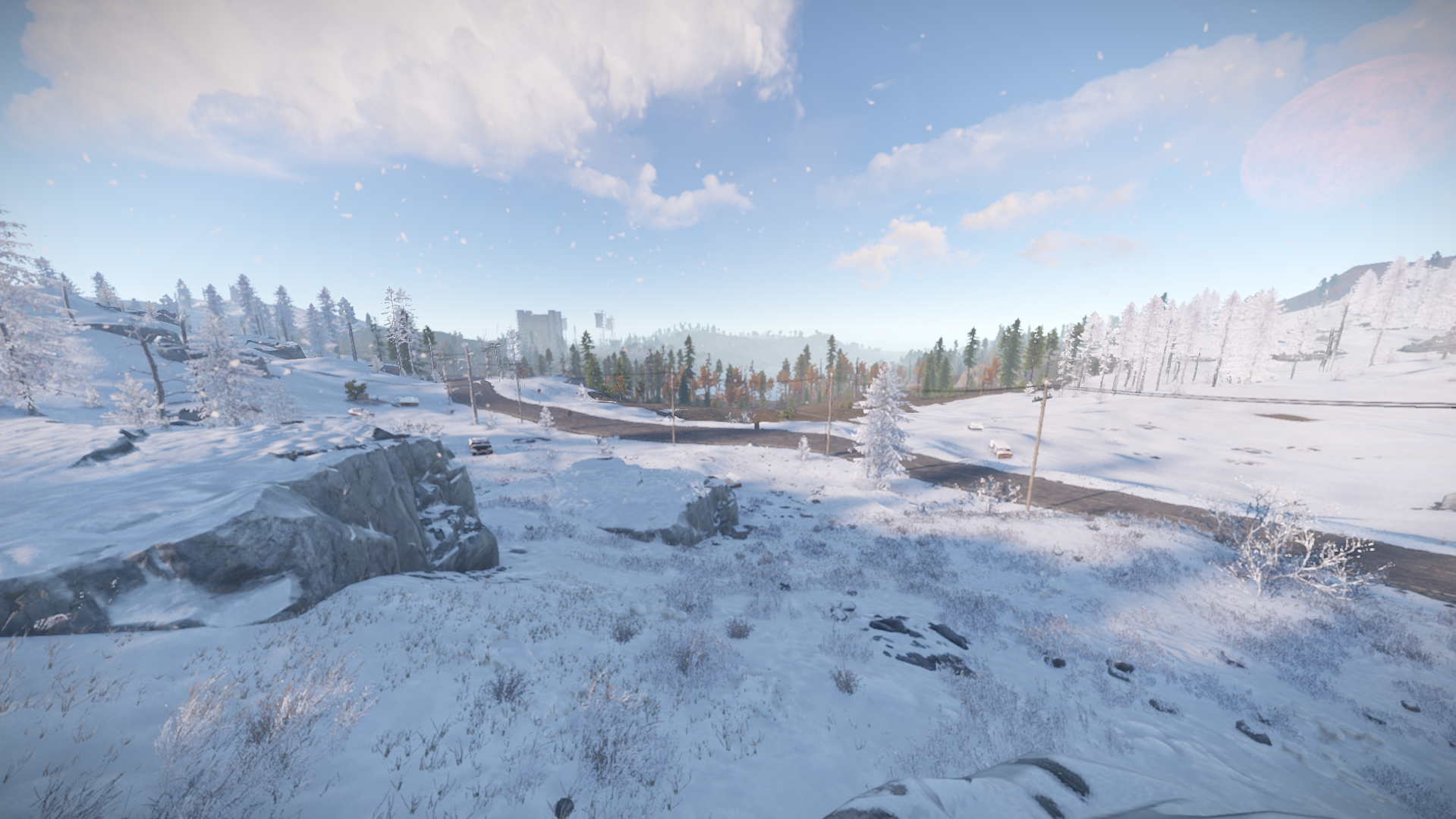
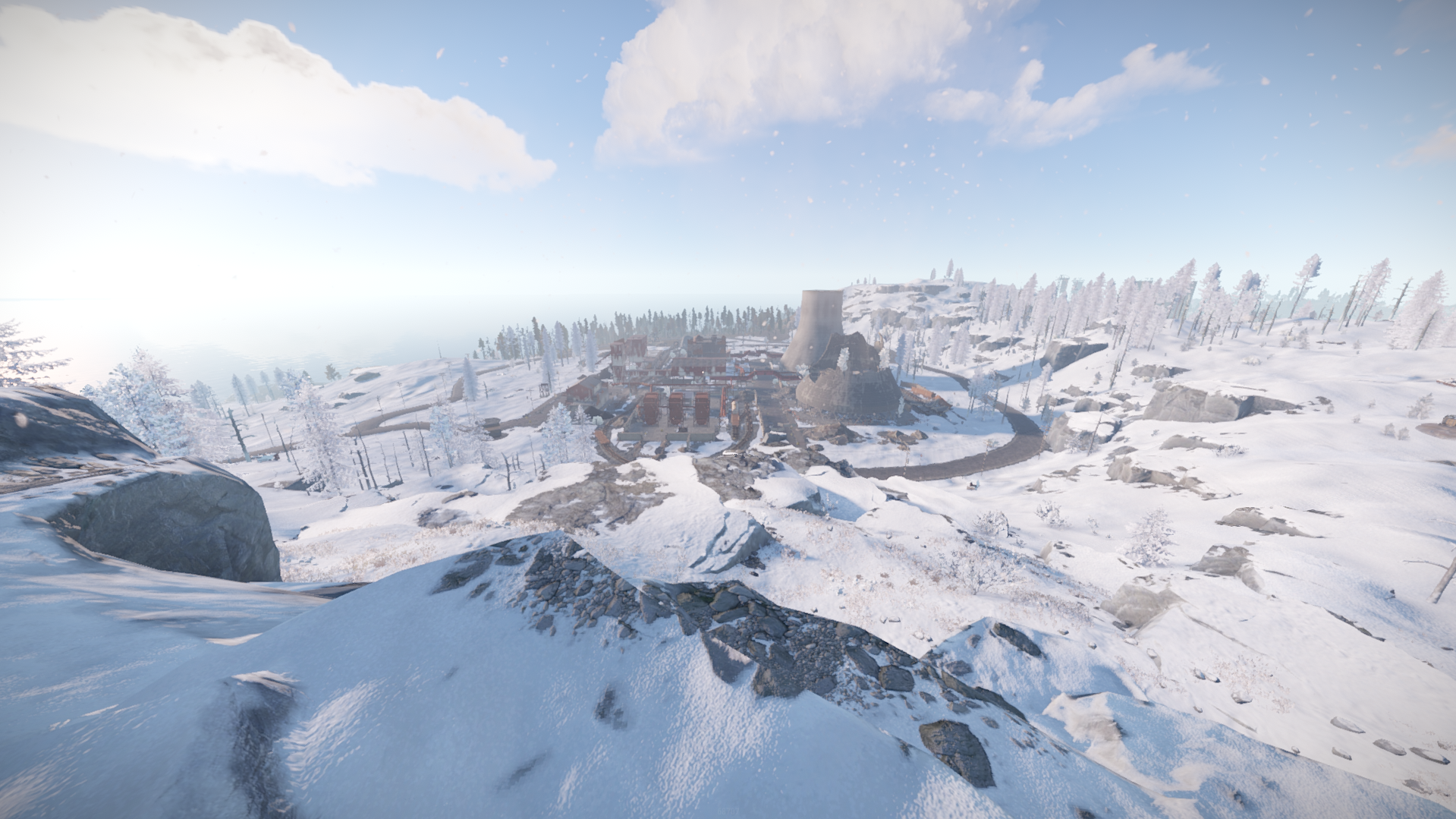
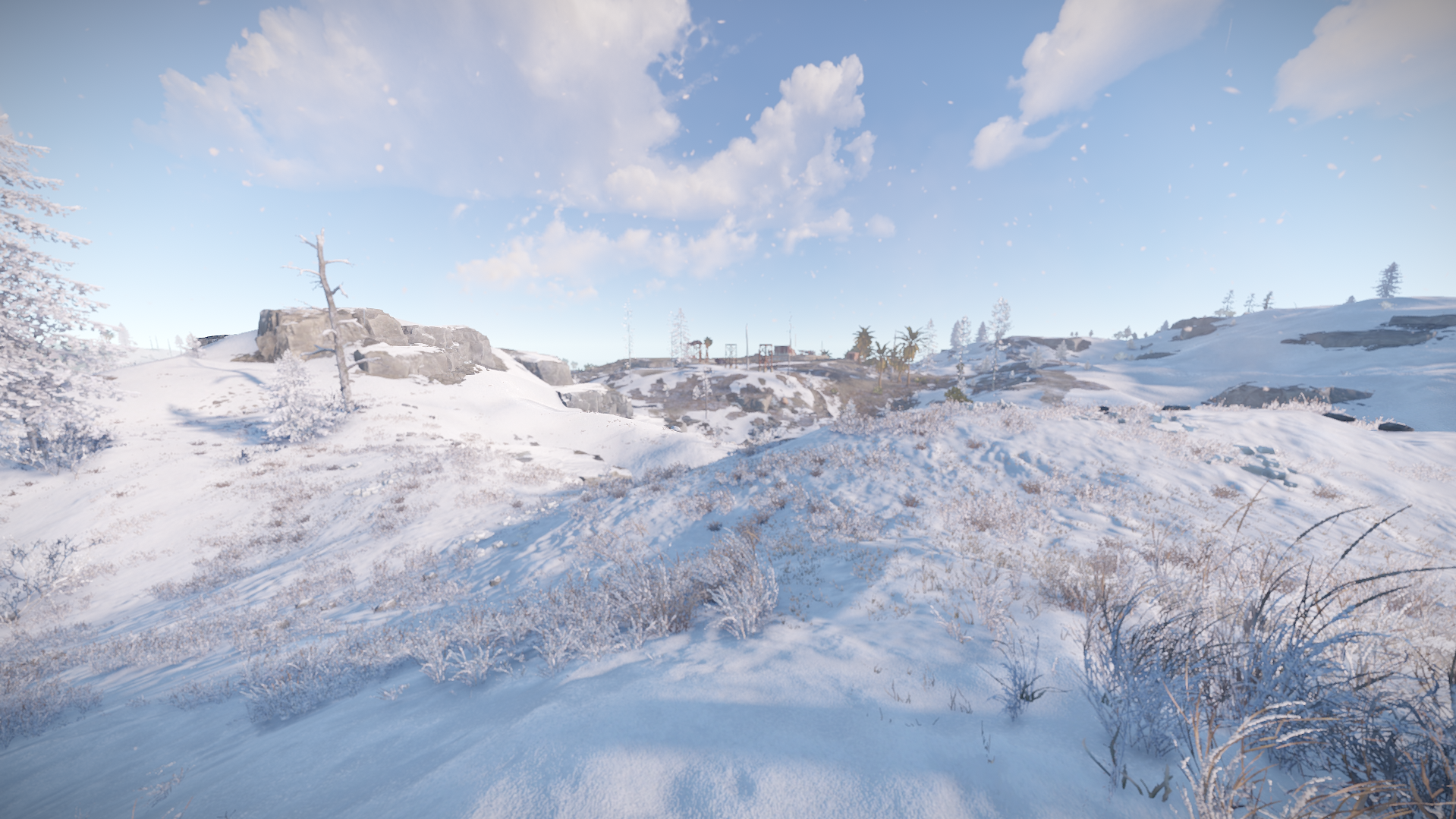
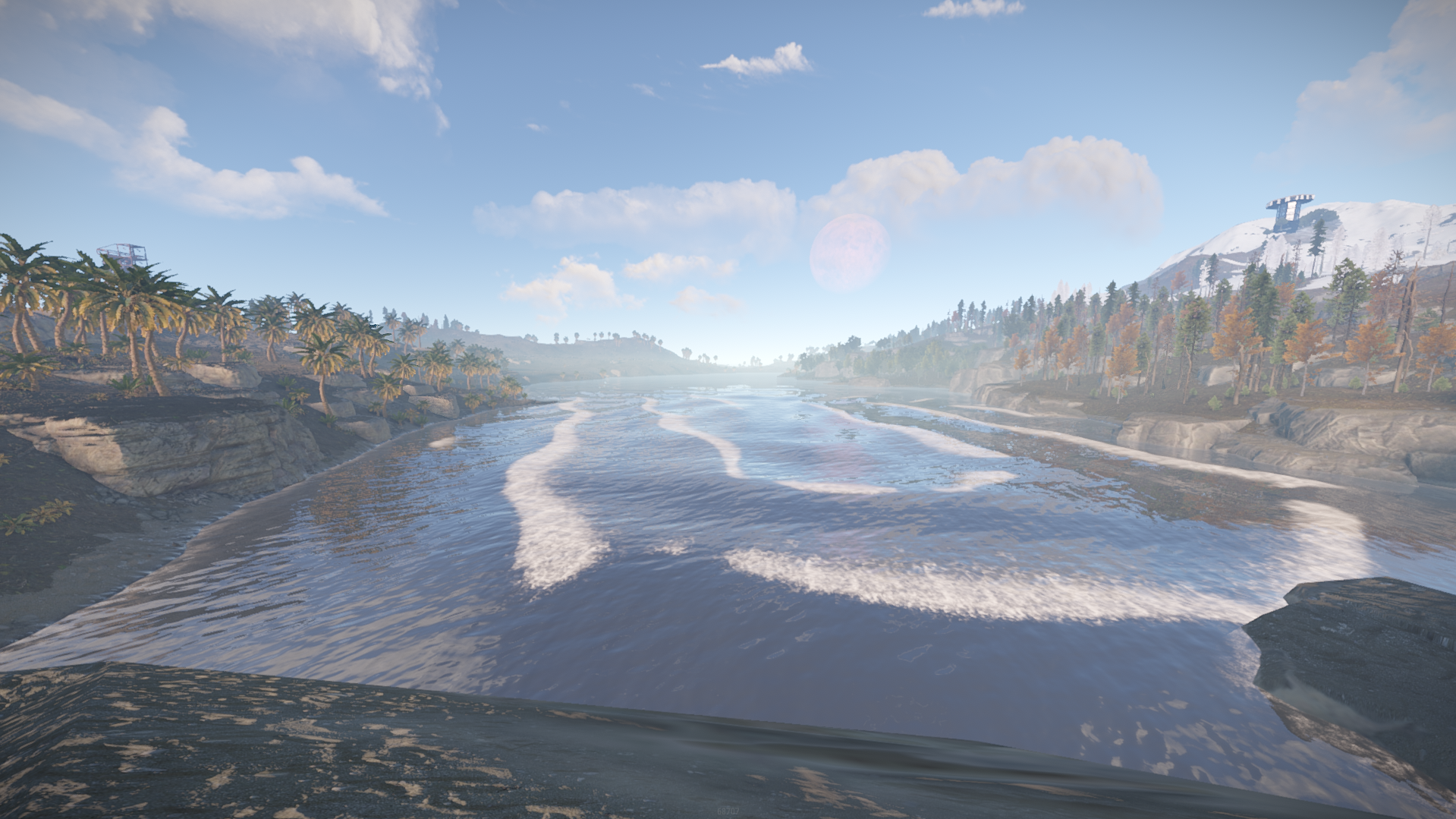
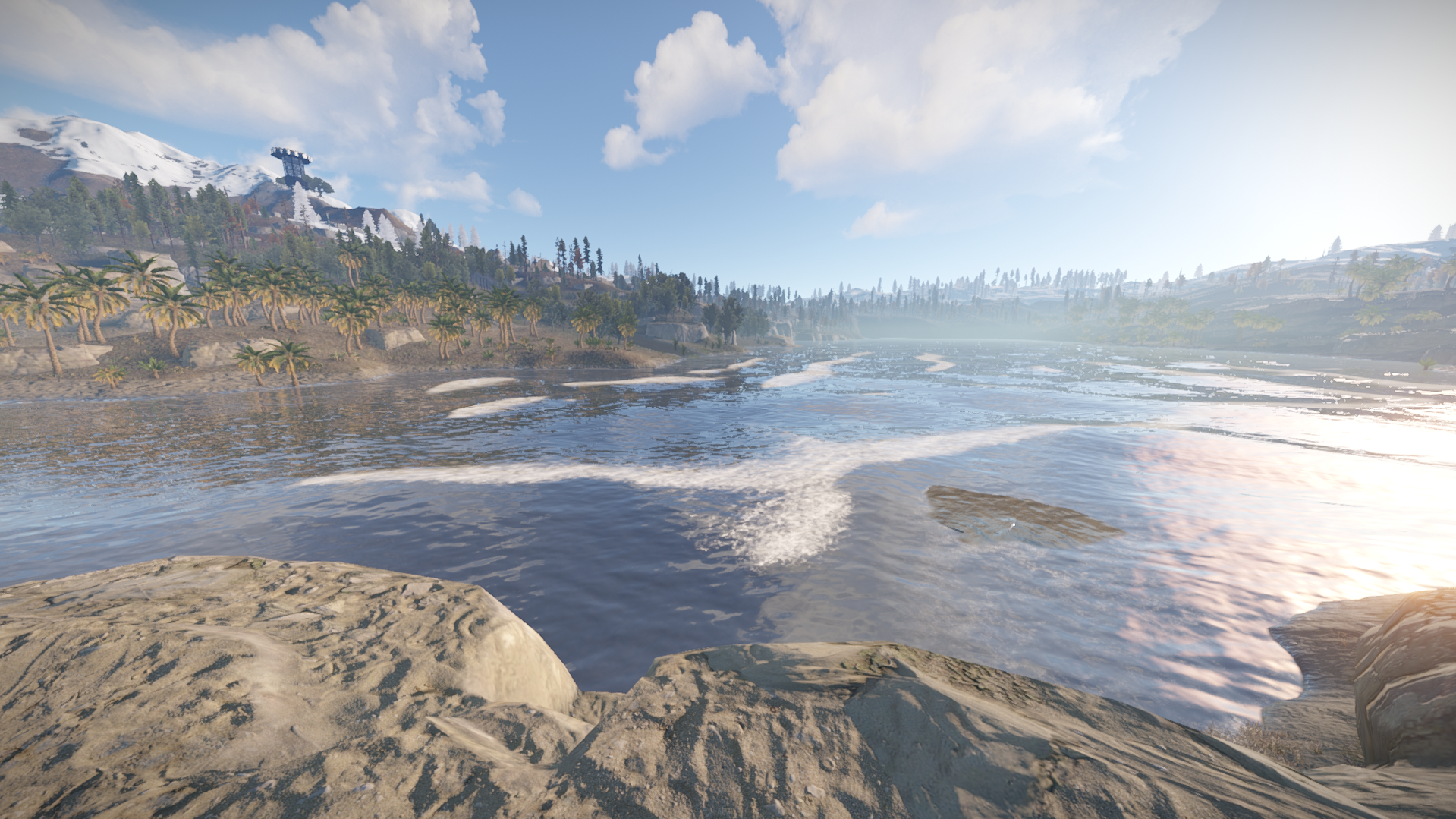
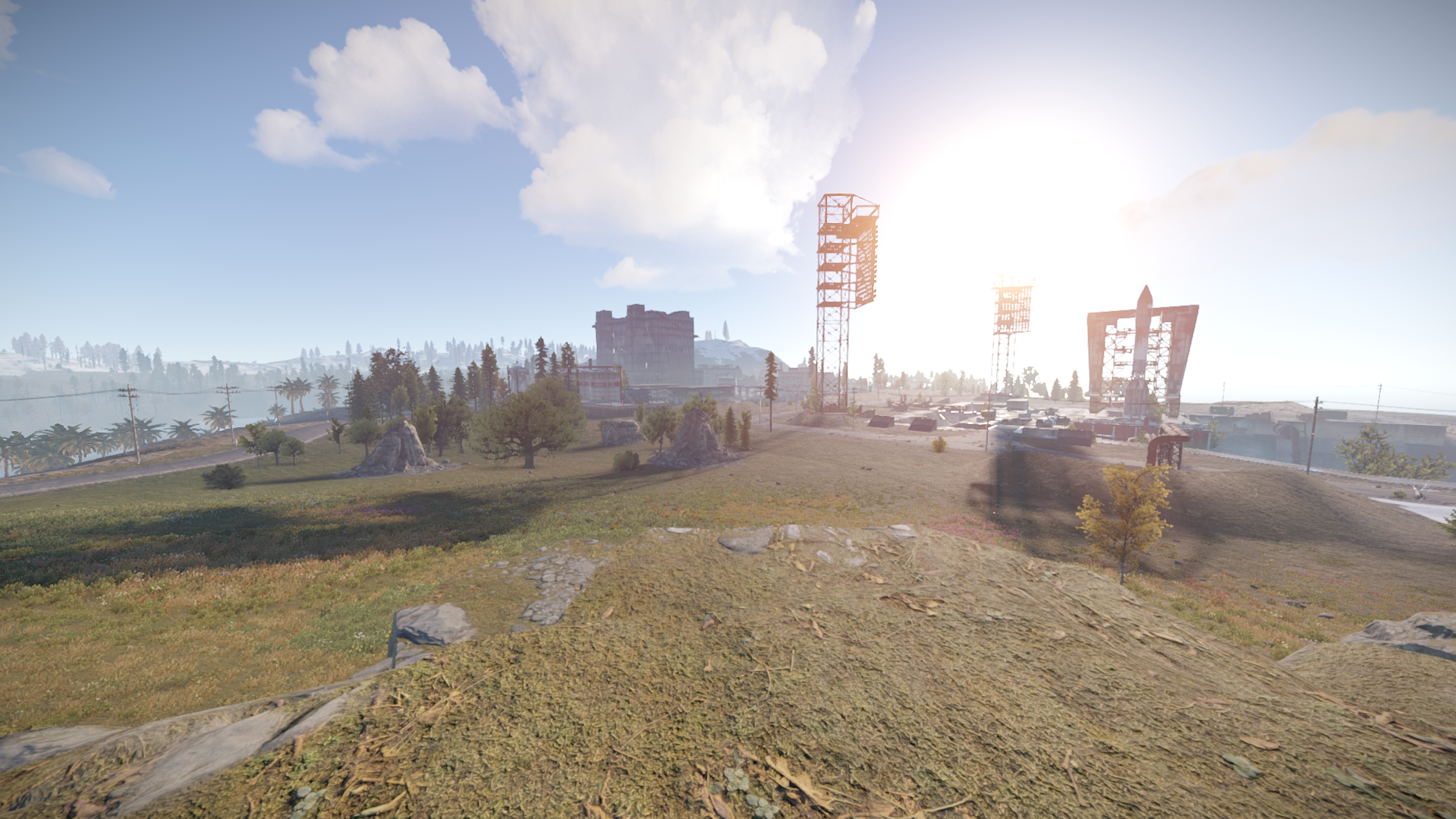
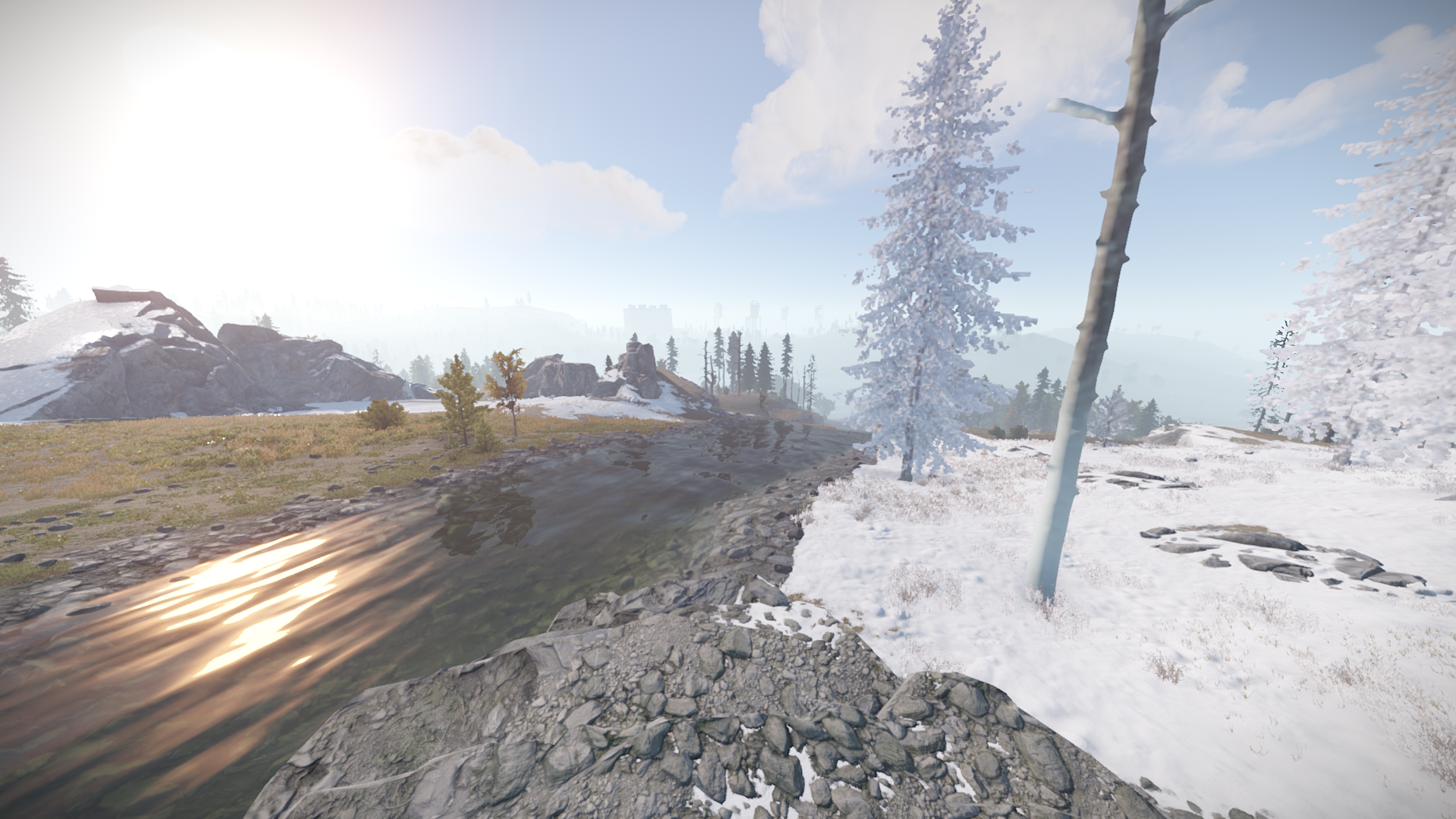
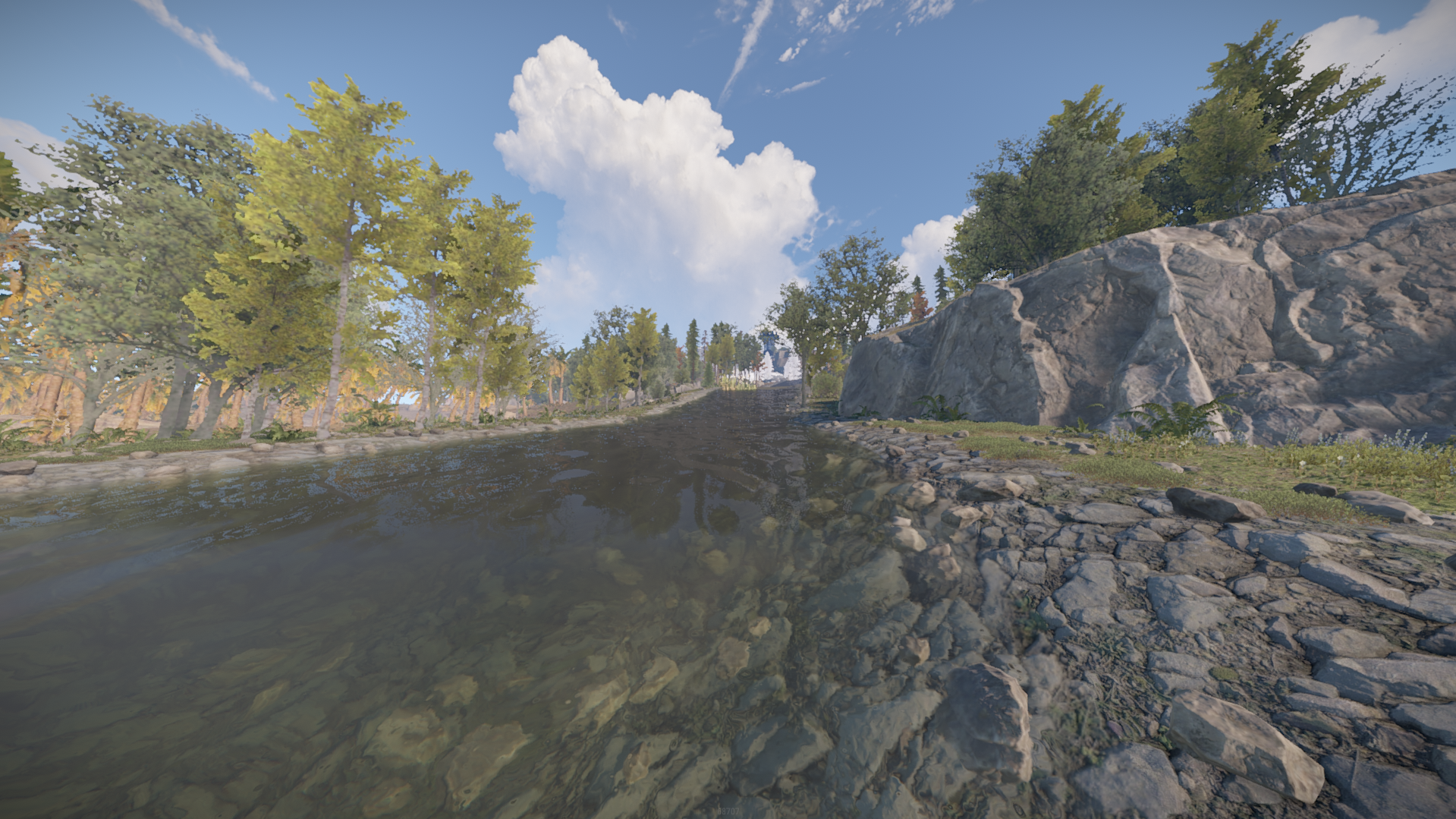

Tsukuyomi 4K is a rust custom map with all procedural monuments featured in unique locations and couple custom prefabs/monuments for players to build and enjoy the beauties of a well made rust map terrain
The map contains all procedural monuments and couple custom monuments spread around
Password comes with the map inside the "Read me" file.
The map features custom and procedural monuments
~Procedural Monuments :
- Launch Site
- Excavator
- Military Tunnels
- Airfield
- Power Plant
- Water Treatment Plant
- Trainyard
- Junkyard
- Sewerbranch
- Sphere Tank
- Satellite Dish
- Desert Military Base
- Bandit Town
- Outpost
- Couple Caves & Ice Lakes & Swamps
- Roadside monuments including Supermarkets - Mining Outposts
- Fishing Villages
- Lighthouses
- Water Wells & Quarries
- Stables
- Several underwater Labs
~ Custom Monuments :
- Gas Station
- Bandit Swamp
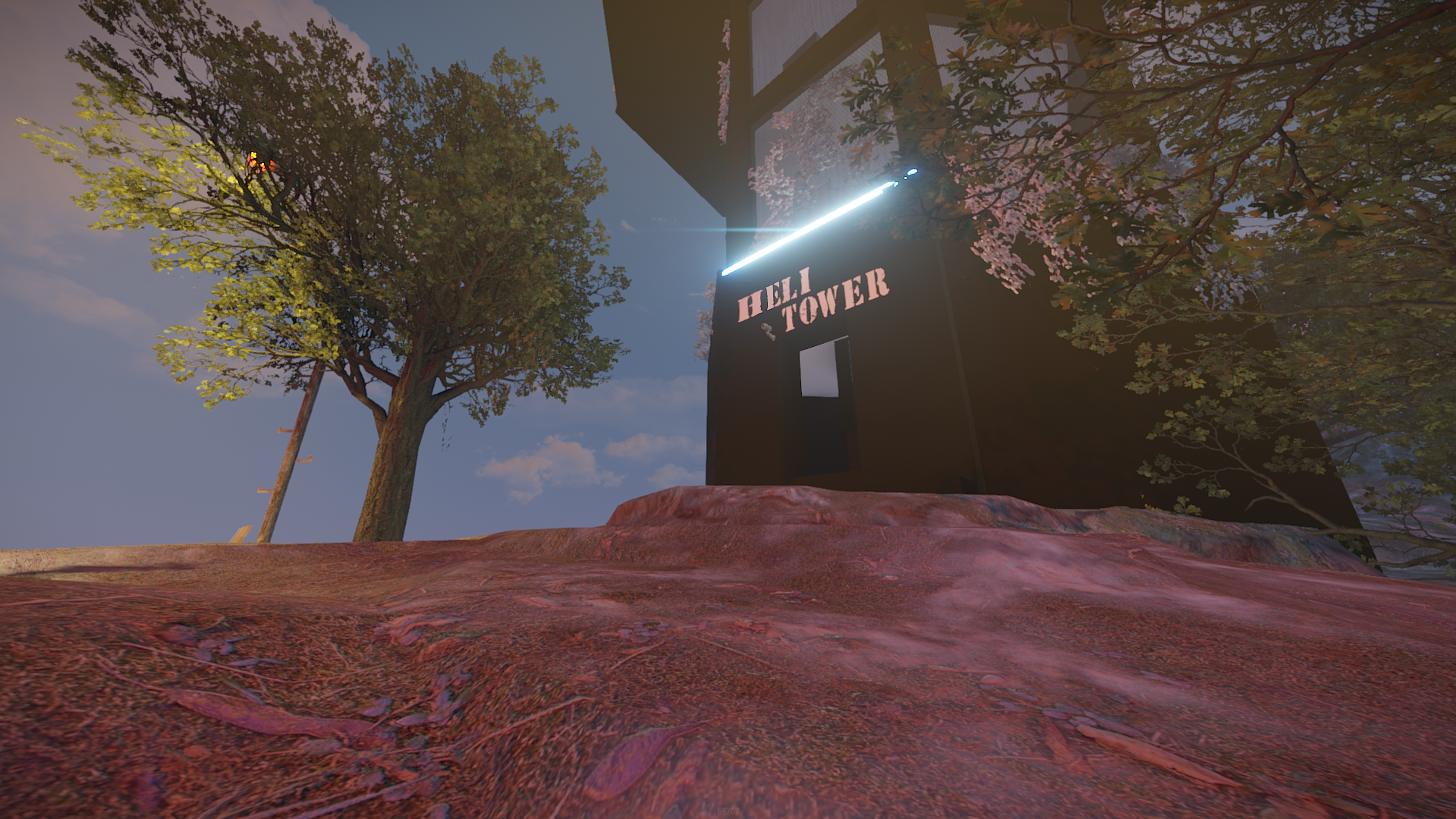
- Public Heli Tower
~ Entity Count : 10398
~ Map Size : 4000
Password Comes with the map.
What's New in Version v1.4.4
Released
Removed puzzle doors at gas stations due to conflicts , fixed topology on north side ocean area
Password included in ReadMe file!
You may only provide a review once you have downloaded the file.
There are no reviews to display.