
Jump to content
View in the app

A better way to browse. Learn more.

WeOxide Marketplace ¬ Rust Custom Maps ¬ Prefabs ¬ Monuments and Plugins Free & Paid Assets

A full-screen app on your home screen with push notifications, badges and more.

To install this app on iOS and iPadOS
  1. Tap the Share icon in Safari
  2. Scroll the menu and tap Add to Home Screen.
  3. Tap Add in the top-right corner.
To install this app on Android
  1. Tap the 3-dot menu (⋮) in the top-right corner of the browser.
  2. Tap Add to Home screen or Install app.
  3. Confirm by tapping Install.

JohnDZN

Developer
  • Joined

  • Last visited

Files posted by JohnDZN

  1. 

     
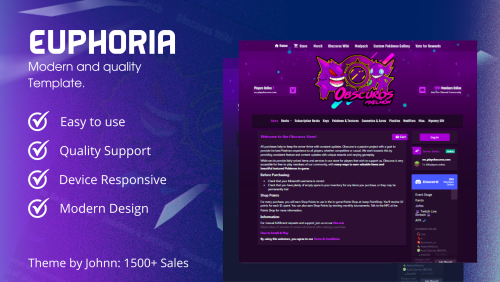
    Preview CLICK
    Screenshots
         
    Header
      
    Cart
     
    Packages
       
    Shopping Basket


    Mobile Version
      
     
    INFORMATION
    - Installation, configuration, edits, custom templates have an additional price.
    - Breaking Terms of Service may result in the removal of your license.
     
     
    FEATURES
    ✔ Animated Logo
    ✔ Navigation Menu
    ✔ Responsive on all Devices
    ✔ Clean Code
    ✔ Player Count
    ✔ IP Copy
    ✔ Installation Help
    ✔ Fast Support
    ✔ Arranged Categories & Packages
    ✔ Customized Scrollbar
    ✔ Color Changer
    ✔ Discord Count
    ✔ Customized Basket


    https://discord.gg/hmd69HrbaF
    • $15.99
    • 1 Downloads

Configure browser push notifications

Chrome (Android)
  1. Tap the lock icon next to the address bar.
  2. Tap Permissions → Notifications.
  3. Adjust your preference.
Chrome (Desktop)
  1. Click the padlock icon in the address bar.
  2. Select Site settings.
  3. Find Notifications and adjust your preference.