Skip to content
View in the app

A better way to browse. Learn more.

WeOxide Marketplace ¬ Rust Custom Maps ¬ Prefabs ¬ Monuments and Plugins Free & Paid Assets

A full-screen app on your home screen with push notifications, badges and more.

To install this app on iOS and iPadOS
  1. Tap the Share icon in Safari
  2. Scroll the menu and tap Add to Home Screen.
  3. Tap Add in the top-right corner.
To install this app on Android
  1. Tap the 3-dot menu (⋮) in the top-right corner of the browser.
  2. Tap Add to Home screen or Install app.
  3. Confirm by tapping Install.

WeOxide · Rust Marketplace

Custom Tools & Websites

Discover tools and website templates for Rust communities. Compare free and paid utilities, creator resources and websites.

5 files

Recently updated

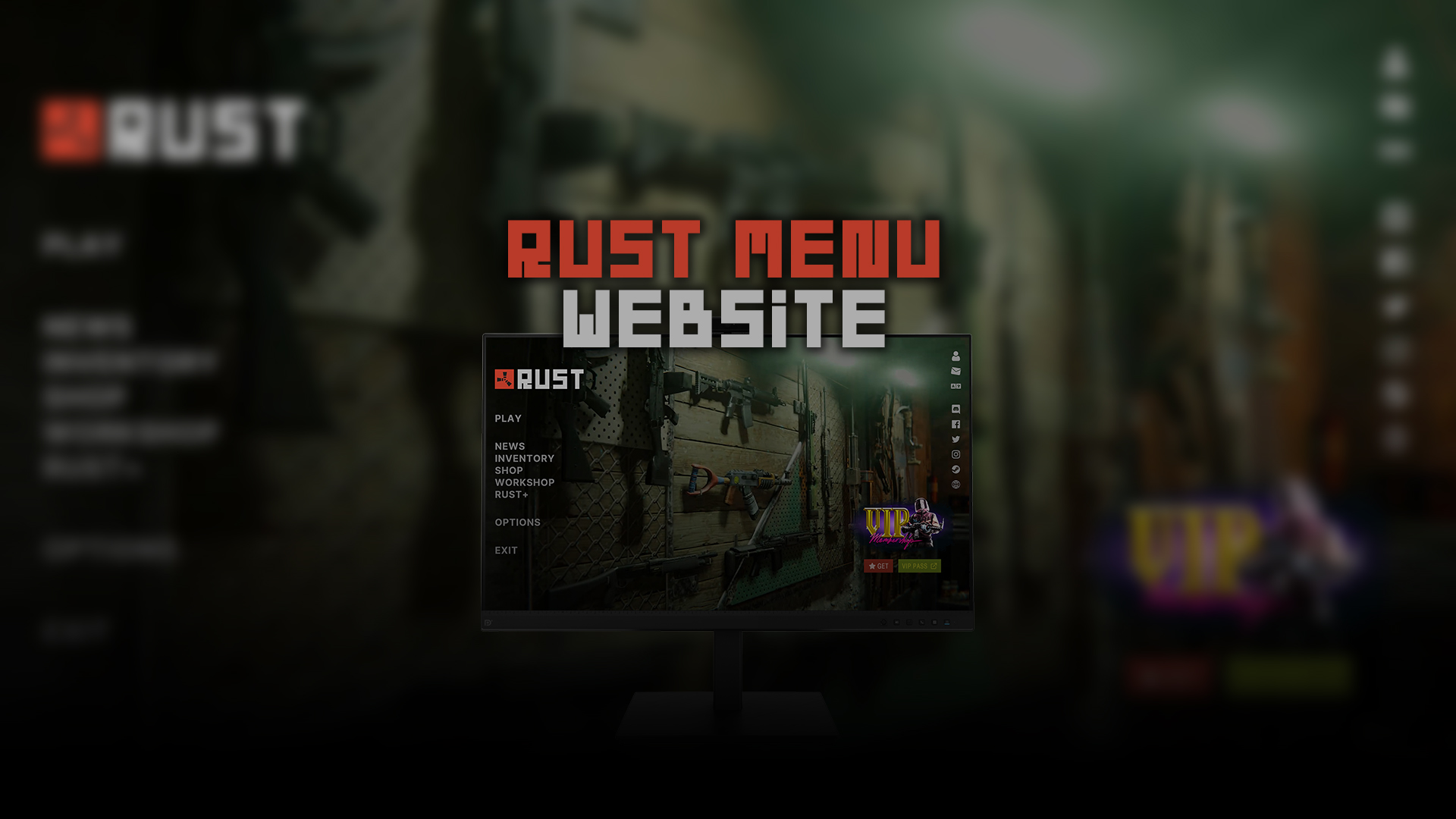
Rust Menu - Website
Tools

Rust Menu - Website

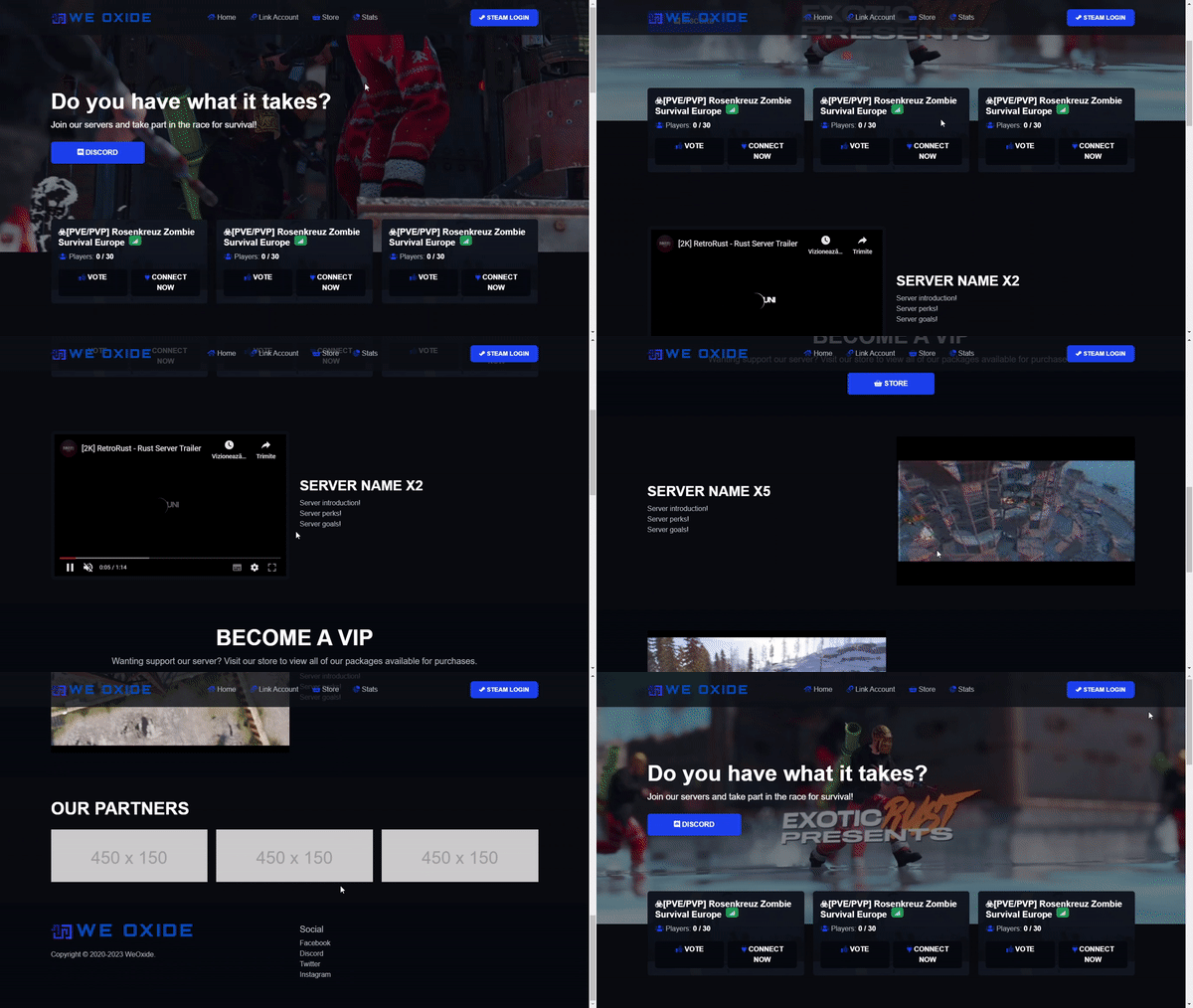
- WEBSITE TEMPLATE - RUST GAME MENU • Let your Web Site visitors know what is being played on your Server. • This html template is fully editable. • Edit all texts with a simple notepad, or with your favorite editor. - C

BADGYVERVersion 1.0.1
Euphoria - Tebex Template
Templates

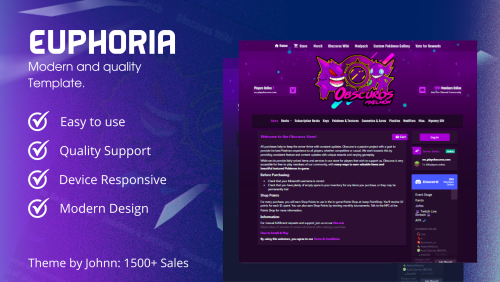
Euphoria - Tebex Template

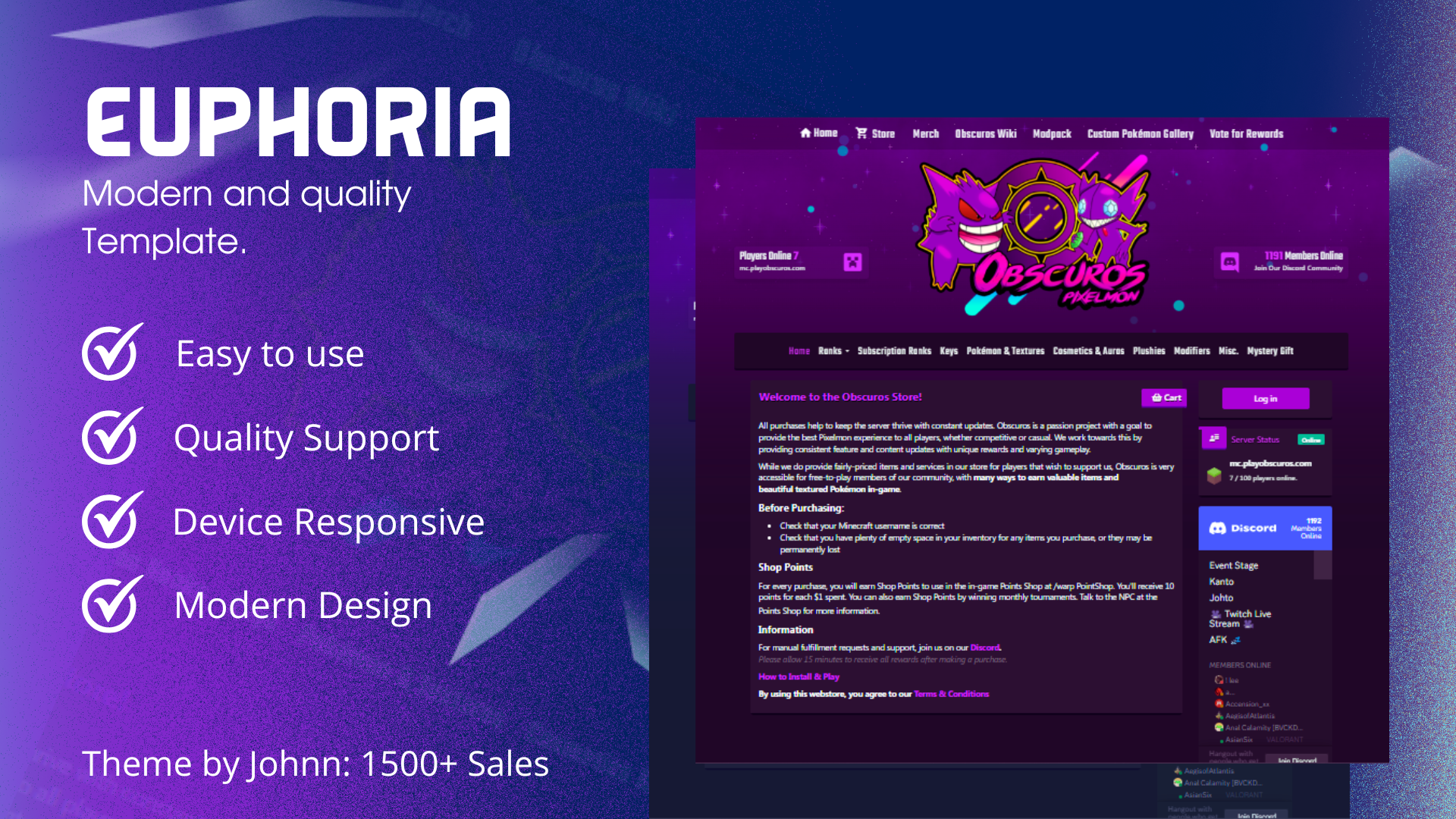
 Preview CLICK Screenshots Header Cart Packages Shopping Basket Mobile Version INFORMATION - Installation, configuration, edits, custom templates have an additional price. - Breaking Terms of Service may result in the r

JohnDZNVersion 2.3
WeOxiders Template 1
Templates

WeOxiders Template 1

A simple website template that can be easily installed by adding the zip file to your website's root directory and unzipping it! Demo : https://template7.weoxiders.net All changes can be done from index.php To enable liv

Ionut ShiroVersion 1.0.0
CUI Editor
Tools

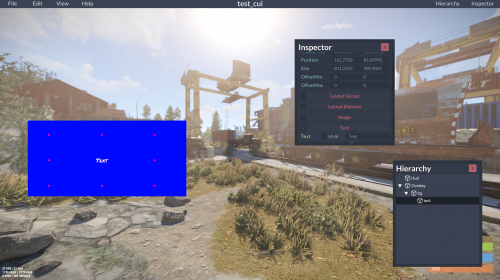
CUI Editor

CUIEditor - standalone Rust Community UI Editor. Create complex UIs with ease! This is a fork of https://github.com/bazuka5801/CuiBuilder Open Help->Keybinds to see available keybinds.

_senyaaVersion 1.0.6

Account

Navigation

Search

Search

Configure browser push notifications

Chrome (Android)
  1. Tap the lock icon next to the address bar.
  2. Tap Permissions → Notifications.
  3. Adjust your preference.
Chrome (Desktop)
  1. Click the padlock icon in the address bar.
  2. Select Site settings.
  3. Find Notifications and adjust your preference.