



B_Ghosted
WeOxide Member
-
Joined
-
Last visited
Everything posted by B_Ghosted
-
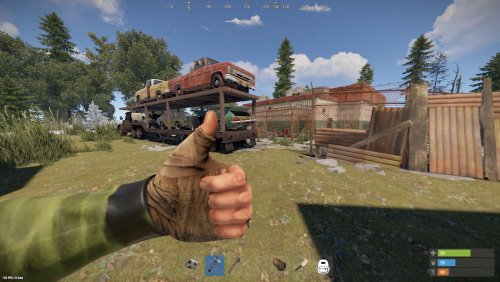 This is such an awesome replacement for a Supermarket. There is an issue though, regarding the Keycards. Once you drop down the tunnel and swipe the keycard, the door doesn't open. There seems to be an addition on this download that is not in the video. Door controllers! Grrr... I think this is the issue, but I'm not too sure. If you could issue a hotfix for it, I'd greatly appreciate it.