



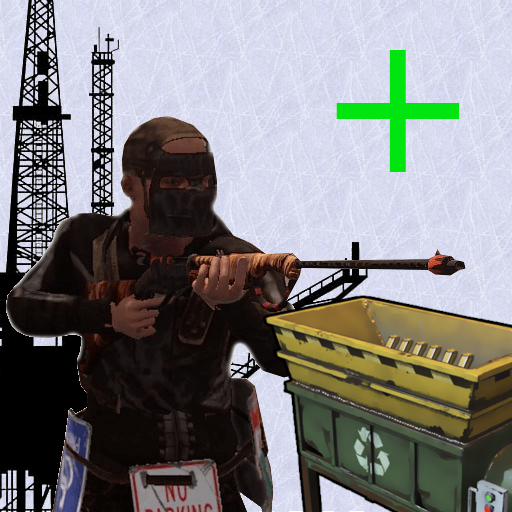
Recyclers are back on the oil rigs just like it used to be! You can customize the location of the recycler however you want!
Notes:
OilrigAI = Small Oil Rig
OilrigAI2 = Large Oil Rig
Use RustEdit to get the position and rotation information if you plan on changing its location! "place the oil rig prefab in the center of the map, set its position and rotation all to 0 and then place your recycler and get its position/rotation"
Configuration:
Quote{
"Monuments": {
"OilrigAI": {
"Position": {
"x": 21.1,
"y": 22.6,
"z": -30.6
},
"Rotation": {
"x": 0.0,
"y": 180.0,
"z": 0.0
}
},
"OilrigAI2": {
"Position": {
"x": -4.4,
"y": 27.4,
"z": -20.9
},
"Rotation": {
"x": 0.0,
"y": 90.0,
"z": 0.0
}
}
}
}
But you have the right to use OilRigRecyclers for personal use "This means you can use the plugin, but it cannot be copied and/or distributed, Modified or Resold"
Copyright © 2020 NubbbZ
You may only provide a review once you have downloaded the file.
There are no reviews to display.